How to Make STL Files: 5 Ways for 3D Printing
To make an STL file, model the object in a CAD or mesh program and export it as STL, convert an existing 3D file such as GLB or OBJ to STL, or generate a model from a photo with AI. Which way is fastest depends on whether you can design the part yourself.
Updated 2026-11-16
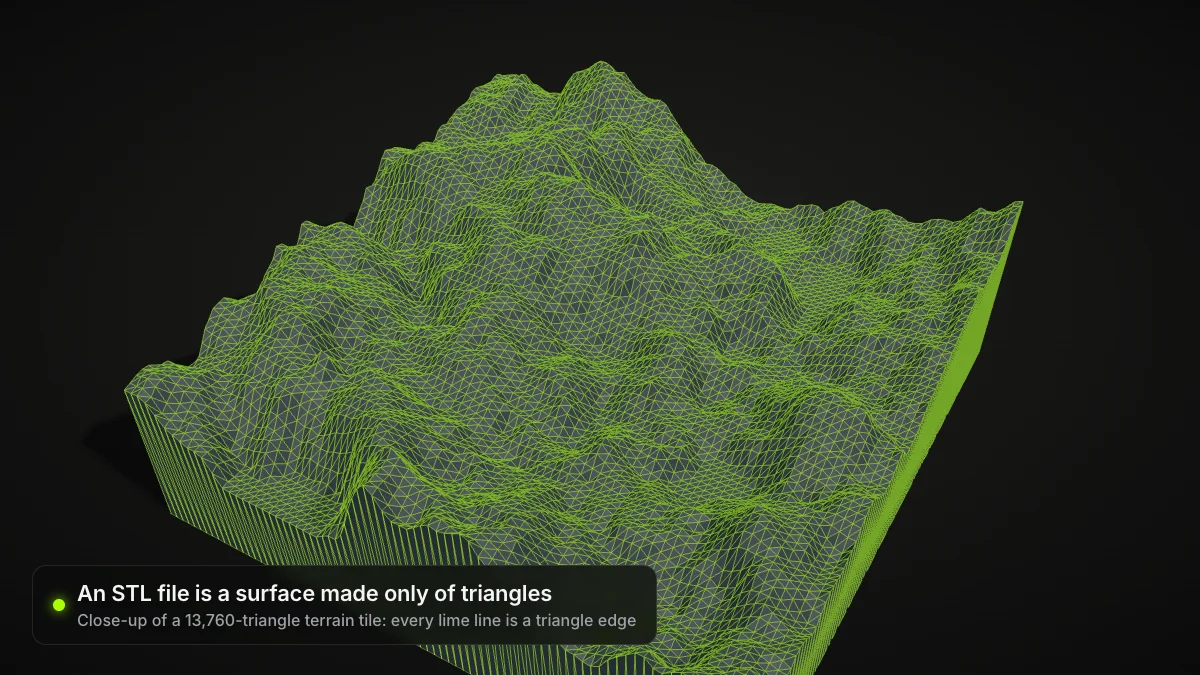
Learning how to make STL files is easier than it looks, because almost every 3D tool can export one. STL stores only a triangle surface, with no colours or units, which is why slicers accept it everywhere. Here are five ways to create an STL, from hands-on modelling to automatic generation.
Compare the ways to create STL files
| Method | Best for | Skill needed |
|---|---|---|
| Tinkercad | Simple shapes, bases, text | Beginner |
| Autodesk Fusion | Precise functional parts | Intermediate |
| Blender | Organic shapes, sculpting | Intermediate to advanced |
| Convert an existing file | You already have GLB, OBJ, 3MF, FBX | None |
| AI from a photo | Figures, props, quick concepts | None |
1. Design in Tinkercad
Tinkercad's Help Center explains the export step: press Export on the toolbar, choose to include the whole design or only the selected shapes, then pick STL, OBJ or GLTF (Tinkercad help). Everything is merged into one part on export.
2. Model in Autodesk Fusion
Fusion suits parts with exact dimensions. Autodesk says a non-commercial design can be exported as STL or OBJ for a third-party slicer on the personal-use license, which allows 10 editable documents at once (Autodesk).
3. Sculpt or model in Blender
In Blender, choose File > Export > STL (.stl). The manual lists Selection Only, Scale and Apply Modifiers among the options (Blender manual). Enable Apply Modifiers if you used Boolean or Subdivision.
Printable means closed
Slicers need a watertight surface. Remove loose faces and holes before you export, and check the model in your slicer's preview.
4. Convert an existing 3D file to STL
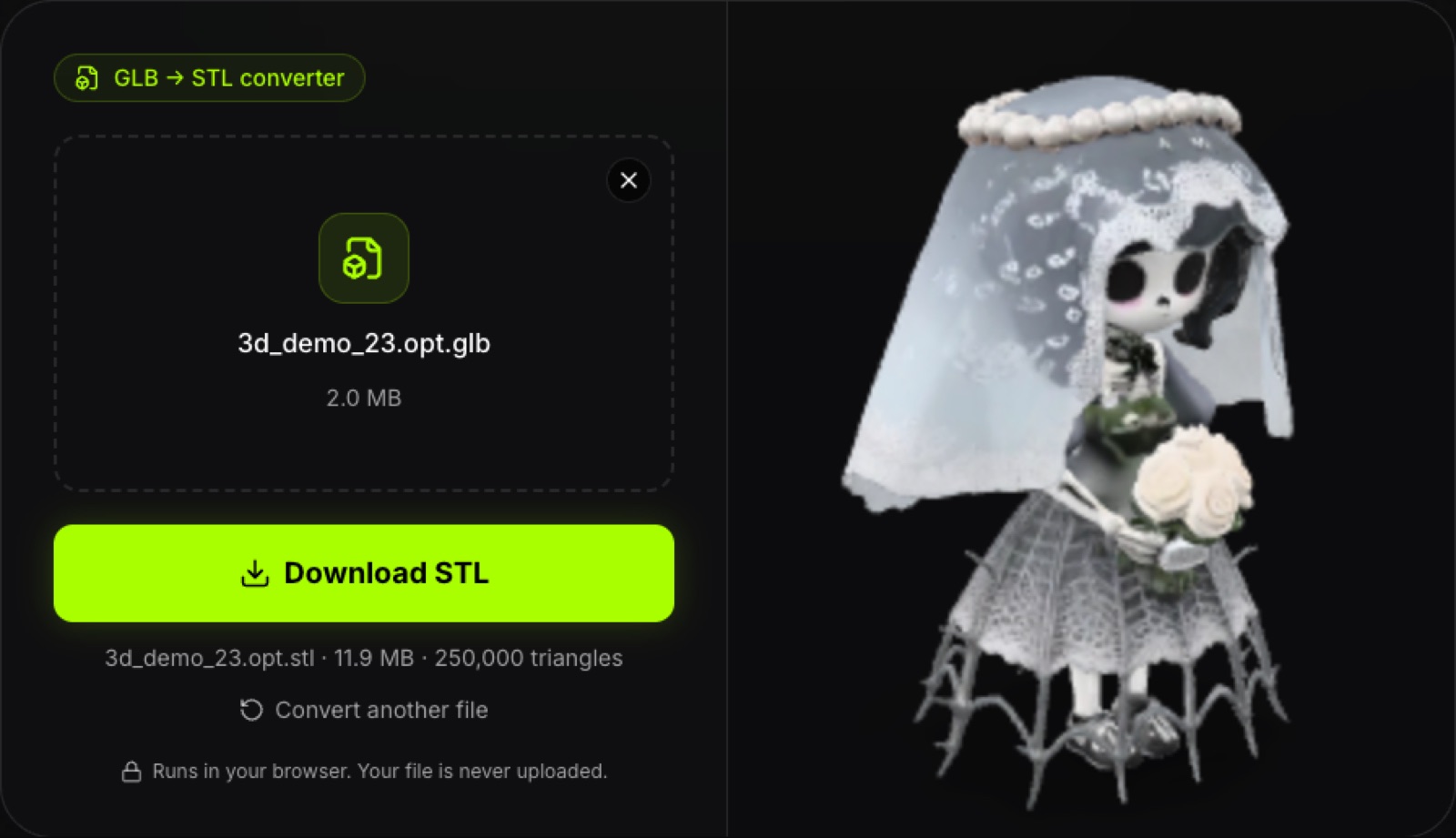
If you already have a GLB, OBJ, 3MF, FBX or PLY, you only need conversion. Our GLB to STL converter runs entirely in the browser with three.js, handles files up to 200 MB, and never uploads them. It outputs binary STL.
- Open the converter and drop your file.
- Click Convert to STL.
- Download the file and open it in your slicer.
Scale by 1000
glTF/GLB units are metres. If the STL looks tiny in your slicer, scale it by 1000 to get millimetres. Converters do not repair meshes.
Convert GLB to STL in your browser
Free, no sign-up, files never leave your device.
5. Create an STL from a photo with AI
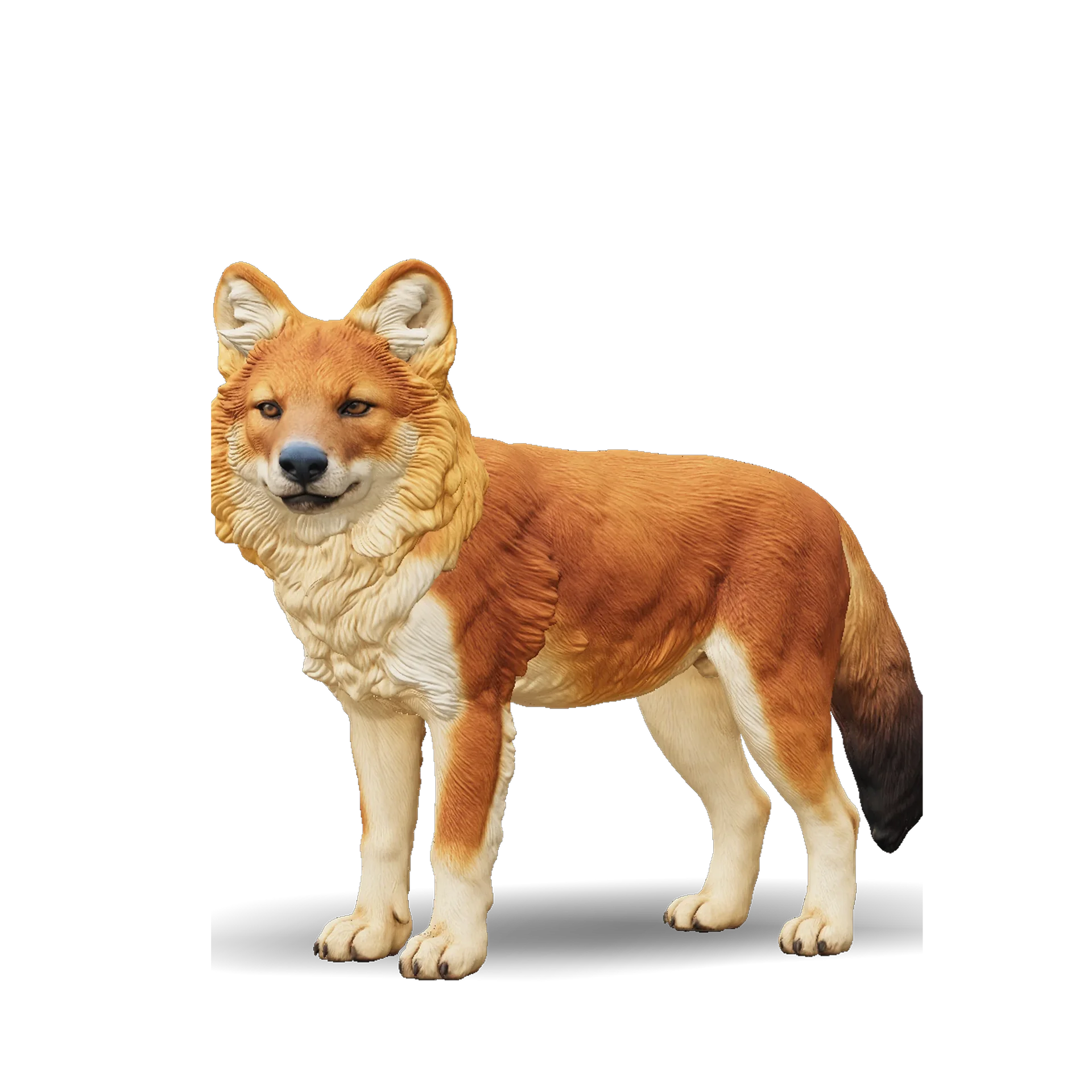
You do not need modelling skills to create STL files for 3D printing from an image. Ship3D's Image to STL turns one picture into a textured 3D model in about a minute, with a Pro tier (Hyper3D Rodin) and a Standard tier (Microsoft TRELLIS), and lets you download STL, GLB, OBJ or USDZ. Sign-up is free, and you can try image to 3D once for free.
Be realistic: the AI infers the back of the object, so the result is a static model. It does not split parts or add joints, and thin details may need tweaking in a mesh editor. See how to edit STL files for that next step.
Make an STL from one image
Upload a picture, pick a tier, download an STL for your slicer.
What makes a good STL for printing
An STL is only a list of triangles, so a few habits decide whether a print succeeds. Keep walls thick enough for your nozzle, keep the model watertight, and keep the triangle count reasonable: a very fine mesh makes huge files without a visible gain. A binary STL is much smaller than an ASCII one with the same geometry, and most slicers read both.
Making STL files for 3D printing from other formats
Each source format needs a slightly different route. GLB and glTF come from web viewers, game assets and AI tools; OBJ comes from most modelling programs; 3MF comes from some slicers and CAD tools. Our converter reads GLB, GLTF, OBJ, STL, FBX, 3MF and PLY, so one page covers all of them. Colours and textures are dropped, because STL has no place to store them. If you need colours for printing, keep the source file for a colour-aware workflow.
Check the STL before printing
- Open it in your slicer and confirm the size in millimetres.
- Look at the preview for holes, thin walls and overhangs.
- If you need OBJ for another program, use STL to OBJ.
Which STL method should you pick?
Pick Tinkercad or Fusion when you know the dimensions, Blender when the shape is organic, a converter when the model already exists, and AI when all you have is a photo.
Frequently asked questions
How do I make an STL file?
Design the model in software such as Tinkercad, Autodesk Fusion or Blender and export as STL, or convert an existing 3D file (GLB, OBJ, 3MF, FBX) to STL with a converter.
How do I create STL files for 3D printing from a picture?
Use an image-to-3D generator. Ship3D turns one image into a textured 3D model in about a minute, and you download it as STL. Results depend on the photo; clean, single-subject images work best.
Can I make an STL file for free?
Yes, in several ways. Autodesk Fusion has a free personal-use license for non-commercial projects, our browser converters are free with no sign-up, and Ship3D is free to sign up, so you can try image to 3D once for free and download the model as STL. Check each tool for its own terms.
What is the difference between making an STL and converting one?
Making means creating geometry from scratch. Converting rewrites geometry you already have into STL. A converter does not fix holes or other mesh problems.
Why is my STL the wrong size?
STL has no unit information. GLB and glTF use metres, so an exported STL can look 1000 times too small in a slicer that reads millimetres. Scale it by 1000.