GLTF to OBJ Converter
Web-Ready glTF to Plain OBJ
This GLTF to OBJ converter reads a glTF 2.0 model and writes one Wavefront .obj with its geometry, normals and first UV set, for programs that still have no glTF importer.
GLTF → OBJ
Drop a 3D model file to preview it in 3D before converting.
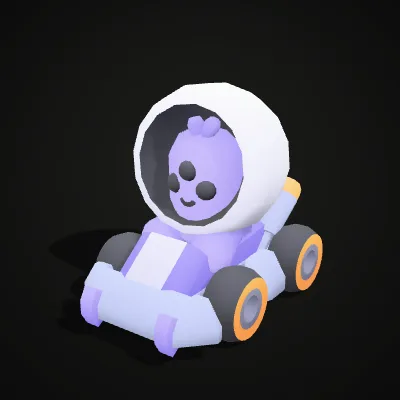
It accepts a self-contained .gltf, whose buffers and images are embedded as data, or a .glb. A .gltf that points to separate .bin files cannot be read from a single upload, and the converter tells you so instead of failing silently. Draco- and Meshopt-compressed meshes are decoded first. Every mesh name survives as an OBJ object (the go-kart sample gives a kart body, four wheels and a driver), node transforms are baked into the vertex positions, and since glTF is Y-up in metres and the numbers are copied as they are, the model opens at its original size in Blender. Base colours become vertex colours, and a base-colour texture is sampled at each vertex’s UV, which is exact for flat-colour atlases and an approximation for detailed photo textures; the PBR texture images themselves stay behind in the glTF, because one .obj carries no .mtl or images. To convert glTF to OBJ here is free and private: three.js runs the whole job in your browser tab, for files up to 200 MB.
Sample glTF files to convert
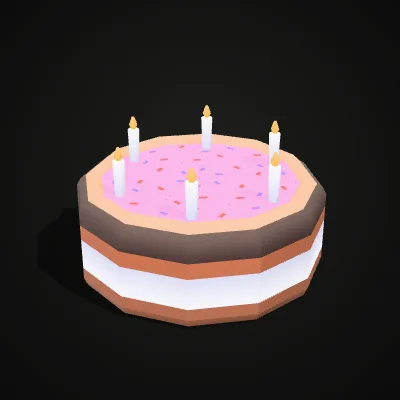
Two single-file .gltf models from Kenney’s CC0 kits, with their buffers and colour atlas embedded as data so they open from one upload; the atlas colours end up in the OBJ as vertex colours. The go-kart (183.5 KB) has six nodes, the kart, four wheels and a driver, and converts to a 350.0 KB OBJ of 2,884 triangles. The birthday cake (114.8 KB) is six slices that come out as slice and slice_1 to slice_5 in a 161.5 KB OBJ with 1,146 triangles.
Watch a glTF go-kart turn into an OBJ
An 11-second recording on the go-kart sample: go-kart.gltf is dropped onto the converter, the kart and its driver spin in the preview, Convert to OBJ is clicked and the result line reads go-kart.obj · 350.0 KB · 2,884 triangles just before Download OBJ. The kart’s embedded colour atlas comes through as vertex colours.
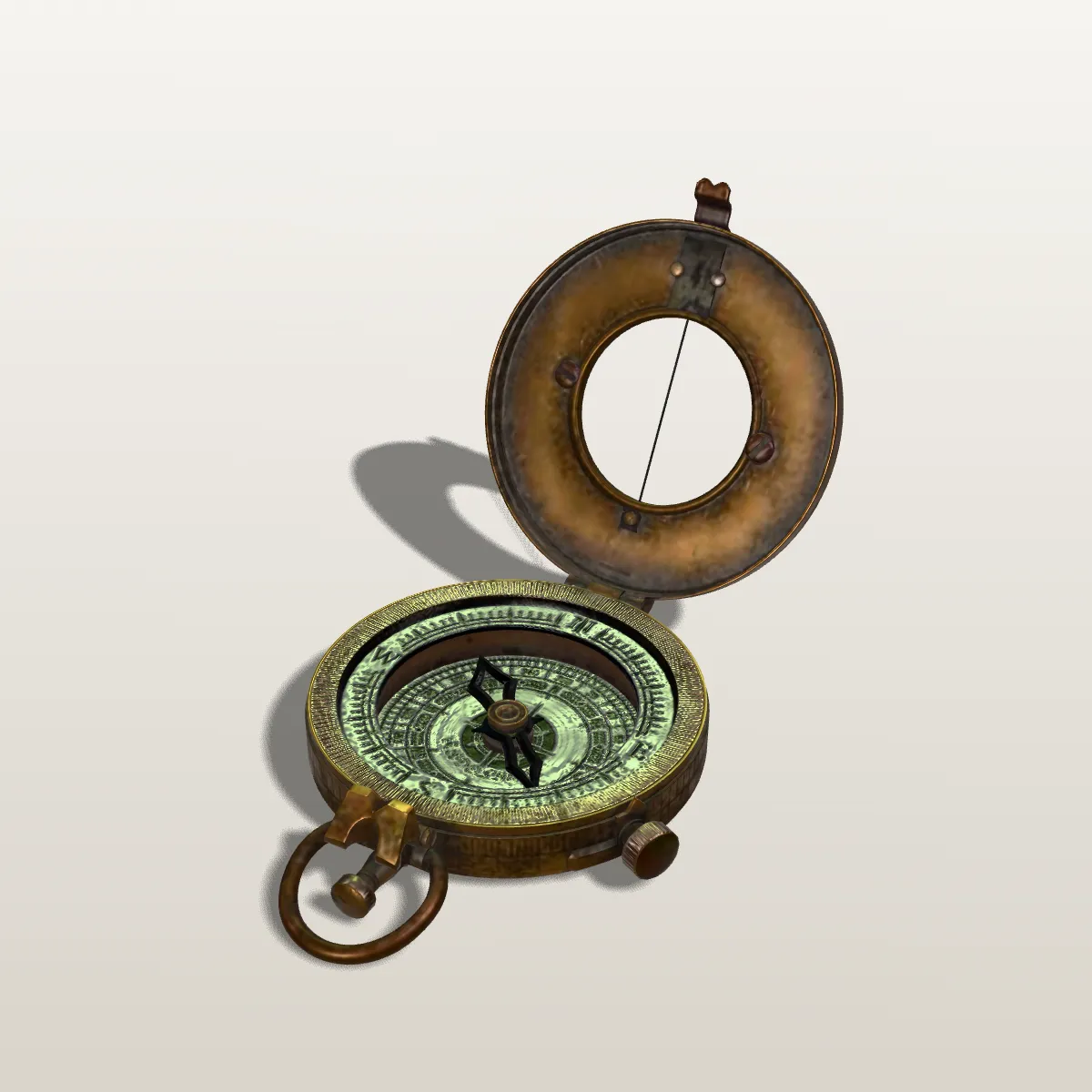
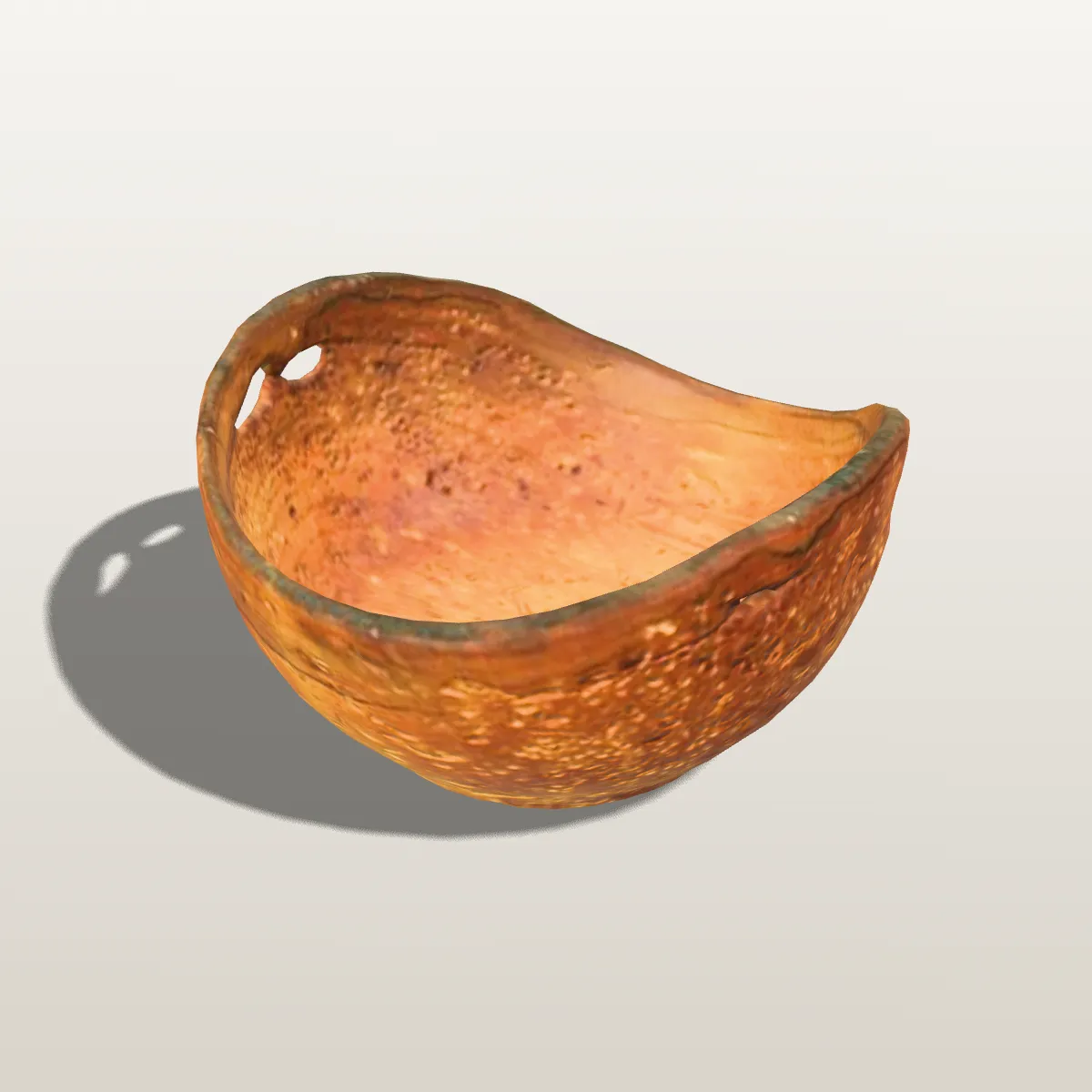
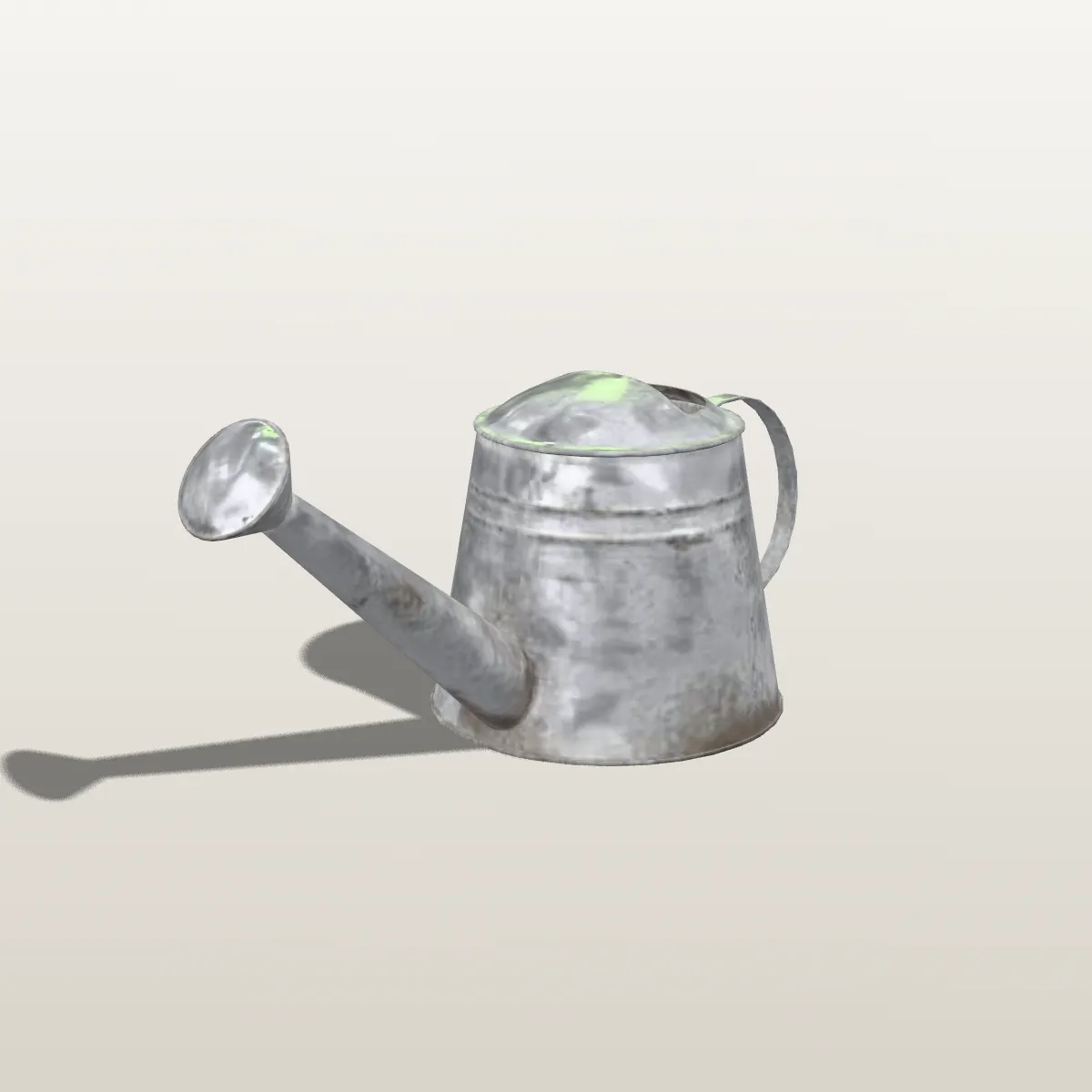
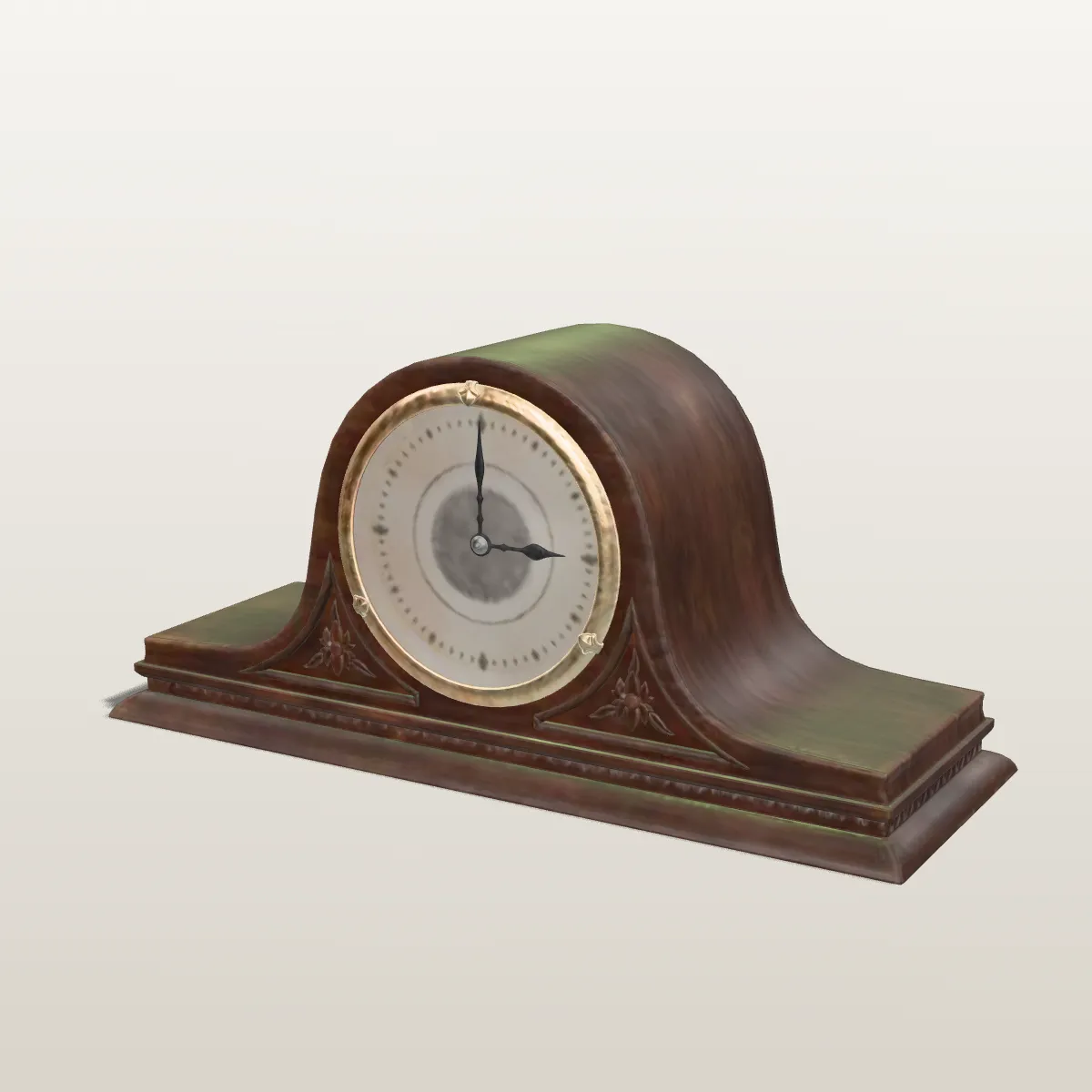
glTF to OBJ before and after: four Poly Haven scans
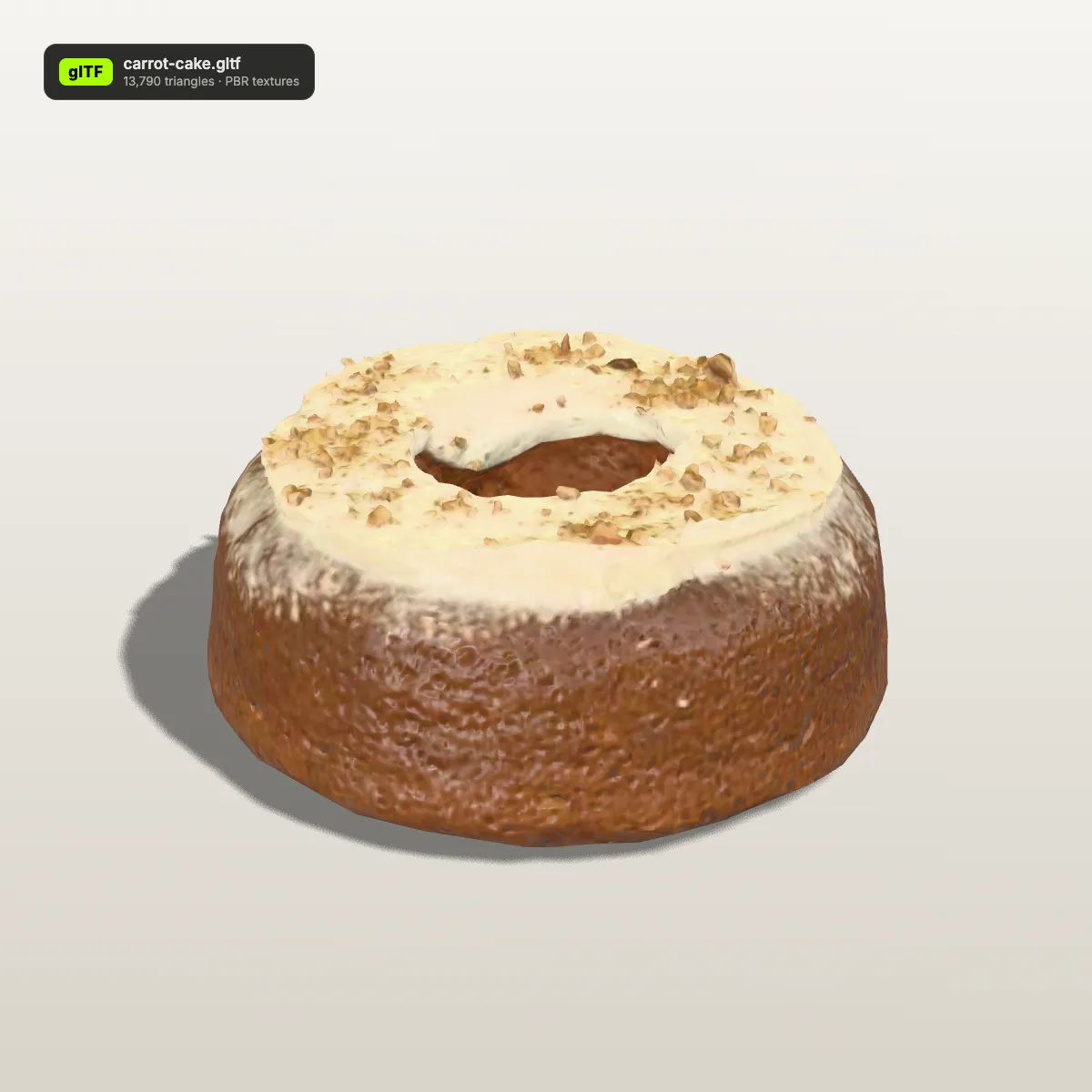
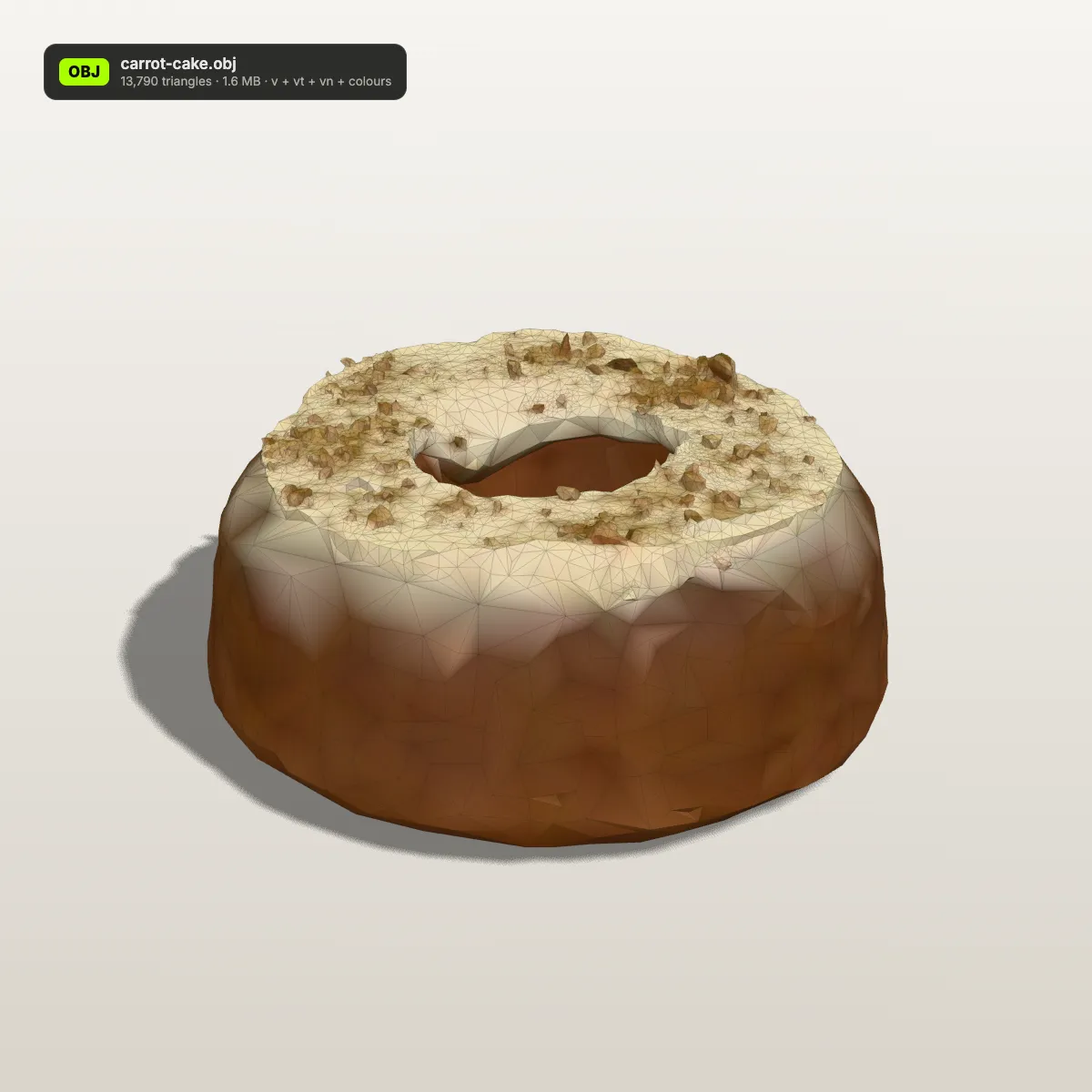
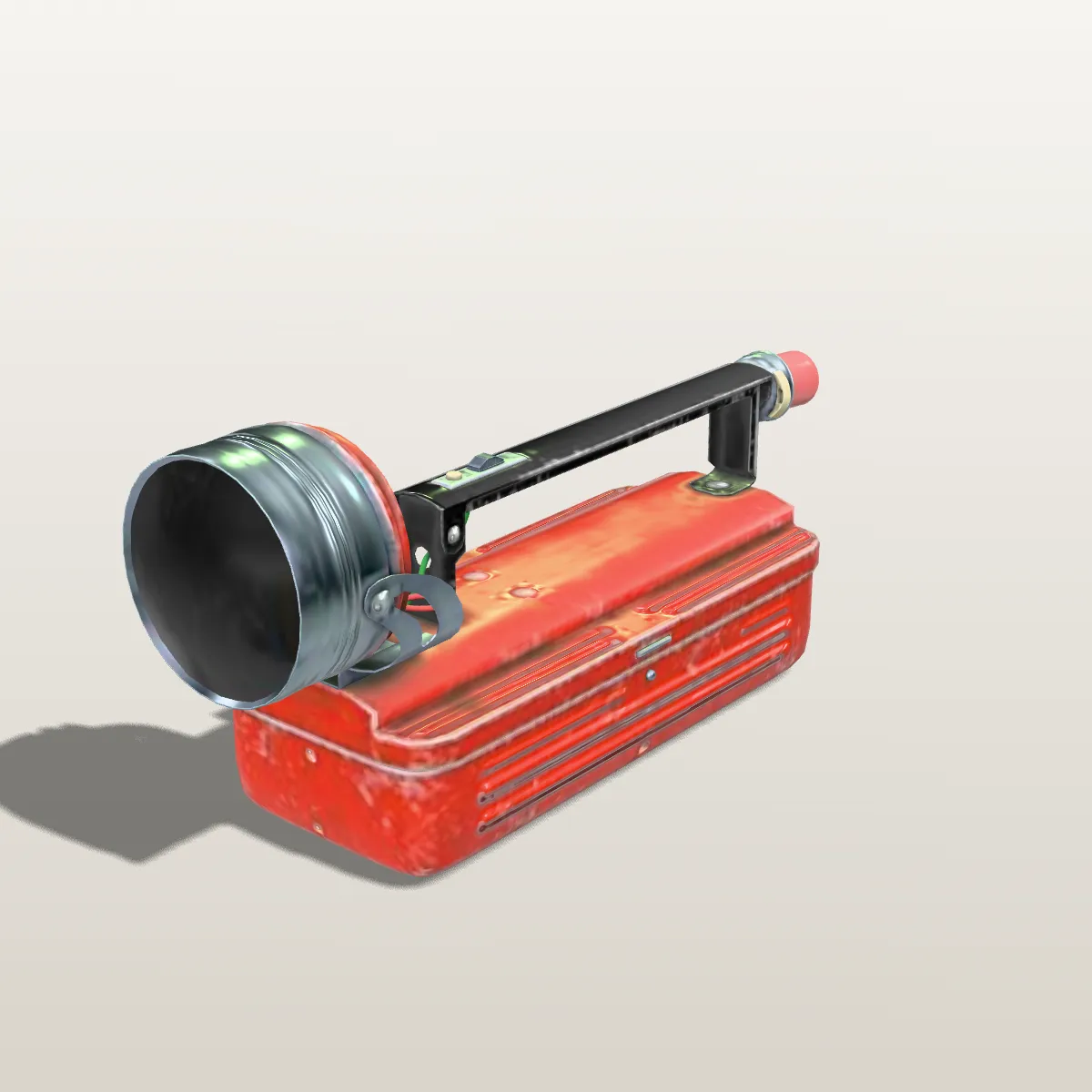
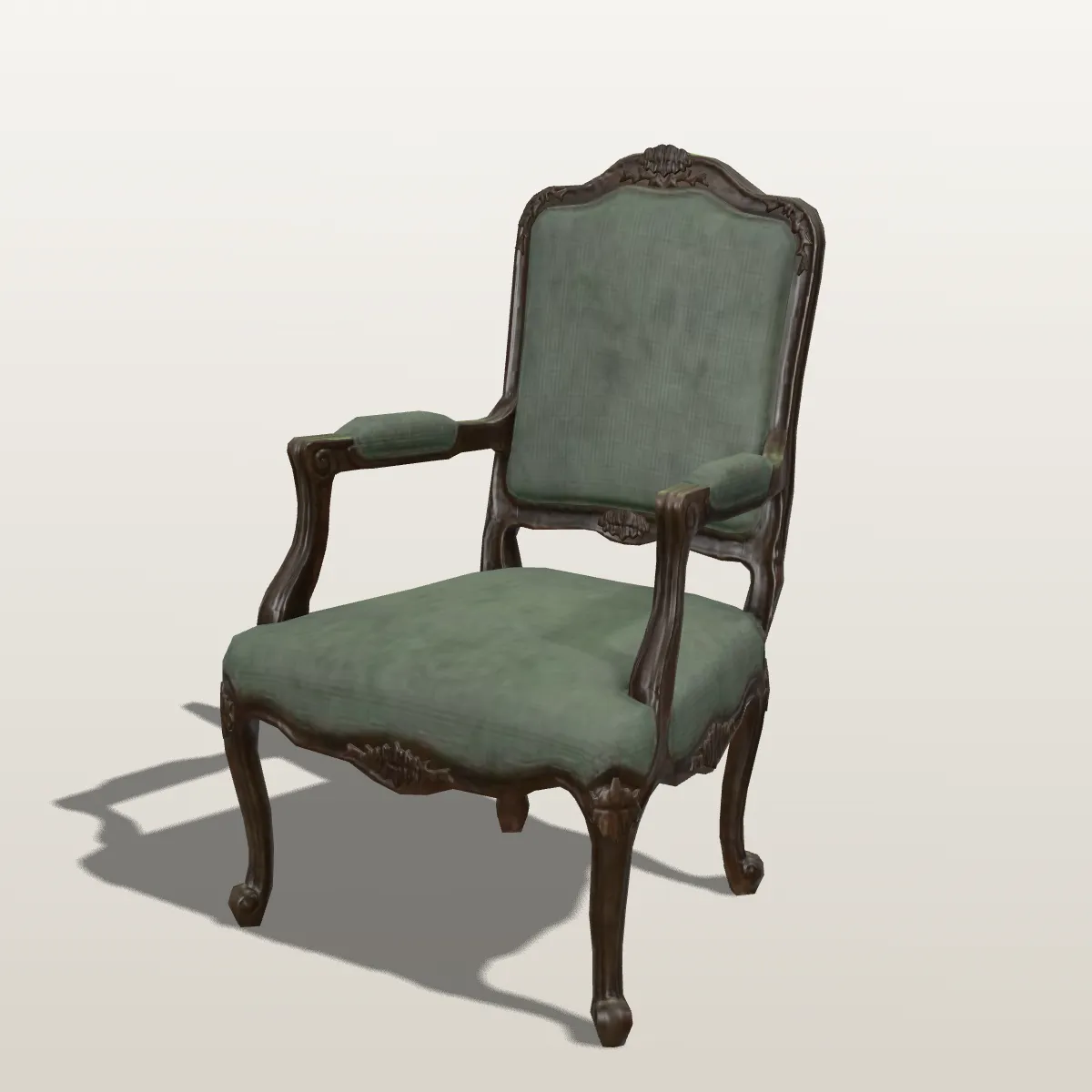
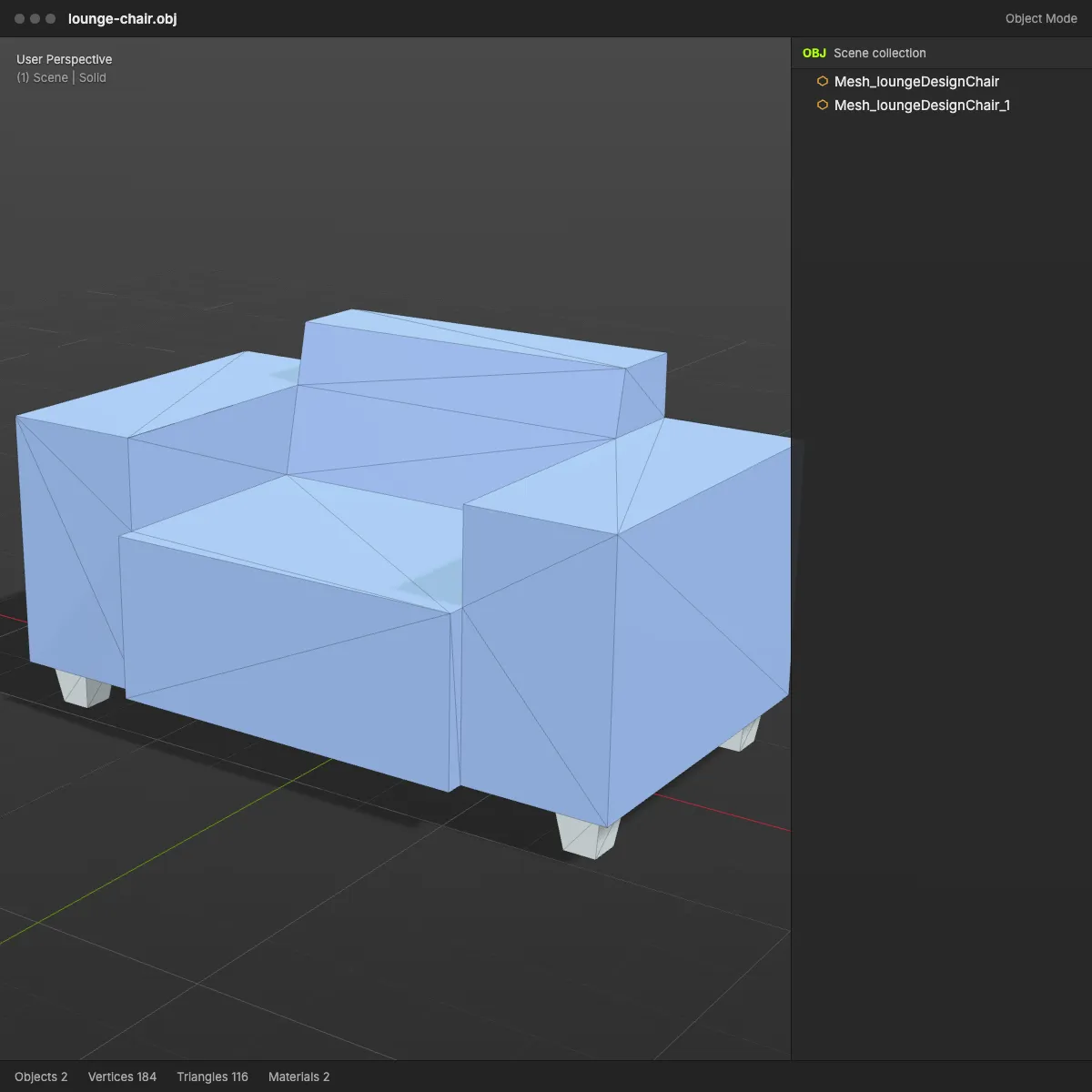
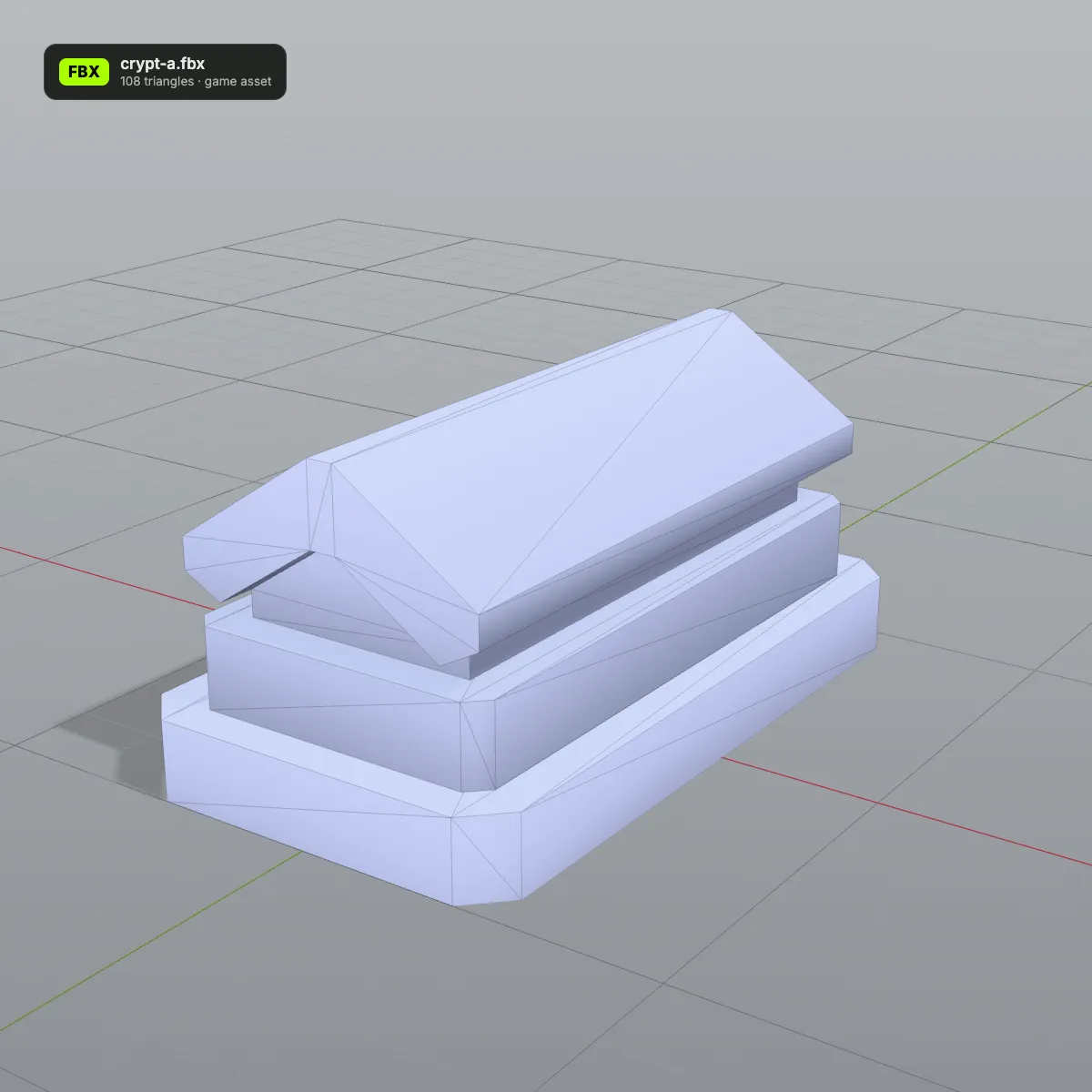
On the left, each single-file glTF rendered with its PBR materials. On the right, the OBJ this converter produced, shaded plain with its triangle edges visible: the shape, UVs and normals are all there; the photographic textures are not copied as images, only sampled into approximate vertex colours. Geometry that was compressed inside the glTF is written out as full text, which is why every OBJ is larger than its source.
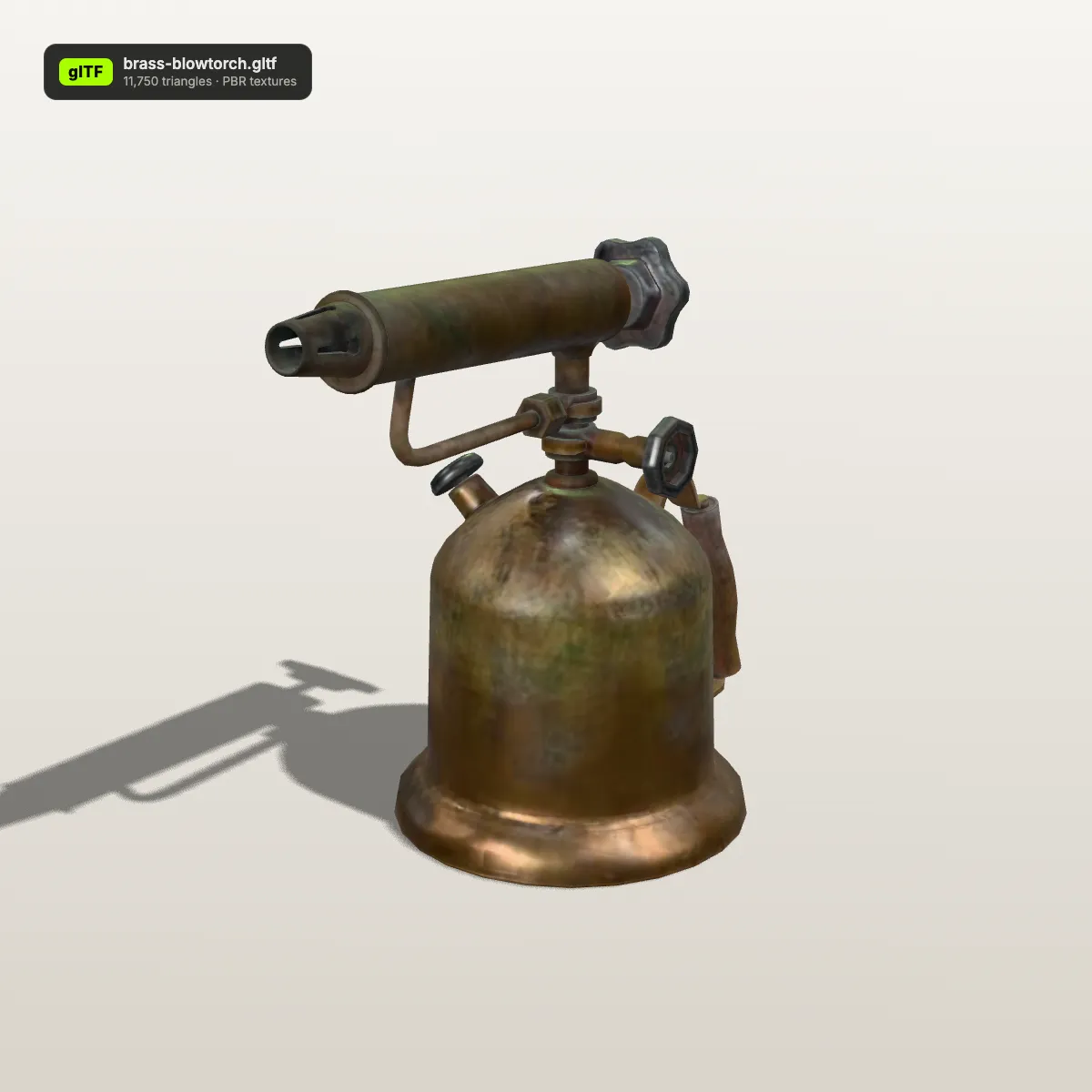
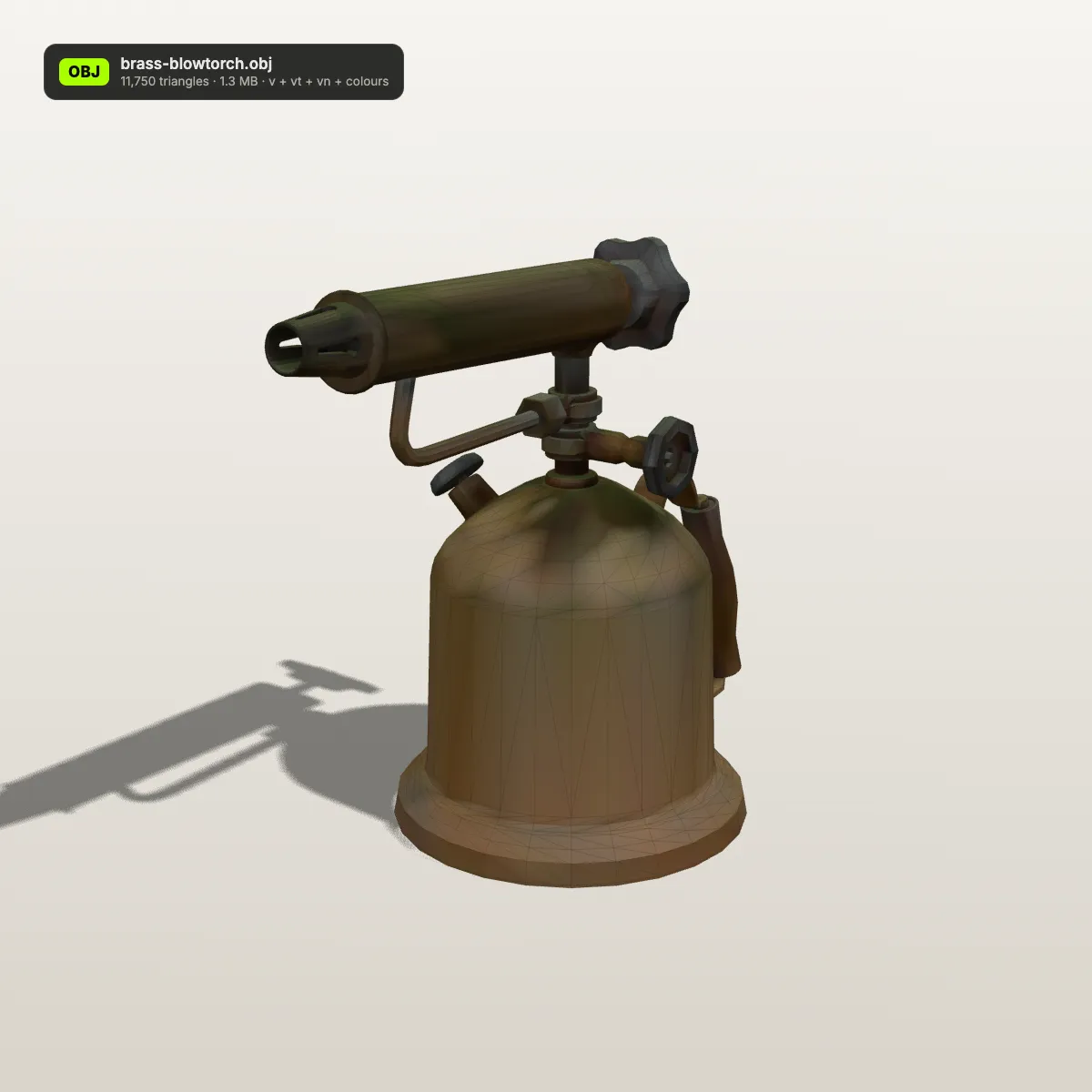
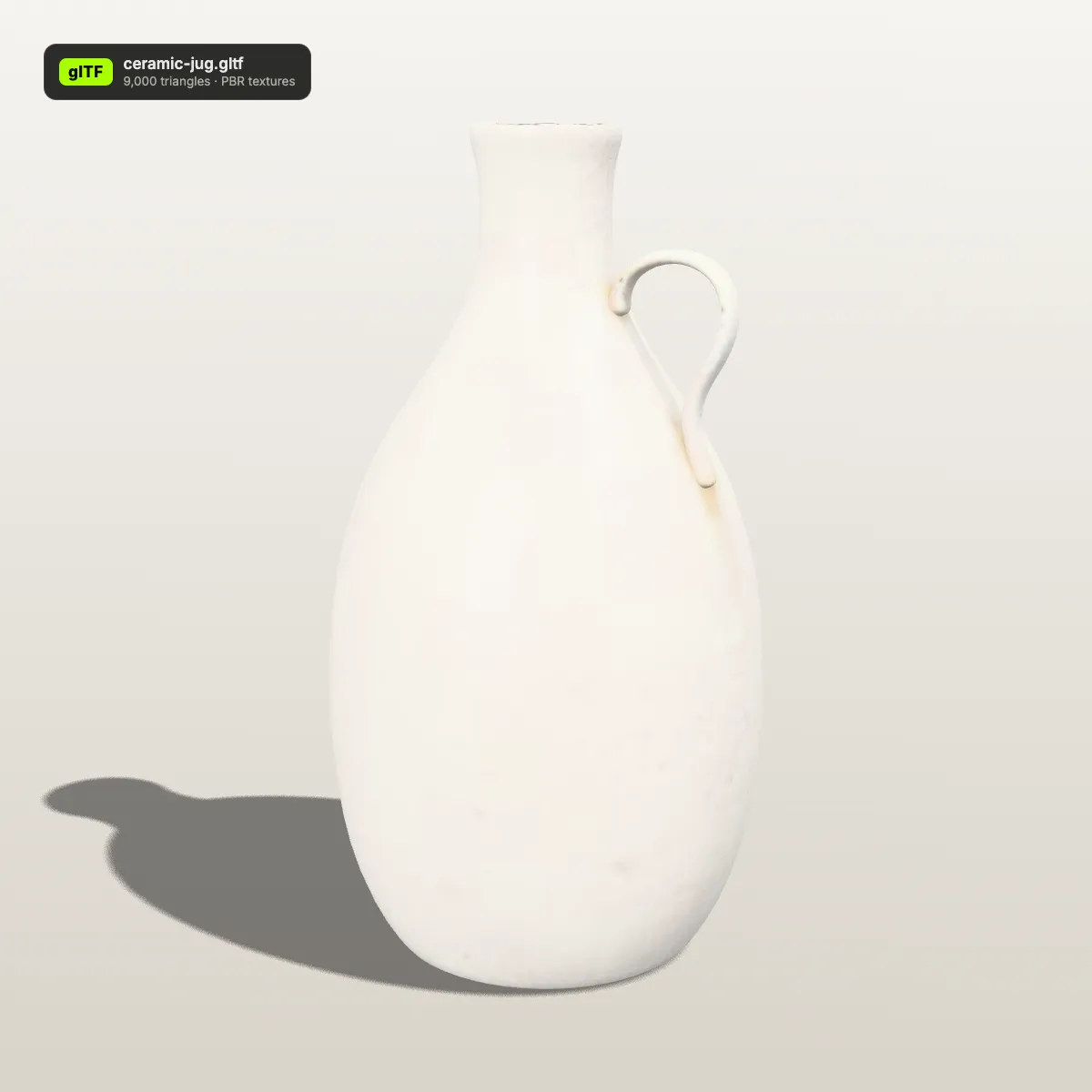
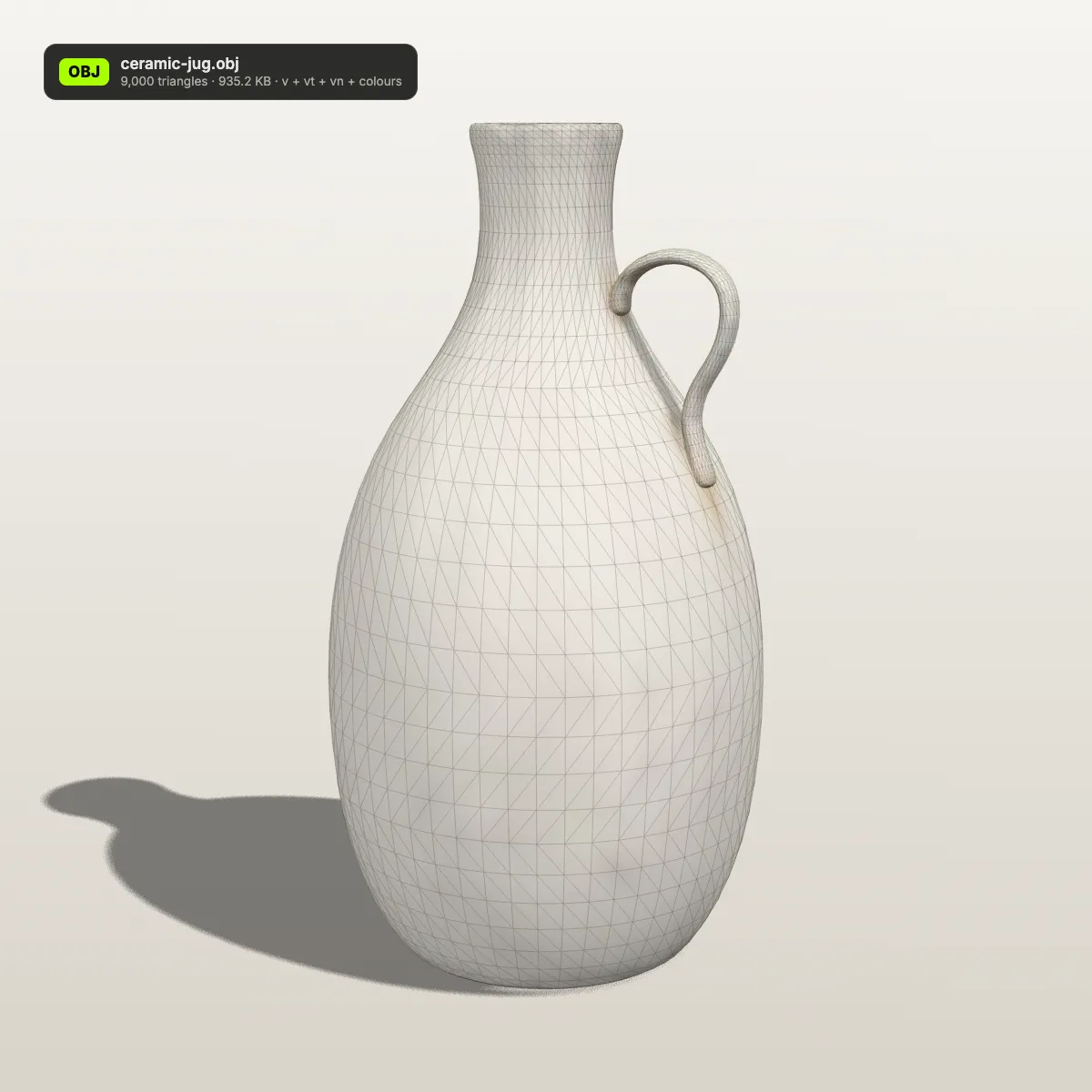
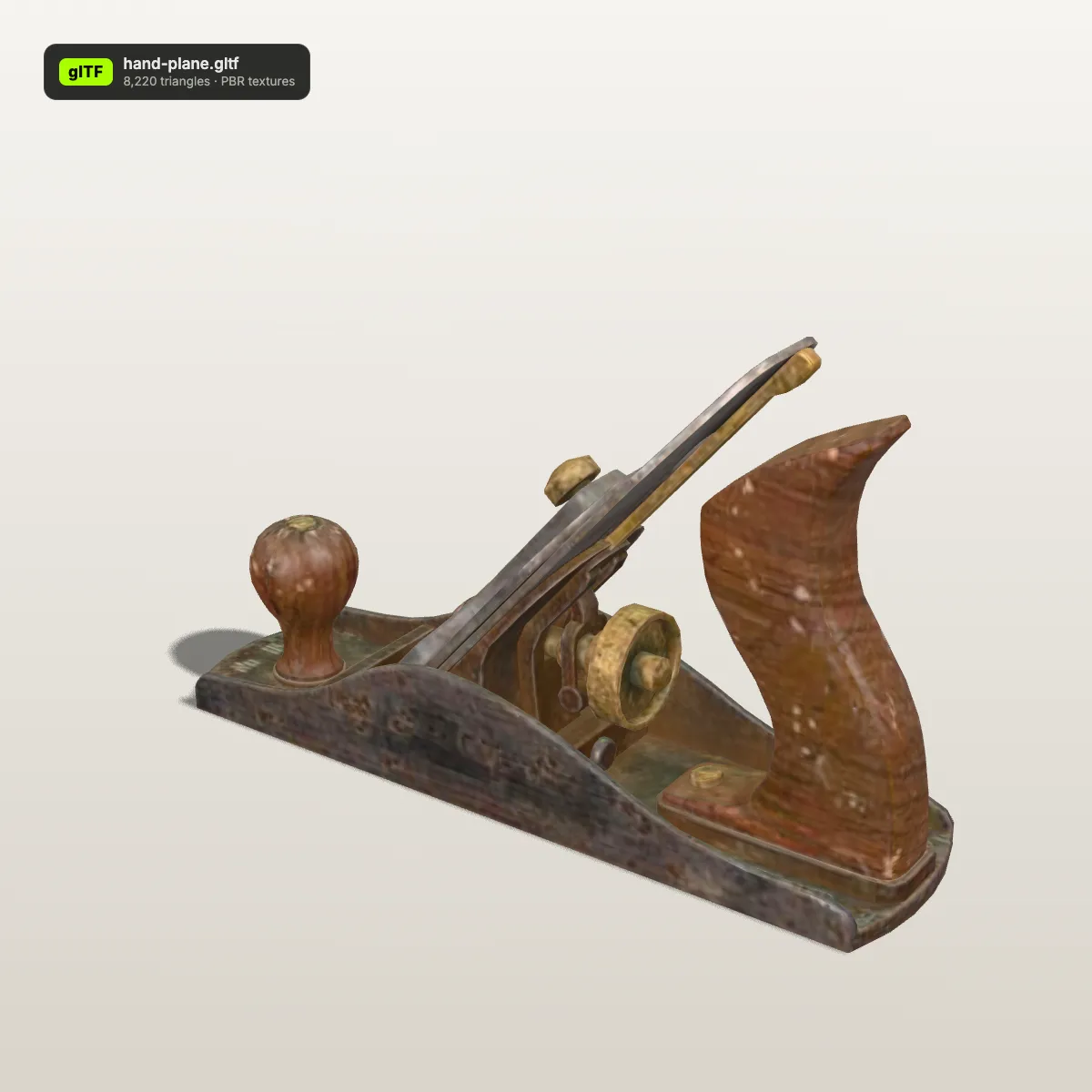
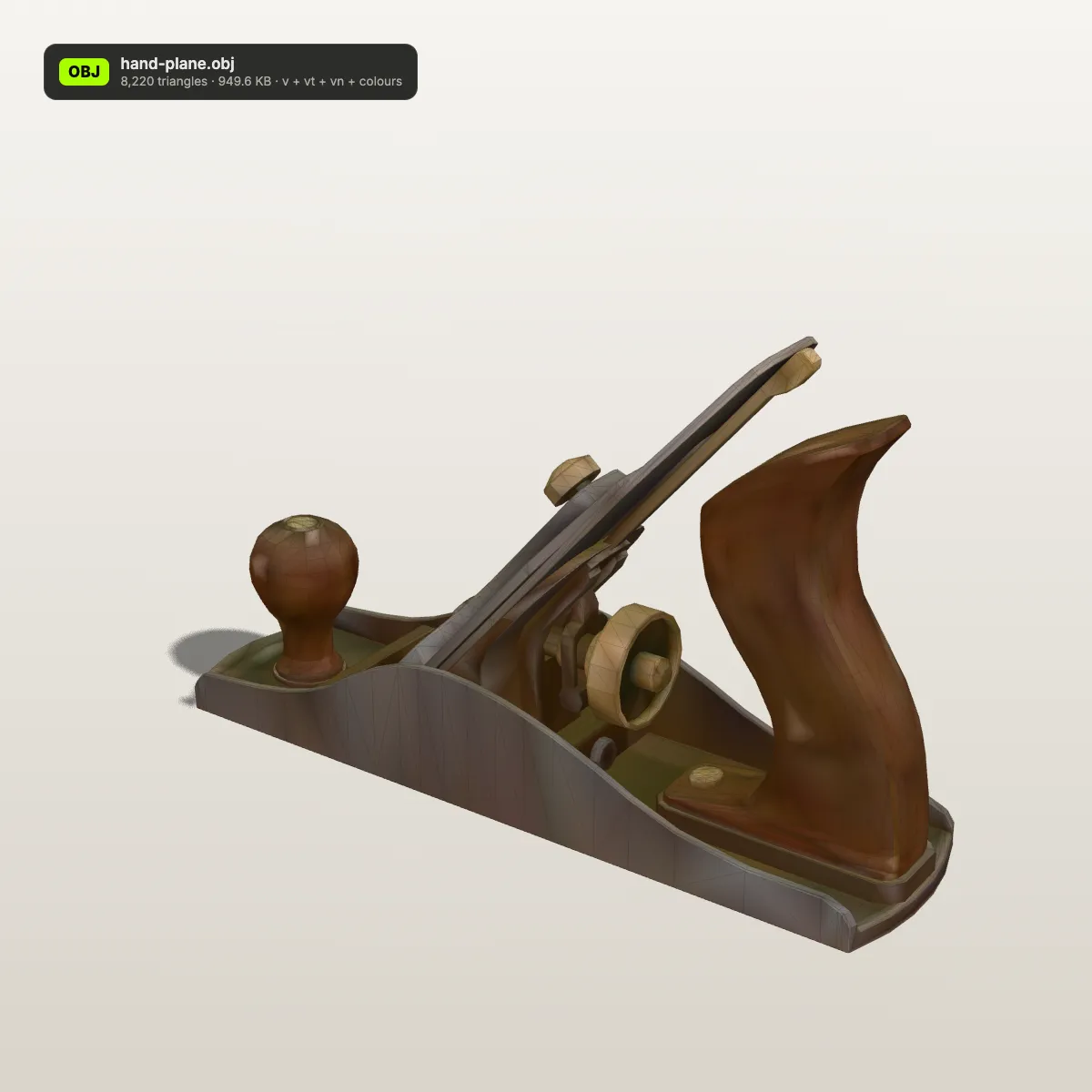
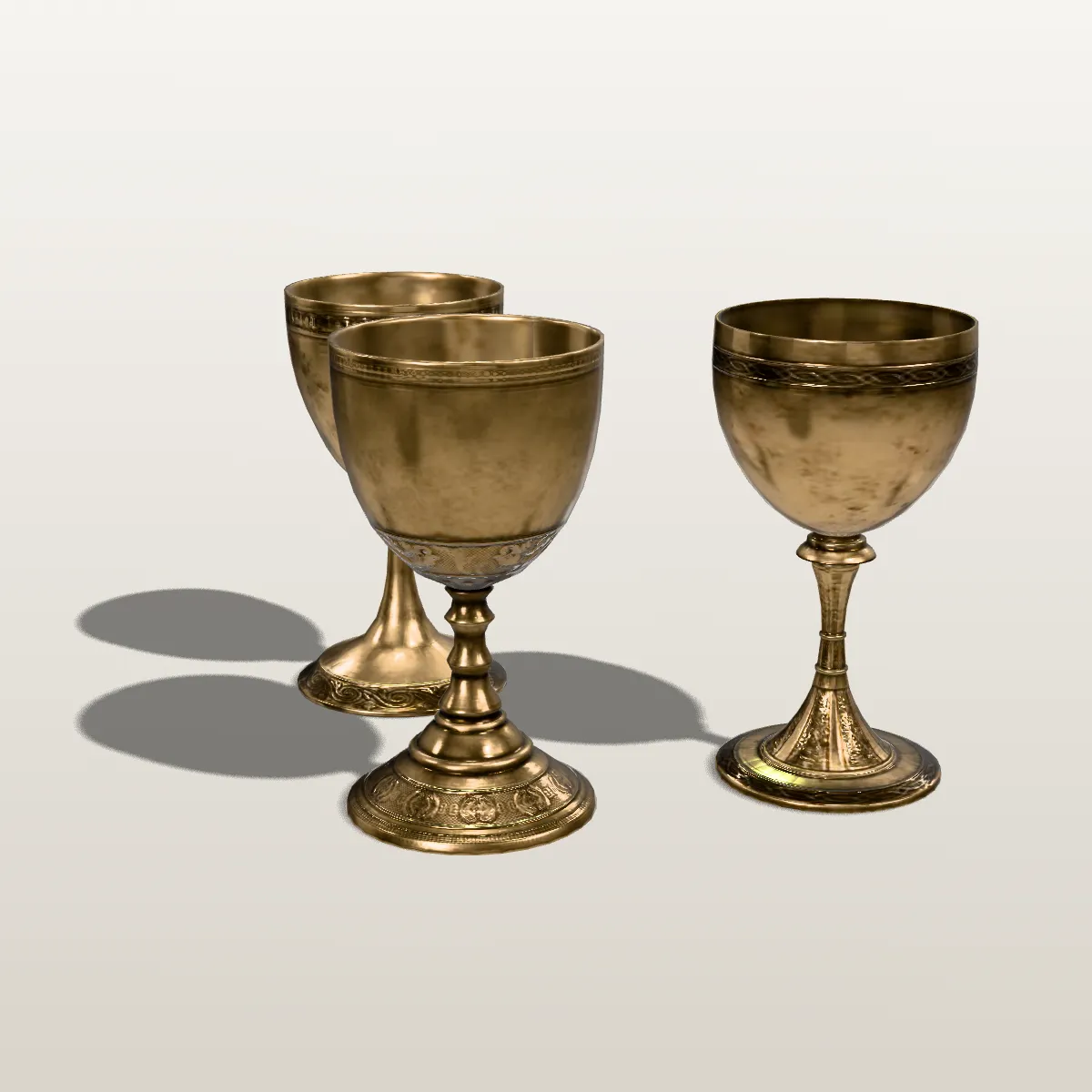
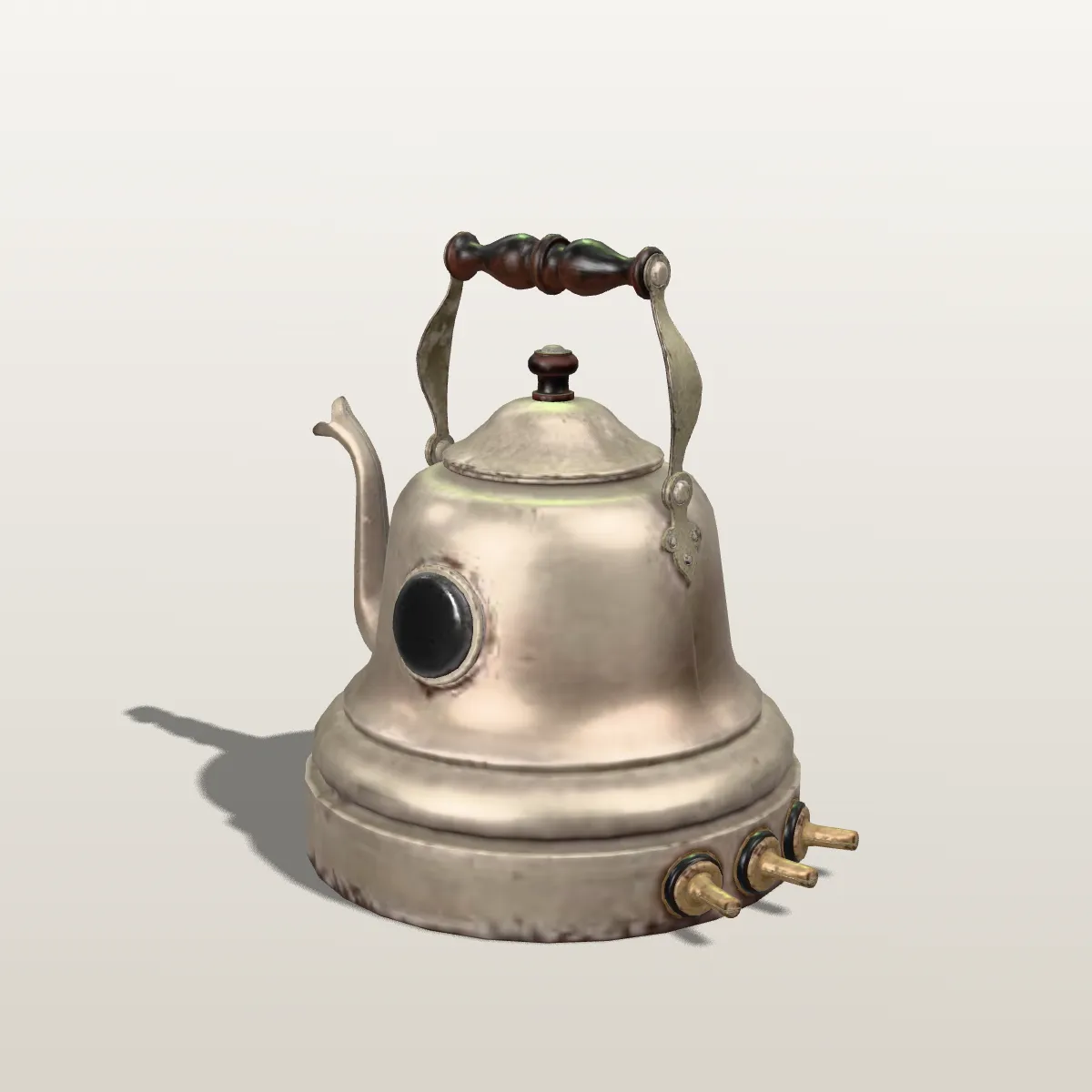
glTF models from Poly Haven, ready to become OBJ
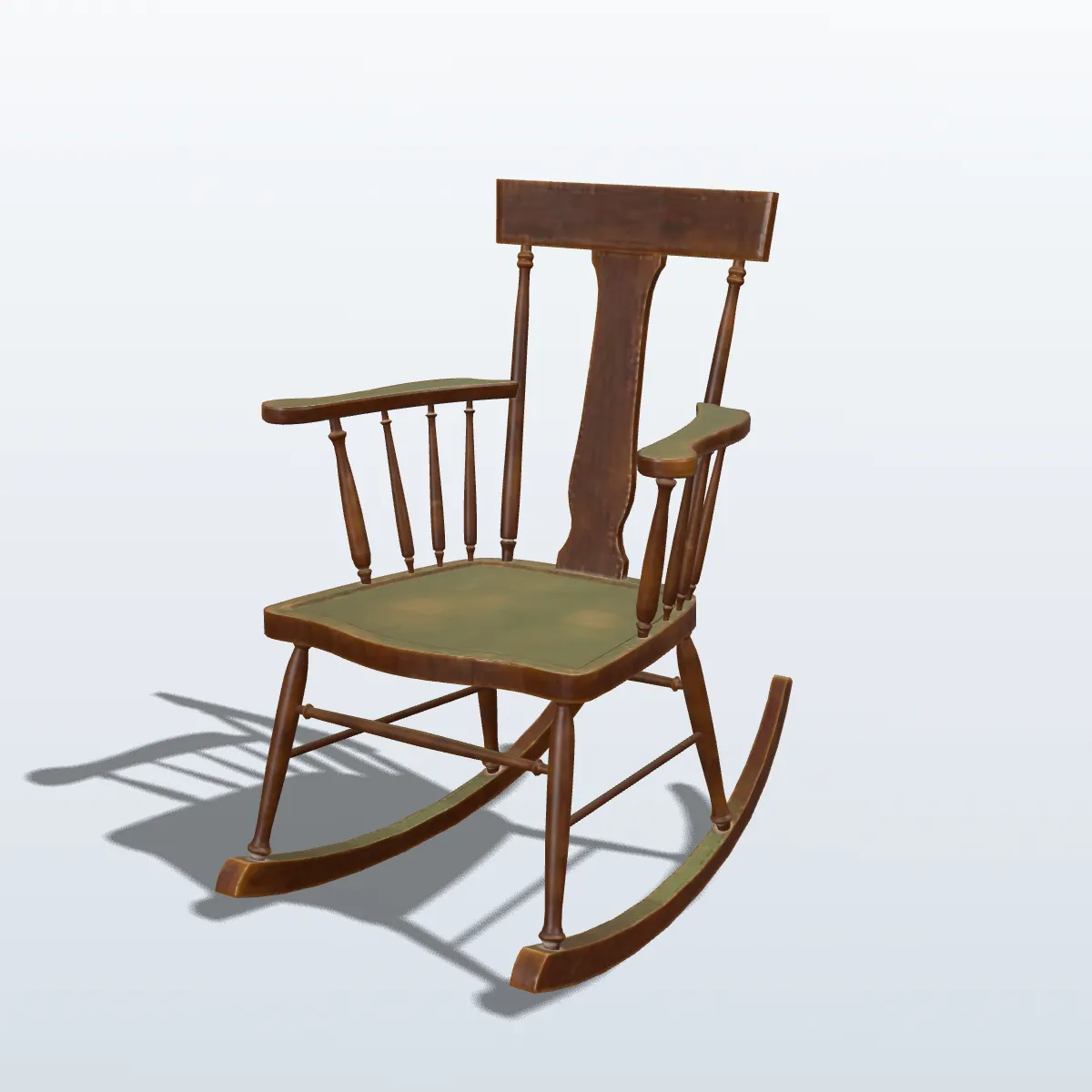
Eight free CC0 scans from Poly Haven, which offers its models as glTF among other formats, rendered by us with their PBR materials. Converting them gives you the full-detail geometry and UV layout as OBJ, with the texture colours approximated per vertex; the full metal, wood and fabric look comes from texture maps that remain in the glTF.
How to convert glTF to OBJ
- 11
Pick a .gltf or .glb
Drop it on the box marked “Drop your GLTF file here” or click to browse. A .gltf must carry its data inside; if it lists separate .bin files, a message explains that and asks for a .glb or an embedded .gltf.
- 22
Check the preview, then convert
The model renders on the right with its materials. Press Convert to OBJ: compressed meshes are decoded and each one is written as a named object.
- 33
Download the .obj
Read the name, size and triangle count on the result line, press Download OBJ, and use Convert another file for the next model.
What carries over from glTF to OBJ
glTF is built for real-time rendering with PBR materials; OBJ keeps surfaces and little else. This is how each piece of a glTF file is handled.
| In the glTF | In the OBJ |
|---|---|
| Meshes and node names | One named OBJ object per mesh; repeated names get a number (slice, slice_1 …) |
| Node transforms (hierarchy) | Applied to the vertices, so every part sits where it did; the OBJ itself has no hierarchy |
| Positions, normals, first UV set | Kept, six decimals at most, identical vertices shared |
| Vertex colours (COLOR_0) | Kept as v x y z r g b |
| Base colour of untextured materials | Written as vertex colours |
| PBR texture maps (base colour, normal, metallic-roughness, occlusion, emissive) | The images are not written. The base-colour map is sampled into the vertex colours (exact for flat-colour atlases, approximate for detailed textures); the other maps are dropped. The UVs remain, so the maps can be reconnected later |
| Draco, Meshopt or quantized geometry | Decoded and stored uncompressed as text, so the file grows |
| Animations, skins, morph targets | Dropped; the mesh is saved in its rest pose |
| Cameras and KHR lights | Not written |
| Units and up axis | glTF is metres and Y up; the numbers are copied without rescaling or rotation |
| .bin buffers or images in separate files | Out of reach of a single upload; the file is refused with an explanation |
Where a glTF to OBJ conversion helps
Desktop programs without a glTF importer
Plenty of CAD packages, older 3D programs and mesh utilities import OBJ but not glTF. One conversion gets a Poly Haven or Sketchfab download into them with its shape and UV layout intact.
Repairing a scan in a sculpting tool
Bring a scanned prop into ZBrush or another sculpting program as OBJ to close holes, add detail or bake new maps against the UVs it already has.
Scripts and data pipelines
OBJ is line-based text, just v, vt, vn and f records, so Python or any other language can read it without a glTF library. Handy for measuring, sampling points or feeding a research tool.
Getting a figure ready to print
Cura and PrusaSlicer open OBJ. A glTF figure converted here goes straight in, where you scale it from metres to millimetres before slicing.
GLTF to OBJ FAQ
Drop the .gltf or .glb on the converter above, press Convert to OBJ and download the file. It is free, needs no account and runs in your browser, so the model never leaves your computer; files up to 200 MB work.
A .gltf is a JSON file that often points to a .bin buffer and image files sitting next to it, and a single dropped file cannot bring those along. Re-export as glTF Binary (.glb) from Blender, or pack the folder with glTF-Transform using gltf-transform copy model.gltf model.glb, then drop the .glb here.
Only as colour. A material’s base colour becomes vertex colours in the OBJ, and a base-colour texture is sampled at every vertex into those colours: exact for flat-colour atlases, an approximation for detailed photo textures. The texture images, metalness, roughness and the rest of the PBR set are not written, because the download is a single .obj without .mtl or image files. The UV coordinates stay, so you can plug the original maps back in inside Blender.
glTF stores geometry as compact binary, often with Draco or Meshopt compression on top; OBJ writes every number out as text. The carrot cake scan grows from 763.0 KB to 1.6 MB even though the glTF also held its textures. Zip the OBJ before sending it, or keep the glTF for the web.
In Blender and most modelling programs, yes. glTF is defined in metres with Y up, OBJ is usually read the same way, and the converter keeps the numbers as they are, so the go-kart sample is 1.43 units long either way. Slicers read OBJ numbers as millimetres, so scale by 1000 there.
Yes. GLB is the binary form of glTF and the converter reads it the same way, with the same output. A .glb is often the easier pick, because it always carries its buffers and images in one file.
Related tools




Want a glTF model of your own?
Ship3D’s AI generator turns a photo or a short description into a textured model; download it as GLB for the web or as OBJ straight away.
Free to sign up, no credit card required. Try it once for free.