USDZ to FBX Converter
Apple Scans and AR Assets for Game Engines
This USDZ to FBX converter takes a .usdz from Apple’s 3D ecosystem, whether an Object Capture scan, a Reality Composer model, a Polycam export or an AR Quick Look asset, and writes a binary FBX 7.4 file for Unity, Unreal Engine, Blender, Maya or 3ds Max.
USDZ → FBX
Drop a 3D model file to preview it in 3D before converting.
The conversion runs on your own machine through three.js and our FBX writer: no upload, no account, no cost. The USD prim hierarchy comes across as named FBX objects with their transforms, each material becomes an FBX material, and the base-colour, normal and emissive images are packed inside the .fbx, so there is no texture folder to lose. Size is preserved too. The file’s metersPerUnit goes into the FBX unit setting and Z-up stages are turned Y-up, so a 63 cm axe is 63 cm in the engine. Two things do not cross over: roughness, metallic and occlusion maps, and anything animated. The FBX is a static scene, and a rigged model arrives frozen in one pose.
Try USDZ to FBX on three sample files
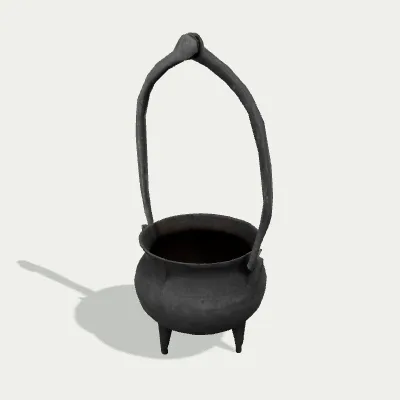
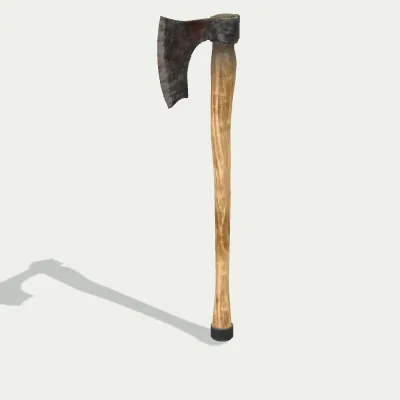
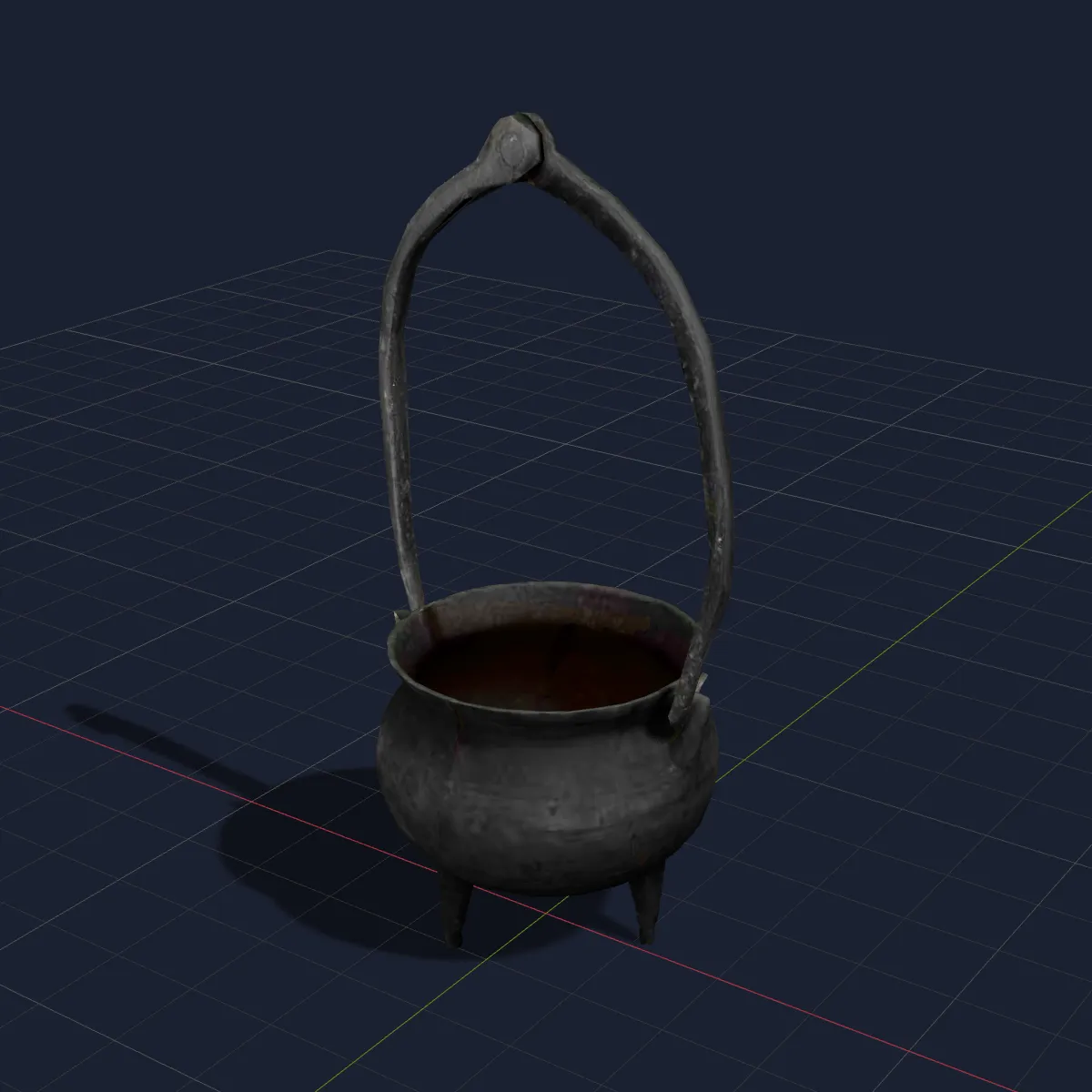
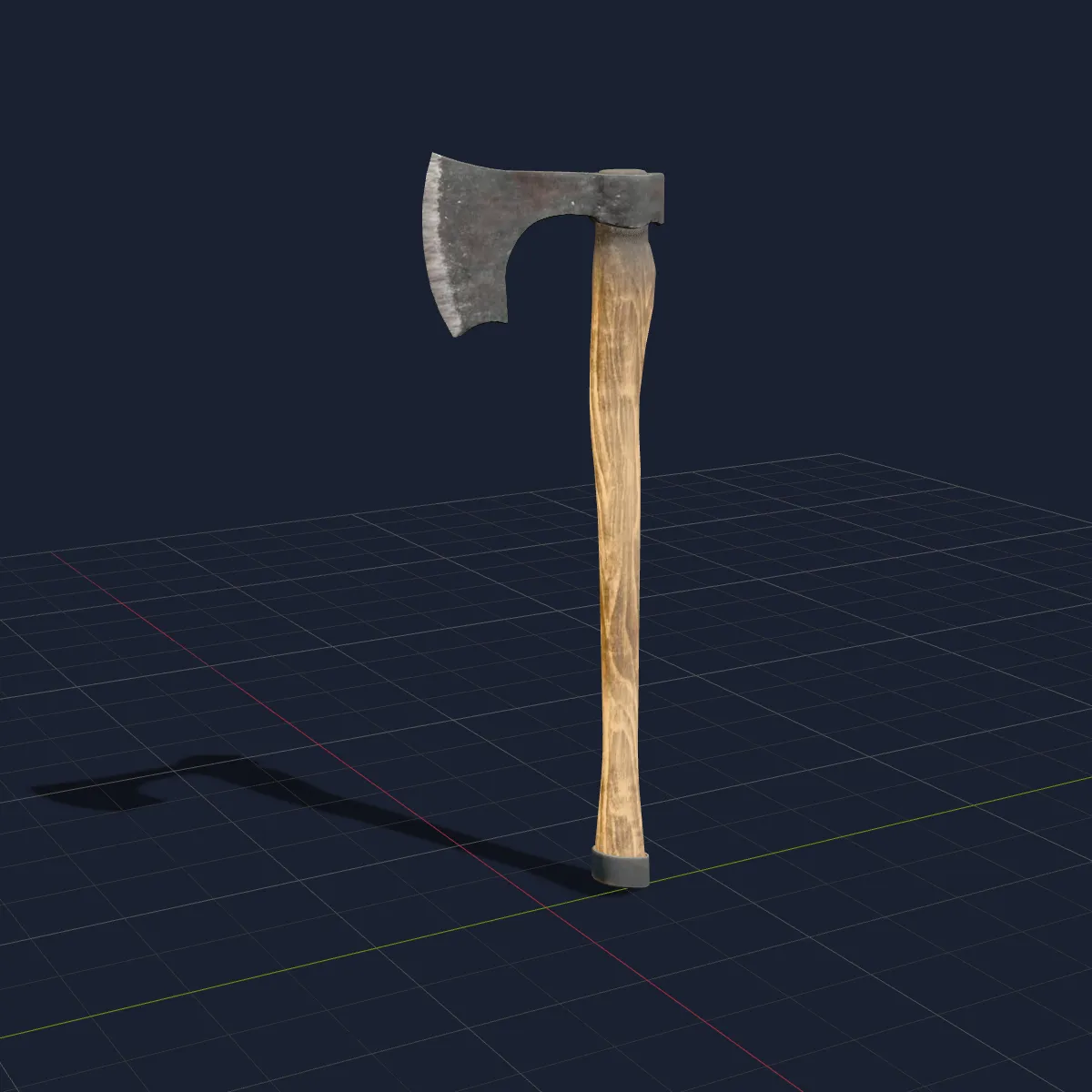
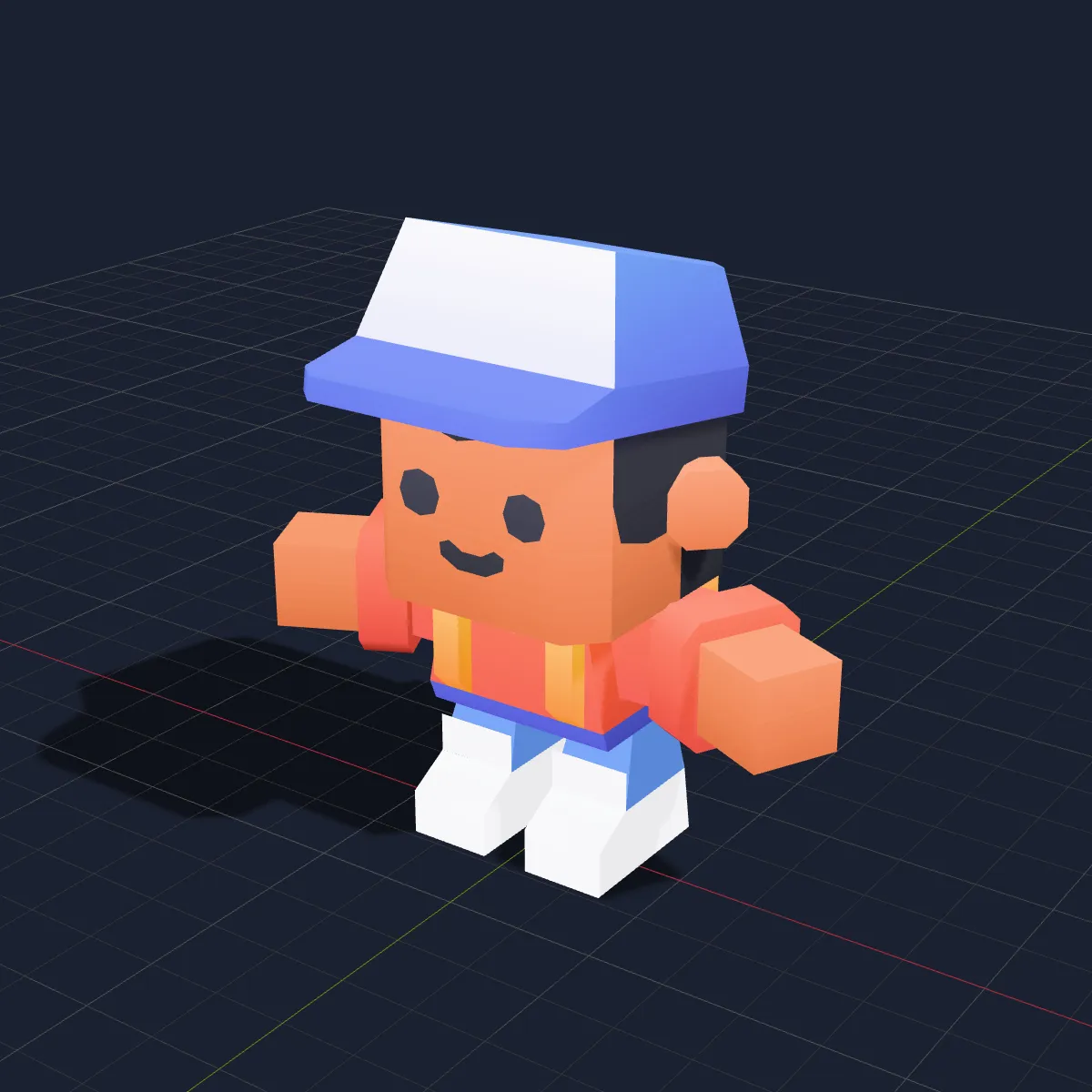
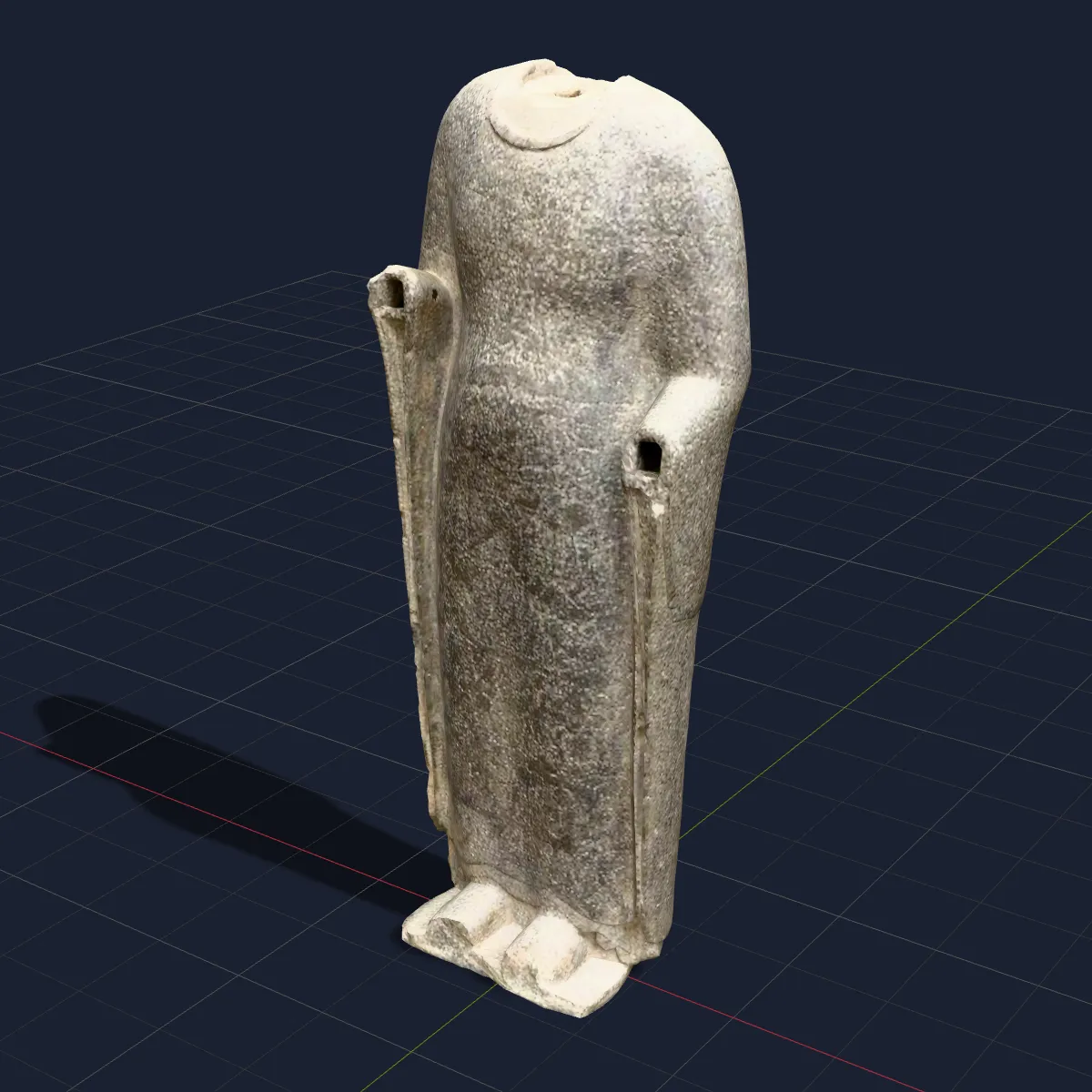
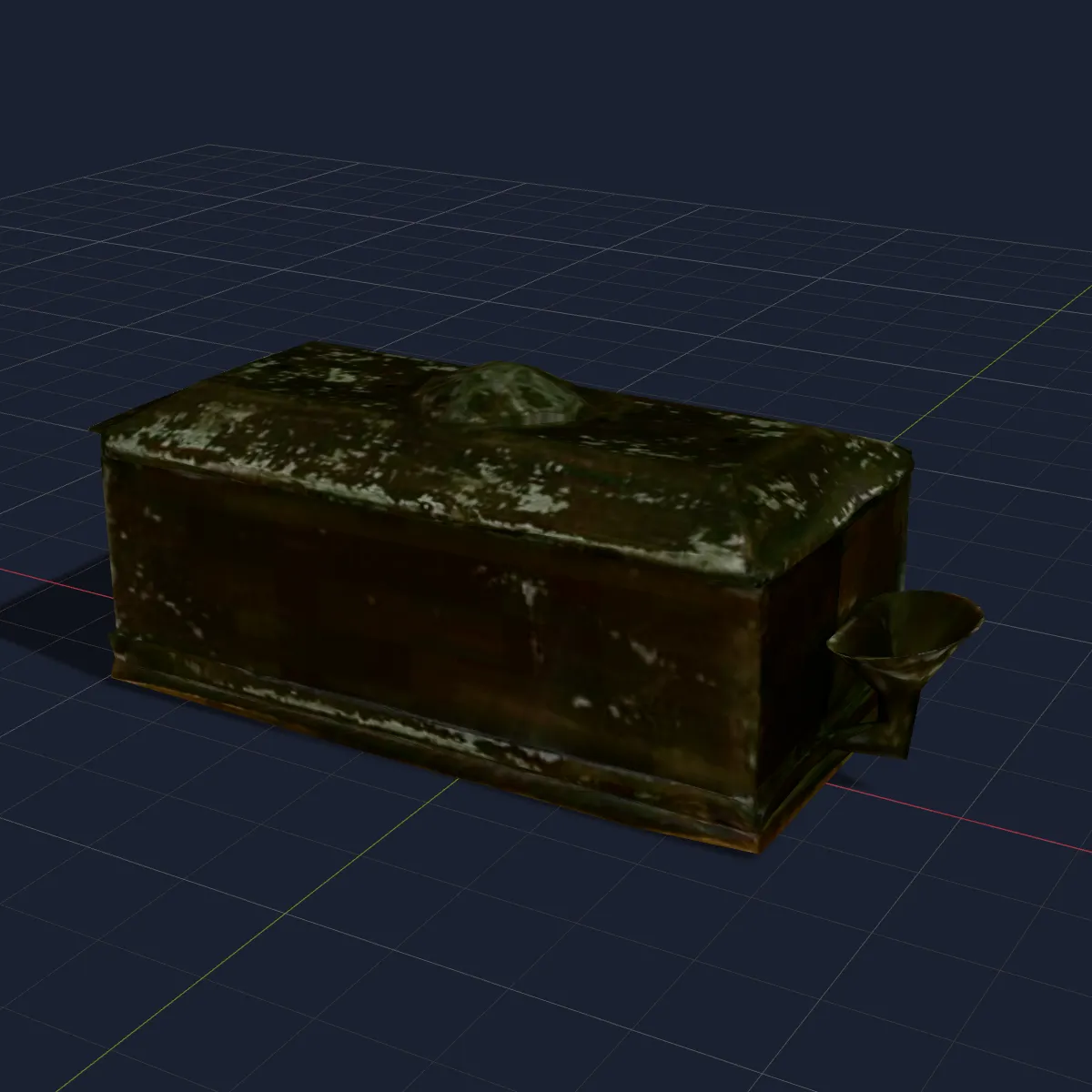
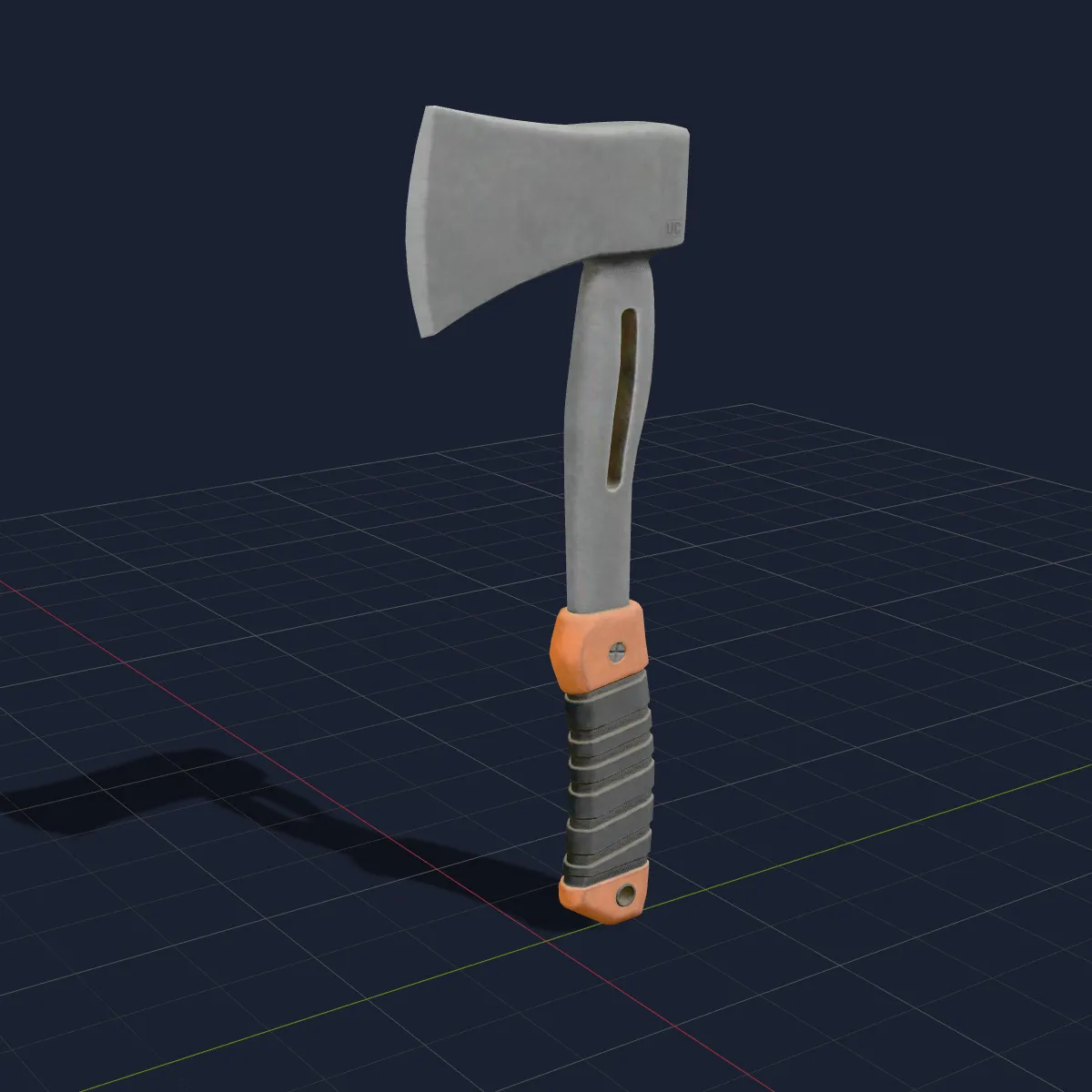
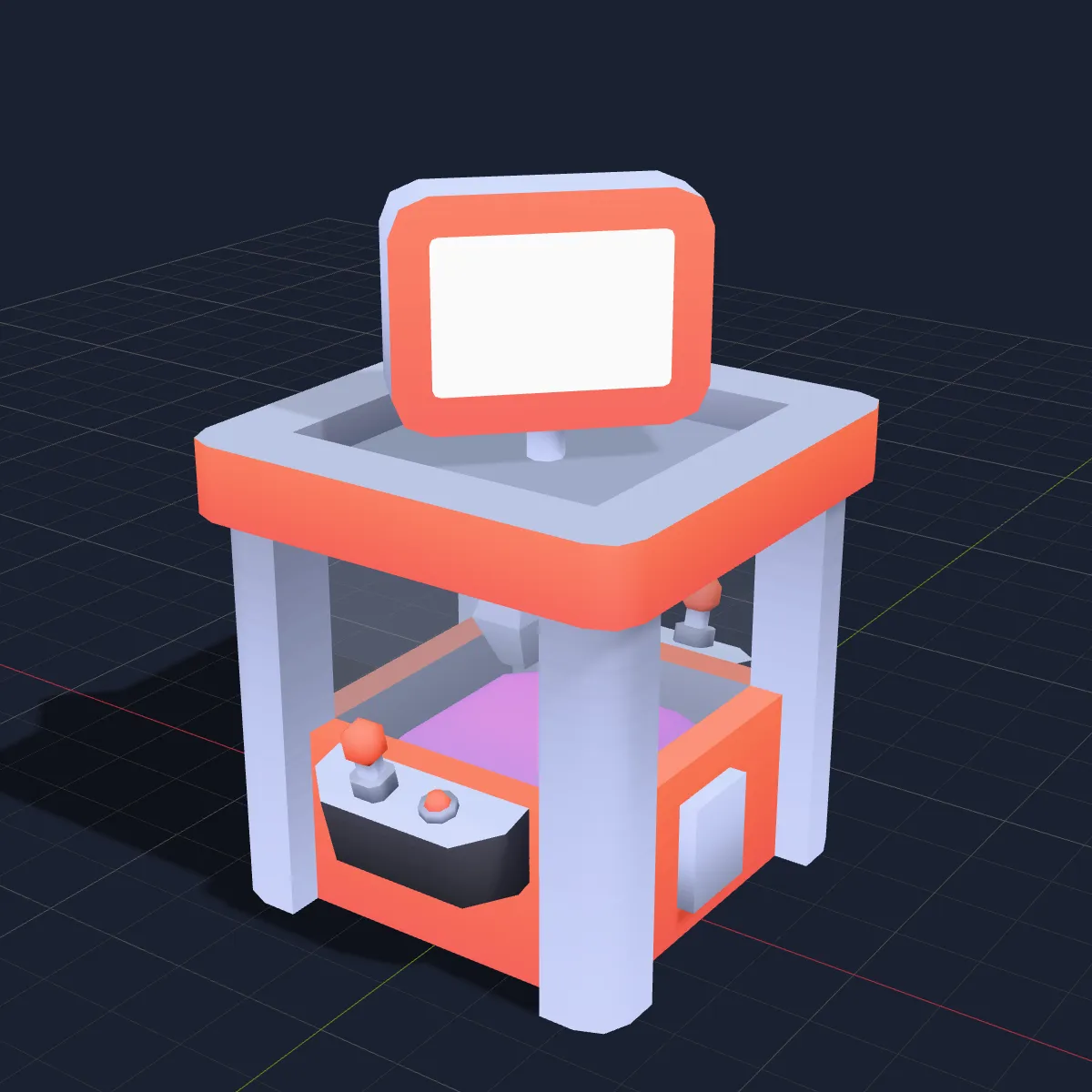
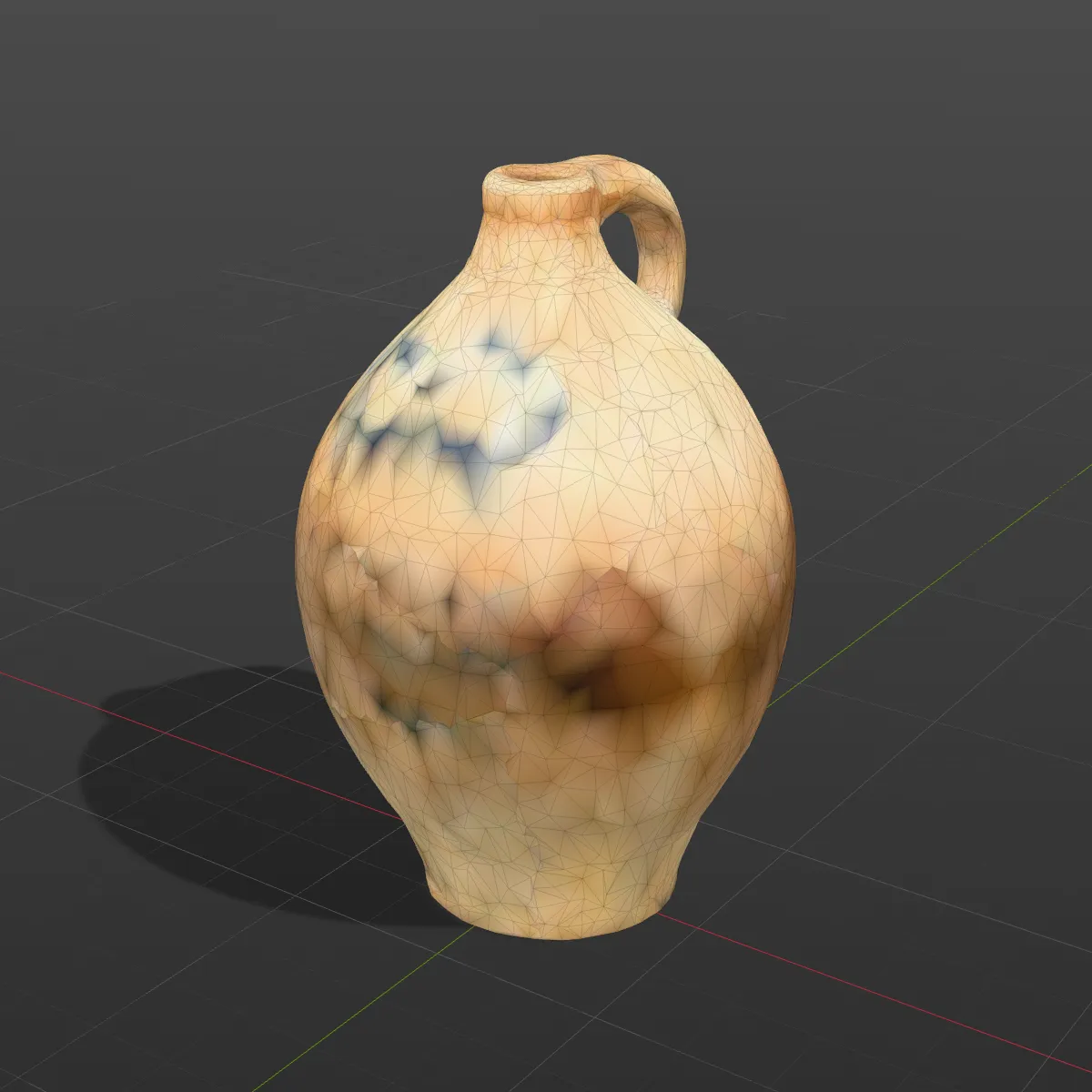
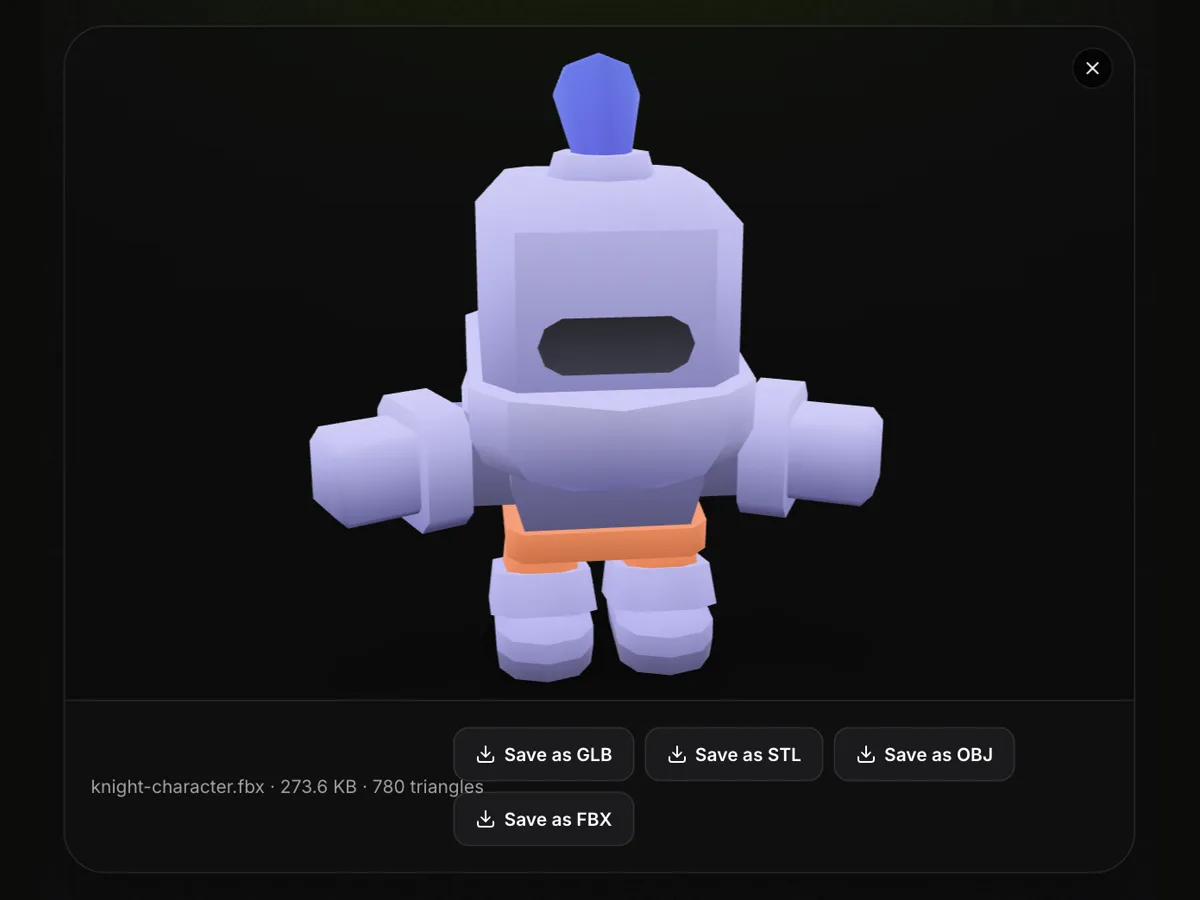
A two-part scan of a cast-iron cauldron from the Smithsonian’s CC0 collection, a Poly Haven wooden axe with full PBR maps and a Kenney arcade figure with one shared texture. Load one with Try it, or download it to run through your own pipeline. Together they show named parts, which maps get embedded and how light a low-poly character stays.

Watch an arcade figure go from USDZ to FBX
This 11-second recording of the USDZ to FBX converter uses the arcade gamer sample: the 93.2 KB file is dropped on the converter and spins in the preview, Convert to FBX is pressed, and the panel reports arcade-gamer.fbx · 54.8 KB · 477 triangles with “Textures embedded: 1” underneath. That one image is the PNG colour map shared by the figure’s body and head, now stored inside the FBX. Download FBX then saves the file.
USDZ to FBX before and after, in an engine-style scene
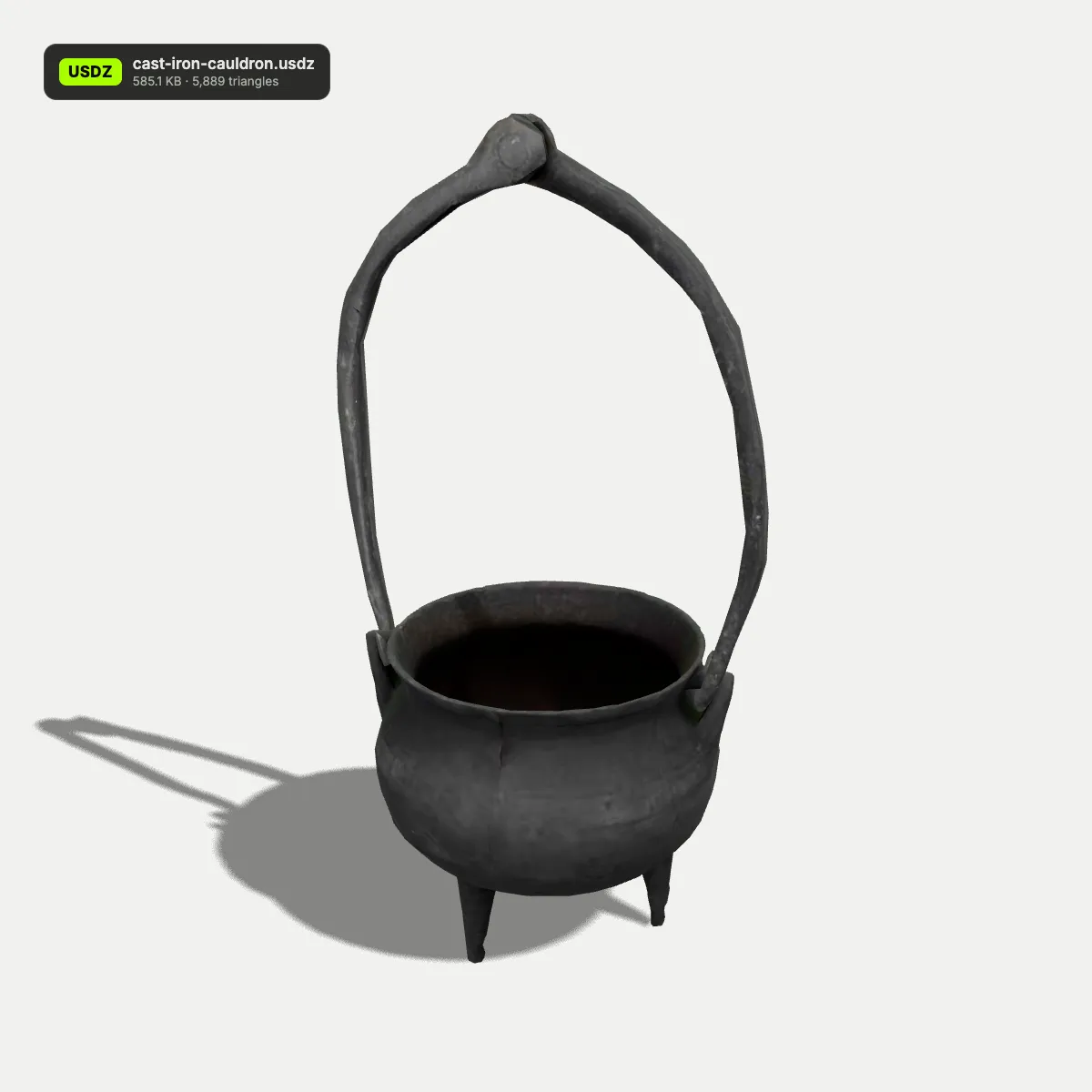
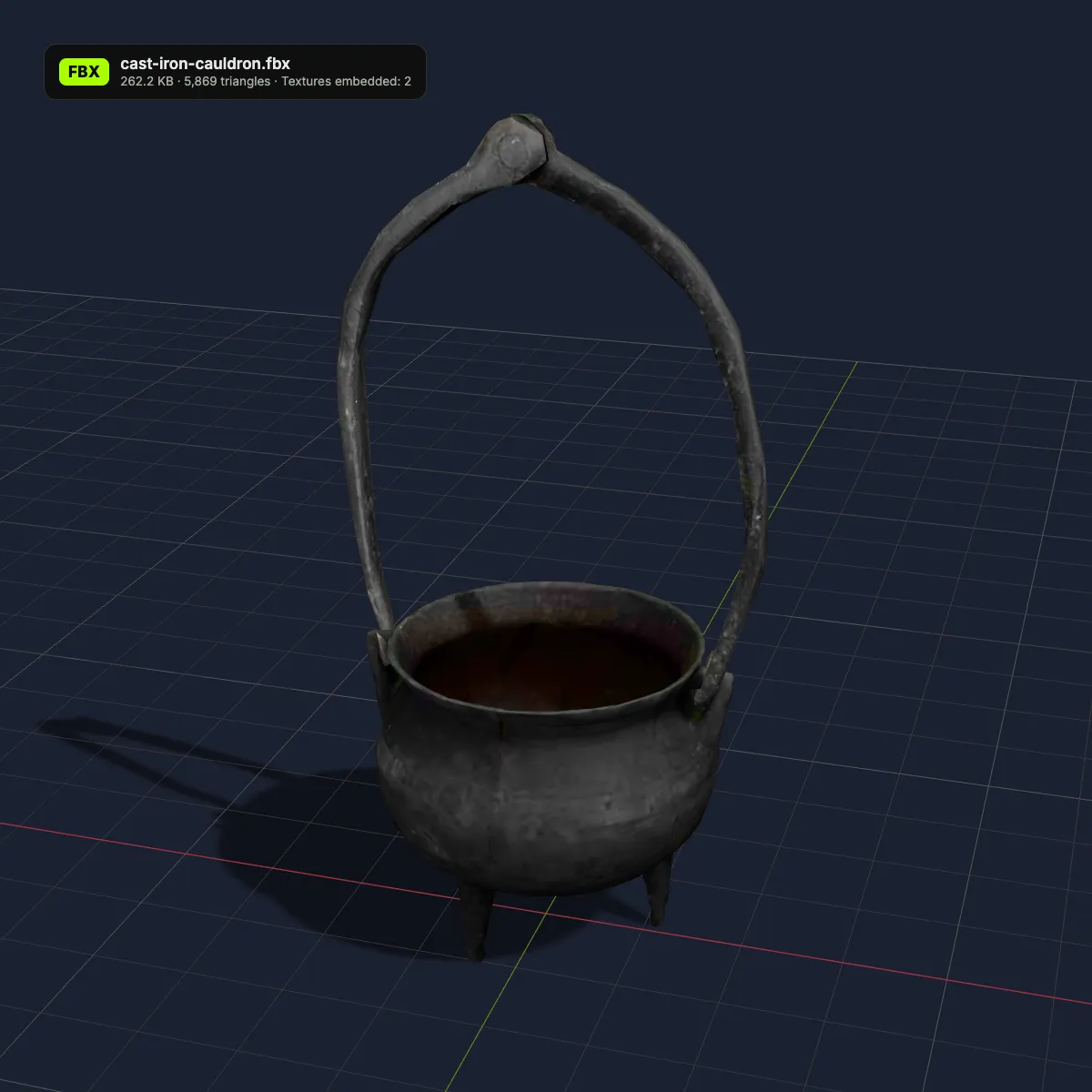
Left: the USDZ in a neutral studio render. Right: the FBX produced on this page, lit in a dark game-engine style scene on a grid floor. The textures on the right are the ones embedded in the .fbx, and the label lists the converter’s own file size, triangle count and texture count.
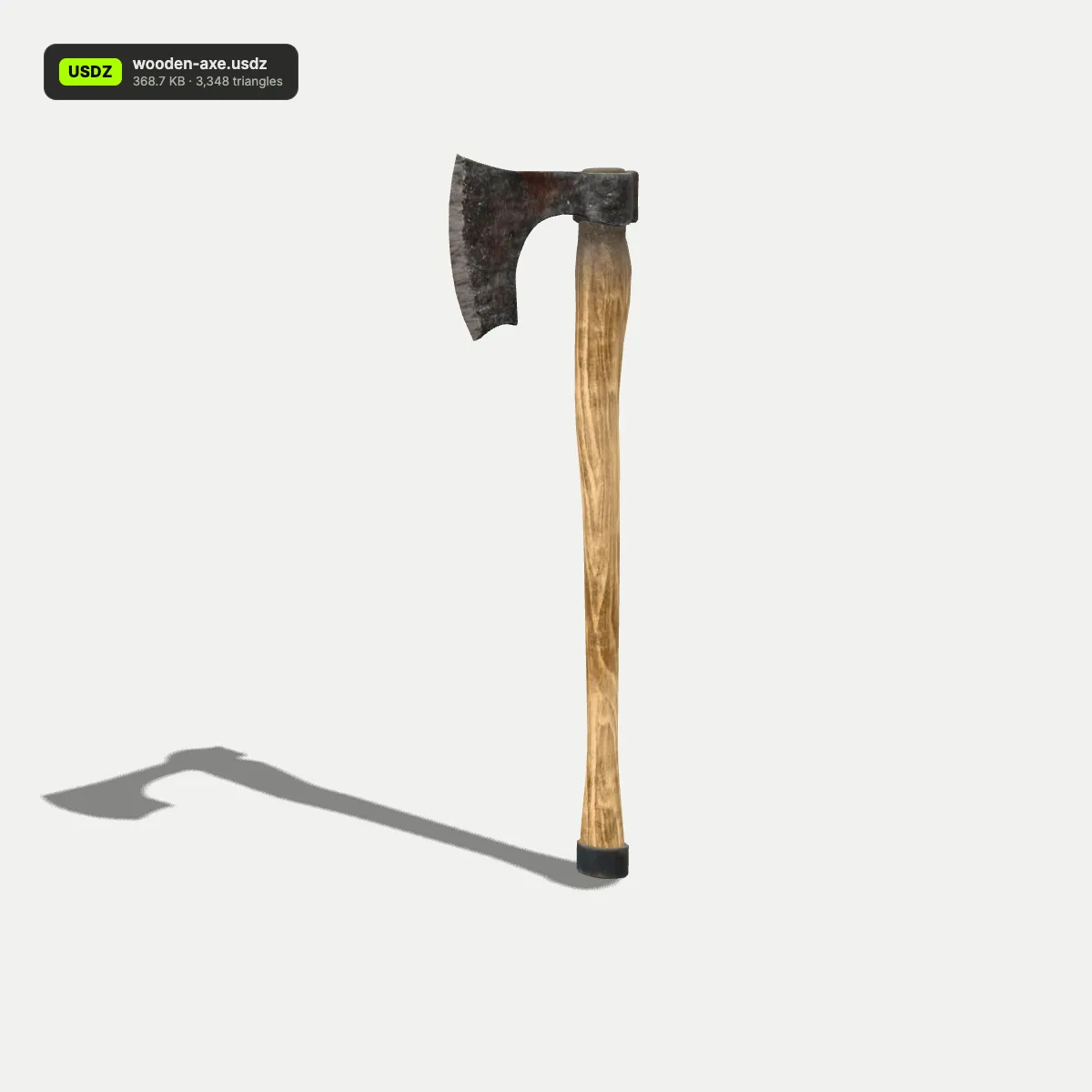
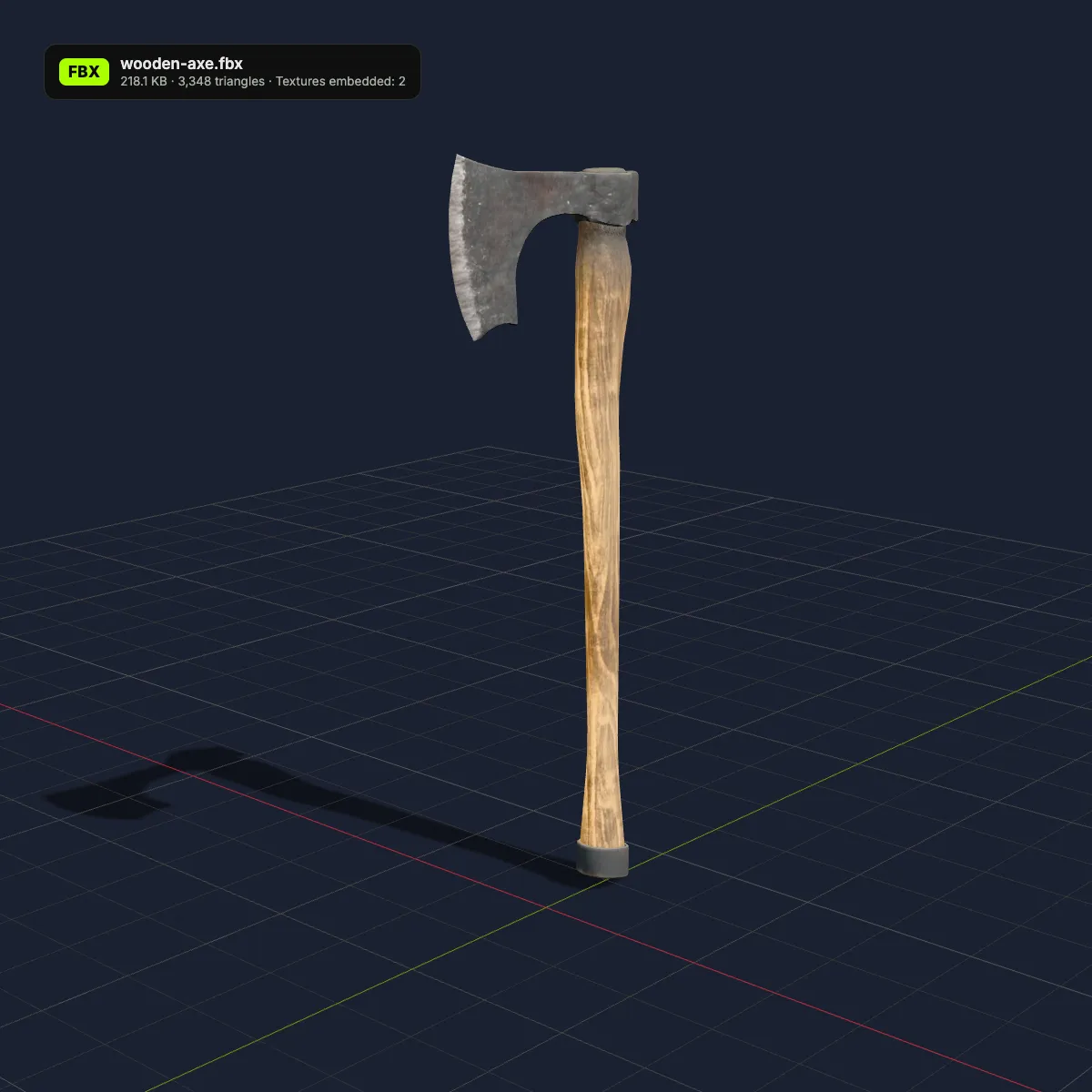

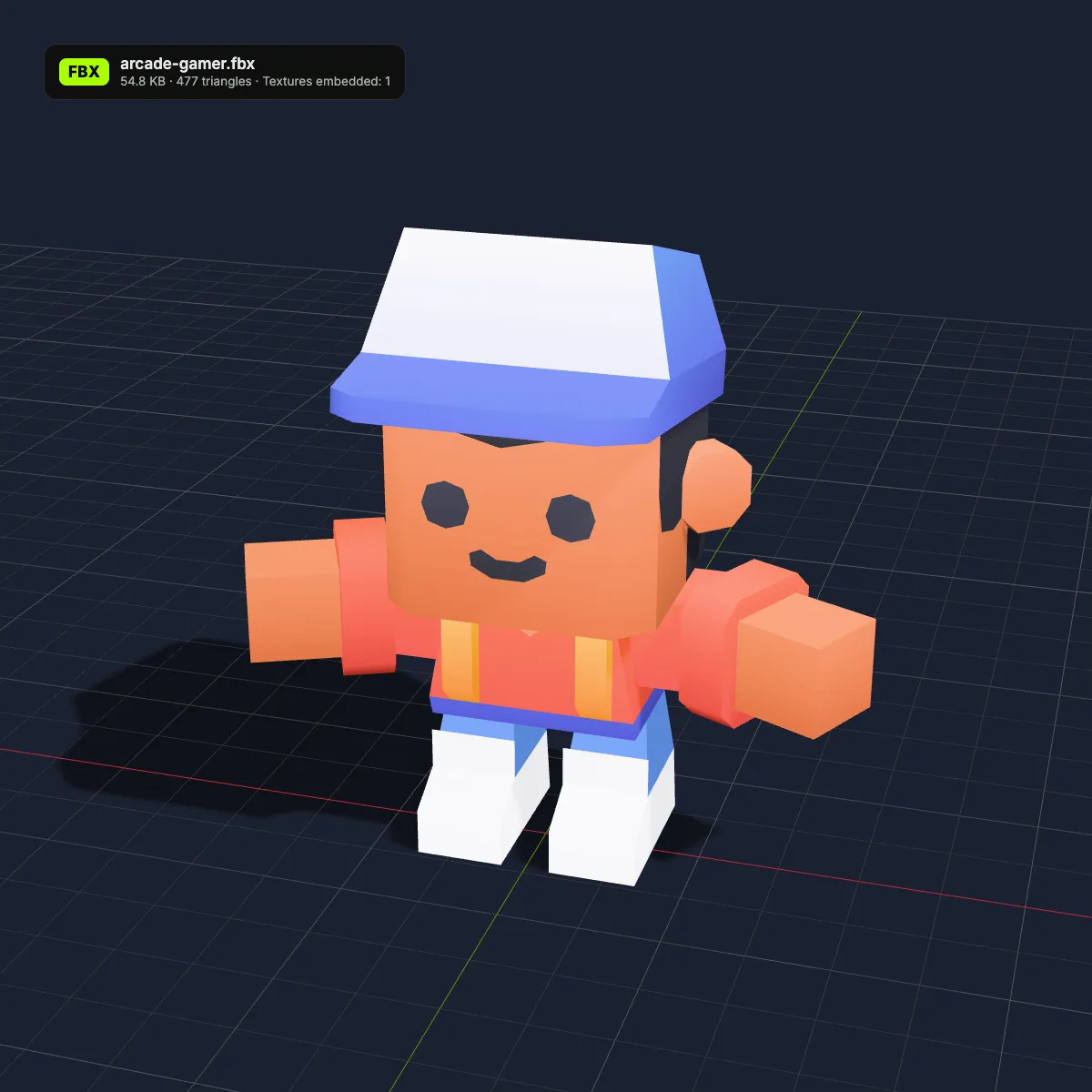
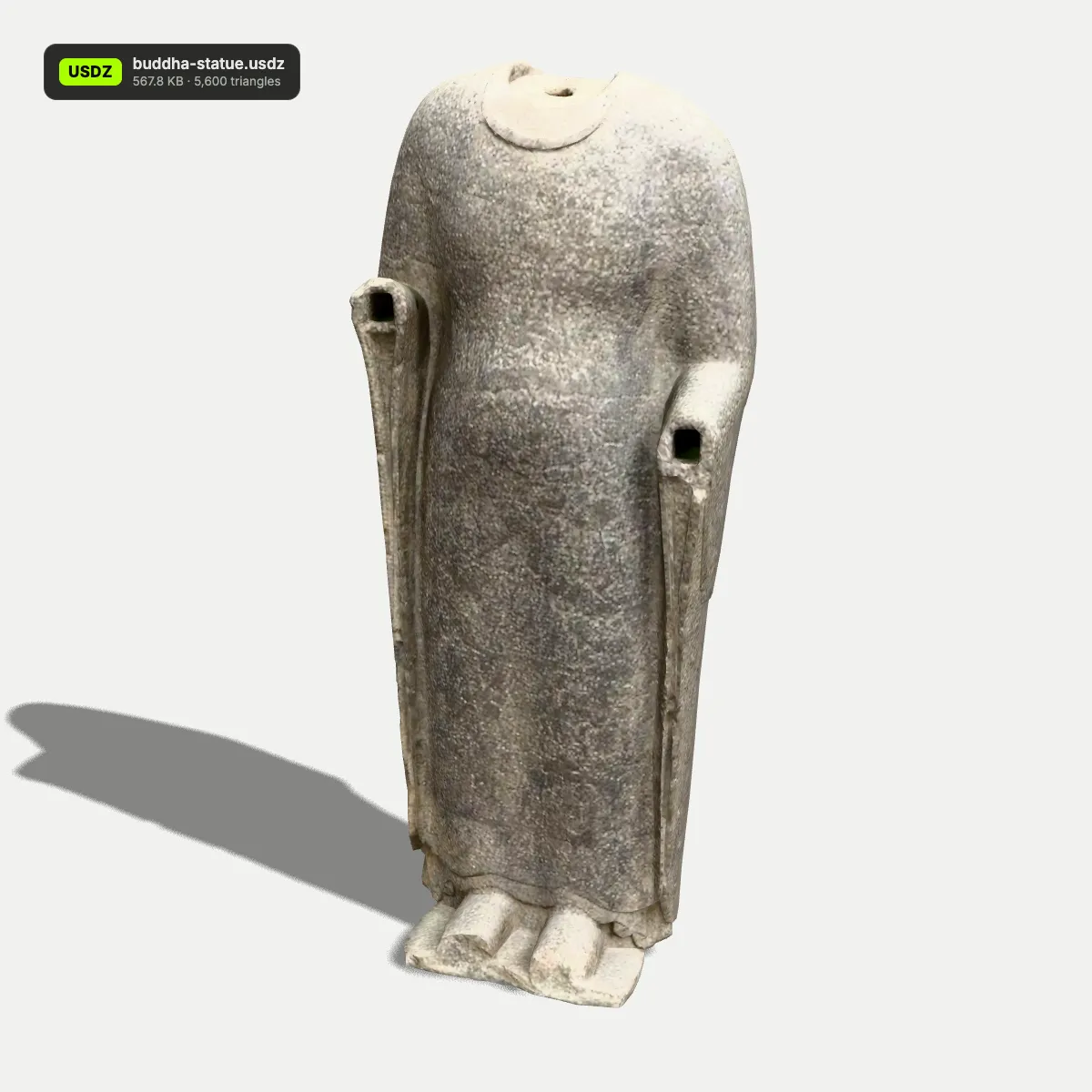
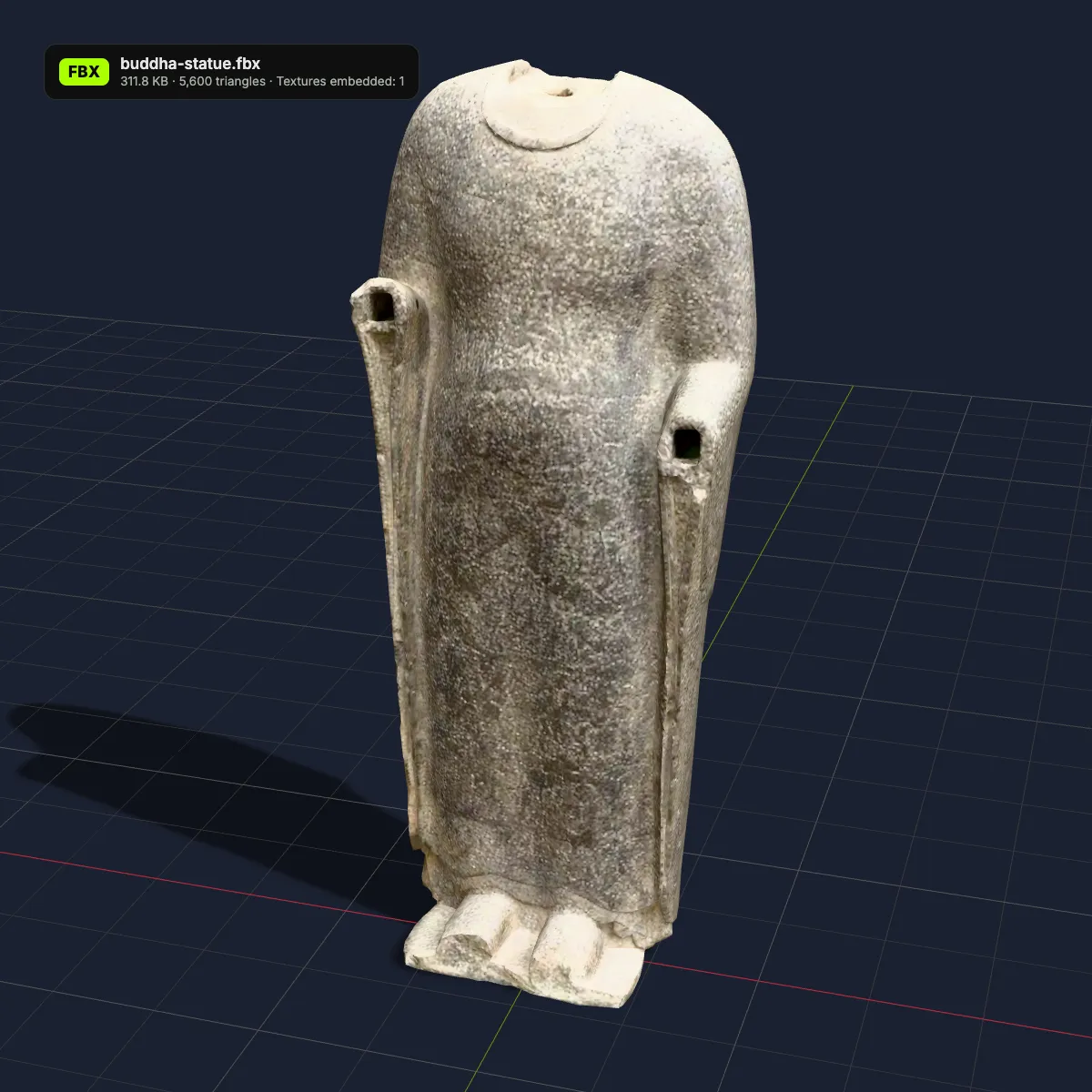
USDZ to FBX examples in a game-engine scene
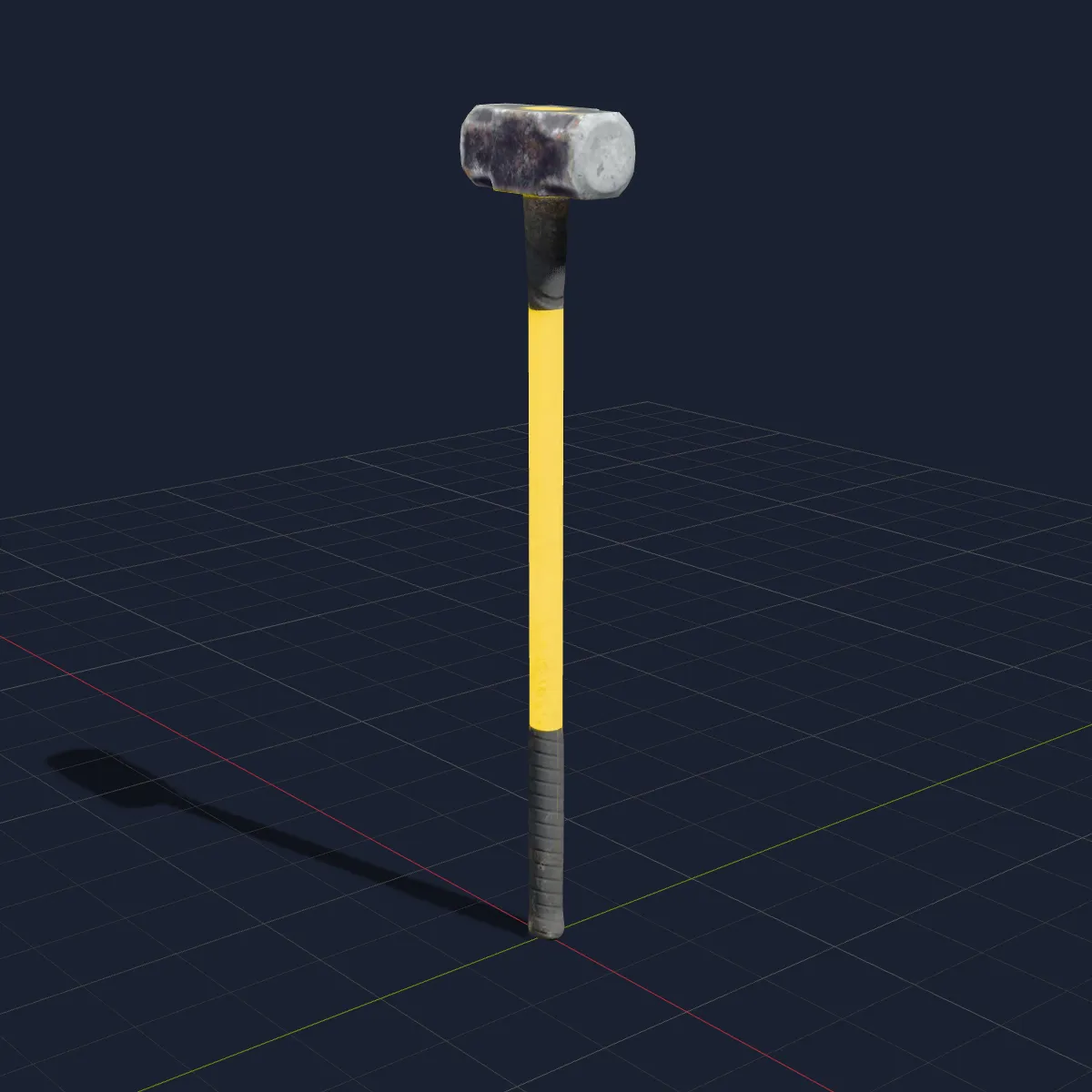
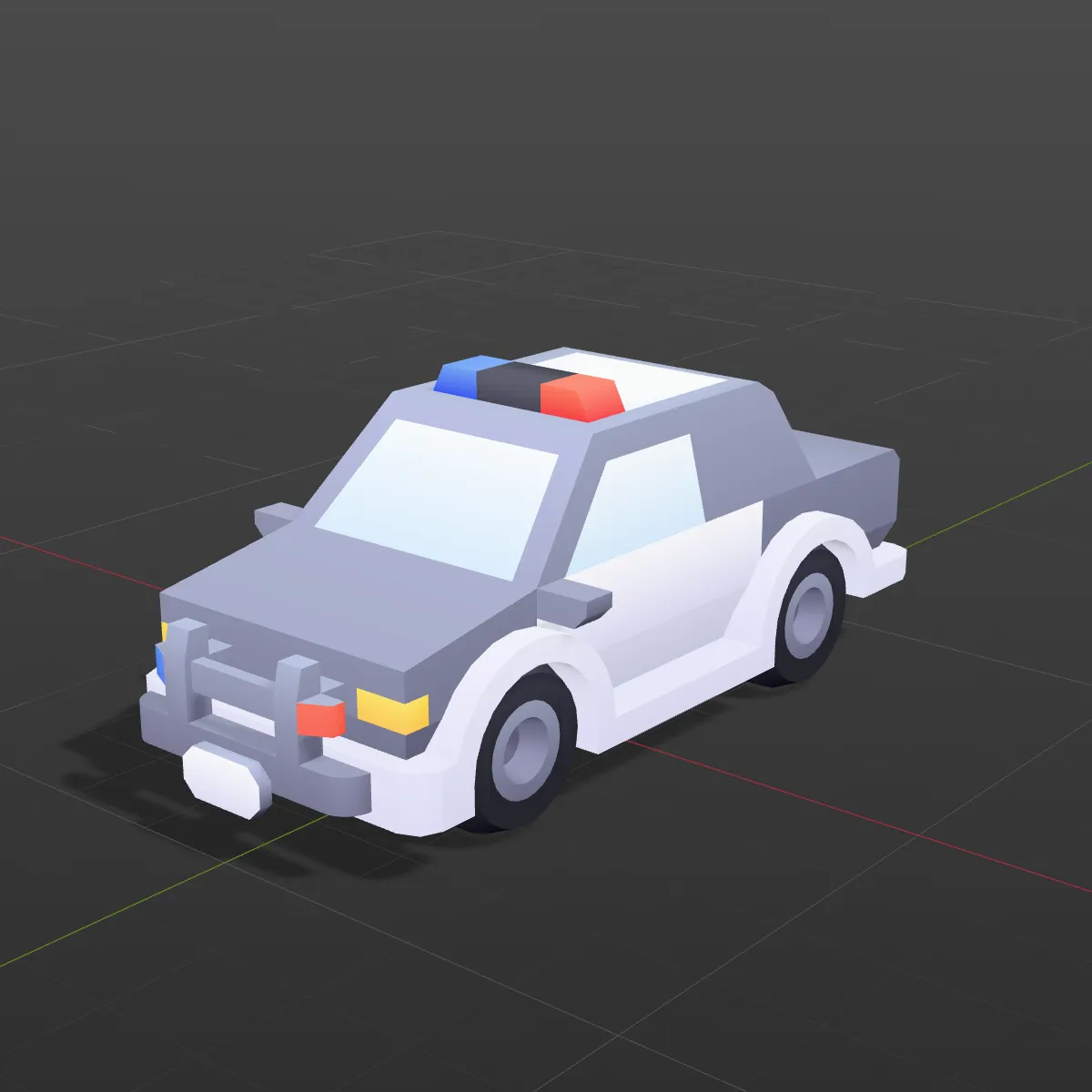
Eight .usdz files converted to FBX here and rendered in a dark engine-style scene with their embedded textures applied: museum scans, Poly Haven tools and Kenney arcade pieces. Each caption gives the converter’s size, triangle and texture counts.
How to convert USDZ to FBX
- 11
Drop the .usdz
Drag the file onto the converter or click to select it, up to 200 MB. The model appears in the preview, so you can confirm that its parts and textures loaded before converting.
- 22
Click Convert to FBX
The scene tree, meshes and materials are rewritten as FBX in your browser and the supported textures embedded. The result line gives name, size, triangles and “Textures embedded”, plus a warning when the USDZ was animated.
- 33
Download and import
Click Download FBX, then drag the file into Unity’s Assets folder, import it into Unreal as a static mesh, or use File > Import > FBX in Blender. It comes in at the size stored in the USDZ.
What carries over from USDZ to FBX
USD and FBX both describe scenes with hierarchies, materials and textures, though not the same kinds. This is what the FBX contains after USDZ to FBX.
| In the USDZ | In the FBX you download |
|---|---|
| Prim hierarchy and transforms | Kept. Every prim that holds a mesh becomes an FBX model with its name, position, rotation and scale; branches without meshes are left out |
| Meshes, normals, UVs, GeomSubsets | Kept as triangles. Faces that subsets assign to different materials get their own material slots |
| UsdPreviewSurface materials | One FBX material each. Diffuse colour, opacity and emissive colour carry over; roughness and metallic become shininess and reflection values |
| Textures (PNG, JPEG, AVIF) | Base-colour, normal and emissive maps are embedded in the .fbx. Occlusion, roughness and metallic maps are not written |
| Units (metersPerUnit) and up axis | Recorded as the FBX unit scale, so the model keeps its real size; Z-up stages are turned Y-up |
| Skeletons, skin weights, animation | Left out. The mesh keeps a single pose, and the result line shows “Static mesh, animation not included” |
| MaterialX and RealityKit shader graphs | Not read, so those surfaces come out white |
| Point instancers, subdivision, variants | The instancer prototype is written once, subdivision meshes as their control cage, and only the default variant is used |
| Cameras and lights | Not written |
Where a USDZ to FBX conversion fits
Scanned props in Unity or Unreal
Scan a real object with your iPhone, convert it and drop it into a level: the colour and normal maps arrive inside the file, and the prop already has its real-world size.
Apple AR assets in a DCC pipeline
Models built for AR Quick Look or Reality Composer can move into Maya, 3ds Max or Cinema 4D projects that run on FBX, with part names kept for animation or set dressing.
Auto-rigging a scanned character
A static FBX is what Mixamo’s auto-rigger takes in: upload a scanned or AR character, place the markers and download it rigged, ready for animation.
Product shots and interior renders
Furniture and product makers often publish USDZ for AR. Once it is FBX, the same model can furnish a 3ds Max or Blender interior at true scale.
USDZ to FBX questions
Put the .usdz on the converter above, click Convert to FBX and download the result. Your browser does all the work, so the model is never uploaded; it costs nothing and needs no account.
Base-colour, normal and emissive maps, yes: they are stored inside the .fbx with their original PNG or JPEG data. Ambient-occlusion, roughness and metallic maps are not, which is why the cauldron sample reports 2 embedded textures although its package holds 4: the two colour maps go in, the two occlusion maps stay out.
No. The FBX writer exports static meshes, so skeletons, skin weights and clips from a UsdSkel file are left out, and the result line warns you about it. If you need the motion, open the USDZ in our FBX viewer and choose Save as GLB, which keeps USD skeletons and animation.
Most often the USDZ was authored in Reality Composer Pro or with RealityKit, whose MaterialX shader graphs the browser reader cannot interpret, so the surfaces fall back to plain white. Textures that point to files outside the .usdz are skipped as well. Check the preview before converting: if it is white there, re-export the model with standard UsdPreviewSurface materials, for example from Blender. If it was coloured in the preview, switch Blender’s viewport to Material Preview, because Solid mode does not show image textures by default.
Yes. USDZ records its unit as metersPerUnit and the converter writes the matching FBX unit scale, so a stage in metres imports at true size, and Z-up stages are rotated to the Y-up axis the engines expect. The wooden axe sample measures 63 cm from end to end after import.
The converter tells you which case you hit. A damaged file, or one merely renamed to .usdz, is reported as unreadable; binary USDC layers in the 2016-era 0.4 format, and some USD features, trigger an “unsupported” message; a package whose geometry is all curves, NURBS or files outside the package reports that no mesh was found. Re-exporting from Reality Converter, Reality Composer or Blender fixes most of these. A bare .usdc or .usda file works too once you rename it to .usdz.
Related tools




No USDZ on hand?
Ship3D’s AI generator makes textured 3D models from a photo or a short prompt. Download the GLB and turn it into FBX with our GLB converter.
Free to sign up, no credit card required. Try it once for free.