OBJ to GLB Converter
One File for the Web and AR
This OBJ to GLB converter packs a Wavefront .obj into a single binary glTF (.glb), the format that three.js, model-viewer, Babylon.js, Godot and Android’s Scene Viewer load directly.
OBJ → GLB
Drop a 3D model file to preview it in 3D before converting.
It reads one .obj file. Vertex colours stored as v x y z r g b travel into the GLB, and an OBJ saved without normals gets smooth normals computed for it, so it no longer renders as a flat silhouette. UV coordinates and every named object or group come along, while quads and n-gons are split into triangles. A .mtl file is not loaded: parts that point to .mtl materials with usemtl show in a neutral grey instead of their .mtl colours and textures. The binary layout is usually lighter than OBJ text, and the race car sample drops from 220.5 KB to 174.0 KB. Coordinates are copied unchanged and glTF reads them as metres. To convert OBJ to GLB here is free with no sign-up; the work happens in your browser, so the model is never uploaded, and files up to 200 MB are accepted.
OBJ samples that show what the converter adds
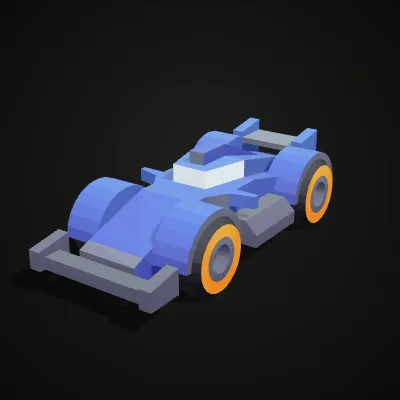
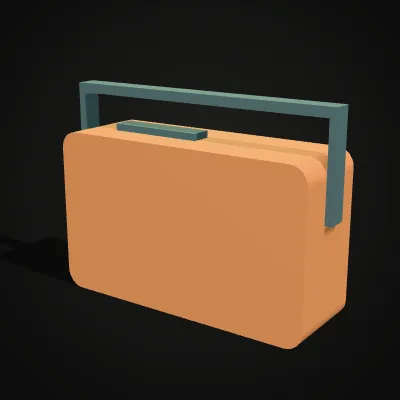
Both are single .obj models made from Kenney’s CC0 kits, with colour stored on each vertex and no normals, no UVs and no .mtl, which is exactly where the converter has work to do. The race car (220.5 KB, 2,068 triangles) becomes a 174.0 KB GLB with smooth normals; the retro radio (23.5 KB, 864 triangles) becomes 17.0 KB. Try it loads a file into the converter; Download saves the .obj.
Recording: a race car OBJ becomes a GLB
Eleven seconds on the race car sample. race-car.obj lands in the converter, the blue car turns in the preview, Convert to GLB is pressed and the result line reads race-car.glb · 174.0 KB · 2,068 triangles, then Download GLB saves the file. The car’s vertex colours and its newly computed smooth normals travel inside that single binary file.
OBJ to GLB before and after: text in, binary out
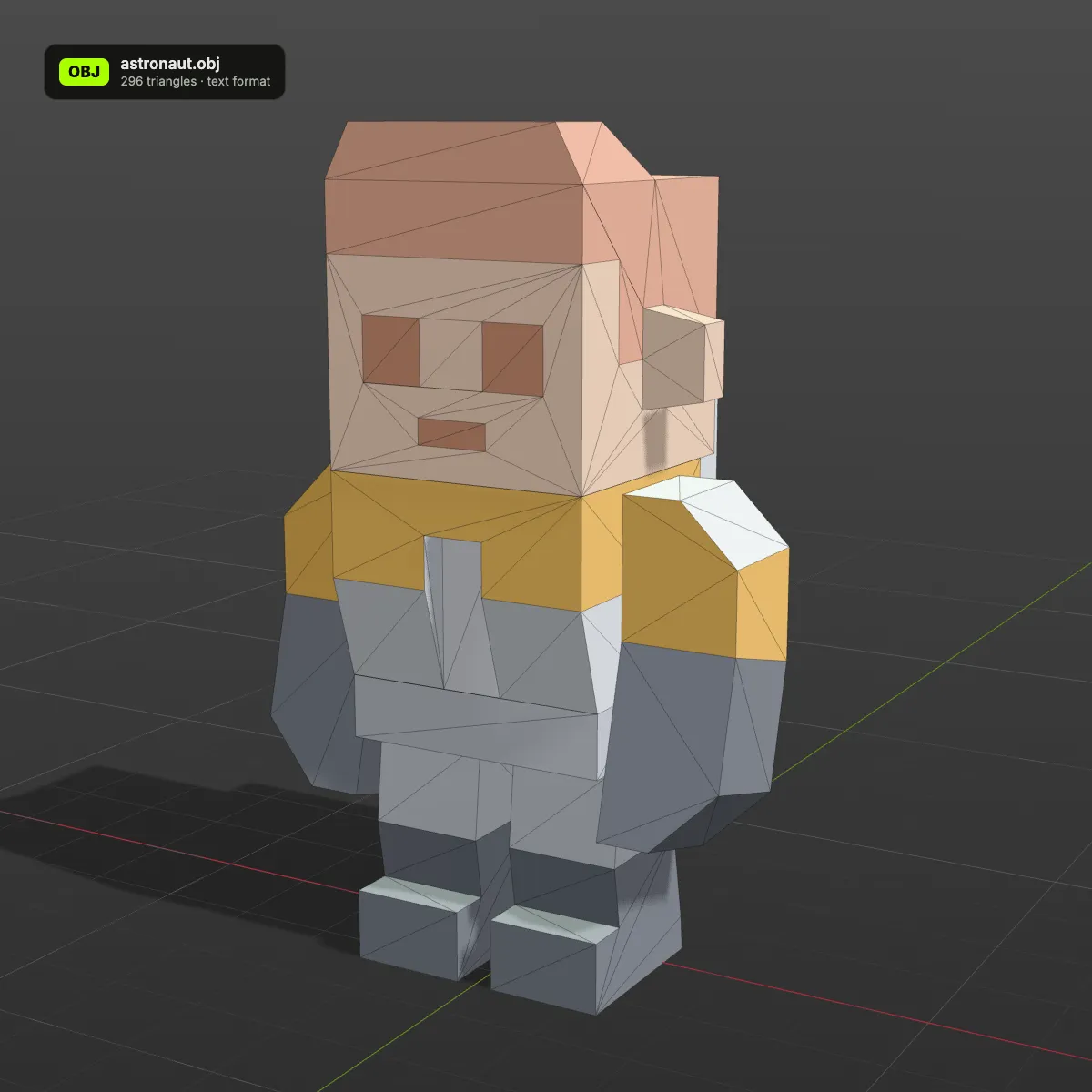
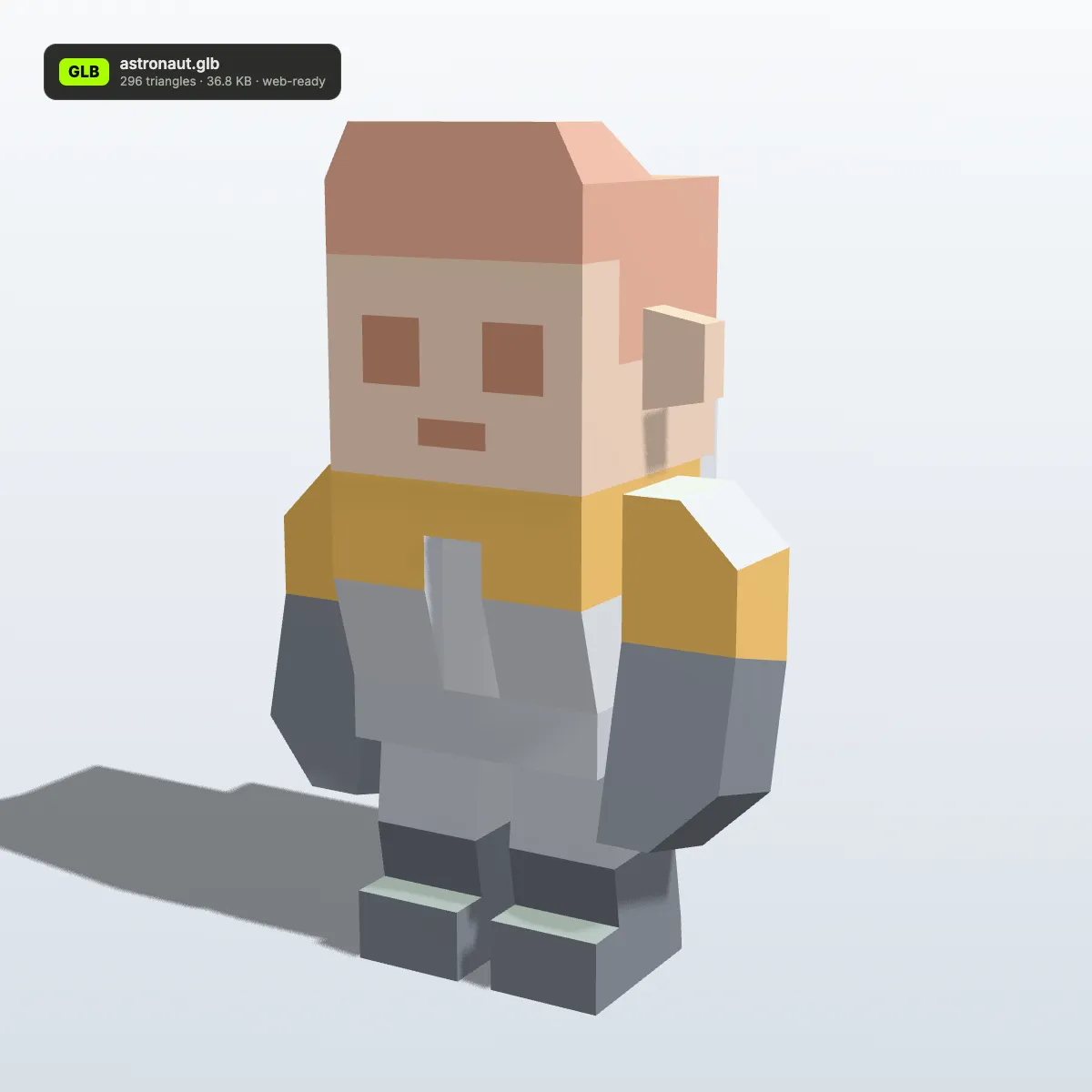
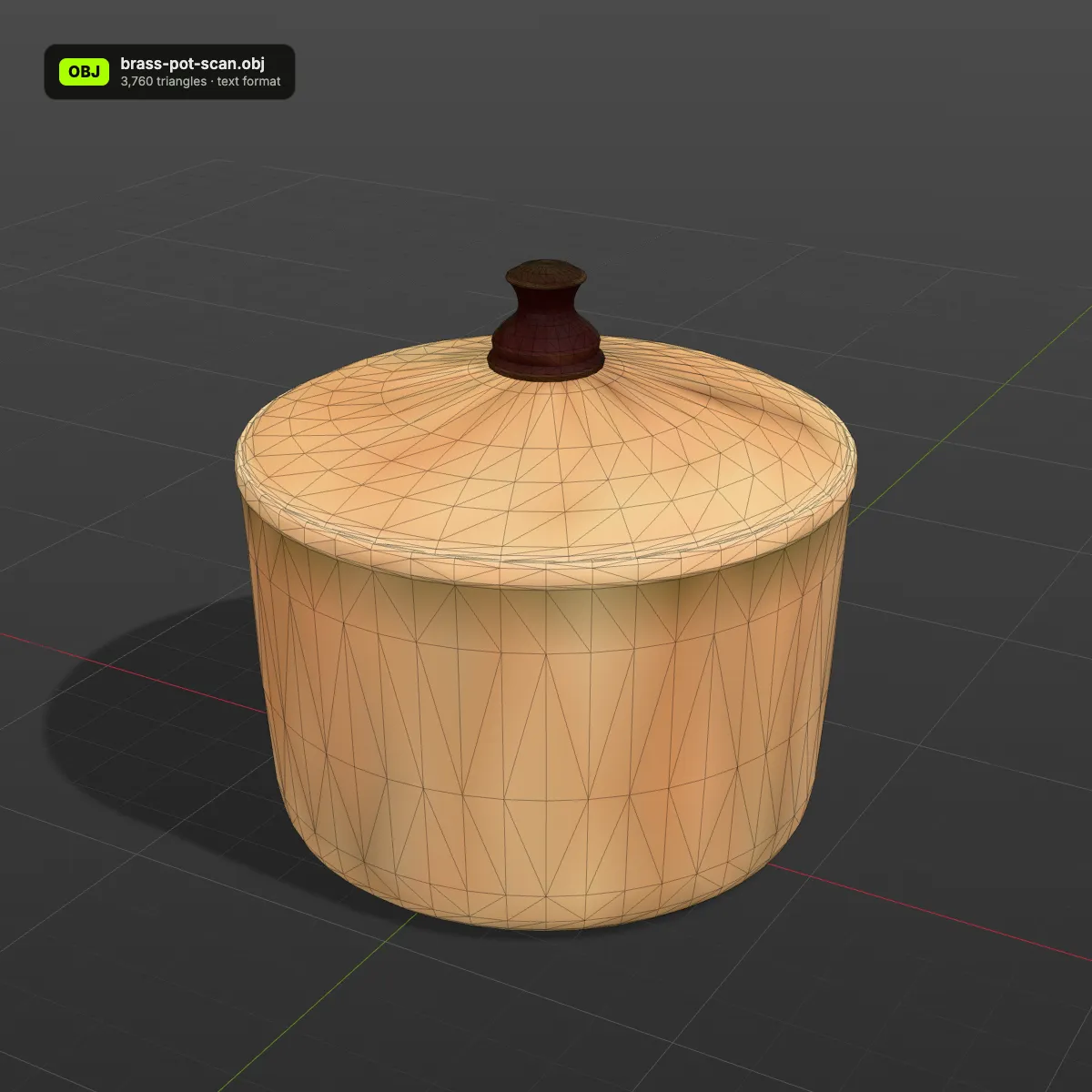
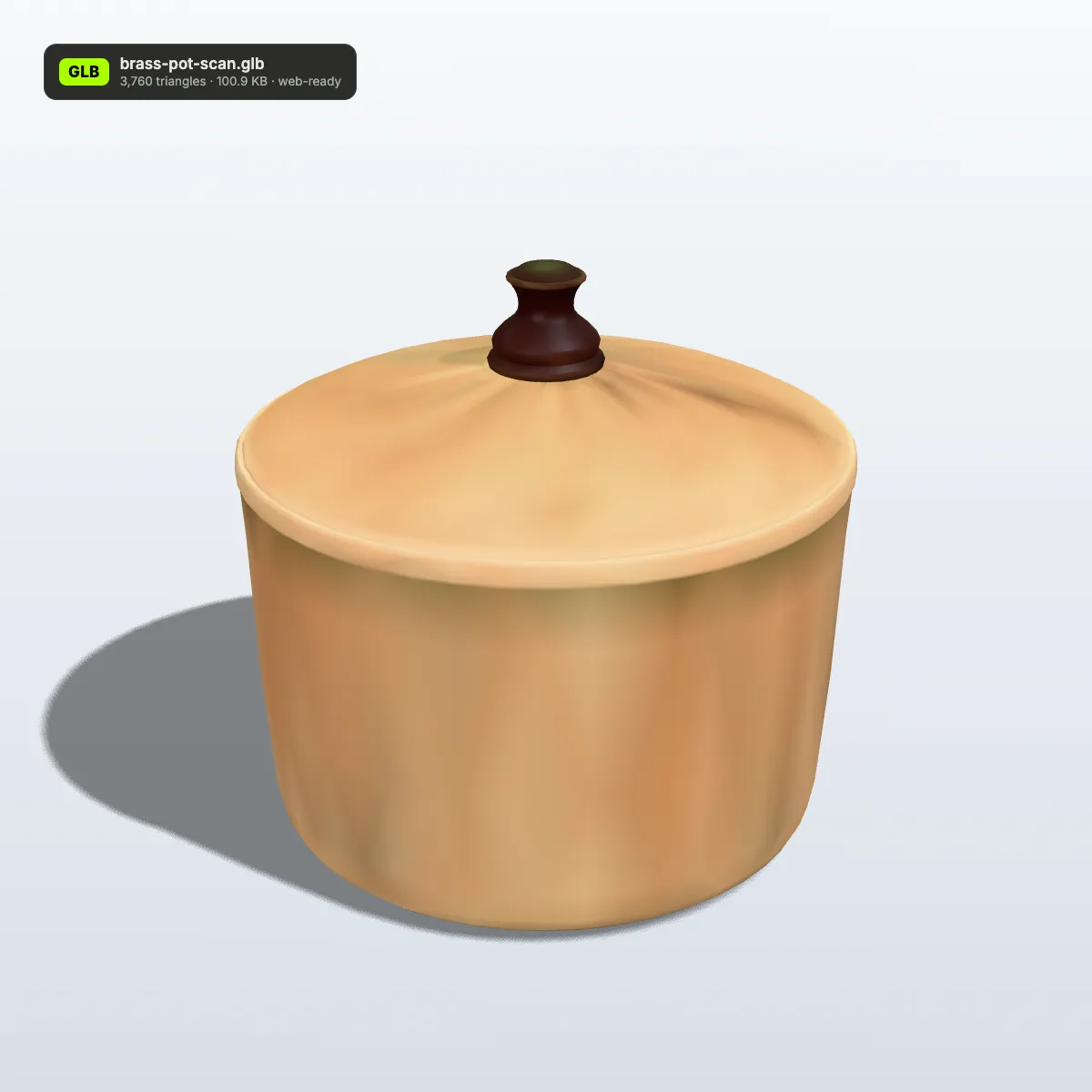
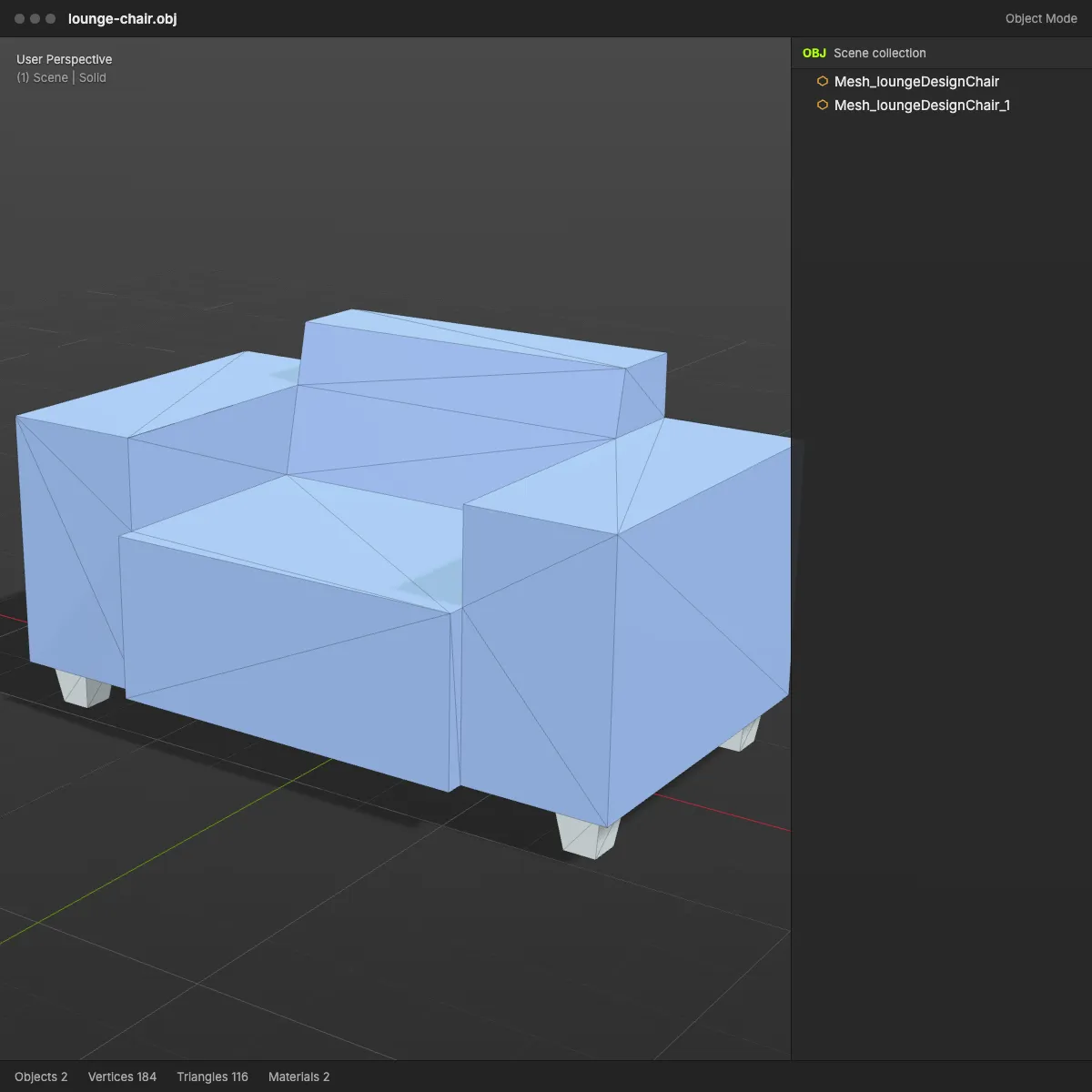
Left: the OBJ as a mesh in a modelling viewport, its colours carried per vertex. Right: the GLB this converter wrote, as a web viewer shows it, with triangle count and file size on the badge. The triangles are identical on both sides, and the binary file comes out smaller every time.
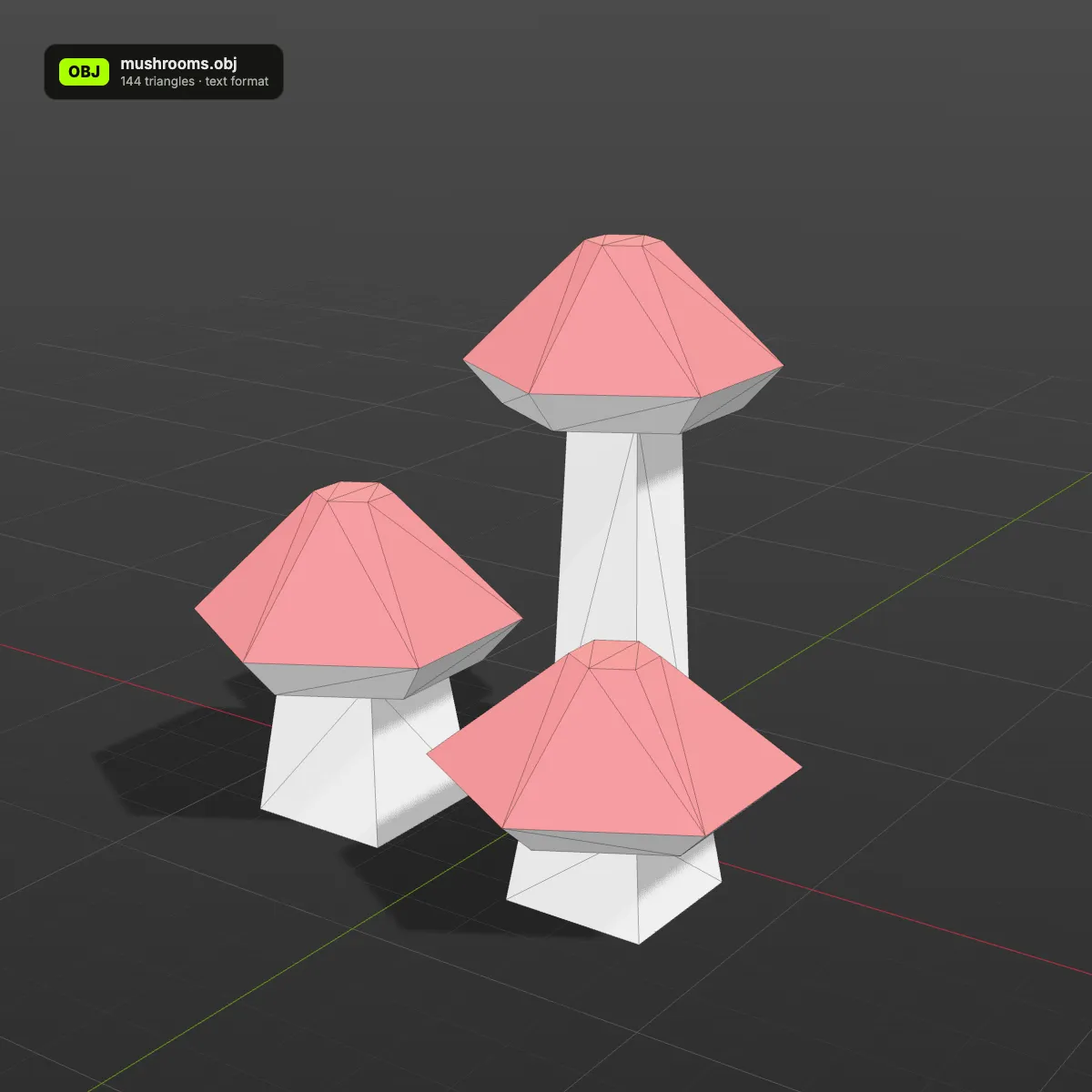
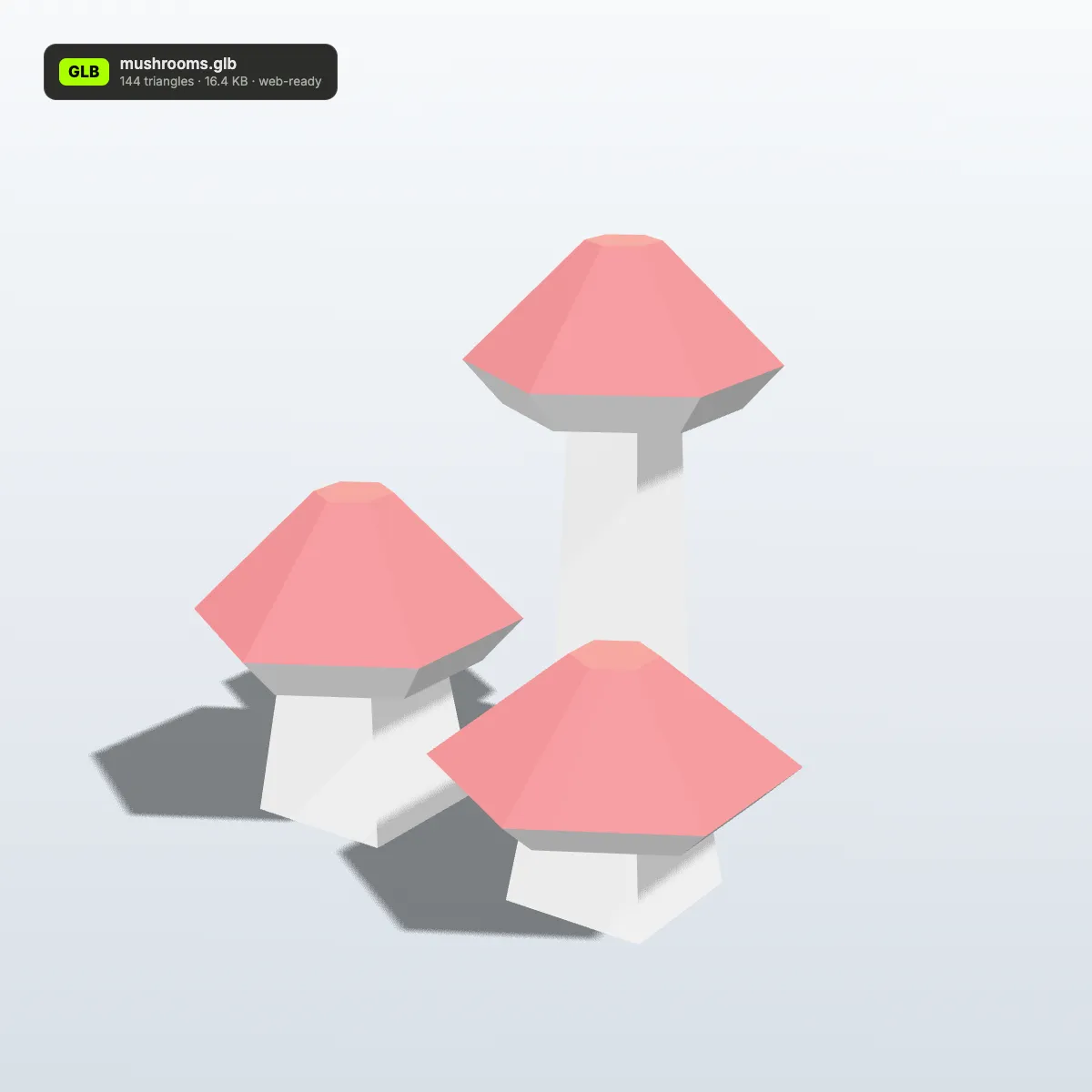
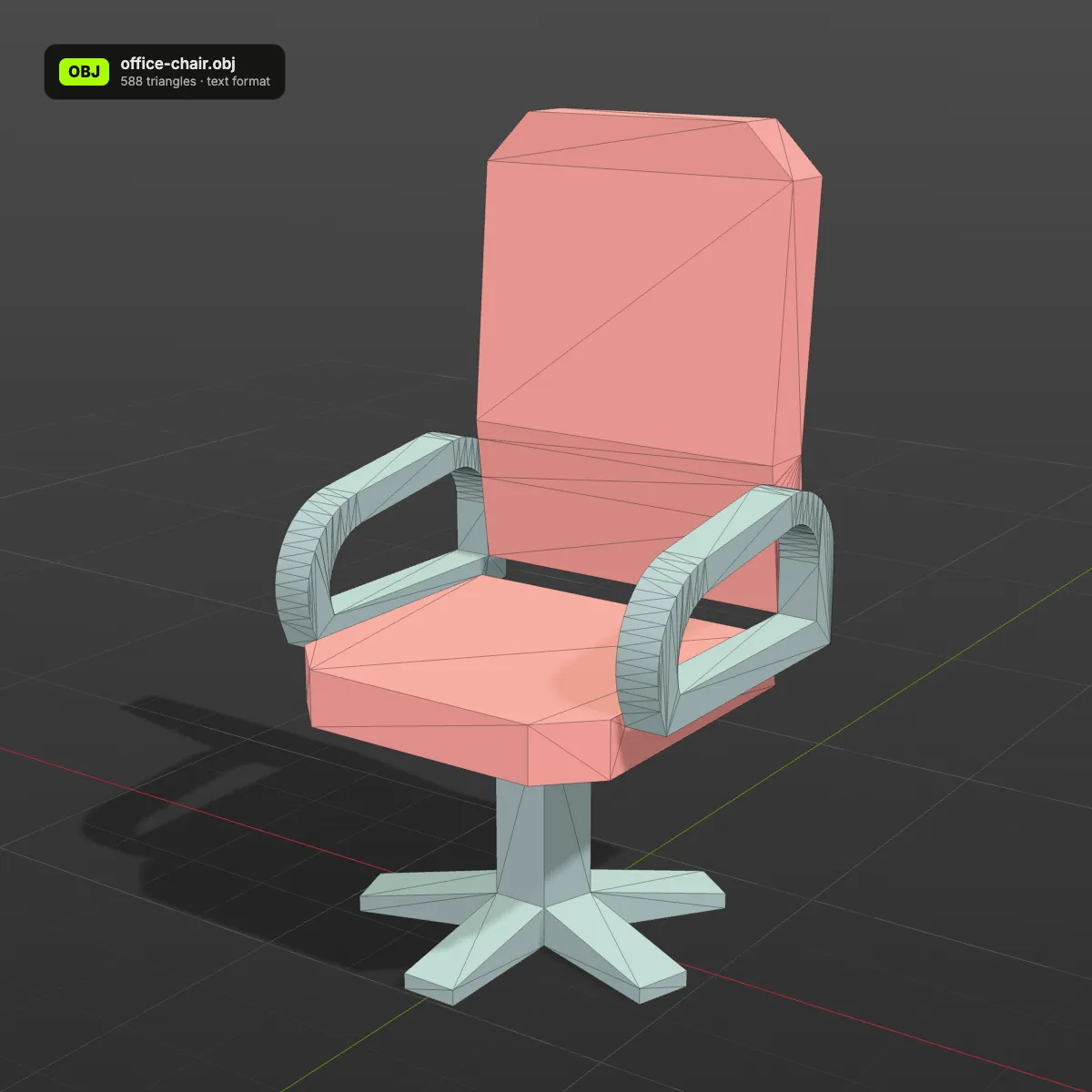
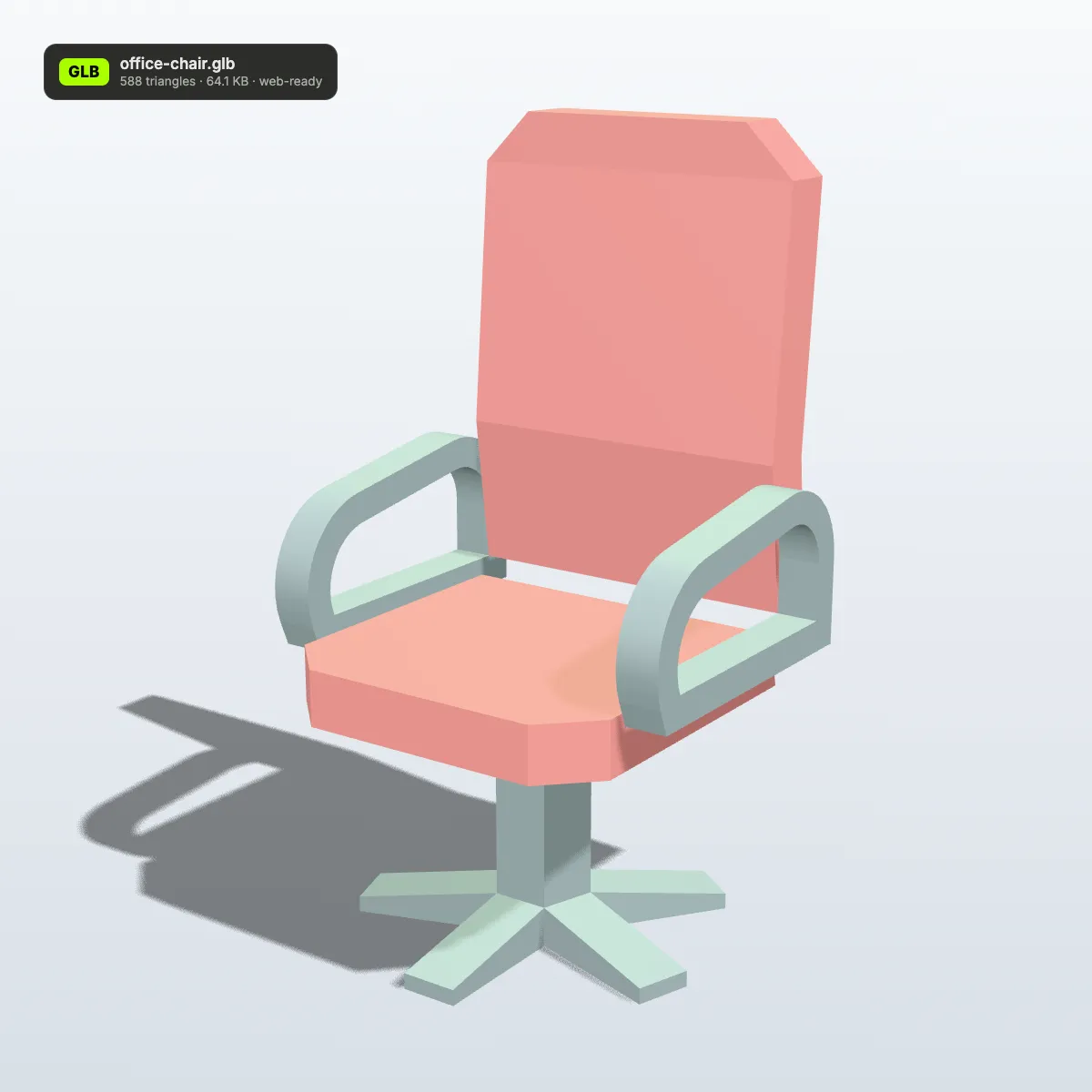
Models as GLB, the way a web page shows them
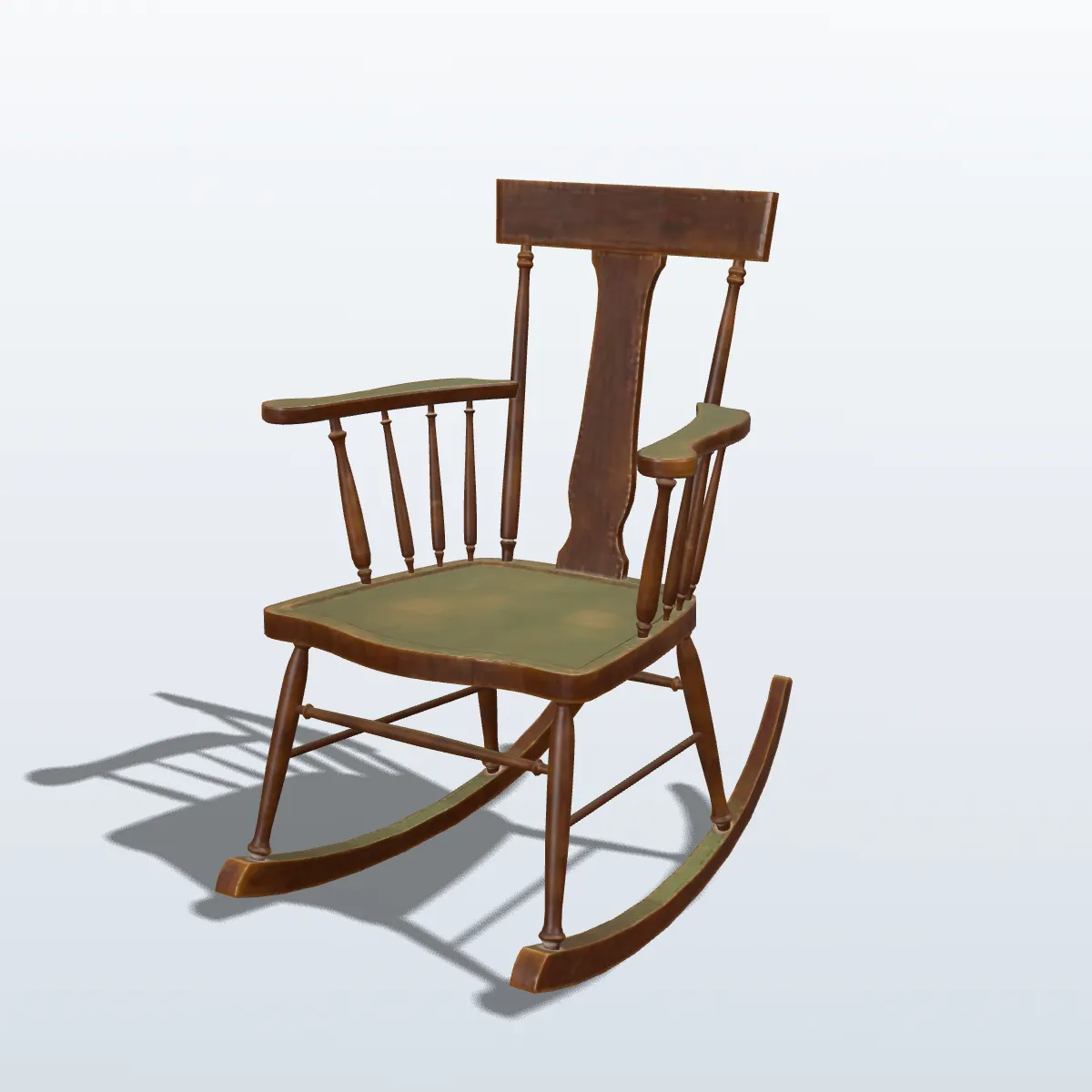
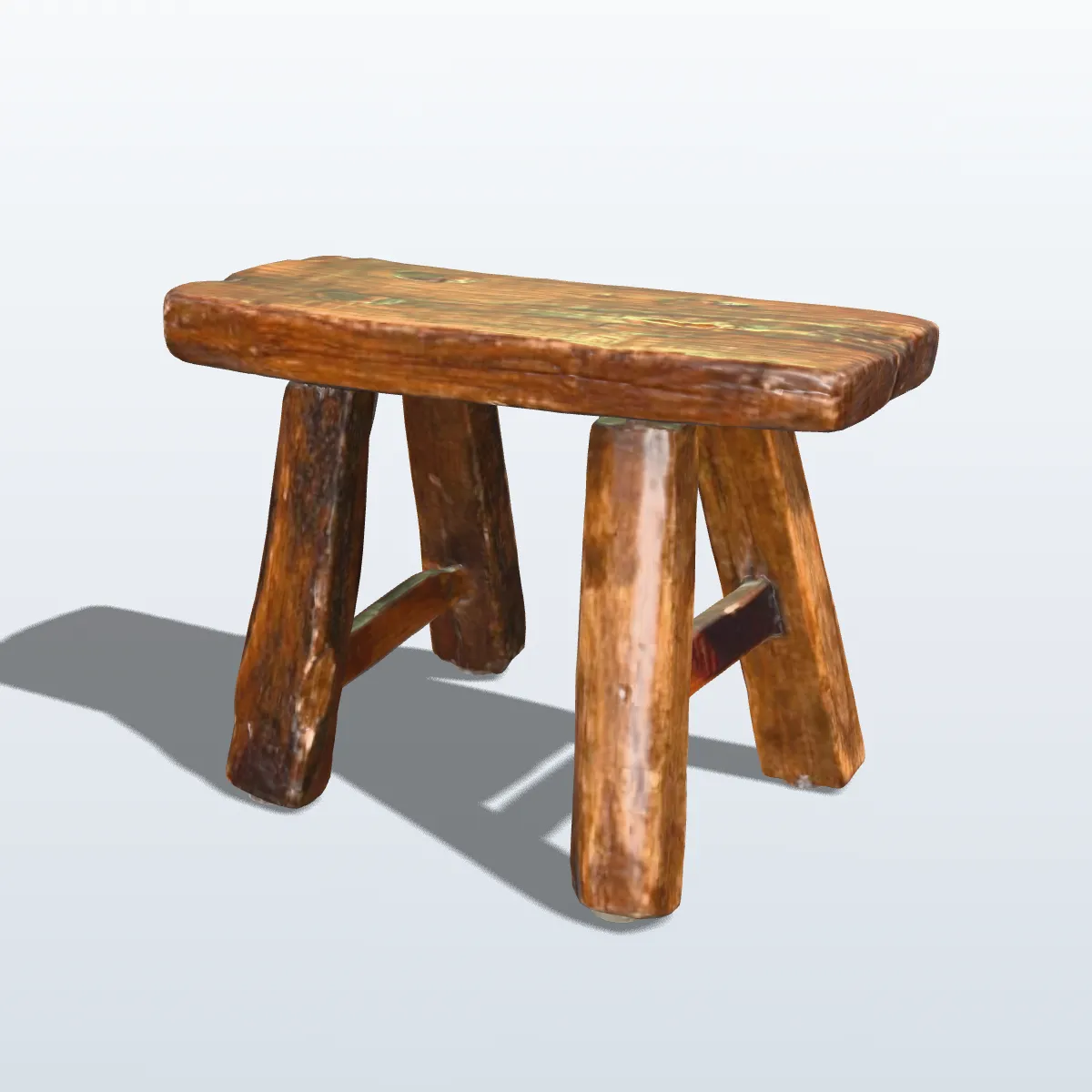
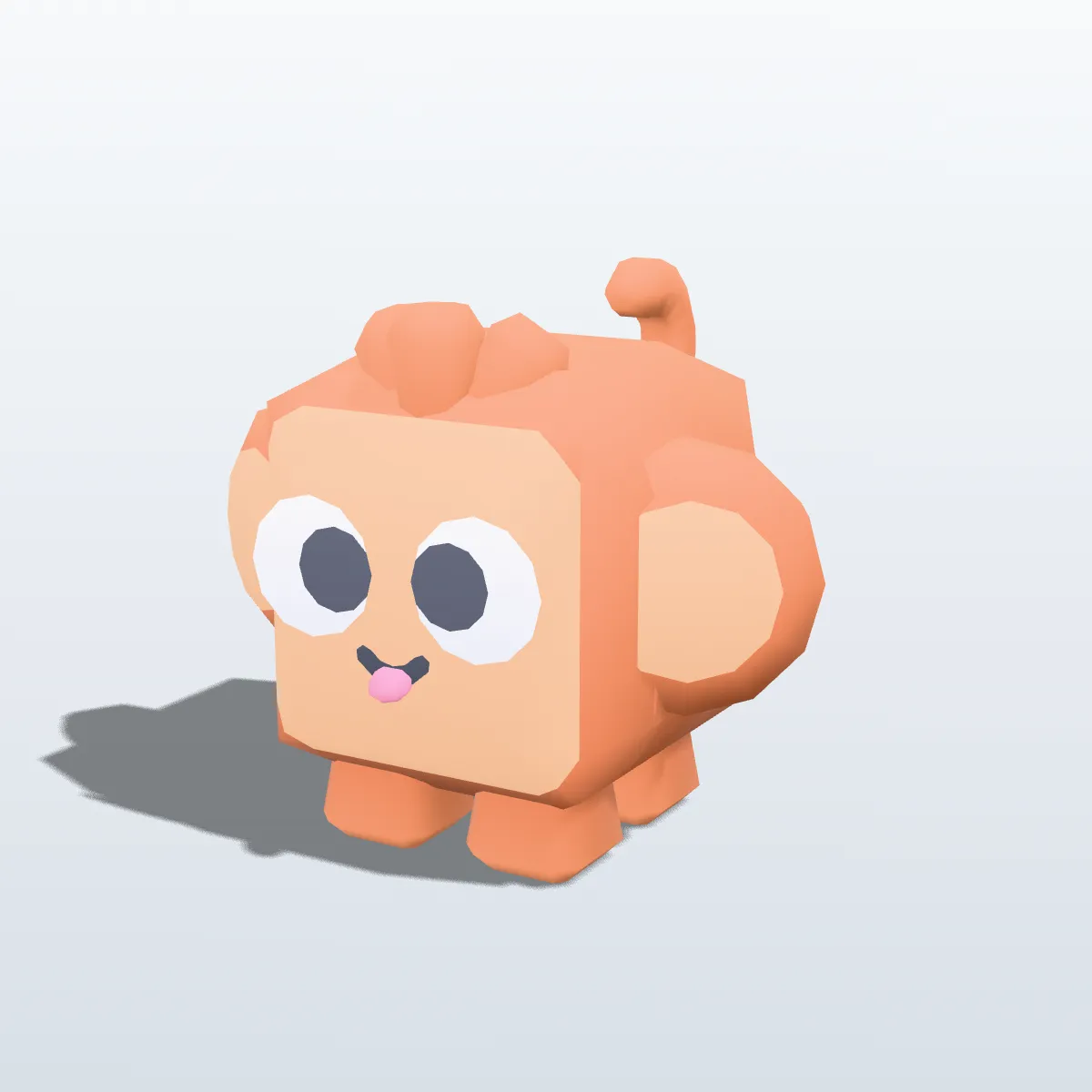
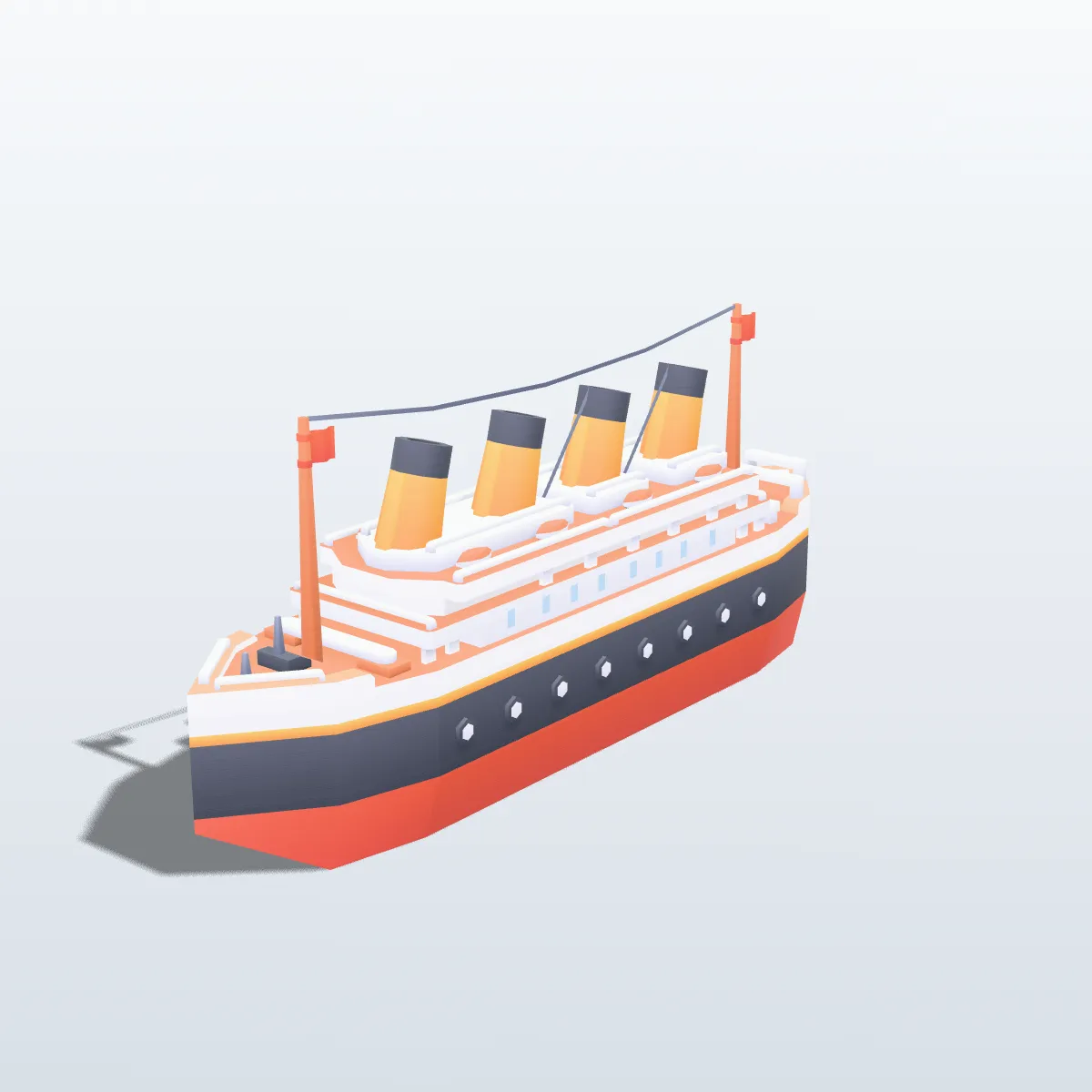
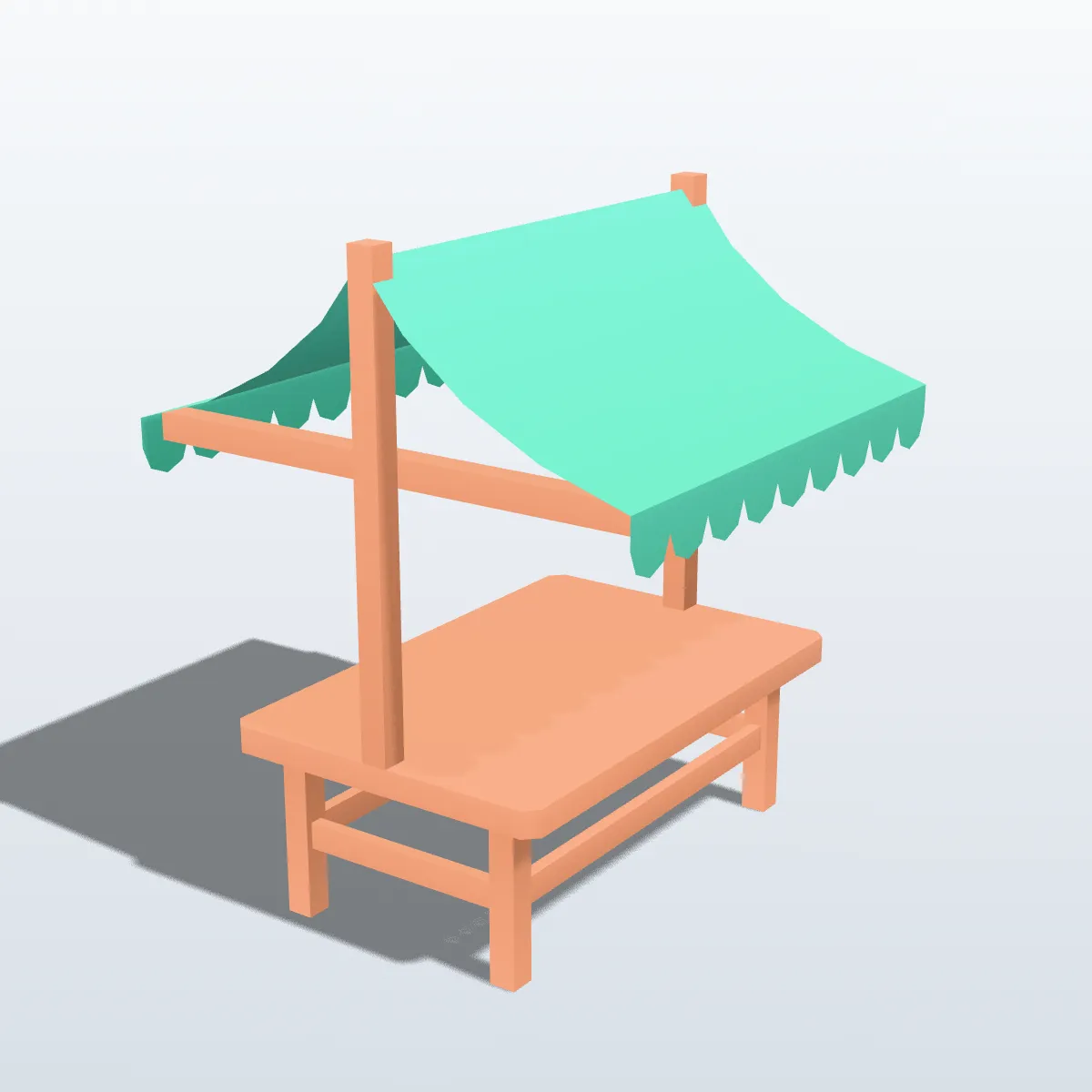
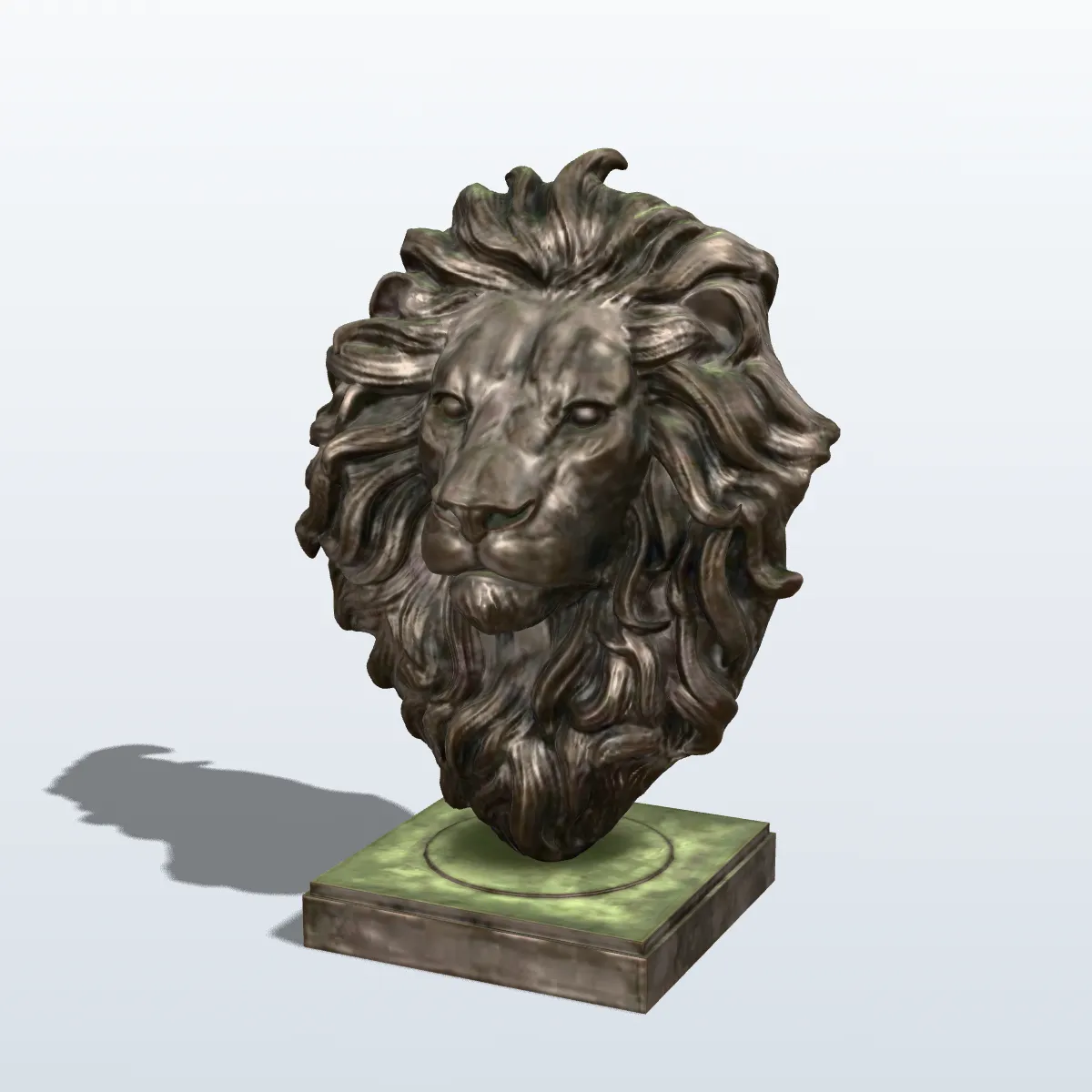
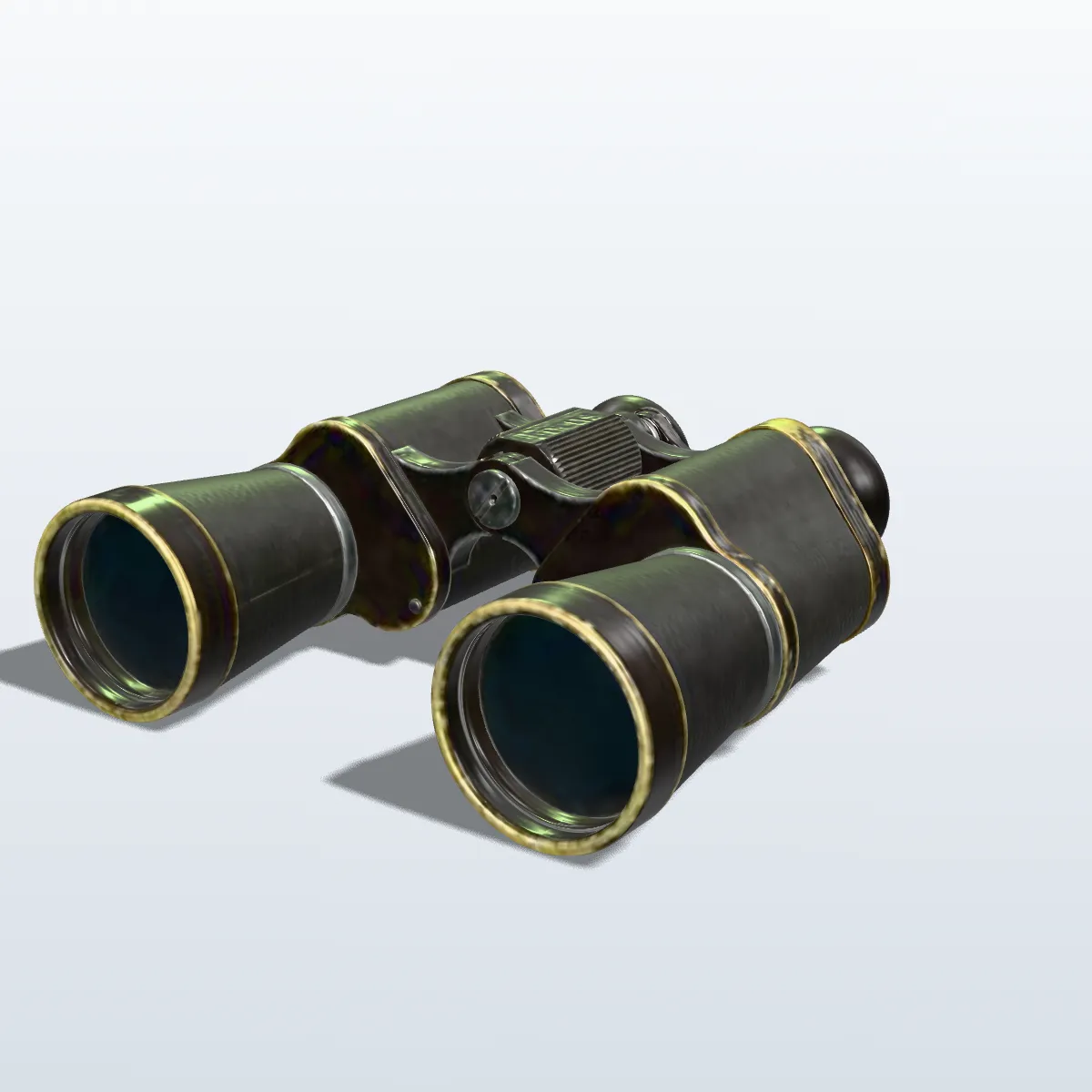
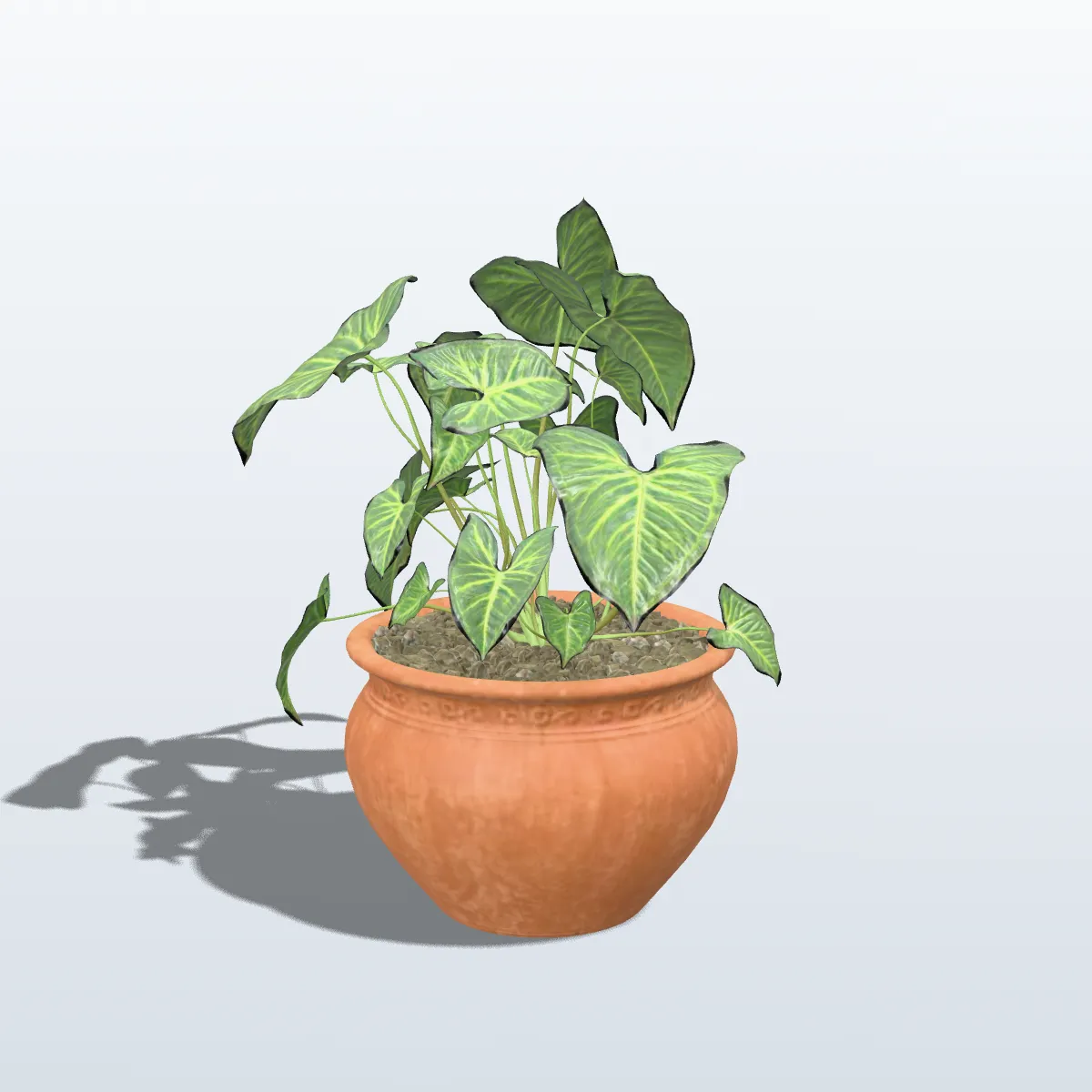
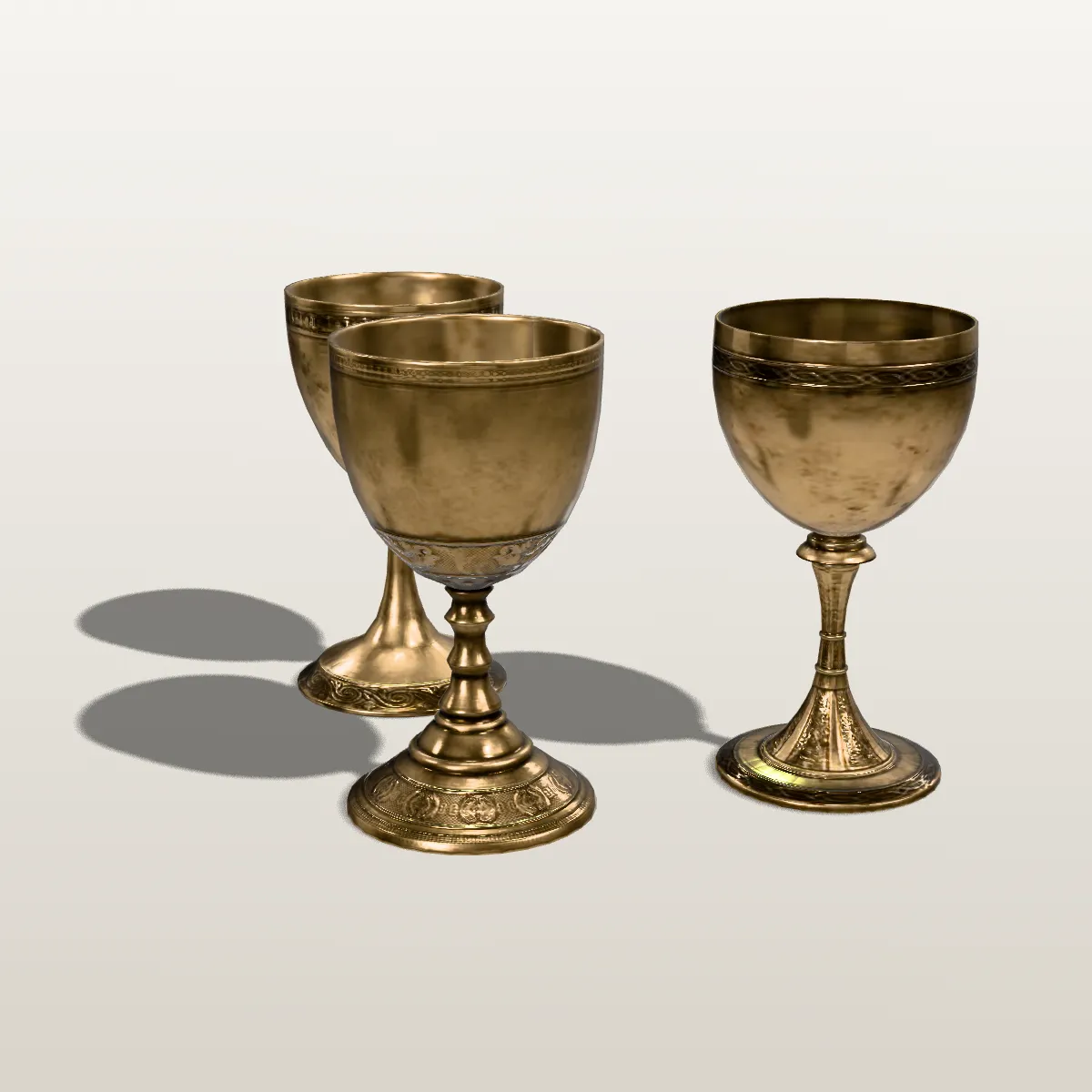
Eight GLB models rendered by us under web-viewer lighting: five Poly Haven scans and three Kenney kit pieces, all CC0. The wood, leather and brass of the scans are image textures that were set up in Blender before export; this converter itself carries geometry, UVs and vertex colours from an OBJ, not textures from a .mtl.
How to convert OBJ to GLB
- 11
Drop one .obj
Drag it onto “Drop your OBJ file here” or click to choose it. Only the .obj is read, so there is no .mtl or texture folder to select, and a 3D preview appears on the right.
- 22
Press Convert to GLB
Objects and groups become named meshes, vertex colours and UVs are copied into the binary buffer, and smooth normals are added when the file has none.
- 33
Download the GLB
The result line lists the file name, size and triangle count. Download GLB saves it, ready for a <model-viewer> tag or a three.js scene.
What goes from the OBJ into the GLB
OBJ is a text list of vertices and faces with its materials in a separate .mtl; GLB packs everything into one binary buffer. This is how each OBJ record is handled.
| In the OBJ | In the GLB |
|---|---|
| v and f (vertices, faces) | Triangles in a binary buffer; quads and n-gons are split |
| o and g (objects, groups) | Named meshes, one per object or group |
| vn (normals) | Kept when present; missing normals are computed smooth after shared vertices are joined |
| vt (texture coordinates) | Kept as the first UV set, ready for a texture added later |
| Vertex colours (v x y z r g b) | Kept as COLOR_0 on a white base material, so they show as authored |
| usemtl and the .mtl file | The .mtl is not read: no colours or textures from it; those parts get a neutral grey |
| Units | OBJ has none; coordinates are copied and glTF treats them as metres |
| Up axis | Y up in both, nothing rotated |
| File size | Usually smaller: race car 220.5 KB → 174.0 KB, astronaut 88.3 KB → 36.8 KB |
What people convert OBJ to GLB for
A 3D model on a product page
model-viewer shows a GLB with one HTML tag, complete with orbit controls and an AR button on supported phones. Convert an old OBJ catalogue item and embed it.
three.js, Babylon.js and Godot projects
GLTFLoader in three.js and the glTF importer in Godot 4 are the main roads into those engines. A single .glb is one request, where an OBJ setup needs the .obj, its .mtl and every image.
Scans that carry vertex colour
Photogrammetry and MeshLab exports often store colour per vertex in an OBJ. The GLB keeps that colour and is lighter to host, as the brass pot scan above shows.
A way into glTF tooling
Validators, glTF-Transform and AR pipelines all start from glTF. Convert here, then compress with Draco or Meshopt, or add textures in Blender and export again.
OBJ to GLB converter FAQ
Drop the .obj on the converter above, press Convert to GLB, then Download GLB. It is free, needs no sign-up and runs in your browser, so the model stays on your computer; files up to 200 MB are accepted.
The converter reads a single .obj, so the .mtl and the images it names are never opened, and parts that relied on them turn neutral grey. Colours written into the OBJ as vertex colours do carry over. To keep .mtl textures, import the OBJ together with its .mtl in Blender and export glTF Binary (.glb) from there.
OBJ has no unit, glTF is always metres, and the numbers are copied unchanged. A part modelled in millimetres that is 120 units wide becomes a 120 m object in a web viewer. Scale it by 0.001 in Blender or glTF-Transform; model-viewer frames any size automatically, but AR places the model at its stated size.
Your OBJ had no vn lines, so the converter computed smooth normals to give it shading, and low-poly models with sharp corners can look rounded as a result. Export the OBJ with normals from your modelling program (in Blender, keep Normals ticked in the OBJ export options) and the GLB will use those instead.
On Android, yes: model-viewer and Scene Viewer open a GLB in AR as it is. iPhone AR Quick Look needs USDZ, which model-viewer can generate from the GLB on the fly when its ar attribute is set. Check the scale first, because AR shows the model at real size.
Yes. The converter writes uncompressed geometry, and glTF-Transform’s optimize command or gltfpack can add Meshopt or Draco compression, which usually shrinks the geometry considerably. three.js and model-viewer decode both.
Related tools




Starting from a photo instead of an OBJ?
Ship3D’s AI generator builds a textured GLB from one picture or a line of text, ready for model-viewer and three.js.
Free to sign up, no credit card required. Try it once for free.