GLB to STL Converter
Web and AI Models, Ready to Slice
This GLB to STL converter turns a .glb file, the single-file glTF format that AI 3D generators, Sketchfab and web viewers hand out, into a binary STL that Bambu Studio, PrusaSlicer, Cura or any other slicer can print.
GLB → STL
Drop a 3D model file to preview it in 3D before converting.
The conversion runs in this browser tab with three.js: the model is never uploaded, and there is no account or watermark. glTF is Y-up while slicers are Z-up, so the converter rotates the model 90 degrees on the way out, and a figure that stands in the GLB preview also stands on the build plate instead of lying on its back. Every mesh in the scene is merged into one STL, each part in its place. STL holds triangles and nothing else, so textures, colours, material names, bones and animation stay behind, and the triangles are written exactly as they are, without repair or simplification. One check after you convert GLB to STL: glTF works in metres and STL has no unit, so slicers read the numbers as millimetres and show the model a thousand times too small. Scale it up in the slicer; the FAQ below shows how.
Two GLB files to test with
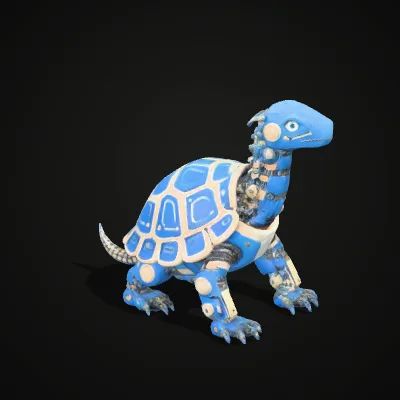
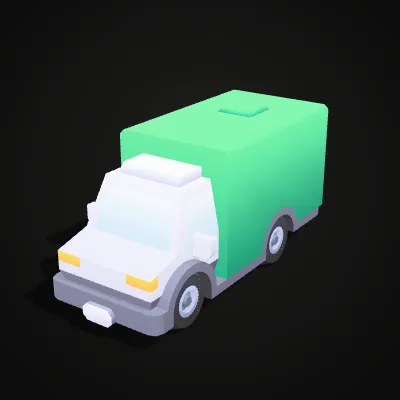
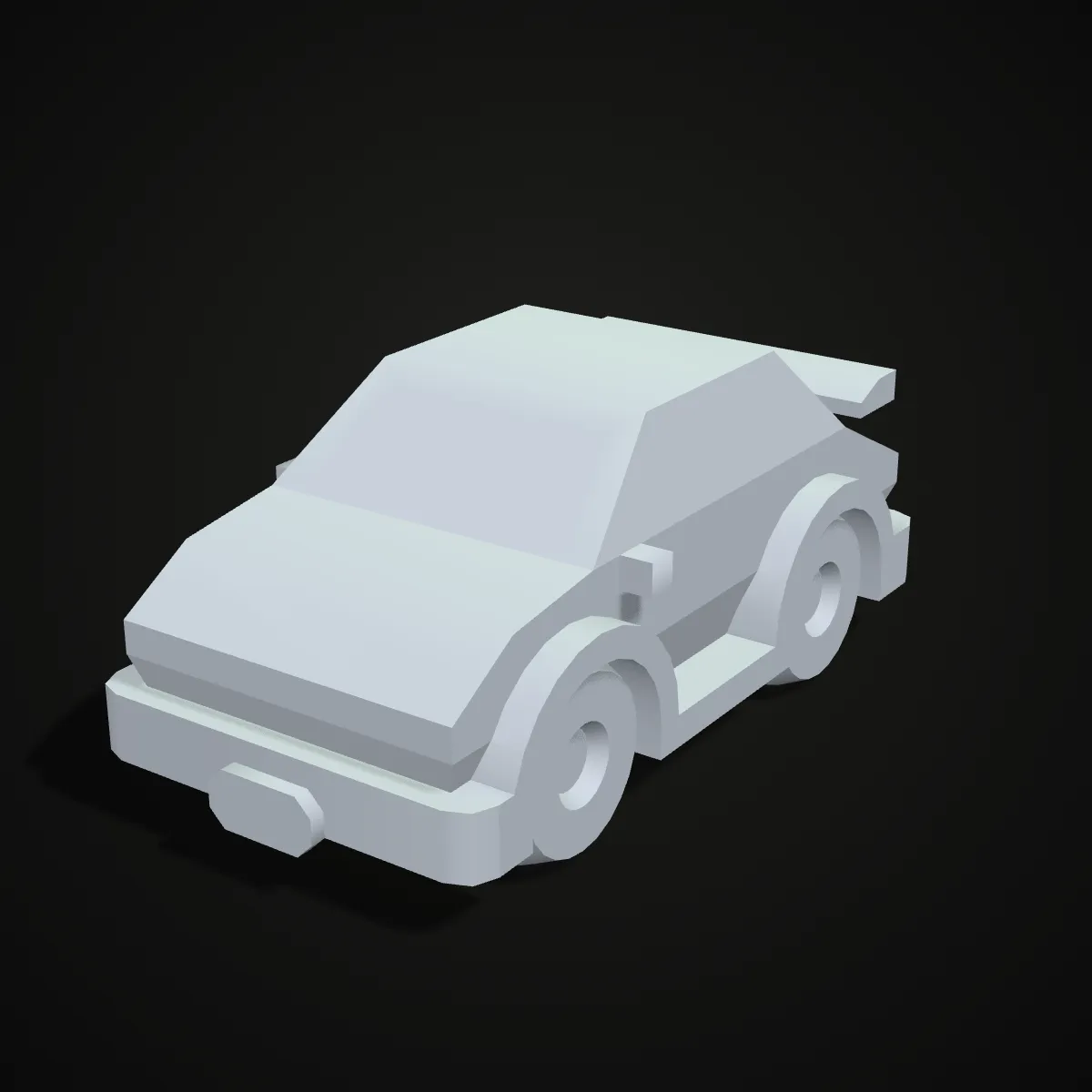
One textured AI-generated figure and one low-poly vehicle from Kenney’s CC0 car kit. Press Try it to load a file straight into the converter, or download it first. The van is a good scale test: its STL measures about 1.5 × 3.25 × 1.65 units, which a slicer shows as a toy barely 3 mm long until you scale it up.
Watch a textured dinosaur become an STL
An 11-second recording of this page converting the armored dinosaur sample. The 464.7 KB GLB goes in and spins in the preview with its blue painted texture, Convert to STL is pressed, and the result line reads dinosaur.stl · 488.4 KB · 10,000 triangles above a Download STL button. The STL is a little bigger than the GLB even though the texture is gone: binary STL spends exactly 50 bytes on every triangle plus an 84-byte header, so 10,000 triangles always come to 488.4 KB.
GLB to STL, before and after: same shape, colour gone
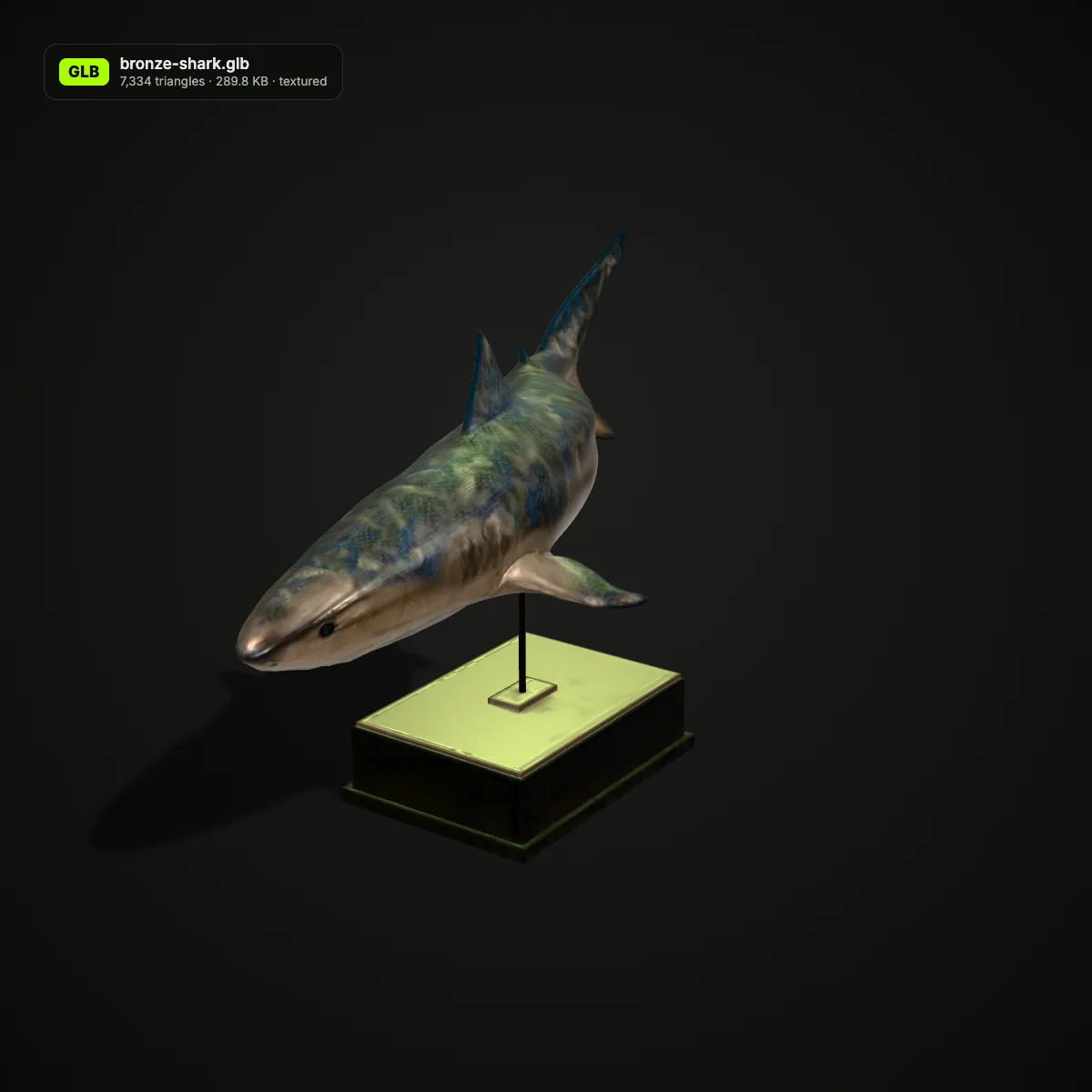
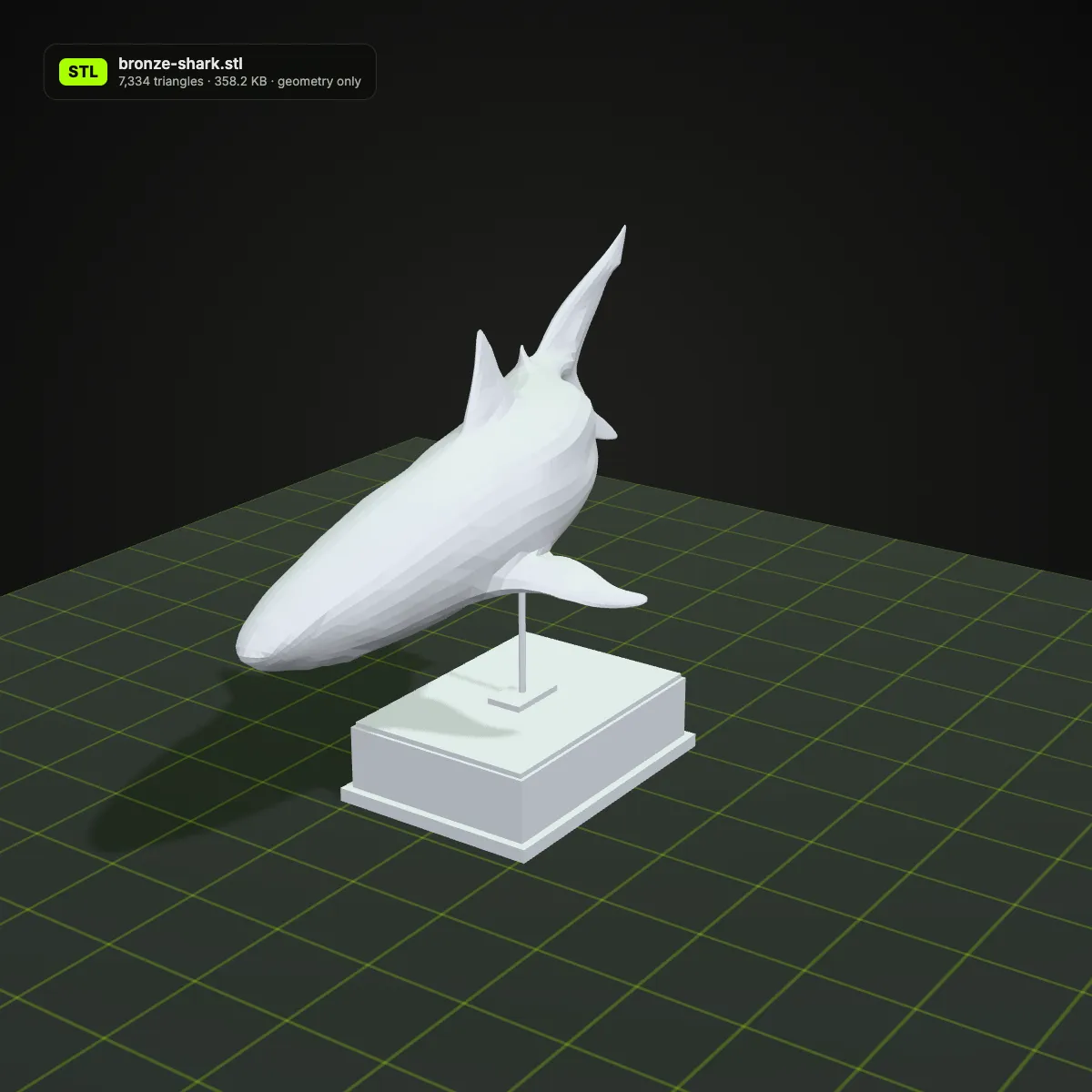
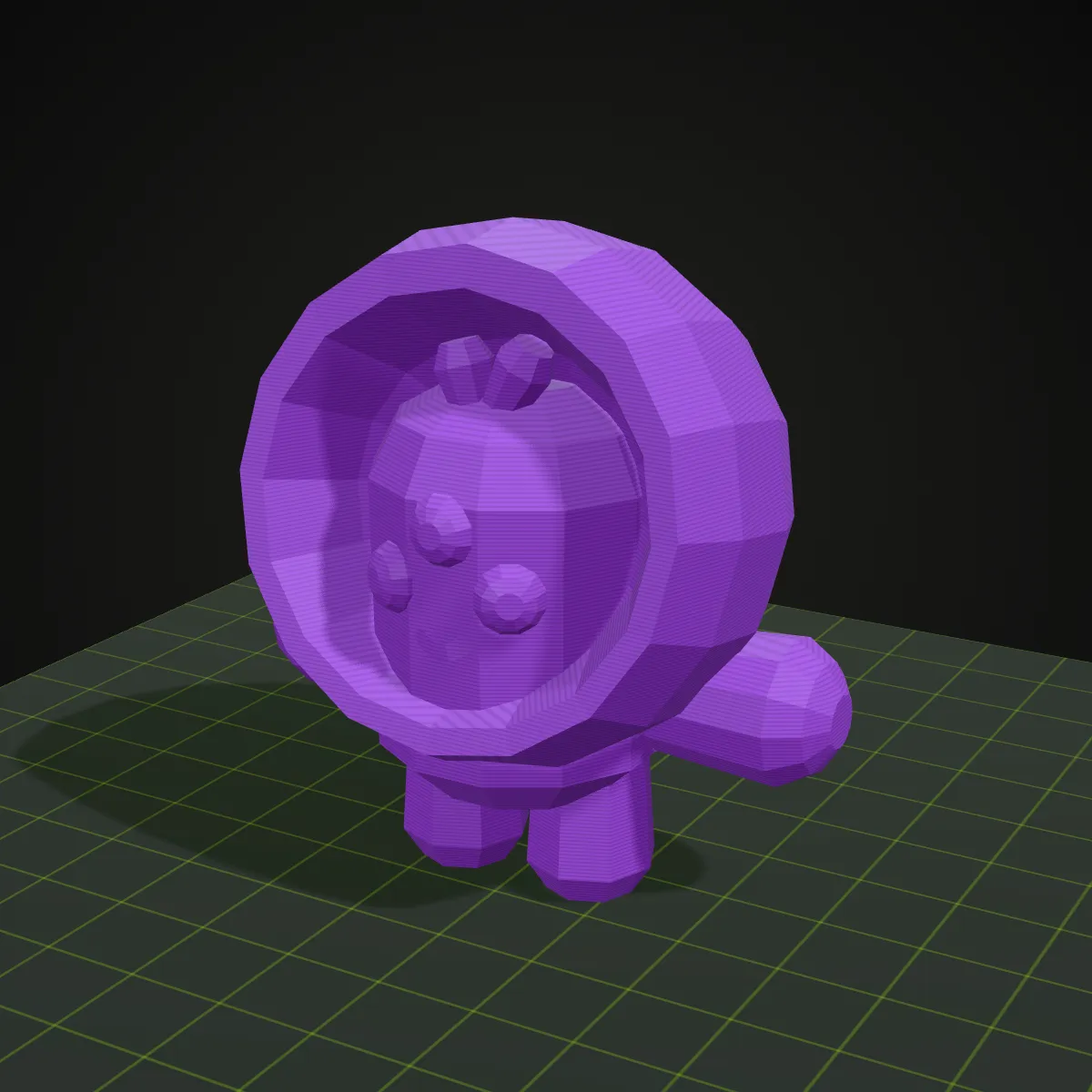
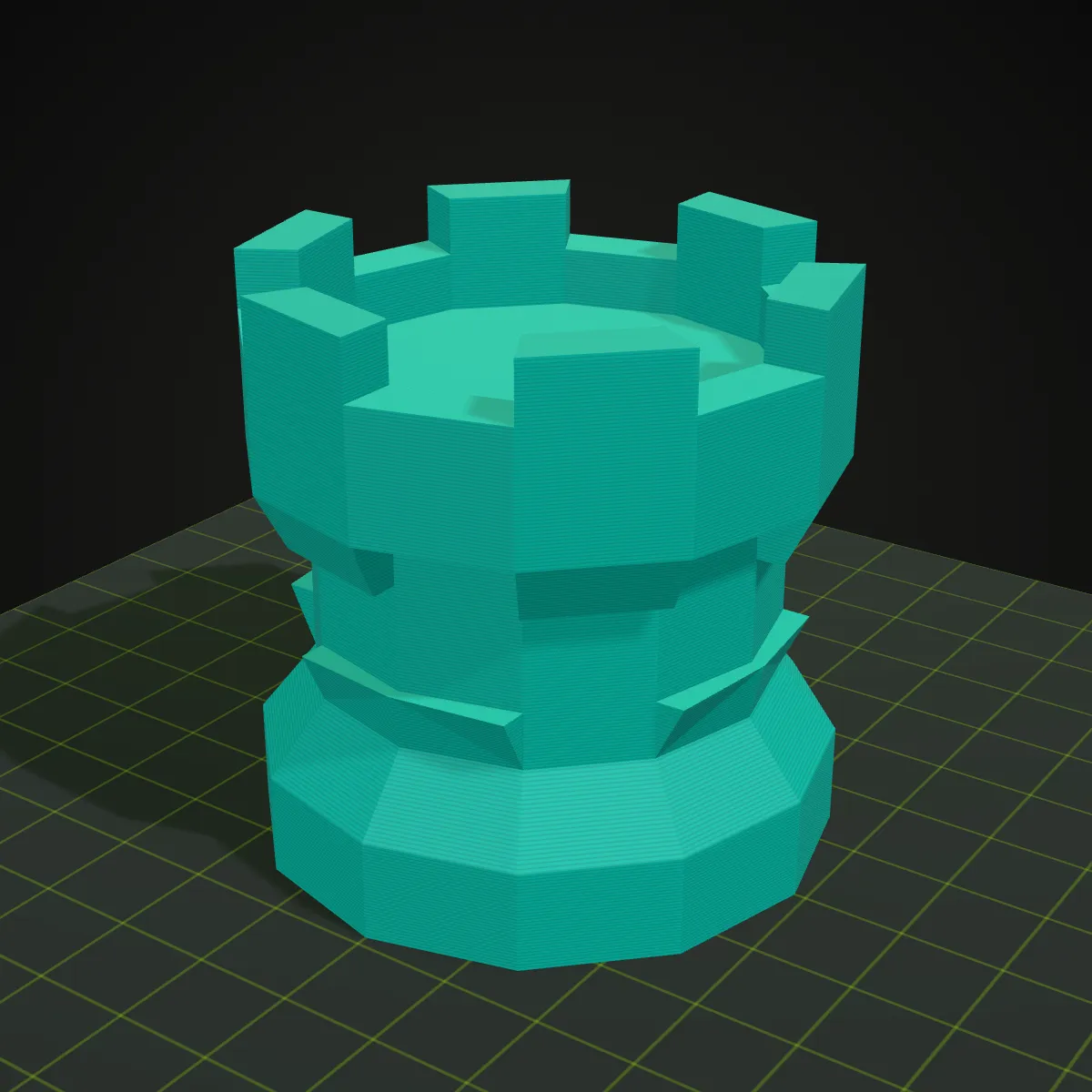
Each pair is one model. Left: the GLB in a web viewer, textures and all. Right: the STL this converter wrote, rendered in grey and standing on a print bed the way a slicer loads it. File sizes and triangle counts in the captions are the ones the result line showed.
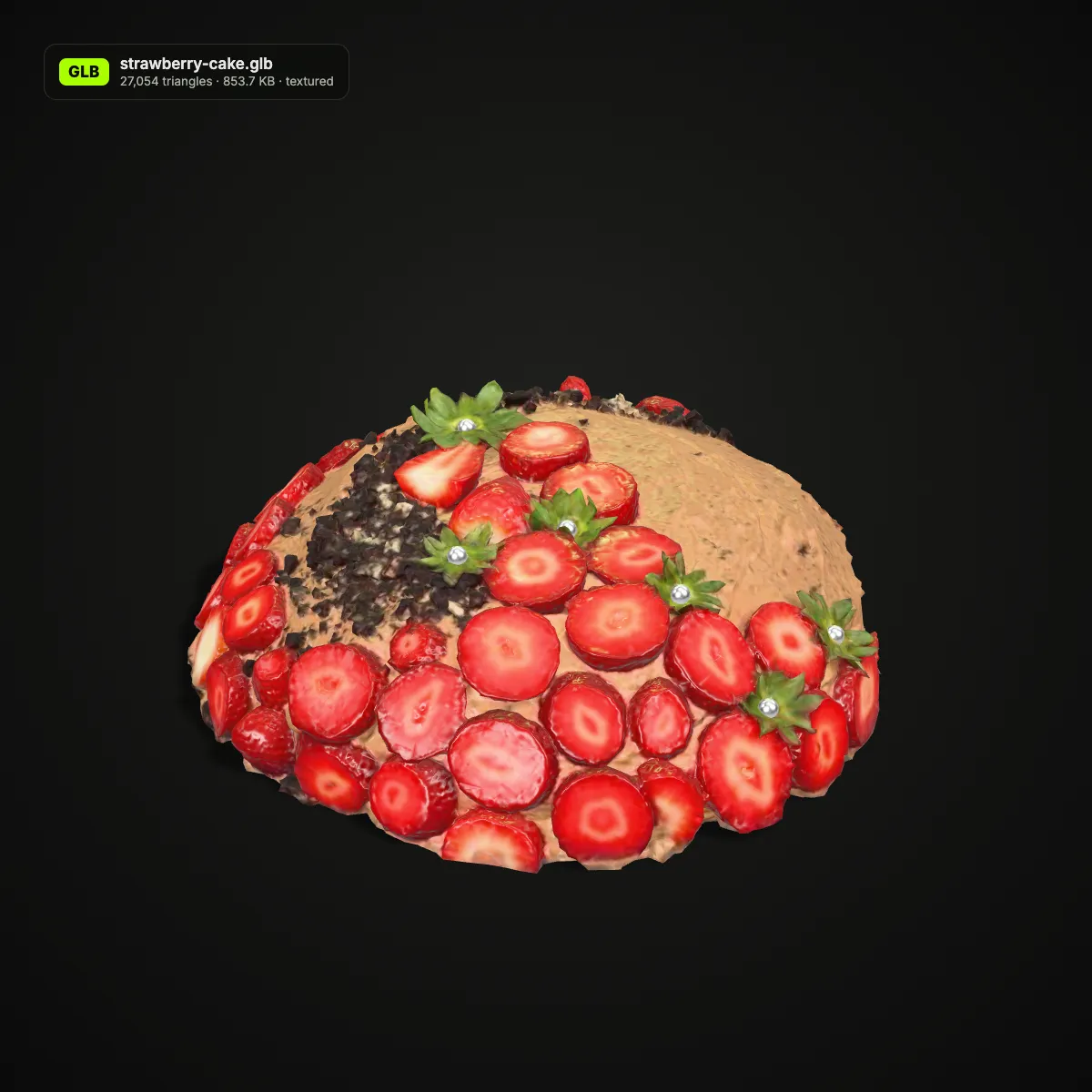
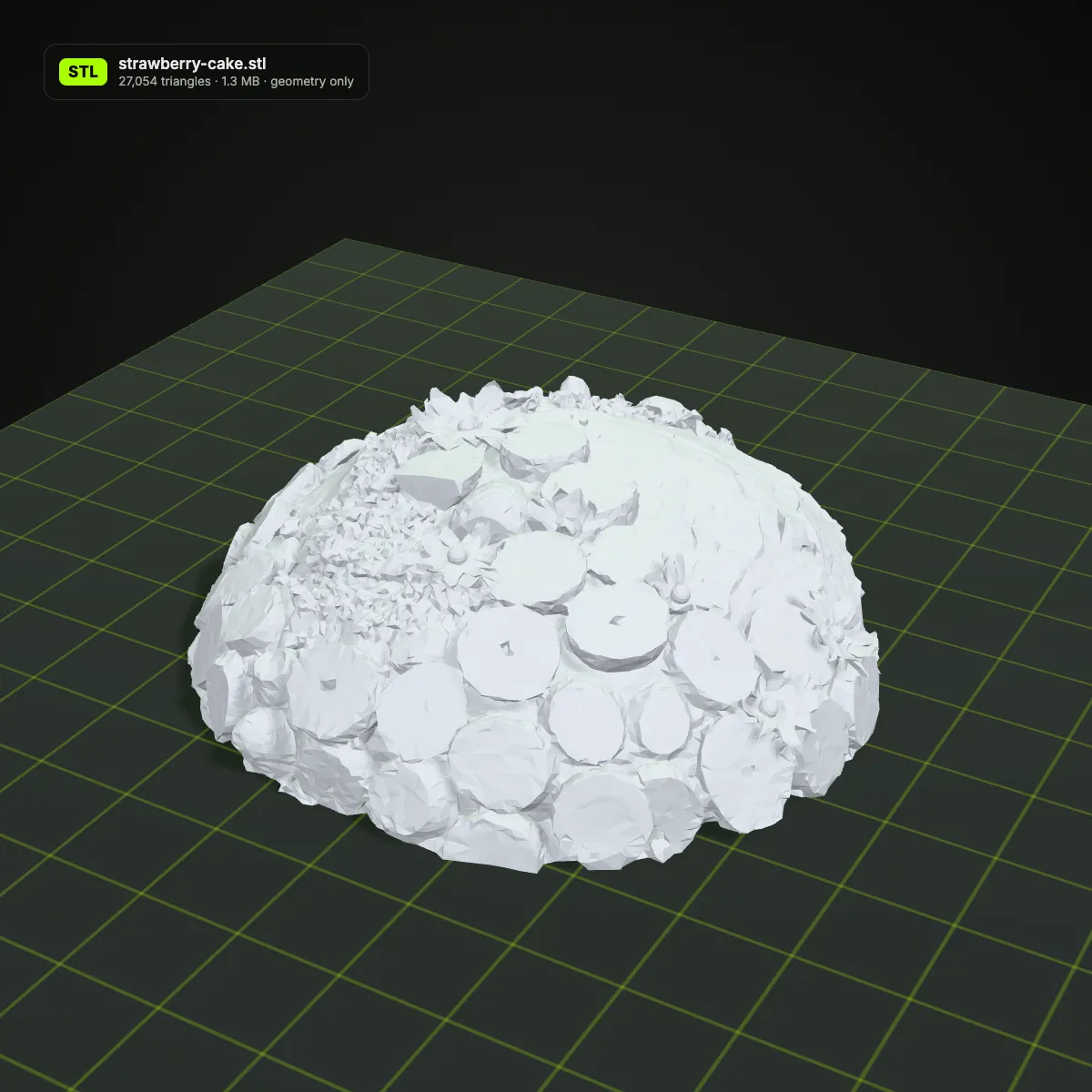
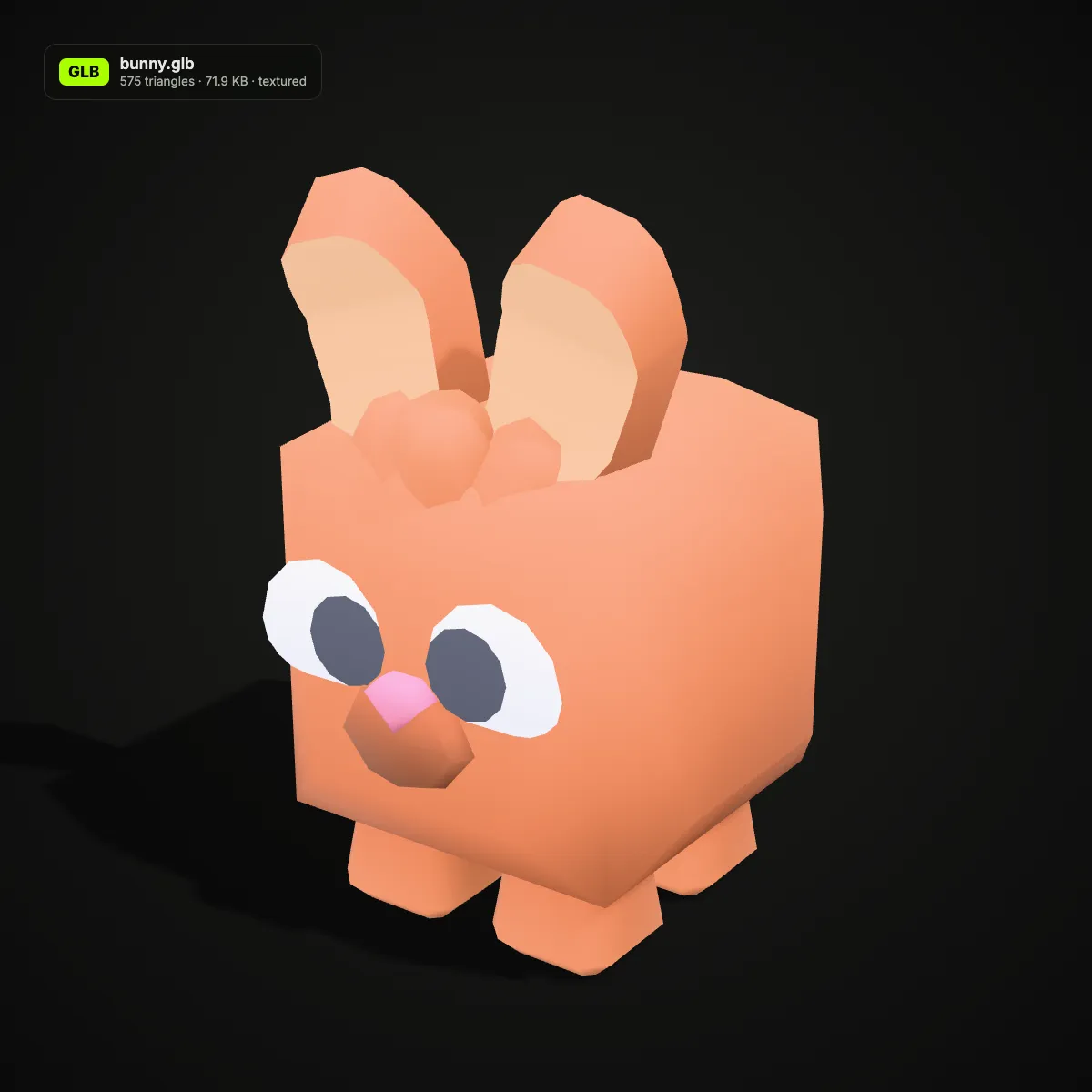
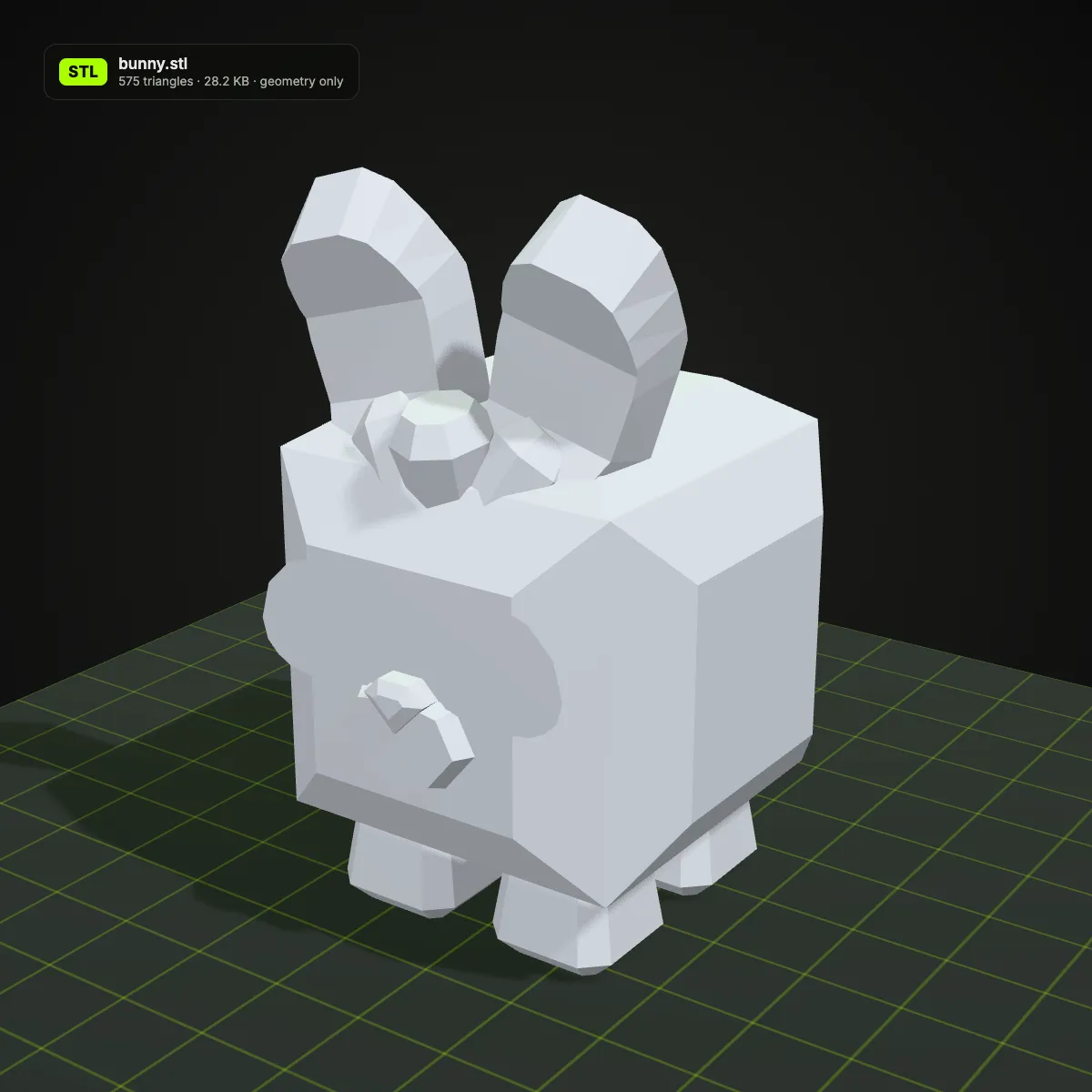
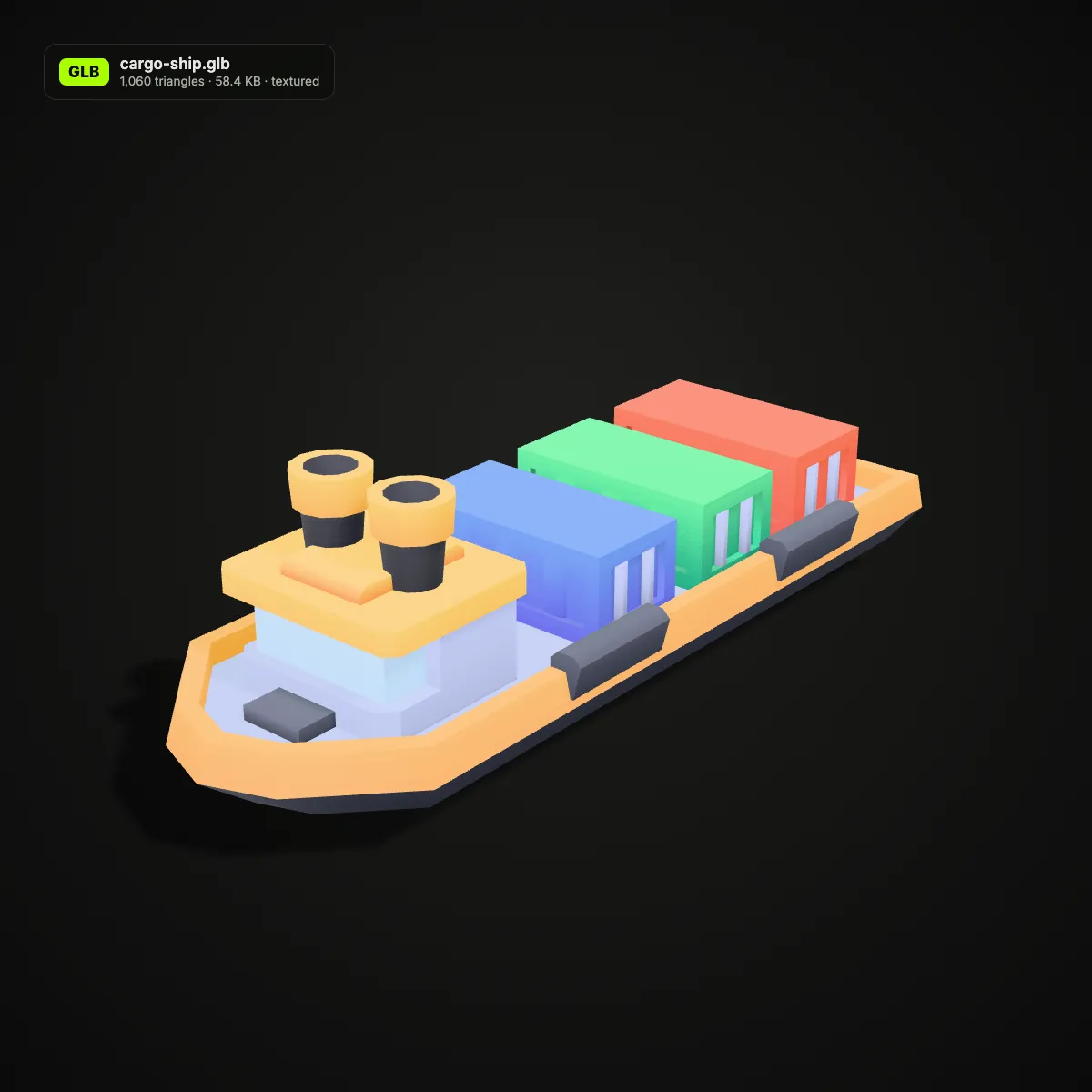
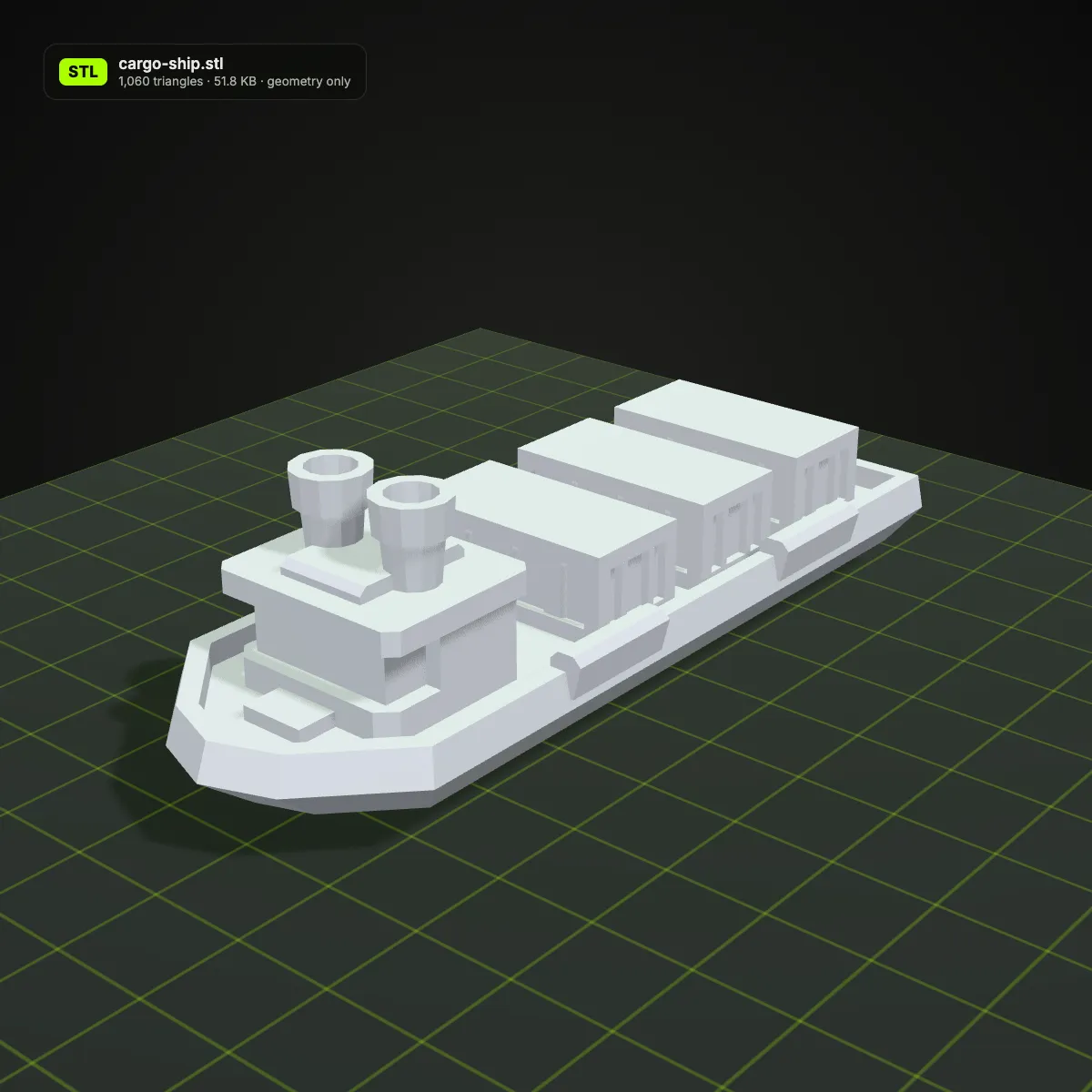
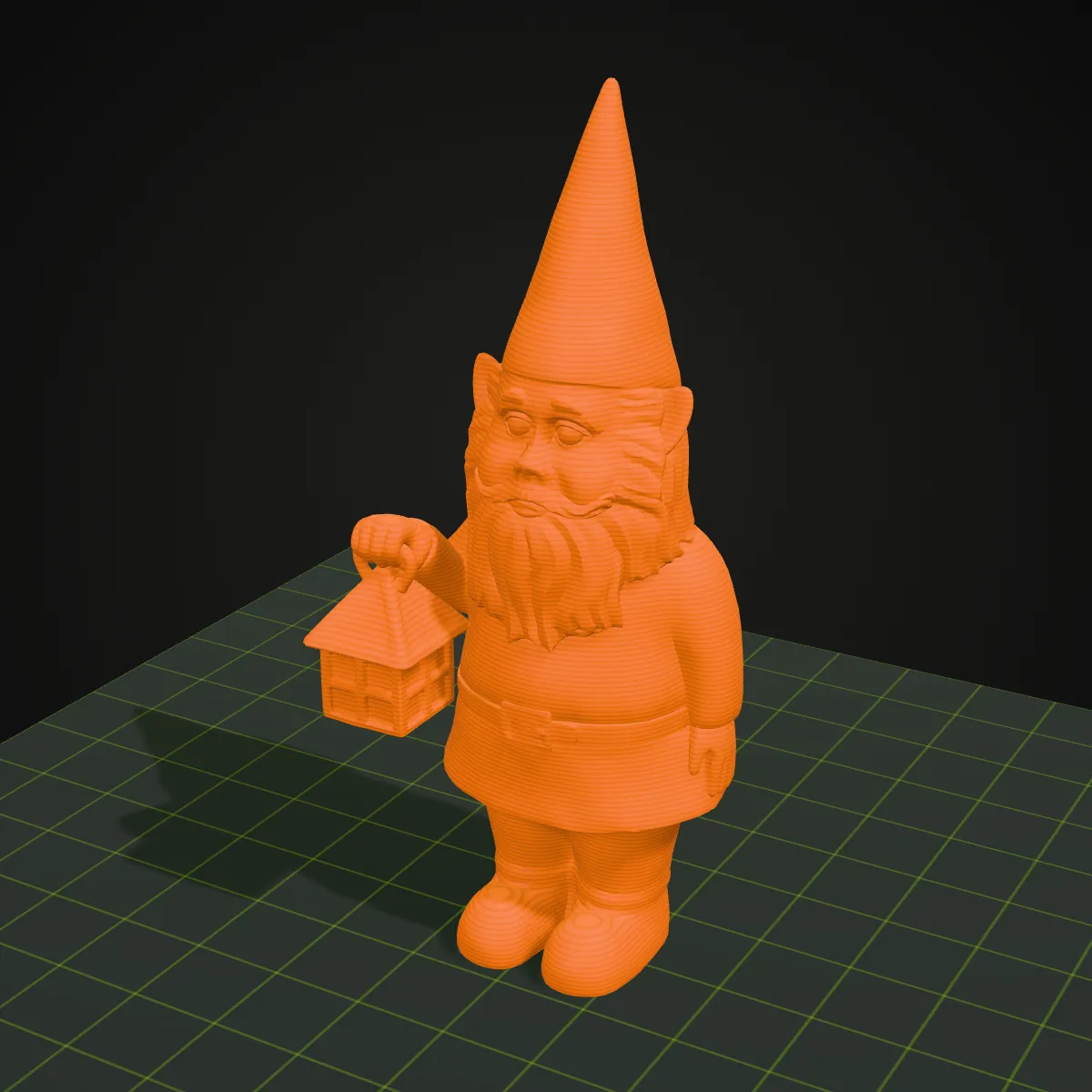
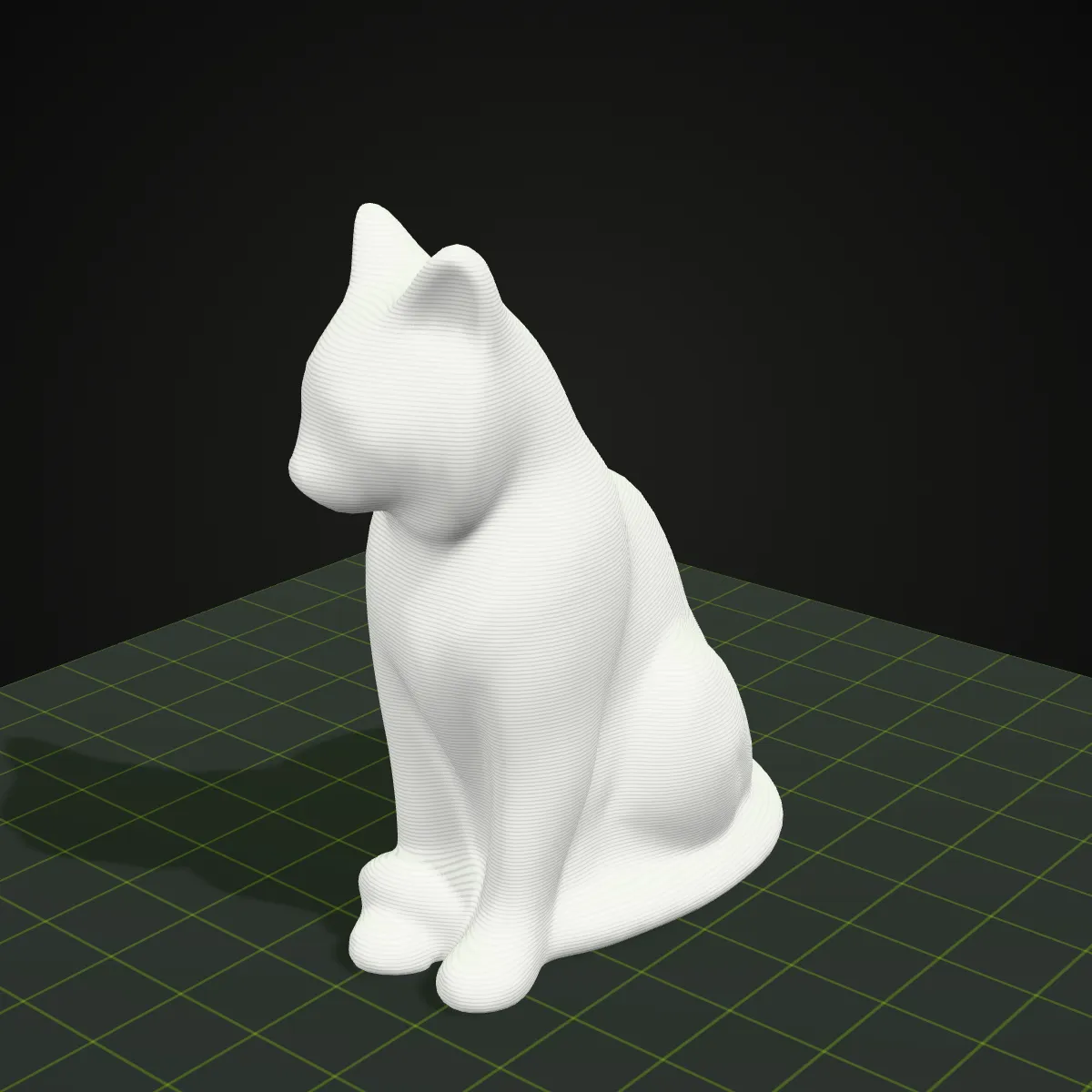
GLB to STL examples: CC0 models rendered as prints
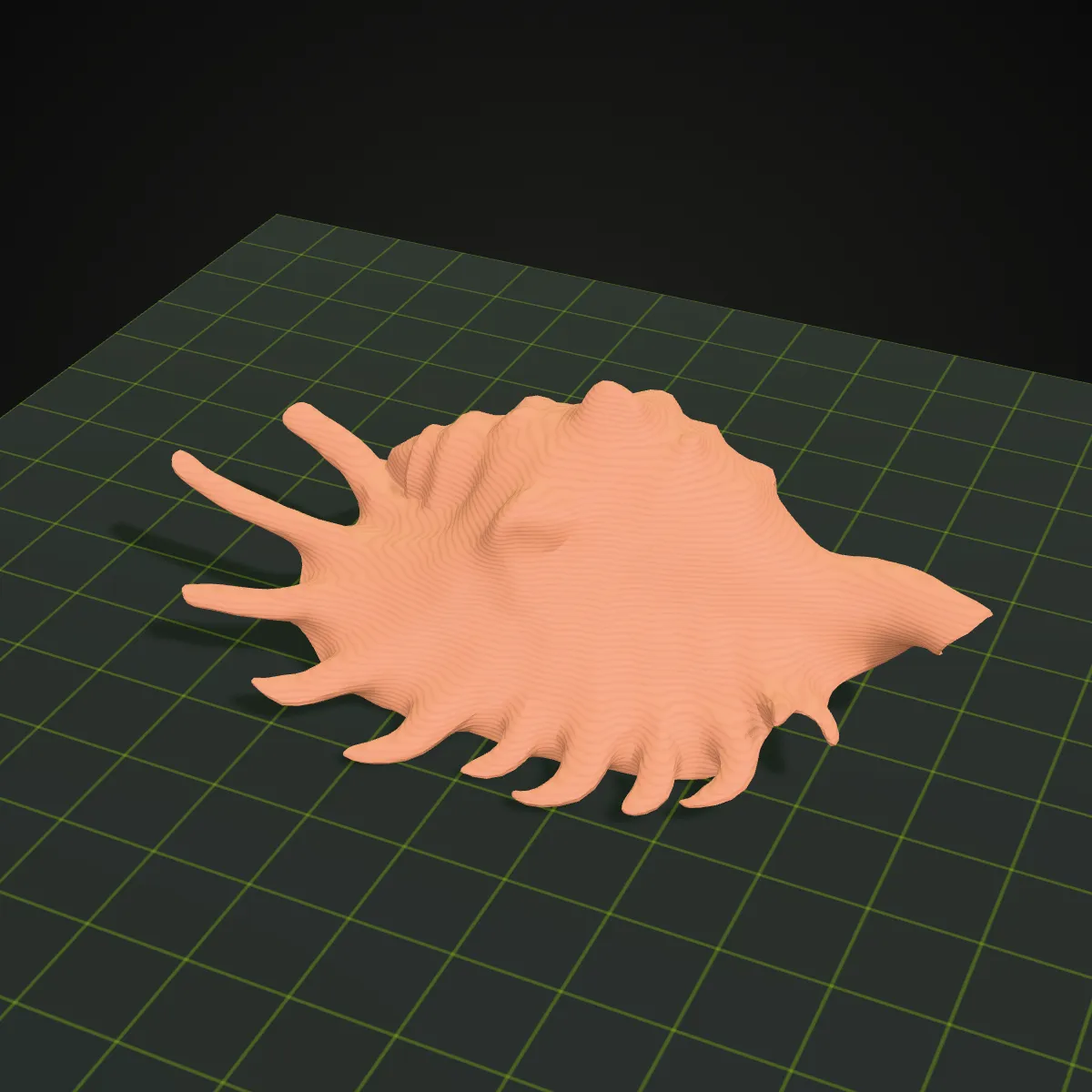
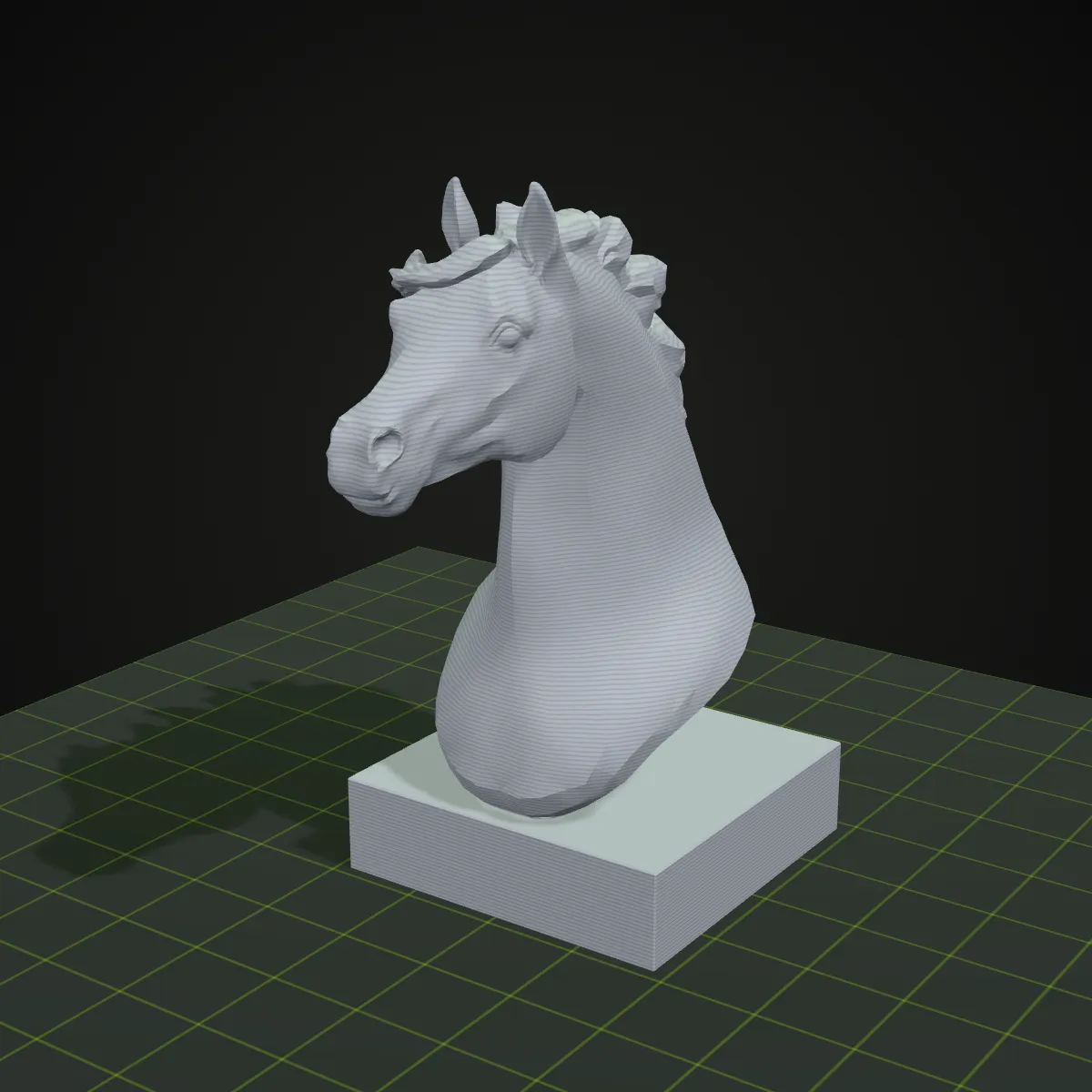
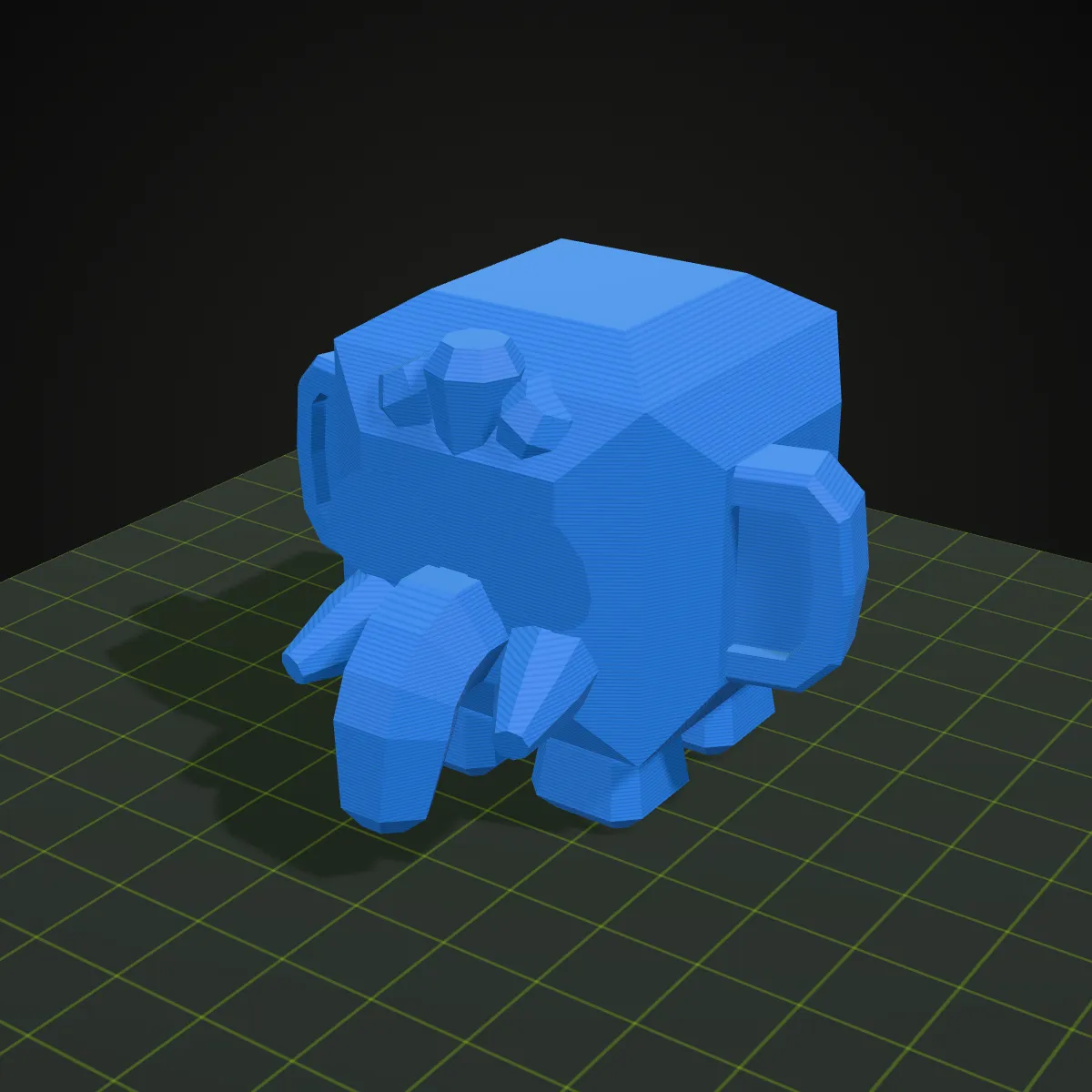
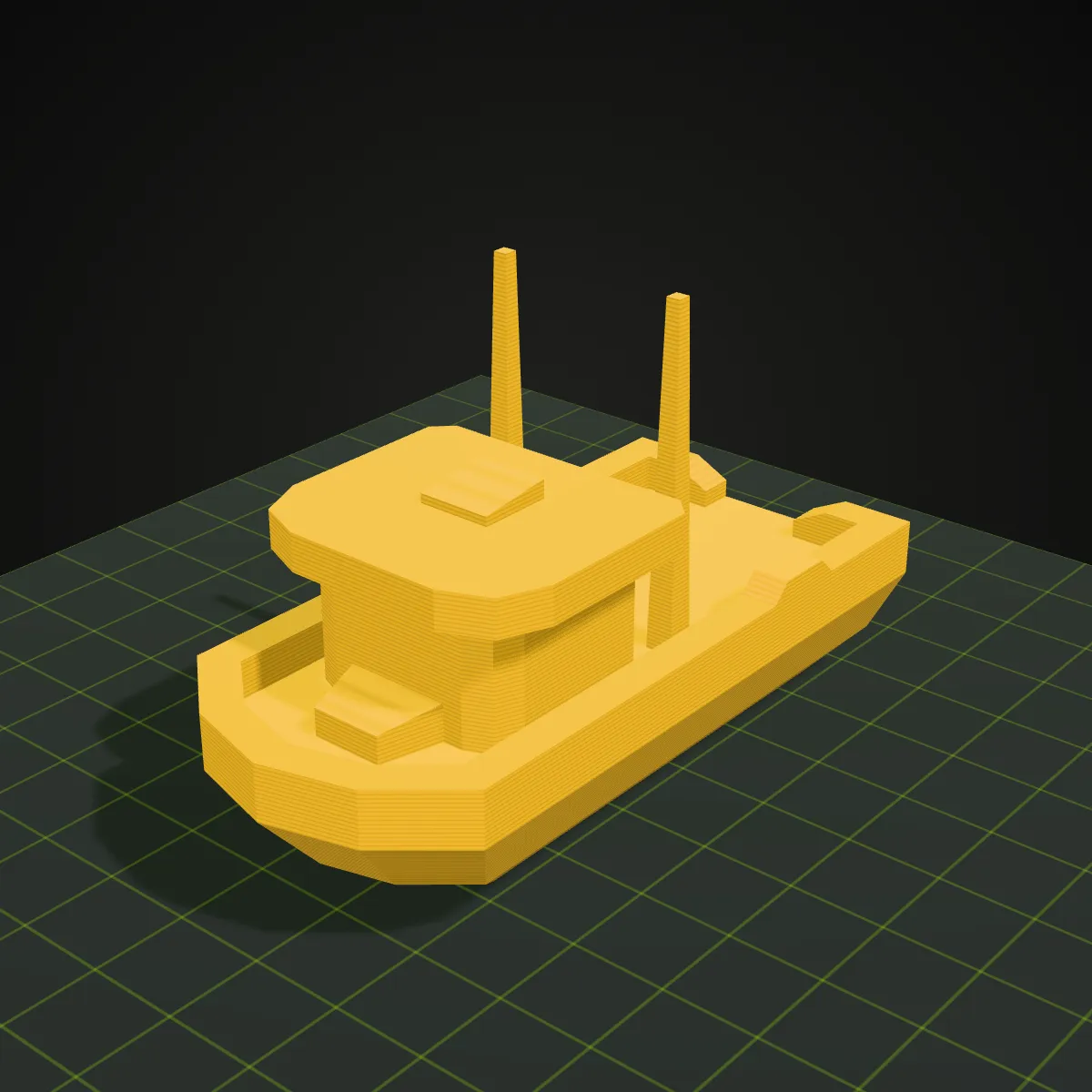
Eight GLB models we converted to STL ourselves and rendered as filament prints on a build plate, layer lines included. Four are scans and sculpts from Poly Haven, four are low-poly pieces from Kenney’s game kits; all are CC0, so you may print them too. These are renders of the converted meshes, not photos of physical prints.
How to convert GLB to STL
- 11
Drop the .glb onto the converter
Drag the file onto the box marked GLB → STL converter, or click it to browse. Self-contained .gltf files and Draco- or Meshopt-compressed GLBs are read too. The model appears in the 3D preview on the right, where you can turn and zoom it to make sure it is the right file.
- 22
Press Convert to STL
Each mesh is placed where the scene puts it, turned from Y-up to Z-up and written as binary STL. Small assets are done almost at once; dense scans take longer, because all the work happens on your own machine.
- 33
Download the STL and check its size
The result line gives the file name, size and triangle count. Download the STL, open it in your slicer and look at the dimensions first: a GLB in metres usually needs scaling by 1000 to come out at real size. Convert another file clears the box for the next model.
What carries over from GLB to STL
A GLB is a whole scene: meshes, materials, images, sometimes bones and animation. An STL is a flat list of triangles. Here is where each part of the file ends up.
| In the GLB | In the STL you download |
|---|---|
| Meshes and scene layout | Every mesh is merged into one STL, each at the position, rotation and scale the scene gives it. Object names are not kept |
| Up axis | glTF is Y-up, slicers are Z-up: the model is rotated 90° so it stands on the bed the way it stands in the preview |
| Size | Numbers are copied as they are. glTF counts in metres, STL has no unit and slicers assume millimetres, so a 0.2 m figure opens 0.2 mm tall: scale by 1000 or type the height you want |
| Textures, material colours, vertex colours | Dropped. STL has no colour, so the shape is all that prints |
| Normals and UVs | Smooth-shading normals and UV maps are dropped. Each triangle gets one flat normal, worked out from its corners |
| Bones and animation | Not stored. A rigged character is written in the pose its skeleton has at rest, usually a T- or A-pose |
| Draco or Meshopt compression | Decoded before export. The Draco decoder is a small library fetched from Google’s CDN on first use; your model is not sent with it |
| Holes, flipped faces, overlapping parts | Kept exactly as in the GLB; nothing is repaired or simplified. Use your slicer’s repair if it reports errors |
Why people convert GLB to STL
Printing a model from an AI 3D generator
Most image-to-3D and text-to-3D services hand out GLB, some of them only GLB. Run it through here and your slicer gets an upright STL. Models made with Ship3D can also be downloaded as STL straight from the generator.
Printing a scan or a museum piece
Free scan libraries such as Poly Haven offer glTF downloads. A statue, a shell or a fossil cast makes a good desk piece once it is an STL, as the examples above show.
Turning game assets into tabletop pieces
Low-poly kits like Kenney’s ship as GLB for game engines. Their chunky shapes and flat faces print cleanly as board-game tokens, miniatures and toys for kids.
Feeding tools that only accept STL
Some online print services, maker-space computers and older mesh editors take STL but not glTF. A quick .glb to .stl pass gets the shape across without installing Blender for one export.
GLB to STL: common questions
Drop the .glb on the converter at the top of this page, press Convert to STL, then click Download STL. The whole job runs in your browser, so it is free, needs no sign-up and the file stays on your computer. Files up to 200 MB are accepted.
Because glTF measures in metres and STL stores bare numbers that slicers read as millimetres, so a figure 0.15 m tall in the GLB opens 0.15 mm tall. Scale it by 1000 (100,000 %) for real size, or type the height you want into the slicer’s size box with the aspect ratio locked; Bambu Studio, PrusaSlicer and Cura all allow that. Many assets were never modelled at real size anyway, so pick the height that suits your print.
Not in STL: the format has no field for colour. For a multi-colour print, paint the model in your slicer (Bambu Studio and PrusaSlicer both have painting tools), or run the same GLB through our STL to 3MF converter, which writes each plain material colour into the 3MF. Texture images are left out there too.
Often, but check it first. AI models can have paper-thin parts, small holes or loose fragments, and this converter copies the mesh exactly without repairing it. Many slicers fix simple mesh errors when they import a file, and the sliced preview shows areas too thin to print. Add a flat base or supports where the model needs them.
Binary STL writes all three corners of every triangle in full, 50 bytes per triangle, while a GLB shares corners between triangles and may compress them. Dropping the texture saves space, but the longer triangle list usually costs more: the dinosaur sample goes from a 464.7 KB GLB to a 488.4 KB STL. If a file is too heavy for your slicer, our Reduce STL File Size tool can thin out the triangles.
Yes, as long as the .gltf is self-contained with its buffers embedded. A .gltf that points to separate .bin and image files cannot be read from one dropped file, so export a .glb instead. Draco- and Meshopt-compressed GLBs are decoded before the STL is written. The GLTF to STL page goes into the .gltf side in more detail.
Related tools
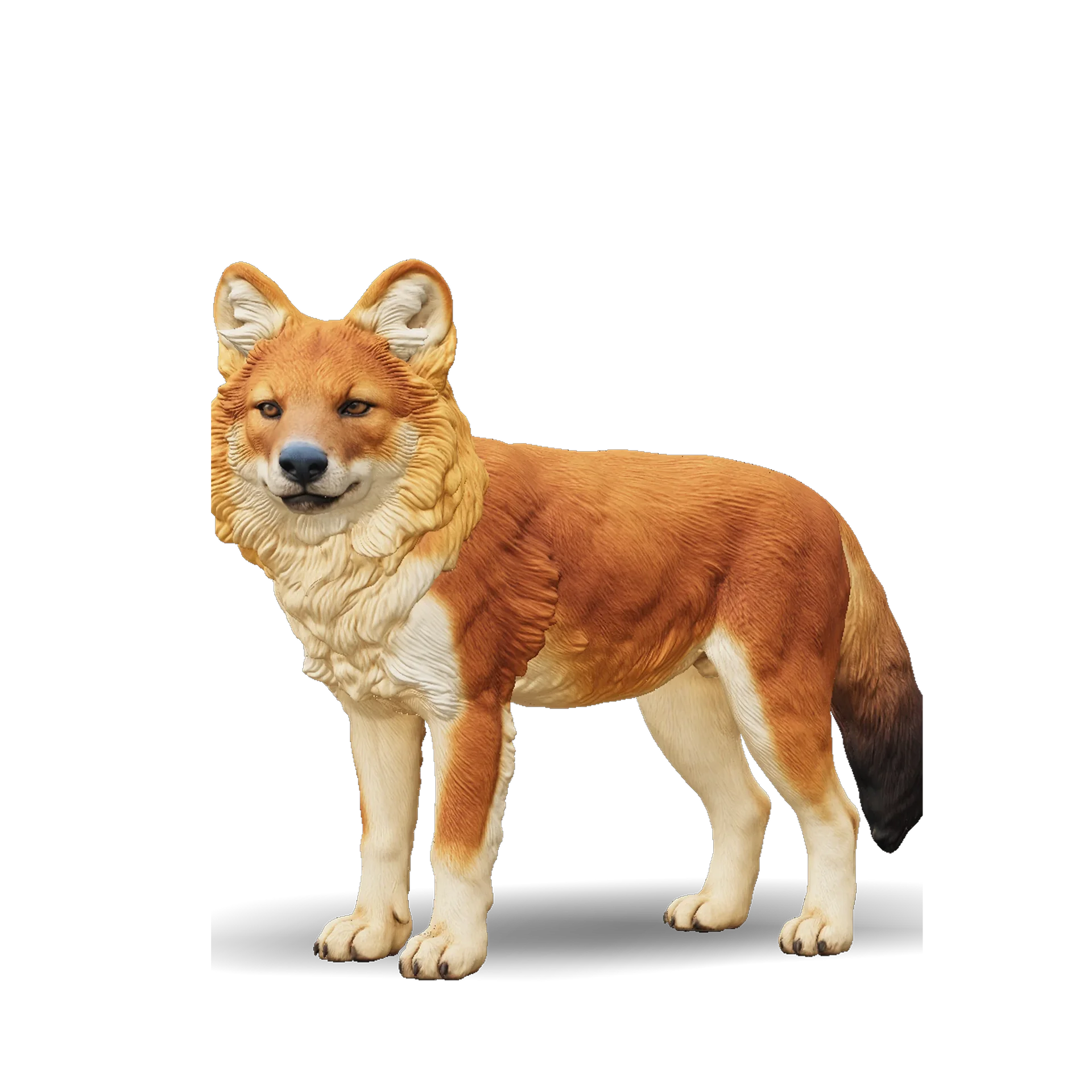




Want a model to print, not just a file to convert?
Describe an object or upload a photo, and Ship3D’s AI generator builds the 3D model for you, with STL among the download options.
Free to sign up, no credit card required. Try it once for free.