Image to STL Converter
AI 3D Print Files in Minutes
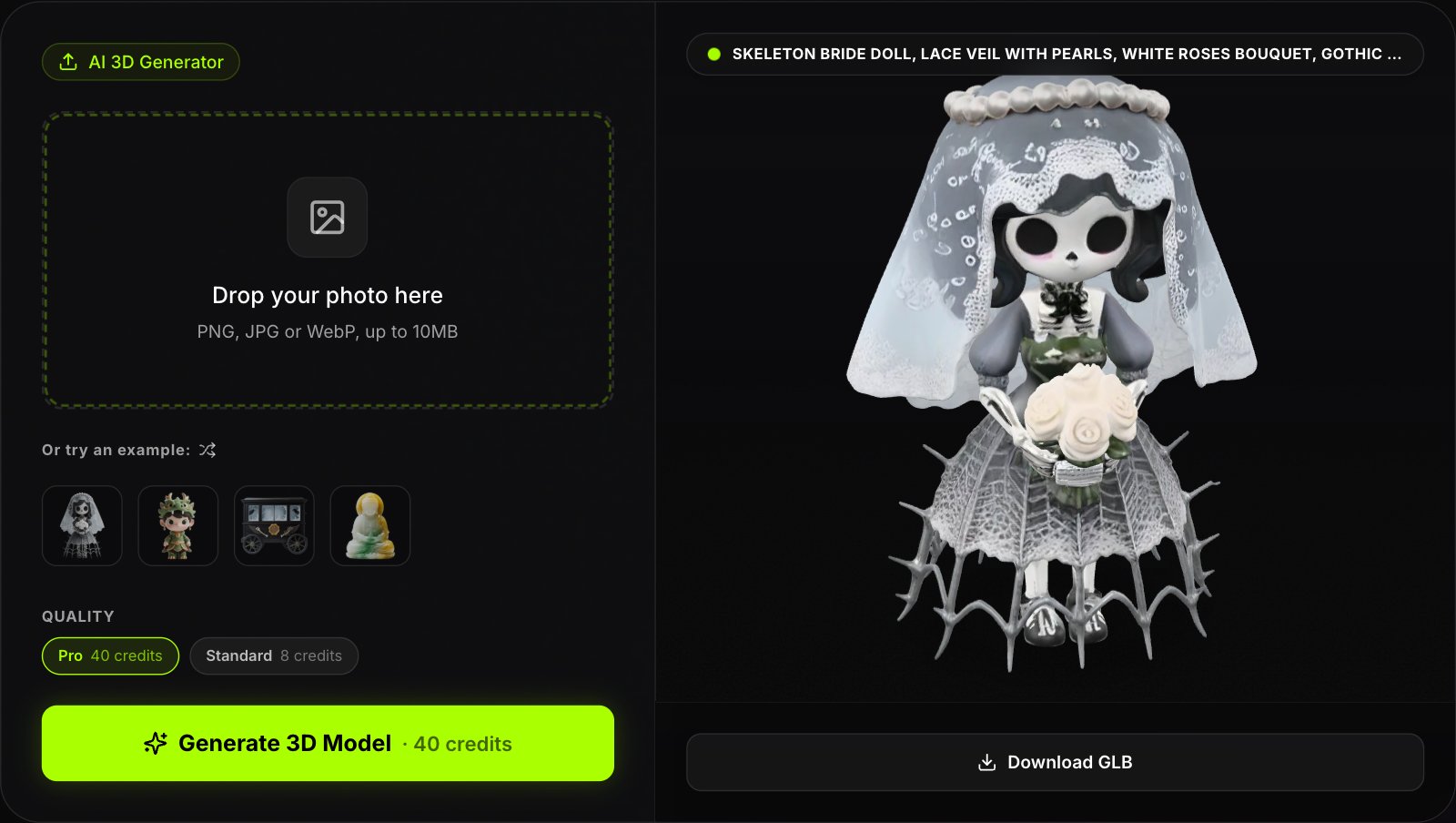
Image to STL is now a one-upload job: drop in a clear PNG or JPG and our AI builds a textured 3D model in about a minute.

Drag to rotate · scroll to zoom
Download it as an STL, open it in your slicer and print. This image to STL converter also exports GLB, OBJ and USDZ, so the same model works for rendering, AR and games. Only upload images you have the rights to use.
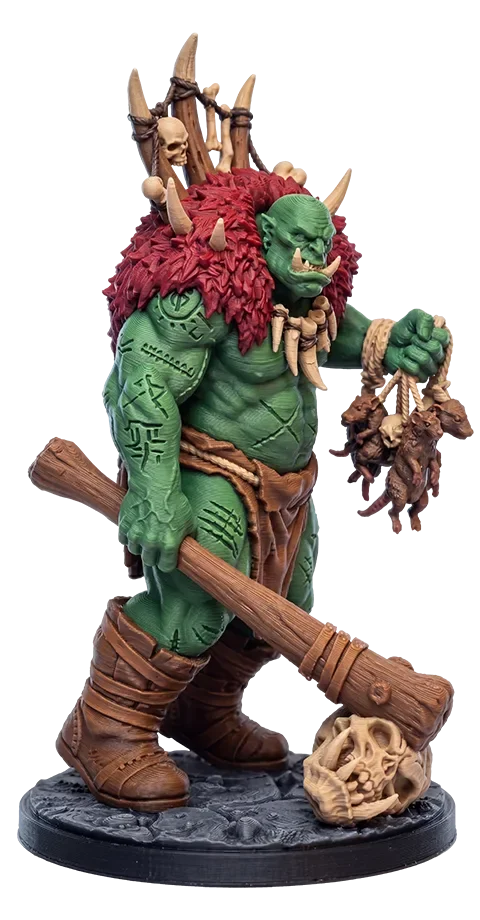
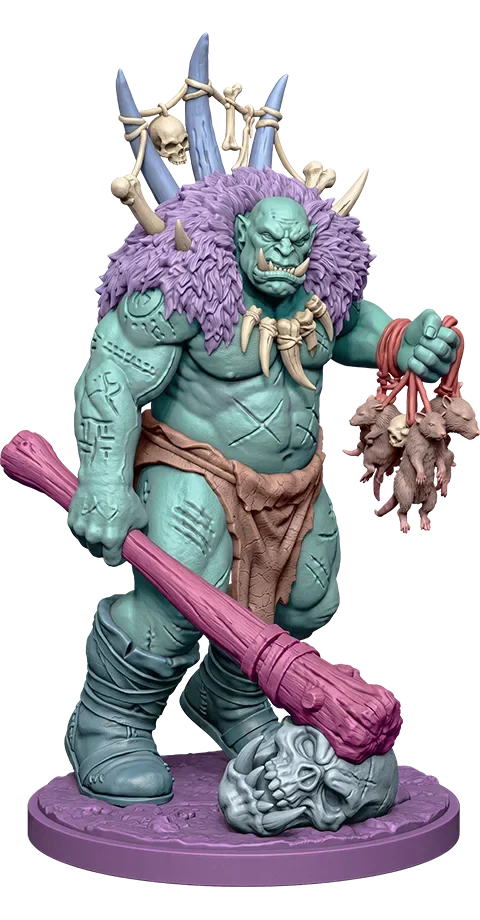
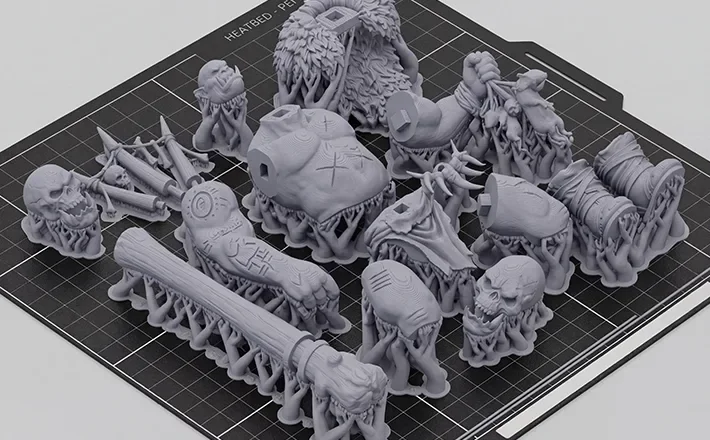
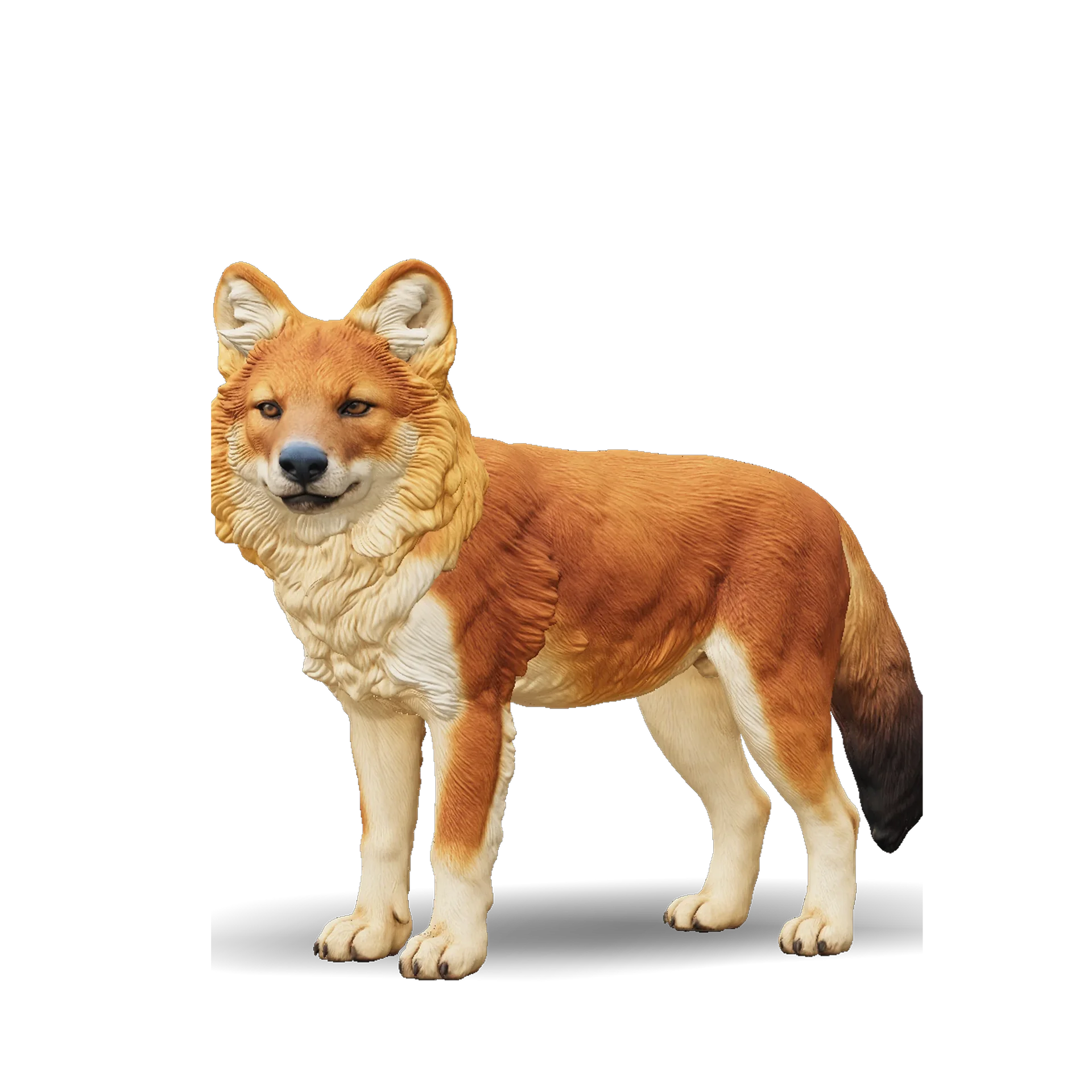
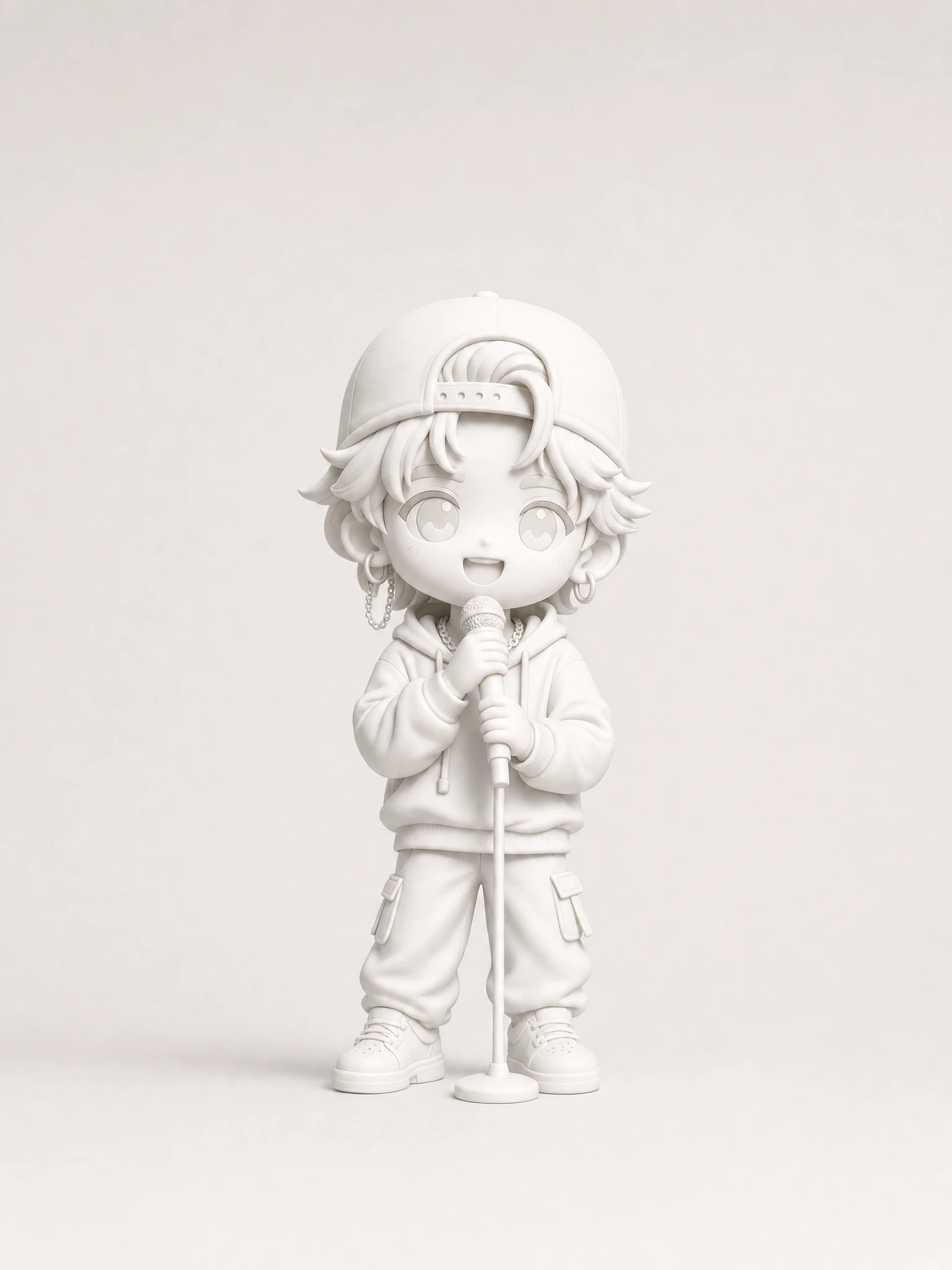
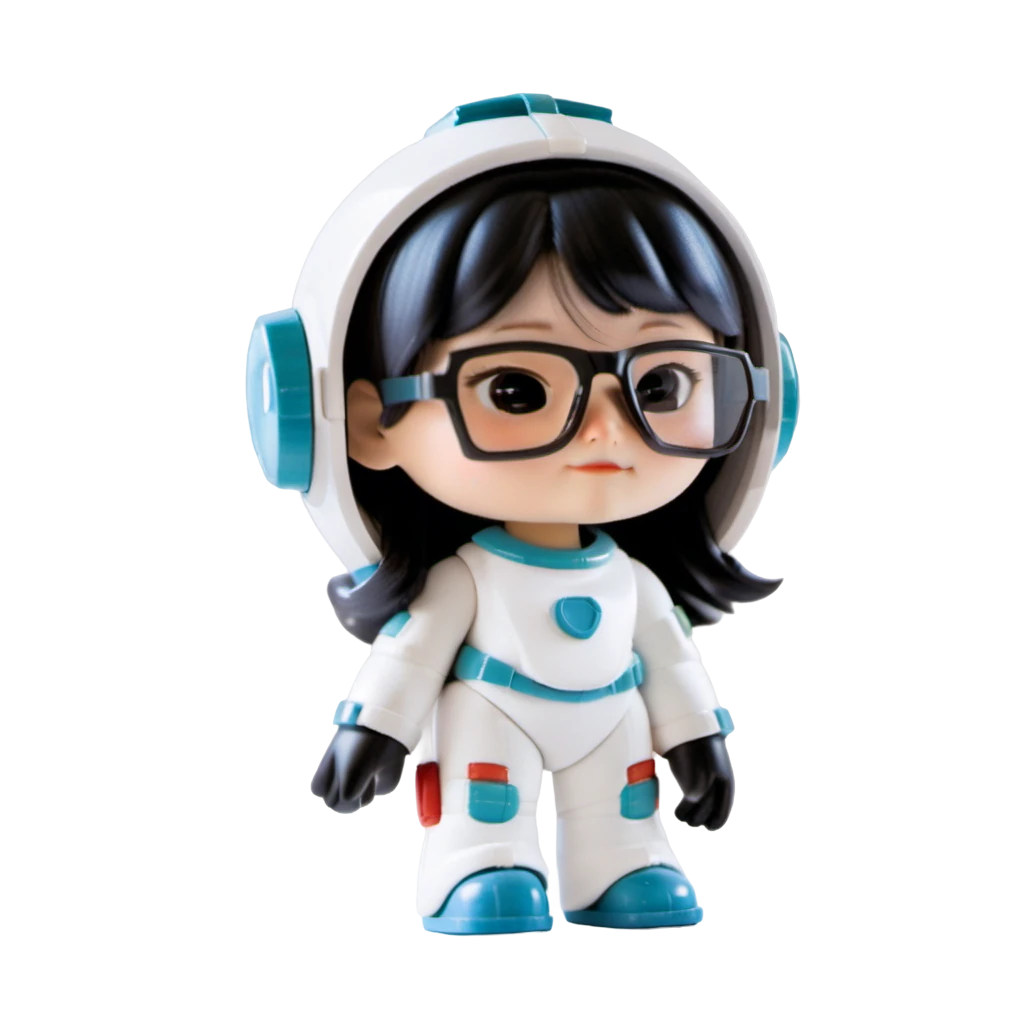
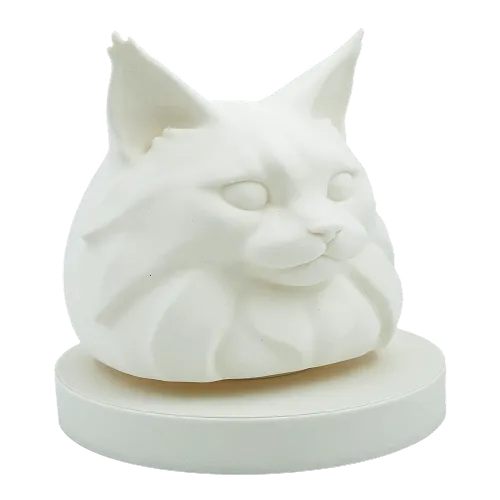
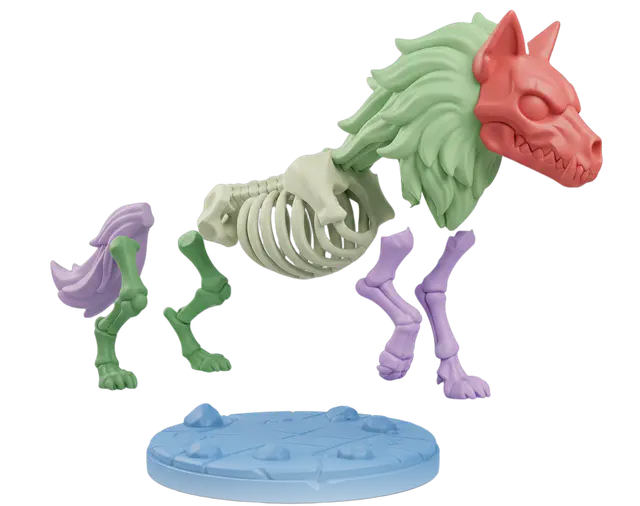
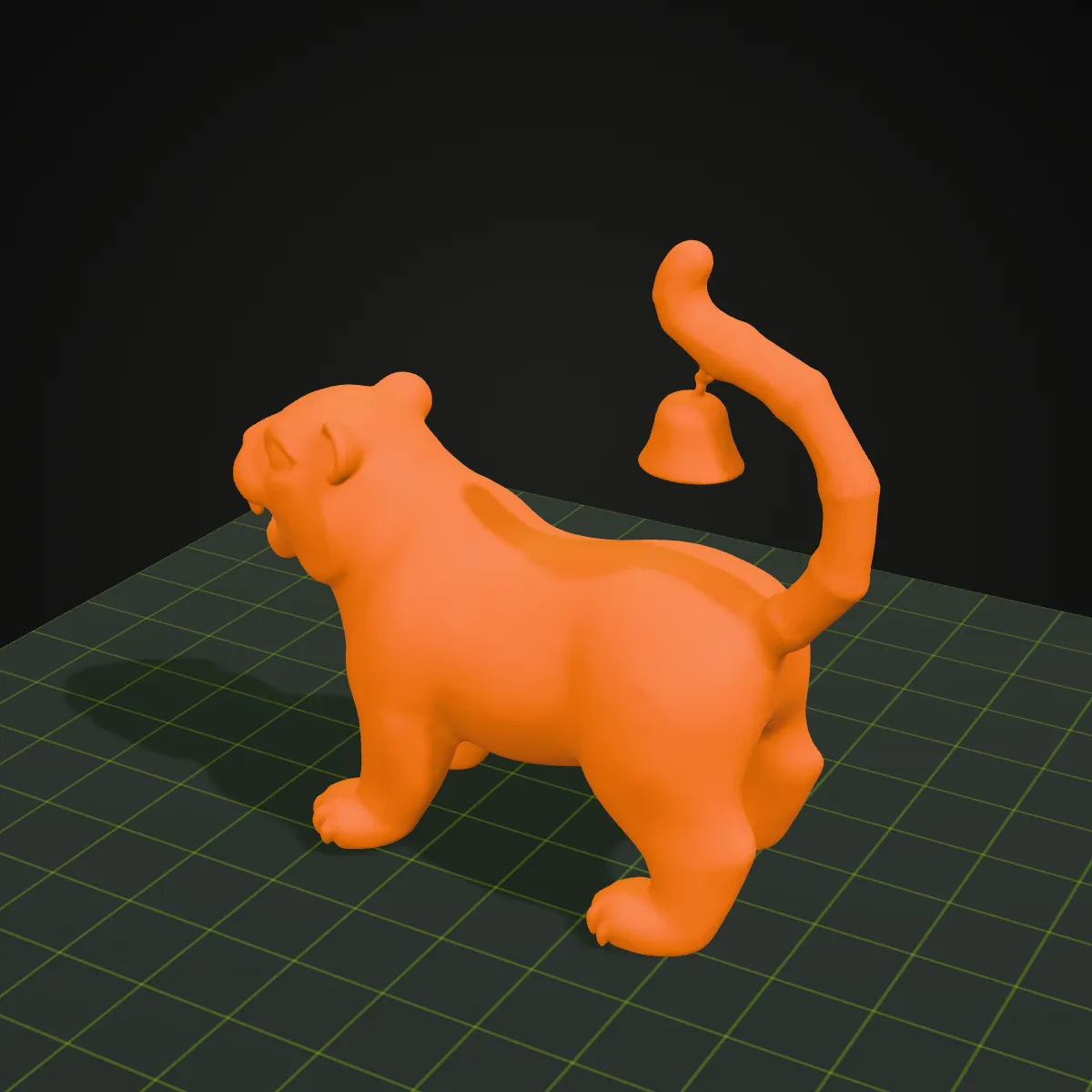
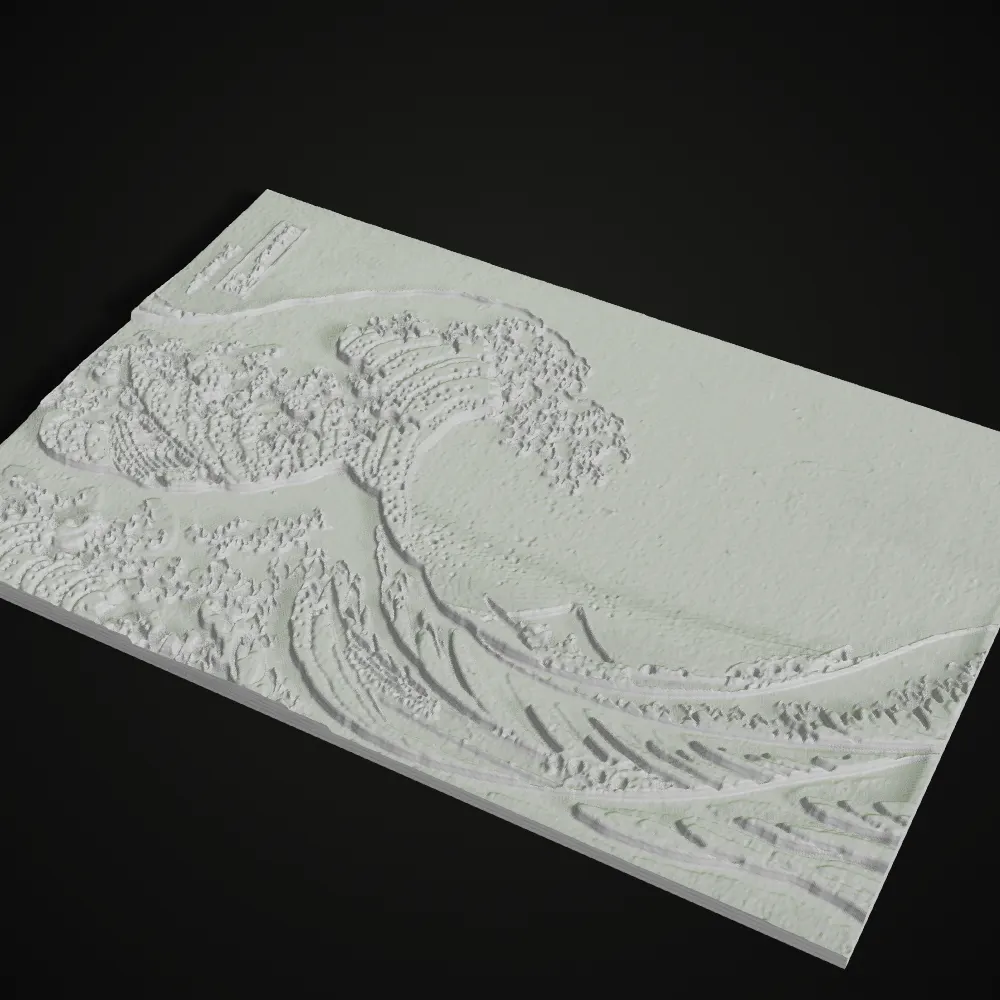
Image to STL examples ready for 3D printing
A look at the kind of figures, busts and sculptures that photo-to-3D tools produce and that people print at home. Results depend on your source image.
How to convert an image to STL
- 11
Upload a clear photo
Choose a PNG or JPG where the subject is fully visible, well lit and not cropped. A plain background gives the cleanest result.
- 22
AI builds your 3D model
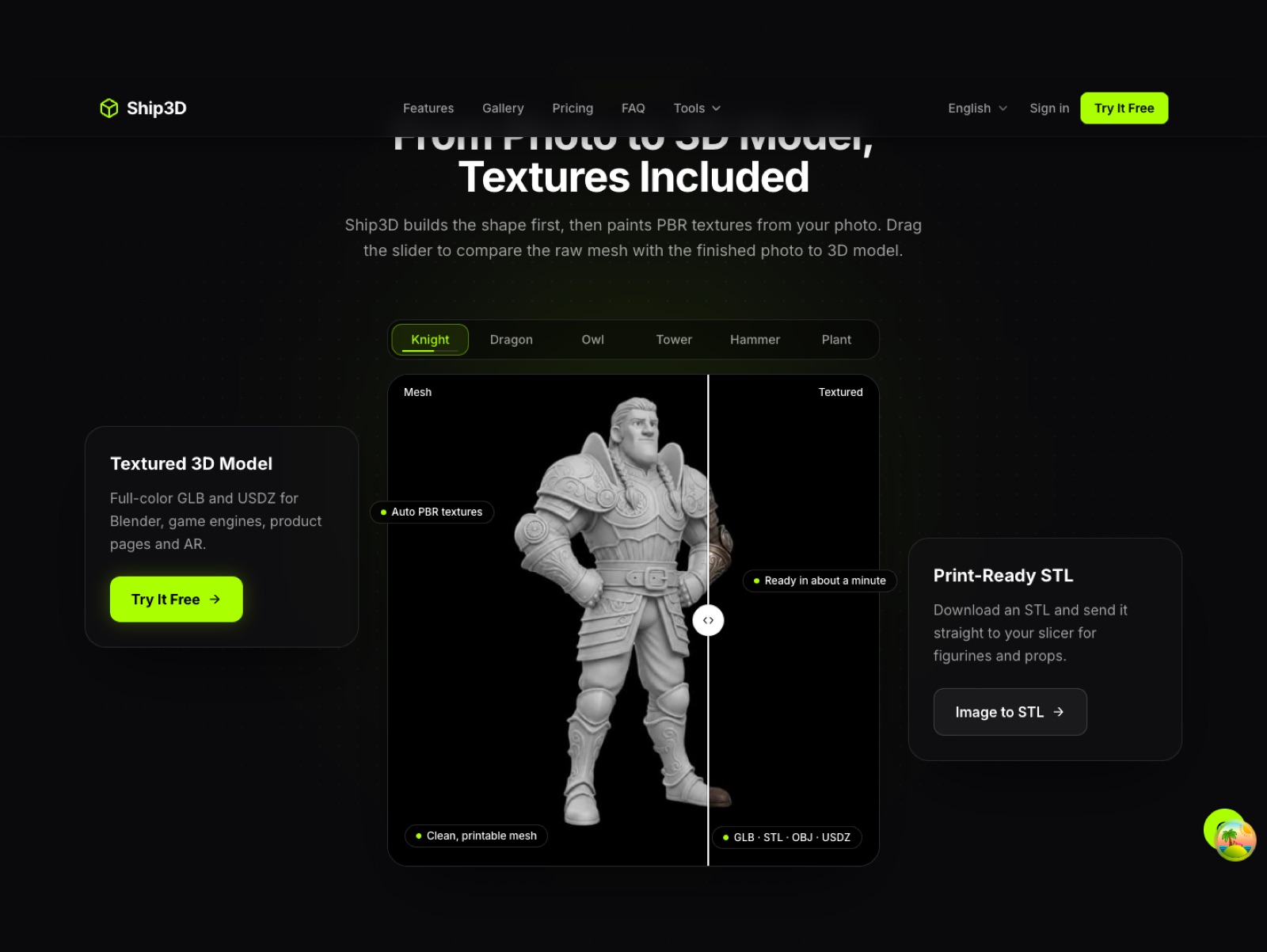
Ship3D generates a textured 3D model from your image in about a minute. Preview it and rotate it before you download.
- 33
Download the STL and slice
Export as STL and import it into Bambu Studio, PrusaSlicer, Cura or any other slicer. Scale it, add supports and print.
What people turn into STL files
Figurines and miniatures
Turn character art, toys or a favorite drawing into a desk figurine or a tabletop miniature.
Pet and family keepsakes
Make a small statue from a photo of your dog, cat or a loved one as a gift.
Tabletop and game pieces
Create custom tokens, monsters and scenery pieces for RPG and board game nights.
Product prototypes
Get a quick physical mock-up from a concept image before you commit to a full CAD model.
Image to STL FAQ
Upload a PNG or JPG, wait about a minute while the AI builds the 3D model, then choose STL in the download options. Sign-up is free, and you can try it once for free.
Use a sharp, evenly lit image with the whole subject in frame, ideally on a simple background. Three-quarter views of figures and animals work well. Blurry, heavily cropped or very busy images give weaker models.
Yes, STL is read by all common slicers. The models usually print fine, and if a slicer reports small holes you can repair them with its built-in tools. We do not guarantee a watertight mesh.
STL files carry no fixed unit, and most slicers treat the values as millimeters, so scale the model in your slicer to the size you want. Overhangs such as arms or tails usually need supports, and thin parts should stay at least 1 to 2 mm thick.
No. STL stores shape only, with no color. Print in a single color and paint it afterwards. Multi-color printers need a format such as 3MF, which we do not export yet. We offer GLB, STL, OBJ and USDZ.
Related tools



Make your first STL today
Upload a photo, preview the 3D model and download the STL. Sign-up is free, and you can try it once for free.
Free to sign up, no credit card required. Try it once for free.