Picture to 3D Print
Turn Photos into Figurines
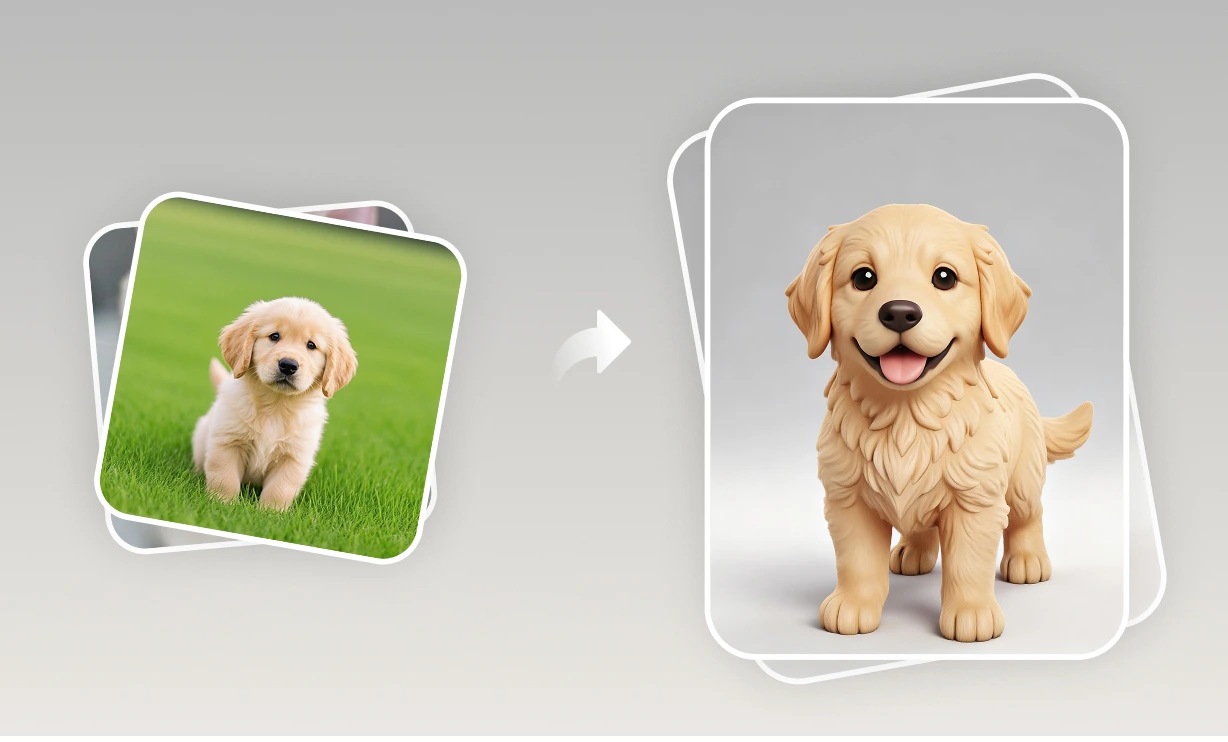
Picture to 3D print takes three steps: upload a photo, let the AI build a textured 3D model in about a minute, and download an STL for your printer.

Drag to rotate · scroll to zoom
Use it to make pet figurines, keepsakes, game pieces and prototypes from a single image. Models also export as GLB, OBJ and USDZ. Please upload only photos you have the rights to use.
Picture to 3D print examples
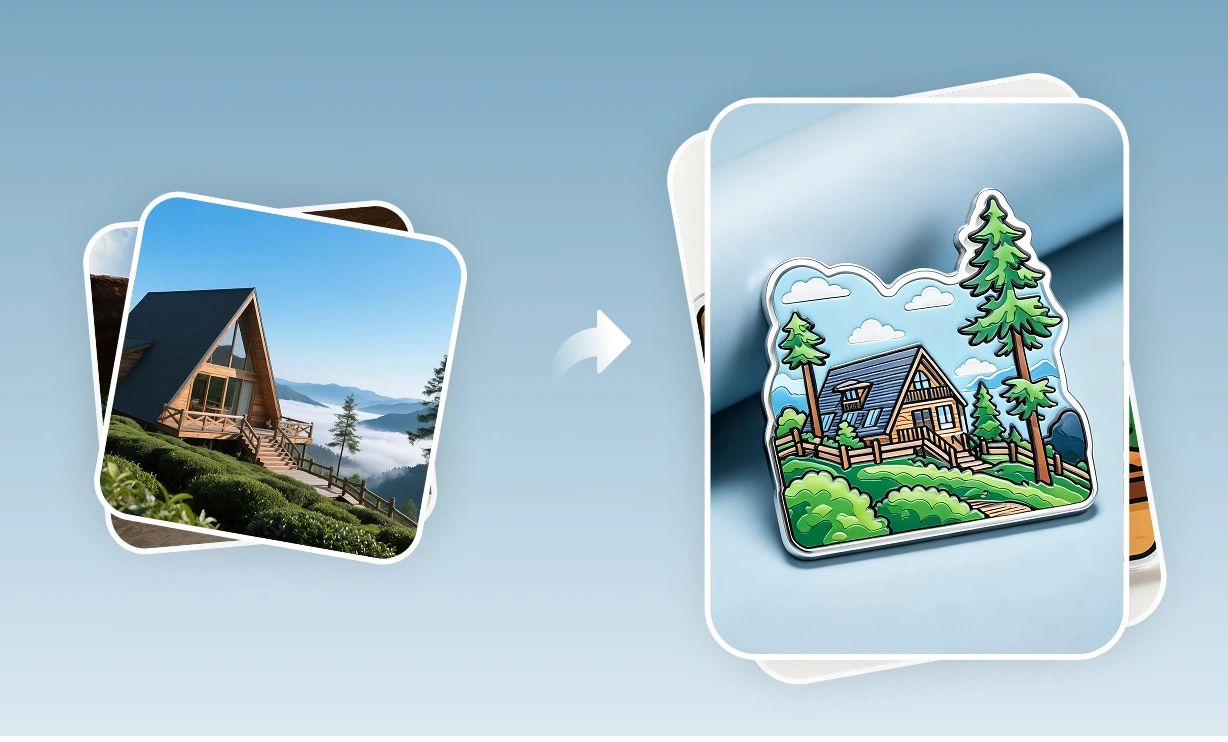
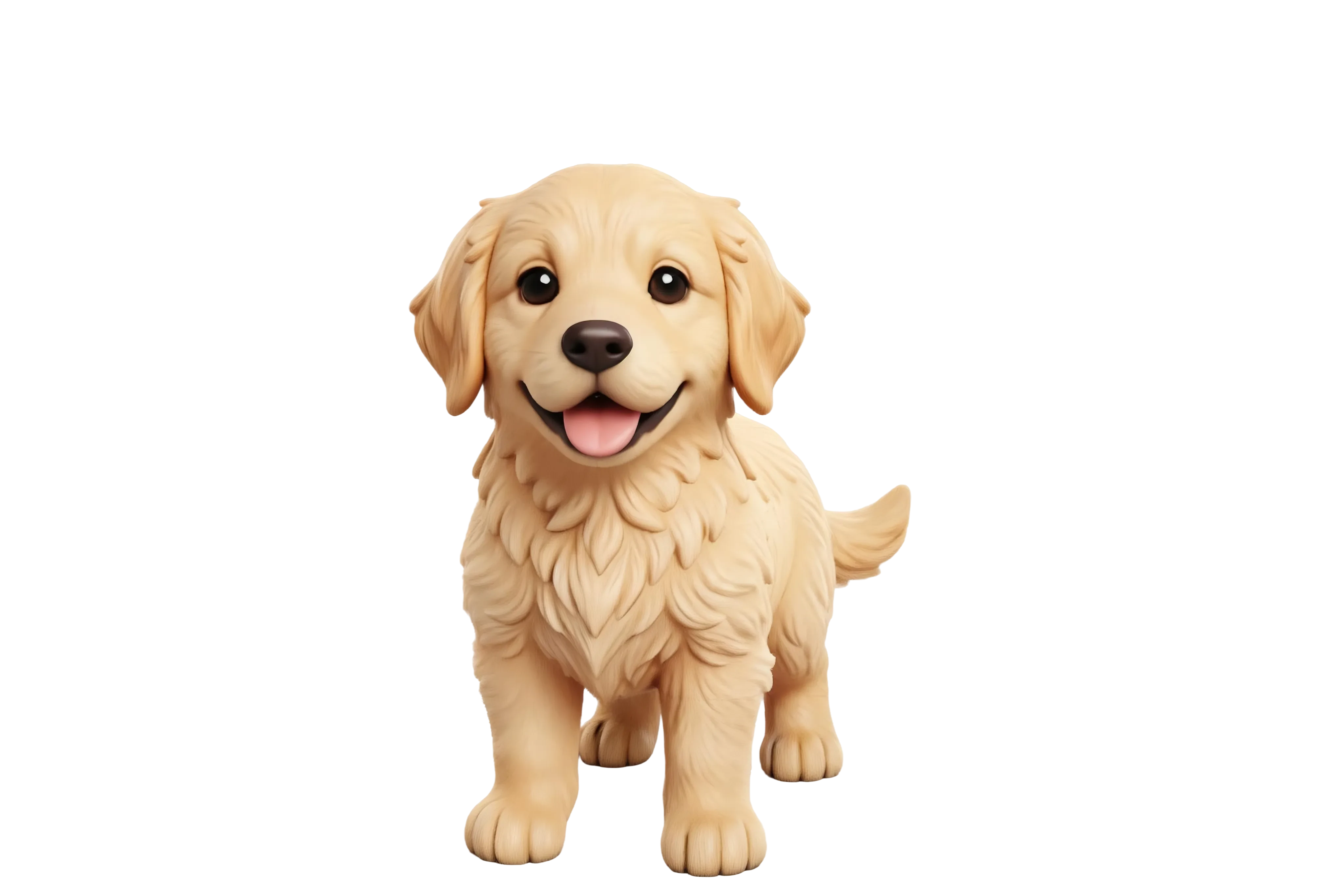
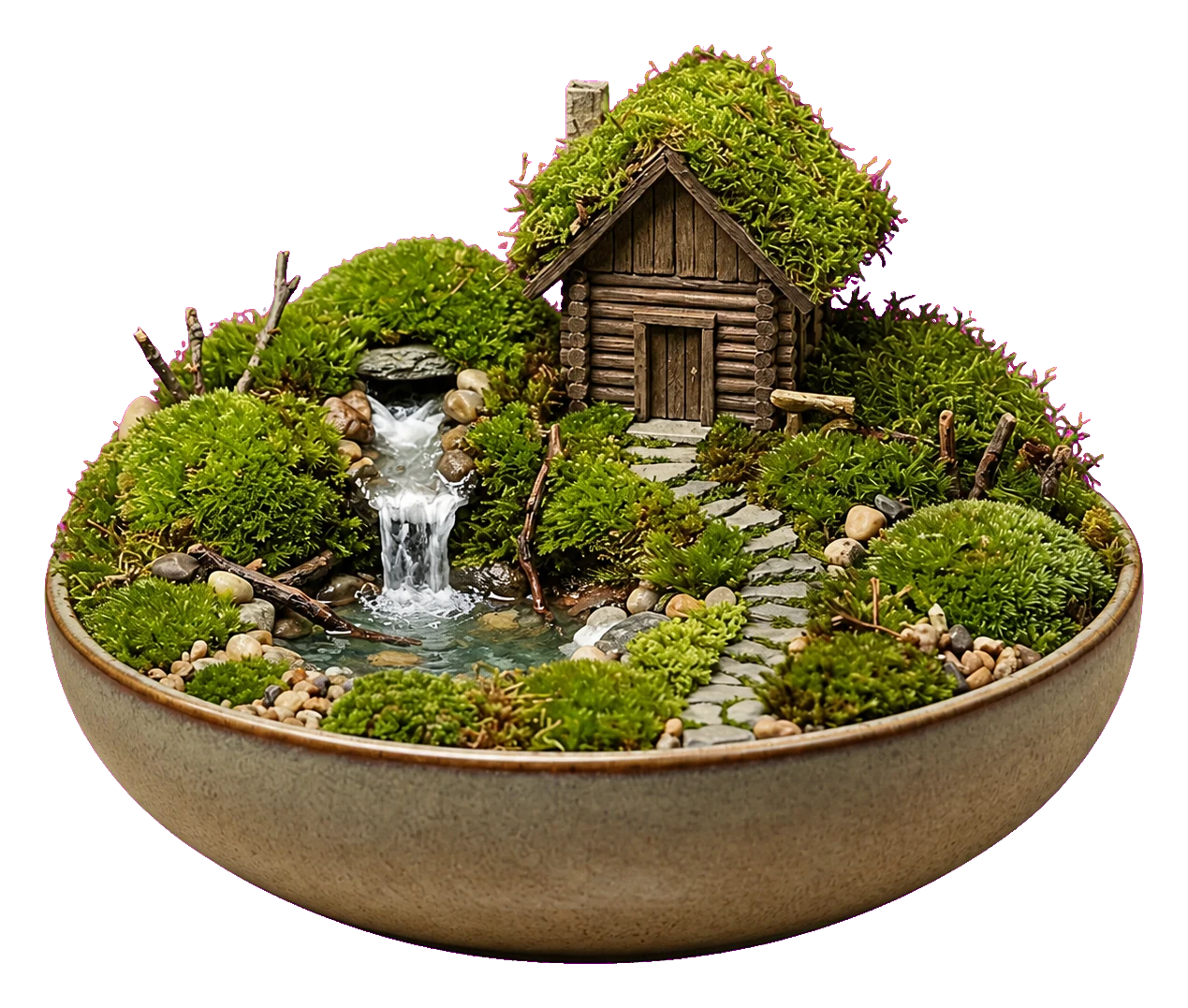
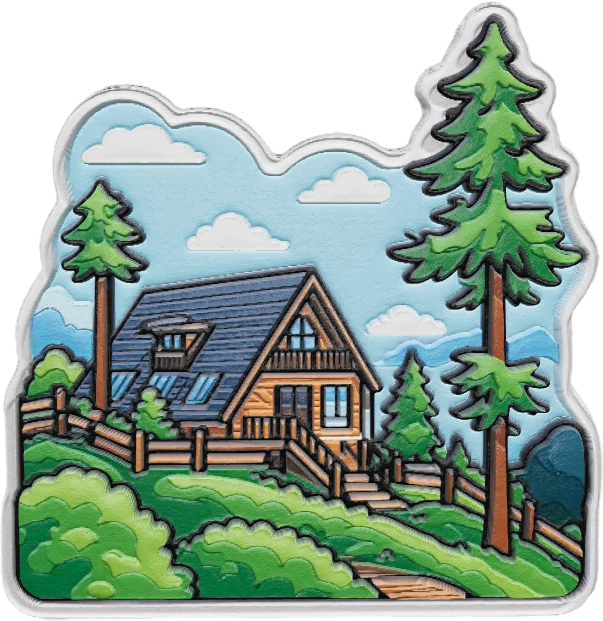
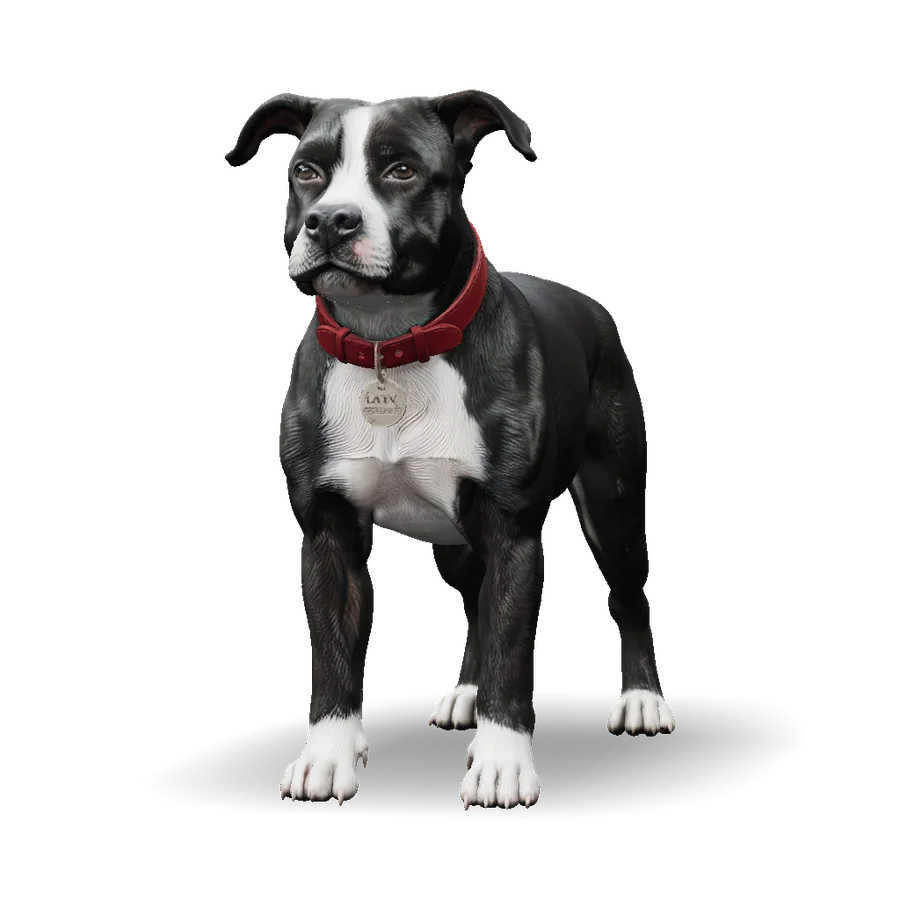
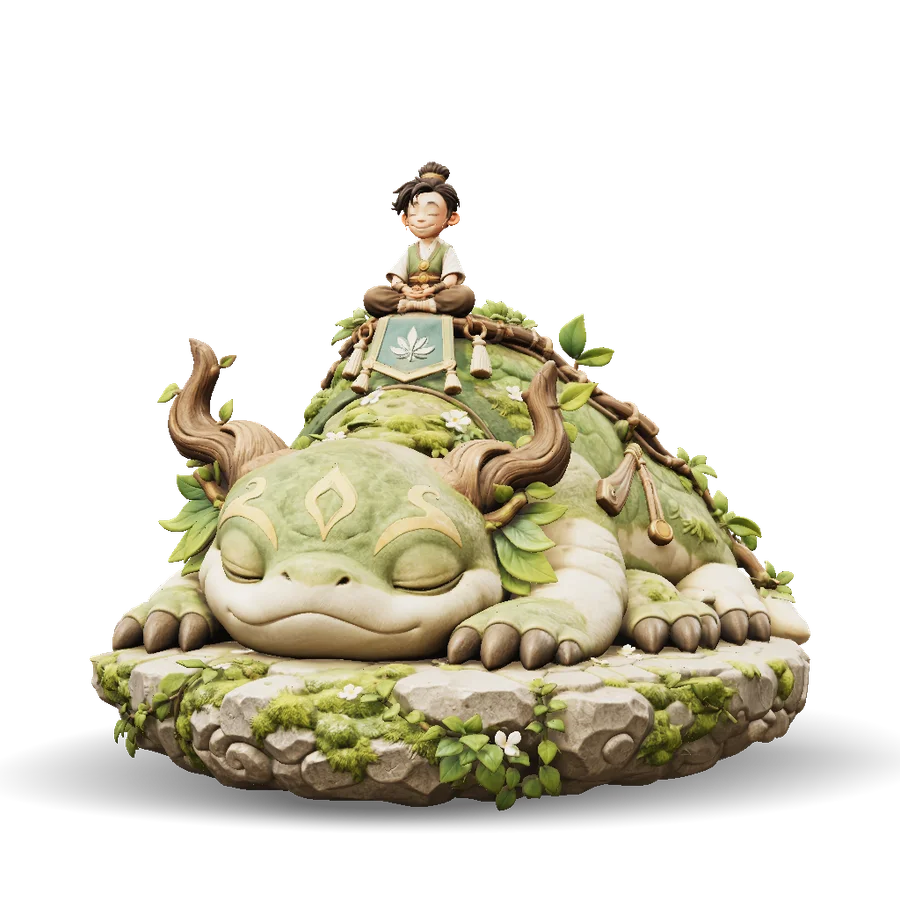
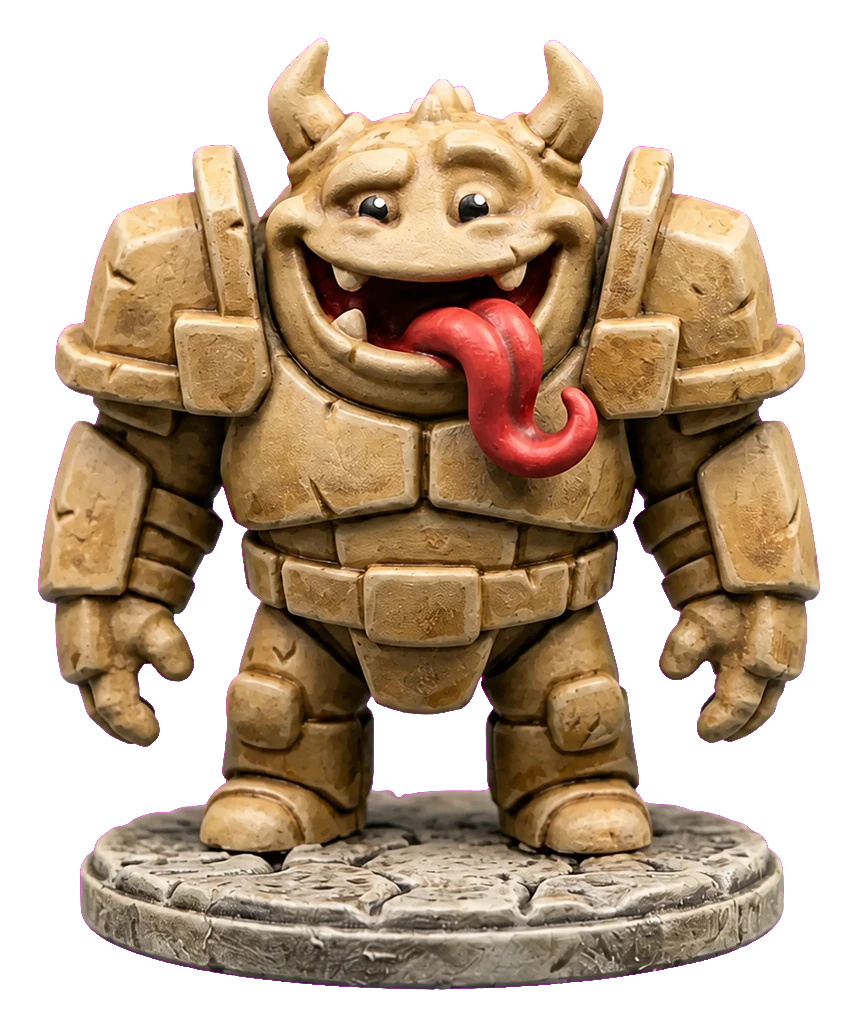
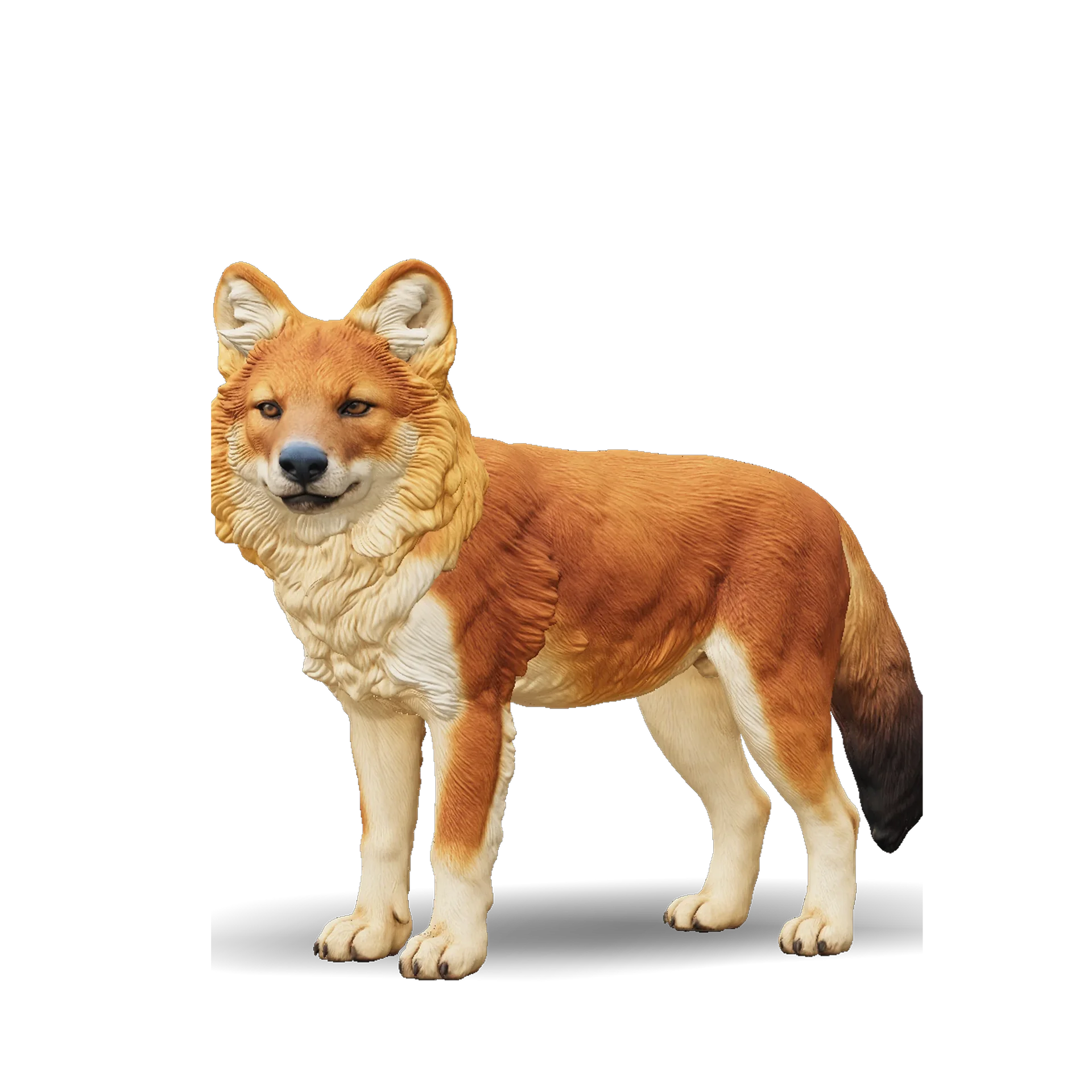
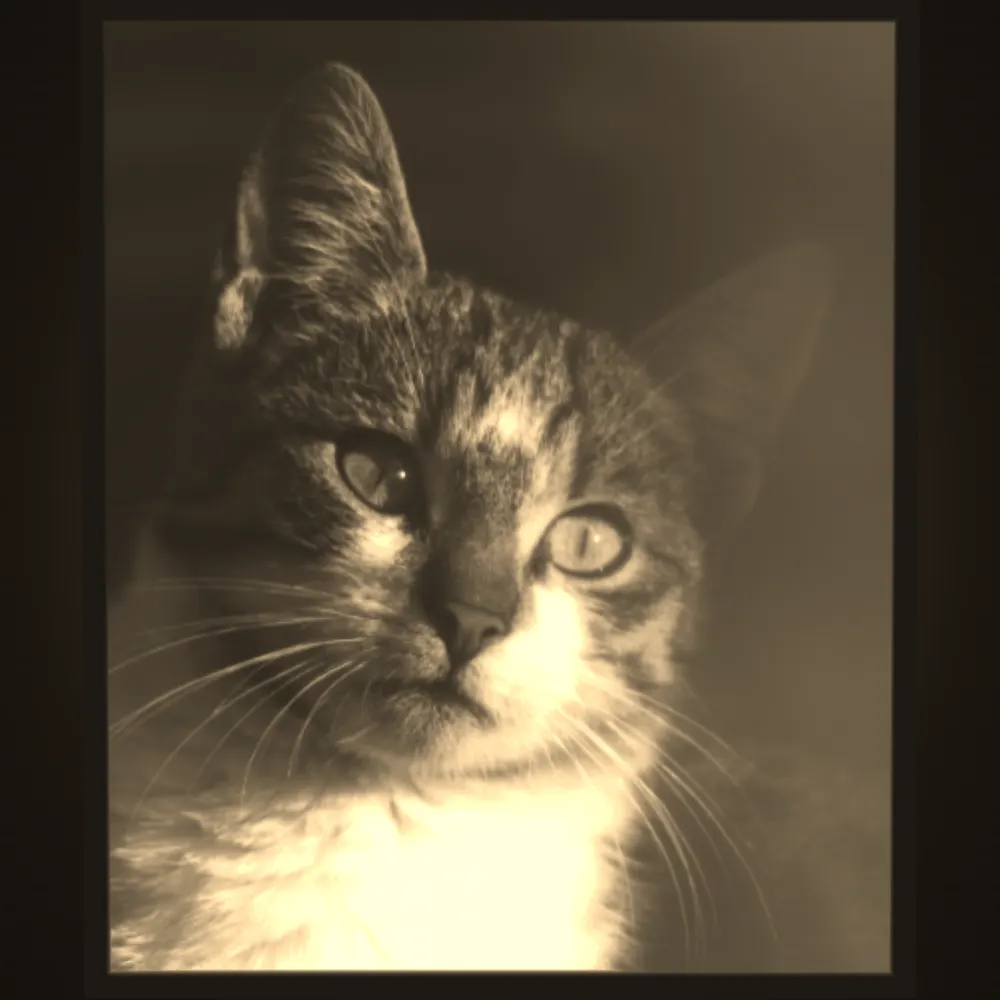
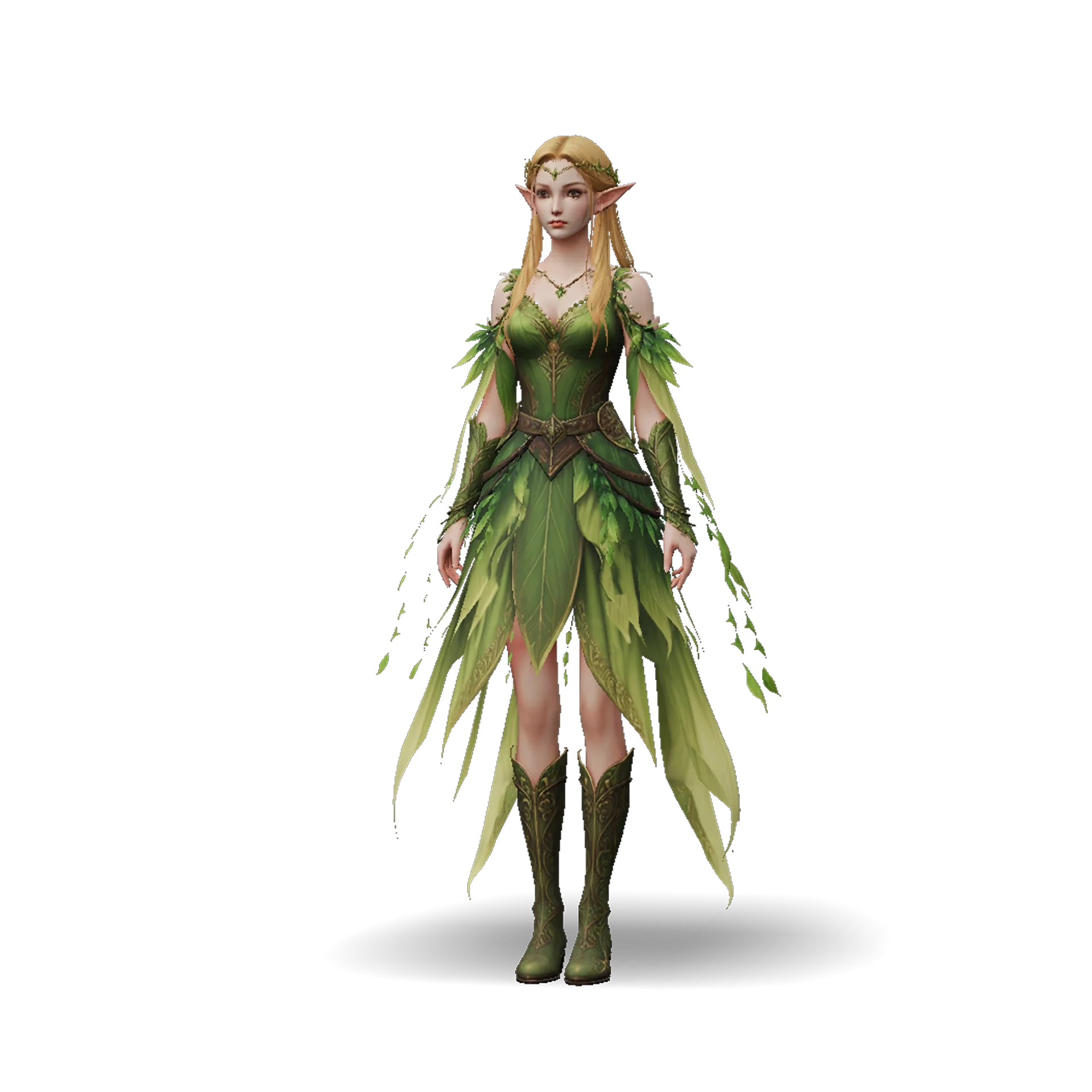
Photos of pets, houses and characters turned into figurines and dioramas, the kind of results you can expect from photo-to-3D tools. Output quality depends on your source photo.
How to turn a photo into a 3D print
- 11
Upload a clear photo
Pick a sharp, well-lit picture with the whole subject visible. A simple background helps the AI separate it cleanly.
- 22
AI builds a textured 3D model
Ship3D creates the model in about a minute. Rotate the preview to check the shape from every side.
- 33
Download the STL and open your slicer
Export an STL, import it into Bambu Studio, PrusaSlicer or Cura, set the size and print.
What you can make from a photo
Pet keepsakes
Turn a photo of your dog or cat into a small statue, ornament or memorial piece.
Figurines and miniatures
Print characters, toys and favorite artwork as desk figures or painted miniatures.
Home and landmark dioramas
Make a tiny model of a house, cabin or scene as a gift or display piece.
Tabletop and cosplay props
Create custom game pieces, creatures and small props to print and paint.
Picture to 3D print FAQ
You upload a photo, the AI generates a textured 3D model in about a minute, and you download it as an STL. You then slice it and print it on your own 3D printer, or send it to a print service. Sign-up is free, and you can try it once for free.
Use a sharp, evenly lit image with the whole subject in frame and a plain background. Avoid heavy shadows, motion blur and tight crops. For pets, a straight-on or three-quarter view works best.
Open the STL in Bambu Studio, PrusaSlicer or Cura, scale it (most slicers read STL units as millimeters), orient it so the flattest area faces the bed, add supports for overhangs and slice. Models usually print fine, and slicers can repair small holes.
STL has no color, so print in one color and paint the figurine, or use a multi-material setup and color it by hand in your slicer. Multi-color formats like 3MF are not exported yet. We export GLB, STL, OBJ and USDZ.
Keep thin features such as ears, tails and antennas at least 1 to 2 mm thick, and print larger for finer detail. If a figurine is very small, scale it up or choose a pose with fewer protruding parts. Image to 3D print results vary with the source photo.
Related tools



Print your first figurine
Upload a photo, preview the 3D model and download the STL. Sign-up is free, and you can try it once for free.
Free to sign up, no credit card required. Try it once for free.