OBJ to FBX Converter
Loose OBJ Geometry, Organised as One FBX
This OBJ to FBX converter reads a Wavefront .obj and writes a binary FBX in which every object or group of the OBJ becomes its own named mesh under one root node, the layout Blender, Unity, Unreal, Maya and 3ds Max expect from an imported asset.
OBJ → FBX
Drop a 3D model file to preview it in 3D before converting.
Positions, normals, UVs and per-vertex colours carry over, polygons are split into triangles, and the file declares metres with Y up. All of it happens inside your browser tab: nothing is uploaded, nothing waits in a queue, and no account is needed. Since FBX stores its arrays in compressed binary form, the result is usually far smaller than the text OBJ; our pirate ship sample shrinks to about a quarter of its 225 KB. Know one thing before you convert OBJ to FBX: the tool takes a single file, so a companion .mtl and the texture images it lists are not read. Colour survives only when it is stored per vertex inside the OBJ itself. The UVs are kept, so you can plug the original texture back in after import.
Try OBJ to FBX with a sample file
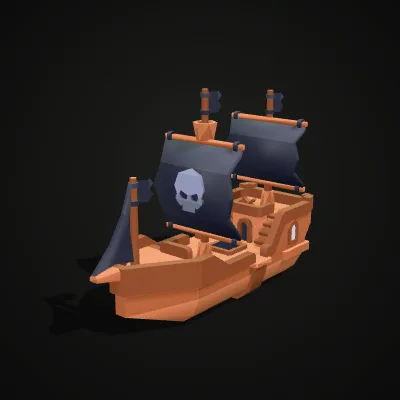
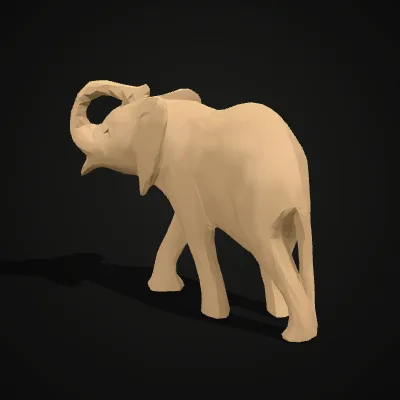
Two single-file OBJs to test the conversion. The pirate ship stores its colours per vertex, so they carry into the FBX. The elephant is a plain OBJ with UVs and normals but no material file, which shows what happens to an OBJ whose colour lived in an .mtl.
Watch a pirate ship go from OBJ to FBX
An 11-second run on the pirate ship sample. The OBJ goes in and turns in the preview with its colours, Convert to FBX is clicked, and the result line shows pirate-ship.fbx with 1,938 triangles, roughly a quarter of the 225 KB source file. Inside that FBX, the hull, the two sails and the three flags are six separate, named objects. The download button sits right below.
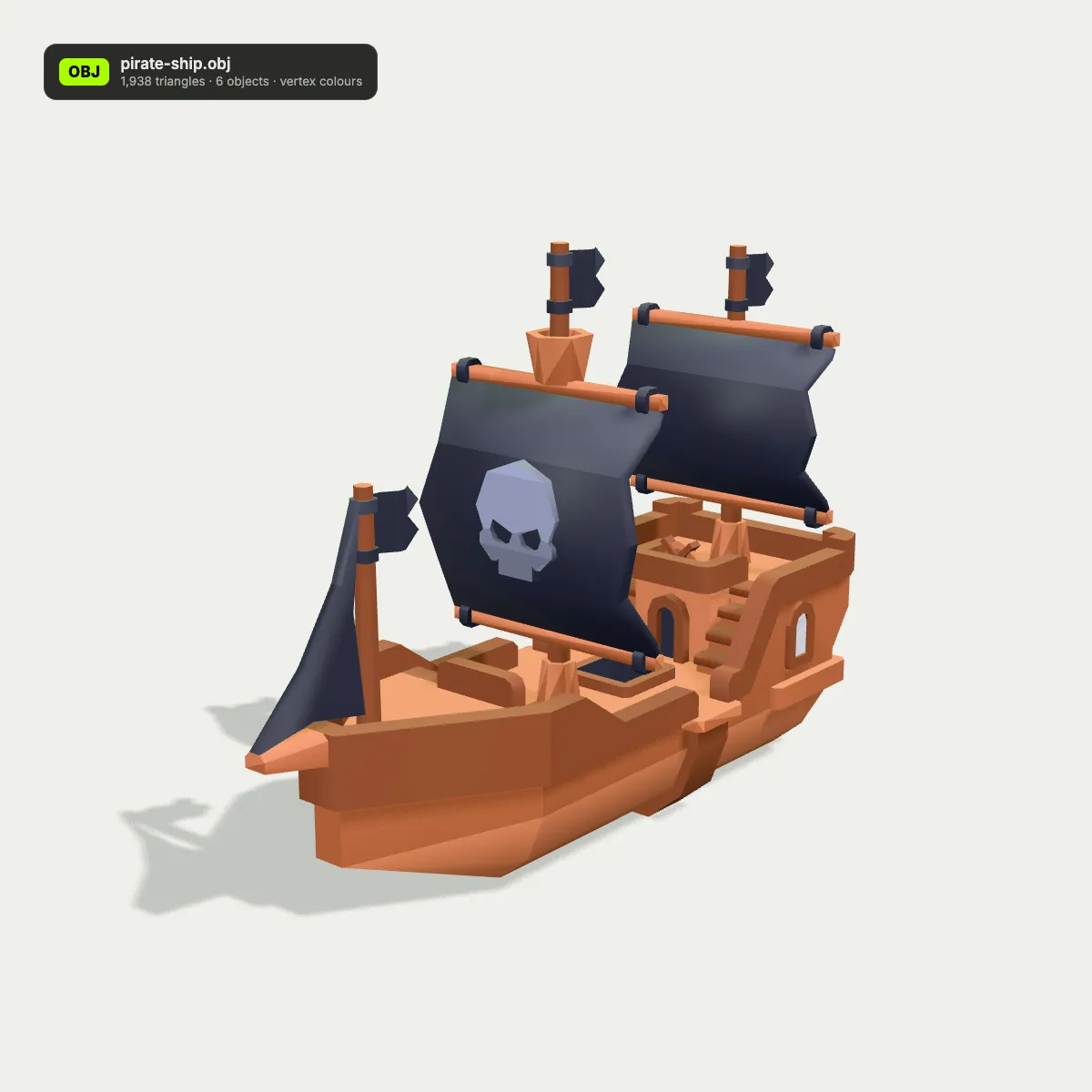
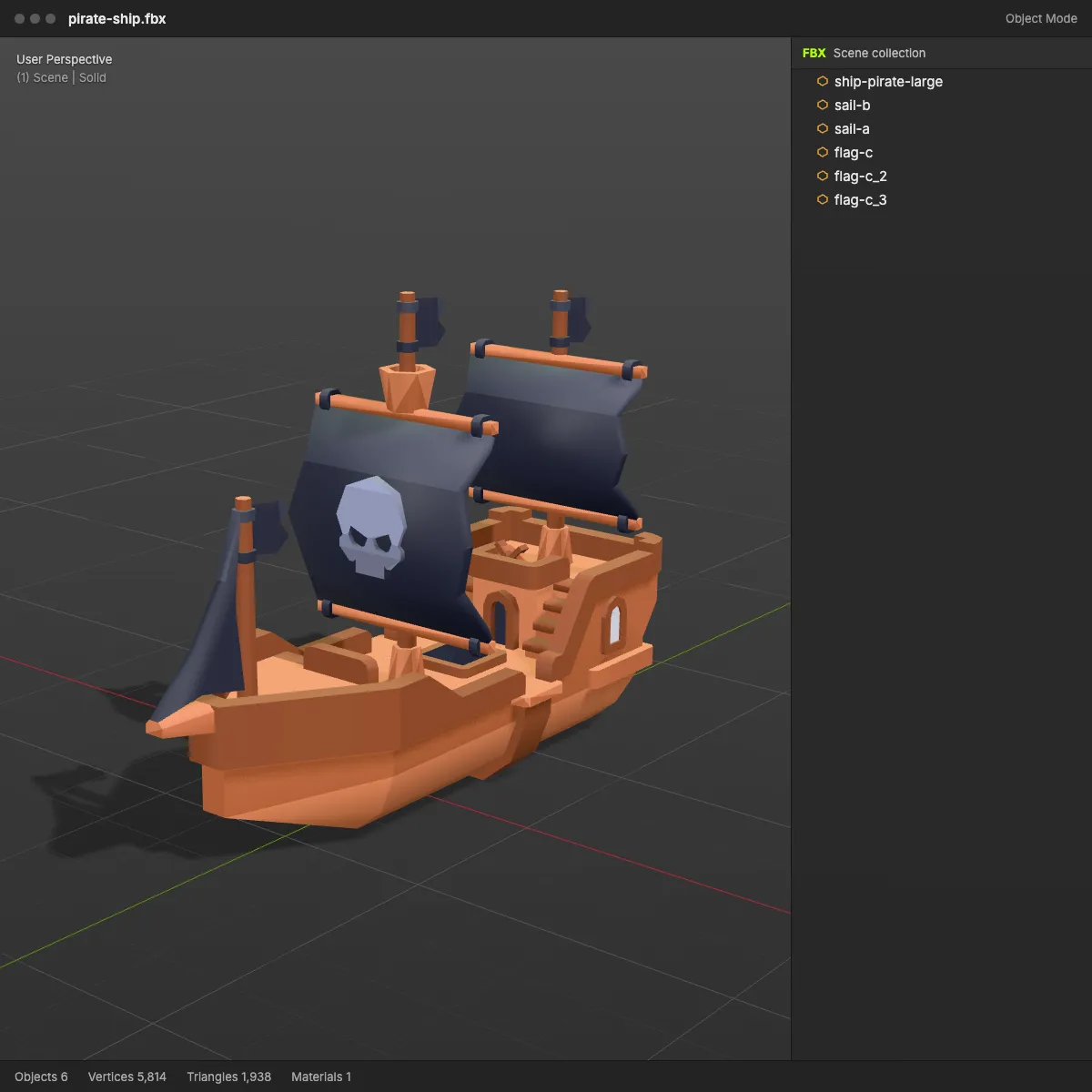
OBJ to FBX, before and after: from loose geometry to a scene tree
On the left, each OBJ as a plain viewer shows it: geometry and colour with no structure around it. On the right, the converted FBX in a DCC-style viewport next to its scene tree, where every object from the OBJ is now a named node under one root.
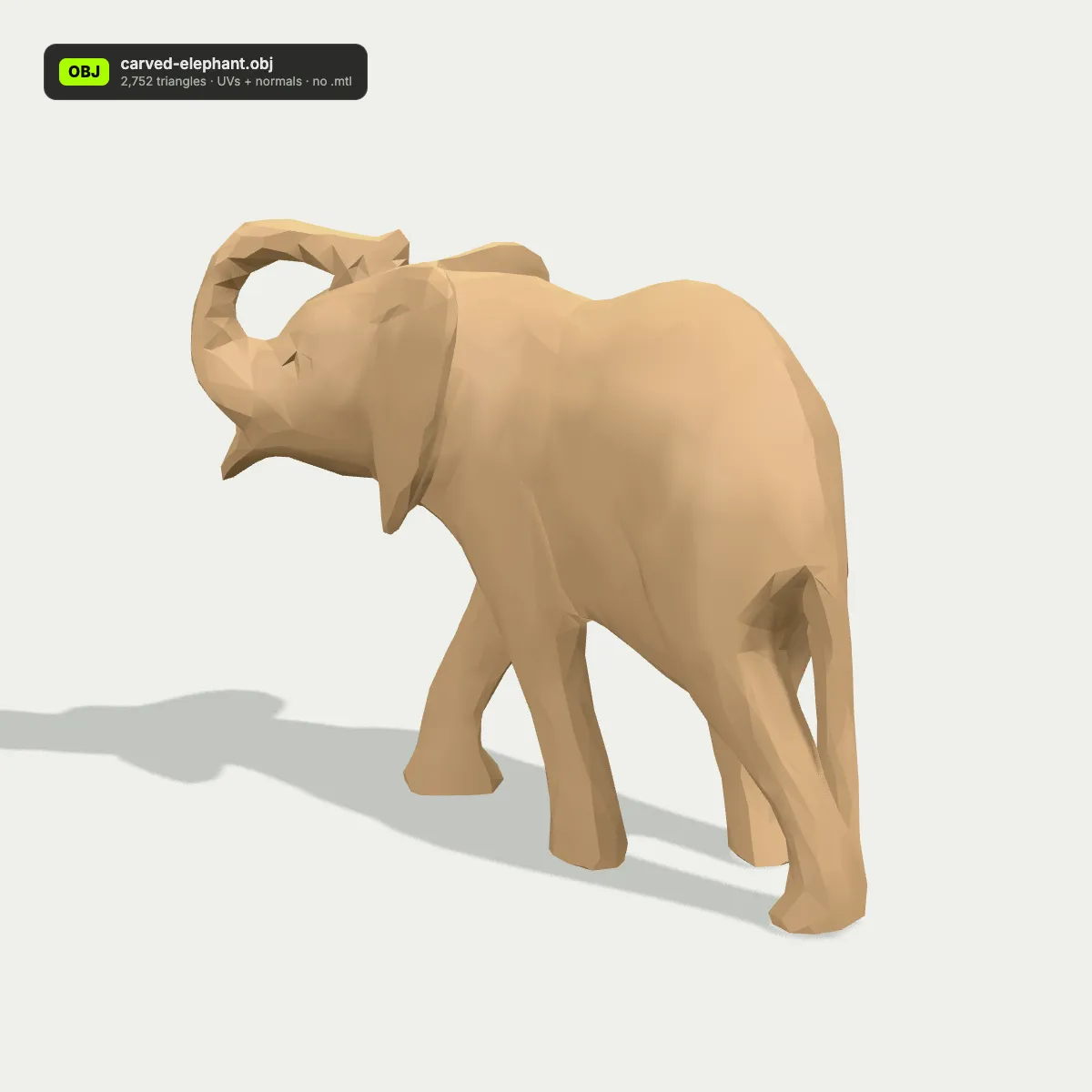
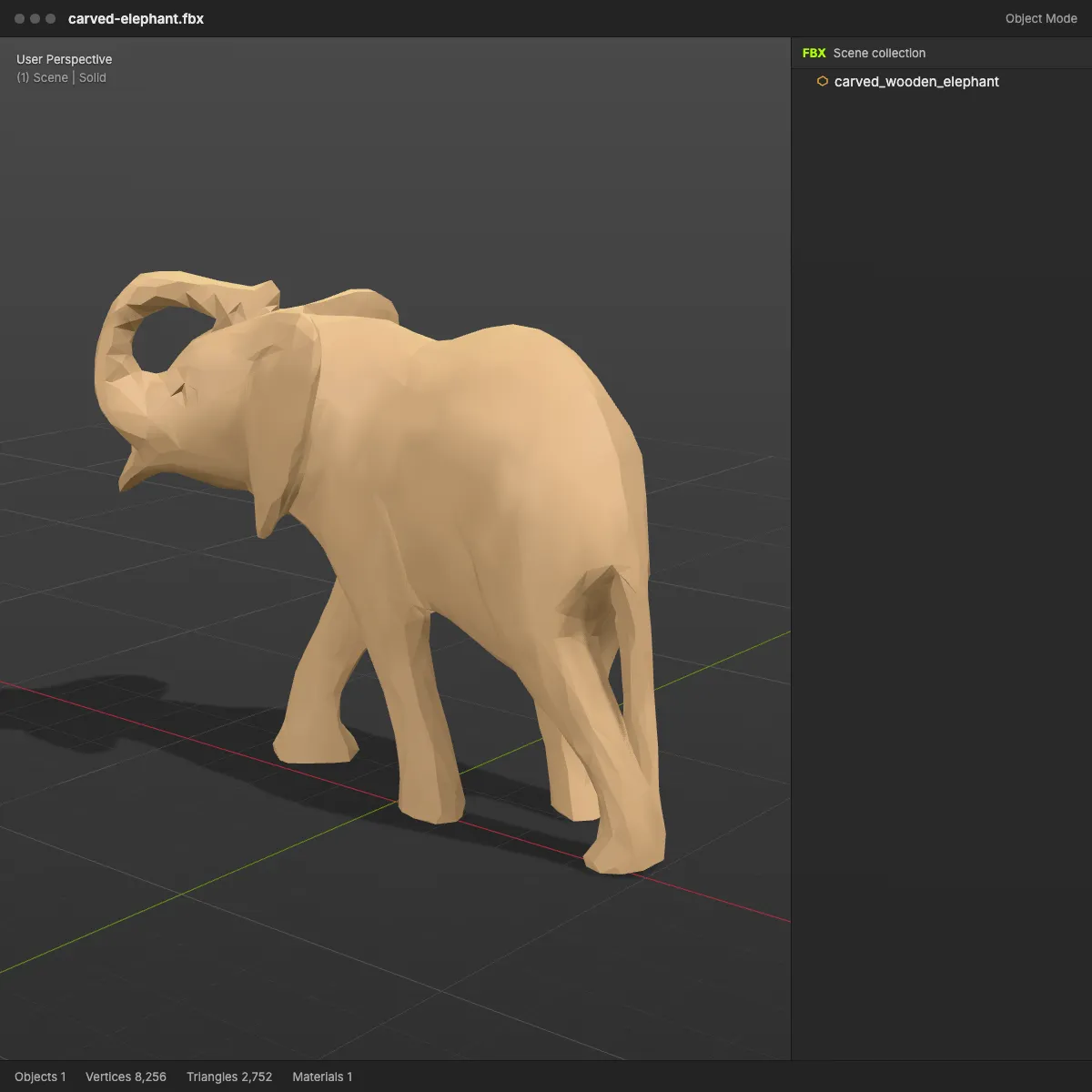
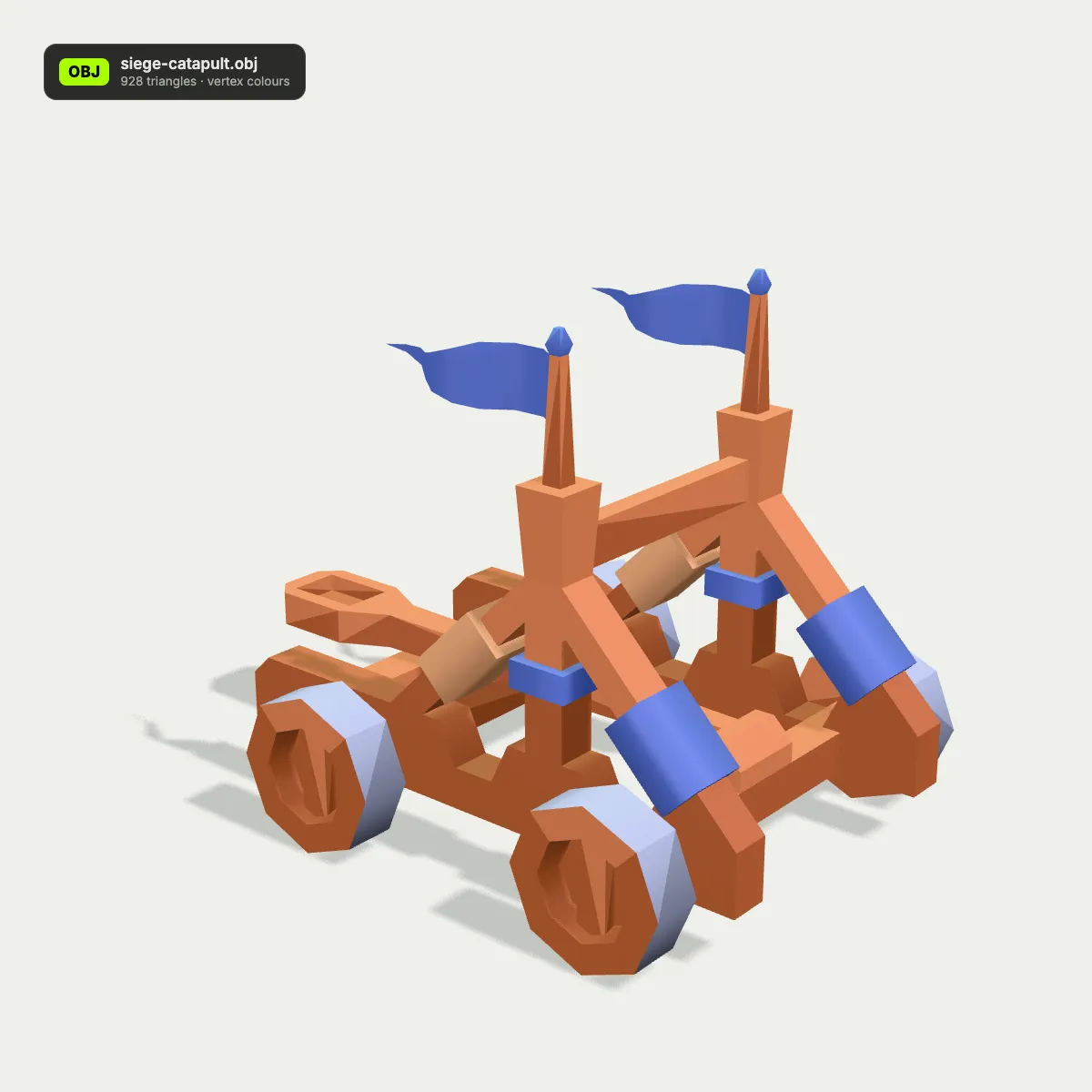
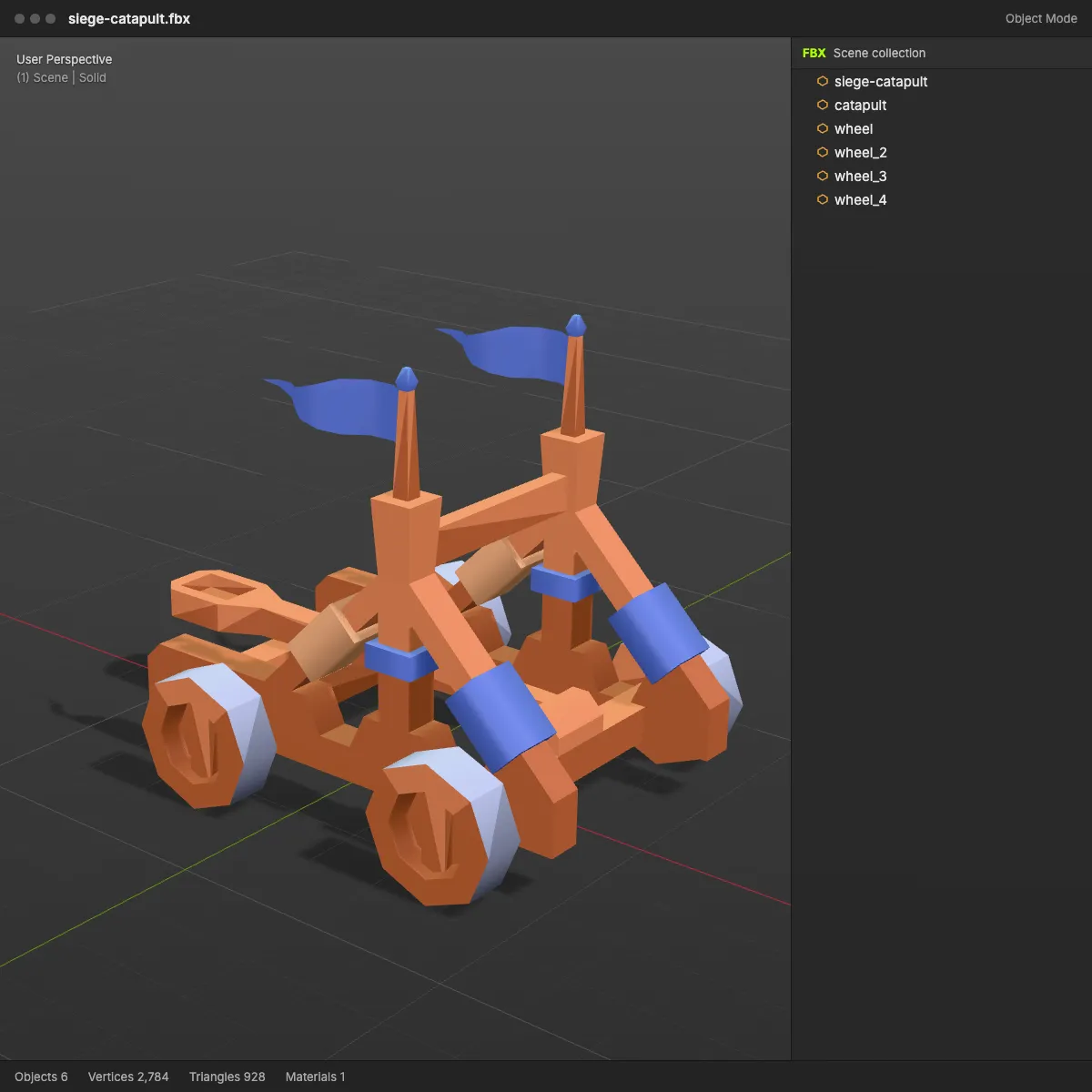
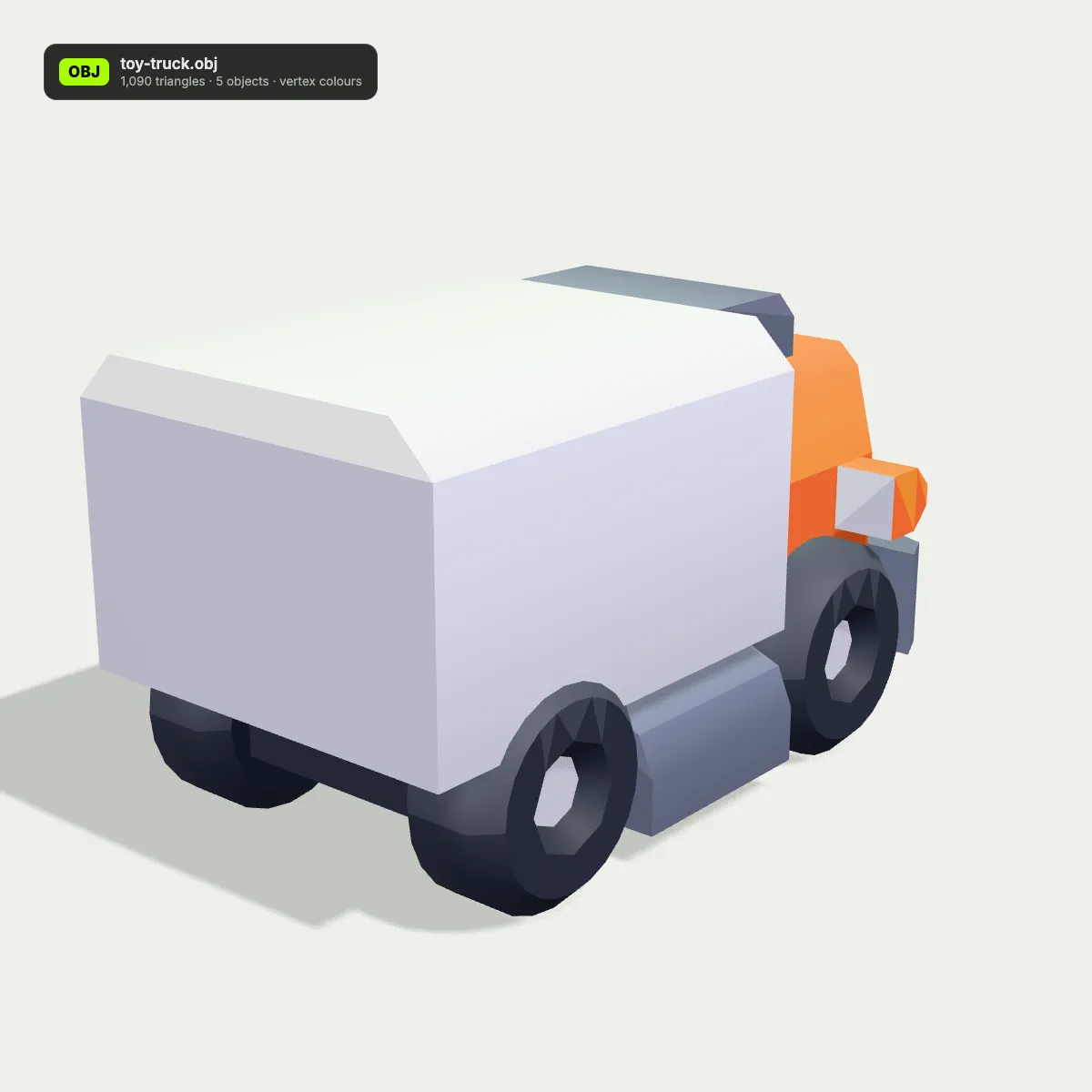
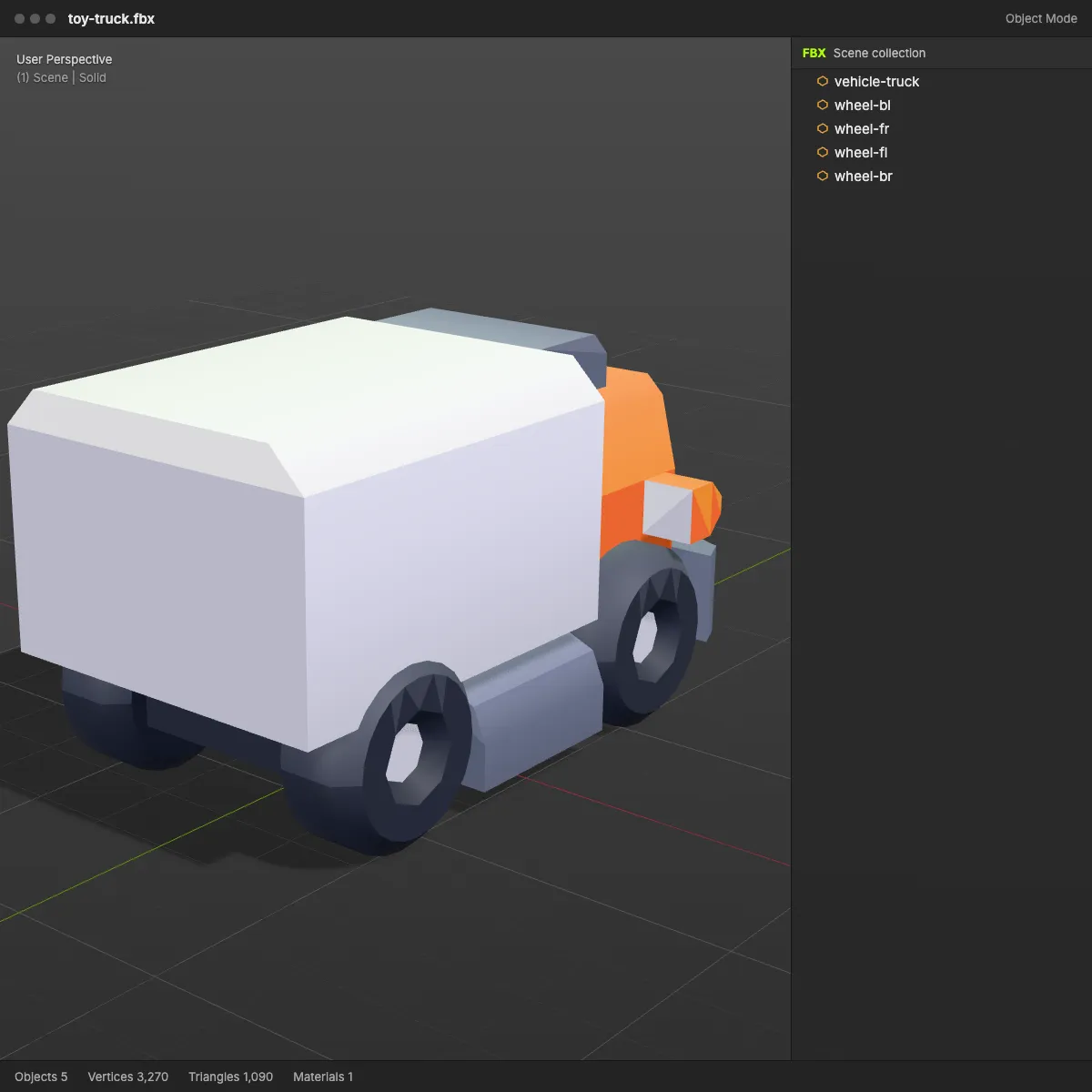
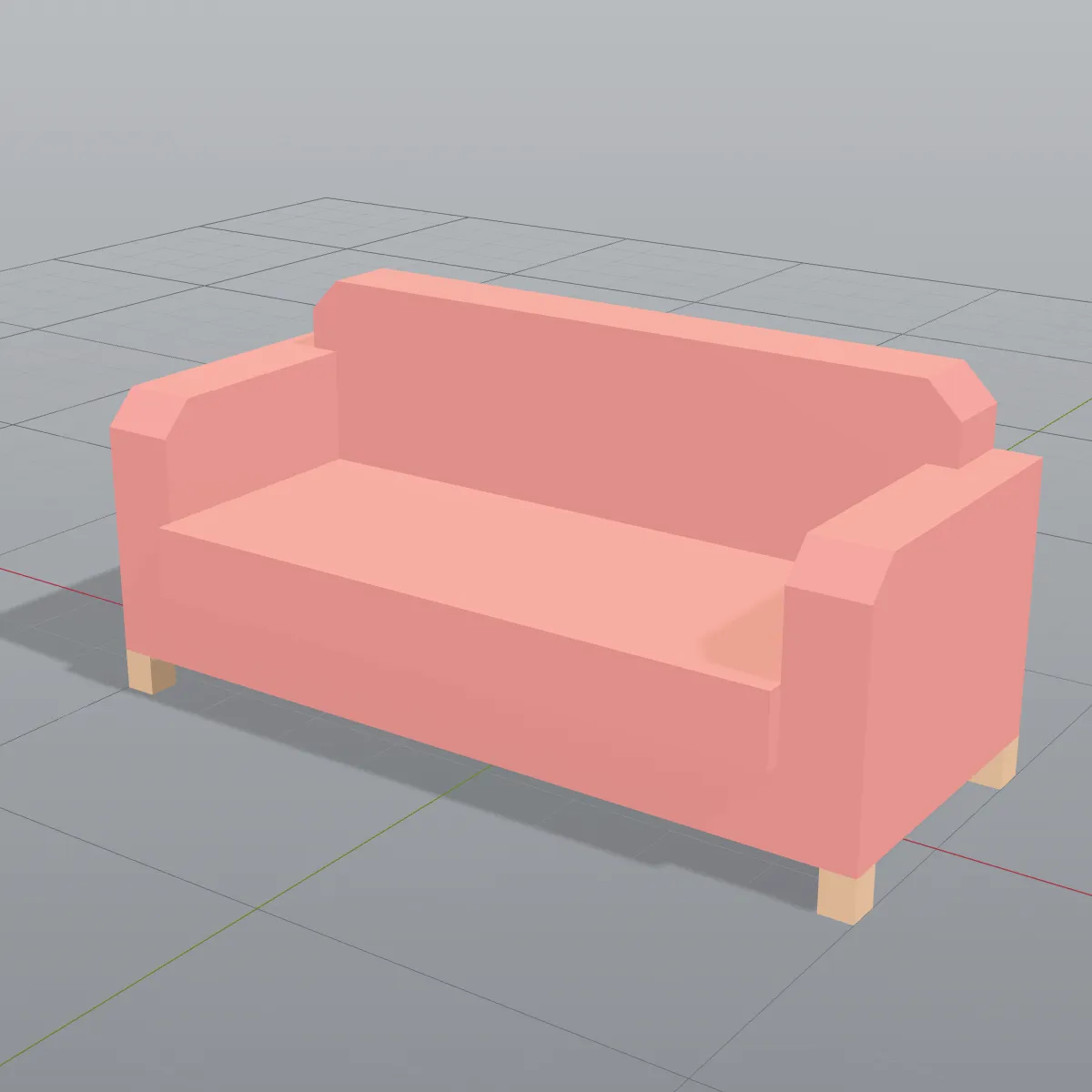
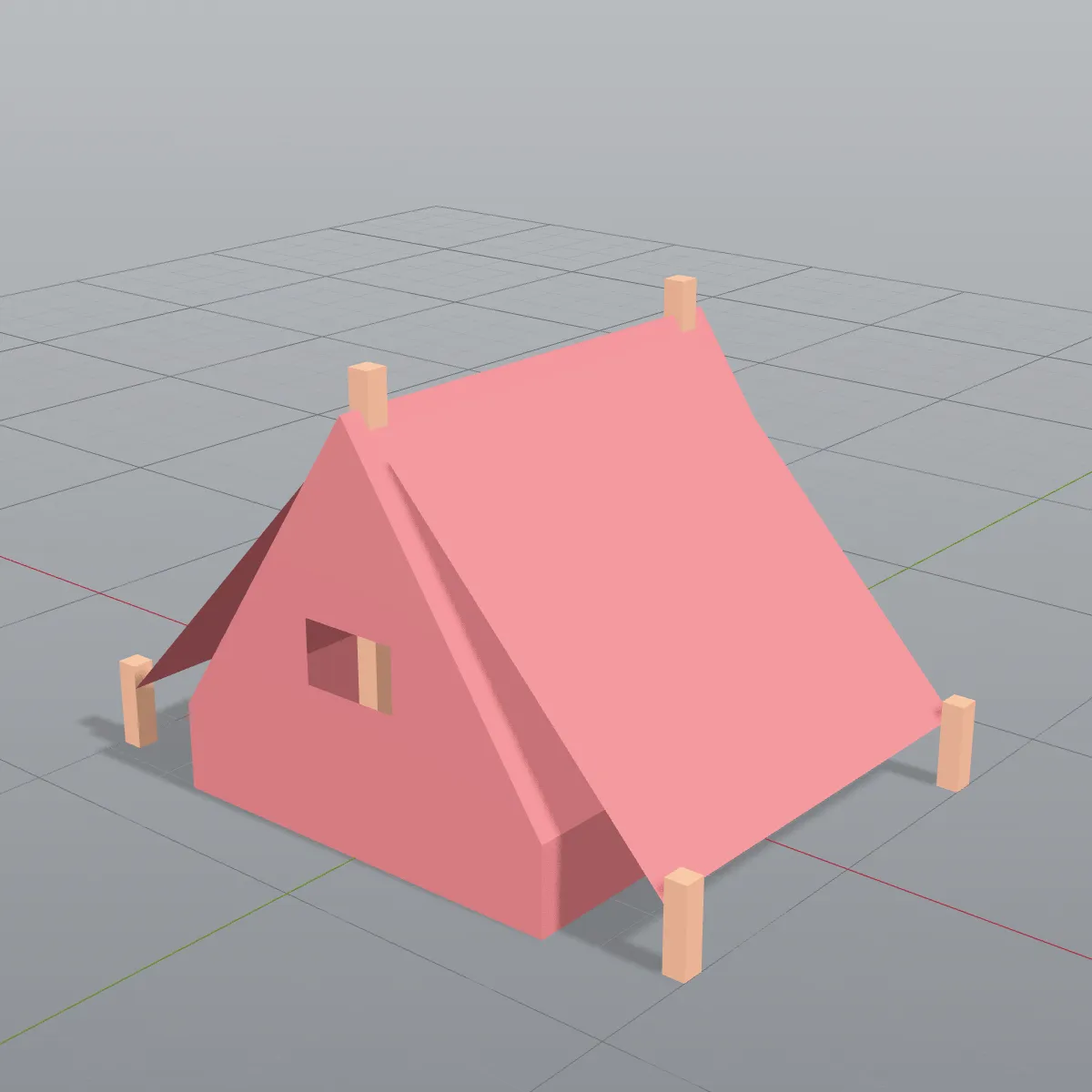
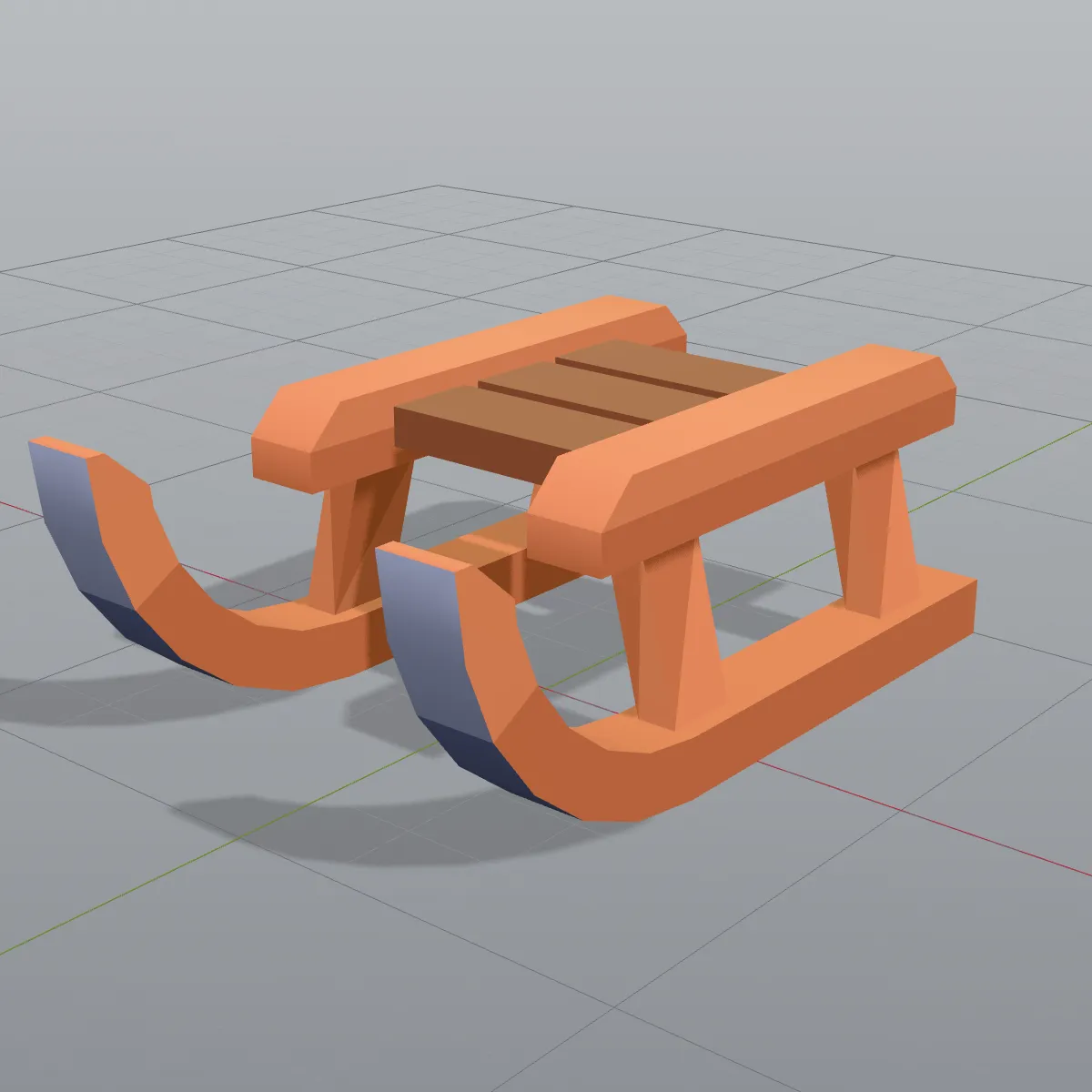
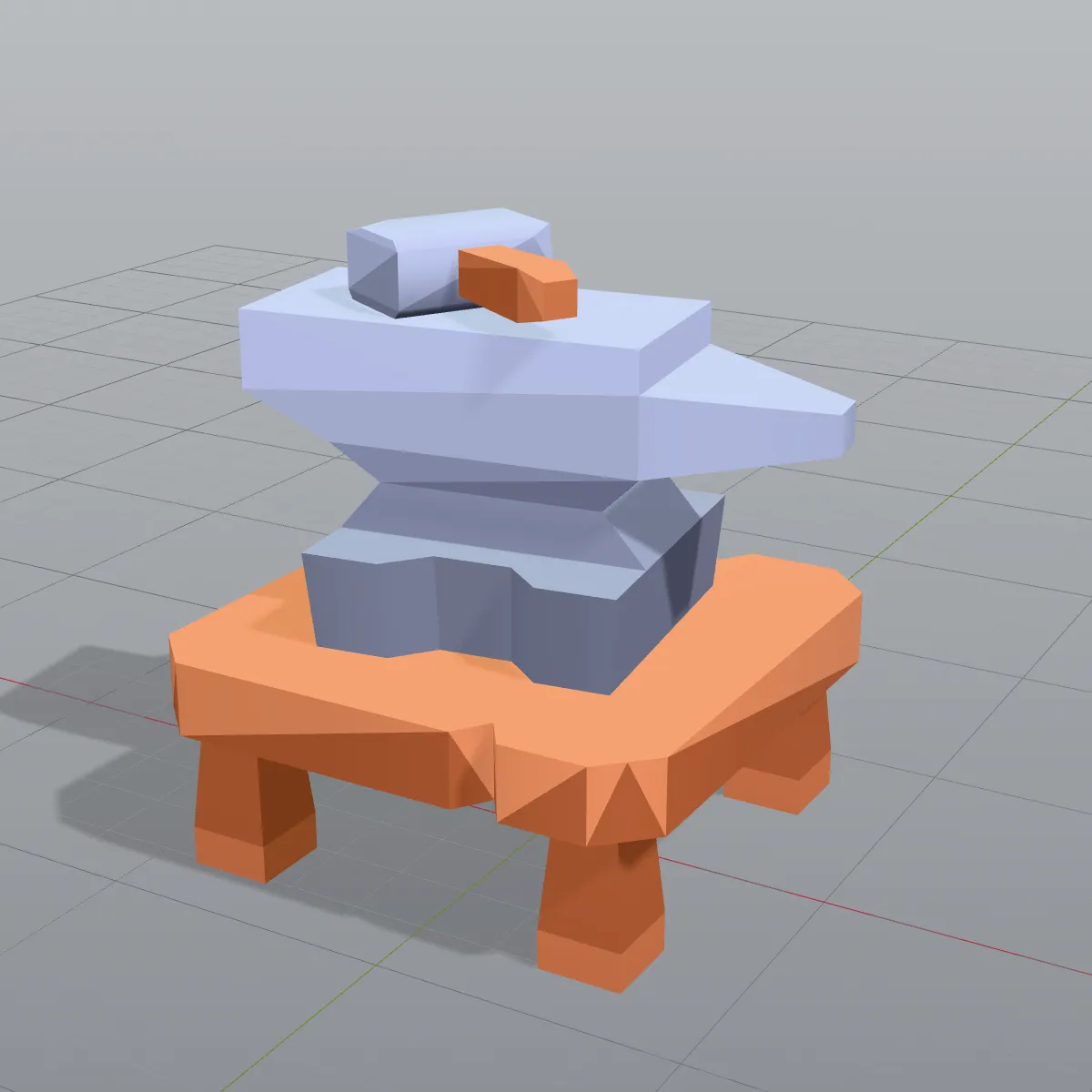
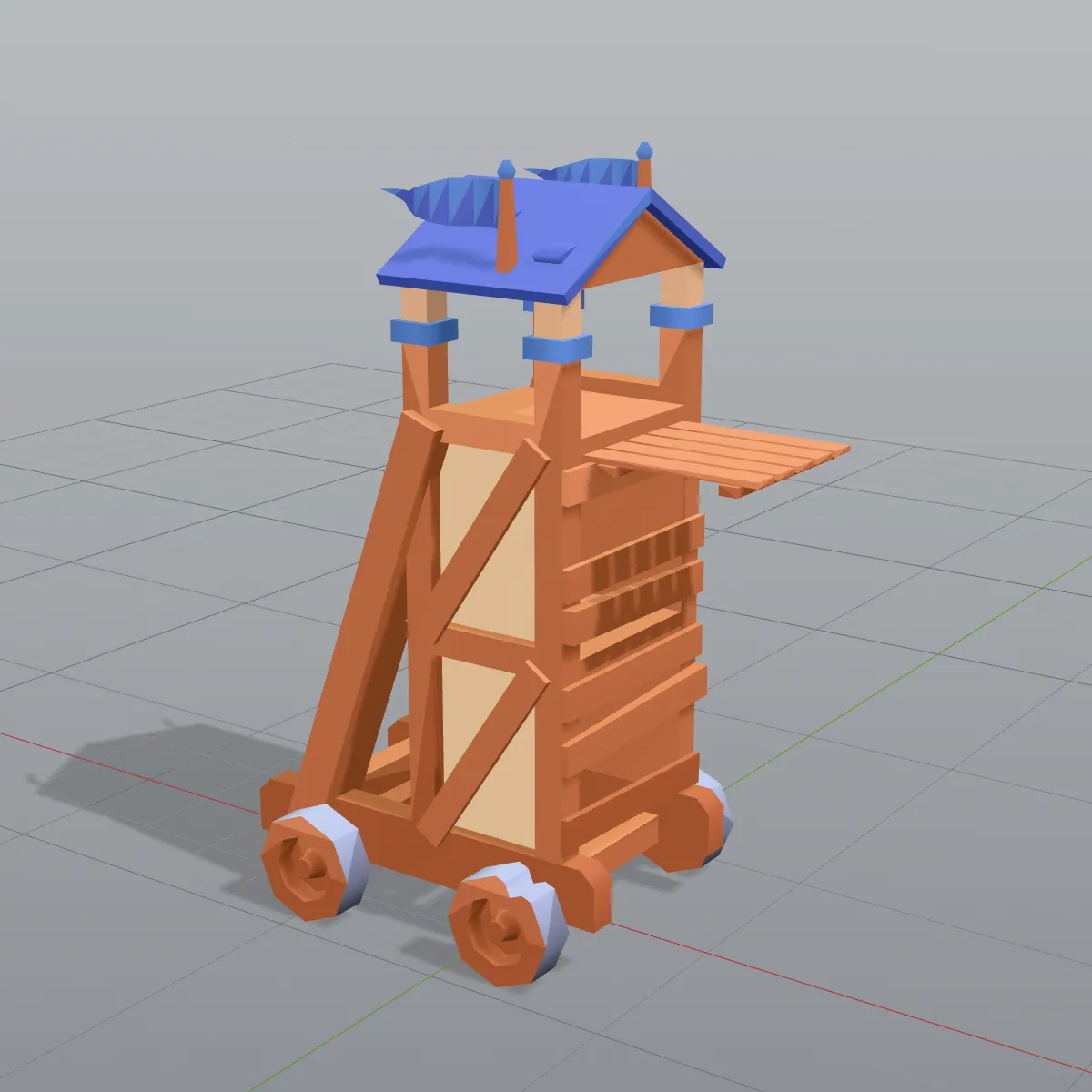
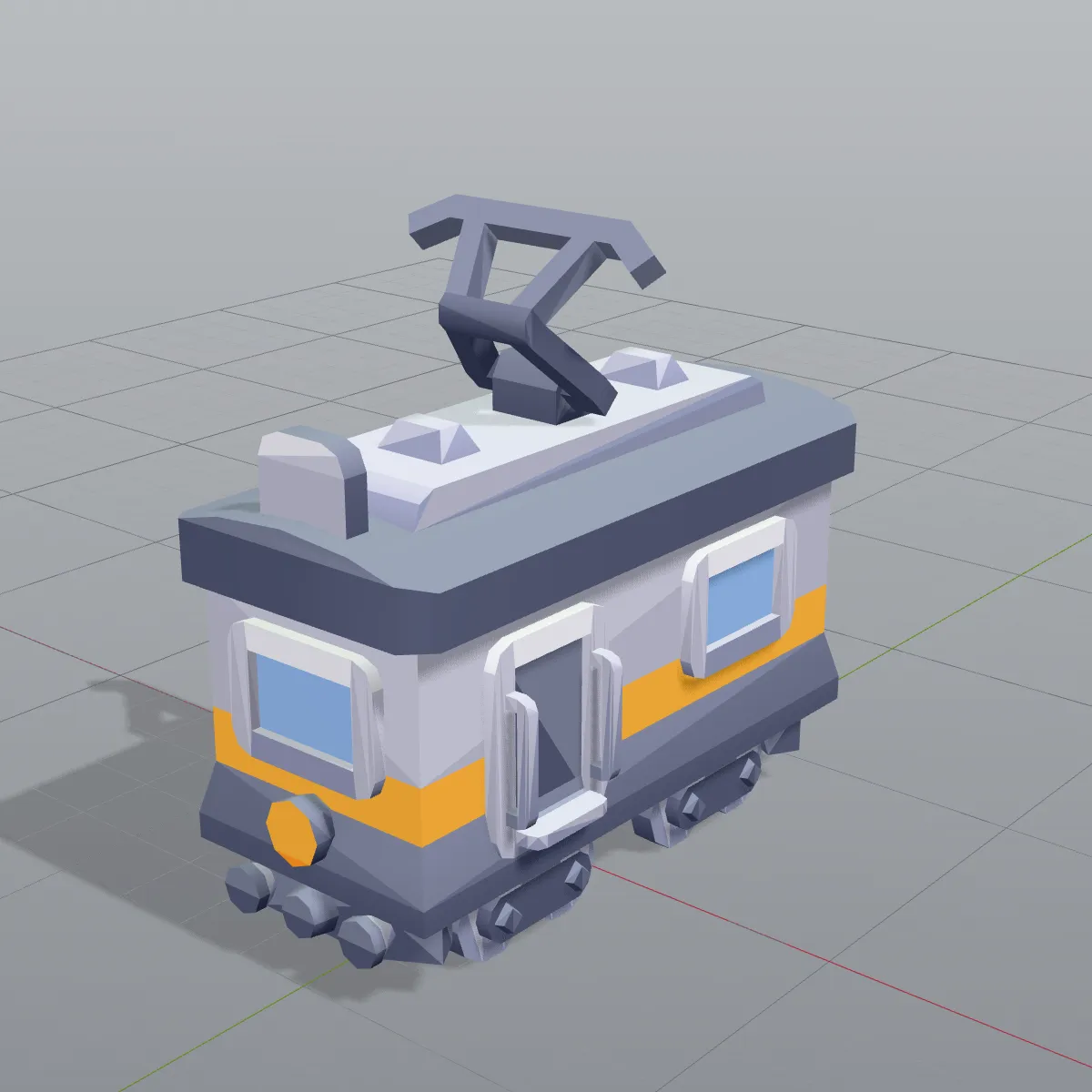
OBJ to FBX examples: low-poly kits as FBX assets
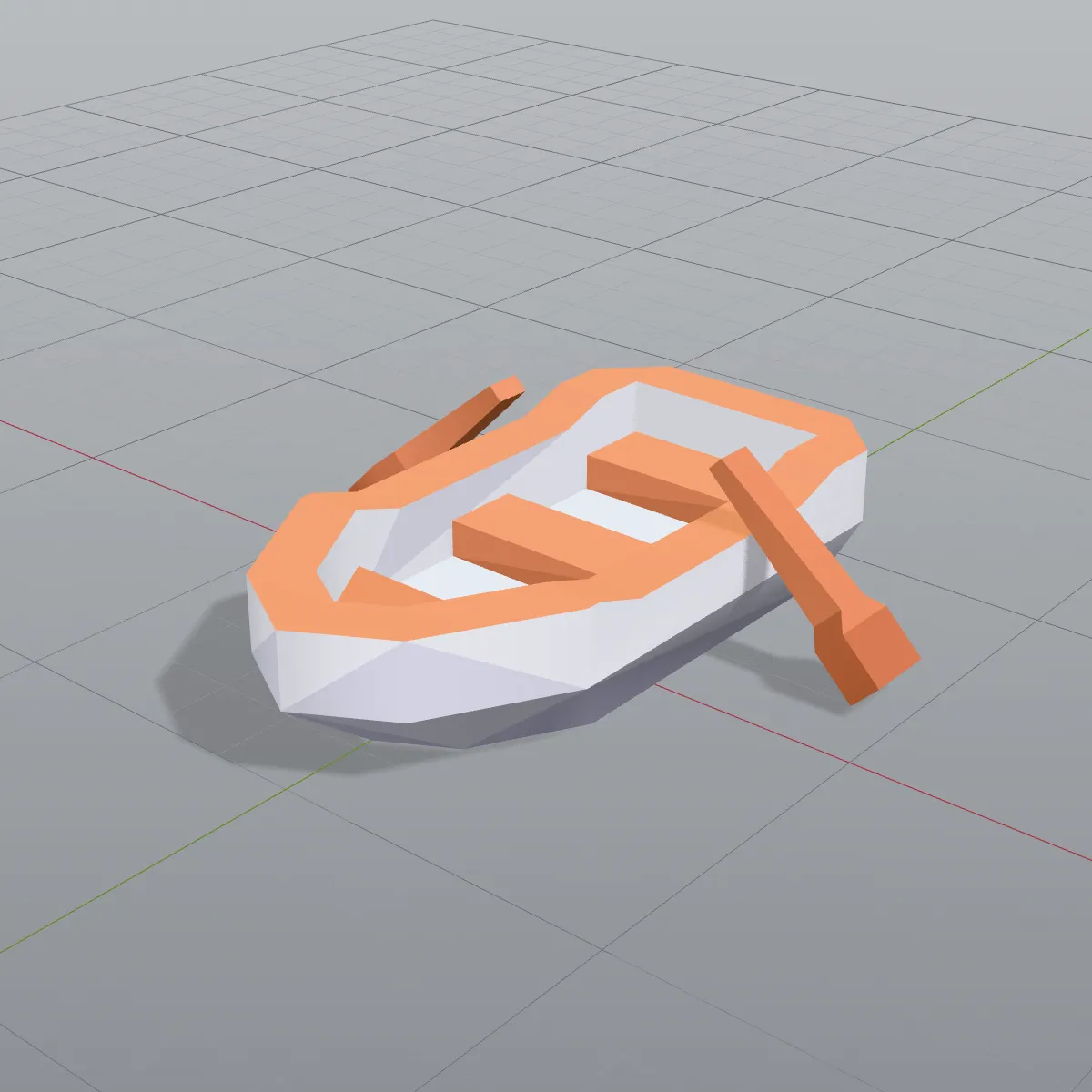
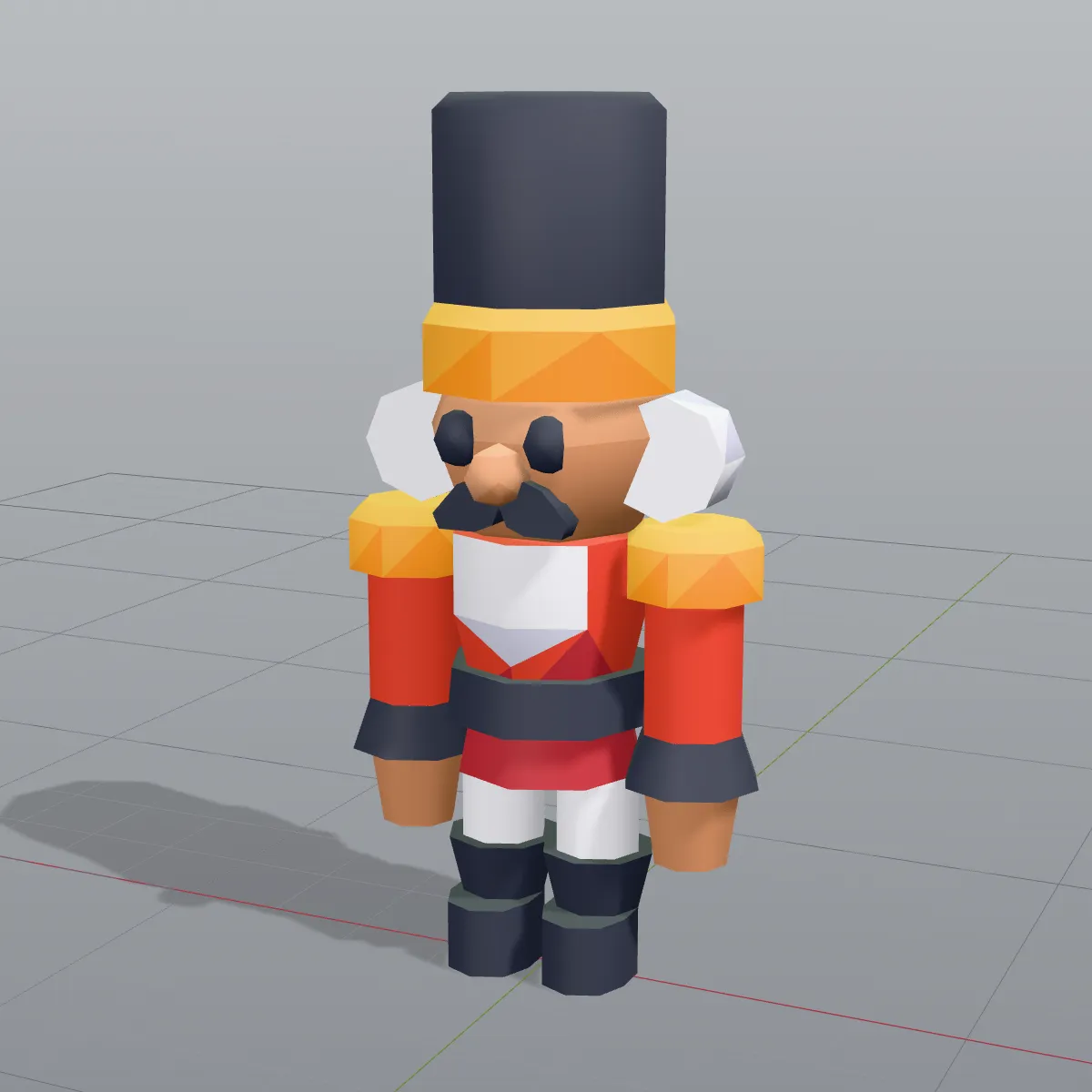
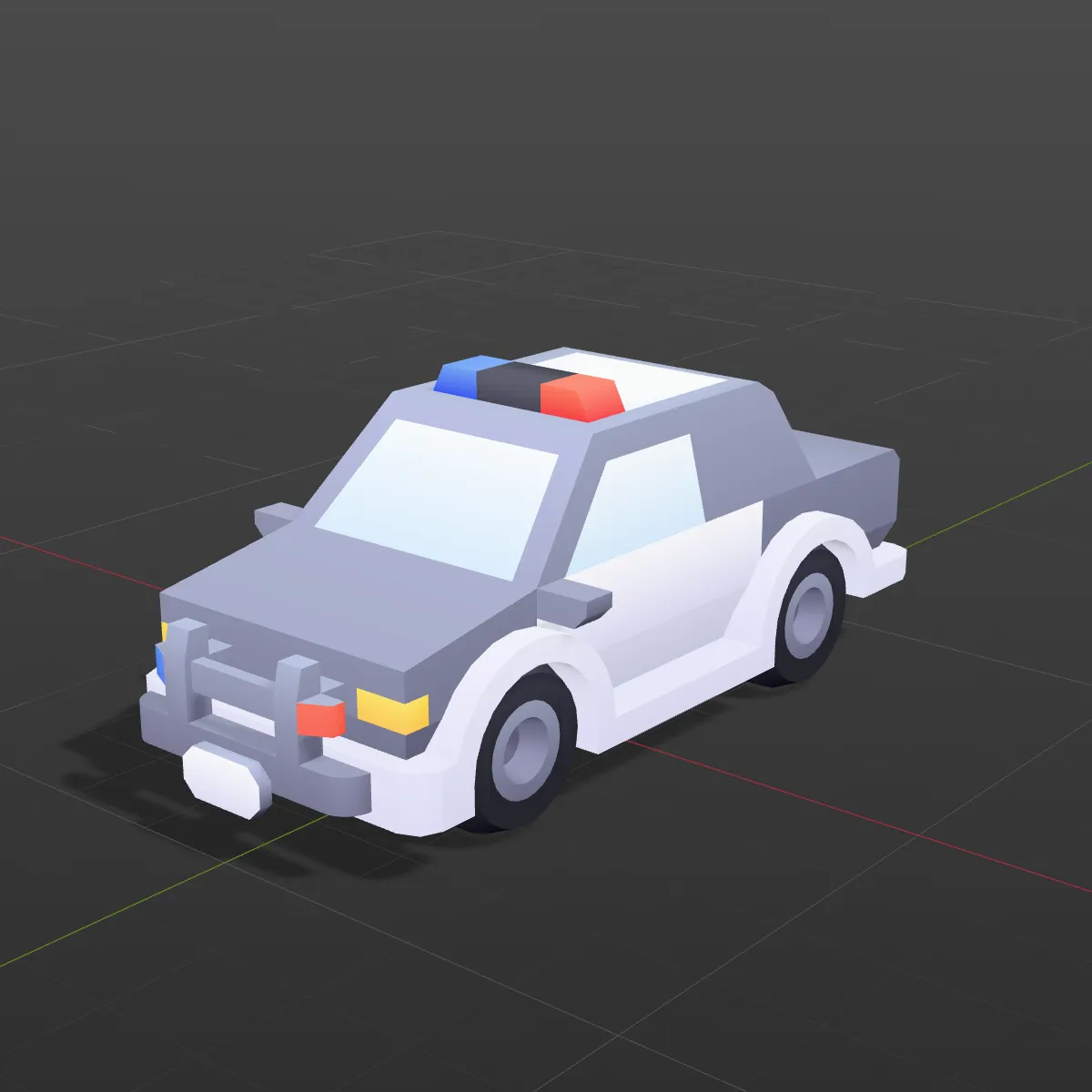
Eight low-poly models from Kenney’s CC0 kits, converted from OBJ to FBX and shown in a light DCC-style viewport: furniture, camping gear, vehicles and holiday figures, each made of several parts that stay separate after the conversion.
How to convert OBJ to FBX
- 11
Drop one .obj file
Drag the OBJ onto the converter or click to browse. It is read on your device; normals are computed if the file has none, and the preview shows straight away whether the colours you expect are really stored in the file.
- 22
Convert to FBX
Press Convert to FBX. Each o or g block becomes a named mesh, each usemtl switch becomes a material slot, and the arrays are compressed into a binary FBX 7.4 file.
- 33
Download and check the scale
Download the FBX and import it. An OBJ carries no unit, so one unit is read as one metre; if your model was built in millimetres or centimetres, set the import scale to 0.001 or 0.01.
What an OBJ keeps on its way to FBX
OBJ is a plain list of vertices and faces with optional groups; FBX is a scene with nodes, materials and units. Here is how each part of an OBJ is carried across.
| In the OBJ file | In the FBX you download |
|---|---|
| Objects and groups (o, g) | Each becomes its own named mesh under one root node. OBJ has no parent–child links, so the tree is one level deep |
| Vertices and faces | Kept. Quads and n-gons are split into triangles, and vertices at the same position are welded |
| Normals (vn) | Kept as written; when the OBJ has none, smooth normals are computed |
| Texture coordinates (vt) | Kept, so a texture lines up again when you re-apply it |
| Per-vertex colours (v x y z r g b) | Kept as an FBX colour layer |
| Material switches (usemtl) | Become separate material slots on the mesh |
| The .mtl file and its texture images | Not read, because the converter takes one file. Materials arrive as plain grey or white slots |
| Units | OBJ has none. One unit is read as one metre, and the FBX header says so |
| Up axis | Y up, the usual convention for OBJ files |
| Animation, rig, cameras, lights | OBJ cannot store them, so there is nothing to carry |
When an OBJ is better off as FBX
Old OBJ libraries in Unity or Unreal
Asset packs from years past often ship as OBJ. Converting gives your engine one FBX per asset, with named parts that show up in the hierarchy.
Sculpts and scans coloured per vertex
Sculpting and scanning tools can store colour in the vertices instead of a texture. Those colours land in an FBX colour layer that Blender’s Color Attribute node and vertex-colour shaders read.
Parts you want to move on their own
Wheels, lids and doors modelled as separate OBJ objects stay separate in the FBX, so you can parent, rotate or animate them in Maya, Blender or 3ds Max.
One format across a project
When the rest of a scene is FBX, converting the stray OBJ files keeps import settings, scale and naming consistent inside your engine.
OBJ to FBX questions
Drop the .obj on the converter, press Convert to FBX and download the result. Everything runs in your browser, free and without an account, and files up to 200 MB are accepted.
They are not used: the converter loads a single .obj, so the material library and the images it points to stay behind. Colours stored per vertex inside the OBJ do come through, and the UVs are kept, so you can connect the original texture again in Blender, Unity or Unreal after import. If you also have the model as a textured GLB, the GLB to FBX converter embeds its textures.
Yes. Every o or g block turns into its own named mesh, all under one root node. The pirate ship sample, for example, becomes six meshes named ship-pirate-large, sail-a, sail-b, flag-c, flag-c_2 and flag-c_3.
OBJ has no unit field, so the converter treats one unit as one metre and writes that into the FBX. A model exported in millimetres therefore imports 1,000 times too large, and one in centimetres 100 times; use an import scale of 0.001 or 0.01, or scale it once in Blender and apply the scale.
OBJ is plain text with every number spelled out, while FBX stores binary arrays compressed with zlib and shares the vertices an OBJ repeats. Our pirate ship drops from 225 KB as OBJ to under 60 KB as FBX, with the same 1,938 triangles.
The colours are in the FBX, but most default materials ignore vertex colour. In Blender, set the Solid shading colour to Attribute, or feed a Color Attribute node into the material’s Base Color; in Unity or Unreal, use a material or shader that reads vertex colour.
Related tools
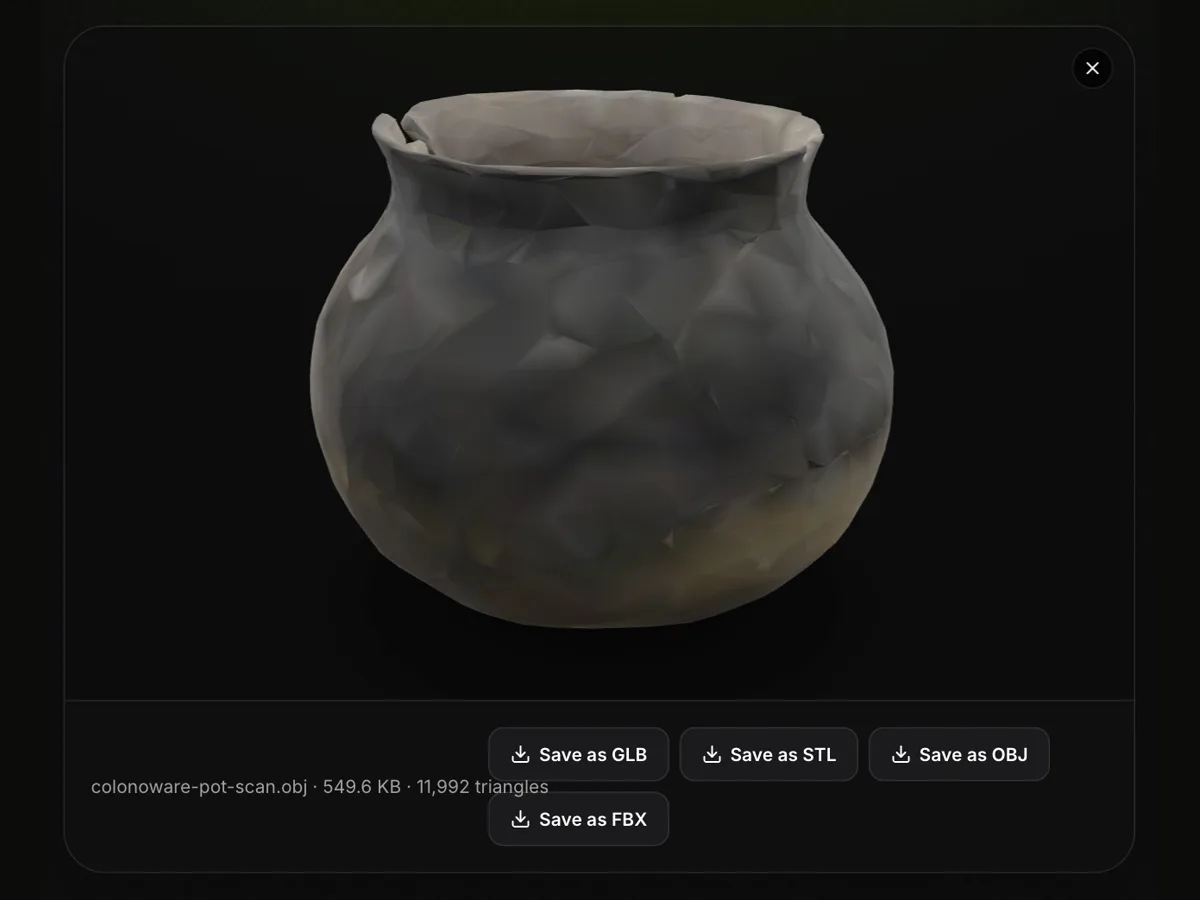




Starting without a model?
Describe an object or upload a photo, and Ship3D’s AI generator builds a textured 3D model you can download and convert.
Free to sign up, no credit card required. Try it once for free.