PLY to STL Converter
3D Scans, Ready for the Print Bed
Use this PLY to STL converter when a 3D scanner, a phone scanning app such as Polycam, photogrammetry software or a MeshLab session has handed you a .ply mesh and your slicer wants STL.
PLY → STL
Drop a 3D model file to preview it in 3D before converting.
ASCII and binary PLY files both open, and if the scan carries per-vertex colours you will see them in the 3D preview before converting. The file is read by three.js on your own device, so a scan of your face, your home or a client’s part never leaves the computer. PLY doesn’t record which way is up, so the converter assumes Y-up, as three.js does, and turns the model Z-up for the slicer; a scan that arrives tilted only needs a quick rotate there. The STL keeps every triangle and drops the colour, because STL stores geometry only. Two limits matter for scans: a point-cloud PLY with vertices but no faces has no surface to print, so mesh it first, and a dense scan makes a heavy STL, which the STL reducer linked below can slim down.
Try PLY to STL with a sample file
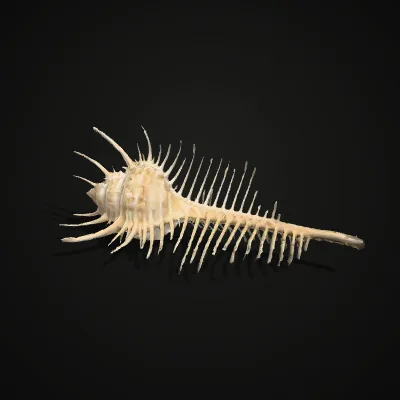
Two binary mesh PLYs to test with: a Venus comb murex shell scanned by the Smithsonian (CC0), with colour on every vertex and its real size in millimetres, and a hexagon-window pen cup we modelled in CadQuery and exported without colours. Press Try it to load one, or download it to open in MeshLab first.
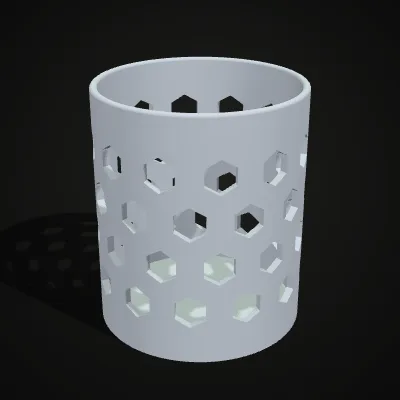
Watch a shell scan go from PLY to STL
An 11-second capture of this converter with the Venus comb murex sample, a colour scan from the Smithsonian. The 480.2 KB binary PLY is dropped in and the shell turns in the preview in its scanned colours; Convert to STL is pressed and the result reads venus-comb-murex-scan.stl · 1.1 MB · 23,994 triangles before the download. The STL is bigger than the PLY because it writes each shared corner again for every triangle, and the colours stay behind.
PLY to STL: colour scan in, printable shape out
Each pair shows a PLY as it arrives (left), three of them scans with colour stored on every vertex, and the STL the converter writes (right), placed on a build plate in plain grey. The surface is the same triangle mesh; only the colour data is gone, since a slicer works from shape alone.
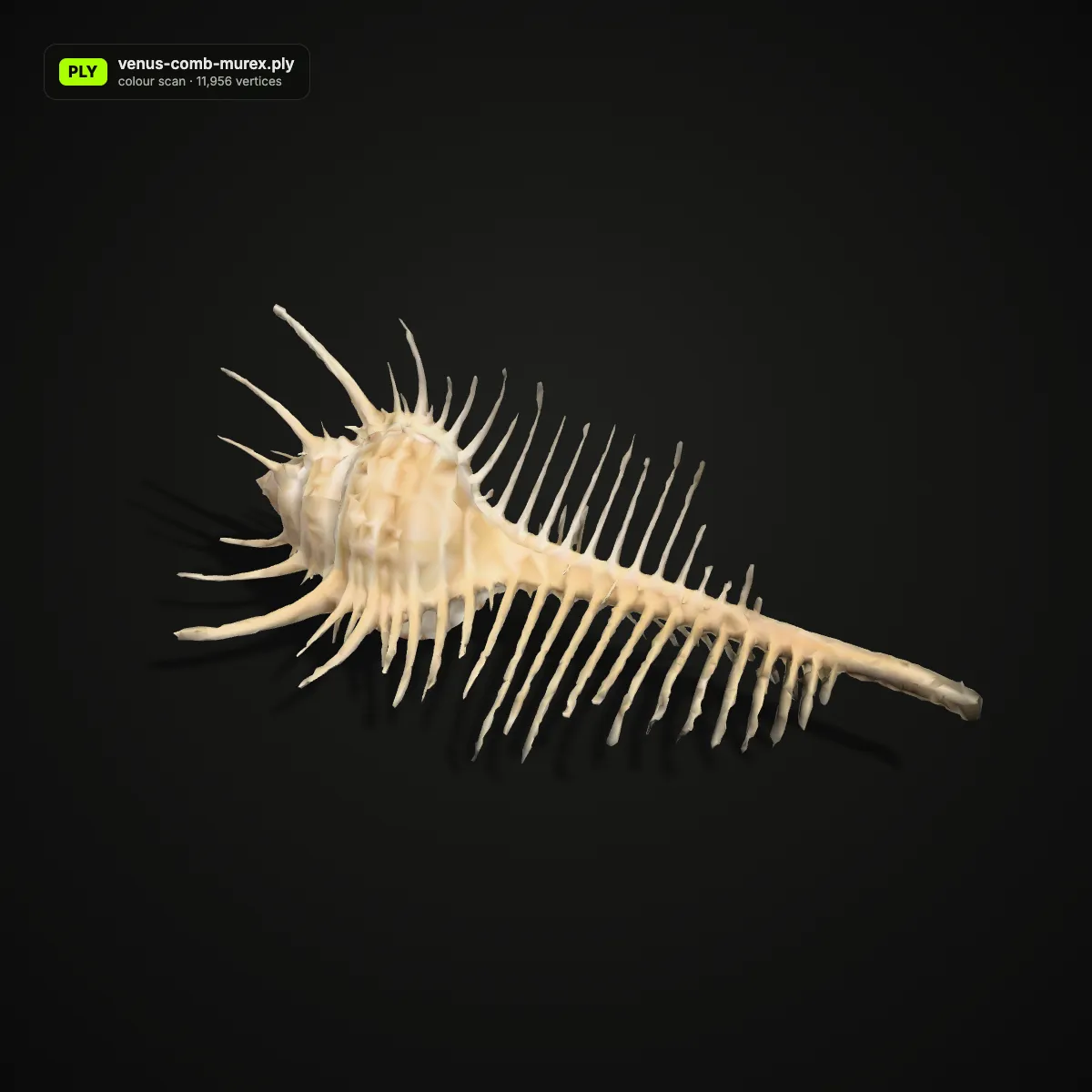
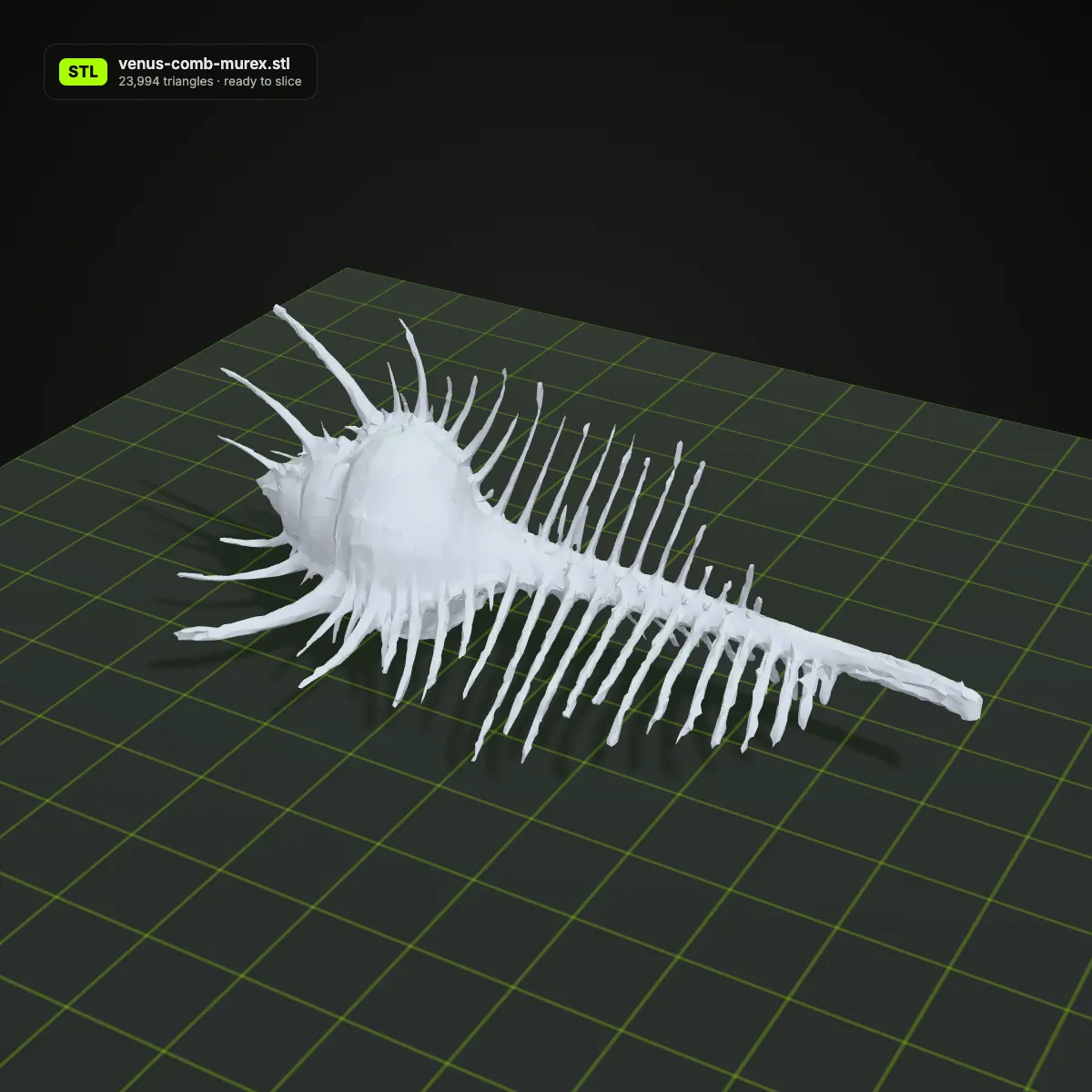
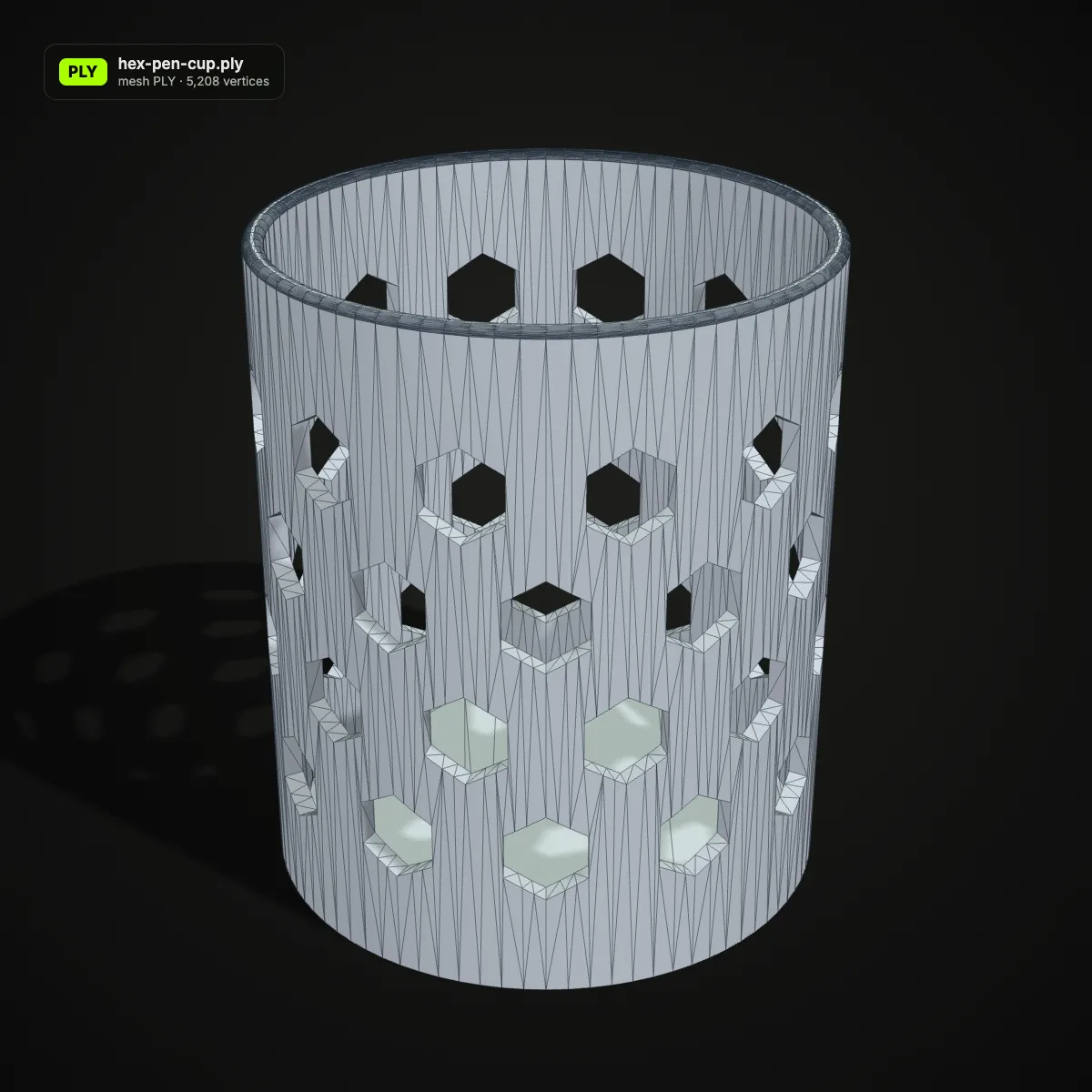
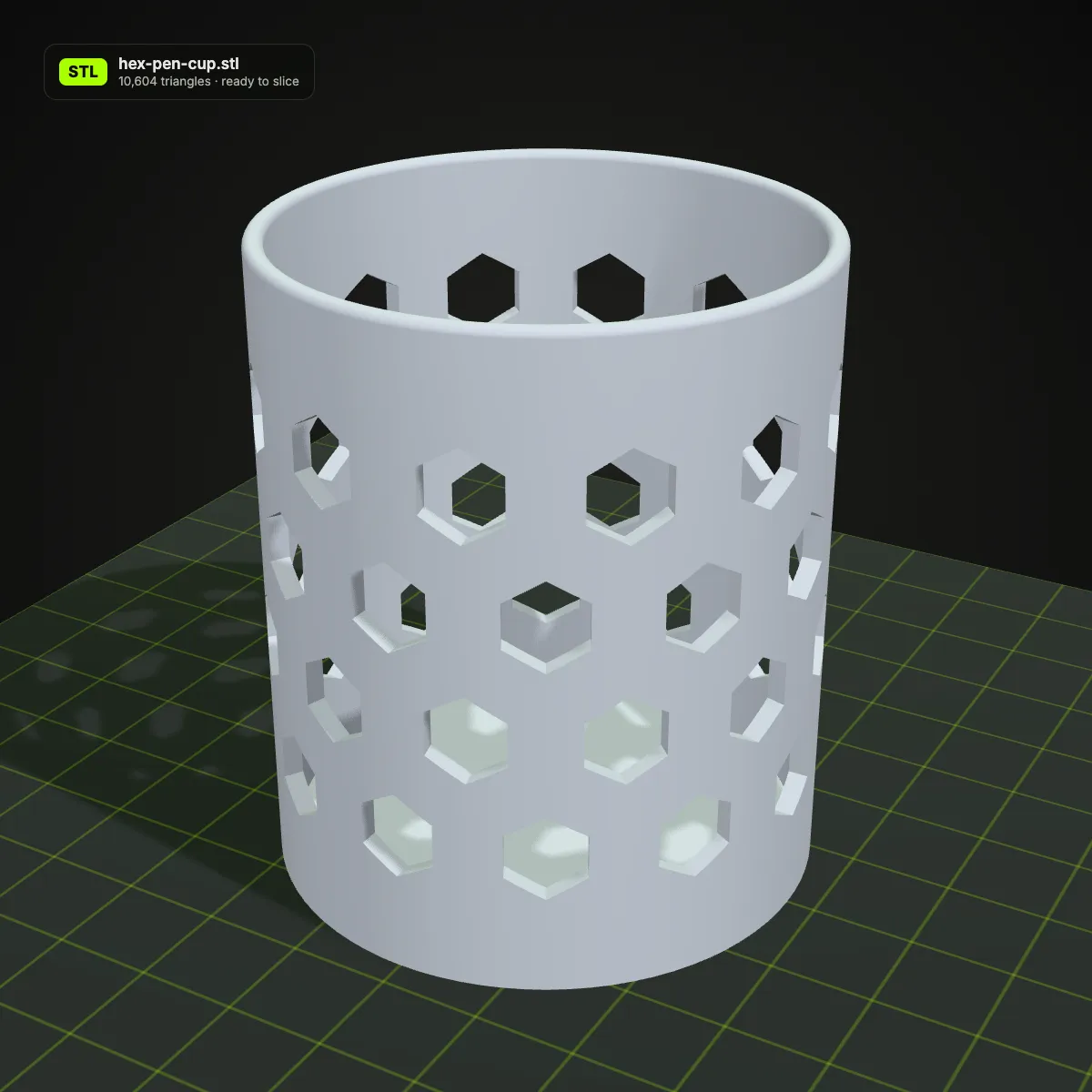
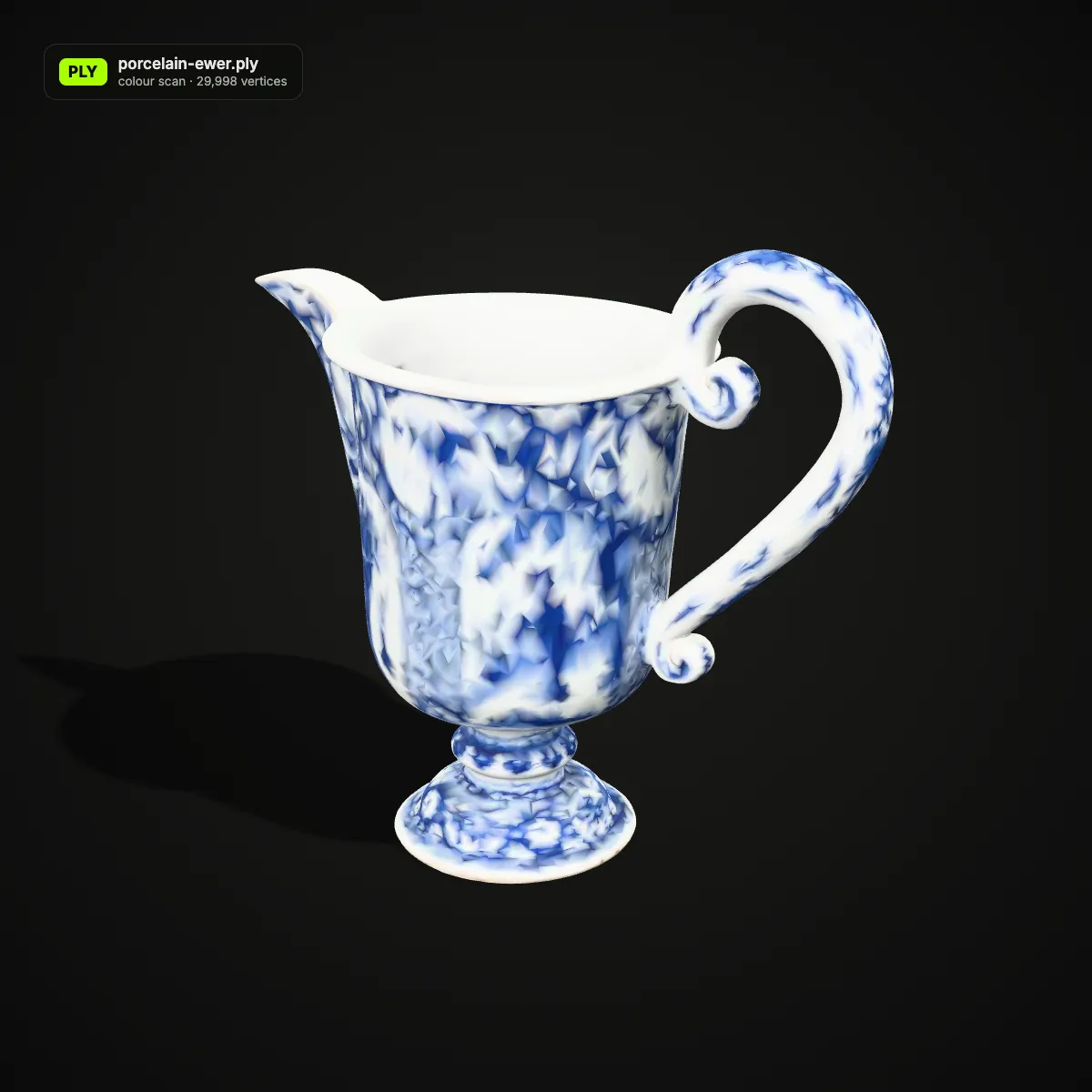
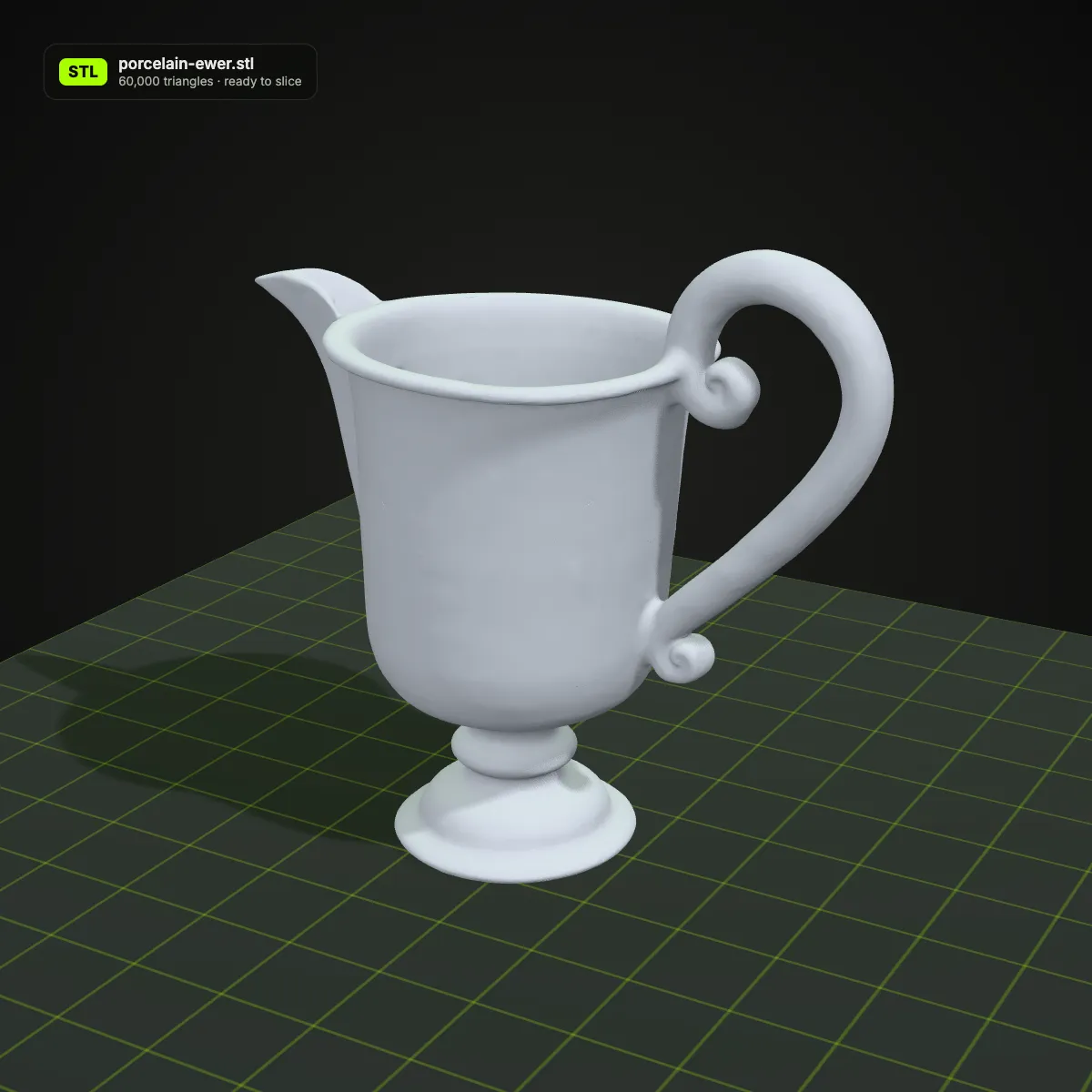
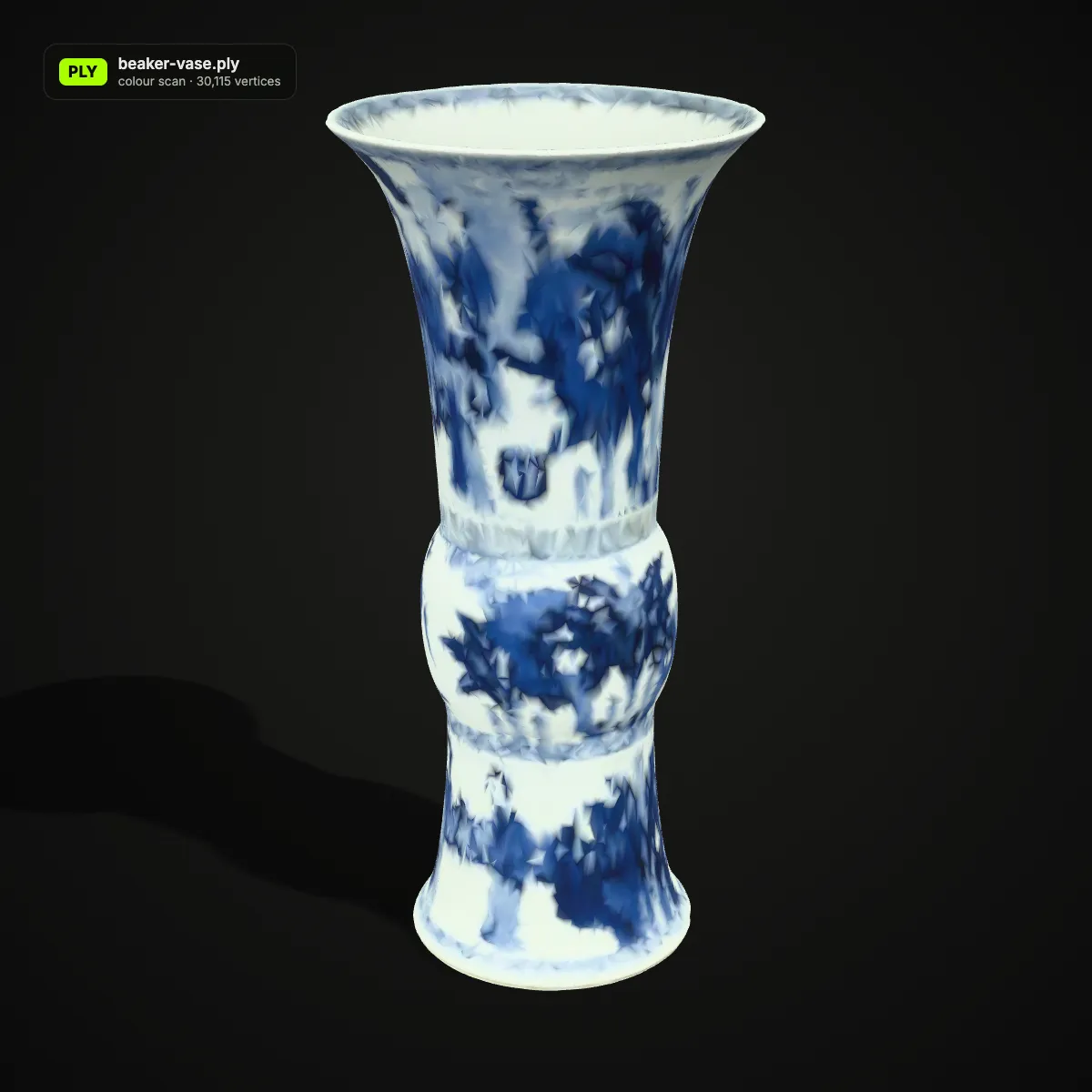
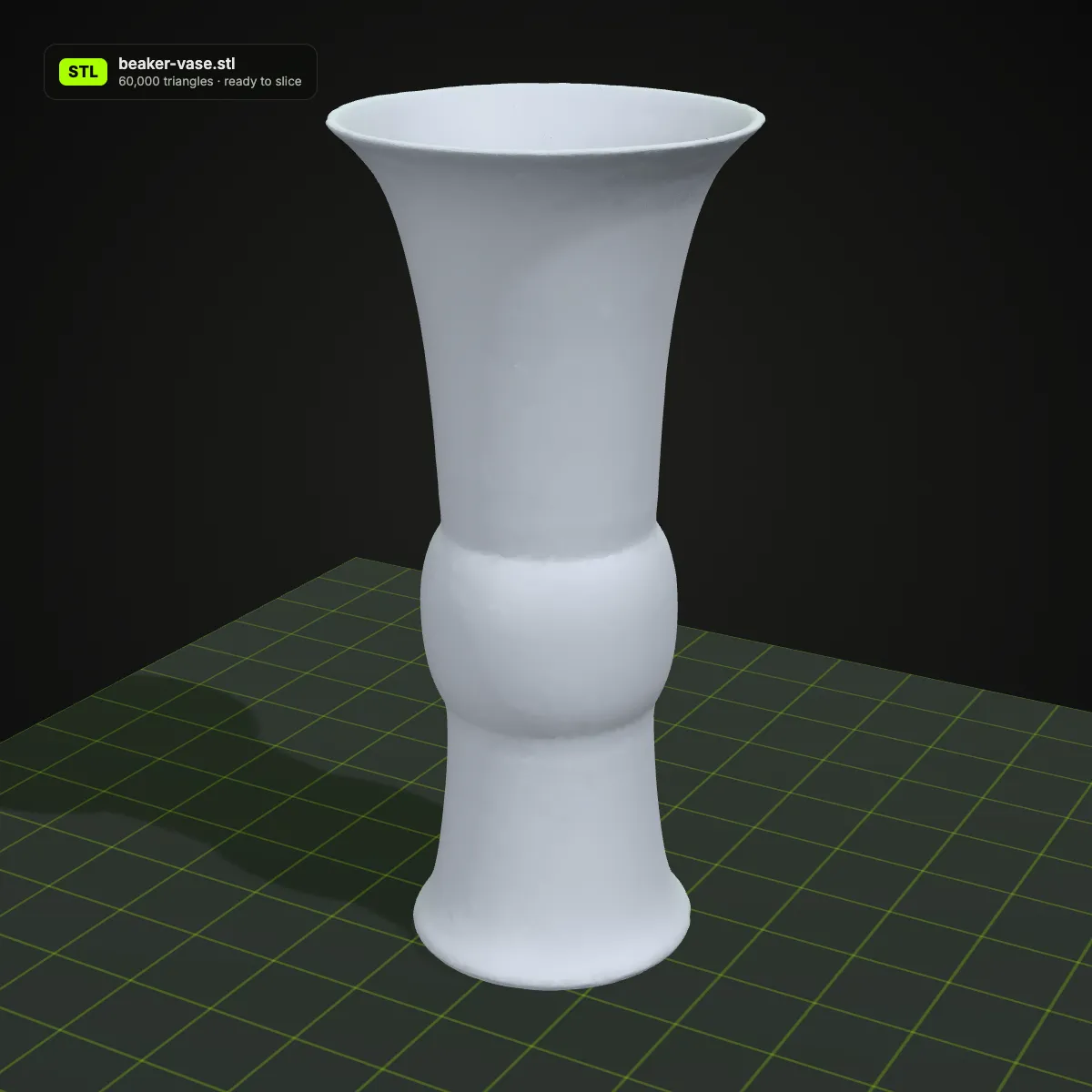
PLY to STL examples: museum scans on the build plate
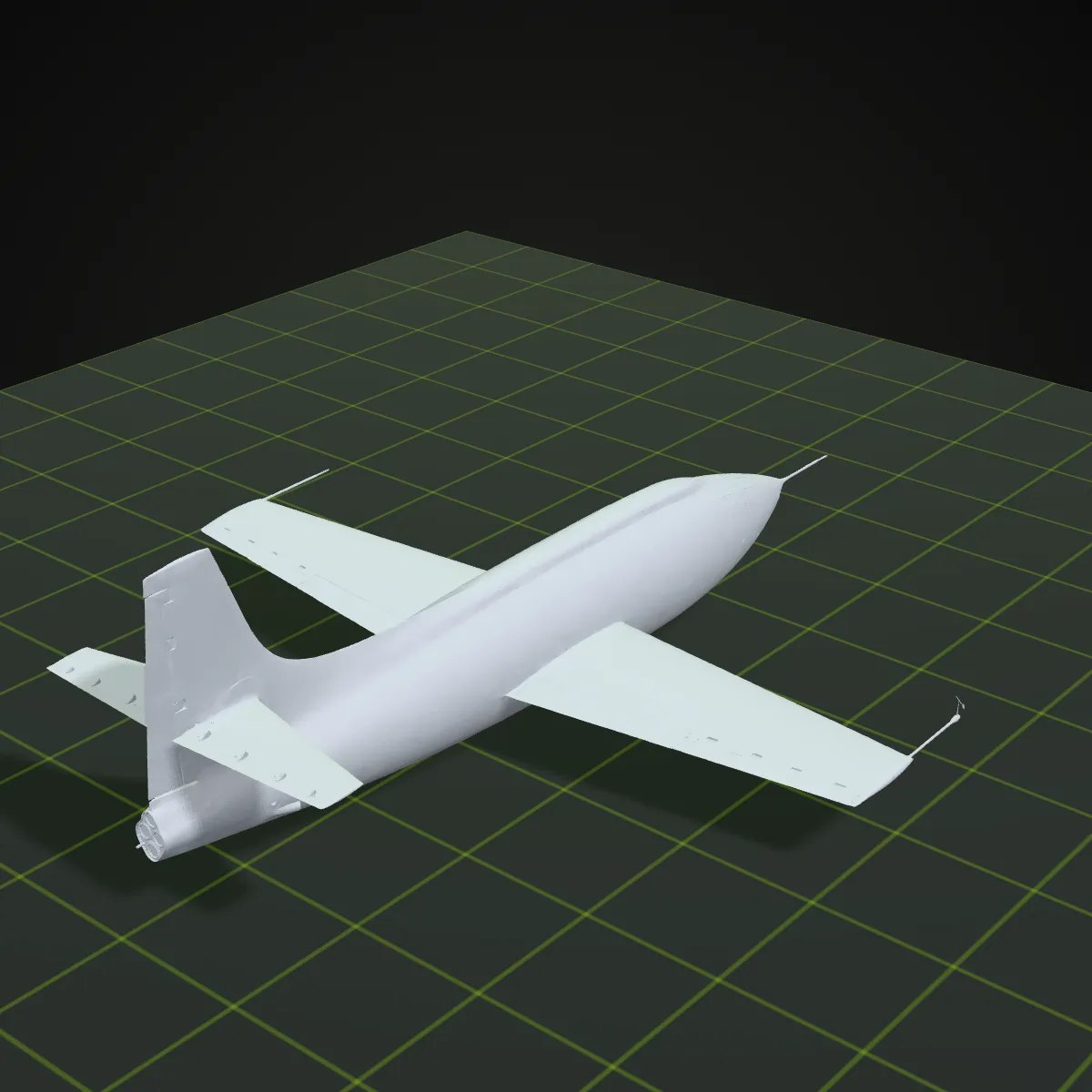
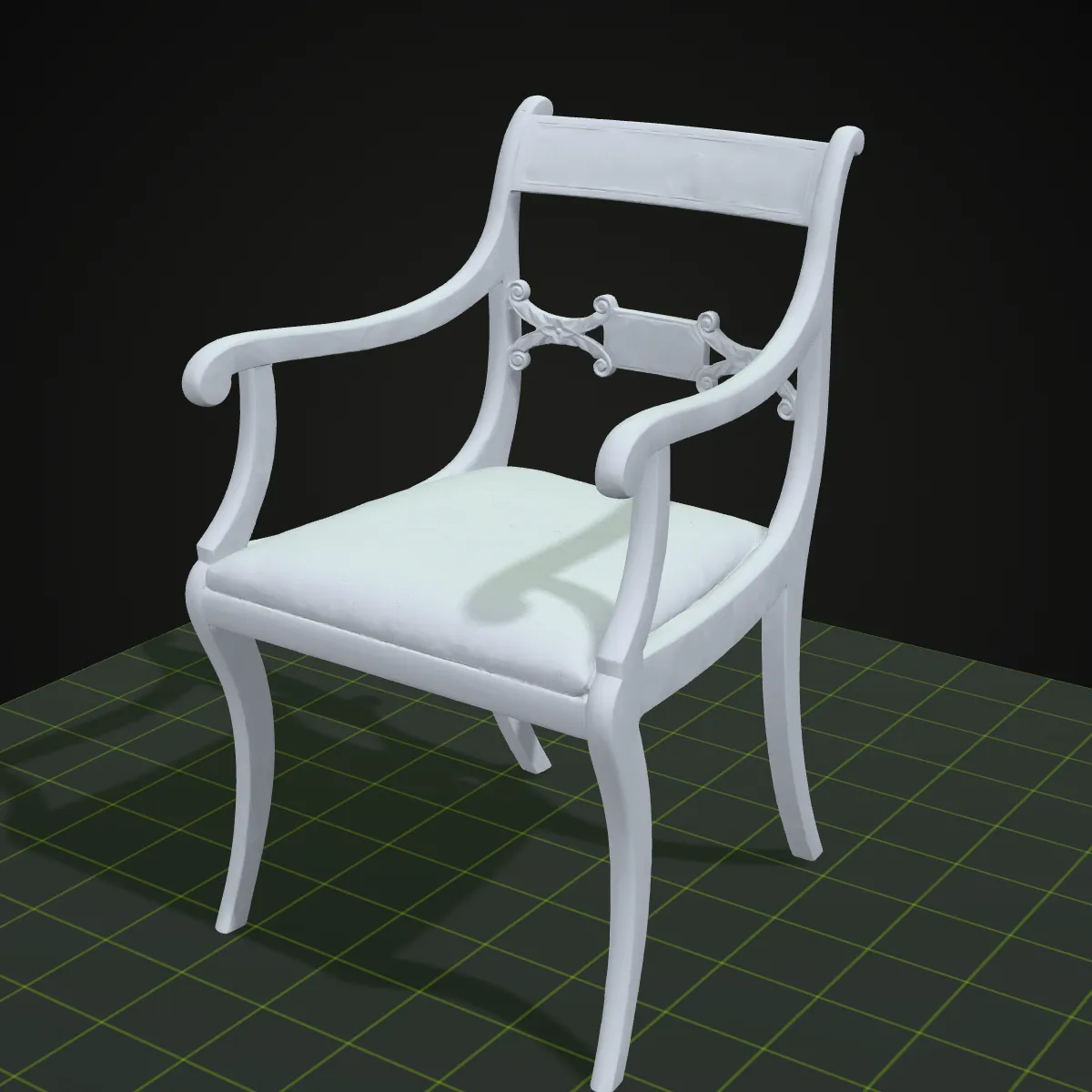
Eight objects from the Smithsonian’s open-access 3D collection, released as CC0, converted to STL and shown on a print bed. From the Bell X-1 rocket plane to a two-handled kylix, they show how much fine scanned detail survives the trip from PLY to STL.
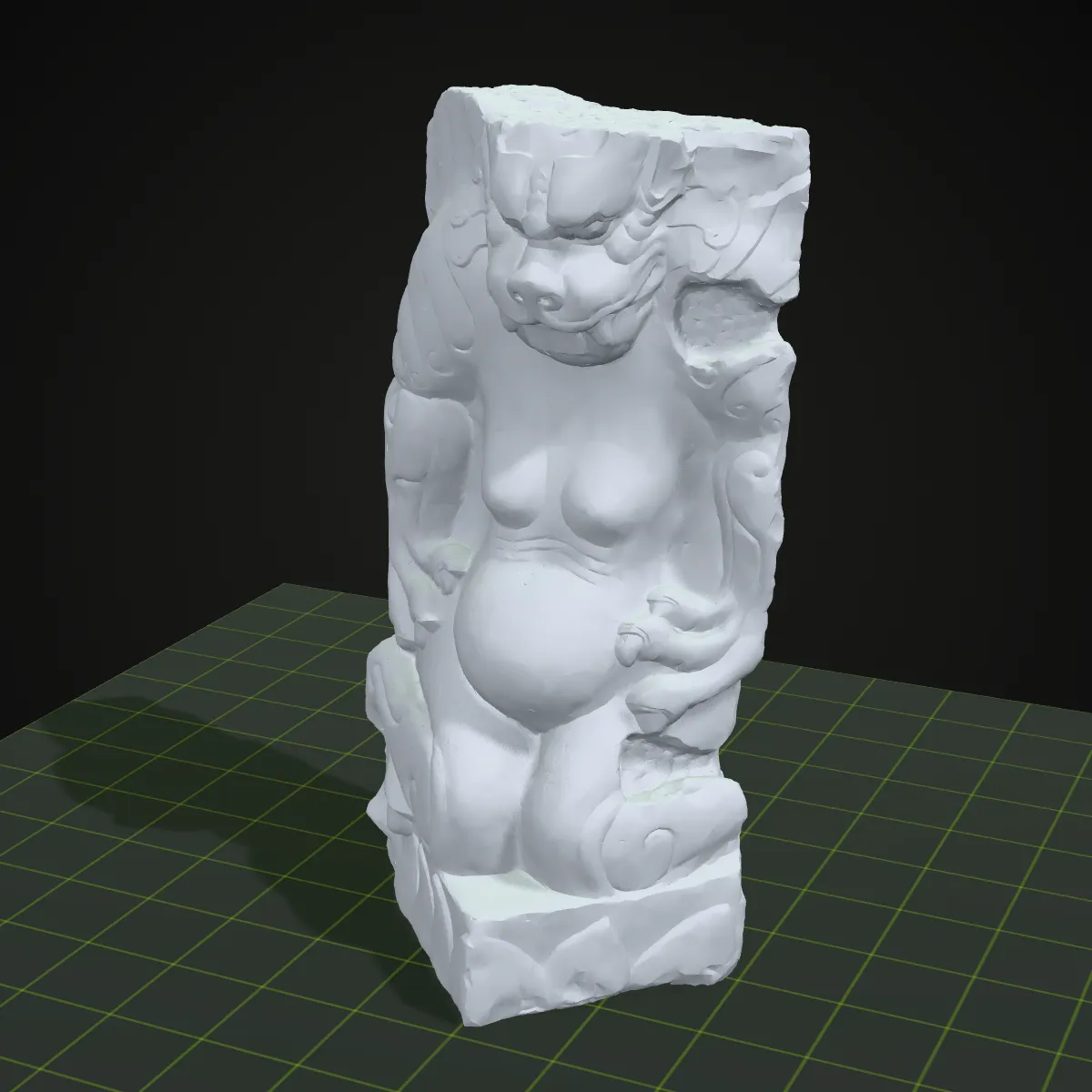
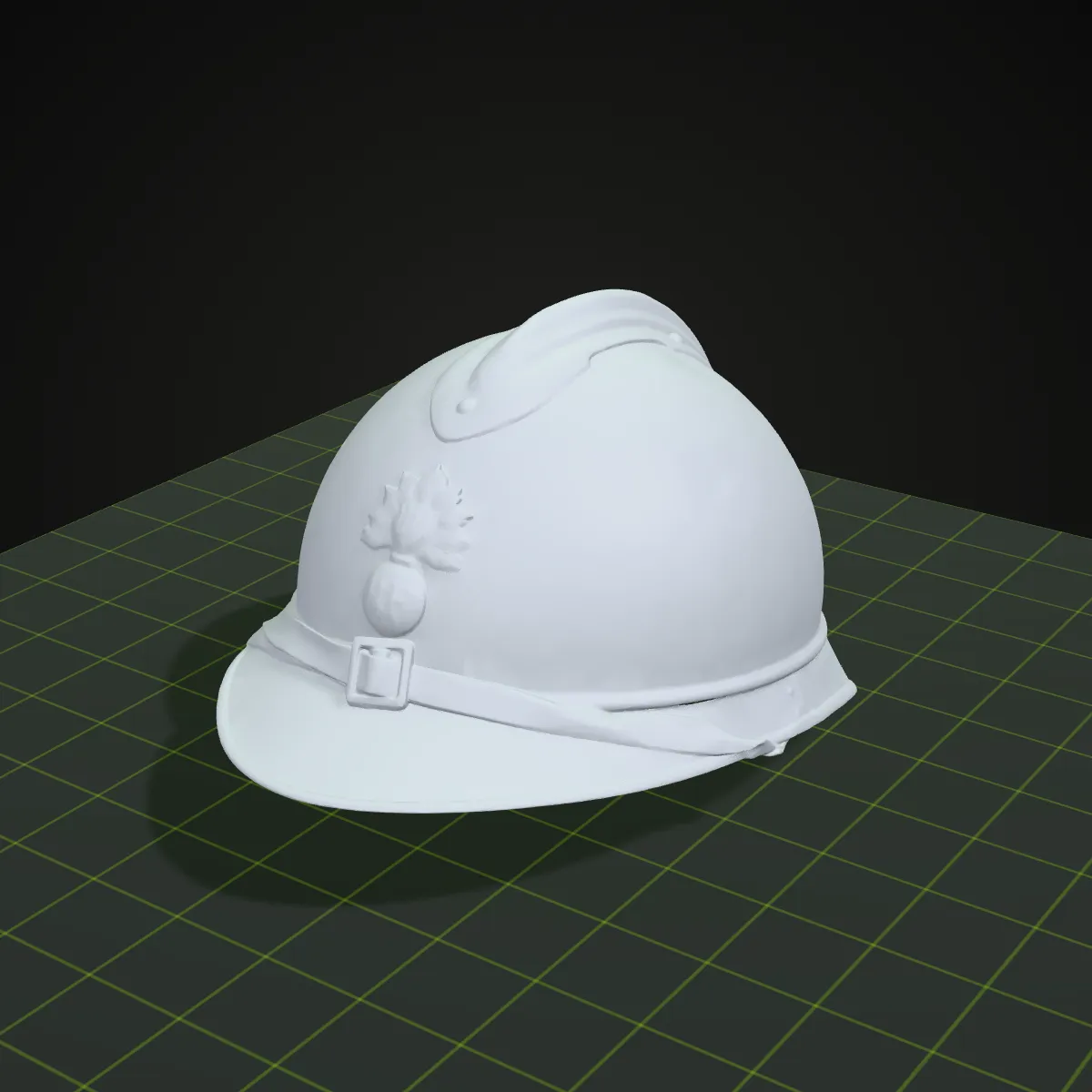
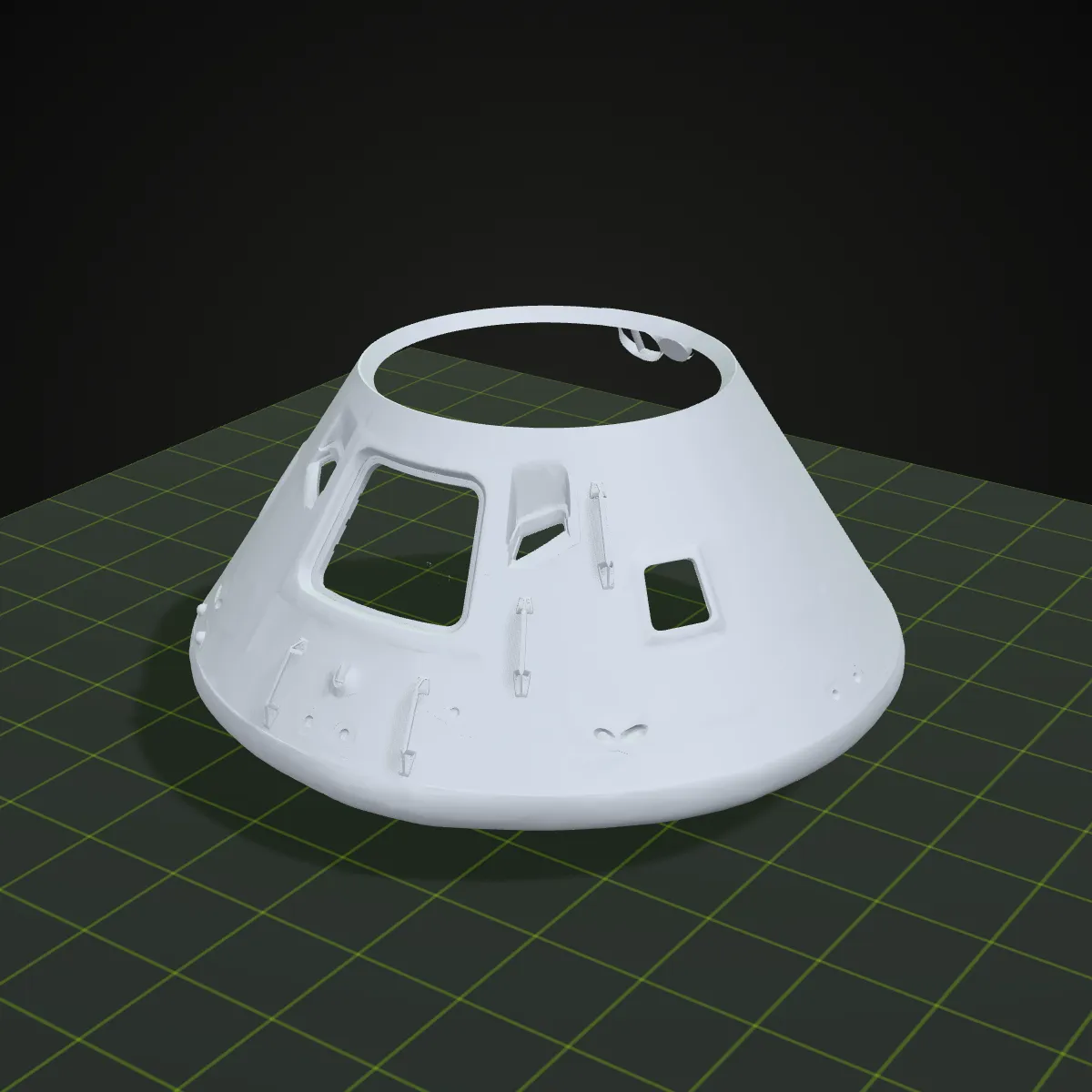
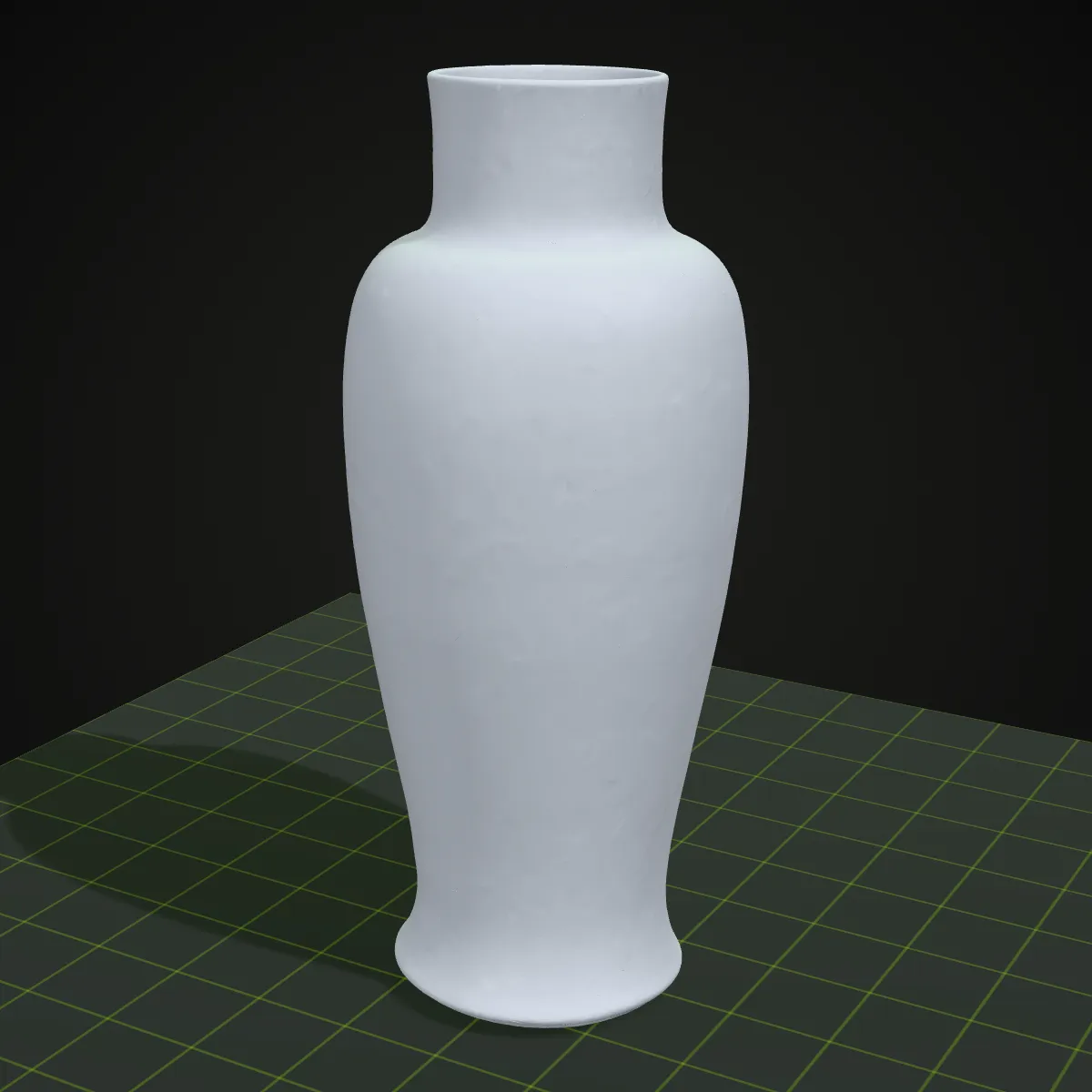
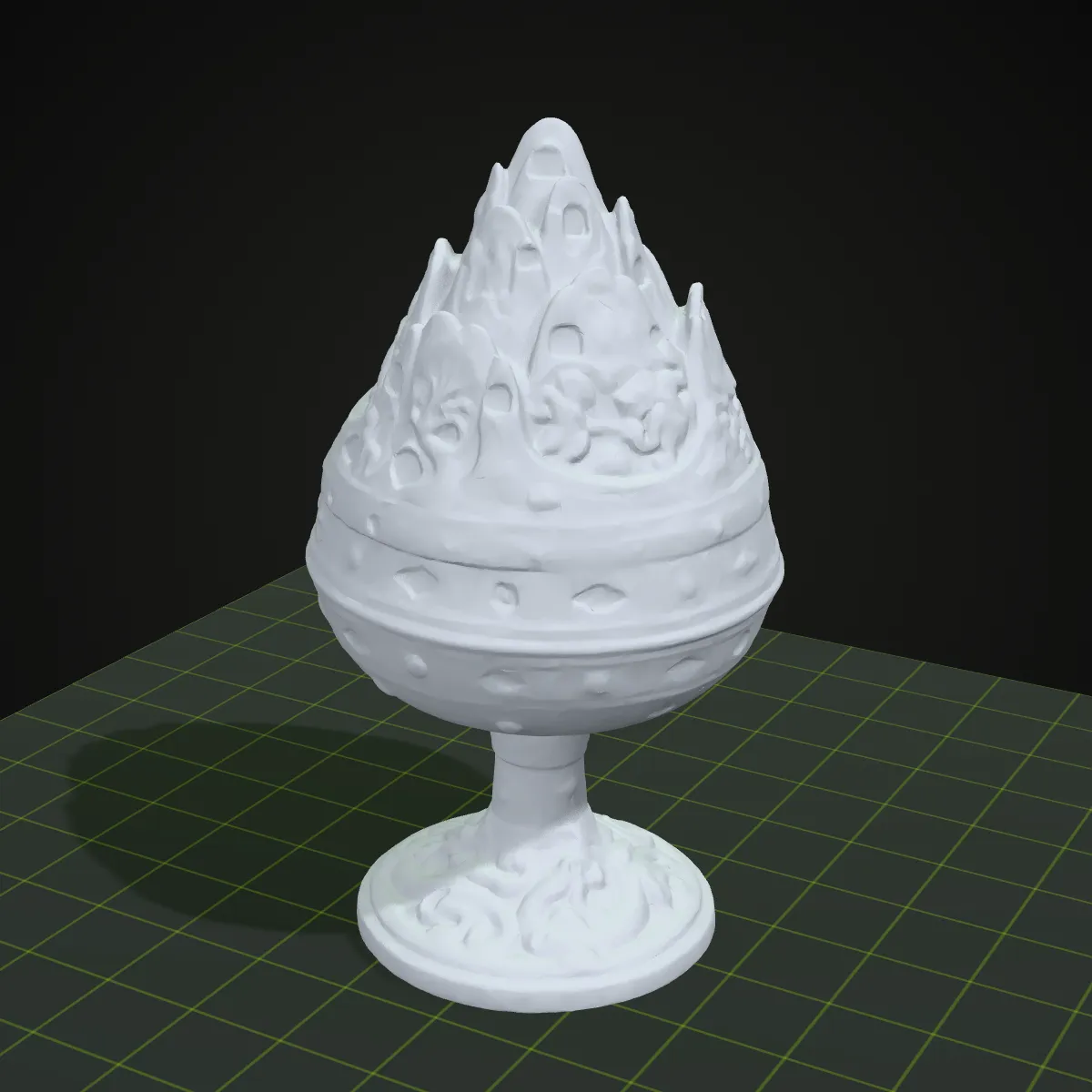
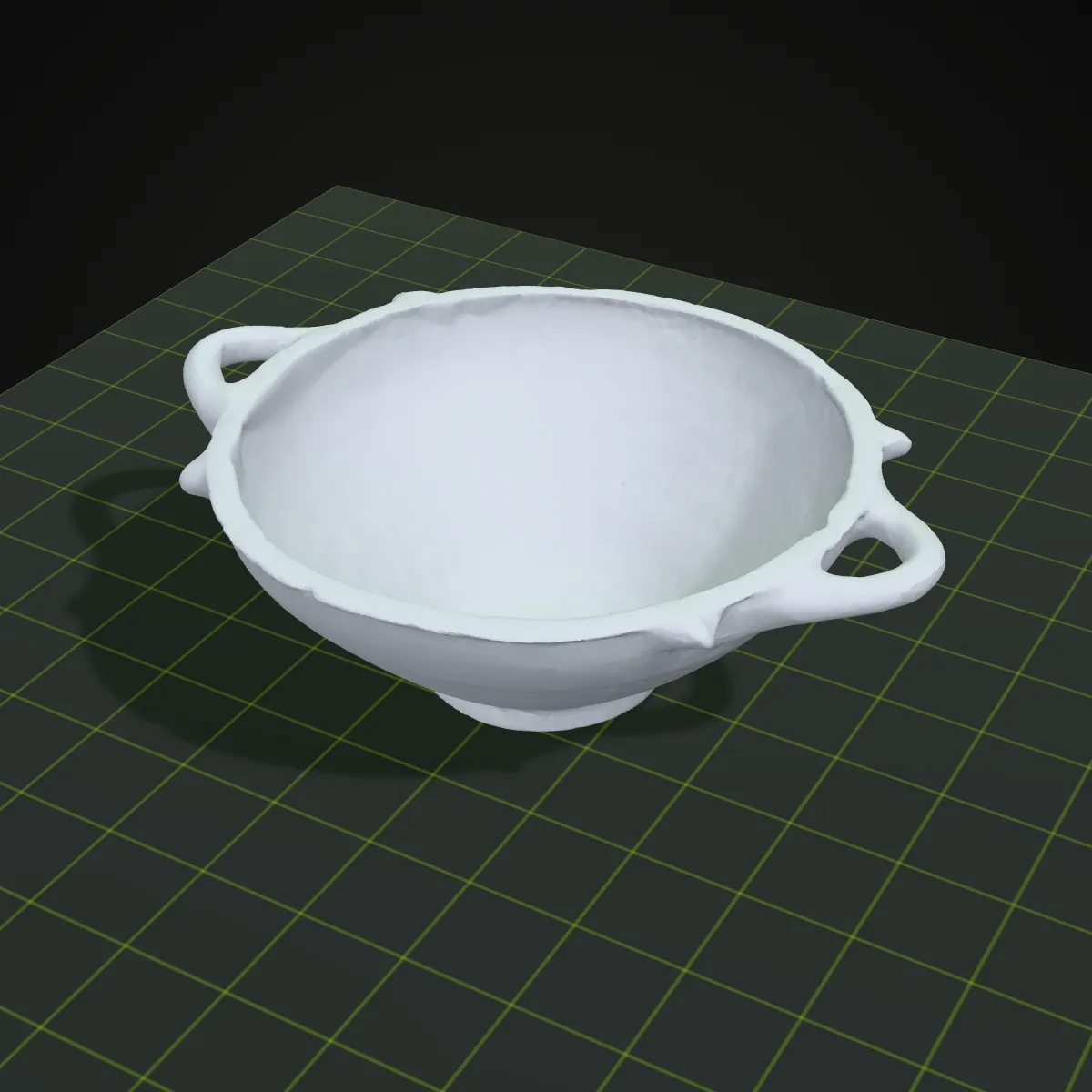
How to convert PLY to STL
- 11
Drop the .ply mesh
Drag the PLY onto the converter or click to browse. ASCII and binary files both work; a colour scan shows its colours in the preview, which is also the quickest way to check that the scan is complete.
- 22
Convert to STL
Press Convert to STL. The mesh is turned Z-up and written as a binary STL; nothing is smoothed, filled or decimated, so the triangle count matches the PLY.
- 33
Download, then size and orient
Download the STL and open it in your slicer. Check the dimensions, since PLY carries no unit, and lay the scan on a flat face if it arrived tilted.
What a PLY to STL conversion keeps and drops
PLY can hold faces, colours, normals and custom properties; STL keeps triangles only. Here is where each part of a scan ends up.
| In the PLY file | In the STL you download |
|---|---|
| Triangle and quad faces (ASCII or binary PLY) | Written as binary STL triangles, each quad split in two; faces with five or more corners are skipped. The murex sample keeps all 23,994 |
| Per-vertex colours (red, green, blue) | Shown in the preview, then dropped: STL has no colour, so print in one filament or paint in the slicer |
| Points without faces (a point cloud) | No surface to print. Mesh the cloud first, for example with Screened Poisson reconstruction in MeshLab, then convert the mesh |
| Up direction (PLY has none) | Treated as Y-up and turned Z-up. A PLY that was already Z-up lies on its side; rotate it 90° in the slicer |
| Units (PLY has none) | Numbers kept: a scan in millimetres opens at its real size, one in metres opens 1,000 times too small |
| Shared vertices | STL repeats every corner per triangle, so the file grows: the 480 KB murex PLY becomes a 1.1 MB STL |
| Normals, texture coordinates, extra properties | Normals are recomputed for each triangle; UVs, confidence values and other custom properties are left out |
| Holes and open edges in the scan | Kept as they are. The converter doesn’t patch the surface, so let your slicer or a repair tool close them |
When to convert PLY to STL
Phone and handheld scans
Scanning apps and handheld scanners often export PLY. Convert the mesh to STL to print a figurine, the shape of a part or a scanned keepsake.
Photogrammetry meshes cleaned in MeshLab
Meshes built from photos are often trimmed, hole-filled and decimated in MeshLab and saved there as PLY. One conversion makes them ready for any slicer or print service.
Museum and heritage scans
Open-access collections such as the Smithsonian’s publish detailed scans. When you have one as PLY, turn it into an STL to print a replica for teaching, a display or a handling copy.
Reverse engineering and fit checks
A scanned part as STL can be printed to test the fit, or brought into CAD as a reference mesh while you remodel it properly.
PLY to STL questions
Drop the .ply on the converter above, press Convert to STL and download the file. It runs locally in your browser, costs nothing and asks for no account, which matters when the scan shows a person or a private room.
Not directly: a point cloud has vertices but no faces, so there is no surface for an STL to describe. Mesh it first, for example in MeshLab with Compute normals for point sets followed by Surface Reconstruction: Screened Poisson, or in CloudCompare, then save the mesh as PLY and convert it here. If the header says element face 0, or has no face line at all, you are looking at a point cloud.
No. The converter shows the per-vertex colours in the preview, but STL stores geometry only, so the downloaded file is one plain surface. Keep the PLY when you need the colours, for example as a guide for painting the print.
PLY stores neither a unit nor an up direction. The converter keeps the numbers as they are and assumes Y-up, so a scan saved in metres opens 1,000 times too small, a photogrammetry scan without a scale reference has no real size at all, and a Z-up PLY lies on its side. Fix all three in the slicer with scale and rotate.
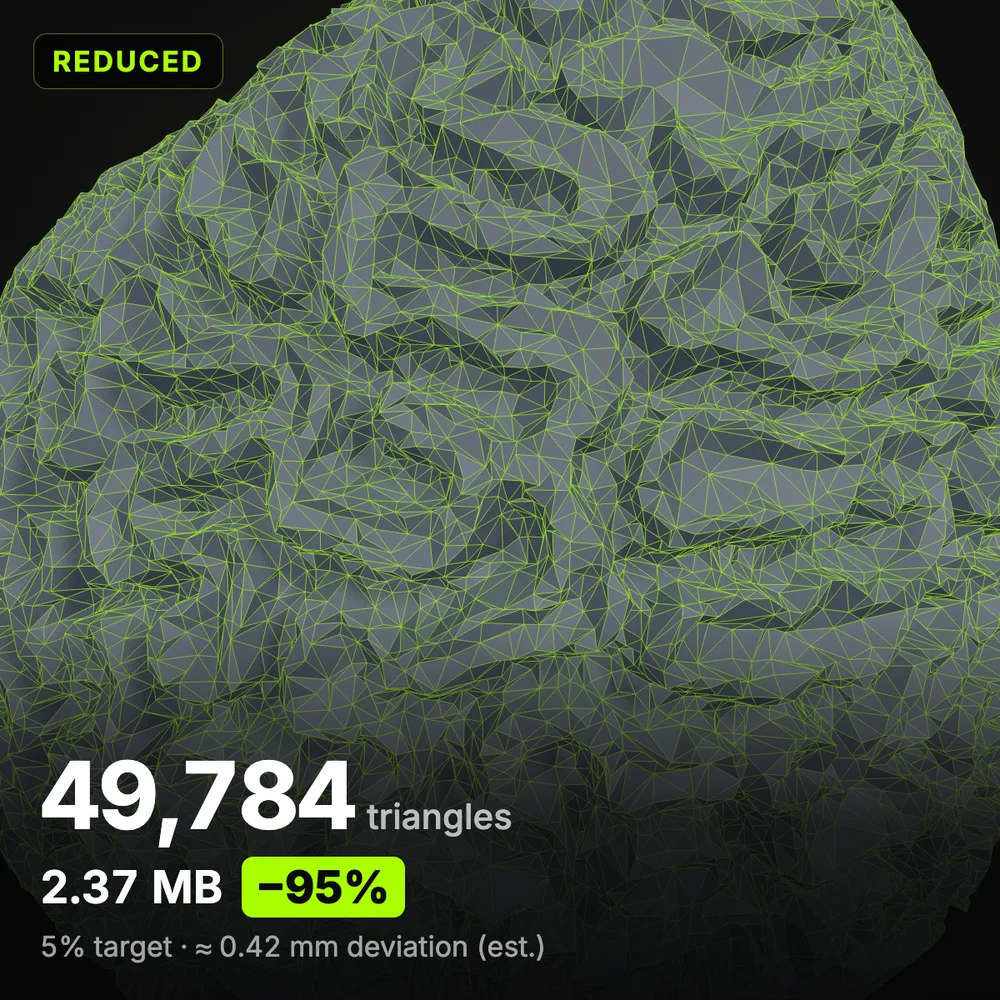
Cut the triangle count. Binary STL needs 50 bytes per triangle, so a one-million-triangle scan weighs about 50 MB. Drop the PLY straight into Reduce STL File Size instead: it opens PLY as well, decimates the mesh to the share or size you choose and saves a lighter STL.
PLY, the Polygon File Format, also known as the Stanford Triangle Format, came out of Stanford’s graphics lab in the 1990s to store scanned meshes. It holds vertices, faces and extra properties such as colour, in ASCII or binary form, which is why scanners and MeshLab use it while many slicers and print services ask for STL.
Related tools





No scanner? Start from a photo
Ship3D’s AI generator turns a single photo into a 3D model you can download as STL and print, with no scanning rig needed.
Free to sign up, no credit card required. Try it once for free.