FBX to OBJ Converter
Game Assets to Plain OBJ
This FBX to OBJ converter turns an .fbx model into a single Wavefront .obj that Blender, ZBrush, MeshLab, slicers and CAD tools can open.
FBX → OBJ
Drop a 3D model file to preview it in 3D before converting.
Drop in a prop from a game kit, a vehicle from an asset store or a character from Mixamo, check it in the 3D preview, press Convert to OBJ and download the file. Each mesh keeps its name as an OBJ object, so the fire truck sample arrives as body, grill and four wheels. Normals and UVs carry over, identical vertices are shared and coordinates are trimmed to six decimals, which keeps the text file compact. Colours are written as per-vertex colours (v x y z r g b), read by Blender 3.3 and later and by MeshLab: plain material colours as they are, embedded image textures sampled at each vertex’s UV, which is exact for the colour atlases of game kits and an approximation for detailed textures. The images themselves are not included, because one .obj has no room for a .mtl file or pictures. A rigged character comes out as a still mesh in its bind pose. Binary FBX from version 6.4 and ASCII FBX from 7.0 open, up to 200 MB. Converting FBX to OBJ here costs nothing: three.js does the work on your device and the file is never uploaded.
Two FBX files to test the converter with
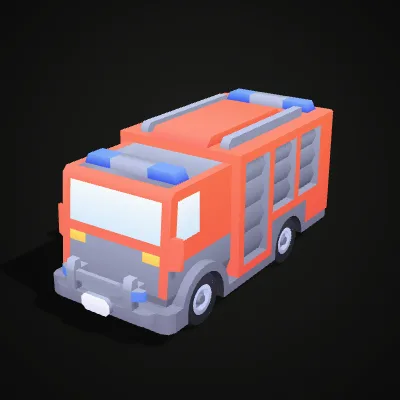
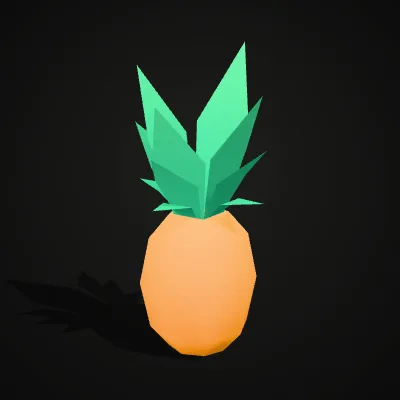
Both are binary FBX 7.7 files from Kenney’s CC0 kits, modelled in centimetres, with a colour atlas embedded that the OBJ keeps as vertex colours. The fire truck (145.4 KB) is built from six separate parts and becomes a 413.8 KB OBJ with 2,767 triangles. The pineapple (41.7 KB) is a single 196-triangle mesh that shrinks to a 27.5 KB OBJ. Press Try it to load one into the converter above, or Download to keep the .fbx.
Watch the fire truck sample go from FBX to OBJ
An 11-second screen recording: fire-truck.fbx is dropped onto the empty converter, the textured truck turns in the preview, Convert to OBJ is pressed and the result line reads fire-truck.obj · 413.8 KB · 2,767 triangles before Download OBJ saves the file. The truck’s colour atlas is sampled into vertex colours, so body, grill and wheels keep their colours in Blender and MeshLab.
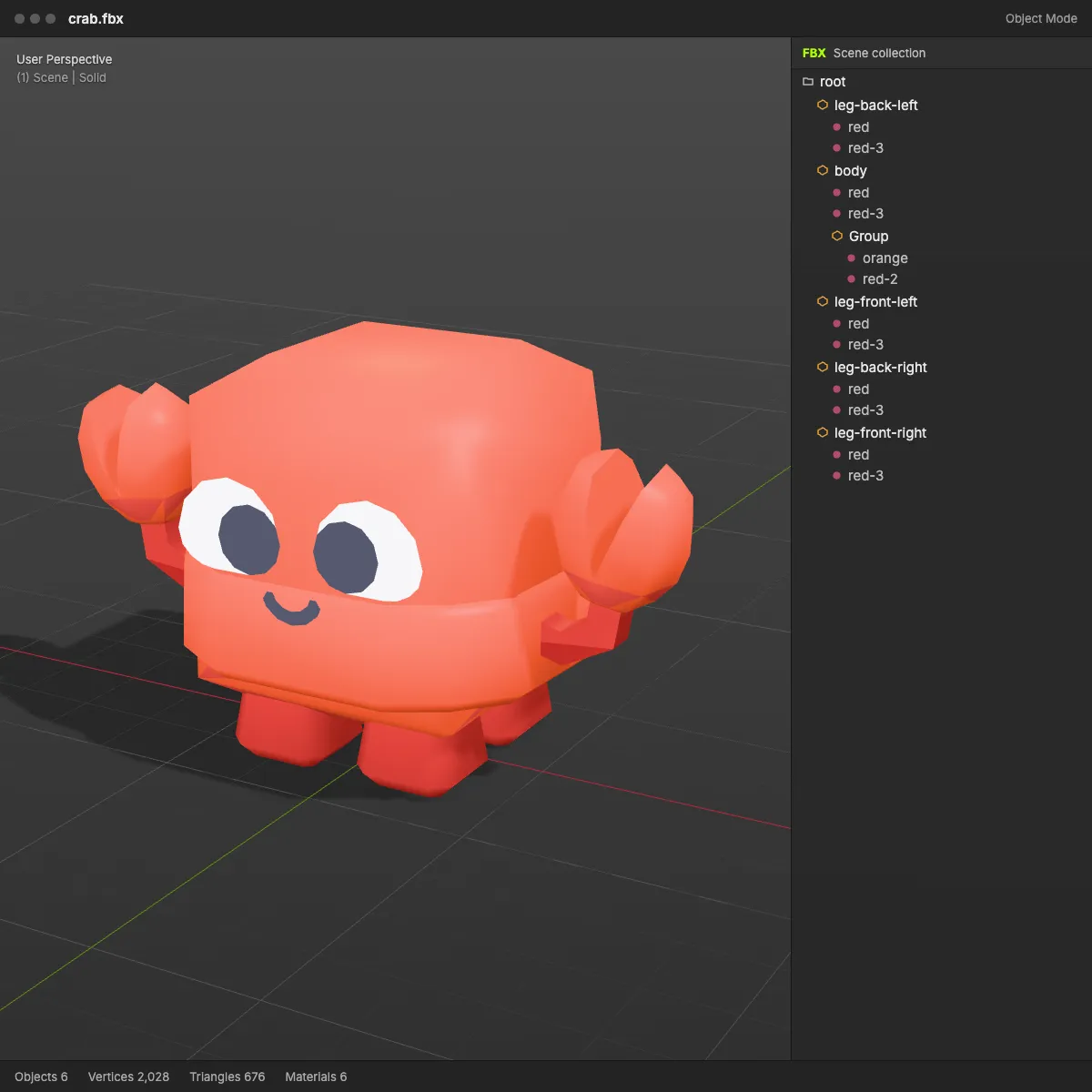
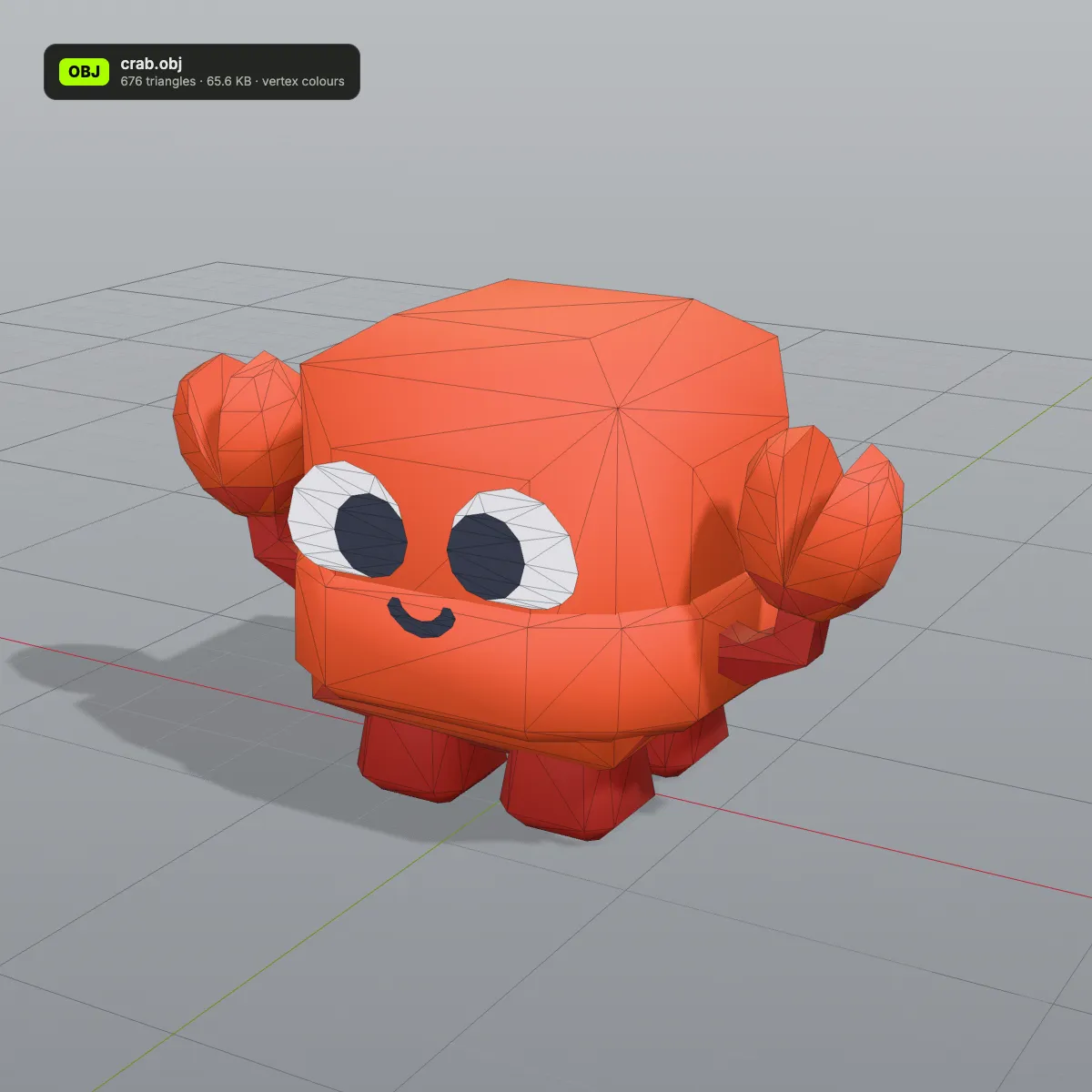
FBX to OBJ before and after: four game-kit models
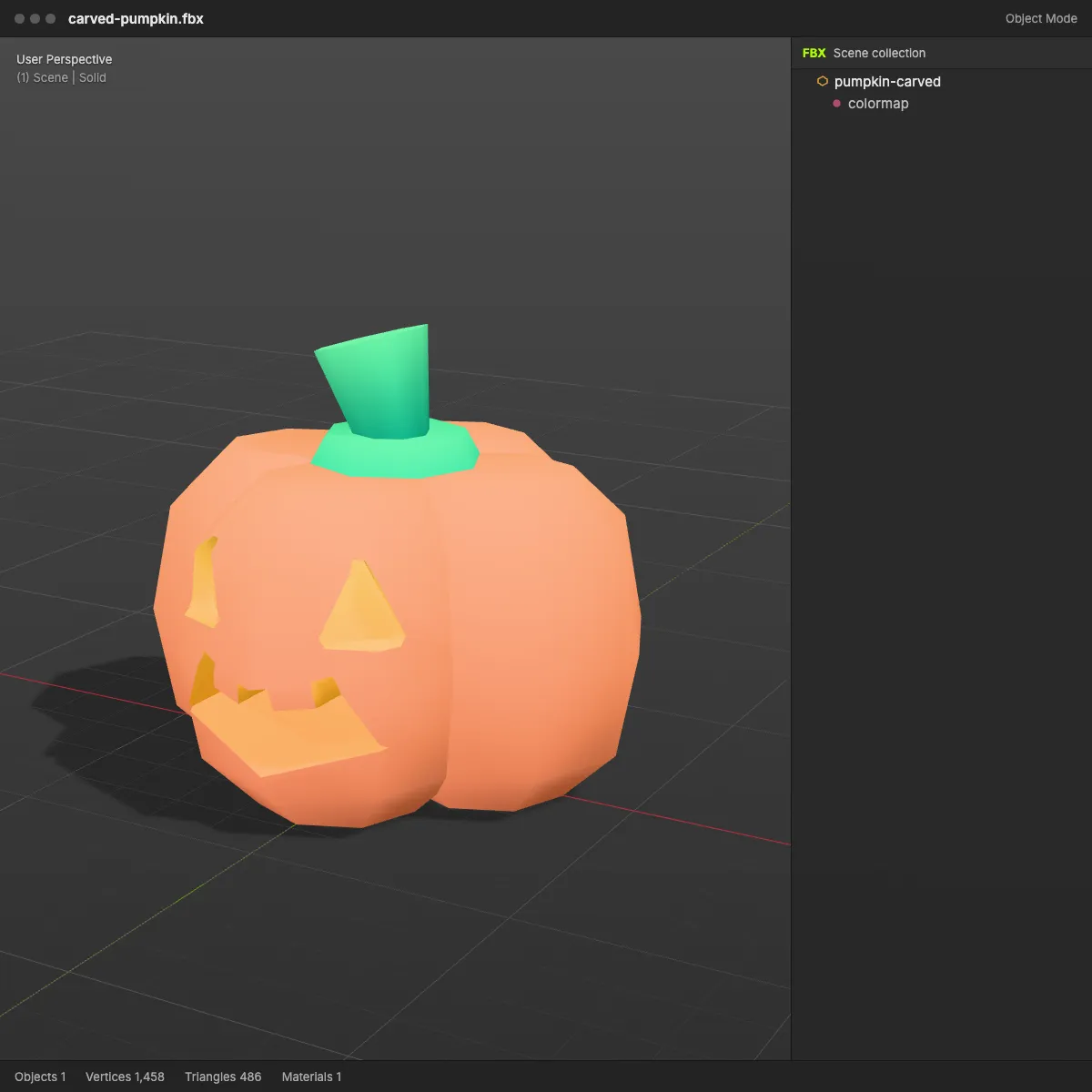
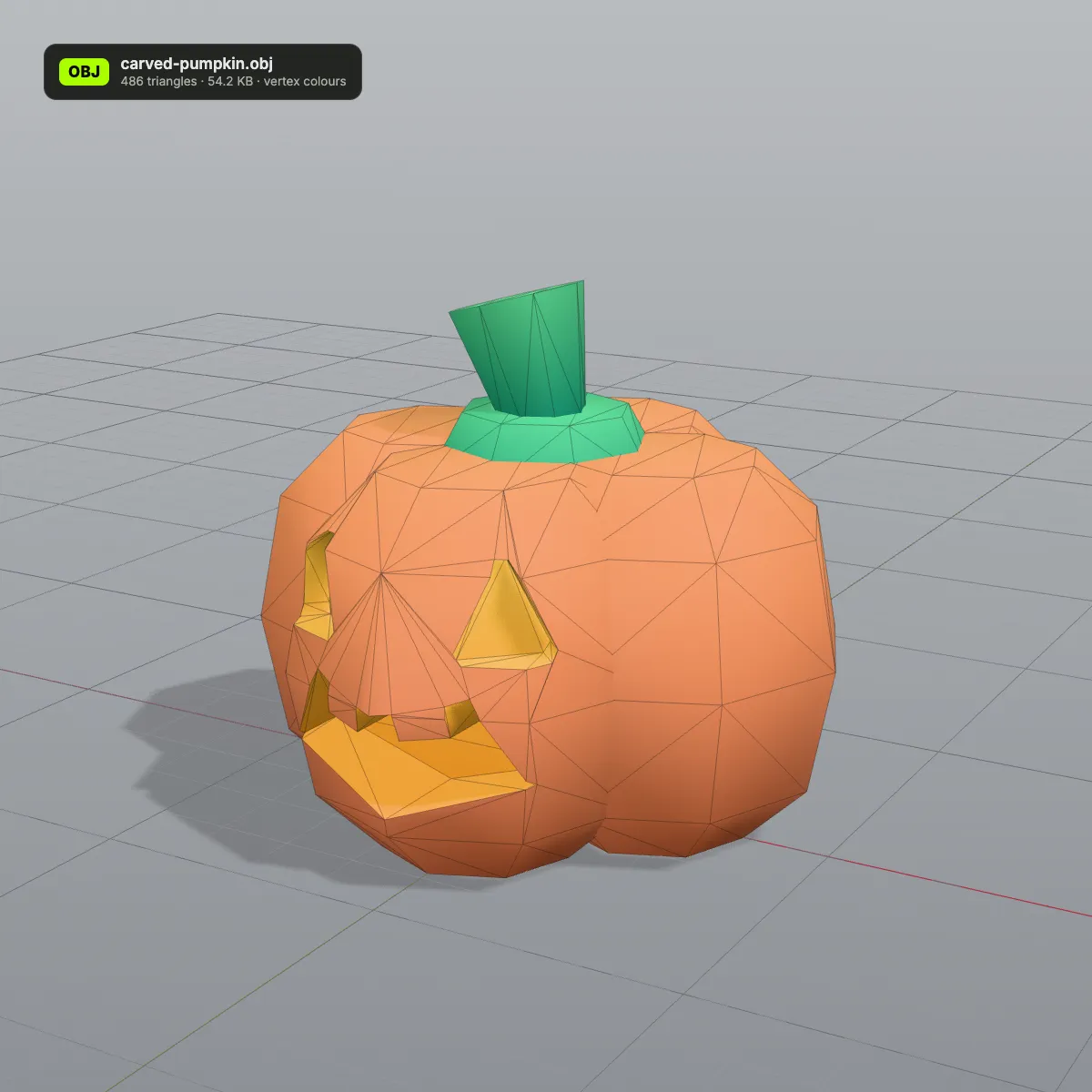
Left: the FBX in a modelling-app viewport with its scene collection open. Right: the OBJ this converter wrote, with triangle count and size on its badge. Models coloured with flat materials keep those colours as vertex colours; models painted through a texture atlas get the atlas colours sampled into their vertices too, and keep their UVs so the image itself can be applied again.
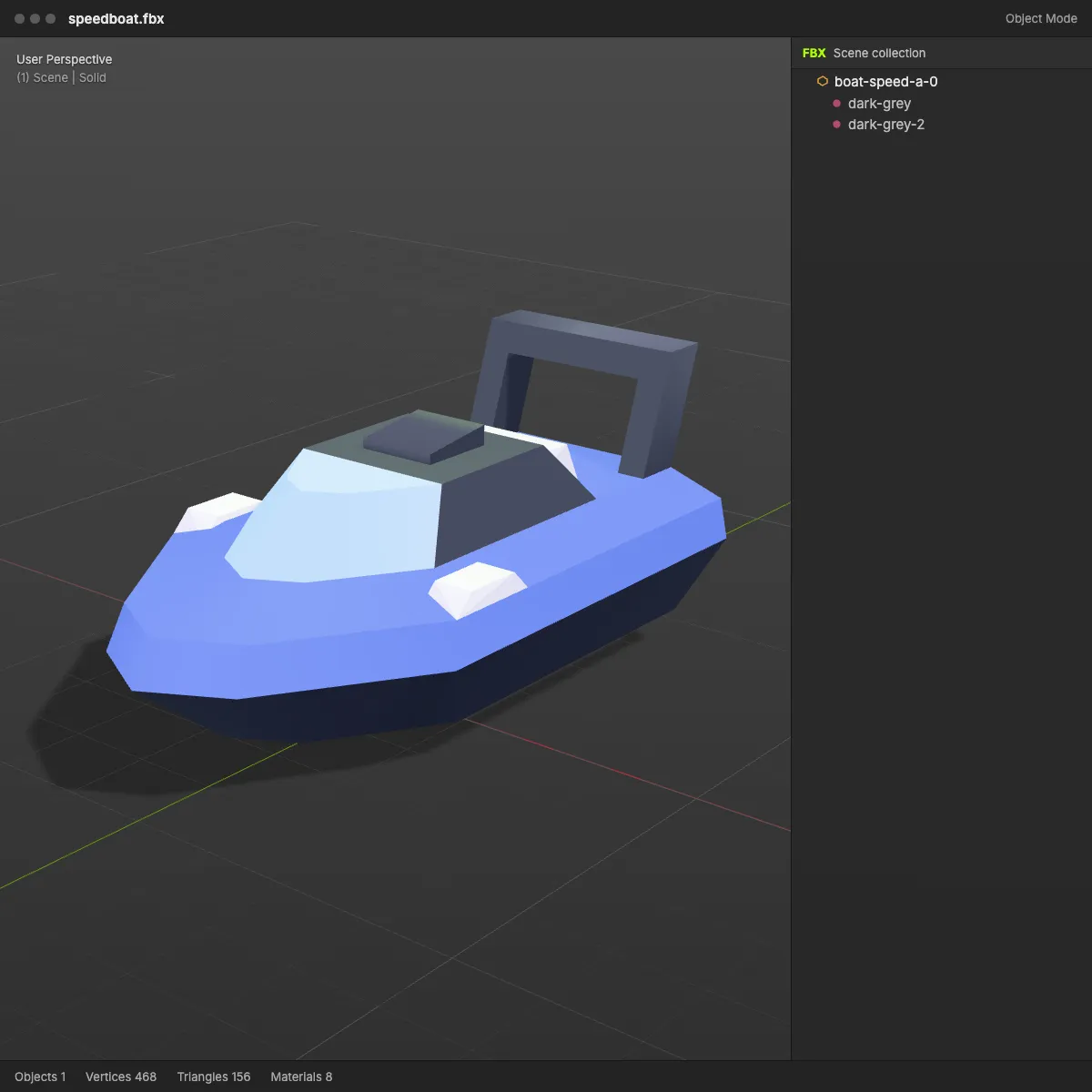
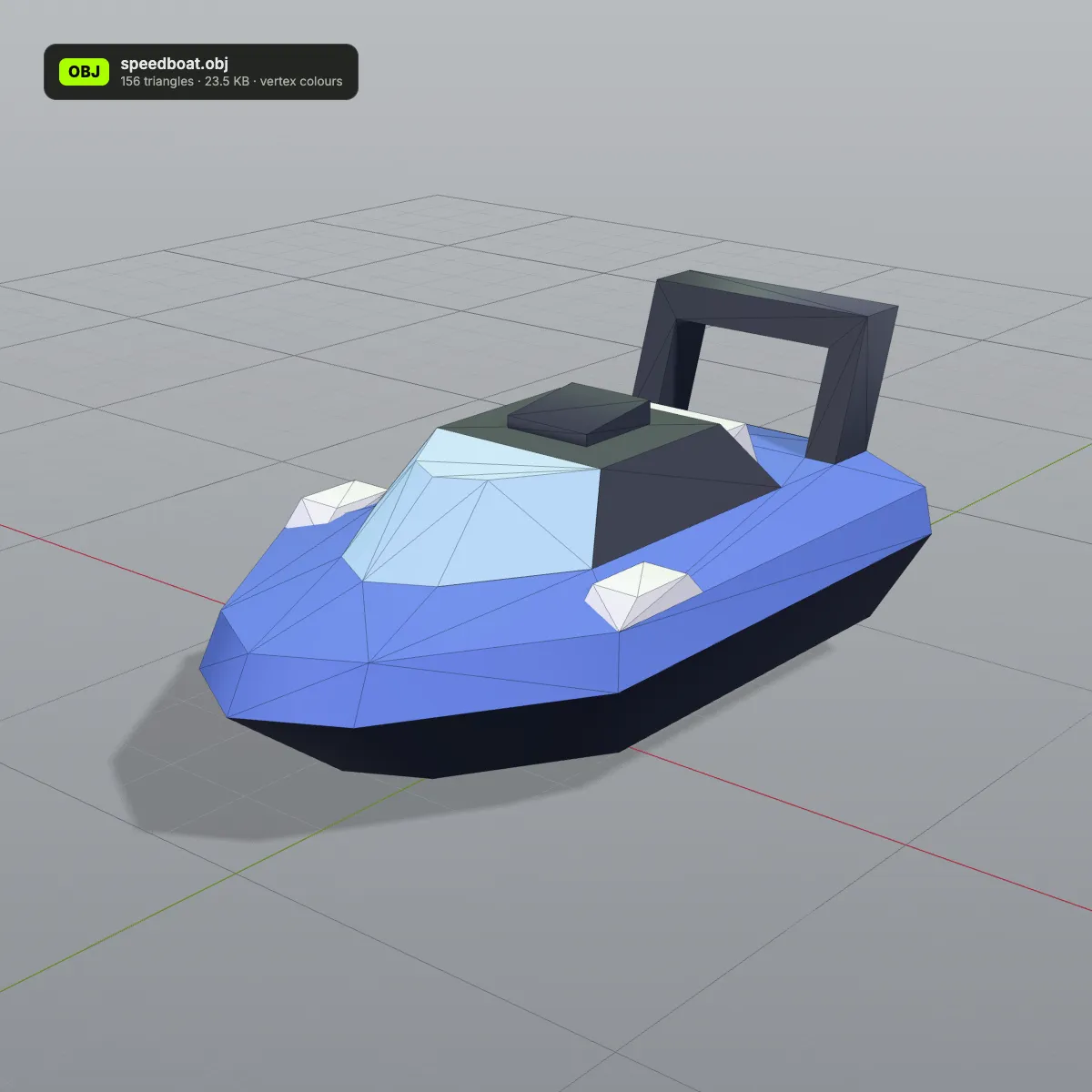
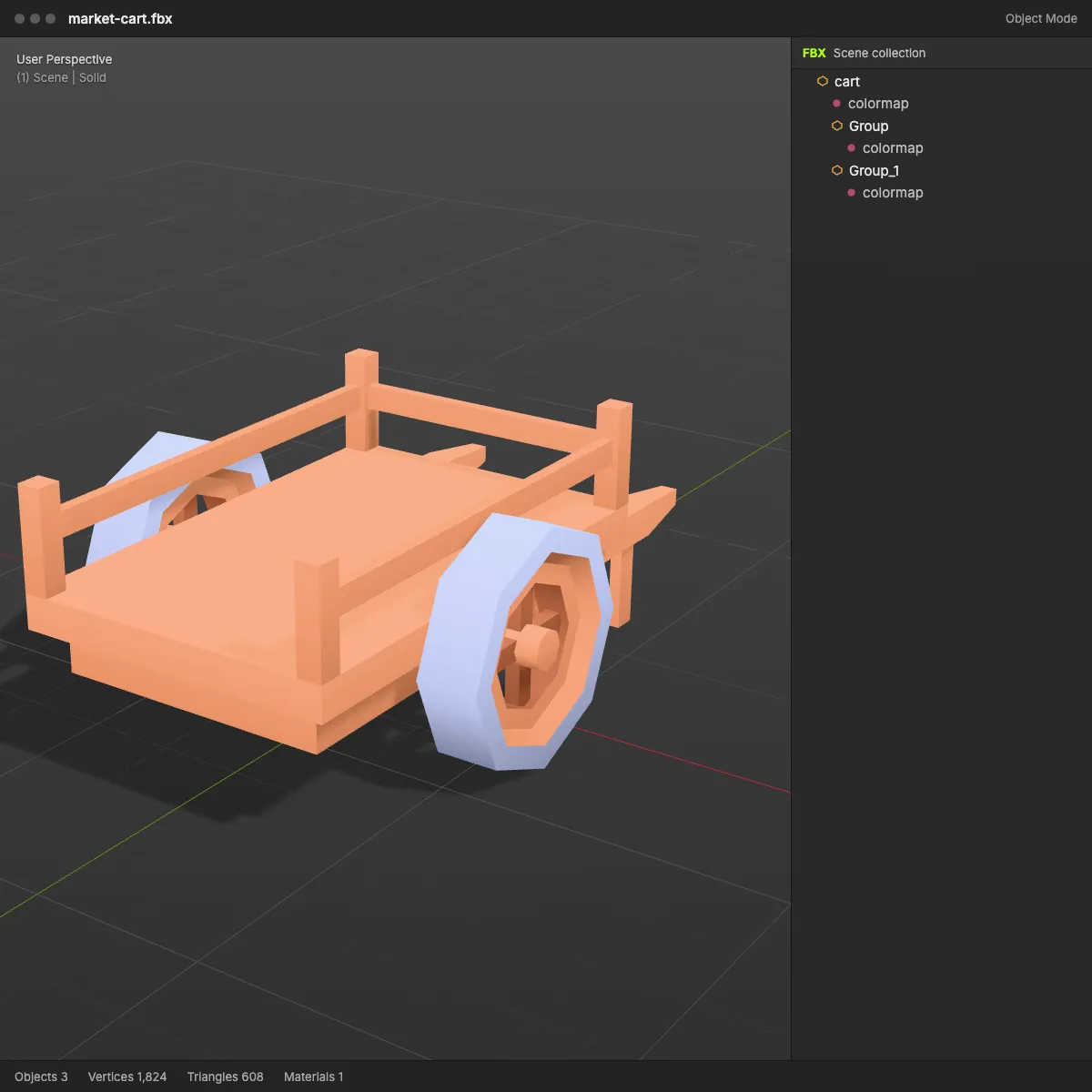
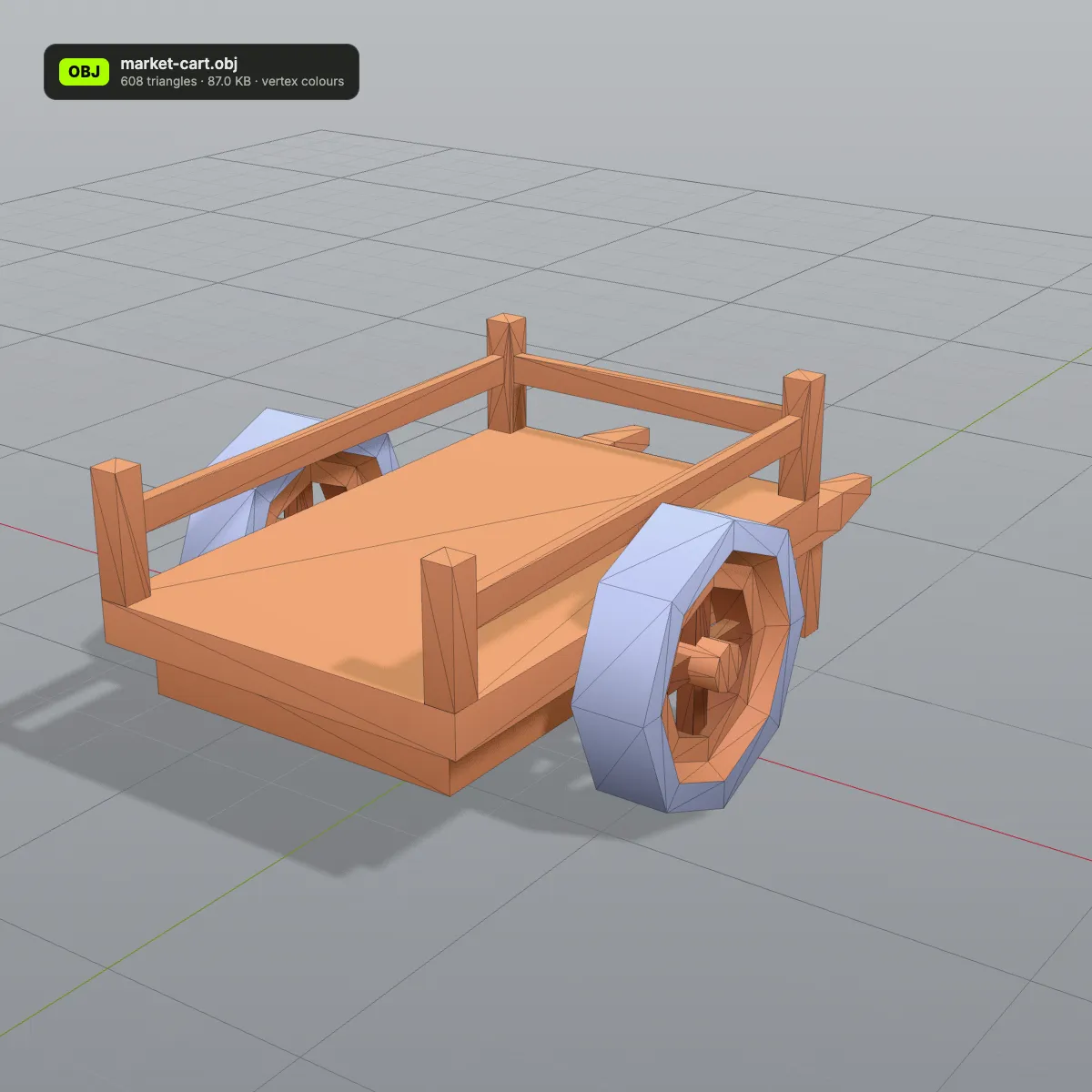
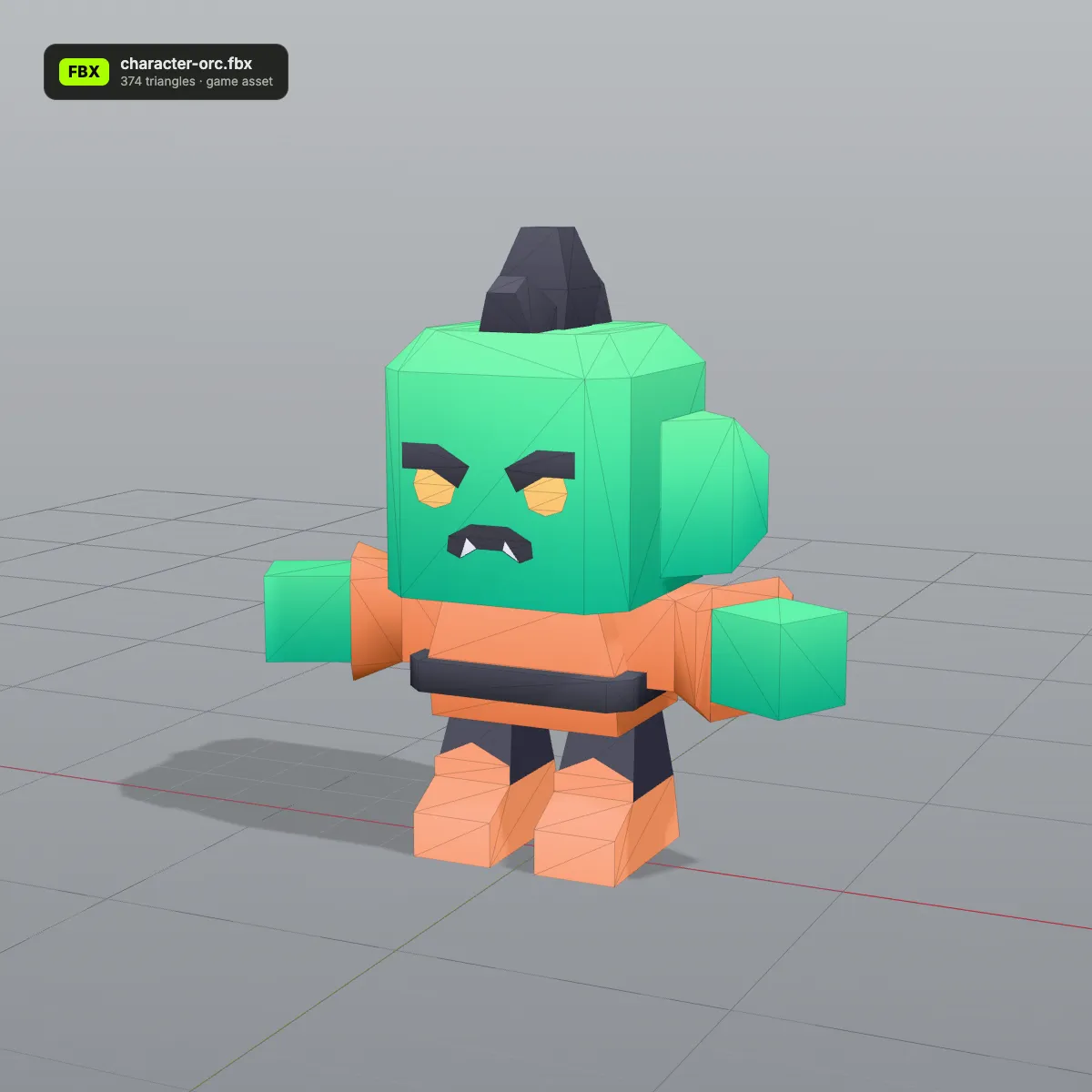
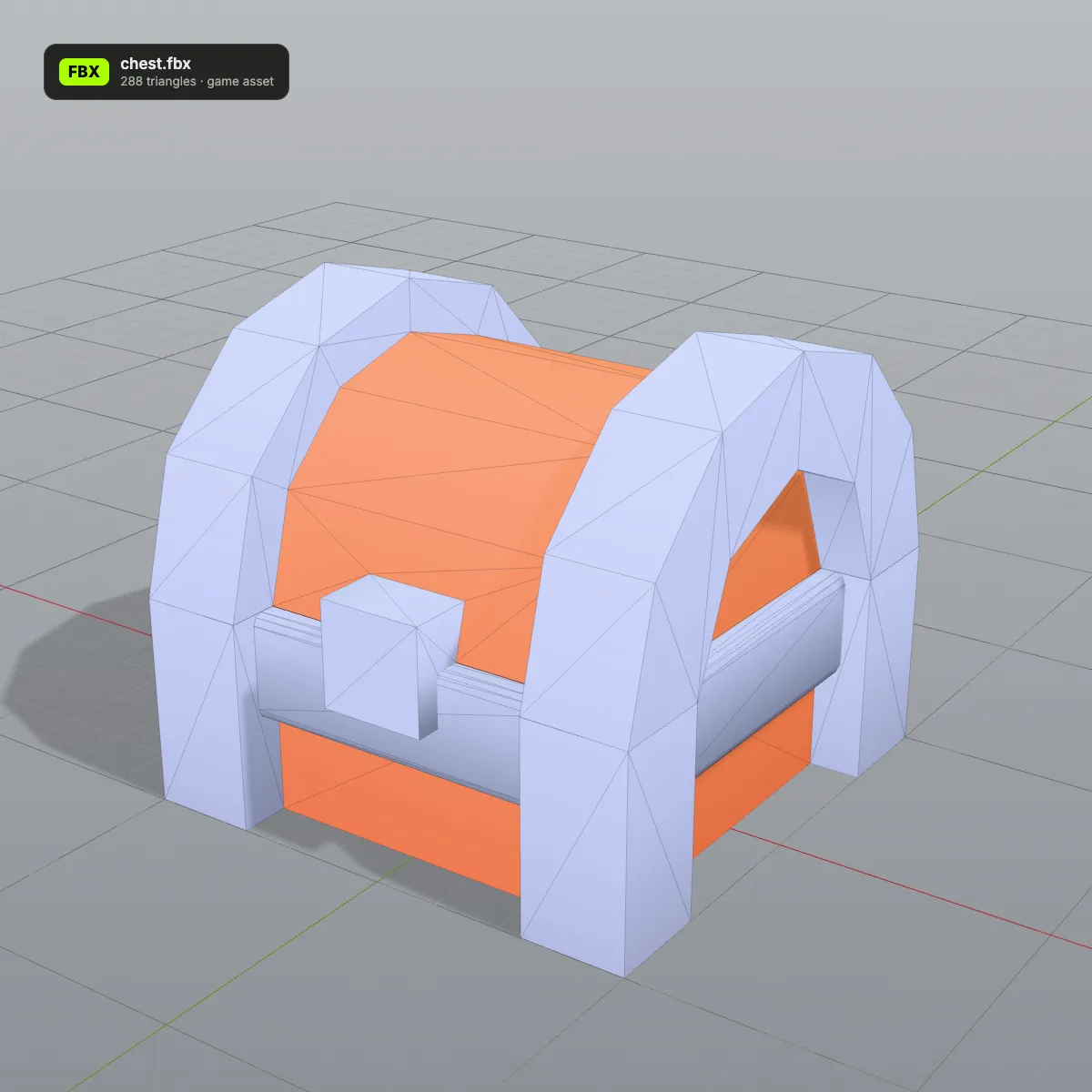
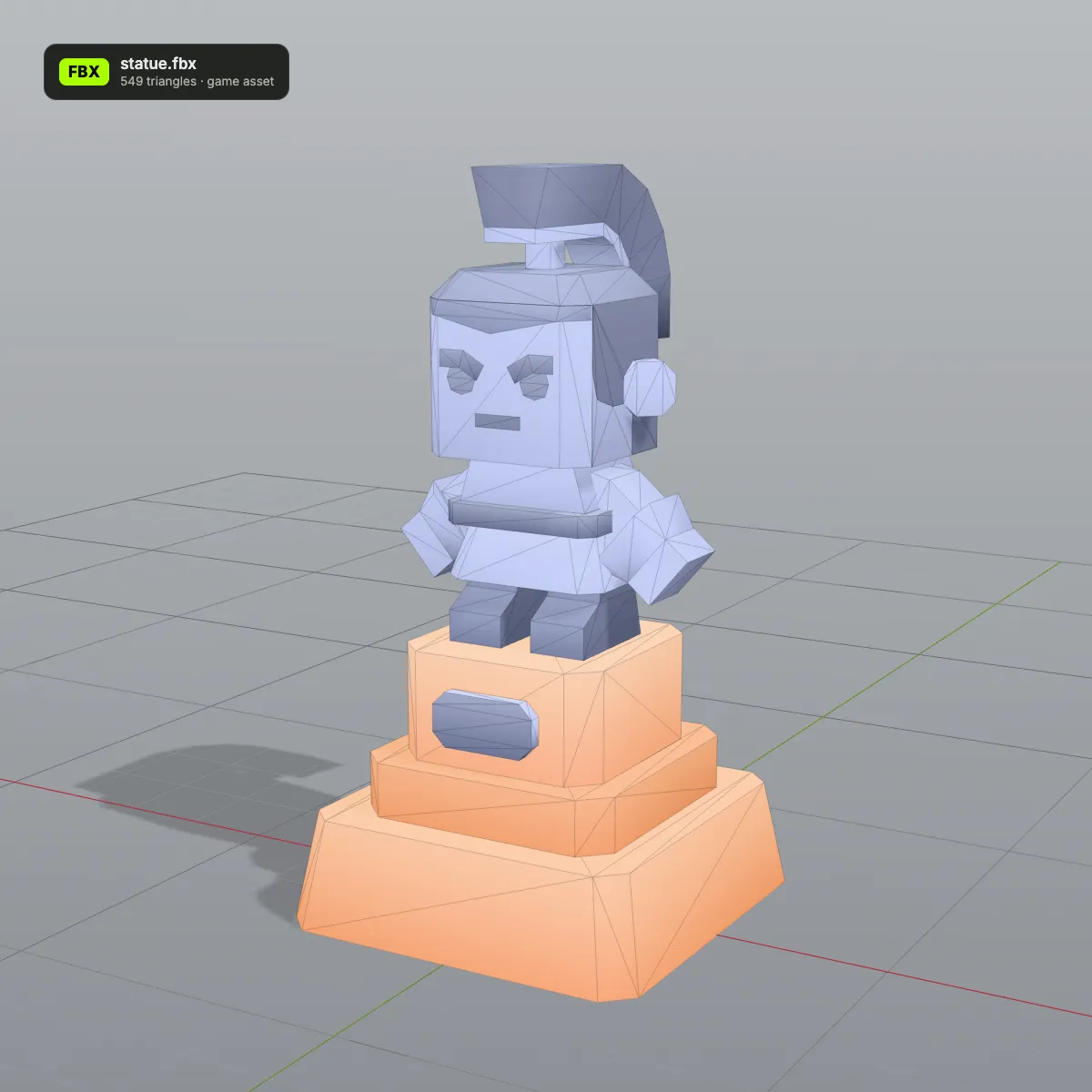
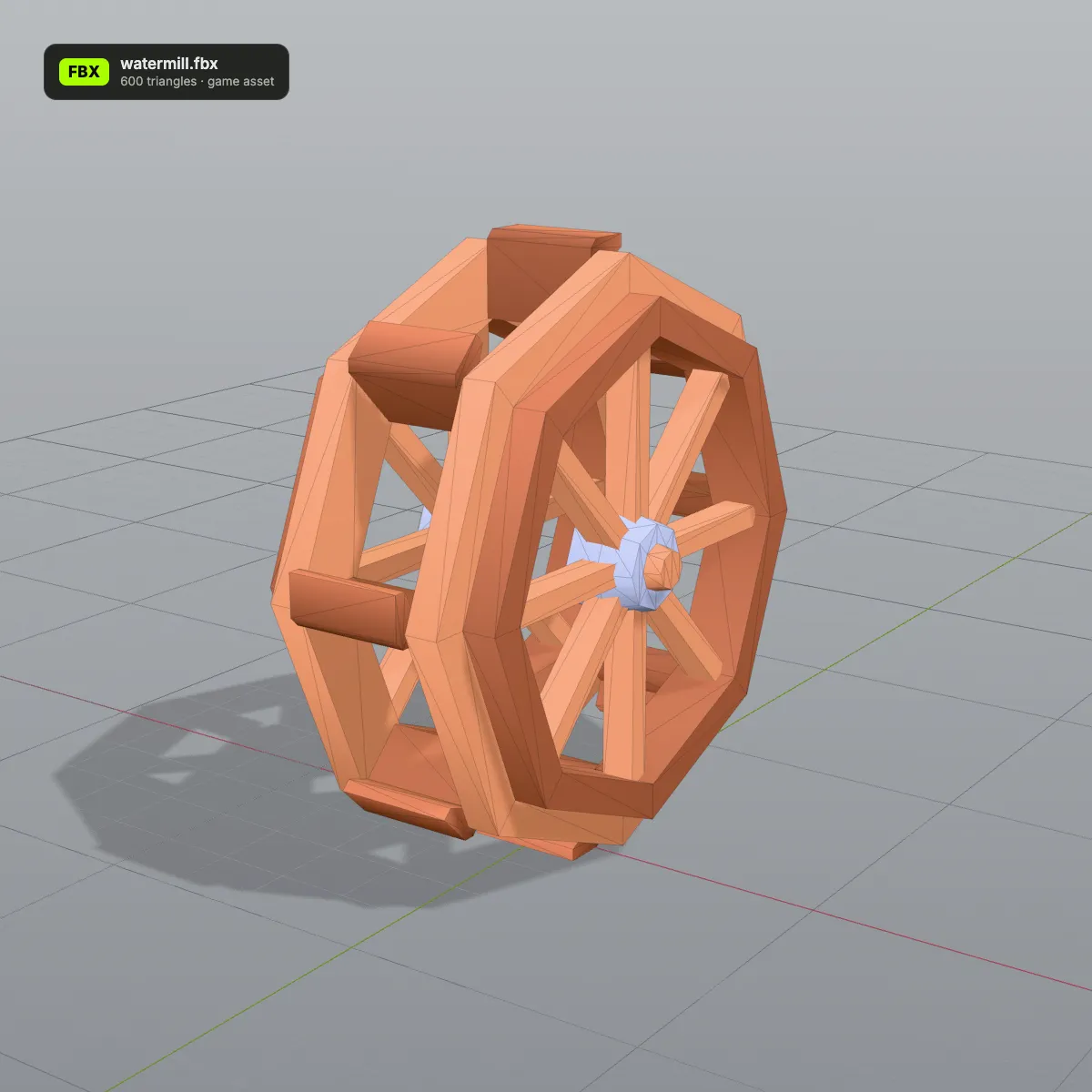
Game-kit props ready for FBX to OBJ
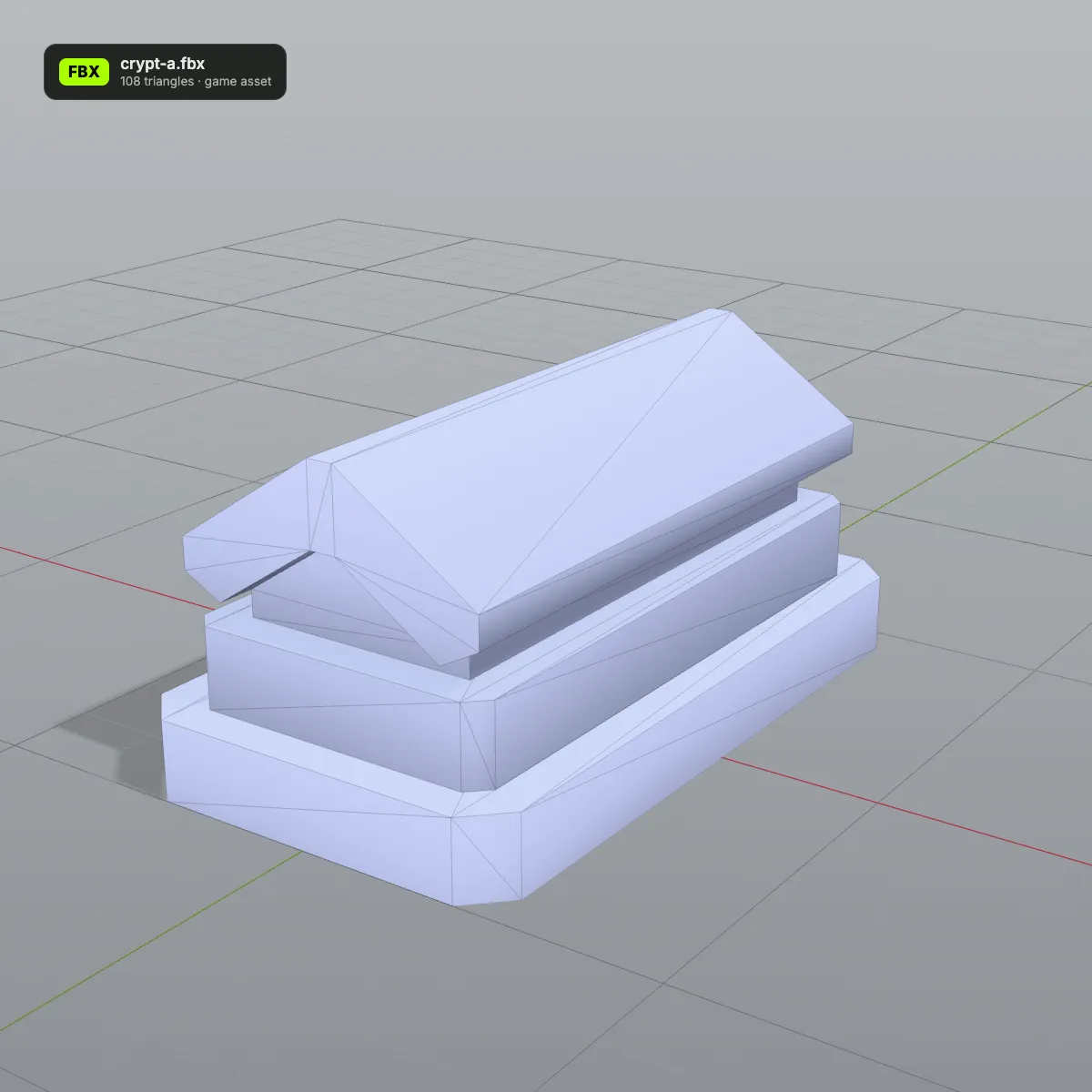
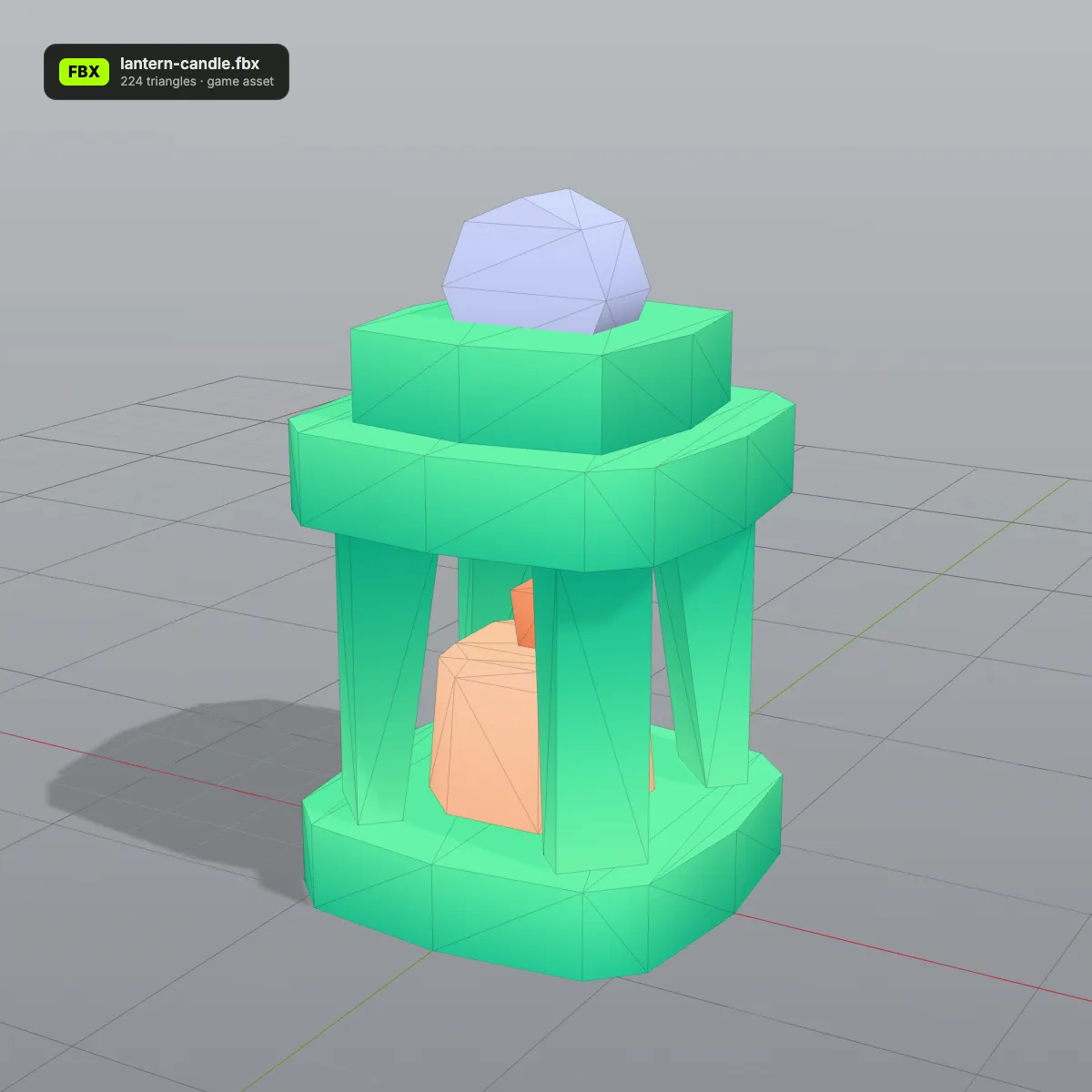
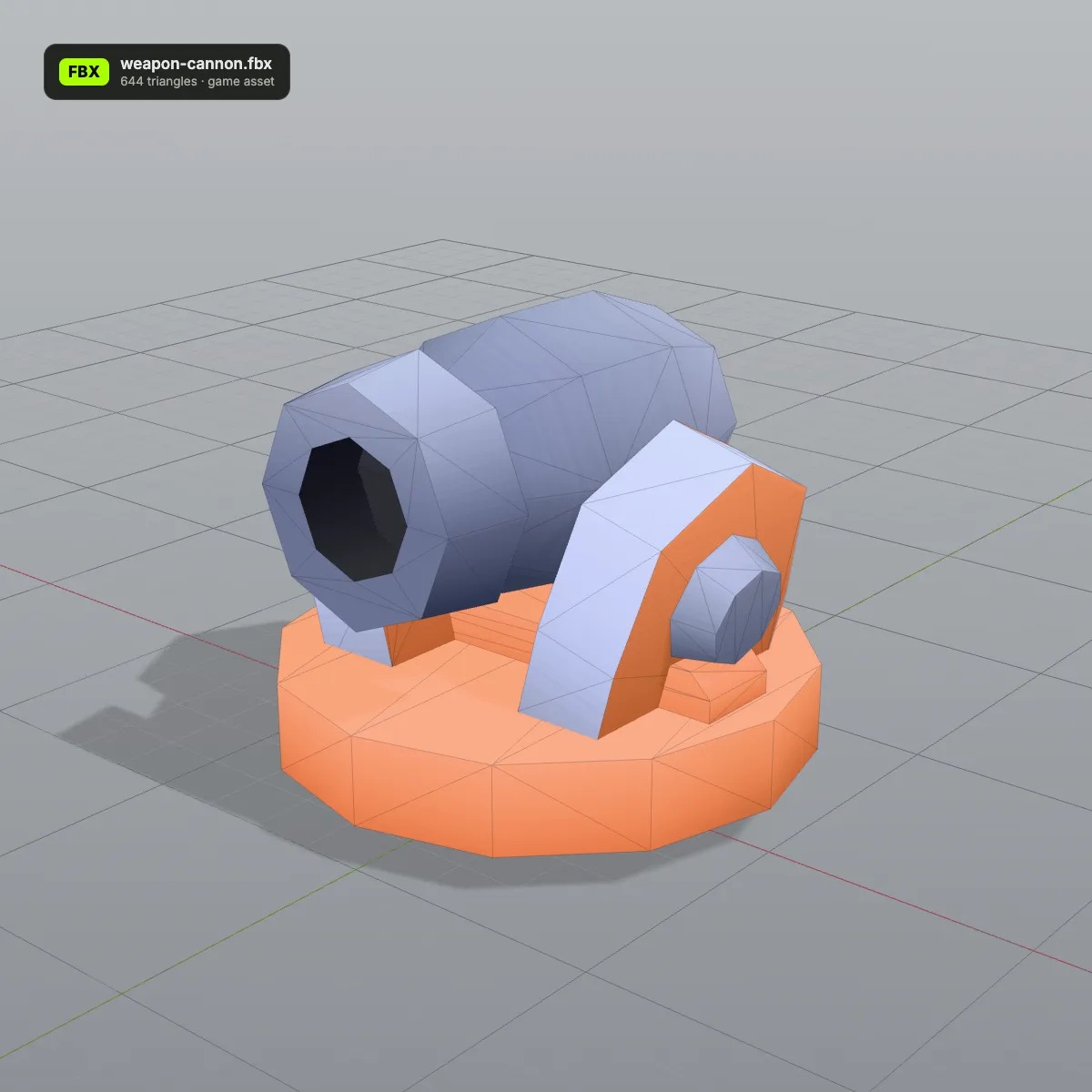
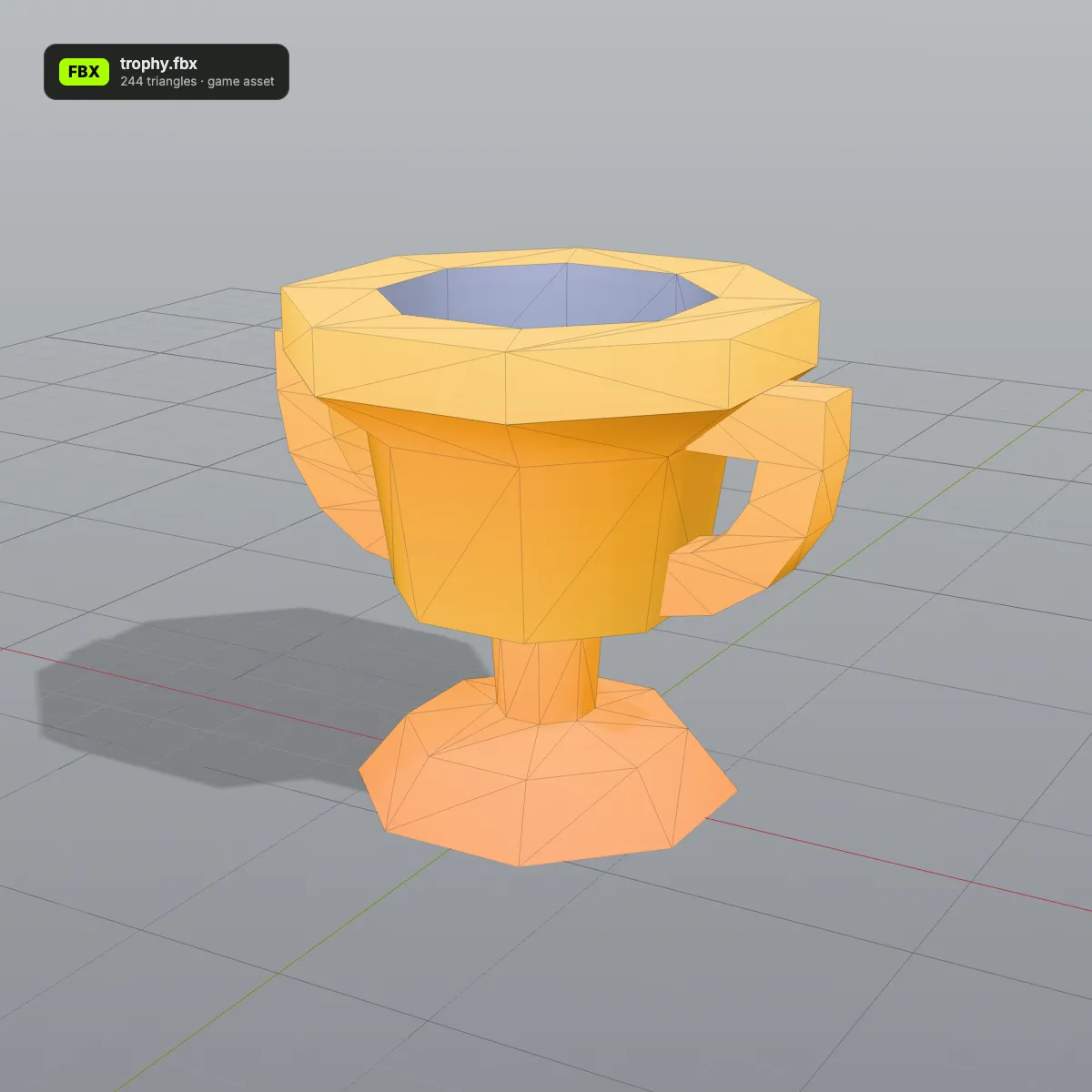
Eight FBX models from Kenney’s free CC0 game kits, rendered by us with each file name and triangle count on its badge. This is the kind of low-poly asset people convert from FBX to OBJ for printing, kitbashing or a program that has no FBX importer.
How to convert FBX to OBJ
- 11
Drop the .fbx on the converter
Drag the file onto the box that reads “Drop your FBX file here”, or click it to browse. The file name and size appear, and the preview on the right shows the model the way the FBX stores it.
- 22
Press Convert to OBJ
Every mesh is written out as an OBJ object with its normals and UVs, plus vertex colours taken from plain material colours and embedded textures. A file with animation adds the note “Static mesh, animation not included”.
- 33
Download and open the OBJ
The result line gives the new name, size and triangle count. Download OBJ saves it; Convert another file clears the box for the next one.
What an FBX keeps when it becomes OBJ
FBX can hold a whole animated scene; OBJ describes static surfaces. This is where each part of the FBX ends up in the single .obj you download.
| In the FBX | In the OBJ |
|---|---|
| Meshes and their names | One OBJ object per mesh under its own name (fire truck: body, grill, wheel-front-left …); unnamed meshes are numbered after the file |
| Quads and n-gons | Split into triangles |
| Normals and UV coordinates | Kept, written as vn and vt lines |
| Vertex positions | Six decimals at most; identical vertices are shared, so the fire truck needs 3,082 vertices for 2,767 triangles |
| Plain material colours | Baked into per-vertex colours (v x y z r g b), which Blender 3.3+ and MeshLab display |
| Image textures, embedded or external | Embedded textures are sampled into the vertex colours, exact for colour atlases and approximate for detailed images; external image files can’t be read from a single upload. No .mtl or image is written, and the UVs stay, so the texture can be applied again |
| Skeleton, skin weights, animation takes | Dropped; a rigged character is saved in its bind pose |
| Units (UnitScaleFactor) | Not recorded, as OBJ has no unit field; the FBX numbers are kept, so a centimetre model stays in centimetre numbers |
| Up axis | Y up; Z-up FBX files are turned upright when they load |
| Cameras and lights | Left out, because OBJ cannot store them |
Why people convert FBX to OBJ
Printing a game prop
Cura, PrusaSlicer and Bambu Studio open OBJ but not FBX. Convert a statue, trophy or toy from a game kit, then scale and slice it, or carry on to STL if your print workflow expects one.
Sculpting and retopology
ZBrush and most sculpting programs use OBJ as their exchange format. Bring in the bind-pose mesh of a character to add detail or to build cleaner topology on top of it.
Picking one part out of a kit
Because each FBX mesh becomes a named OBJ object, you can open the file, keep only the cannon barrel or a single wheel, and delete the rest before reusing it.
Feeding OBJ-only software
MeshLab, older CAD packages and many research scripts read OBJ, a plain-text format that a few lines of code can parse. The converter hands them geometry that started life as FBX.
FBX to OBJ questions
Drop the .fbx onto the converter at the top of this page, press Convert to OBJ and click Download OBJ. There is no account, no watermark and no upload: three.js reads and writes the file inside your browser, and files up to 200 MB are accepted.
The colours yes, the texture images no. Materials that are a flat colour become per-vertex colours inside the .obj, and an embedded texture is sampled at every vertex and baked into those colours too: exact for the colour atlases game kits use, an approximation for detailed photo textures. Blender 3.3 or later and MeshLab show them without any extra file. The images themselves are not written, because the download is one .obj with no .mtl or pictures beside it. The UV map is kept, so in Blender you can add an Image Texture node with the original picture for full detail. If the textures must travel with the model, convert FBX to GLB instead.
They are dropped, since OBJ stores only static geometry. A skinned character is written in its bind pose, often a T-pose or A-pose, and the result line notes “Static mesh, animation not included”. For a posed still, pose the character in Blender and export OBJ from there; to keep the clips, use a format such as GLB.
Because the FBX was modelled in centimetres and OBJ has no unit. The converter writes the FBX numbers unchanged, so the fire truck sample is 340 units long in the OBJ; Blender reads OBJ units as metres and shows a 340 m truck. Set Scale to 0.01 in Blender’s OBJ import options, or scale the object afterwards. A slicer reads the same numbers as millimetres, which makes the truck 34 cm long.
Three causes cover most failures: the file is binary FBX older than 6.4 or ASCII FBX older than 7.0 (export it again from a current Blender, Maya or 3ds Max), it is larger than 200 MB, or it contains no mesh at all, as with a Mixamo animation downloaded without skin. The message that pops up tells you which one it is.
Yes: File › Import › FBX, then File › Export › Wavefront (.obj), and Blender writes a .mtl for the materials as well. That route needs Blender installed and a few minutes per file. This converter is quicker when you only want the OBJ, or when you are on a machine where you cannot install software.
Related tools
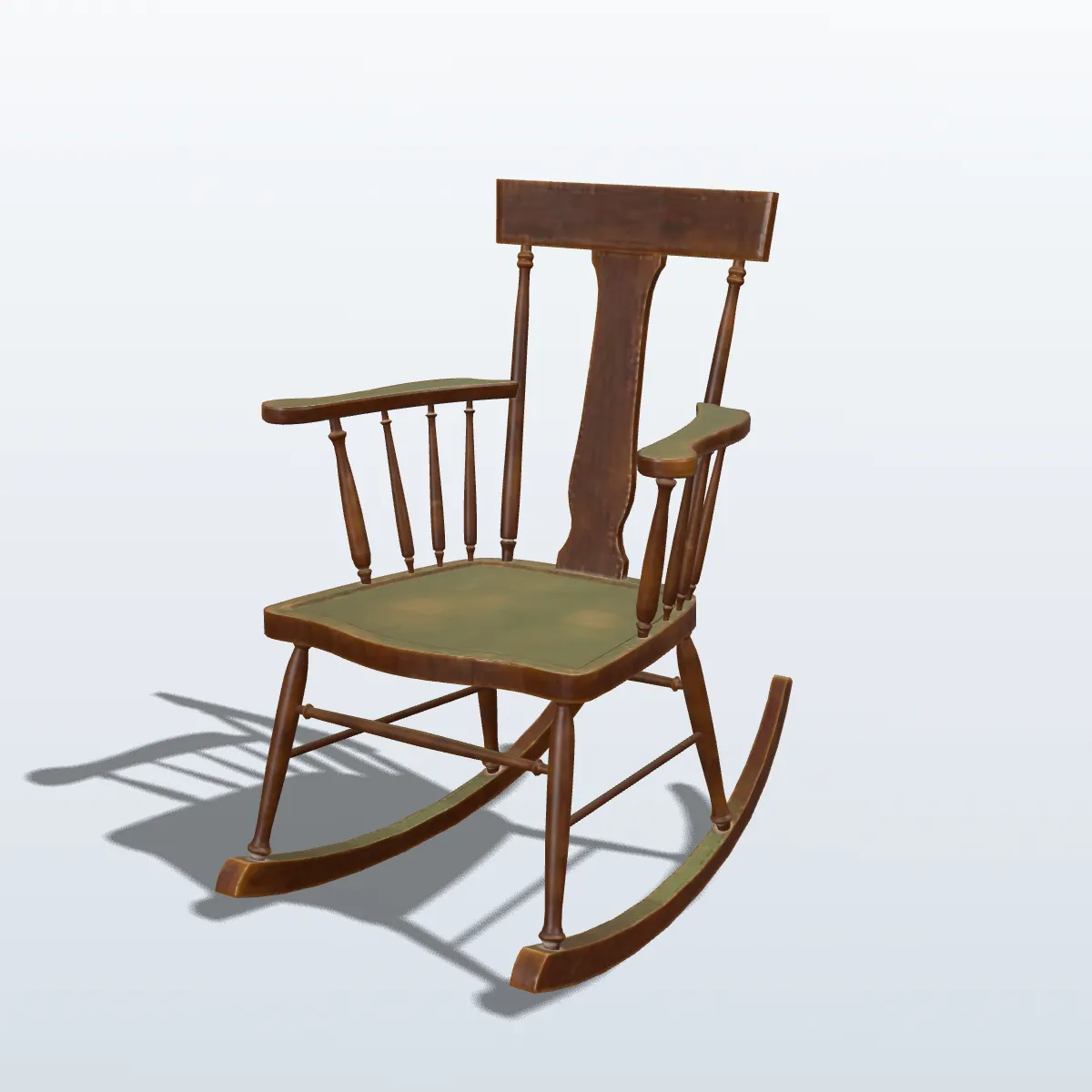




Need a model that isn’t in any game kit?
Upload a photo or describe it in a sentence, and Ship3D’s AI generator builds a textured 3D model you can download as OBJ, GLB, STL or USDZ.
Free to sign up, no credit card required. Try it once for free.