DAE to OBJ Converter
Collada Files Into Clean OBJ Meshes
This DAE to OBJ converter turns a Collada (.dae) file from SketchUp, Google Earth, Second Life, an old game mod or a ROS robot package into a Wavefront OBJ that Blender, MeshLab, slicers and simulators can open. three.js reads the file on your own computer, so nothing is uploaded and there is no account or queue.
DAE → OBJ
Drop a 3D model file to preview it in 3D before converting.
The converter respects what the Collada file says about itself: a Z-up model is stood upright for the Y-up OBJ convention, and inches or centimetres are converted, so the OBJ is written in metres. You get a single .obj, yet the colours survive: every vertex line carries its colour (v x y z r g b), which Blender and MeshLab read, taken from a plain material colour or sampled from a texture packed inside the .dae (exact for flat-colour textures, approximate for detailed ones), and the material names stay as usemtl labels. Identical vertices are shared and coordinates are cut to six decimals, which keeps the OBJ close to the size of the source. One honest limit before you convert DAE to OBJ: textures kept as separate image files beside the .dae can’t be read from one dropped file, and an OBJ never holds images, only the UVs to re-apply them.
Try DAE to OBJ with a sample Collada file
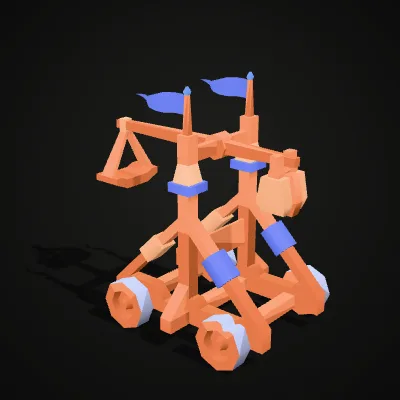
Two low-poly models from Kenney’s free CC0 game kits, each saved as a single .dae with plain material colours and no outside textures, so every colour reaches the OBJ. Press Try it to load one straight into the converter, or download the .dae and open it in your own software first.
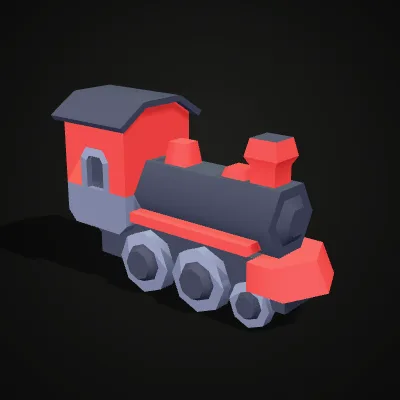
Watch a Collada locomotive turn into OBJ
An 11-second screen recording of this converter with the steam-locomotive sample. The 81.5 KB .dae is dropped in and the preview turns with its red cab and grey wheels; Convert to OBJ is pressed and the result reads steam-locomotive.obj · 95.7 KB · 740 triangles before Download OBJ is clicked. The triangle count is the same as in the Collada file, so nothing was simplified on the way.
Collada to OBJ: the same triangles, one file
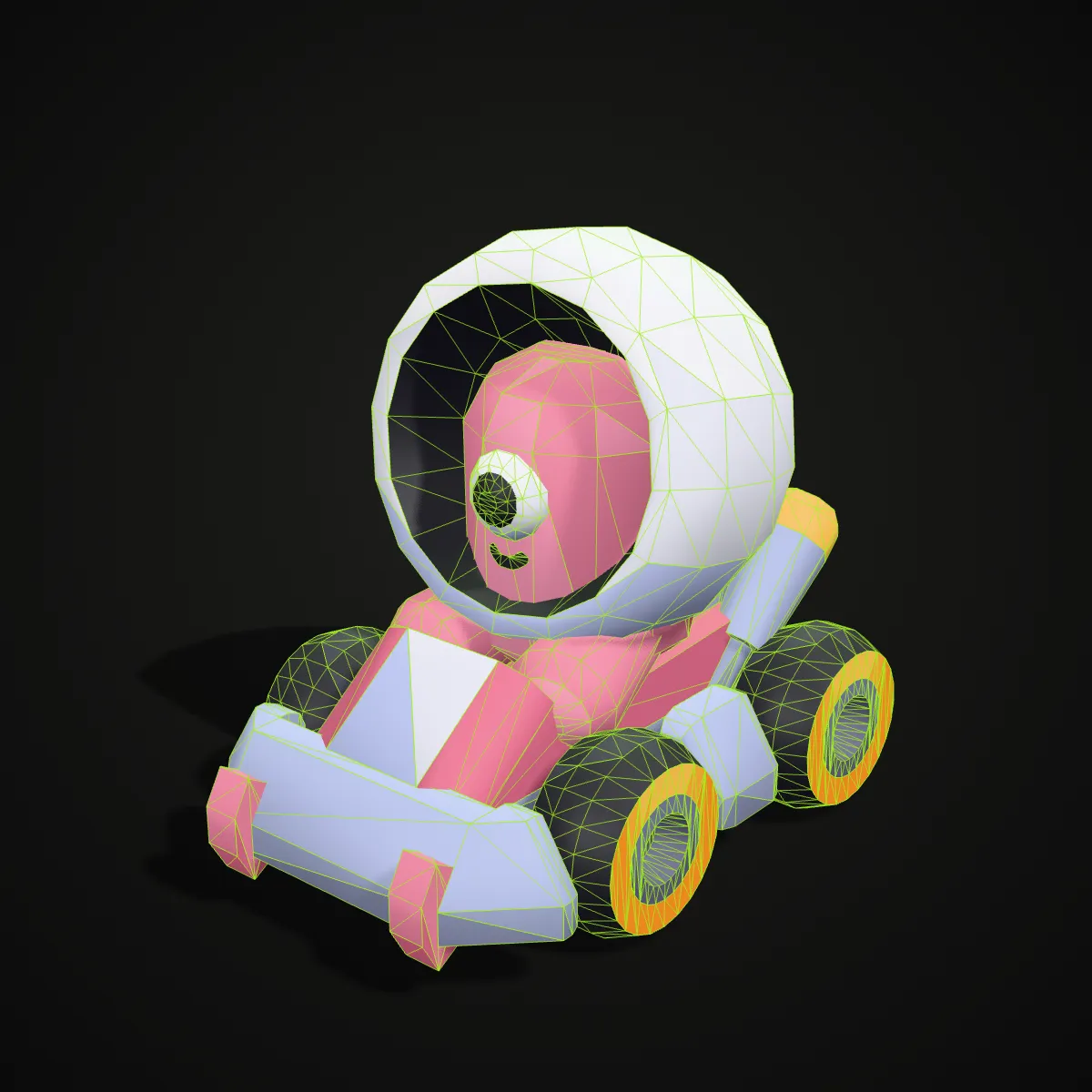
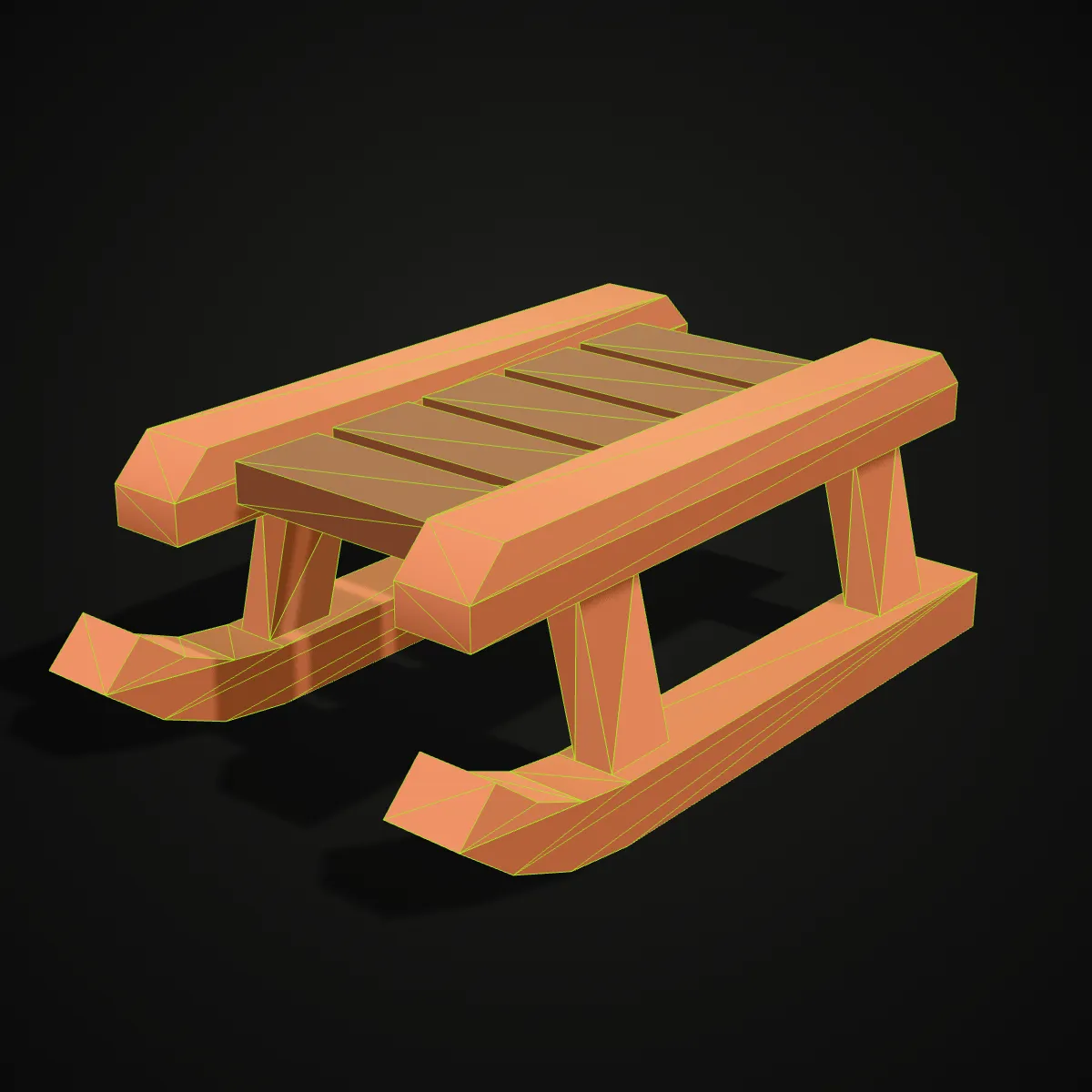
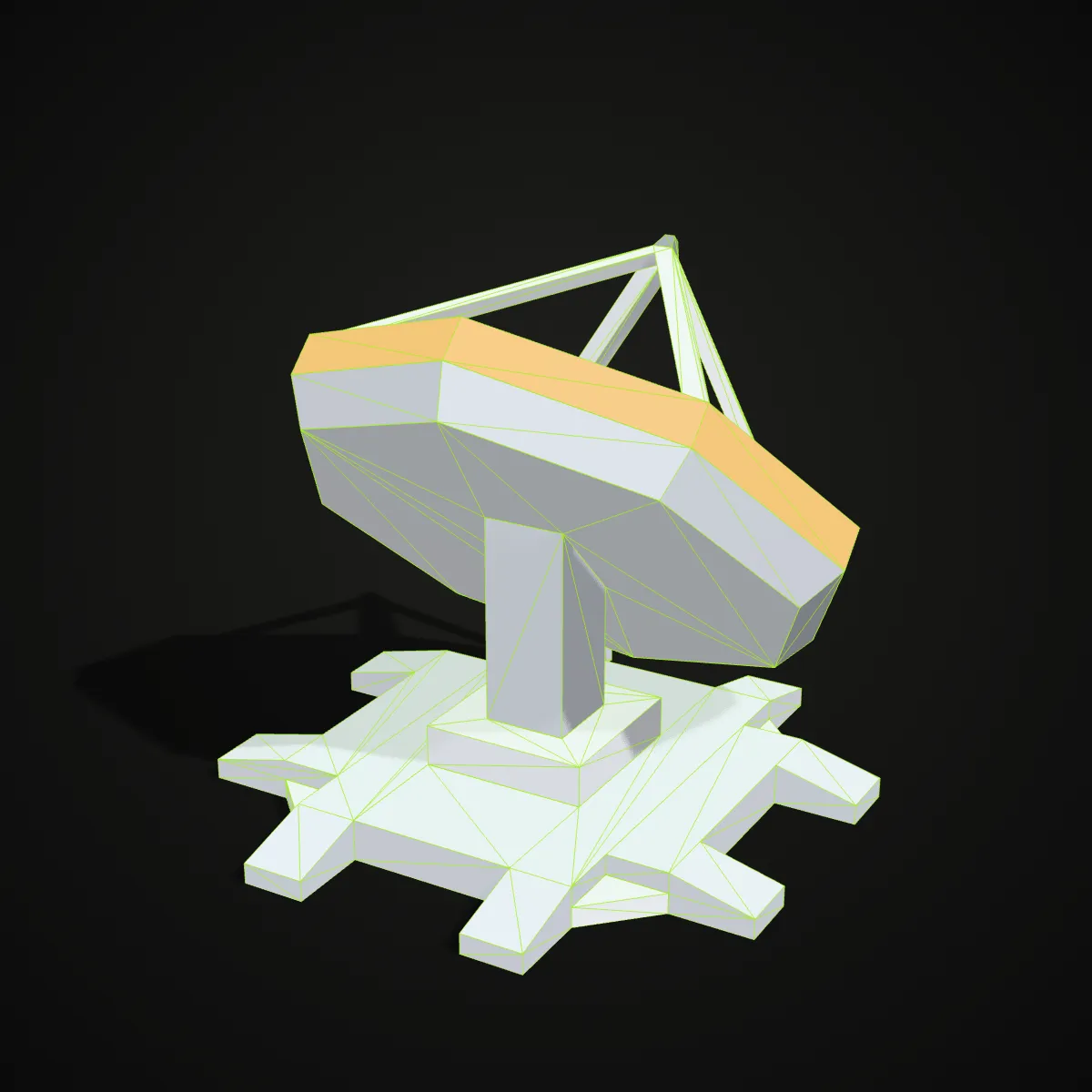
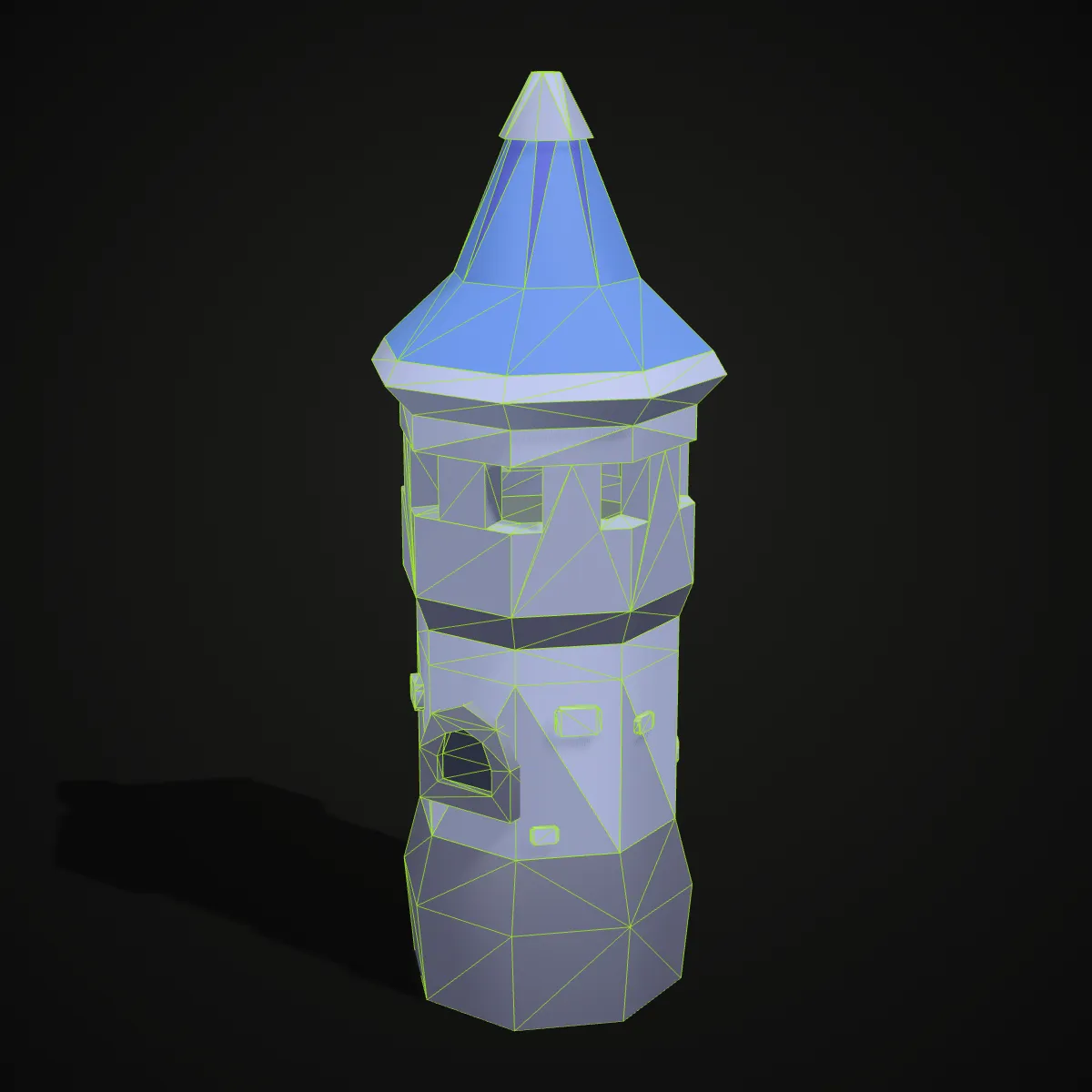
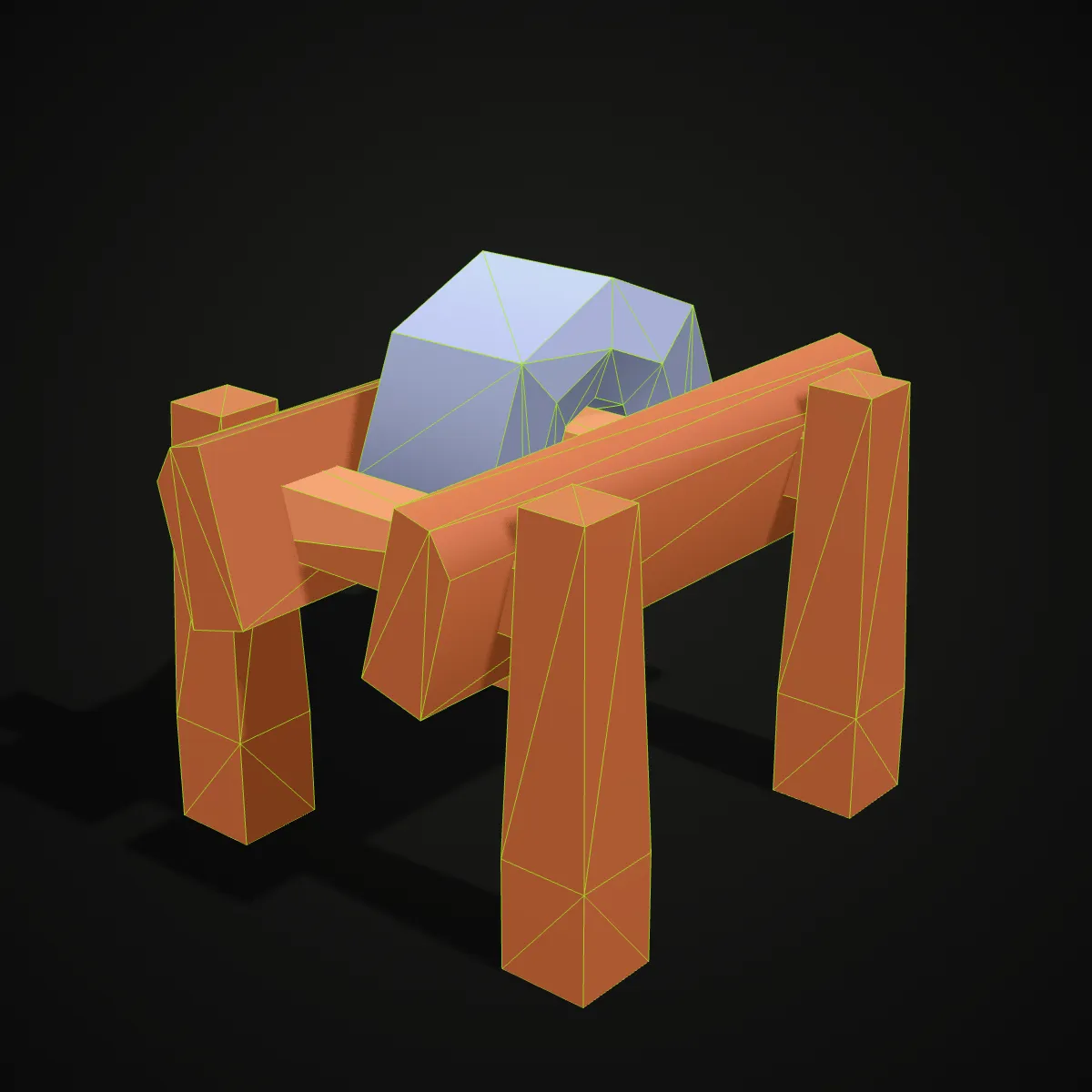
Left, each Kenney model as its Collada file describes it, with materials and node count. Right, the OBJ the converter wrote, drawn in plain grey with every triangle edge outlined in green. Compare the triangle counts in the labels: they match, because the conversion moves the geometry from one format to the other without remeshing it.
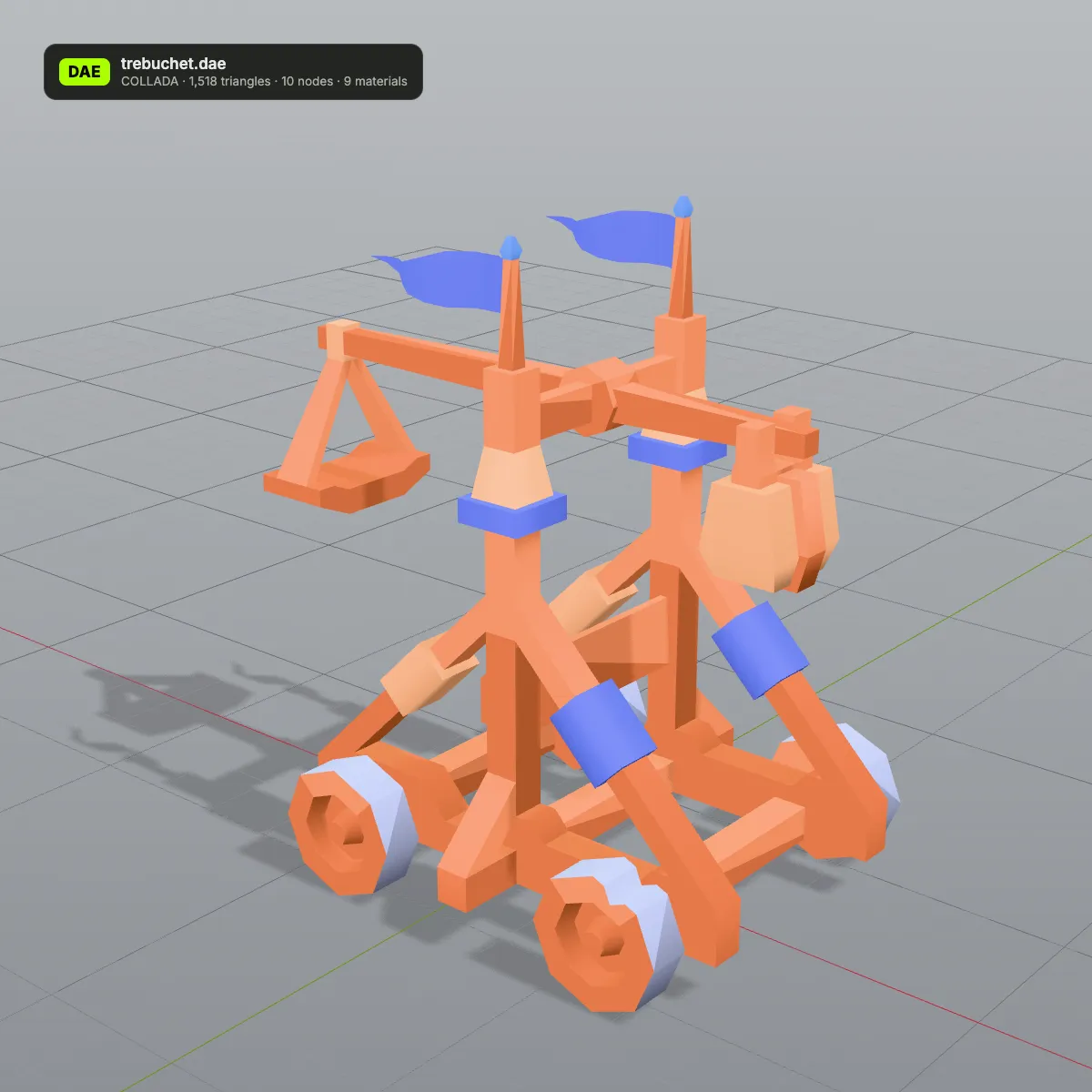
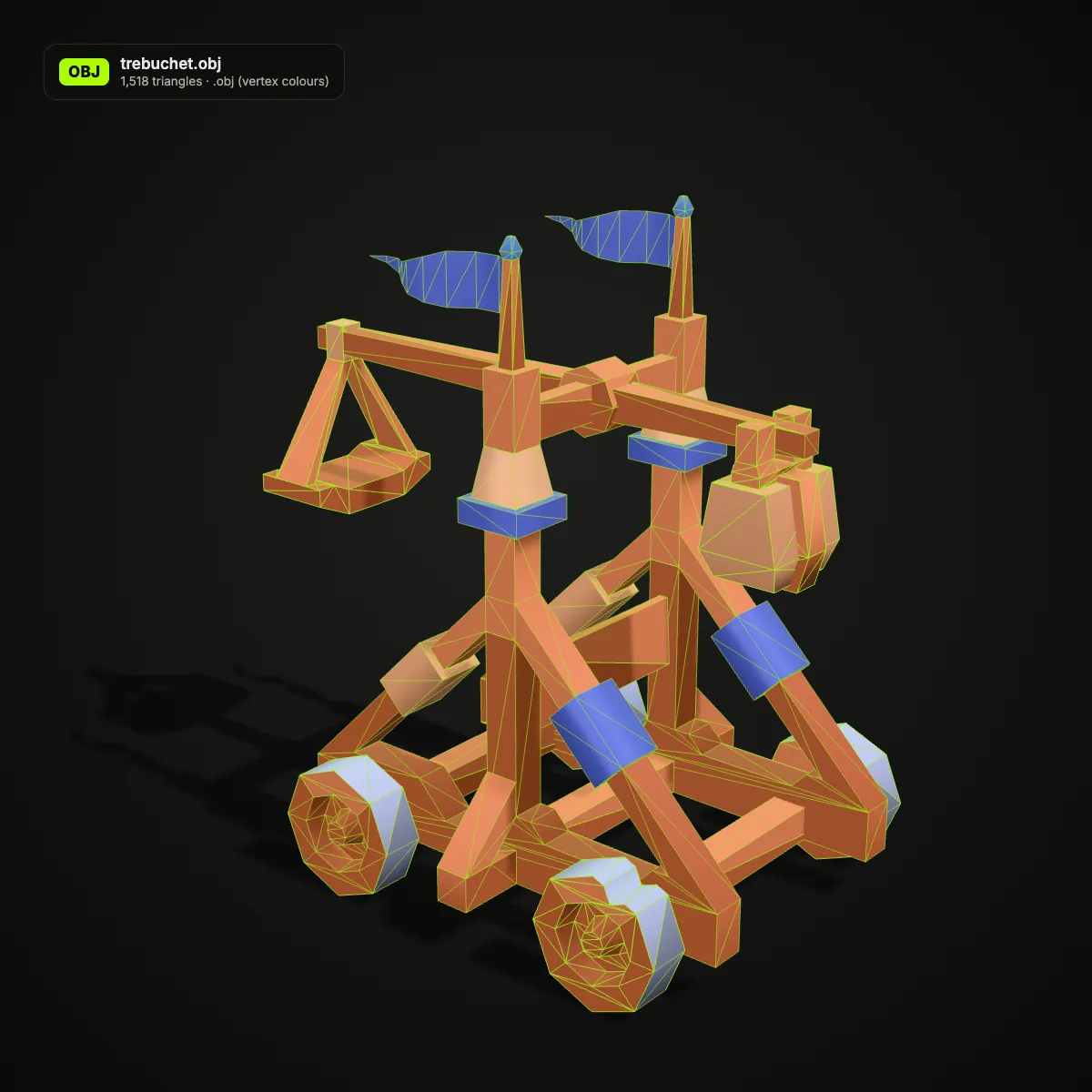
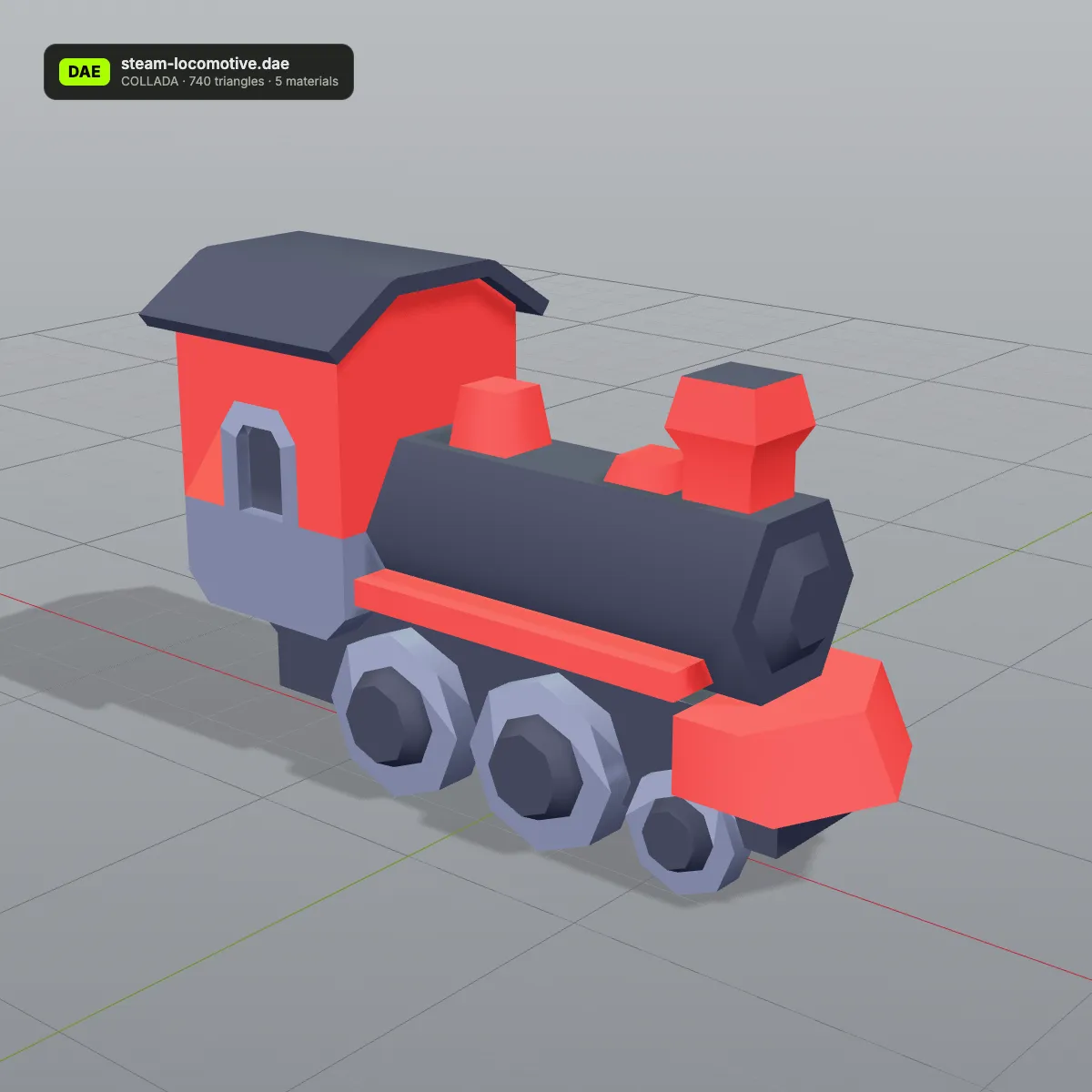
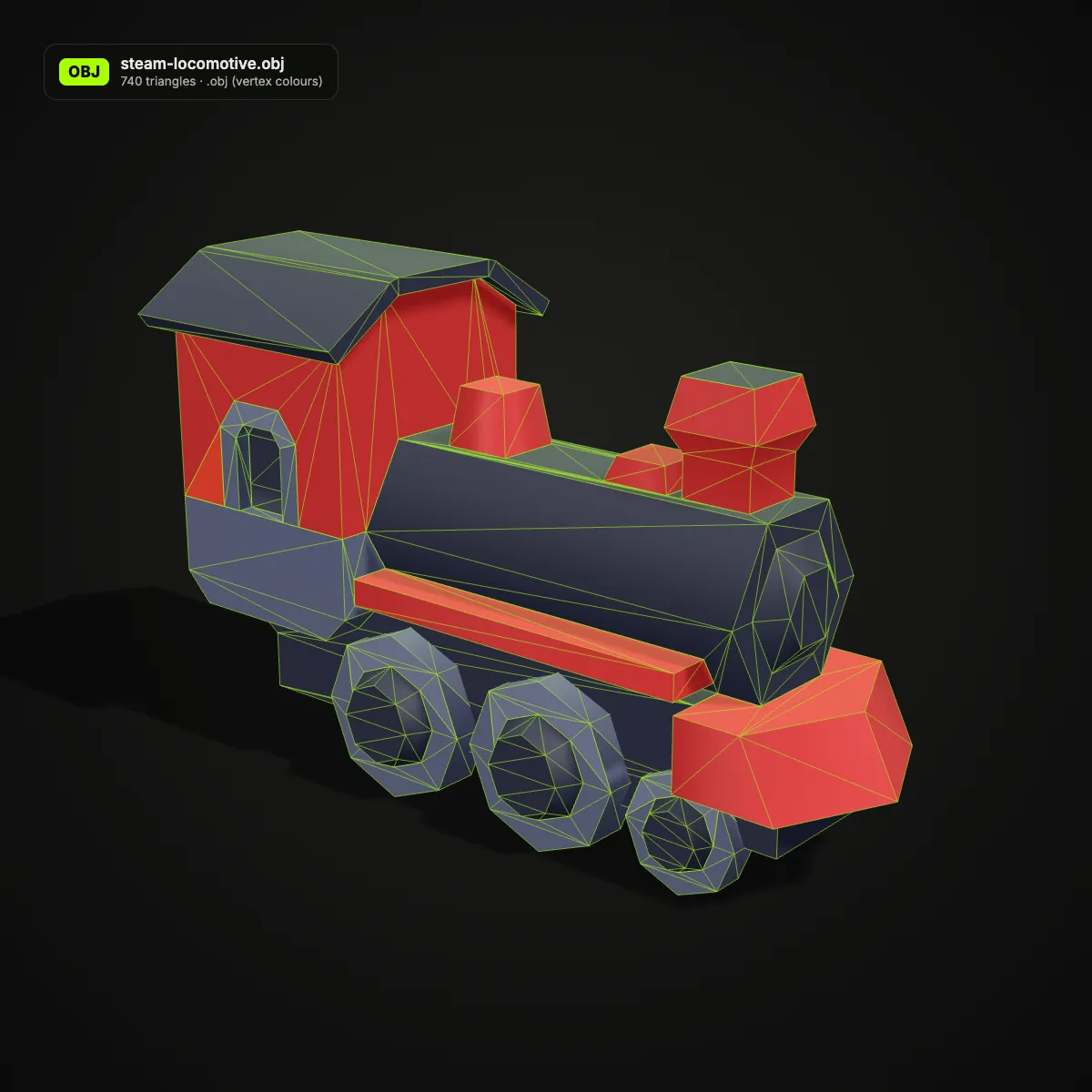
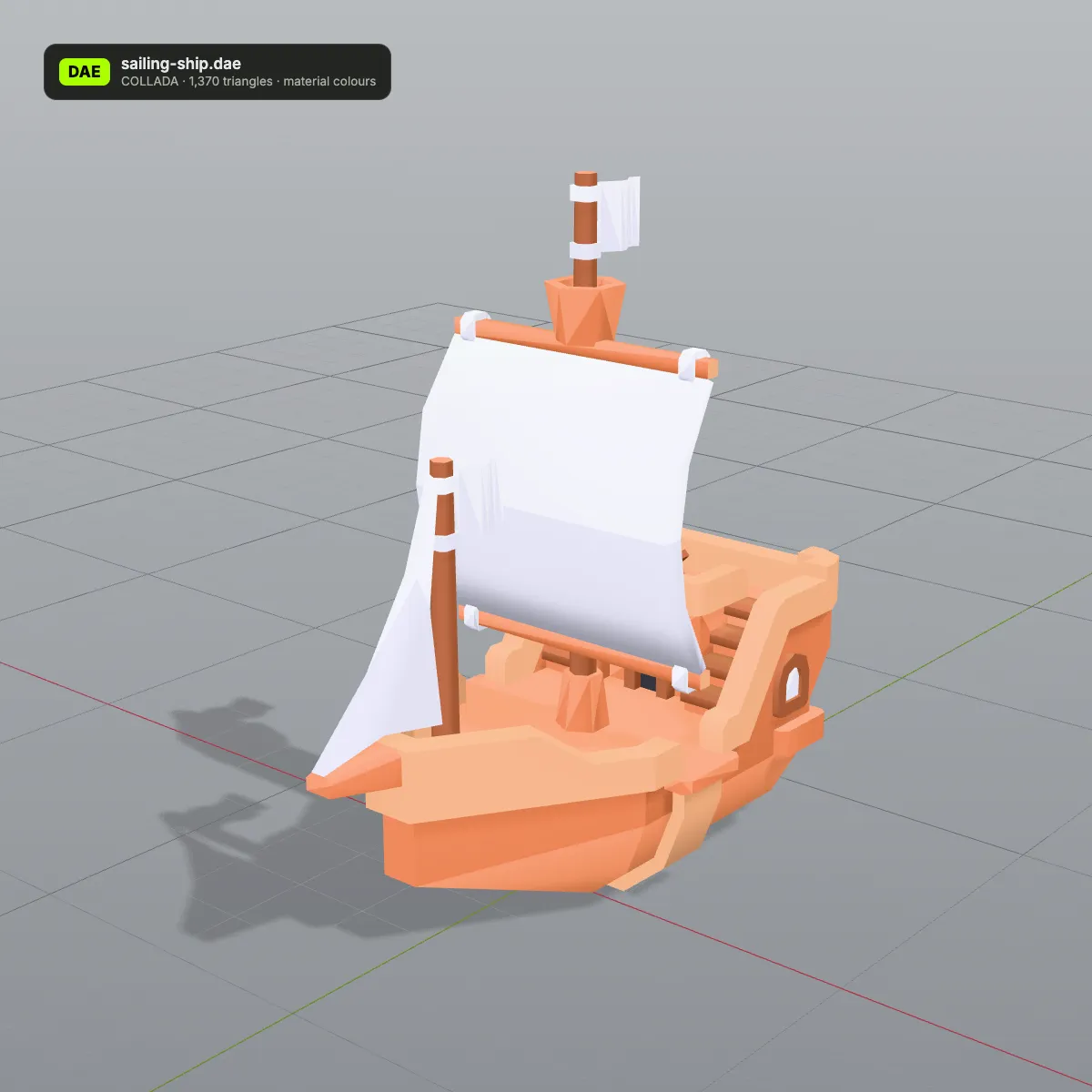
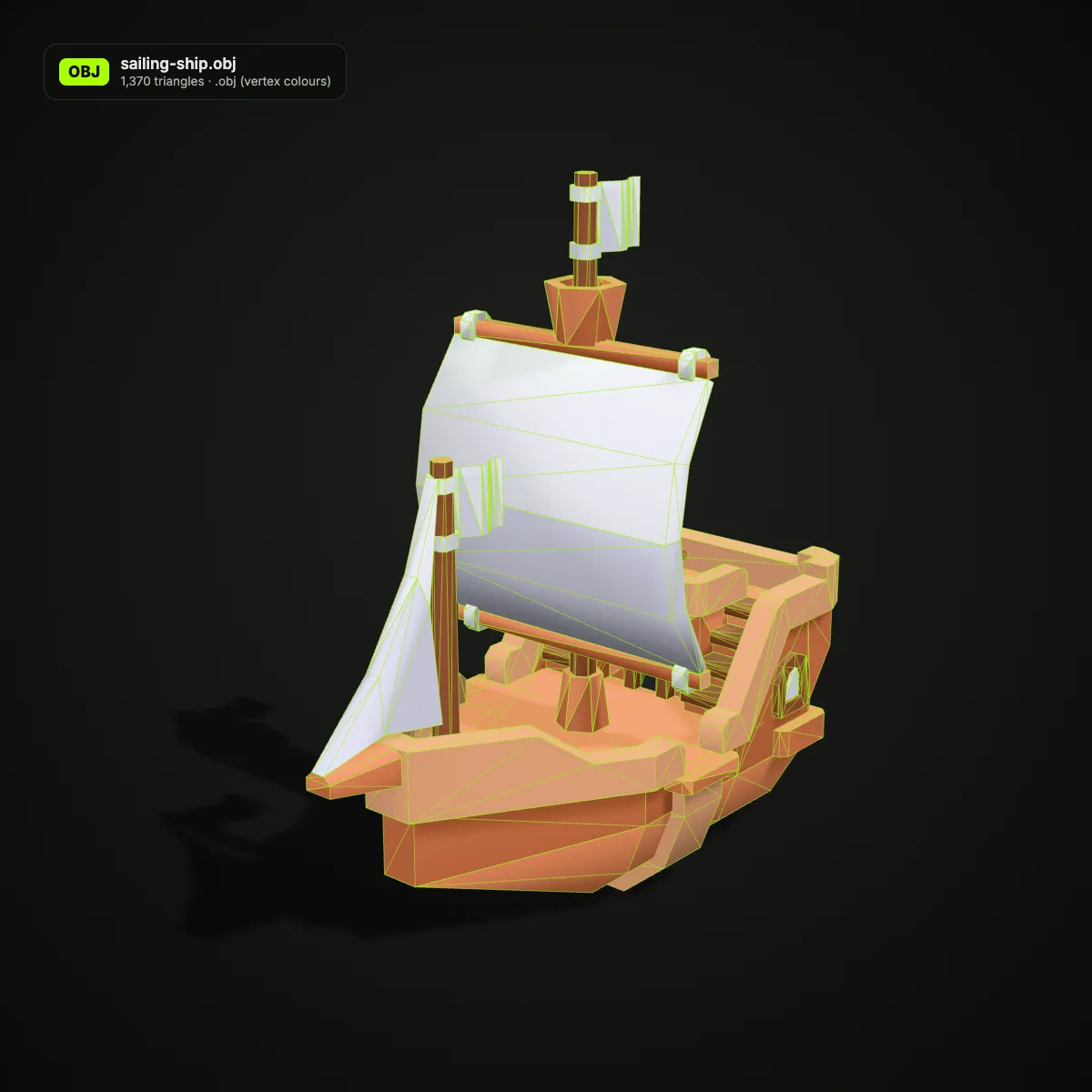
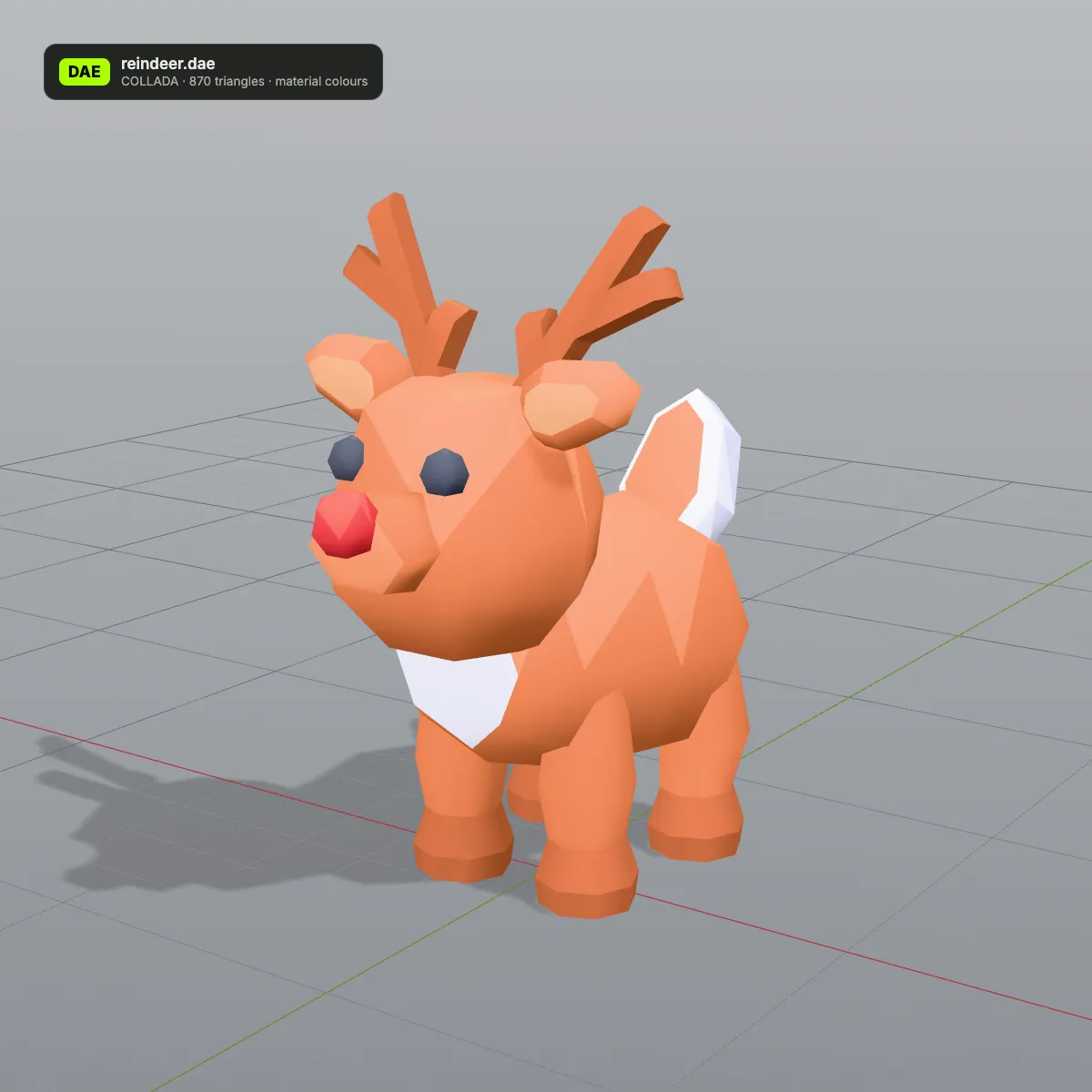
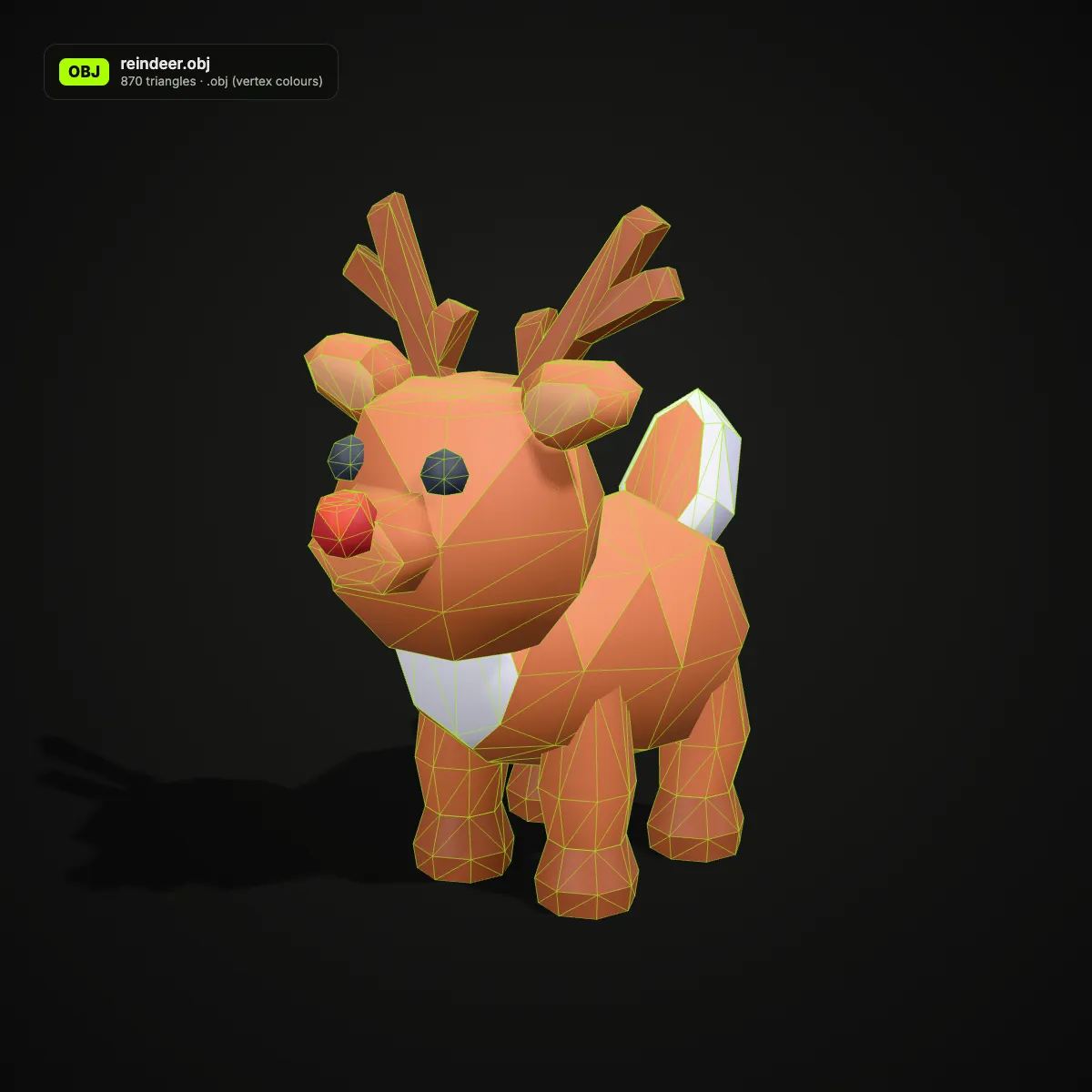
DAE to OBJ examples: Collada game props after conversion
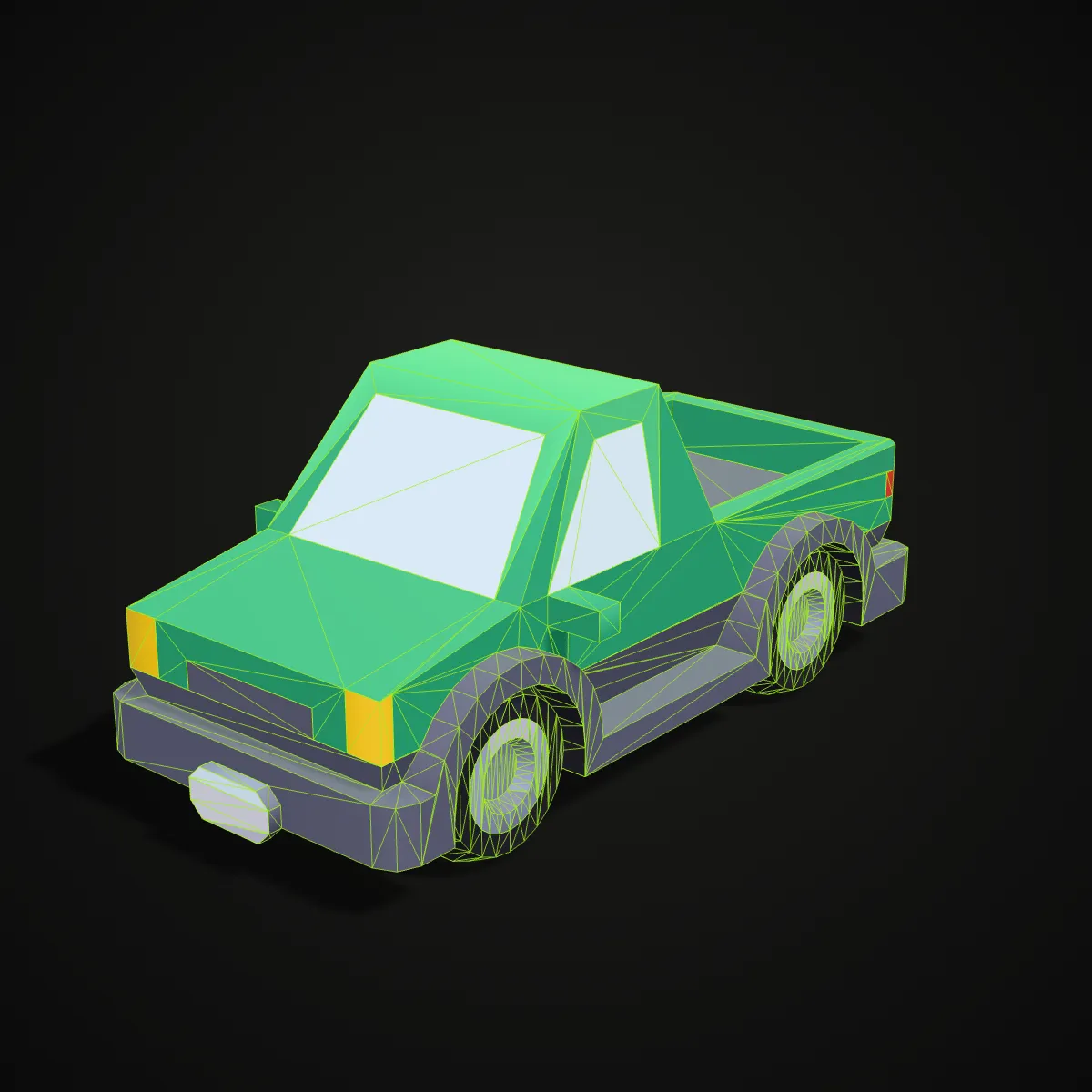
Eight more Collada models from Kenney’s CC0 castle, pirate, car, holiday, space and survival kits, converted to OBJ and rendered with their per-vertex colours under a green triangle wireframe. Low-poly props like these make up much of what .dae files hold in game mods, virtual worlds and asset packs.
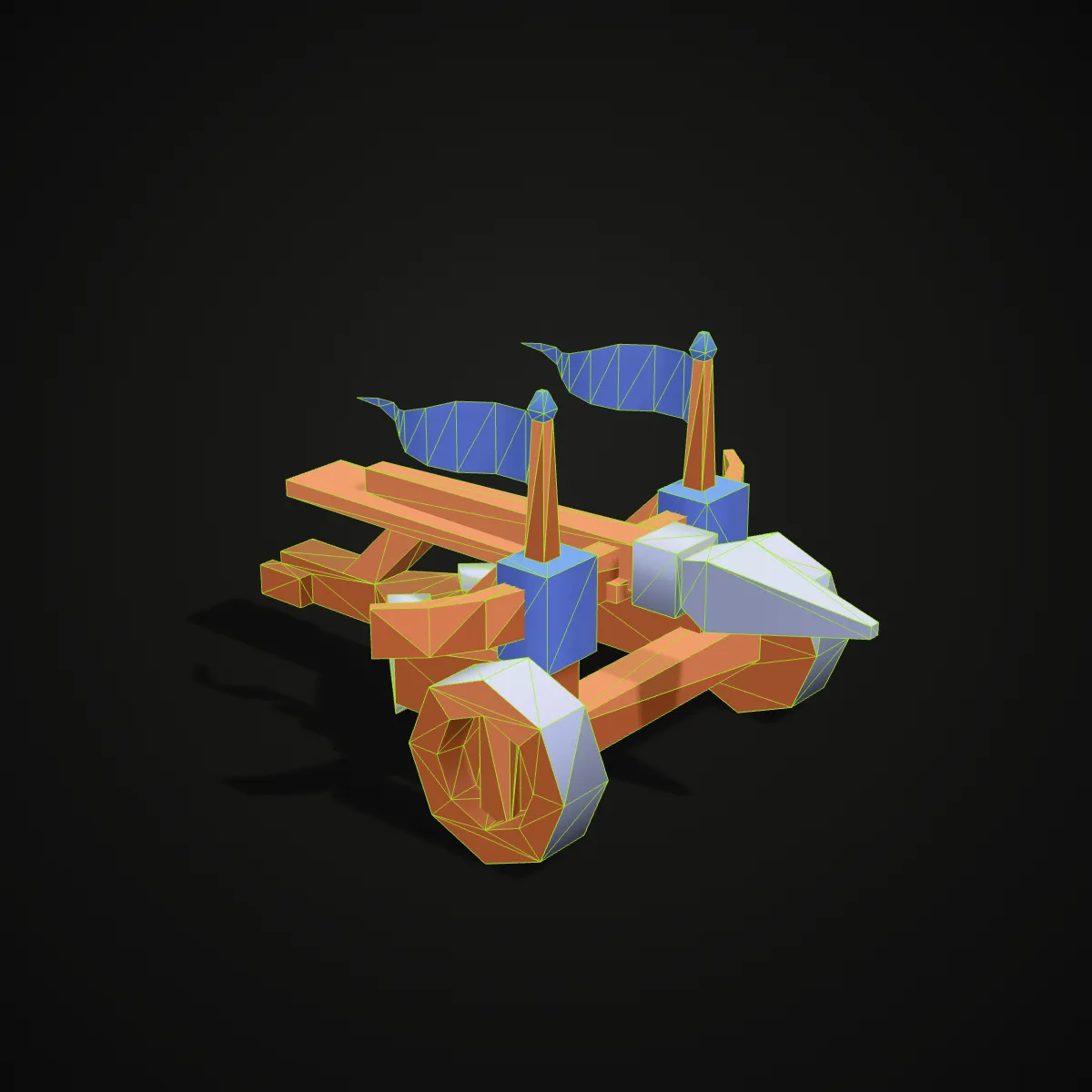
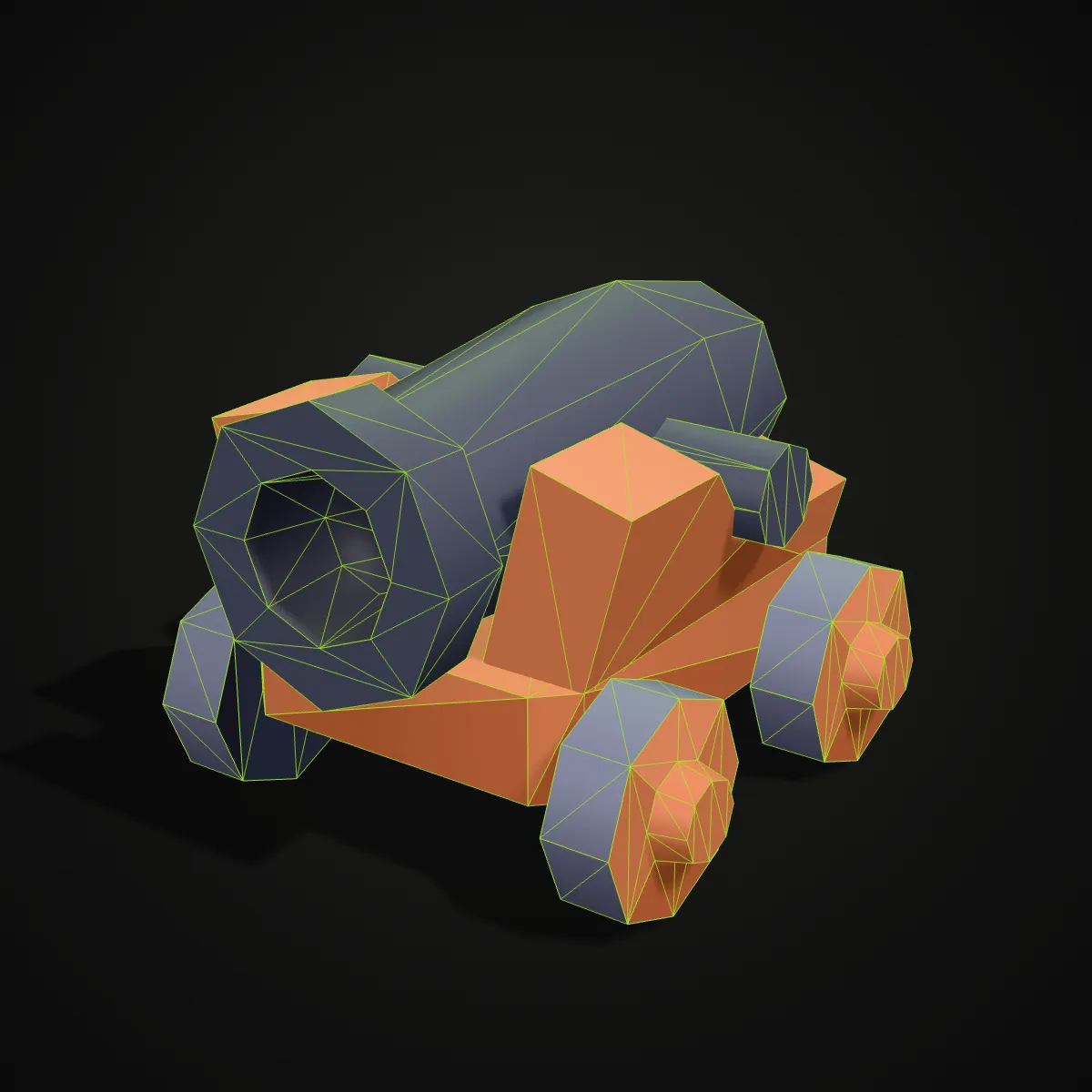
How to convert DAE to OBJ
- 11
Drop the Collada file
Drag the .dae onto the converter or click to pick it. Only that one file is read: textures packed inside it are used, while images sitting next to it in a folder are skipped and the model converts without them.
- 22
Check the preview and convert
The model appears in a turning 3D view, already upright and at its declared scale. Press Convert to OBJ; the scene parsed for the preview is reused, so the file is not read a second time.
- 33
Download and import the OBJ
The result line gives the file name, size and triangle count. Download the .obj and bring it into Blender with File > Import > Wavefront (.obj), or open it in MeshLab, a slicer or your simulator.
What carries over from DAE to OBJ
Collada can describe a whole scene; OBJ describes meshes. This is where each part of a .dae ends up in the single OBJ file you download.
| In the Collada (.dae) file | In the OBJ you download |
|---|---|
| Meshes (triangles, polylists, polygons) | Written as triangles with normals; the triangle count stays the same (1,518 on the trebuchet sample) |
| Plain material colours | Stored on every vertex as “v x y z r g b”, which Blender and MeshLab read. Material names stay as usemtl labels and no .mtl file is needed |
| Textures packed inside the .dae | Shown in the preview and sampled into the vertex colours, exactly for flat-colour textures and approximately for detailed ones. The OBJ keeps the UV coordinates but not the image, so re-apply it in your 3D app for full detail |
| Textures stored as separate image files | Can’t be read from a single dropped .dae, so they are skipped without an error; the rest of the model converts normally |
| Up axis (Y_UP or Z_UP) | Read from the file: a Z-up model is rotated so it stands upright in the Y-up OBJ convention |
| Unit (inch, centimetre, metre…) | Applied, so the OBJ is in metres and a model drawn in inches arrives at its real size |
| Scene tree and node names | Flattened: every piece becomes its own object, kept in place and named after the file (trebuchet_1, trebuchet_2…) |
| Animation, skins, cameras, lights | Not stored in OBJ. An animated file is converted as a still mesh and the result line says so |
Who converts Collada to OBJ
Blender 5 users with old .dae files
Blender 5.0 removed its Collada importer, so a .dae no longer opens in current Blender. Convert DAE to OBJ here and import the OBJ instead, colours included, without keeping Blender 4.5 around for that one job.
SketchUp and Google Earth models
SketchUp’s COLLADA export and the models inside Google Earth KMZ files are .dae. As OBJ they open in mesh editors, renderers and slicers that never learned Collada.
Robot meshes from ROS packages
URDF visual meshes are often .dae, while simulators such as MuJoCo read OBJ and STL but not Collada. The OBJ comes out in metres, the unit ROS uses; check the orientation if the source was Z-up.
Second Life, OpenSim and old game assets
Mesh uploads to Second Life and OpenSimulator use Collada, and many older game mods shipped .dae props. As OBJ files they can be edited, rendered or 3D printed with today’s tools.
DAE to OBJ questions
Drop the .dae file on the converter at the top of this page, press Convert to OBJ and download the result. It runs in your browser for free, with no sign-up, and the Collada file never leaves your computer.
DAE is the file extension of COLLADA, an XML format for exchanging 3D scenes that is maintained by the Khronos Group and published as ISO/PAS 17506. SketchUp, Google Earth, Second Life and many robot description packages use it, but fewer modern tools import it, which is why people turn Collada DAE files into OBJ.
Not the current versions: Blender 5.0 removed Collada import and export, and 4.5 LTS is the last release that still has it. Convert the .dae to OBJ here and use File > Import > Wavefront (.obj); Blender reads the vertex colours as a colour attribute.
Plain material colours are kept as vertex colours and the material names stay as usemtl labels, but no .mtl file or image is written. Textured parts keep their UV coordinates, and a texture packed inside the .dae is also sampled into the vertex colours, exact for flat-colour textures and approximate for detailed ones; re-apply the original image in Blender for full detail. Textures that were separate files next to the .dae can’t be read from a single dropped file and are skipped.
The converter follows the up axis and unit written in the .dae: a Z-up file is turned to the Y-up OBJ convention, and inches or centimetres become metres, which is what Blender expects. A tool that reads raw OBJ coordinates as Z-up, such as a robot simulator, may show it turned 90 degrees, so rotate it back there. Slicers read OBJ numbers as millimetres, so scale the model up before printing.
A KMZ is a zip archive: rename it to .zip, unzip it and drop the .dae from inside, usually found in a models folder. Its textures are separate images in the archive, so the OBJ gets the shapes and plain colours but not the photo textures.
Related tools




Need a model, not just a new format?
Describe an object or upload a photo, and Ship3D’s AI generator builds a 3D model you can download as OBJ, GLB, STL or USDZ.
Free to sign up, no credit card required. Try it once for free.