FBX to GLB Converter
Animated Characters, Ready for the Web
This FBX to GLB converter turns an .fbx file into one binary glTF (.glb) with its skeleton, skin weights and animation clips intact, so a game character or a Mixamo-style rig can play in three.js, model-viewer, Babylon.js or an AR viewer.
FBX → GLB
Drop a 3D model file to preview it in 3D before converting.
Binary and ASCII FBX 7.x files are read on your own device with three.js; nothing is uploaded and the tool costs nothing. Each take that holds keyframes becomes a named glTF animation (our robot sample keeps all eight), and the result line reports how many came through. Embedded textures move into the GLB too. The converter also reads the unit stored in the FBX and scales the model to metres, the unit glTF is defined in, so a character authored in centimetres no longer appears a hundred times too big. Node names and the part hierarchy stay as they were. We checked the output with the Khronos glTF Validator and played the clips back. Need FBX to glTF as separate .gltf and .bin files? Convert to GLB here first: it is the same glTF 2.0 data in a single binary container.
Try FBX to GLB with a sample file
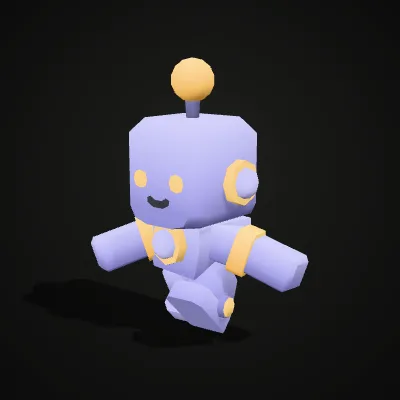
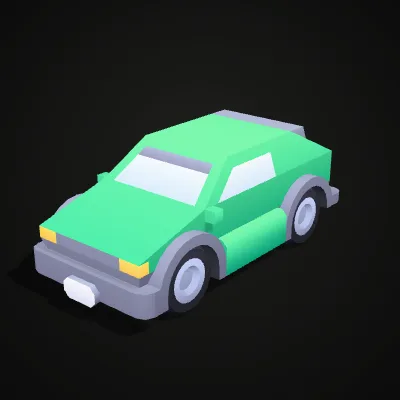
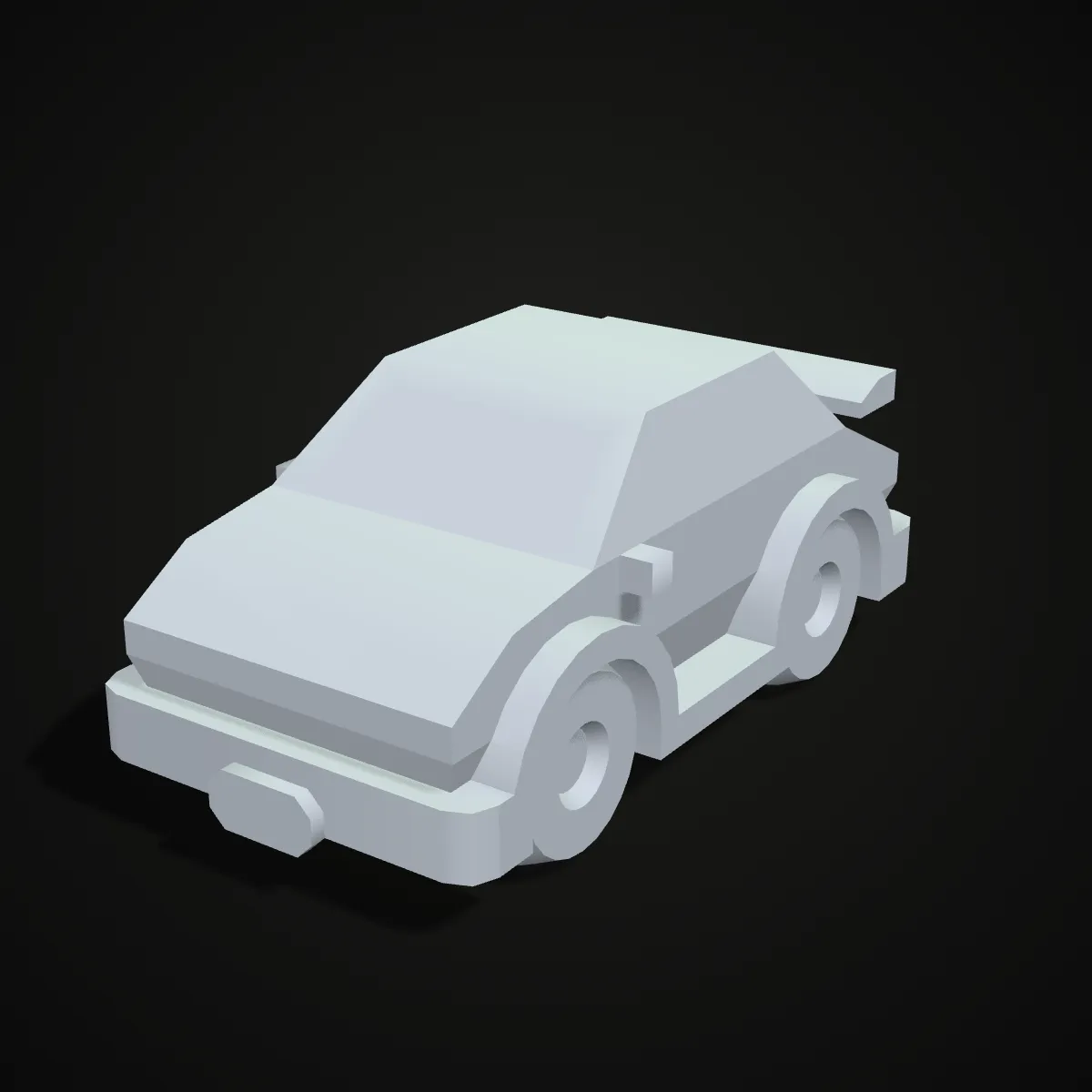
Two binary FBX files from Kenney’s CC0 packs, each with its texture embedded. The robot is rigged and carries eight clips, so you can watch the “Animation kept” count on the result line; the hatchback is a static vehicle in five parts.
Watch an animated robot go from FBX to GLB
An 11-second recording on the robot sample. The FBX is dropped in, the preview starts playing its idle clip while it turns, Convert to GLB is pressed, and the result line reads robot-character.glb · 240.3 KB · 870 triangles, followed by “Textures embedded: 1 · Animation kept: 8”. The download button then saves the GLB with its rig and all eight clips.
FBX to GLB, before and after: from a DCC scene to one web file
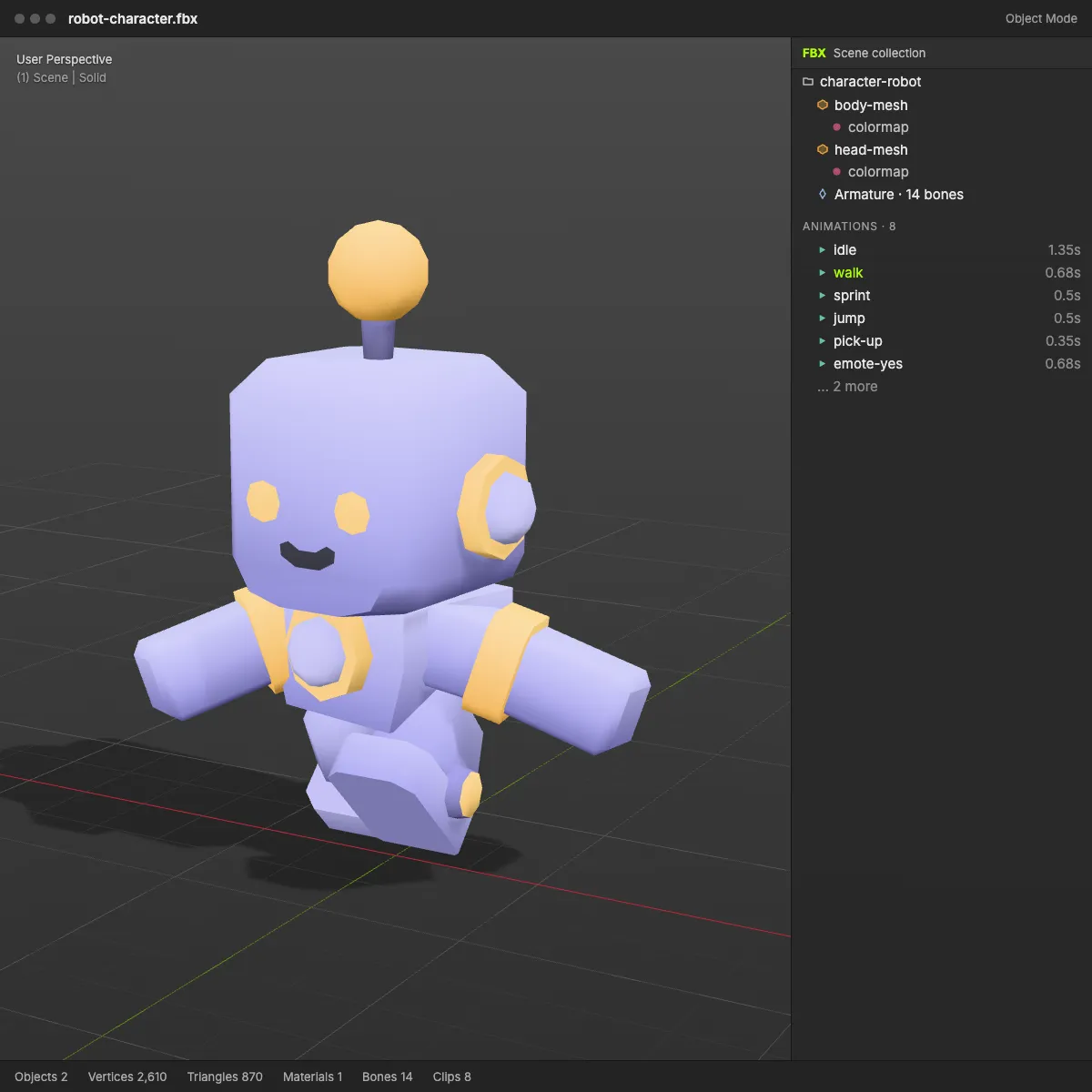
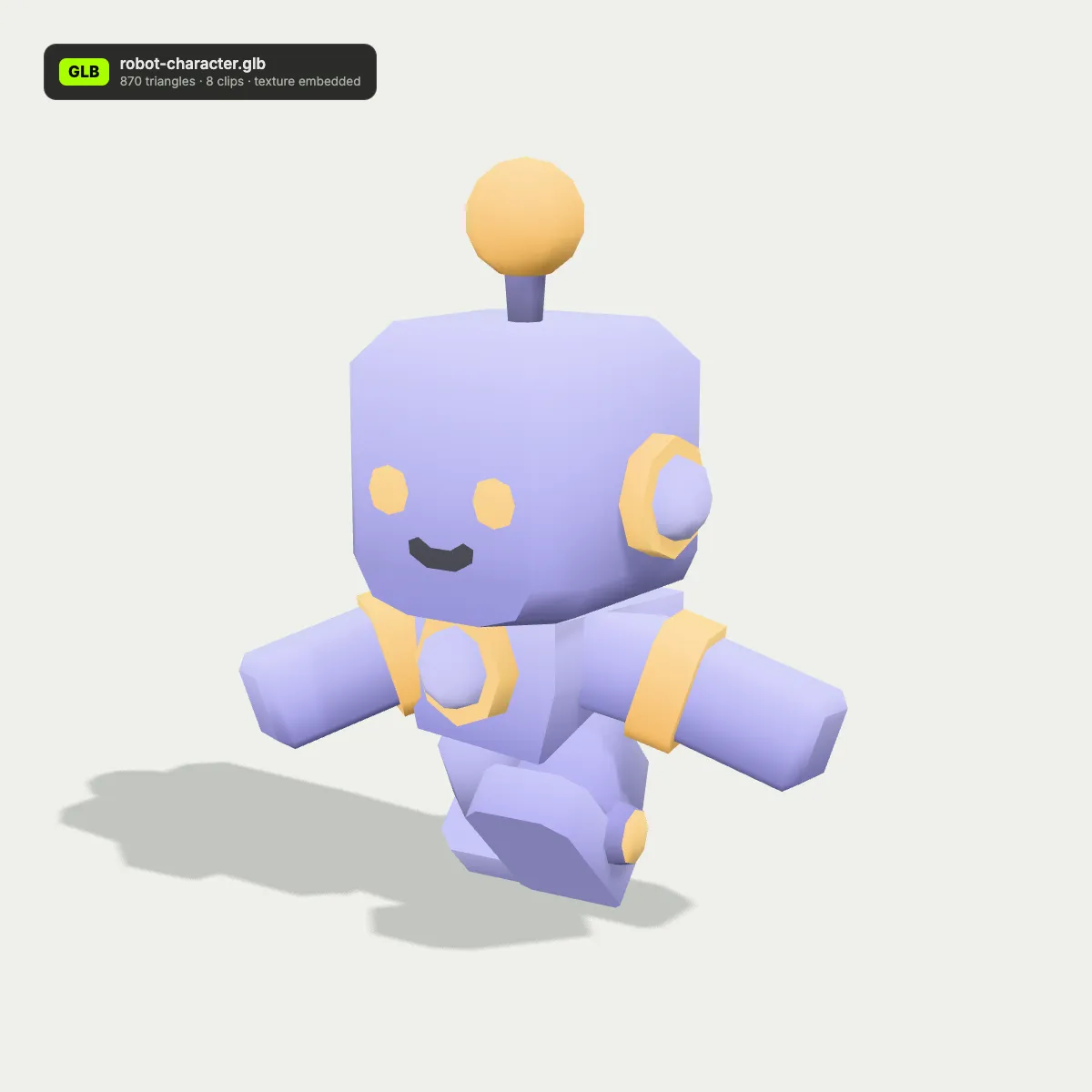
Left: the FBX in a DCC-style viewport with its scene tree of meshes, armature and animation takes. Right: the GLB after conversion as a web viewer shows it, with the clip count and the embedded texture noted on its badge.
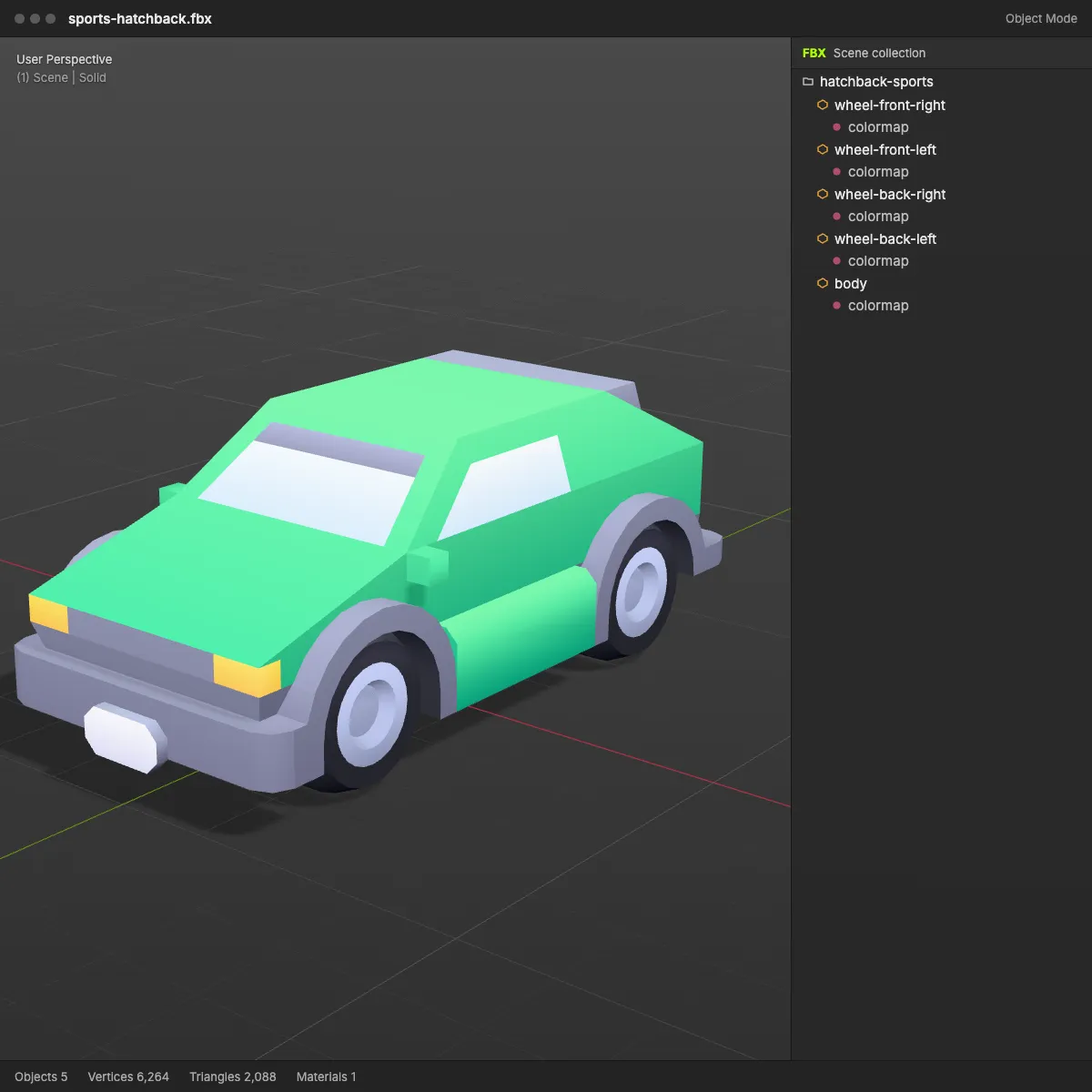
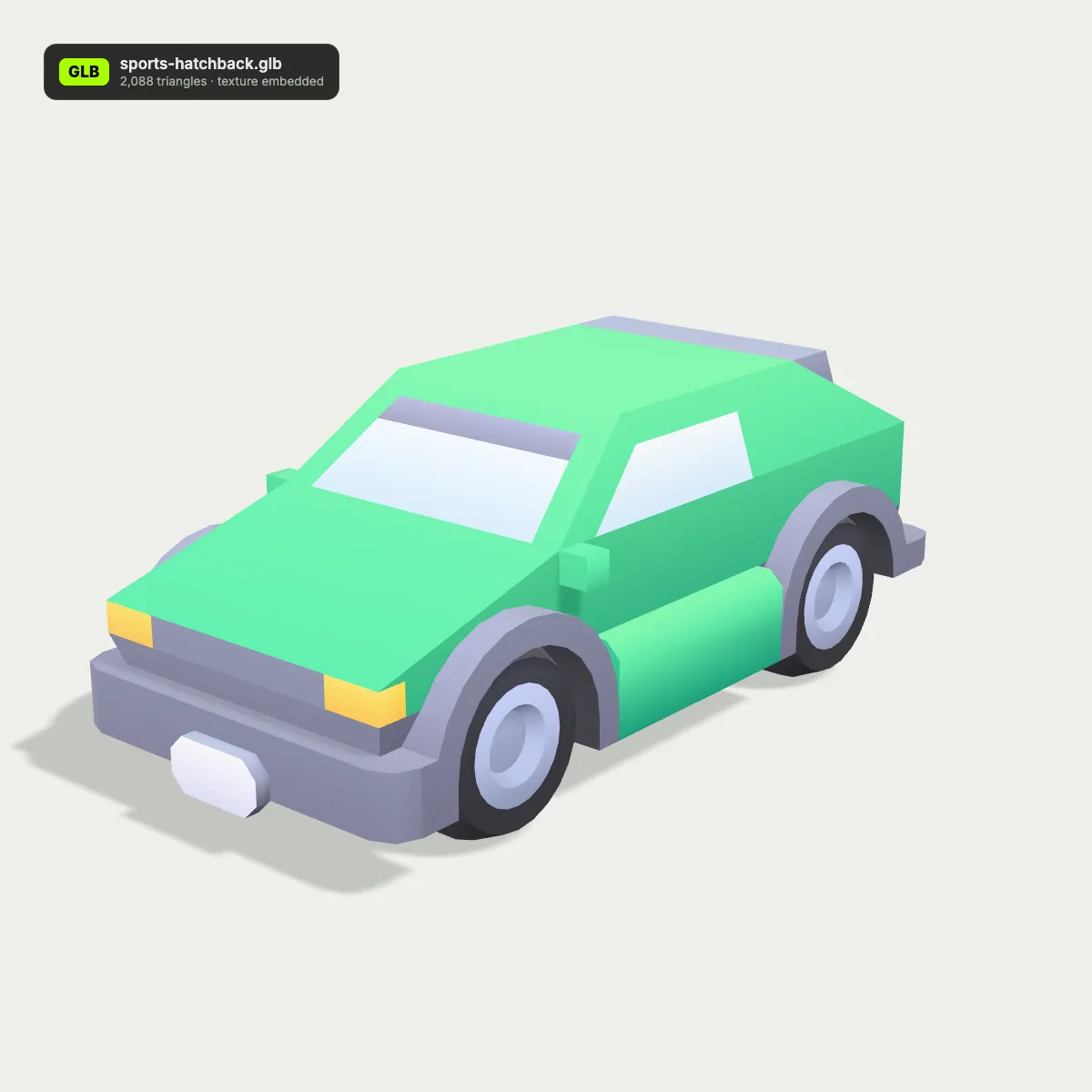
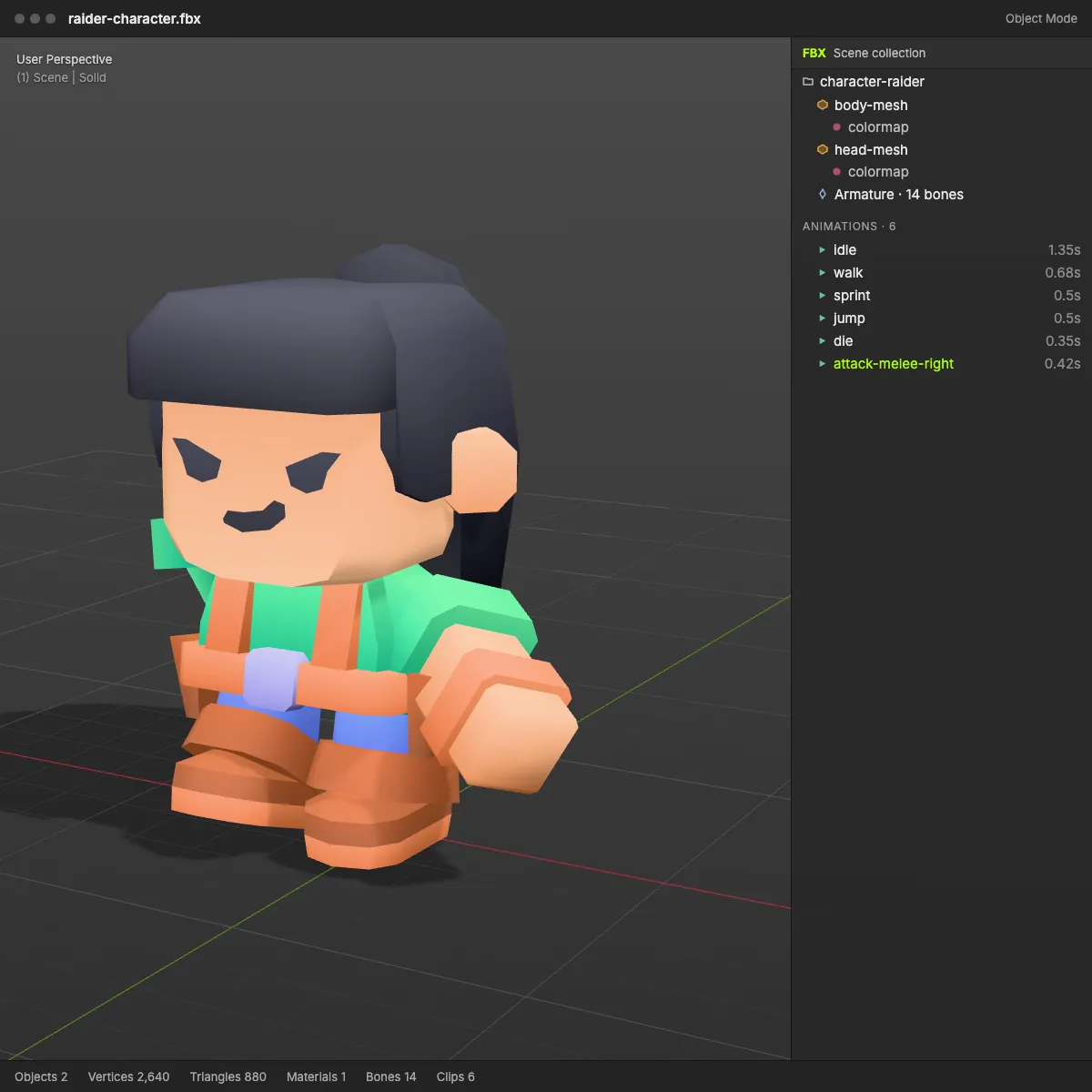
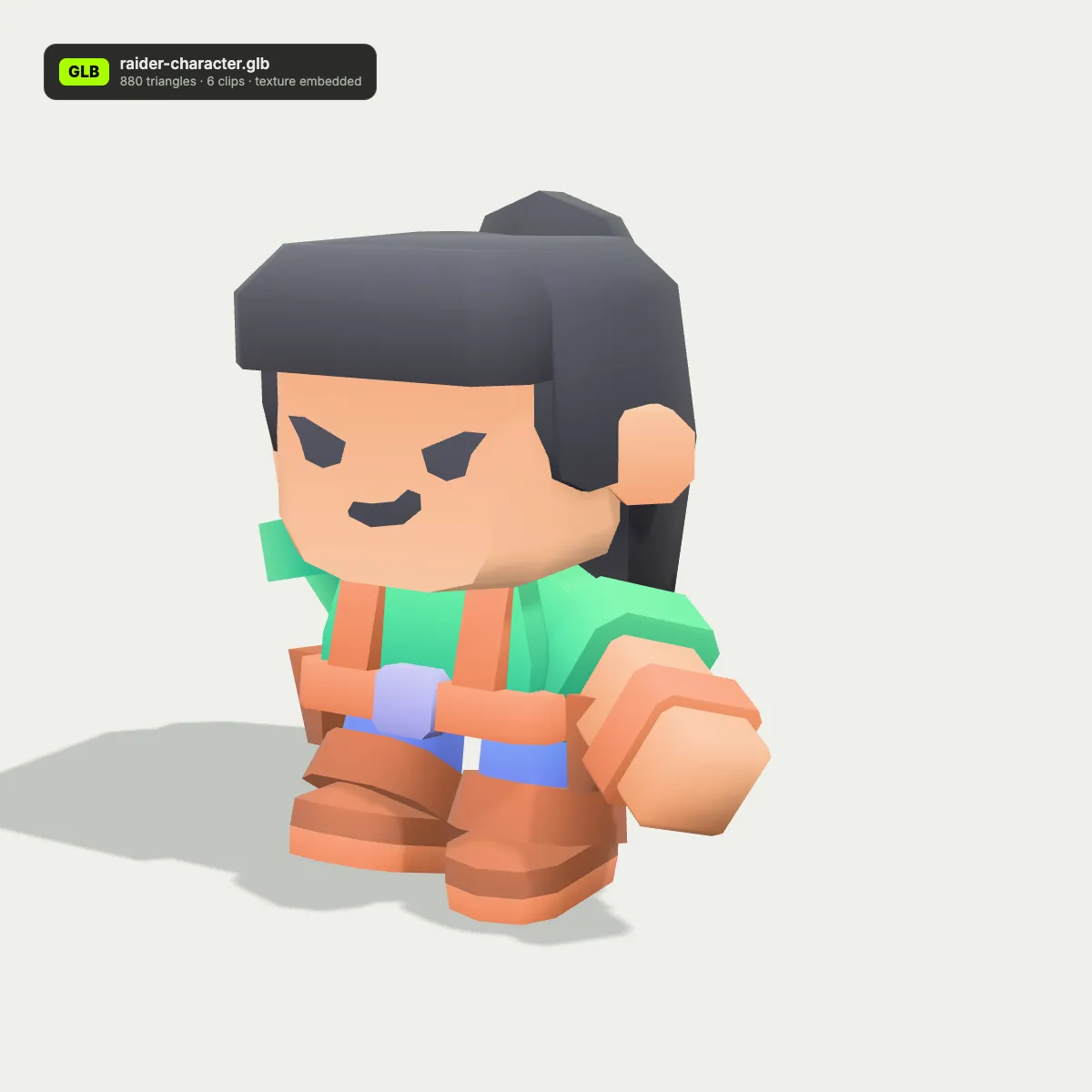
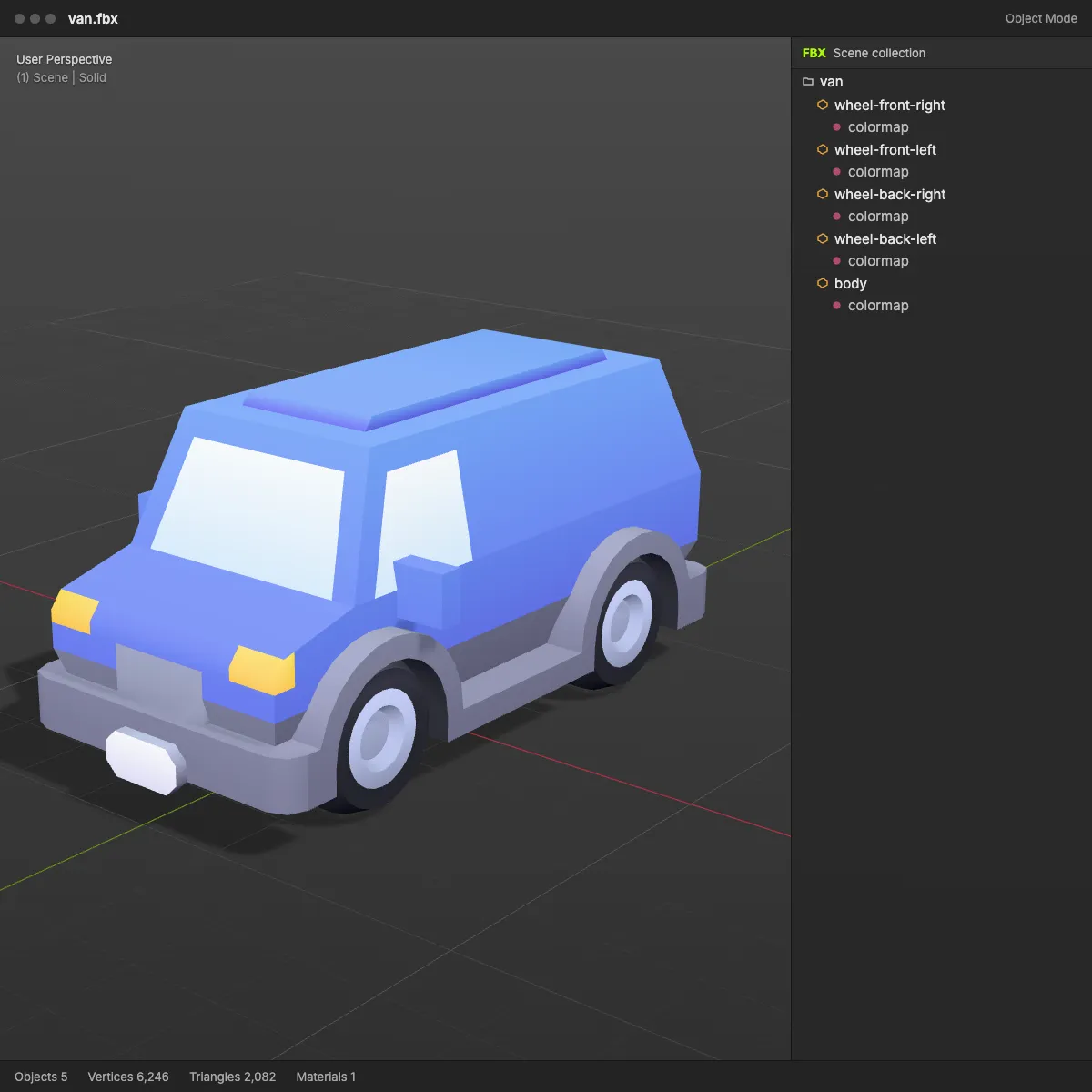
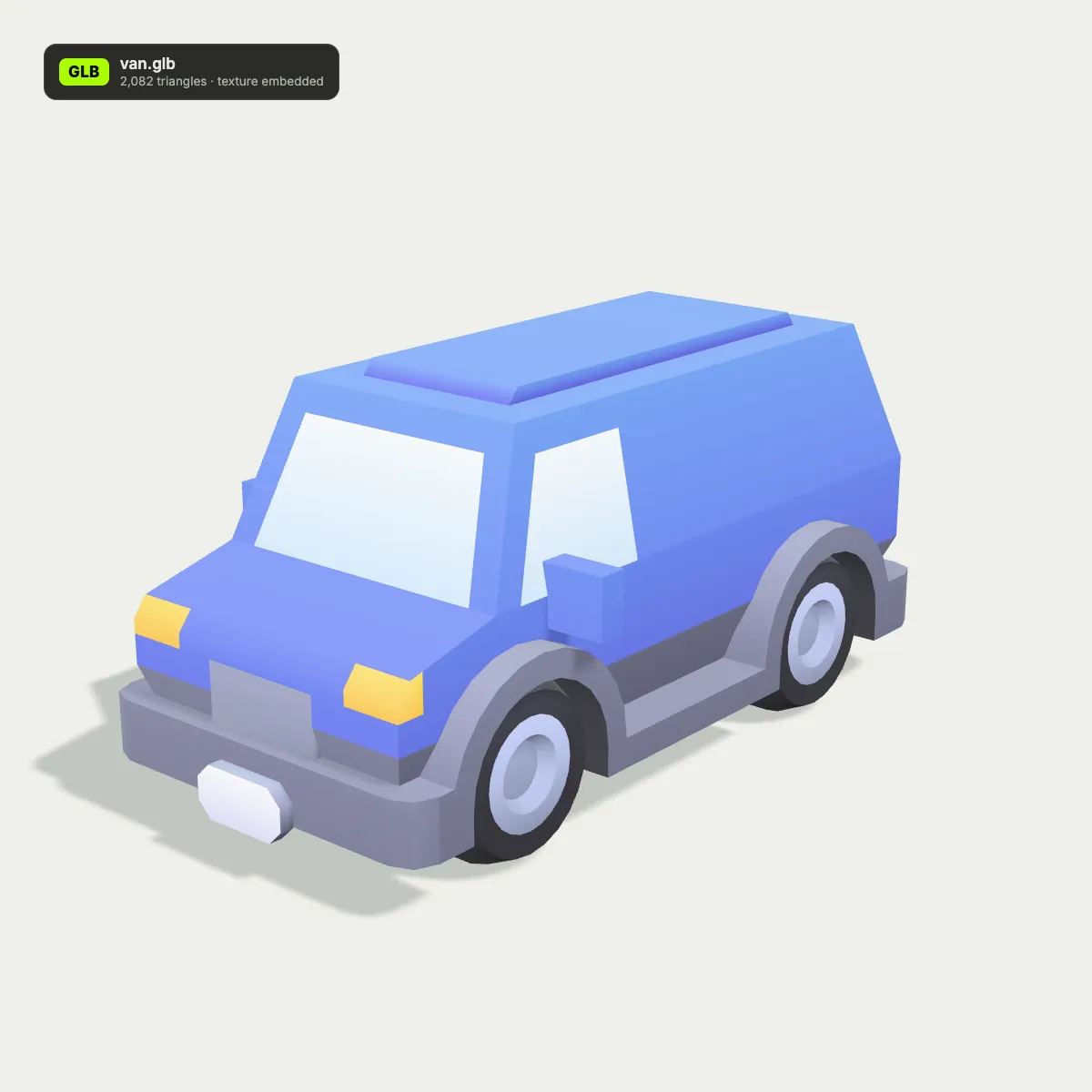
FBX to GLB examples: characters and vehicles for the web
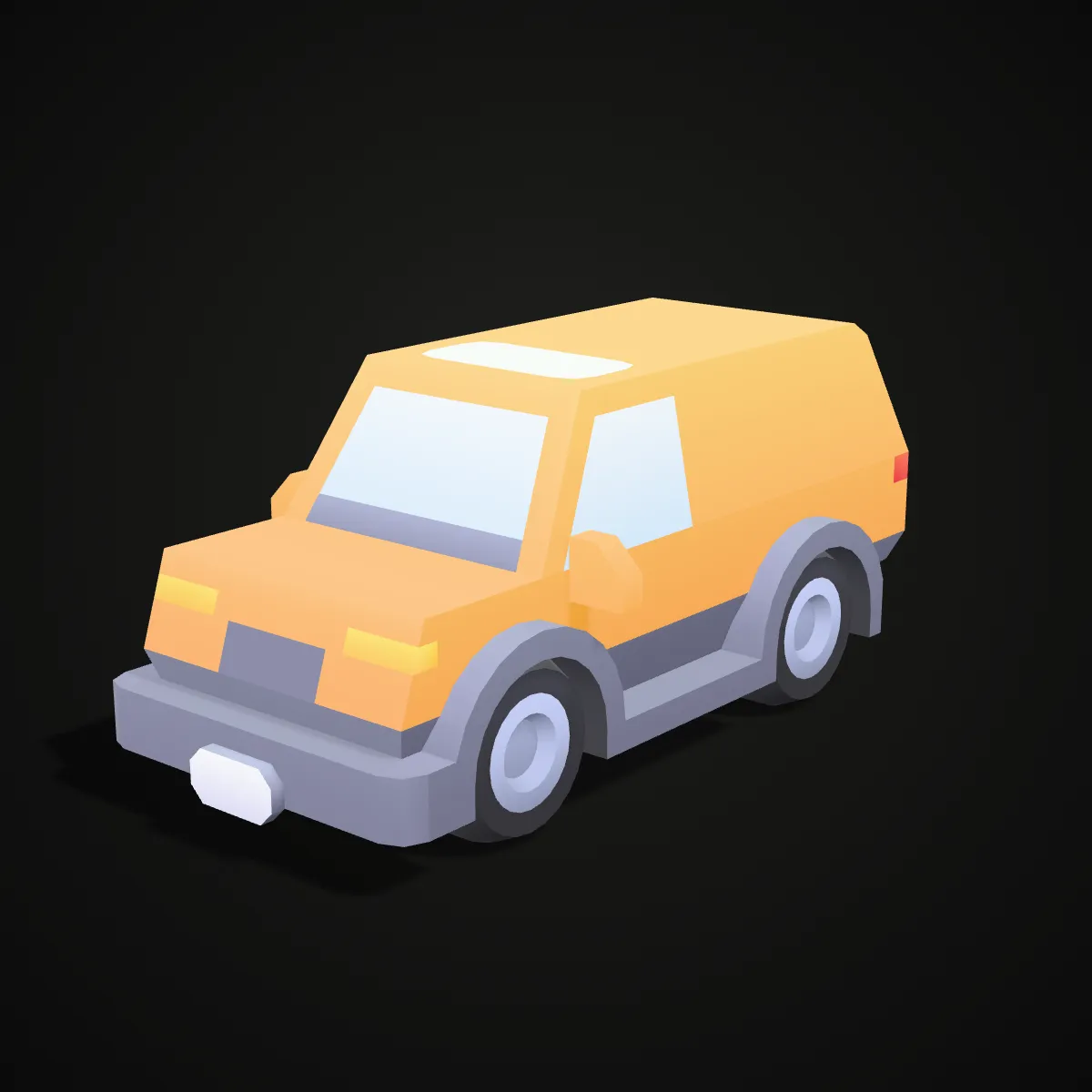
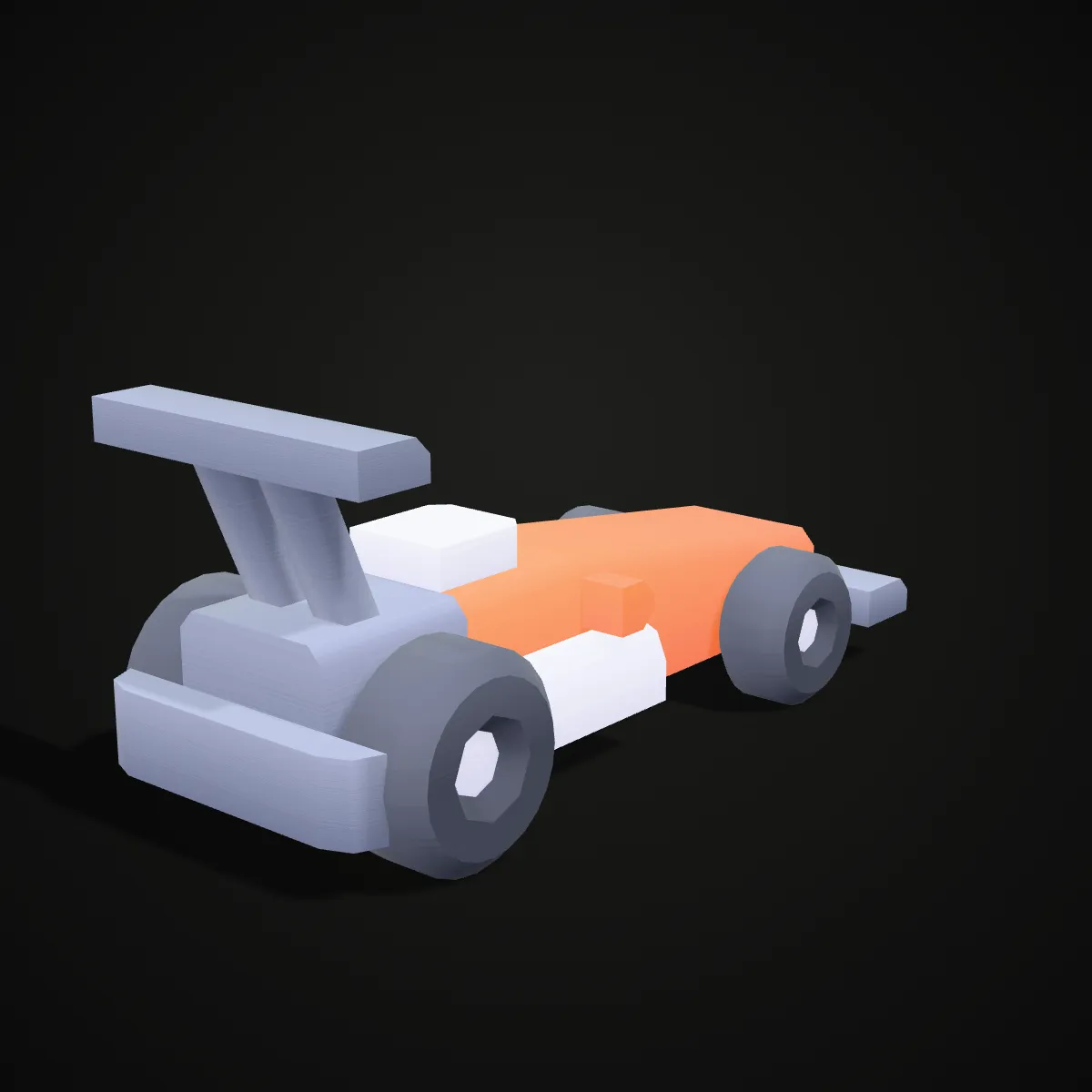
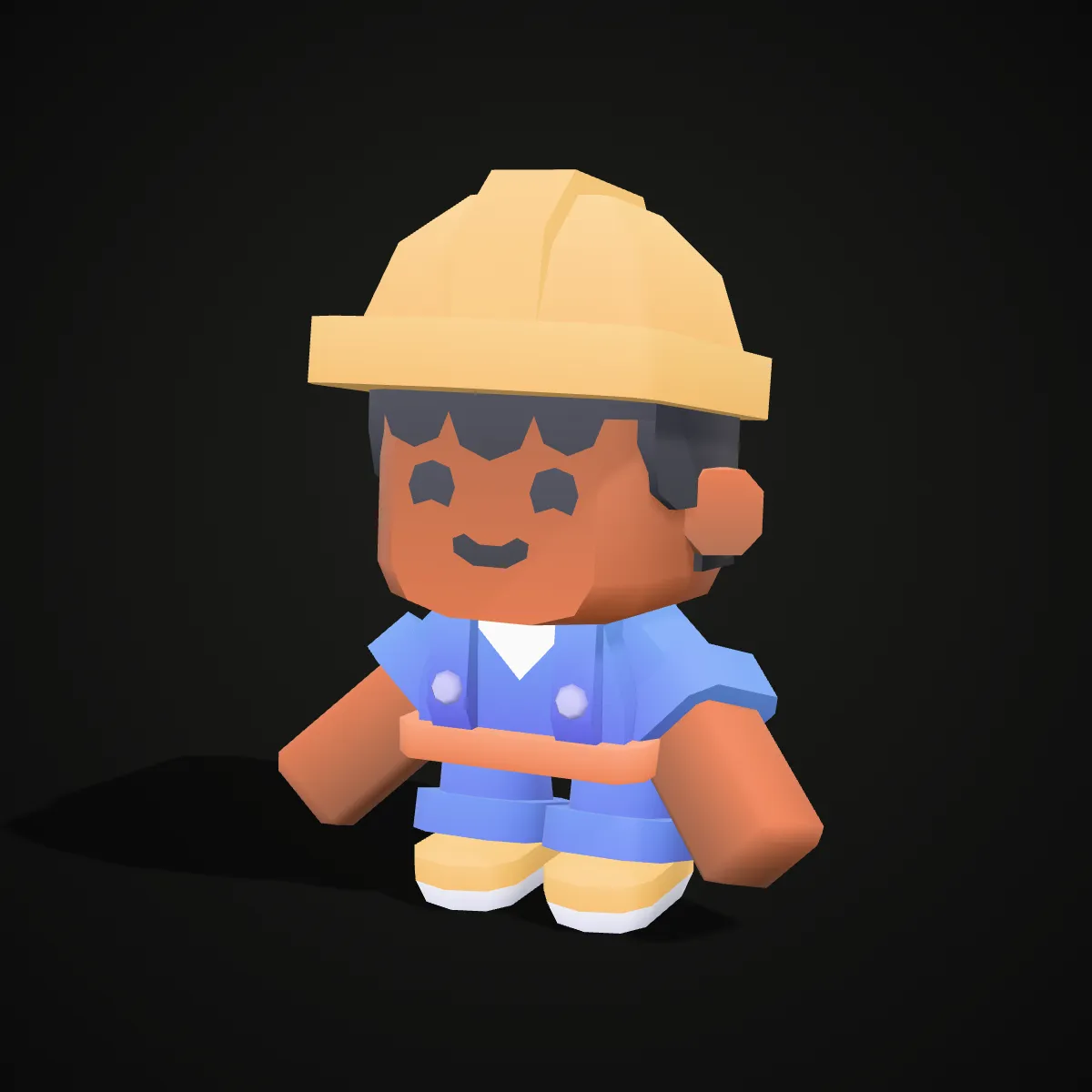
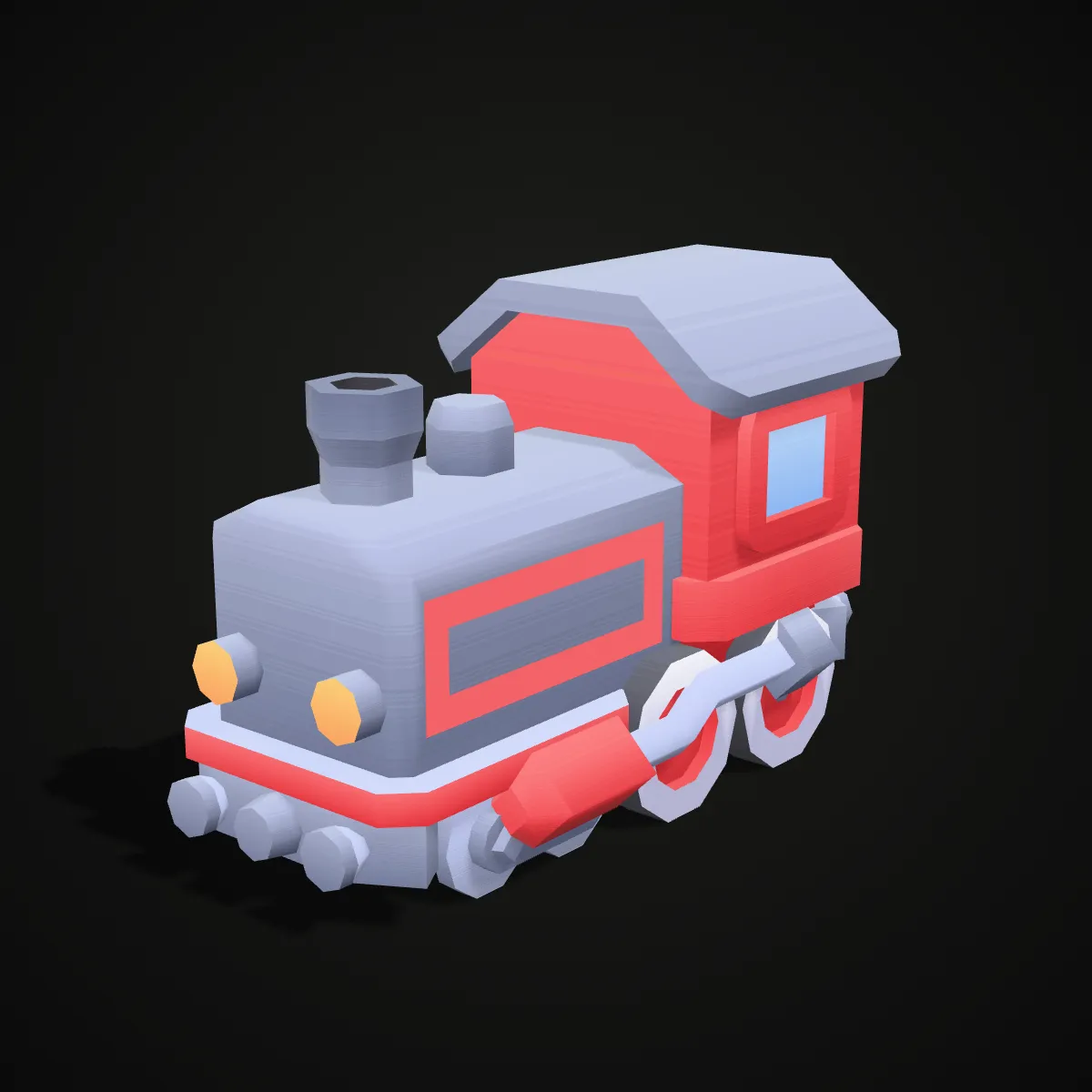
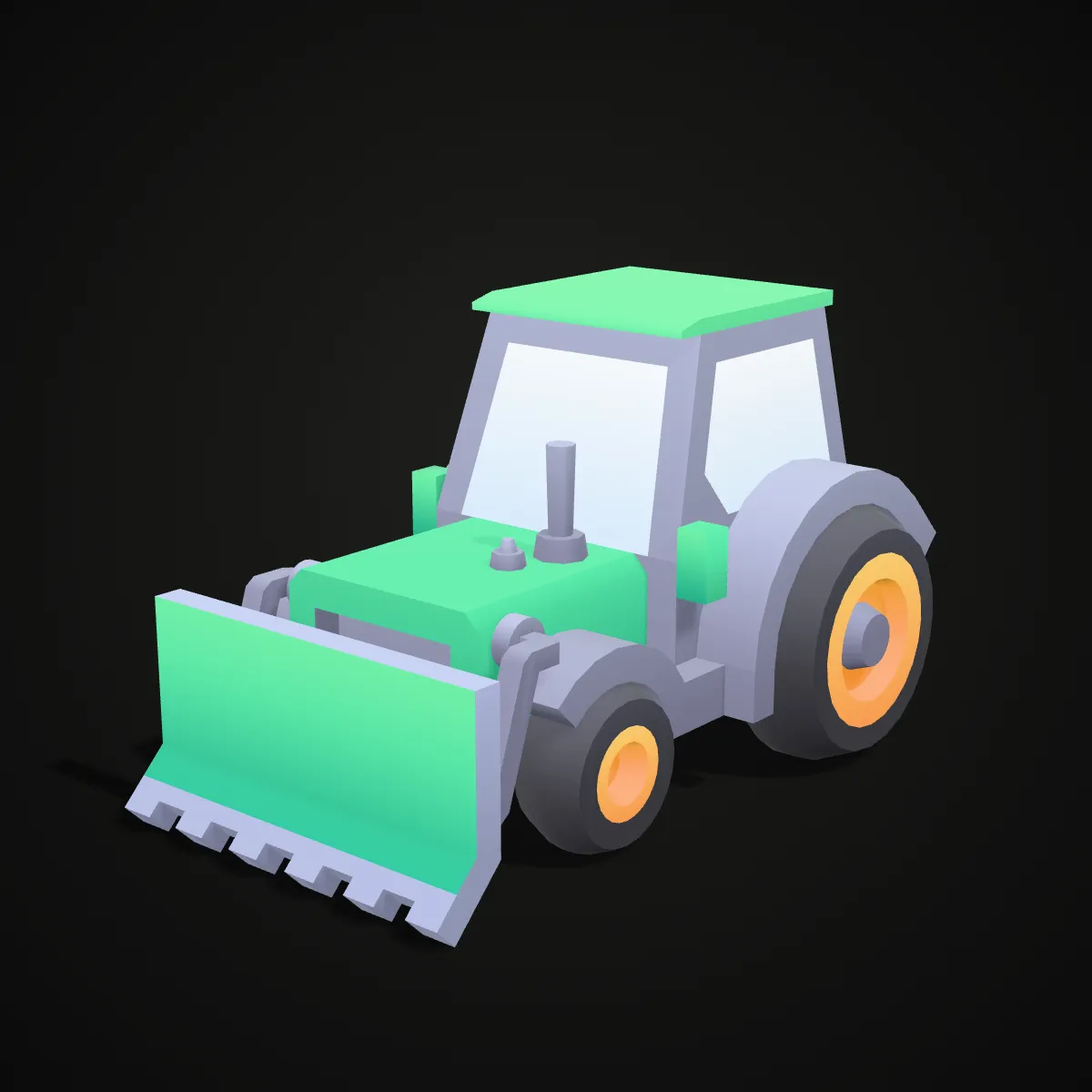
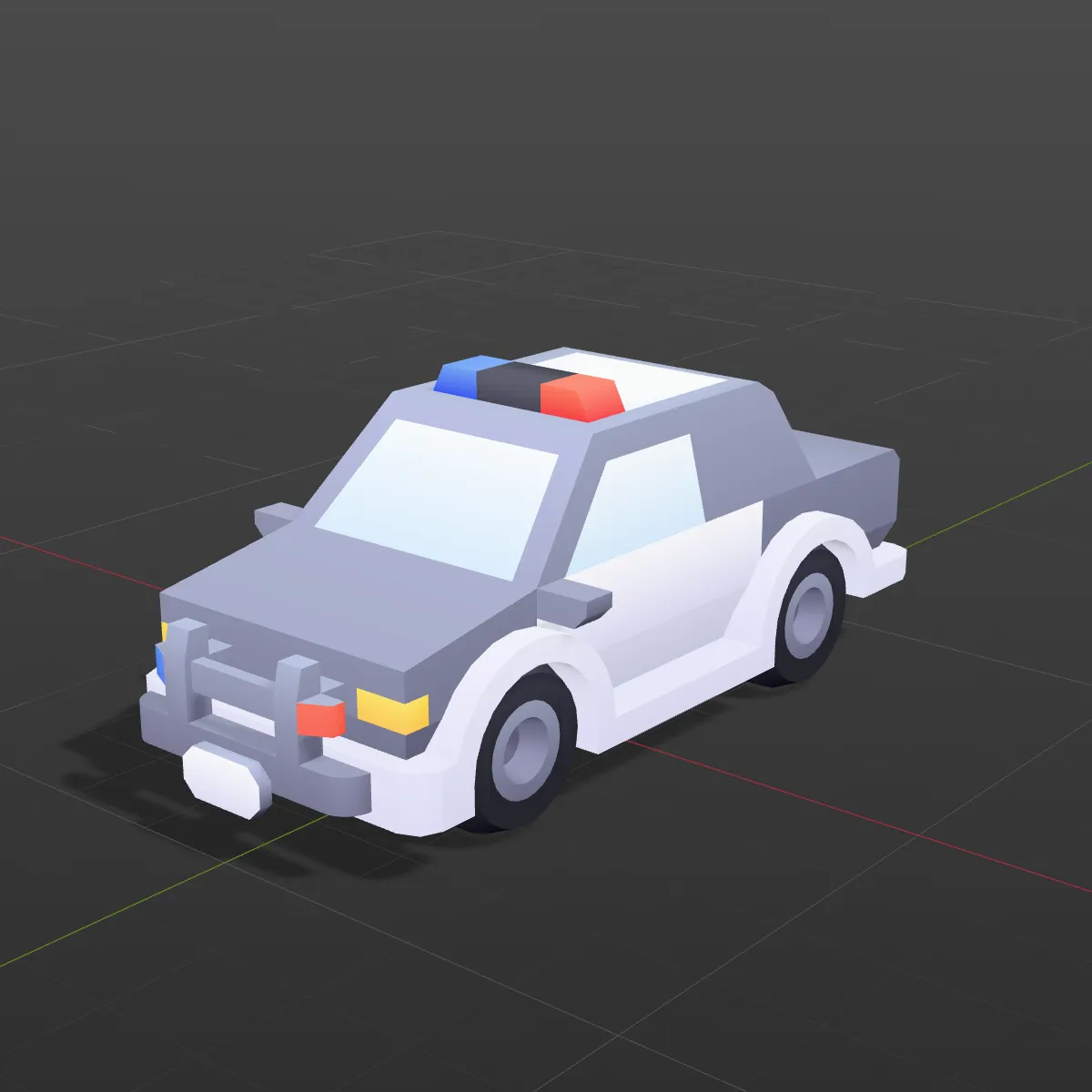
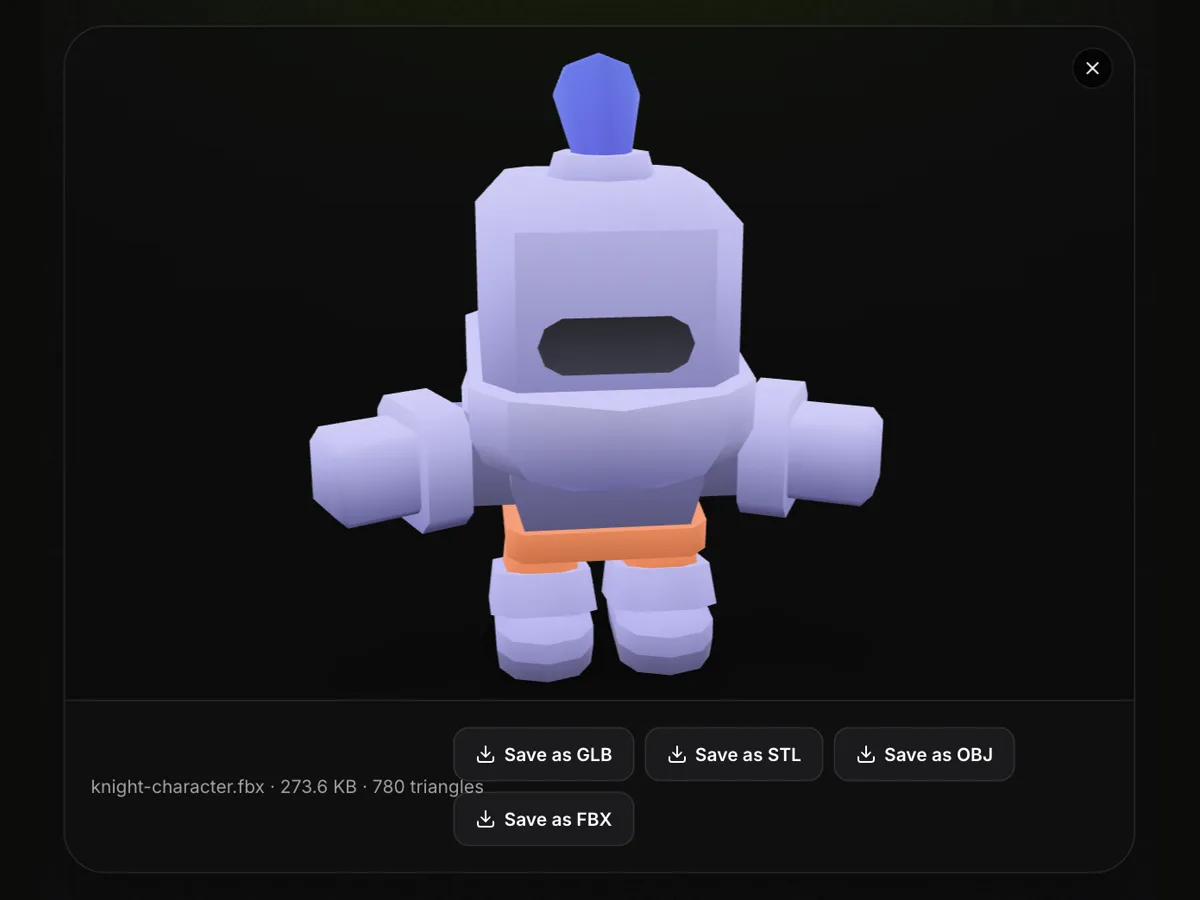
Eight game assets converted from FBX to GLB, lit the way a web viewer shows them. The characters bring their rigs and clips along; the vehicles keep wheels and other moving parts as separate nodes you can reach from code.
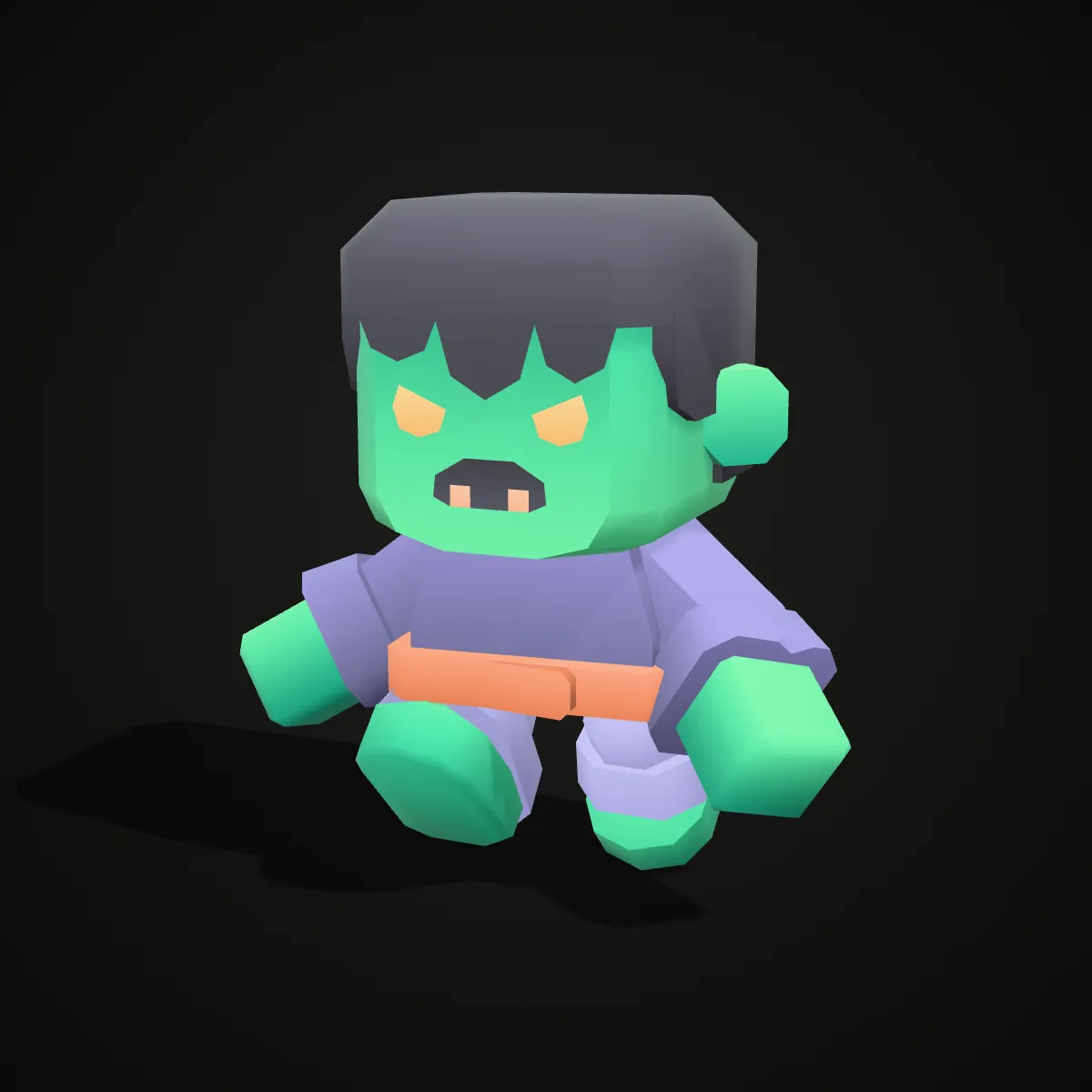
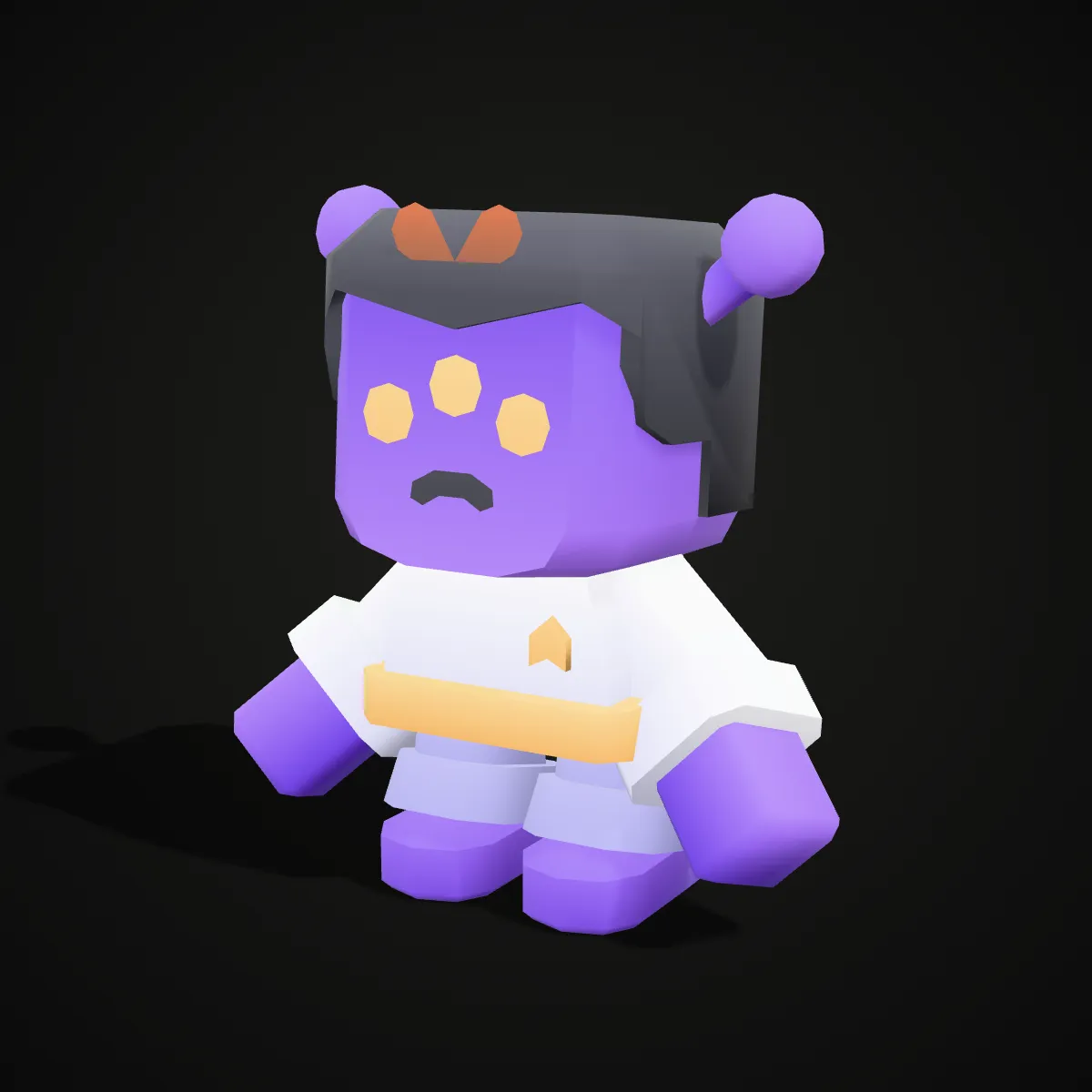

How to convert FBX to GLB
- 11
Drop the .fbx file
Drag a binary or ASCII FBX onto the converter, or click to pick one. A rigged file starts playing its first clip in the preview, a quick sign that the animation was read.
- 22
Press Convert to GLB
Skeleton, skin weights, clips, embedded textures and the change to metres are handled in one pass, on your own machine.
- 33
Download and load it on the web
The result line shows the size, triangles, embedded textures and the number of clips kept. Load the GLB with three.js’s GLTFLoader, or in model-viewer choose a clip with the animation-name attribute.
What carries over from FBX to GLB
FBX was built for content tools, glTF for real-time delivery. This is how each part of an FBX file is translated into the GLB.
| In the FBX | In the GLB you download |
|---|---|
| Node hierarchy and names | Kept, with each node’s position, rotation and scale |
| Meshes, normals, UVs, vertex colours | Kept |
| Skeleton and skin weights | Kept as a glTF skin; the skin’s root joint is set so the file passes validation |
| Animation takes | Each take with keyframes becomes a named glTF animation. Empty takes (a bare “Take 001”) are left out |
| Materials | Phong and Lambert materials become glTF PBR: base colour, opacity and emissive carry over, with full roughness and no metalness, so glossy FBX surfaces turn matte |
| Textures | Embedded base colour, normal and emissive maps go into the GLB. Textures saved as separate files beside the FBX cannot be reached from one upload and are dropped; specular and bump maps are not carried |
| Units | Read from the FBX header and scaled to metres, so a centimetre rig ends up at 1/100 scale |
| Axes | Y up; Z-up FBX files are rotated on import |
| Cameras and lights | Written as glTF cameras and KHR_lights_punctual lights when the FBX has them; viewers such as model-viewer use their own camera and lighting instead |
What an FBX to GLB conversion is for
Animated characters on a website
Rigged FBX characters, Mixamo-style downloads included, play in three.js through an AnimationMixer once they are GLB, without shipping an FBX parser to the browser.
Product pages and AR
model-viewer, Babylon.js and Android’s Scene Viewer take GLB. Convert a vehicle or prop from a game kit and embed it in a page with a single tag.
Checking a vendor’s FBX
Convert a purchased character and read the “Animation kept” count to confirm the takes you paid for are really in the file, then preview them in any glTF viewer.
A way into glTF tooling
glTF-Transform, the Khronos validator and other glTF tools do not read FBX. A GLB from here is the starting point for Draco or Meshopt compression and other optimisation.
FBX to GLB questions
Drop the .fbx on the converter above, press Convert to GLB and download the result. The conversion runs locally in your browser, it is free, and there is no sign-up; files up to 200 MB are accepted.
Yes. The skeleton, skin weights and every take with keyframes are written into the GLB as named glTF animations, and the result line shows the count: “Animation kept: 8” for the robot sample. We validated the output with the Khronos glTF Validator and played the clips back. Takes with no curves at all are skipped, because glTF does not allow empty animations.
None in content: GLB is glTF 2.0 packed into one binary file, while .gltf splits the same data into JSON plus .bin and image files. This tool writes GLB because a single file is easier to move around. If a pipeline insists on .gltf, glTF-Transform unpacks it with the command gltf-transform copy model.glb model.gltf.
The FBX most likely references its textures as separate files instead of embedding them, and a single upload cannot reach those files, so the materials keep their colours but lose the images. Re-export the FBX with media embedded (in Blender: Path Mode set to Copy with the Embed Textures button on; in Maya or 3ds Max: Embed Media) and convert again.
FBX files record their own unit, often centimetres for Mixamo and Maya rigs, and glTF is always metres. The converter reads that unit and scales the root to match, so a centimetre character that is 180 units tall comes out 1.8 m tall in the GLB.
The GLB stores its geometry uncompressed, while many FBX exporters zip their arrays, so it can come out bigger: our hatchback sample grows from 125 KB to 221 KB. For the web, compress the GLB with Draco or Meshopt, for example in glTF-Transform.
Related tools




Need a model for your web scene?
Ship3D’s AI generator makes a textured GLB from a photo or a text prompt, ready for three.js and model-viewer.
Free to sign up, no credit card required. Try it once for free.