STL to 3MF Converter
Smaller Files, Real Units, Named Parts
Use this STL to 3MF converter to repackage an .stl mesh as a 3MF file for Bambu Studio, PrusaSlicer, Cura or any other slicer that reads the format.
STL → 3MF
Drop a 3D model file to preview it in 3D before converting.
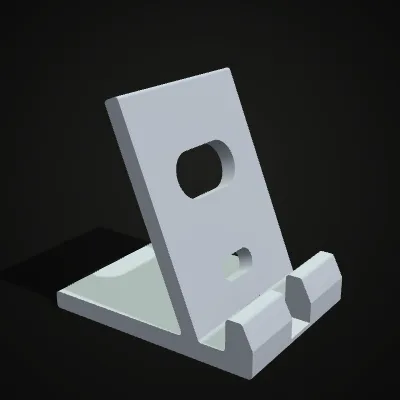
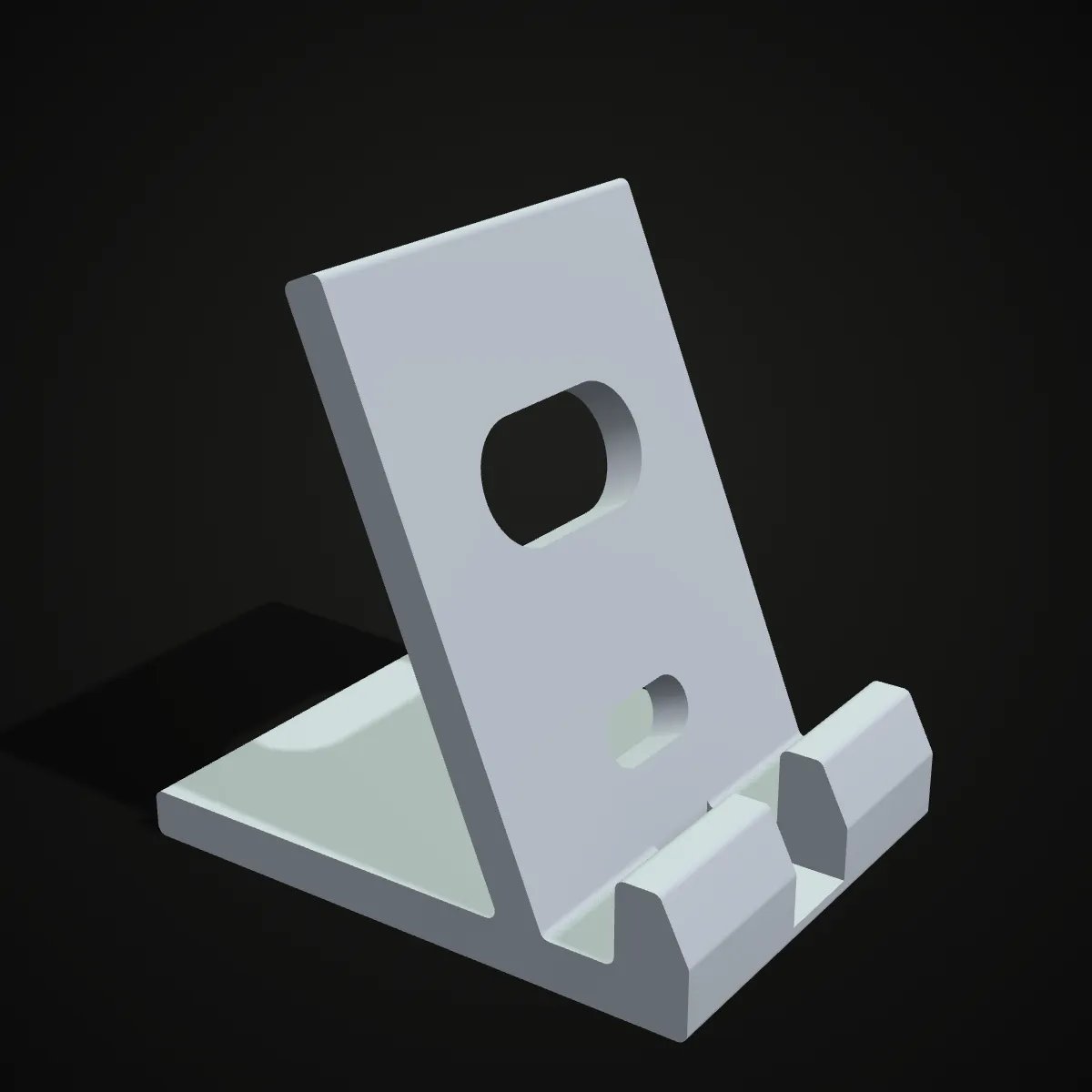
Your browser writes a standards-compliant 3MF package: the unit is set to millimetres, the object is named after your file, duplicate vertices are merged and the result is zipped, which made our samples four to five times smaller. The 86 KB phone-stand STL, for example, becomes a 19.4 KB 3MF with the same 1,758 triangles. Nothing is uploaded, and the converter is free with no account. To be clear about what changes: a plain STL holds no colours or print settings, so its 3MF holds none either. The gains are an explicit unit, a smaller and tidier file and a format your slicer treats as native. Feed it a richer file instead, such as a coloured GLB, a multi-part 3MF or a STEP assembly, and each part stays a separate named object with its colour.
Convert a sample STL to 3MF
Three printable desk accessories we modelled in CadQuery. Load one with a click and compare the size before and after: the cable clip goes from 457 KB to 88.9 KB, the knurled knob from 401 KB to 91.4 KB.
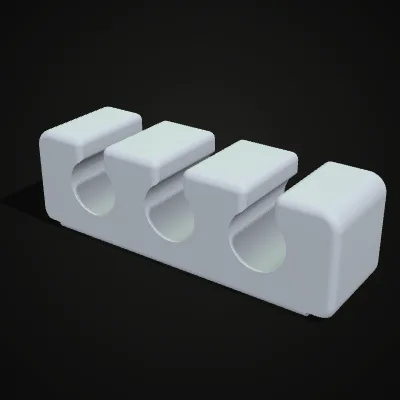
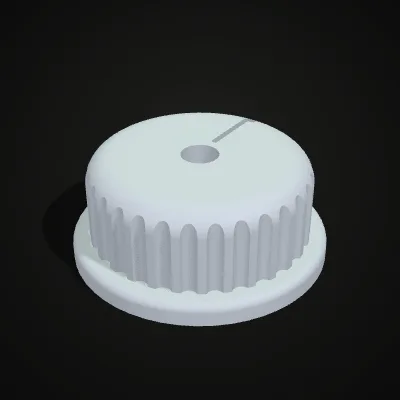
Phone stand: 86 KB STL to 19.4 KB 3MF
This 11-second recording shows the tool converting our phone-stand sample: the STL is dropped in, previewed in 3D and converted with one click. The result line reads phone-stand.3mf · 19.4 KB · 1,758 triangles, exactly the triangle count of the STL in a file less than a quarter of its size.
STL to 3MF: what the format adds
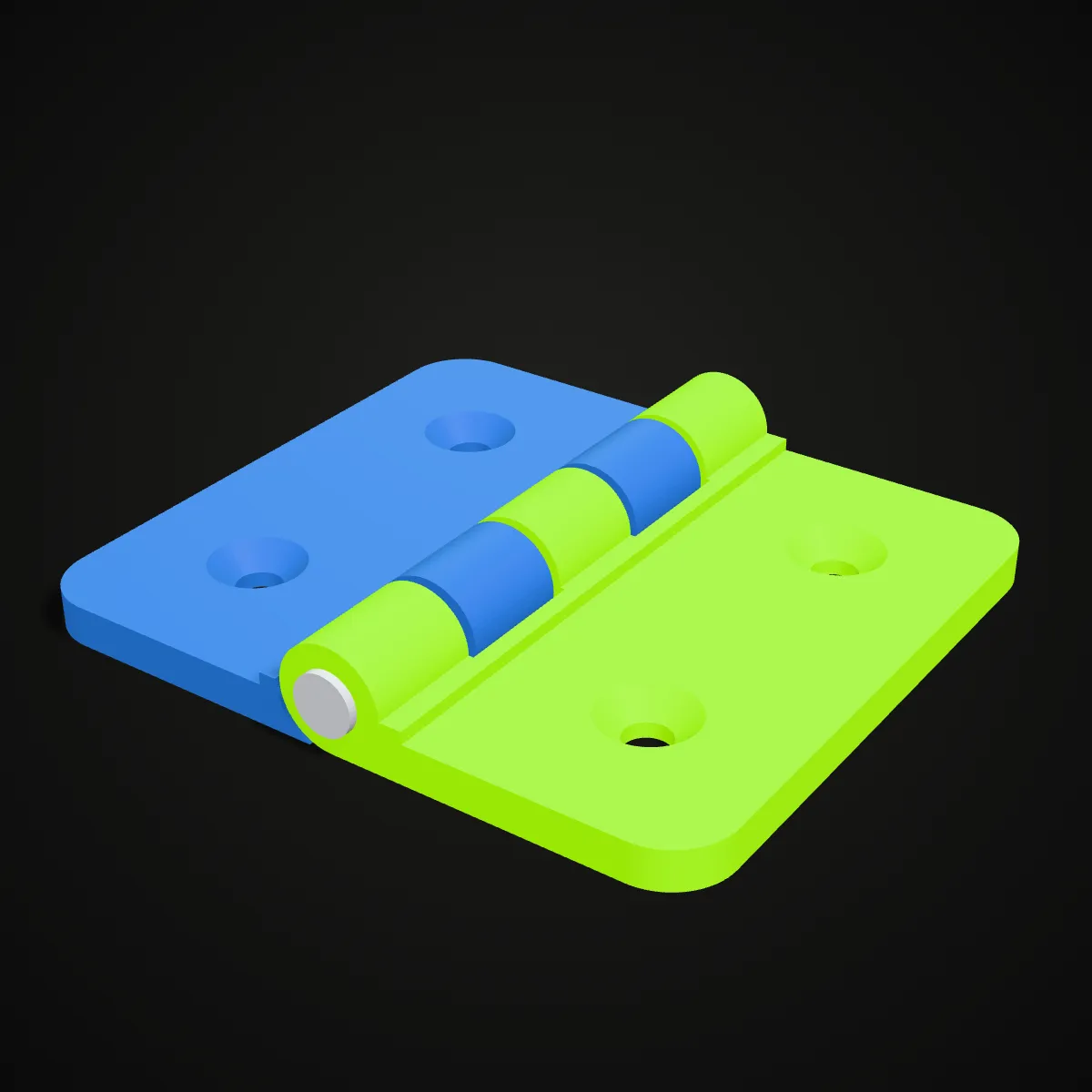
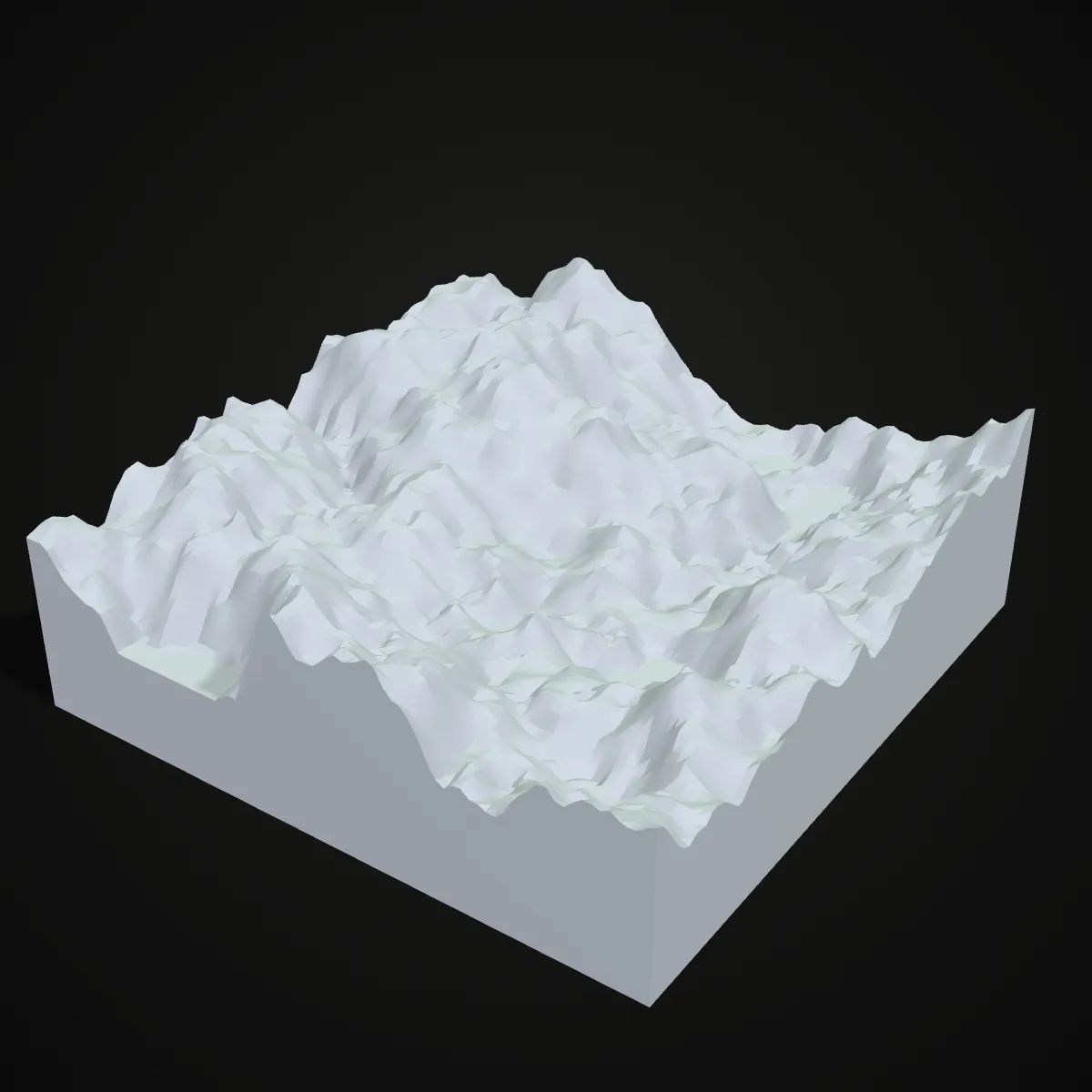
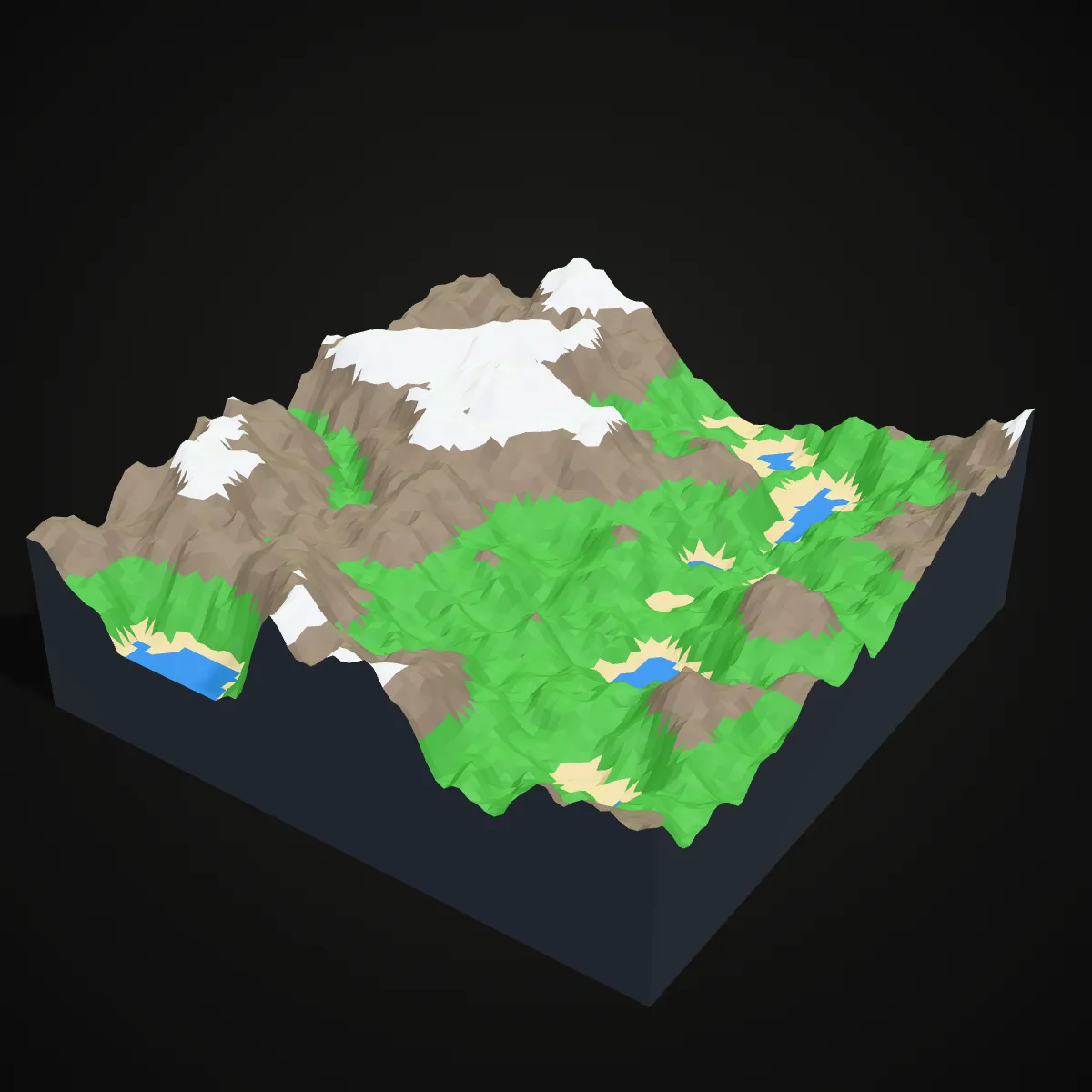
Left: a model as STL, one grey mesh with no names, parts or colours. Right: what a 3MF of the same model can hold, with separate named objects and colours. The converter keeps parts and colours whenever the source has them (a coloured 3MF, GLB or STEP assembly). A plain STL gives you one clean object, ready to colour and arrange in your slicer.
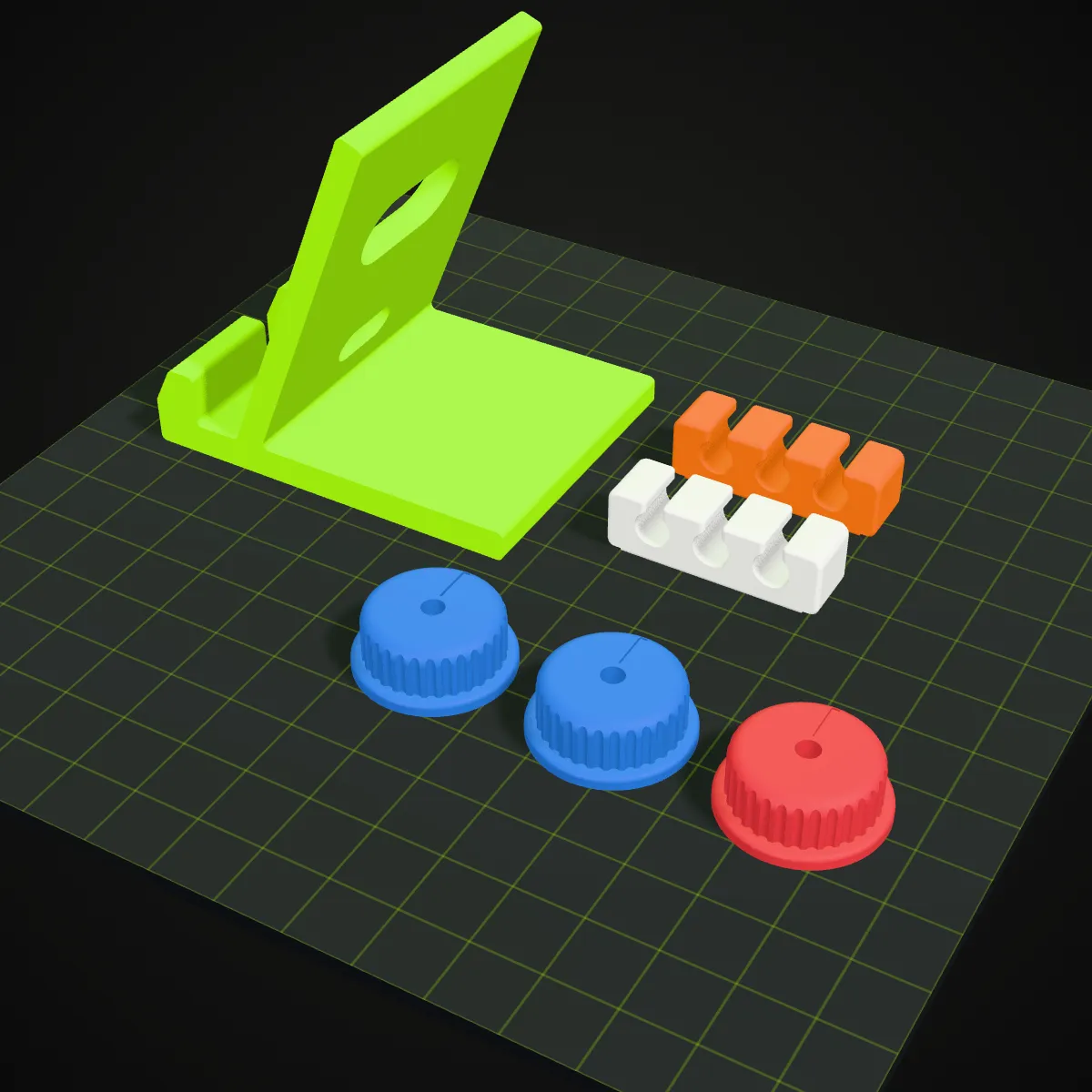
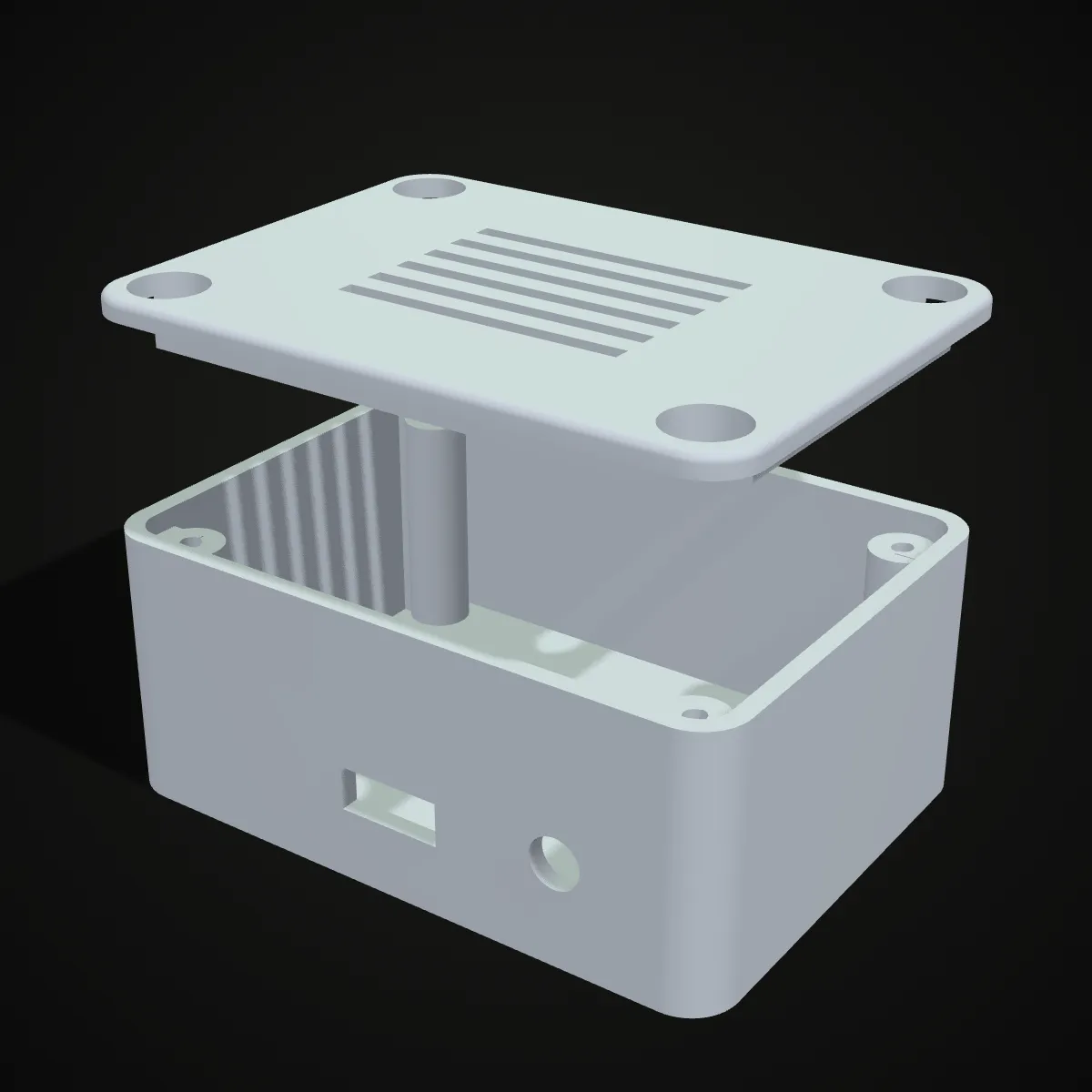
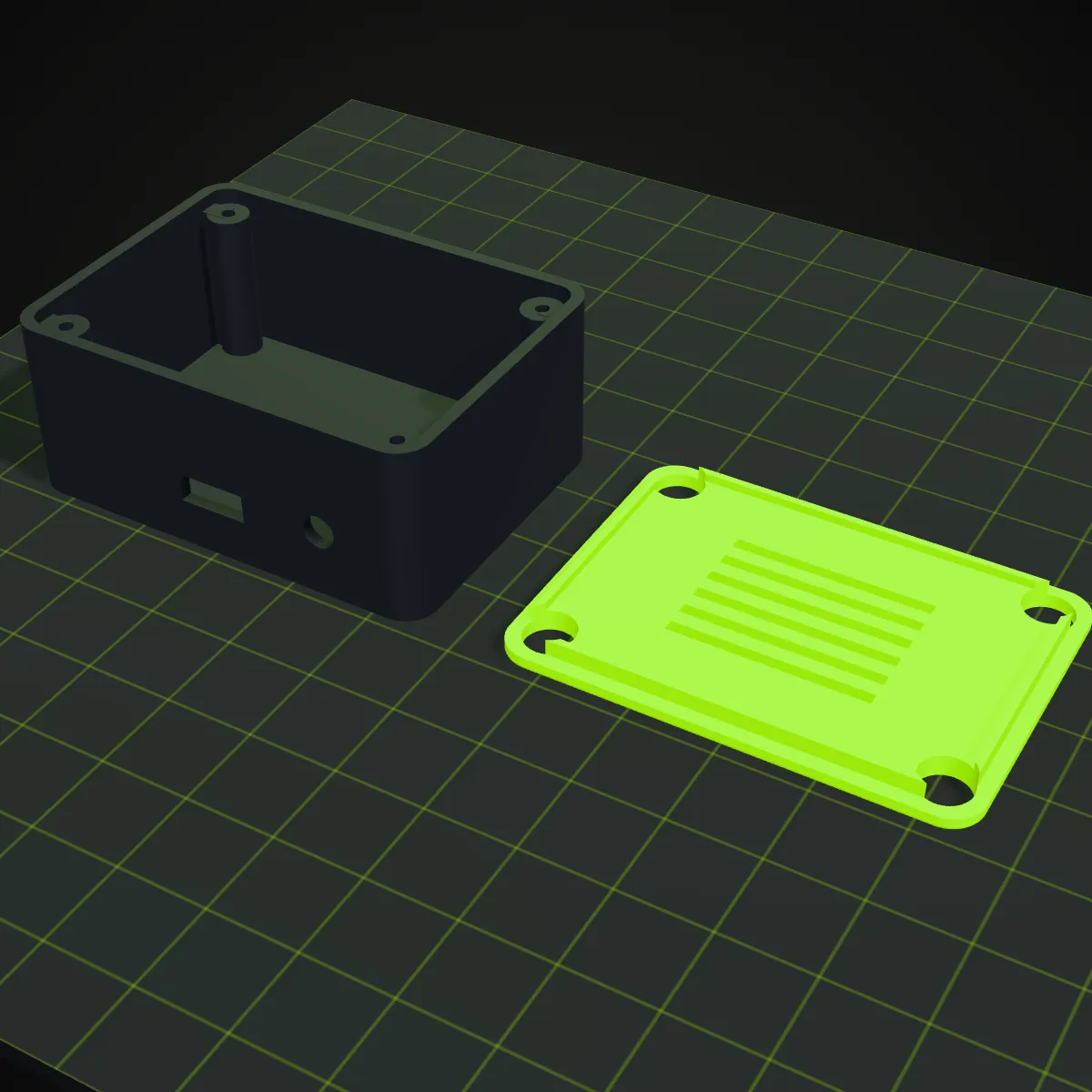
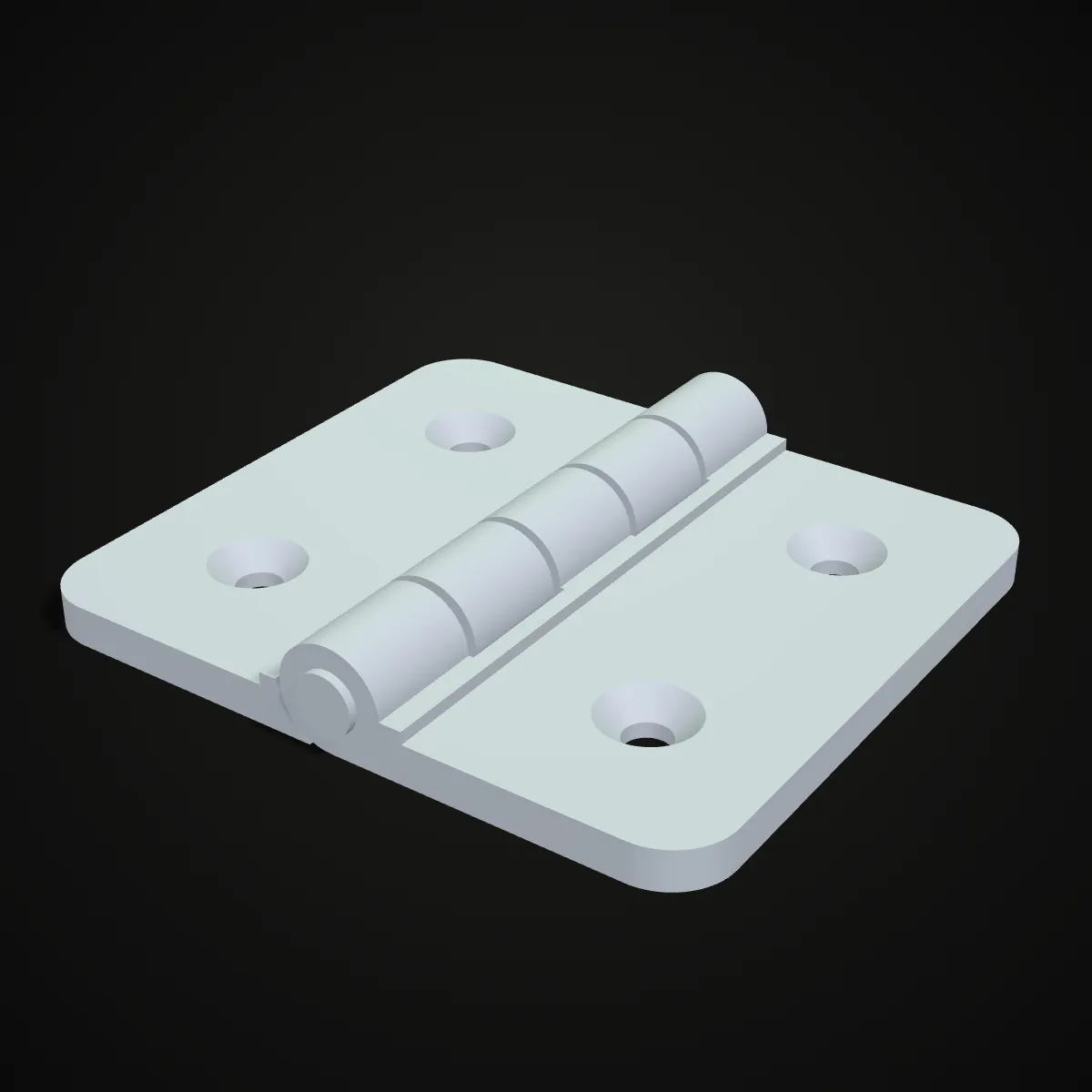
What a 3MF plate can hold
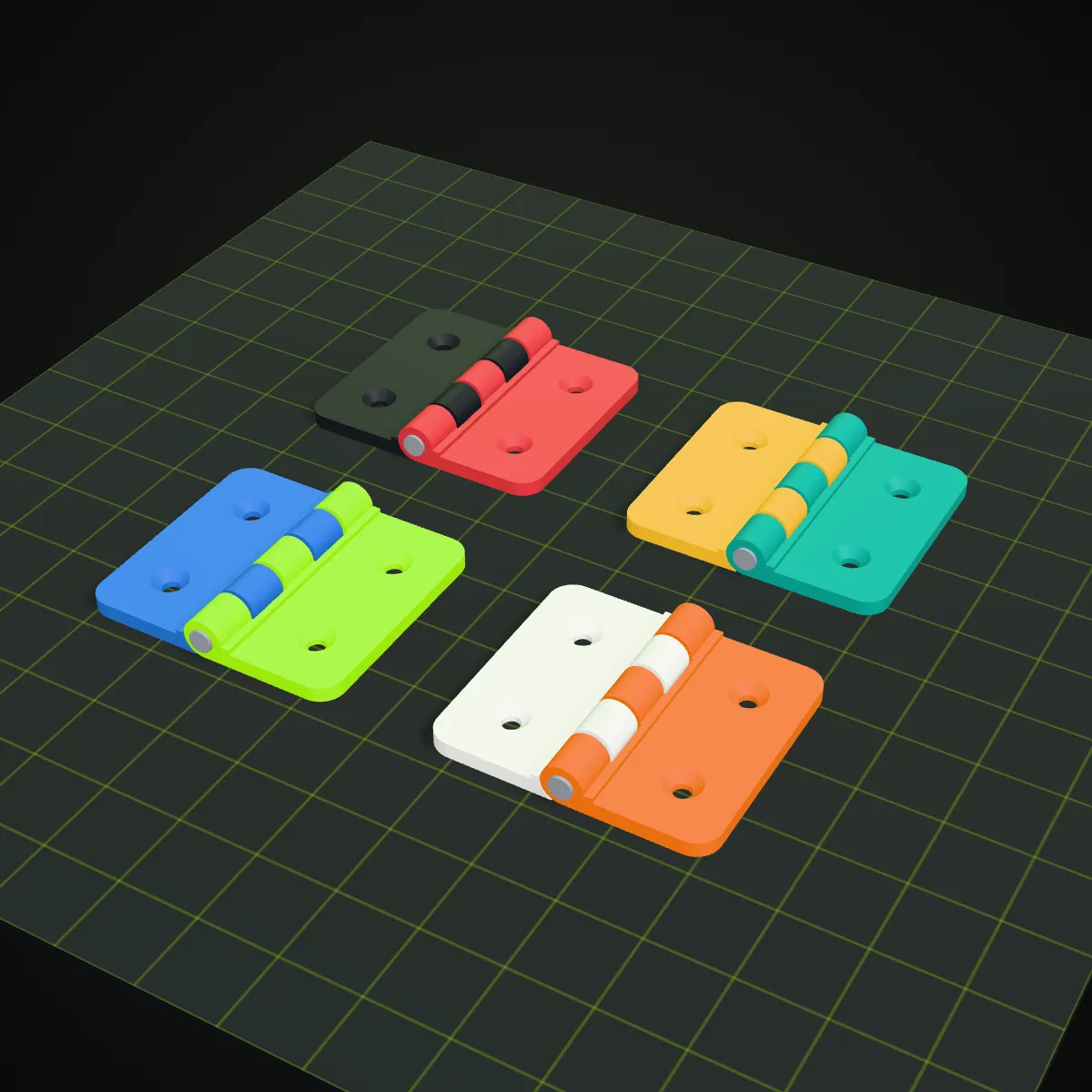
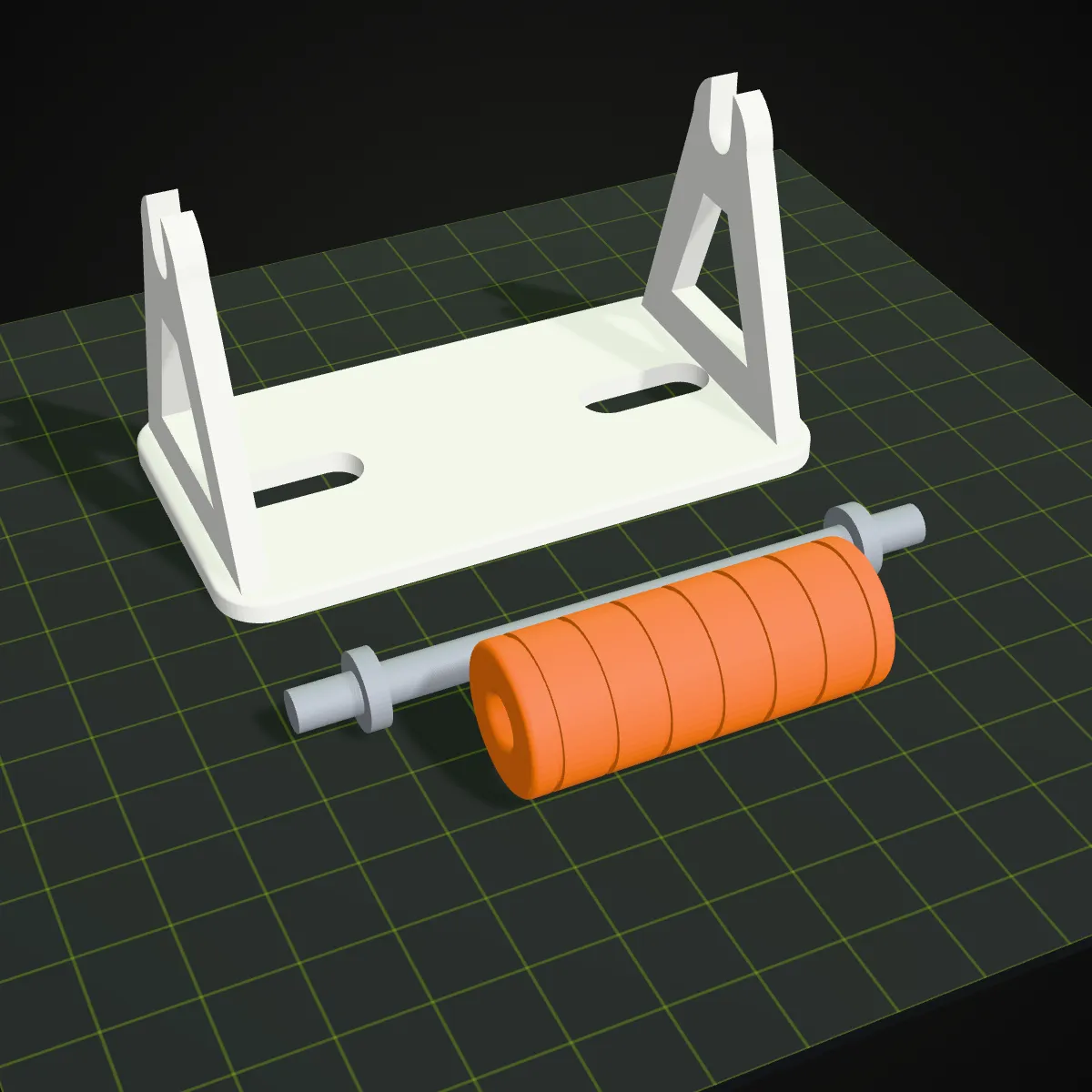
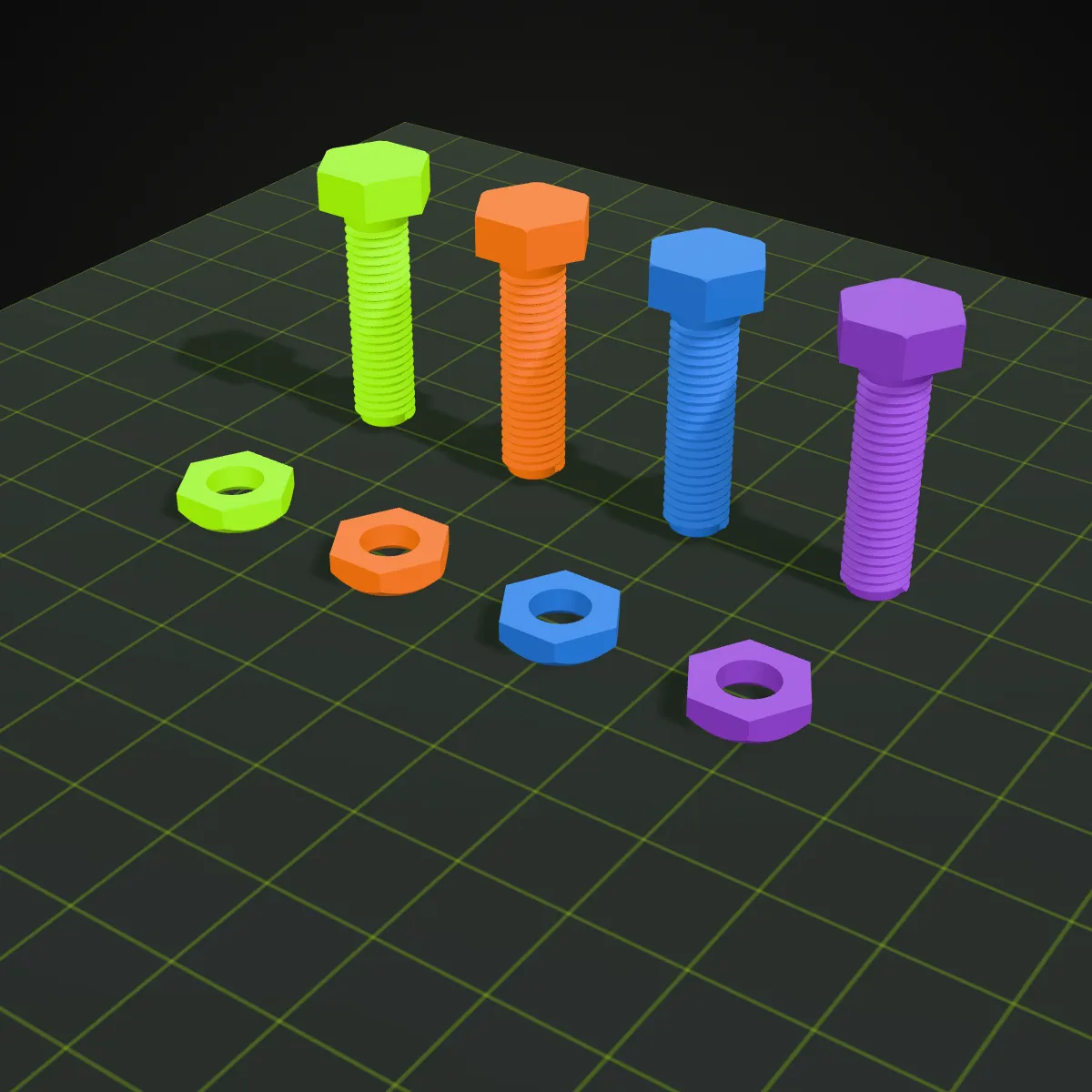
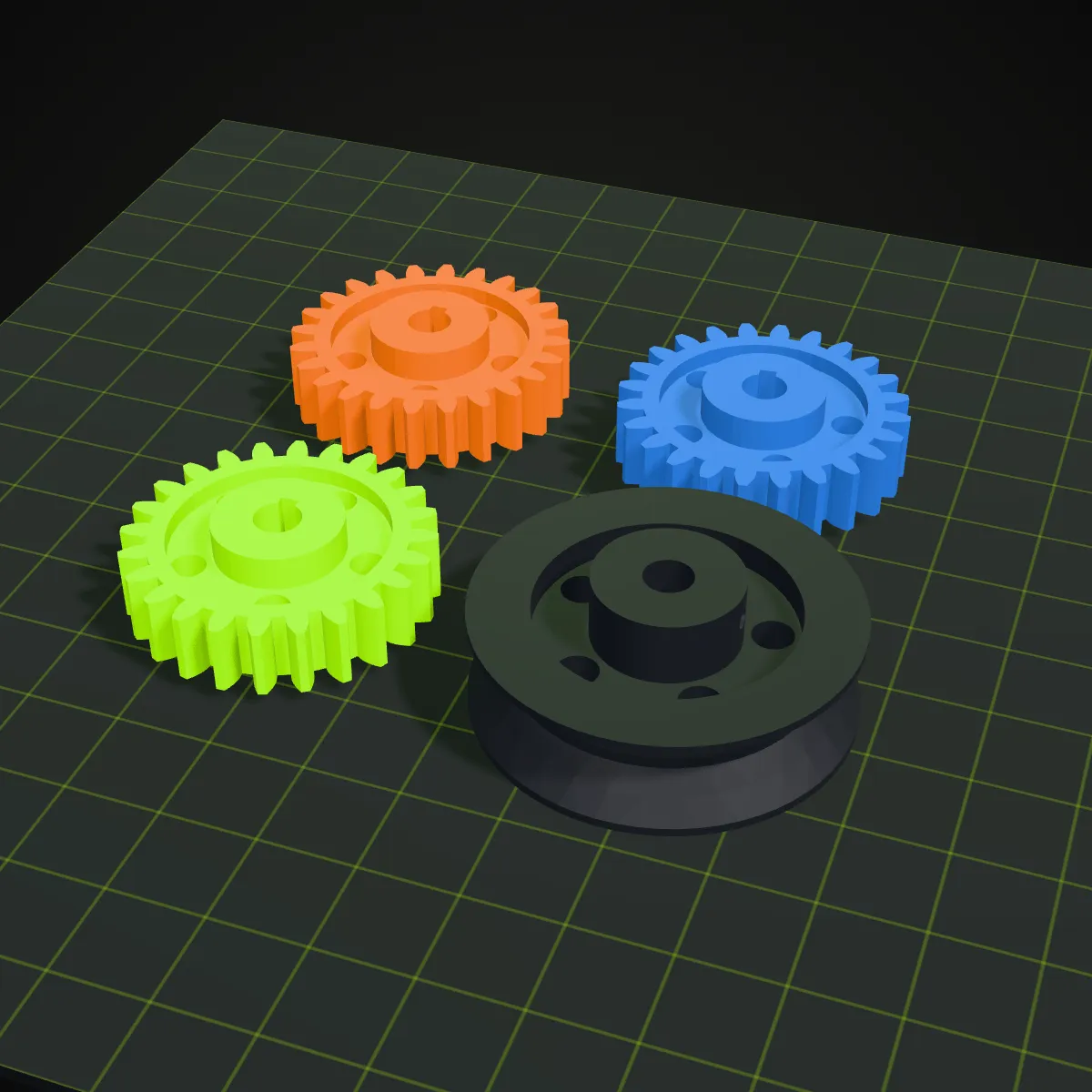
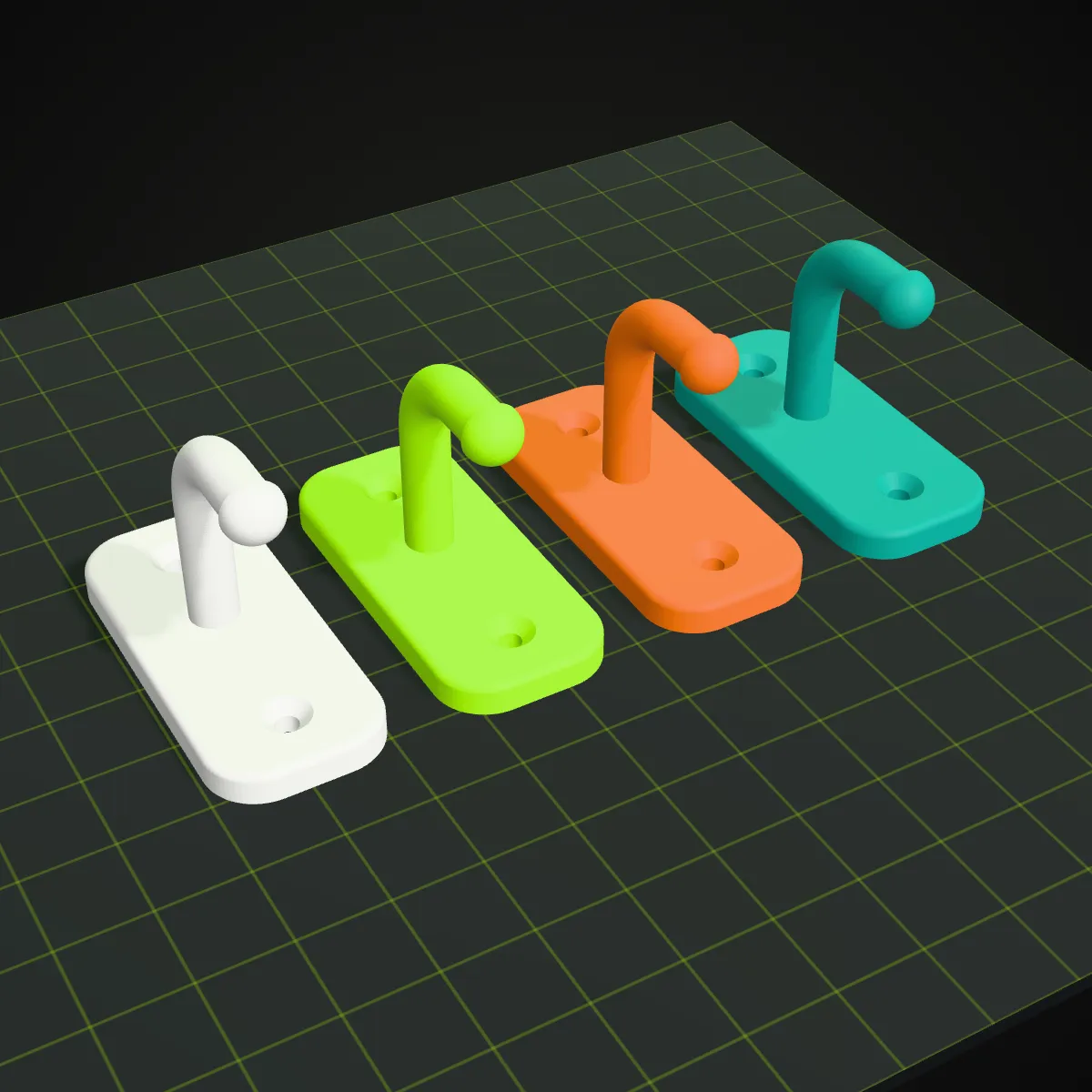
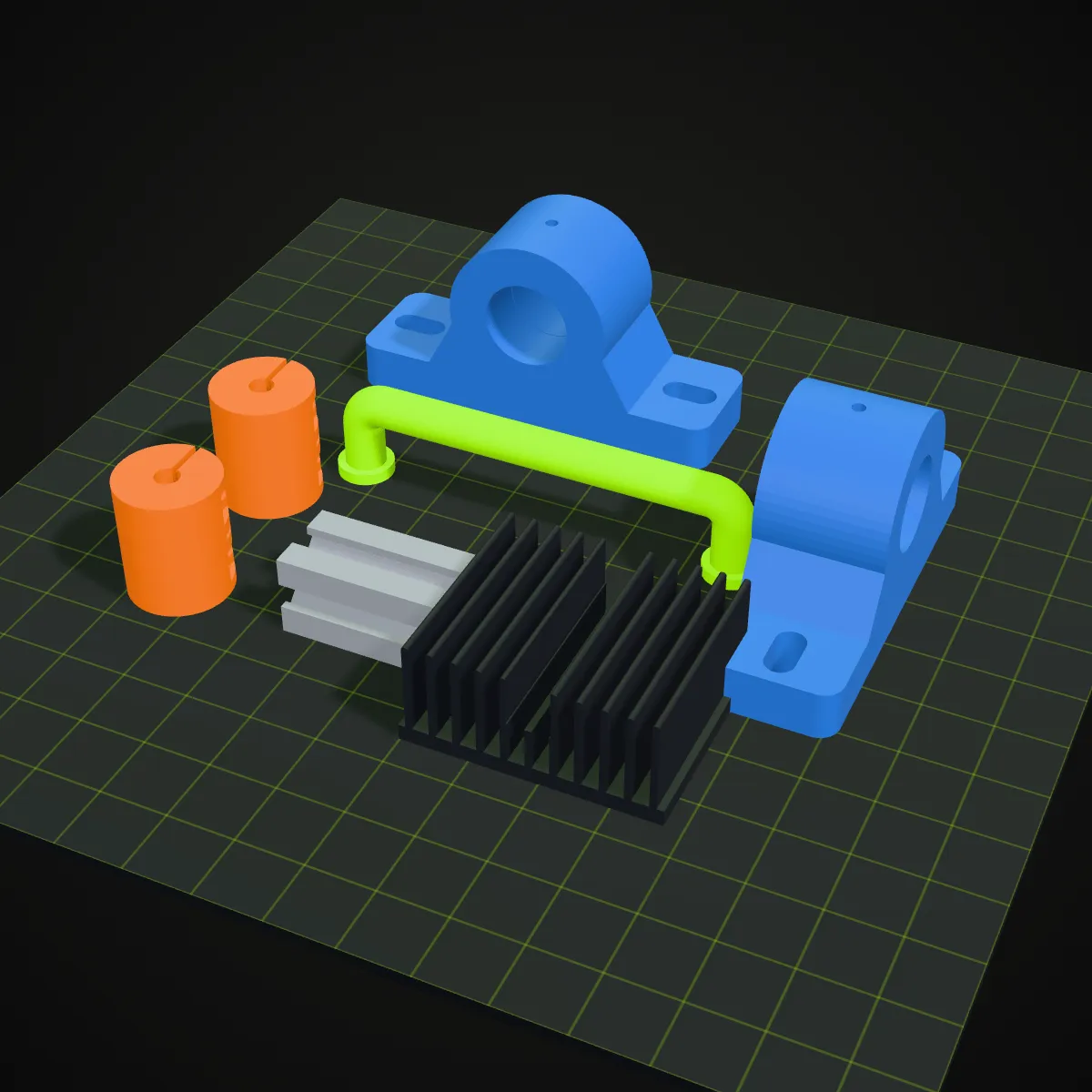
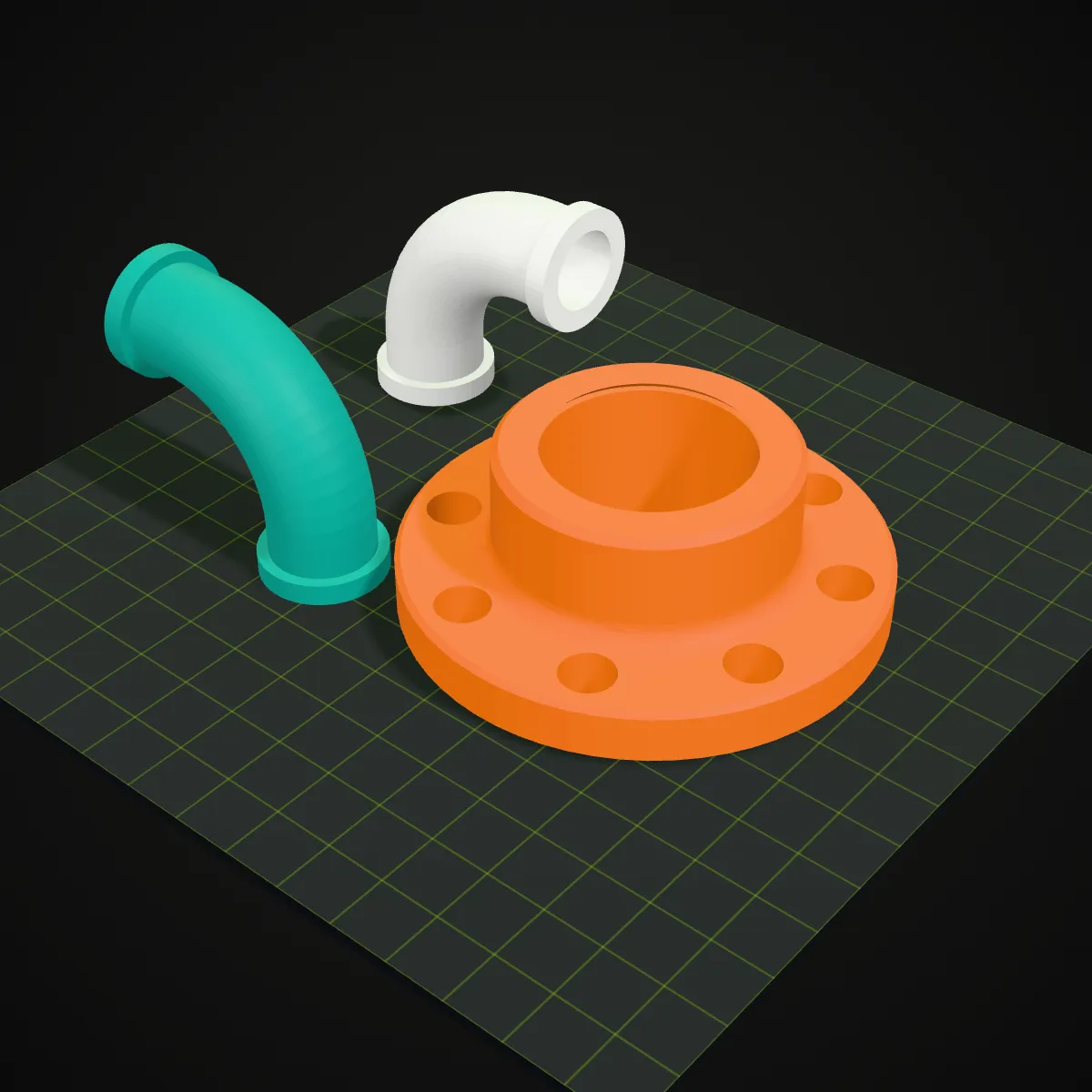
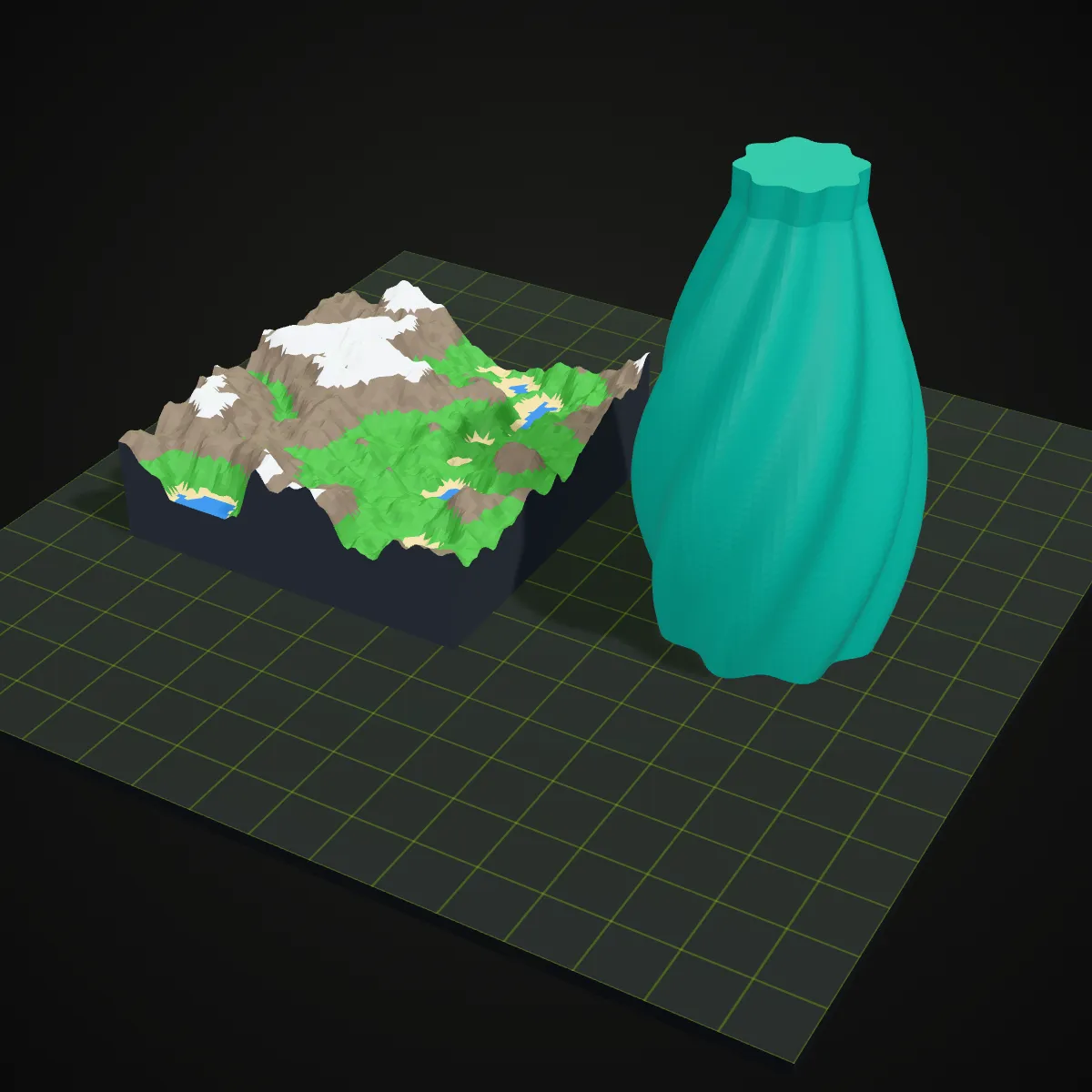
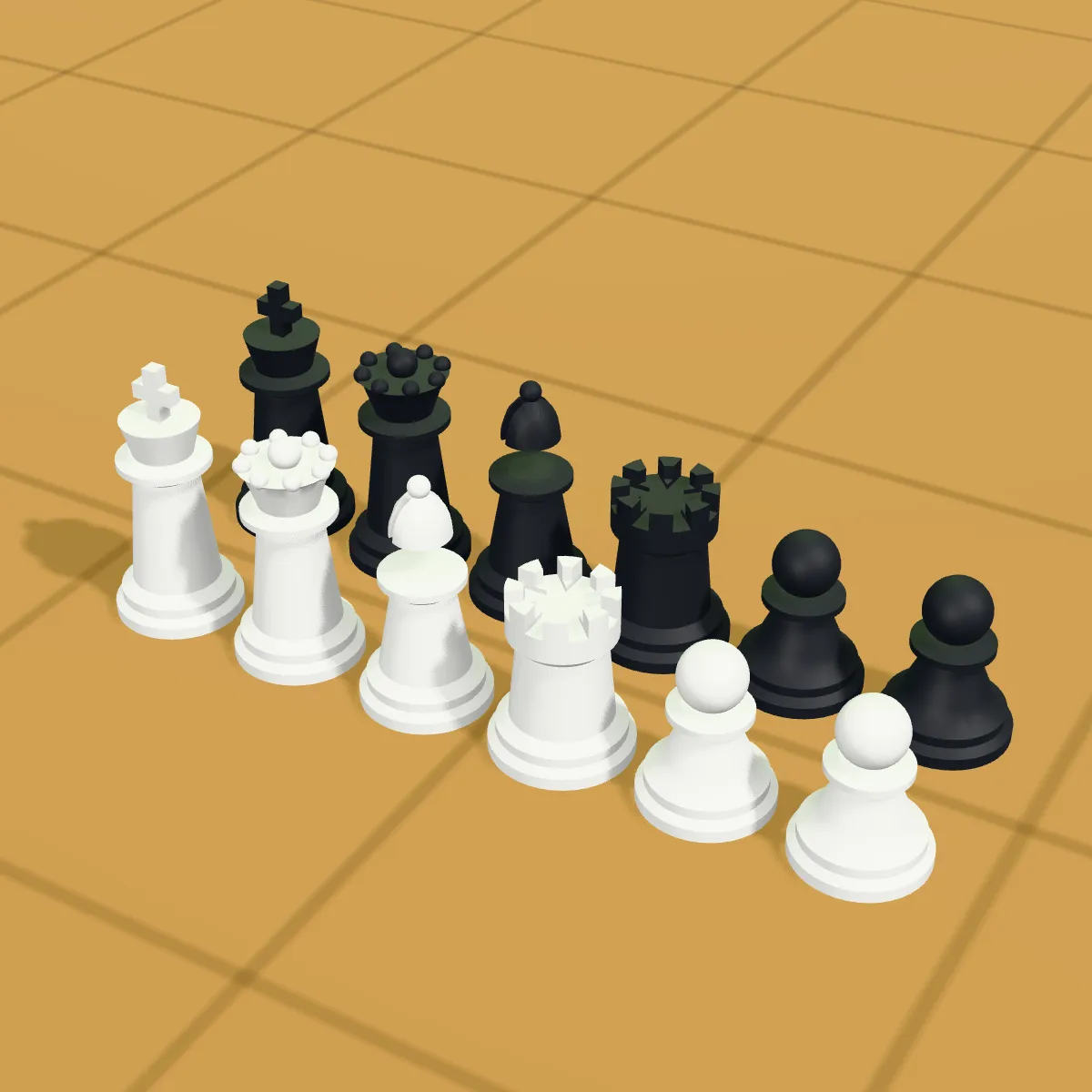
Renders of 3MF plates built from the CAD parts on this site, each with several named objects in their own filament colours, which is what 3MF is made for. A single STL converts to one uncoloured object; colours like these come from a coloured source file or from painting in your slicer.
How to convert STL to 3MF
- 11
Add your STL
Drop an .stl file, binary or ASCII, on the converter or click to pick one. Any other format the tool reads, such as GLB, OBJ, 3MF, FBX or STEP, works as well, and a 3D preview appears straight away.
- 22
Convert STL to 3MF
Press Convert to 3MF. Corners shared by neighbouring triangles are merged, zero-area triangles are dropped, and the mesh is packed into a zipped 3MF tagged as millimetres.
- 33
Download and slice
Check the name, size and triangle count, download the .3mf and open it in your slicer. Arrange it, assign filaments and save it there as a project.
STL to 3MF: your file before and after
Same triangles, different packaging. This is what changes from .stl to .3mf when you convert here, with sizes measured on the samples on this page.
| Property | Your STL | The 3MF from this converter |
|---|---|---|
| Geometry | Triangles, each storing its own three corners | The same triangles with shared corners: duplicate vertices merged, zero-area triangles removed |
| Units | None; slicers assume millimetres | Millimetres, written into the file |
| File size | Phone stand 86 KB · cable clip 457 KB · knob 401 KB | Zipped: 19.4 KB · 88.9 KB · 91.4 KB |
| Names | No object names | Object named after the file; each part of a multi-part source keeps its own name |
| Colours | None | None from a plain STL; part and per-triangle colours kept from coloured GLB, 3MF or STEP files |
| Orientation | Z-up | Z-up, unchanged |
| Print settings and plates | None | None either: your slicer adds them when you save a project 3MF |
| Validity | Opens almost anywhere | Checked with lib3mf, the 3MF Consortium’s official library: zero warnings |
Why convert STL to 3MF
A smaller model library
After an STL to 3MF conversion, a model takes a fraction of the space of a binary STL. Across hundreds of printable models that adds up, and uploads and email attachments get lighter too.
No more unit guessing
STL leaves the slicer to assume millimetres. A 3MF states the unit, so a colleague or print service opens the part at the size you meant.
Multi-colour prints from coloured sources
Convert a coloured GLB or a STEP assembly and every part arrives as its own named, coloured object, ready to assign to filament slots on an AMS or MMU.
Readable object lists
Objects carry names in 3MF, so the object list in your slicer shows “knurled-knob” or “lid_part” instead of an anonymous mesh.
STL to 3MF converter FAQ
Going from .stl to .3mf takes one click: drop the file on the converter above, press Convert to 3MF and download the result. It runs in your browser, so the file is never uploaded, and there is no sign-up or watermark.
For modern slicers, usually yes: 3MF can hold the unit, several named objects, colours and print settings in one compressed file, while STL holds only triangles. STL is still the most widely accepted format, so keep a copy for older tools.
No. The triangles are identical, so the printed part is the same. What you gain is an explicit millimetre unit, a smaller file and a format your slicer treats as native; supports, colours and settings are still chosen in the slicer.
Not from an STL, because the format has no colour to carry over. Paint the model in your slicer, or start from a coloured GLB, 3MF or STEP file: the converter keeps their part and triangle colours in the 3MF.
Not yet: the converter takes one file at a time and makes one 3MF from it. Files that already contain several parts, such as a STEP assembly or a multi-object 3MF, keep every part as a separate object. To combine single STLs, import them together in your slicer and save the plate as a project.
Any slicer that supports standard 3MF, including Bambu Studio, PrusaSlicer, OrcaSlicer and Cura. The files follow the 3MF core specification without vendor extensions and pass lib3mf validation with zero warnings.
Related tools




Need a model to print?
Generate a 3D model from a photo with Ship3D, then convert it here to a 3MF for your slicer.
Free to sign up, no credit card required. Try it once for free.