USDZ to STL Converter
iPhone 3D Scans, Ready for the Slicer
This USDZ to STL converter turns the .usdz files that iPhones and iPads produce, from Object Capture and Reality Composer scans to Polycam or Scaniverse exports and AR Quick Look assets, into a binary STL your slicer can open.
USDZ → STL
Drop a 3D model file to preview it in 3D before converting.
Everything runs locally with three.js, so the scan never leaves your device and no account is needed. A USDZ records real-world size, and the converter uses it: the scale stored in the file (metersPerUnit) is turned into millimetres, so a 20 cm scan arrives 200 mm tall in Cura, PrusaSlicer or Bambu Studio instead of as a speck 0.2 mm high. Y-up and Z-up stages both come out standing on the build plate. Every mesh in the package is merged into one triangle file; textures, colours and UVs are left behind because STL holds geometry only, and an animated model is written in a single pose. The reader handles text (USDA) and binary (USDC) layers, per-face material subsets and simple primitive shapes; point instancers, curves and files outside the package are not read.
USDZ to STL sample files
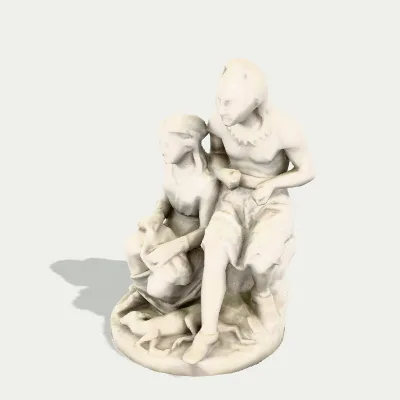
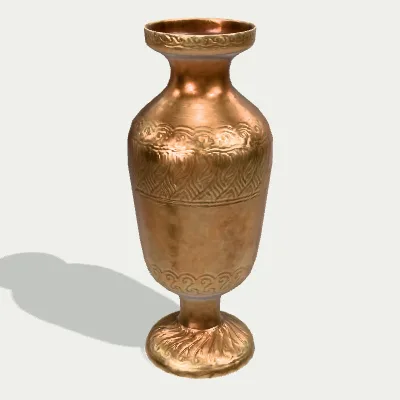
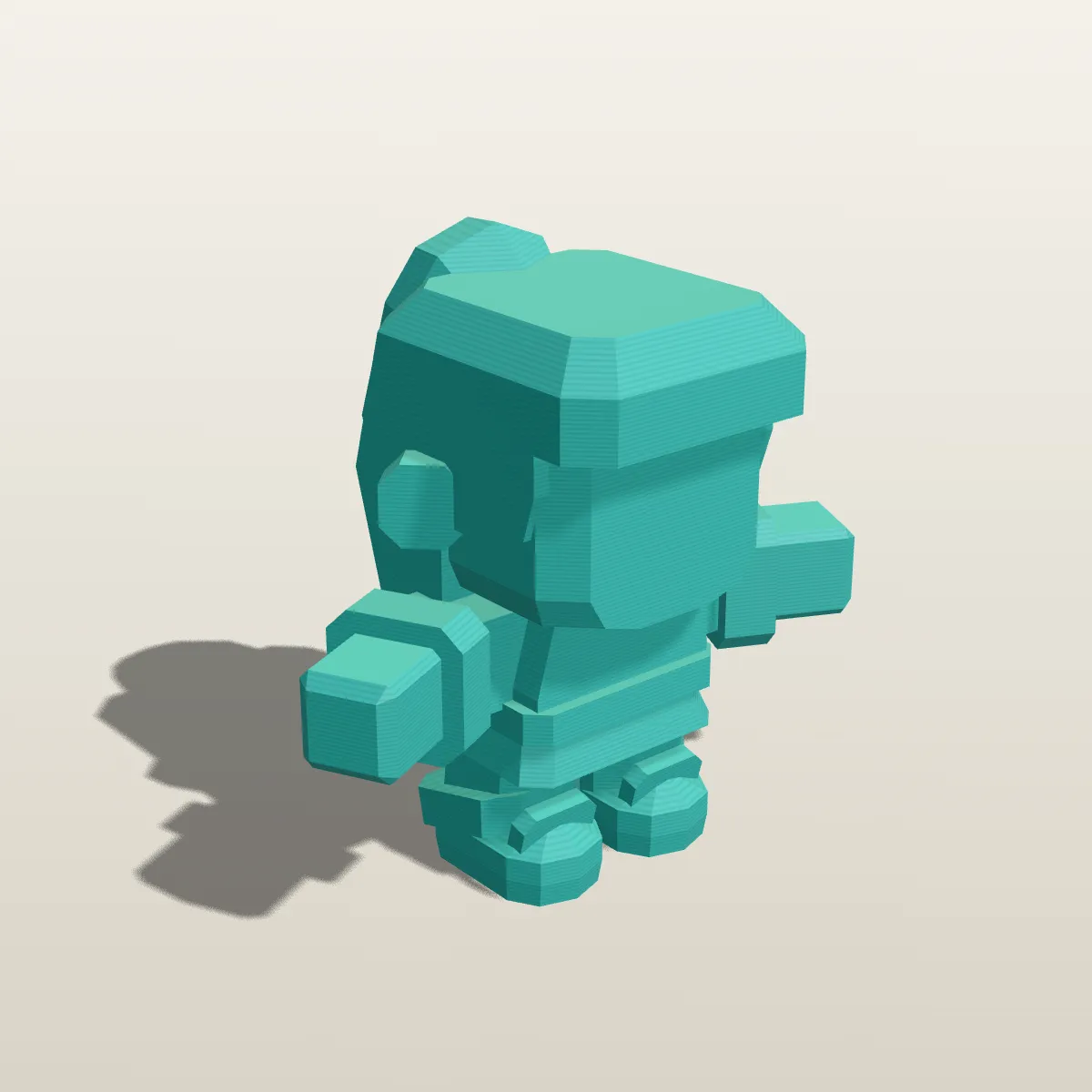
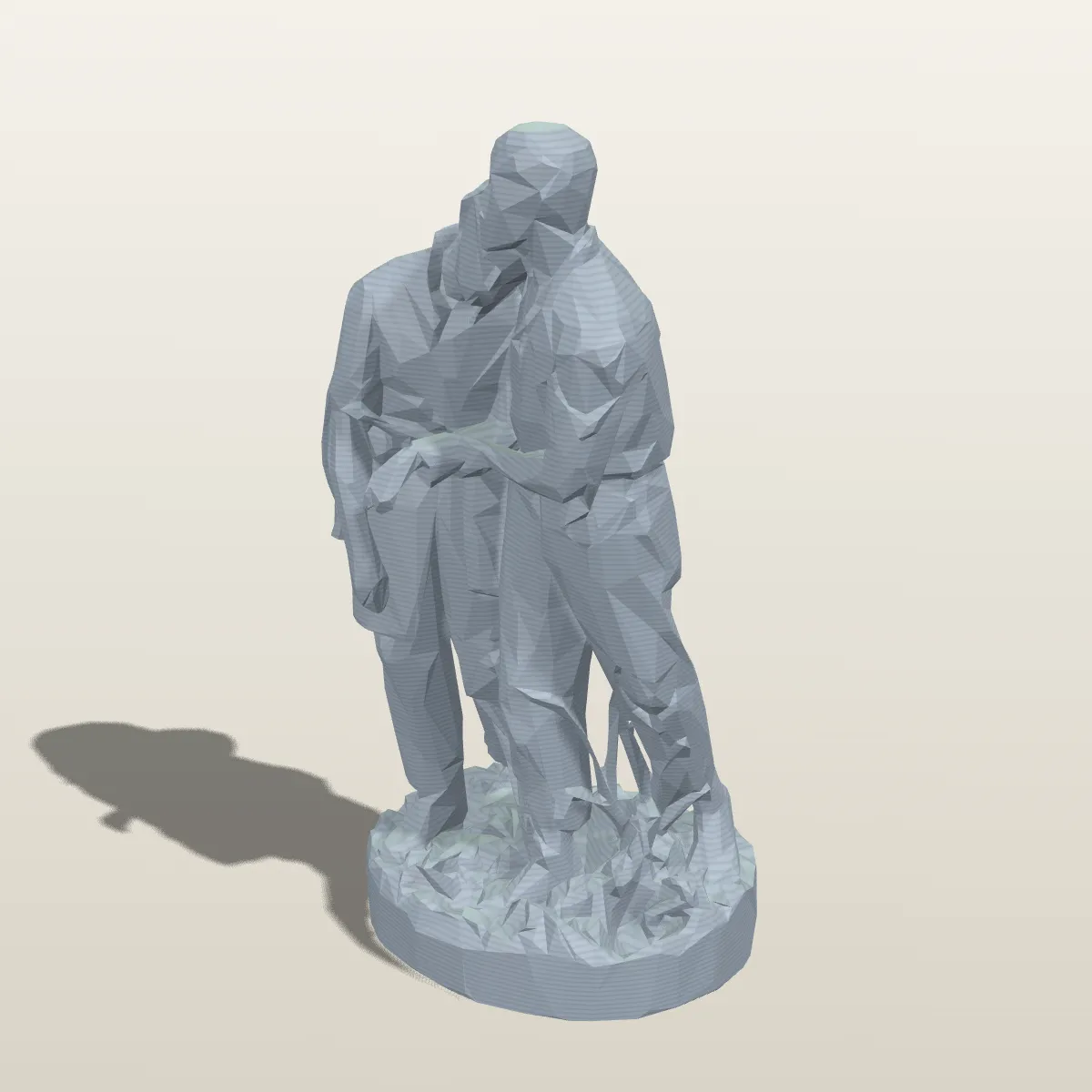
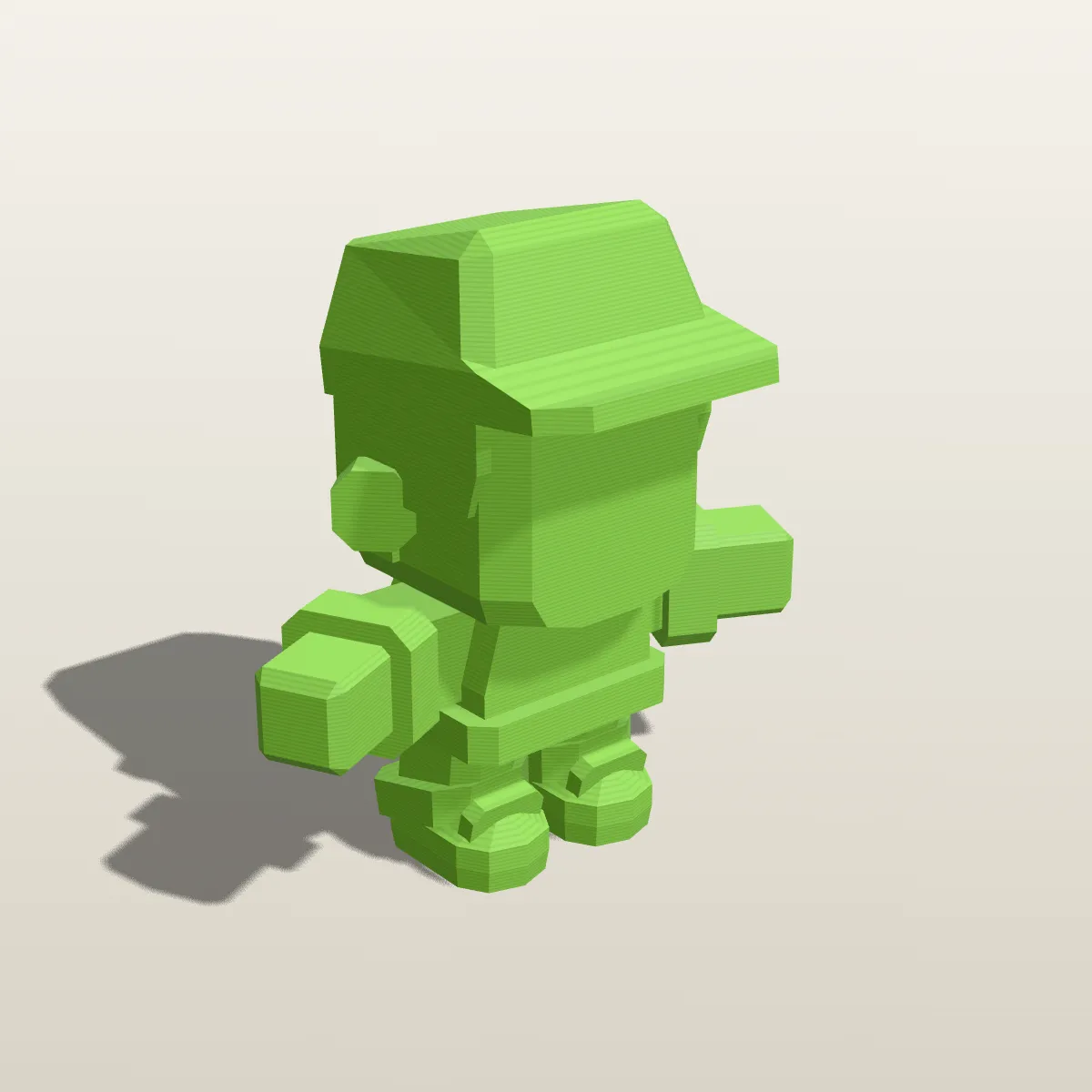
Three .usdz test files: a photogrammetry scan of a marble sculpture (CC0, Smithsonian), an engraved brass vase from Poly Haven and a low-poly skater figurine from Kenney. Try it loads one straight into the converter; Download saves it so you can test your own workflow. Their STLs come out 515.1 mm, 200.4 mm and 100 mm tall.

Watch a brass vase go from USDZ to STL
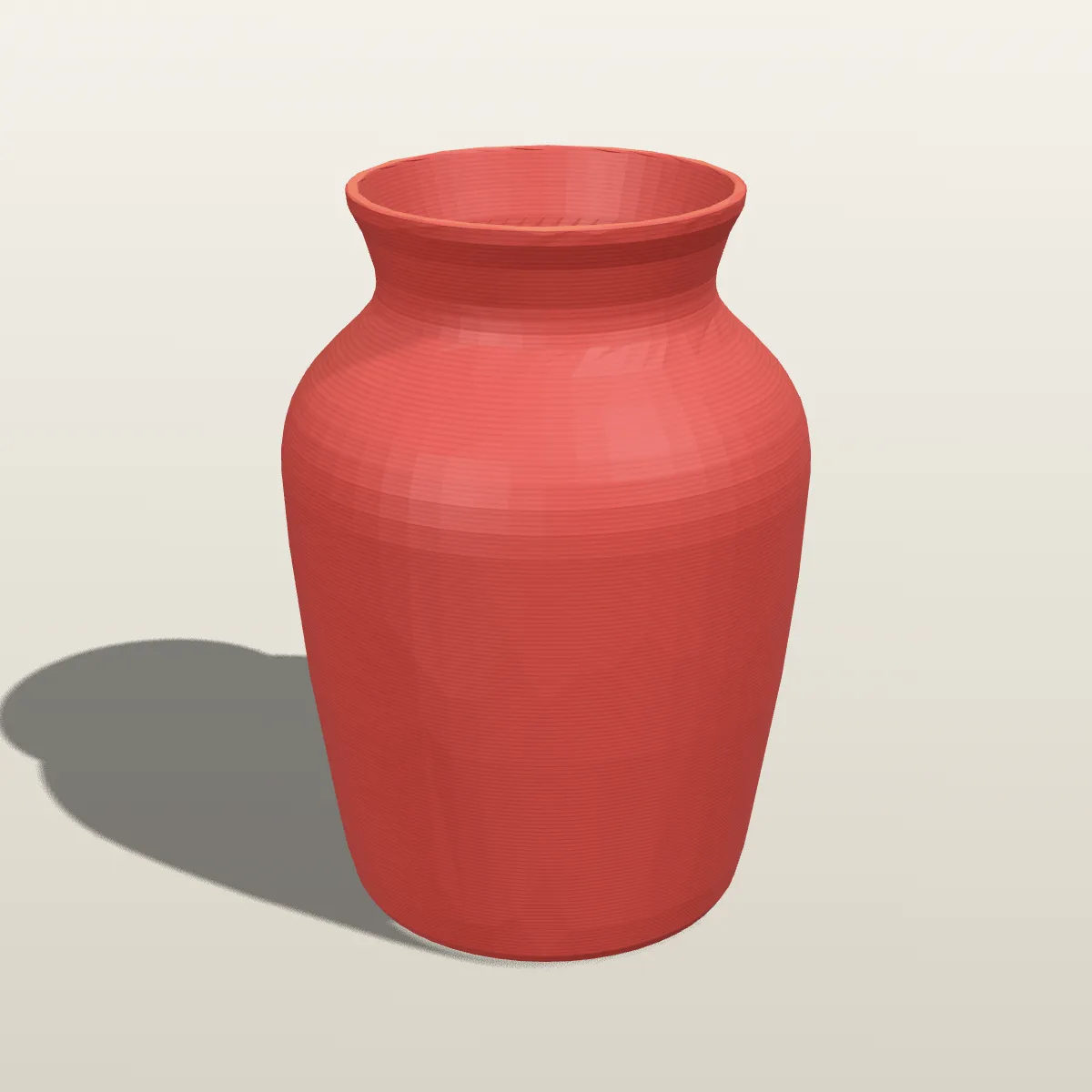
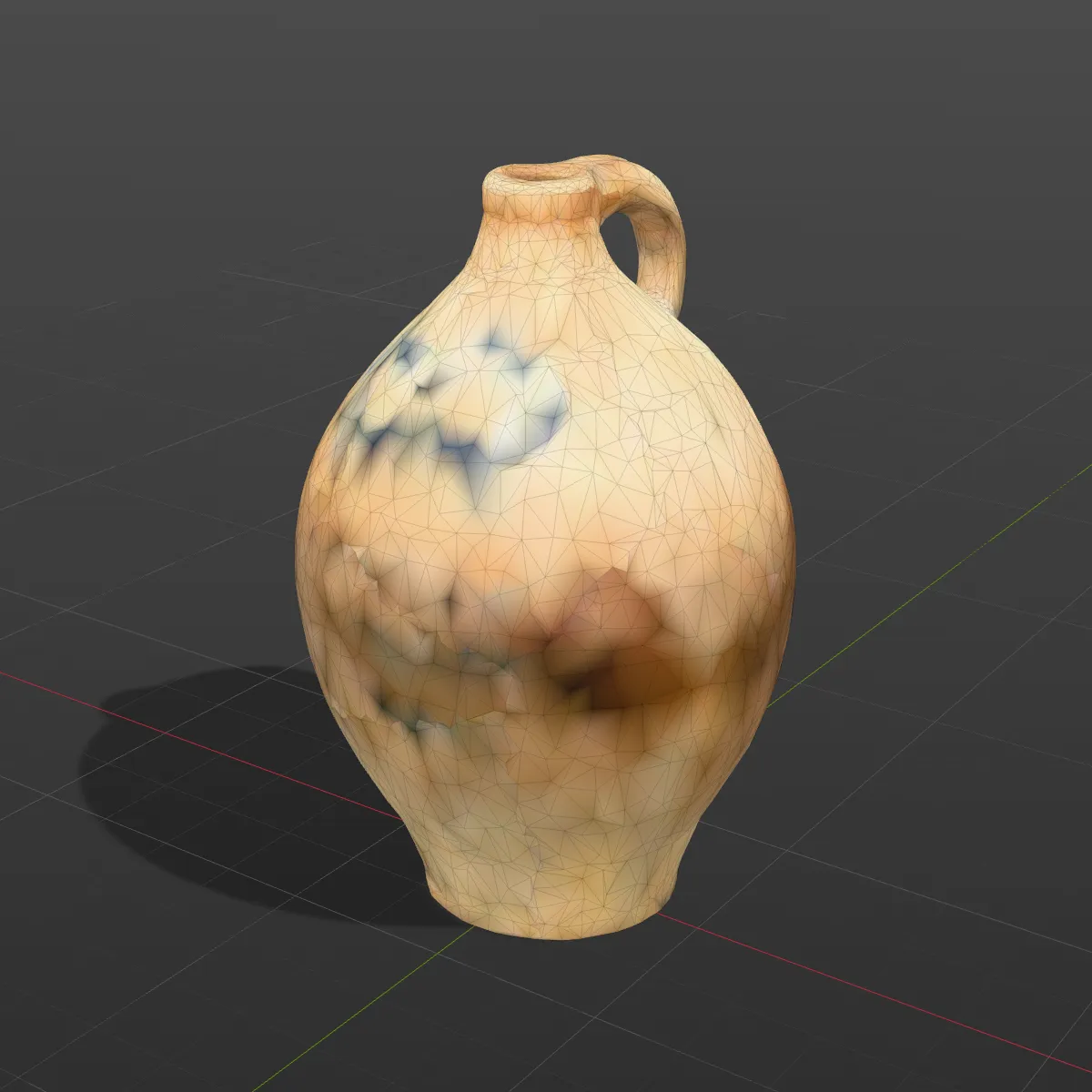
An 11-second recording of the USDZ to STL converter on the engraved brass vase sample. The 275.1 KB file is dropped in and turns in the 3D preview with its metal texture, Convert to STL is clicked, and the result line reads brass-vase.stl · 127.8 KB · 2,616 triangles before Download STL saves it. Opened in a slicer, that STL measures 82.5 × 82.5 × 200.4 mm, the vase’s real size. The engraving was painted on through the colour and normal maps, so the printable file keeps the smooth silhouette only.
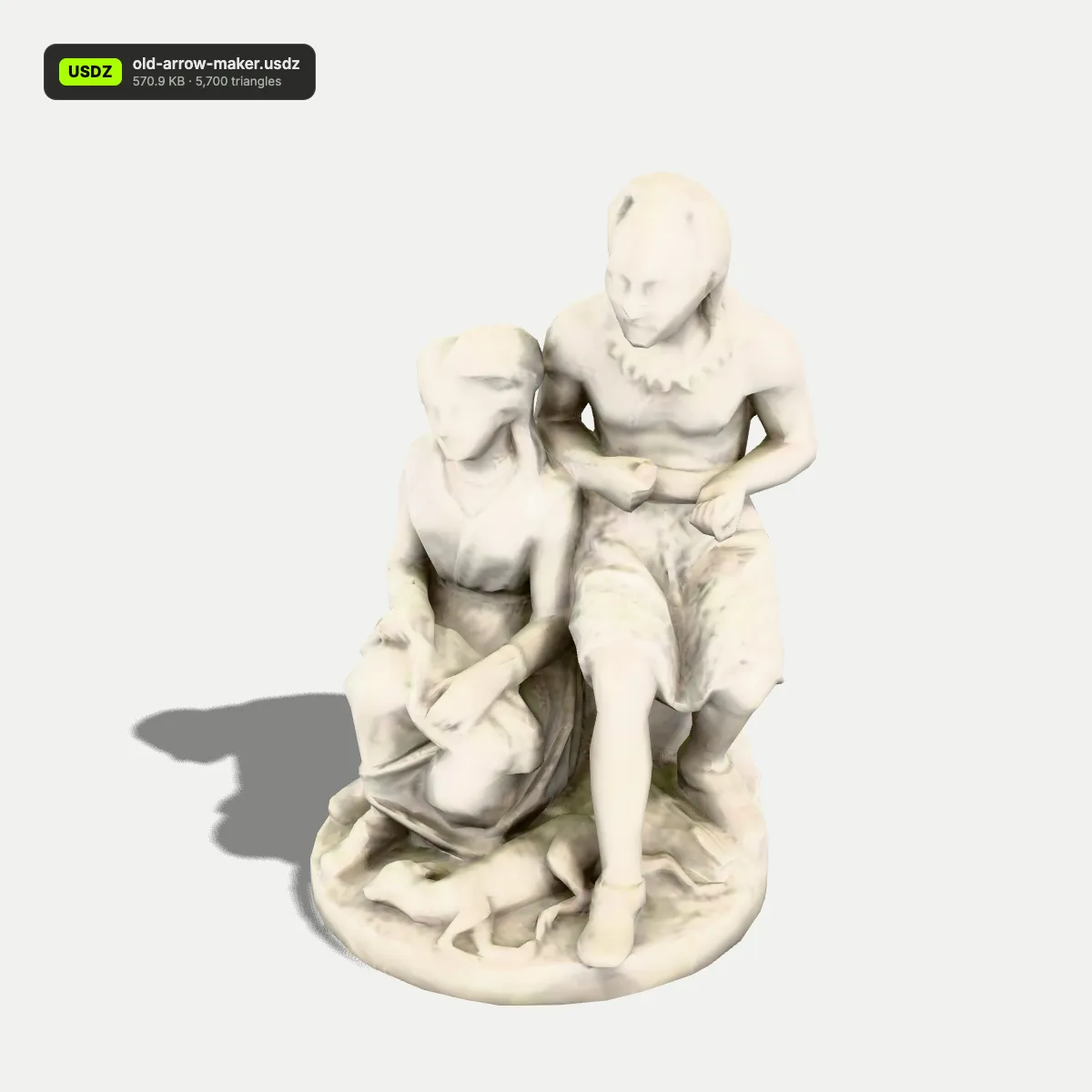
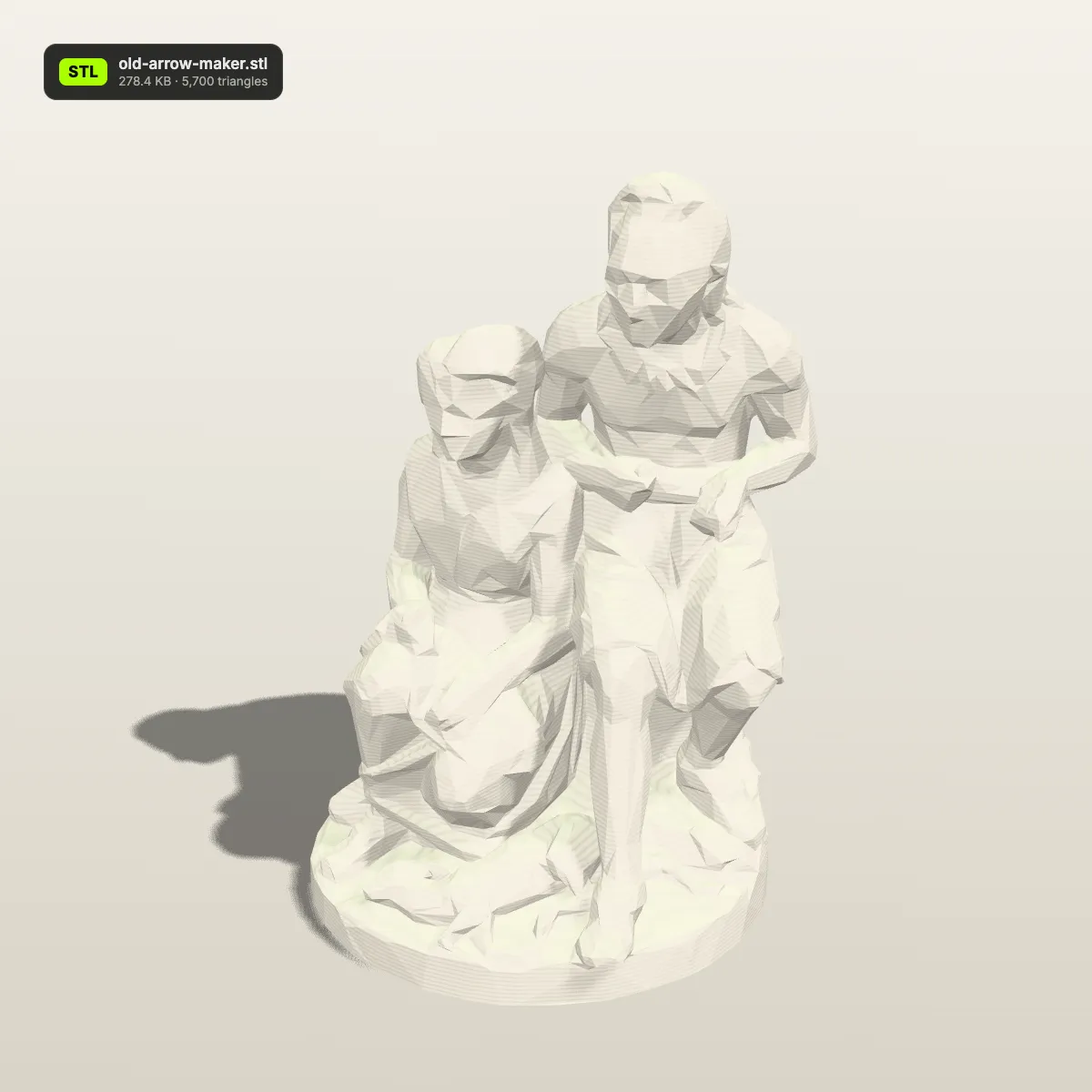
USDZ to STL before and after: texture off, true size on
Left: the textured USDZ. Right: the STL this page wrote, rendered as a single-colour print. Anything that was painted on rather than modelled, such as engraving or a printed face, stays behind; the shape, the triangle count and the real dimensions come through. File sizes are the ones the converter reported.
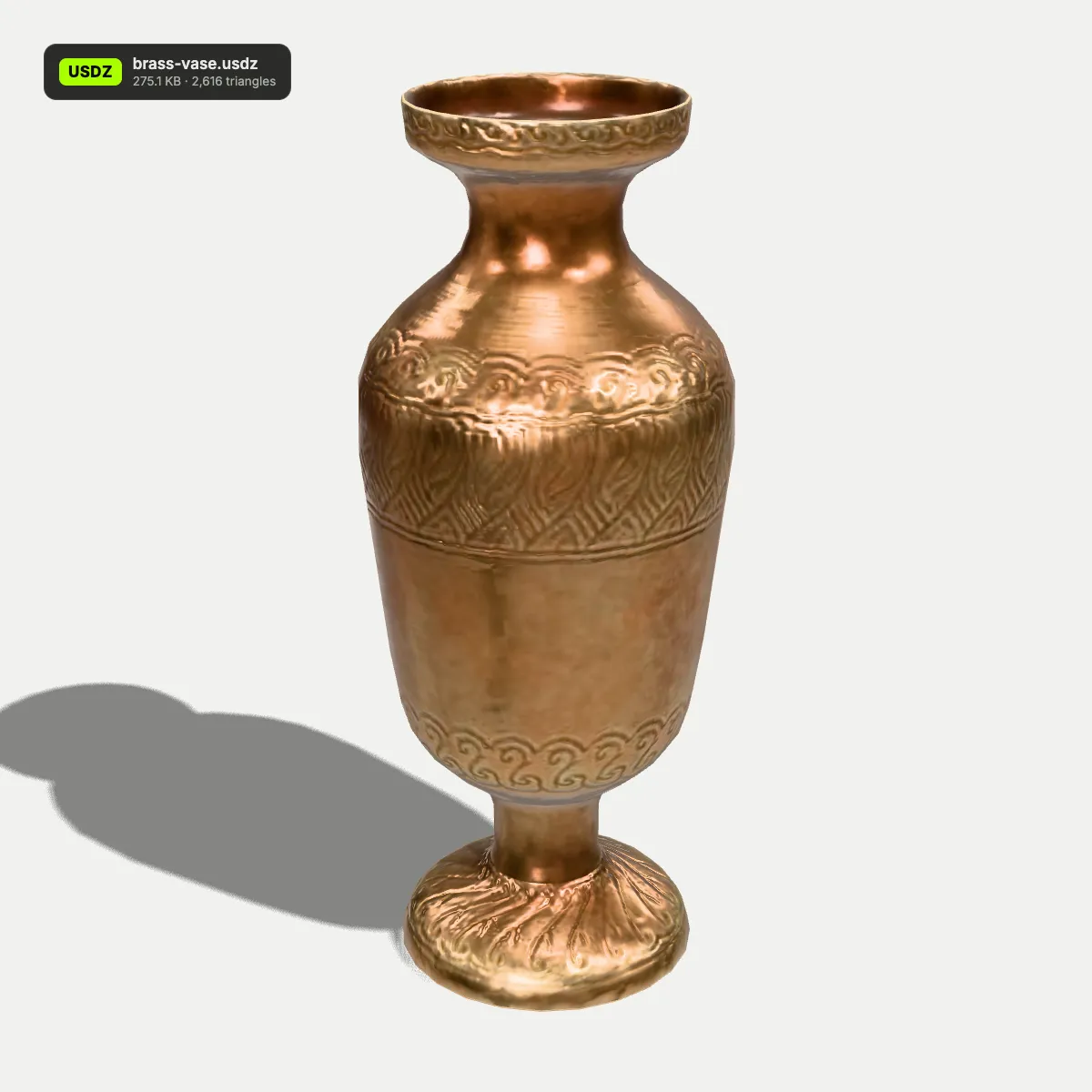
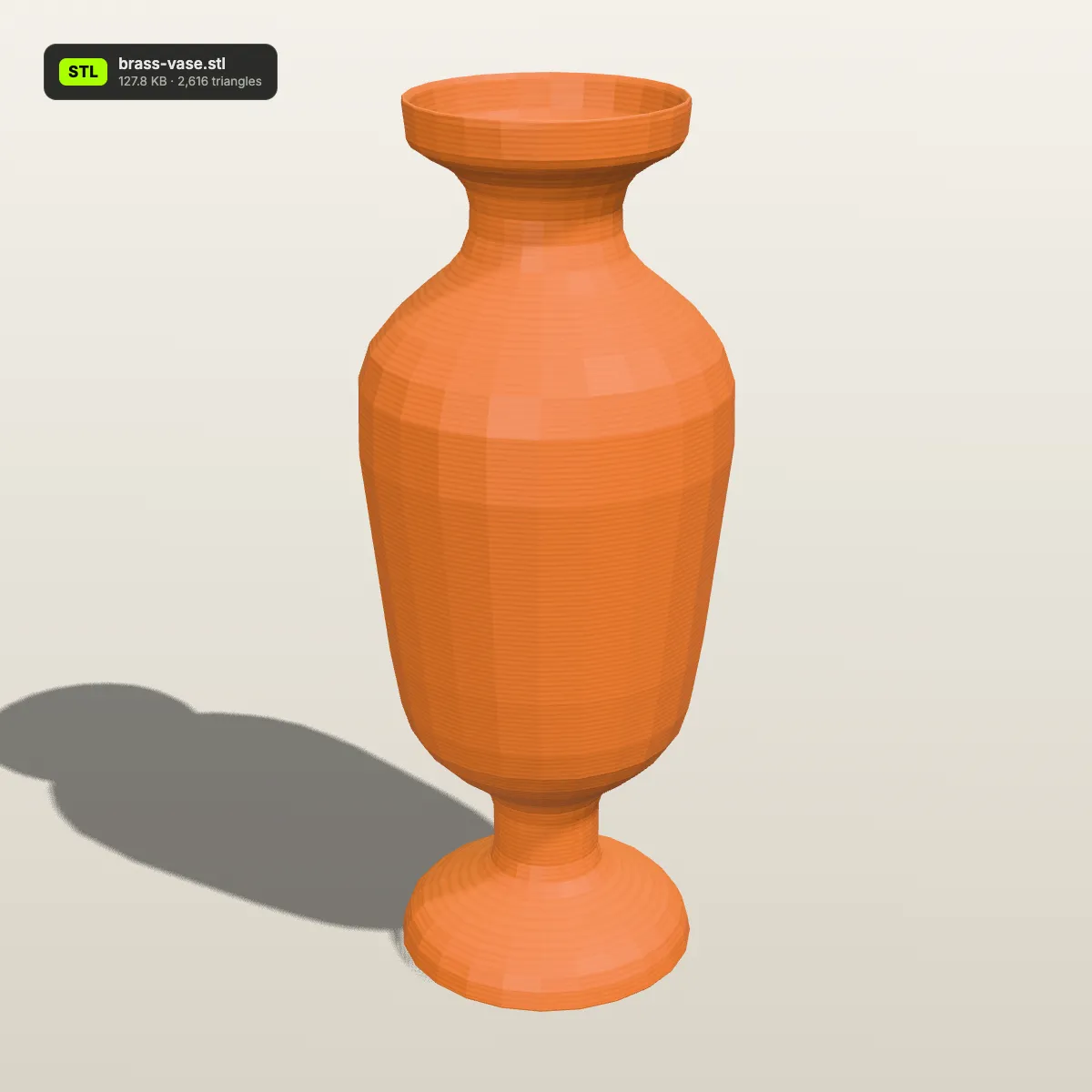
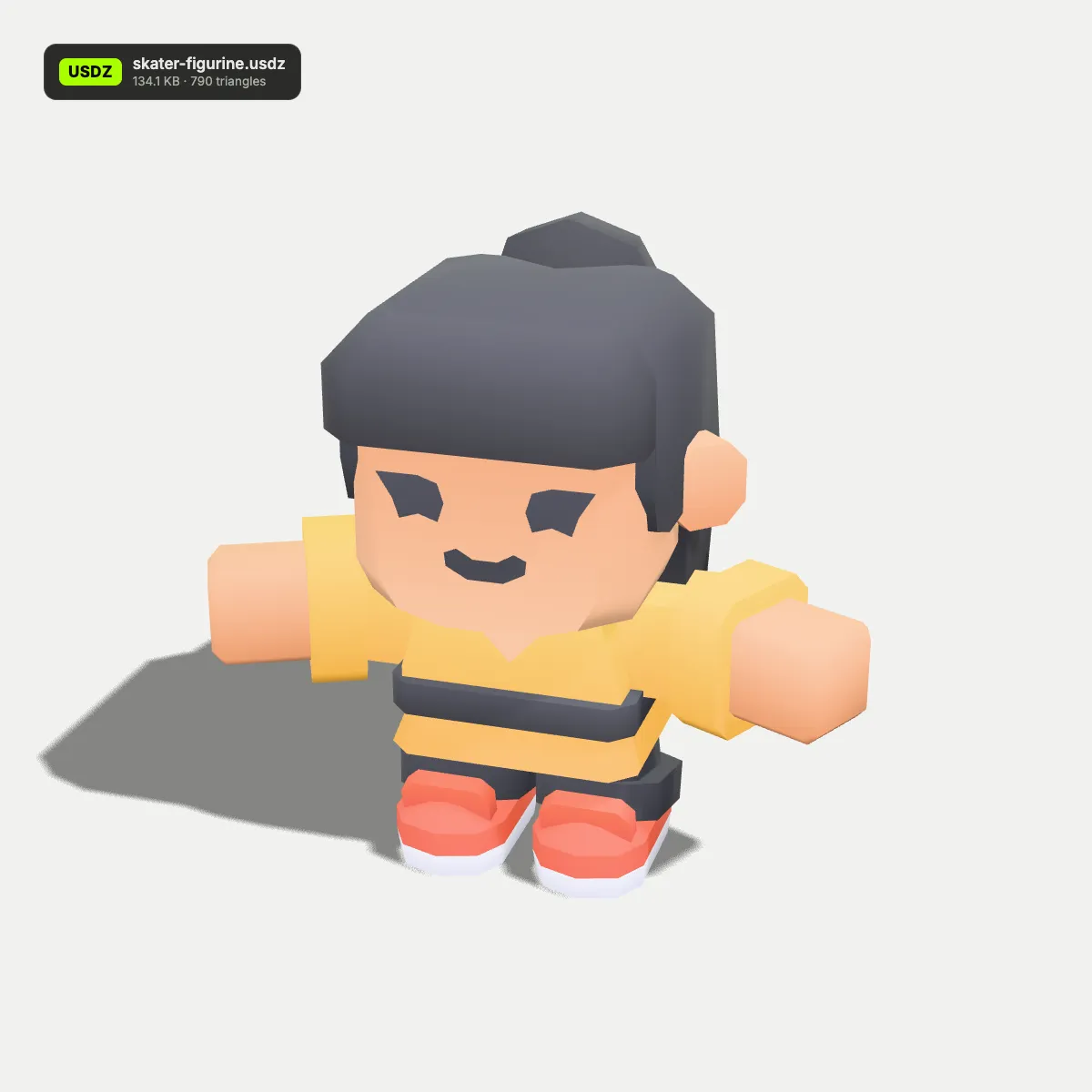
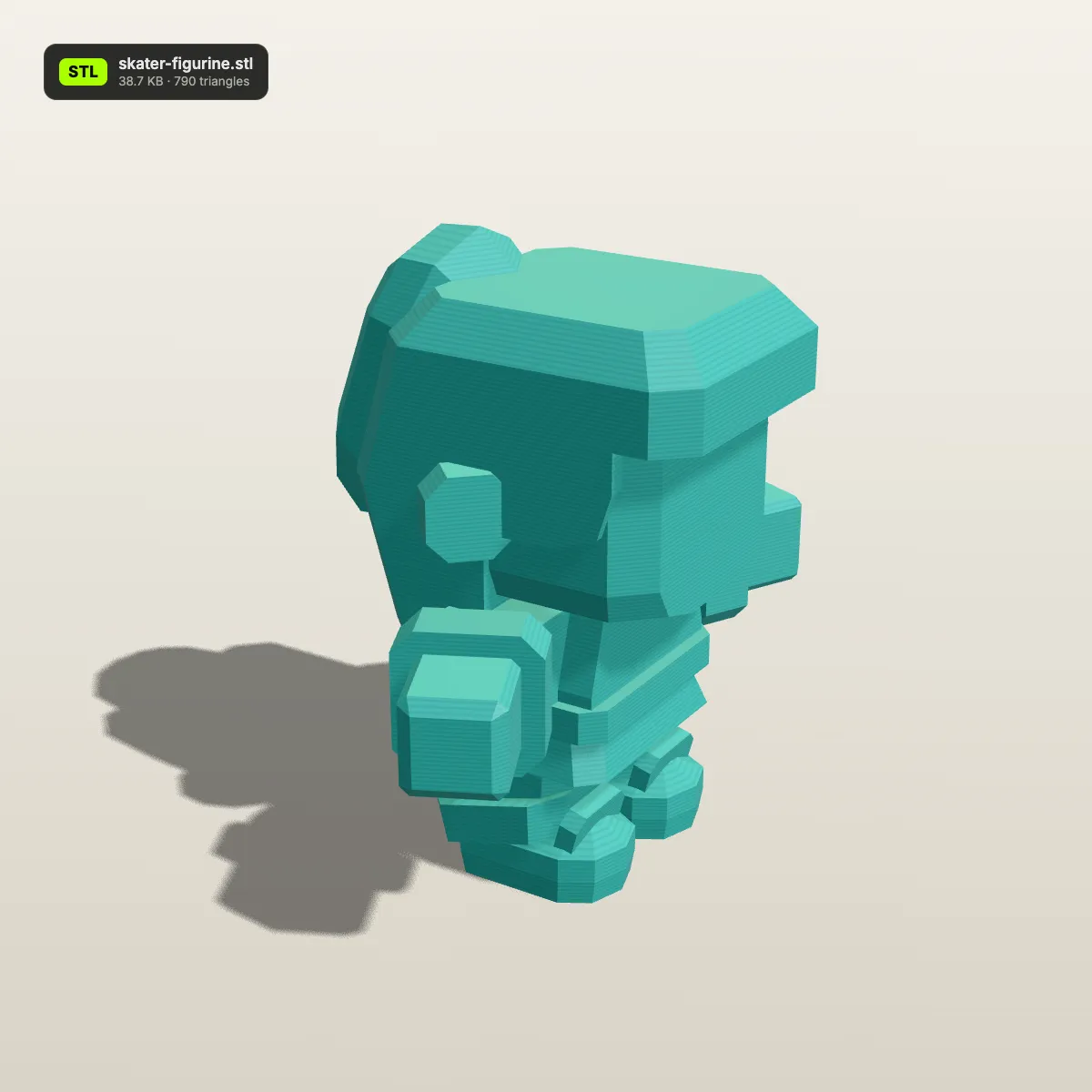
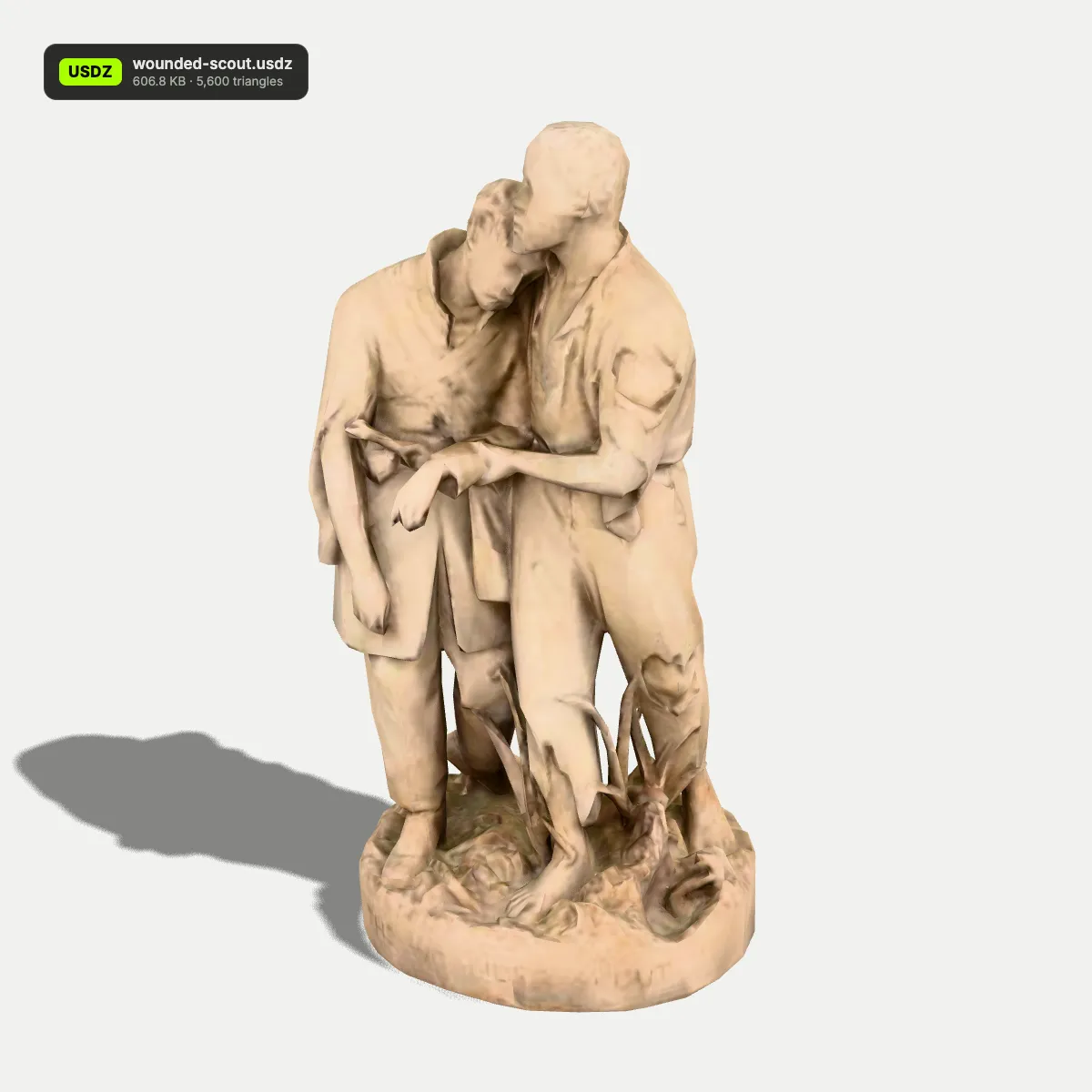
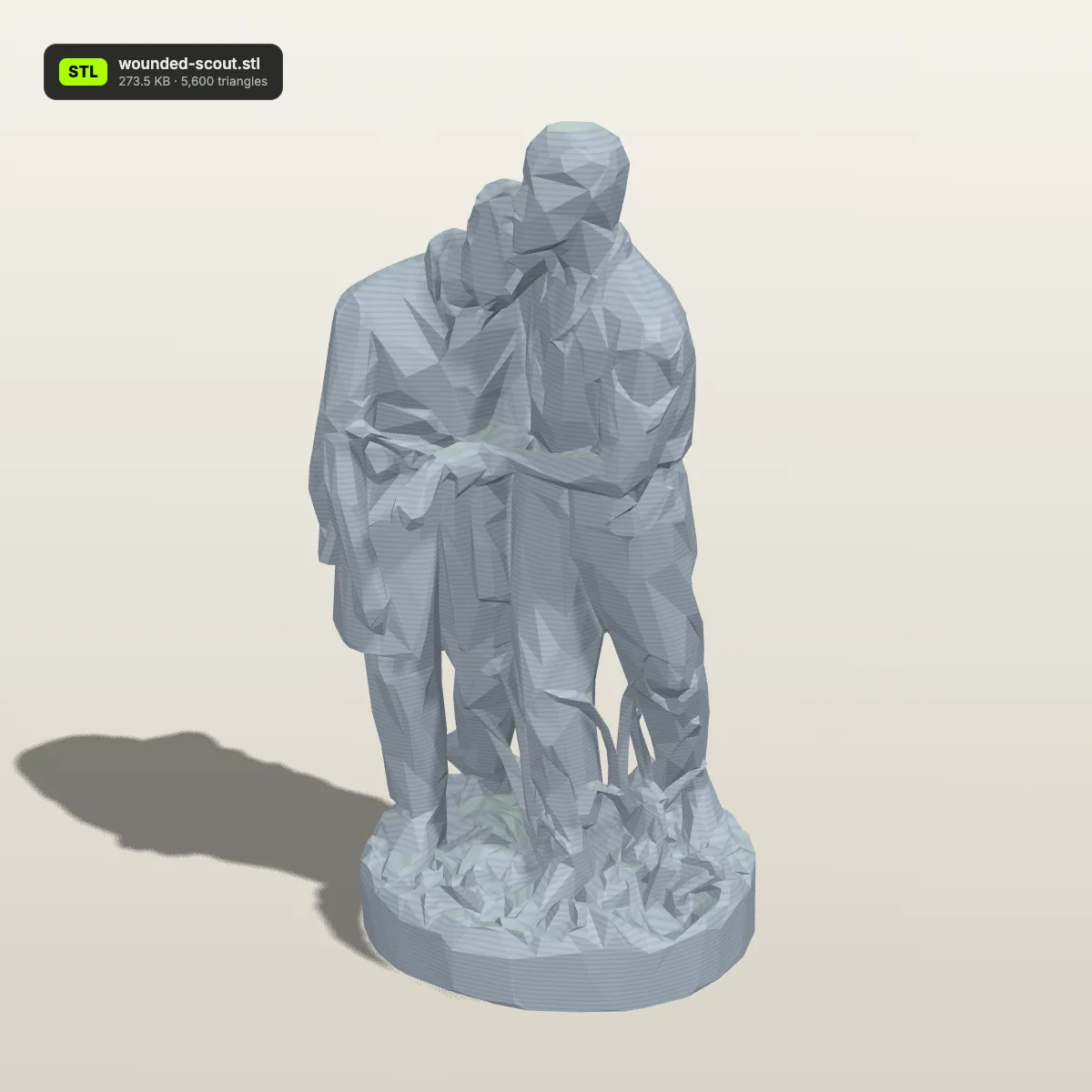
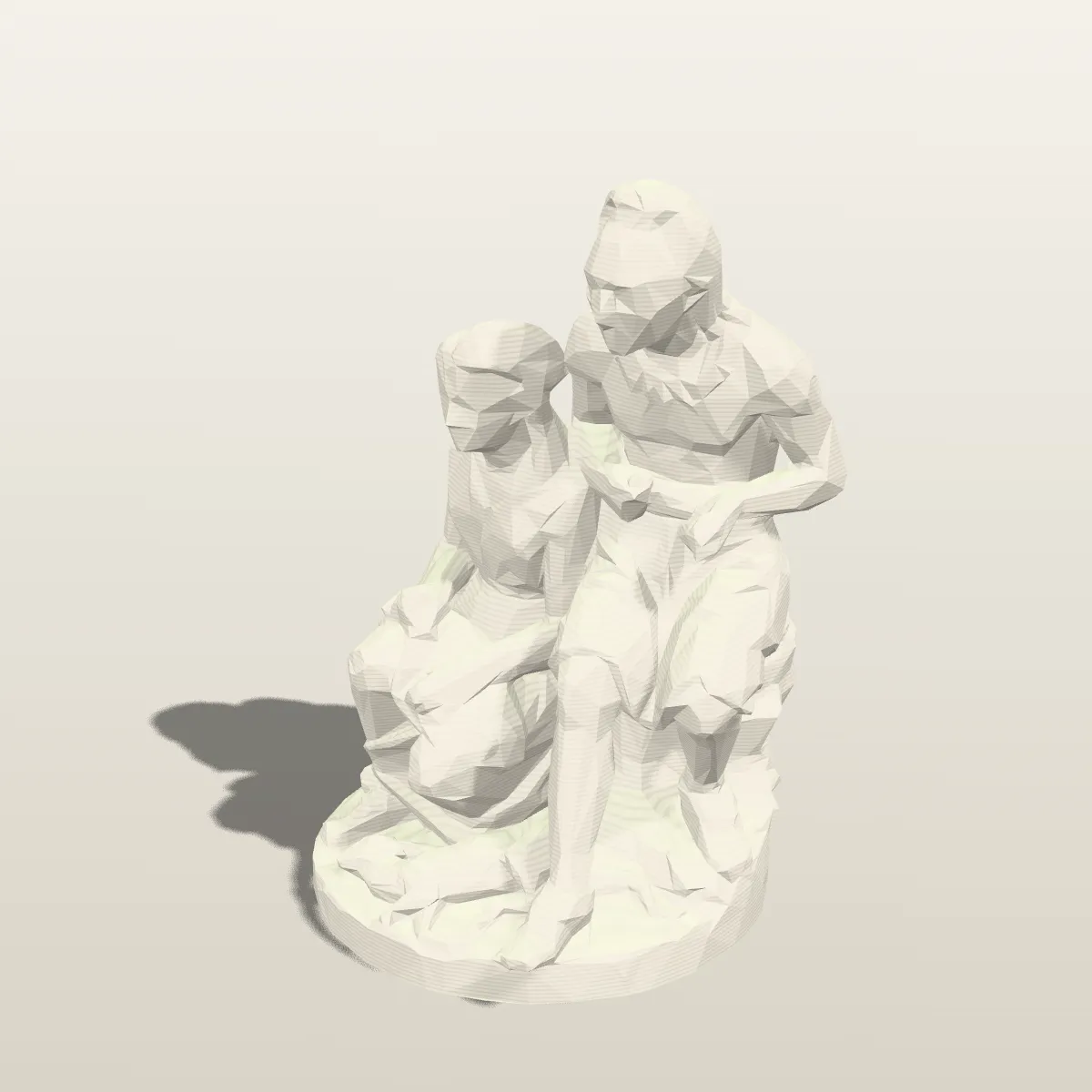
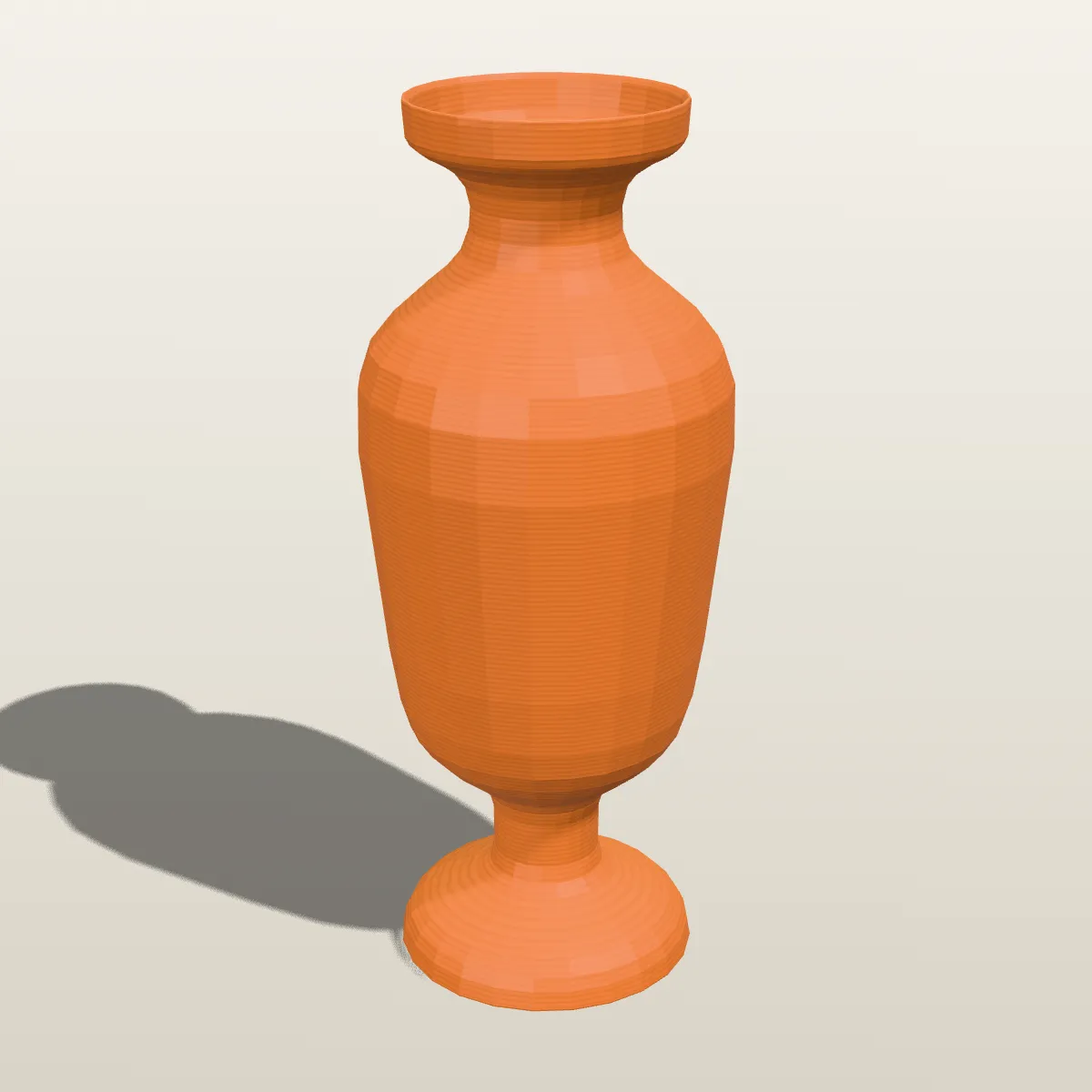
USDZ to STL examples, rendered as prints
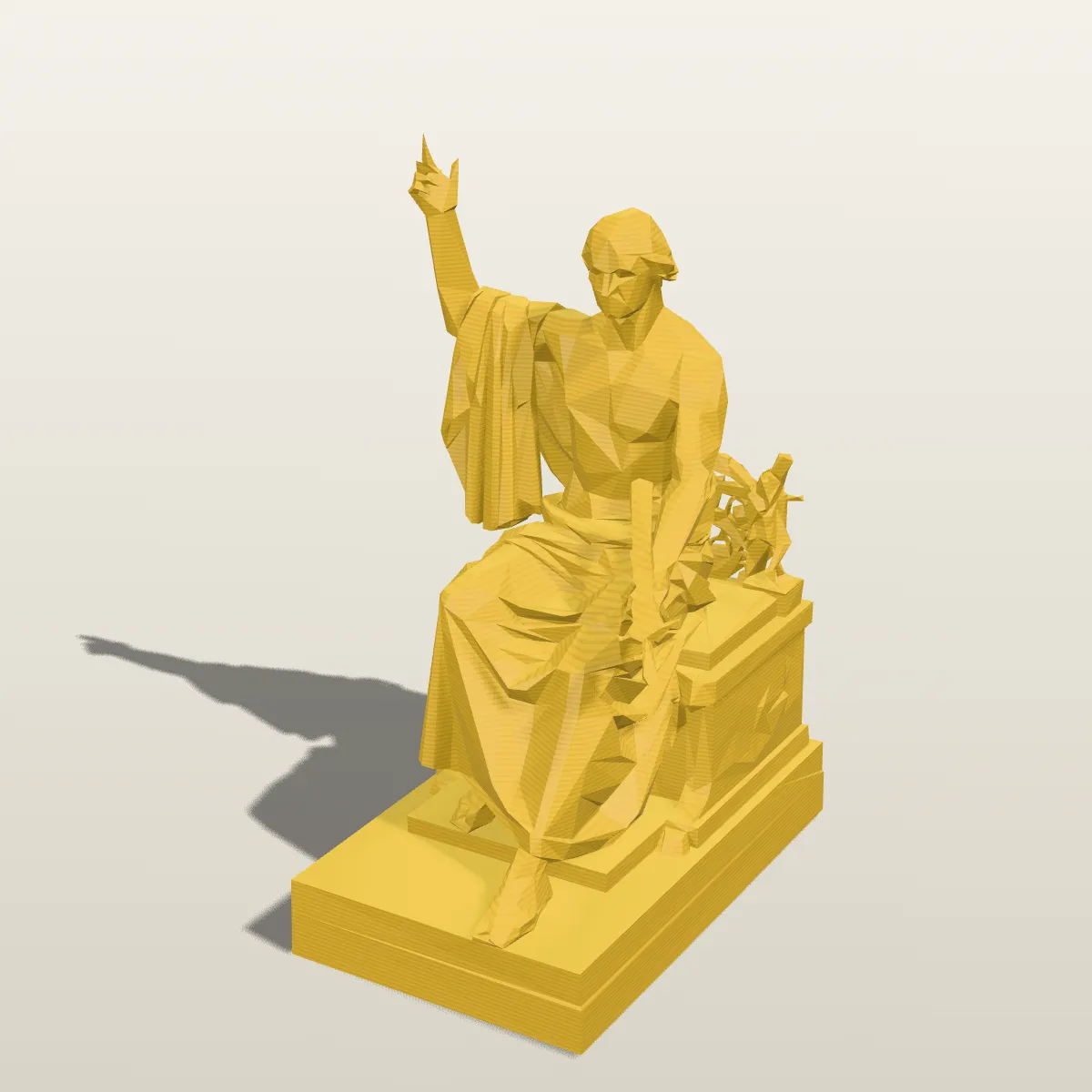
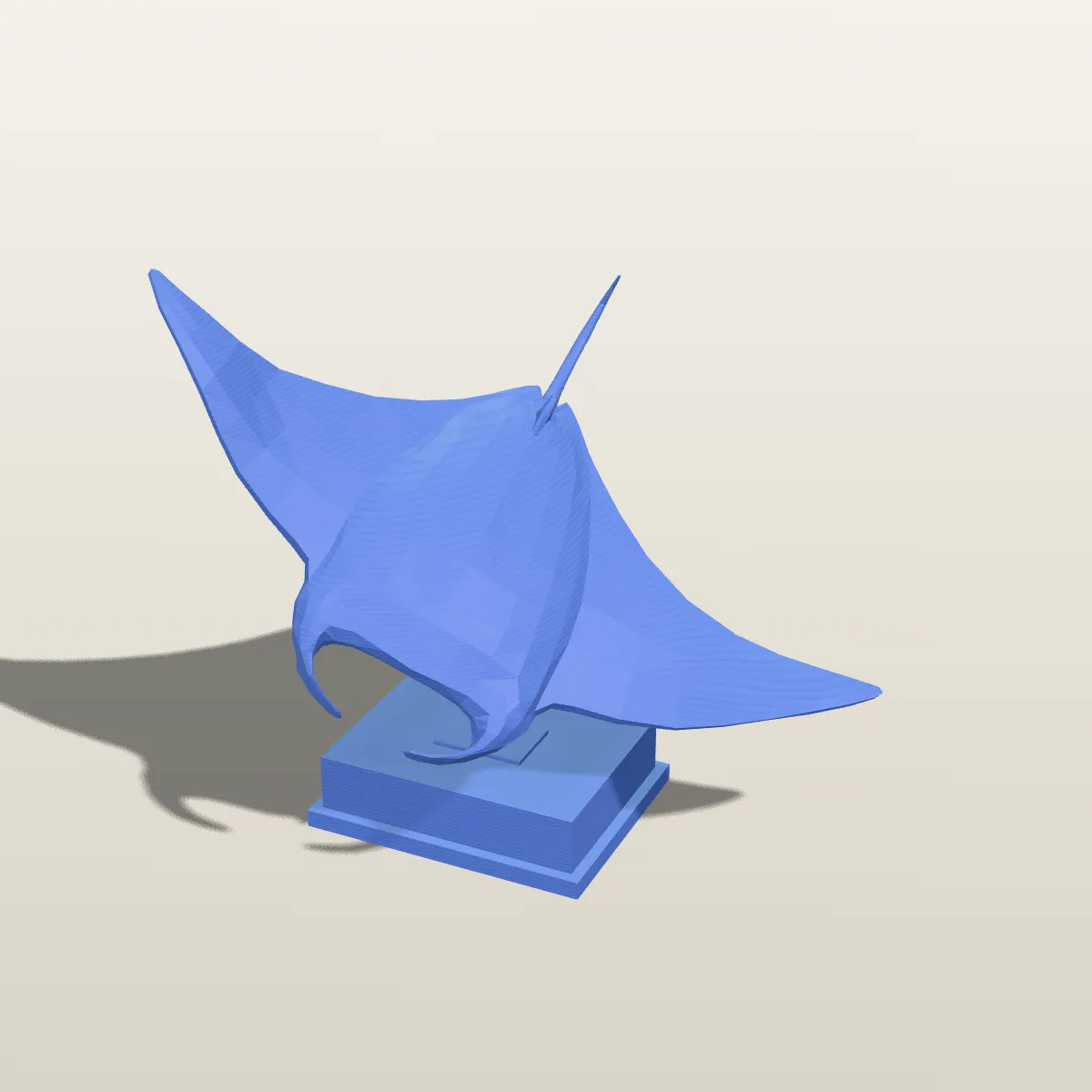
Eight models converted from USDZ to STL on this page and rendered as single-colour PLA prints with visible layer lines: museum scans from the Smithsonian’s CC0 collection, textured props from Poly Haven and Kenney toy figures. File sizes and triangle counts are the converter’s own.
How to convert USDZ to STL
- 11
Drop the .usdz file
Drag the scan onto the drop area or click it to browse. The model loads into the 3D preview on the right, textures and all, so you can check it is the right file. Anything up to 200 MB will load.
- 22
Click Convert to STL
The meshes are merged, turned so the model stands on the Z axis and scaled from the file’s units to millimetres. When it finishes, the result line shows the file name, its size and the triangle count.
- 33
Download STL and slice it
Download STL saves the file. Open it in Cura, PrusaSlicer, Bambu Studio or OrcaSlicer and it appears at the object’s real size; scale it down if it is bigger than your build plate, or up for a larger copy.
What carries over from USDZ to STL
STL describes nothing but triangles, so most of what a USDZ package carries has no place in it. This is what a USDZ to STL conversion does with each part.
| In the USDZ | In the STL you download |
|---|---|
| Meshes, references and GeomSubsets | Kept as triangles. Every mesh in the package, including geometry pulled in by references and faces split into material subsets, goes into one binary STL |
| Cube, Sphere, Cylinder, Cone and Capsule prims | Turned into triangle meshes and included |
| Scale (metersPerUnit) | Converted to millimetres, the unit slicers expect: a 0.2 m object measures 200 mm |
| Up axis | Y-up and Z-up stages both come out Z-up, standing on the build plate |
| Textures, material colours, UVs | Not written; STL has no colour or texture data. Relief that exists only in a normal map does not become geometry |
| Skeletons and animation | Not written. The model is saved in one pose and the result line says “Static mesh, animation not included” |
| Point instancers and subdivision surfaces | An instancer’s prototype is written once, without its copies; a subdivision mesh is written as its control cage |
| Curves, NURBS, points, volumes, files outside the package | Not read. If nothing else is left, the converter reports that it found no mesh |
| Cameras and lights | Dropped |
What people print after USDZ to STL
Replicas of things you scanned
Object Capture in Reality Composer, Polycam and Scaniverse can all save USDZ. Take the iPhone 3D scan to STL here and print a copy of a figurine, a sculpture or a worn-out part at the size you captured, or as a scaled-down keepsake.
Fit checks against a real object
Because the STL is in millimetres from the start, a scanned bottle, tool handle or bracket can serve as the reference body for a cap, holder or mount you model around it, with no guessing at the scale.
Heritage scans for the classroom
Statues and artefacts captured with photogrammetry, like the CC0 Smithsonian models on this page, make good desk-sized prints for teaching or display once they are STL files.
Physical mock-ups of AR products
Shops and designers publish products as USDZ for AR Quick Look. Printing one gives you something to hold, so you can judge proportions or test packaging before the real item exists.
USDZ to STL questions
Drop the .usdz on the converter at the top of this page, click Convert to STL, then Download STL. The conversion happens in your browser, it is free, there is no sign-up, and files up to 200 MB work.
Yes. Going from an iPhone 3D scan to STL takes three steps: save or share the scan as USDZ, convert it here, and open the STL in your slicer. It arrives at its scanned size in millimetres, in one colour, since STL keeps no texture. Photogrammetry meshes sometimes have holes or loose fragments, so repair the mesh if the slicer reports errors, and shrink very dense scans with our STL reducer before slicing.
The size of the real object. USDZ records how long one unit is (metersPerUnit) and the converter multiplies it out to millimetres: the brass vase sample opens 200.4 mm tall, the marble scan 515.1 mm. That second one is taller than most desktop build volumes, so scale it in the slicer; at 40 % it is about 206 mm.
Windows has no built-in app for USDZ, but a browser is enough: drop the file on this page and the preview shows it in 3D with its textures, or use our STL viewer, which reads USDZ as well. To work on it in Windows software, convert it, to STL for printing or to OBJ or FBX for Blender and other 3D programs.
Nowhere: an STL file stores only the surface triangles. The colour map, normal map and material colours of the USDZ have no place in it, and fine relief that existed only in a normal map, like the vase’s engraving, is not part of the mesh. For a coloured copy, the USDZ to OBJ converter bakes the colours into the vertices instead.
No. JavaScript running on your own device reads the package and writes the STL, so no server ever receives the file. That matters when the scan shows a face, a room in your home or a product that is not public yet.
Related tools




Nothing scanned yet?
Ship3D’s AI generator builds a 3D model from a single photo, and you can download it as STL straight away, with no USDZ to STL step in between.
Free to sign up, no credit card required. Try it once for free.