GLTF to STL Converter
Web 3D Models, Ready for Your Slicer
This GLTF to STL converter takes a .gltf model, the JSON flavour of the glTF 2.0 format used by web viewers, three.js scenes and AI 3D generators, and writes a binary STL your slicer can print.

GLTF → STL
Drop a 3D model file to preview it in 3D before converting.
Everything happens in your browser with three.js, so the file is never uploaded and you don’t need an account. glTF is Y-up while slicers work Z-up, so the model is rotated on the way and stands on the bed the way it stood in the viewer. Every mesh in the scene is merged into one STL at its own position, and Draco- or Meshopt-compressed geometry is decoded first. The converter needs a self-contained .gltf, with its buffers embedded as data URIs; a .gltf that points to a separate .bin file can’t be read from one dropped file, so drop the .glb version of the model or embed the buffers first. Two things an STL simply can’t hold: colours and textures are left out, and the metre-based size of glTF usually needs scaling in the slicer.
Try GLTF to STL with a sample file
Two self-contained .gltf files with every buffer embedded, ready to drop: a textured rubber duck from Poly Haven (CC0) and NASA’s shape model of asteroid Bennu (public domain). Load one with Try it to watch the textures disappear and the shape remain, or download it to read the JSON yourself.
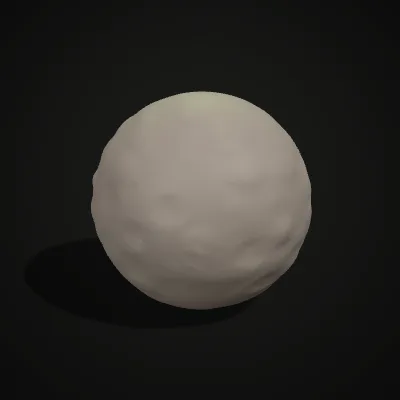
Watch a rubber duck go from glTF to STL
An 11-second recording of the real converter with the rubber-duck sample: the 216.4 KB .gltf, three textures packed inside, is dropped in and its orange preview turns. One click on Convert to STL and the result reads rubber-duck.stl · 209.5 KB · 4,288 triangles, then the STL downloads. The duck keeps every triangle; its colours stay behind in the glTF, since STL stores shape only.
From glTF to STL: the paint comes off, the shape stays
Each pair starts with a textured or coloured .gltf (left) and ends with the STL the converter writes, placed on a build plate and scaled to 80 mm for the picture (right). The triangle counts in the labels match, so the surface of a scanned rock or a NASA shape model reaches the slicer in full; only the colour is gone.
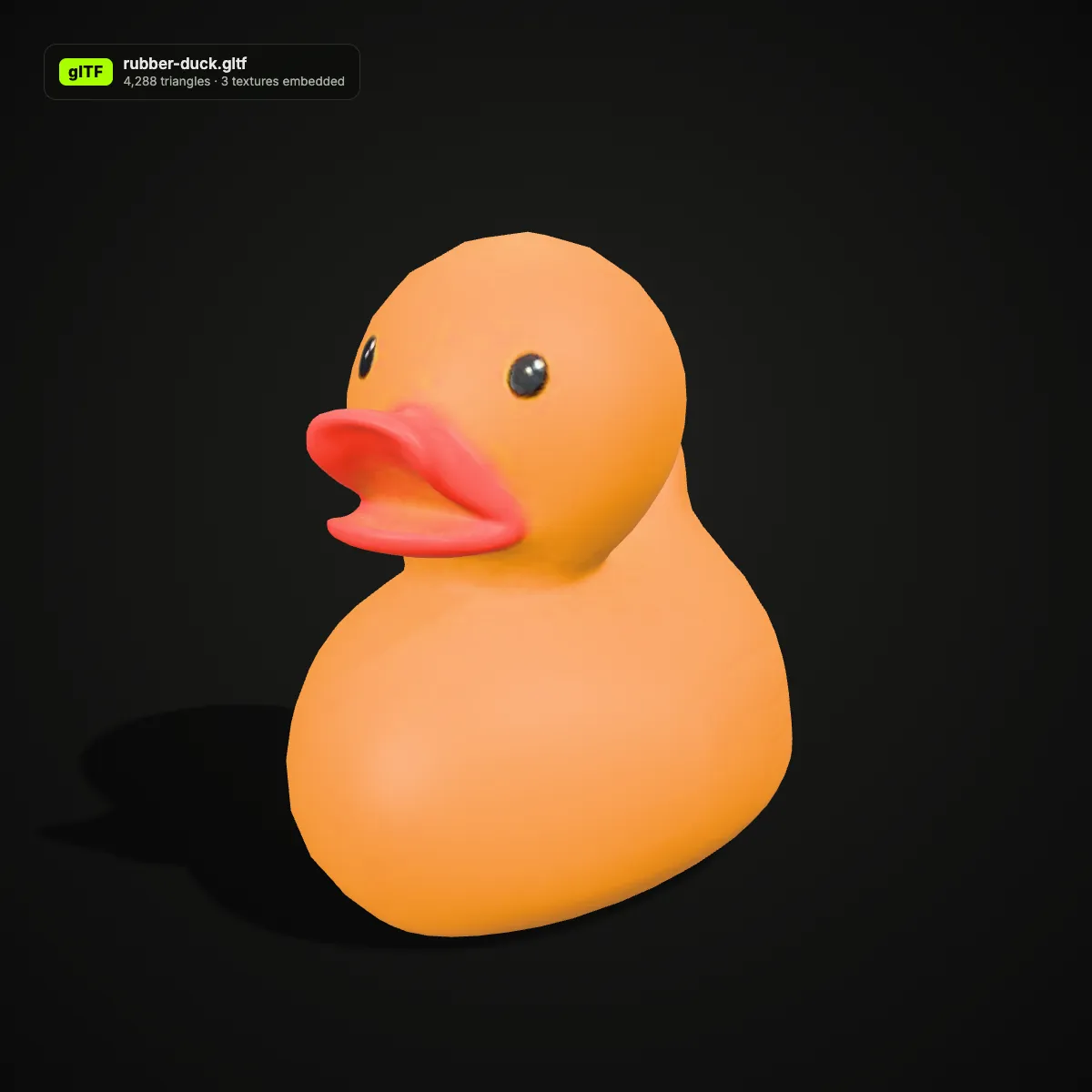
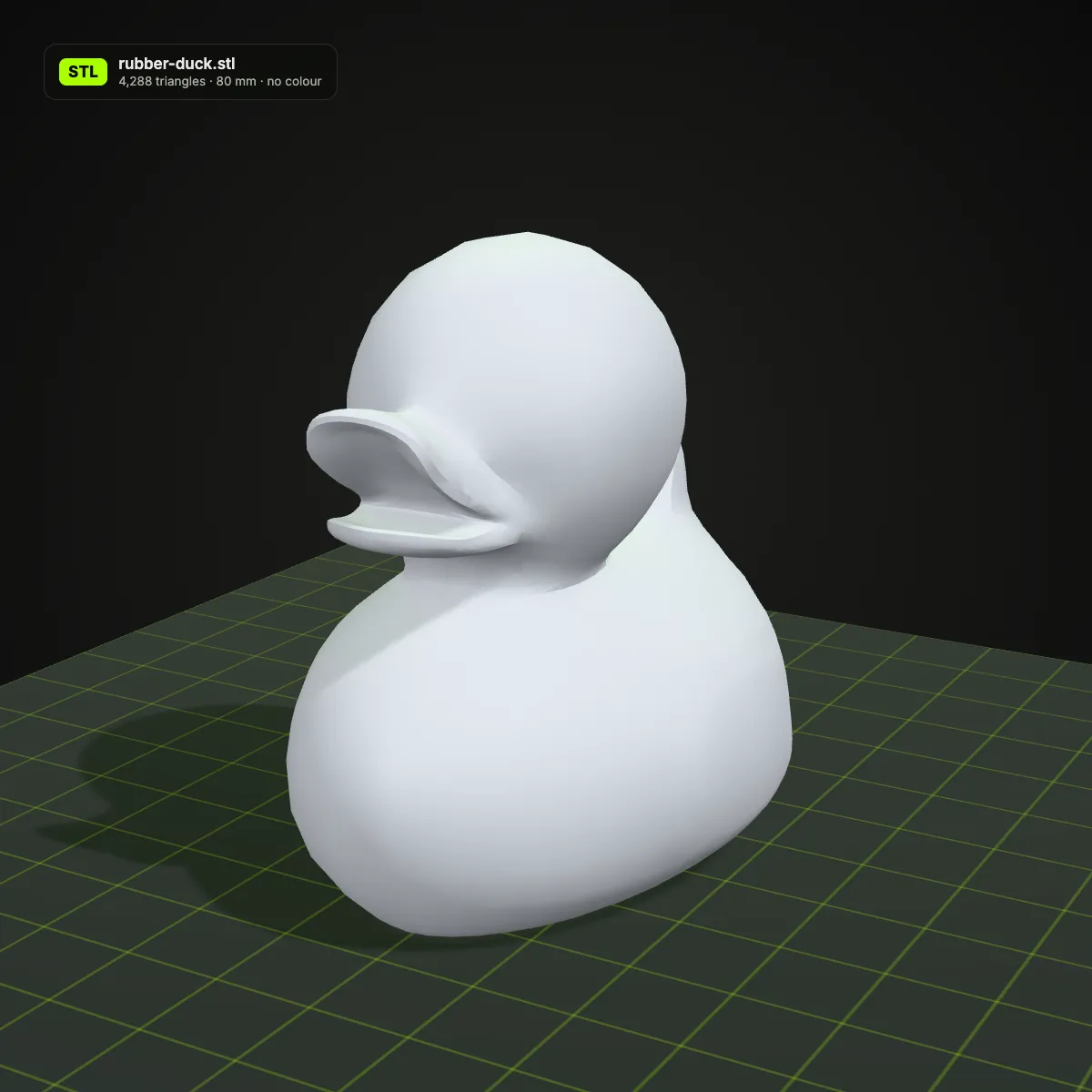
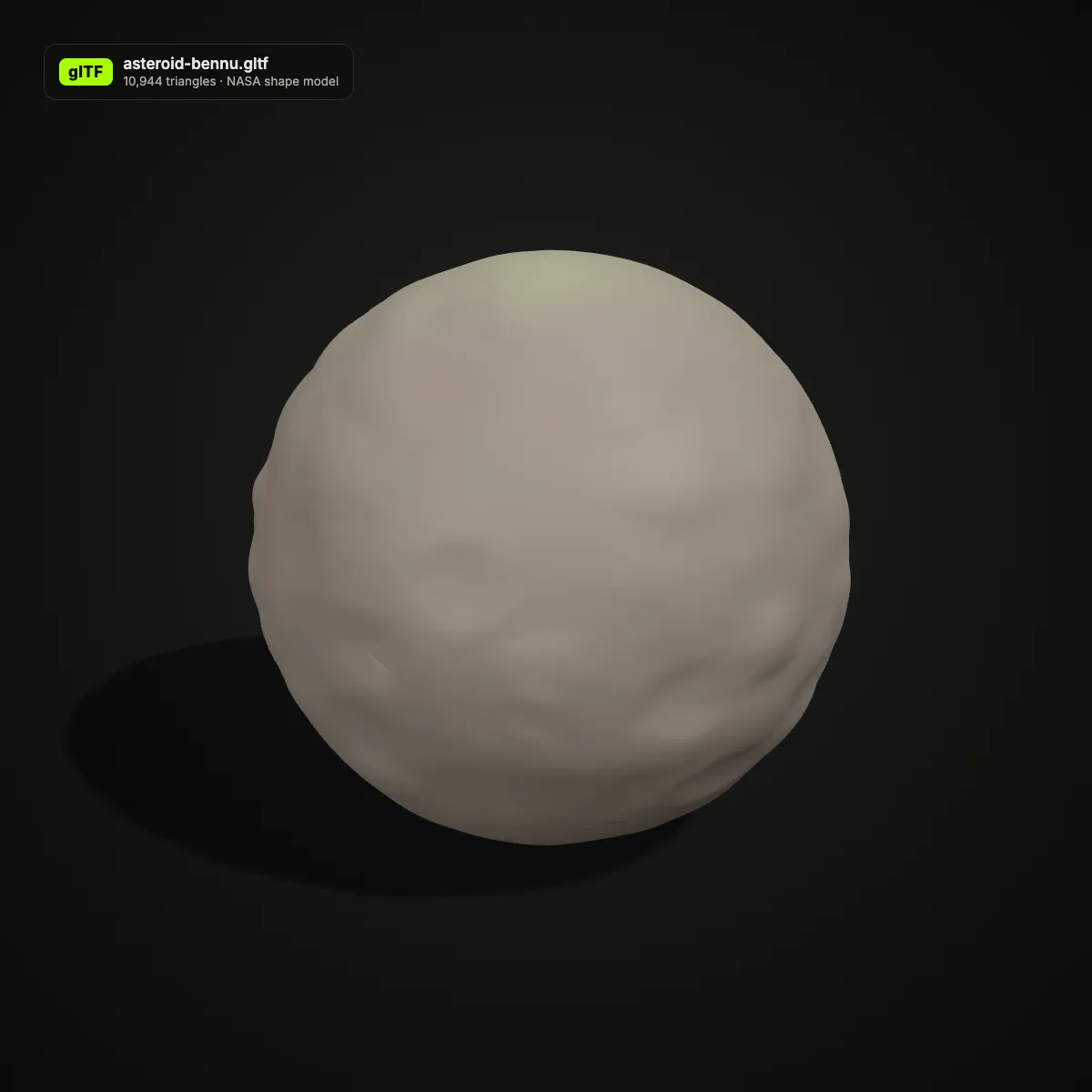
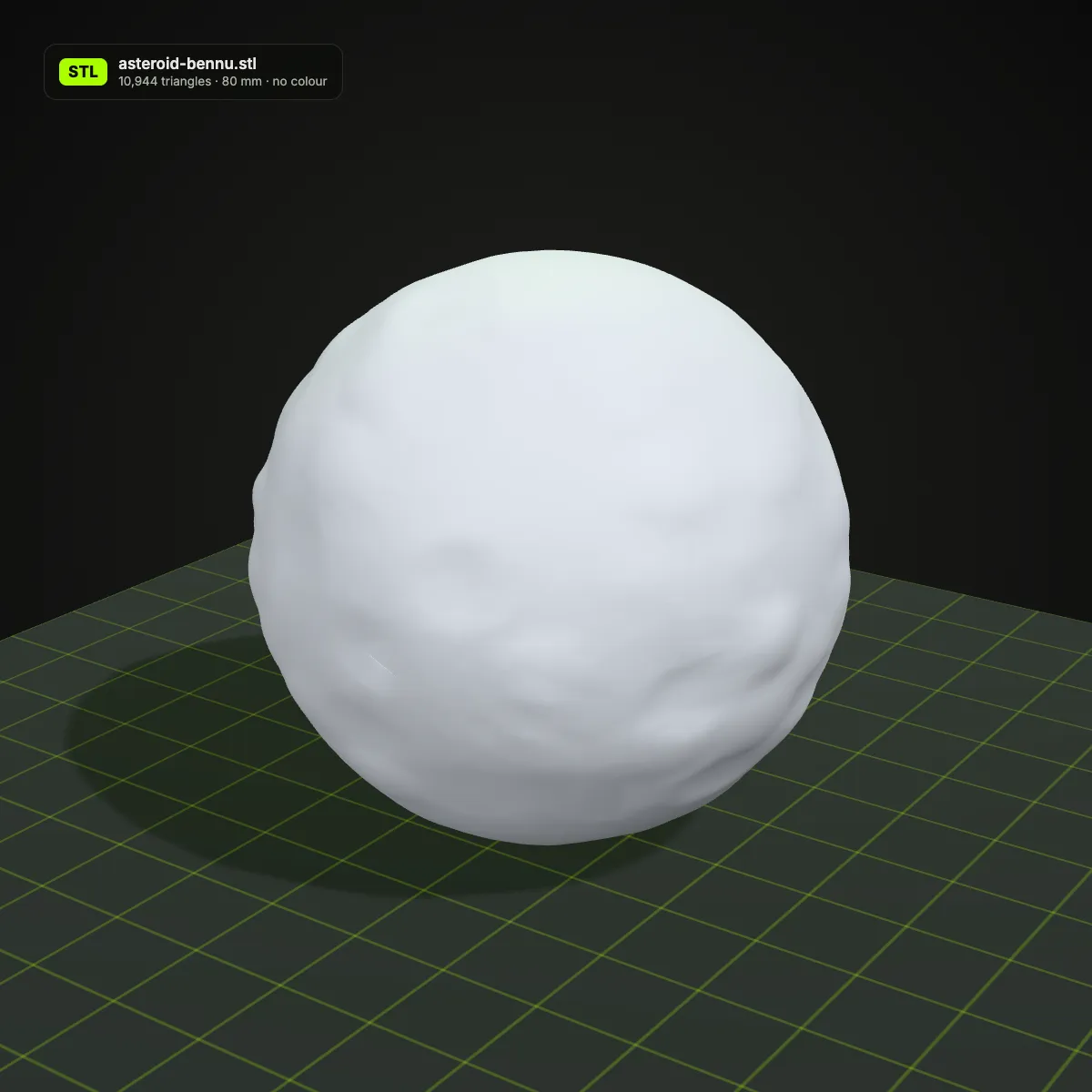
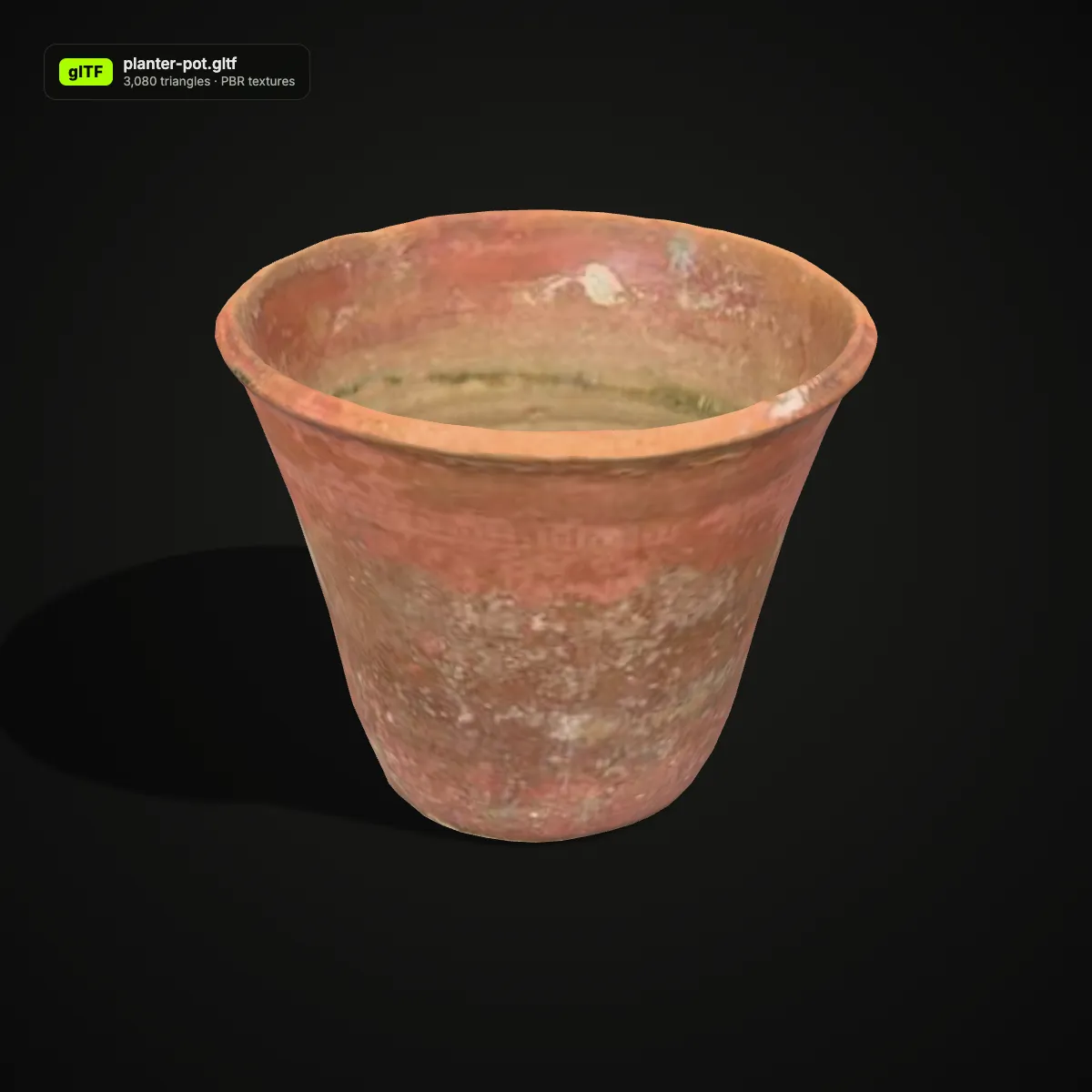
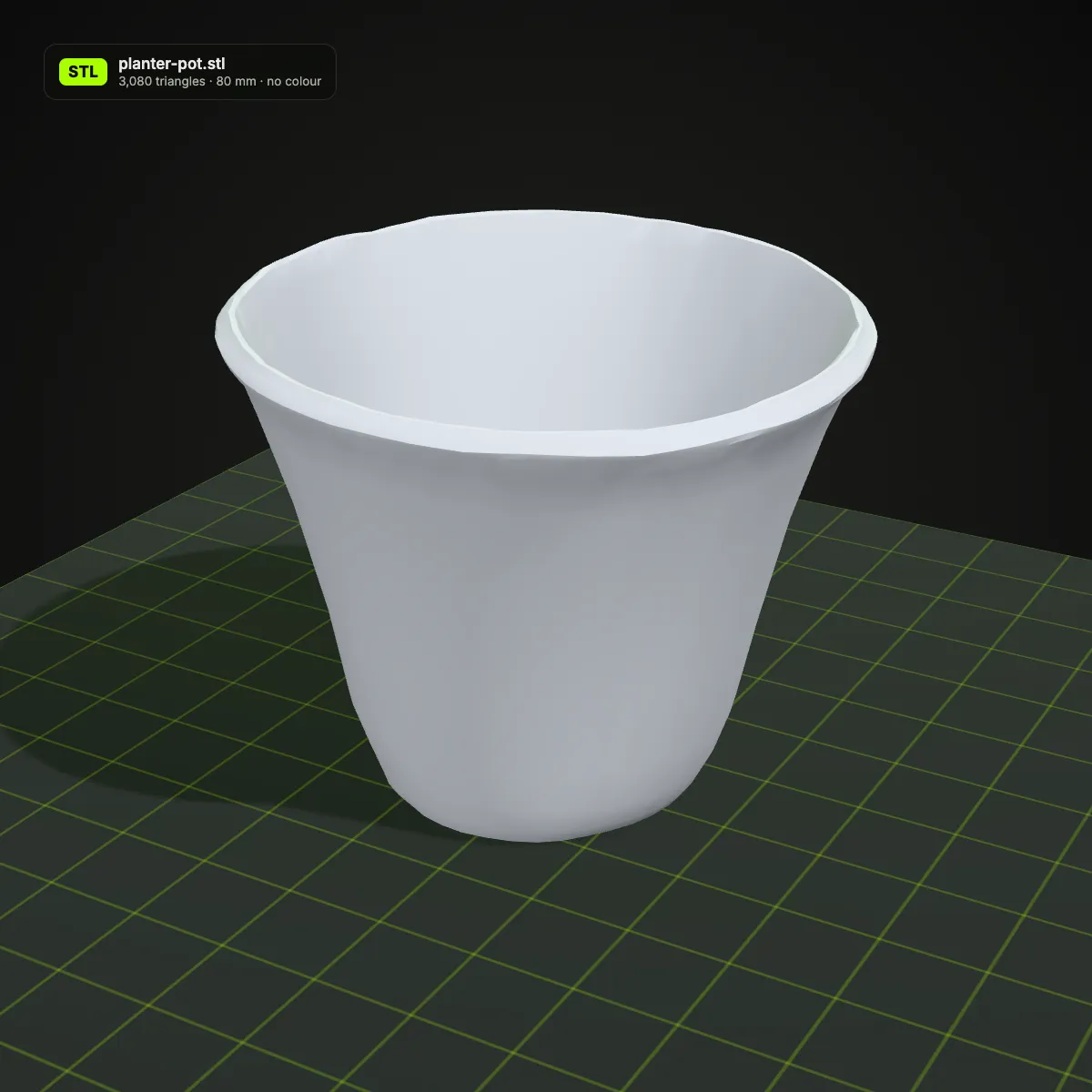
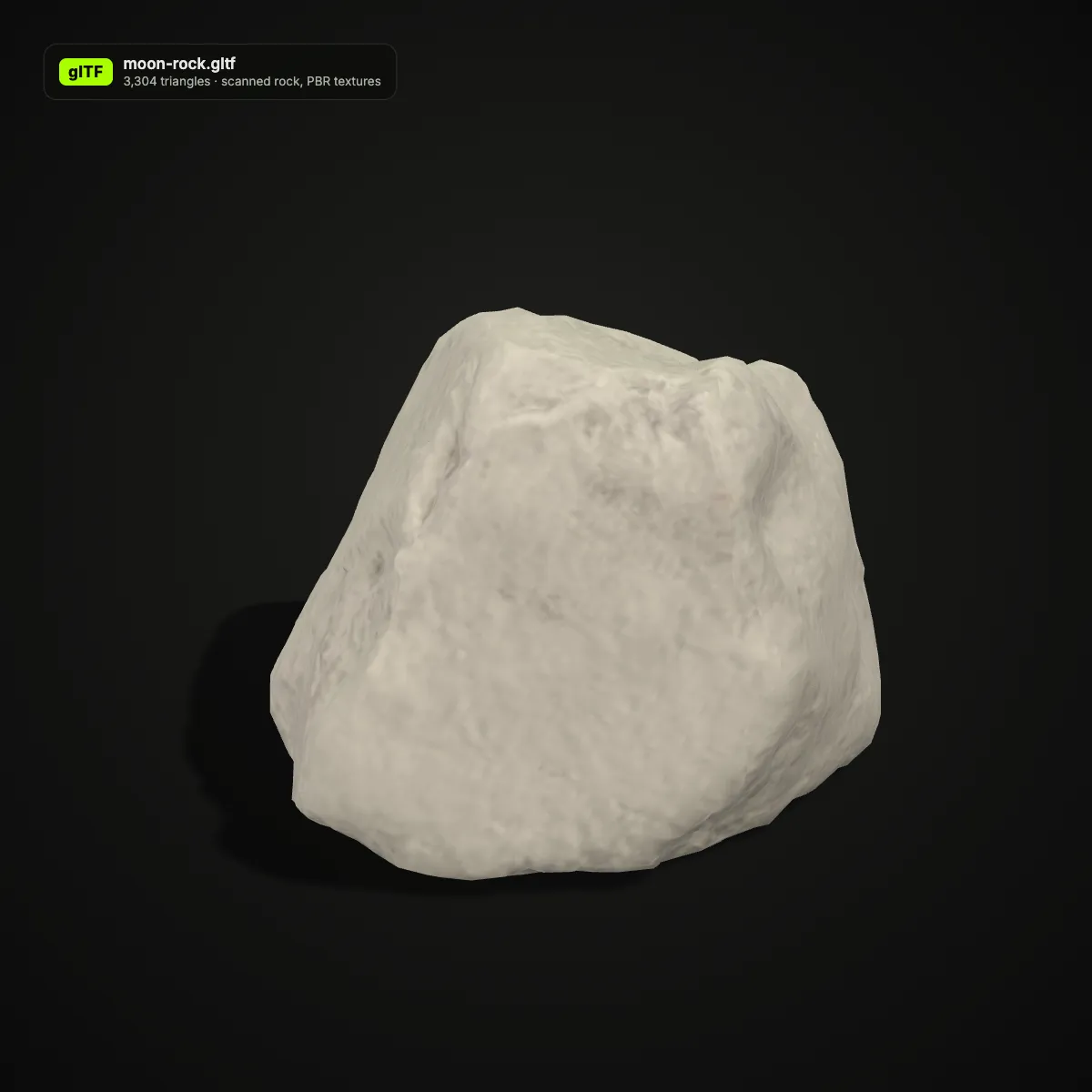
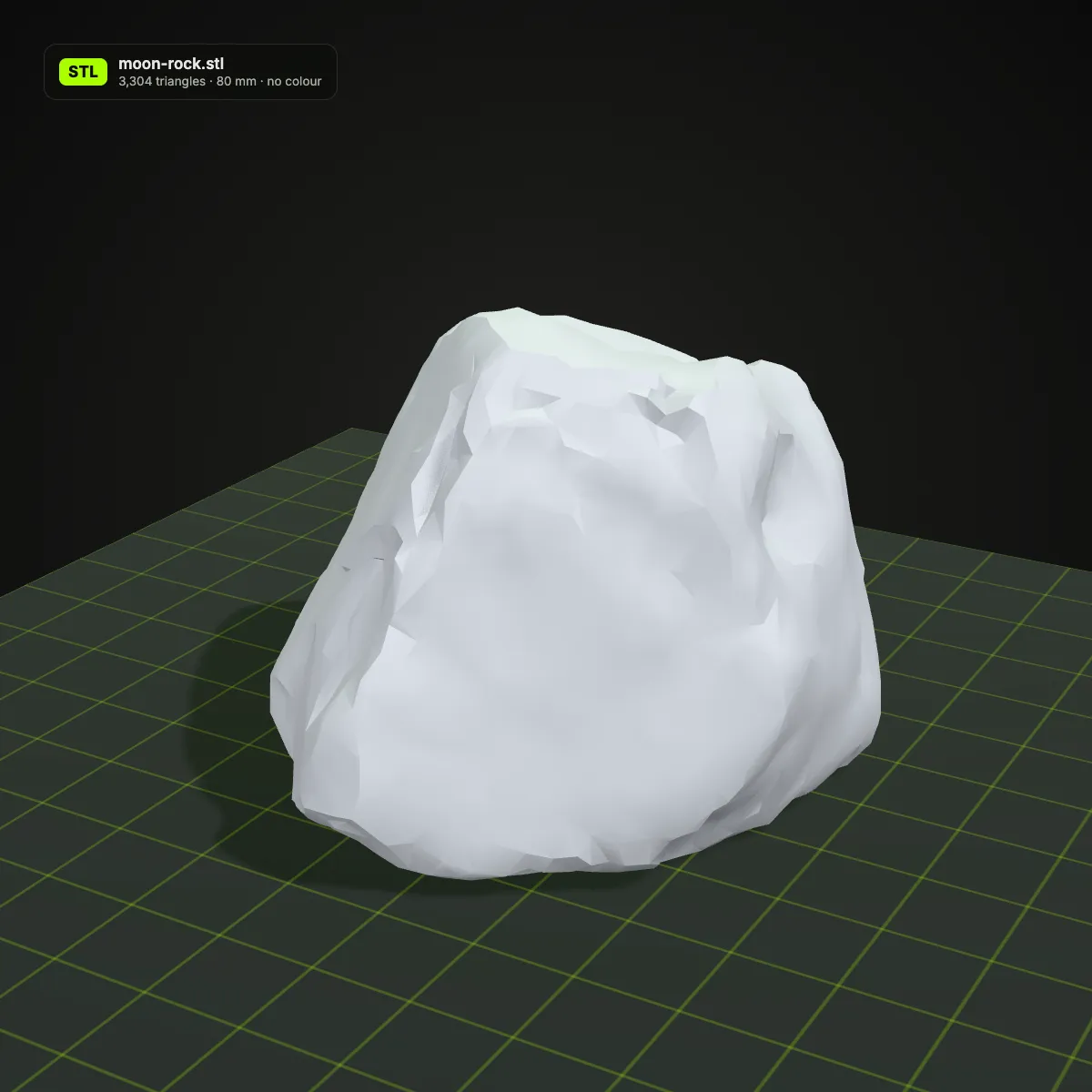
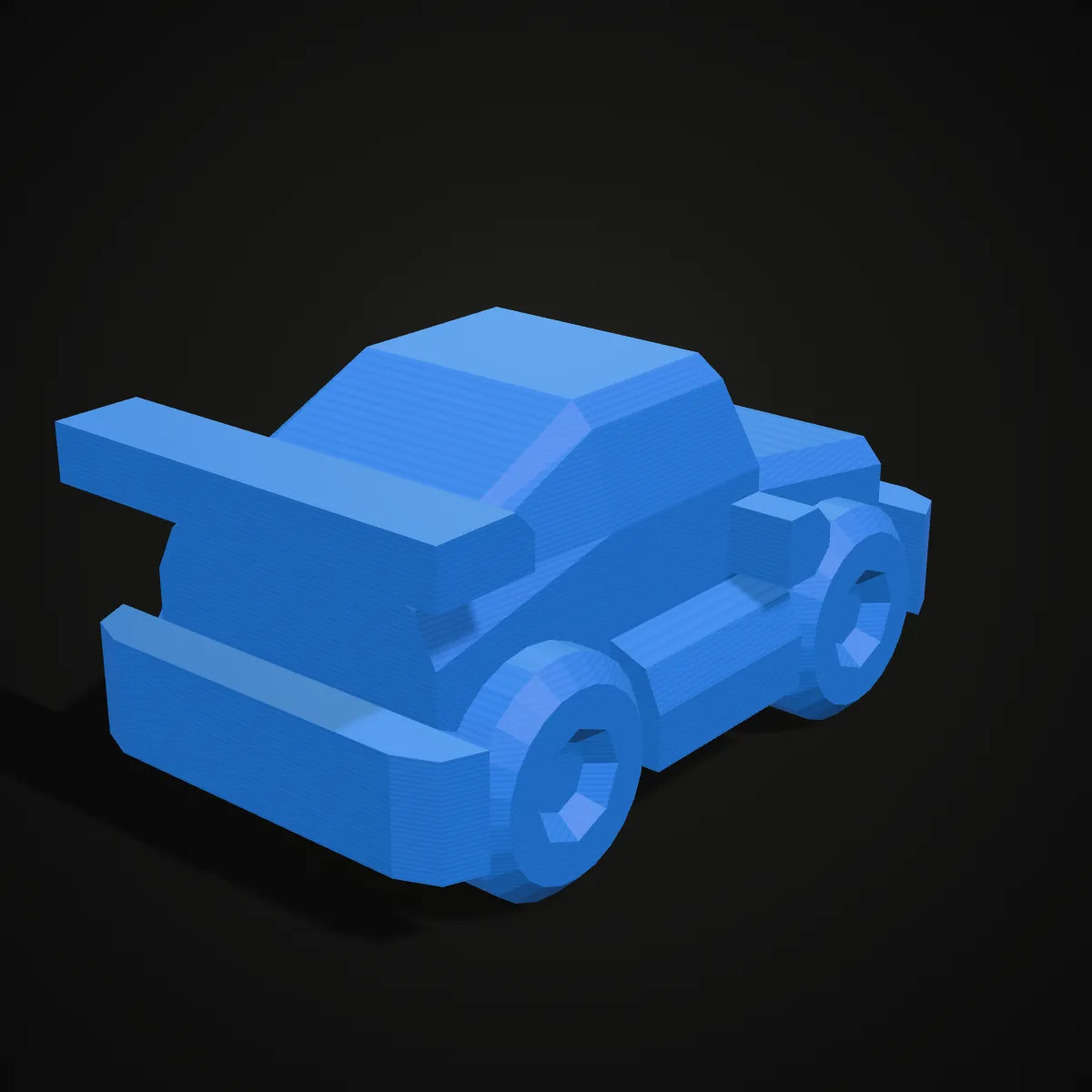
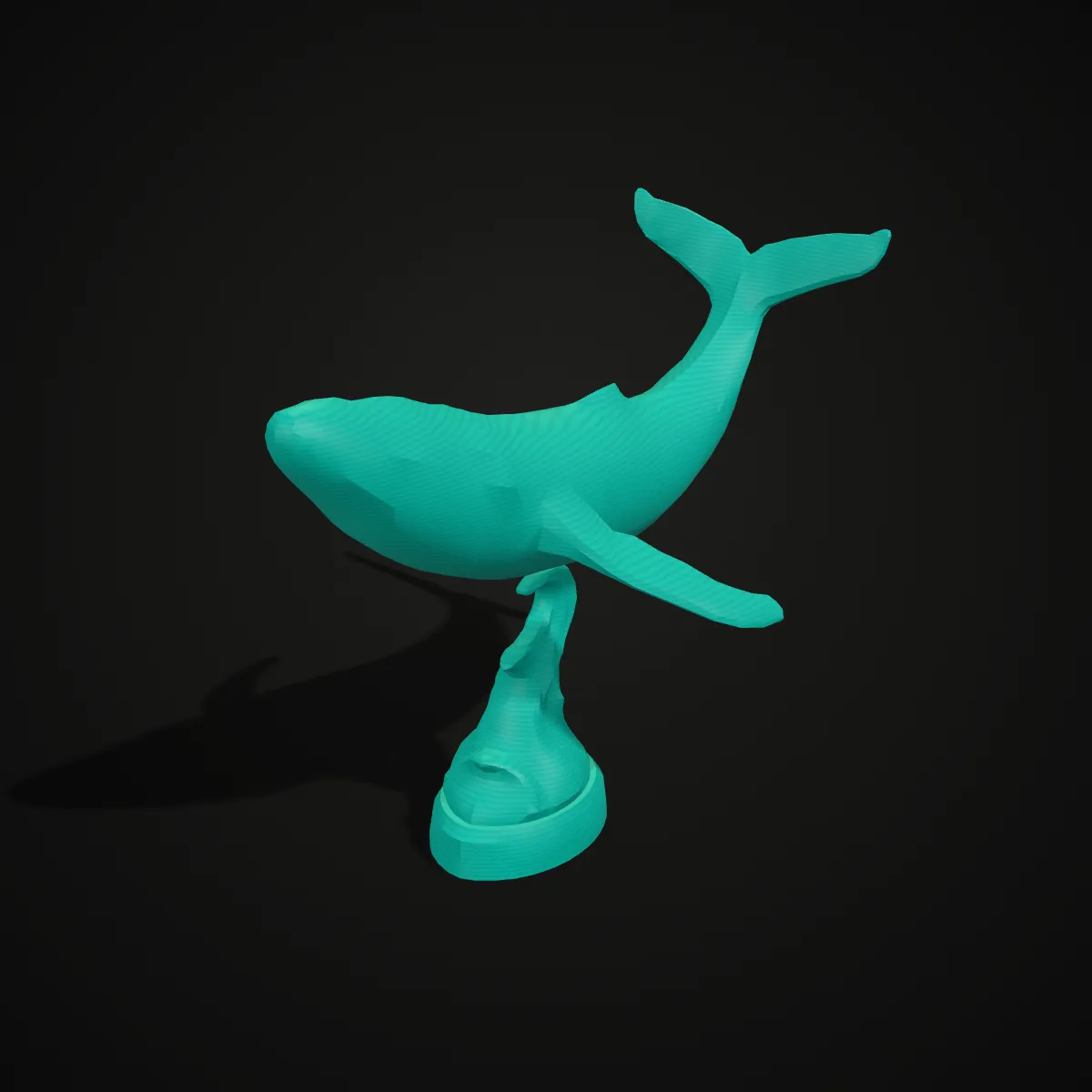
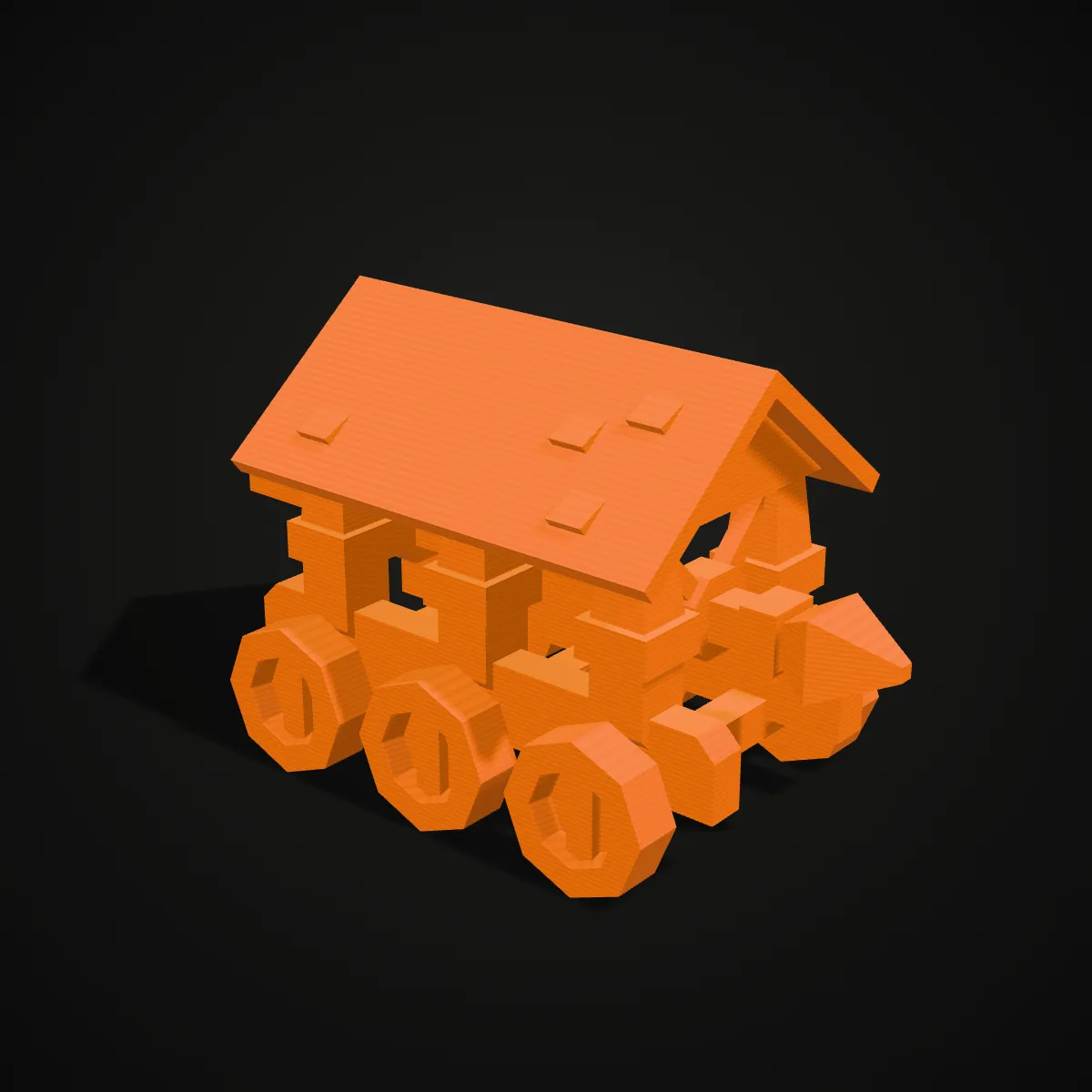
GLTF to STL examples, rendered as PLA prints
Eight glTF models from Poly Haven and Kenney (both CC0), converted to STL and rendered as single-colour PLA prints. Scanned food and decor, a statue on a stand and low-poly toys cover the kinds of glTF files that end up on a printer.





How to convert GLTF to STL
- 11
Drop a self-contained .gltf
Drag the .gltf onto the converter or click to choose it. If the file names a separate .bin for its geometry, use the .glb export of the same model instead; missing texture images don’t matter here, because the STL ignores them anyway.
- 22
Preview, then convert
The model renders in a turning 3D view with its original colours, so you can confirm it is the right file. Press Convert to STL and the scene is turned Z-up and merged into one mesh.
- 33
Download, then scale in the slicer
The result line lists the name, size and triangle count. Open the binary STL in Bambu Studio, PrusaSlicer or Cura and set the size: glTF counts in metres, while slicers read the numbers as millimetres.
What a GLTF to STL conversion keeps and drops
A glTF file describes a whole scene for real-time rendering; an STL is a bare list of triangles. This is what becomes of each part of the .gltf.
| In the .gltf file | In the STL you download |
|---|---|
| Meshes in every node of the scene | Merged into one binary STL, each mesh at its place in the scene; triangle count unchanged (4,288 on the duck) |
| Up axis (+Y in glTF) | Rotated to Z-up, so the model stands on the build plate instead of lying on its back |
| Units (metres) | Numbers kept as they are. Slicers read STL as millimetres, so the 0.29 m duck opens 0.29 mm tall: scale it by 1000 or to the size you want |
| Draco or Meshopt compression | Decoded before export; the STL itself is uncompressed, at 50 bytes per triangle |
| Base colours, vertex colours, PBR textures | Dropped, because STL has no field for colour. Keep the glTF, or print in one filament colour |
| Animation and skins | Not stored. The STL is one still shape and the result line adds “Static mesh, animation not included” |
| Buffers in a separate .bin file | Can’t be read from one dropped .gltf, so the load fails. Buffers embedded as data URIs work |
| Cameras, lights, scene extras | Ignored, since STL has nowhere to put them |
When to turn a glTF into an STL
Models from web viewers and three.js projects
Scenes built for the browser are often saved as .gltf. Convert GLTF to STL to hold a physical copy of a product model, a game prop or an object you made for the web.
AI-generated 3D models
Many AI 3D generators export glTF. Turn the file into an STL before slicing; Ship3D’s own generator can also give you an STL directly.
Scans and science models
Scans and research models are often shared as glTF; the Bennu sample here is NASA’s asteroid shape model packed into one .gltf. As STL it can be scaled and printed for a desk or a classroom.
Checking geometry without the paint
Converting to STL strips colour and textures and leaves the bare surface, which makes holes, paper-thin walls and open edges easy to spot in a slicer or a mesh repair tool.
GLTF to STL questions
Drop the .gltf on the converter at the top of the page, press Convert to STL and download the binary STL. It is free, needs no sign-up, and the model is processed by three.js inside your browser.
Both are glTF 2.0, the Khronos Group format also published as ISO/IEC 12113. A .gltf is JSON text whose geometry and images are either embedded as base64 or kept in separate .bin and image files, while a .glb packs everything into one binary file. For a .glb, use the GLB to STL converter; the STL you get is the same.
Its geometry lives in a separate .bin file, and the converter only receives the single file you drop. Sketchfab’s glTF download, for example, ships scene.gltf with a scene.bin beside it. Download or export the .glb version instead, or embed the buffers with a tool such as glTF-Transform, and the conversion works.
glTF measures in metres and STL has no unit, so the slicer reads 0.1 m as 0.1 mm. Scale the object by 1000 (100,000 %) for real size, or type the height you want; the shape doesn’t change. The Bennu sample goes the other way and opens more than a metre wide, so scale it down.
No, an STL file has no way to store colour, so base colours, vertex colours and textures are all left out and you get one plain mesh. For a multicolour print, keep the glTF as a colour reference and paint the model with your slicer’s colour painting tool.
Yes. glTF is Y-up and slicers are Z-up, so the converter turns the model a quarter turn about the X axis and it stands as it did in the viewer. Your slicer still drops it onto the bed, and you can lay it on a flat face for better adhesion.
Related tools




Start from an idea instead of a file
Ship3D’s AI generator turns a photo or a short description into a 3D model and can download it straight as an STL for your printer.
Free to sign up, no credit card required. Try it once for free.