OBJ to 3MF Converter
Models, Scans and Game Assets as Print-Ready 3MF
This OBJ to 3MF converter takes a single .obj file from Blender, a photogrammetry scan, a game asset pack or an AI model generator and packs it into a 3MF, the zipped print format that Bambu Studio, PrusaSlicer, OrcaSlicer and Cura open natively.
OBJ → 3MF
Drop a 3D model file to preview it in 3D before converting.
Every mesh in the OBJ becomes its own named 3MF object, so a car with four wheels lands on the plate as five parts you can give different filaments. Colour stored per vertex (“v x y z r g b” lines) is carried as well: each triangle takes the average colour of its corners and the colours are written as standard 3MF base materials, which turned our food stall sample into a 3MF with 34 colours. The package passes lib3mf’s strict validation, declares millimetres and is turned from OBJ’s Y-up to the slicer’s Z-up, so the model stands on the bed. How much of that colour you see depends on the slicer: some show per-triangle colours, while Bambu Studio and PrusaSlicer may load the parts but not the paint. The conversion runs entirely in your browser, and nothing is uploaded.
Coloured samples for OBJ to 3MF
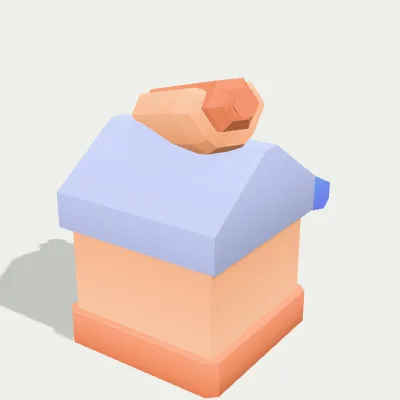
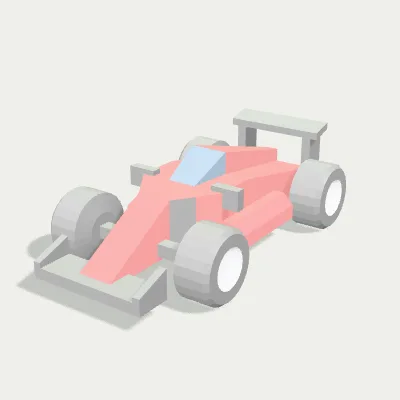
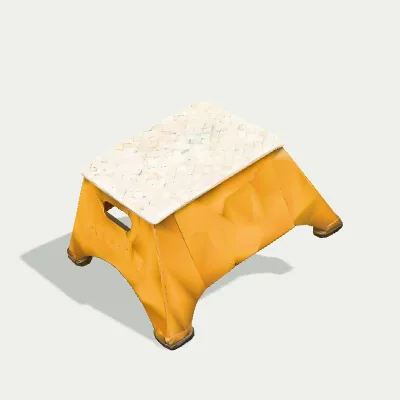
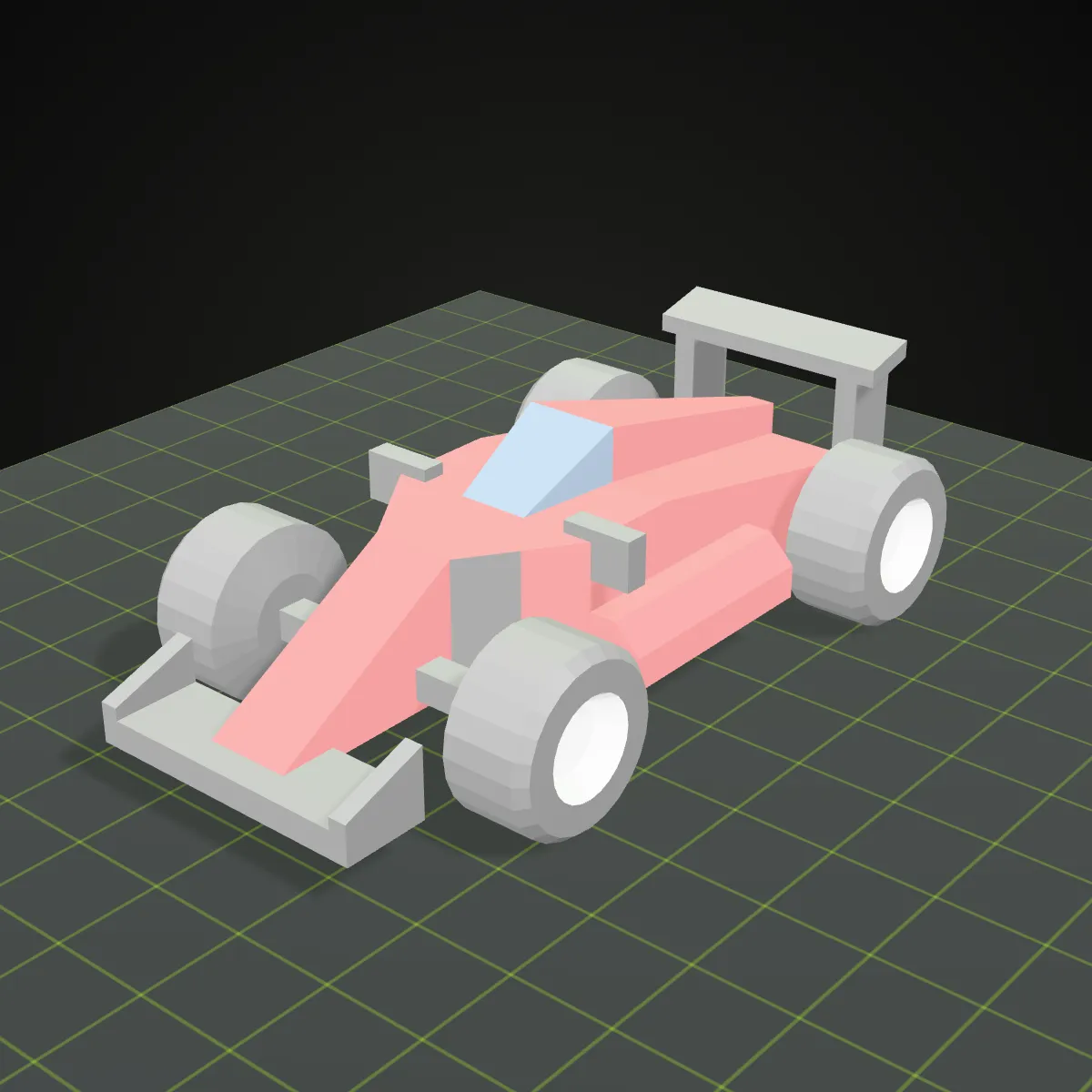
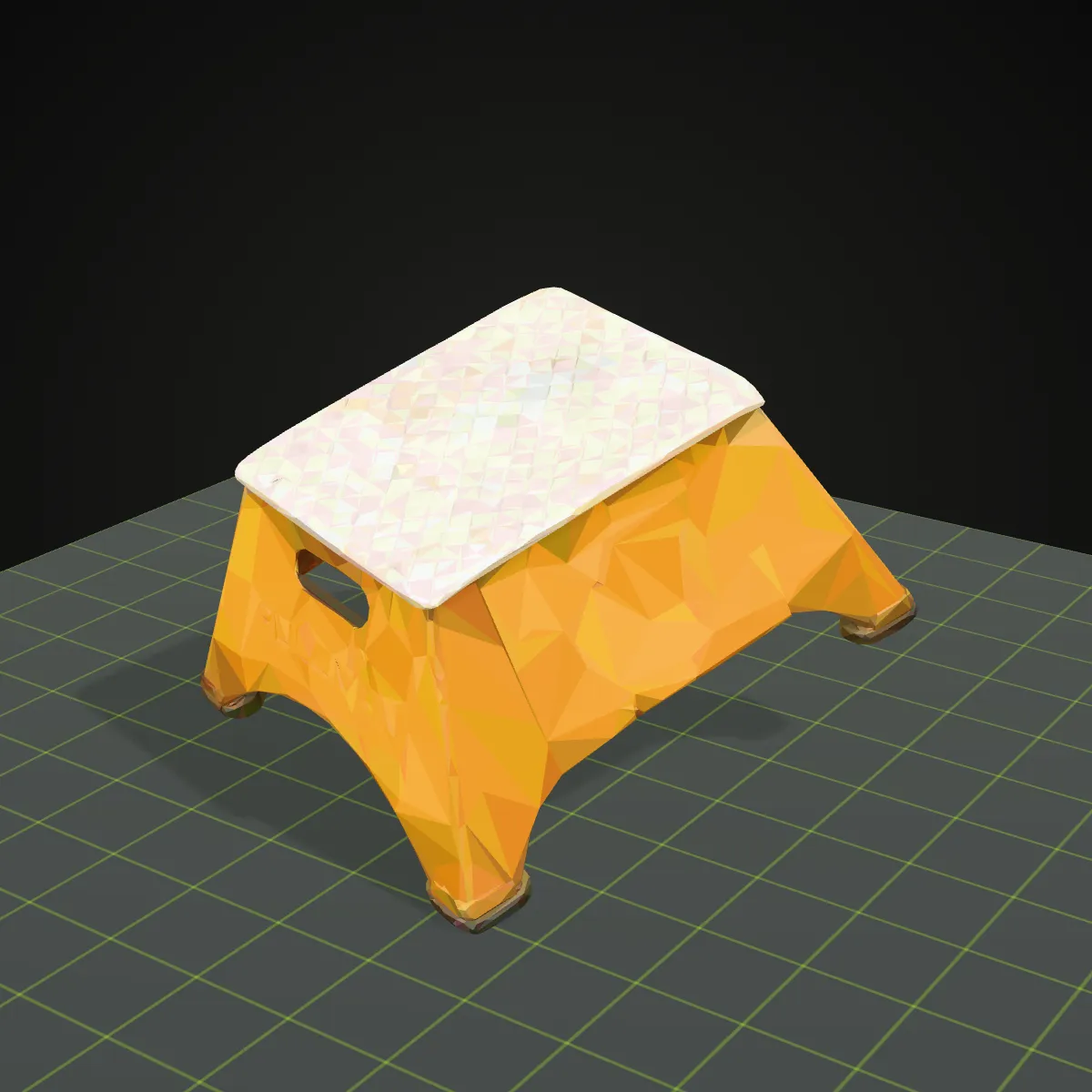
Three single-file OBJs that keep their colour in the vertices, so no .mtl is needed: a food stall and a race car from Kenney’s CC0 kits, and a photogrammetry scan of a step stool from the Smithsonian’s open-access collection with its texture baked into the vertices. Try it loads a file into the converter; Download keeps the .obj.
Watch a vertex-coloured food stall go from OBJ to 3MF
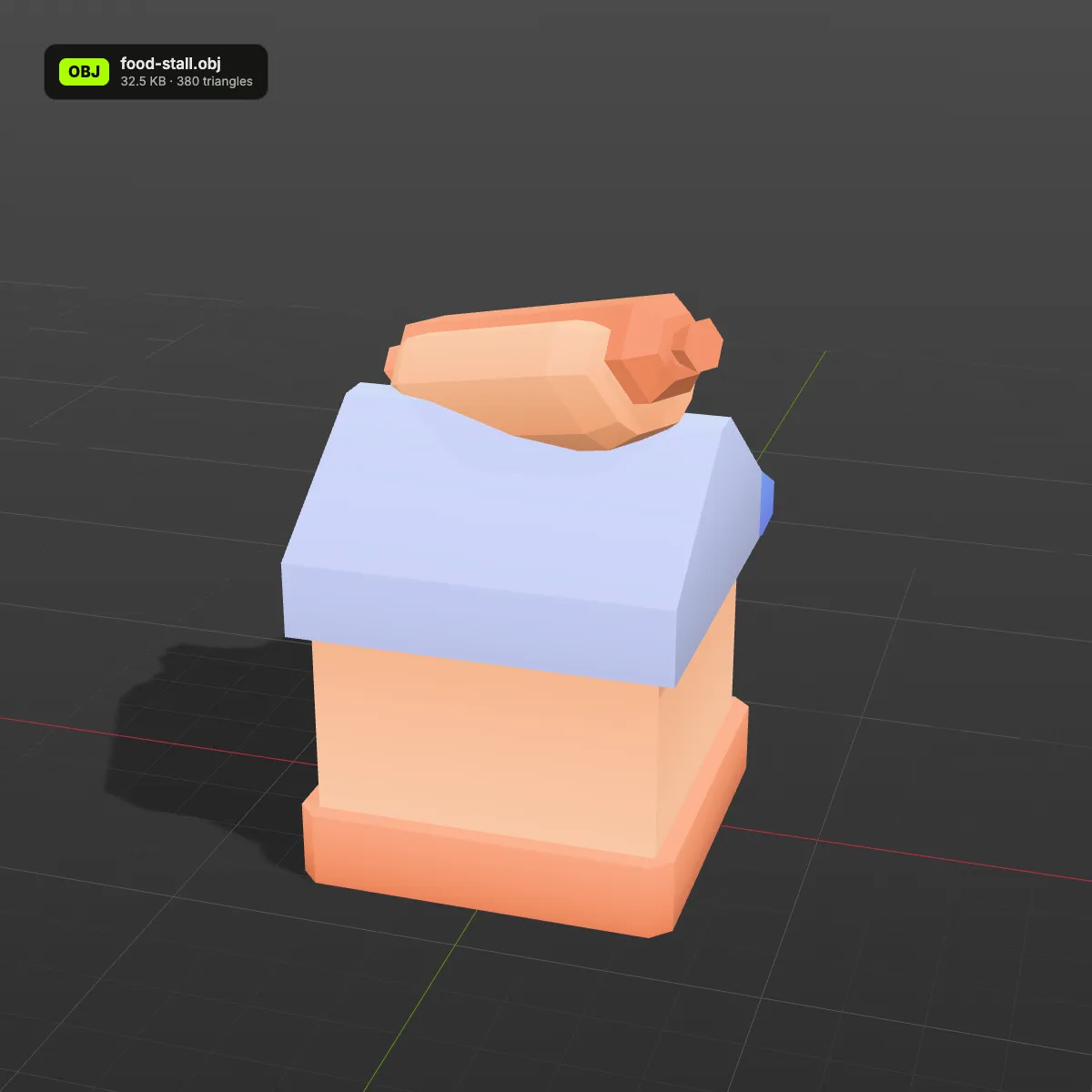
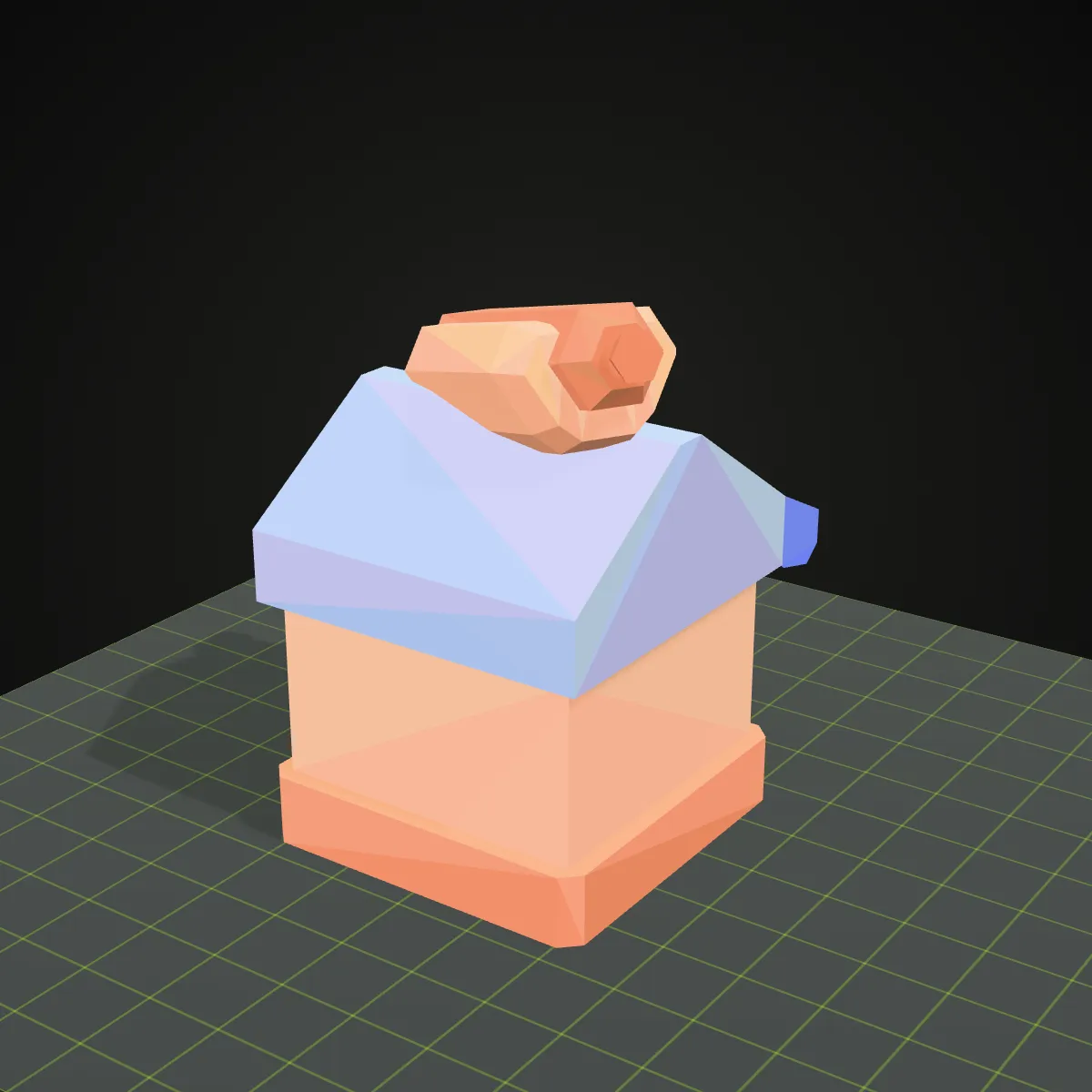
An 11-second recording on the food stall sample: food-stall.obj (32.5 KB) goes into the converter and spins in the preview with its peach walls, lilac roof and hot dog sign, Convert to 3MF is pressed, and the result line reads food-stall.3mf · 6.1 KB · 380 triangles before Download 3MF saves the file. Inside that 6.1 KB package the vertex colours are stored as 34 base-material colours, one for each distinct triangle colour.
OBJ to 3MF, before and after: colours on the build plate
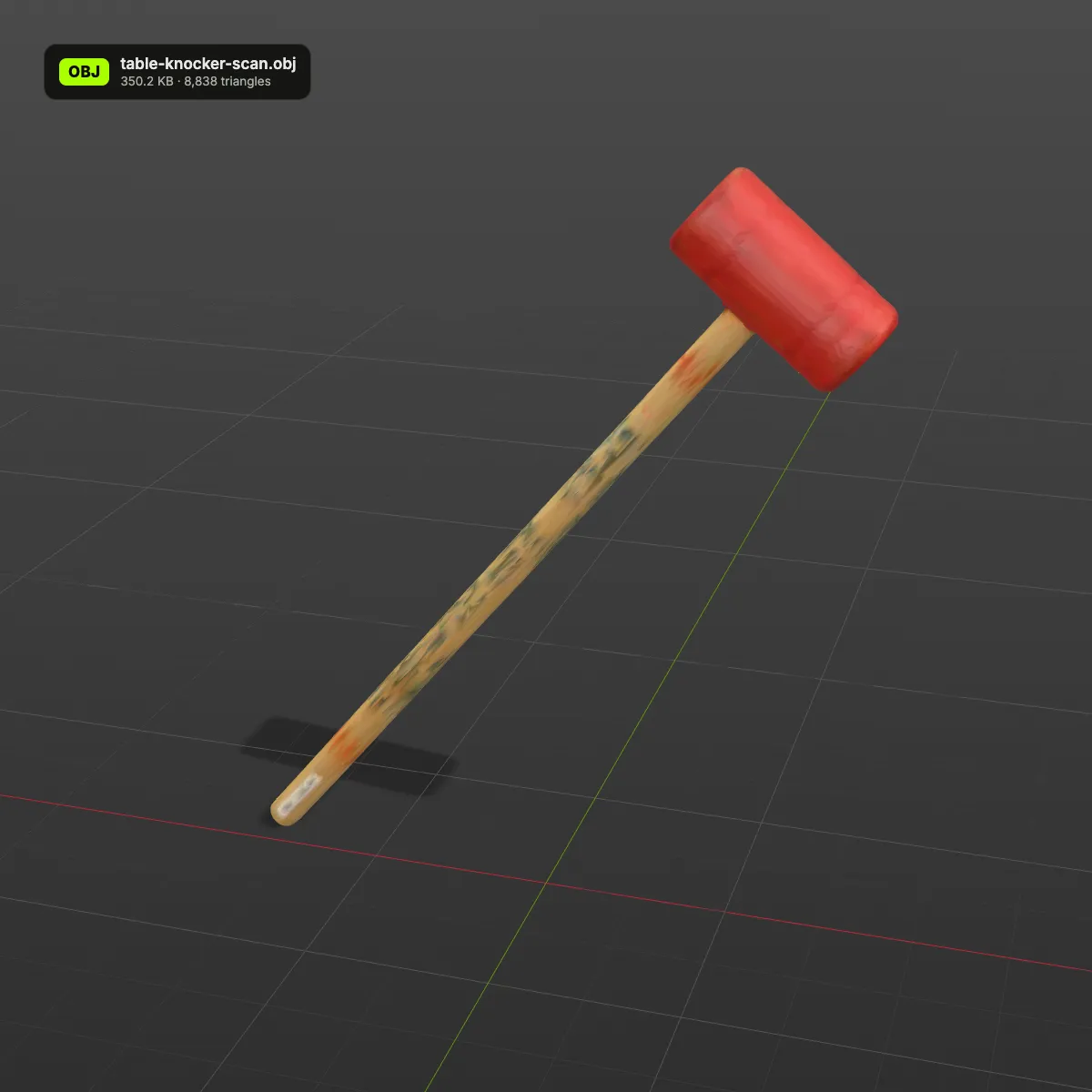
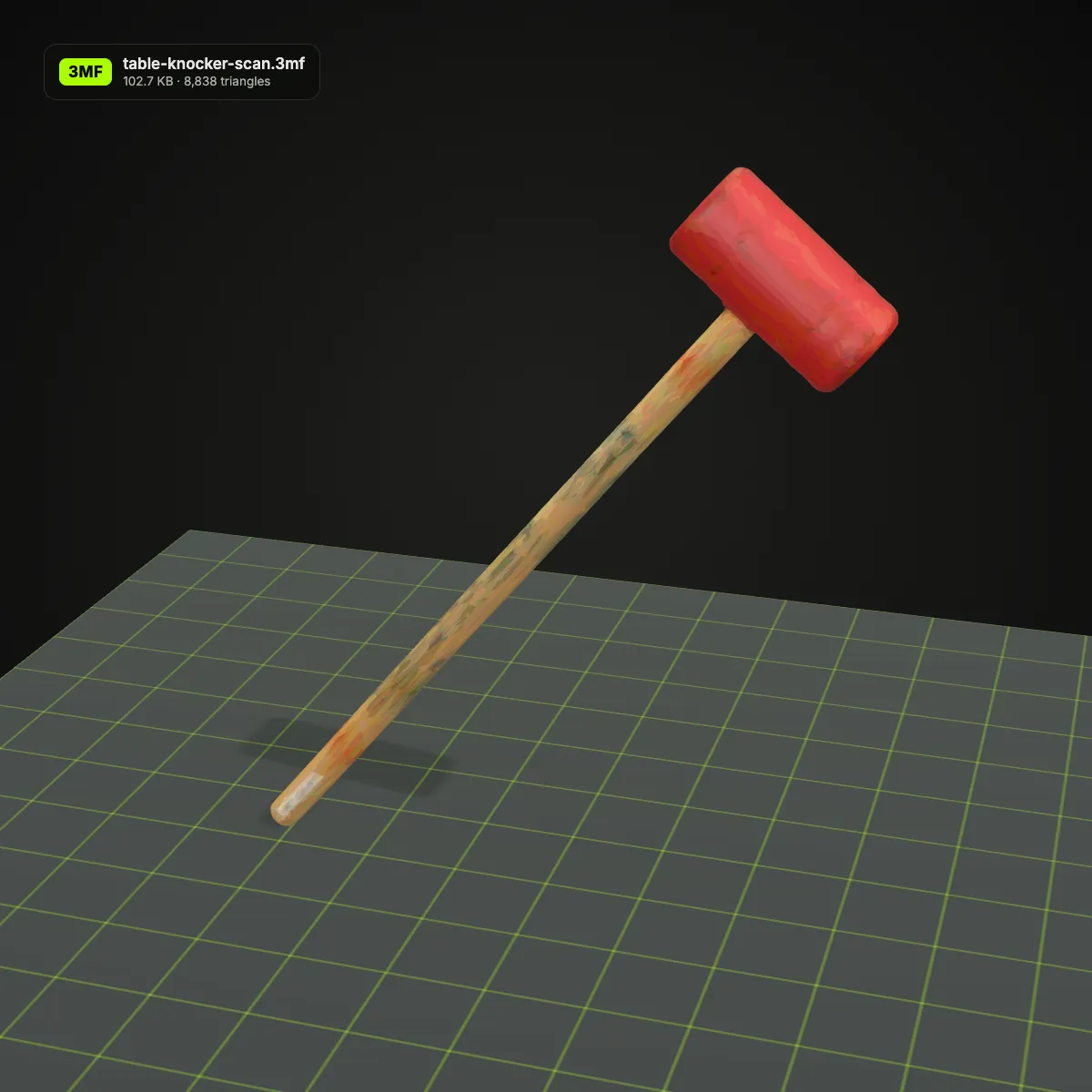
Left: the OBJ with its per-vertex colours, the way a modelling program displays it. Right: the coloured 3MF written by this page, on a printer build plate in the colours the package carries. Smooth blends turn into one flat colour per triangle, since that is how 3MF base materials work, so scans look slightly faceted while flat-coloured models look unchanged.
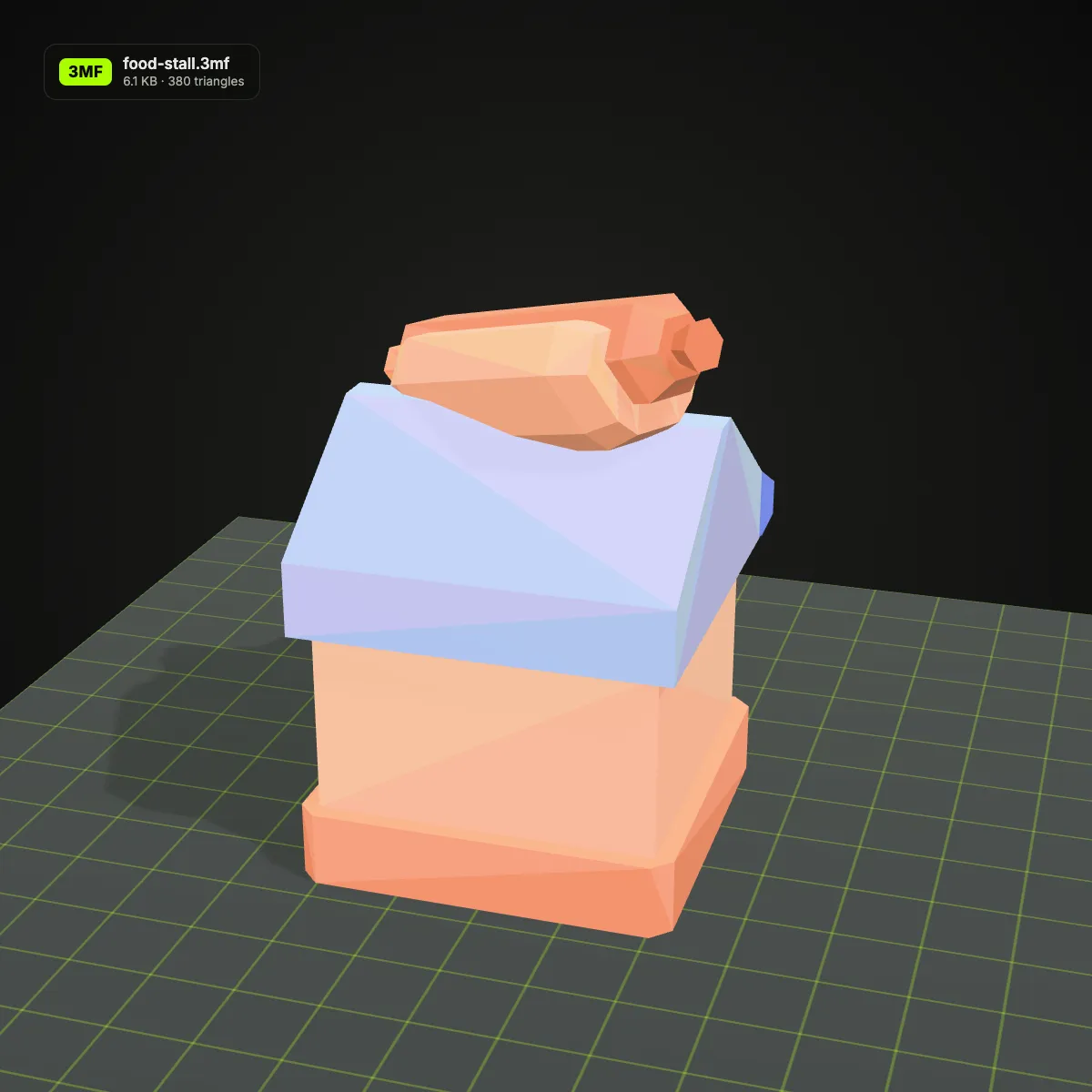
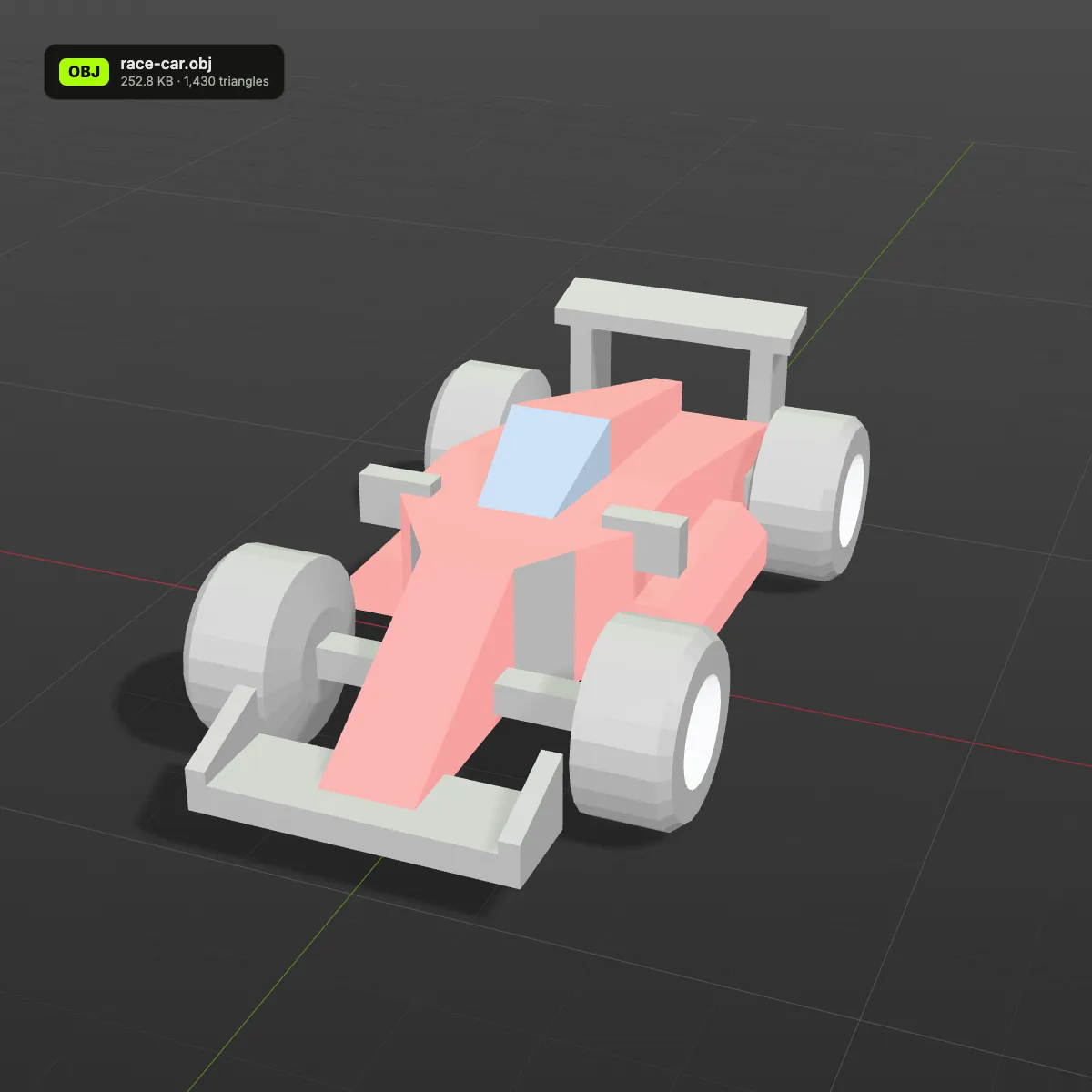
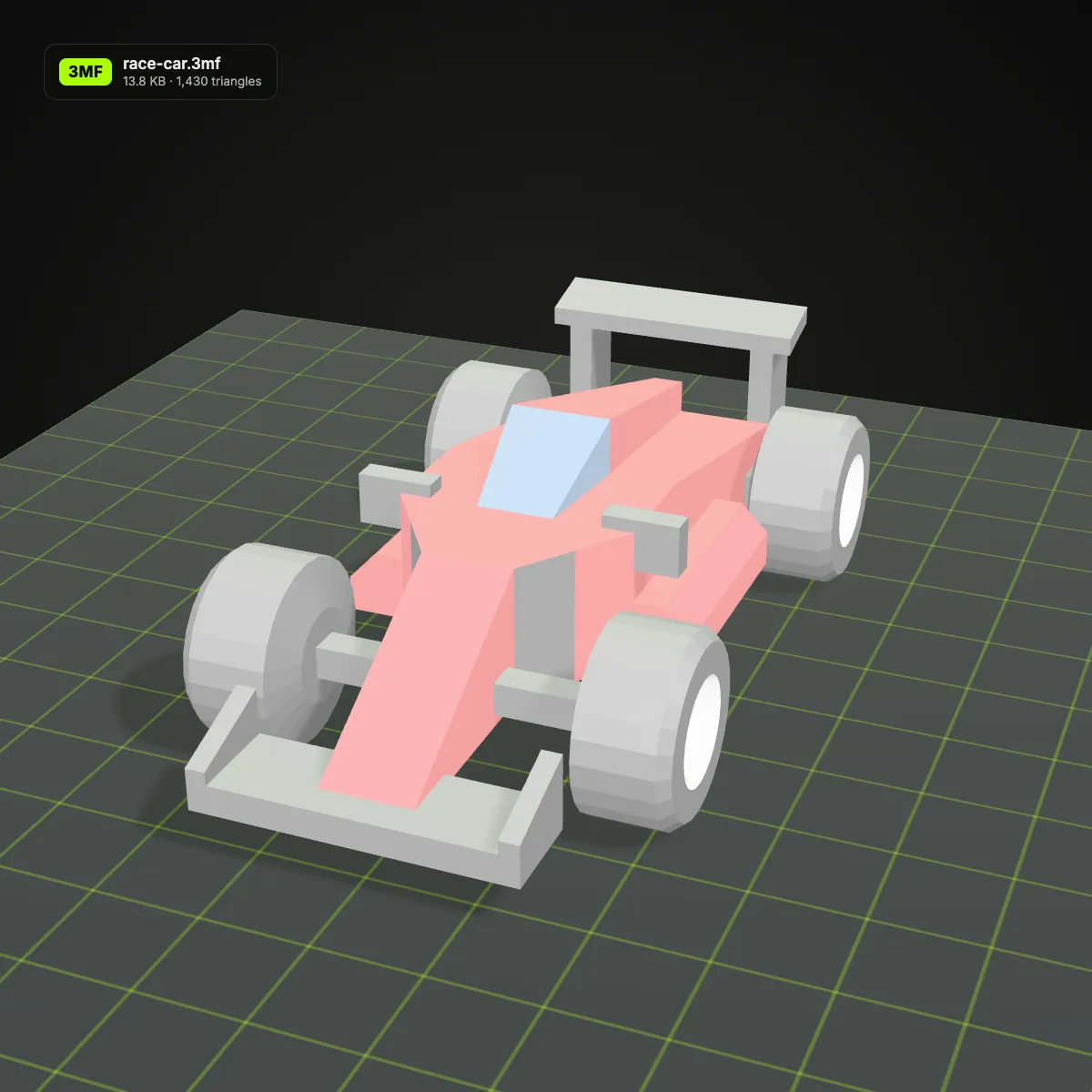
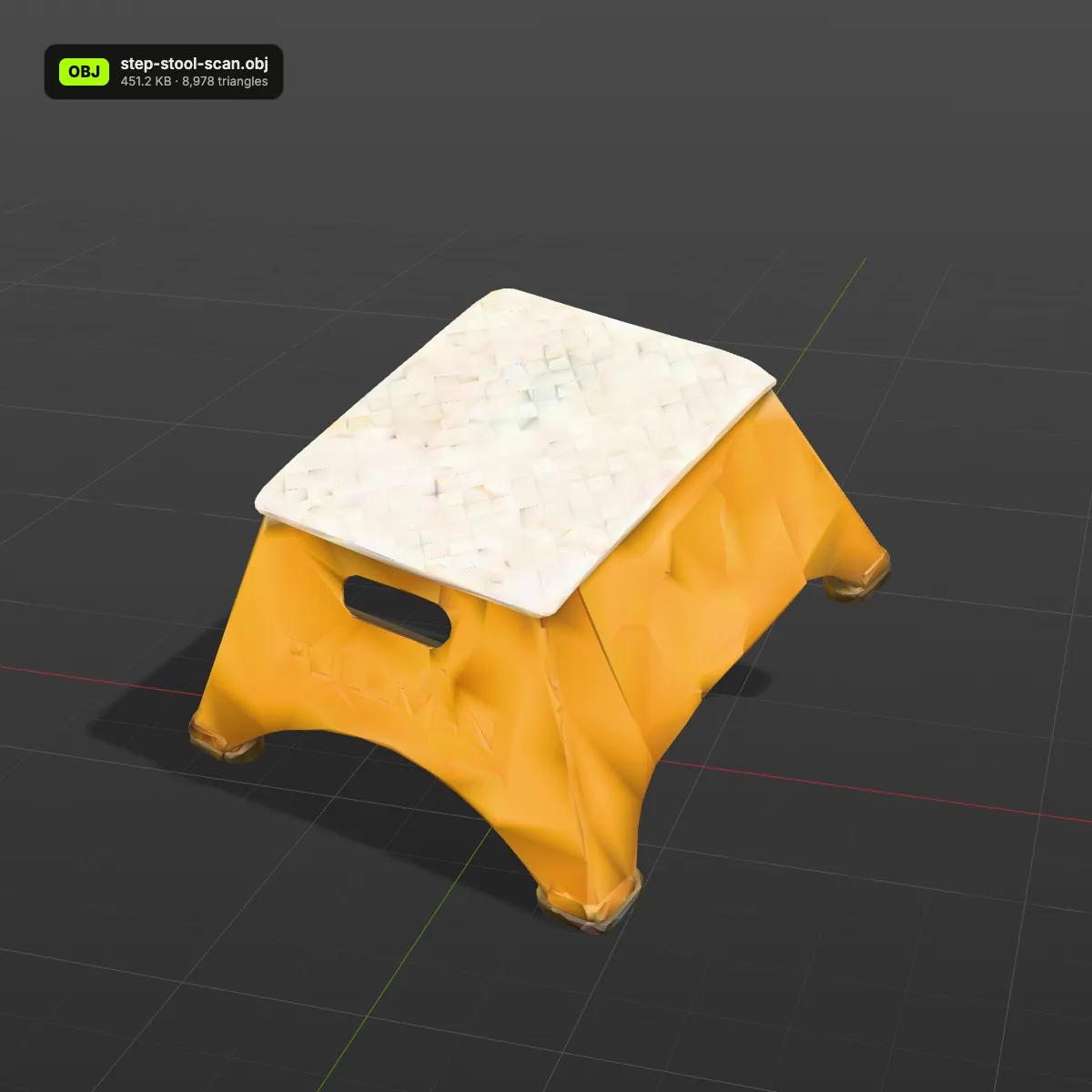
OBJ to 3MF examples: coloured 3MF files on a build plate
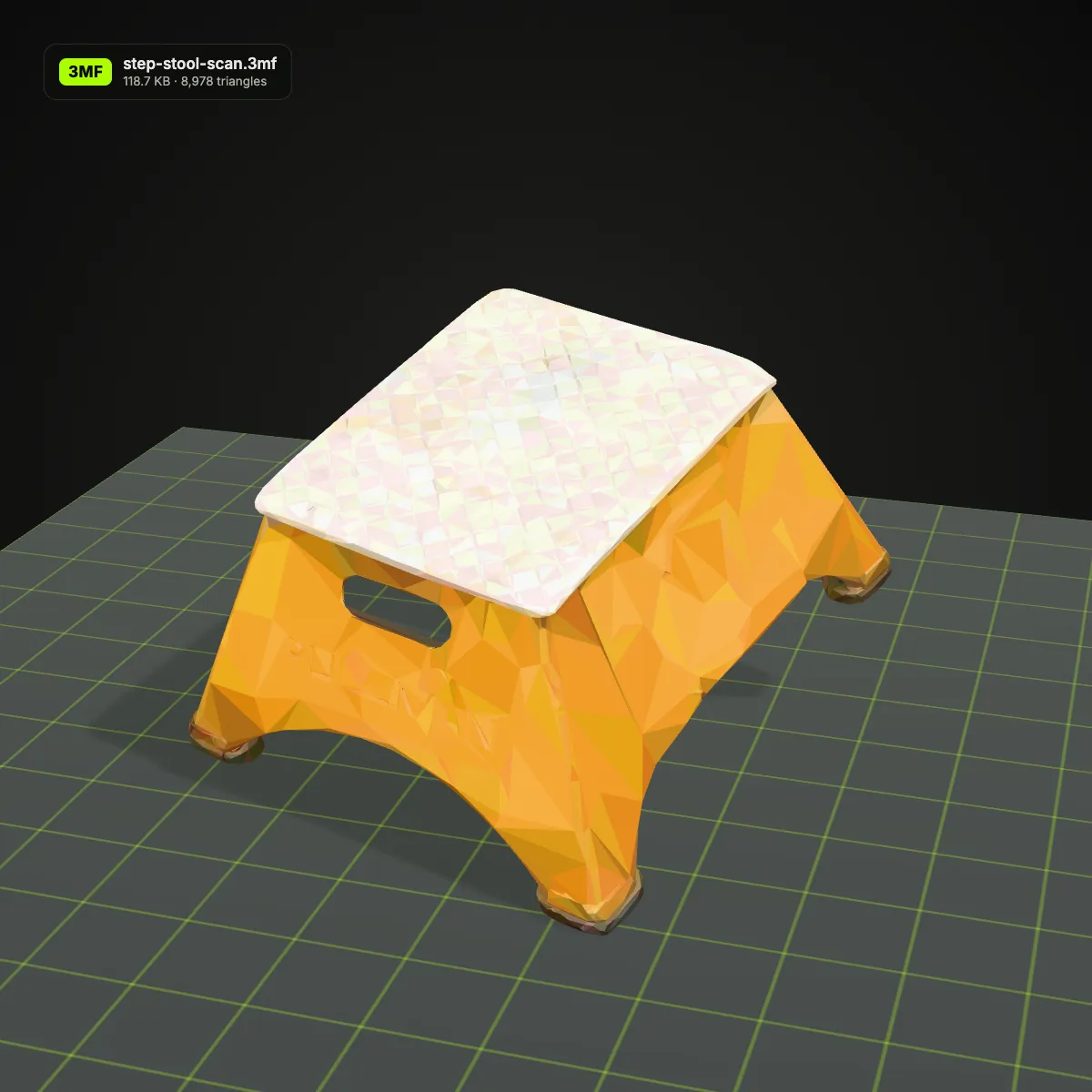
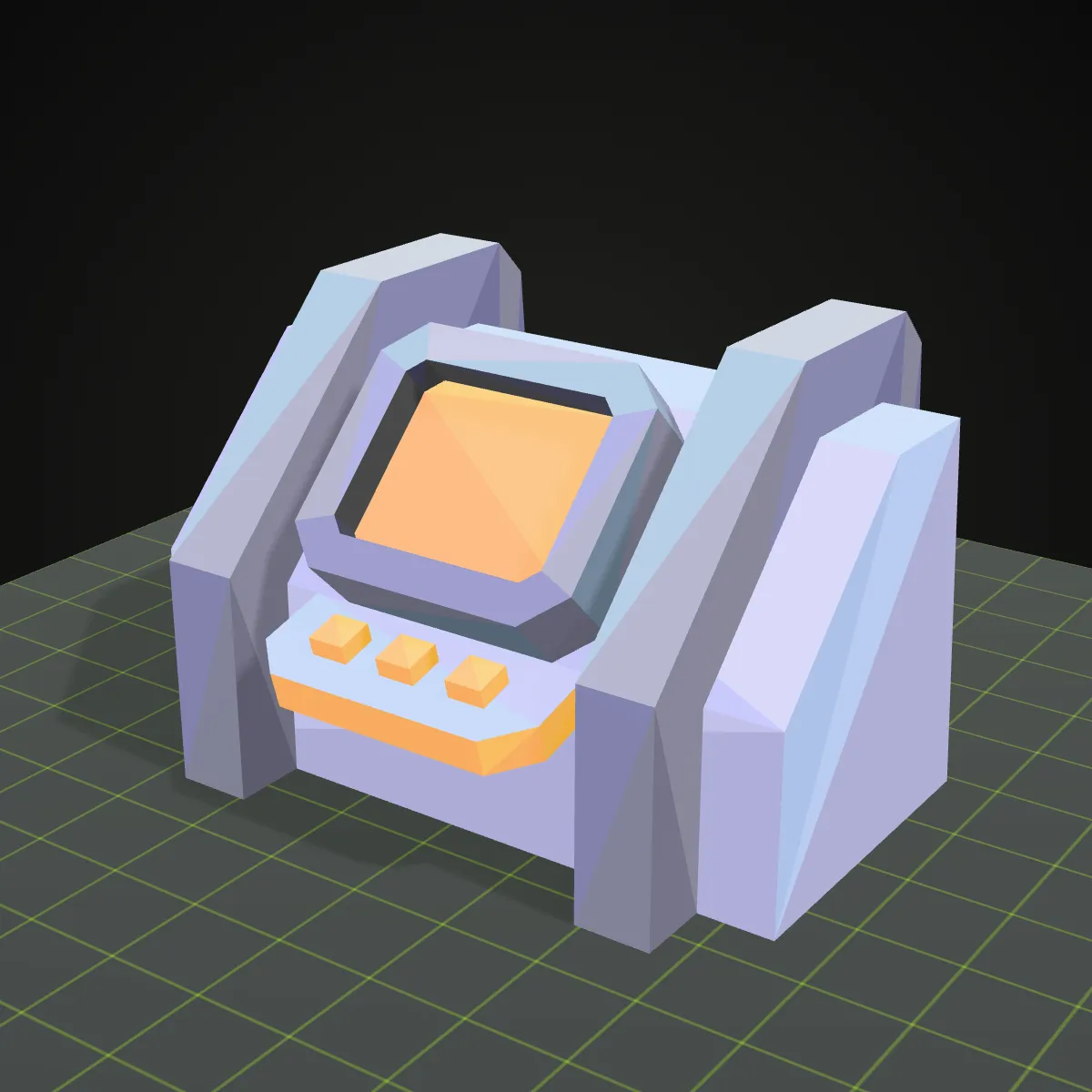
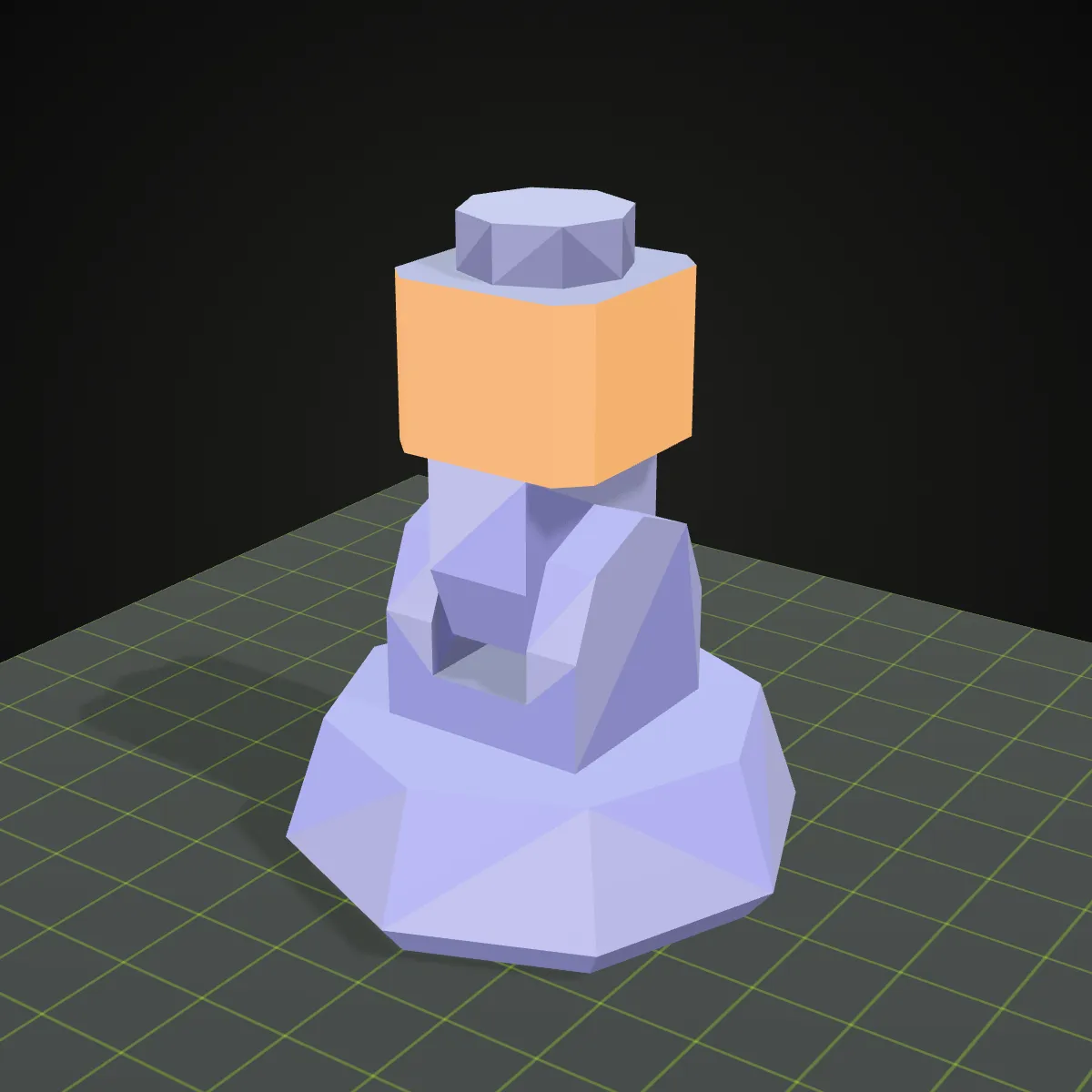
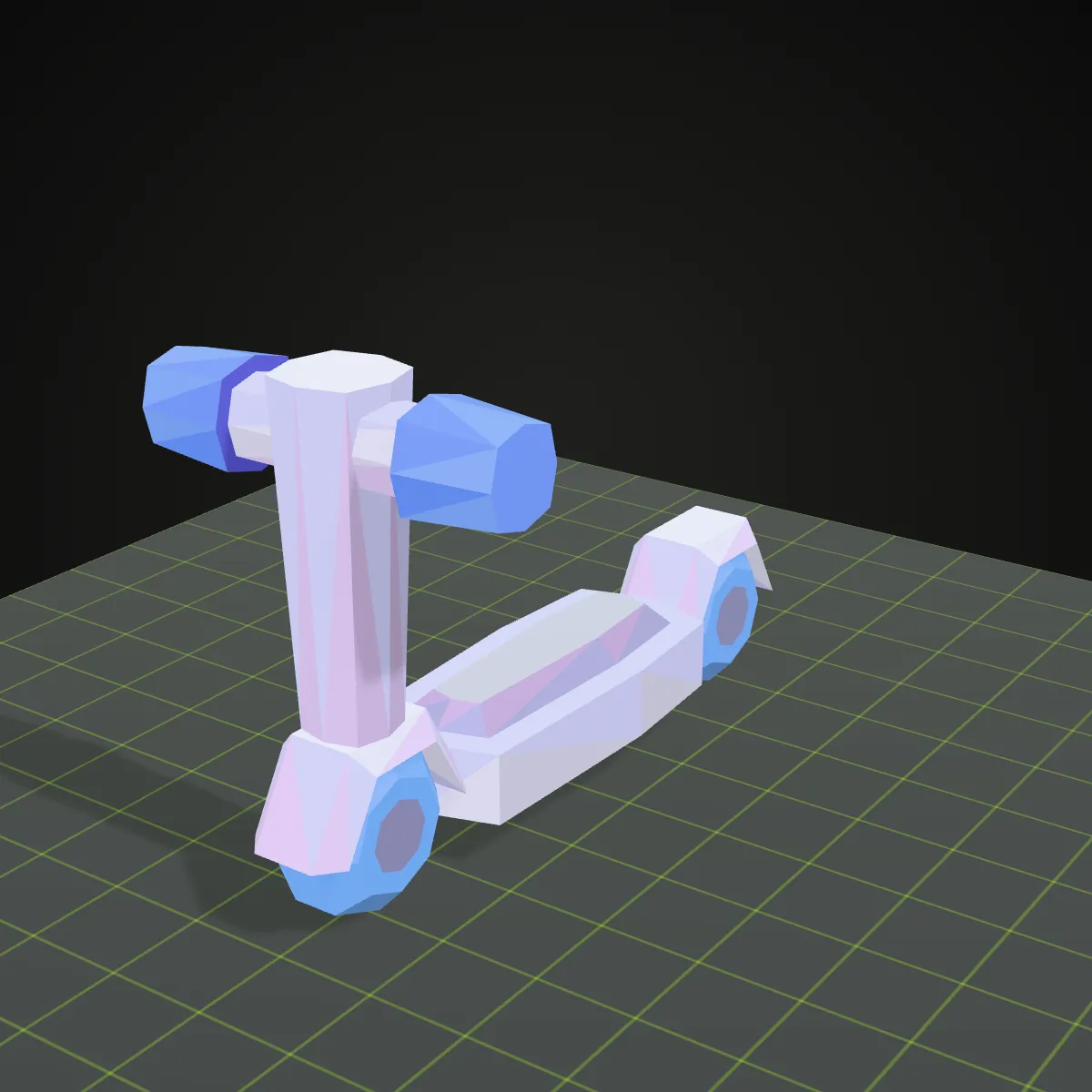
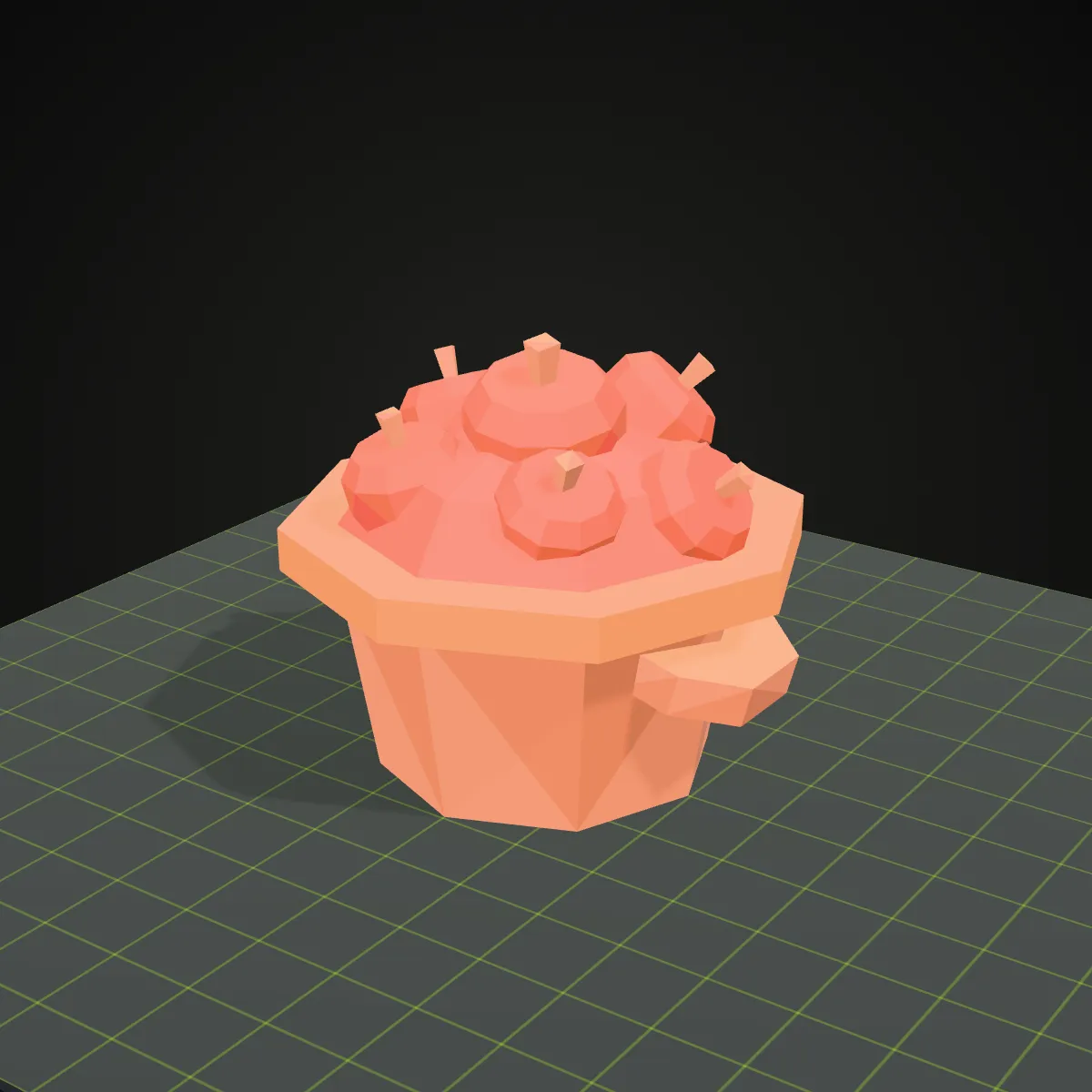
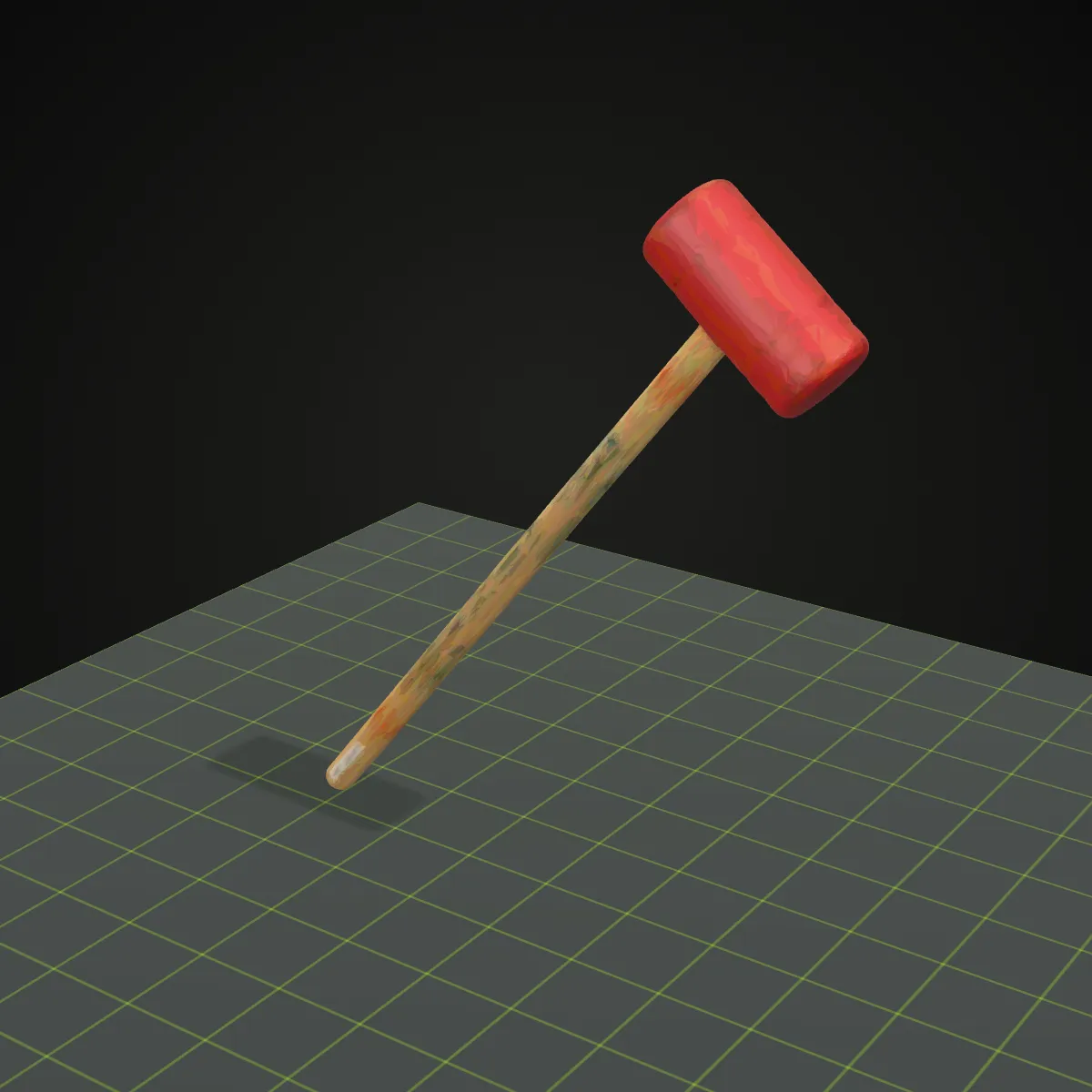
Eight OBJ to 3MF conversions made on this page, rendered on a printer bed in the colours each package holds: low-poly models from Kenney’s CC0 kits and two Smithsonian open-access scans. The palette ranges from 4 base-material colours on the race car to 215 on the step stool scan.
How to convert OBJ to 3MF
- 11
Drop the .obj file
Drag the OBJ onto the converter or click to choose it. Only the .obj itself is read, so colour has to be stored in the vertices; a separate .mtl file and its textures are not loaded. The model spins in the preview for a first check.
- 22
Press Convert to 3MF
Faces are split into triangles, duplicate vertices are welded, the model is rotated to Z-up, each named object becomes a 3MF object and vertex colours are written as base materials. A few hundred kilobytes take about a second.
- 33
Download, then slice
Under the button you see the 3MF’s name, size and triangle count. Open it in your slicer, check the size first (an OBJ has no unit, so its numbers are read as millimetres) and assign filaments to the parts.
What carries over in an OBJ to 3MF conversion
OBJ is a plain-text mesh without a unit; 3MF is a zipped, validated print package. This is what happens to each part of the .obj on the way.
| In the OBJ | In the 3MF you download |
|---|---|
| Objects and groups (o / g lines) | One 3MF object per mesh with the OBJ name, each a separate build item at its original position |
| Per-vertex colours (v x y z r g b) | Averaged per triangle and written as core 3MF base materials, rounded to 16 levels per channel so near-identical shades merge. The food stall sample ends up with 34 colours |
| .mtl materials and texture images | Not loaded, because only the .obj is read: colours defined in an .mtl are lost. Bake them into vertex colours before exporting the OBJ |
| Normals and UV coordinates | Dropped. Core 3MF stores vertices and triangles only, and slicers work out normals themselves |
| Quads and n-gons | Split into triangles |
| Unit and scale | OBJ has no unit; the numbers are written as millimetres. A model exported in metres (0.2 units tall) therefore opens 0.2 mm tall, so scale it by 1,000 in the slicer |
| Up axis | Rotated from Y-up (OBJ) to Z-up (3MF), so the model stands on the bed instead of lying on its back |
| File structure | A 3MF Core 1.3 package with no extensions, checked with lib3mf in strict mode |
Why convert OBJ to 3MF
Colour models for multi-material printers
Game kits, AI generators and scanning apps often store colour per vertex. A 3MF keeps that colour on the triangles, which gives you a starting point for planning an AMS or MMU print.
One tidy file for a print service
A 3MF is zipped and states its unit. The food stall shrinks from a 32.5 KB OBJ to a 6.1 KB 3MF, and the print farm gets one validated package instead of an .obj, an .mtl and loose textures.
Separate settings per part
When body and wheels are separate OBJ objects, they stay separate 3MF objects, so each one can get its own filament, infill or support settings in the slicer.
Smaller, printable scan archives
A photogrammetry OBJ with colour baked into the vertices packs into a much smaller 3MF (451 KB down to 118.7 KB for the step stool) that you can file next to the slicer project.
OBJ to 3MF questions
Drop the .obj on the converter above, press Convert to 3MF and download the result. The converter runs in your browser, so the model is never uploaded, and it is free with no sign-up.
Yes, when the colours are stored per vertex in the .obj: each triangle gets the average colour of its three corners, saved as a standard 3MF base material, so the food stall sample becomes a 3MF with 34 colours. Colours that live in a separate .mtl file are not read, because only the .obj is loaded, and smooth gradients turn into flat colour per triangle.
Slicers treat per-triangle colours differently. The colours are in the file as core 3MF base materials, but Bambu Studio and PrusaSlicer may import the parts without the per-triangle paint, because they keep colour in their own painting data. If that happens, give each object a filament, or recolour the parts with the slicer’s paint tool.
OBJ files carry no unit, and the converter writes the numbers as millimetres. Blender and many game tools export in metres, so a 20 cm figure saved as 0.2 units becomes 0.2 mm. Scale it by 1,000 (100,000 %) in the slicer, or set the scale to 1000 when exporting the OBJ from Blender.
Most slicers do import OBJ, and some recent versions even read its vertex colours. A 3MF is still the cleaner hand-off: one compressed file with a declared unit, named objects and colours that any 3MF-capable program reads the same way, which matters when someone else prints it.
It should: the package follows the 3MF Core specification and passes strict validation in lib3mf, the reference library of the 3MF Consortium, so any program that reads 3MF can open it. We have not tested every slicer, and as noted above, not all of them display per-triangle colours.
Related tools





Need an OBJ to start from?
Describe an object or upload a photo, and Ship3D’s AI generator builds a textured 3D model you can download as OBJ, STL or GLB. Then bring the file back here to convert OBJ to 3MF.
Free to sign up, no credit card required. Try it once for free.