Sketch to 3D
Drawings to 3D Models in a Minute
Sketch to 3D takes one uploaded drawing and returns a textured 3D model in about a minute.

Drag to rotate · scroll to zoom
Photograph or scan a pencil sketch, a marker drawing or digital line art, and our AI builds a model you can rotate, then download as GLB, STL, OBJ or USDZ. It works best with one clear subject, and the AI infers the back side you never drew. Only upload drawings you have the rights to use.
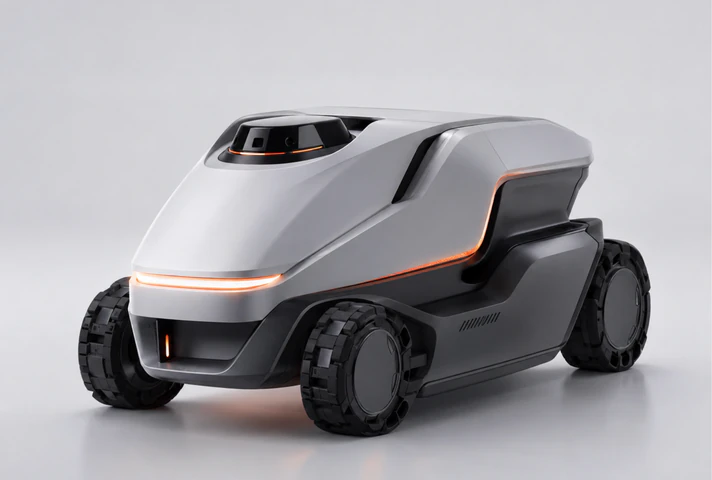
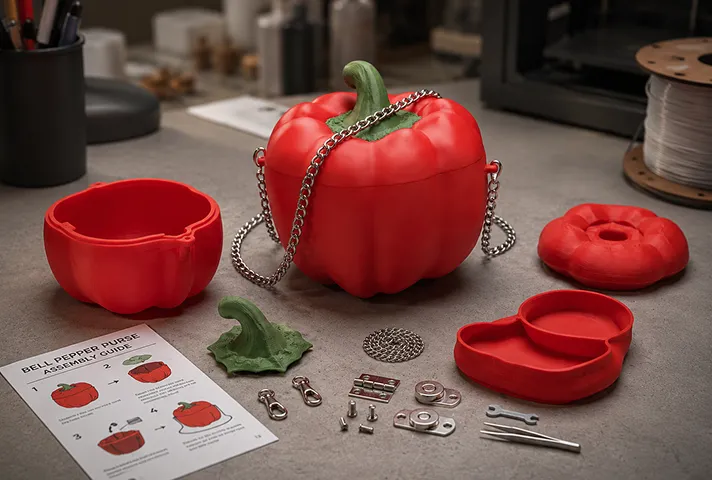
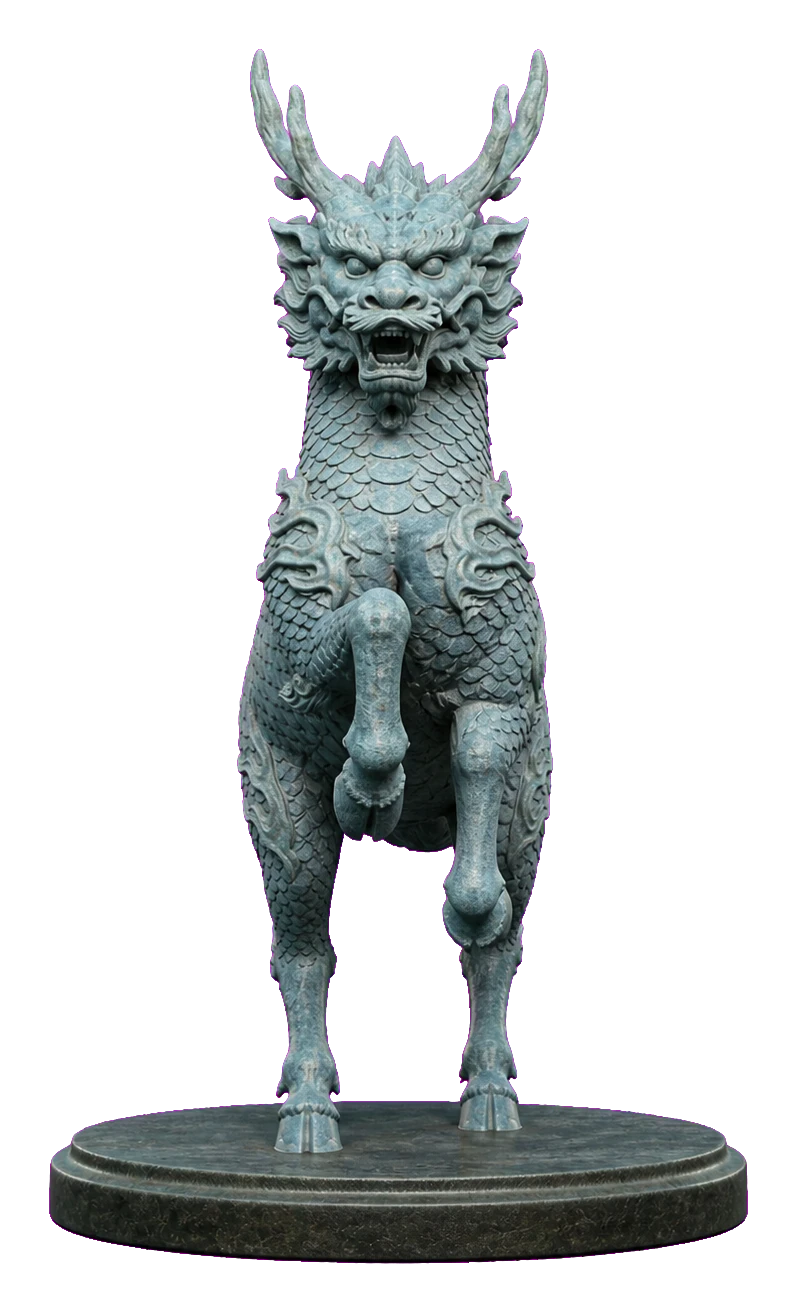
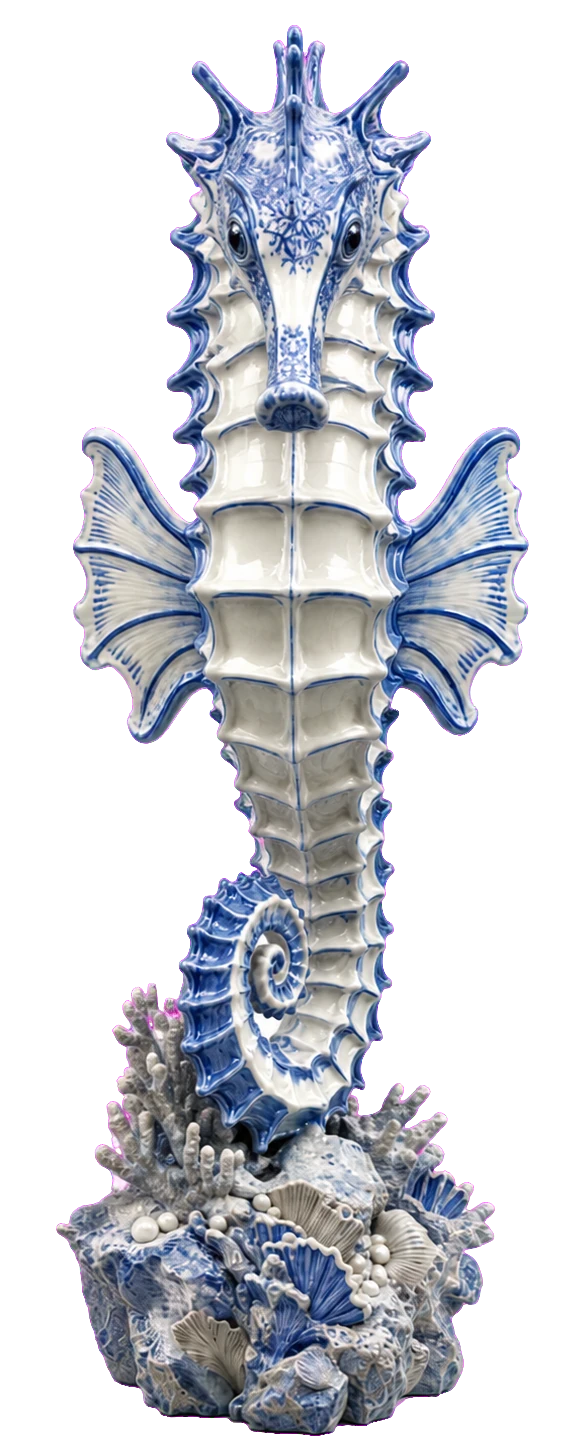
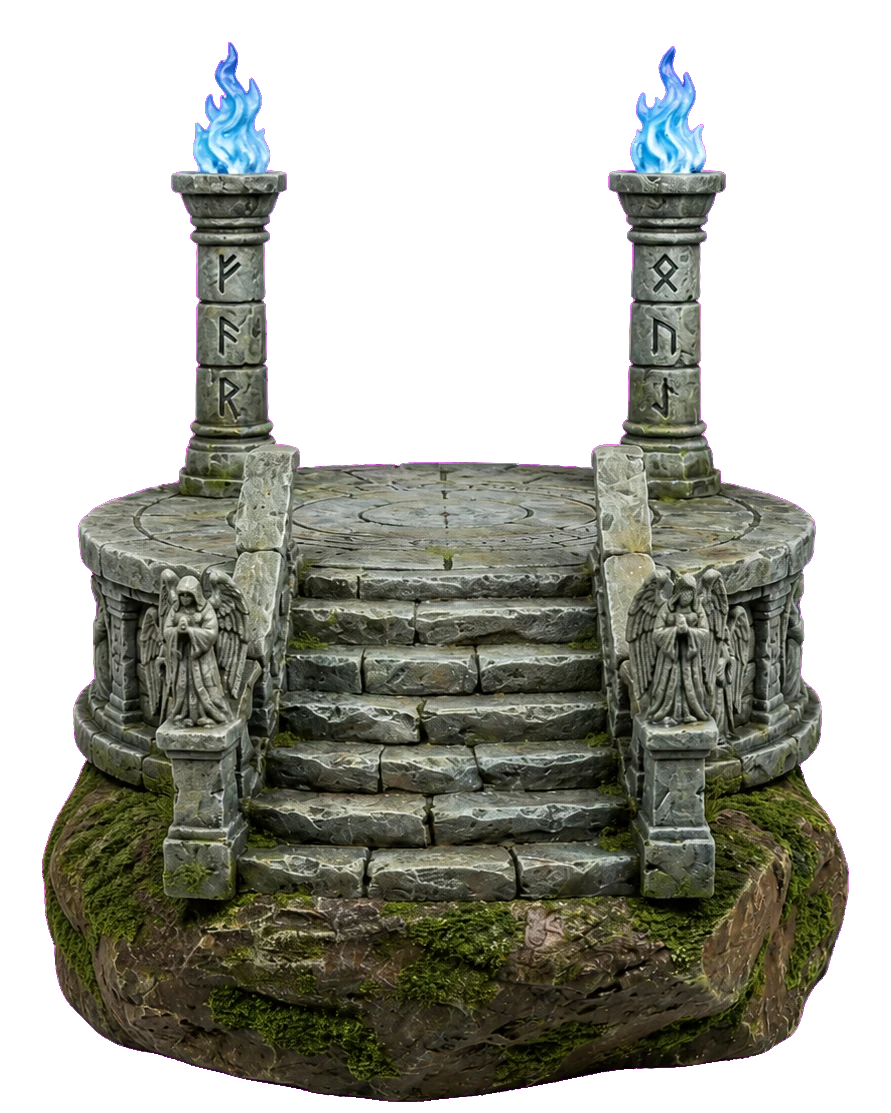
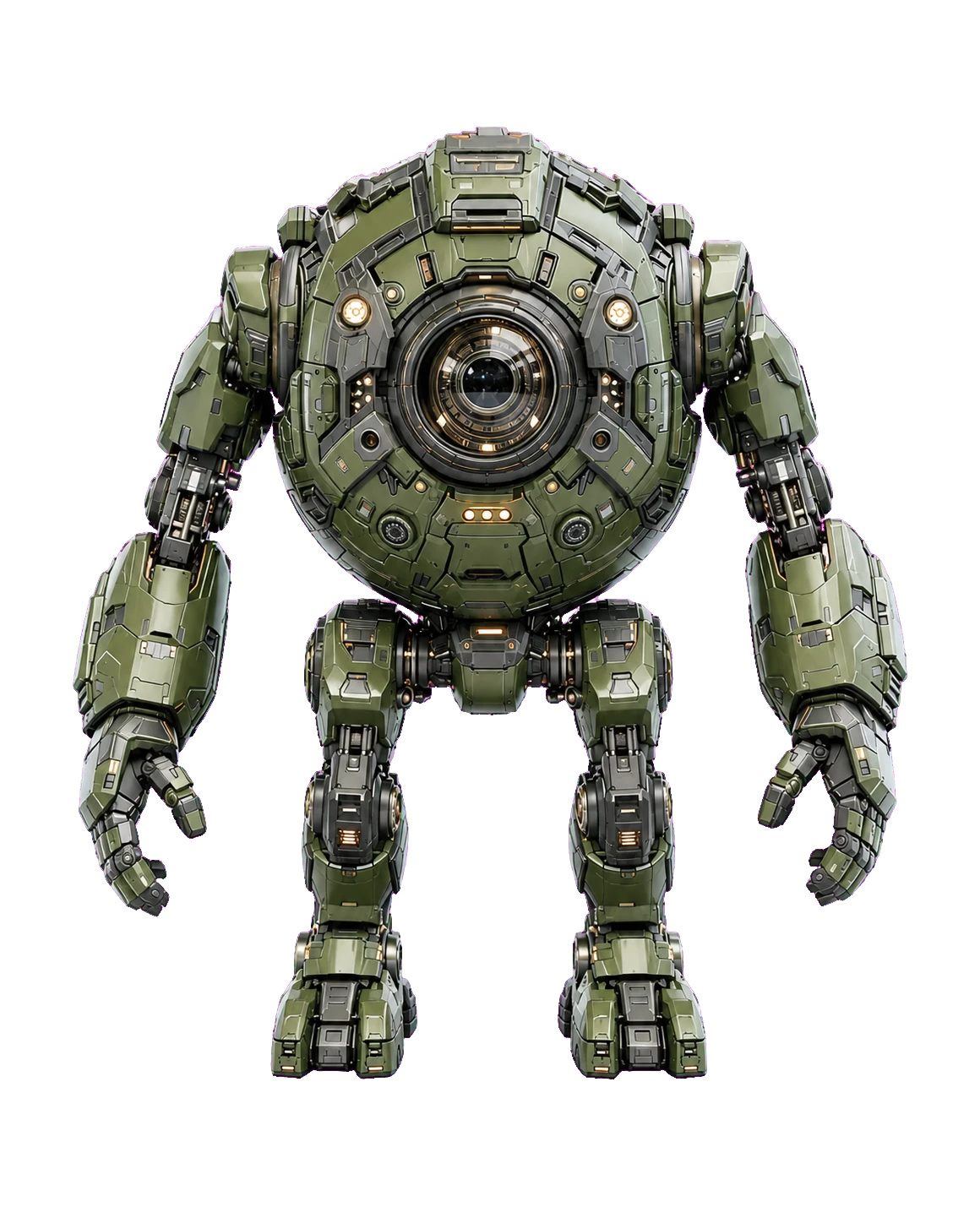
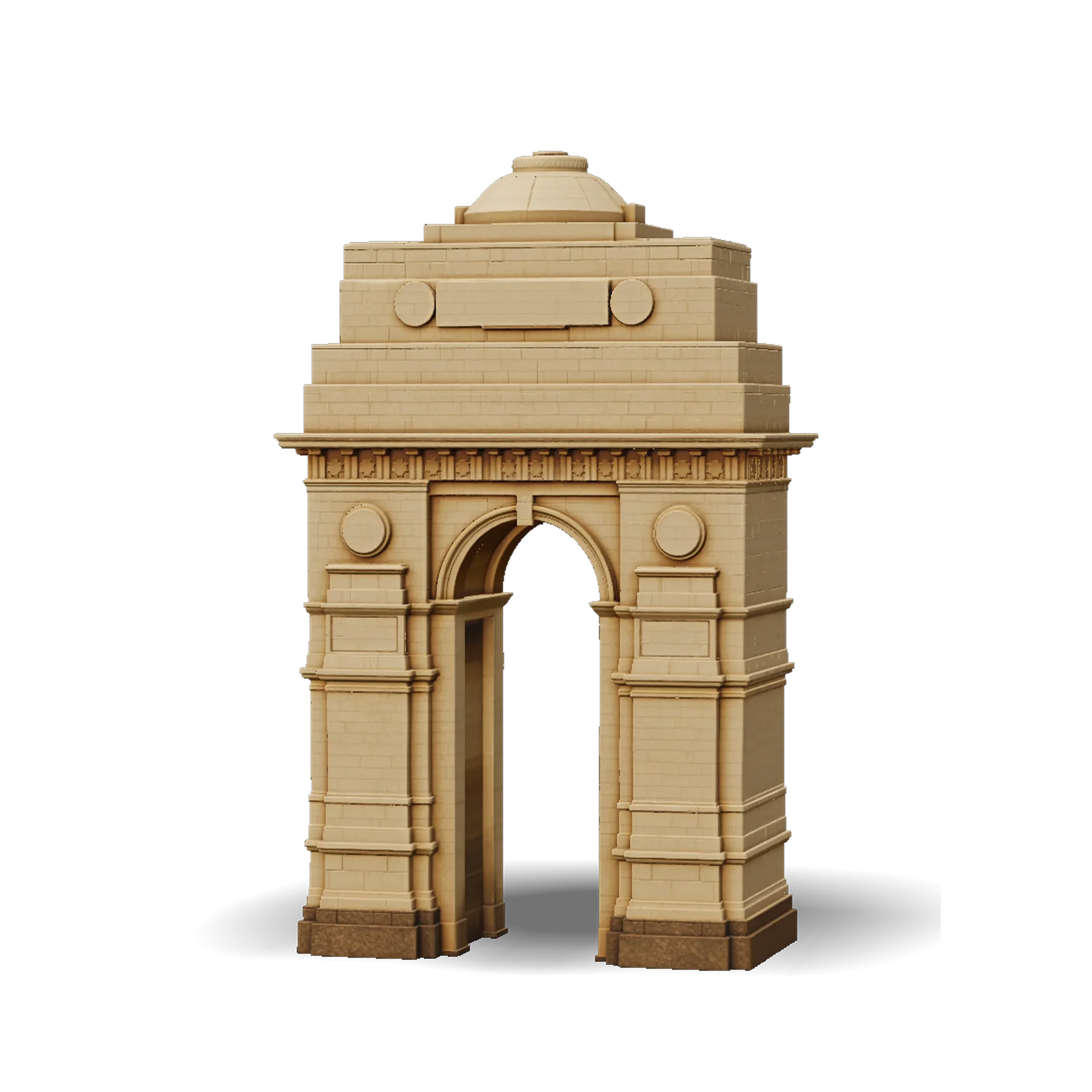
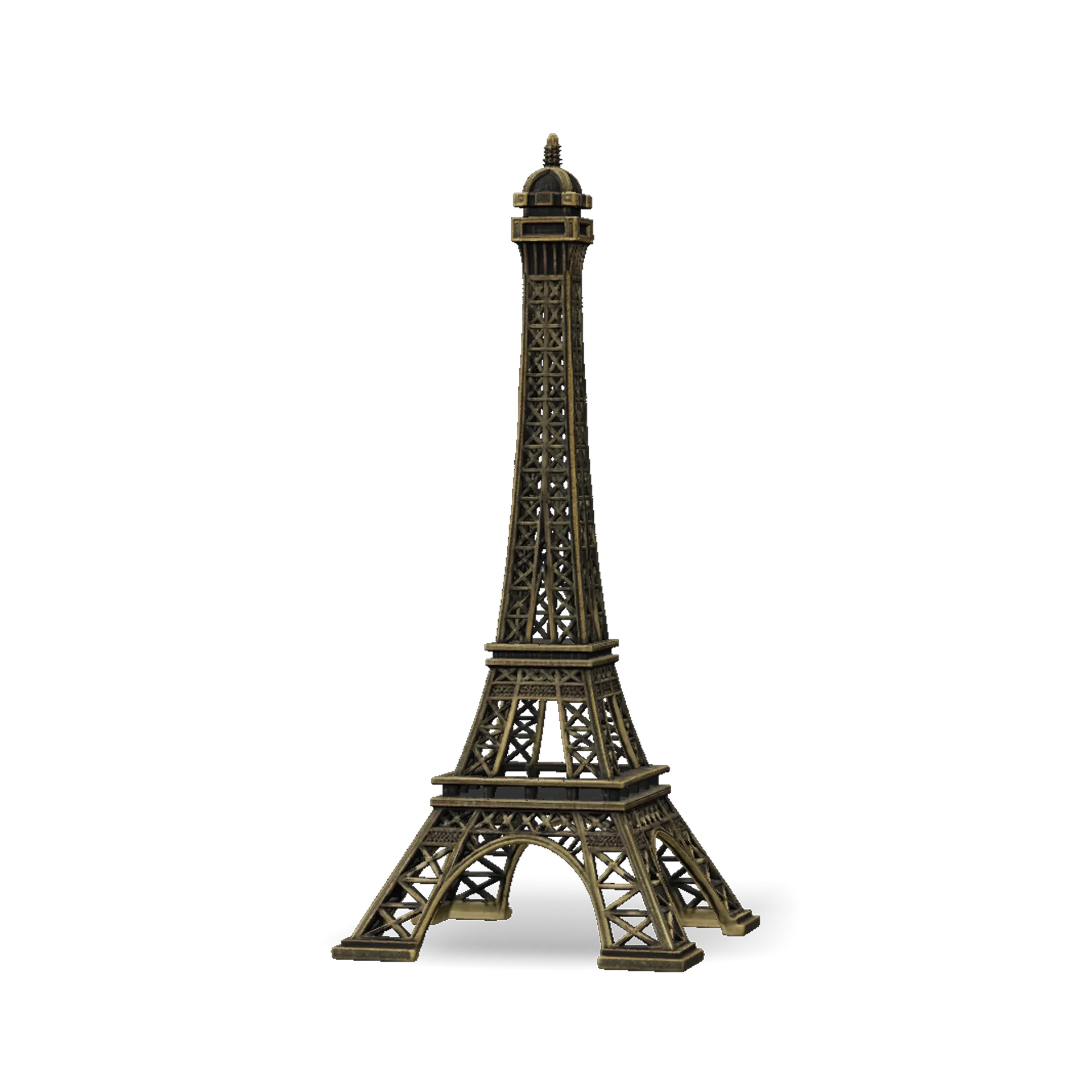
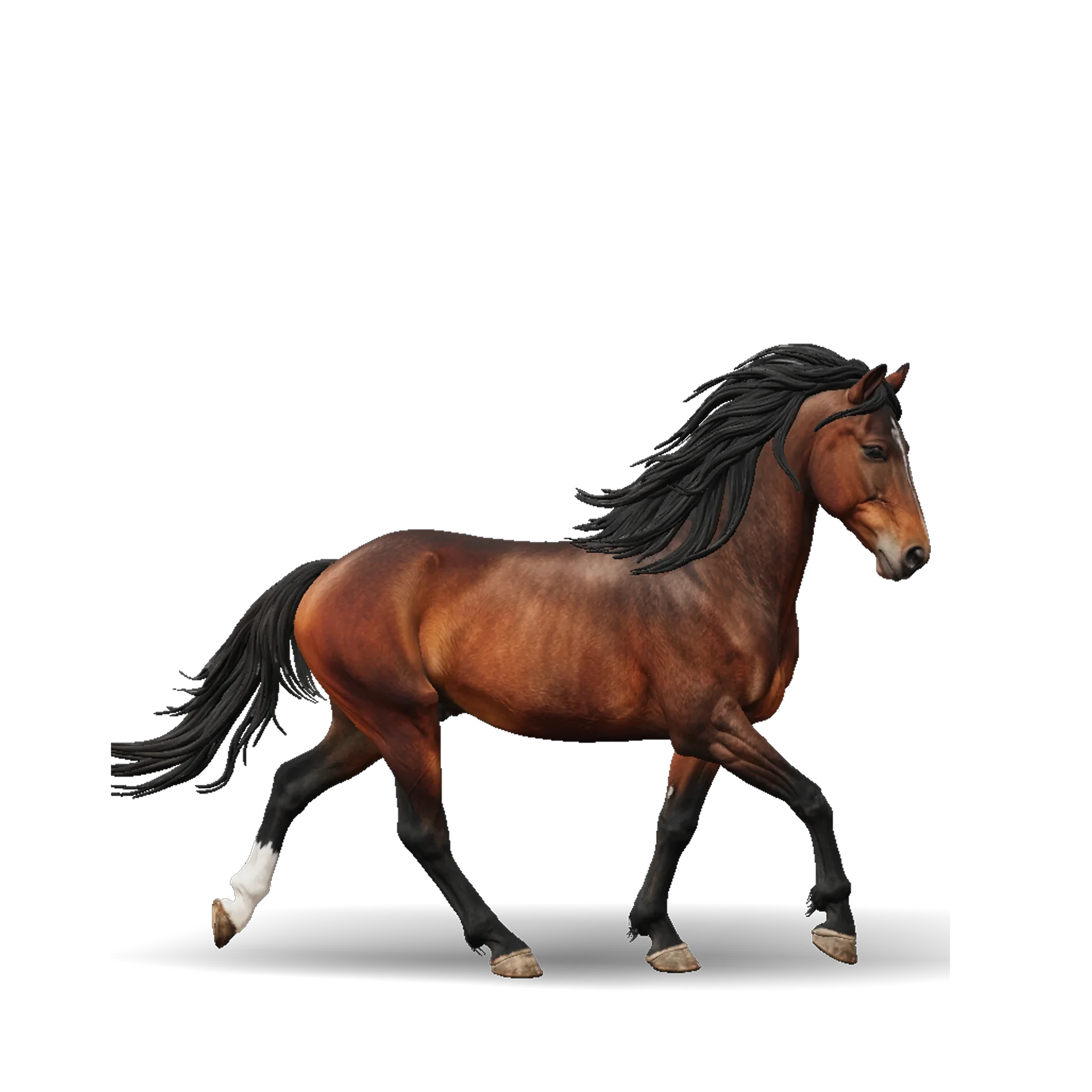
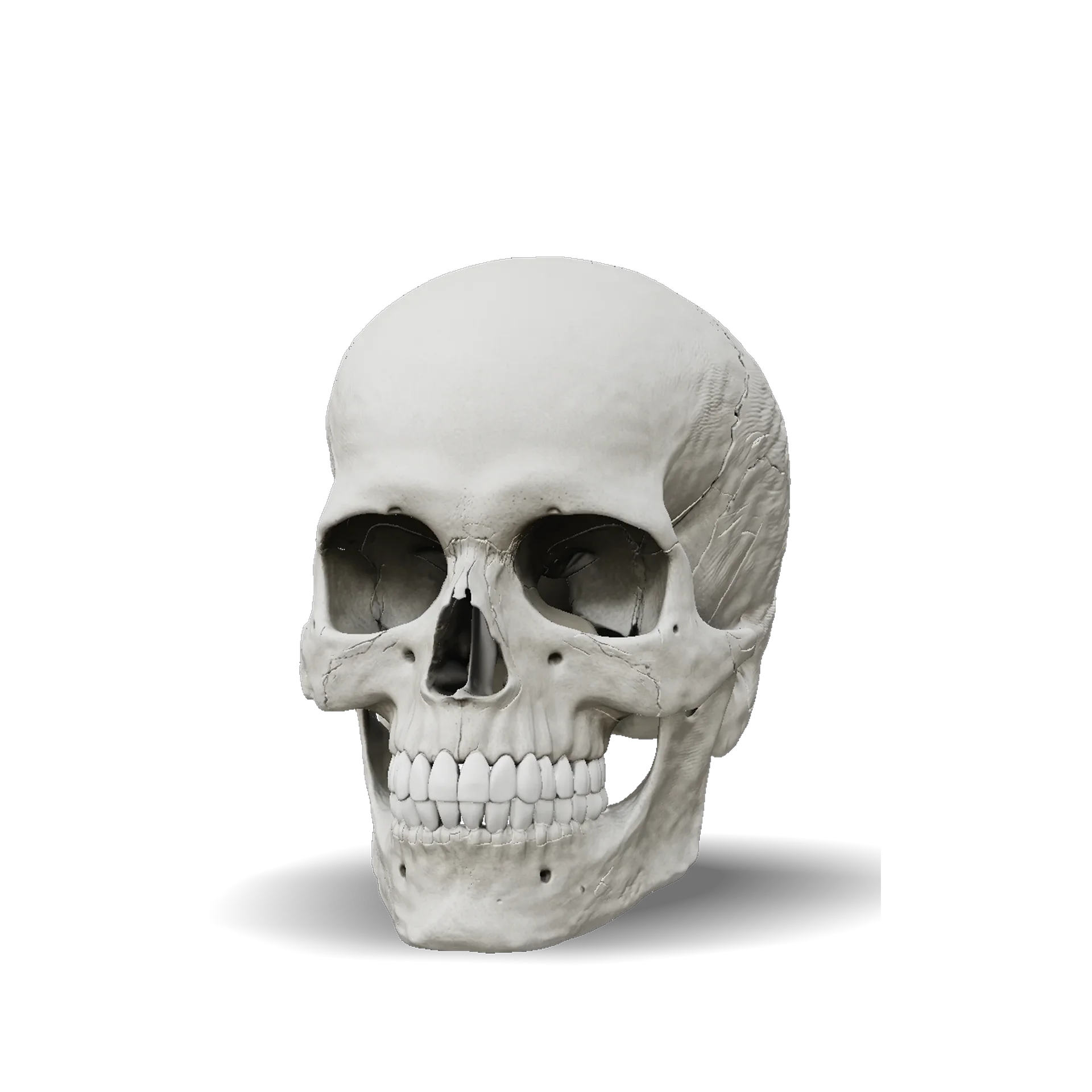
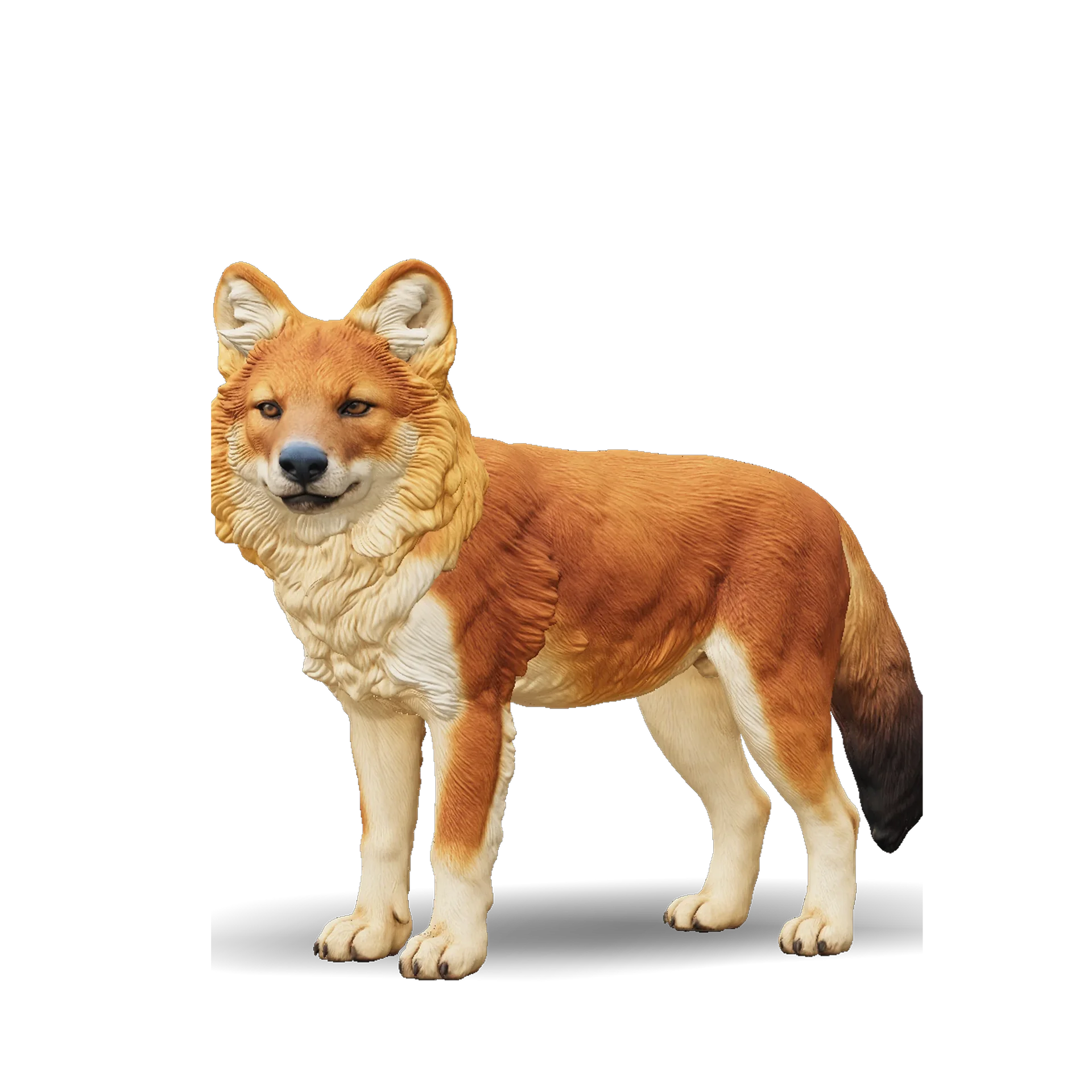
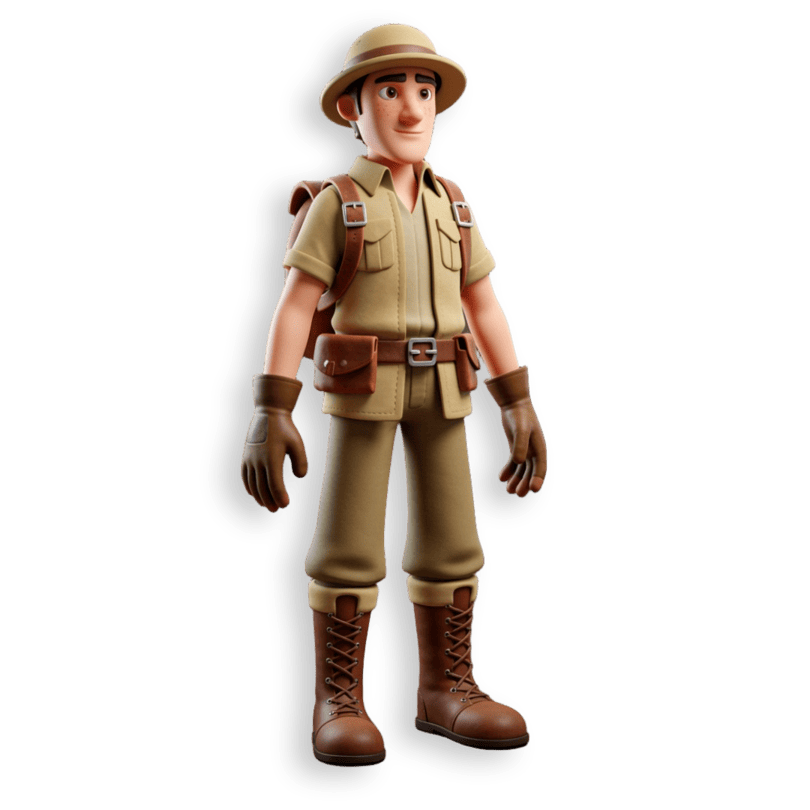
Examples of what a sketch to 3D model can look like
These sample models show the kind of vehicles, creatures, buildings and props that drawing-based 3D tools produce. They are examples of finished 3D output, not our own results, and your model depends on your drawing.
How to turn a sketch into a 3D model
- 11
Upload your sketch
Scan or photograph a drawing on plain paper, or export digital line art as a PNG or JPG. Keep the whole subject in frame with good contrast.
- 22
AI builds the 3D model
Pick a tier (Pro or Standard) and generate. Ship3D returns a textured 3D model in about a minute and fills in the sides you did not draw.
- 33
Preview and download
Rotate the model, then download GLB, STL, OBJ or USDZ for rendering, AR, games or 3D printing.
What people turn sketches into
Character and creature concepts
Turn a concept drawing into a 3D reference you can view from every side before you sculpt or print it.
Product and industrial design ideas
Check the volume of a hand-drawn product idea before you commit to a CAD model.
Kids drawings as keepsakes
Make a 3D version of a child's drawing, then print it as a small toy or desk piece.
Game props and scenery
Get a quick base mesh for a prop, building or set piece, then refine it in your own 3D tool.
Sketch to 3D FAQ
Upload a PNG or JPG of your drawing, choose a tier and generate. After about a minute you can preview the textured model and download it as GLB, STL, OBJ or USDZ. Sign-up is free, and you can try it once for free.
Clean line art or a shaded sketch with one clear subject on a plain background gives the most reliable result. A three-quarter view usually works better than a flat side view. Very rough doodles, overlapping subjects or messy backgrounds give rough results.
Yes. The AI infers the back and sides from the view you provide, so those areas are a guess rather than your design. If the back matters, check the model from behind and try another drawing angle.
The model gets a texture based on your drawing, but the result is a 3D interpretation, not a copy. Colors and details can shift. STL stores shape only, so color does not carry into a 3D print file.
Yes, download the STL and open it in your slicer. Scale it, check thin parts and add supports where needed. We do not guarantee a watertight mesh, so use your slicer's repair tools if it reports holes.
Related tools




Bring your sketch to life
Upload a drawing, preview the 3D model and download it. Sign-up is free, and you can try it once for free.
Free to sign up, no credit card required. Try it once for free.