STL Viewer
View STL Files Online, Free and Private
This STL viewer opens an .stl file right in your browser so you can turn it around, zoom into the details and pan across it before you print it, send it or buy it.
Try a sample
Drop in an ASCII or binary STL and the model appears in an interactive 3D view, with the file name, file size and exact triangle count underneath. Nothing is uploaded: the file is read on your own device, so this online STL viewer is free, private and needs no account or install, on a desktop or a phone. When you need another format, save the model as GLB for the web, as OBJ for other 3D tools, or as a fresh binary STL. The same STL file viewer also opens OBJ, FBX, GLB, glTF, 3MF, PLY, STEP and IGES files, which makes it a quick way to view STL online and to check any model someone sends you.
Open a sample in the STL viewer
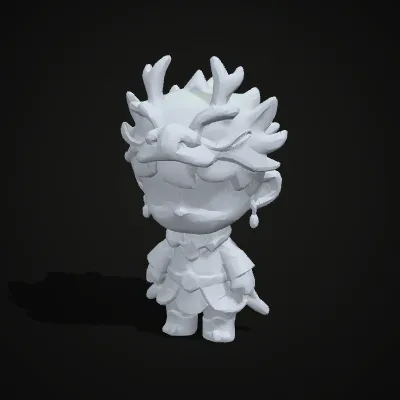
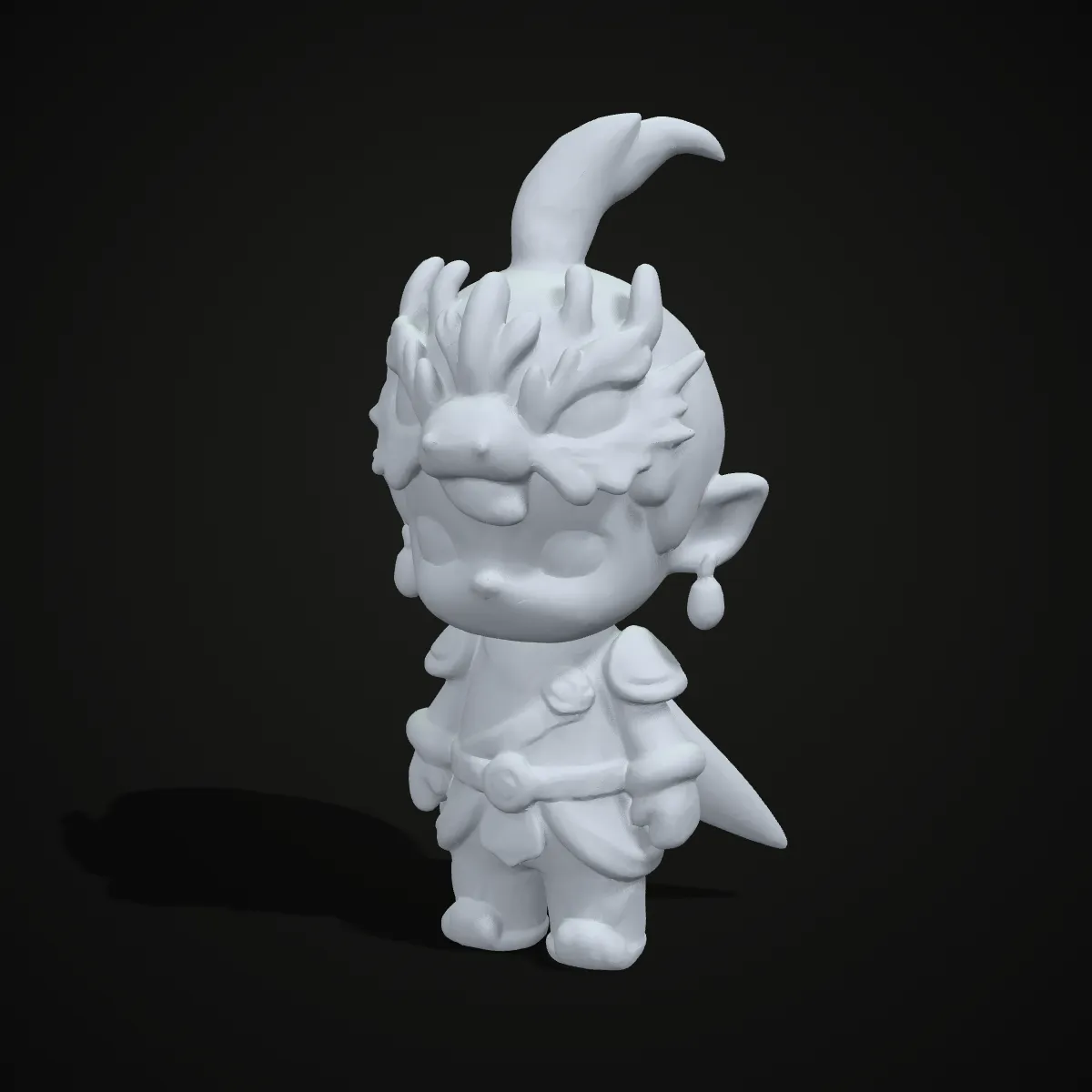
Three STL files to try the viewer with: a mechanical gear, an organic figurine and a vase. Each opens with one click, and the triangle counts show how different they are: 3,492 for the gear, 10,000 for the figurine and 11,712 for the vase.


The STL viewer in action: open, spin, save
A 14-second recording of the viewer at work: the figurine sample opens, the line under the view reads figurine.stl · 488.4 KB · 10,000 triangles, and the model is turned and zoomed with the mouse. The Save as GLB, Save as STL and Save as OBJ buttons sit on the right, ready once the file has loaded.
Kinds of models the STL file viewer opens
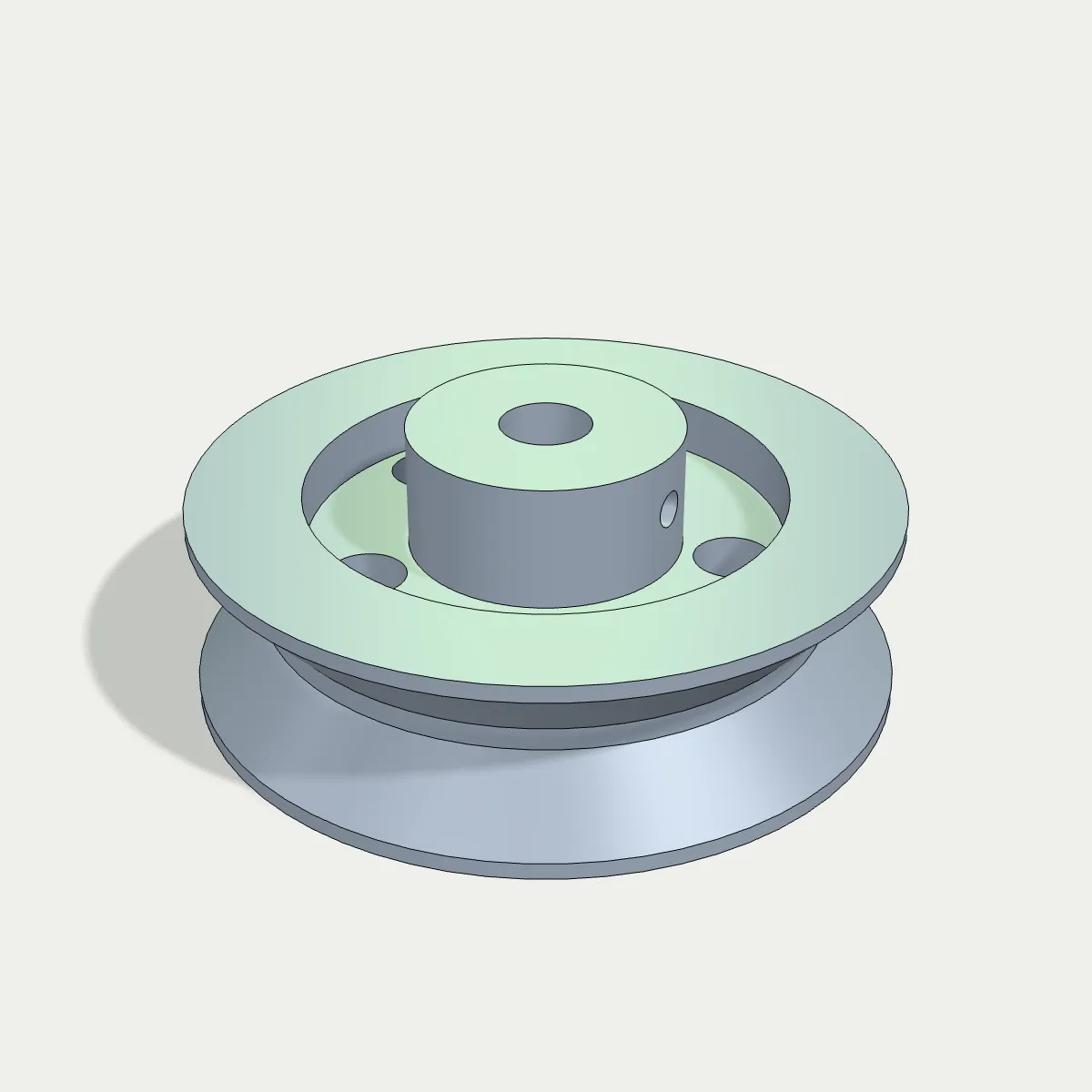
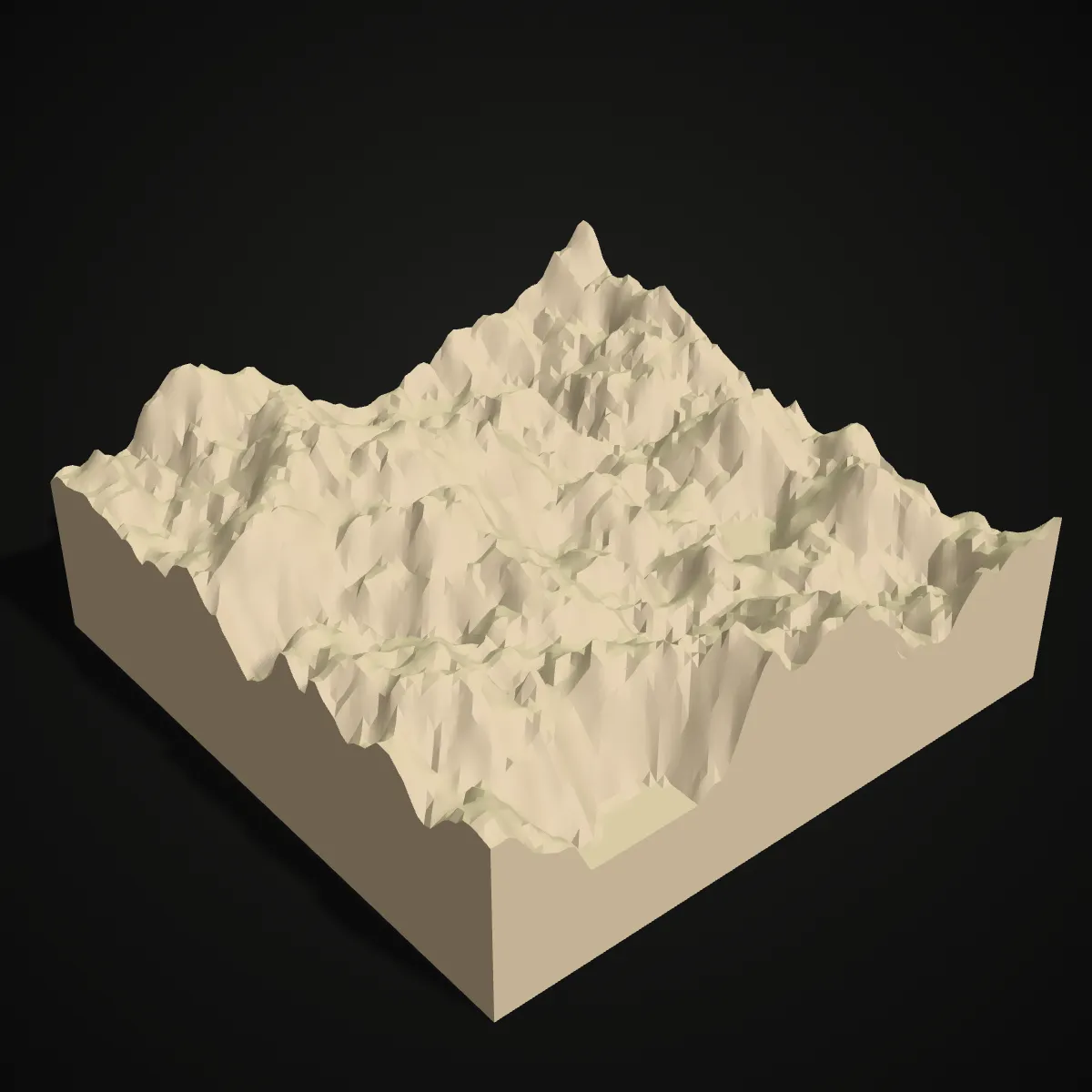
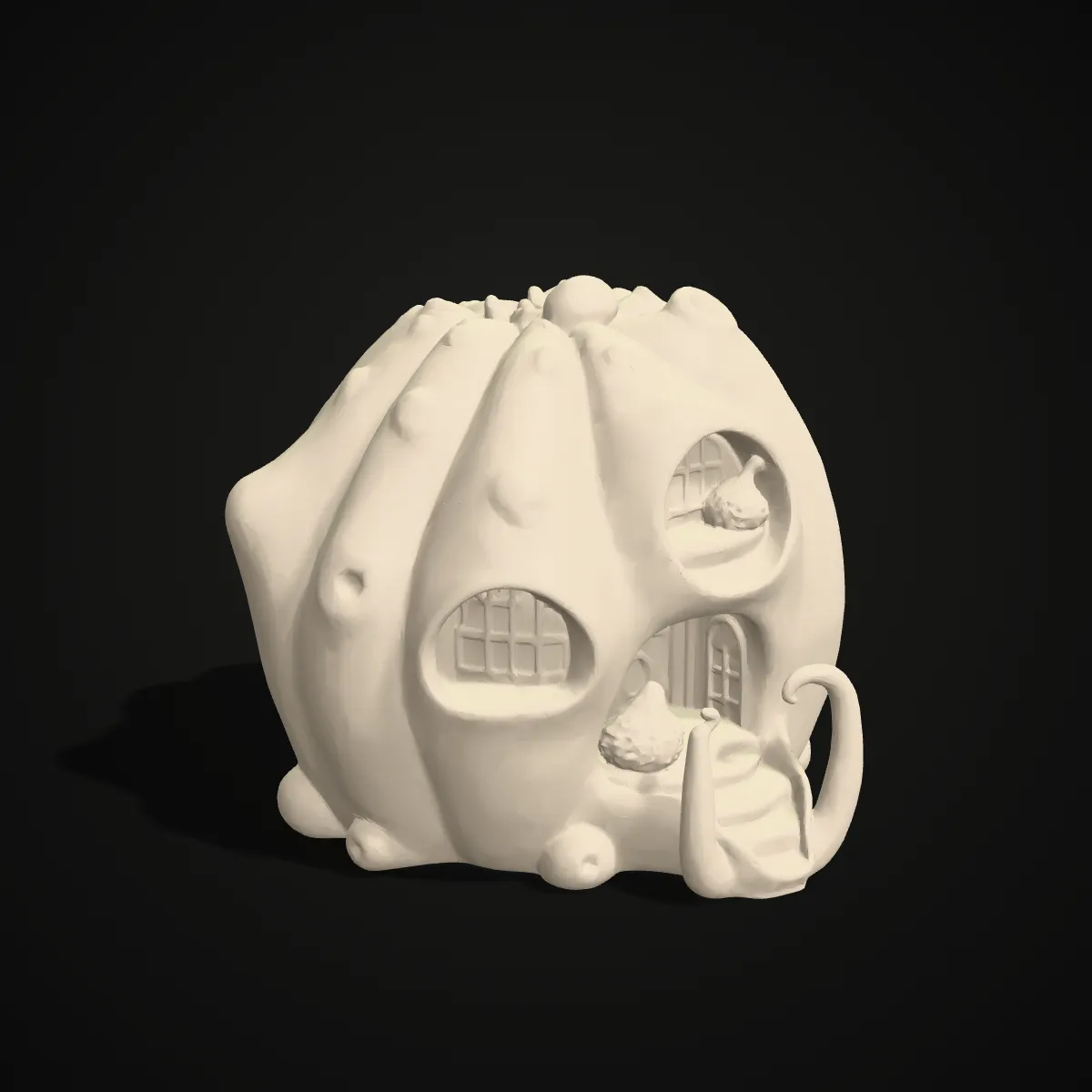
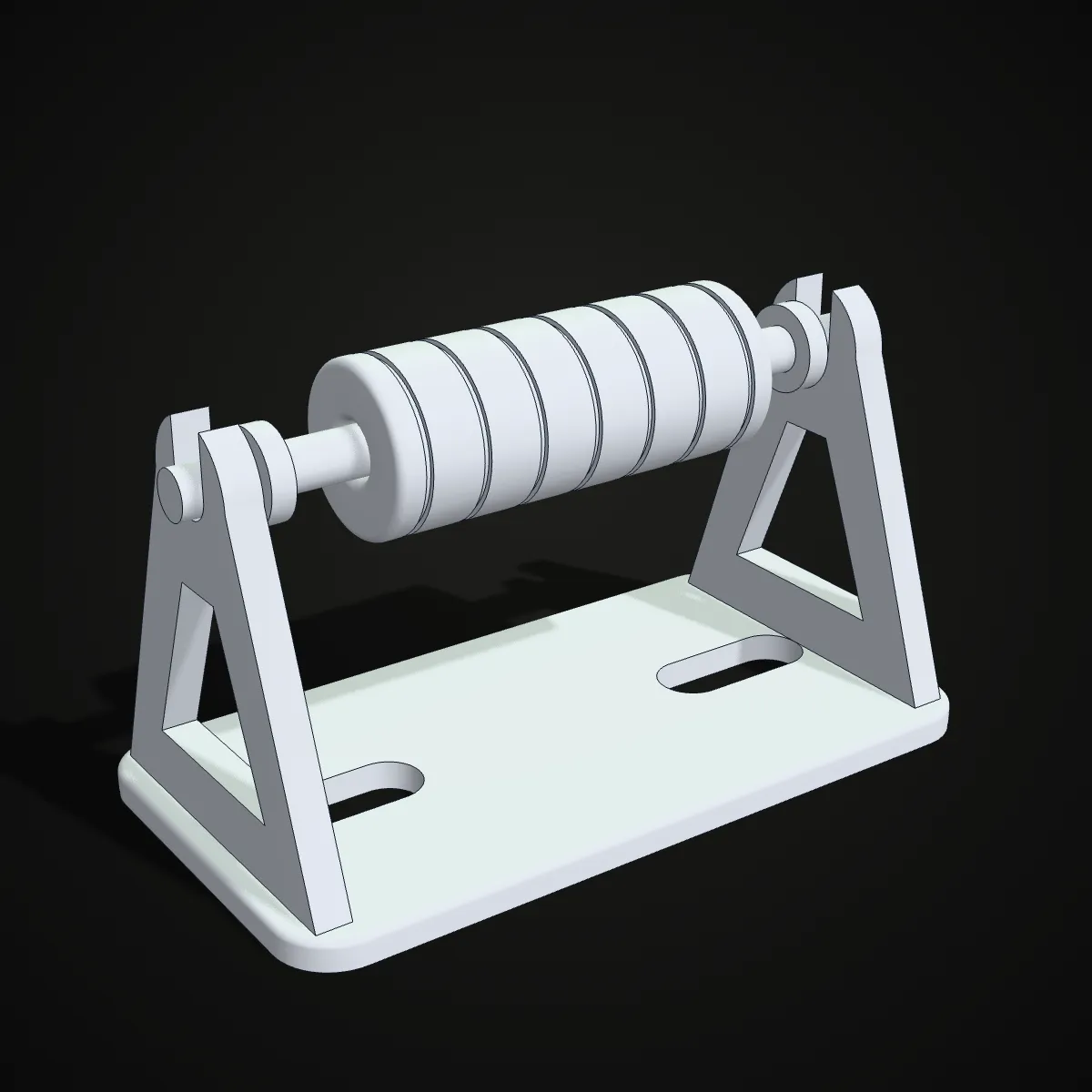
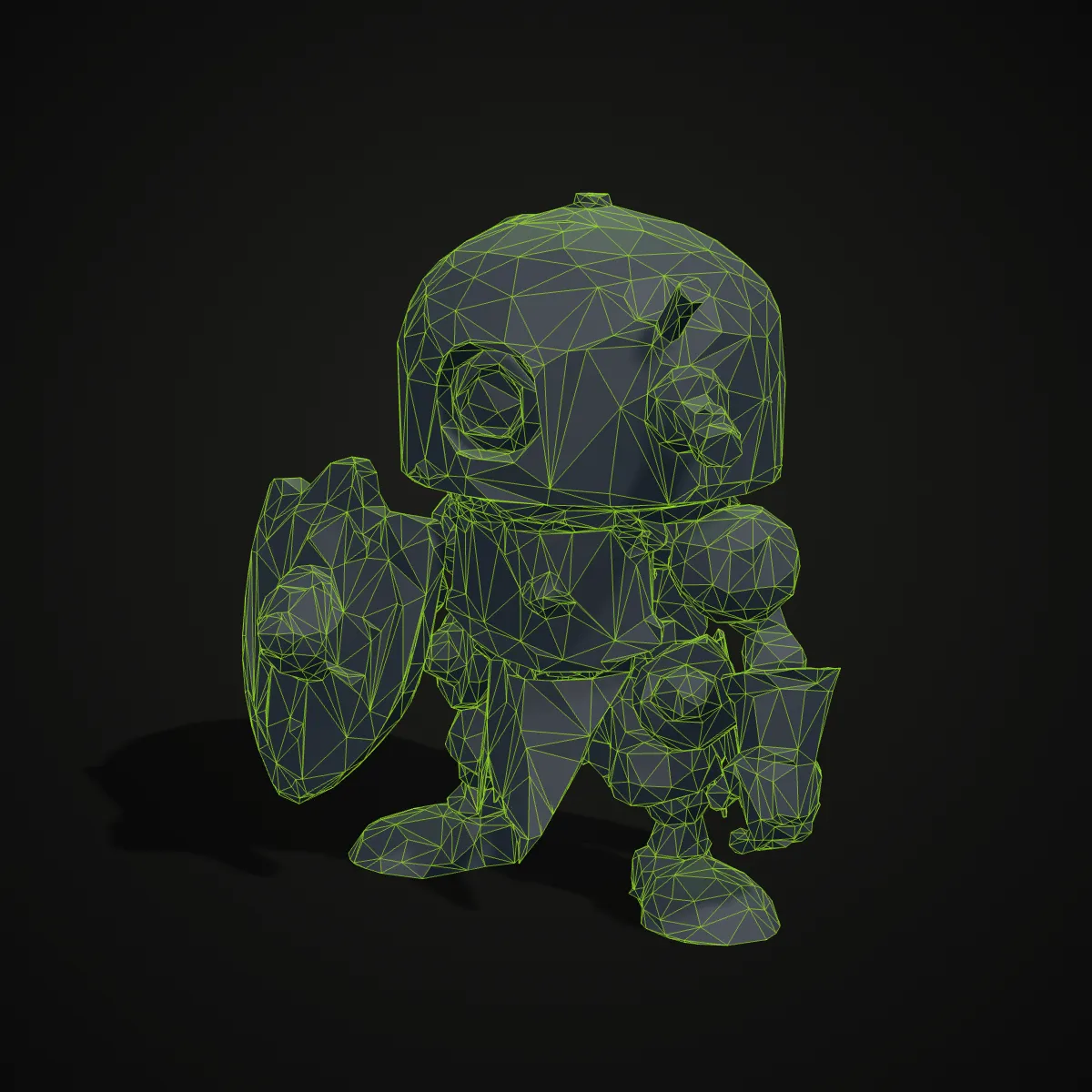
Mechanical parts, figurines, terrain, vases and assemblies: eight STL models rendered in print-style colours. In the viewer every STL appears in neutral grey, because the format stores shape only.


How to view STL online in three steps
- 11
Open the STL file
Drag the .stl file into the STL file viewer above or press Open STL File and pick it. ASCII and binary STL both work, up to 200 MB.
- 22
Rotate, zoom and pan
Drag to orbit, scroll or pinch to zoom, and right-drag, Shift-drag or drag with two fingers to pan. The model turns slowly on its own until you take over.
- 33
Save it in another format
Use Save as GLB, Save as STL or Save as OBJ. The GLB stands the model upright for web and AR viewers; Save as STL writes a compact binary copy of an ASCII file.
What the STL viewer shows for each format
The page is built around STL, but the viewer reads nine formats. This is what you see when you open each one.
| Format | Extensions | What you see |
|---|---|---|
| STL (ASCII or binary) | .stl | The shape in light grey; standard STL stores no colour, texture or units |
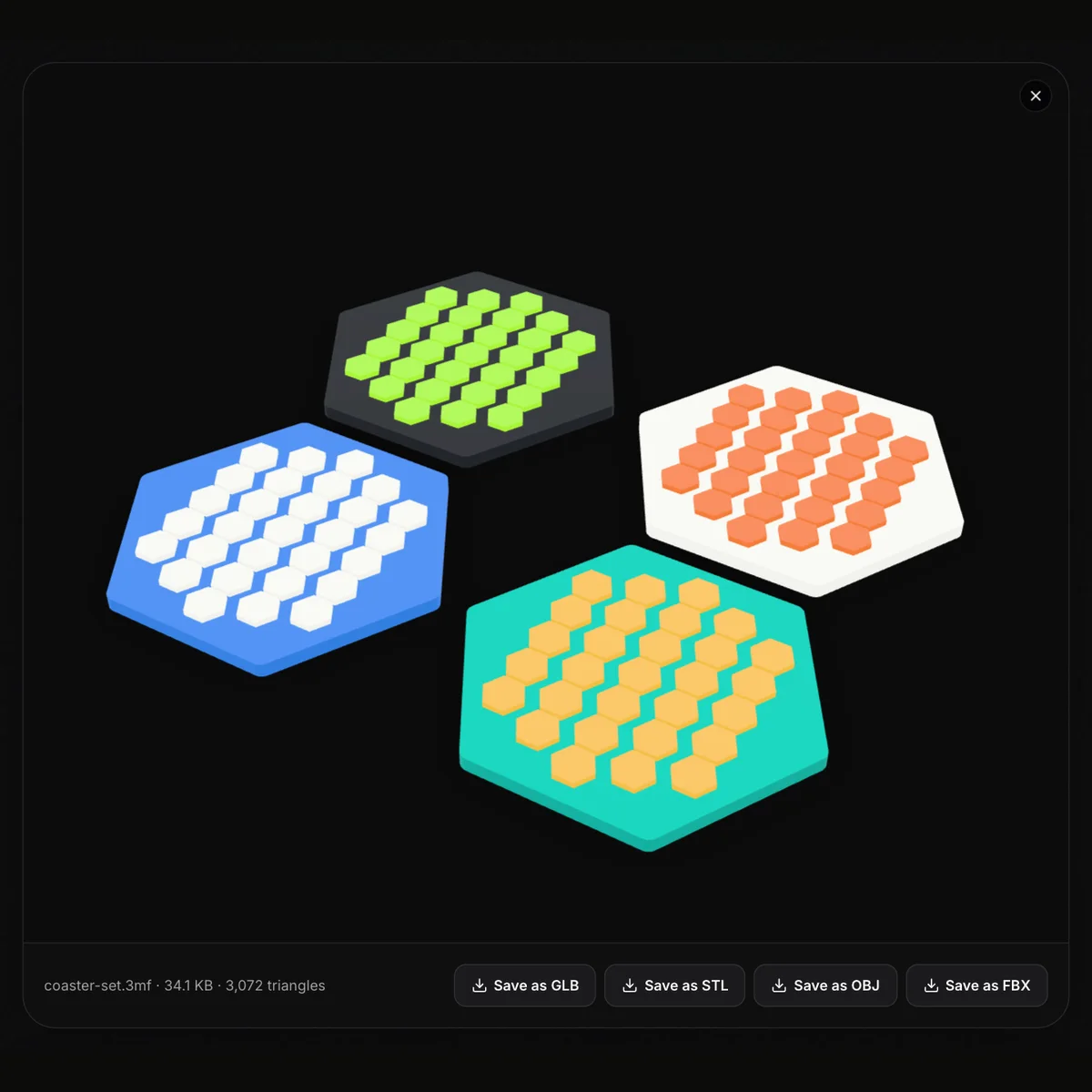
| 3MF | .3mf | Every object with its colours, including colour per triangle |
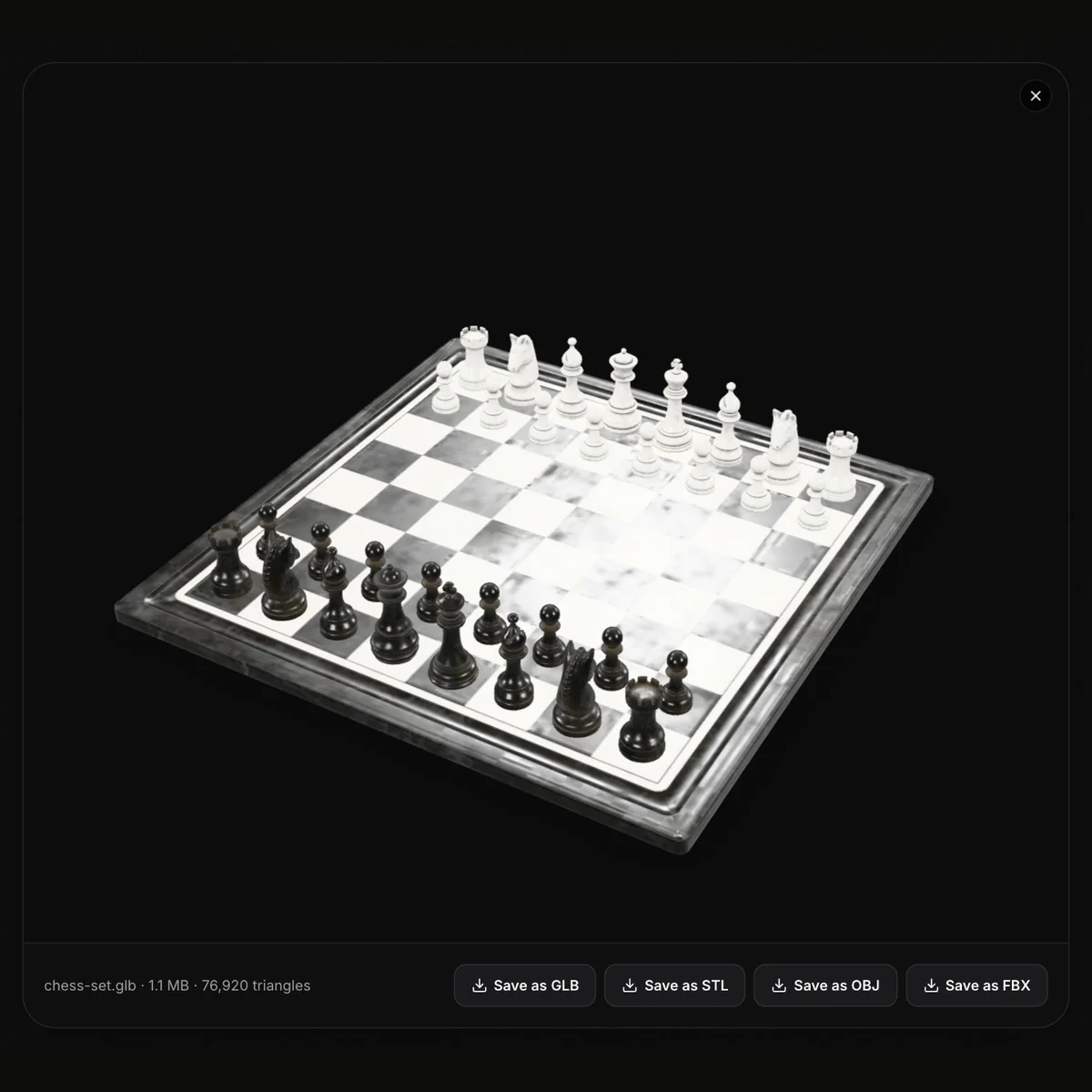
| GLB / glTF | .glb, .gltf | Textures and materials, Draco and Meshopt compression included; a .gltf must have its data embedded |
| OBJ | .obj | Geometry plus colours stored per vertex in the file; a separate .mtl and texture images are not read |
| FBX | .fbx | Meshes with textures embedded in the file; animation is not played |
| PLY | .ply | The mesh and its triangle count |
| STEP / IGES | .step, .stp, .igs, .iges | CAD solids meshed at Standard detail, with part colours; the first CAD file loads a 7 MB engine |
What an STL file viewer is for
Checking a download before you print
Load an STL from a model site into the online STL viewer to see it from every side, spot missing pieces and read its triangle count before you commit hours of printing.
Reviewing files from customers
Print shops and freelancers can use this free STL viewer to open what a customer sends in seconds, on any computer, without installing CAD software.
Inspecting AI-generated and scanned meshes
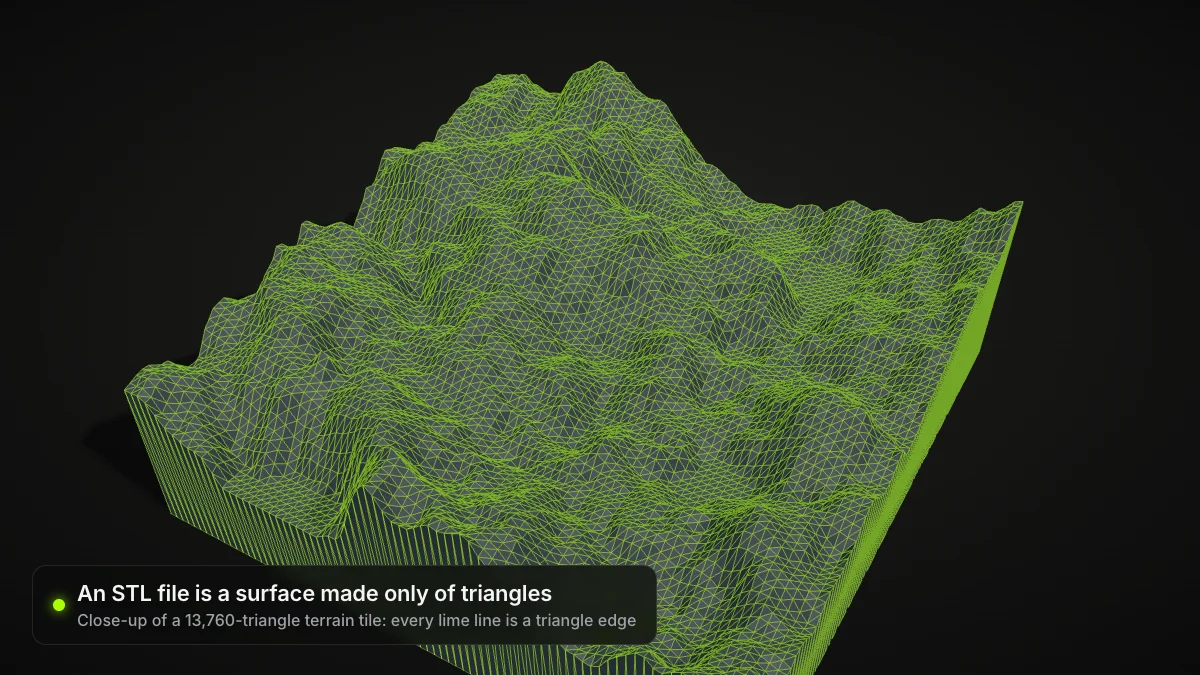
Meshes from AI generators and 3D scanners are often dense. The triangle count tells you whether to simplify one before slicing.
Turning an STL into GLB or OBJ
Save an STL as GLB to show it on a website or in AR, or as OBJ for tools that prefer it. For a dedicated converter, use the STL to OBJ page.
STL viewer FAQ
Drag it onto the STL viewer on this page to view STL online in any browser, on Windows, macOS, Linux, Android or iPhone, with nothing to install and no account.
Yes. It is a free STL viewer with no sign-up, and the file is processed only on your device. It is never uploaded to our servers, so confidential parts stay private.
Not at the moment: the STL file viewer shows the file name, file size and triangle count, but no measurements. Open the STL in a slicer such as PrusaSlicer, Cura or Bambu Studio to read its size in millimetres.
Yes, both open the same way. ASCII STL is plain text and much larger for the same model; Save as STL writes a binary copy that is smaller and loads faster in other tools.
Because standard STL stores only triangles, with no colour or texture. If your model should be coloured, open its 3MF, OBJ or GLB version instead; the viewer shows colours from those formats.
Usually the file is empty, was cut off during download or is not really an STL. Download or export it again and retry. Files up to 200 MB are supported, but very large meshes can run out of browser memory on phones.
Guides for this tool
Related tools





Need an STL to look at?
Turn a photo into a 3D model with Ship3D’s AI generator, download it as STL and open it here.
Free to sign up, no credit card required. Try it once for free.