FBX Viewer
View FBX Files Online, Animation Included
This FBX viewer opens an .fbx file in your browser and shows the model the way it was exported: meshes, materials, embedded textures and, on a rigged character, the first animation clip playing on a loop.
Try a sample
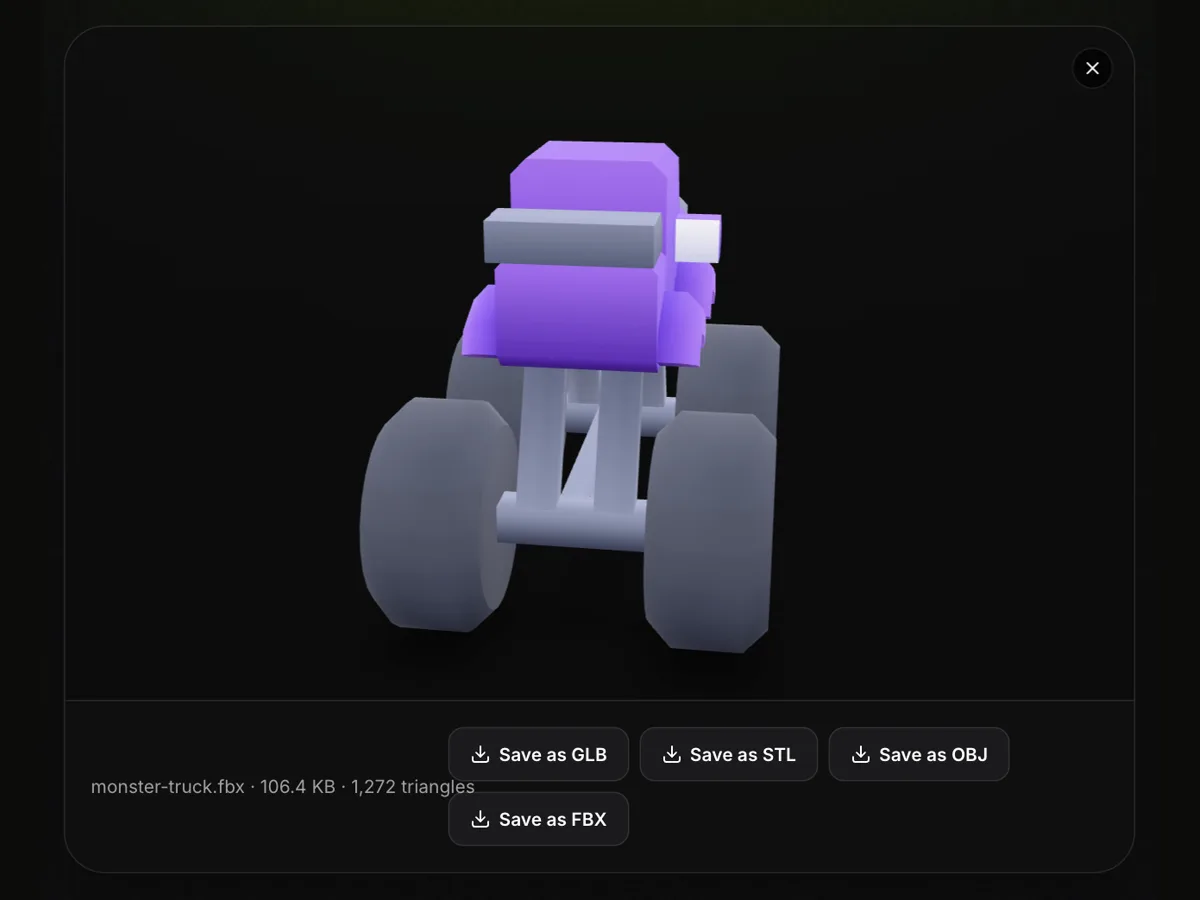
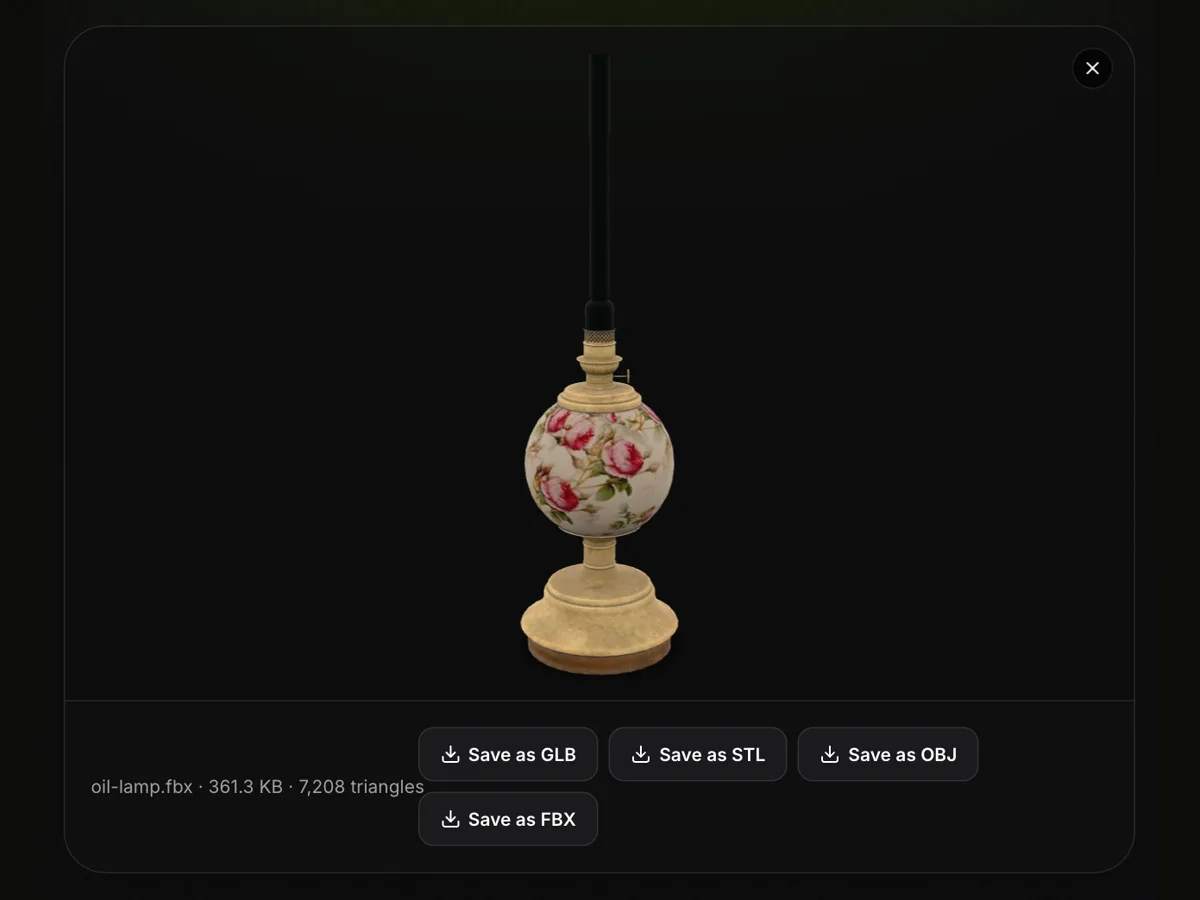
Drop in a character from Mixamo, a vehicle from an asset store pack or a prop a teammate sent you, then turn it around with the mouse or a finger. Below the view you get the file name, the file size and the number of triangles, which tells you at a glance whether the asset suits a mobile game or needs a lighter version. It is an online FBX viewer that uploads nothing: the file is parsed on your own device, so there is no account to create and no need to install Autodesk FBX Review, Blender or a game engine just to look at one file. Binary FBX from version 6.4 and ASCII FBX from 7.0 open, up to 200 MB. When the model has to go somewhere else, Save as GLB keeps the textures and every animation clip, while Save as STL, OBJ and FBX write a still copy.
Try the FBX viewer with a sample file
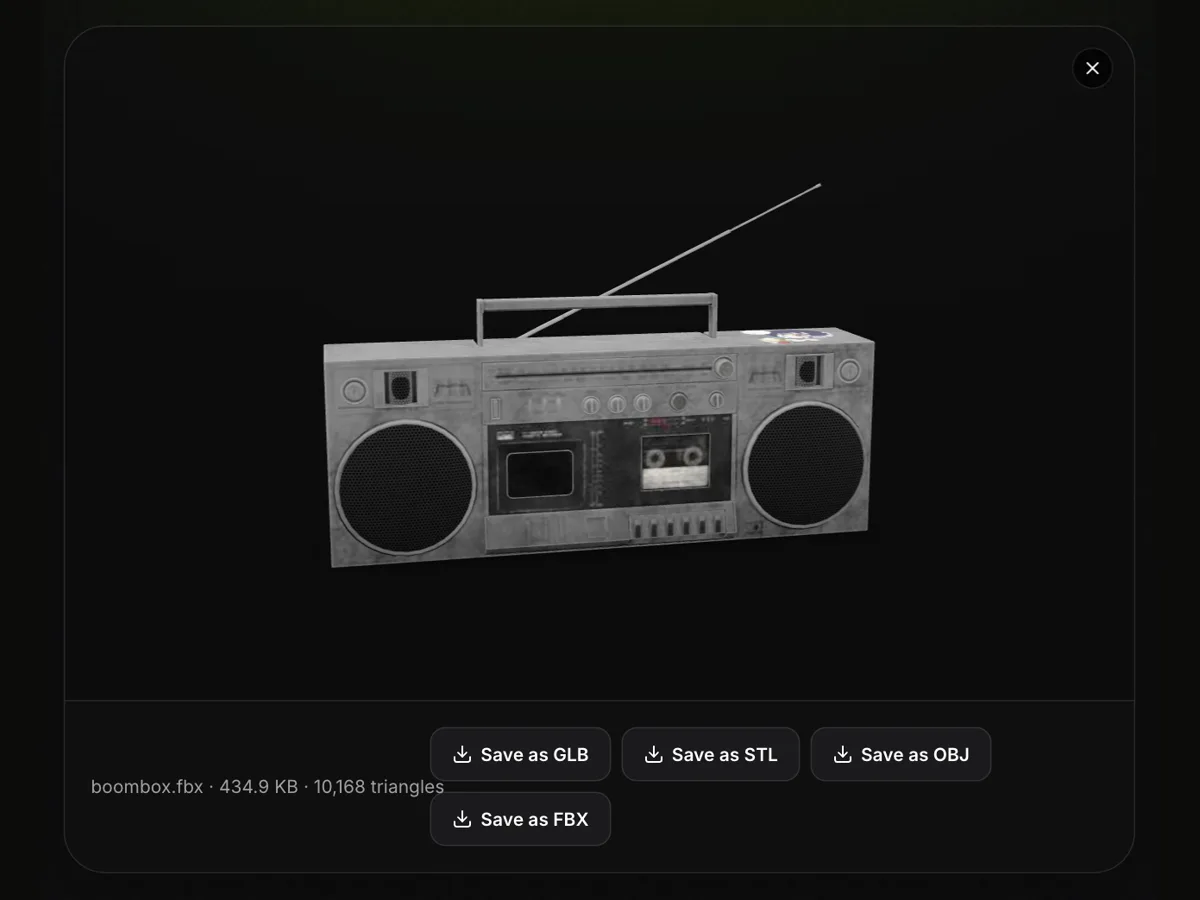
Three free FBX files, each showing a different side of the format: a rigged knight with eight animation clips, a boombox whose photo textures are packed inside the file, and a monster truck built from a body and four separate wheels. All three are CC0 models from Kenney and Poly Haven. Press Try it to open one here, or Download to keep the .fbx.
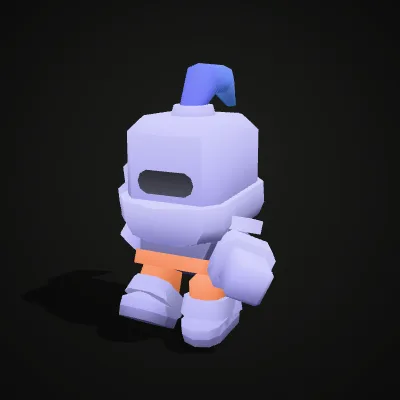

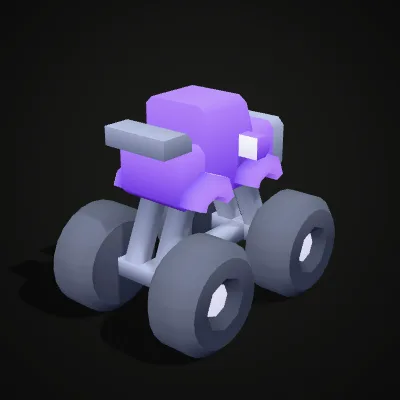
Watch the FBX viewer open an animated knight
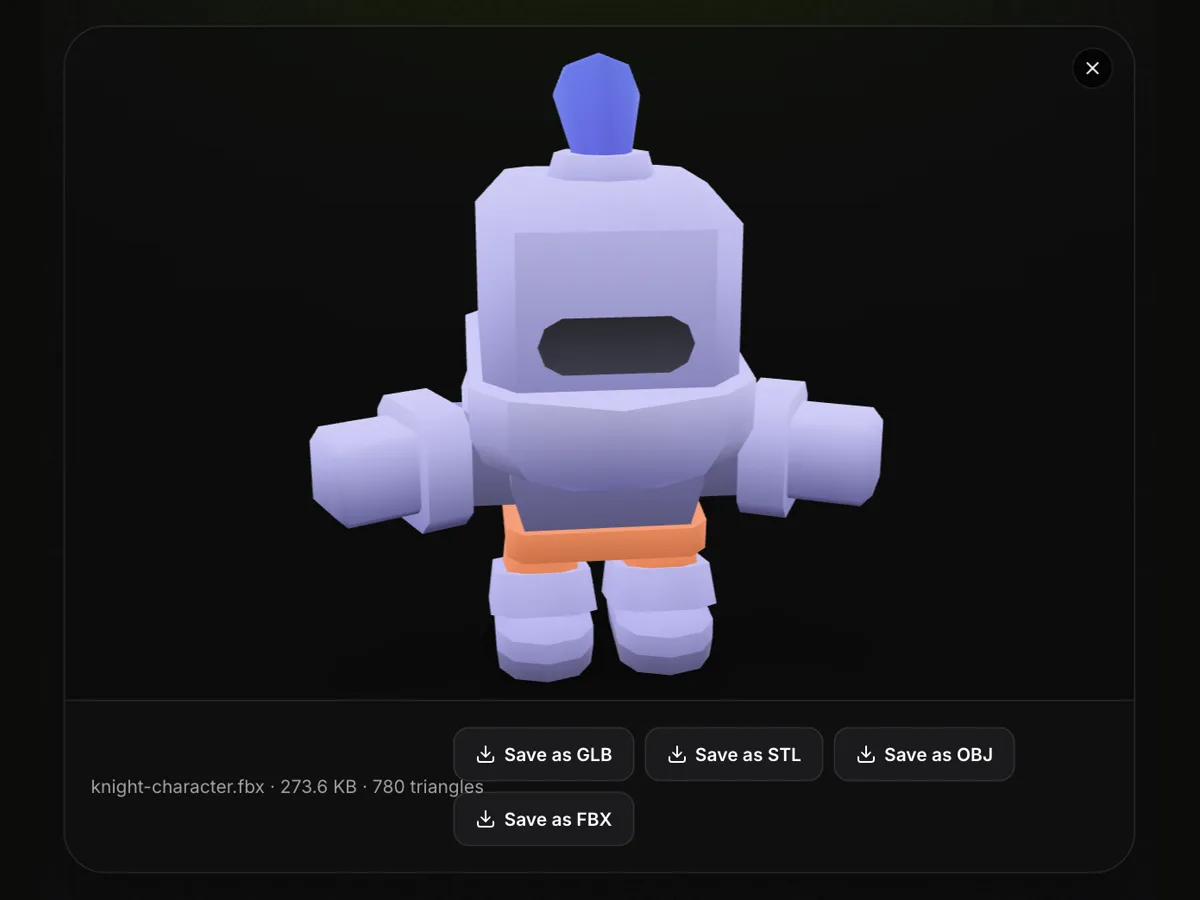
A 15-second screen recording: the knight-character.fbx sample is dropped onto the empty viewer and its idle clip starts moving straight away, above the line knight-character.fbx · 273.6 KB · 780 triangles. The knight is then dragged round and zoomed, the pointer runs along Save as GLB, Save as STL, Save as OBJ and Save as FBX, and Save as GLB downloads knight-character.glb with all eight clips inside.
Real files in the FBX viewer, and what else an FBX can hold
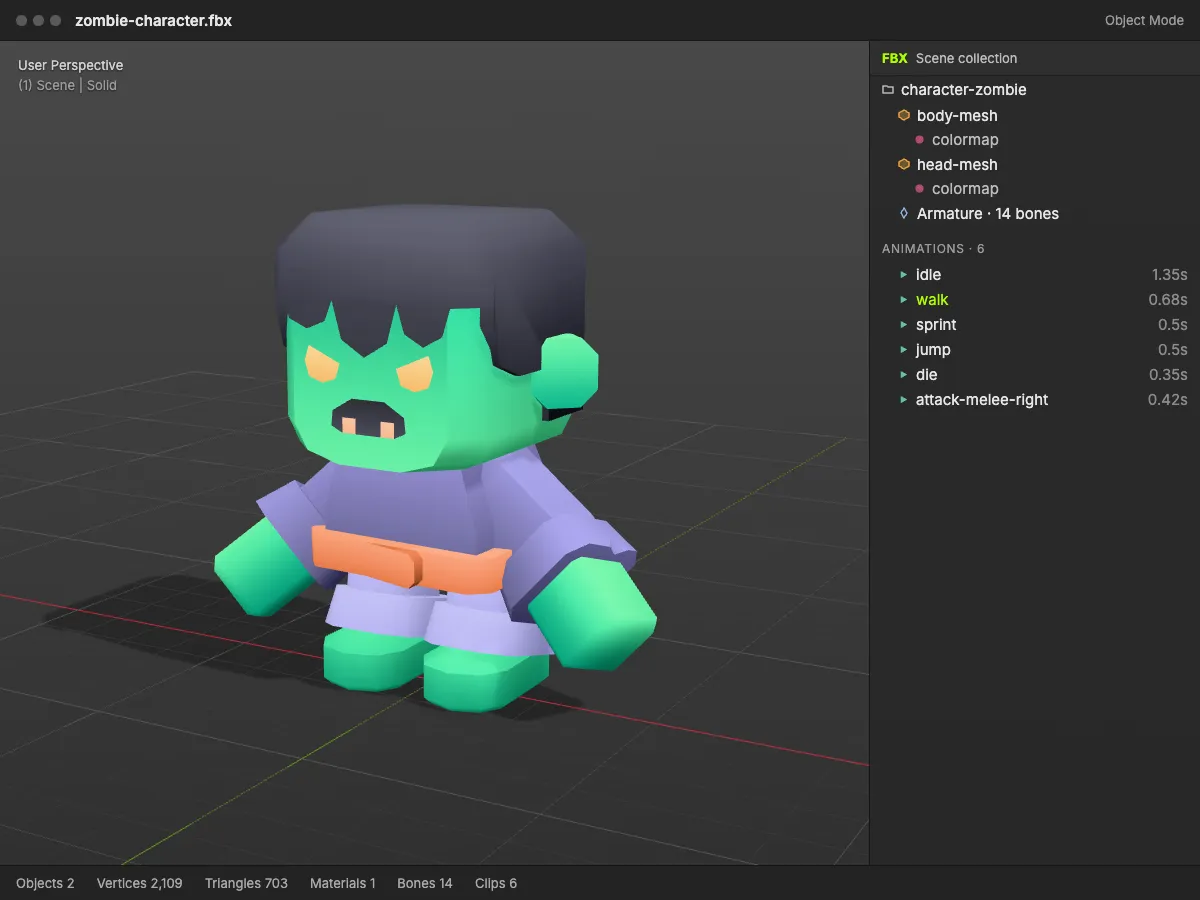
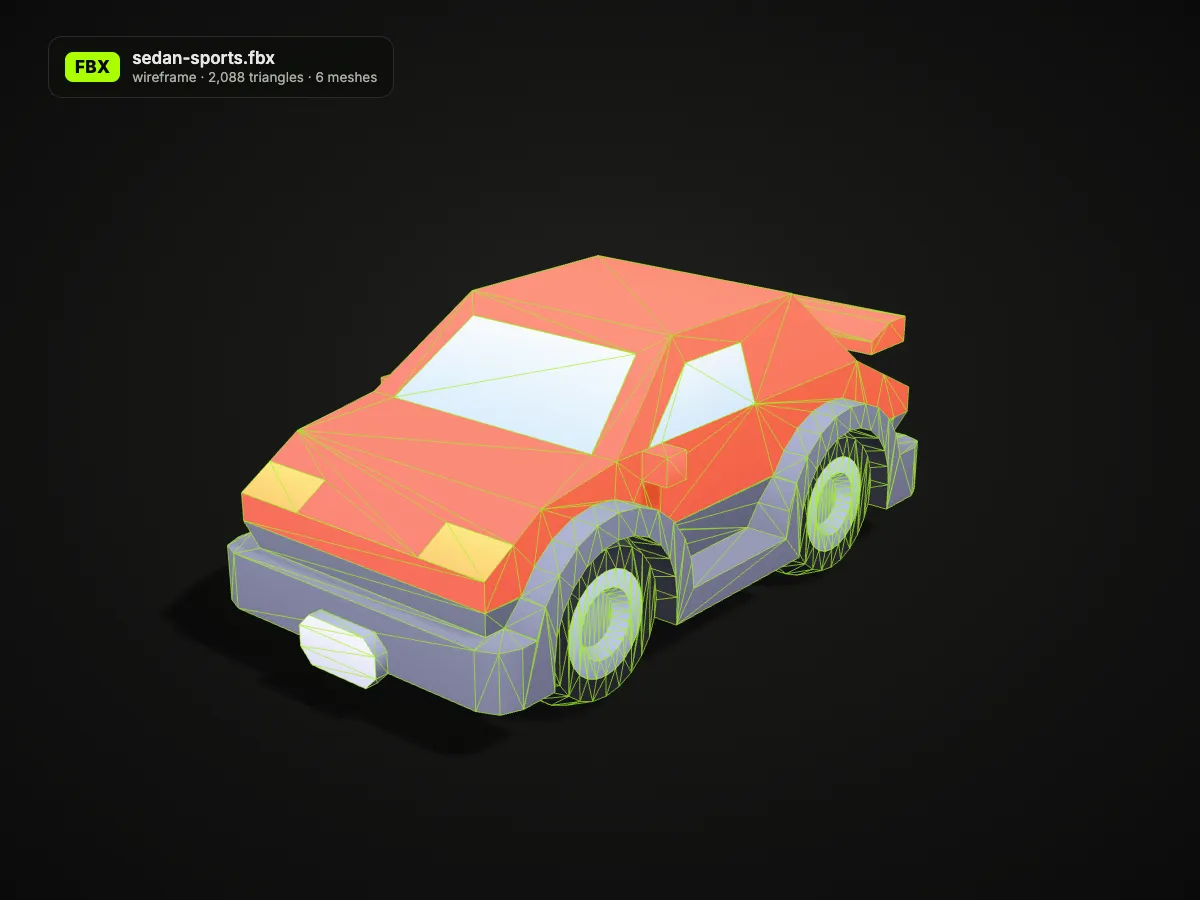
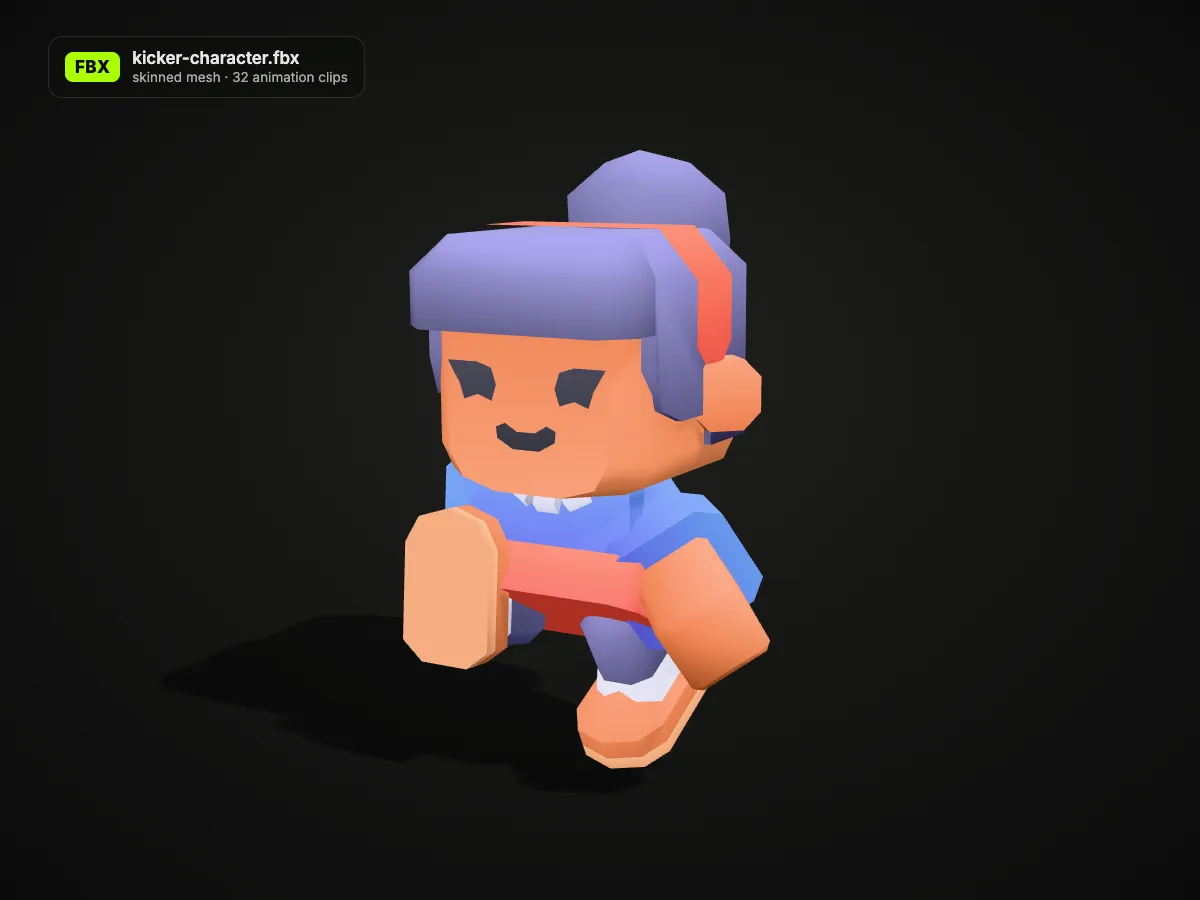
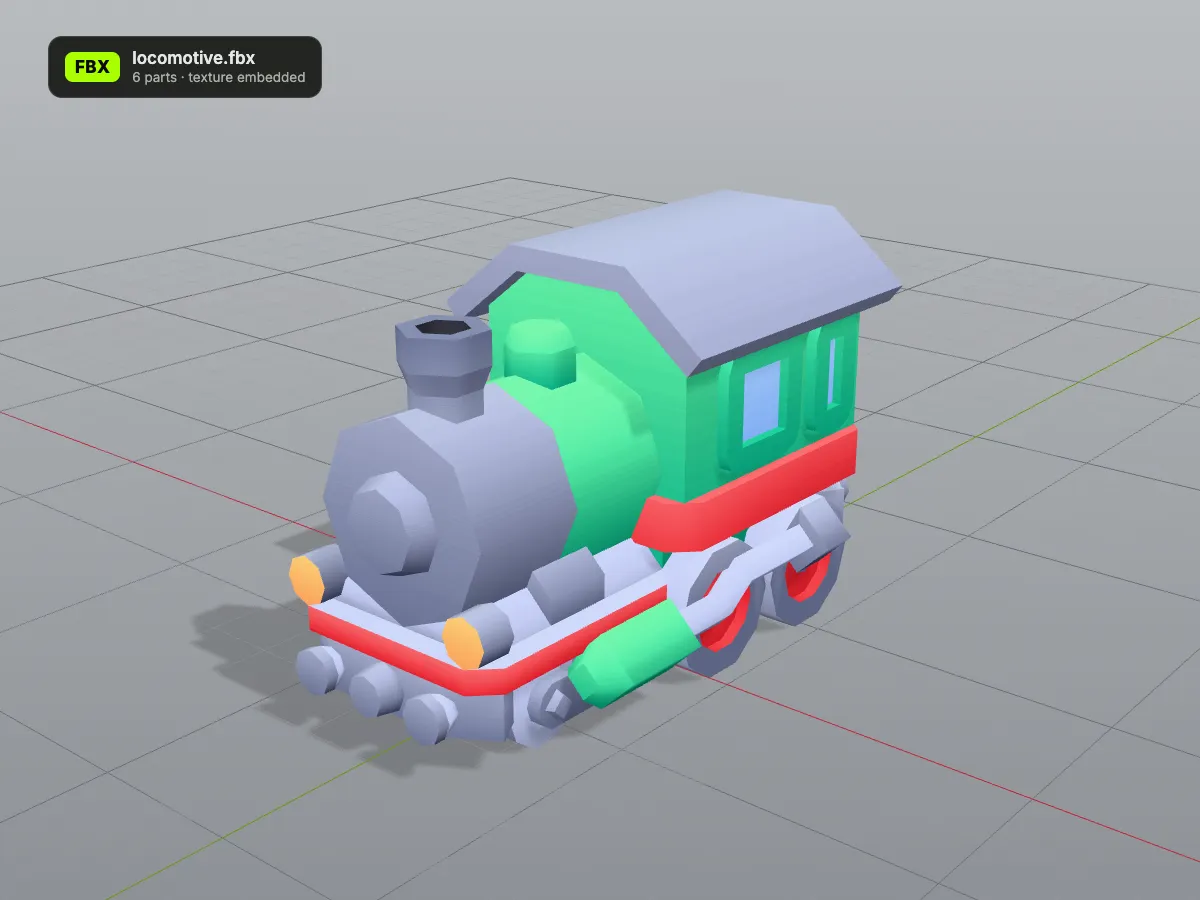
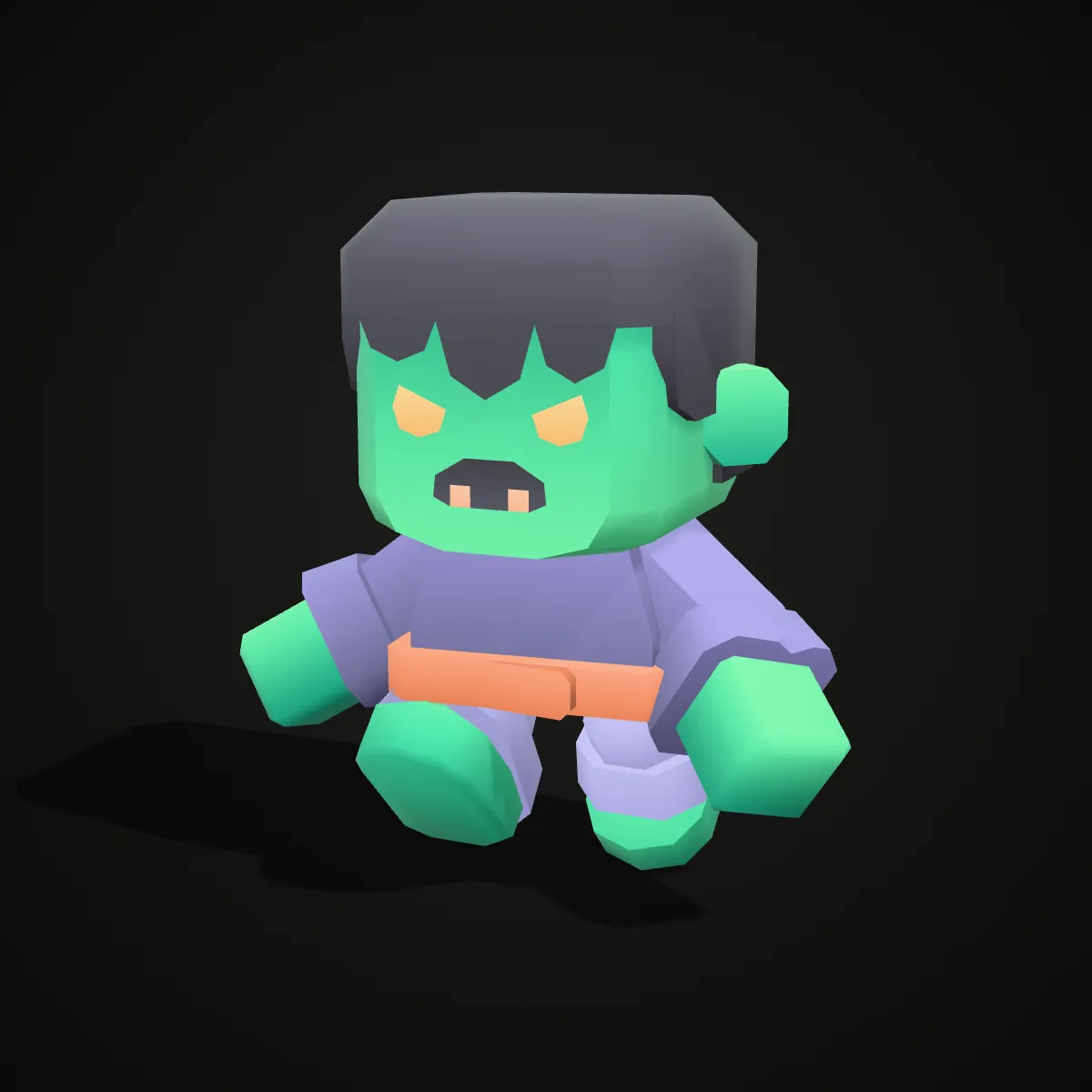
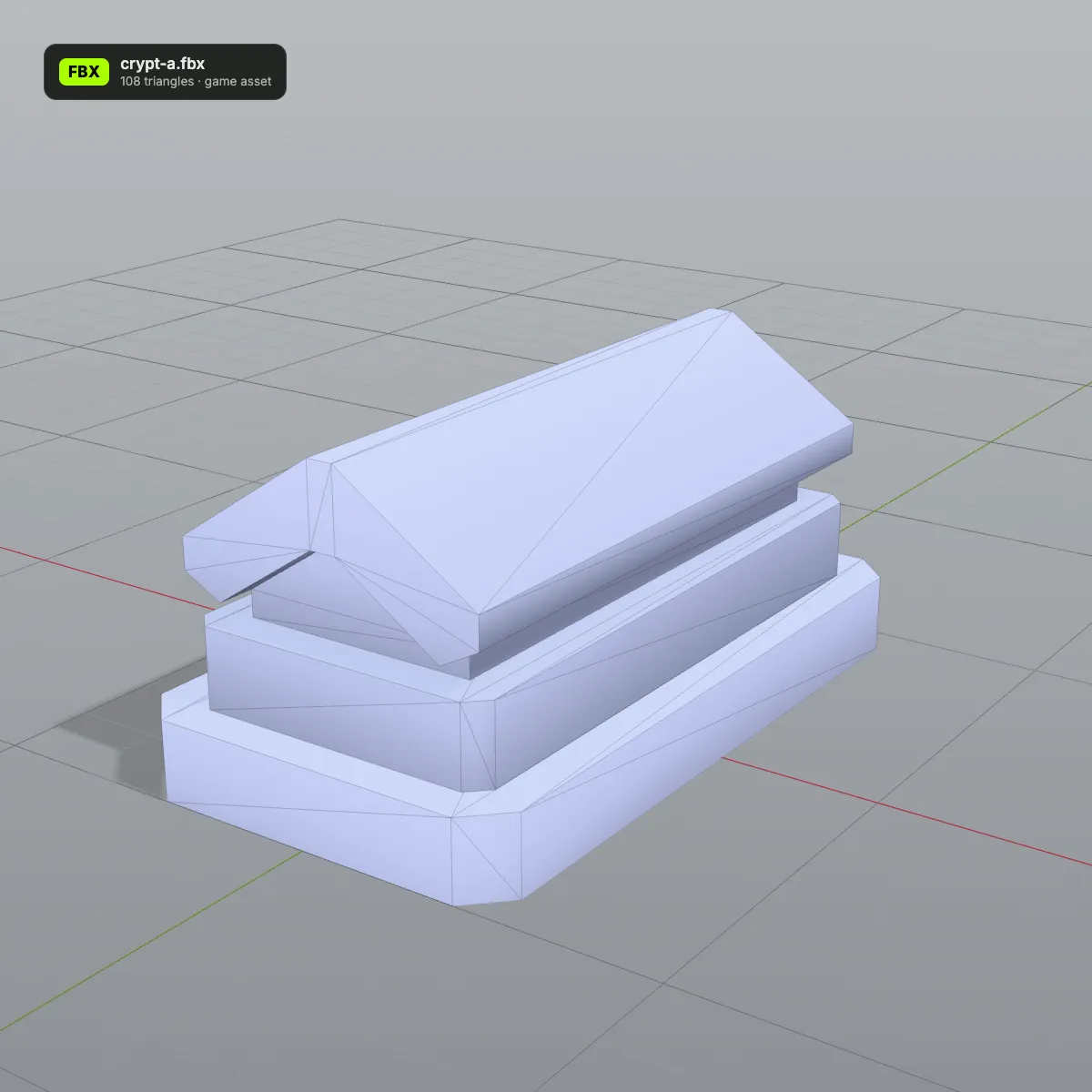
The first four pictures are screenshots of this FBX file viewer with real files open. The last four are renders that show what else an .fbx can carry, such as a skeleton, a list of animation clips and separate parts; the viewer itself has no wireframe mode or scene outliner.
How to view FBX files online
- 11
Drop in the .fbx
Drag the file onto the FBX viewer or press Open FBX File. Binary and ASCII FBX both load; textures appear when they are embedded in the file.
- 22
Look the model over
Orbit with a drag, zoom with the wheel or a pinch, pan with a right-drag or two fingers. A rigged character plays its first clip while you inspect it.
- 33
Save it in the format you need
GLB for the web and three.js with textures and all clips, FBX for a clean static FBX 7.4 copy, OBJ for other modelling tools, STL for a slicer.
What the FBX viewer shows, and what each Save as keeps
An FBX can hold a whole scene. This is how each part of the file appears in the FBX file viewer and which download keeps it.
| Part of the FBX | In the viewer | Kept when you save |
|---|---|---|
| Meshes | Every mesh is drawn; quads and n-gons are split into triangles and counted below the view | All four formats |
| Separate objects (hierarchy) | Shown in place as one scene; there is no outliner or list of parts | GLB, FBX and OBJ keep each mesh as its own object; STL merges them |
| Materials and colours | The base colour of each material | GLB and FBX; OBJ turns them into vertex colours; STL has none |
| Embedded textures | Colour and normal maps packed inside the .fbx | GLB and FBX embed them; OBJ keeps the UVs and samples the colour map into vertex colours (approximate for detailed textures), with no images; STL has none |
| Textures saved as separate image files | Not loaded; the material colour shows instead | — |
| Vertex colours | Shown | GLB, FBX and OBJ; STL has none |
| Skeleton and animation | The first clip plays on a loop; other clips cannot be picked | GLB keeps the skin and every clip; FBX, OBJ and STL save a still mesh |
| Units (UnitScaleFactor) | Not displayed | GLB converts to metres; FBX keeps the file’s own unit; OBJ and STL keep the raw numbers |
Who uses an online FBX viewer
Checking asset store downloads
Load an FBX from an asset store or itch.io pack into this .fbx file viewer before importing it into Unity, Unreal or Godot, to see the style, whether the textures came along and how heavy the mesh is.
Previewing Mixamo characters
Download a character with skin and one animation from Mixamo, open it in the FBX viewer and confirm it moves as expected before you build an Animator or a retarget.
Reviewing work without the full toolchain
Producers, clients and artists on a laptop without Autodesk FBX Review, Maya or Blender can still use the FBX viewer on files a colleague shared and send feedback.
Taking an FBX to the web or a printer
Save as GLB to put the model on a website or in three.js with its animation, or Save as STL to print a character or prop on a 3D printer.
FBX viewer FAQ
Drop it onto the FBX viewer at the top of this page. It runs in Chrome, Edge, Firefox and Safari on Windows, macOS and Linux, and needs no Autodesk account, plug-in or download.
Yes, the first clip: when an FBX holds a skinned character with animation, that clip starts as soon as the model loads and keeps looping. There is no clip list or timeline, so to browse the other clips, save the file as GLB (every clip is kept) and open it in Blender or a game engine.
Because the textures are not inside the file. Many exports store only the path to each image, and a single dropped file cannot reach those images, so the viewer falls back to the material colour. Export again with the textures embedded (Embed Media in Maya and 3ds Max, Path Mode Copy with the embed button switched on in Blender).
Usually one of three reasons: it is binary FBX older than version 6.4 or ASCII FBX older than 7.0 (export it again from a current 3D app), it is larger than 200 MB, or it contains no mesh. A Mixamo animation downloaded Without Skin is the common case of the last one: it carries bones and motion only, so download it With Skin.
Yes. The FBX is read and drawn by your own browser and is never sent to a server, stored or shared, so unreleased game assets and client work stay on your computer.
Yes, this FBX viewer online runs in mobile browsers on Android and iOS: tap Open FBX File, choose the .fbx, orbit with one finger and pinch to zoom. Phones have less memory than computers, so very dense scenes may not load there.
Related tools




No FBX to open yet?
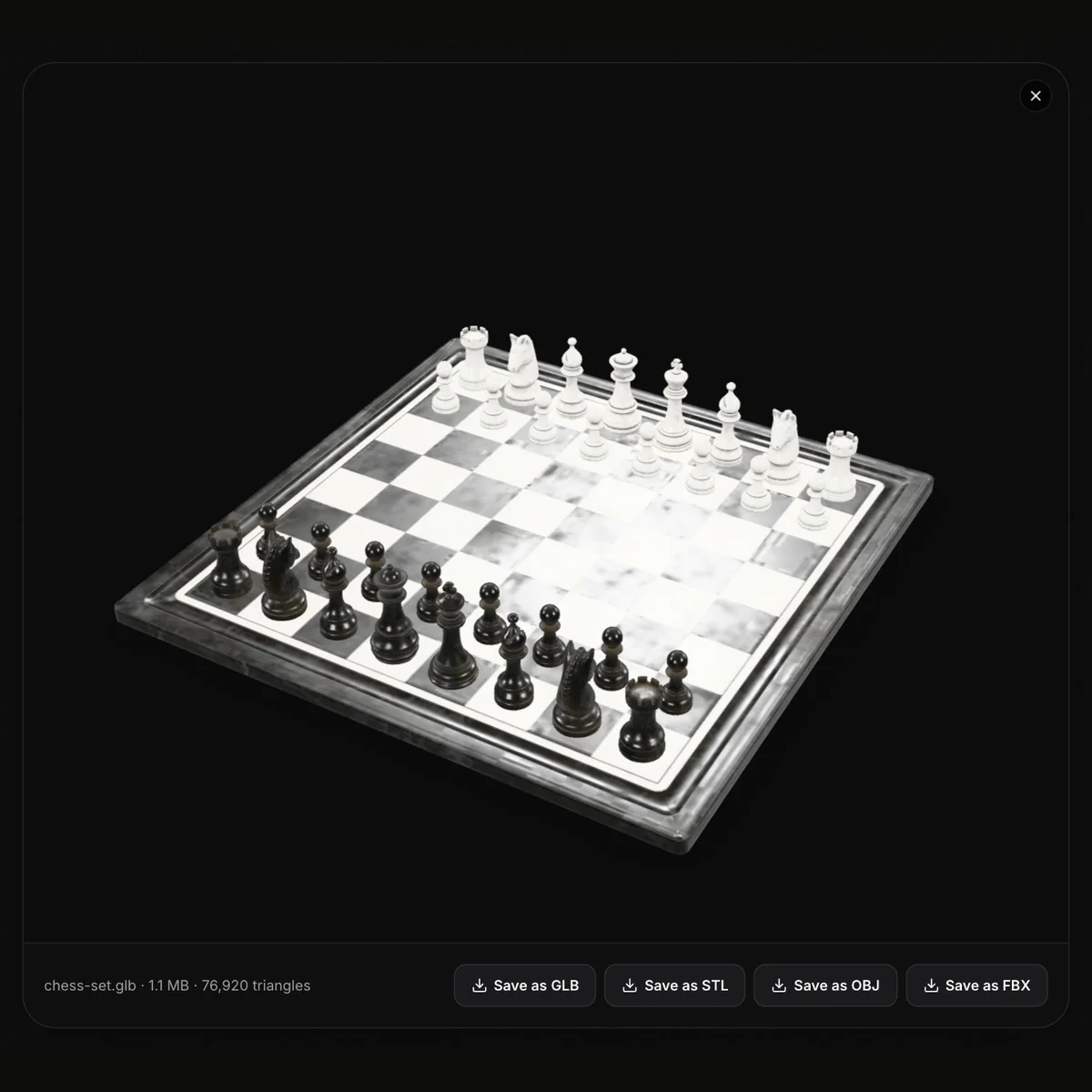
Turn a photo into a 3D model with Ship3D’s AI generator, download it as GLB, then open it in the FBX viewer and use Save as FBX.
Free to sign up, no credit card required. Try it once for free.