GLB to FBX Converter
Web Models, Ready for Blender, Unity and Unreal
This GLB to FBX converter turns a .glb file, the single-file glTF format used on the web, in AR and by AI 3D generators, into a binary FBX that Blender, Unity, Unreal, Maya and Cinema 4D can import.
GLB → FBX
Drop a 3D model file to preview it in 3D before converting.
The work happens on your own device with three.js and our own FBX writer, so the model is never uploaded and there is no account to create. What comes across: every node with its name, position, rotation and scale; the meshes with normals, UVs and vertex colours; each material slot with its base colour and opacity; and the base colour, normal and emissive textures, packed inside the .fbx itself. The file follows the binary FBX 7.4 layout and declares metres with Y up, so a GLB that is 1 m tall is still 1 m tall after import. We opened the output in Blender 4.2 and in ufbx, the FBX loader Godot uses. One limit to know before you convert GLB to FBX: the result is a static scene. Bones, skin weights, morph targets and animation clips are not written, so a rigged character arrives as a plain mesh frozen in one pose.
Try GLB to FBX with a sample file
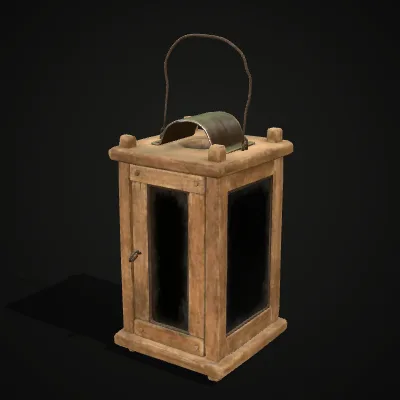
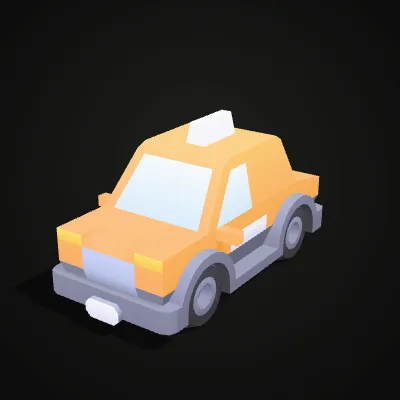
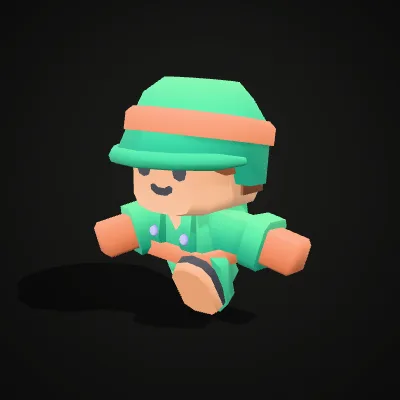
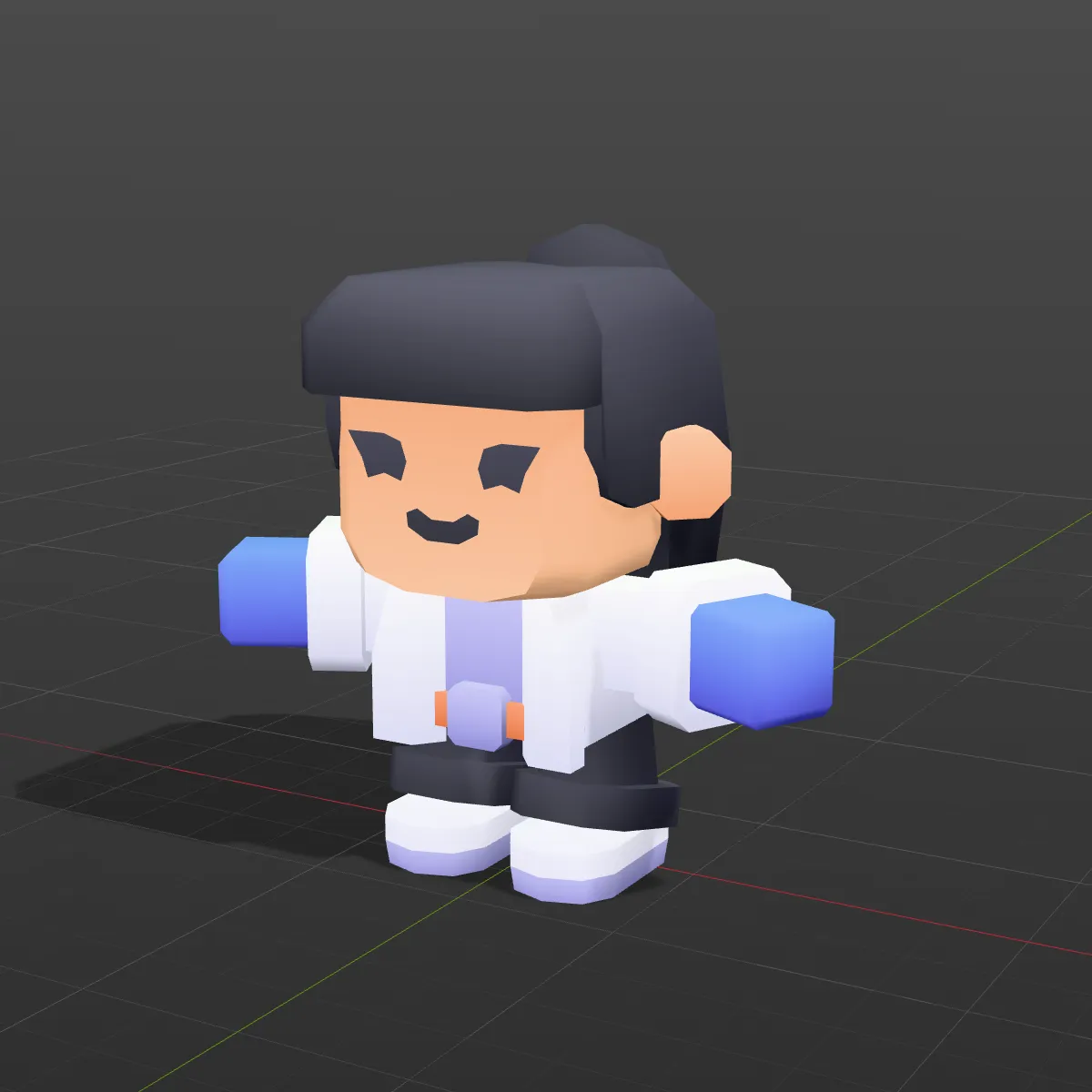
Three .glb to .fbx test files: a textured prop from Poly Haven, a low-poly taxi and a rigged character from Kenney’s free CC0 packs. Load one into the converter with a click or download it first. The soldier shows the limit openly: its FBX comes out as a static mesh, and the result line says “Static mesh, animation not included”.
Watch a textured lantern go from GLB to FBX
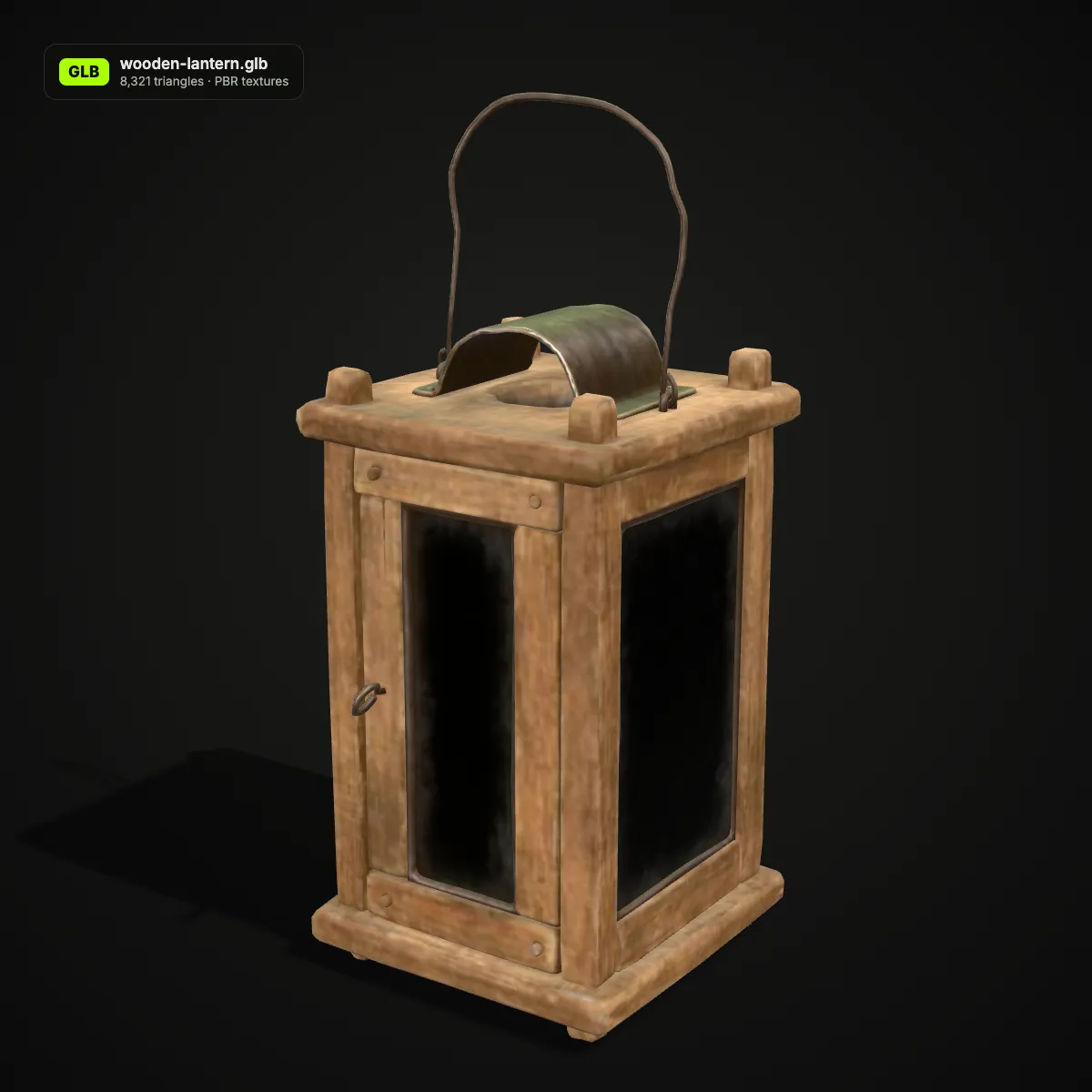
An 11-second recording of this converter on the wooden lantern sample. The GLB is dropped in and turns in the 3D preview, Convert to FBX is pressed, and the result line reads wooden-lantern.fbx · 410.8 KB · 8,321 triangles with “Textures embedded: 4” under it. Those four images are the colour and normal maps of the wood and of the glass panes; the lantern’s roughness/metal map stays behind, because only base colour, normal and emissive maps are embedded. The FBX then downloads from the same panel.
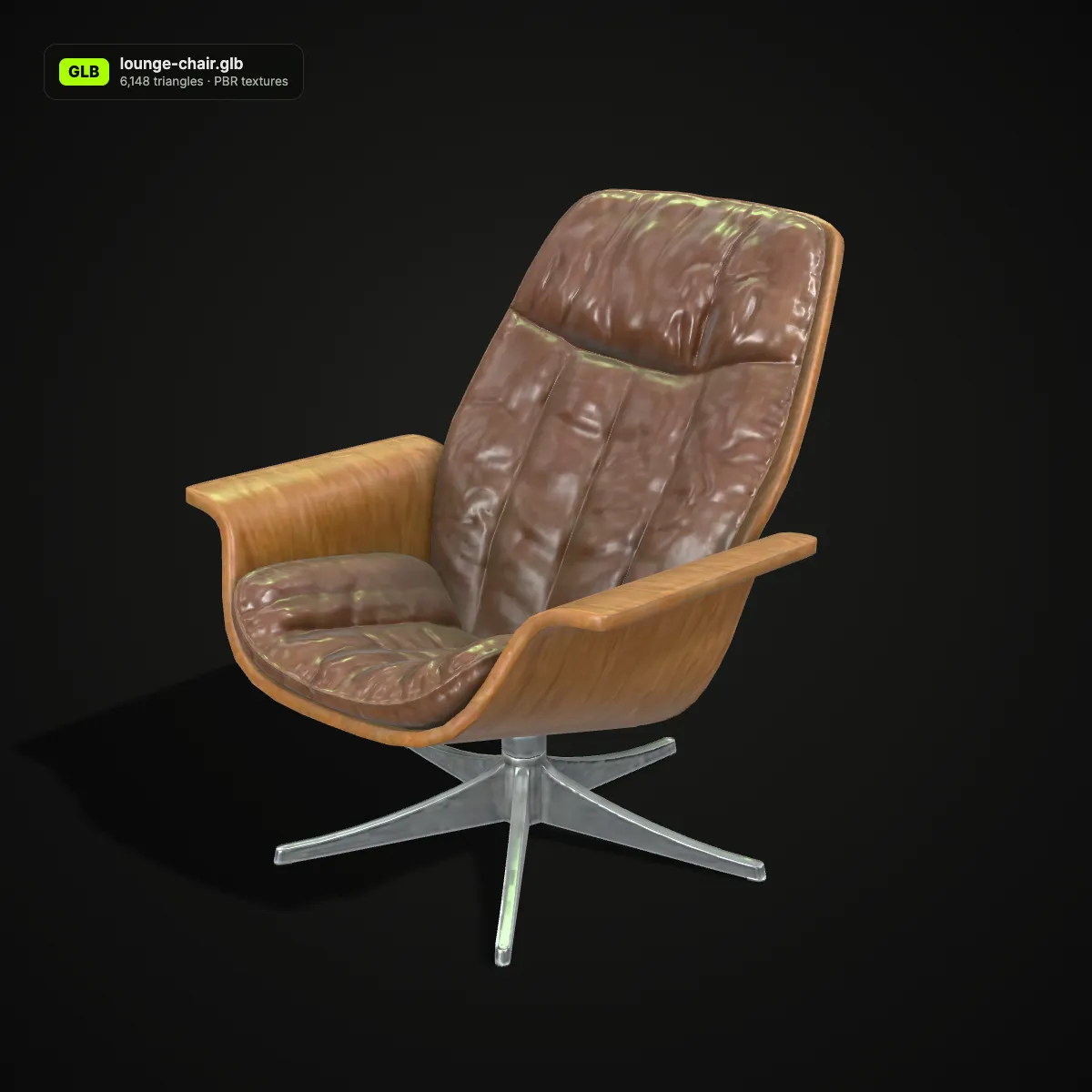
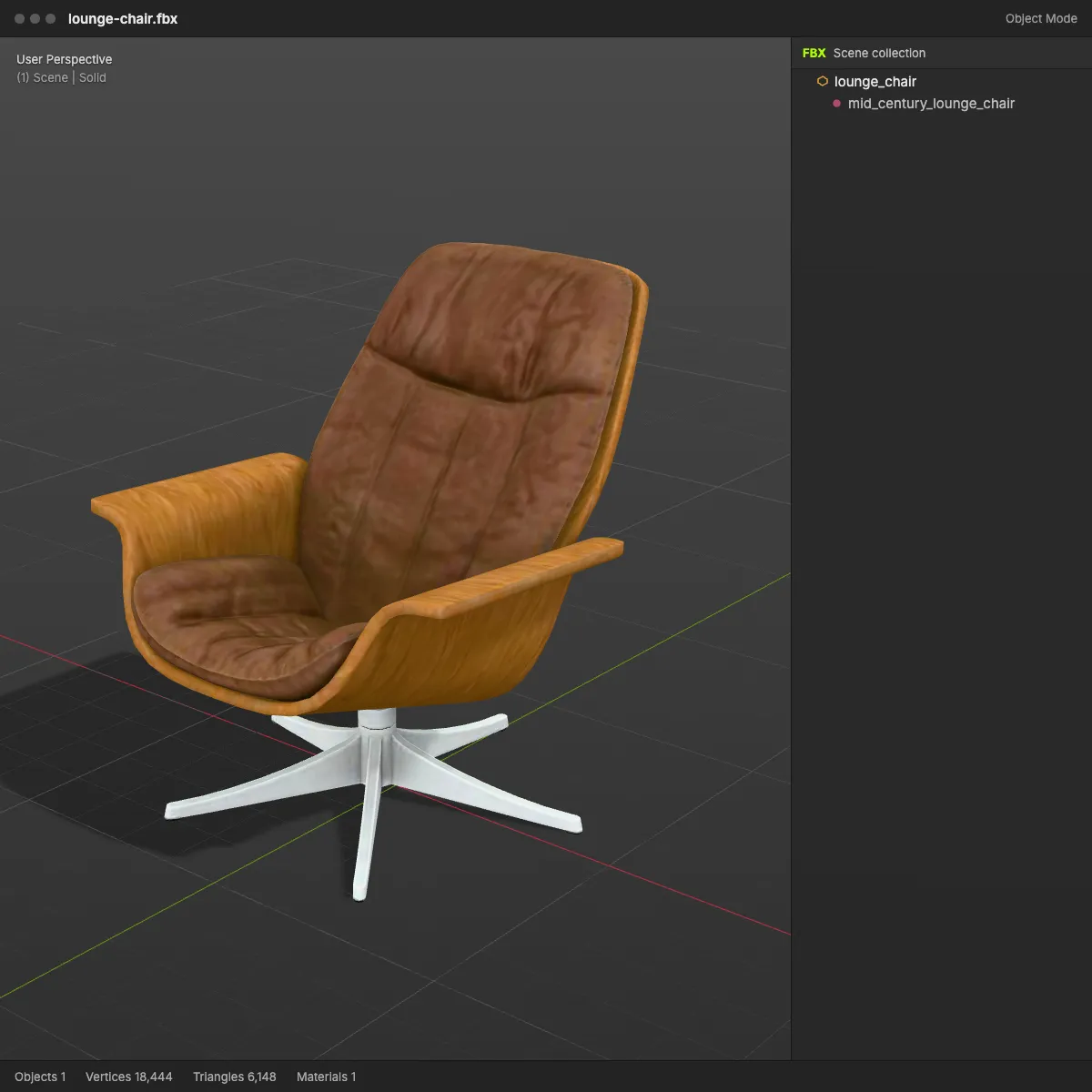
GLB to FBX, before and after: the same model in a scene tree
Left: the GLB as a web viewer shows it, with its triangle count and what the file carries. Right: the FBX after conversion, rendered in a grey DCC-style viewport with the FBX scene tree beside it, so you can see which objects, materials and textures made the trip.
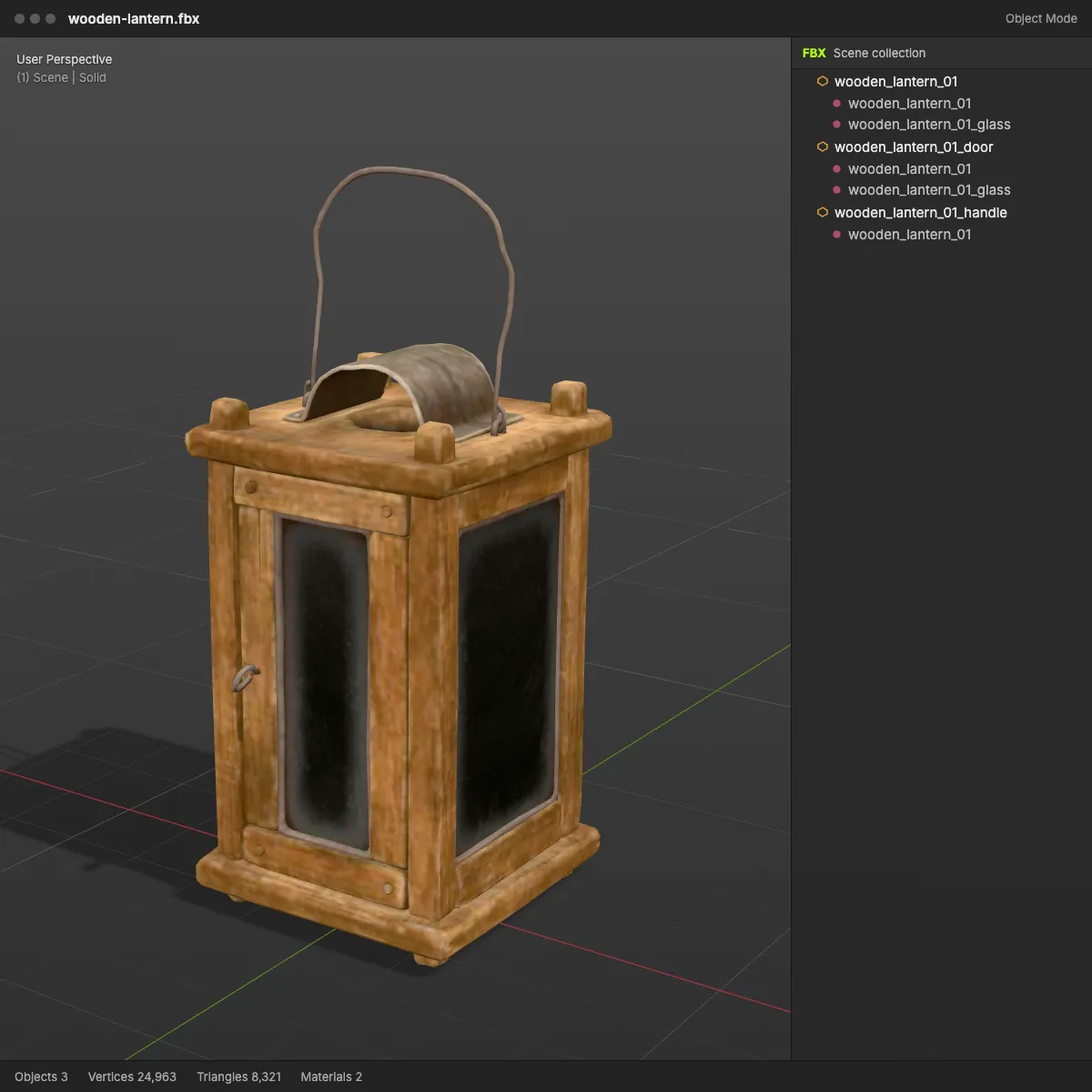
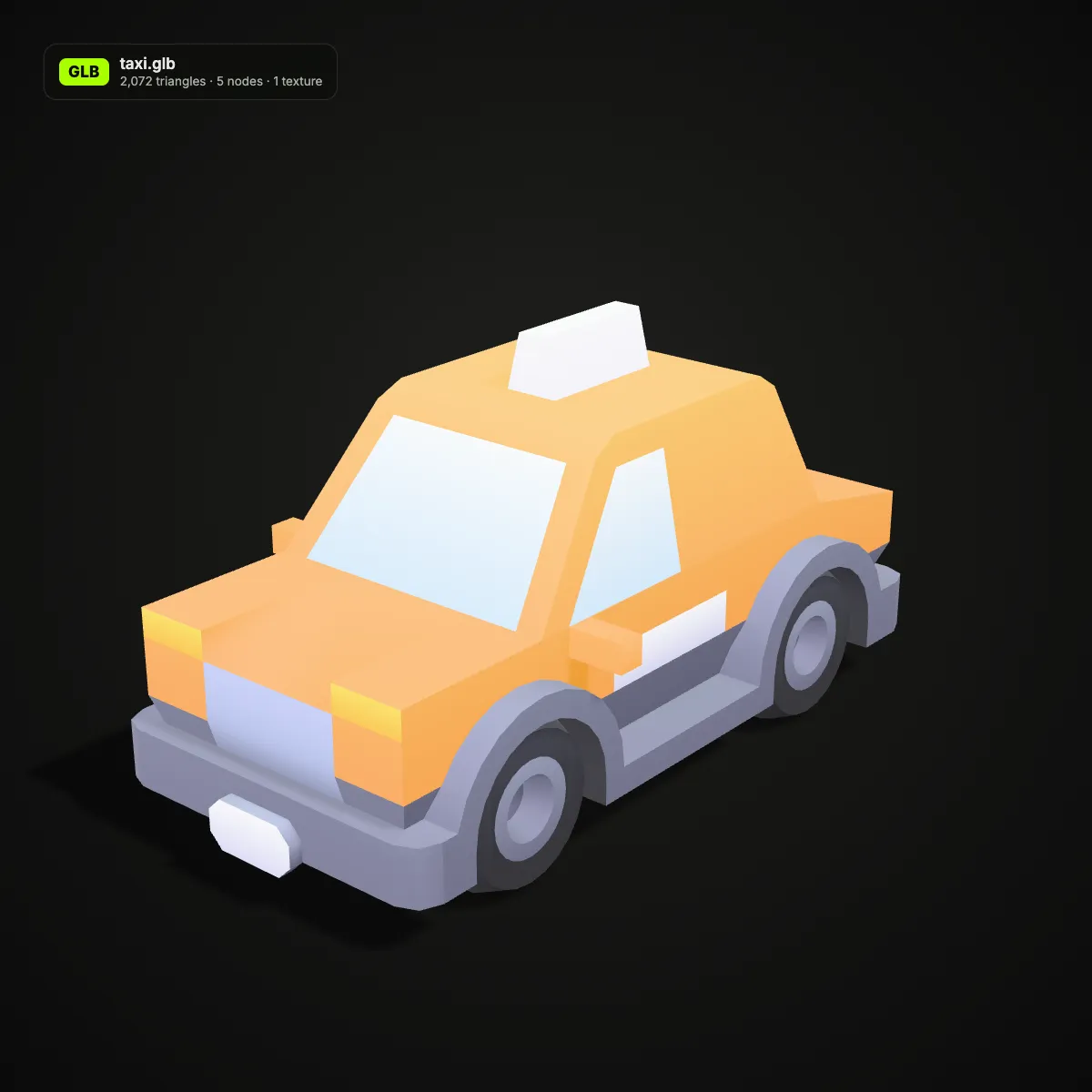
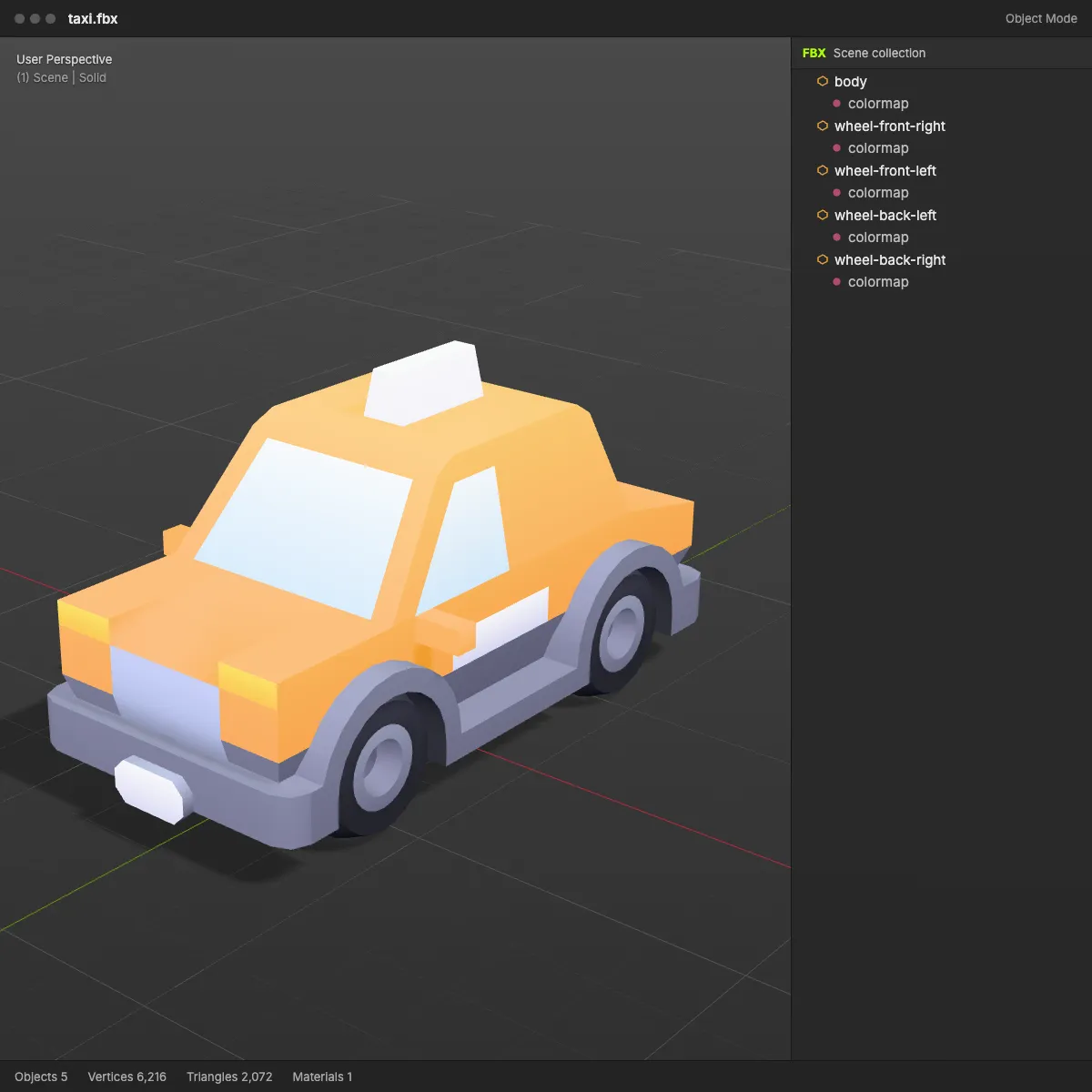
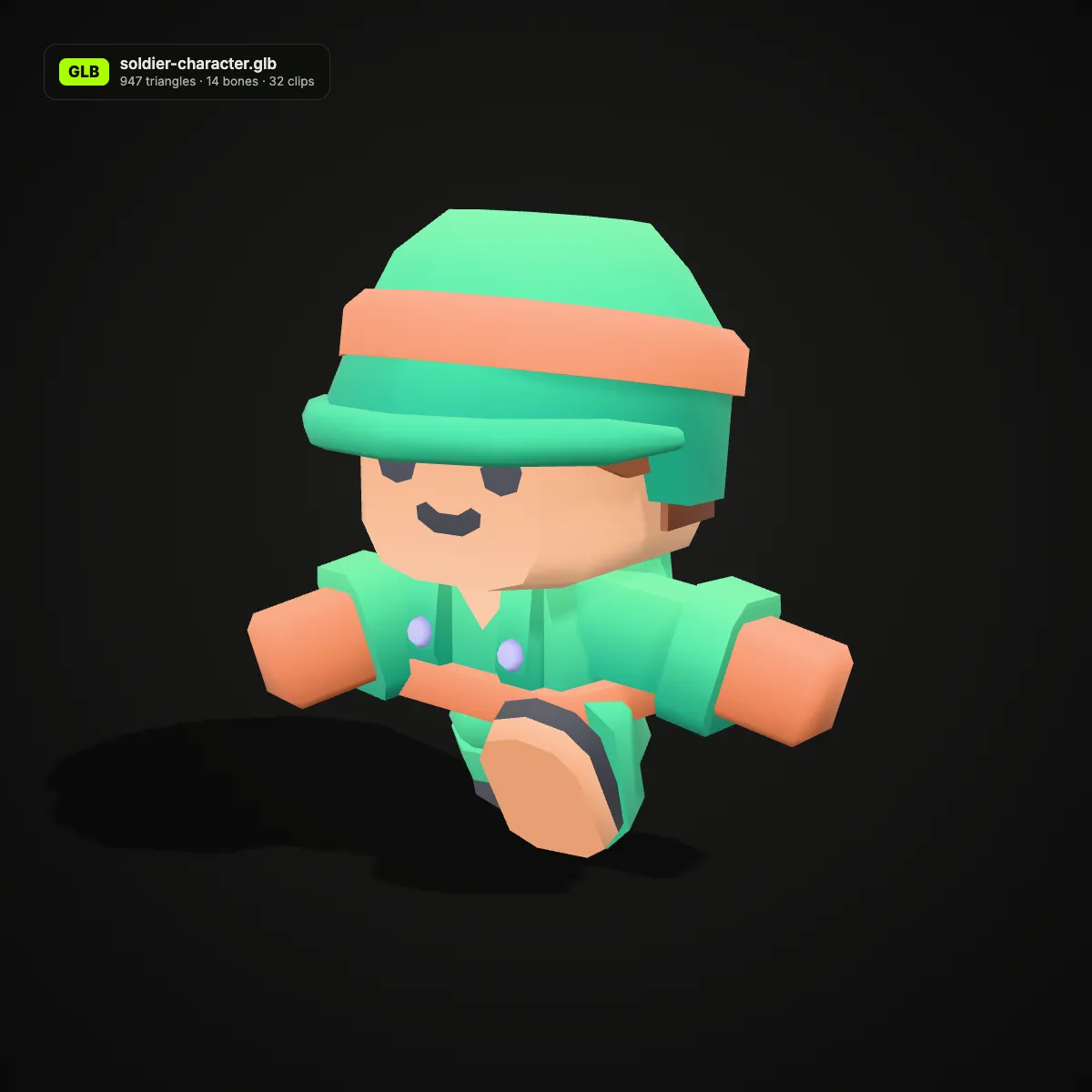
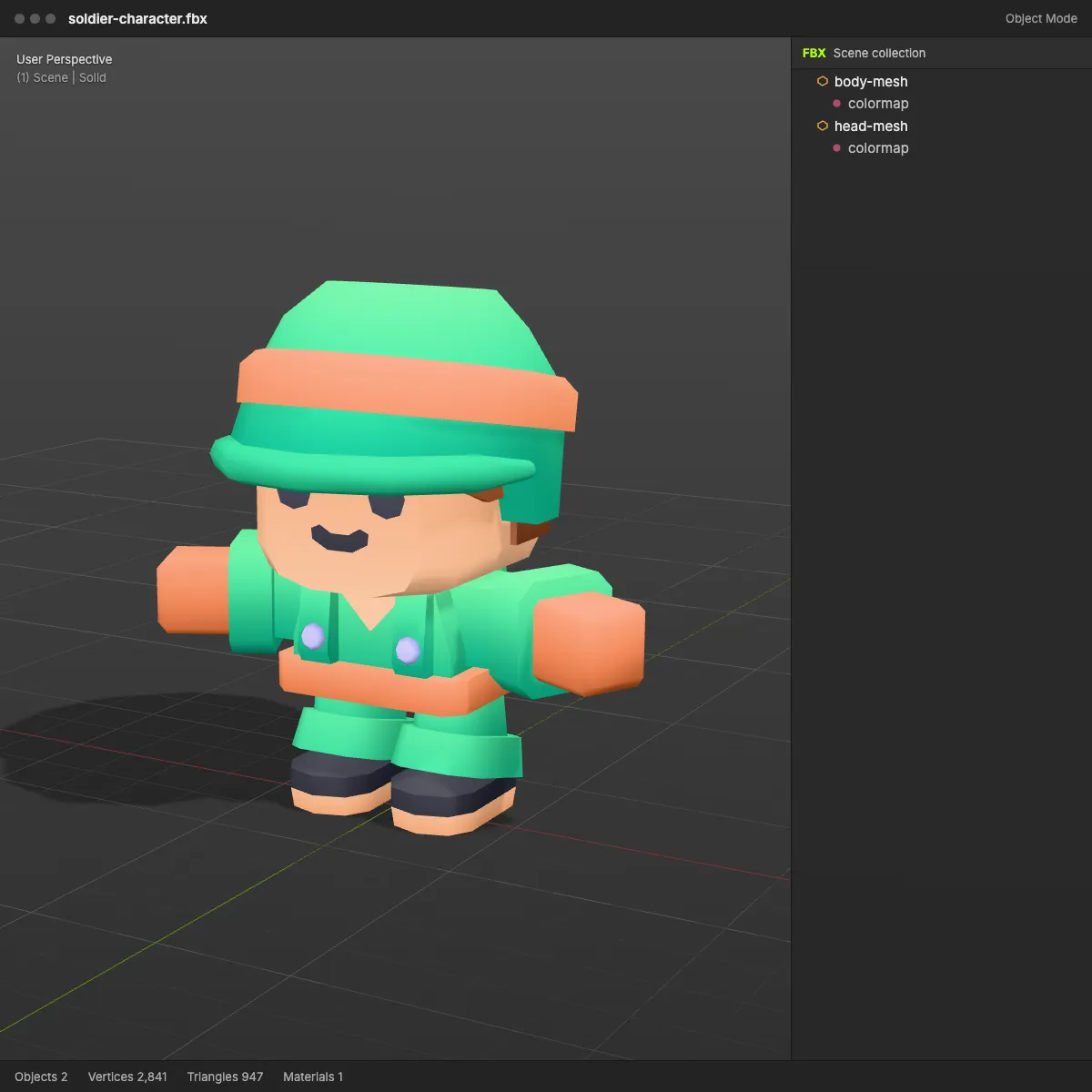
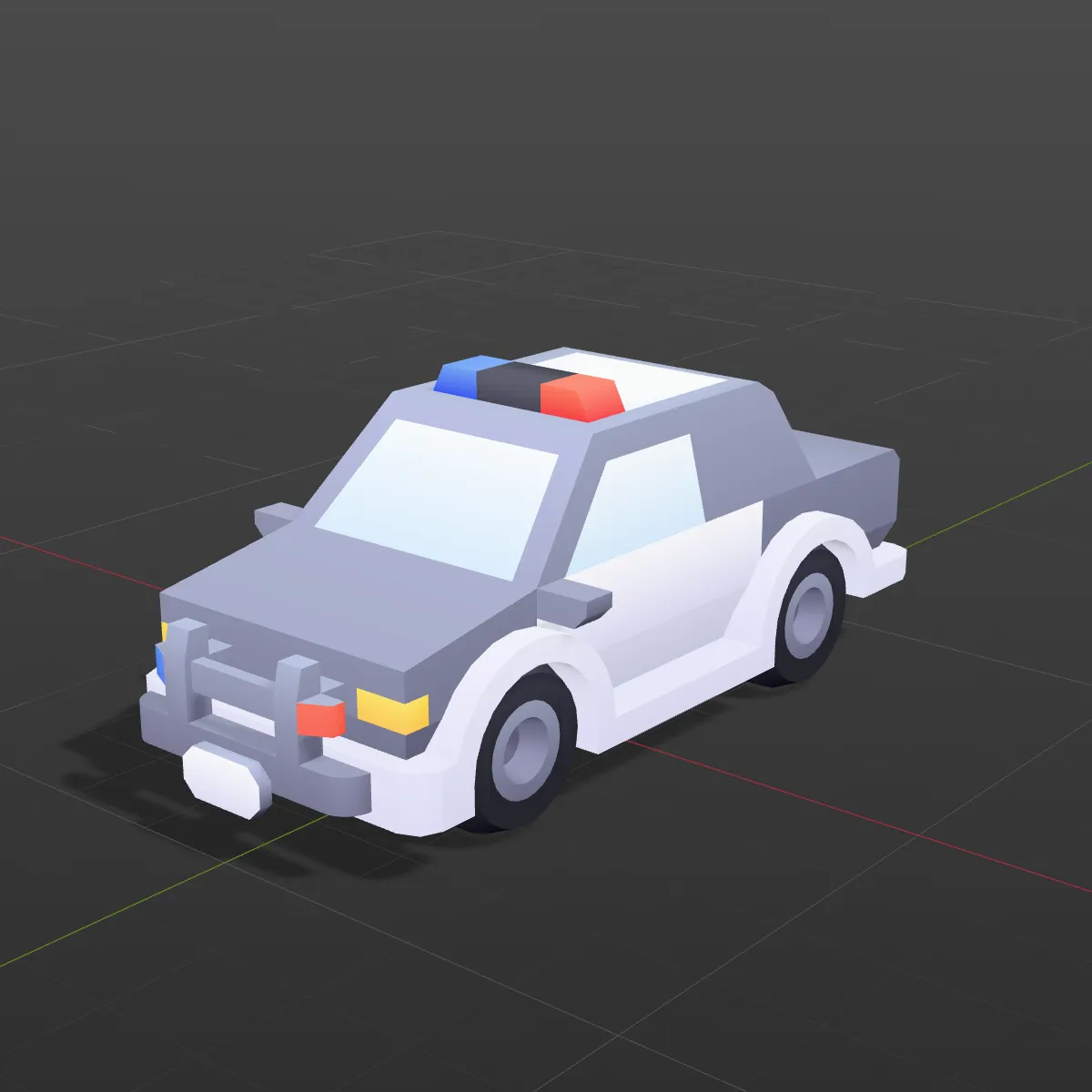
GLB to FBX examples: web assets in a DCC viewport
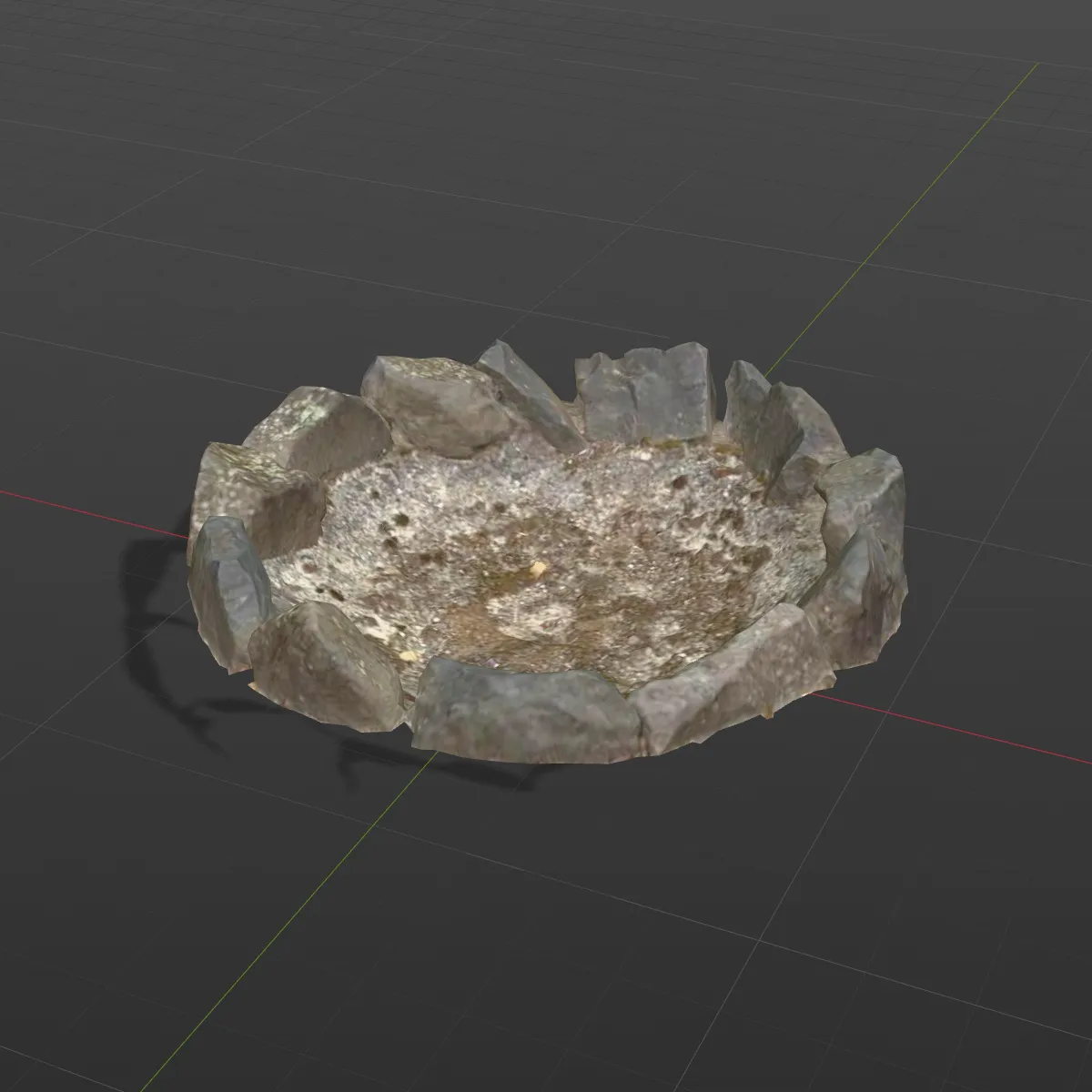
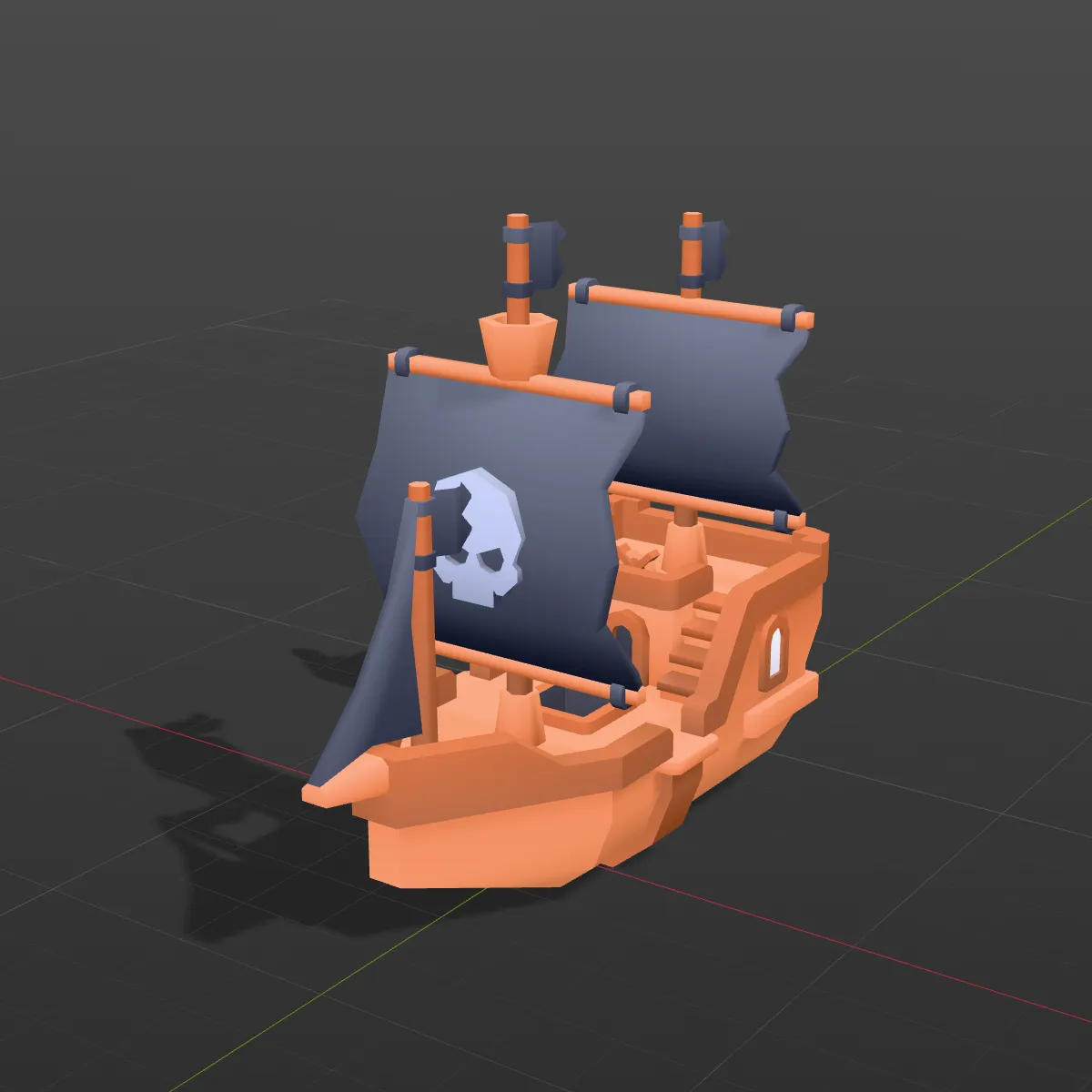
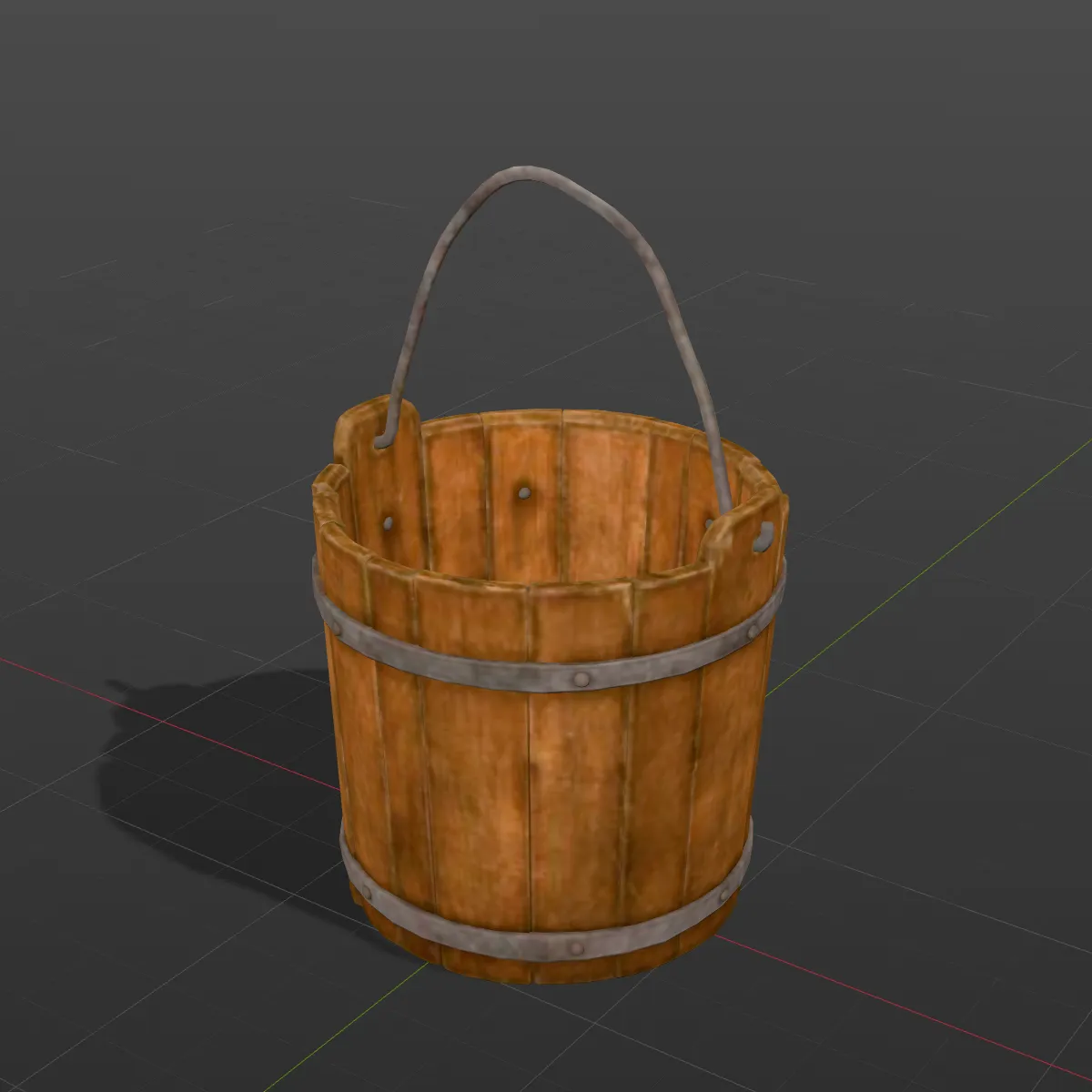
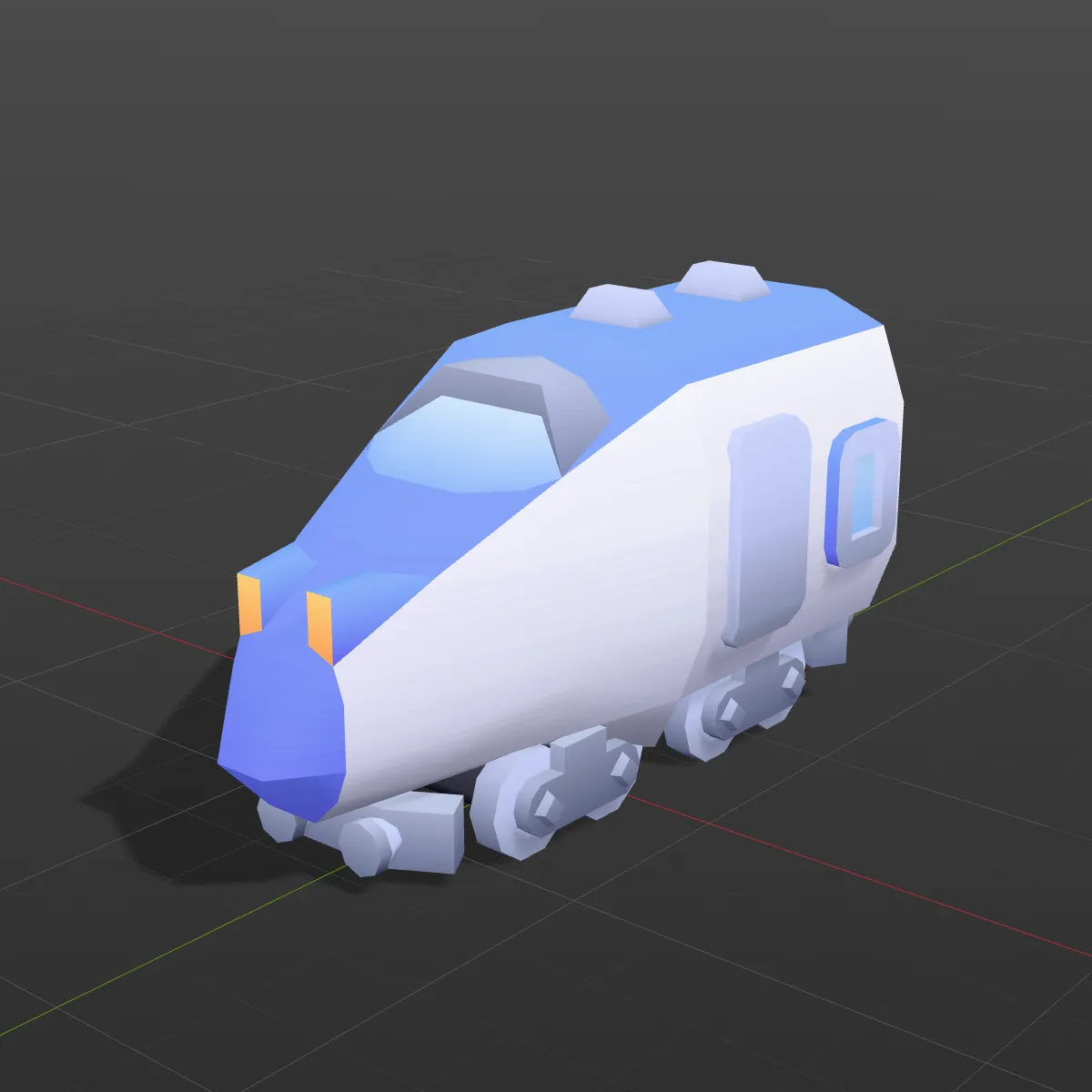
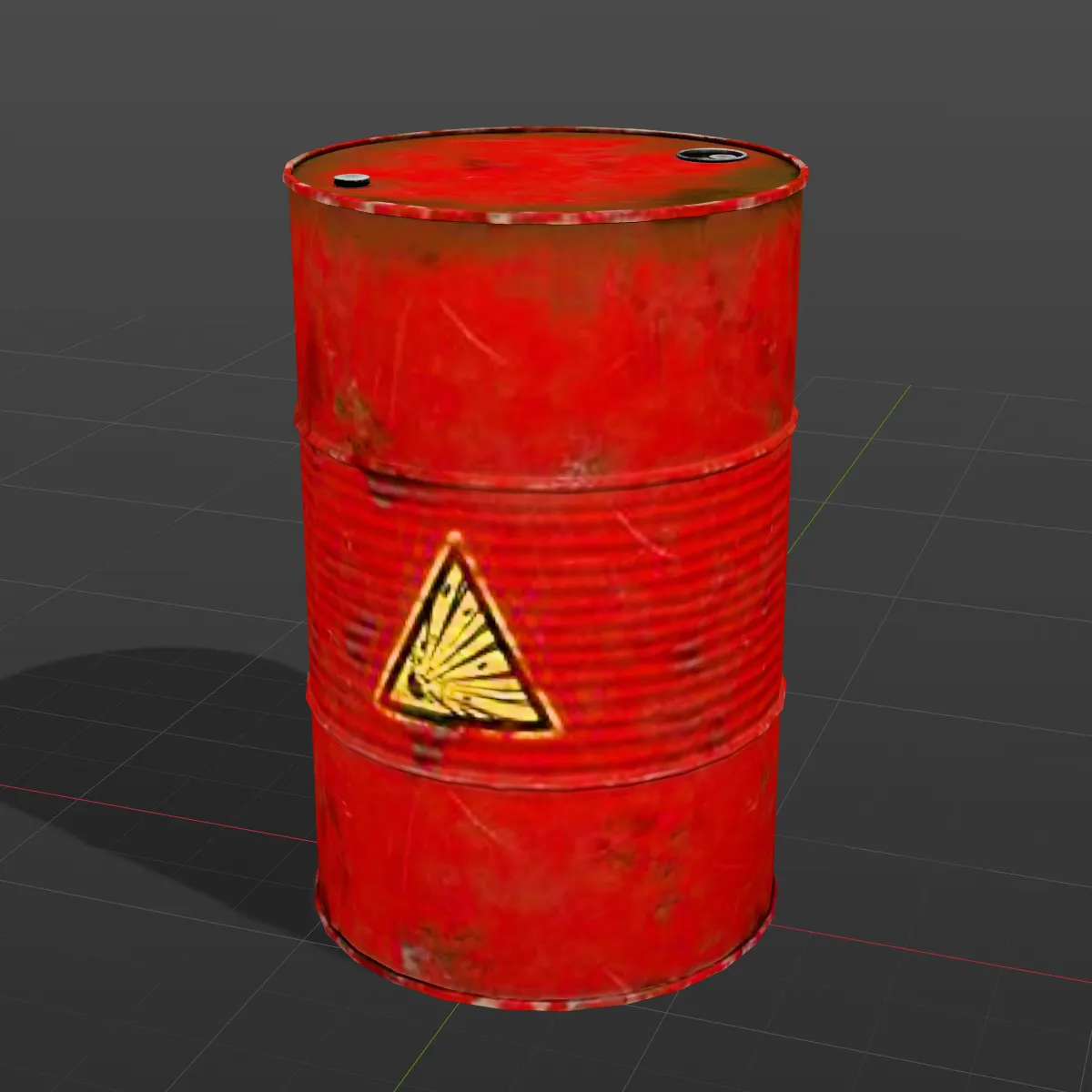
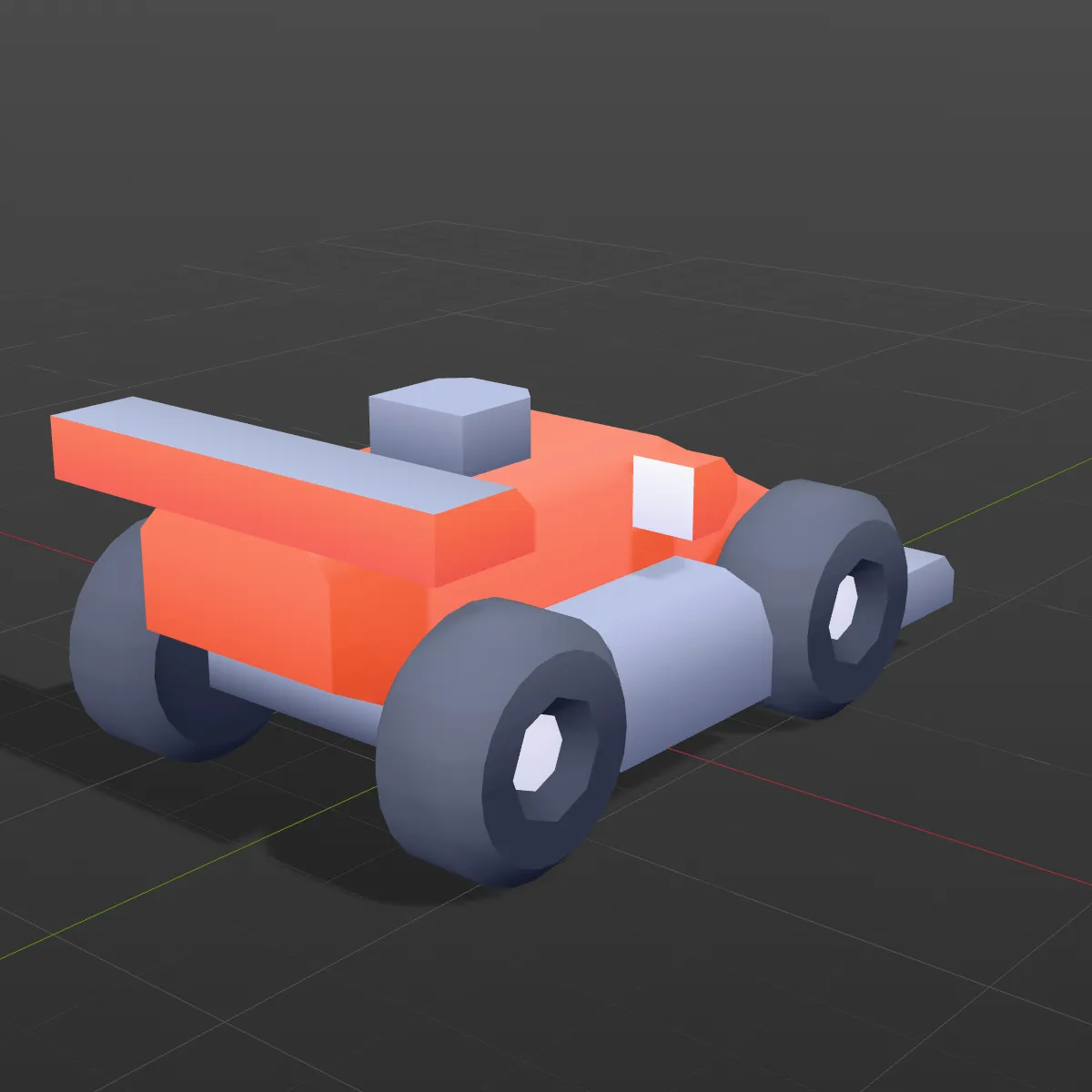
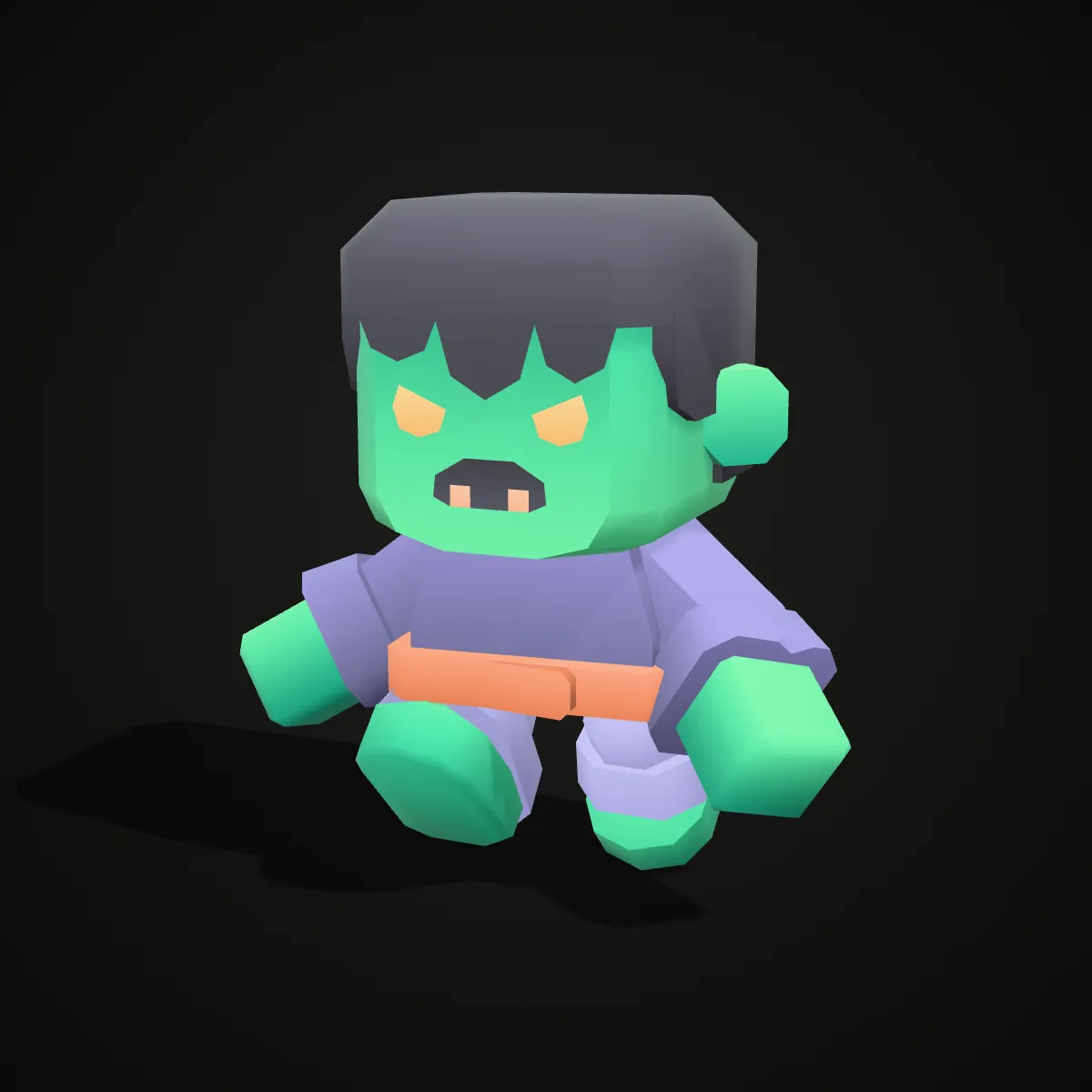
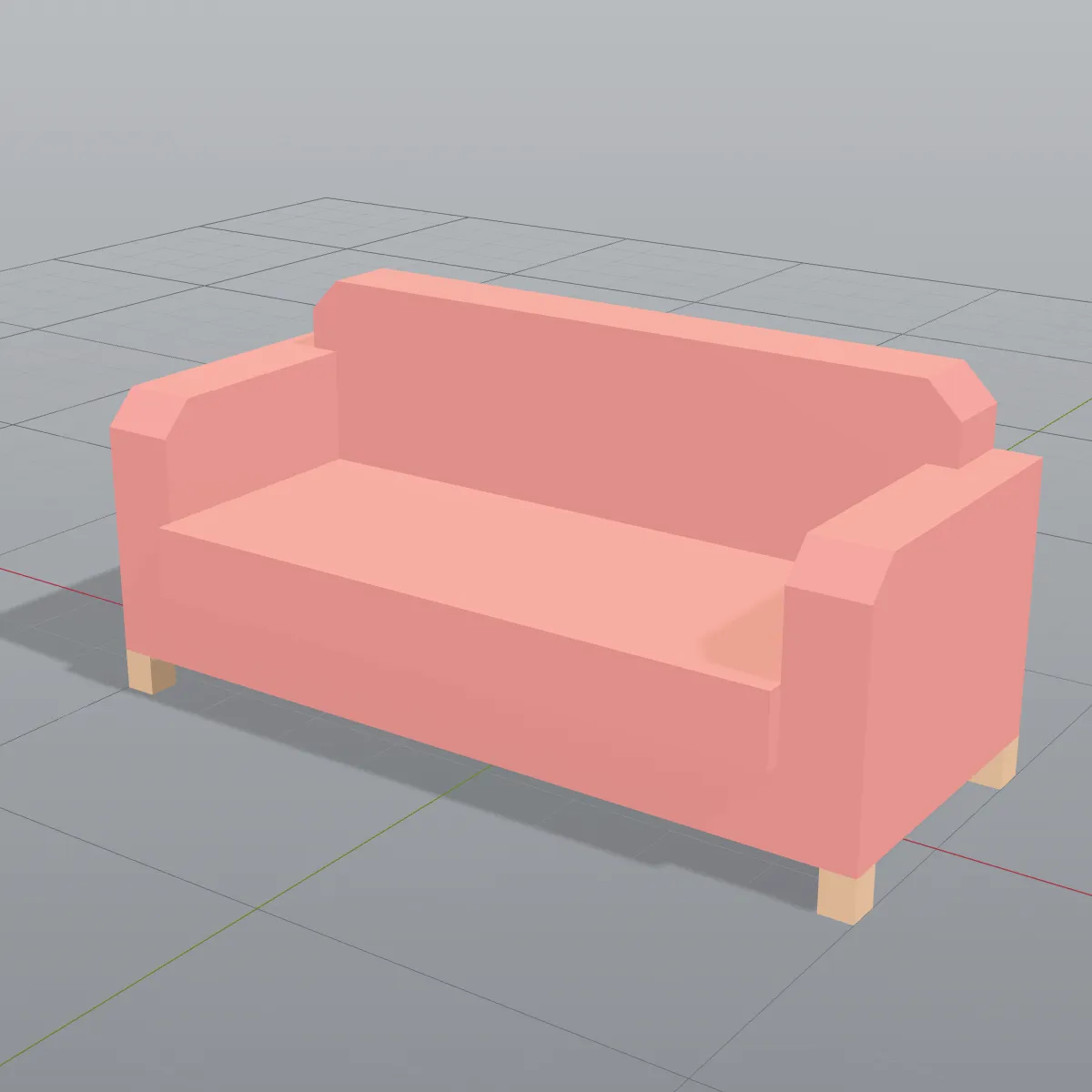
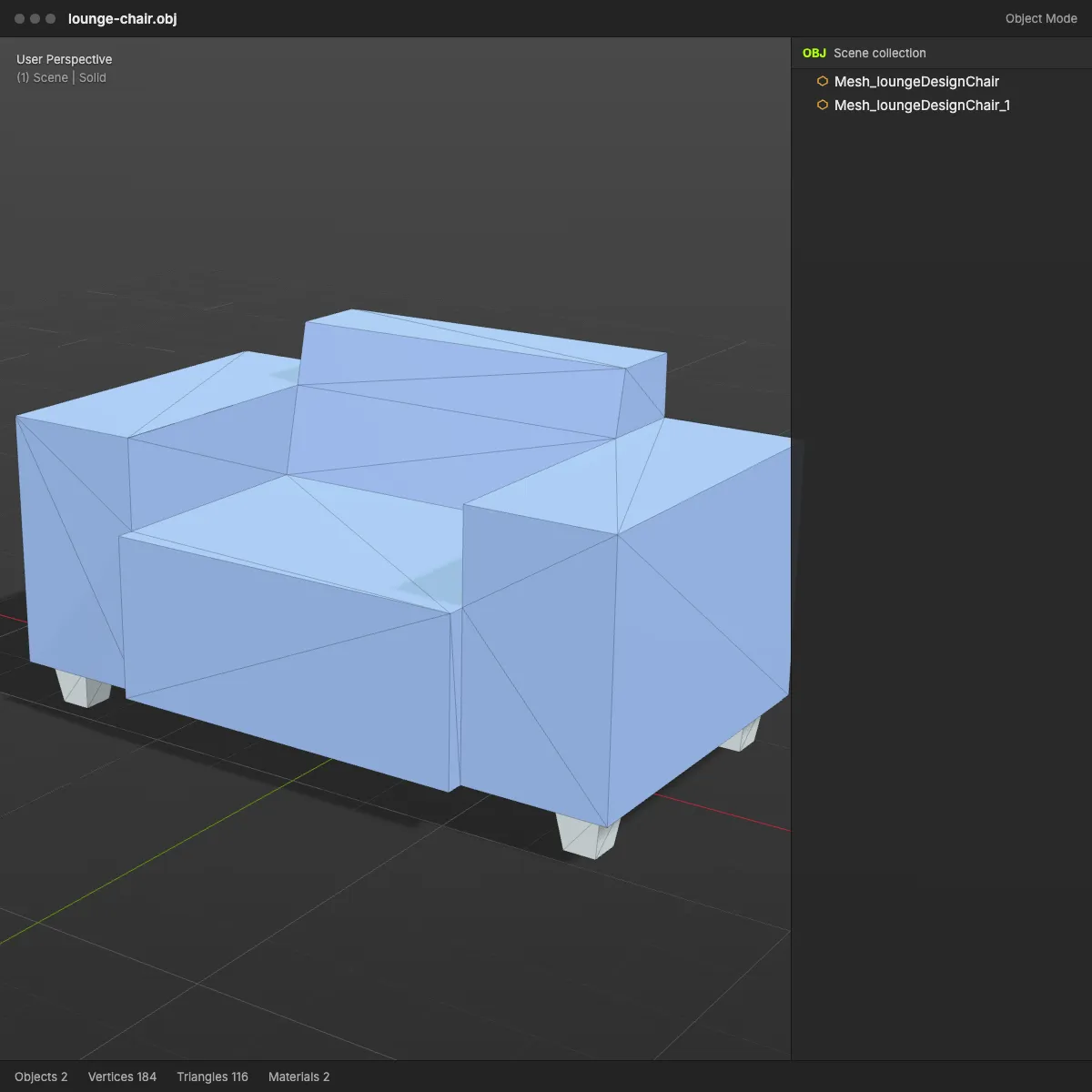
Eight models converted from GLB to FBX and rendered in a grey DCC-style viewport: low-poly vehicles and characters from Kenney’s CC0 packs, plus textured props from Poly Haven. Multi-part models keep their parts as separate objects, and the textured props carry their colour and normal maps inside the file.
How to convert GLB to FBX
- 11
Drop the .glb or .gltf file
Drag the model onto the converter or click to choose it. GLB, a self-contained .gltf and Draco- or Meshopt-compressed files are all read, and the model spins in the preview so you can check it first.
- 22
Press Convert to FBX
The node tree, meshes and materials are rebuilt as FBX on your machine and the textures are embedded. A typical asset takes a few seconds, and nothing is sent anywhere.
- 33
Download, then import
The result line lists the file name, size, triangle count and the number of embedded textures. In Blender use File > Import > FBX; in Unity drag the file into Assets; in Unreal import it as a static mesh.
What carries over from GLB to FBX
glTF and FBX describe a scene in different ways, so each part of the GLB is mapped to its closest FBX equivalent. This is what you get, item by item.
| In the GLB | In the FBX you download |
|---|---|
| Node hierarchy and transforms | Kept. Every node that holds a mesh becomes an FBX model with its own name, position, rotation and scale, so doors and wheels keep their pivots. Branches with no mesh in them (bones, empty helpers) are left out |
| Meshes, normals, UVs | Kept, as triangles. Vertices at the same position are welded, so the mesh stays connected in the DCC app |
| Vertex colours | Kept as an FBX colour layer, written in sRGB |
| Materials and slots | One FBX material per glTF material, and a slot per polygon on multi-material meshes. Base colour, opacity and emissive colour carry over; roughness and metalness become Phong shininess and reflection |
| Textures | Base colour, normal and emissive maps are embedded in the .fbx, using the original JPEG or PNG bytes. Metallic-roughness and occlusion maps are not written |
| Units and axes | Metres, Y up, Z forward. A model that measures 1 m in the GLB measures 1 m in Blender |
| Skeleton, skin weights, morph targets, animation | Not written. A skinned mesh is saved in one fixed pose and the result line notes “Static mesh, animation not included” |
| Cameras and lights | Not written; set them up in the target app |
| Draco or Meshopt compression | Decoded first. The FBX stores plain geometry in zlib-compressed arrays |
Why convert a GLB to FBX
AI-generated models into a game engine
AI 3D generators, Ship3D included, hand out GLB. Converting it gives a Unity or Unreal project the FBX its asset pipeline is built around, textures already inside.
glTF-only downloads in a studio pipeline
Web libraries, configurators and marketplaces often publish glTF only, while studio pipelines in Maya, 3ds Max or Cinema 4D usually run on FBX. A glTF to FBX conversion bridges the two.
Props for a level blockout
Bring web-sourced props into a scene as static meshes with named parts, so you can move a door or spin a wheel without splitting the mesh by hand.
Handing a model to a rigger
The FBX gives an animator a clean static mesh at real-world scale with named parts, ready to be rigged and skinned in Blender or Maya.
GLB to FBX questions
Drop the .glb on the converter above, press Convert to FBX and download the file. It runs in your browser, so the model stays on your computer, and it is free with no sign-up. Files up to 200 MB are accepted.
Yes for base colour, normal and emissive maps: they are embedded in the .fbx as the original JPEG or PNG, so you send one file and nothing goes missing. Metallic, roughness and ambient-occlusion maps are not written, so link those again in your material if you need them. The result line tells you how many images went in; the lantern sample reports “Textures embedded: 4”.
No, this converter writes static meshes only. Bones, skin weights, morph targets and clips are dropped, a skinned character is saved in one fixed pose, and the result line warns you with “Static mesh, animation not included”. To keep the rig, import the GLB into Blender (File > Import > glTF 2.0) and export FBX from there with the armature.
Because FBX stores Phong-style materials rather than glTF’s metal/roughness PBR, Blender rebuilds the shader from approximations: roughness comes back from shininess, metal from a reflection factor, and without the roughness/metal maps surfaces look more even. Plain colours are written as sRGB, which Blender reads slightly lighter than the GLB looked. Switch the viewport to Material Preview to judge the textures, then adjust the Principled BSDF if needed.
FBX is the format both engines import, and our file follows the binary FBX 7.4 layout that Blender and Godot read. We tested it in Blender 4.2, in ufbx (Godot’s FBX loader) in strict mode, in assimp and in three.js; we have not run it through Unity or Unreal ourselves. In Unity, drop it into Assets and use Extract Textures on the Materials tab if you want to edit the images; in Unreal, import it as a static mesh.
Yes, as long as everything sits inside the one file: a .gltf with embedded buffers and images, or a GLB compressed with Draco or Meshopt, converts the same way. A .gltf that points to separate .bin and texture files cannot be read from a single upload, so export it as GLB first. Compressed geometry is decoded, which means the FBX can be larger than the GLB you started with.
Related tools




No GLB yet?
Turn a photo or a text prompt into a textured 3D model with Ship3D’s AI generator, then bring the GLB back here and save it as FBX.
Free to sign up, no credit card required. Try it once for free.