USDZ to OBJ Converter
Apple AR Files as Plain Wavefront Meshes
This USDZ to OBJ converter unpacks an Apple .usdz, the zip-packaged USD format behind AR Quick Look, Object Capture and Reality Composer, and writes its meshes into one Wavefront .obj that Blender, MeshLab, ZBrush, Maya and a long list of other programs open.
USDZ → OBJ
Drop a 3D model file to preview it in 3D before converting.
Nothing is uploaded: three.js reads the package and writes the text file inside your browser, free and without an account. Each mesh becomes a separate object in the file and keeps its UV coordinates and normals. Colour comes along without a material file: base-colour textures are sampled at every vertex and stored on “v x y z r g b” lines, which Blender 3.3 or newer and MeshLab display, so a scanned jug still looks like a jug. On dense scans that is close to the original; on low-poly meshes, lettering and painted patterns blur into soft patches, because each vertex holds a single colour. No .mtl and no image files are written. Coordinates keep the numbers stored in the USDZ, which means metres for scans and AR assets, and Z-up stages are turned Y-up, so the model stands upright at its true size in Blender.
USDZ to OBJ sample files
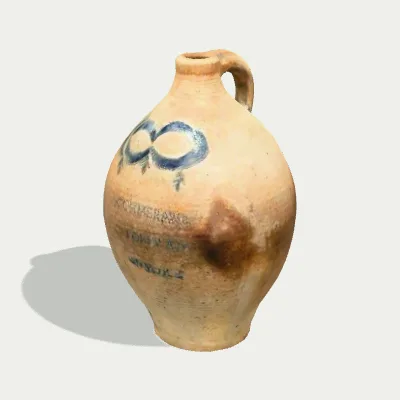
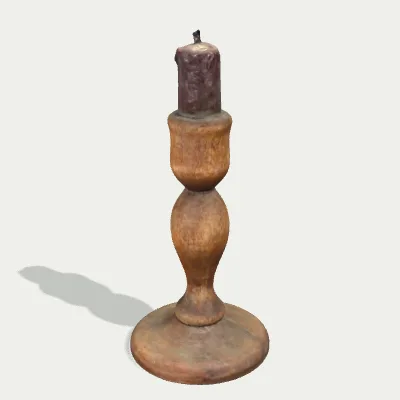
Three files that show what the conversion does with colour: a CC0 museum scan of a salt-glazed stoneware jug (Smithsonian), a turned wooden candlestick with PBR maps from Poly Haven, and a Kenney capsule toy machine with a see-through dome. The two textured props come out with photo colours sampled per vertex; the toy machine shows what happens to transparency.

Watch a capsule toy machine go from USDZ to OBJ
An 11-second recording of the USDZ to OBJ converter with the capsule toy machine sample: the 230.6 KB file is dropped in and spins in the preview, see-through dome included, Convert to OBJ is clicked, and the result line shows gacha-machine.obj · 80.1 KB · 744 triangles before Download OBJ saves it. The OBJ comes out smaller than the package because its 512 px PNG colour map stays behind; the colours live on in the vertices, and the body and the dome are two separate OBJ objects.
USDZ to OBJ before and after: textures turn into vertex colours
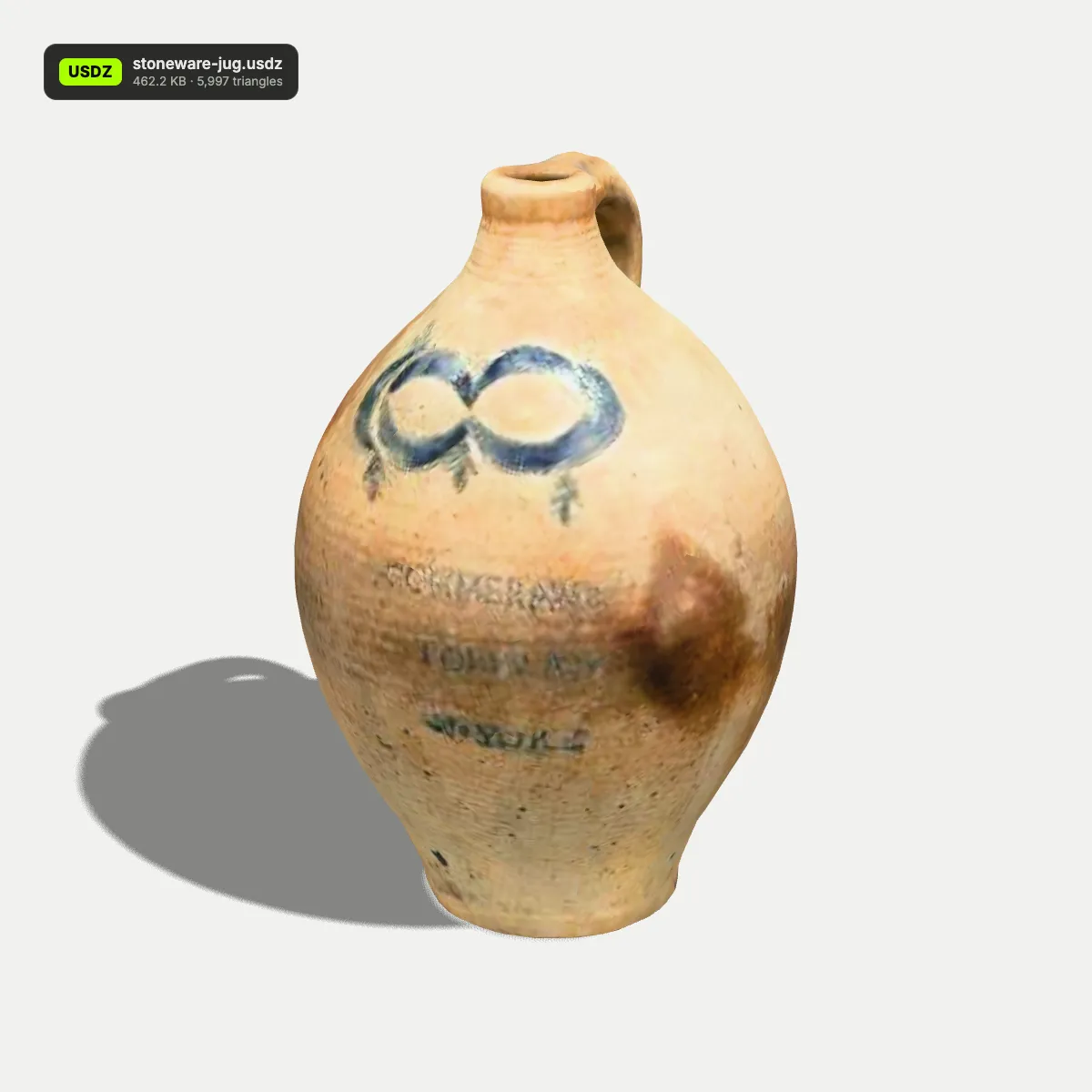
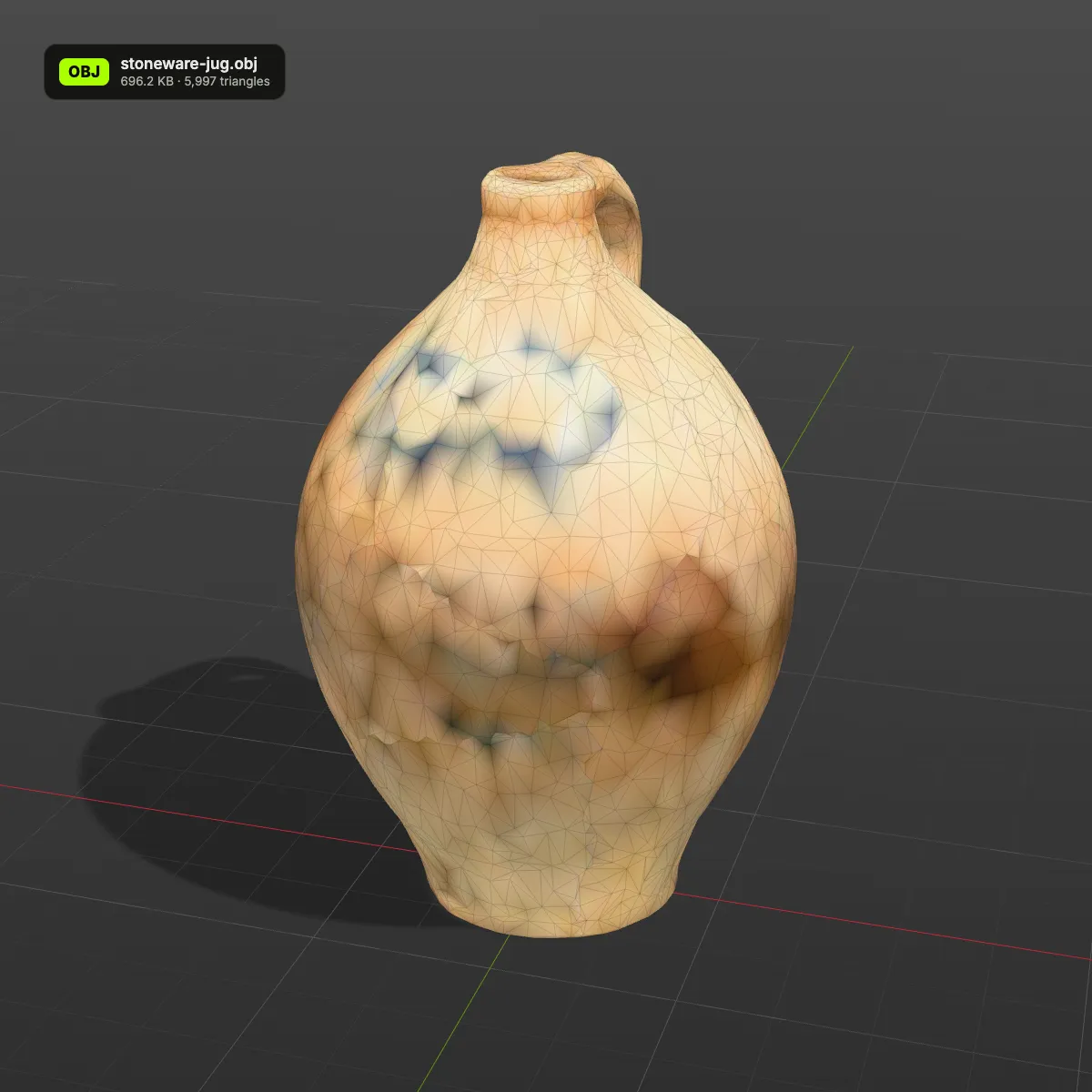
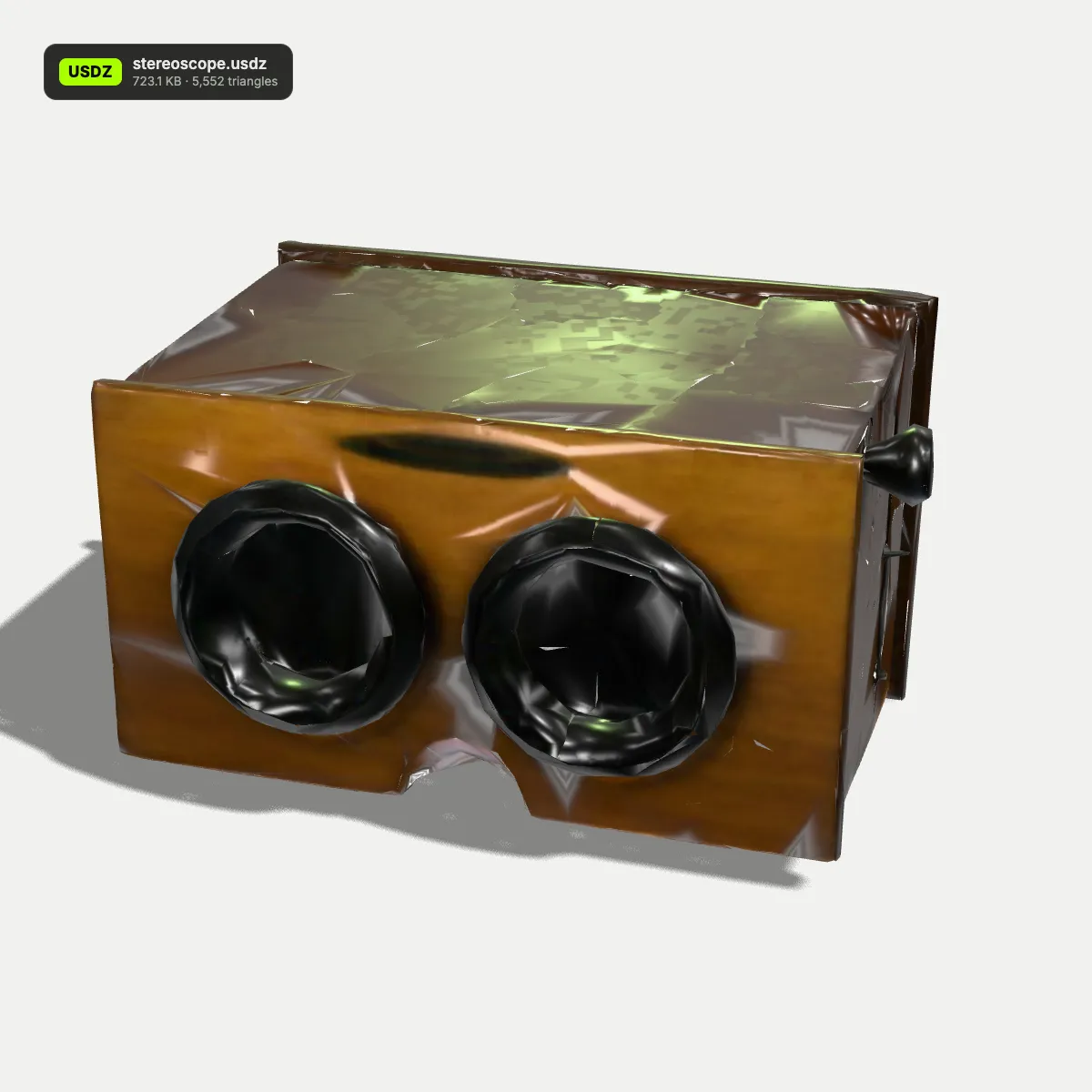
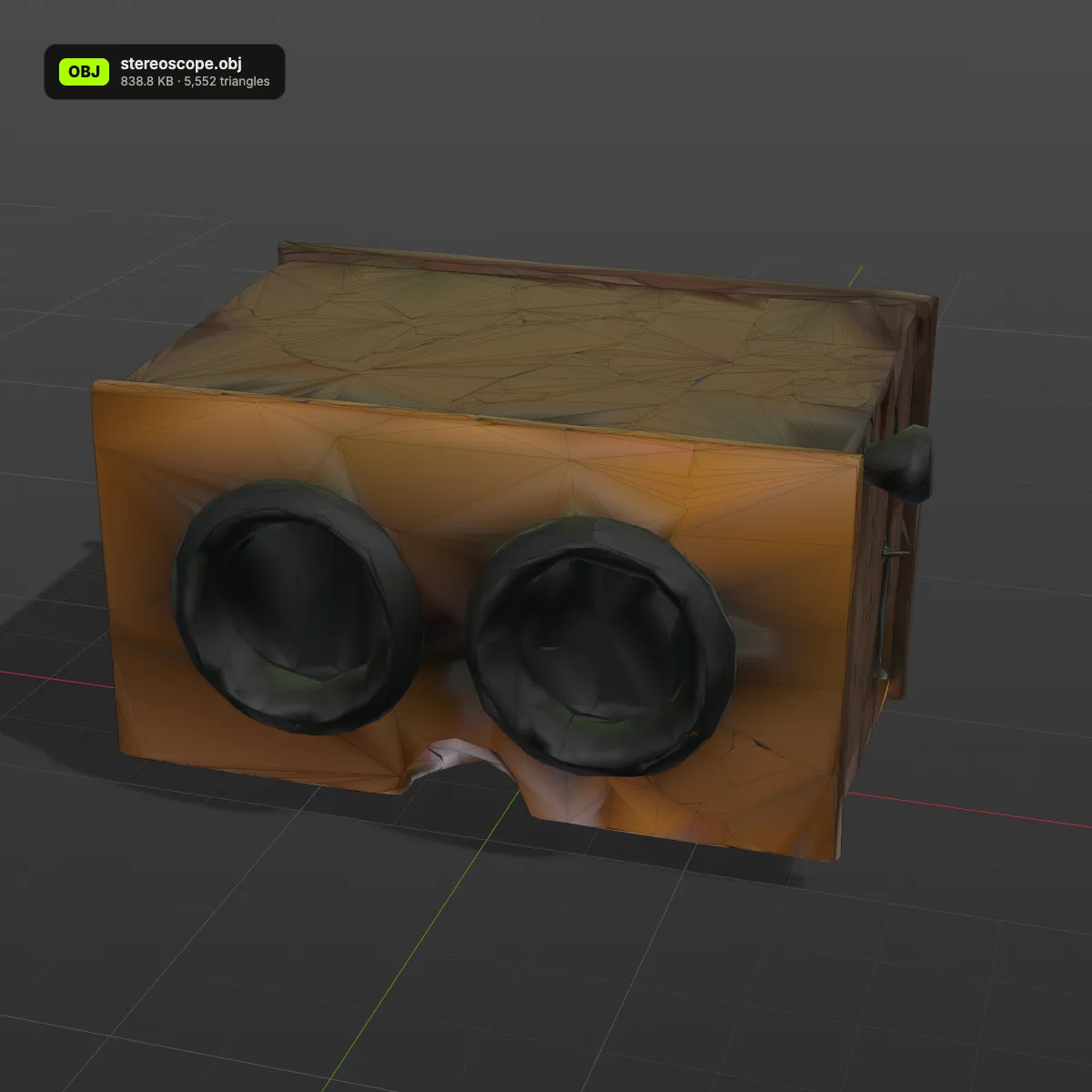
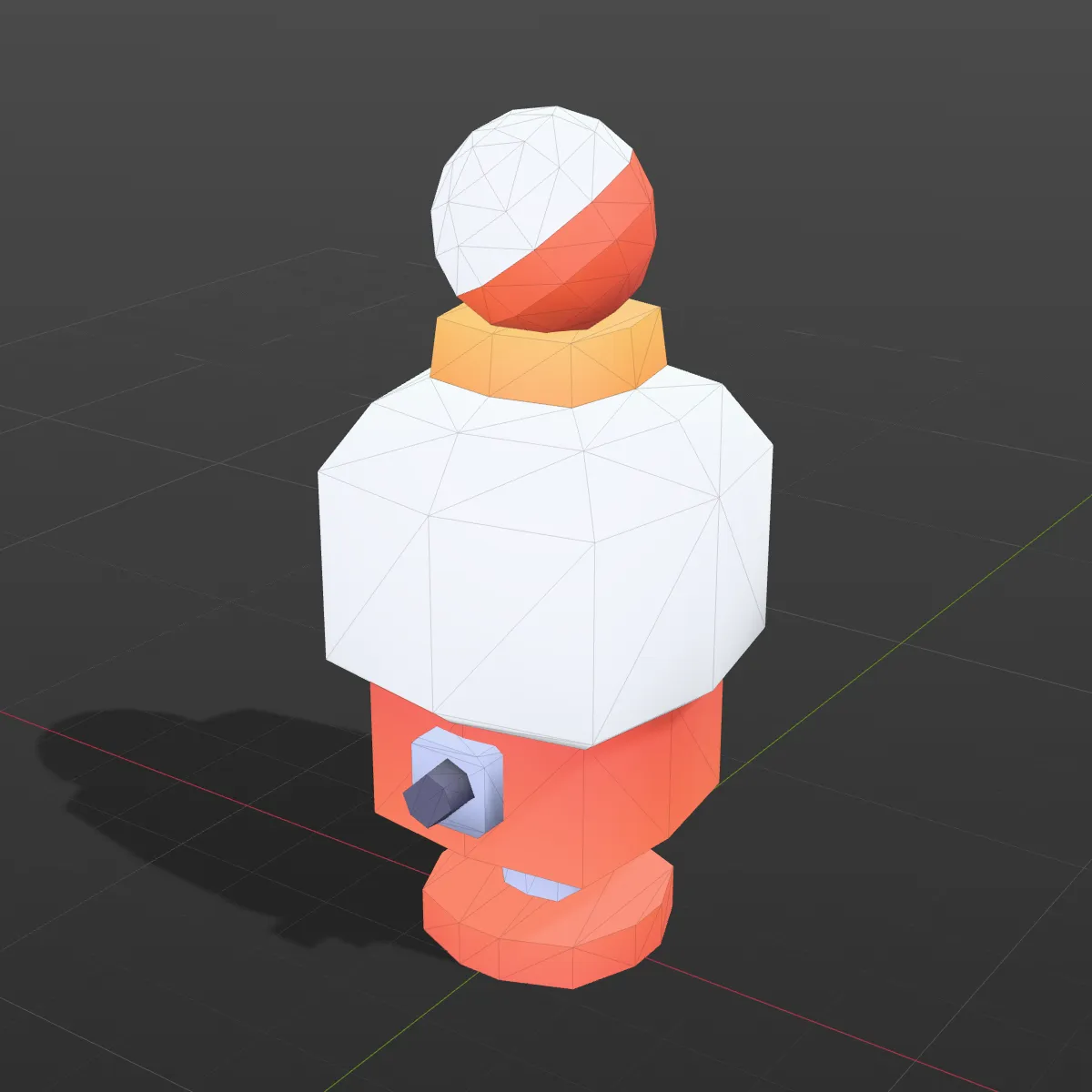
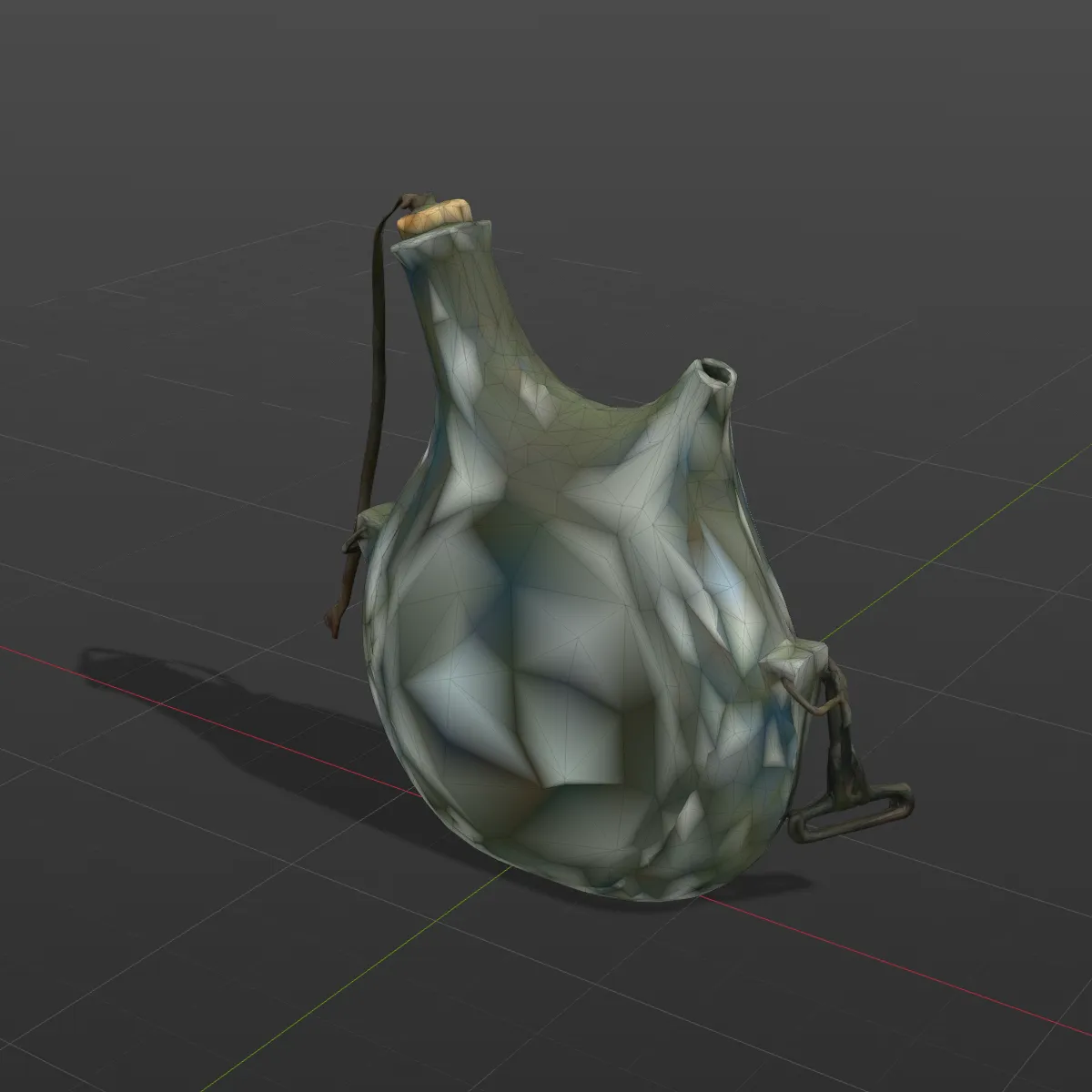
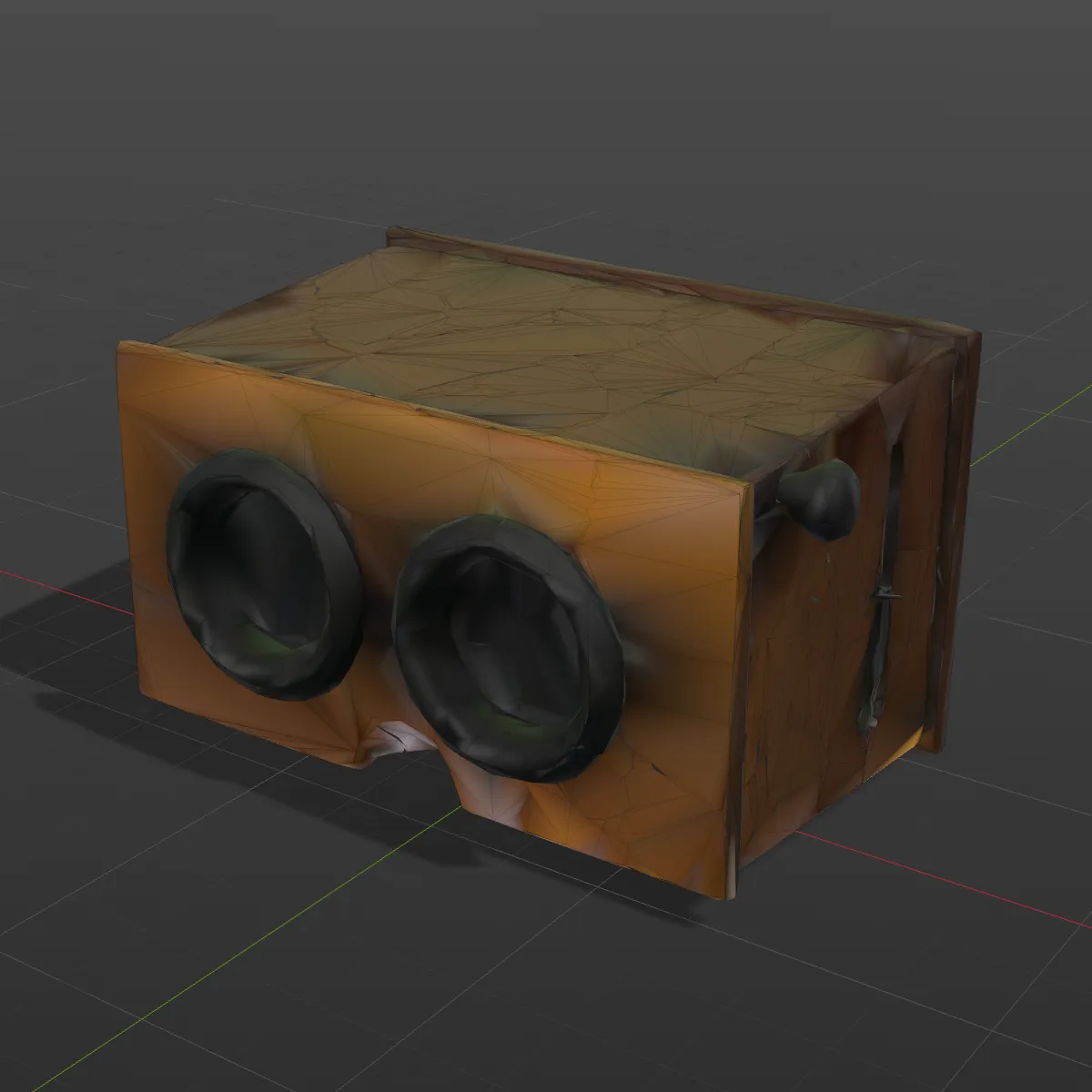
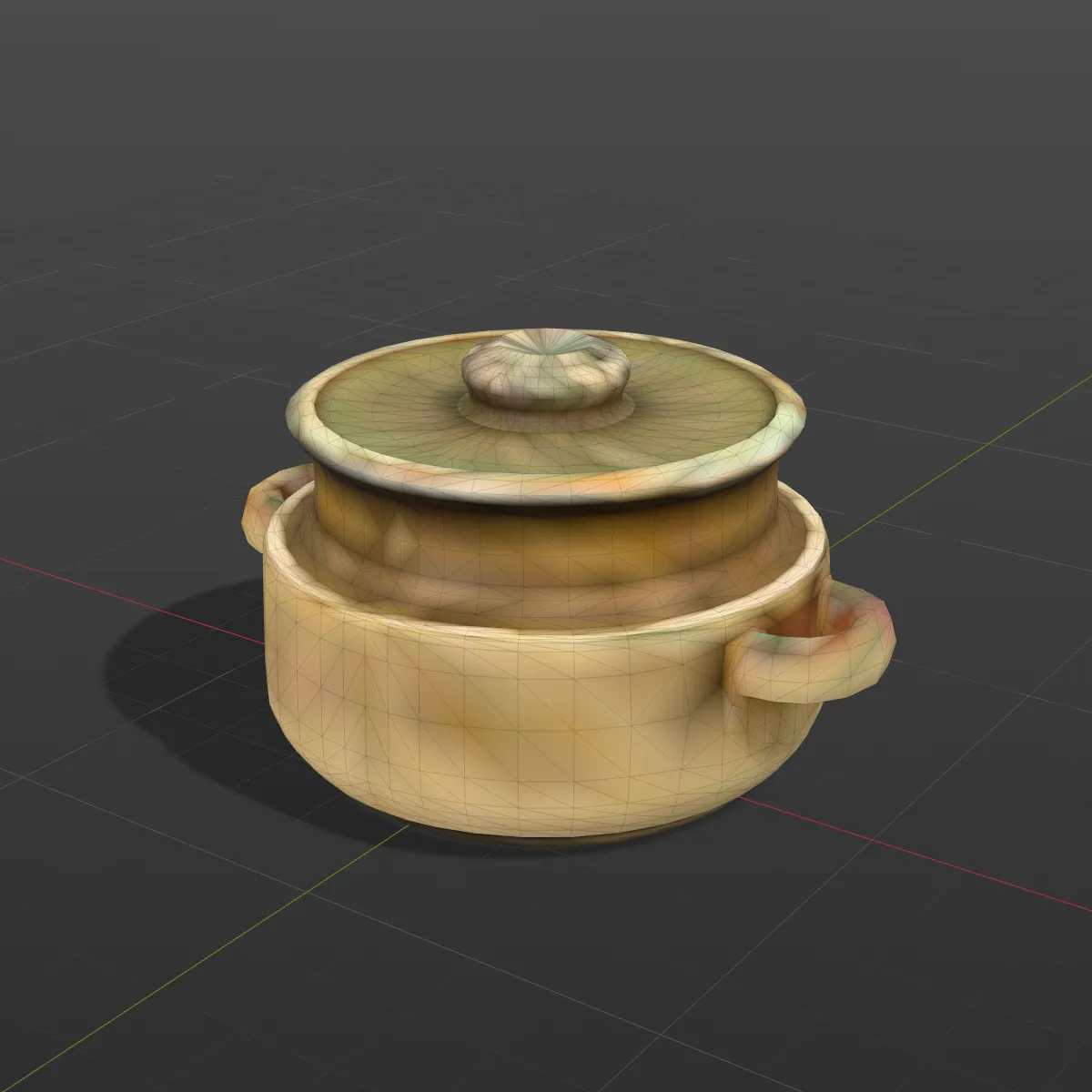
Left: the textured USDZ. Right: the .obj written here, in a grey 3D-app viewport with its wireframe on. Shape, UVs and normals are identical; the colour on the right is stored per vertex, so it can only be as sharp as the mesh is dense. The jug’s cobalt decoration and the toy machine’s dome show where that runs out.
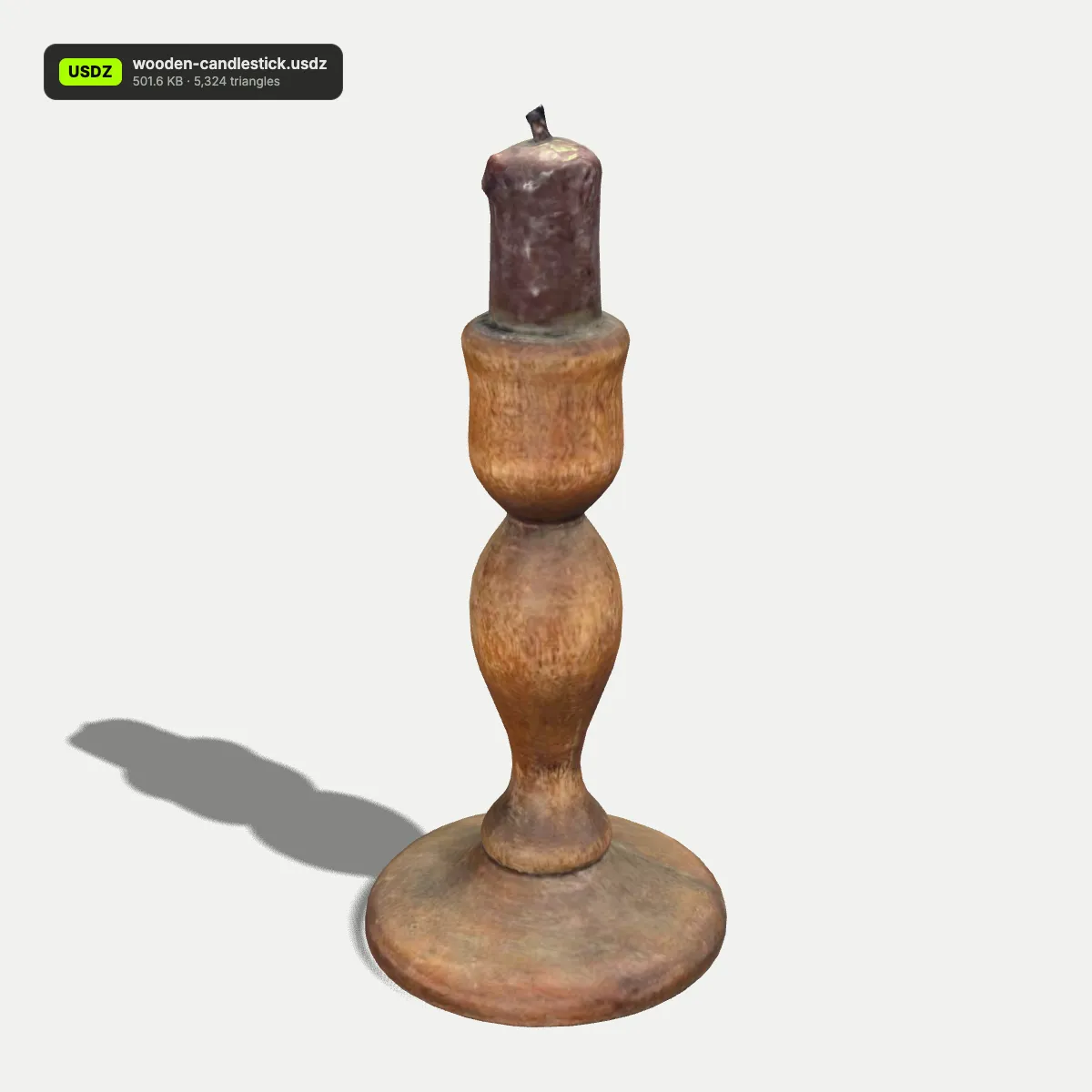
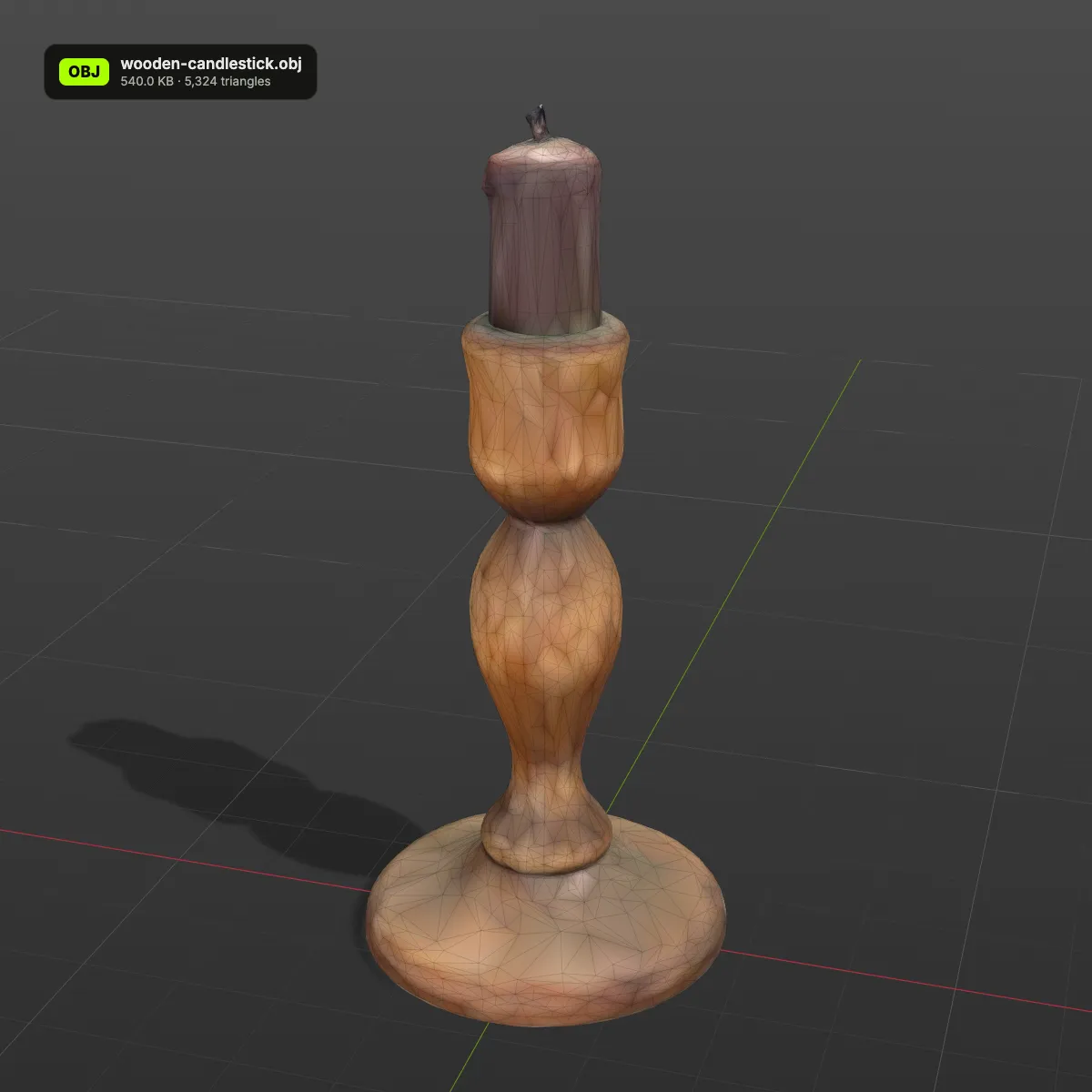
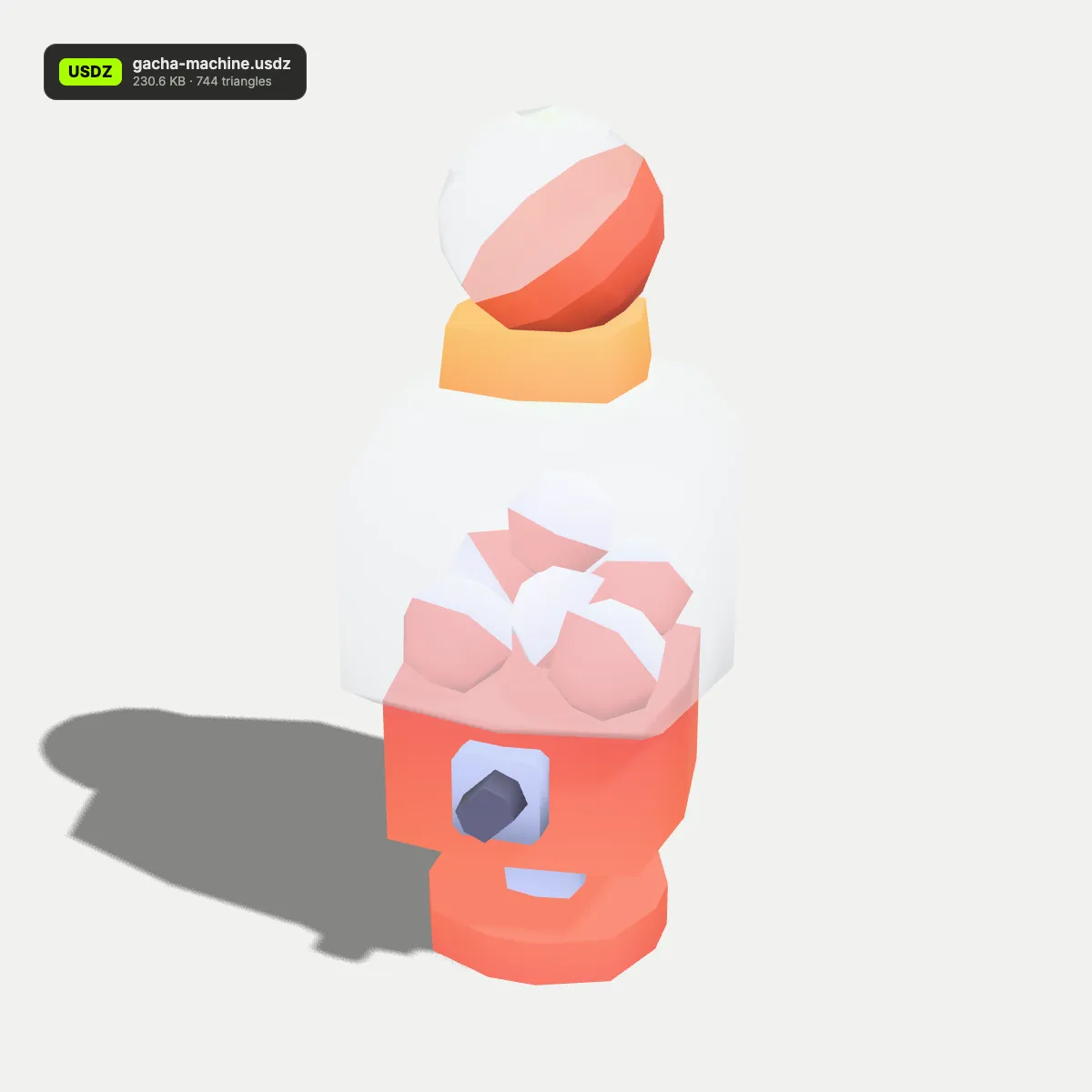
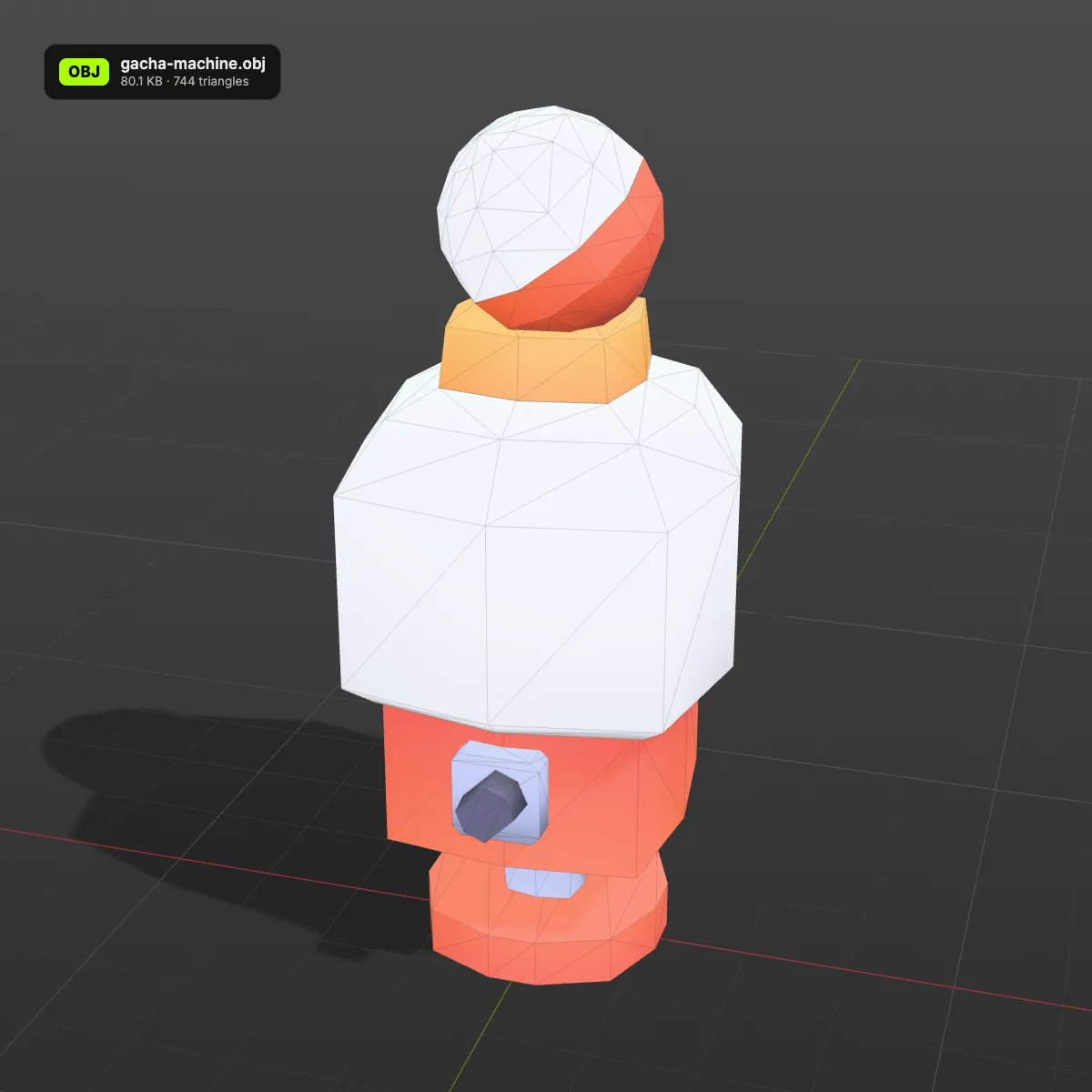
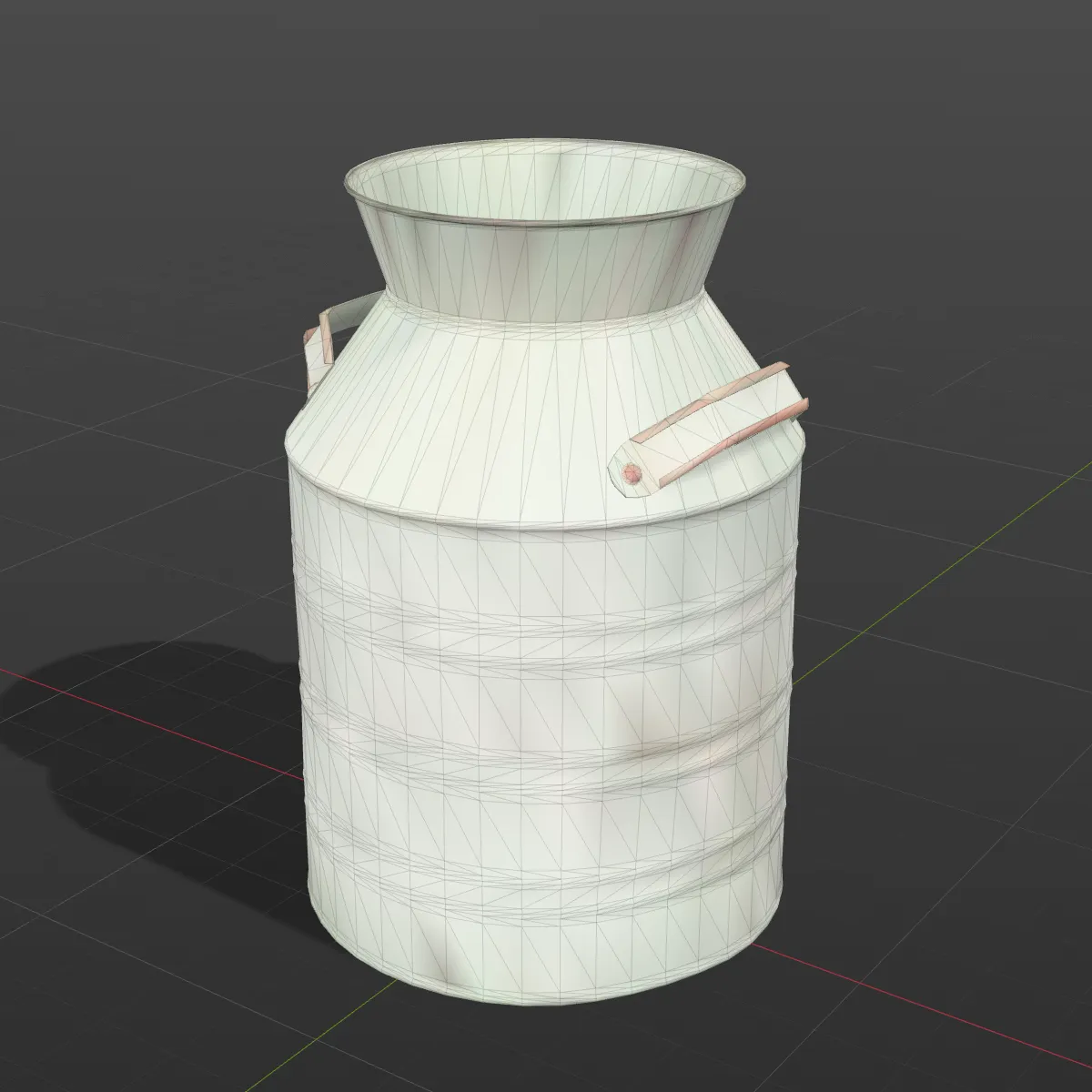
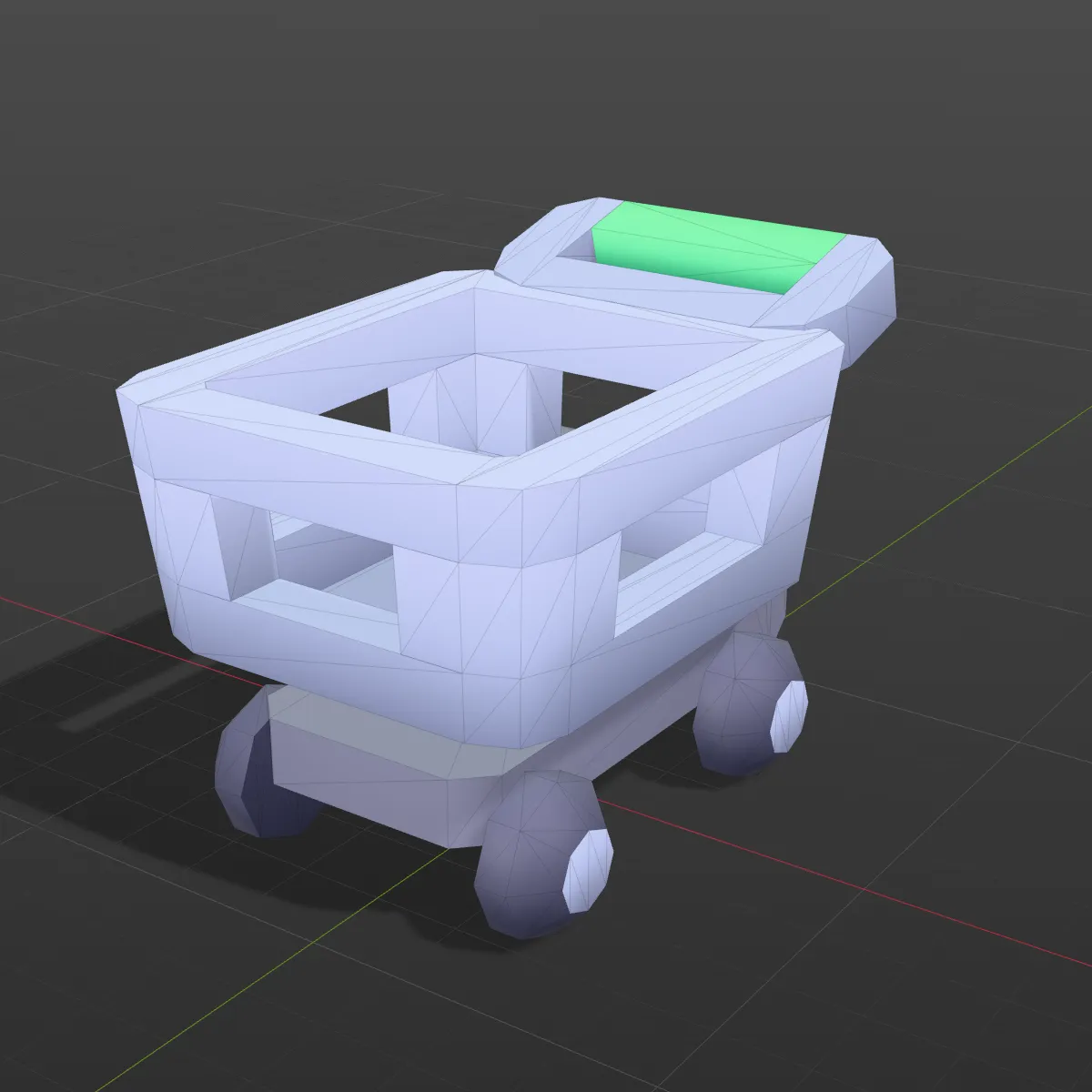
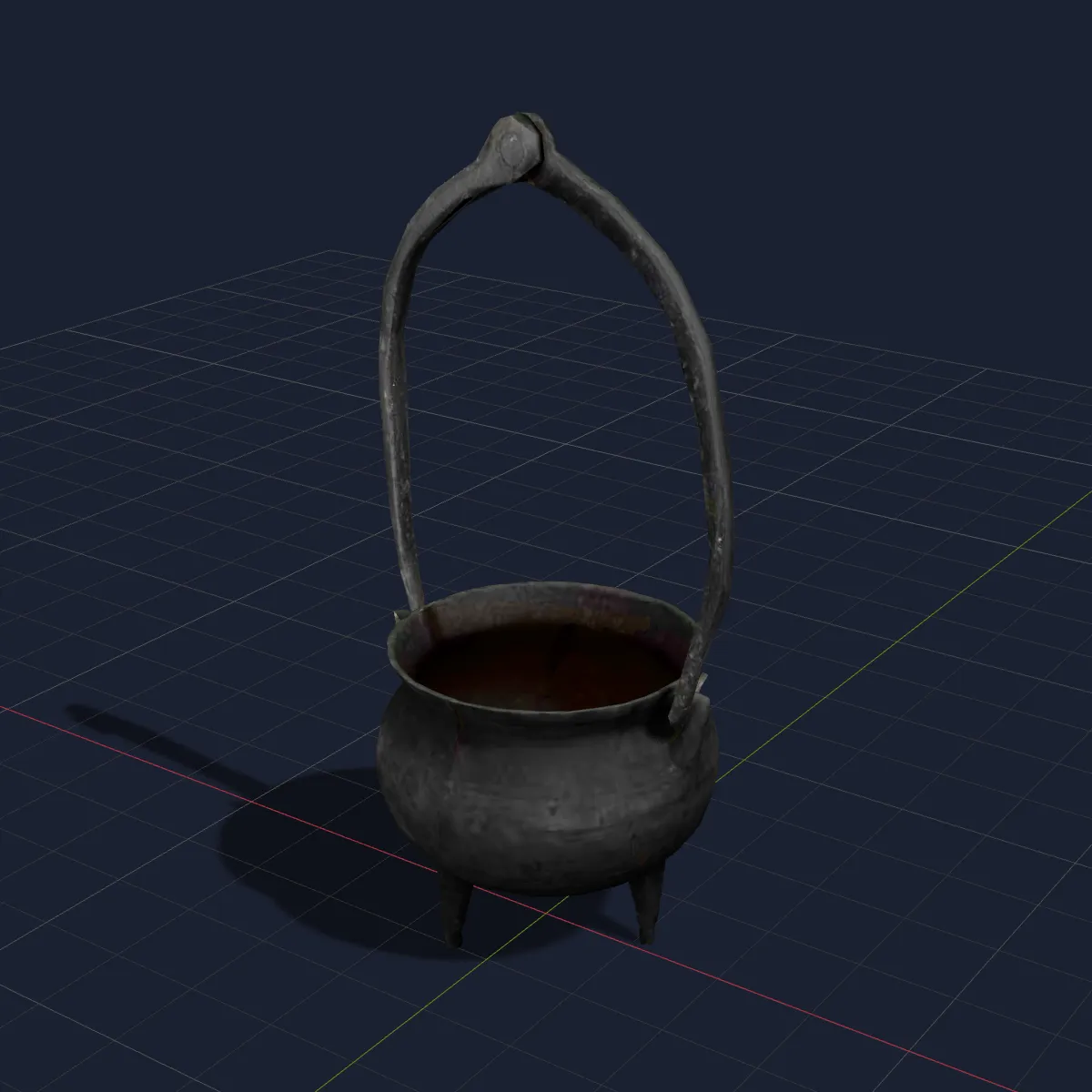
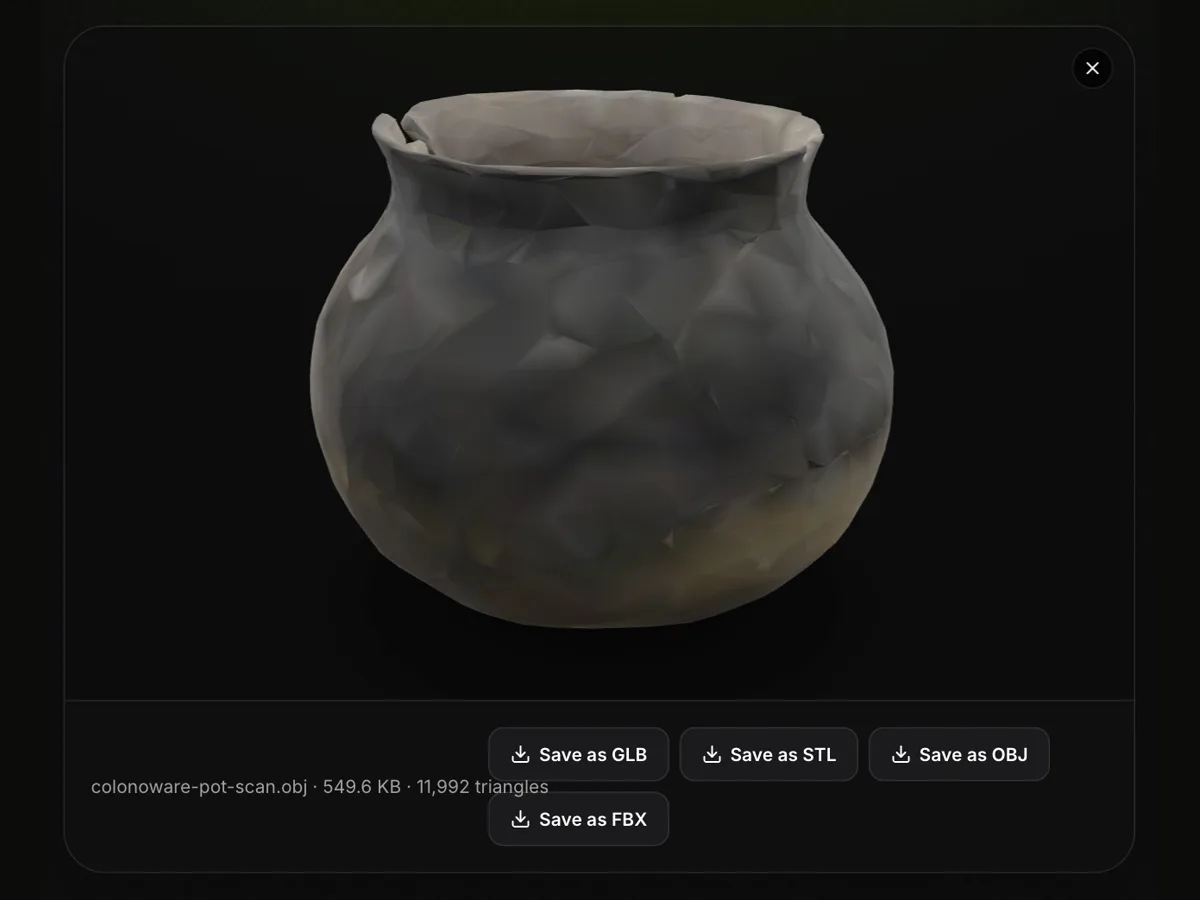
USDZ to OBJ examples in a 3D viewport
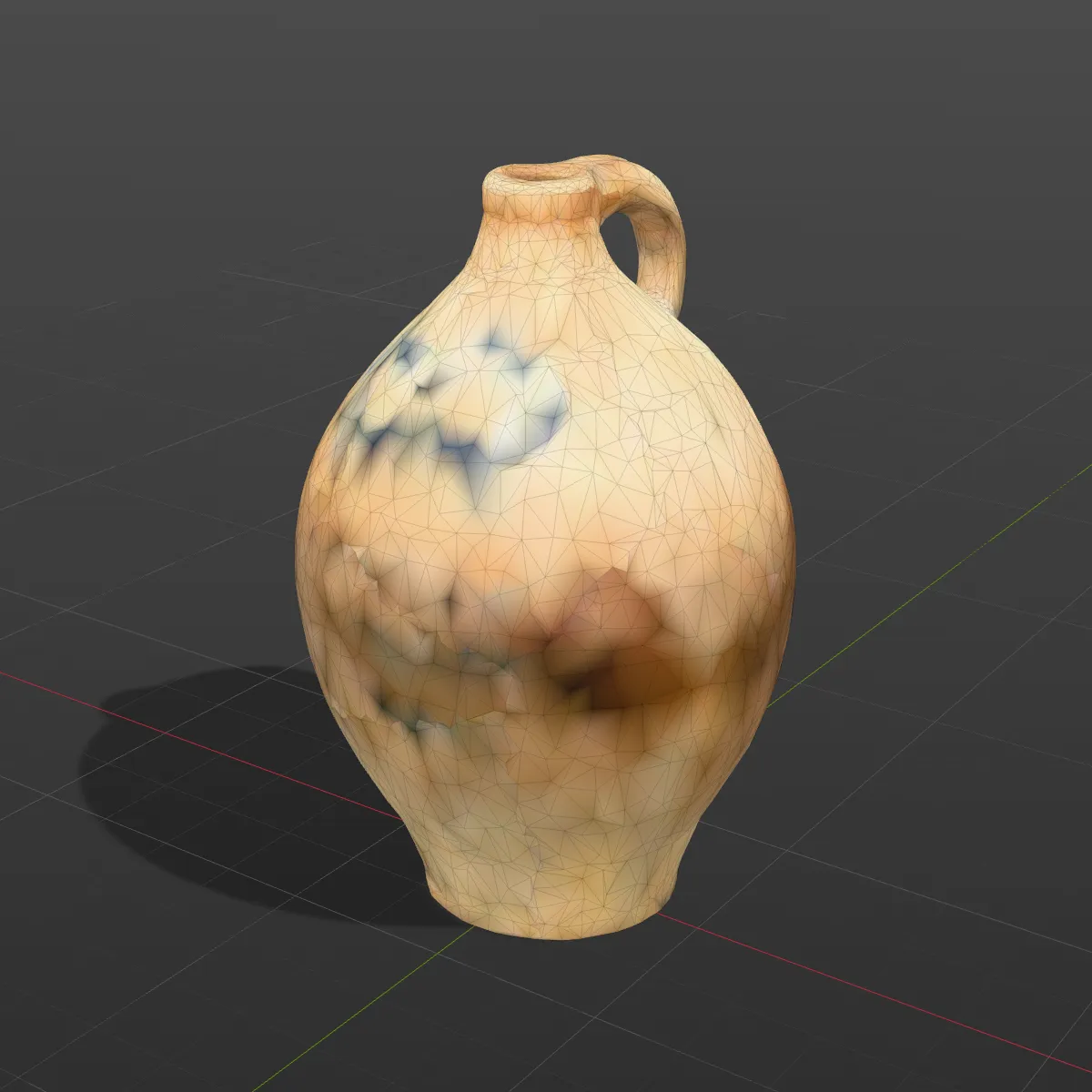
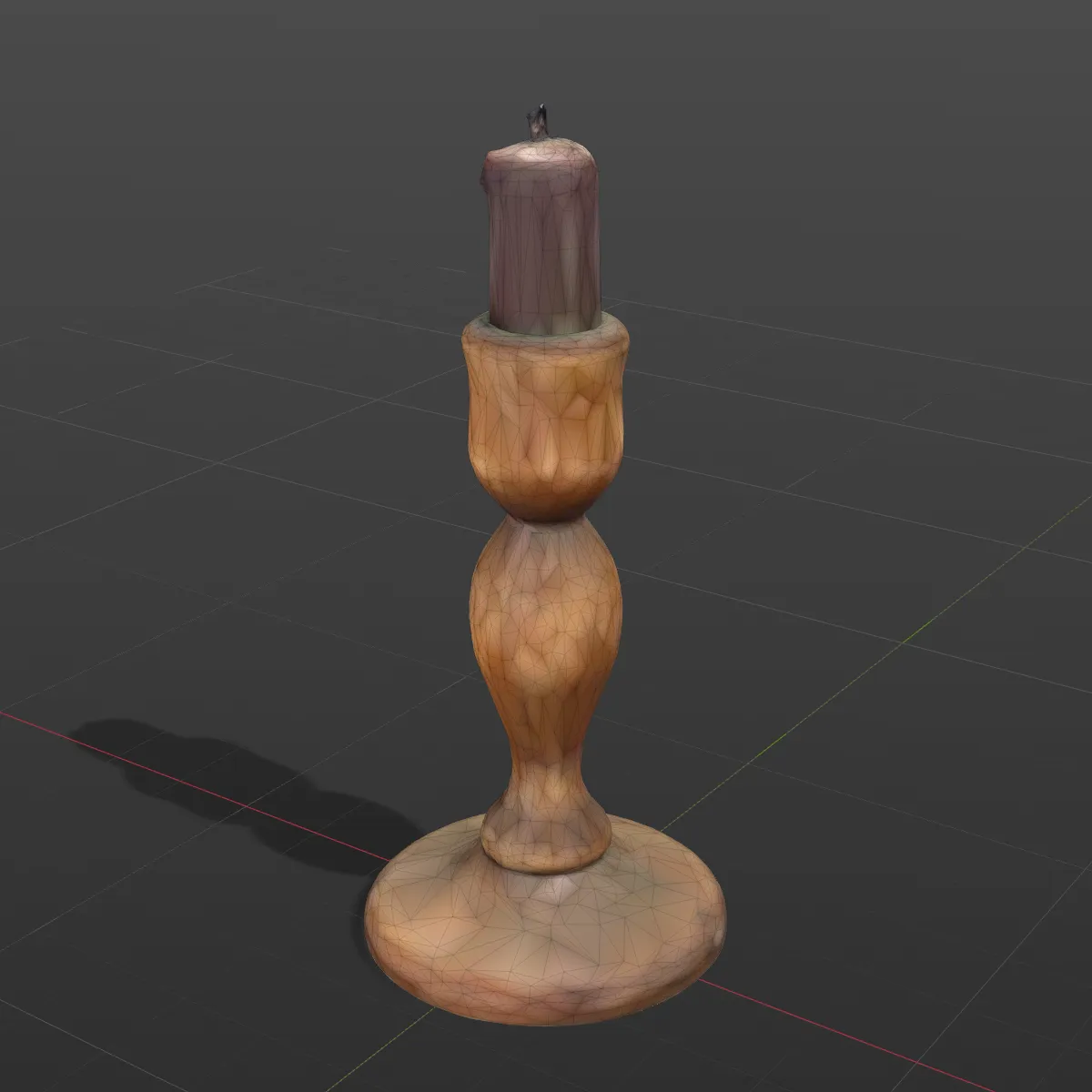
Eight .usdz models converted on this page and opened in a grey modelling viewport with the wireframe showing, so you can judge how much of each texture the vertex colours hold: scans from the Smithsonian’s open-access collection, Poly Haven props and Kenney low-poly toys.
How to convert USDZ to OBJ
- 11
Add the USDZ
Drop the .usdz on the converter or click to pick it. AR Quick Look files, Object Capture scans and Reality Composer exports all load, and the 3D preview on the right shows the model with its materials before anything is written.
- 22
Press Convert to OBJ
Textures are sampled into vertex colours, identical vertices are merged and the OBJ text is generated on your computer. The result line lists name, size and triangle count, with “Colours kept as vertex colours” when colour was baked in.
- 33
Download OBJ and import it
Blender brings it in through File > Import > Wavefront (.obj); to see the colours in Solid mode, set Viewport Shading > Color to Attribute. MeshLab shows them as soon as the file opens.
What carries over from USDZ to OBJ
A Wavefront OBJ can hold positions, faces, UVs, normals, object names and, as a widely read extension, one colour per vertex. Here is where each part of a USDZ ends up after USDZ to OBJ.
| In the USDZ | In the OBJ you download |
|---|---|
| Meshes and prim names | One OBJ object (o line) per mesh, named after its USD prim, or after the file plus a number when the mesh has no name; transforms from the scene hierarchy are baked into the vertex positions |
| UVs and normals | Written as vt and vn lines, so the original textures still map correctly if you reconnect them |
| Base-colour textures (PNG, JPEG, AVIF) | Sampled at each vertex’s UV and stored as vertex colours (v x y z r g b): exact for flat palette textures, softer than the image on detailed scans |
| Plain material colours and GeomSubsets | Baked into the vertex colours of the faces each material covers |
| Normal, roughness, metallic and occlusion maps | Not written: the converter creates no .mtl file and no image files |
| Opacity | Lost. Vertex colours have no alpha, so glass and see-through parts come out solid |
| Units and up axis | Y-up. Coordinates keep the file’s own numbers, metres for scans and AR assets; Z-up stages are rotated to Y-up |
| Skeleton and animation | Not written. A skinned model is saved in the pose it shows, and the result line notes “Static mesh, animation not included” |
| Point instancers, subdivision, curves | Instancer copies are not expanded (the prototype appears once), subdivision meshes are written as their cage, curves and NURBS are skipped |
Why convert USDZ to OBJ
Cleaning up an iPhone scan
Photogrammetry meshes often need trimming, hole filling or retopology. OBJ opens in MeshLab, Blender, ZBrush and Instant Meshes, and the vertex colours show which part of the object you are cutting into.
Repainting on the same UV layout
The UVs survive, so you can paint fresh maps in Substance 3D Painter or Blender, or rename the .usdz to .zip, unzip it and plug the original texture images back in.
Programs with no USD importer
Plenty of CAD viewers, research tools and older 3D packages read OBJ but not USD. A single OBJ with its colours inside is easier to hand around than a format half the recipients cannot open.
Measuring and comparing scans
Tools such as CloudCompare and MeshLab can measure an OBJ scan or compare it against a CAD model, a job AR viewers are not built for.
USDZ to OBJ questions
Load the .usdz into the converter above, press Convert to OBJ and click Download OBJ. The file is processed by your browser, so it stays private; there is no fee and no sign-up, and the size limit is 200 MB.
It keeps their colours, not the images. The converter returns a single .obj, so rather than writing an .mtl and copying picture files it samples the base-colour map at every vertex. On a 6,000-triangle scan like the jug sample that reads well at a glance; on a low-poly model, text and fine patterns smear. The UVs are in the file, so full detail is one step away: a USDZ is a zip archive, and unzipping it gives you the original texture images to reconnect.
Usually the viewer is ignoring vertex colours. In Blender 3.3 or newer, set the Solid shading Color to Attribute, or feed a Color Attribute node into the material; older importers and some apps never read them. If the model was already white in our preview, its materials are MaterialX or RealityKit shader graphs from Reality Composer Pro, which the in-browser reader cannot evaluate, so there was no colour to bake.
Drop it into this converter or our OBJ viewer in any Windows browser and it opens in 3D with its textures, no Apple device required. For editing, convert USDZ to OBJ here: Blender, MeshLab and most Windows 3D programs import OBJ.
Y-up, with the USDZ’s own numbers. Object Capture scans and AR assets are stored in metres and Blender reads one OBJ unit as one metre, so they appear at true size; the jug sample is 0.384 m tall. Maya, which assumes centimetres by default, shows the same file 100 times smaller, so scale it by 100 there.
Only as a still mesh. OBJ has no bones or keyframes, so a rigged USDZ is written in the pose the preview shows and its clips are dropped. To keep the motion, open the file in our OBJ viewer and use Save as GLB, the one export here that carries USD skeletons and animation.
Related tools




Want a model without scanning?
Upload a photo and Ship3D’s AI generator builds a textured 3D model, with OBJ among the download formats.
Free to sign up, no credit card required. Try it once for free.