3MF to STL Converter
Slicer Projects to Plain, Portable Meshes
This 3MF to STL converter opens a .3mf file, the zipped XML format that Bambu Studio, PrusaSlicer, Orca Slicer, Cura and most CAD programs now save, and writes one binary STL that any slicer, print service or mesh editor accepts.
3MF → STL
Drop a 3D model file to preview it in 3D before converting.
It runs on your own device in this browser tab with three.js, so the file is not uploaded and you do not need an account. The preview shows the 3MF as it is, each part in its own colour when the file stores colours the standard way. The STL keeps the shape and nothing else: every object on the build plate is merged into one mesh at its plate position, colours, part names and print settings are dropped, and the triangles are copied without repair. Both formats are Z-up, so nothing is rotated, and since 3MF is millimetres by default and slicers read STL as millimetres, a part keeps its size. Project files that keep their objects in sub-model files, the way Bambu Studio saves them, are read too. If you are wondering how to convert 3MF to STL without installing anything, the three steps below are the whole job.
Two 3MF samples to try
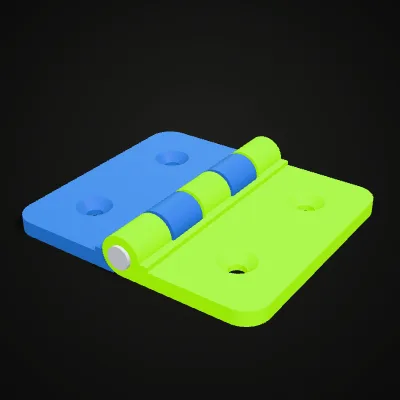
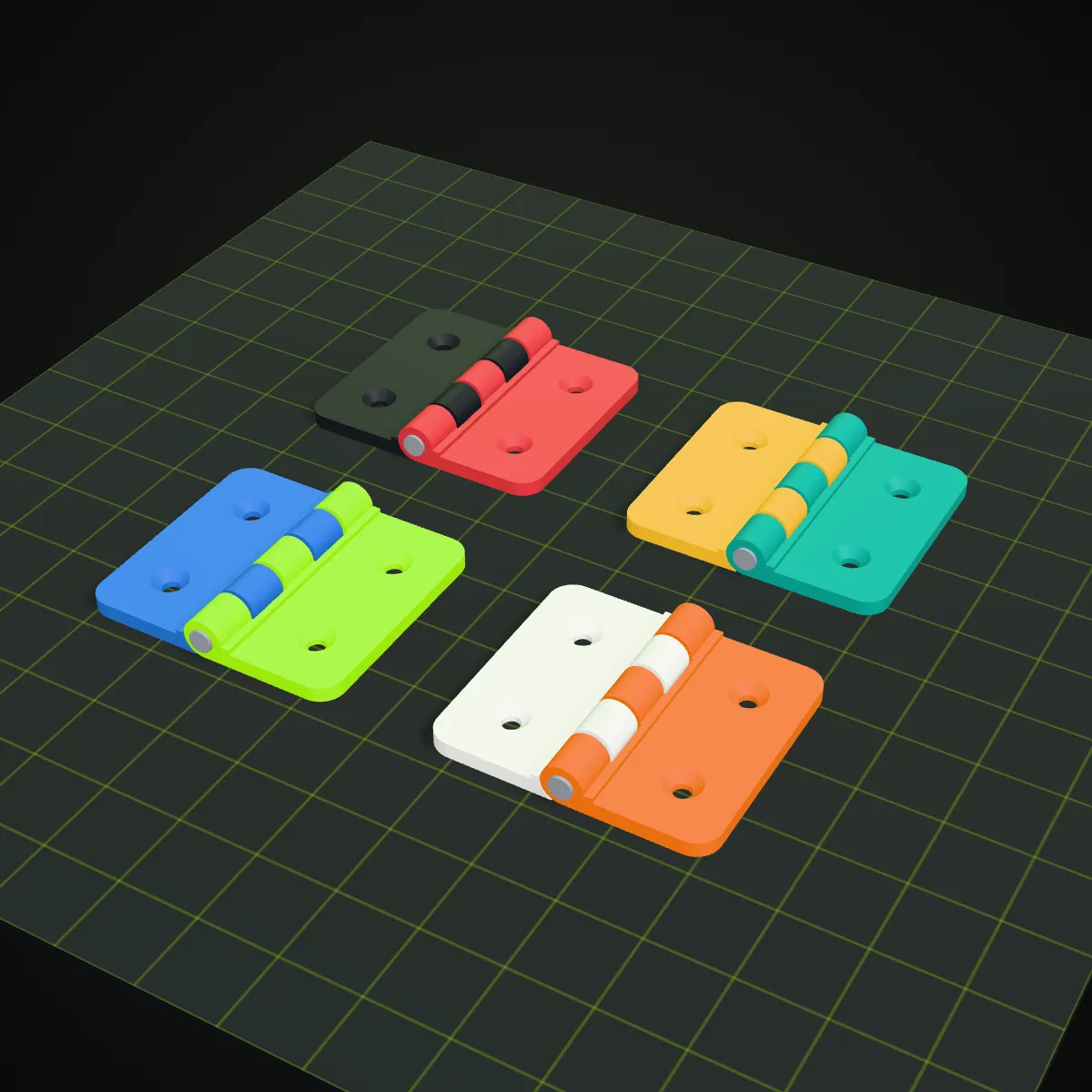
Both are parts we modelled in CadQuery and saved as multi-object 3MF files. The hinge has two leaves and a pin, each in its own colour; its STL measures 56 × 50.7 × 8.4 mm, exactly like the 3MF, and holds 5,436 triangles. The bolt and nut are the pair from the recording above. Press Try it to load one, or download it and open it in your slicer first.
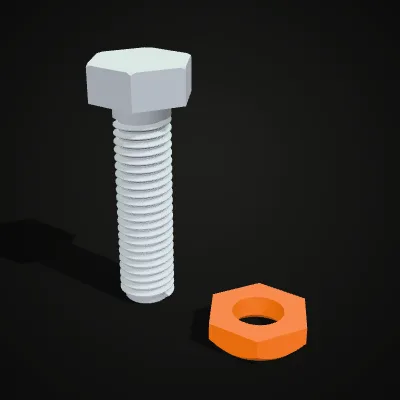
Watch a bolt and nut go from 3MF to STL
An 11-second recording of the real converter with the M10 bolt and nut sample. The 185.0 KB 3MF goes in, the preview shows the white threaded bolt next to the orange nut, Convert to STL is pressed, and the result line reads bolt-and-nut.stl · 482.1 KB · 9,872 triangles. The two objects are now one mesh with no colour. The STL is about 2.6 times the size of the 3MF, because a 3MF is a zip archive whose triangles share their corners, while an STL lists every triangle in full.
3MF to STL, before and after: colours merge into one grey mesh
Left: a multi-colour 3MF as the converter’s preview shows it, one colour per part. Right: the STL this page wrote from it, a single uncoloured mesh on the same golden PEI-style bed. The labels carry the real part counts, file sizes and triangle counts.

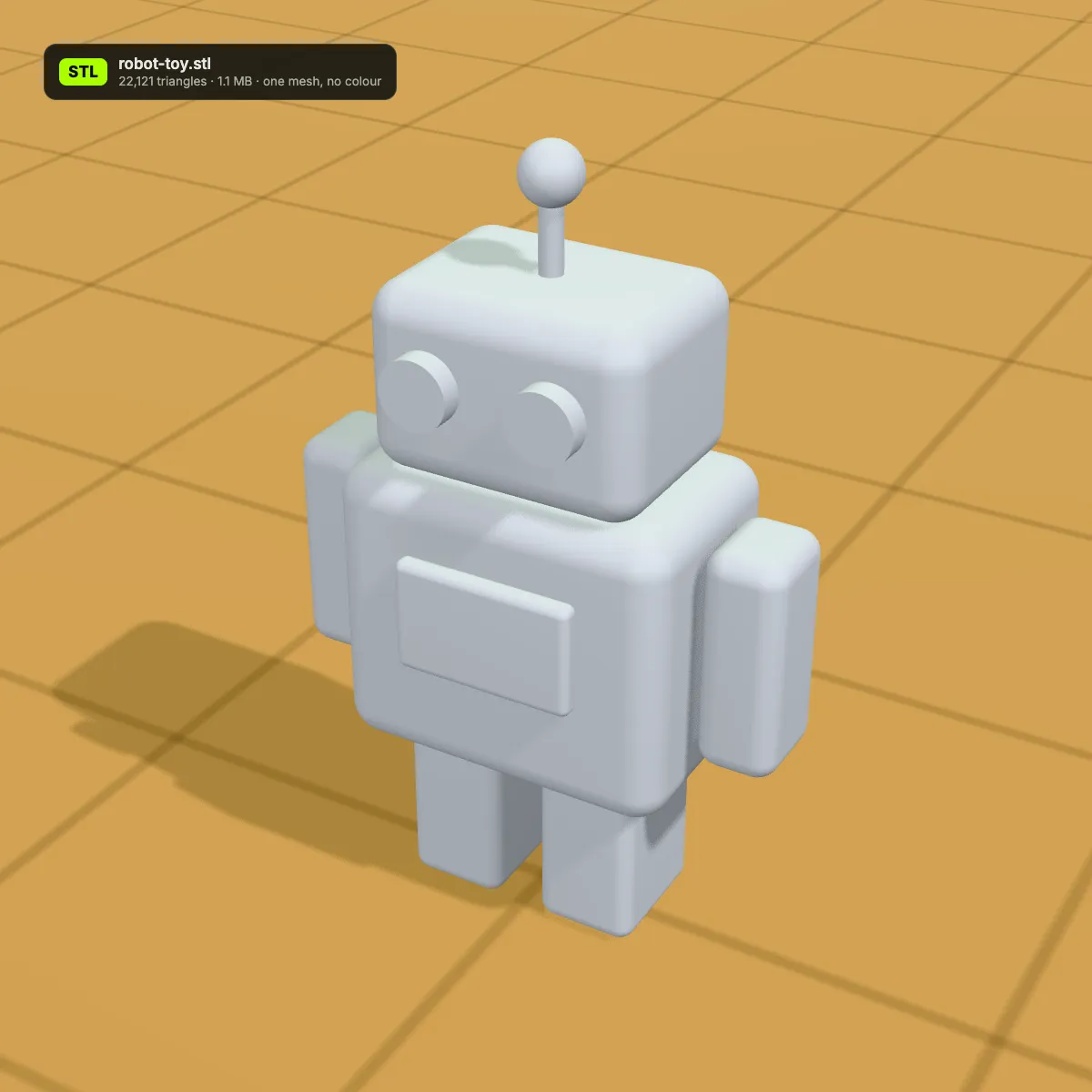
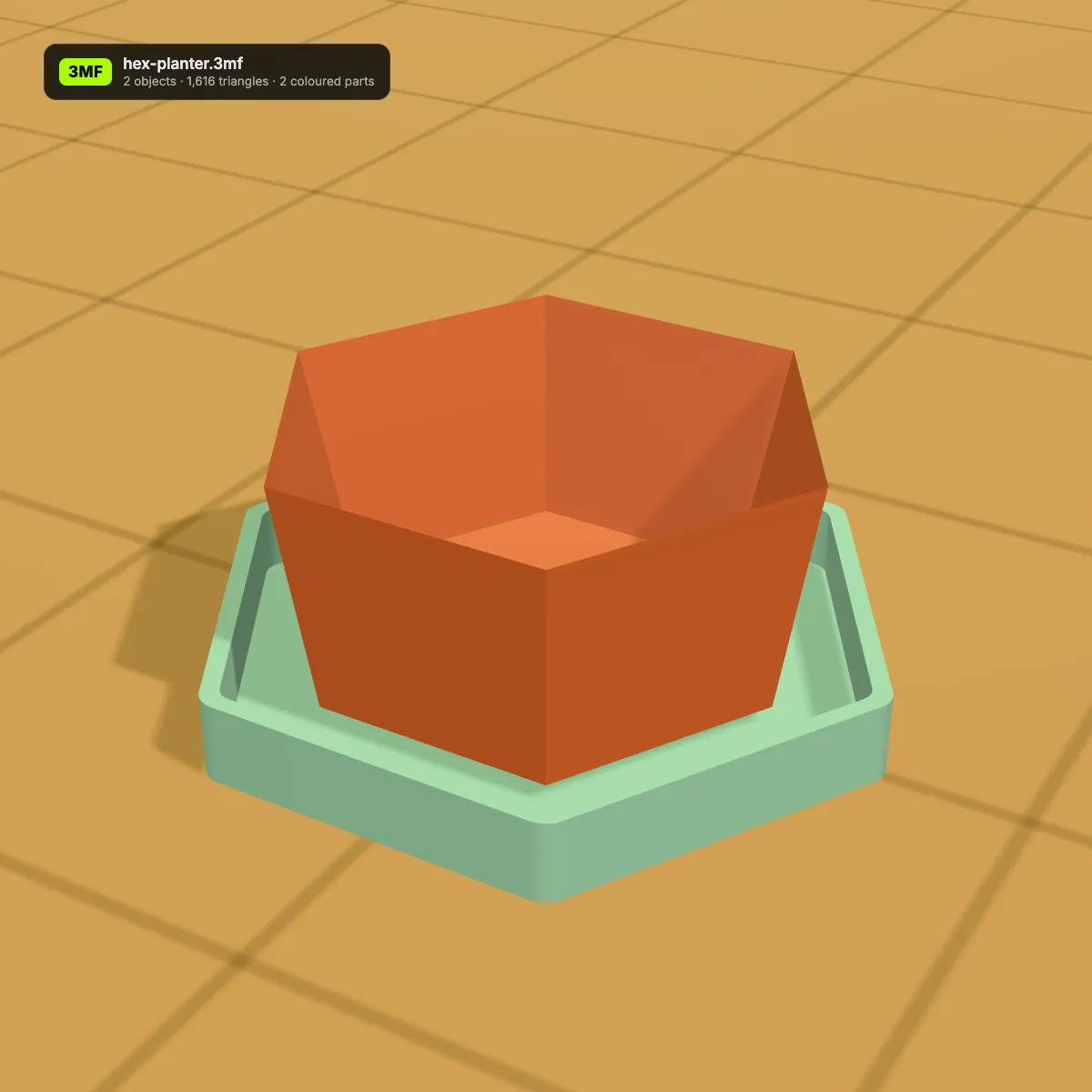
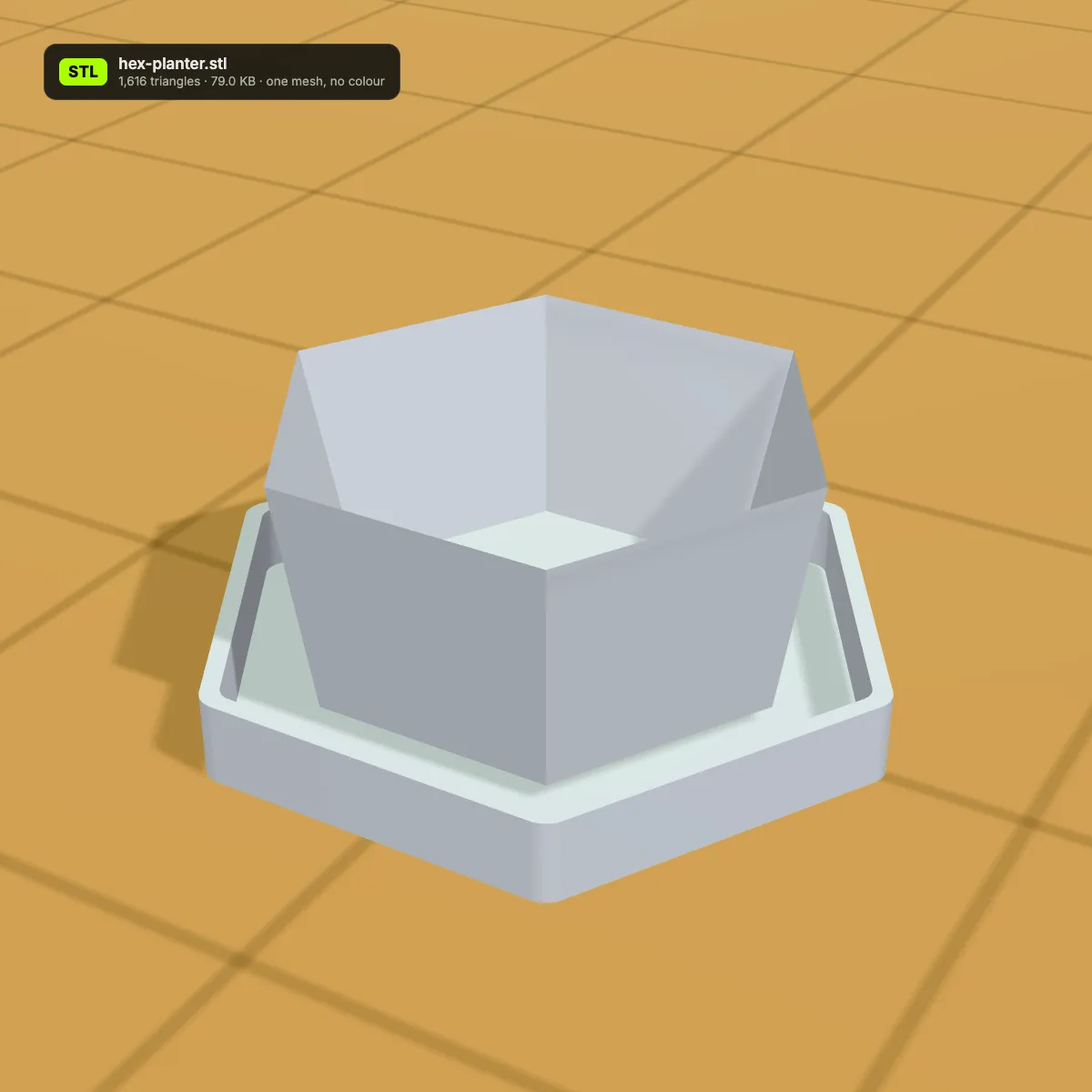
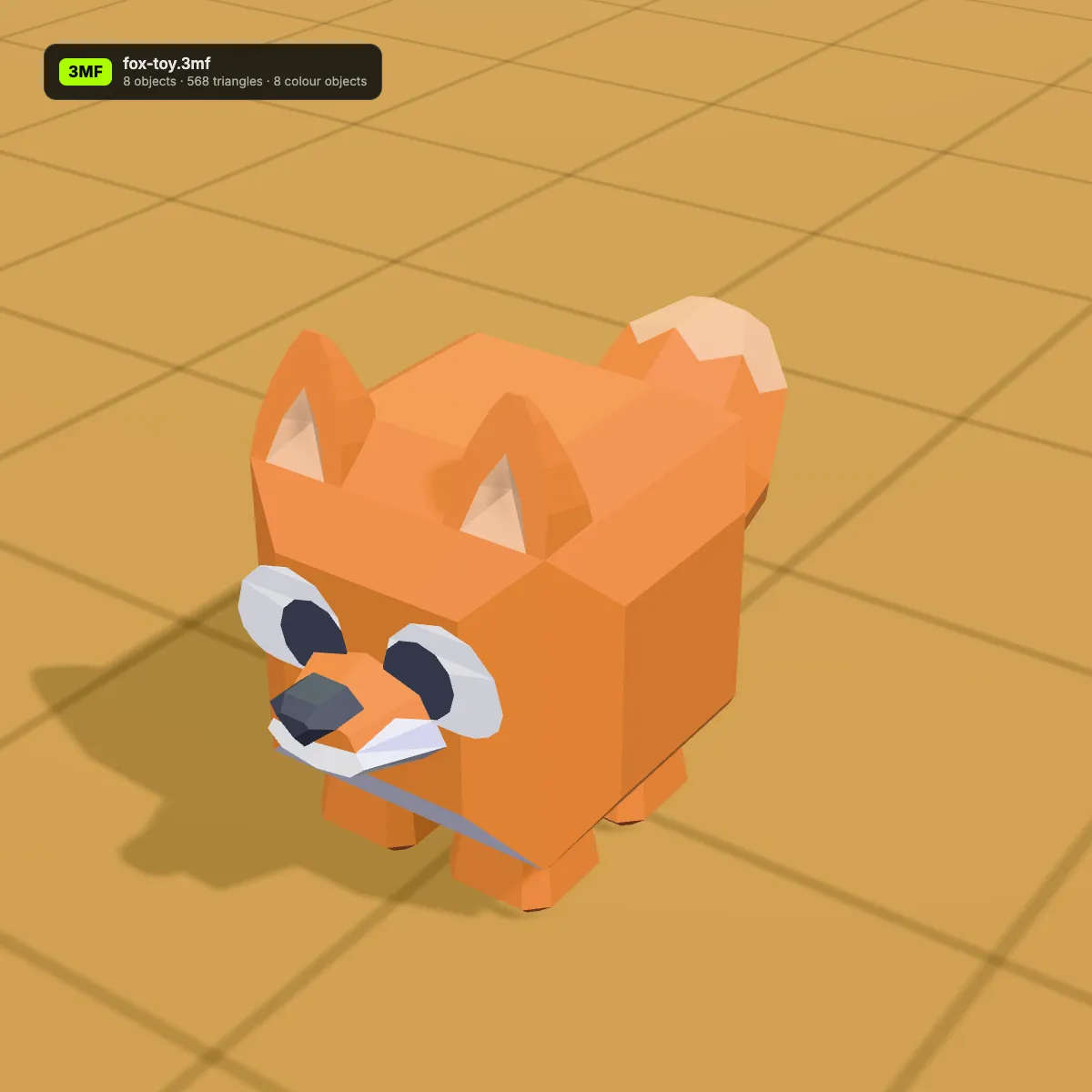
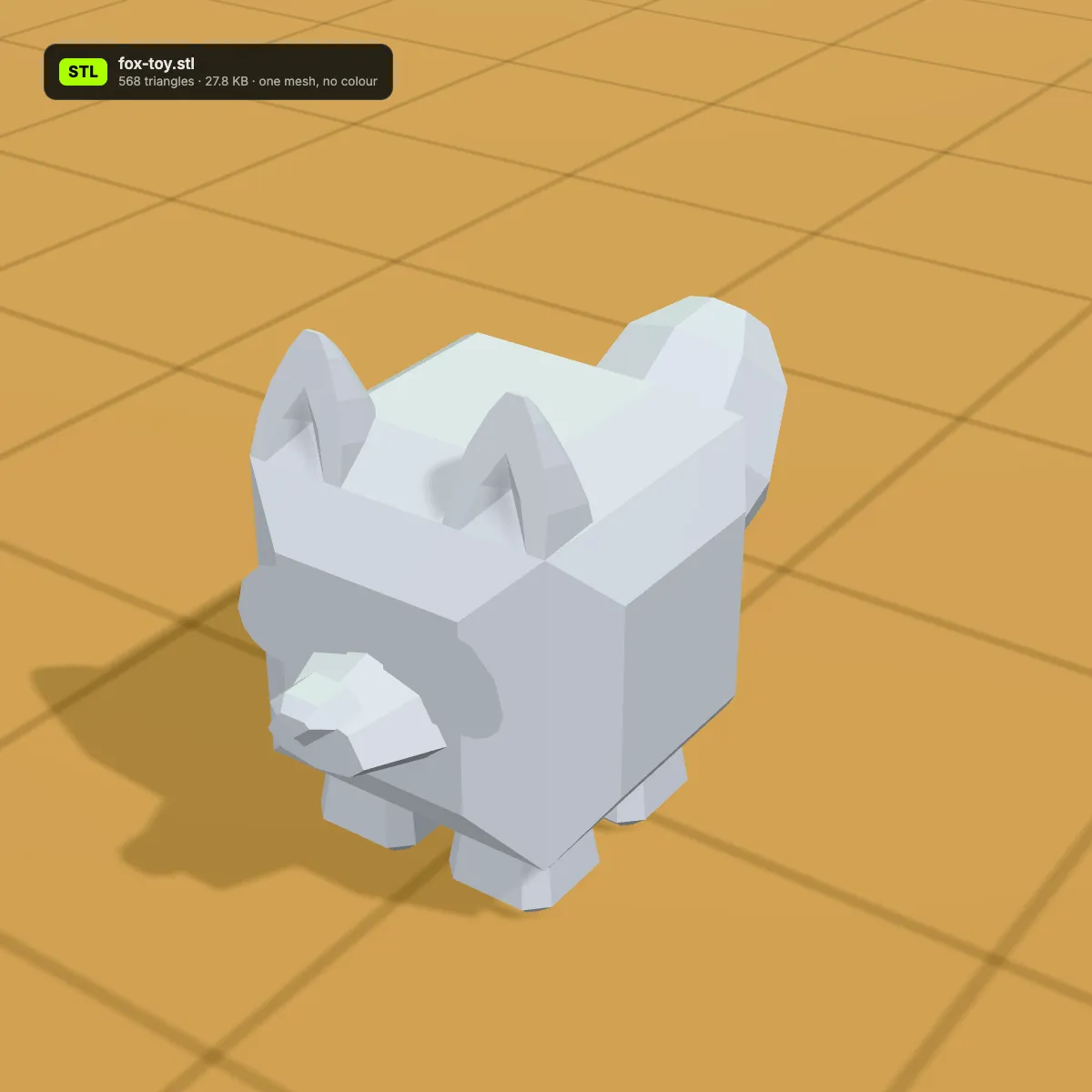
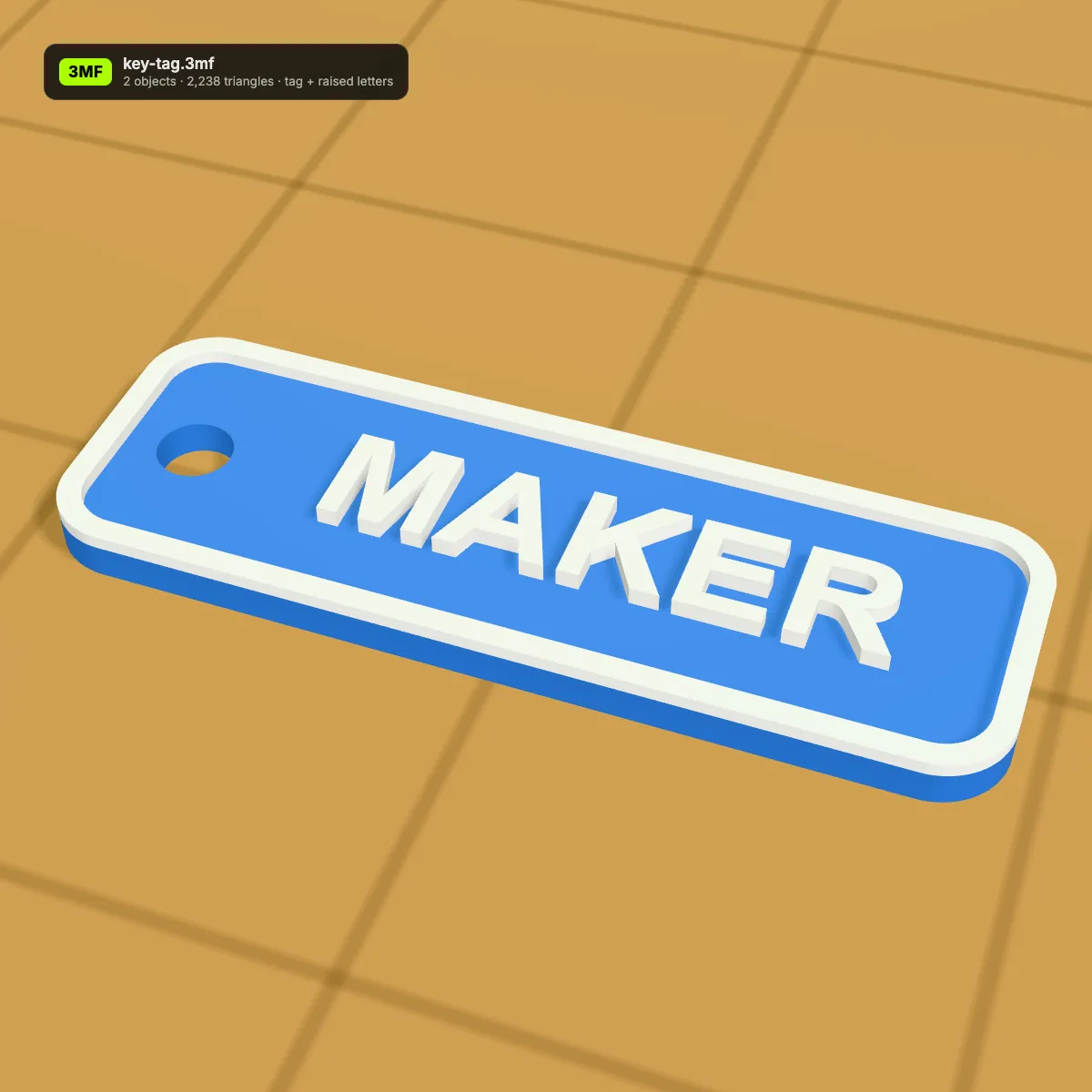
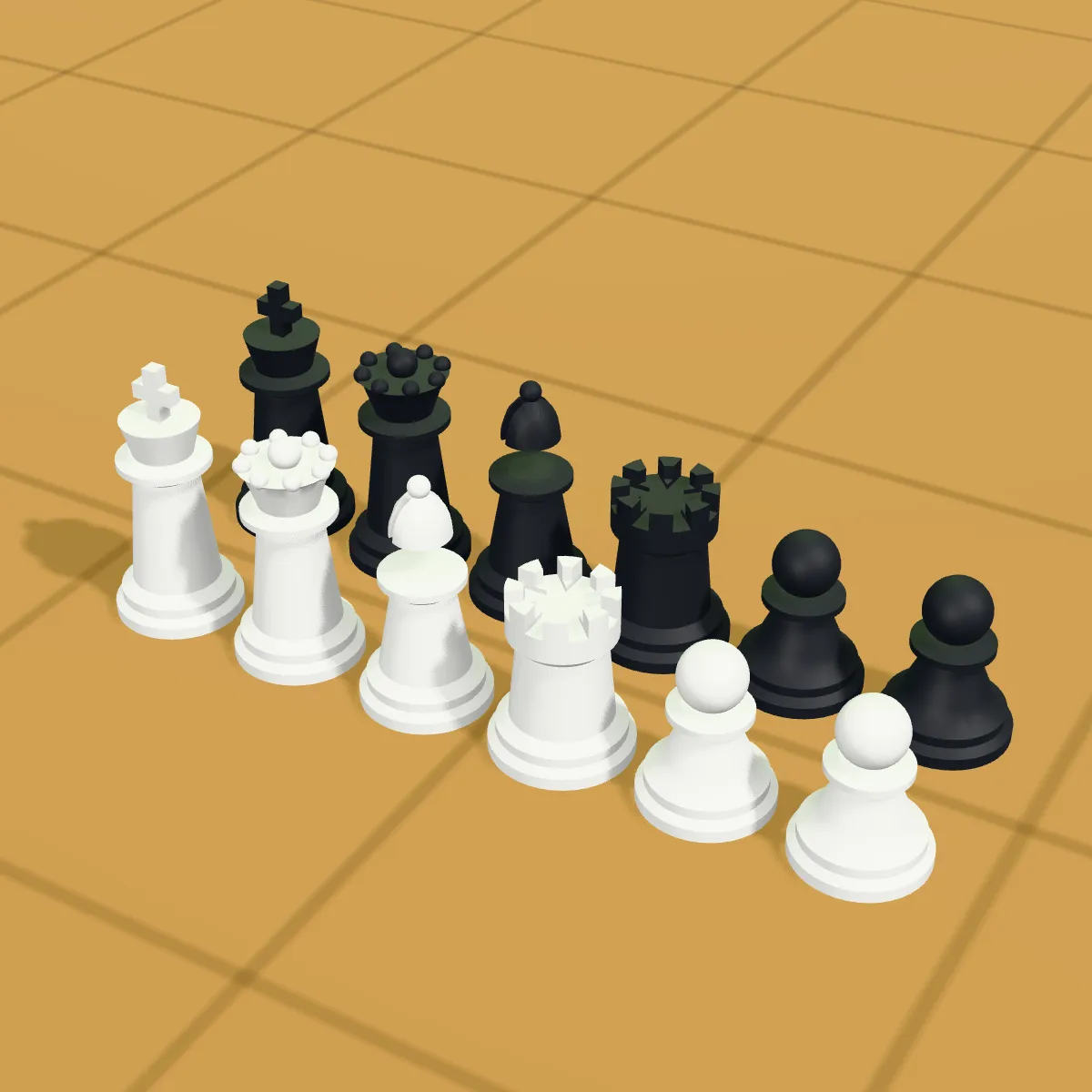
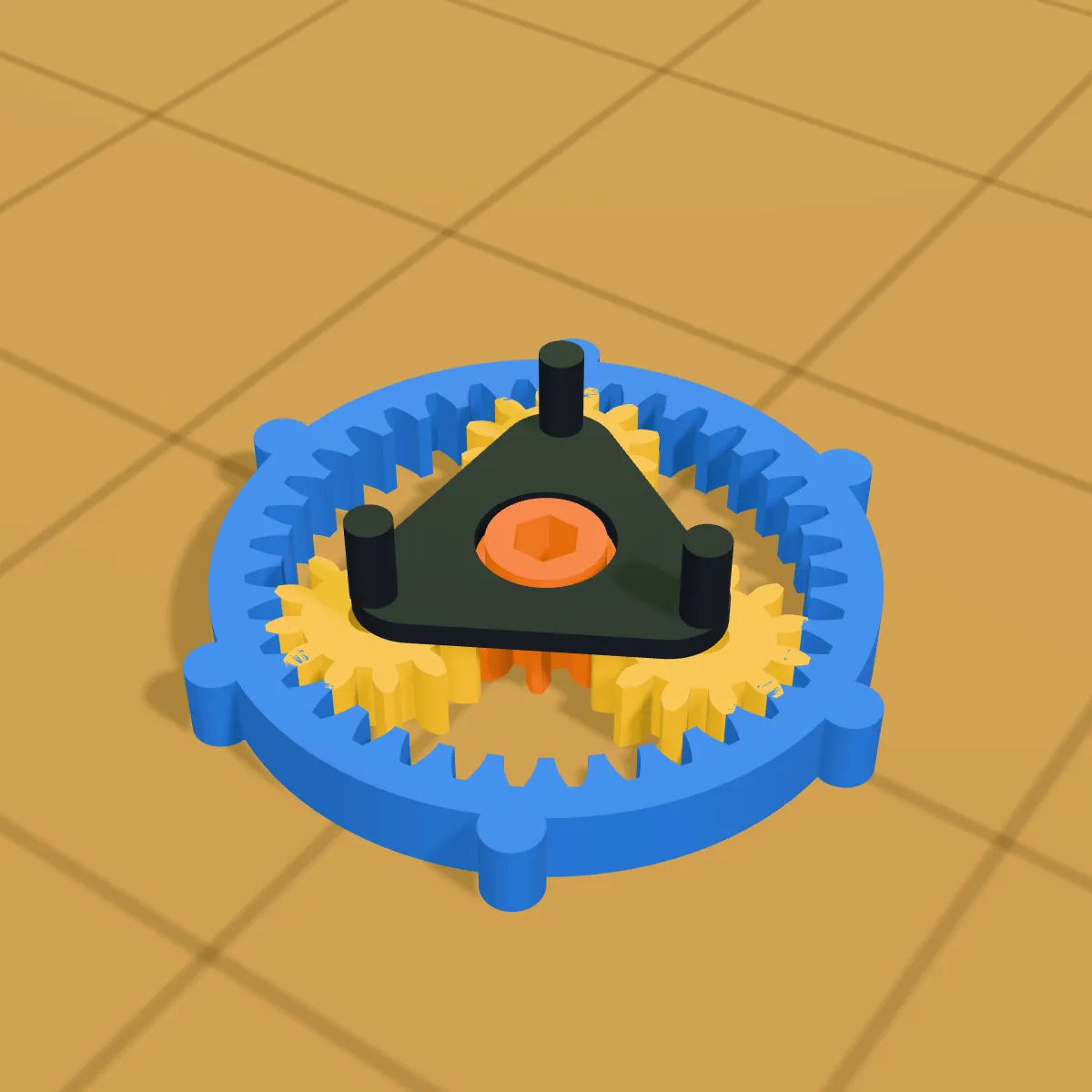
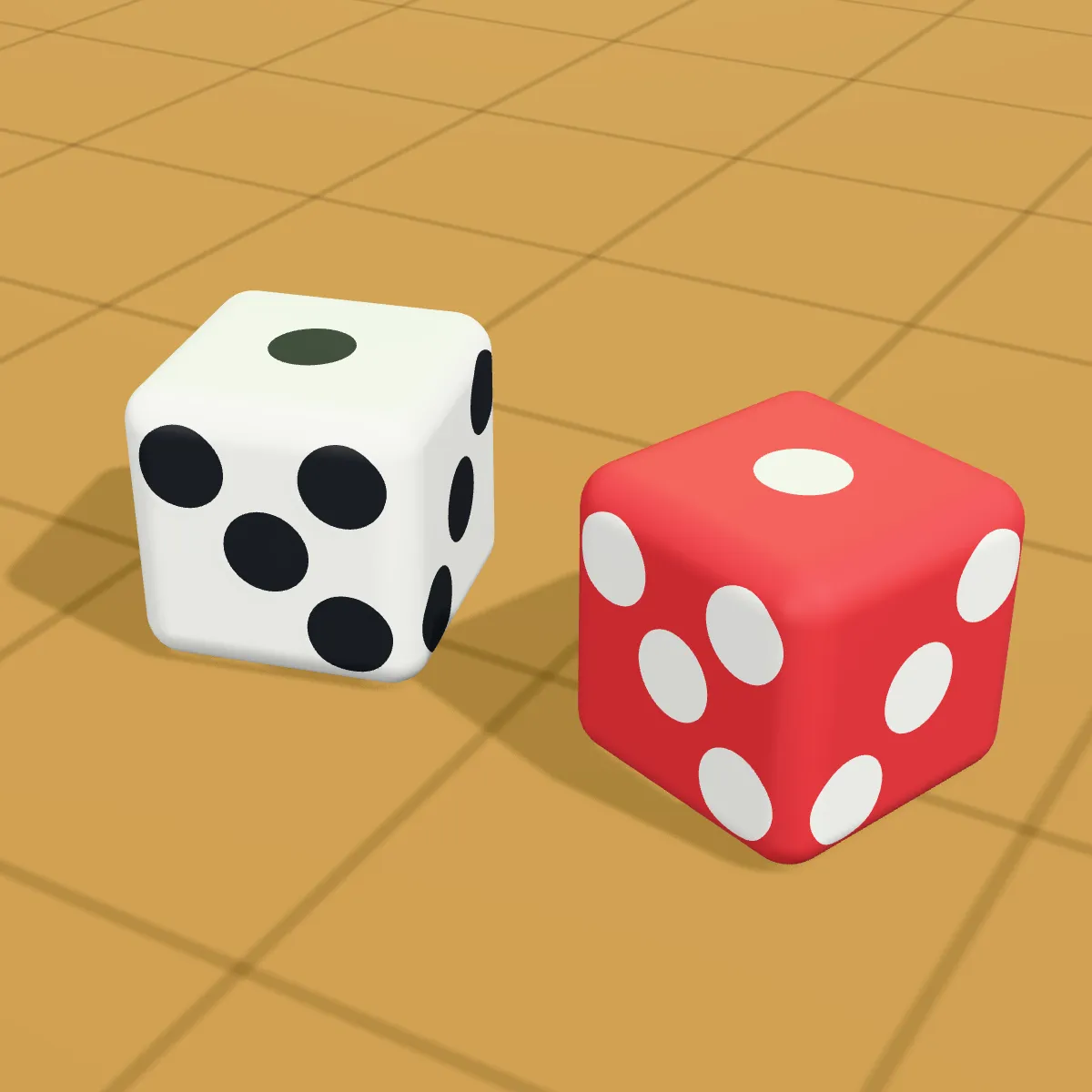
3MF to STL examples: multi-part prints and what they become
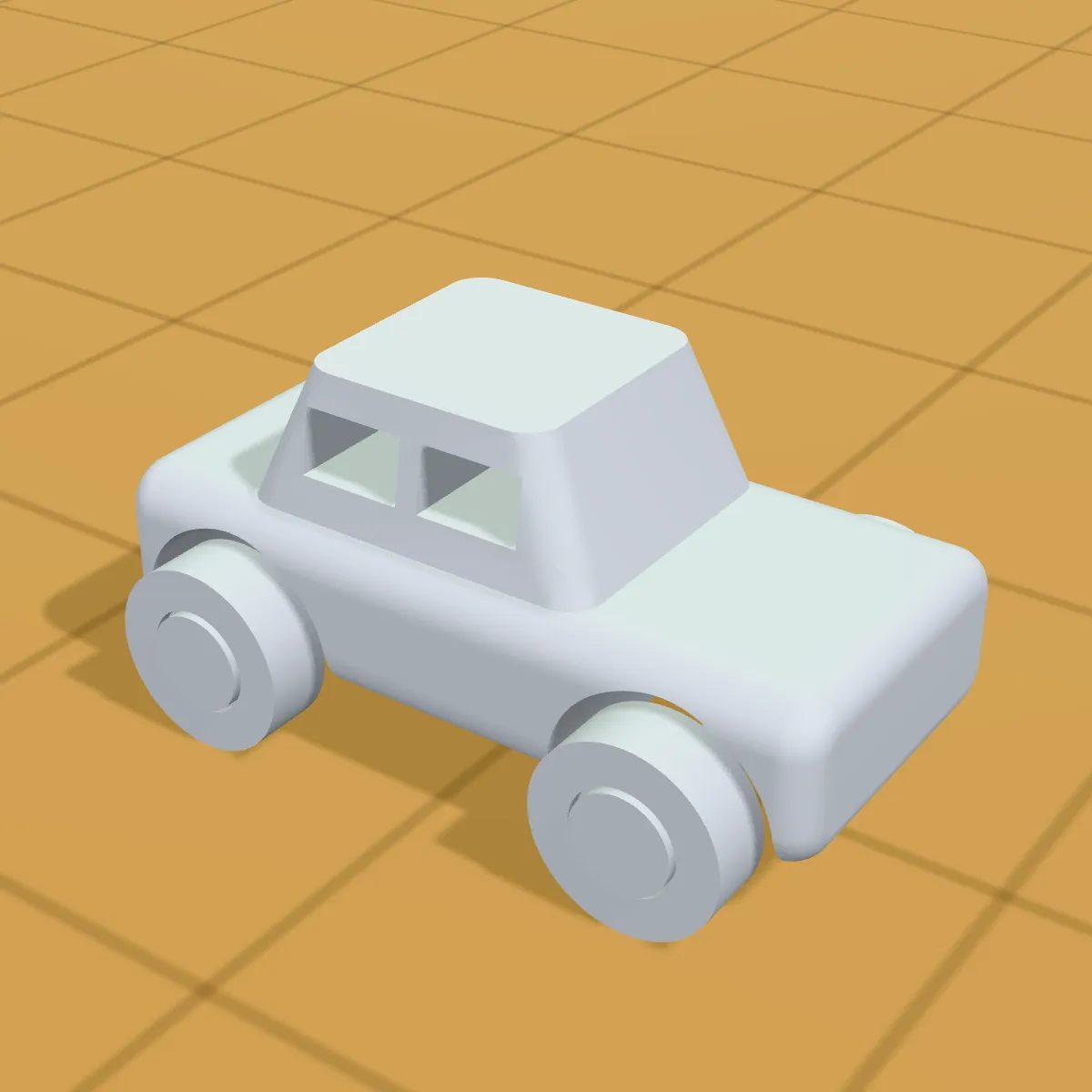
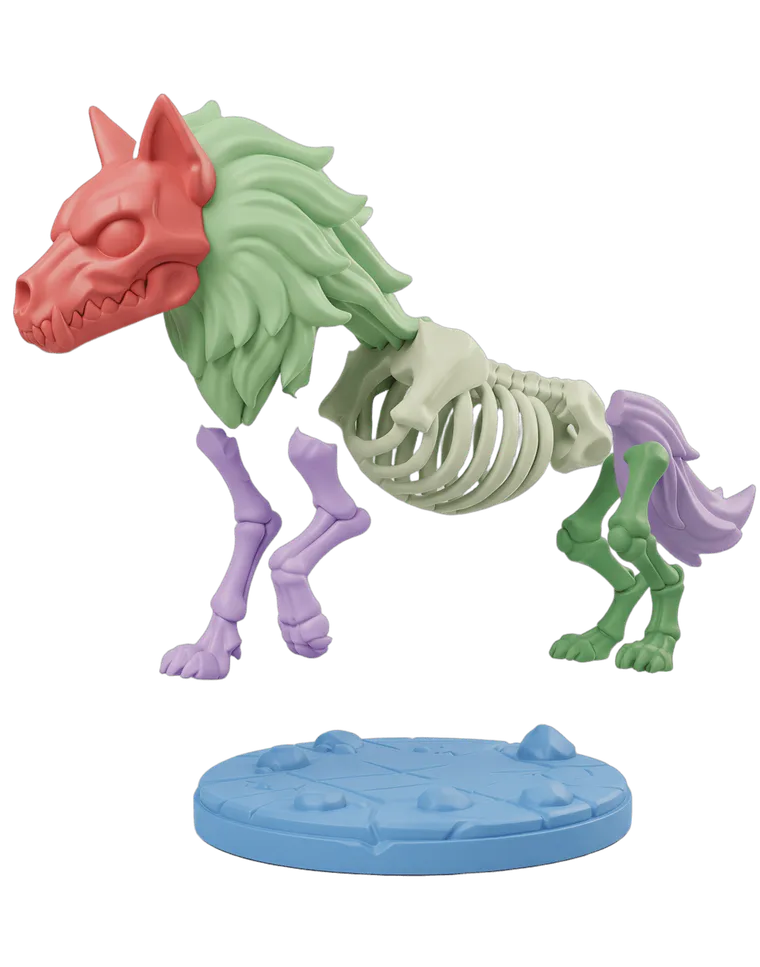
Eight models on a golden print bed: six multi-colour 3MF plates as the converter previews them, and two that have already gone through 3MF to STL and lost their colours. Most were modelled by us in CadQuery; the animal toys and the tugboat are Kenney CC0 models we split into one object per colour.
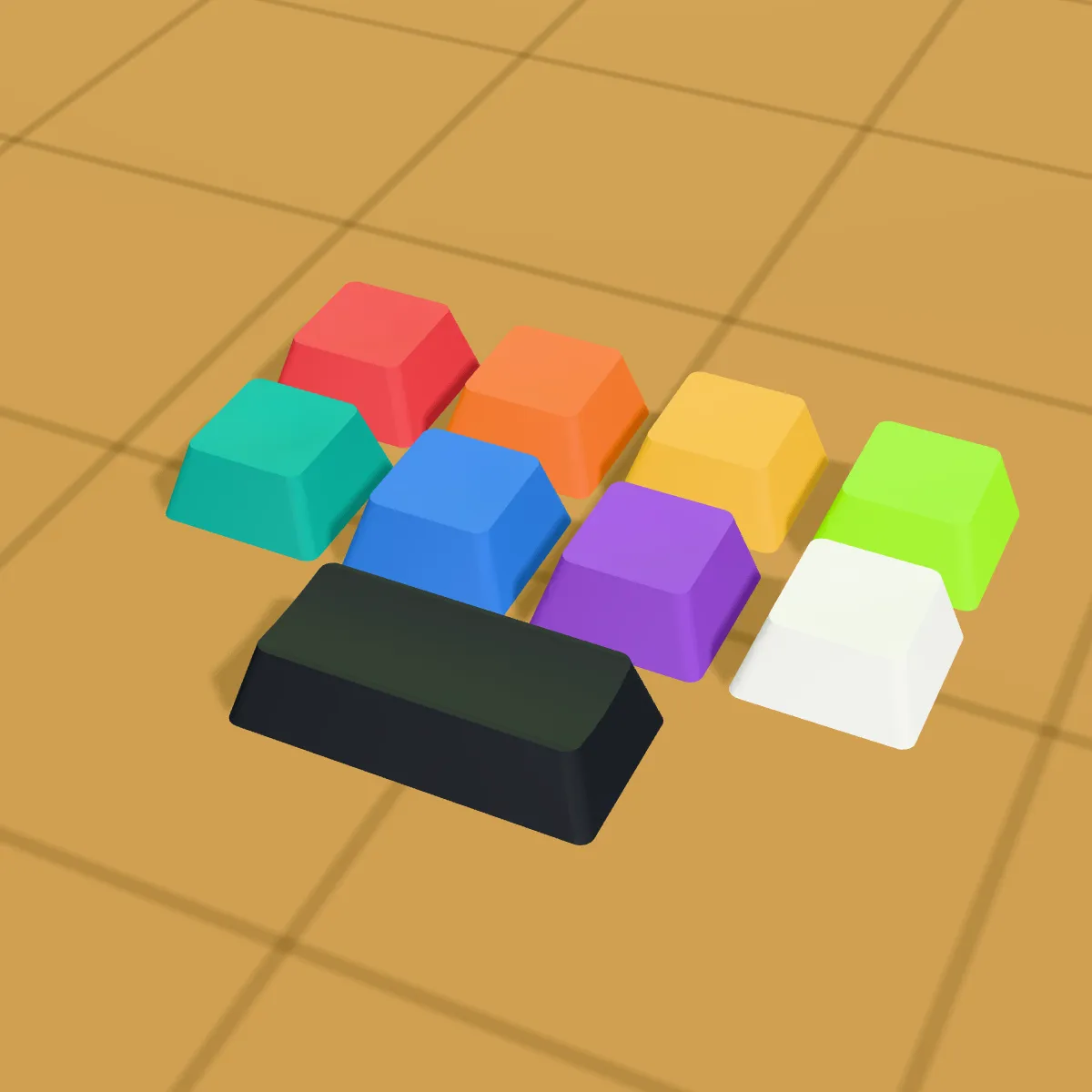
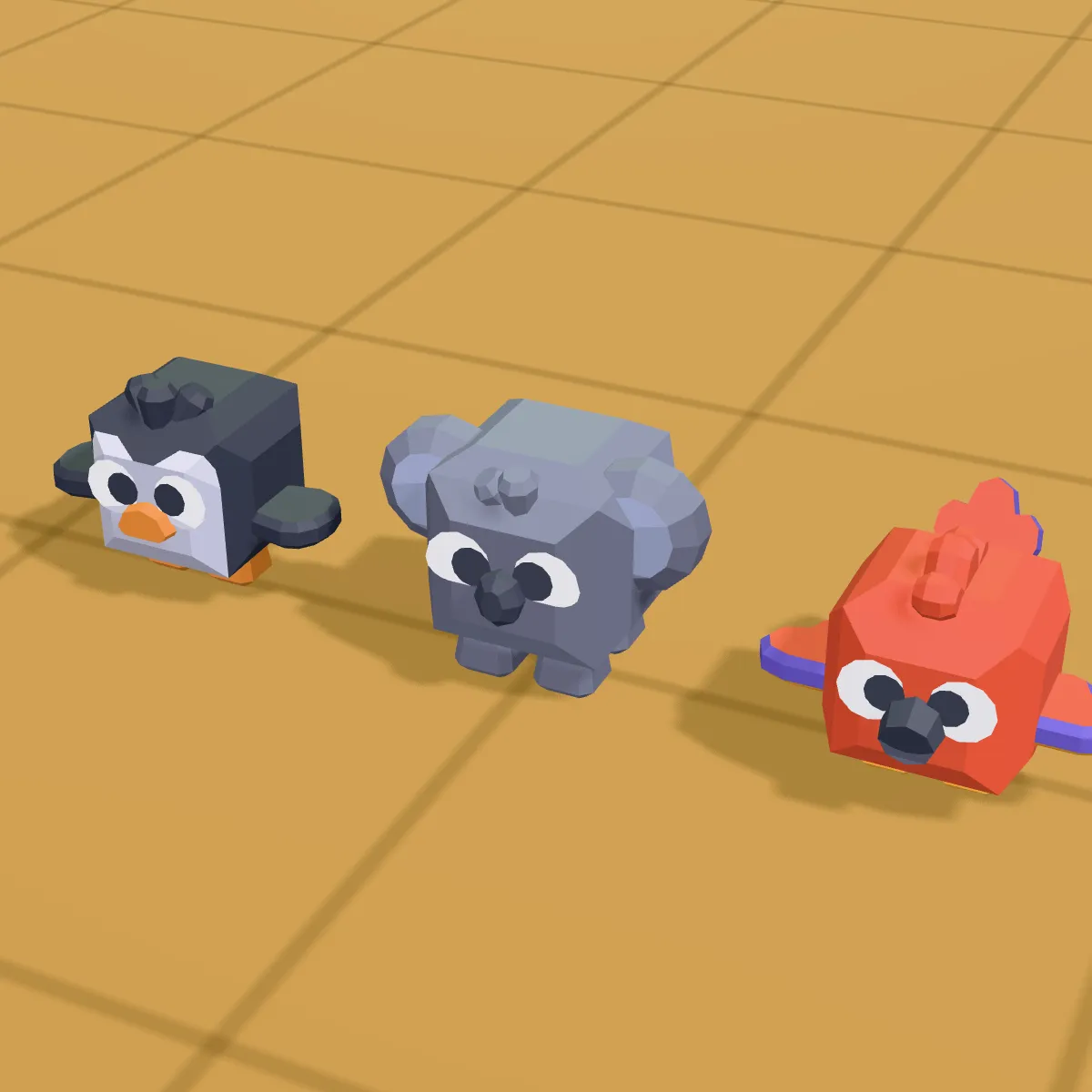
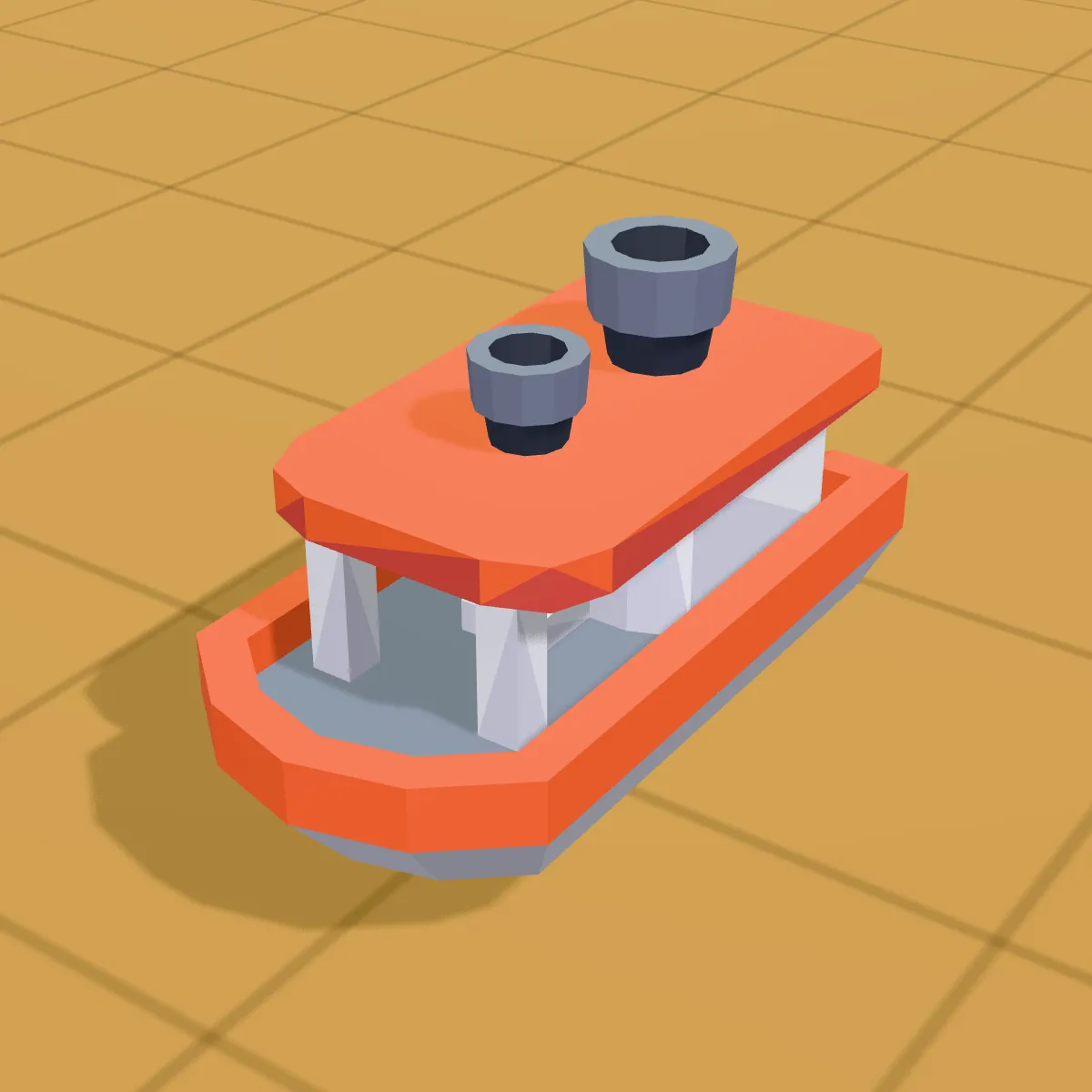
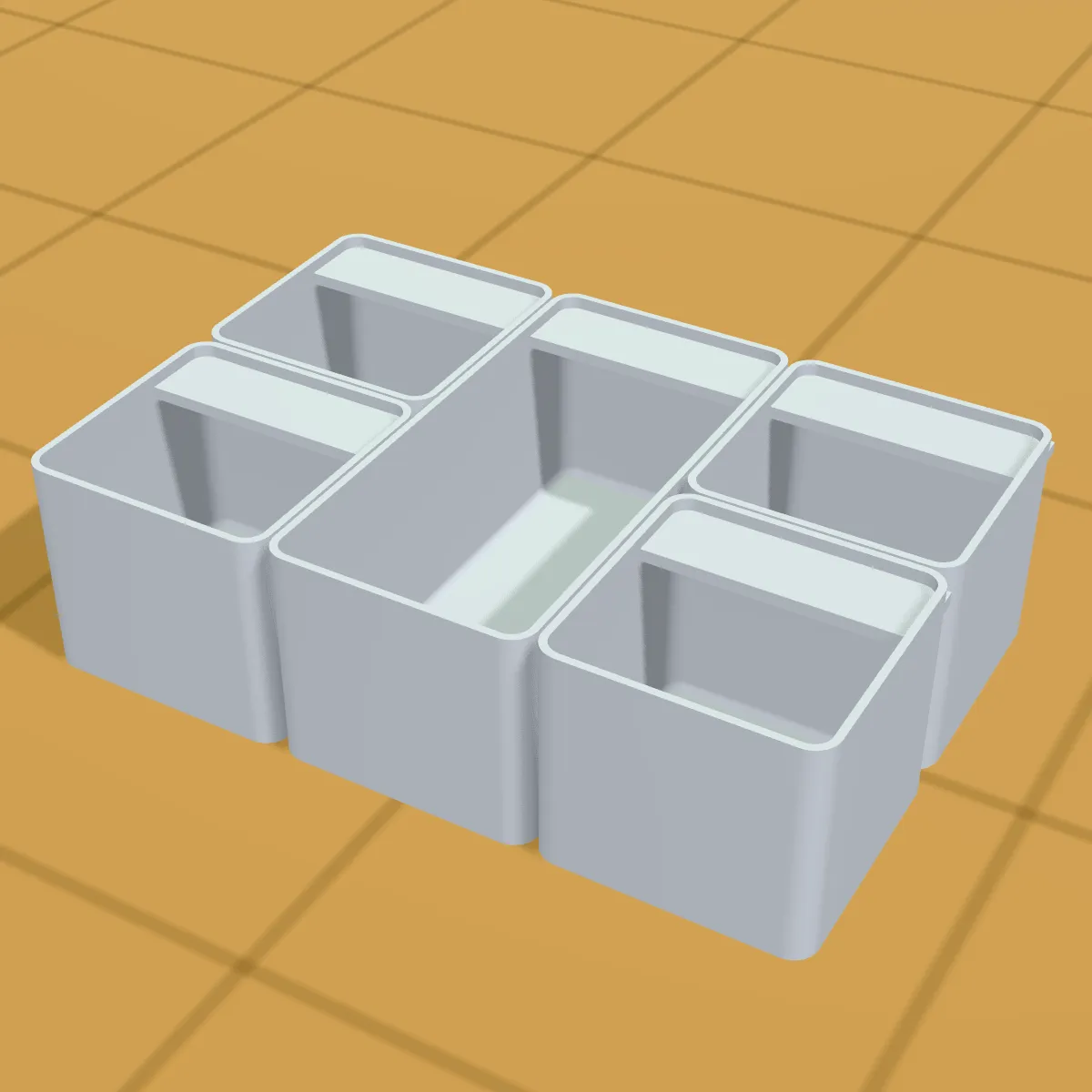
How to convert 3MF to STL
- 11
Add the .3mf file
Drag it onto the drop area or click to browse. The converter unzips it in memory, reads the main model and any sub-model files inside, and shows every object on the plate in the 3D preview, in colour when the file has standard 3MF colours.
- 22
Convert to STL
Press Convert to STL. All objects are written into one binary STL at the positions they had on the build plate. There are no settings to pick; the plate is written as it is.
- 33
Download and slice
The result line shows the name, size and triangle count. Download the STL and open it in your slicer: it is already in millimetres and standing the way it stood in the 3MF. Use Split to objects there if you want to move the parts apart.
What survives a 3MF to STL conversion
A 3MF is a small package: meshes, colours, materials, object names, a build plate and often a slicer’s whole project. STL keeps only the triangles. Item by item:
| In the 3MF | In the STL you download |
|---|---|
| Objects on the build plate | All merged into one STL, each at its plate position and rotation. In a multi-plate project that can mean objects from several plates side by side |
| Units | Millimetre 3MF files (the default, and what slicers write) keep their size. Coordinates are copied as they are, so the rare 3MF saved in inches or centimetres needs scaling afterwards |
| Orientation | Unchanged: 3MF and STL are both Z-up |
| Colours and materials (colour groups, base materials, textures) | Shown in the preview, dropped from the STL |
| Object and part names | Not kept; STL has no place for them |
| Slicer settings, filament assignments, painted colours, support painting | Held in slicer-specific config files and attributes that the converter ignores; none of it reaches the STL |
| Modifier meshes, negative volumes, support blockers | Some project files store them as ordinary meshes, so they can turn up as solid geometry. Check the preview and delete them in the slicer |
| Mesh quality | Triangles copied one to one, without repair or simplification |
Good reasons to turn a 3MF into an STL
Model-site downloads, opened anywhere
MakerWorld, Printables and Thingiverse offer more and more 3MF projects. As an STL, the same model opens in an older slicer or a mesh editor that has no 3MF import.
Remixing a part in a mesh editor
Blender, Meshmixer and most sculpting tools take STL without fuss. Turn the 3MF into an STL, cut it, combine it or add lettering, then slice the result.
A job for a print service or a friend
Online print services and friends with another printer brand often ask for STL. Send them the plain mesh and keep the 3MF with your colours and settings.
A single-colour version of a multi-colour design
Want the shape without the filament swaps? The STL fuses every coloured part into one body, ready to print in one material or to change colour at a chosen layer.
3MF to STL FAQ
Drop the .3mf on the converter above, press Convert to STL and save the file with Download STL. It runs in your browser for free and without an account, and the file never leaves your computer. Files up to 200 MB work.
Yes. The converter reads the meshes in standard 3MF files and in project files whose objects sit in separate sub-model files, which is how Bambu Studio saves them. It ignores everything slicer-specific: print profiles, plate settings, filament assignments and painted colours. If you have either slicer installed, it can also export STL itself from the File > Export menu.
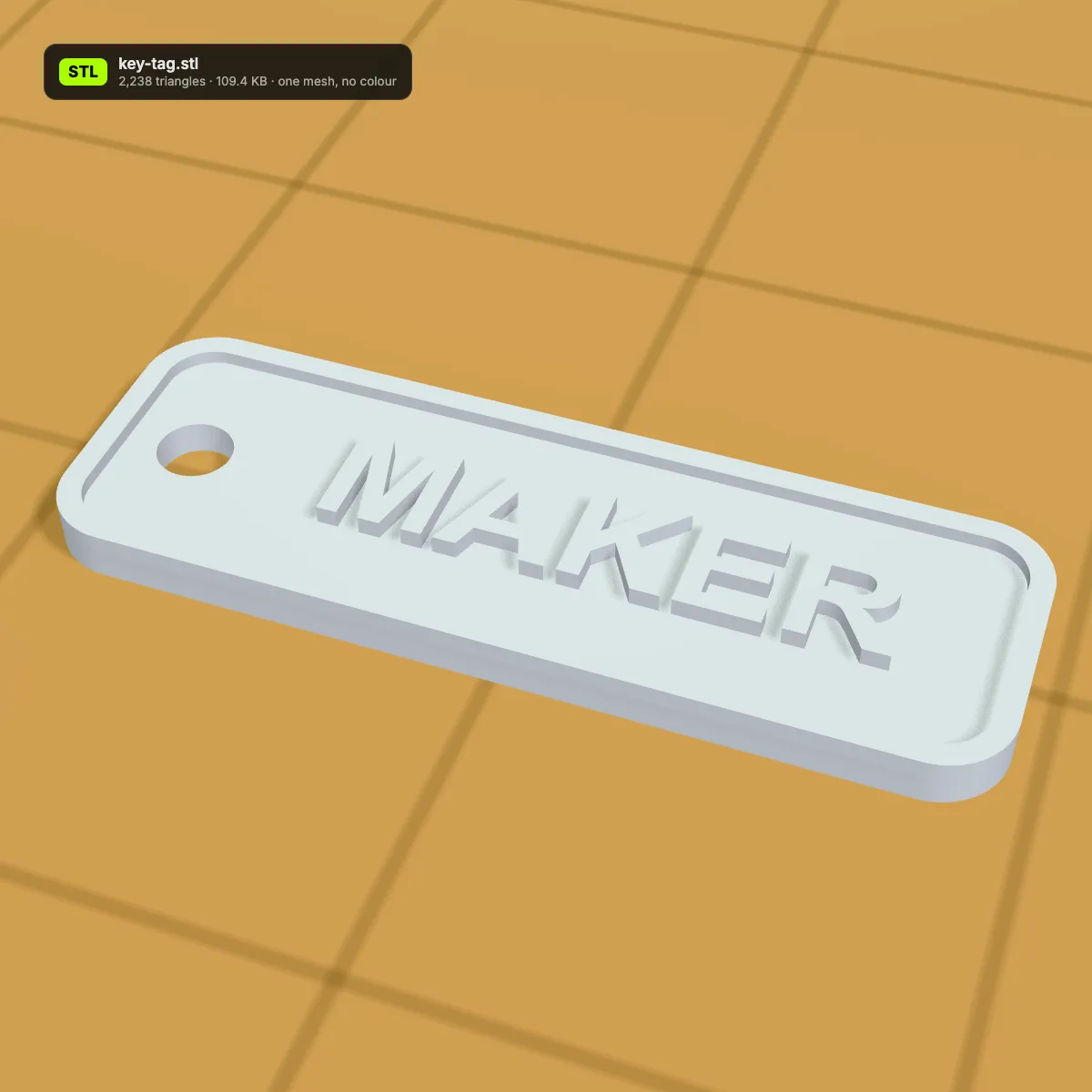
Everything except the triangles: colours, materials, object names, units, print settings and the split into separate objects. A two-colour key tag, for example, becomes one grey mesh. Keep the 3MF as your master and treat the STL as the portable copy.
A 3MF is a zip archive that stores each corner once and lets neighbouring triangles share it; an STL writes three full corners for every triangle, 50 bytes per triangle. Our hinge sample grows from 92 KB to 265.5 KB, the fox toy from 6.8 KB to 27.8 KB.
Not from this converter: it always writes one STL. Load that STL into PrusaSlicer or Bambu Studio and use Split to objects, which separates the parts again as long as they do not touch, or export single objects from the slicer you made the 3MF in.
For your own prints, usually yes: 3MF stores units, colours, several objects and slicer settings in one file, and modern slicers save it by default. STL wins on compatibility, since practically every program that handles 3D files opens it. Convert when the receiving end needs STL; otherwise keep the 3MF.
Guides for this tool
Related tools




Want to design something new to print?
Turn a photo or a few words into a 3D model with Ship3D’s AI generator and download it as an STL, ready for the slicer.
Free to sign up, no credit card required. Try it once for free.