PNG to STL Converter
Reliefs and Logos from Any Image
PNG to STL conversion turns a flat picture into a solid you can slice and print, and this converter does it right in your browser.
PNG / JPG → STL
Drop an image to see a live 3D preview. Drag to orbit, scroll to zoom.
Drop a PNG, JPG or WebP of up to 20 MB and pick one of two modes. Height map reads brightness as height, so light areas rise and dark ones stay low: the mode for photos, drawings, paintings and grayscale terrain. Outline extrude traces the shape at a threshold and lifts it to one even height with clean walls: the mode for logos, icons, house numbers and silhouettes. Transparent PNGs and images that are almost pure black and white open in Outline extrude by themselves. Set the width in millimetres, the base and relief height, smoothing and detail, add a raised border or a base plate with a rim, and watch the 3D preview rebuild. The download is a closed, watertight binary STL with Z up, and JPG to STL works exactly the same way. Nothing is uploaded and no account is needed.
Try the PNG to STL converter on a sample
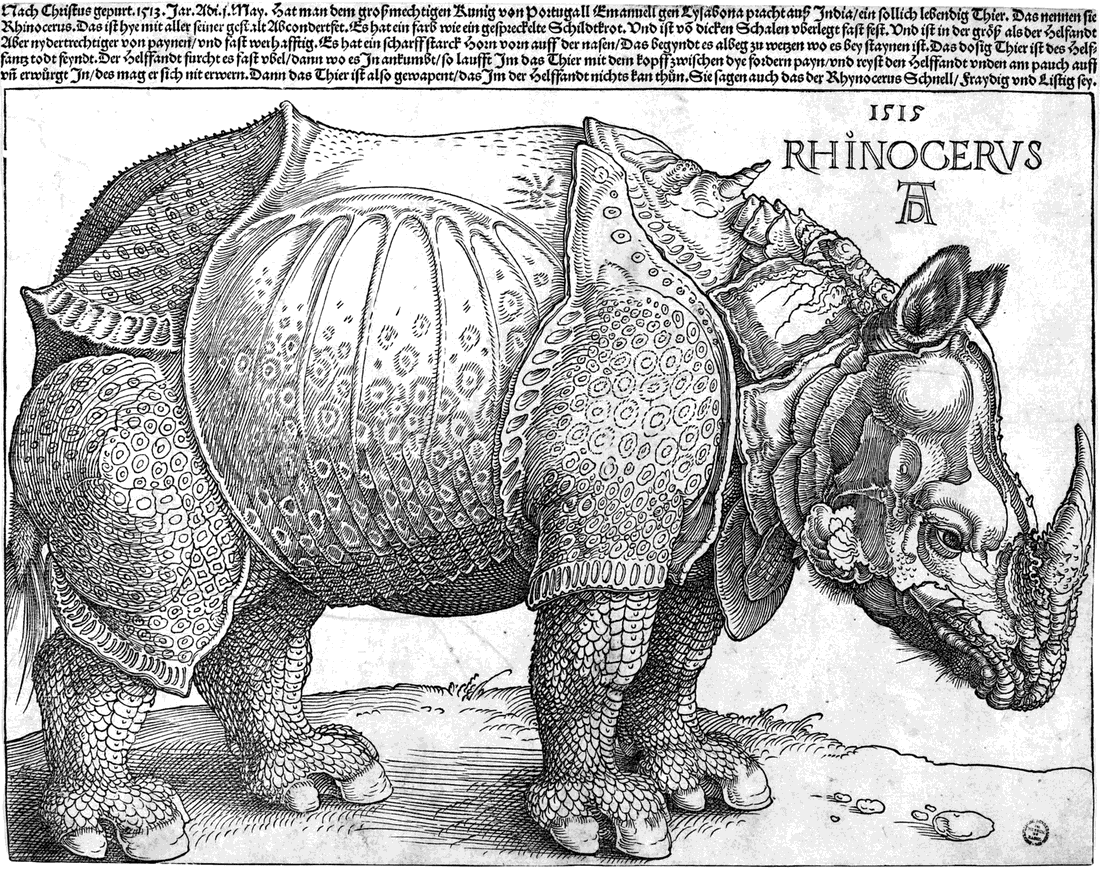
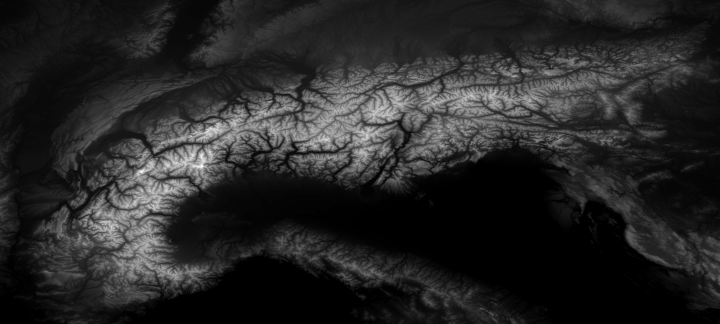
Three free test images, one for each kind of job. The logo opens in Outline extrude, the Dürer woodcut opens as a height map (switch Invert on to raise the black lines), and the NASA terrain is a ready-made heightmap where bright means high.

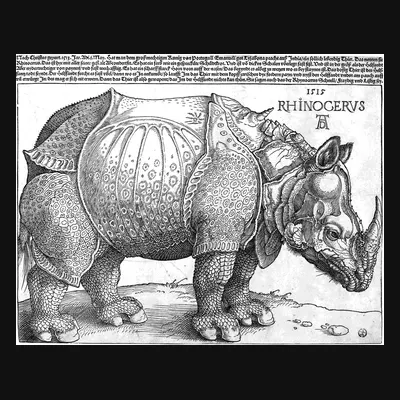
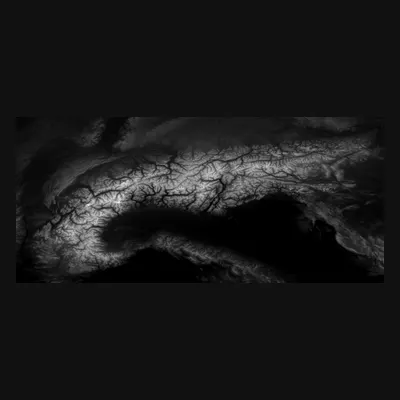
Watch a PNG become an STL
A 19-second recording of the real PNG to STL tool. The Alps heightmap loads, the relief height goes up, the model is orbited and resized. Then the coffee badge logo replaces it, the tool switches to Outline extrude on its own, the extrusion height and a raised rim are set, and the STL downloads. Every step runs on the page itself.
Convert PNG to STL: six images, before and after
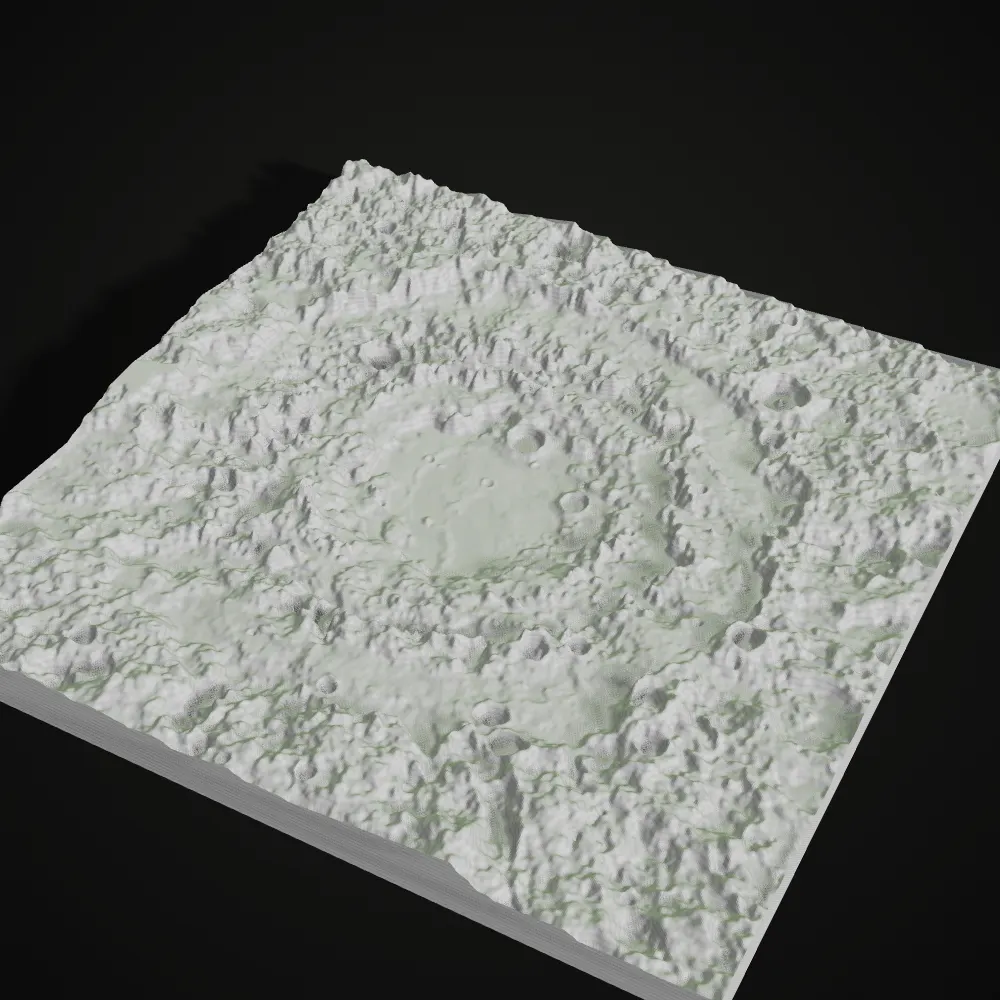
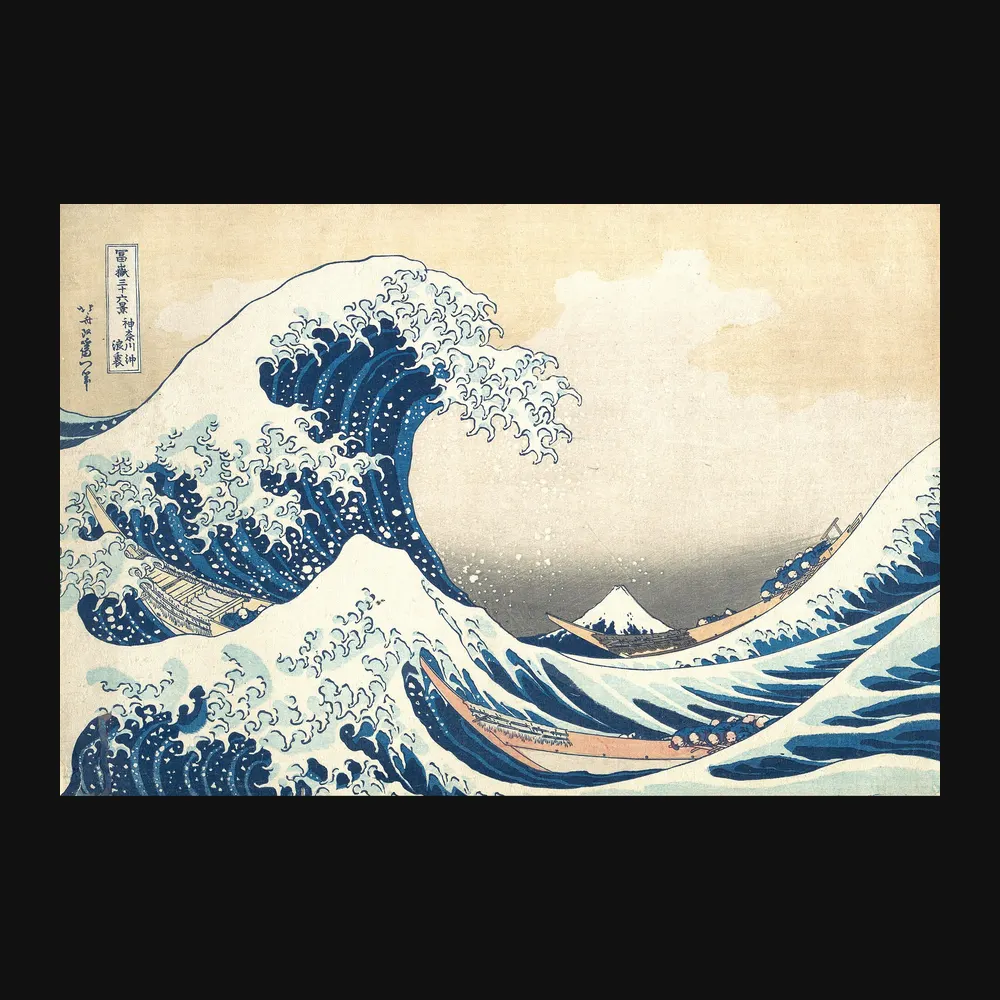
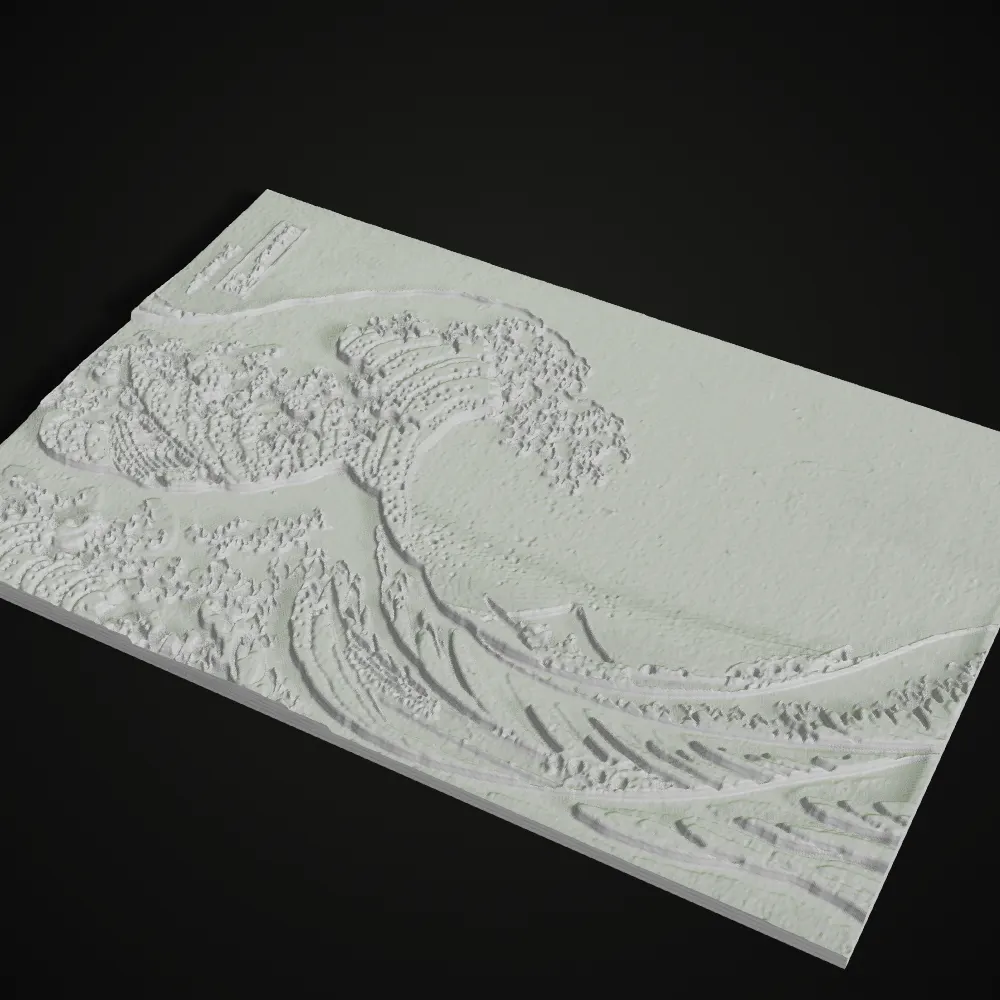
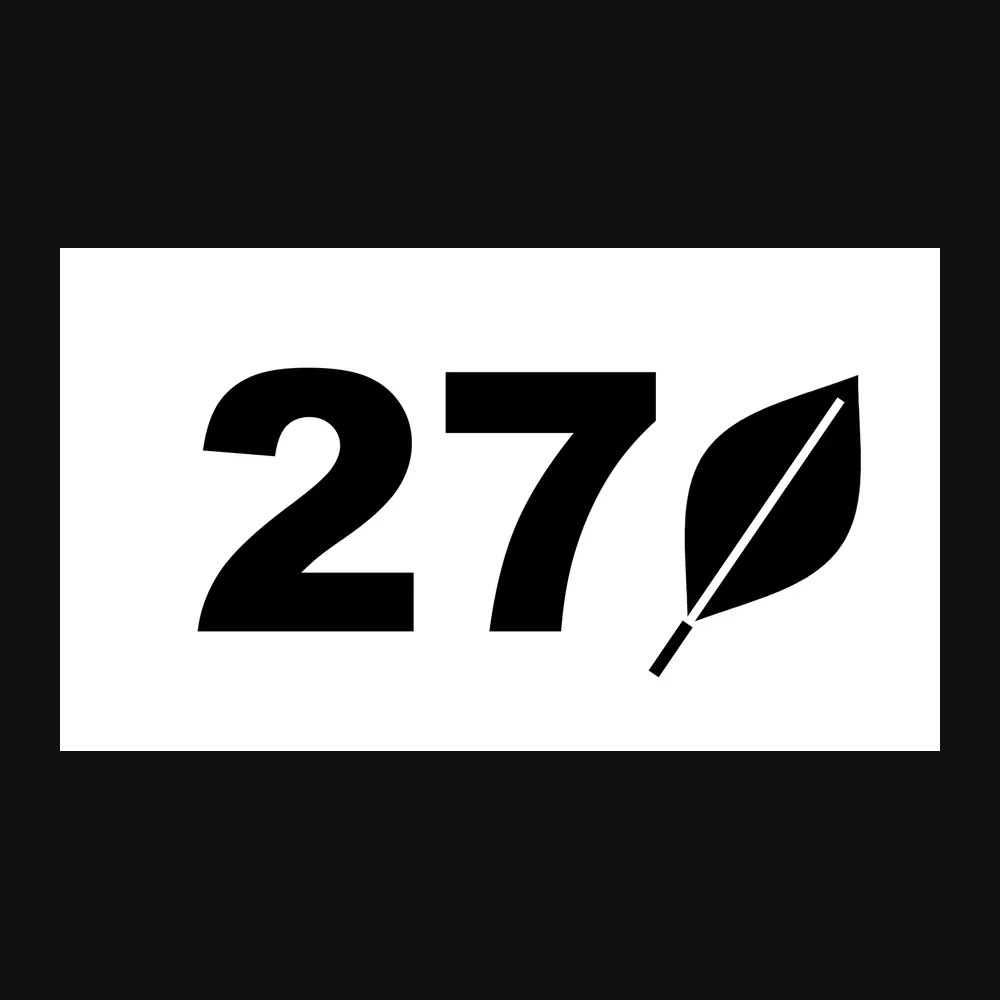
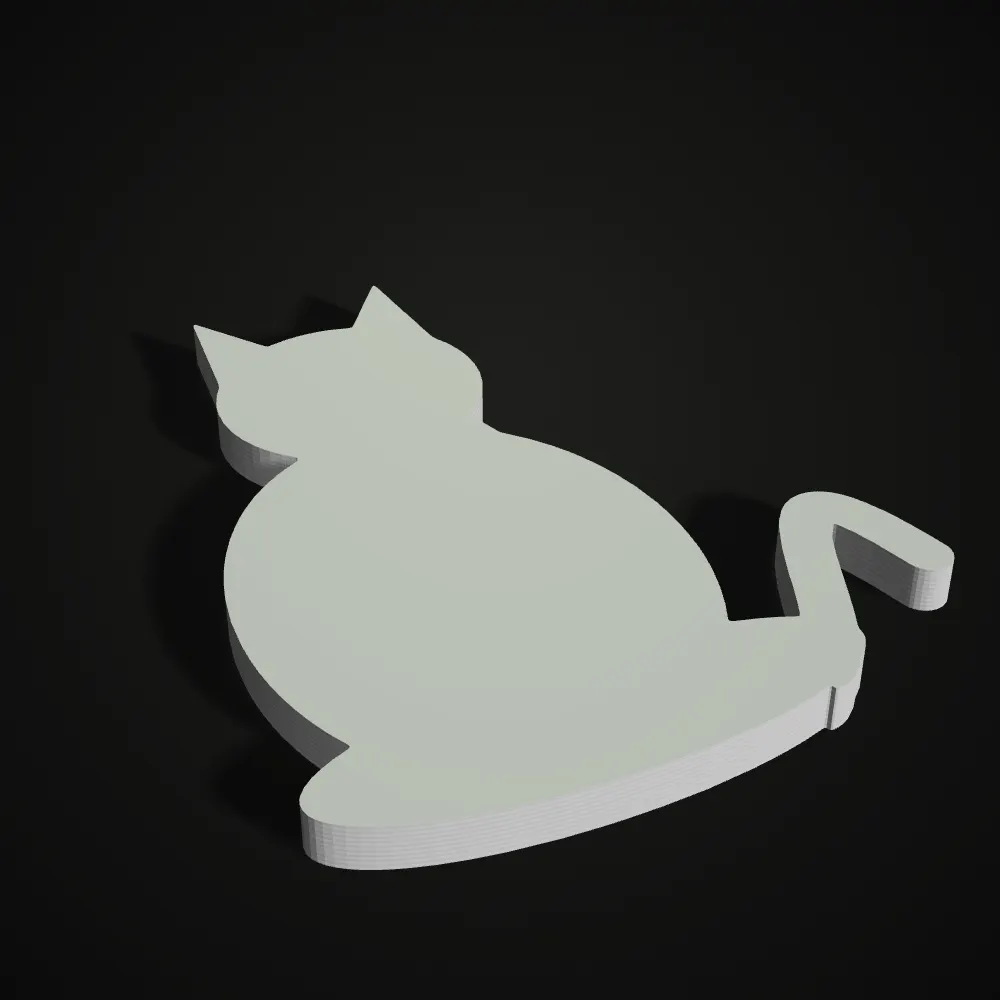
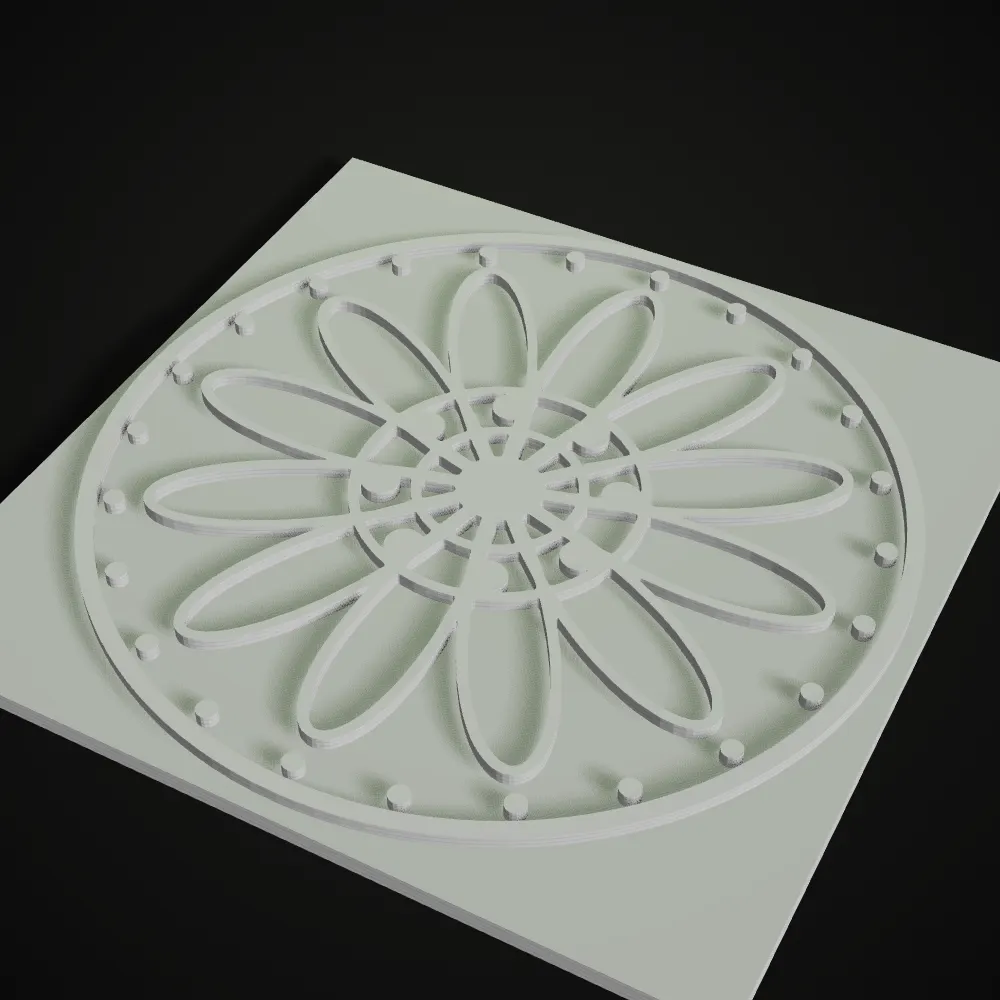
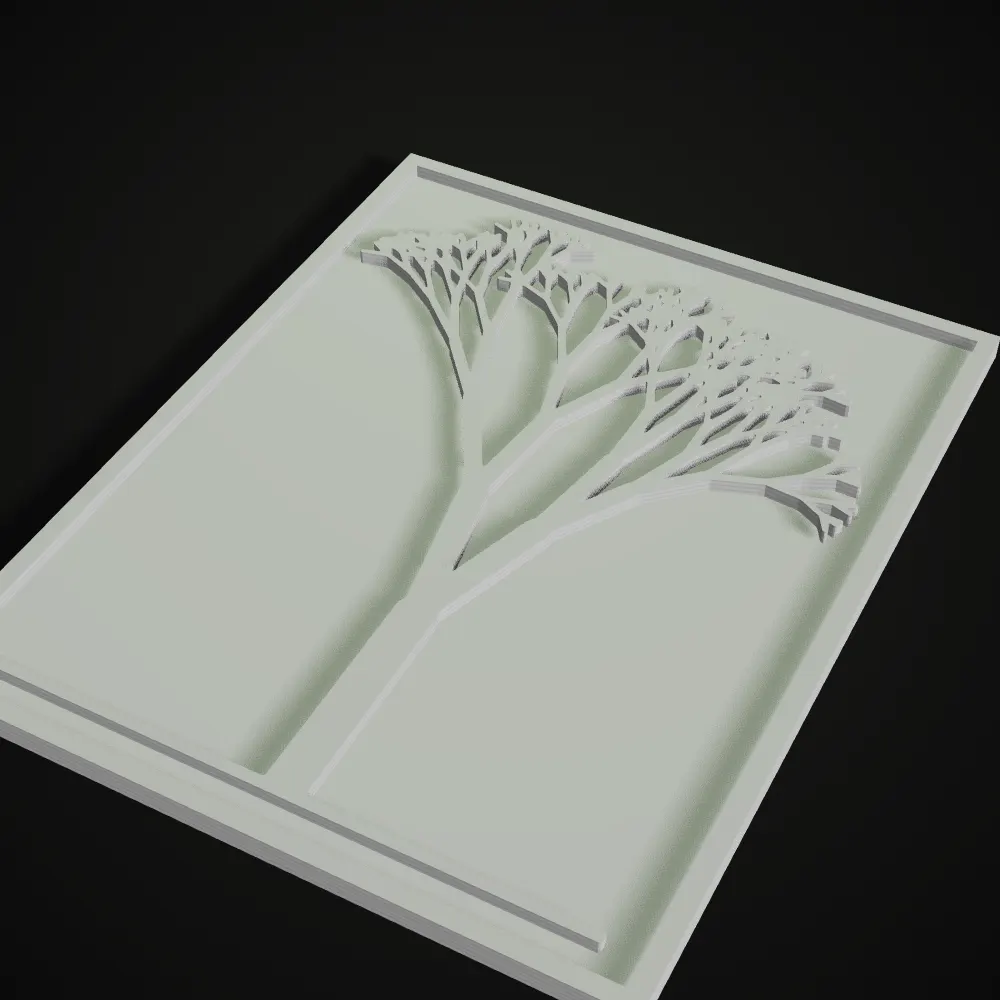
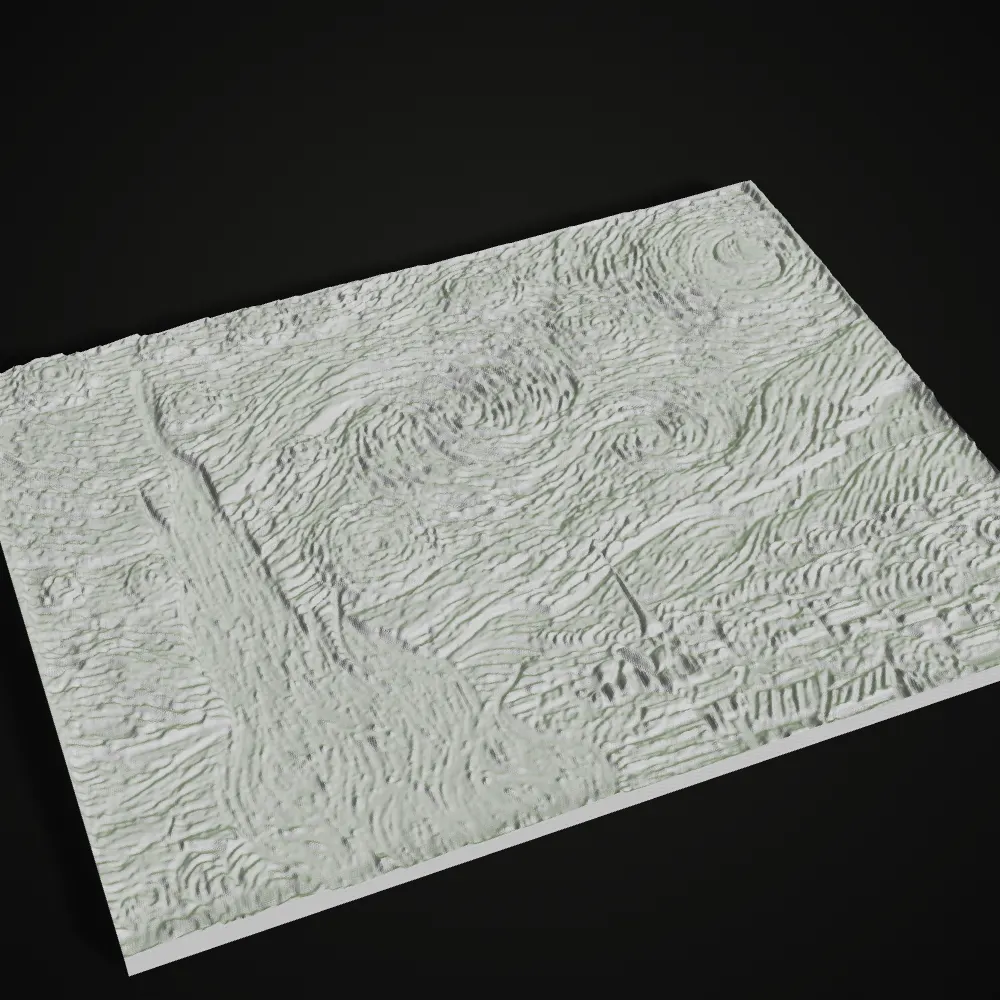
Left, the image that went in. Right, a render of the STL this image to relief tool exported, with the mode and the settings that made it. Logos and signs use Outline extrude; terrain, woodcuts and paintings use Height map.

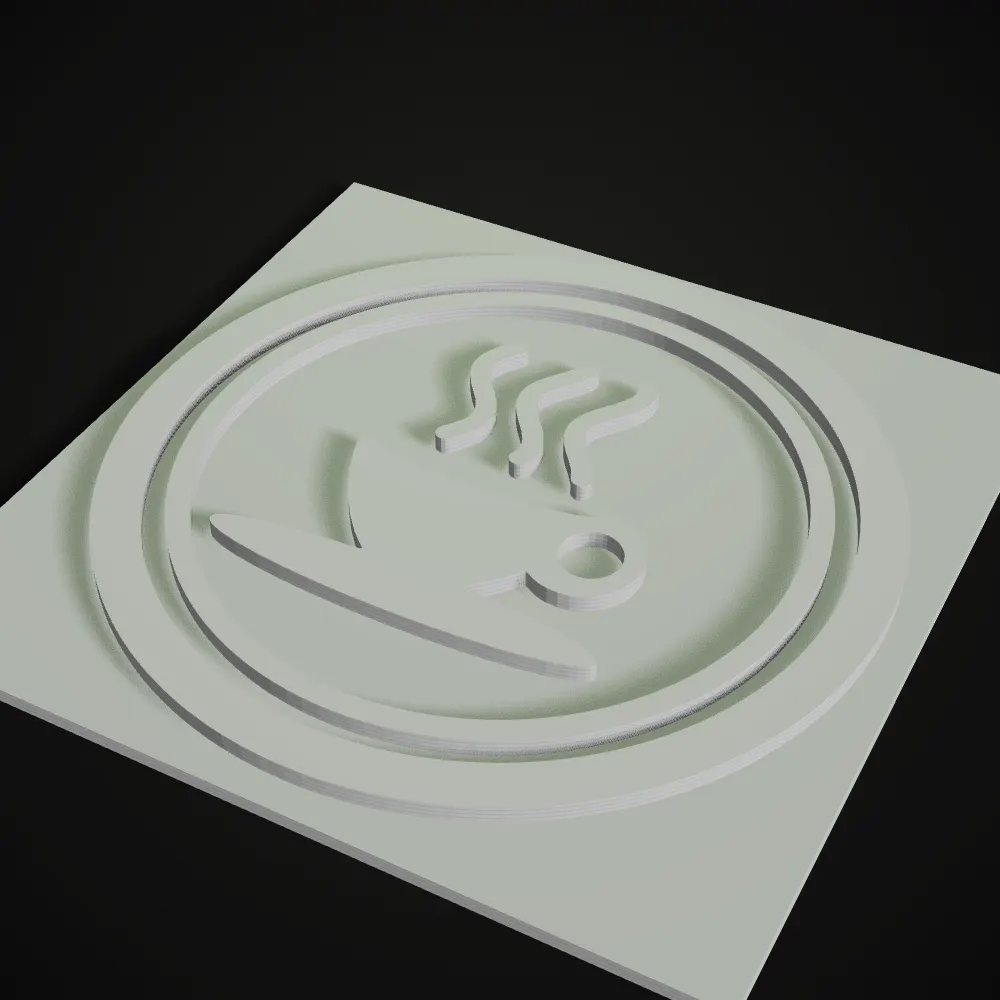
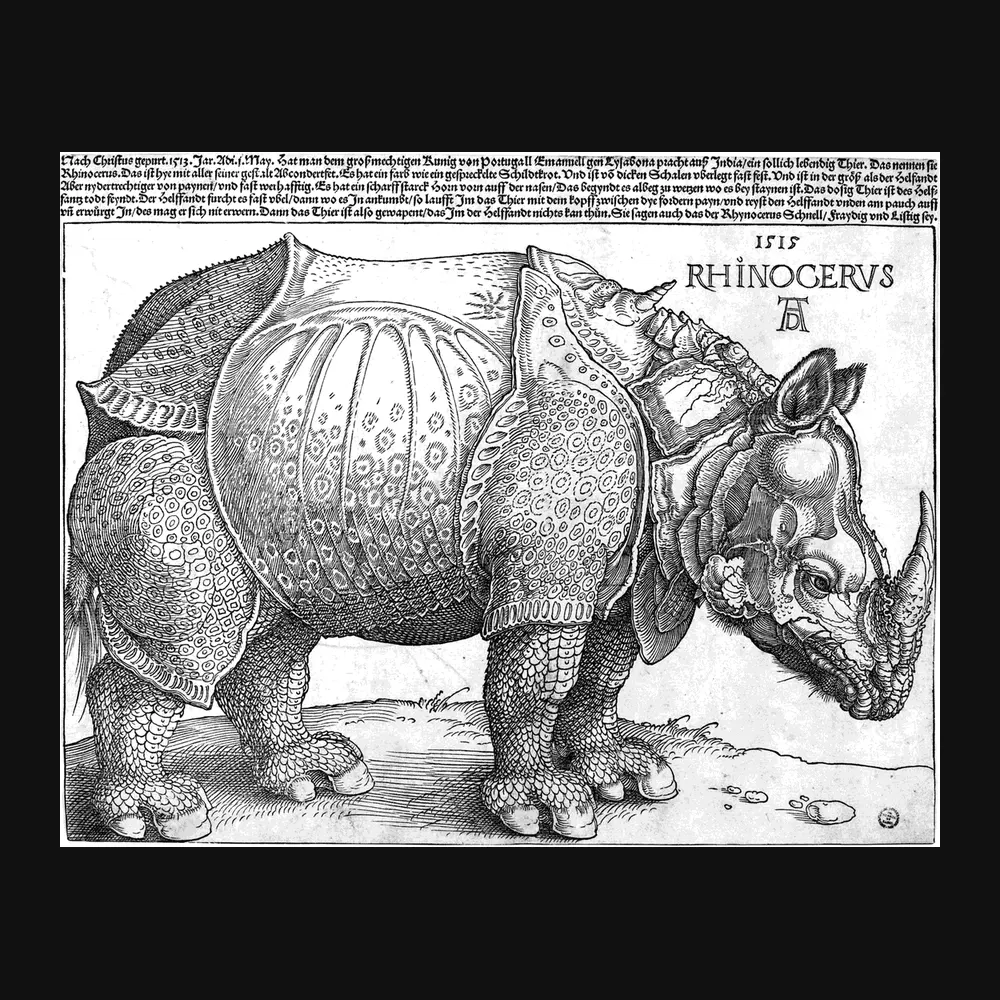
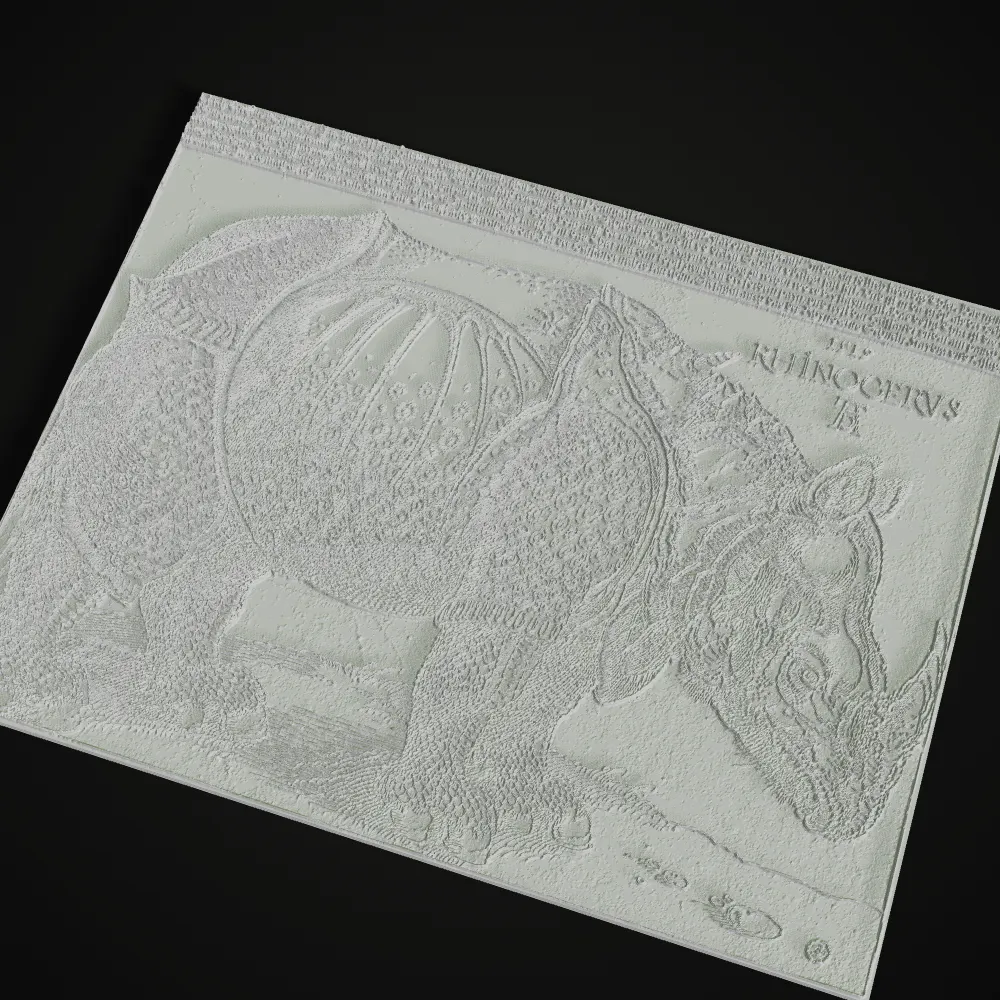
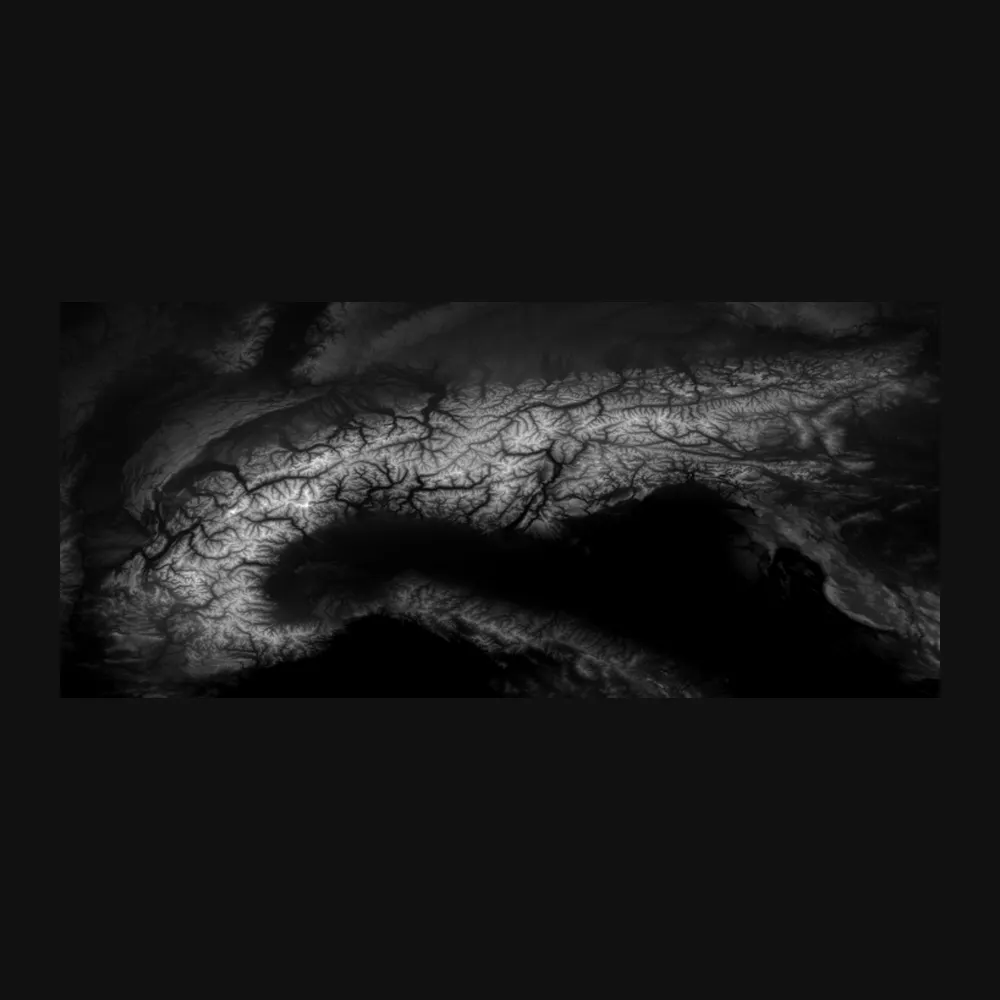
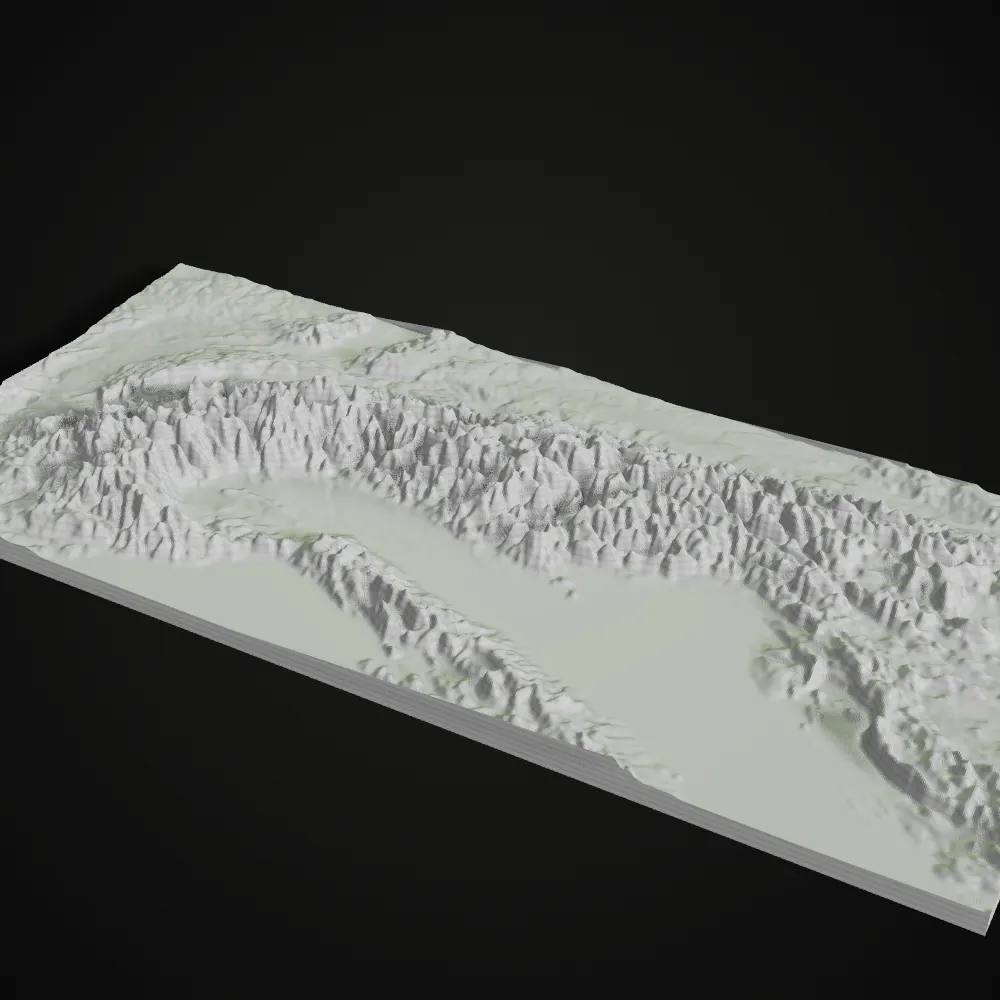
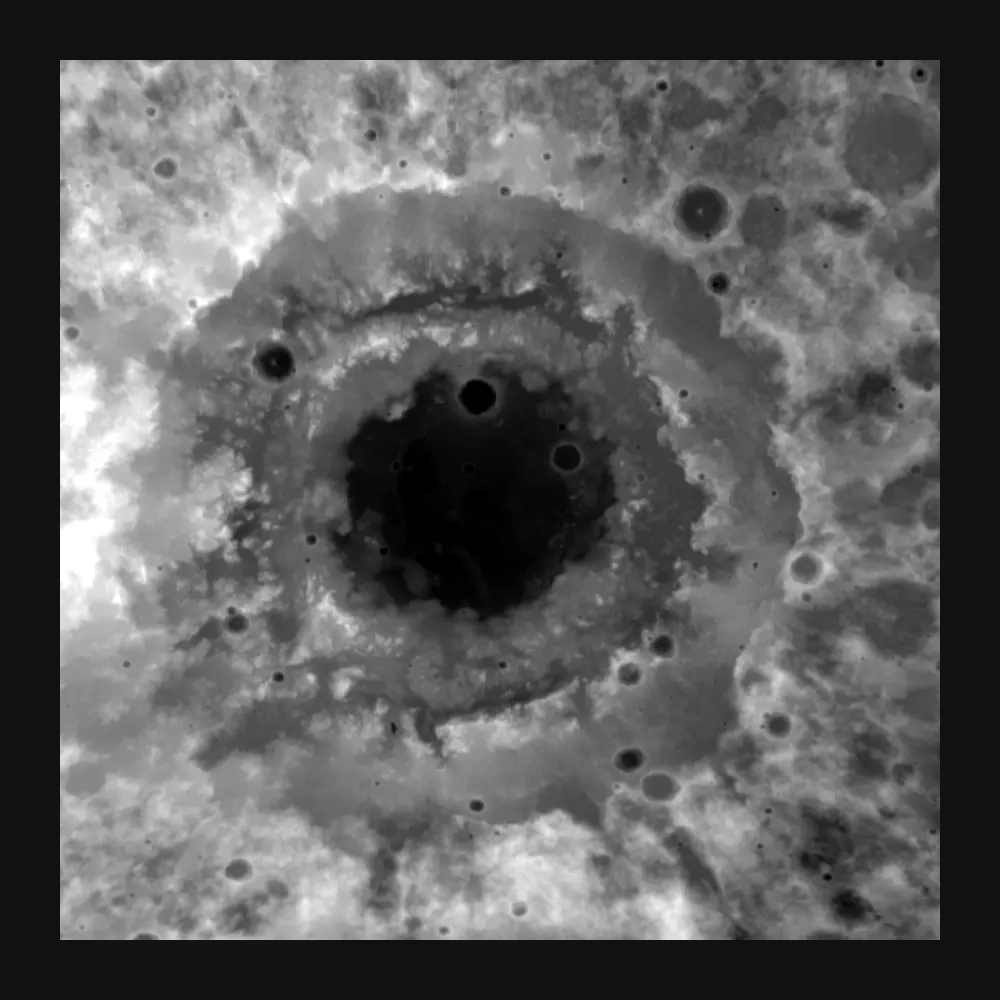
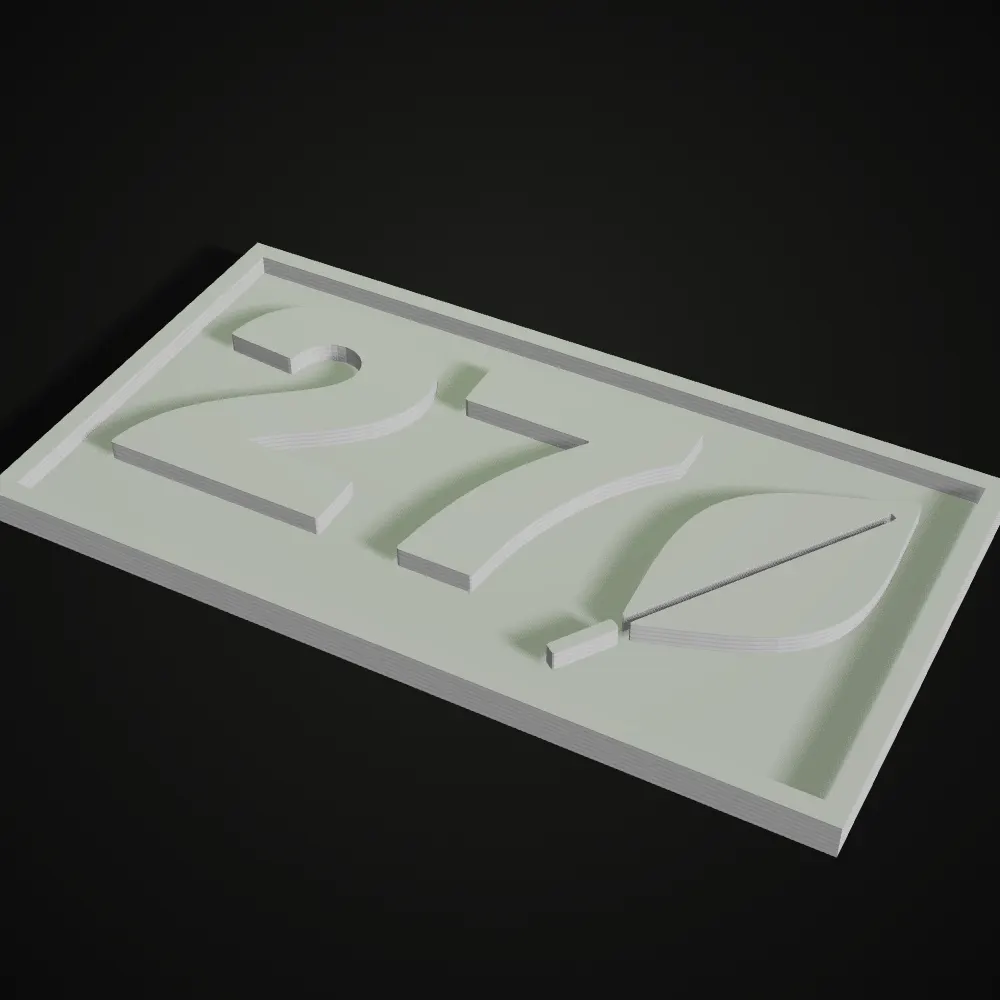
PNG to STL examples made with this tool
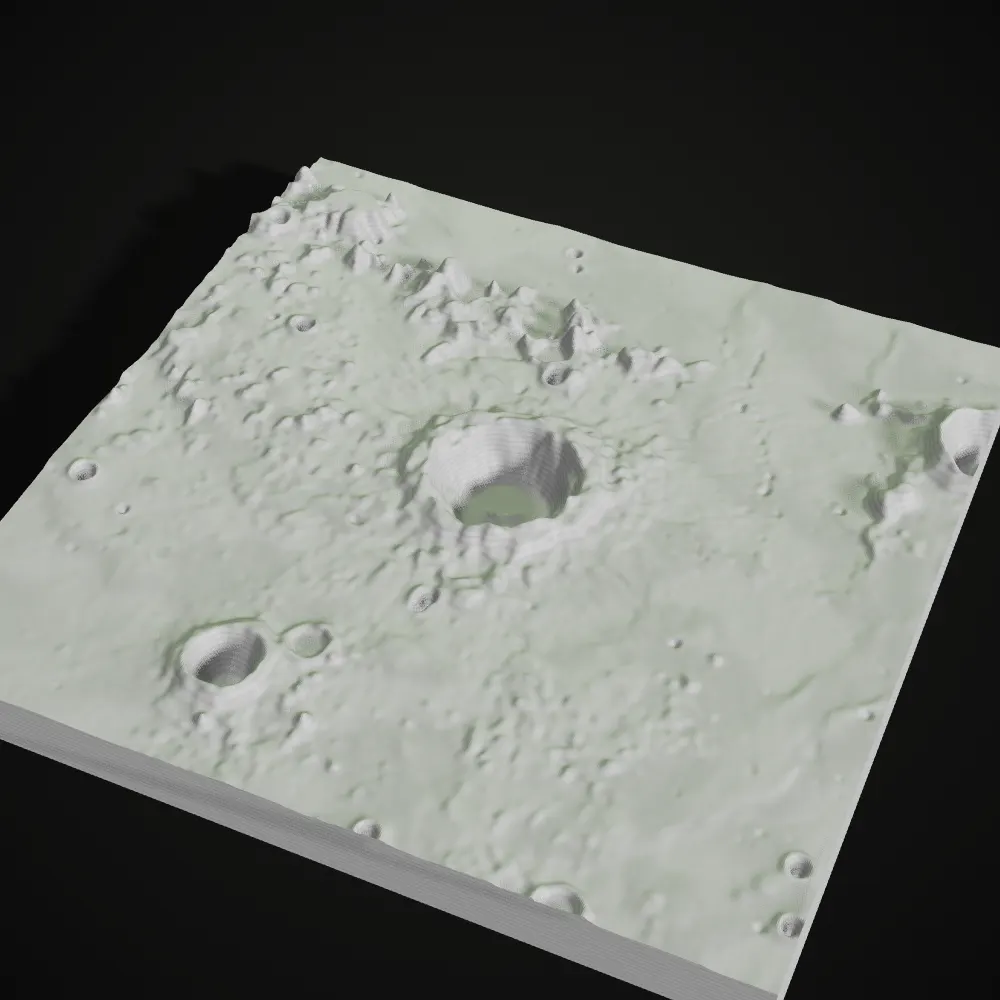
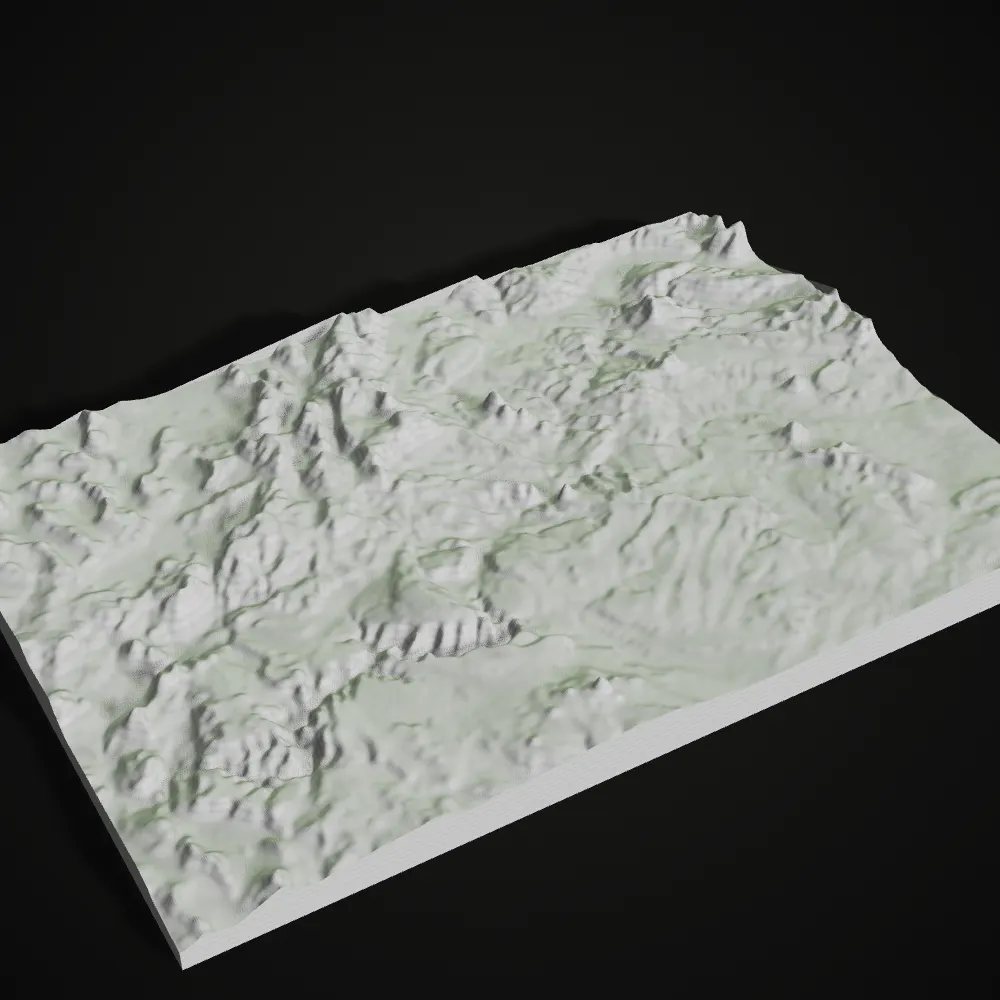
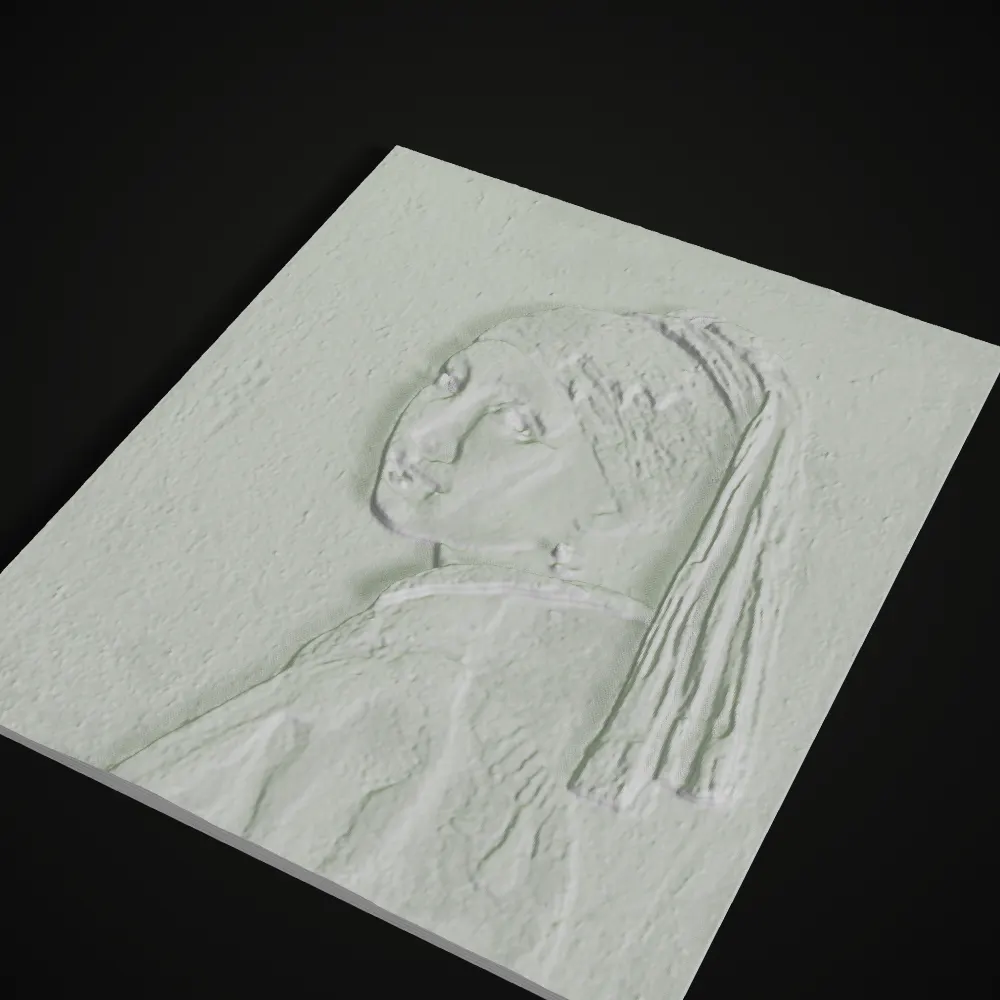
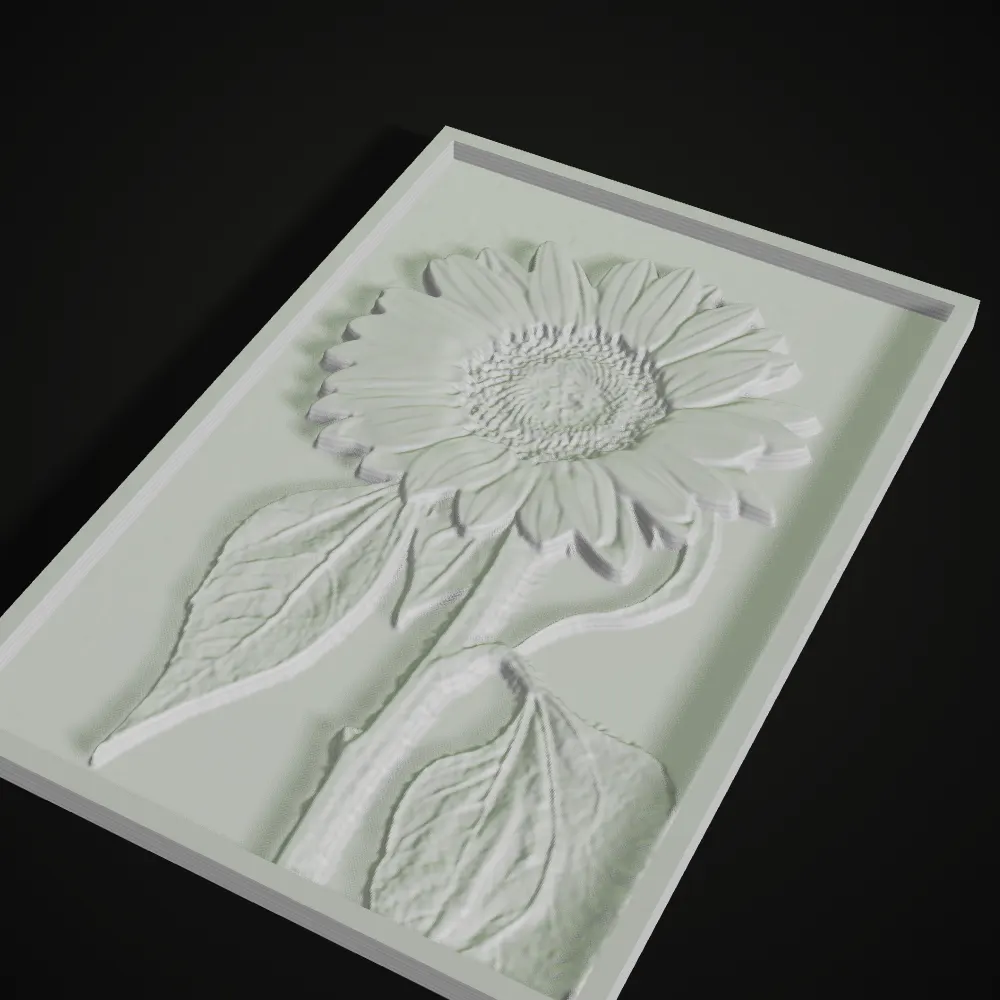
Each model below was exported by this PNG to STL converter and rendered straight from the STL: a silhouette, line art, NASA elevation data, public-domain paintings and a flower photo.
How to convert PNG to STL
- 11
Drop a PNG or JPG
Drag in a PNG, JPG or WebP image up to 20 MB, or load a sample. The PNG to STL tool picks a mode for you: transparent and black-and-white artwork goes to Outline extrude, everything else to Height map. You can switch at any time.
- 22
Set the size and heights
Width is in millimetres. In Height map, set the base thickness, the relief height and an optional raised border, and turn on Invert if the dark parts should stand up; transparent pixels stay at base level. In Outline extrude, slide the threshold until the shape looks right, then set the extrude height and the plate thickness, margin and raised rim.
- 33
Clean up and download the STL
Smoothing calms JPG noise and stair-stepped edges, Detail sets how fine the mesh is (in Height map the slider also shows the grid step in mm), and Remove specks drops stray dots from an outline. The readout under the preview gives the triangle count and size in mm; Download STL saves a closed, watertight binary STL lying flat on z = 0.
Recommended PNG to STL settings by project
Starting points taken from the models on this page, for a common 0.4 mm nozzle. A raised line much thinner than 0.8 mm at its final size rarely prints cleanly, so make the model wider or the artwork bolder before you blame the printer.
| Project | Mode | Width | Heights | Tips |
|---|---|---|---|---|
| Logo badge | Outline extrude, base plate on | 80–110 mm | Plate 2 mm, logo 2.4–3 mm | A transparent PNG traces most cleanly. Keep a 4 mm margin and raise speck removal if stray dots appear. |
| House sign | Outline extrude, base plate on | 150–200 mm | Plate 3 mm, digits 4 mm | Add a 4 mm raised rim. Swap filament at the top of the plate for digits in a second colour. |
| Terrain model | Height map | 100–150 mm | Base 3 mm, relief 8–12 mm | Use a grayscale elevation image where bright = high. Raise Detail toward the image’s pixel width for crisp ridges. |
| Artwork or photo relief | Height map | 100–140 mm | Base 2 mm, relief 2.5–3 mm | Invert on for ink drawings and woodcuts so the lines rise; off for photos. A 3 mm raised border makes a frame. |
| Coaster | Outline extrude, or Height map with Invert | 90–100 mm | Base 2–3 mm, pattern 1.2–1.6 mm | Keep the pattern shallow so a glass sits level. Bold line art reads better than a photo at this size. |
| Silhouette or cut-out shape | Outline extrude, base plate off | 50–100 mm | Shape 4–5 mm | With no plate, every separate island becomes its own loose part, so keep the outline in one piece. |
What people make with an image to relief converter
Logo PNG to STL for badges
Most people only have their logo as a PNG. Outline extrude traces its transparent background or its dark shapes, so the logo becomes a raised badge on a plate in a few clicks. If the SVG exists, the SVG to STL converter keeps curves crisp at any size, because vectors have no pixels.
Terrain and planetary maps
Grayscale elevation images, such as NASA’s Blue Marble topography or LOLA data of the Moon, already are height maps: bright pixels are high ground. Push the relief to 8–12 mm and print a desk-sized mountain range or crater.
Artwork, woodcuts and photo reliefs
Paintings, prints and photos become bas-reliefs you can hang or hold, and a phone photo works as JPG to STL without converting it first. For ink on paper, Invert lifts the lines; for a portrait or a flower, leave it off so the bright parts come forward.
Signs, plaques and house numbers
Black lettering on white extrudes with sharp walls. Add a plate, a margin and a raised rim and the whole sign is a single STL, printable in two colours by changing filament where the plate ends.
Coasters, tiles and tactile textures
Line patterns on a square or round plate make coasters and wall tiles, and height maps turn textures into surfaces you can feel, useful for tactile graphics and teaching models.
When you need something else
This tool makes flat-backed reliefs and extrusions, not a statue you can walk around. For a full 3D object from a photo, use Ship3D’s AI image to STL generator; for a photo that glows when lit from behind, use the lithophane maker.
PNG to STL converter FAQ
Drop the PNG into the converter at the top of this page, choose Height map or Outline extrude, set the width and heights, and click Download STL. It runs in your browser and takes a few seconds, with no software to install and no account.
Yes. JPG to STL works exactly like PNG, and WebP is accepted too, up to 20 MB. JPG has no transparency and adds compression noise, so raise Smoothing a little for photos, and use a PNG with a transparent background when you want a clean logo outline.
No. STL stores shape only, so colour is turned into height (Height map) or into an outline (Outline extrude). The tool reads brightness, not hue, which means two colours of equal brightness end up at the same height. For a two-colour print, change filament at a layer height in your slicer.
Jagged edges come from the pixel grid of the image. Raise Detail for a finer mesh, add a little Smoothing, and in Outline extrude raise speck removal; a larger source image helps most. A tiny or heavily compressed logo will stay blocky, so if you have the SVG, convert that instead for edges that stay sharp at any size.
For Height map, a high-contrast grayscale image where brightness really means height: a terrain heightmap, an ink drawing, or a well-lit photo on a plain background. For Outline extrude, one dark shape on white or a transparent PNG. Busy colour photos with similar tones give a muddy relief.
Yes, it is free with no sign-up. Because the conversion runs on your device, the image is never uploaded and you can export as many STL files as you like.
Related tools






Need a full 3D model, not a relief?
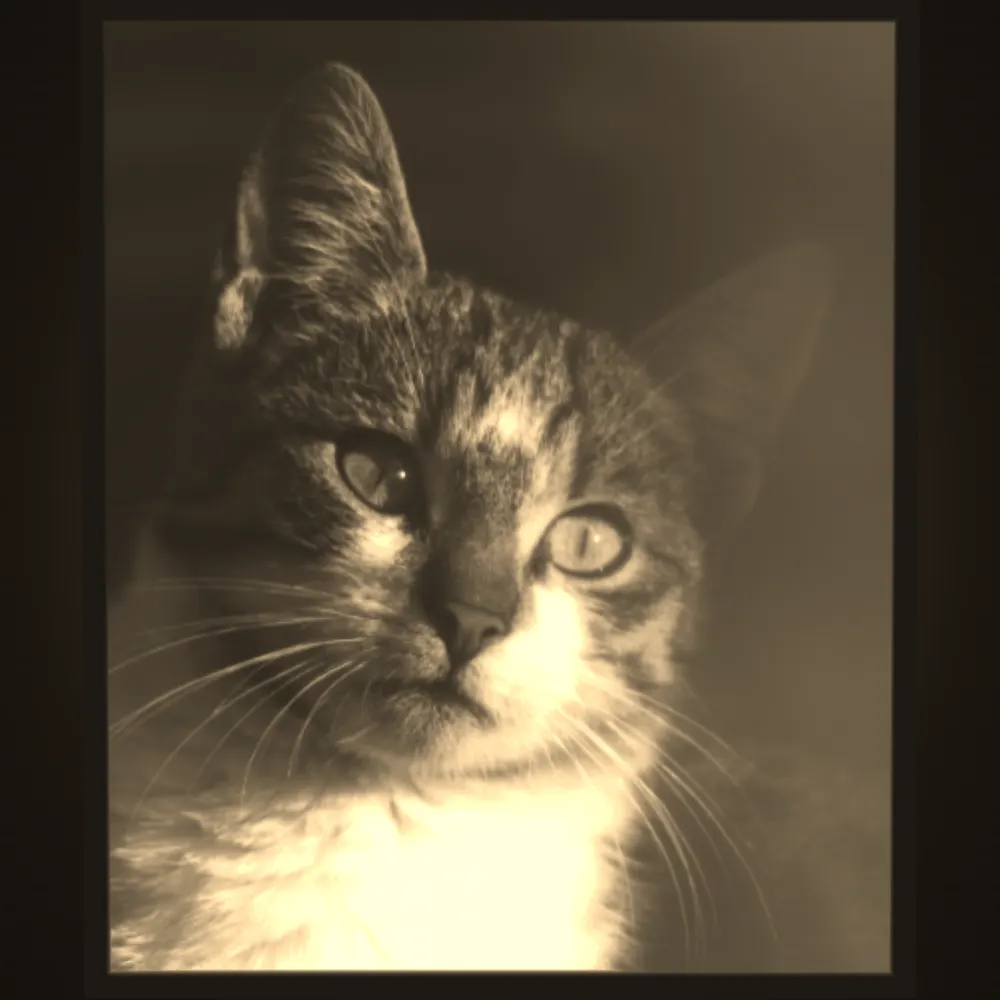
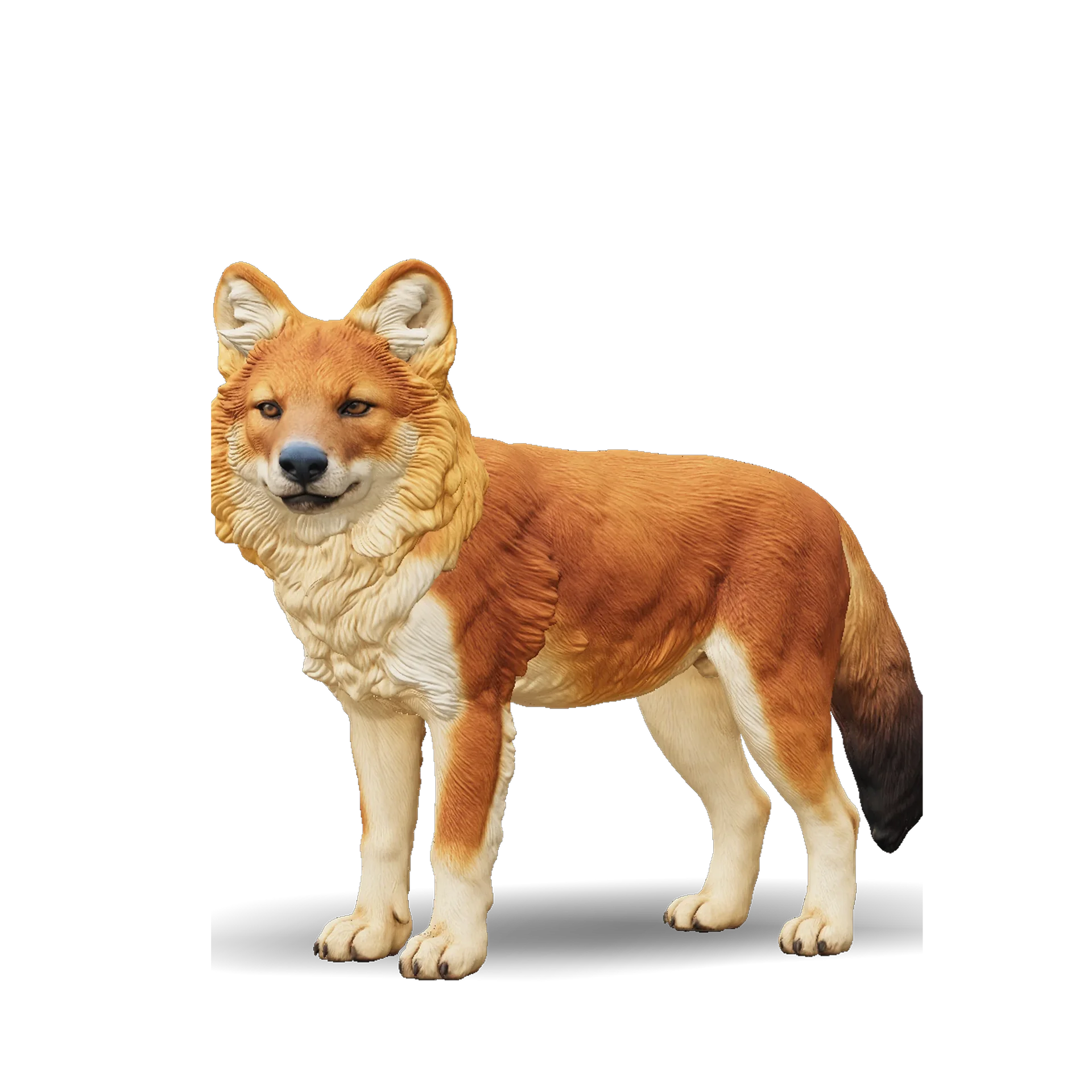
Ship3D’s AI turns a photo into a complete 3D model you can view from every side, then exports it as STL for printing.
Free to sign up, no credit card required. Try it once for free.