GLB to OBJ Converter
glTF Scenes as Classic Wavefront Meshes
This GLB to OBJ converter rewrites a .glb model, the binary glTF format used by web viewers, AR and AI 3D generators, as a Wavefront .obj that Blender, Maya, 3ds Max, ZBrush and many older tools import.
GLB → OBJ
Drop a 3D model file to preview it in 3D before converting.
It works inside your browser with three.js, so the file is not uploaded and there is no sign-up. You get exactly one .obj file back. Every mesh becomes its own named object with its UV coordinates and normals, identical vertices are shared, and coordinates are trimmed to six decimals, which keeps the text lean. Colour comes along as per-vertex colours, the “v x y z r g b” lines that Blender 3.3 and later and MeshLab read: plain material colours are copied as they are, and texture colours are sampled at each vertex’s UV, which is exact for the flat-colour palettes of low-poly kits and an approximation for detailed photo textures. The converter writes no .mtl and no image files, so for full texture detail you reconnect the original maps through the UVs it keeps. Both formats are Y-up and the numbers stay in metres, so the model opens upright and at its original size in Blender.
Test GLB to OBJ with two very different files
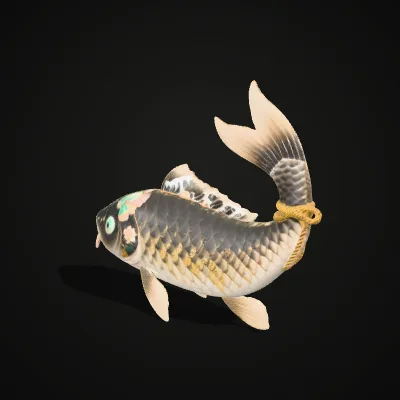
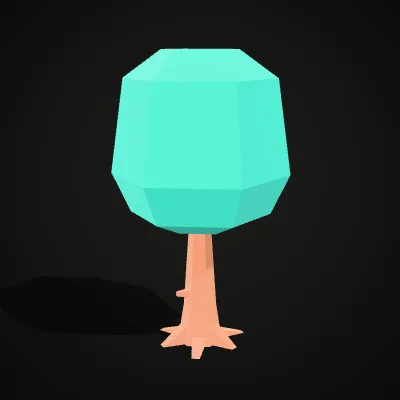
The koi is a textured AI-generated sculpture, so its OBJ shows how a detailed texture turns into vertex colours. The oak tree comes from Kenney’s CC0 nature kit and uses plain colours: it converts to a 30.9 KB OBJ with trunk and leaves as two objects, coloured per vertex. Try it loads a file into the converter; Download saves it for your own tests.
Watch a koi fish go from GLB to OBJ
An 11-second screen recording of this converter: the koi fish sample (404.7 KB, textured) is dropped in and turns in the preview, Convert to OBJ is clicked, and the result line reads koi-fish.obj · 1.4 MB · 9,998 triangles before Download OBJ saves the file. That OBJ keeps the fish’s UVs and normals, and the colours of its skin texture are sampled into vertex colours.
GLB to OBJ, before and after: colours move into the vertices
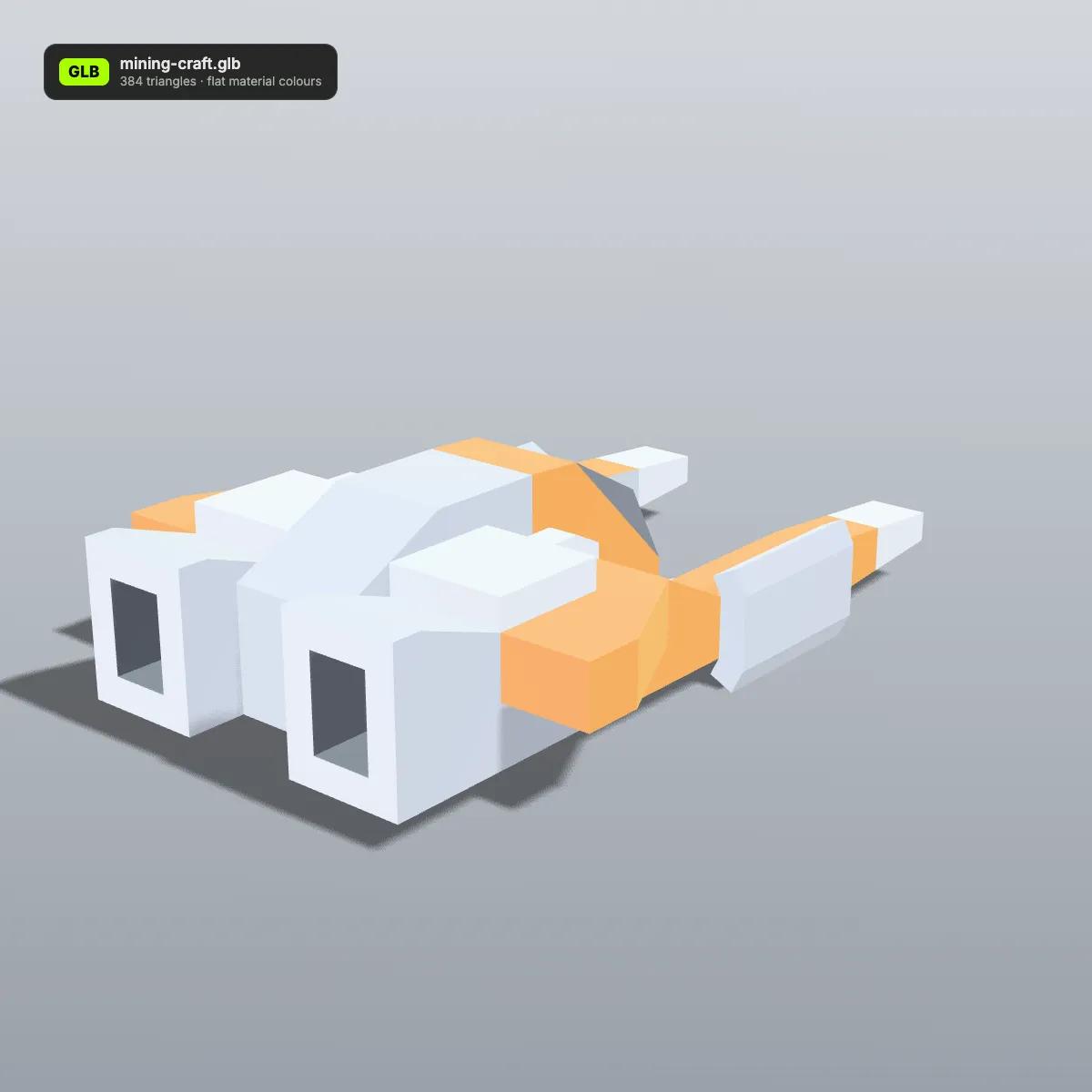
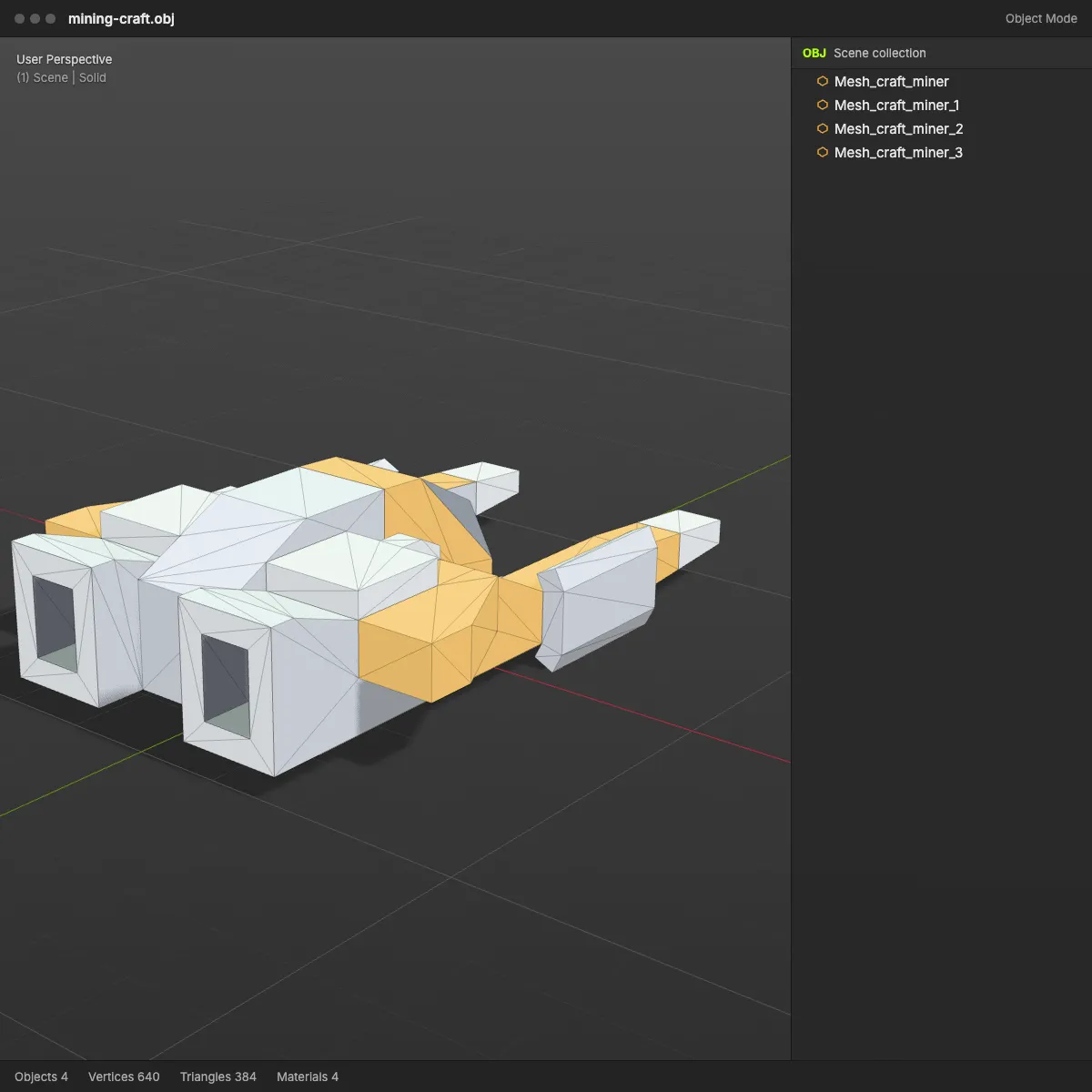
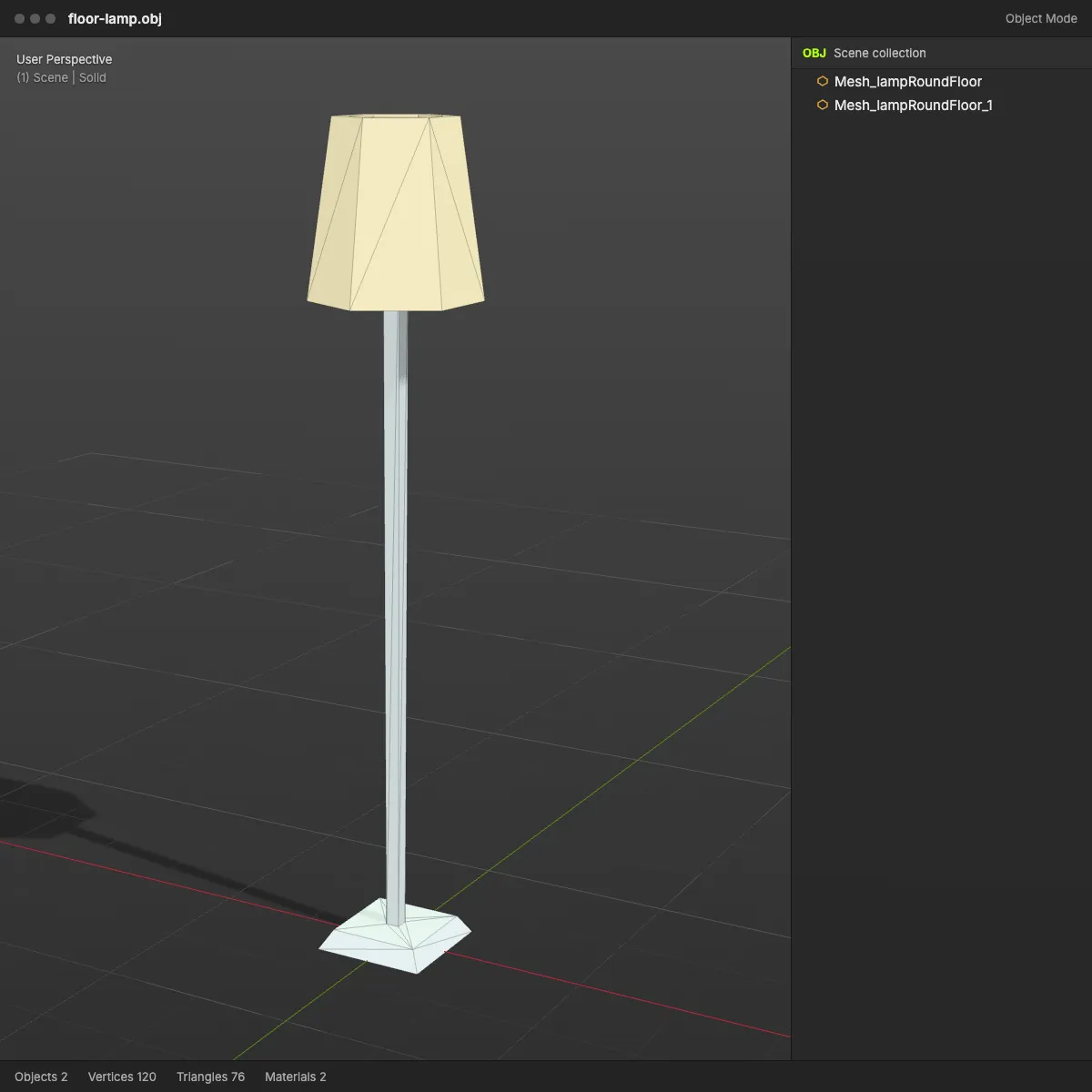
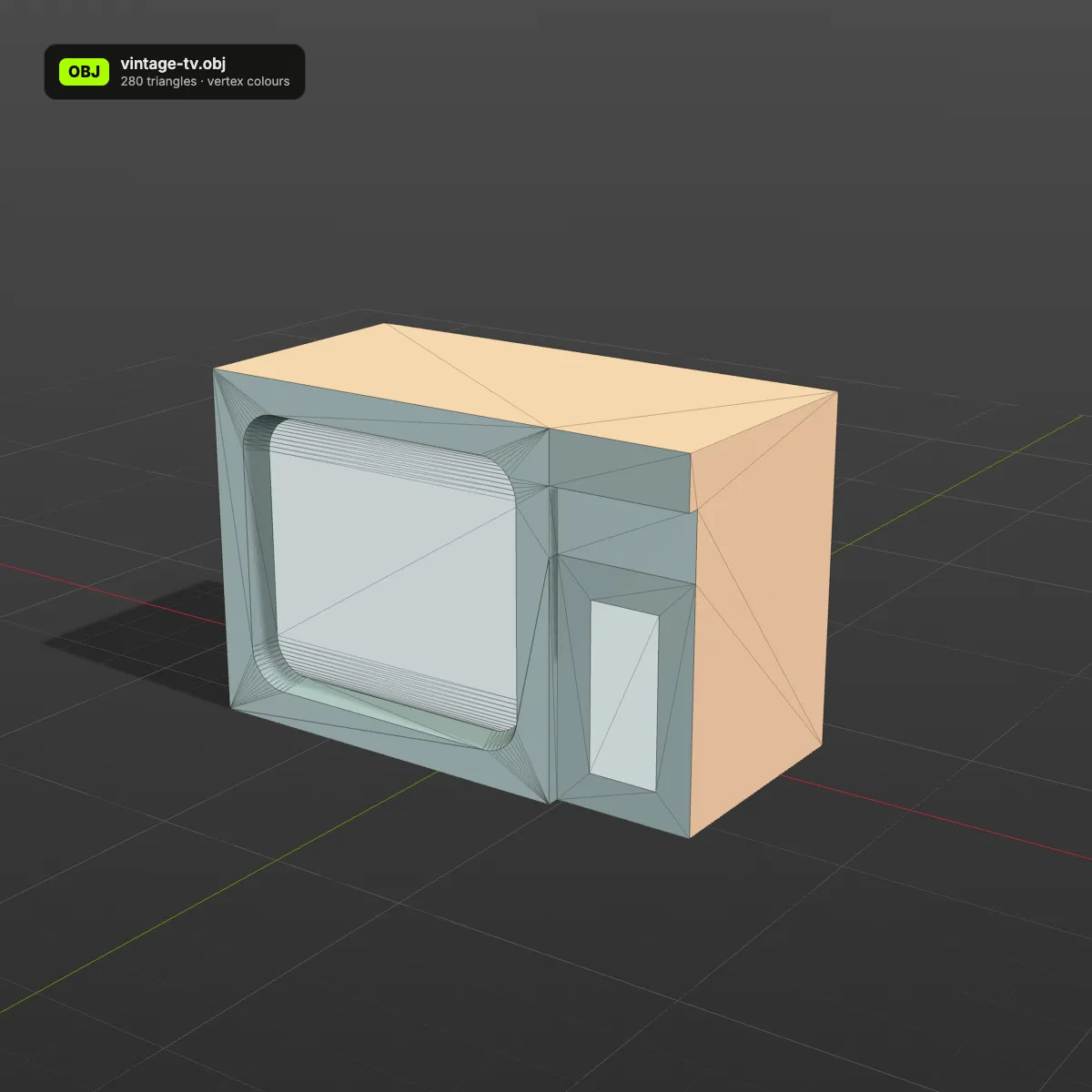
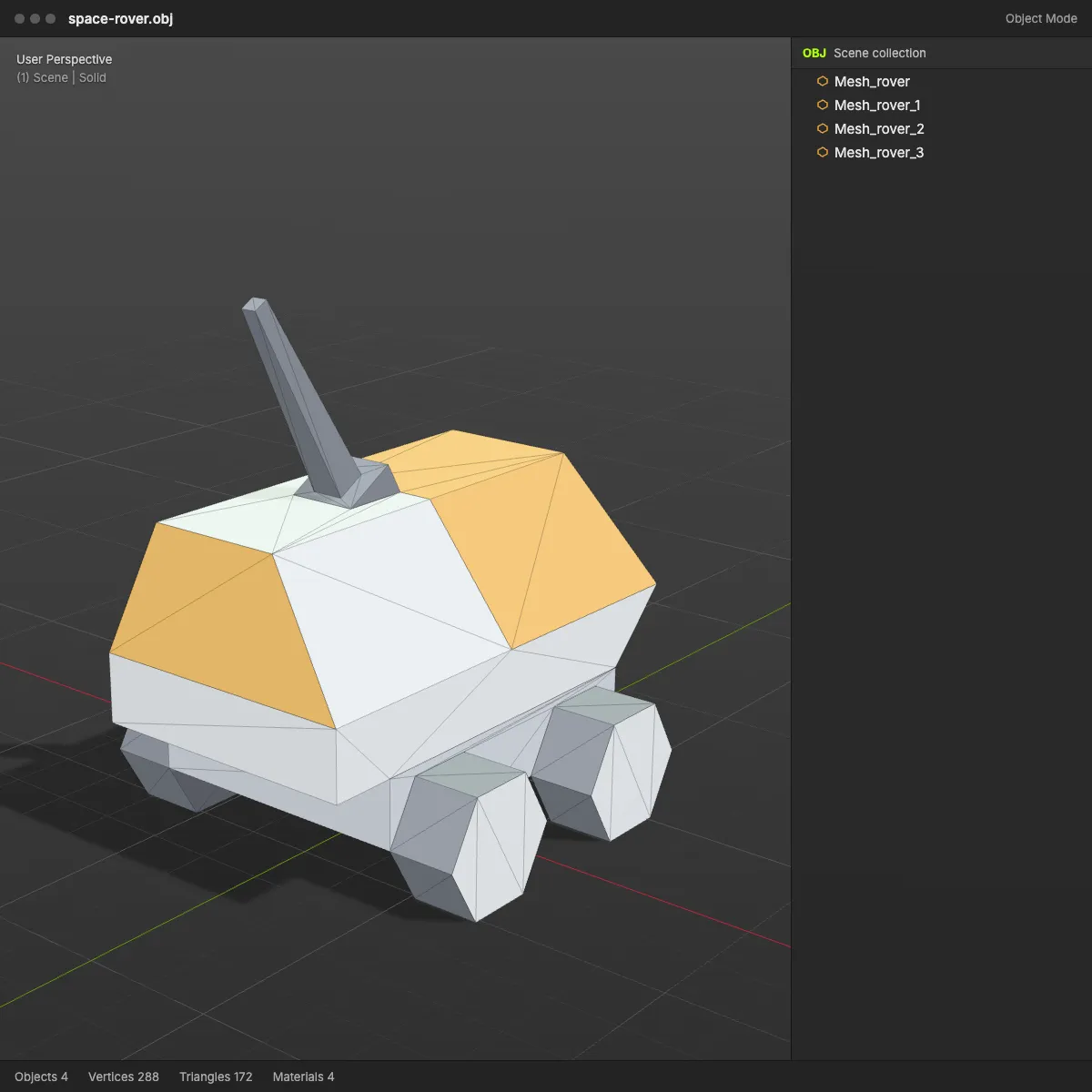
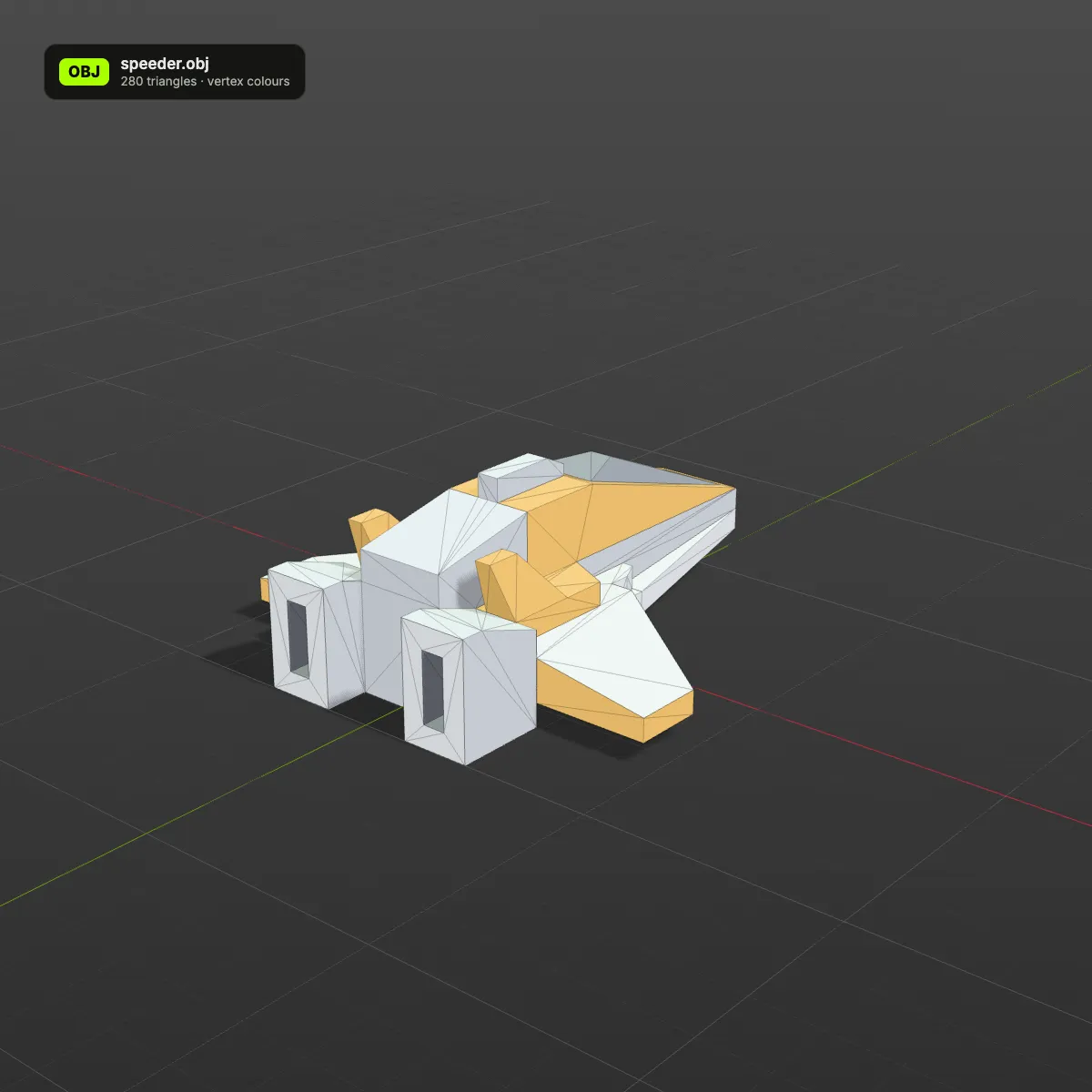
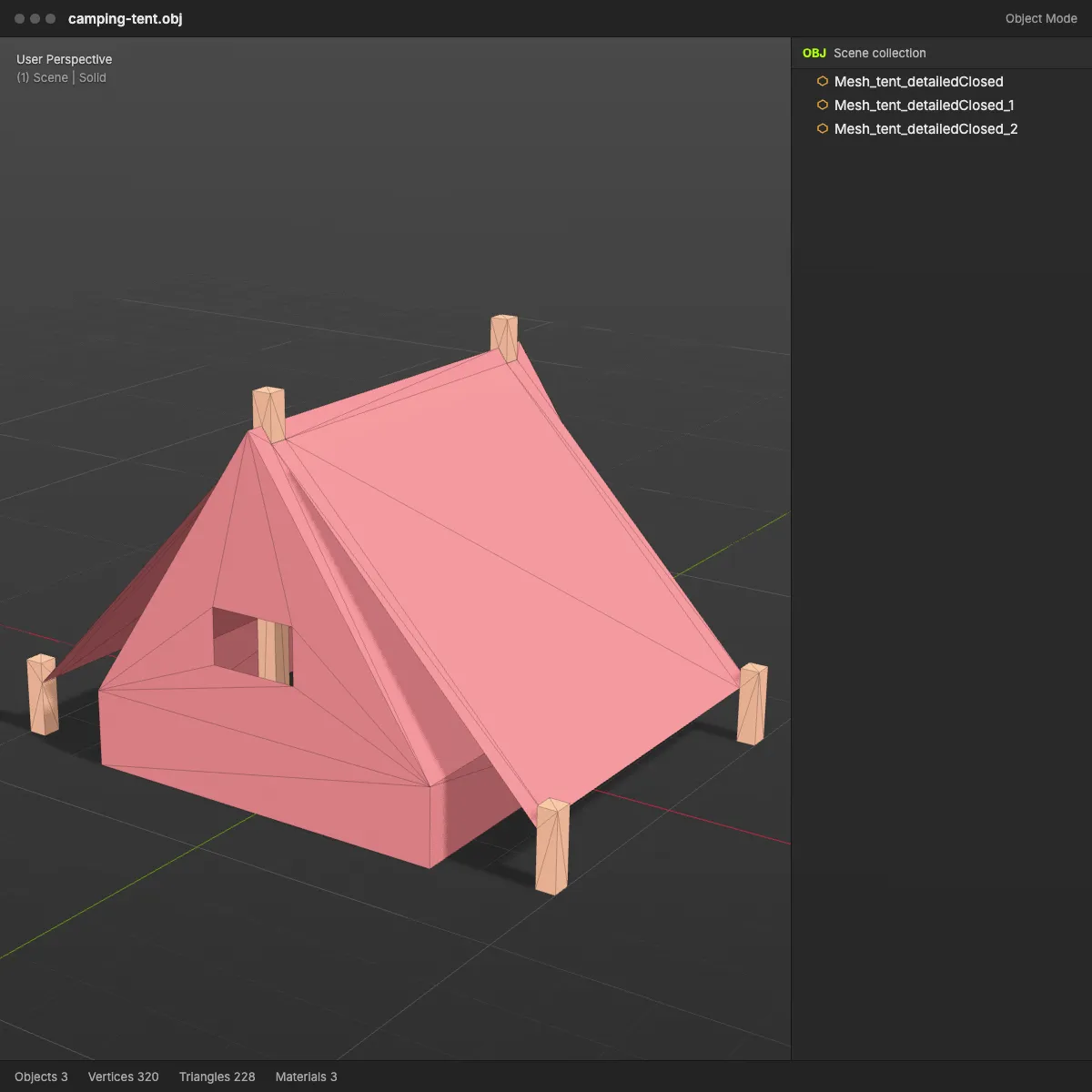
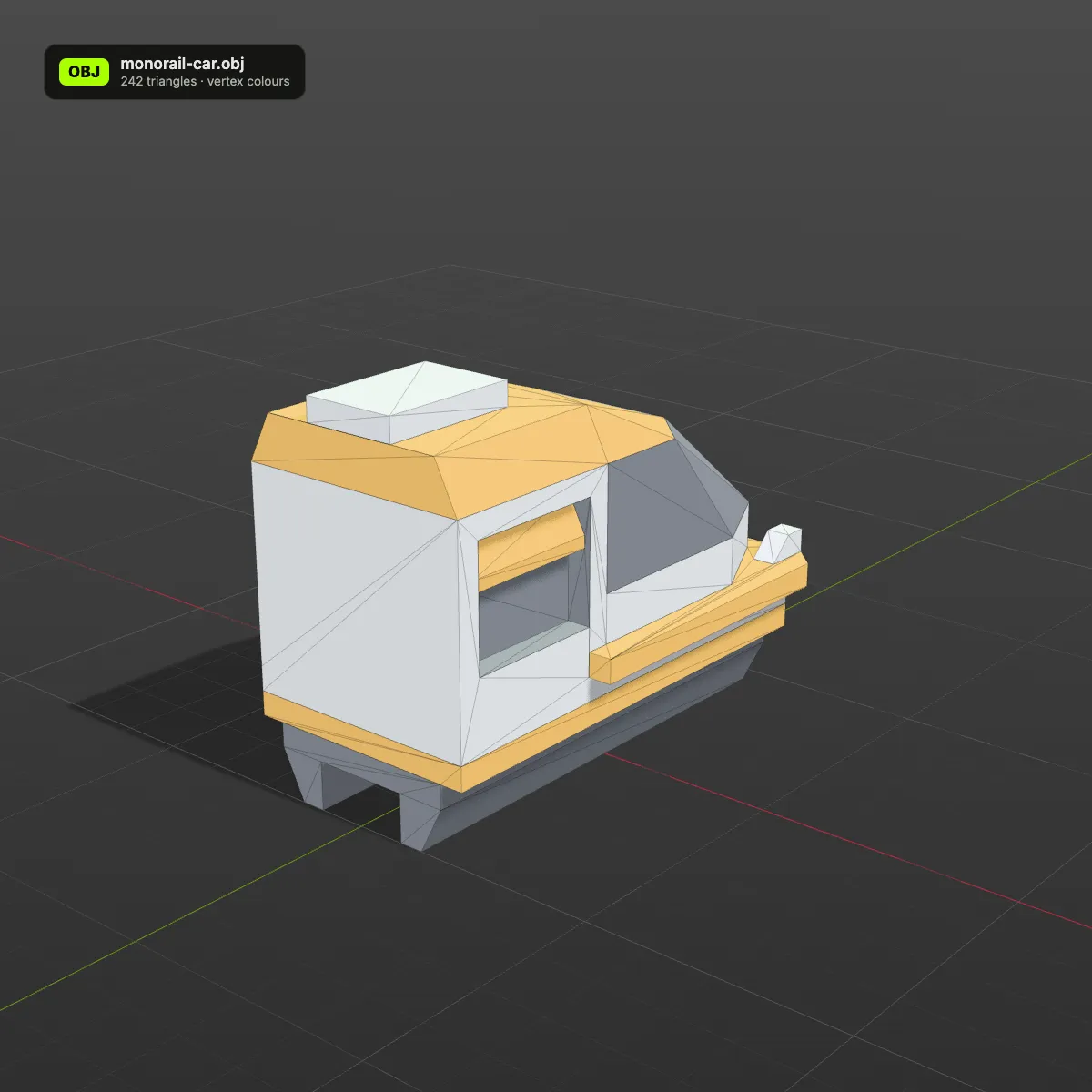
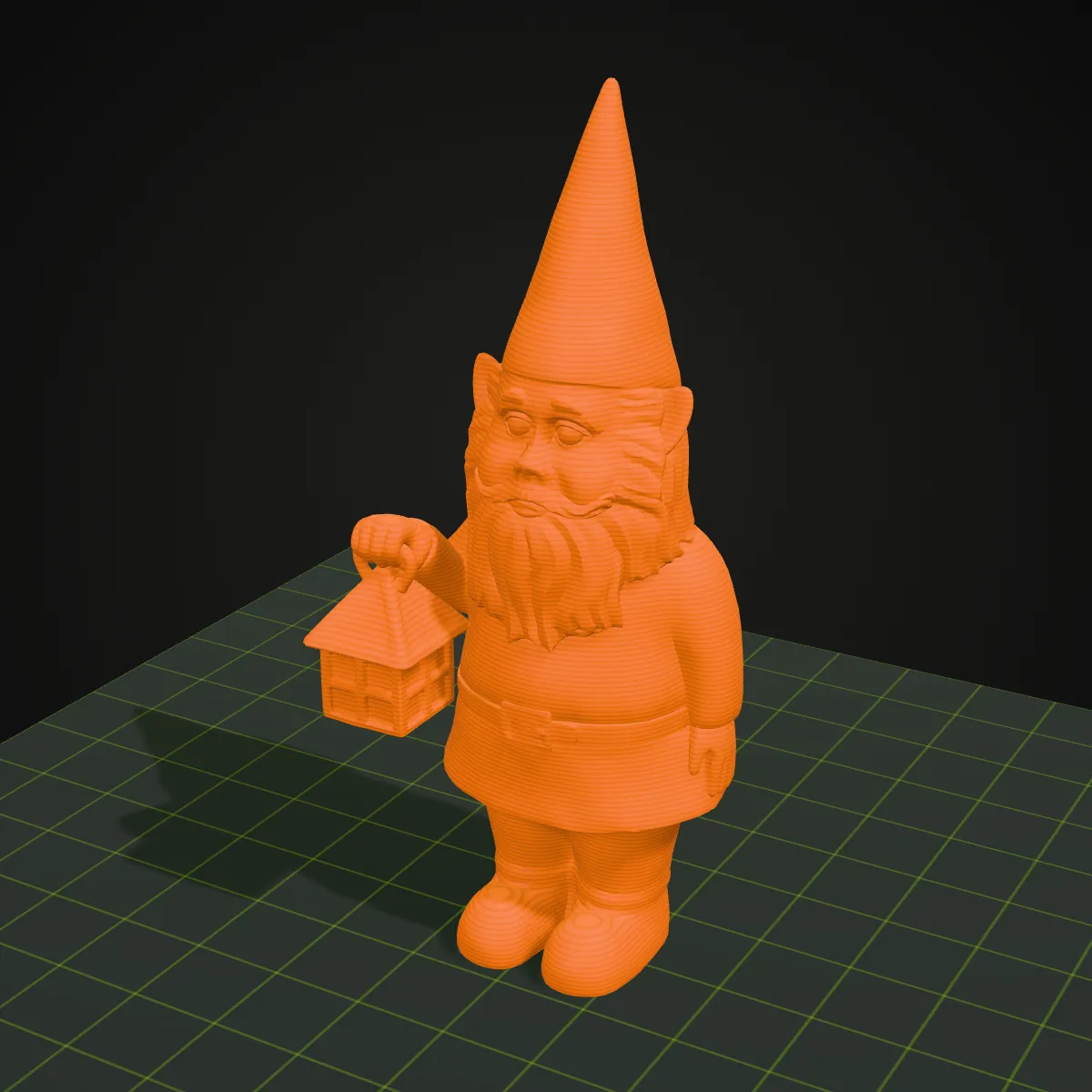
Left: the GLB in a web viewer. Right: the .obj this page produced, opened in a DCC-style viewport next to its object list. The first two models use flat material colours, which come through exactly as vertex colours; the last two are PBR-textured, so the OBJ keeps their shape, UVs and normals plus their texture colours sampled per vertex, but not the images themselves. Counts and sizes are the converter’s own.
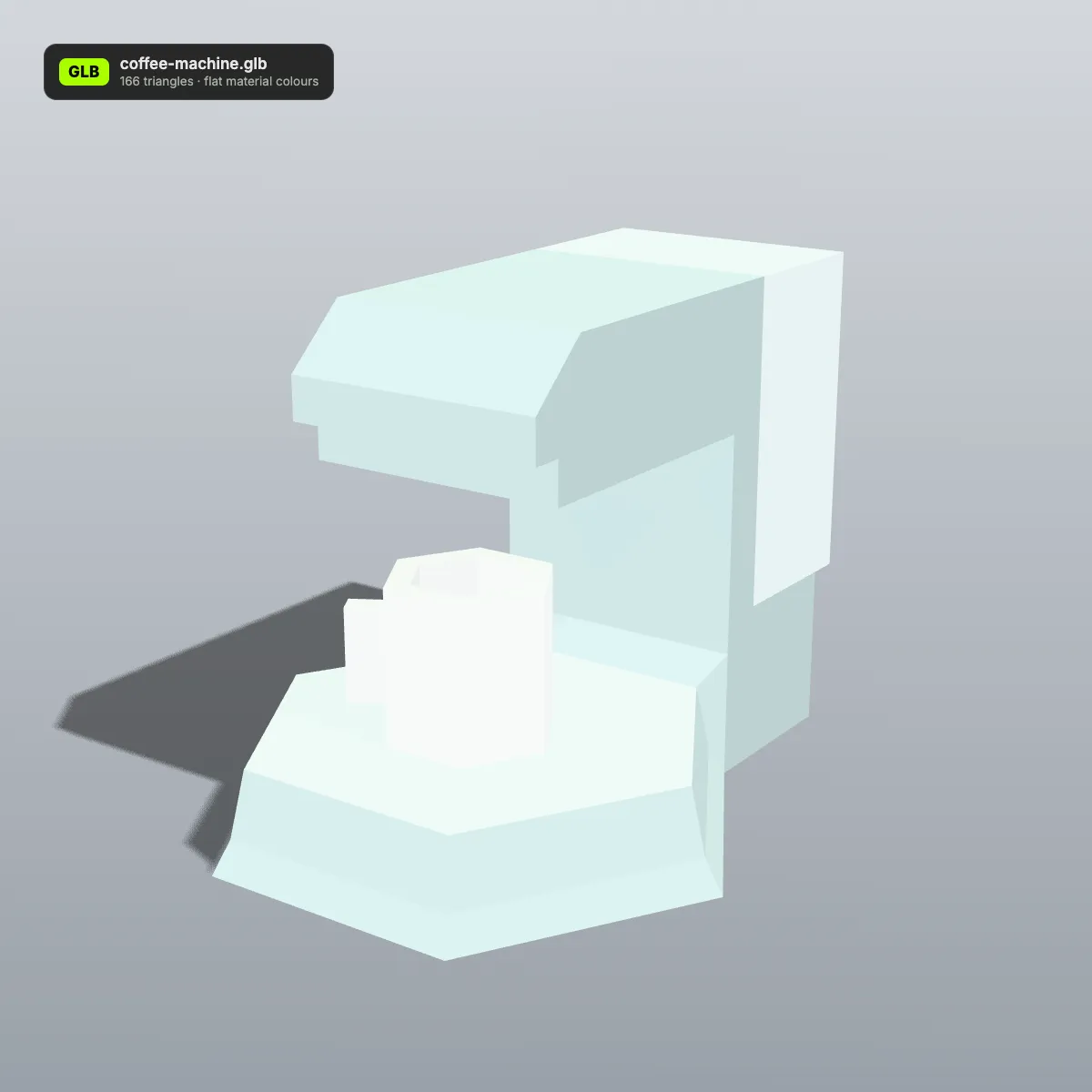
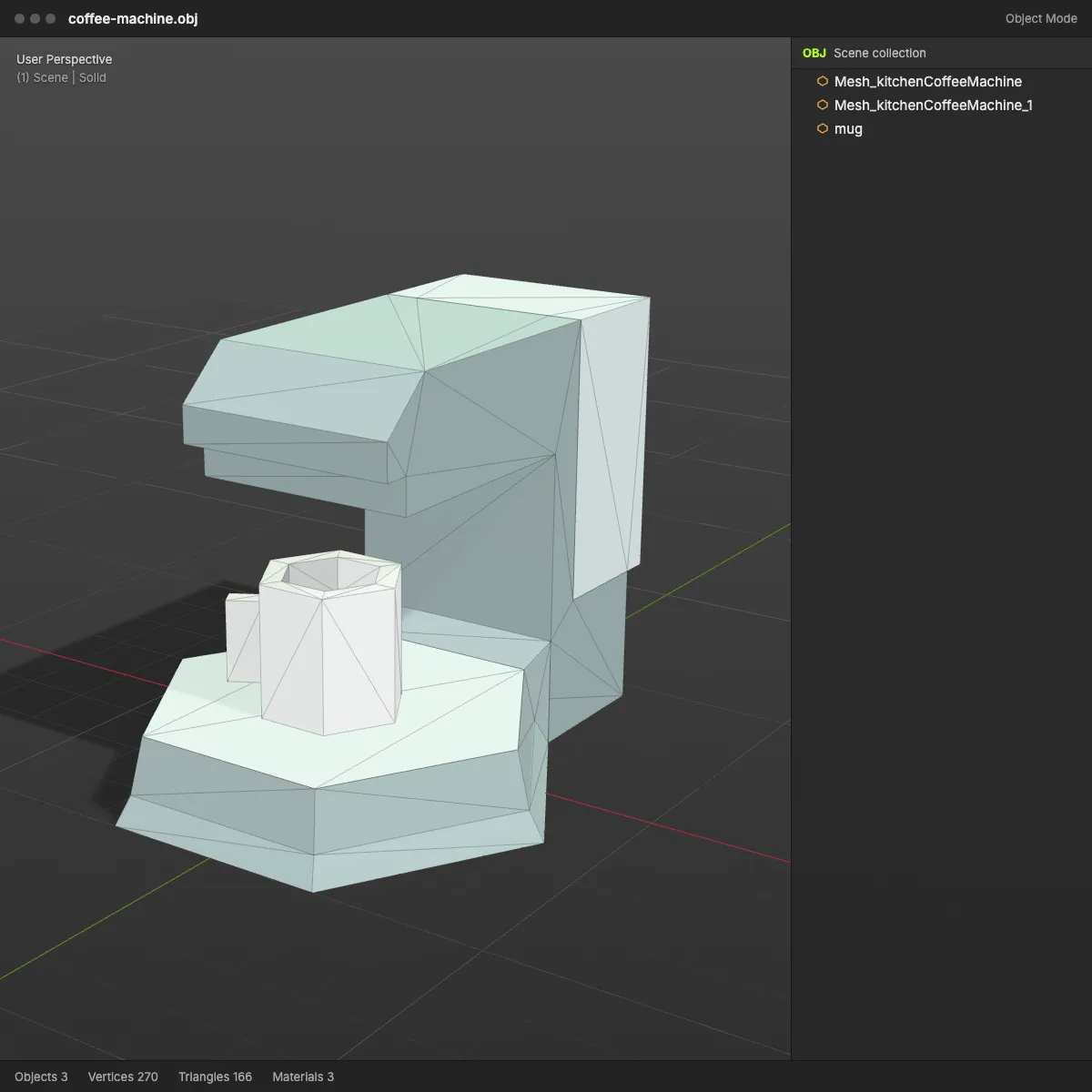
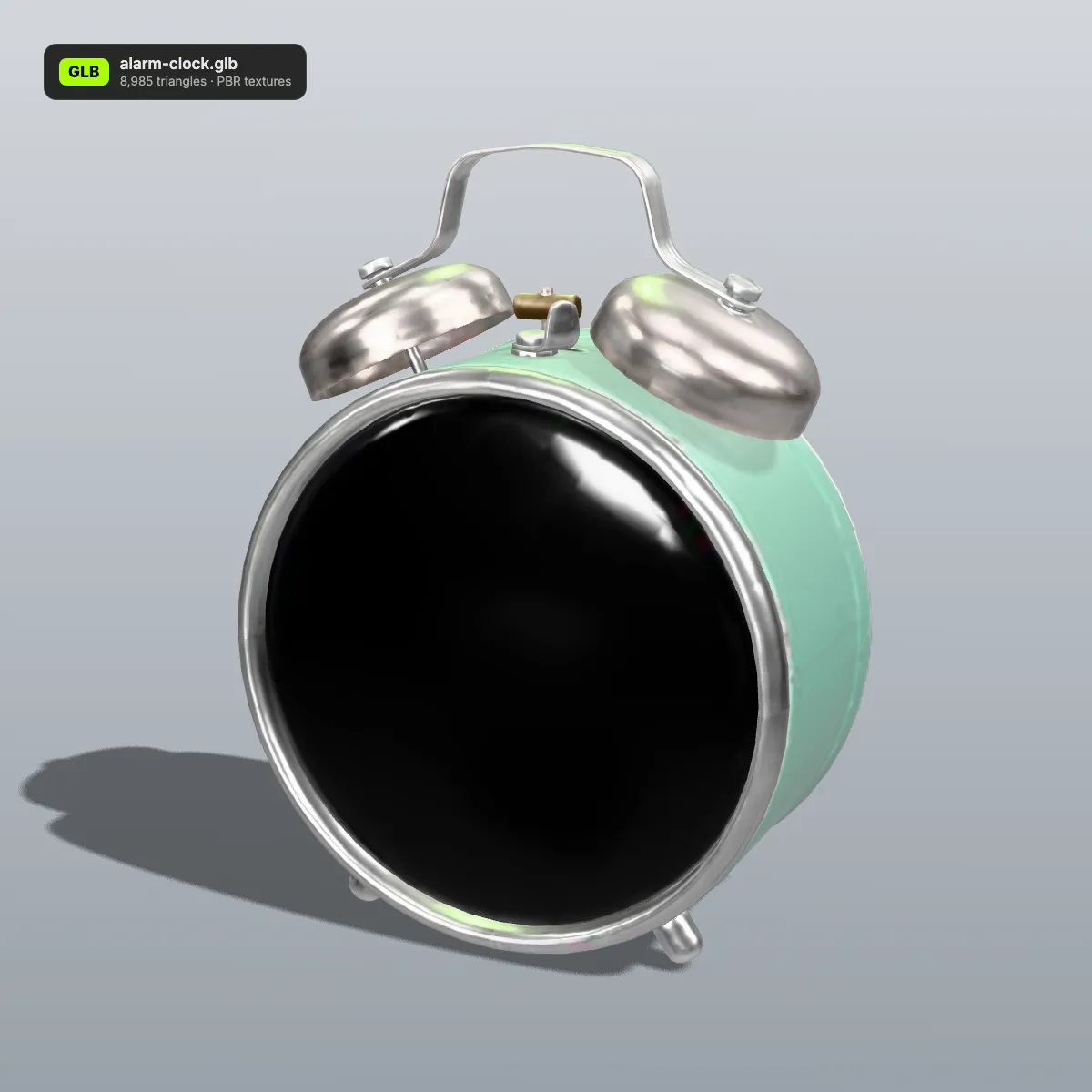
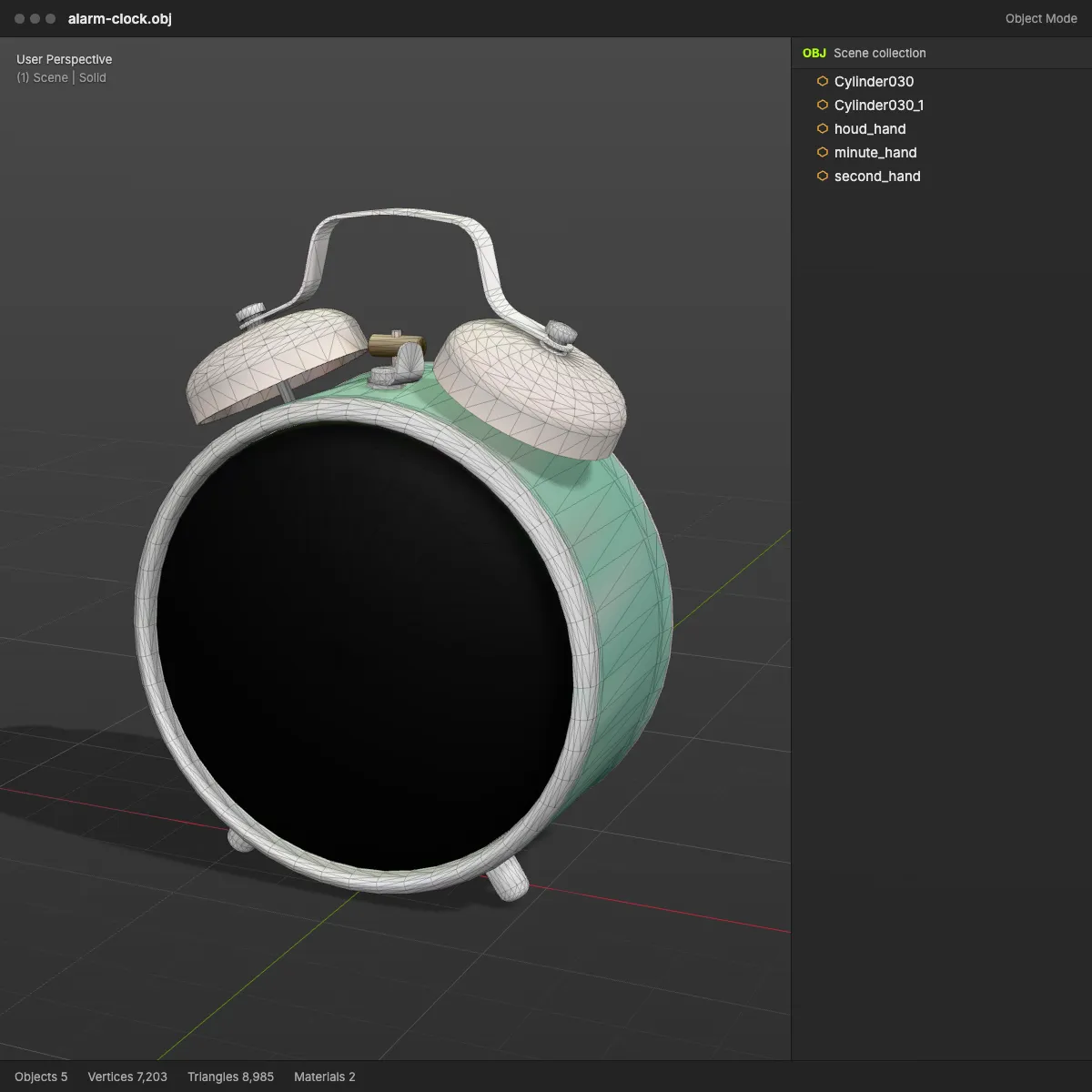
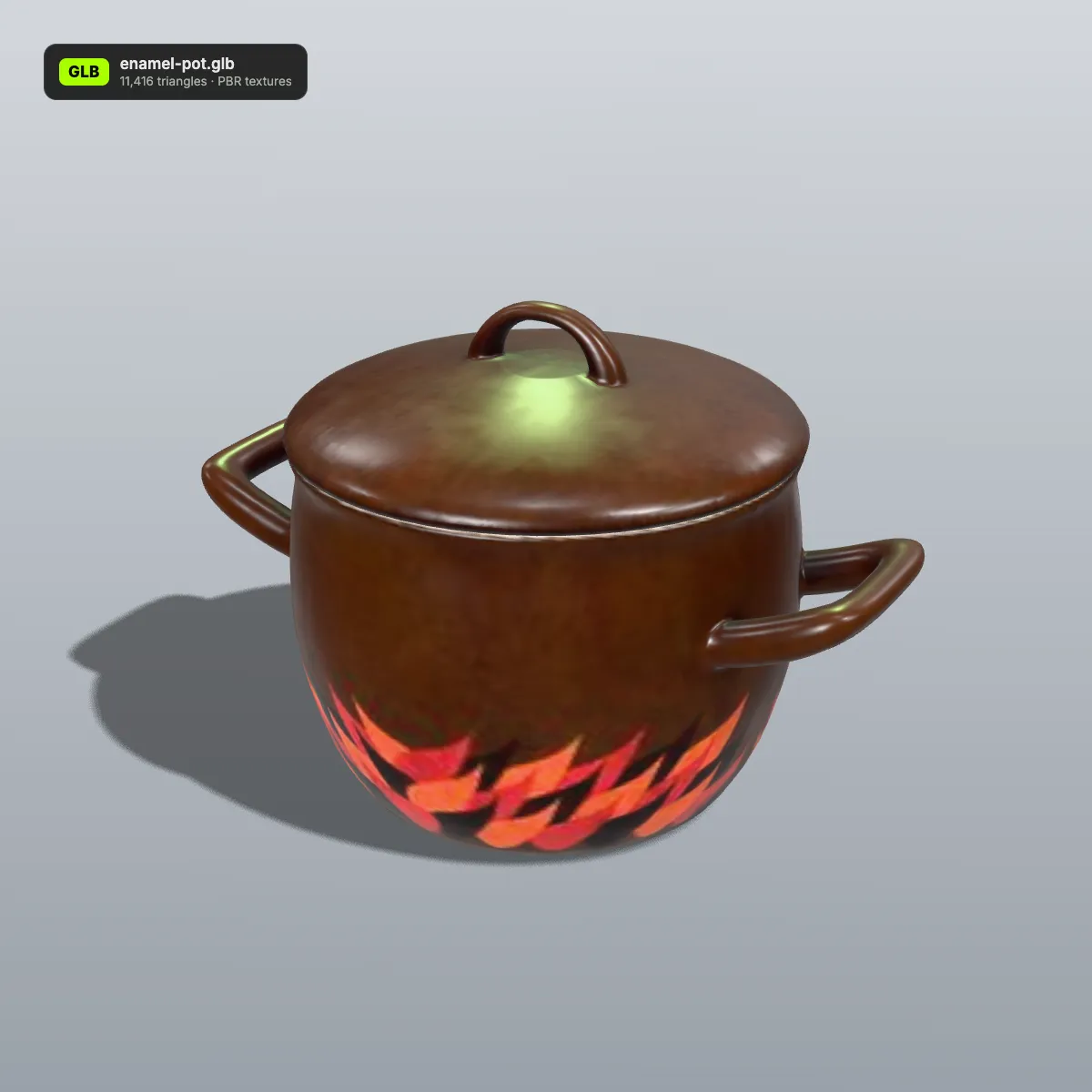
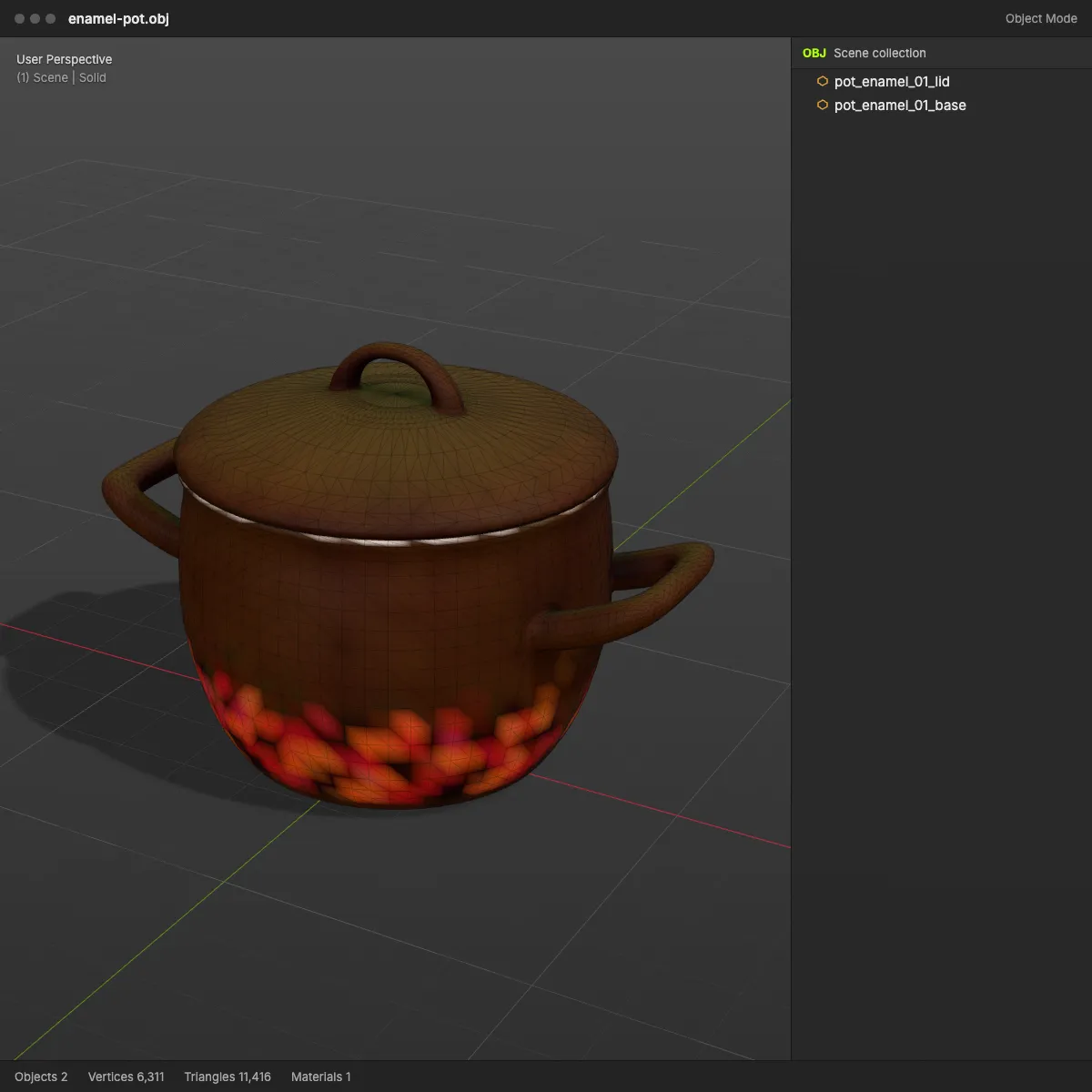
GLB to OBJ examples: converted kits in a 3D viewport
Eight low-poly models from Kenney’s CC0 furniture, space and nature kits, each converted from GLB to OBJ on this page and shown in a Blender-style viewport. What you see is the converter’s real output: separate objects in the scene list and the kit colours carried as vertex colours, with no .mtl file involved.
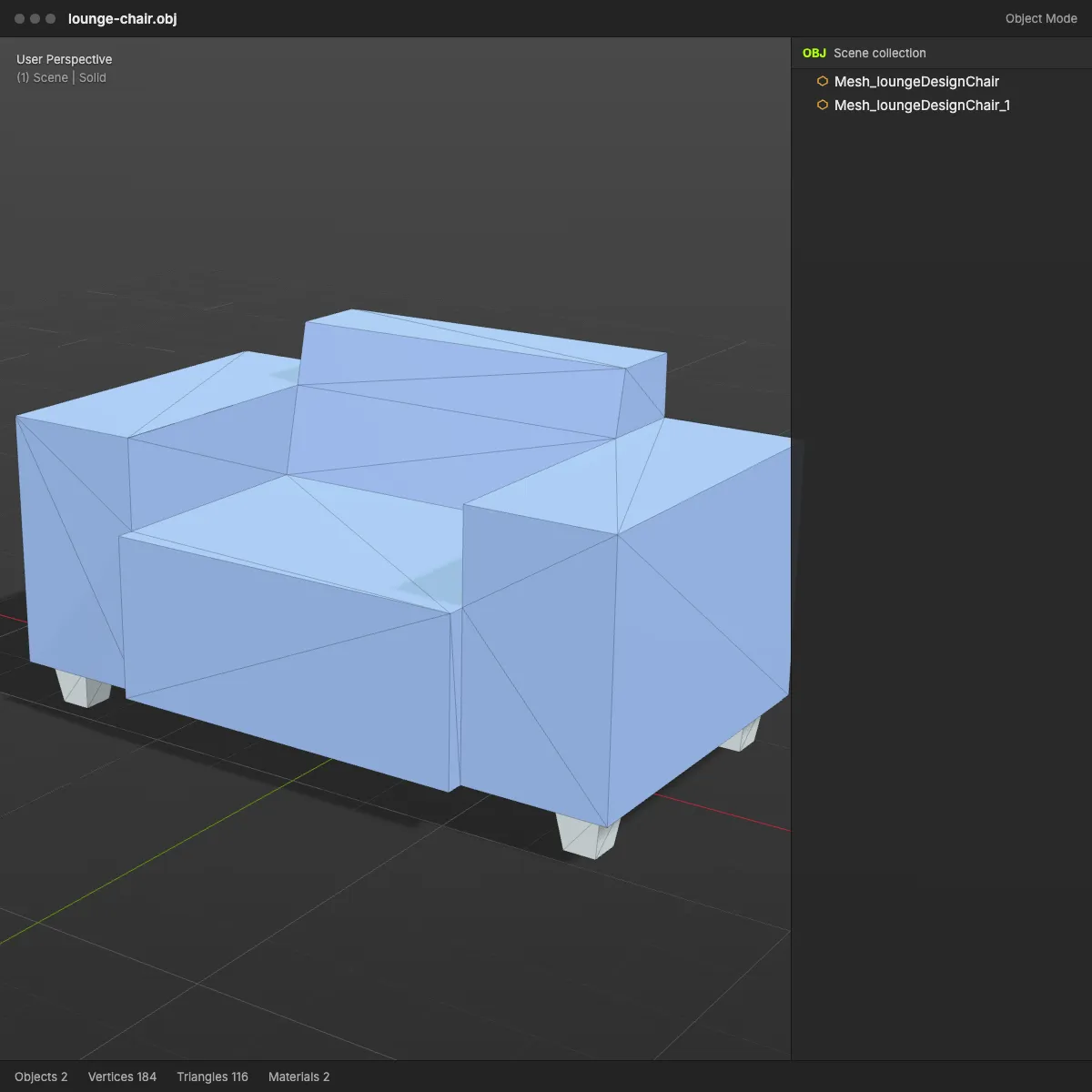
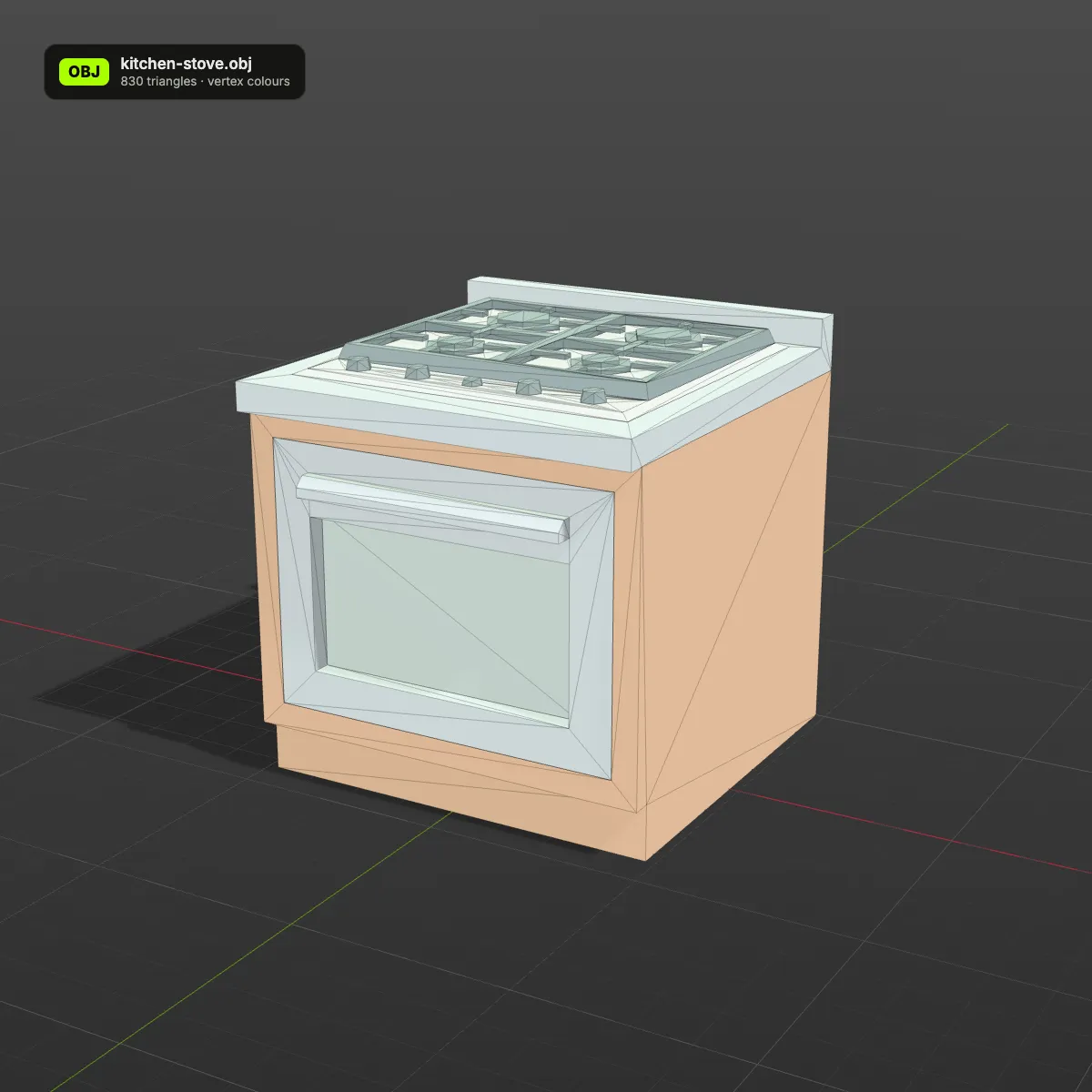
How to convert GLB to OBJ
- 11
Choose or drop the GLB
Drag the .glb onto the converter or click the drop area to pick it. Self-contained .gltf and Draco- or Meshopt-compressed files work as well. The preview on the right loads the model so you can check it from every side.
- 22
Click Convert to OBJ
The scene is copied, material and texture colours are baked into the vertices, duplicate vertices are merged and the OBJ text is written, all on your machine. Animated or rigged files are saved as a still mesh.
- 33
Download the .obj and import it
The result line shows the file name, size and triangle count. In Blender, use File > Import > Wavefront (.obj); to see the colours in Solid view, open Viewport Shading and set Color to Attribute.
What a GLB to OBJ conversion keeps
OBJ is plain text with a short list of things it can describe: points, faces, UVs, normals and object names. This is how each part of a GLB fits into that.
| In the GLB | In the OBJ you download |
|---|---|
| Meshes and their names | One OBJ object per mesh, under the mesh’s name; unnamed meshes get the file name plus a number. Positions from the scene tree are baked into the vertices |
| UV coordinates and normals | Kept as vt and vn lines, so the original textures still line up if you reconnect them |
| Plain material colours | Written as per-vertex colours on each v line (v x y z r g b). Blender 3.3+ and MeshLab show them; apps that ignore the extra numbers just read the position |
| Texture images (base colour, normal, roughness …) | The images are not included: no .mtl file and no picture files are written, and the material names remain as usemtl lines. Base-colour textures are sampled into the vertex colours instead, exact for flat-colour palettes and an approximation for detailed textures |
| Vertex sharing and precision | Identical vertices are shared and coordinates trimmed to 6 decimals; hard edges stay sharp because their normals differ |
| Units and up axis | Both formats are Y-up, so no rotation is applied. Coordinates stay in metres, which Blender reads 1:1 |
| Skeleton, skin, morph targets, animation | Dropped. Rigged models come out in their bind pose as static meshes |
| Draco or Meshopt compression | Decoded. The OBJ stores numbers as text, so it is usually several times bigger than the GLB |
Where a GLB to OBJ conversion helps
Sculpting and retopology
ZBrush and many sculpting and retopology tools are most at home with OBJ. Convert an AI-generated GLB and you can remesh it, clean up its topology or sculpt extra detail, with the UVs still in place.
Apps without a glTF importer
Older releases of Maya and 3ds Max, and plenty of in-house or academic programs, read OBJ but never got glTF support. Colour-coded kits keep their look as vertex colours, so the stove still has a visible oven door after the move.
Repainting a textured model
Because the UVs come along, you can bring the OBJ into Substance 3D Painter, Blender or another texturing tool and paint new maps on the same layout, or reconnect the GLB’s original images.
Scripting and diffing in plain text
An OBJ is readable text: easy to parse in Python, inspect in a code editor or compare in version control. None of that works well with a binary GLB.
GLB to OBJ questions
Drop the .glb on the converter above, press Convert to OBJ and click Download OBJ. The conversion happens locally in your browser, costs nothing and needs no account. Files up to 200 MB are accepted.
Their colours come along, their images do not. This tool returns a single .obj, and OBJ keeps texture images in separate files (an .mtl material file plus the pictures), so the converter samples the base-colour texture at every vertex and stores the result as vertex colours. That is exact for flat-colour textures such as Kenney’s palettes and an approximation for detailed photo textures, where the colour detail is limited by the number of vertices. The OBJ also contains the UVs, so the original maps still fit. To get the full maps, import the GLB into Blender (File > Import > glTF 2.0) and export Wavefront OBJ with Path Mode set to Copy, which writes the .mtl and the images next to the .obj. If you need one file with the textures inside, our GLB to FBX converter embeds them.
The colours of your GLB, plain material colours and colours sampled from its textures, are stored per vertex, as three extra numbers after each position. Blender 3.3 and later import them as a colour attribute (in Solid view choose Color > Attribute to see them), MeshLab shows them straight away, and programs that do not know the extension simply ignore the numbers and show grey.
In Blender, yes: glTF and OBJ are both Y-up, the converter leaves the coordinates in metres, and Blender reads one OBJ unit as one metre. Programs that work in centimetres, such as Maya with its default settings, show the model 100 times smaller, so scale it by 100 there.
The geometry, yes; the motion, no. OBJ has no bones or keyframes, so the mesh is written in its bind pose and the clips are dropped. Keep the GLB for the animation, or export FBX with the armature from Blender if you need the rig in another app.
GLB stores numbers in compact binary and may also be Draco- or Meshopt-compressed, while OBJ writes every coordinate, UV and normal as text. The converter already shares vertices and trims numbers to six decimals, yet the koi sample still grows from 404.7 KB to 1.4 MB with its vertex colours. Zip the OBJ before you send it; text compresses well.
Related tools
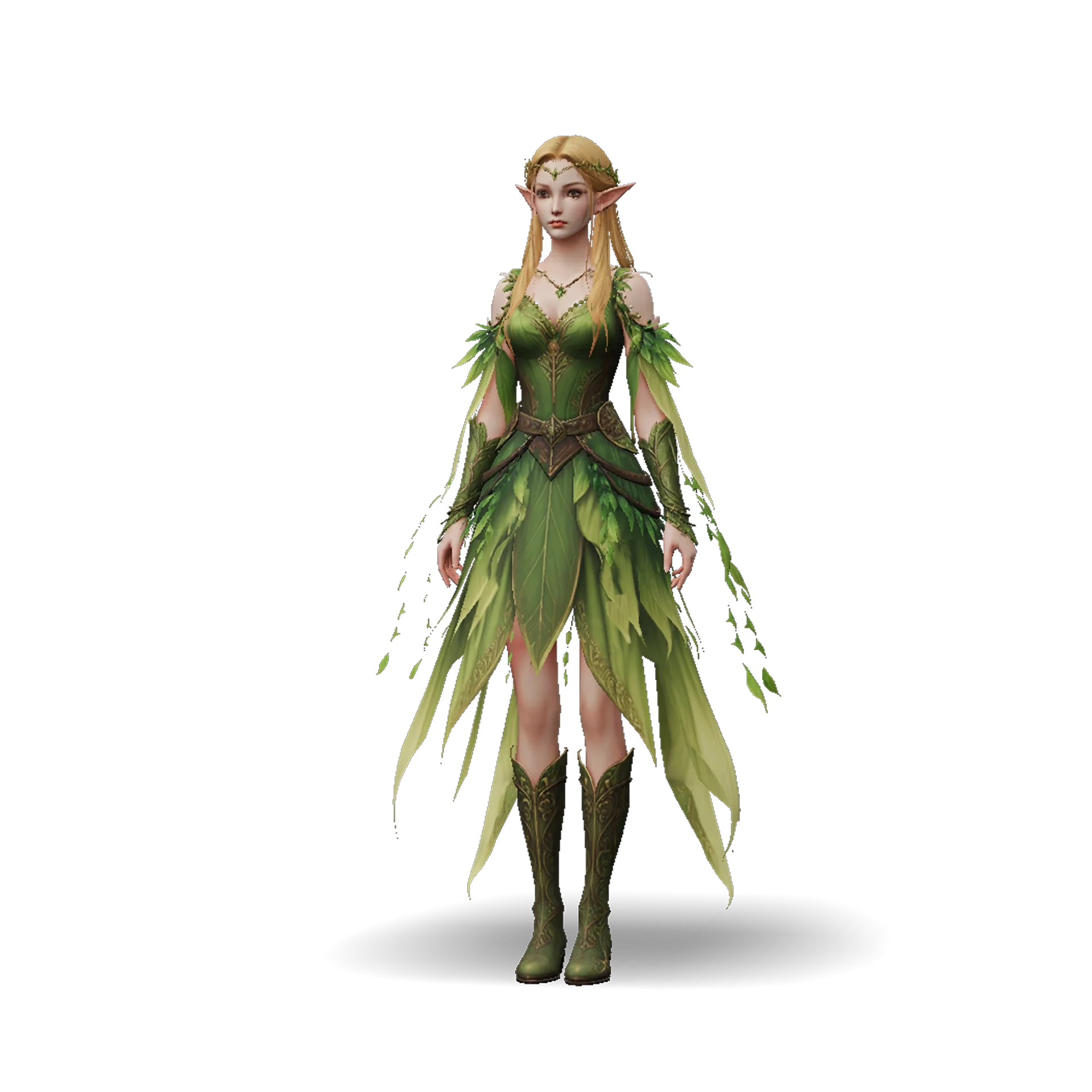




No GLB to convert yet?
Ship3D’s AI generator turns a photo or a short prompt into a 3D model, and you can download it as GLB, OBJ, STL or USDZ.
Free to sign up, no credit card required. Try it once for free.