3MF to OBJ Converter
Print Files Back into Blender, Parts and Colours Intact
This 3MF to OBJ converter opens a .3mf print file, the zipped format that Bambu Studio, PrusaSlicer and Cura save and that MakerWorld and Printables hand out, and writes one .obj that Blender, MeshLab, ZBrush and most other 3D programs import.

3MF → OBJ
Drop a 3D model file to preview it in 3D before converting.
Every object in the 3MF becomes a named object in the OBJ, so a seven-part lighthouse arrives as seven pieces you can select on their own. Colour comes along too: base-material palettes, per-triangle colour groups and texture colours are baked into per-vertex colours, which Blender 3.3 or later and MeshLab display without any .mtl or image file. The model is also turned from the Z-up convention of slicers to the Y-up convention of modelling tools, so it stands upright after import. Bambu Studio and OrcaSlicer projects that keep their meshes in sub-model files convert as well. It all runs on your own device: nothing is uploaded and there is no account. The one thing a 3MF to OBJ conversion leaves alone is scale. The numbers stay in millimetres, so a 125 mm part reads as 125 units.
Three files to test 3MF to OBJ
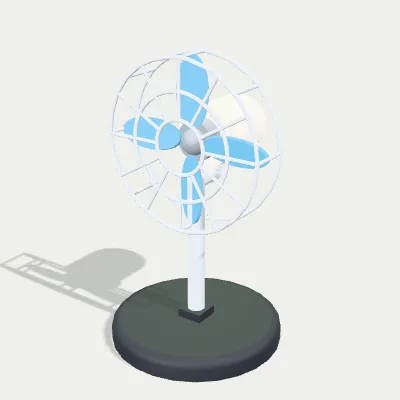
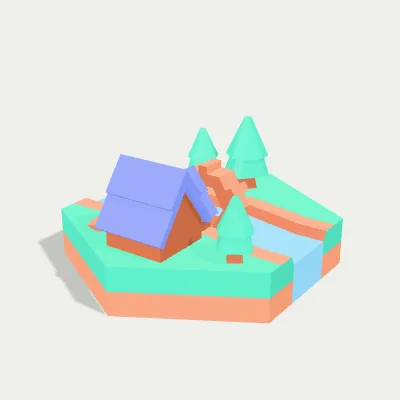
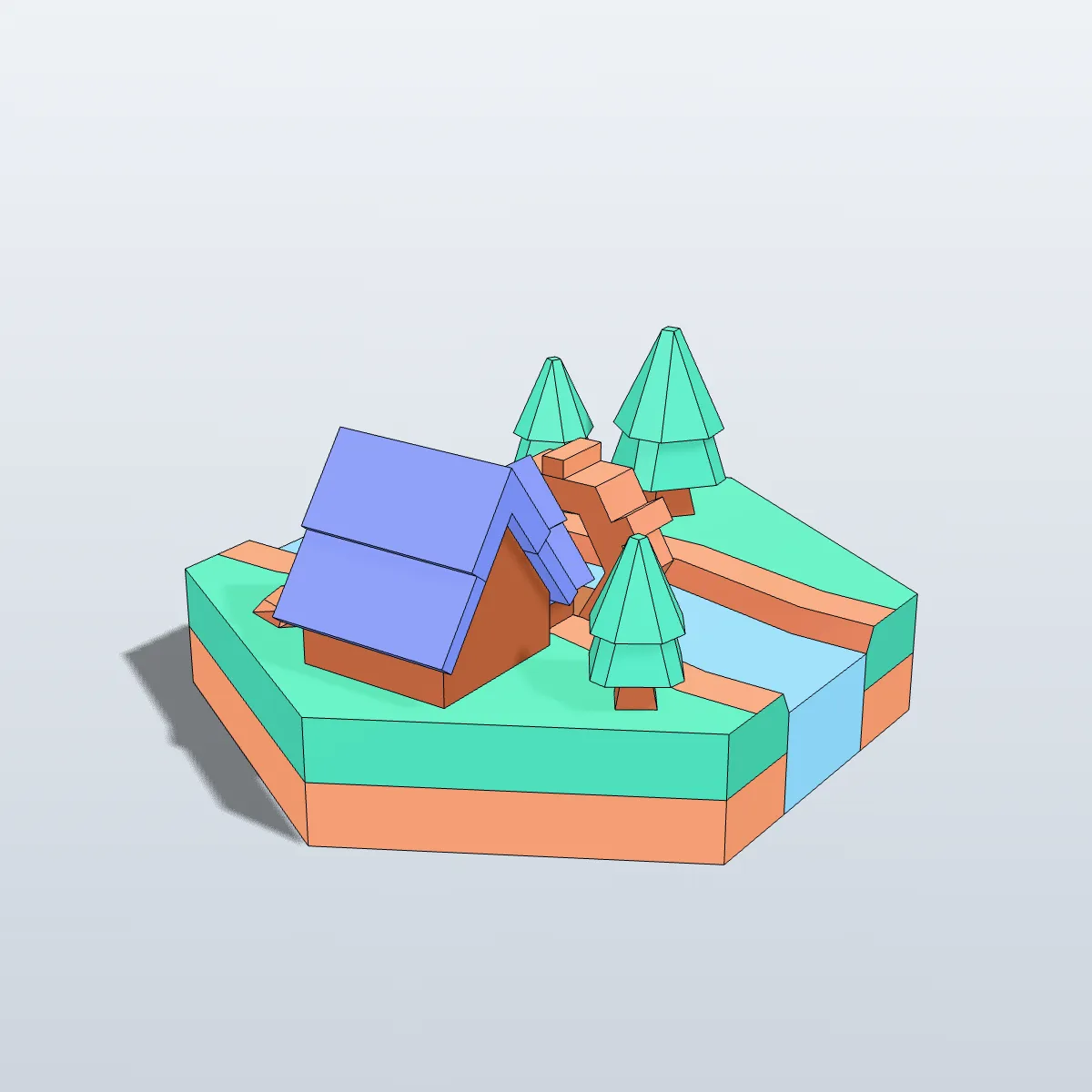
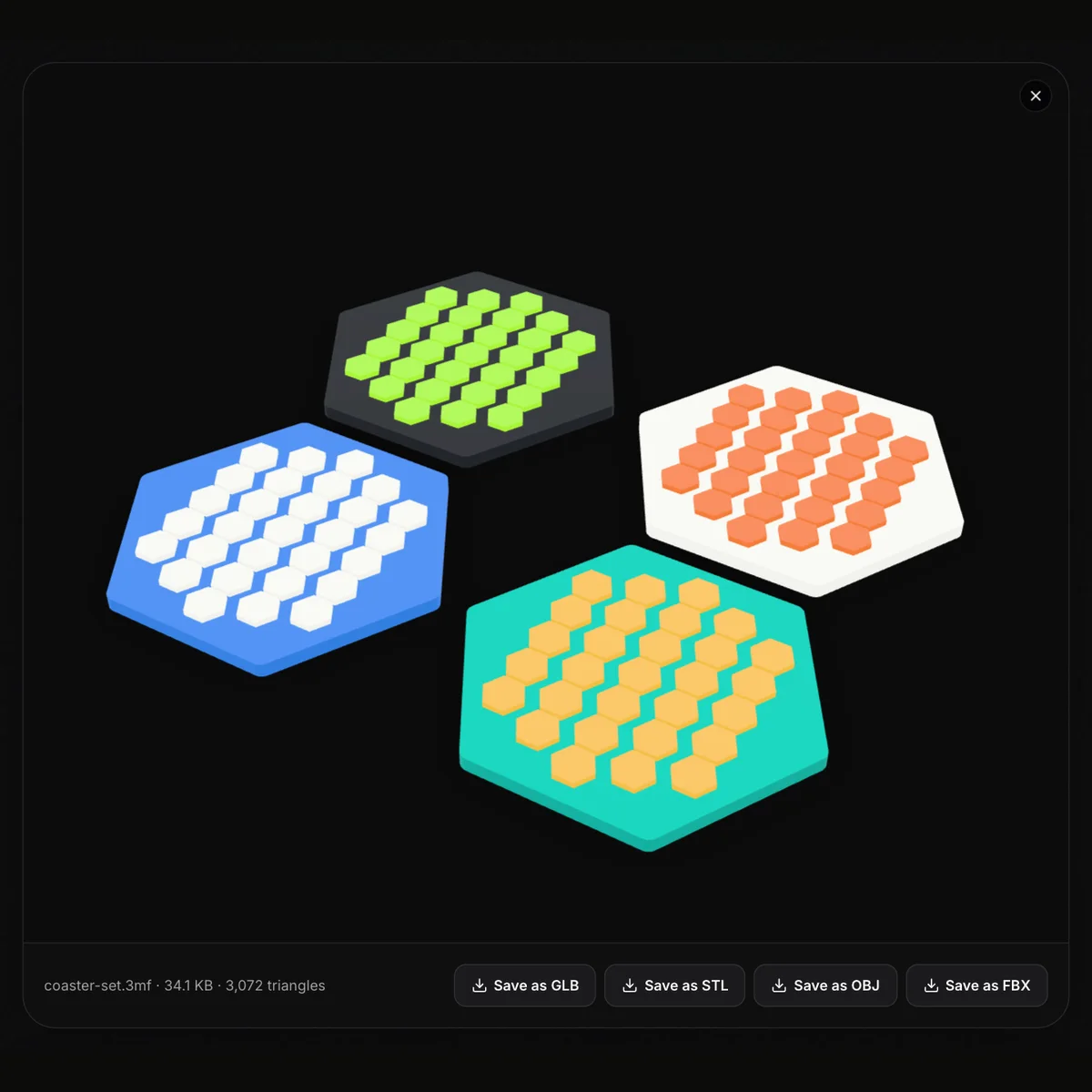
Multi-colour 3MF files we built for this page: a lighthouse and a desk fan modelled in CadQuery, plus a watermill tile assembled from Kenney’s CC0 hexagon kit. Each stores its objects with names and filament colours, which is exactly what a 3MF to OBJ conversion should carry over. Press Try it to load one into the converter, or Download to keep the .3mf.
Watch a seven-part lighthouse go from 3MF to OBJ
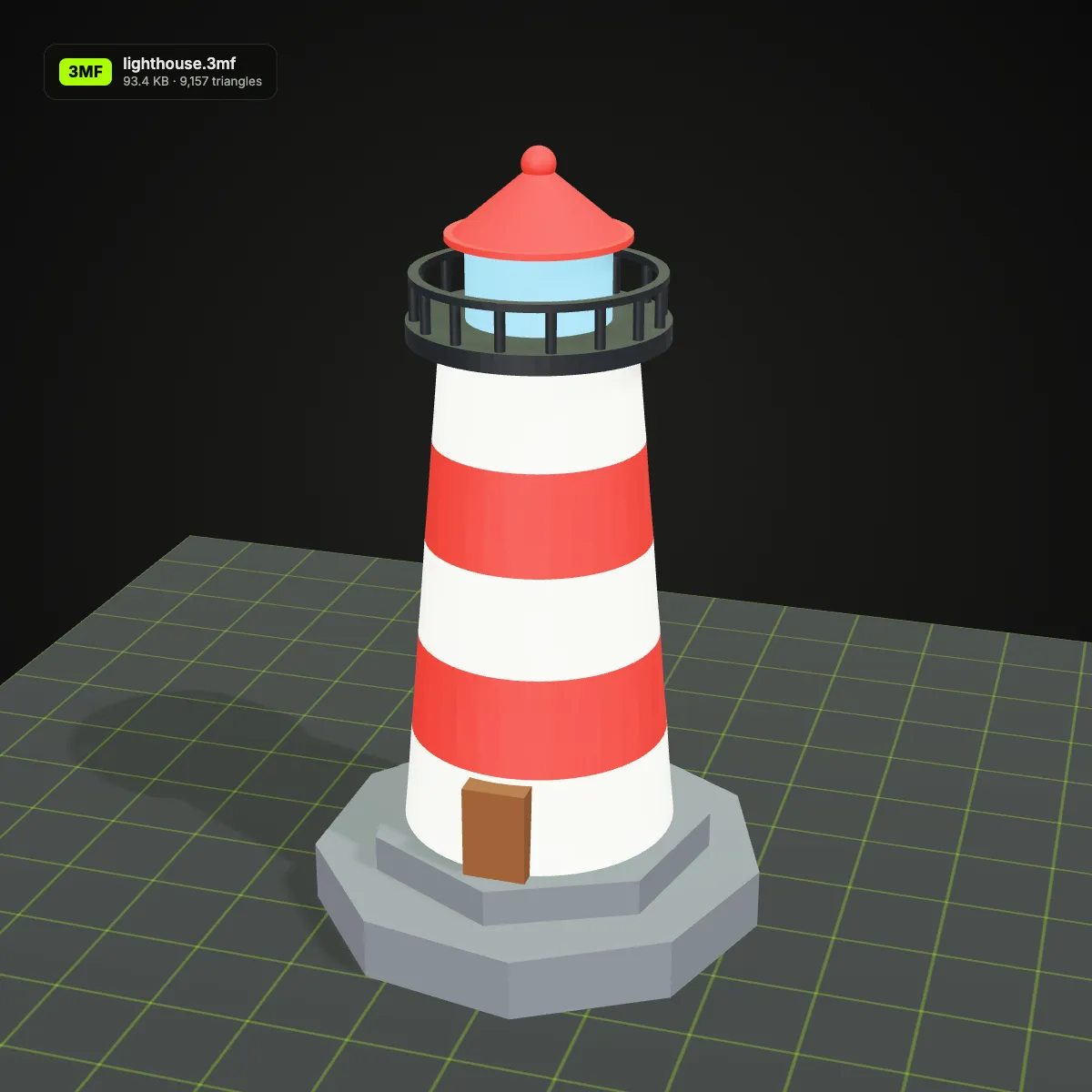
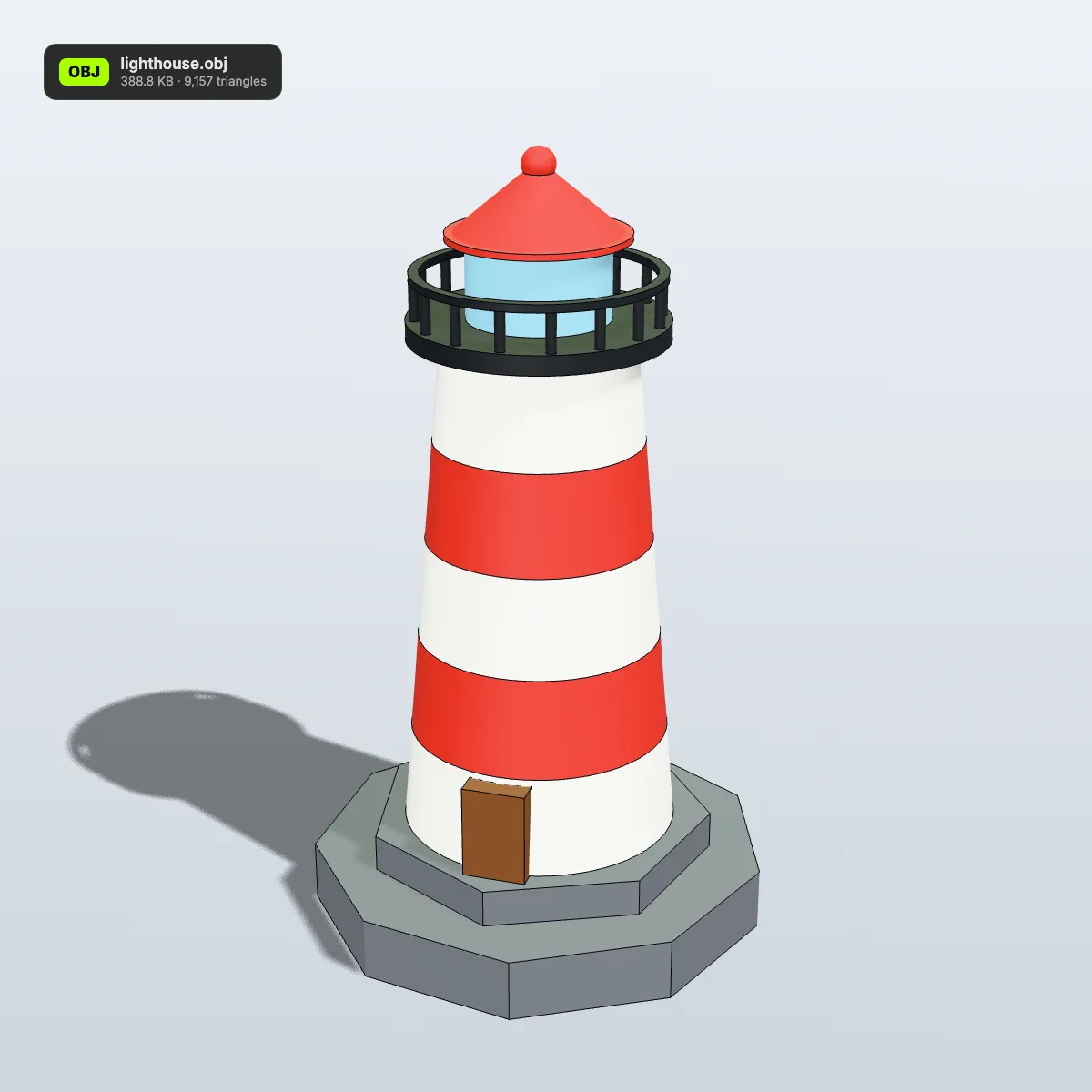
An 11-second recording of this converter with the lighthouse sample. lighthouse.3mf (93.4 KB) is dropped in and turns in the preview in its red, white and grey filament colours, Convert to OBJ is pressed, and the result line reads lighthouse.obj · 388.8 KB · 9,157 triangles before Download OBJ saves the file. The OBJ is about four times the size of the 3MF because OBJ is plain text while a 3MF is a compressed ZIP; the triangle count does not change at all.
3MF to OBJ, before and after: from the build plate to a modelling viewport
Left: the original .3mf on a printer build plate, labelled with its file size and triangle count. Right: the OBJ written by this page, rendered in a light modelling viewport. Both sides have exactly the same number of triangles, and every colour on the right comes from the vertex colours stored inside the single .obj file.
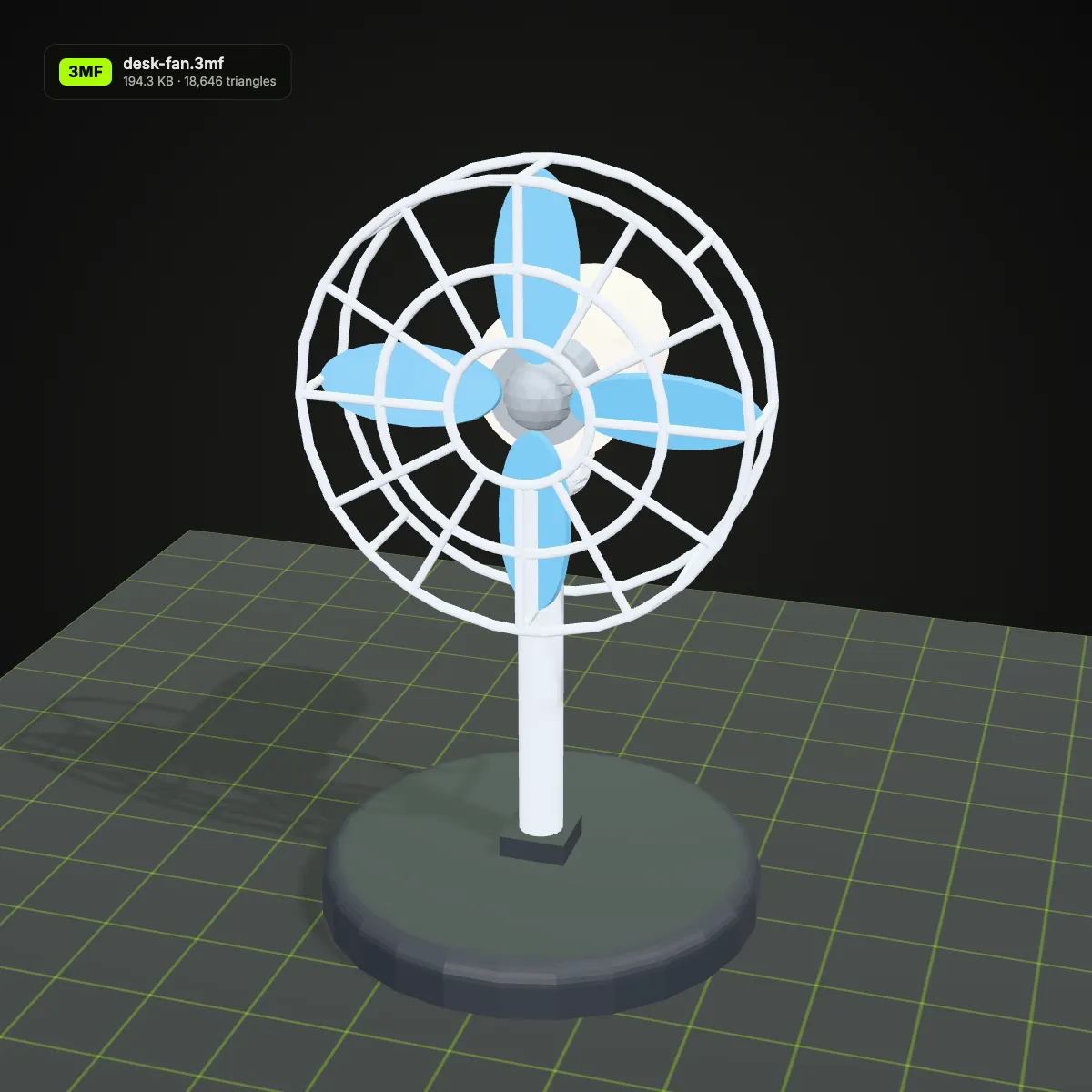
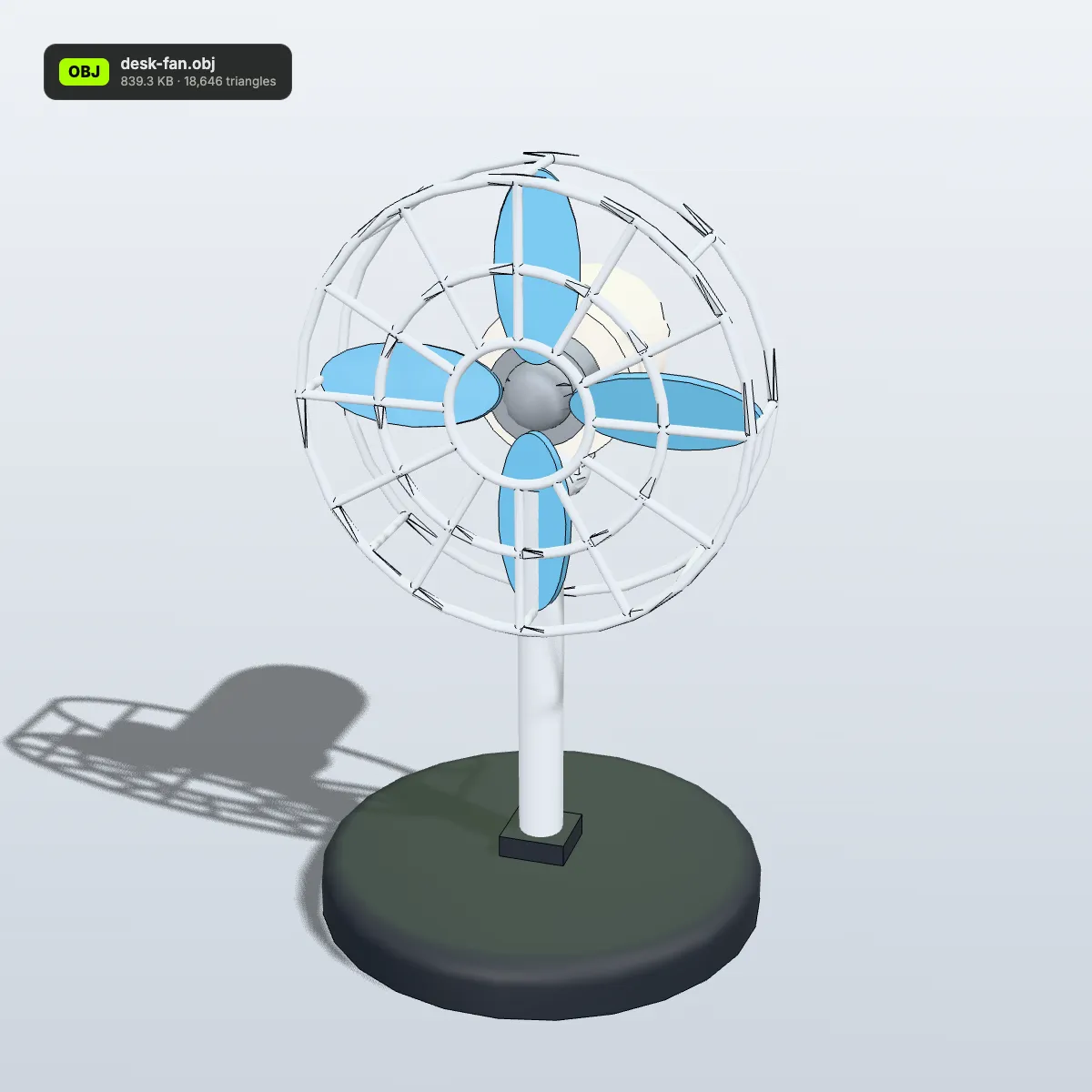
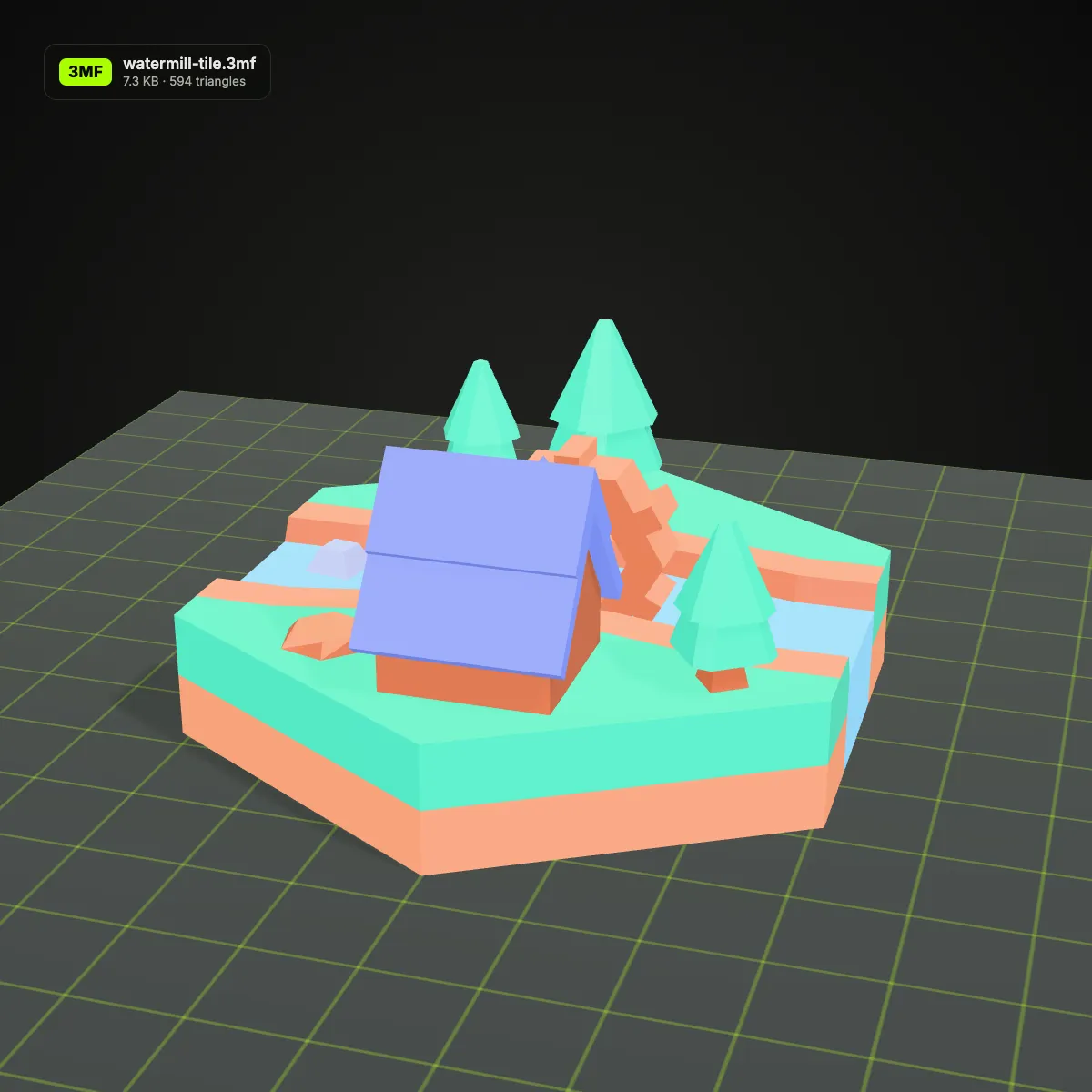
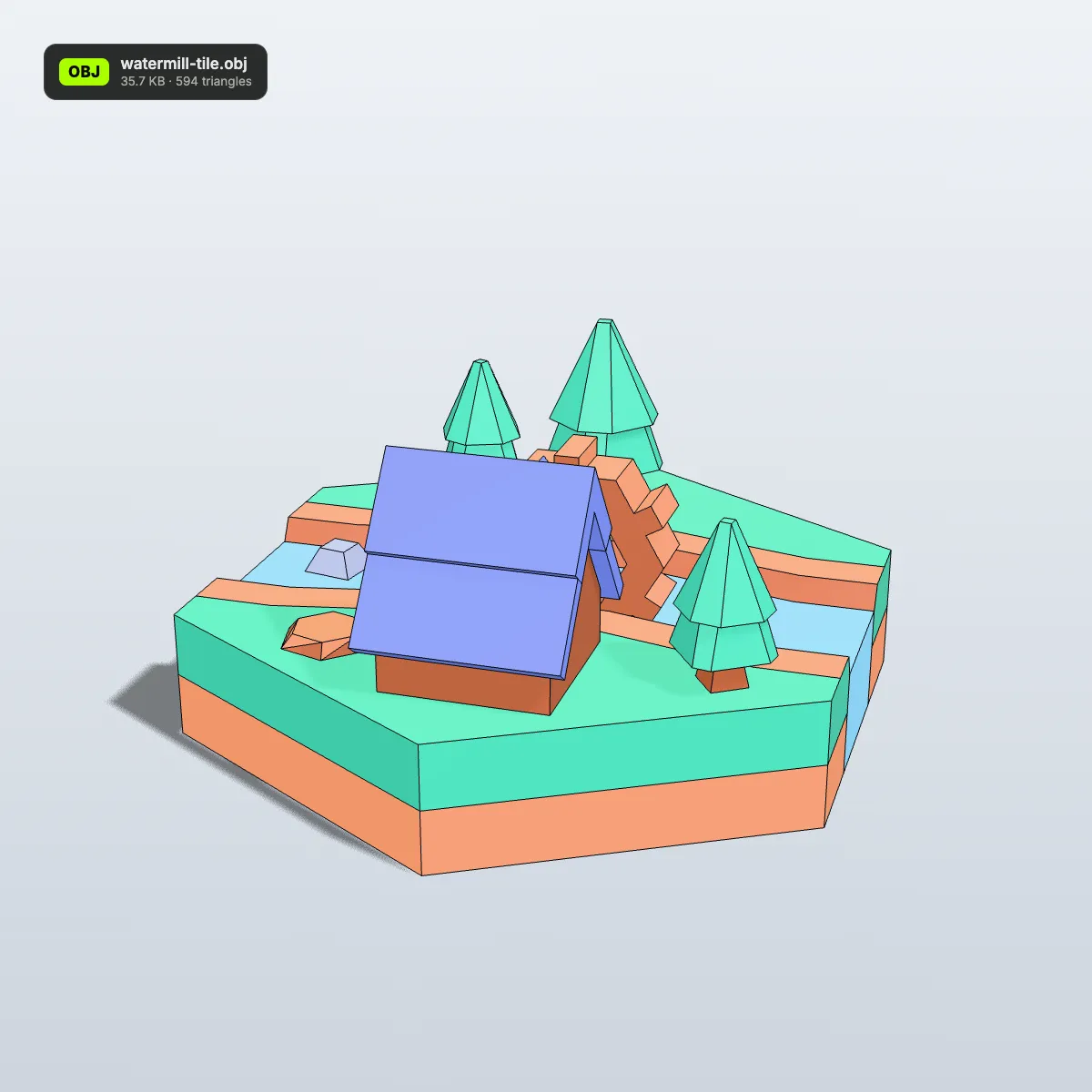
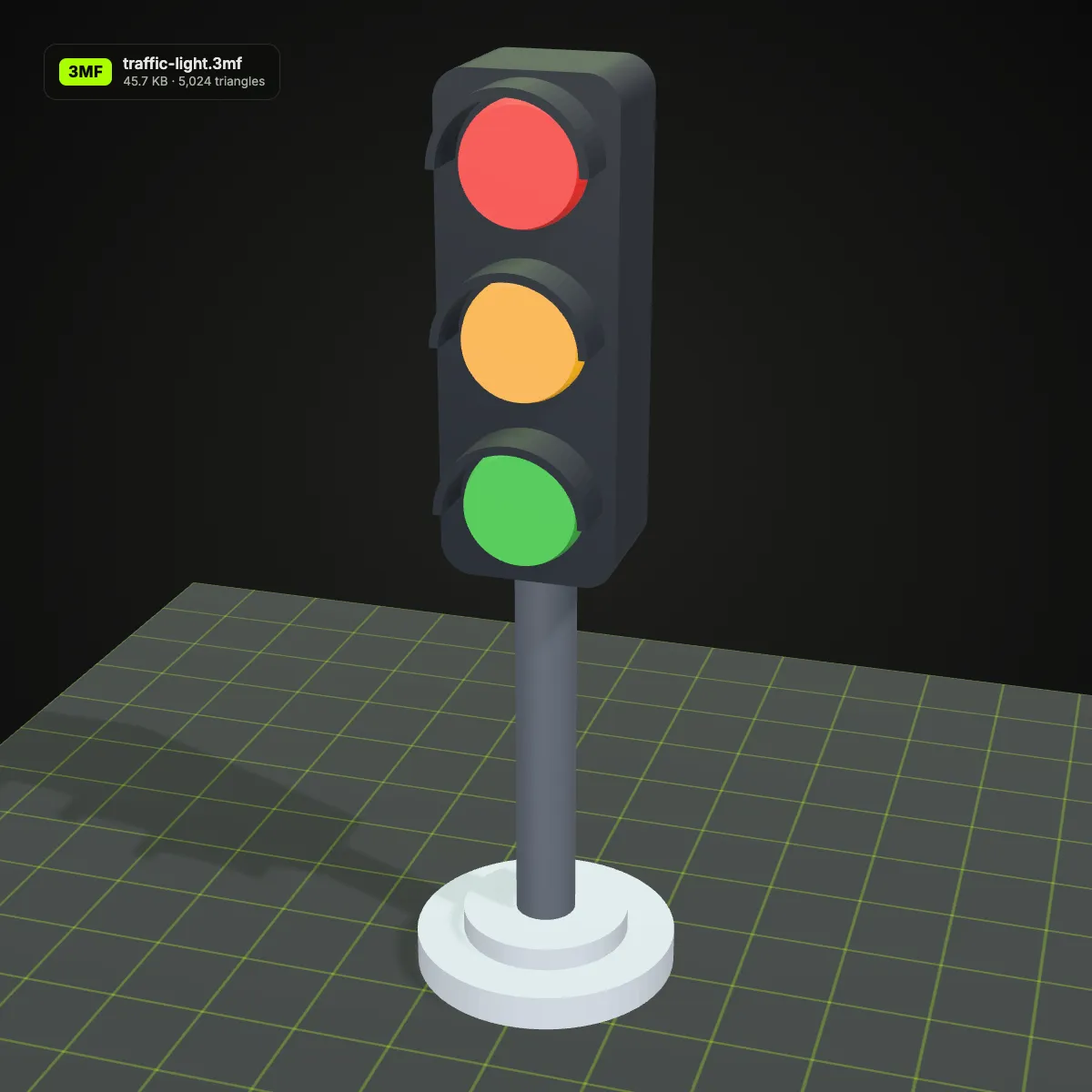
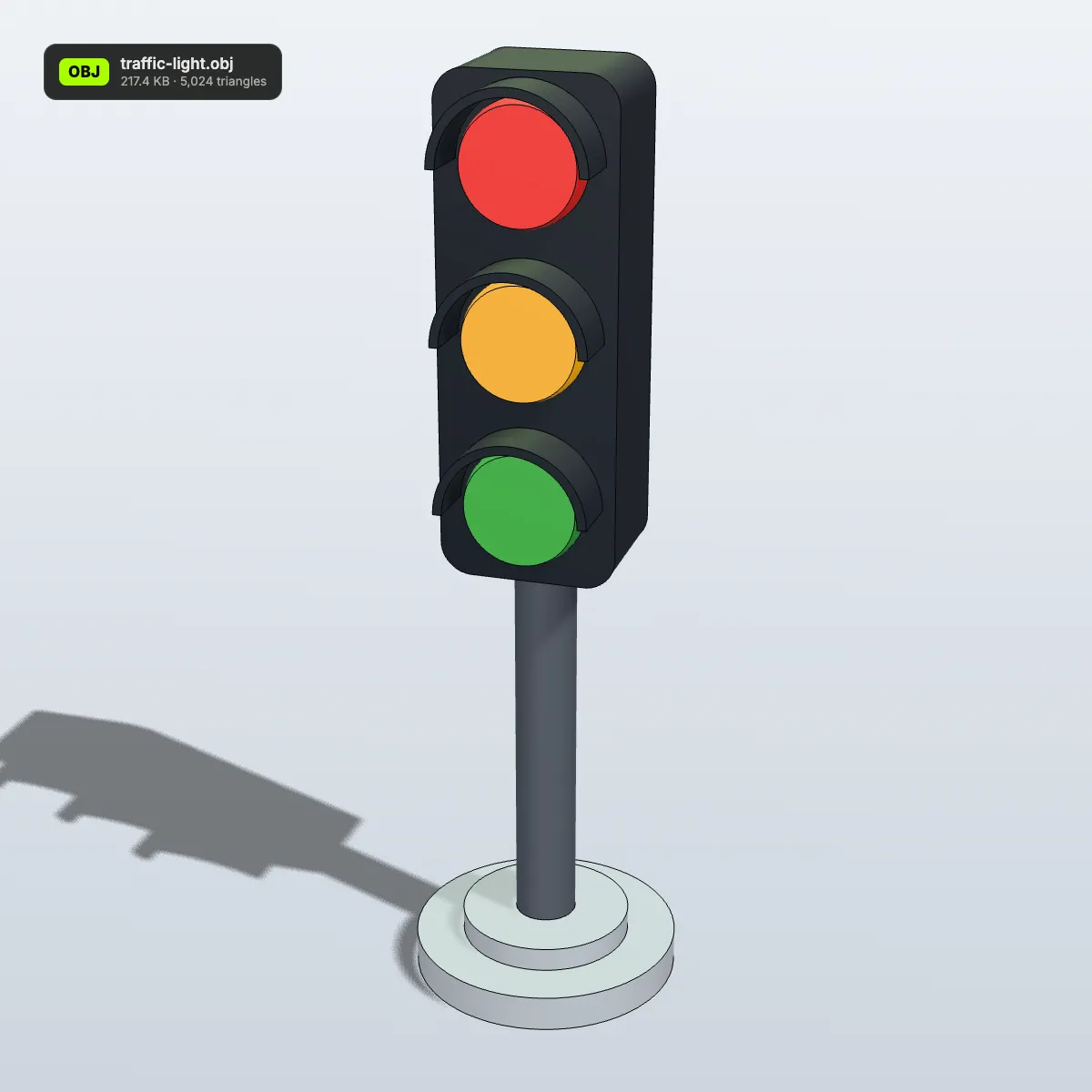
3MF to OBJ examples: eight print files in a modelling viewport
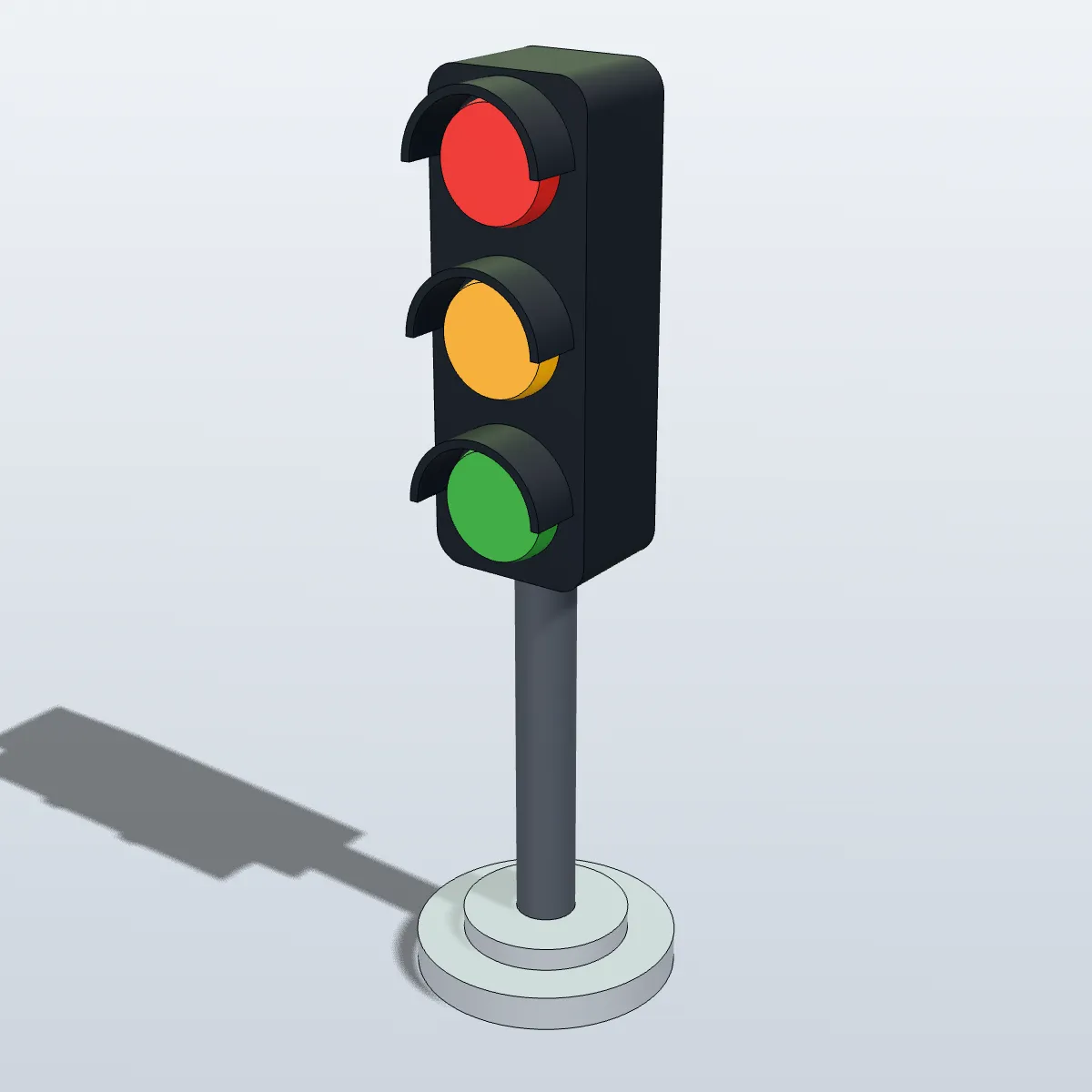
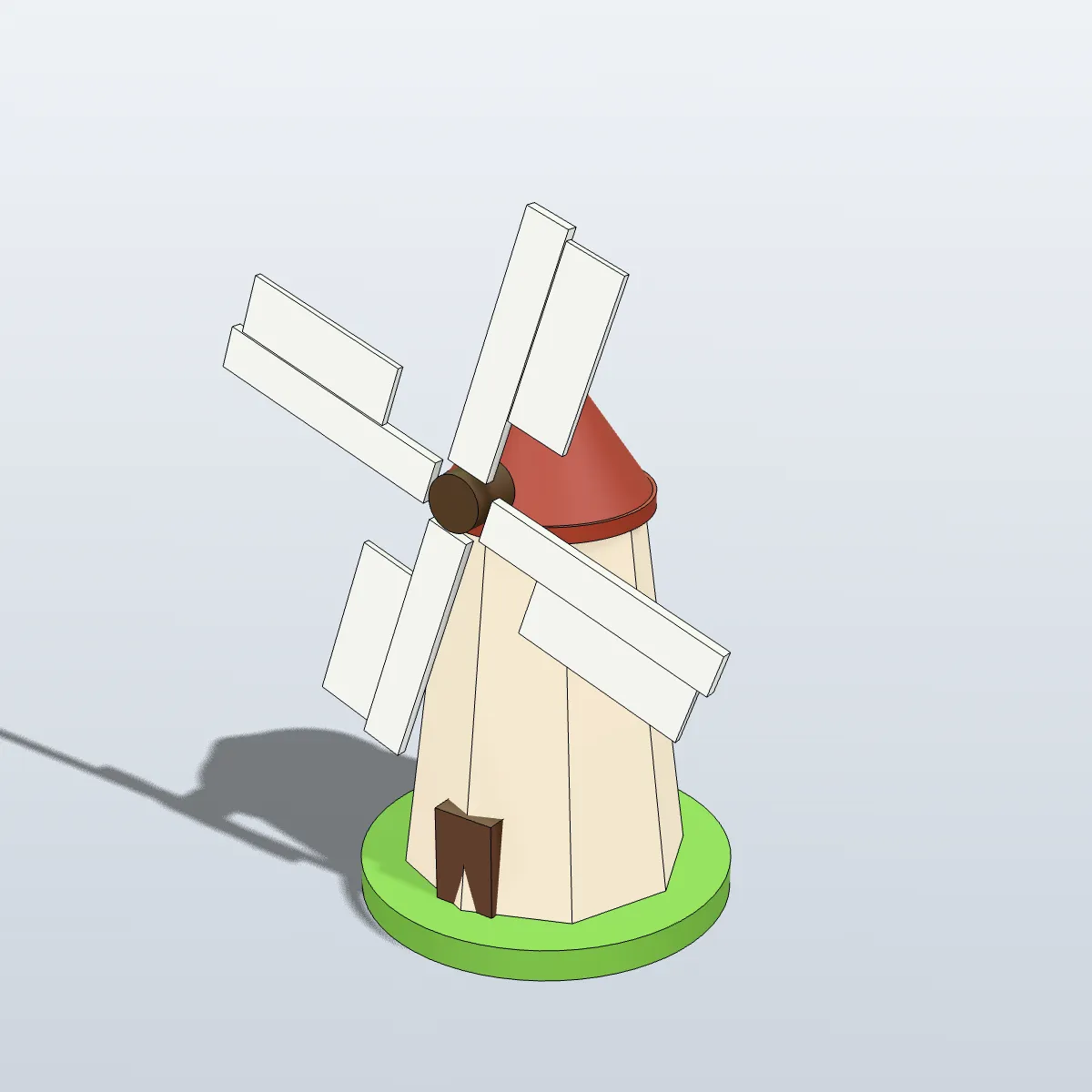
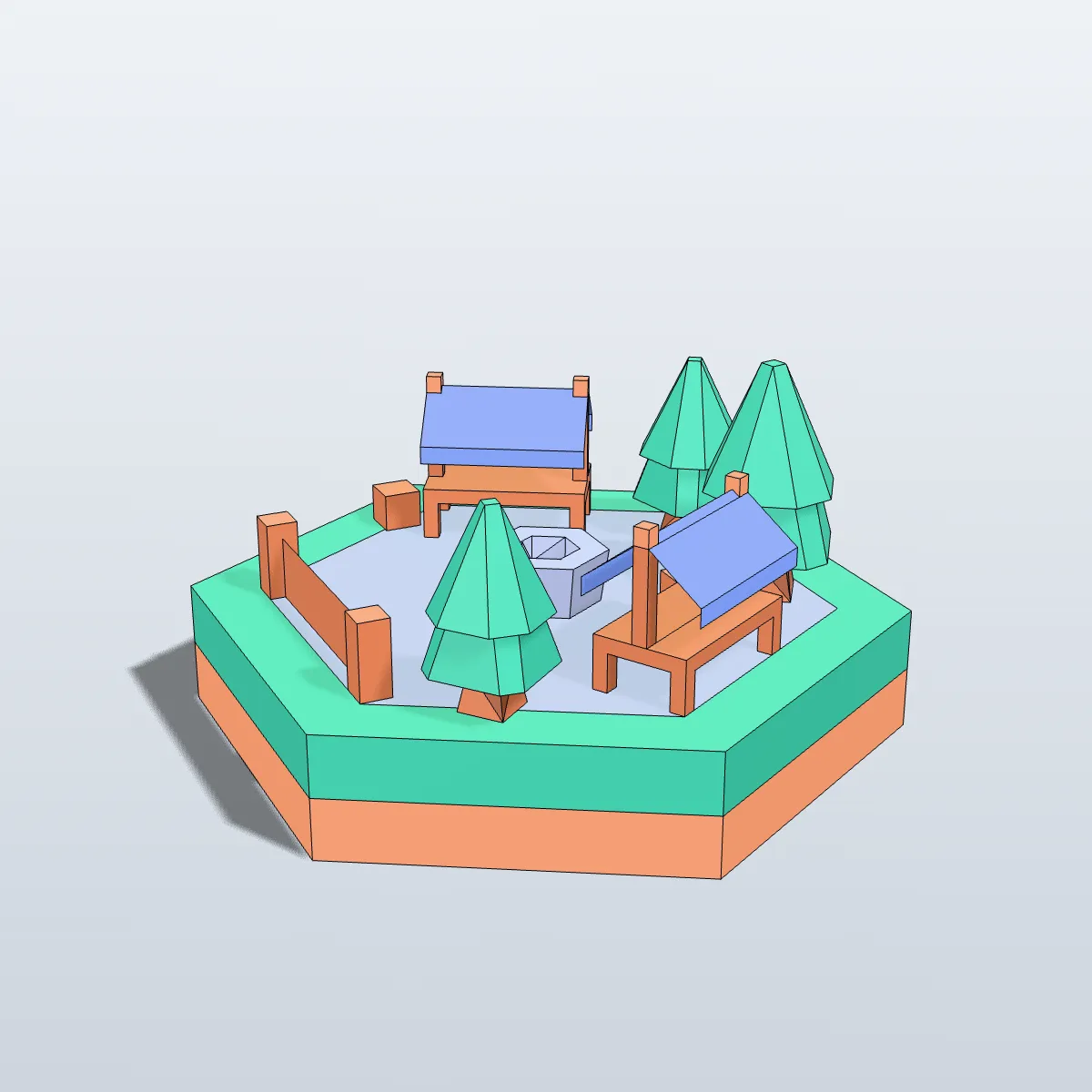
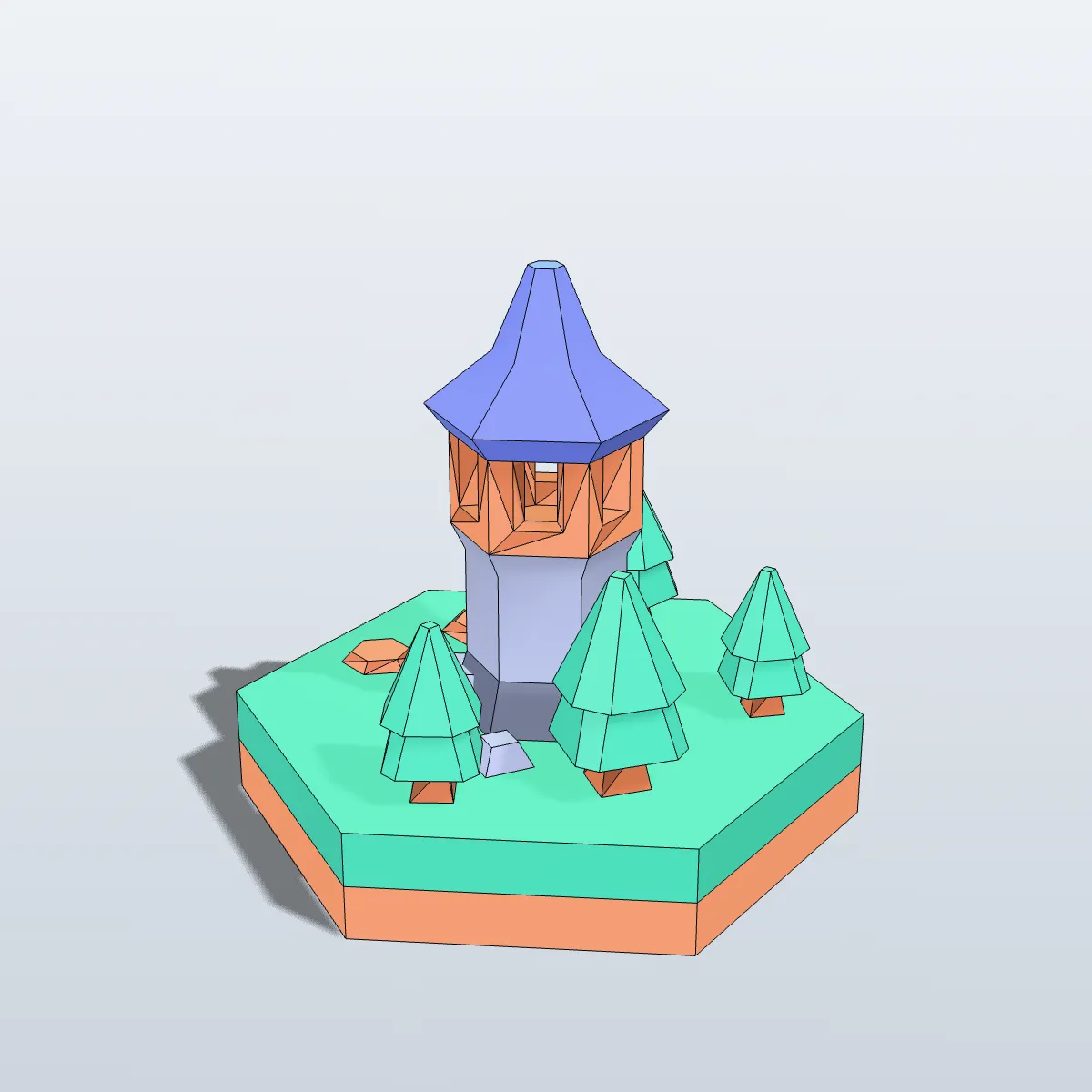
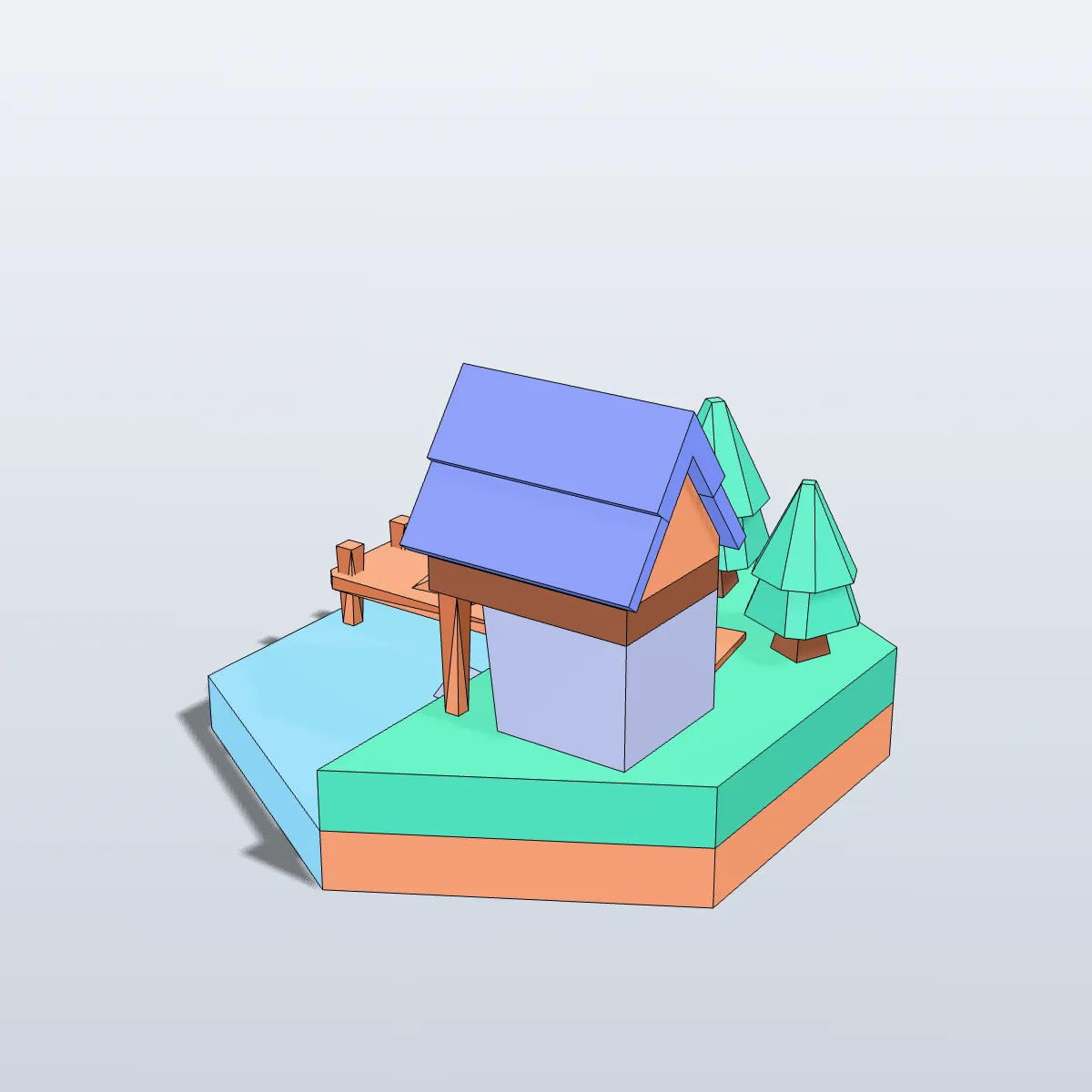
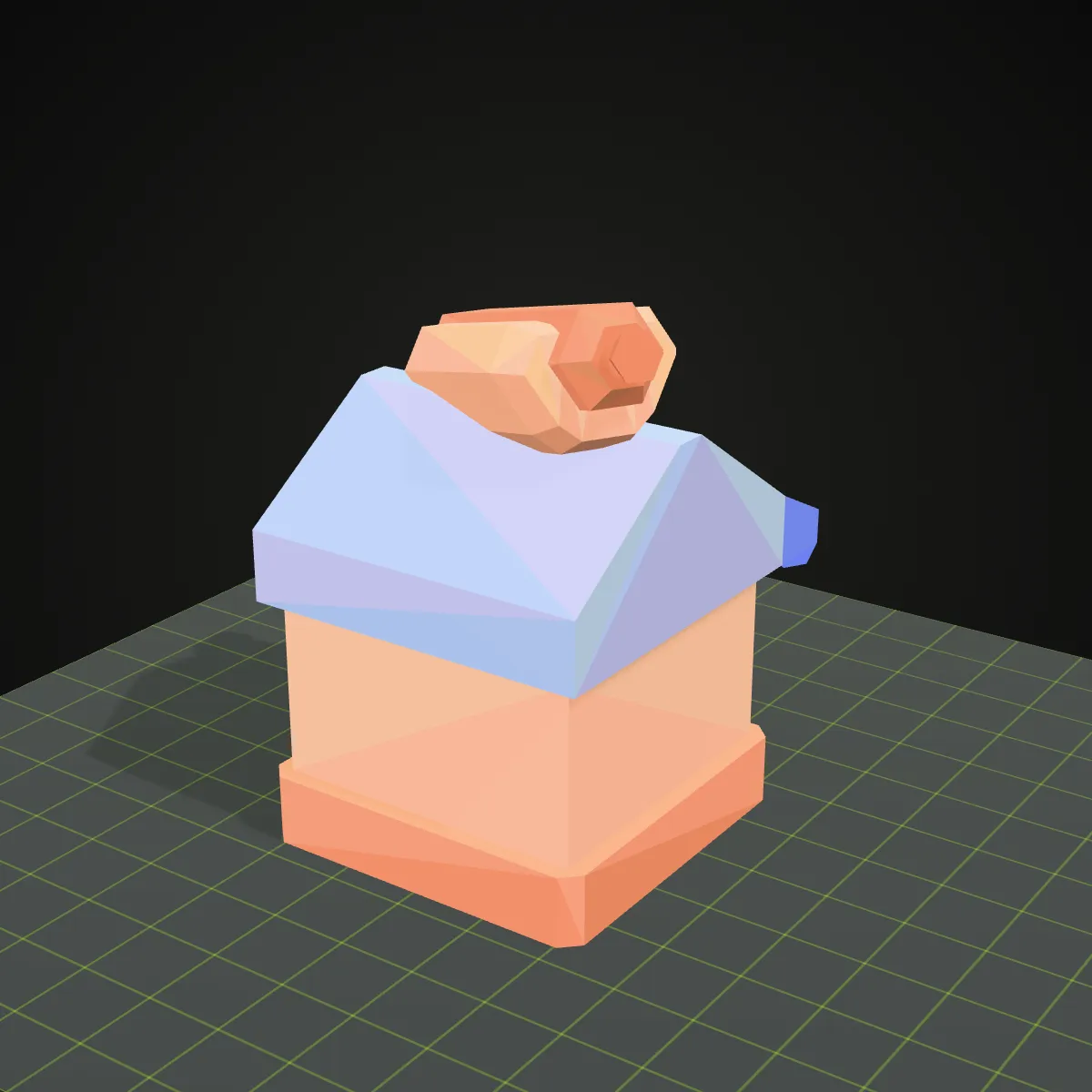
Eight multi-colour 3MF files converted on this page and rendered from the resulting OBJ: four CadQuery models (lighthouse, desk fan, traffic light, toy windmill) and four game tiles built from Kenney’s CC0 hexagon kit. In each one the 3MF objects became named OBJ objects, and the colours you see are the per-vertex colours in the .obj.
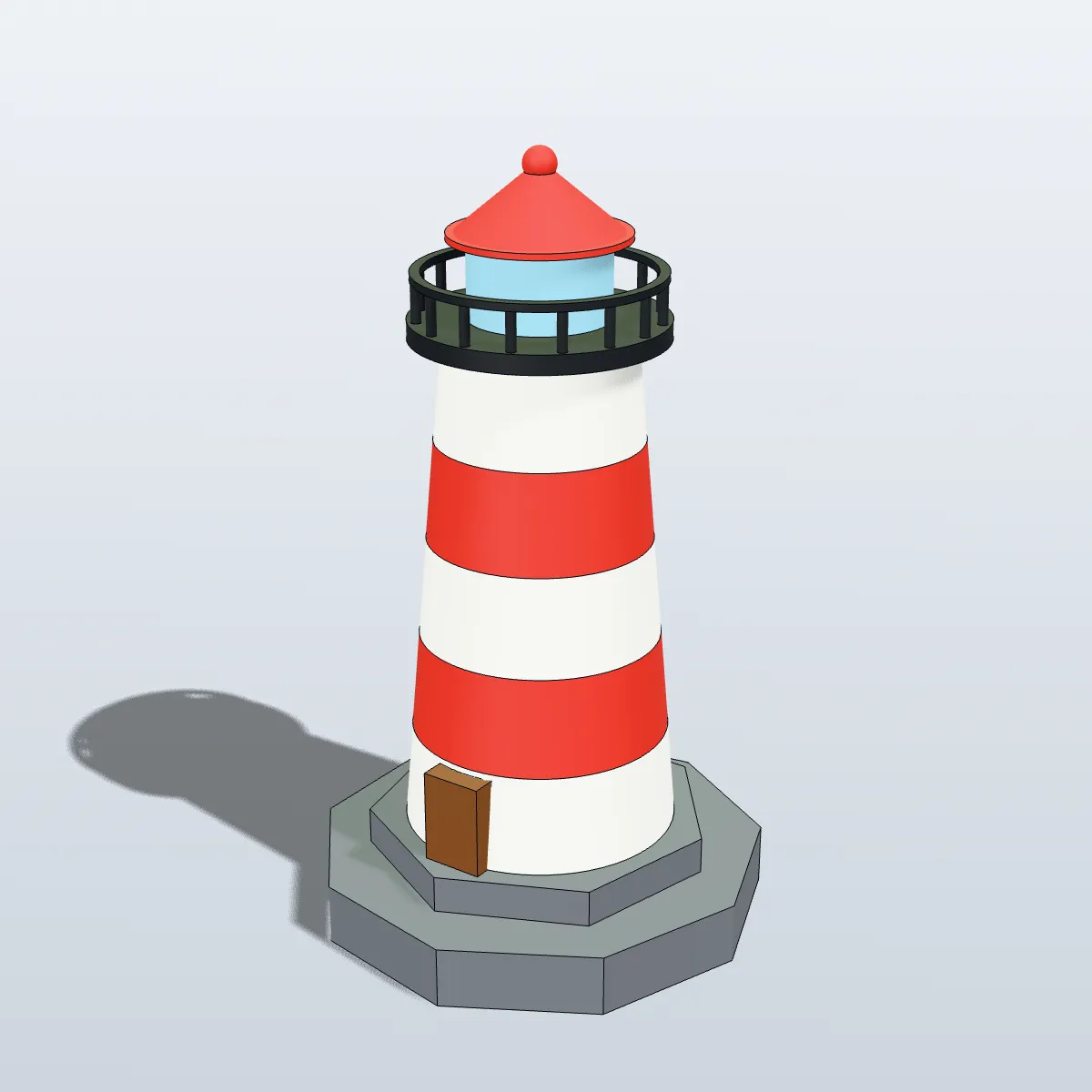
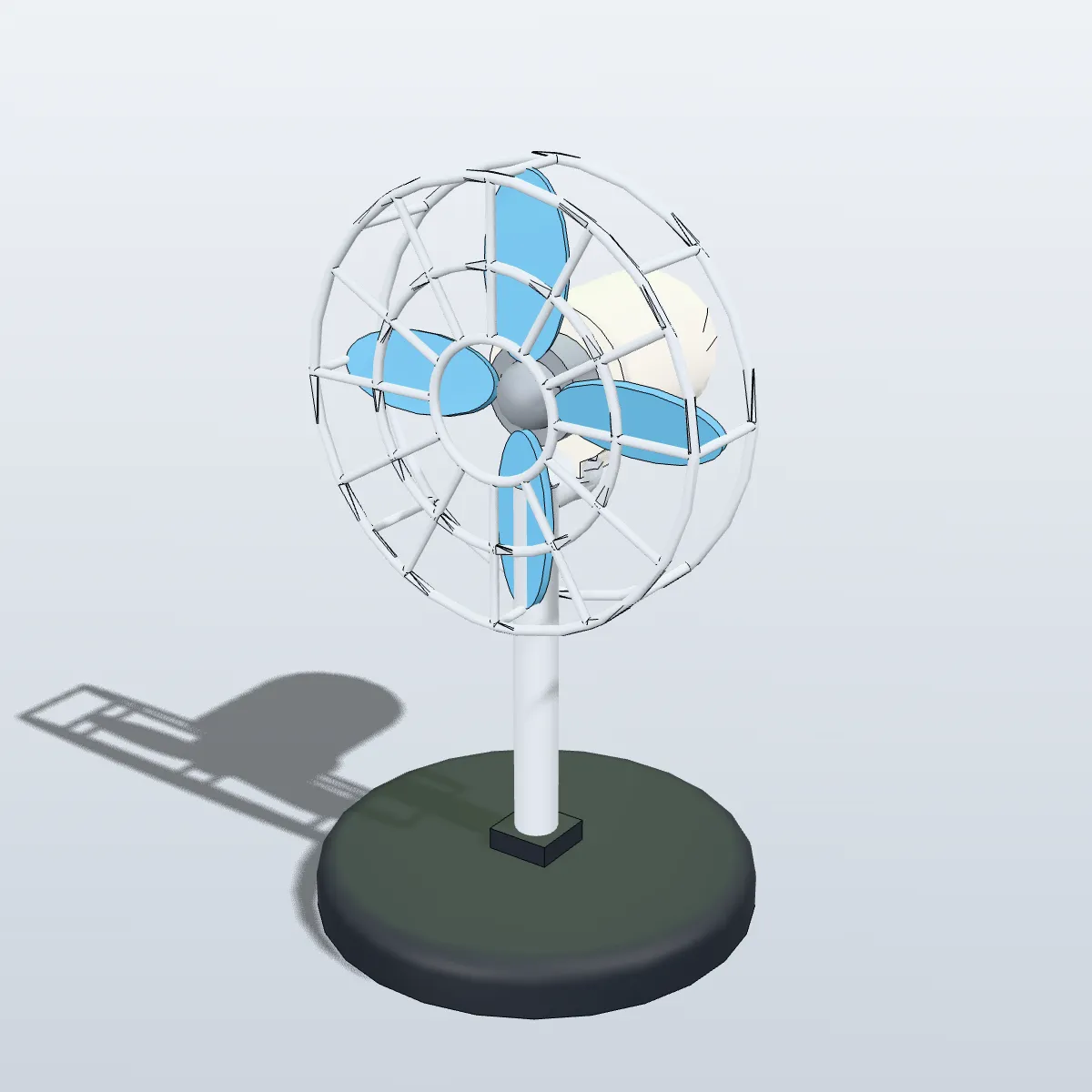
How to convert 3MF to OBJ
- 11
Drop the .3mf file
Drag the 3MF onto the converter or click the drop zone to pick it. Files up to 200 MB are read, slicer project files included, and the model turns in the 3D preview in its own colours.
- 22
Press Convert to OBJ
Each 3MF object is written as a named OBJ object, its colours are baked into the vertices and the model is rotated to Y-up. A file of a few hundred kilobytes is done in a second or two.
- 33
Download and import
The result line shows the name, size and triangle count, plus “Colours kept as vertex colours” when colour came across. In Blender choose File > Import > Wavefront (.obj), then set the viewport shading colour to Attribute to see the colours.
What a 3MF to OBJ conversion keeps
3MF is a zipped XML package made for printing; OBJ is a plain-text mesh list made for modelling software. This is where each part of the .3mf ends up in the .obj.
| In the 3MF | In the OBJ you download |
|---|---|
| Objects, components and build items | One named OBJ object per mesh, placed where the build plate had it. Projects whose meshes sit in separate sub-model files (Bambu Studio, OrcaSlicer) are read too |
| Base materials and colour groups | Baked into per-vertex colours (“v x y z r g b” lines), which Blender 3.3+ and MeshLab show |
| Textures (3MF texture extension) | Sampled at every vertex into vertex colours: exact for flat palette maps, softer than the original for detailed images. No image files are written |
| Up axis | Rotated from Z-up (slicer) to Y-up, so the model stands upright in Blender, Maya or Unity |
| Unit | Numbers are copied unchanged. A millimetre 3MF, by far the usual case, gives millimetre values; the rare inch or centimetre 3MF keeps its raw numbers too, because the unit attribute is not applied |
| Triangles | The same count as the 3MF, with shared vertices welded and coordinates kept to six decimals. OBJ is text, so the file is usually several times larger than the zipped 3MF |
| Slicer data: print settings, supports, plates, painted areas, filament slots | Not written. Paint and per-object filament choices live in slicer-specific settings, not in standard 3MF colour data |
| .mtl file and texture images | None. The download is a single .obj, and its colour lives inside it |
Why people convert 3MF to OBJ
Remixing a MakerWorld or Printables model
Plenty of models are only published as 3MF. Converting gives Blender, ZBrush or Maya a mesh with named parts and colours to sculpt, re-pose or cut apart, before you export it again for printing.
Rendering a multi-colour print
A render sells a print better than a slicer screenshot. Because the filament colours arrive as vertex colours, the first test render already shows the model in the right colours.
Programs that do not read 3MF
Older CAD viewers, MeshLab filters, game engines and many web services accept OBJ but not 3MF. One conversion makes the print file usable there.
Working on one part at a time
Each 3MF object stays a separate OBJ object, so you can resize a roof without touching the tower, or delete one part and model a replacement for it.
3MF to OBJ questions
Drop the .3mf on the converter at the top of this page, press Convert to OBJ and download the .obj. It is free and needs no sign-up, and since it runs in your browser the file never leaves your computer.
Yes, as per-vertex colours inside the .obj. Base materials, colour groups and texture colours are baked into the vertices, so there is no .mtl or image to lose on the way. Blender 3.3 and newer and MeshLab show them; an importer that only looks for colour in an .mtl file shows the model plain grey.
Because OBJ has no unit. The 3MF stores millimetres, the OBJ keeps those numbers, and Blender treats one unit as one metre, so the 125 mm lighthouse imports 125 m tall. Scale it by 0.001 after import (or set the import scale) and it is the right size again. A 3MF saved in inches or centimetres keeps its raw numbers as well, because the 3MF unit attribute is not applied.
Yes. Bambu Studio and OrcaSlicer store each object in a sub-model file inside the package, and the converter follows those references, so every mesh comes through in its plate position. Colours painted with the slicer’s paint tool and filament slots picked per object are kept in slicer-specific settings rather than standard 3MF colour data, so those parts arrive without colour.
3MF, in most cases: it is compressed, states its unit, holds colours per object and opens directly in slicers. OBJ is the better choice for modelling, rendering and game tools. Convert 3MF to OBJ to edit or render a model, then go back with OBJ to 3MF once it is ready to print.
No. The mesh is copied triangle for triangle (9,157 in and 9,157 out on the lighthouse sample) with coordinates kept to six decimals, which is a thousandth of a micron on a millimetre model. What changes are the extras: detailed textures become vertex colours, and slicer settings are left out.
Related tools




Want a model to print, not just convert?
Ship3D’s AI generator turns a photo or a short text prompt into a textured 3D model that you can download as STL, OBJ or GLB, ready for a slicer or for Blender.
Free to sign up, no credit card required. Try it once for free.