GLTF to FBX Converter
Self-Contained .gltf Files In, Binary FBX Out
This glTF to FBX converter reads a .gltf file, the JSON text flavour of glTF 2.0, and writes a binary FBX that Blender, Unity, Unreal, Maya and 3ds Max can import.
GLTF → FBX
Drop a 3D model file to preview it in 3D before converting.
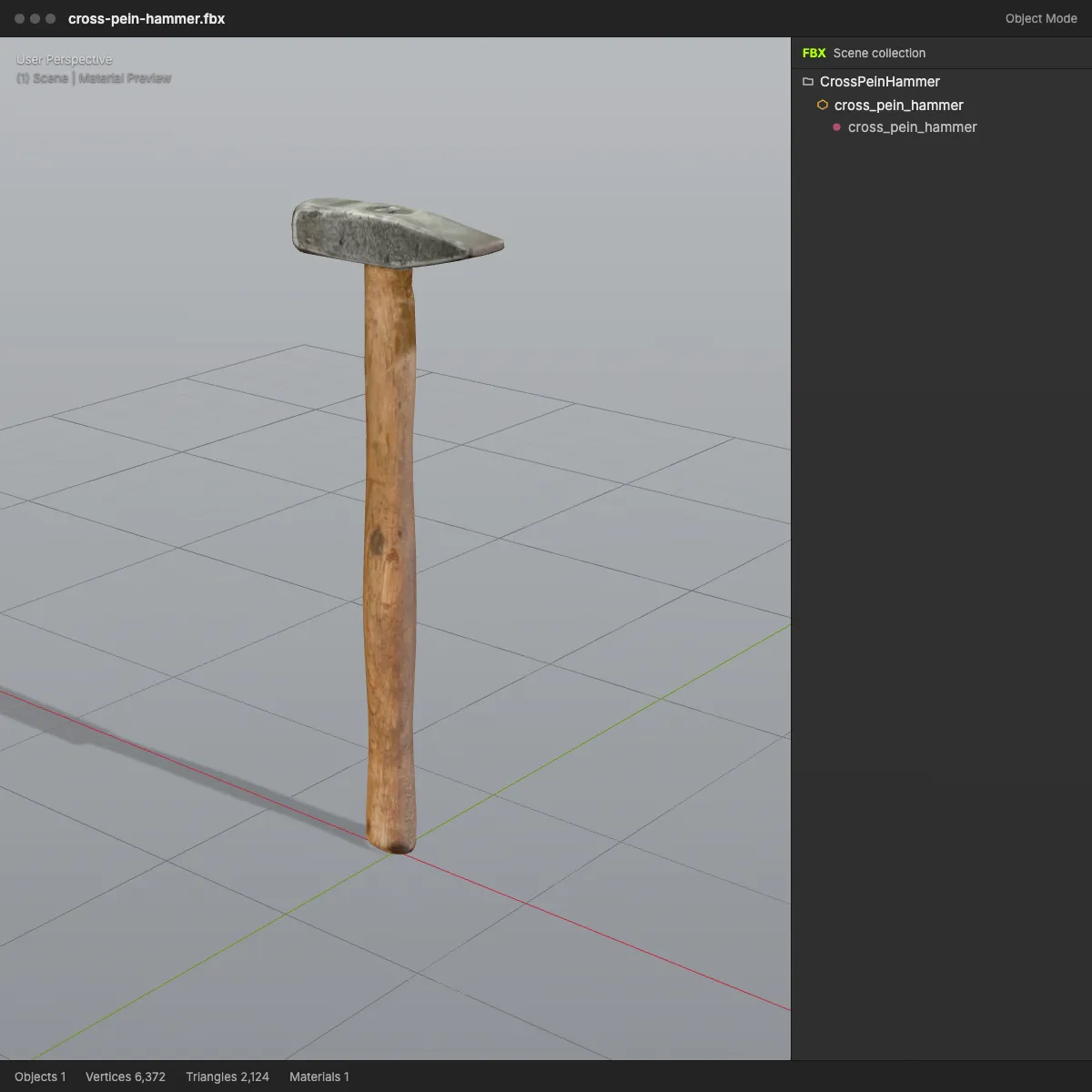
It runs in your browser with three.js and an FBX writer we built ourselves, so the model is never uploaded and no account is needed. What makes the trip: the node tree with its names and transforms, meshes with normals, UVs and vertex colours, one FBX material per glTF material, and the base colour, normal and emissive images, stored inside the .fbx. The file is declared in metres with Y up, exactly as glTF defines a scene, so a 30 cm hammer is still 30 cm after import; we checked the output in Blender 4.2, ufbx and assimp. Two limits come with every glTF to FBX job. The .gltf has to carry its buffers inside the file as data URIs: one that points at a separate .bin is refused with a clear message, and the same model saved as .glb converts fine. And the FBX is a static scene, without bones, animation or metallic and roughness maps.
Single-file samples for glTF to FBX
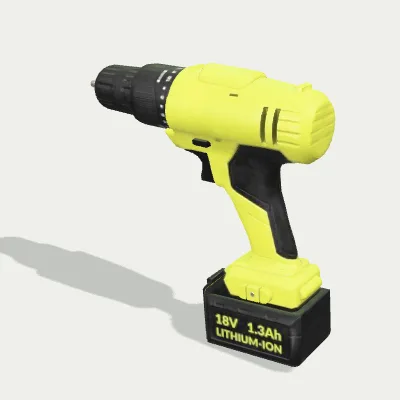
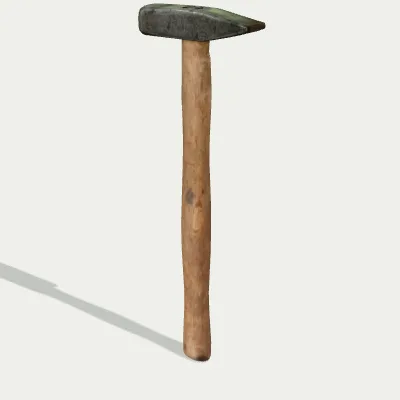
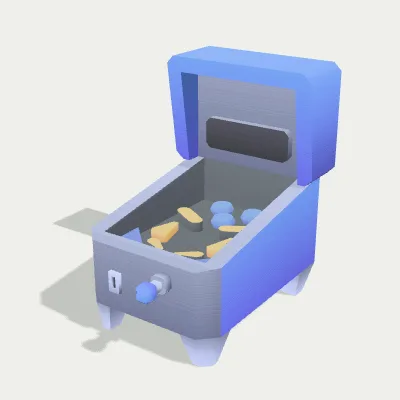
Three .gltf files with everything embedded as data URIs, so each converts on its own: a cordless drill and a cross-pein hammer from Poly Haven, each with 512 px colour, normal and roughness/metal maps, and a low-poly pinball machine from Kenney’s CC0 arcade kit. Try it sends a file to the converter; Download saves the .gltf so you can read its JSON.
Watch a pinball machine go from glTF to FBX
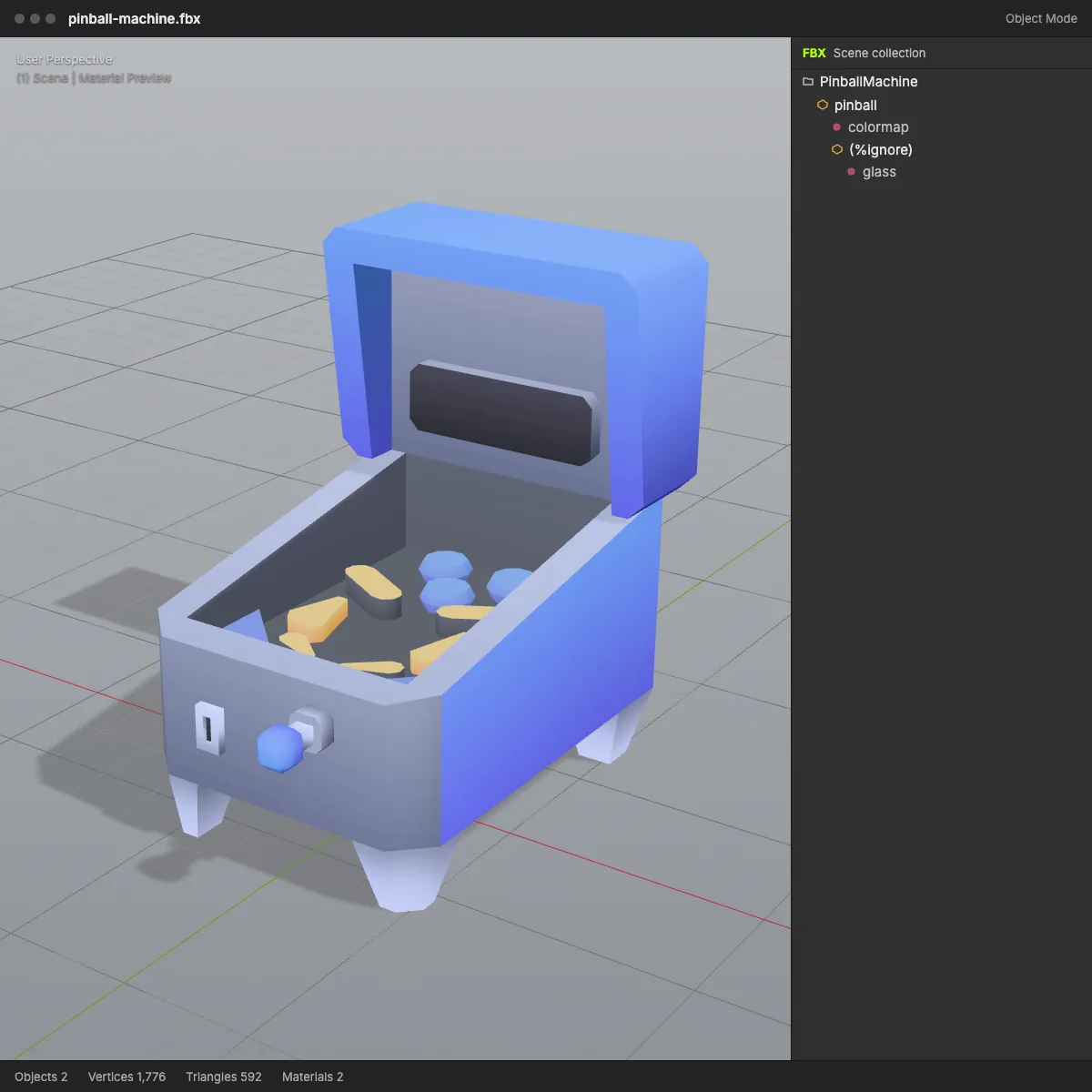
An 11-second recording on the pinball machine sample: pinball-machine.gltf (63.2 KB, one file with its colour map embedded) is dropped in and turns in the preview, Convert to FBX is pressed, and the result reads pinball-machine.fbx · 36.4 KB · 592 triangles with “Textures embedded: 1” underneath. That single image is the shared colour map of Kenney’s low-poly kit, now packed into the FBX together with the body and glass materials.
glTF to FBX before and after: same model, now with an FBX scene tree
Left: the single-file .gltf as a web viewer renders it, labelled with file size and triangle count. Right: the converted FBX in a grey DCC-style viewport, with the same triangle count and the number of textures that went into the file.
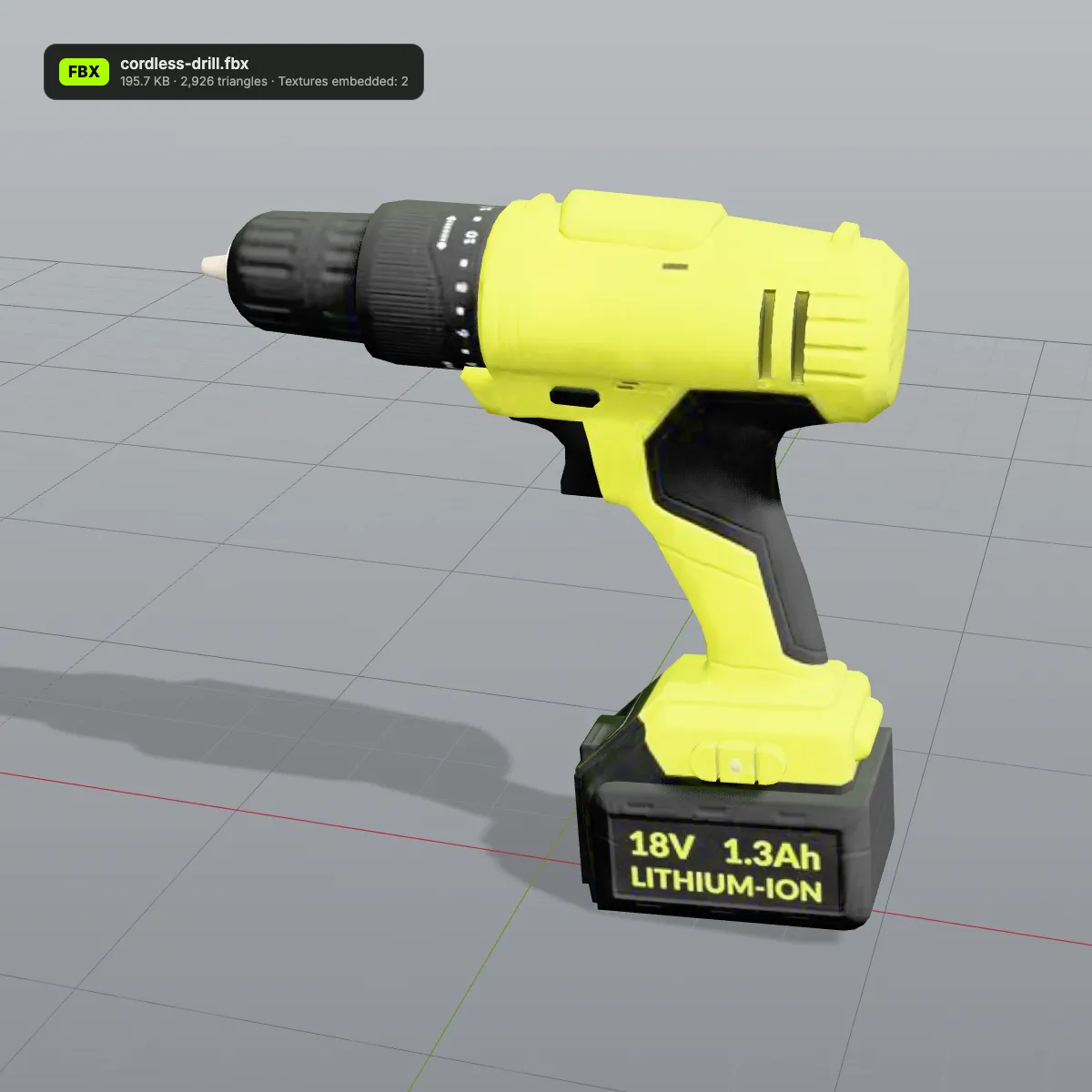
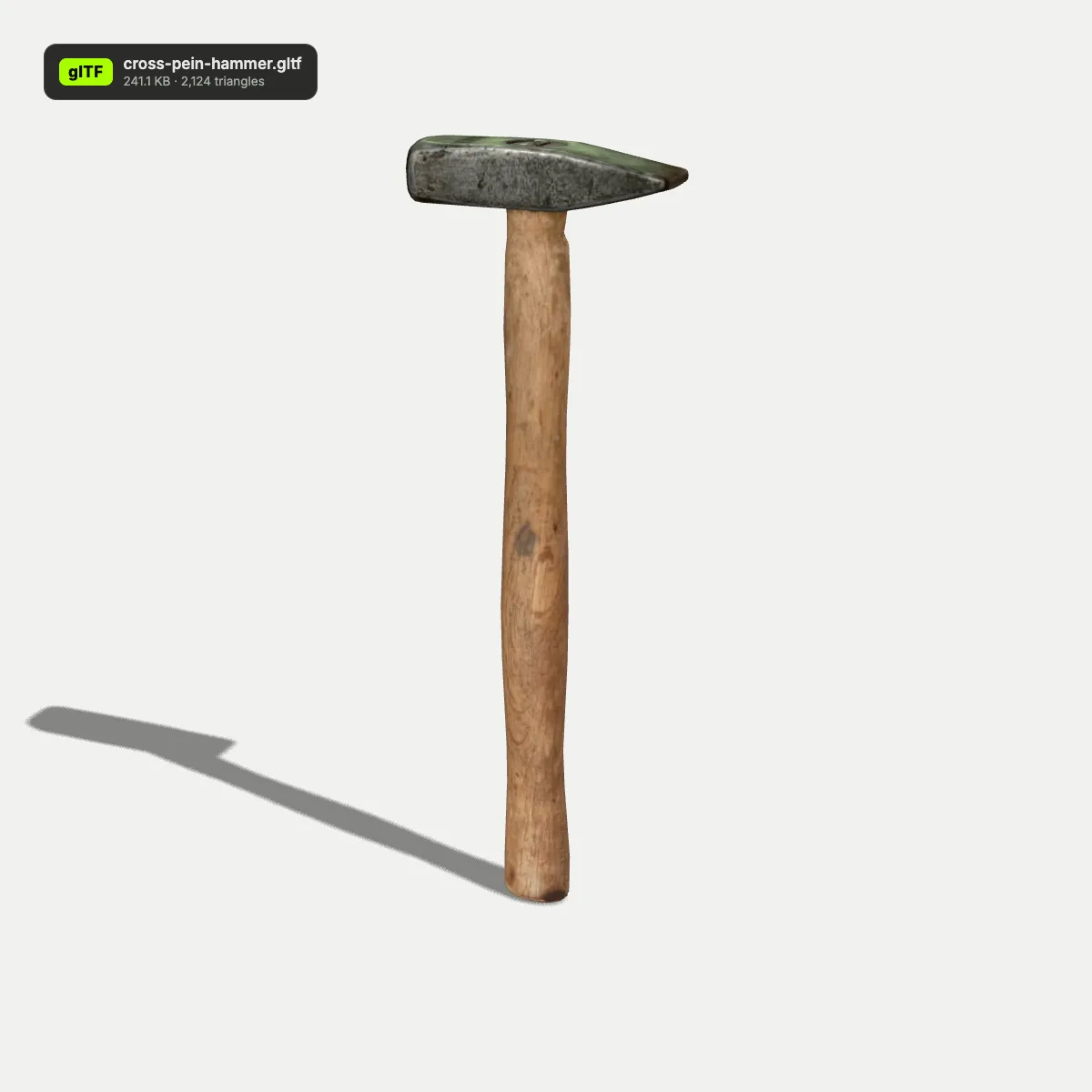
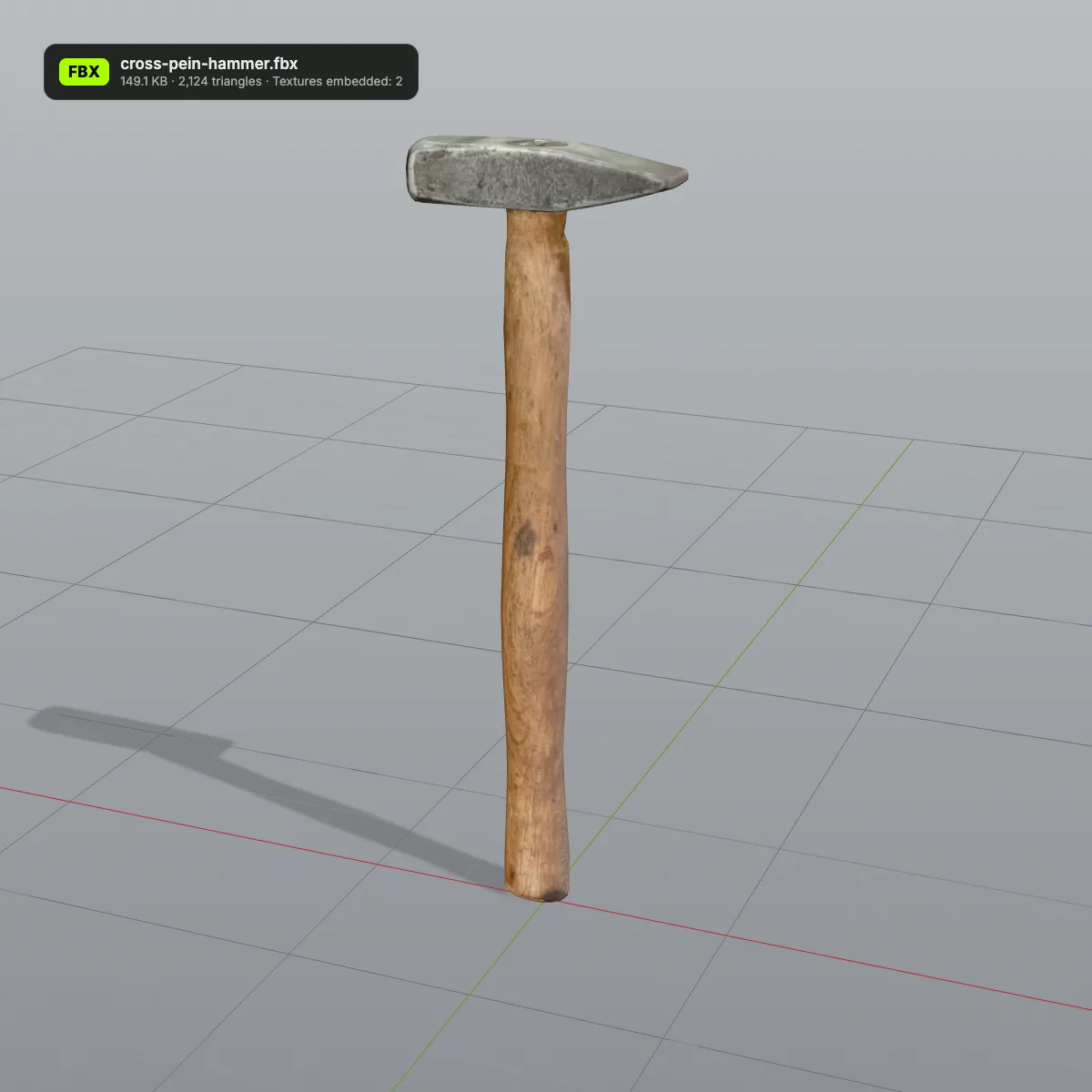
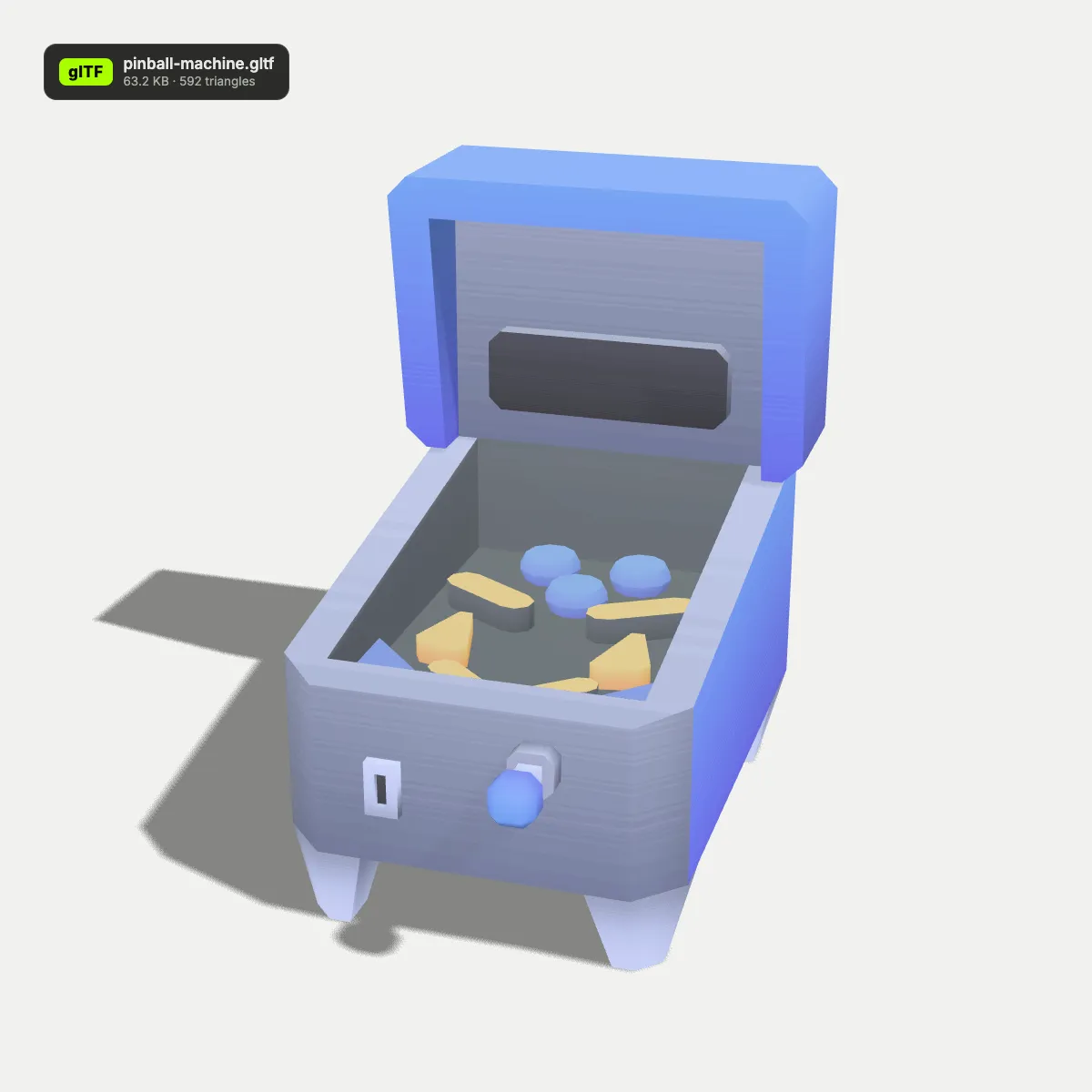
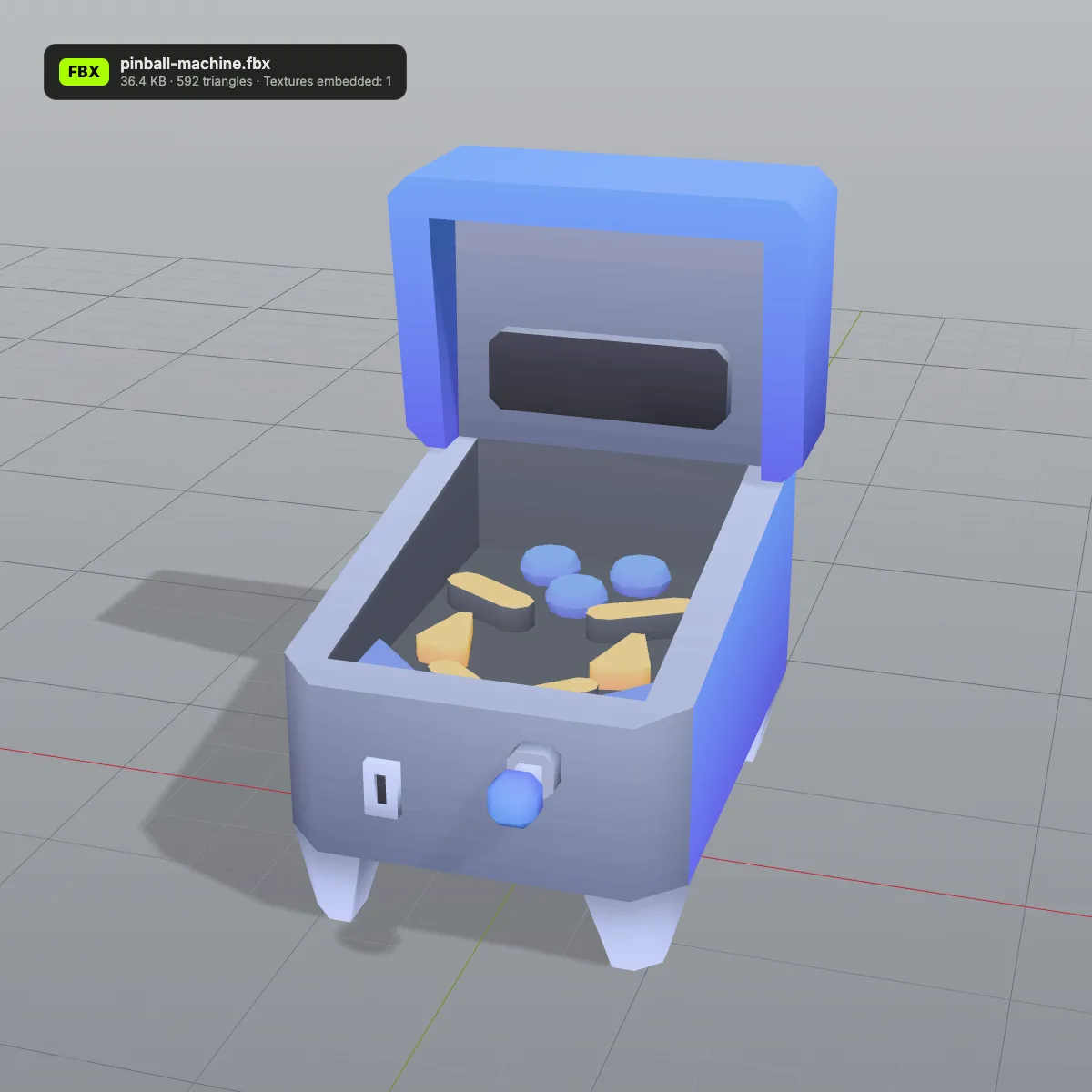
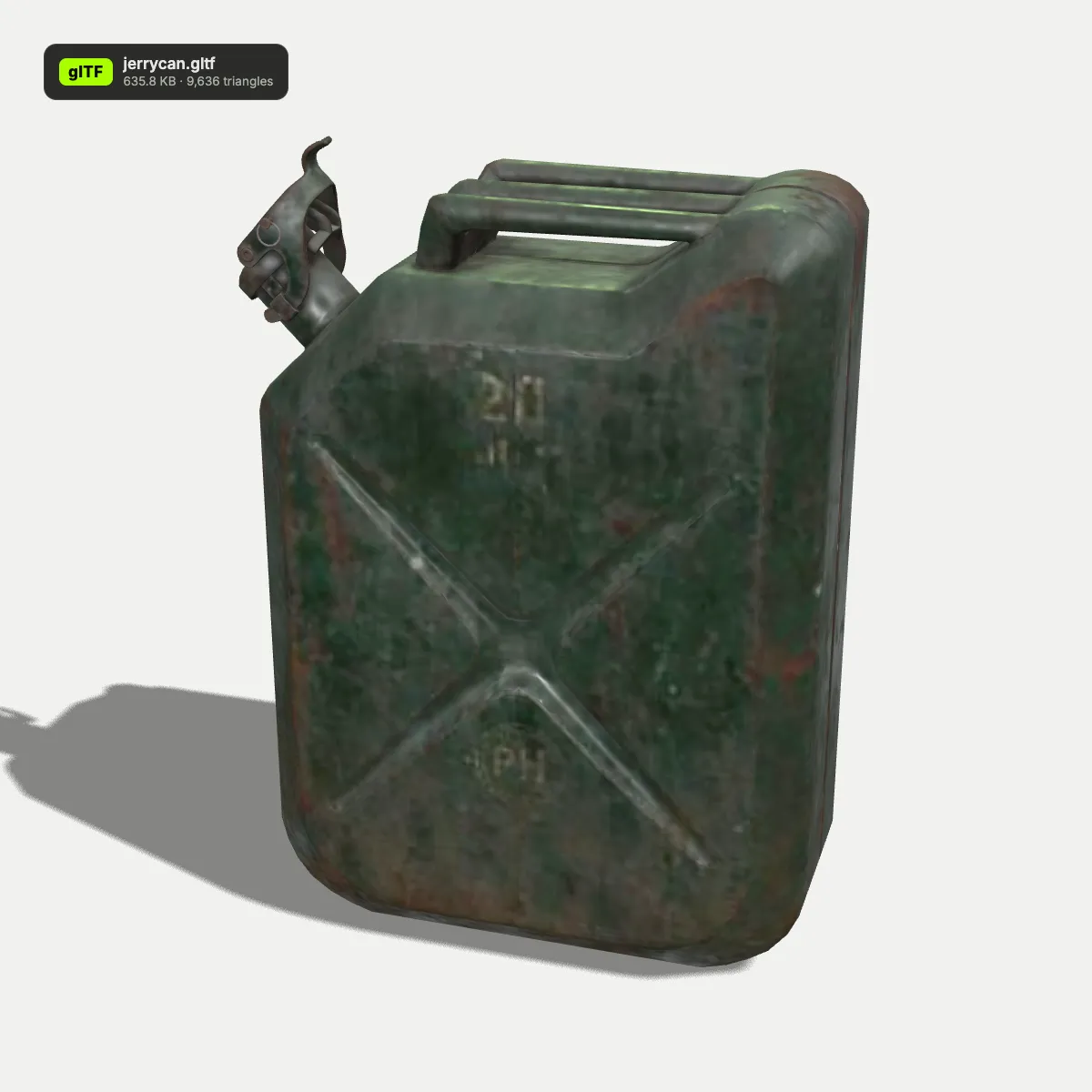
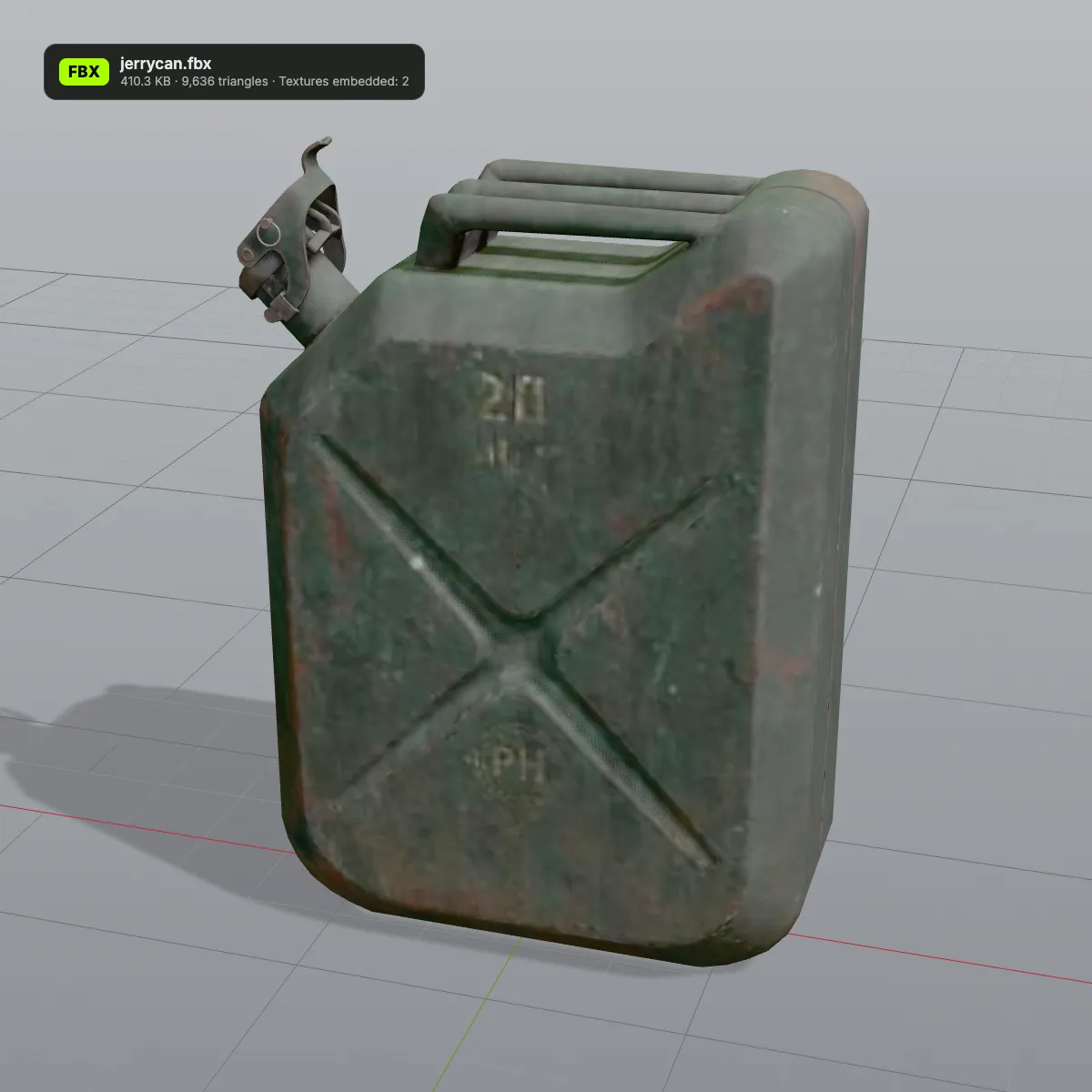
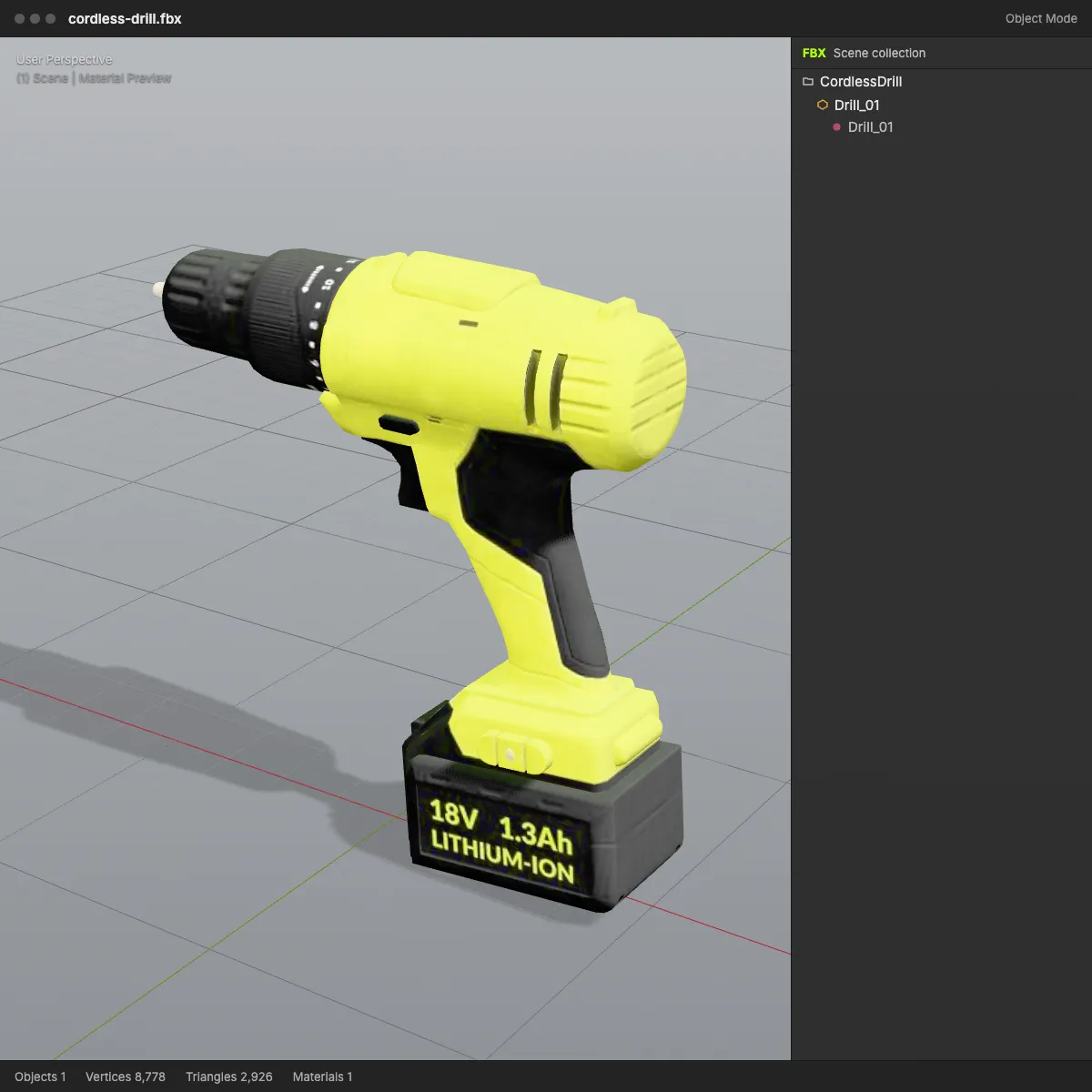
glTF to FBX examples in a DCC viewport
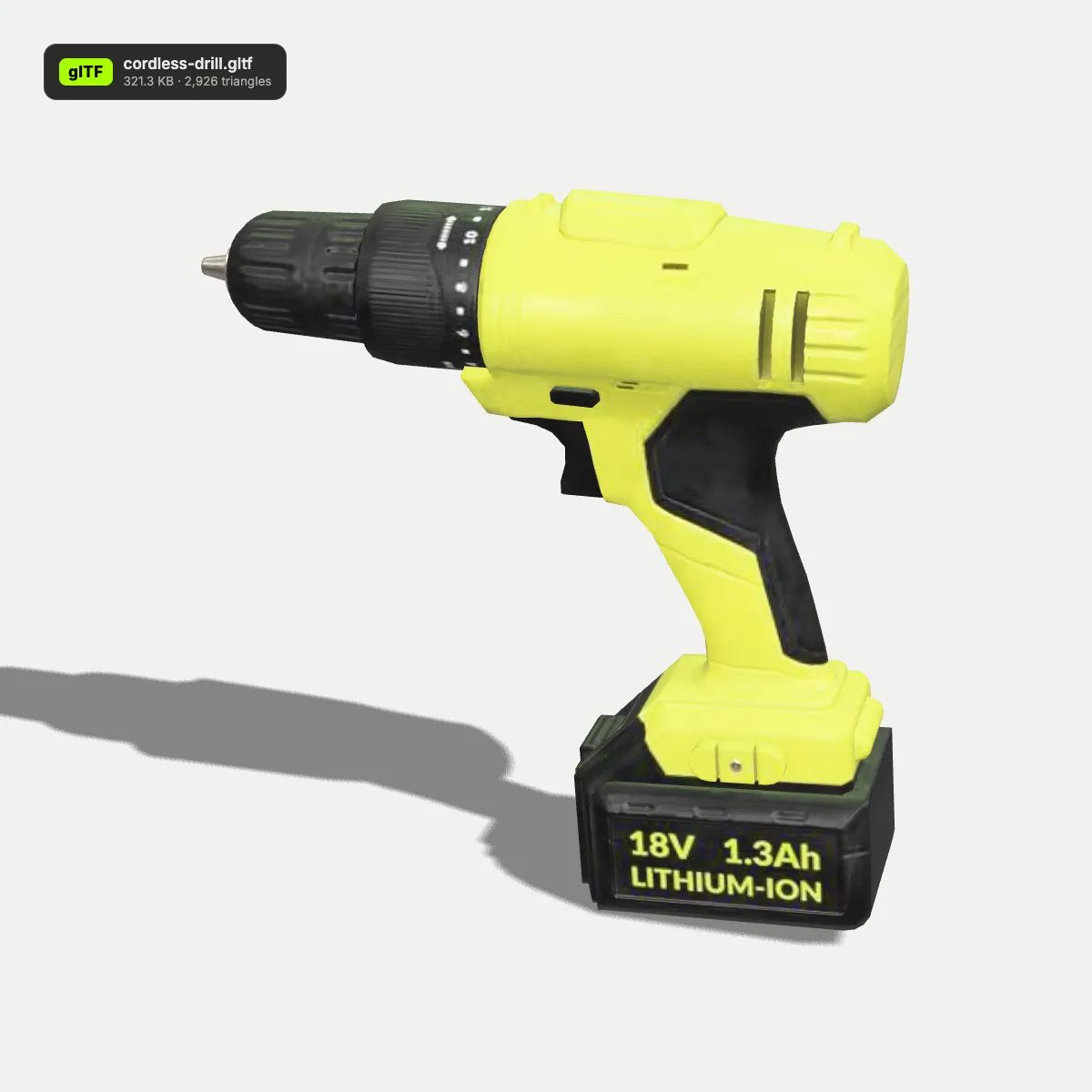
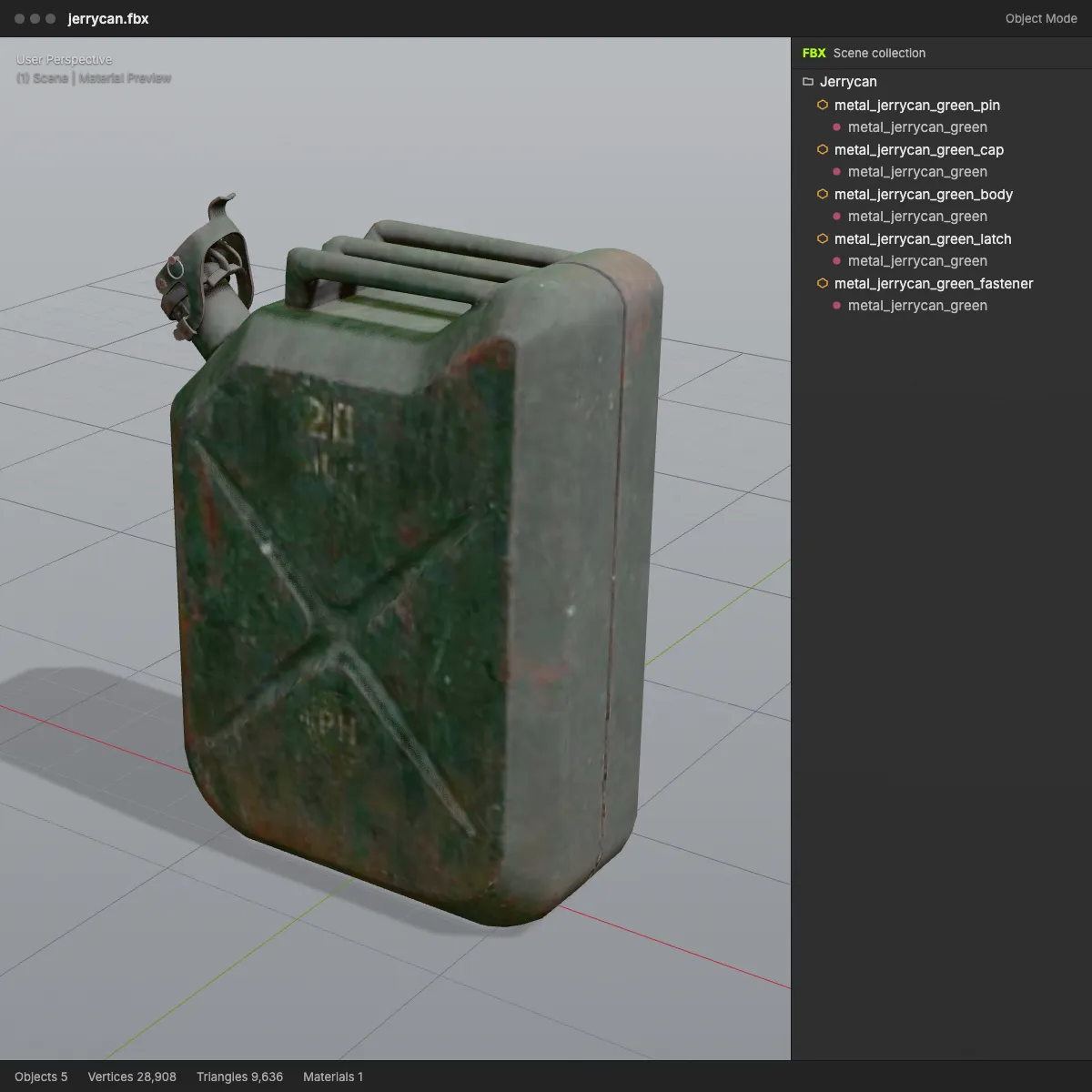
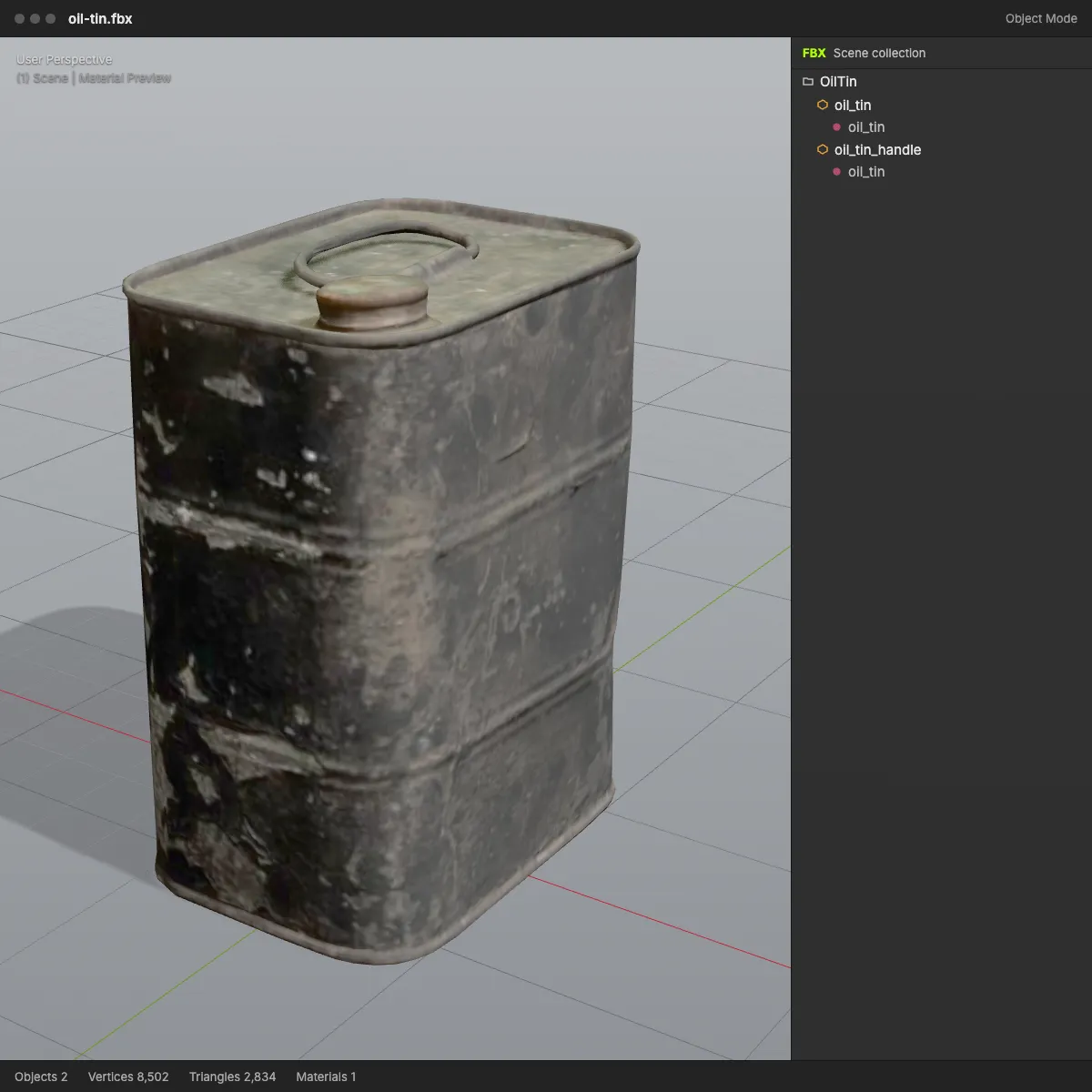
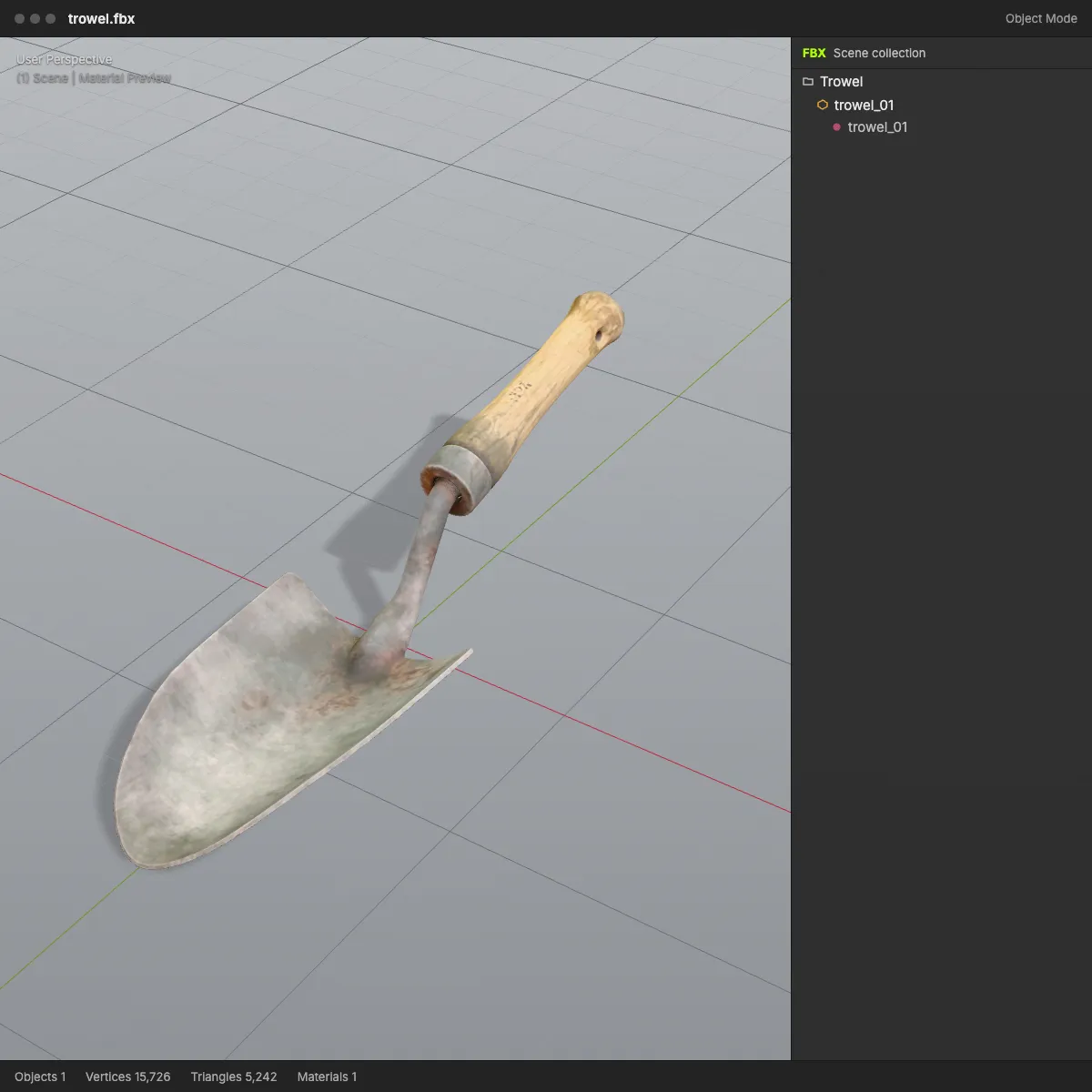
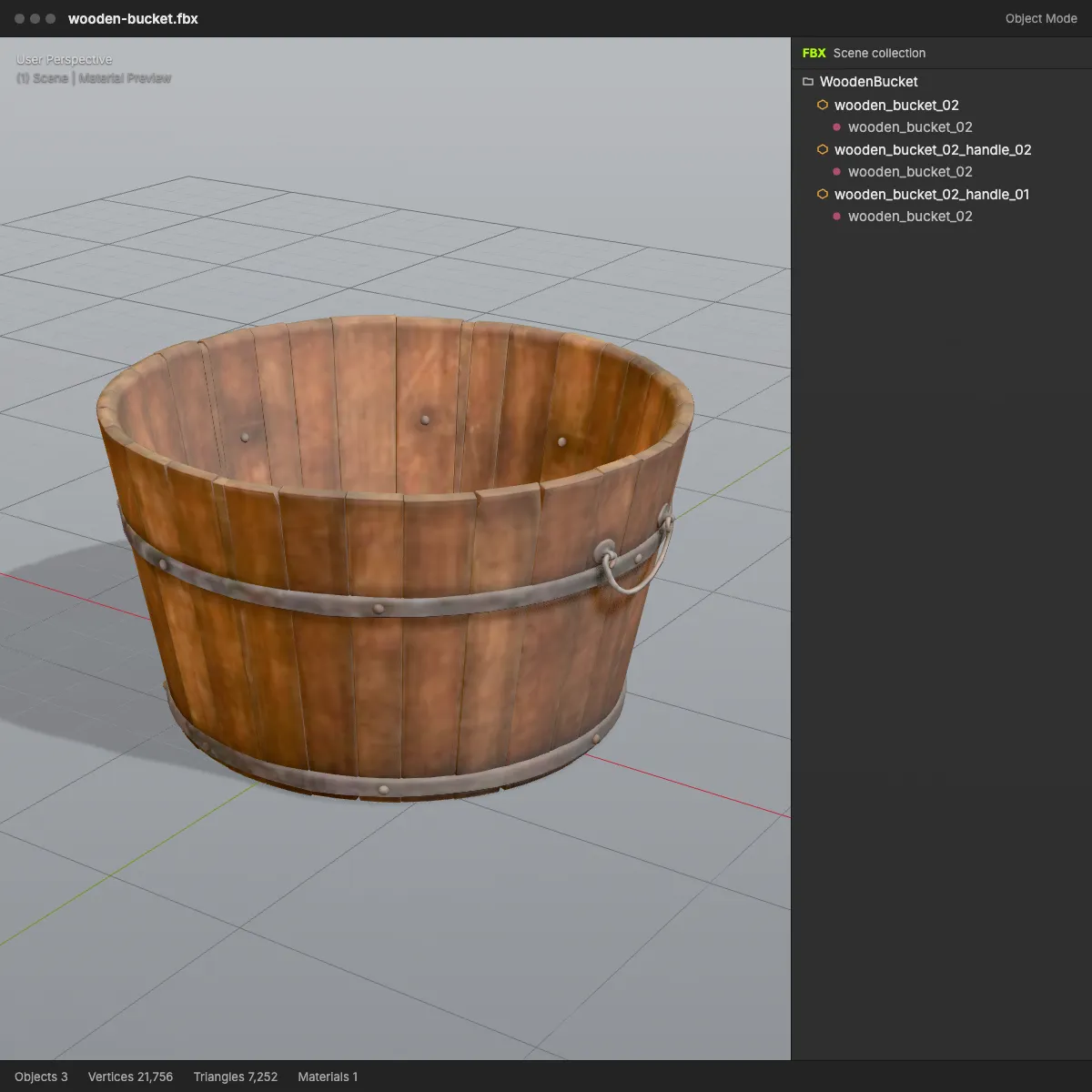
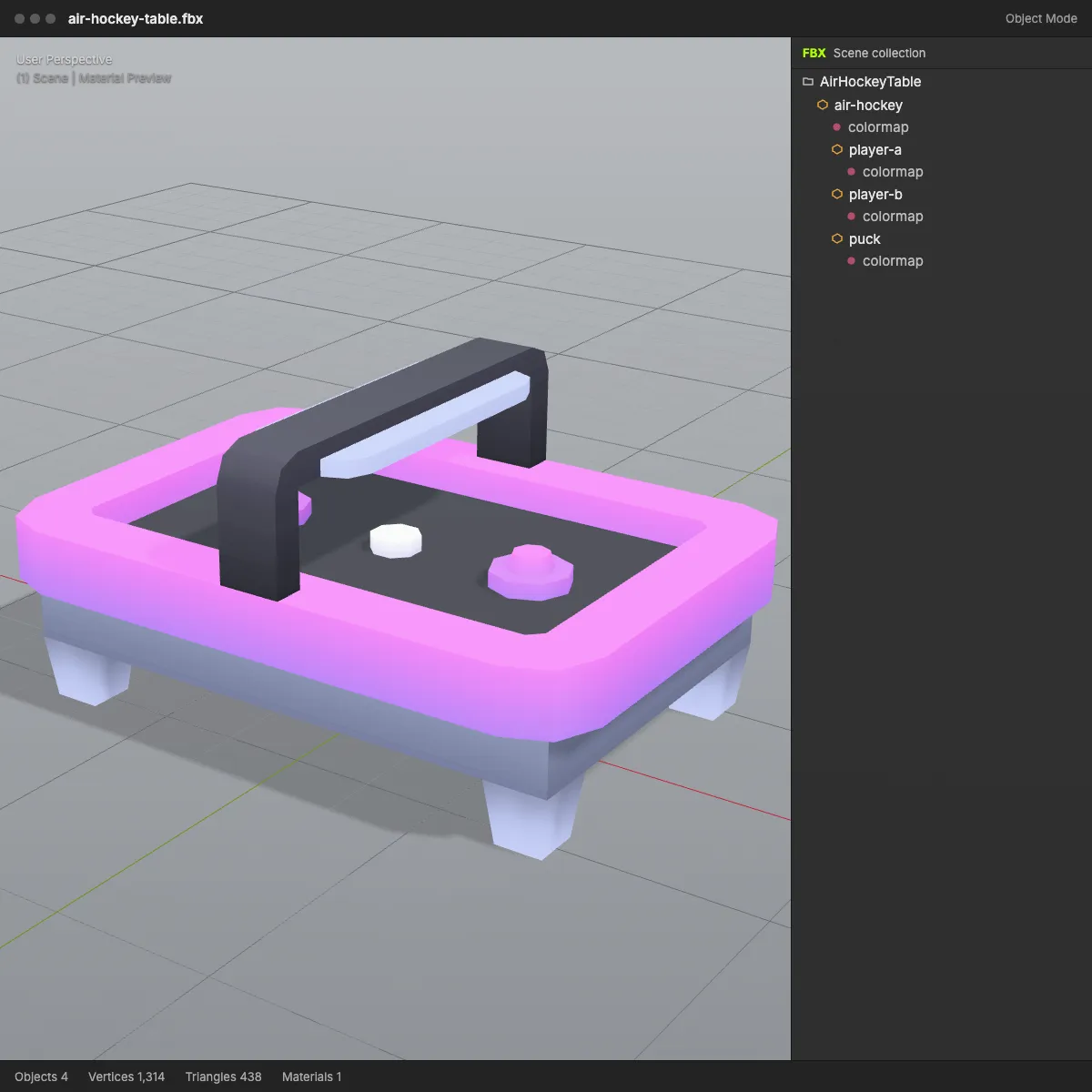
Eight glTF to FBX conversions from this page, opened in a light DCC-style viewport with the FBX scene tree beside them: textured Poly Haven props whose colour and normal maps travel inside the file, and Kenney arcade pieces that share one colour map.
How to convert glTF to FBX
- 11
Drop the .gltf file
Drag the .gltf onto the converter or click to browse. It must be self-contained, with buffers and images embedded as data URIs; a .glb is accepted too. The model appears in the 3D preview for a quick check.
- 22
Press Convert to FBX
Your browser rebuilds the scene as binary FBX 7.4: nodes, meshes and materials, with the base colour, normal and emissive images placed inside the file.
- 33
Check the summary and save
Read the line under the button (file size, triangle count, textures embedded), then save the FBX. Blender, Maya, 3ds Max, Unity and Unreal all import it without extra plug-ins.
What carries over from glTF to FBX
A .gltf is JSON plus binary data; an FBX is one binary scene file. This is what happens to each piece of the glTF, including the cases where the file itself is the problem.
| In the .gltf | In the FBX |
|---|---|
| Buffers embedded as data URIs | Read and converted as normal |
| Buffers in a separate .bin file | Refused with a message asking for a .glb or a .gltf with embedded data, because one dropped file cannot reach the .bin |
| Images referenced as separate files | Not reachable either: the model converts without them, and the result line shows no embedded textures |
| Node names, hierarchy, transforms | Kept. Each node holding a mesh becomes an FBX model with its own name and pivot; empty helper nodes are skipped |
| Meshes with normals, UVs, vertex colours | Kept, with vertices that share a position welded together |
| PBR materials | One FBX material each with base colour, opacity and emissive colour; roughness and metalness are translated into Phong shininess and reflection |
| Base colour, normal and emissive textures | Embedded in the .fbx as the original PNG or JPEG bytes |
| Metallic-roughness and occlusion maps | Not written |
| Skins, morph targets, animation, cameras, lights | Not written. The FBX is a static scene, and a note under the result says when animation was dropped |
| Scale and axes | Metres with Y up, as glTF defines them, so real-world sizes match after import |
When a glTF to FBX conversion helps
three.js scenes into a game engine
Web projects often save models as .gltf with the data embedded. Converting hands a Unity or Unreal team the FBX that their import presets and naming rules are built for.
glTF-only exporters in an FBX pipeline
Product configurators, procedural tools and some scanning apps only write glTF. The FBX lets their output join a Maya, 3ds Max or MotionBuilder workflow.
One attachment for a contractor
An embedded .gltf is already a single file, and the FBX stays one file too, with colour and normal maps inside, so nobody has to chase missing textures.
Static props for level design
Tools, containers and furniture arrive as named, correctly sized static meshes, ready to drop into a level and light without rescaling.
glTF to FBX questions
Drop the .gltf on the converter at the top of the page, press Convert to FBX and save the file. It is free, needs no sign-up and runs in the browser, so the model stays on your computer.
Because that .gltf only points to a .bin file stored next to it, and the browser can read just the one file you drop. Export the model as GLB (one binary file with everything inside) or as a .gltf with embedded data, then convert that. Sketchfab’s glTF download is this kind of ZIP, with scene.gltf, scene.bin and a textures folder, so pick its GLB download instead.
Both are glTF 2.0. A .gltf is JSON text that either embeds its binary data as base64 or references separate .bin and image files; a .glb packs the JSON, geometry and images into one binary file. Base64 makes an embedded .gltf roughly a third larger than the same GLB, and both convert to FBX here.
Partly. The base colour, normal and emissive maps are embedded, so the model keeps its look in Blender or Unity. Metallic-roughness and occlusion maps are not written, and the roughness and metalness values become Phong shininess and reflection, so plug those maps back into the engine material if the surface looks too uniform.
No. This tool writes static scenes: bones, skin weights, morph targets and clips are discarded, the model is saved in a single pose, and the result line says “Static mesh, animation not included”. For a rigged FBX, import the file into Blender with File > Import > glTF 2.0 and export FBX from there with the armature selected.
Binary FBX 7.4, the file version of the FBX 2014/2015 SDK, which current versions of Blender, Unity, Unreal, Maya and Godot read. We verified the files in Blender 4.2, ufbx and assimp; we have not run them through Unity or Unreal ourselves.
Related tools




Need a glTF model to start with?
Generate one: Ship3D’s AI turns a photo or a text prompt into a textured 3D model you can download as GLB, then save it as FBX here or on the GLB to FBX page.
Free to sign up, no credit card required. Try it once for free.