GLB Viewer
View GLB and glTF Files Online
This GLB viewer opens a .glb file in your browser and shows it the way a web page would: PBR materials lit by a studio environment, embedded textures, and the first animation clip playing on a loop when the model has one.
Try a sample
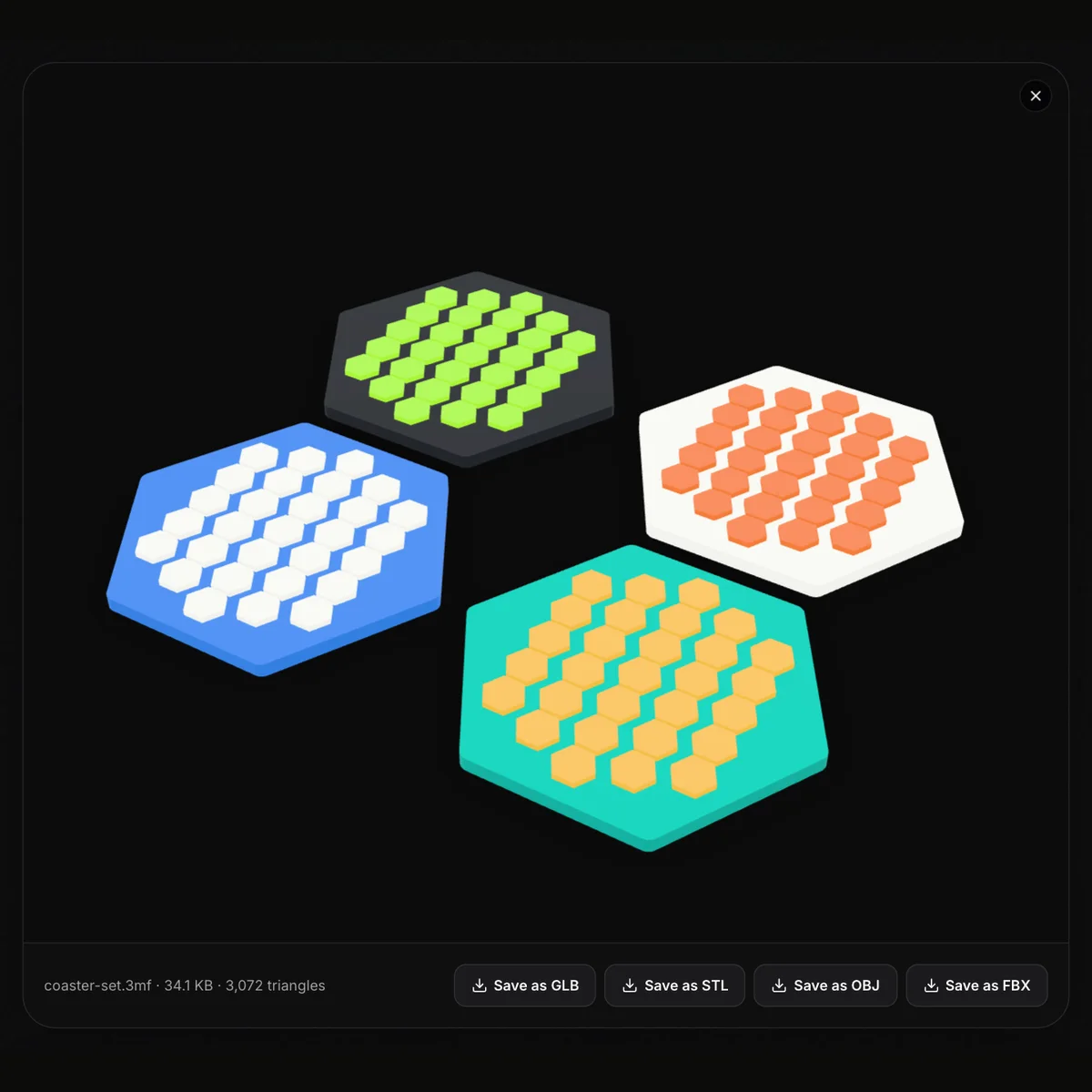
Drag to orbit, scroll or pinch to zoom, and right-drag to pan. Under the view you get the file name, its size and the triangle count, which is enough to judge whether an asset is light enough for a website or a phone. It also works as a glTF viewer for self-contained .gltf files, decodes Draco and Meshopt compression, and opens FBX, OBJ, STL, 3MF, PLY, DAE, STEP and IGES files as well, up to 200 MB. Nothing is uploaded: this online GLB viewer parses the file on your own device, so there is no account to create and nothing to install. When the model has to go somewhere else, four buttons save it as GLB, STL, OBJ or FBX.
Sample GLB files to open
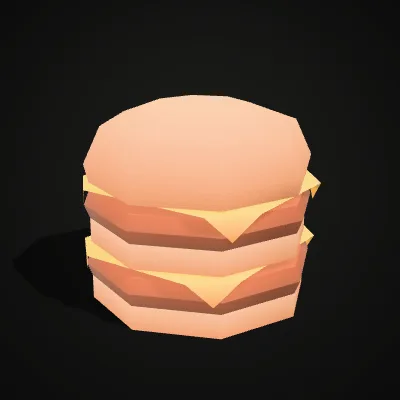
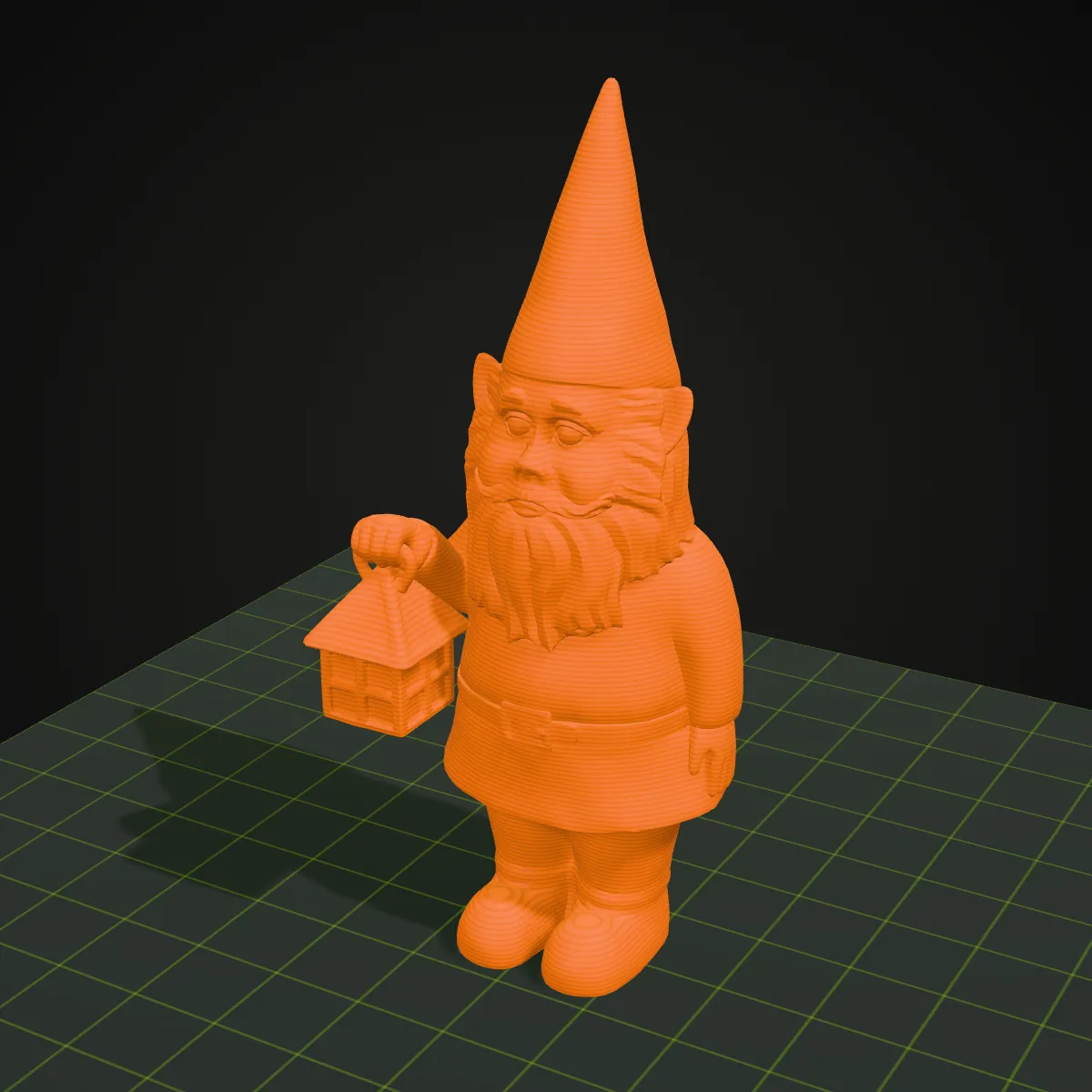
Two free GLB models to try the viewer on. The elf figurine (347.5 KB, 11,250 triangles) is a textured character whose mesh is stored quantized to save space; the double cheeseburger (28.7 KB, 392 triangles) is a stack of buns, patties and cheese sharing one colour texture. Press Try it to open one in the viewer, or Download to keep the .glb.

Screen recording: opening a GLB figurine
Fifteen seconds with the elf figurine sample. elf-figurine.glb is dropped onto the empty viewer, the textured figure appears above the line elf-figurine.glb · 347.5 KB · 11,250 triangles, it is dragged round and zoomed with the wheel, the pointer runs along the four save buttons, GLB, STL, OBJ and FBX, and Save as STL downloads elf-figurine.stl.
A GLB file before and after you open it
Left: what you have before the viewer, a .glb on disk and what its header says about meshes, materials and textures. Right: the same file opened in this viewer, with name, size and triangle count under the model and the save buttons beside them.
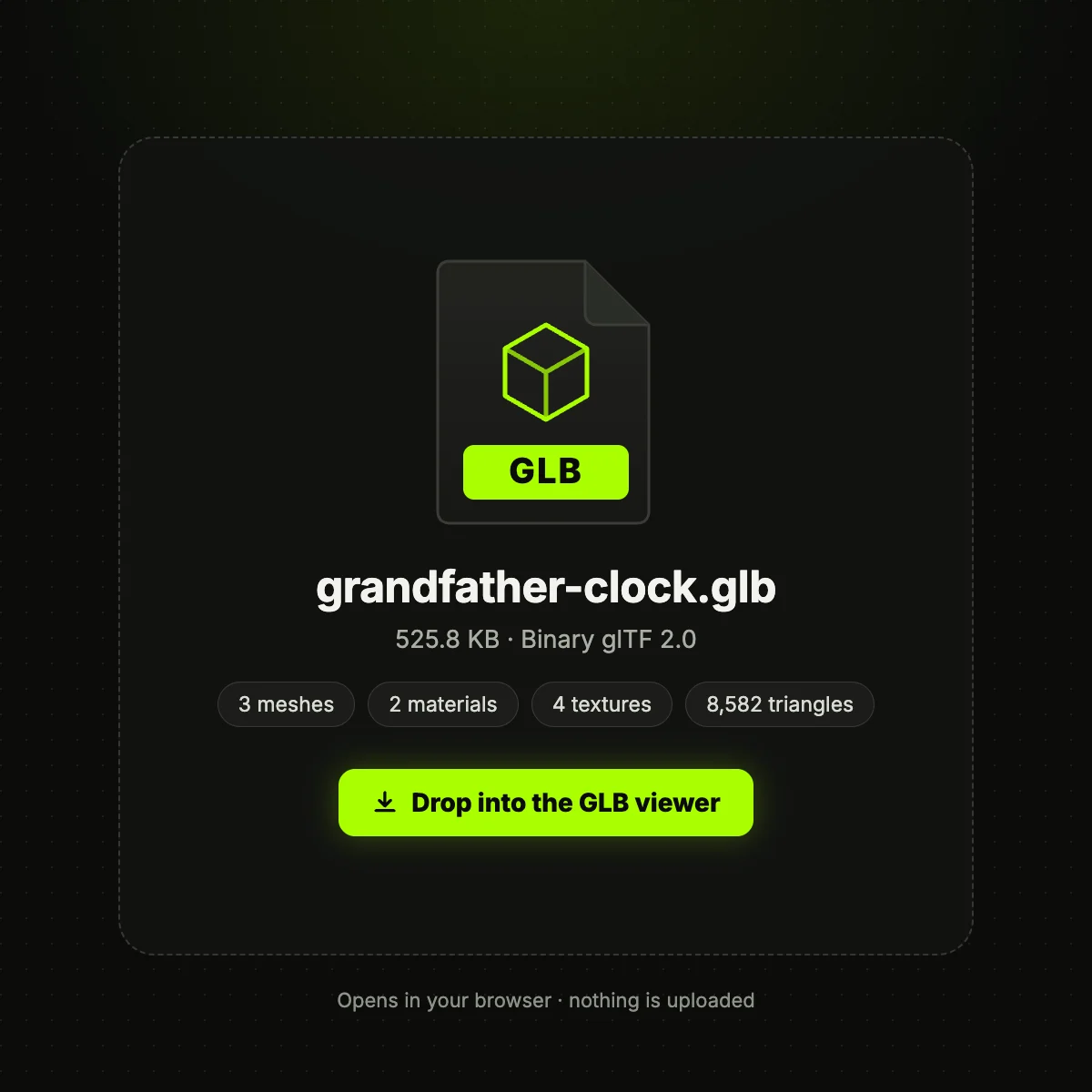
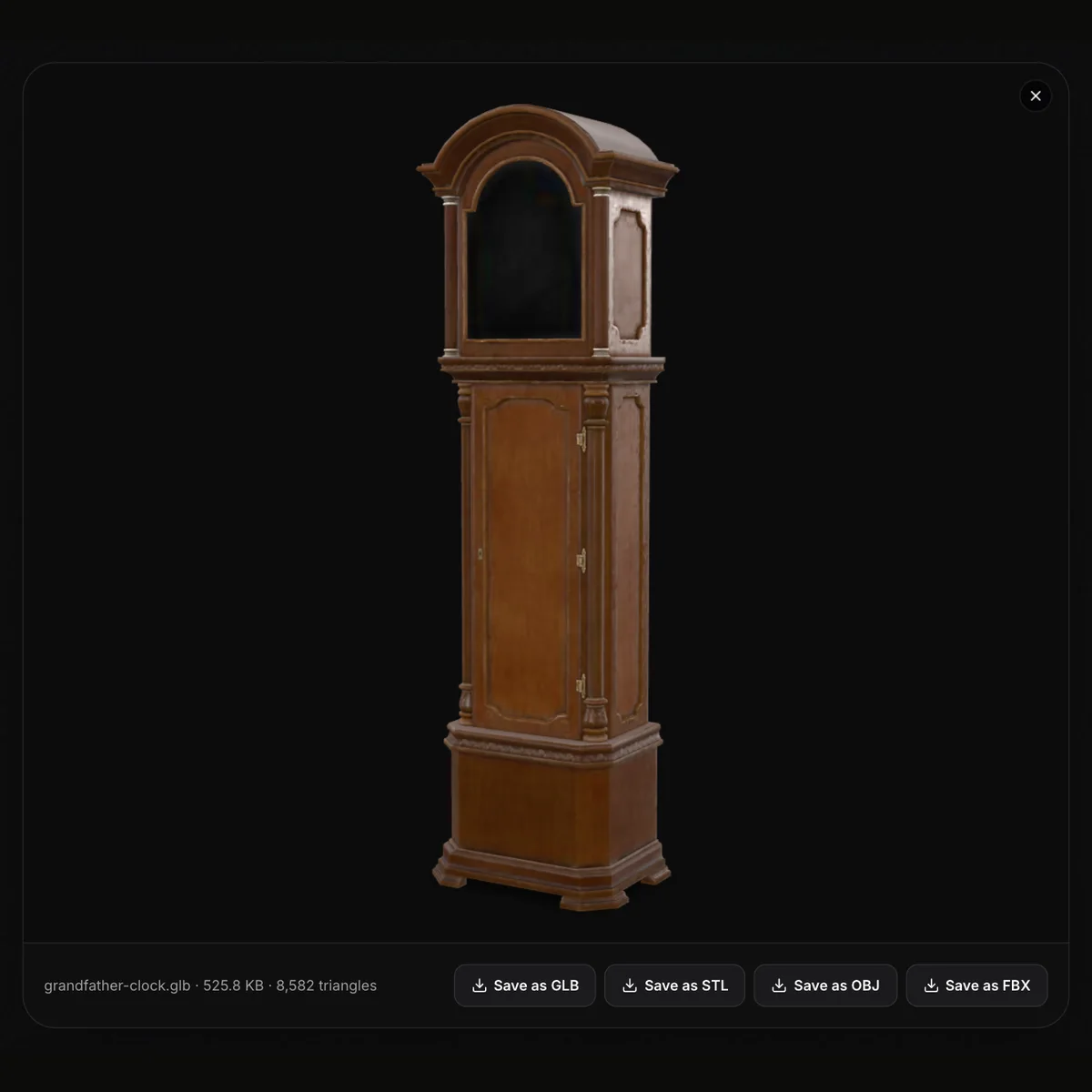
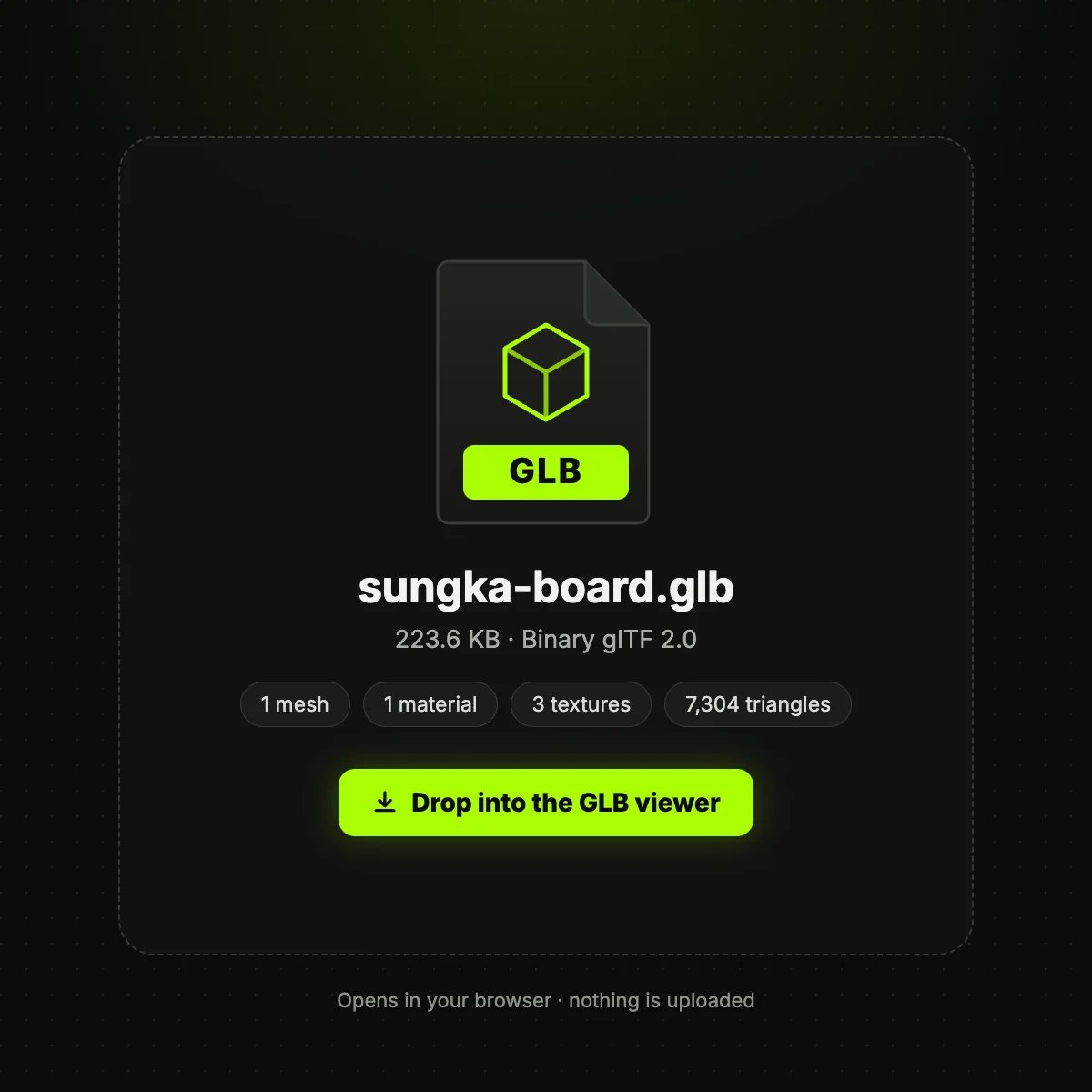
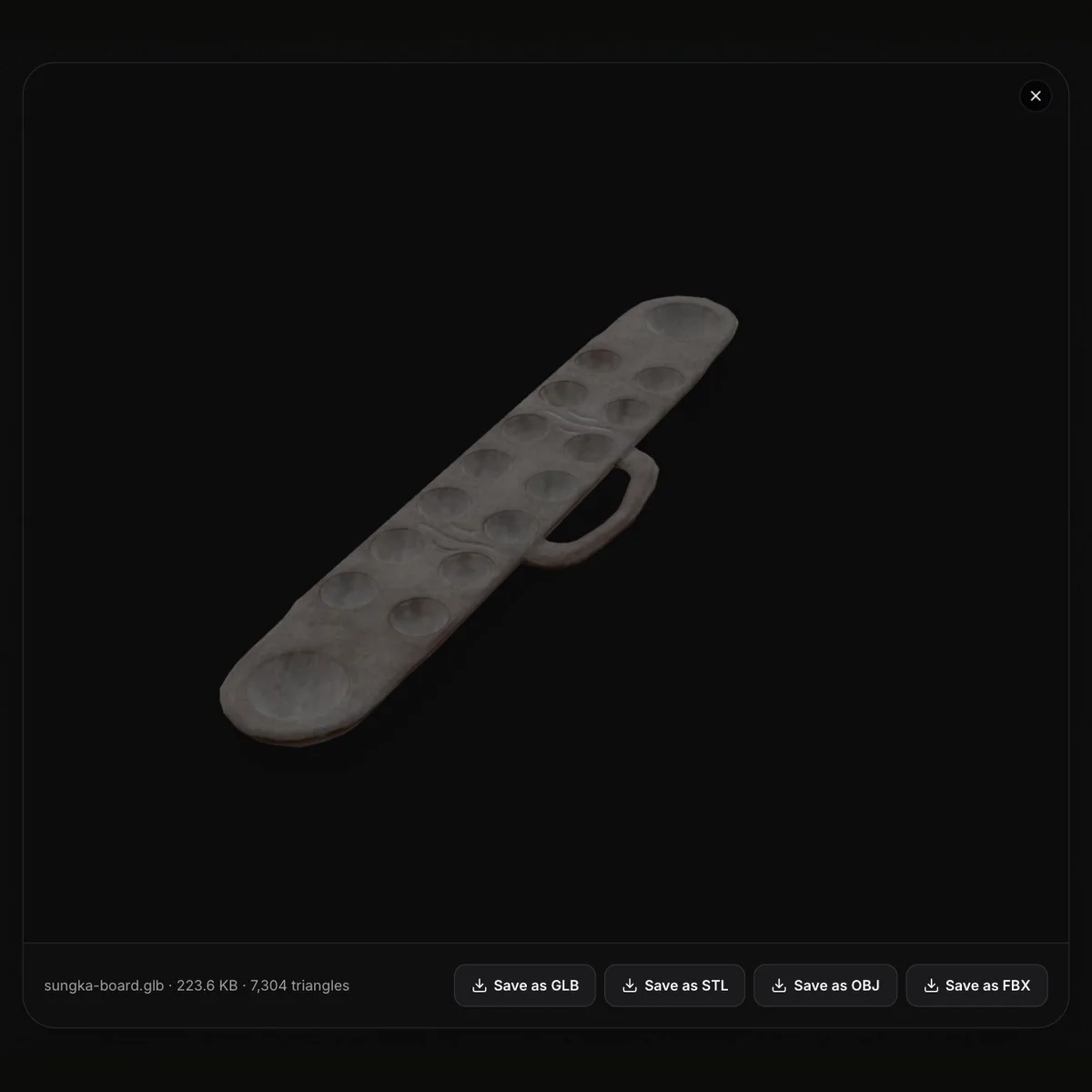
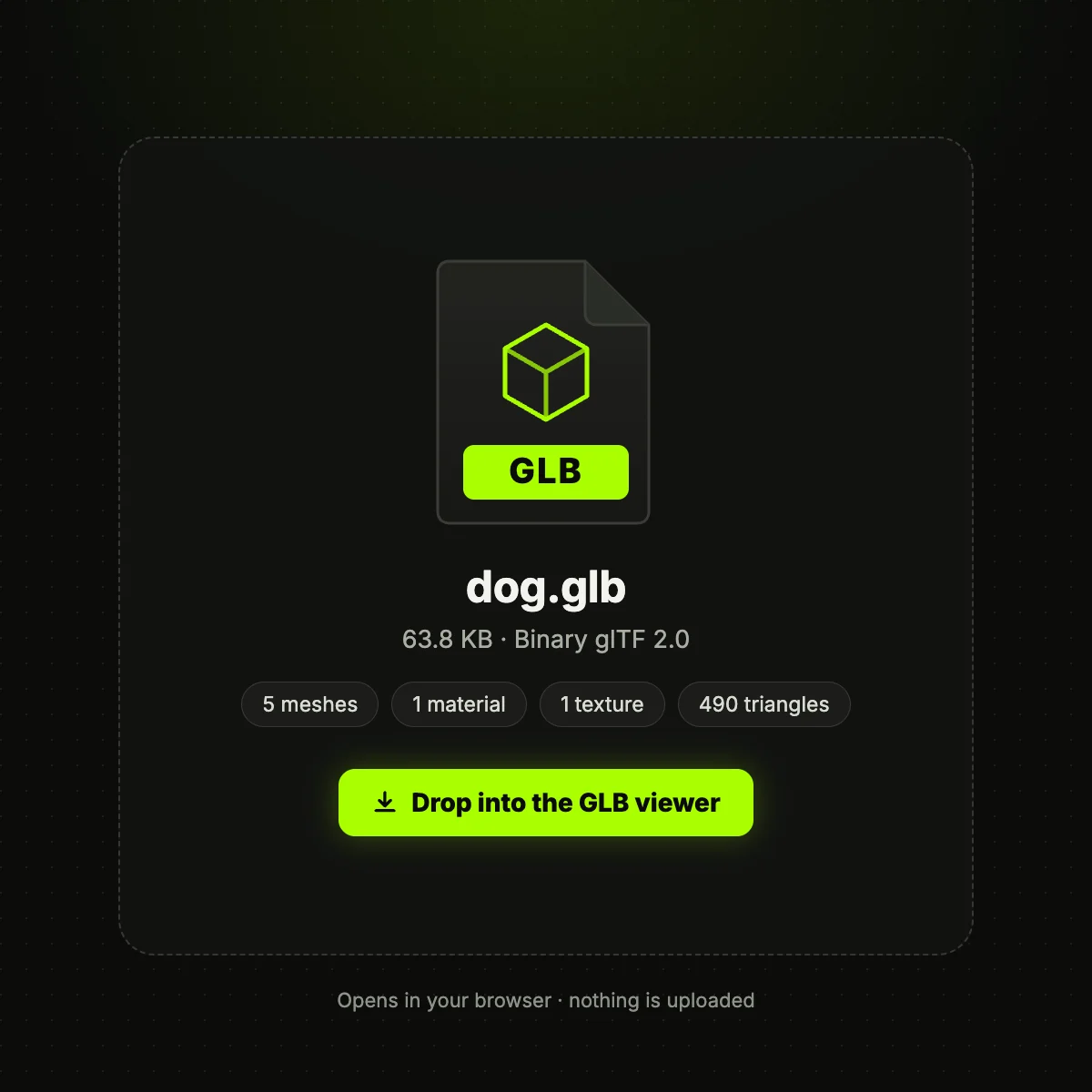
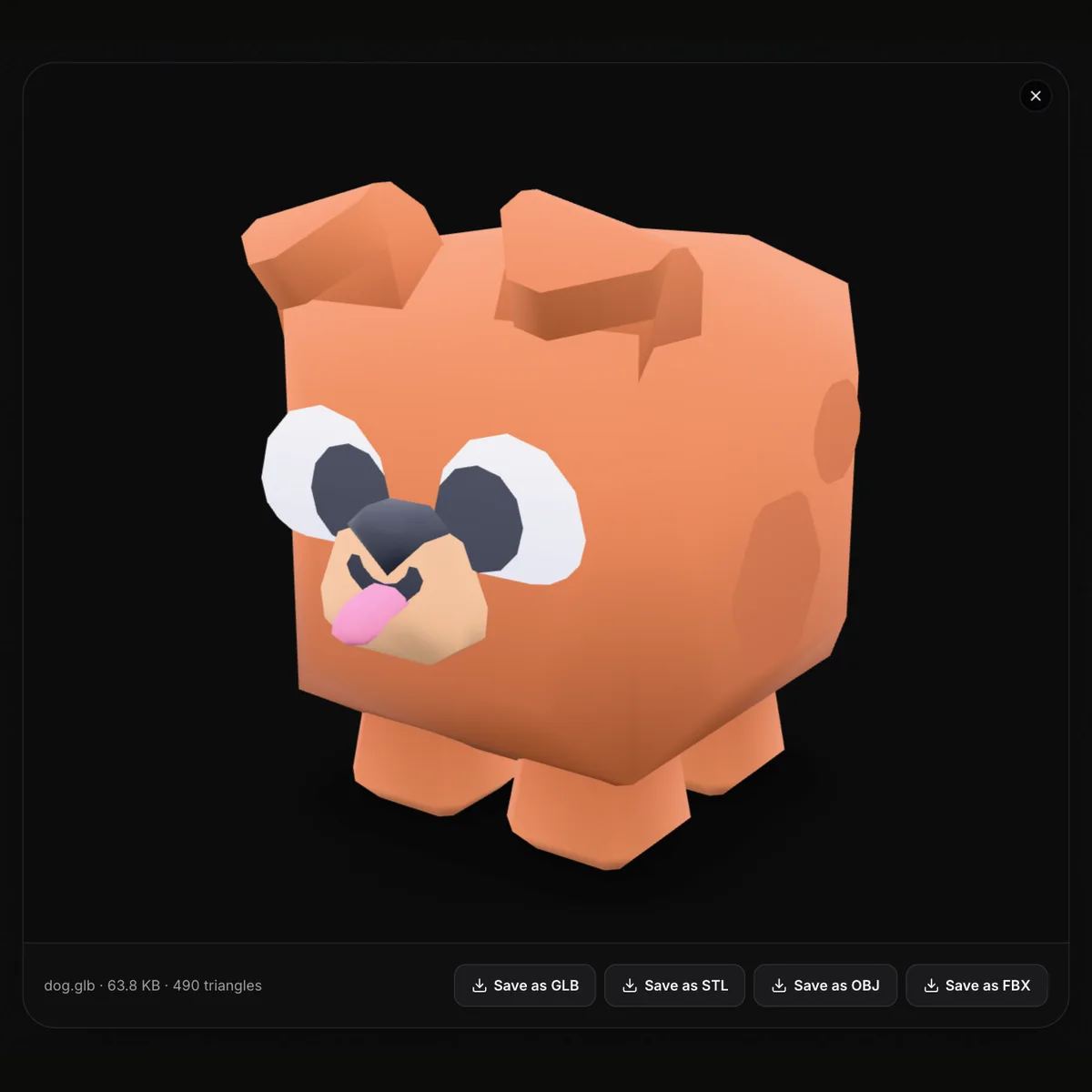
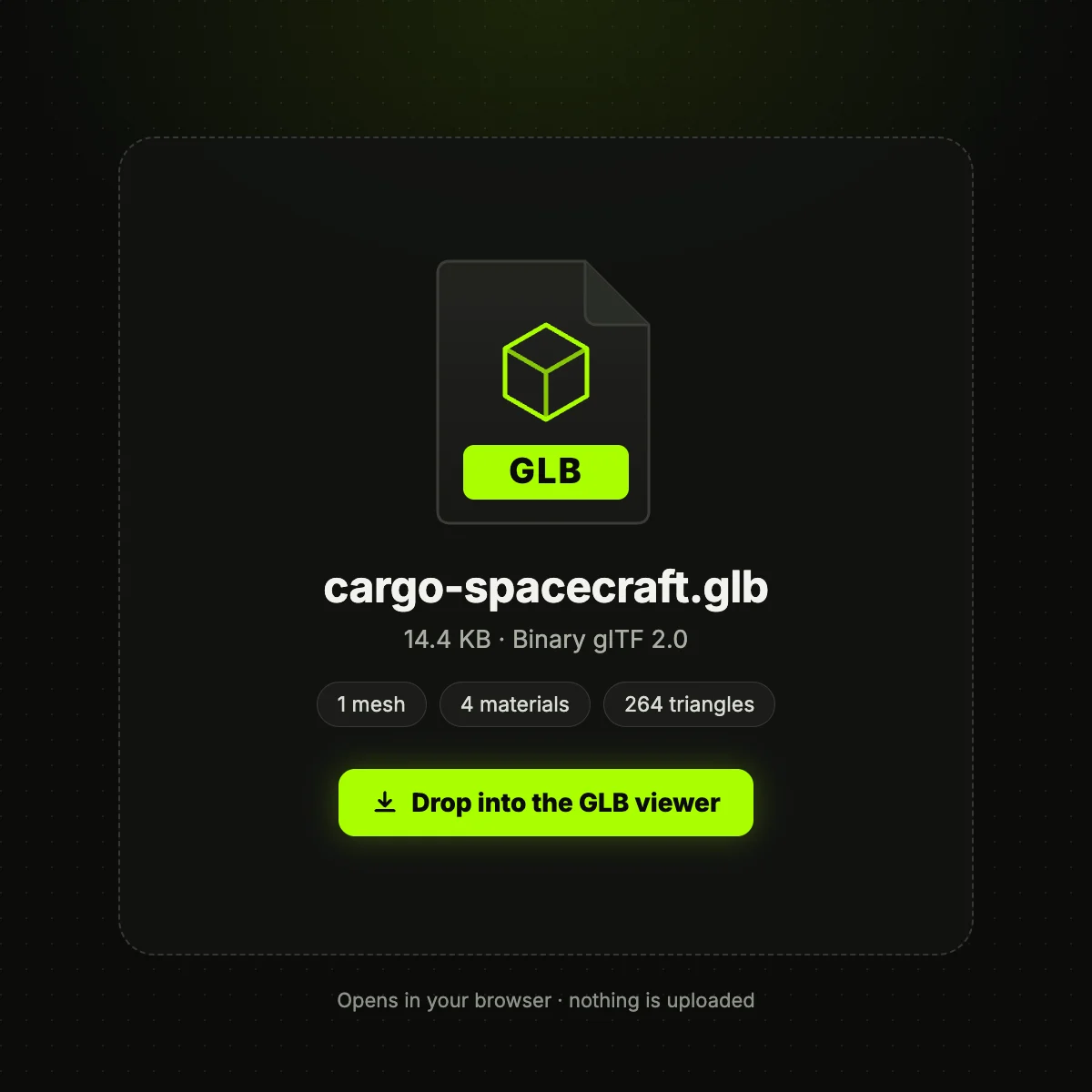
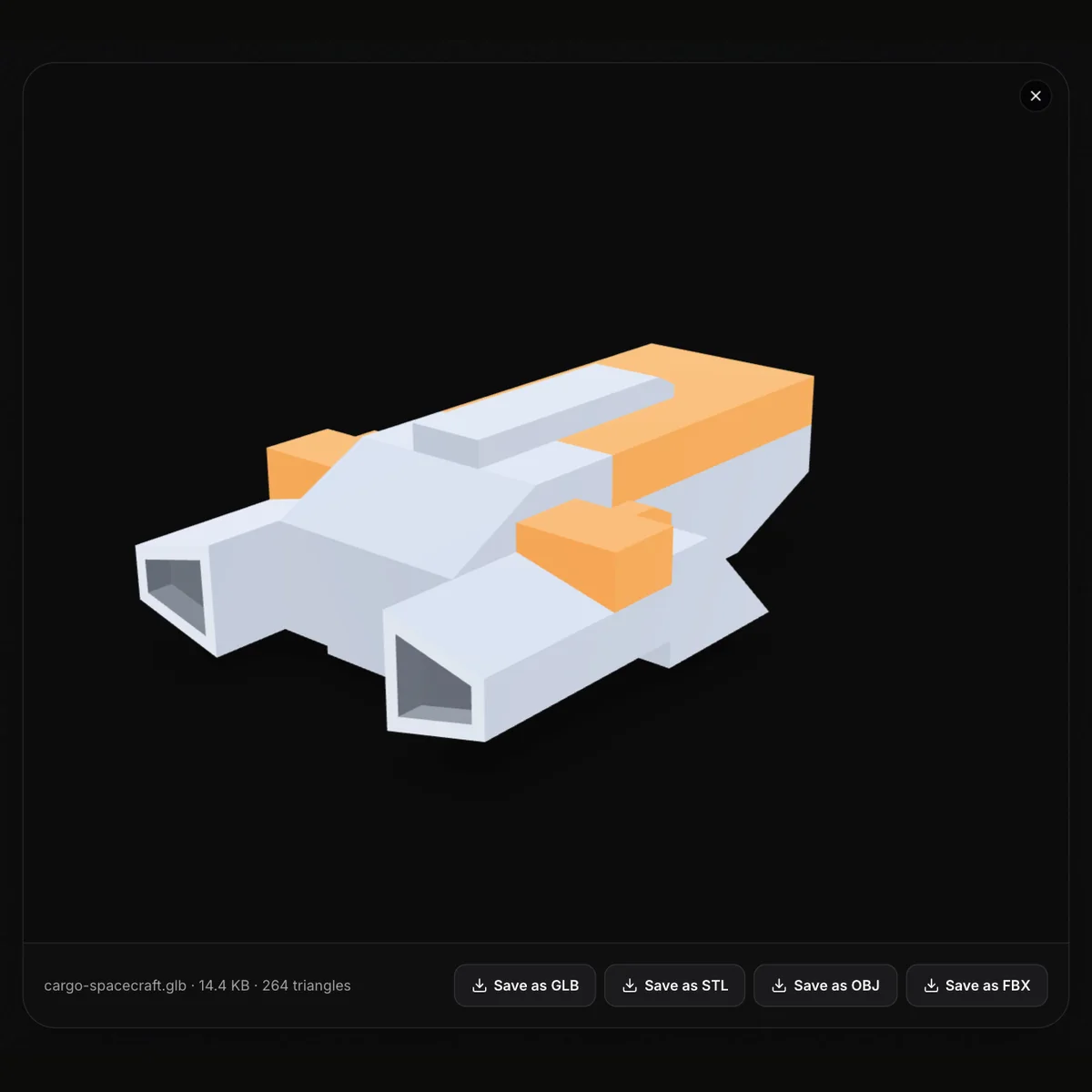
GLB files in the viewer, plus what a GLB can hold
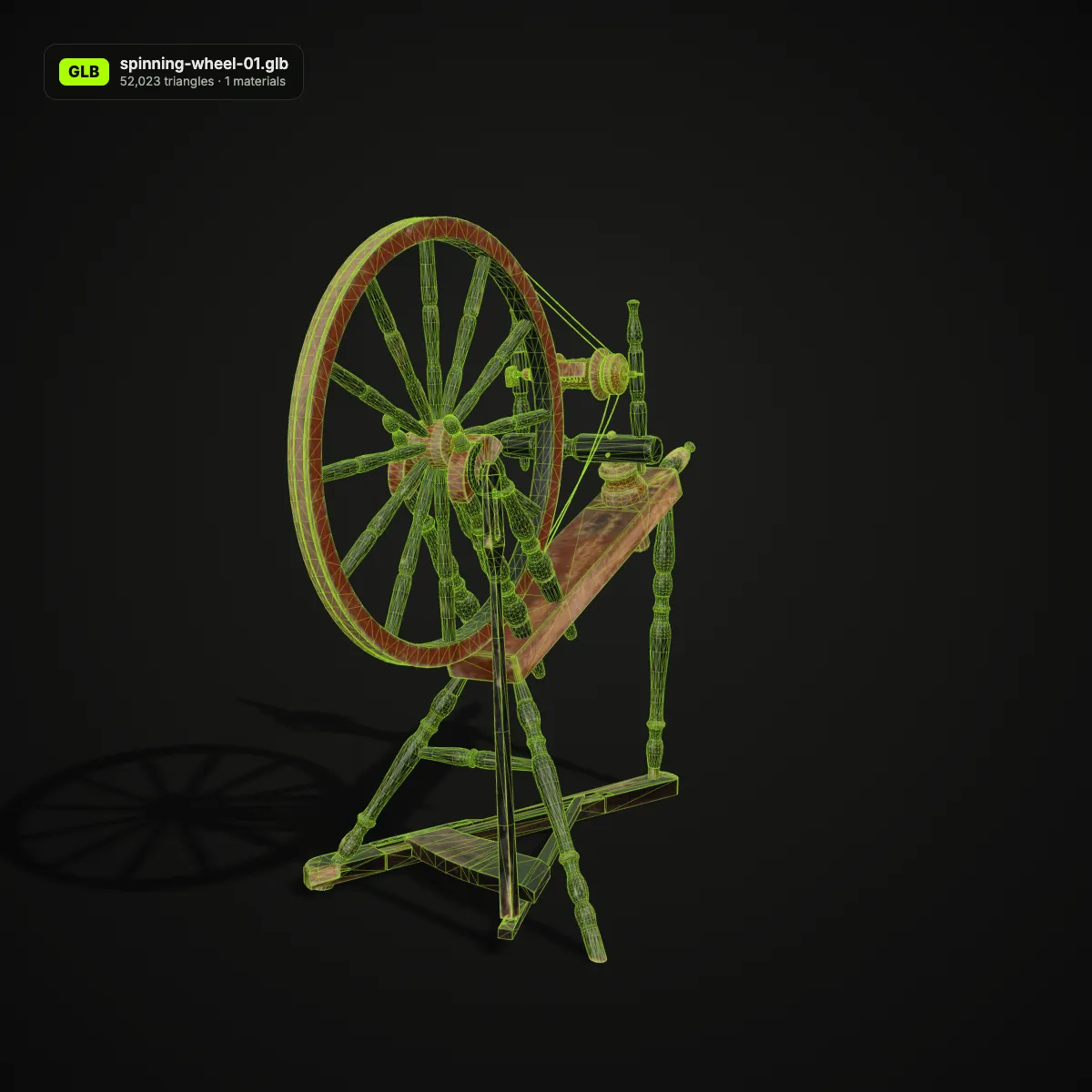
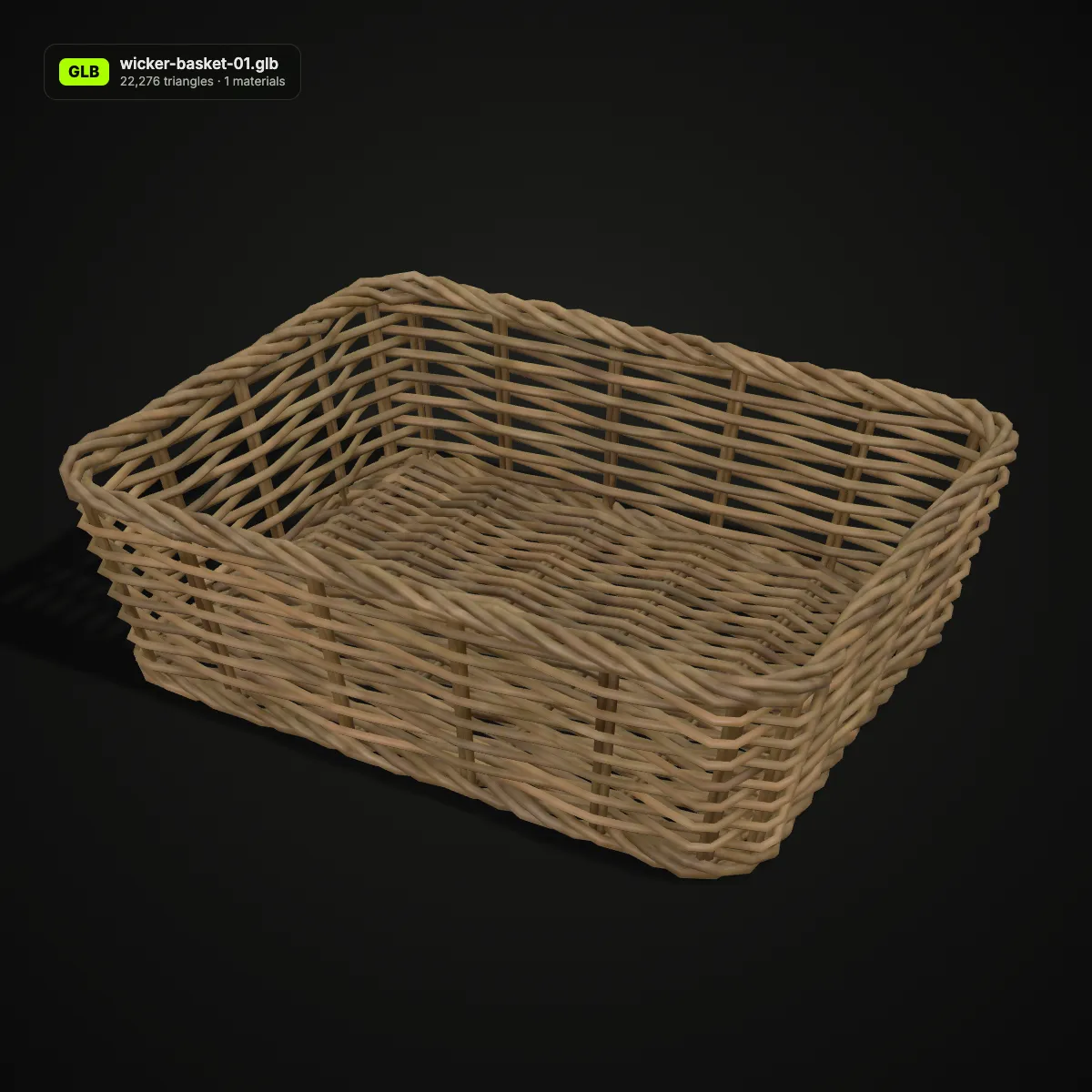
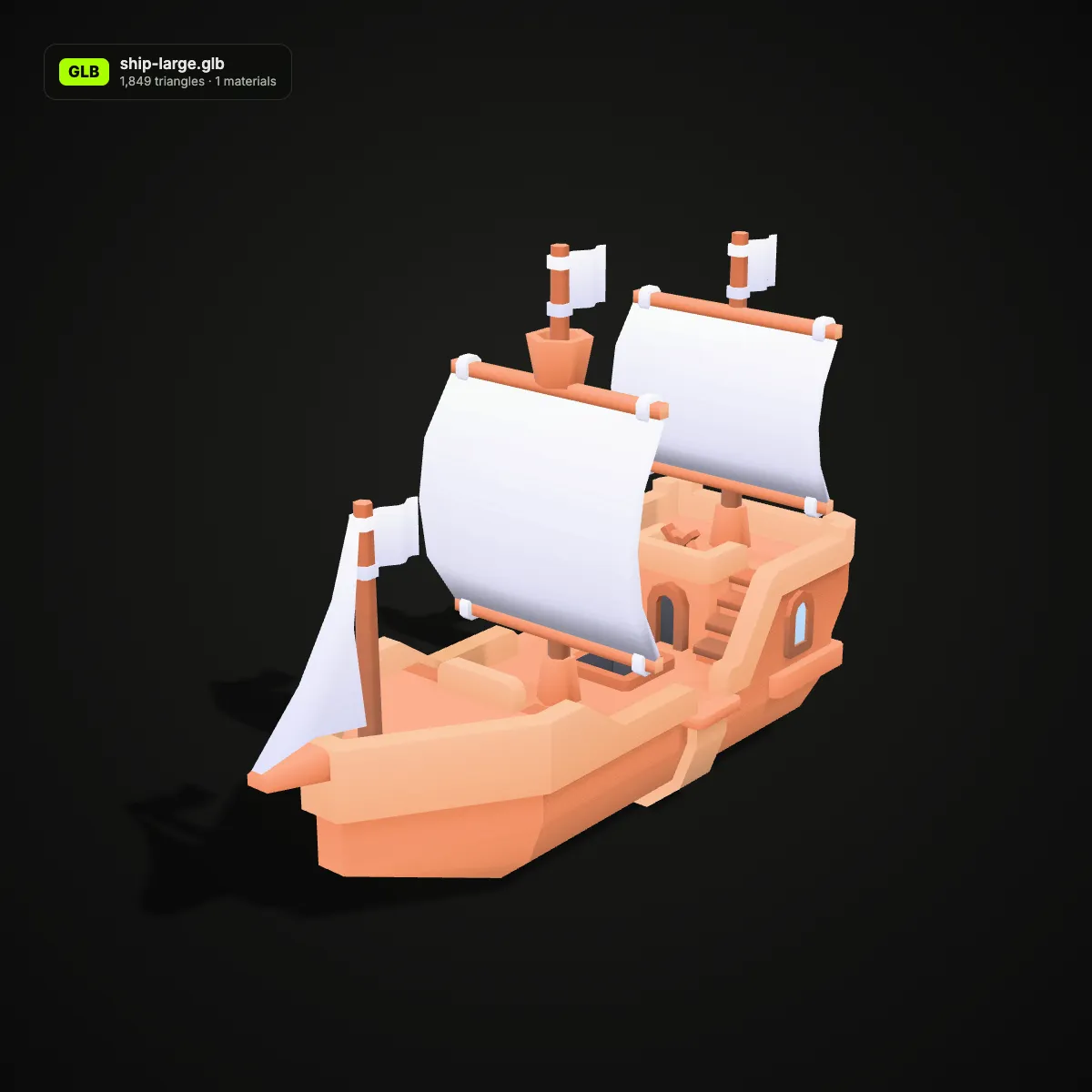
The first four pictures are screenshots of this GLB viewer with real files open. The last four are our own renders that show more of a GLB’s structure, such as a wireframe or the material count; the viewer itself has no wireframe mode. All models are CC0, from Poly Haven and Kenney.
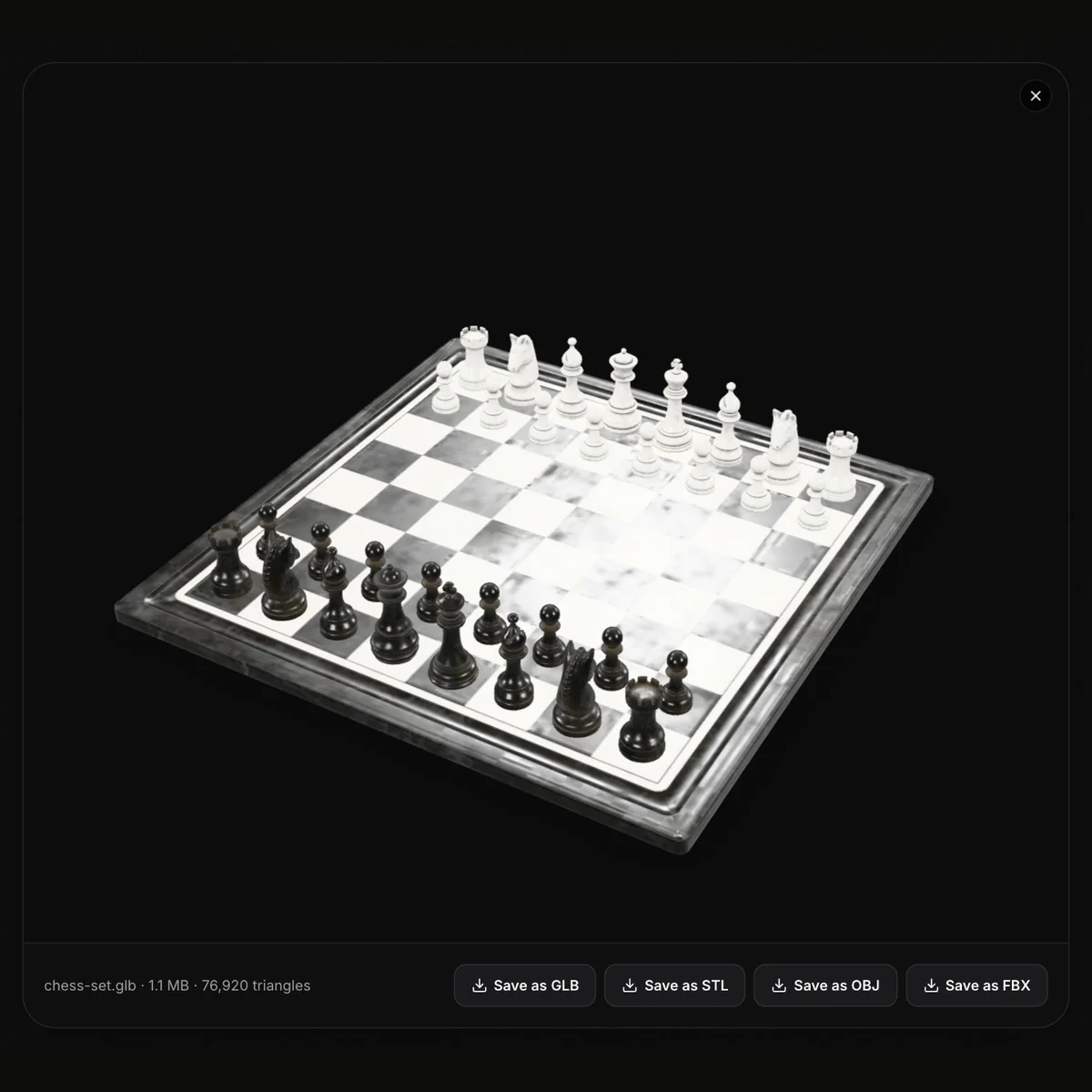
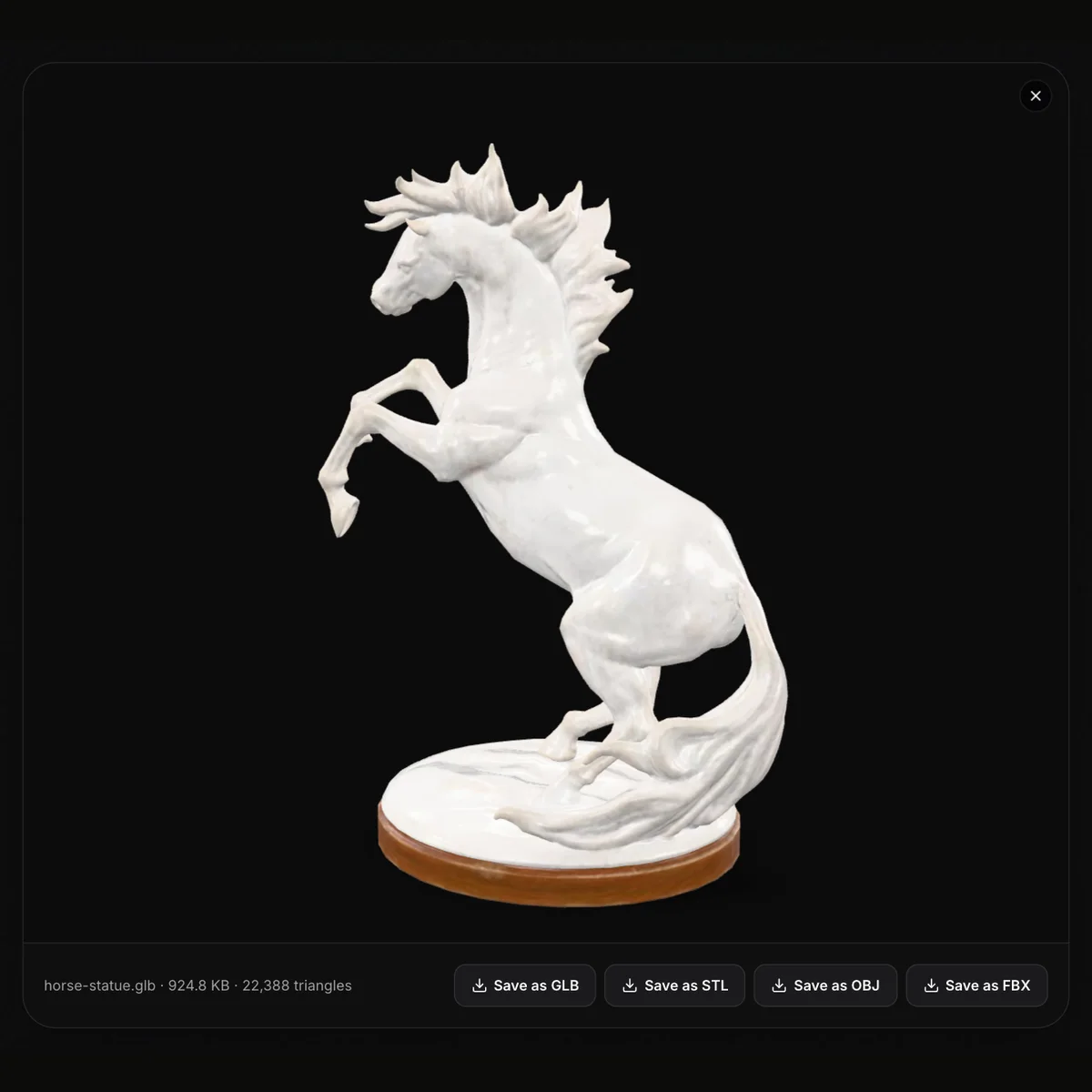
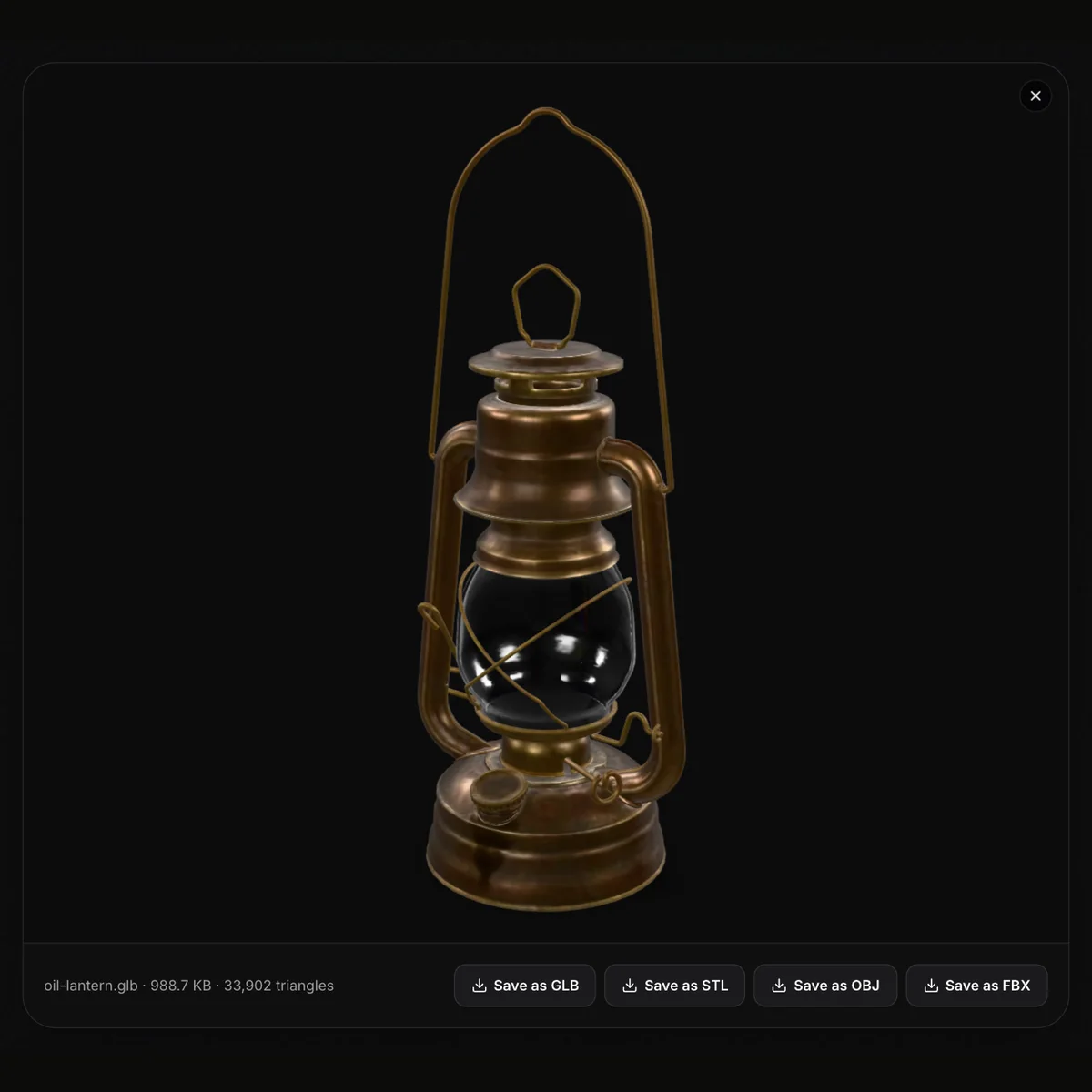


How to view a GLB file online
- 11
Open the GLB
Drop the file on the viewer, or press Open GLB File and pick it. A .gltf works too, as long as its data is embedded.
- 22
Turn it around
Drag to orbit, scroll or pinch to zoom, right-drag or use two fingers to pan. The model turns slowly on its own, and any animation it carries plays.
- 33
Read the stats and save
The line under the view shows name, size and triangles. Save as GLB, STL, OBJ or FBX downloads a converted copy; the X in the corner closes the file.
What the GLB viewer shows, and what each Save as keeps
A GLB can carry a full real-time scene. This table covers how each part is displayed and which of the four downloads keeps it.
| Part of the GLB | In the viewer | Kept when you save |
|---|---|---|
| Meshes and nodes | Drawn together as one scene; there is no outliner or part list | GLB, FBX and OBJ keep separate named objects; STL merges them |
| PBR materials | Base colour, metalness, roughness, normal and emissive rendered under studio lighting | GLB keeps the set; FBX turns them into Phong-style materials; OBJ bakes their colours into vertex colours; STL has none |
| Embedded textures | Shown on the model | GLB re-embeds them; FBX embeds base colour, normal and emissive maps; OBJ keeps the UVs and samples the base-colour map into vertex colours (approximate for detailed textures), with no images; STL has none |
| Animation clips | The first clip plays on a loop; there is no clip picker | GLB keeps every clip; FBX, OBJ and STL save a still mesh |
| Draco, Meshopt or quantized meshes | Decoded and displayed | Written uncompressed, so a re-saved GLB can be larger (cheeseburger 28.7 KB → 48.8 KB) |
| Units (metres) | Not displayed | FBX records metres, so the size holds in Blender and Unity; STL and OBJ keep the numbers, which a slicer reads as millimetres |
| Not shown at all | Wireframe, dimensions, material or texture lists | — |
What an online GLB viewer is handy for
Checking a download before you use it
Open a GLB from Sketchfab, Poly Haven or an AI generator to see the textures, the triangle count and whether it animates, before it goes into a project.
Reviewing web and AR assets
Designers and clients can look at the exact file a product page or AR scene will load, on any laptop or phone, without Blender or a code editor.
Weighing performance
File size and triangle count tell you quickly whether a model suits a mobile page or needs decimating and compressing first.
Getting the model into other software
Save as STL for a slicer, OBJ for modelling tools that lack glTF import, or FBX for Unity, Unreal and Maya, straight from the viewer.
GLB viewer FAQ
Drop it onto the GLB viewer at the top of this page and it opens in your browser, on Windows, macOS, Linux, Android or iOS. On a desktop you can also use Blender (File › Import › glTF 2.0), but for a quick look nothing has to be installed.
Yes. It is free with no sign-up, and the file is read by your own browser; nothing is uploaded or stored, so unreleased models and client work stay on your machine.
Yes, for .gltf files that embed their data. A .gltf that refers to separate .bin buffers cannot be opened from one file, and the viewer tells you so; open the .glb version instead, or pack the files into one with glTF-Transform first.
Yes. If the GLB contains animation, the first clip starts as soon as the model loads and keeps looping. There is no list for switching clips; Save as GLB keeps all of them for Blender or three.js.
The viewer lights the model with a neutral studio environment and its own camera, while Blender uses your scene’s lights and world settings. Brightness and reflections can differ; the geometry and materials come from the same file.
Each button runs a fresh conversion in your browser. STL keeps only the merged surface, so scale it by 1000 in the slicer because GLB numbers are metres. OBJ keeps named parts and UVs and bakes material and texture colours into vertex colours, exact for flat colours and approximate for detailed textures, but writes no texture images. FBX keeps parts, materials and embedded base colour, normal and emissive maps at real size, but no animation.
Guides for this tool
Related tools




No GLB to look at yet?
Make one: Ship3D’s AI generator turns a photo into a textured GLB, and it opens right here in the viewer.
Free to sign up, no credit card required. Try it once for free.