3MF Viewer
Open 3MF Files in Colour
This 3MF viewer opens a .3mf file in your browser so you can check a print job before it reaches the slicer.
Try a sample
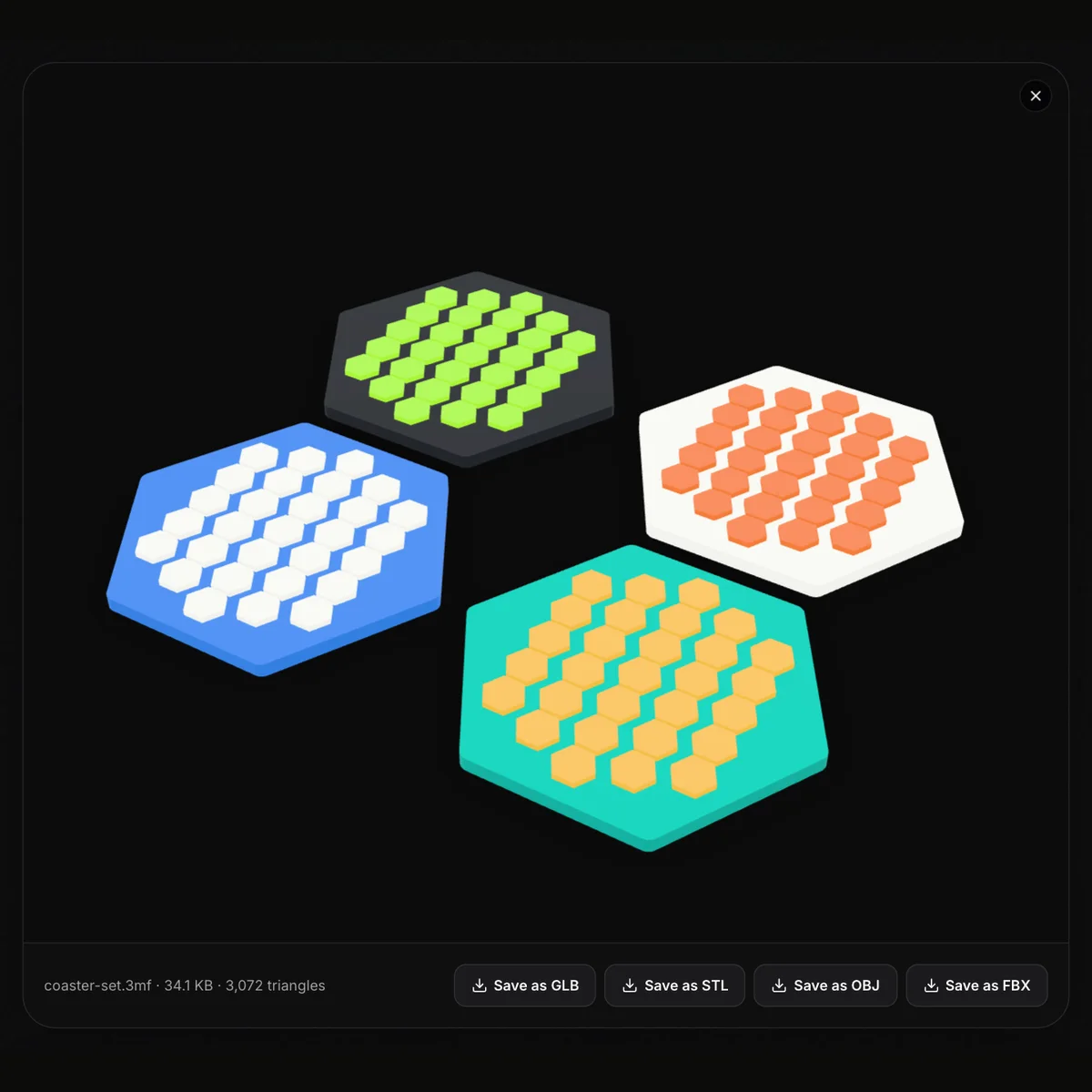
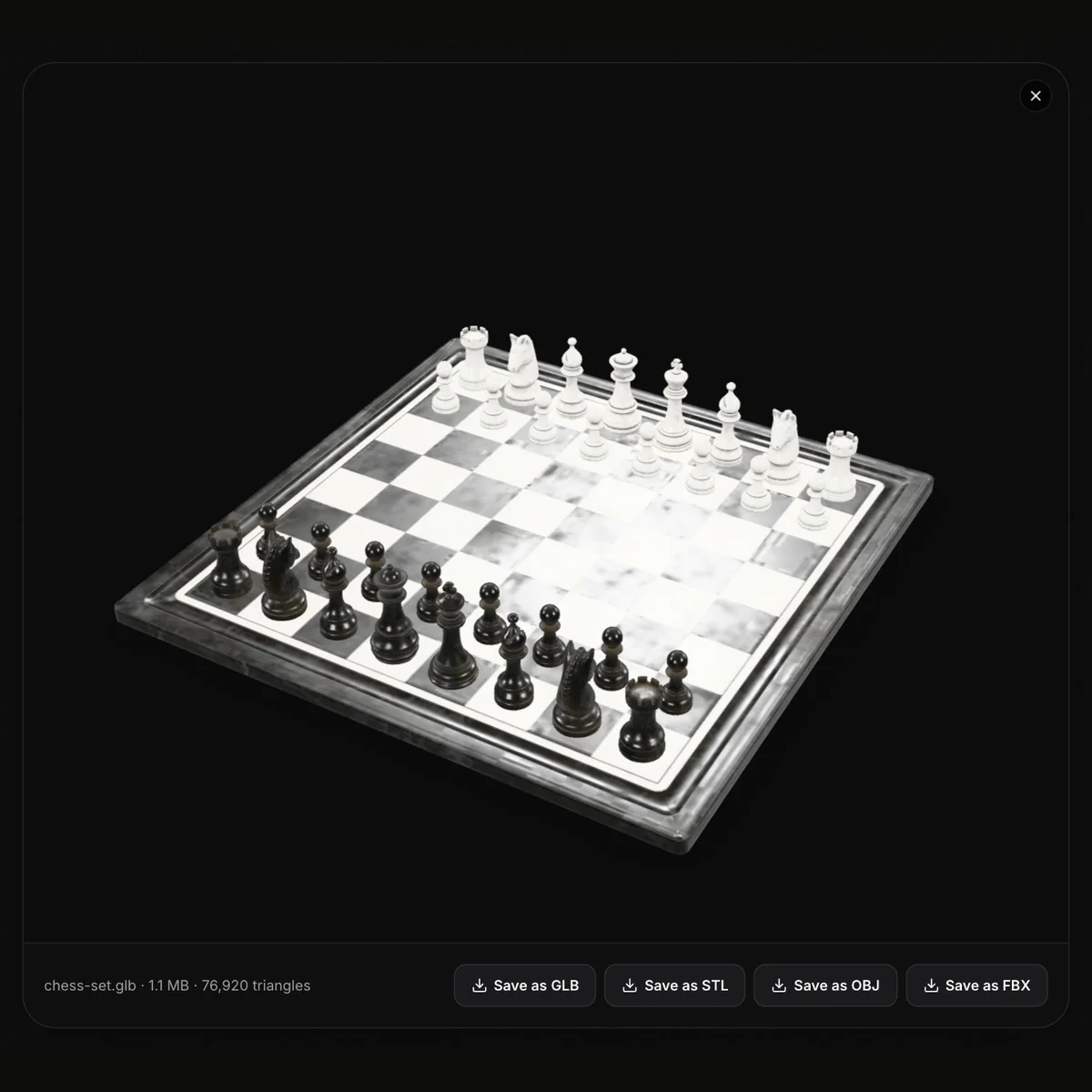
Each object in the package is drawn in place with its own colour, so a multi-colour toy or a plate of coasters looks the way it was designed, and the line under the view gives the file name, size and triangle count. Spin the model with a drag, zoom with the wheel or a pinch, pan with a right-drag. 3MF is a zipped XML format, normally in millimetres; the viewer reads its meshes, their build positions and the colours stored as base materials or colour groups, but not slicer project data such as print settings, supports or plate thumbnails. Nothing is uploaded and nothing needs installing, which makes it a quick way to view 3MF online on a computer without Bambu Studio, PrusaSlicer or Cura, or on a phone. Files up to 200 MB open. When the model has to move on, save it as STL, OBJ, GLB or FBX.
Two 3MF files to try
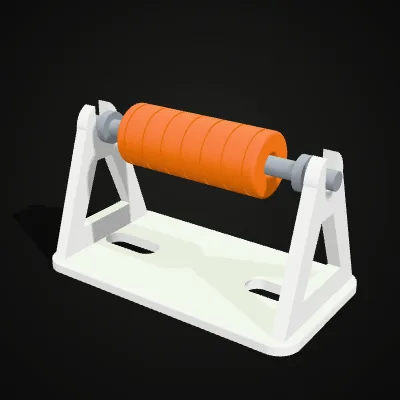
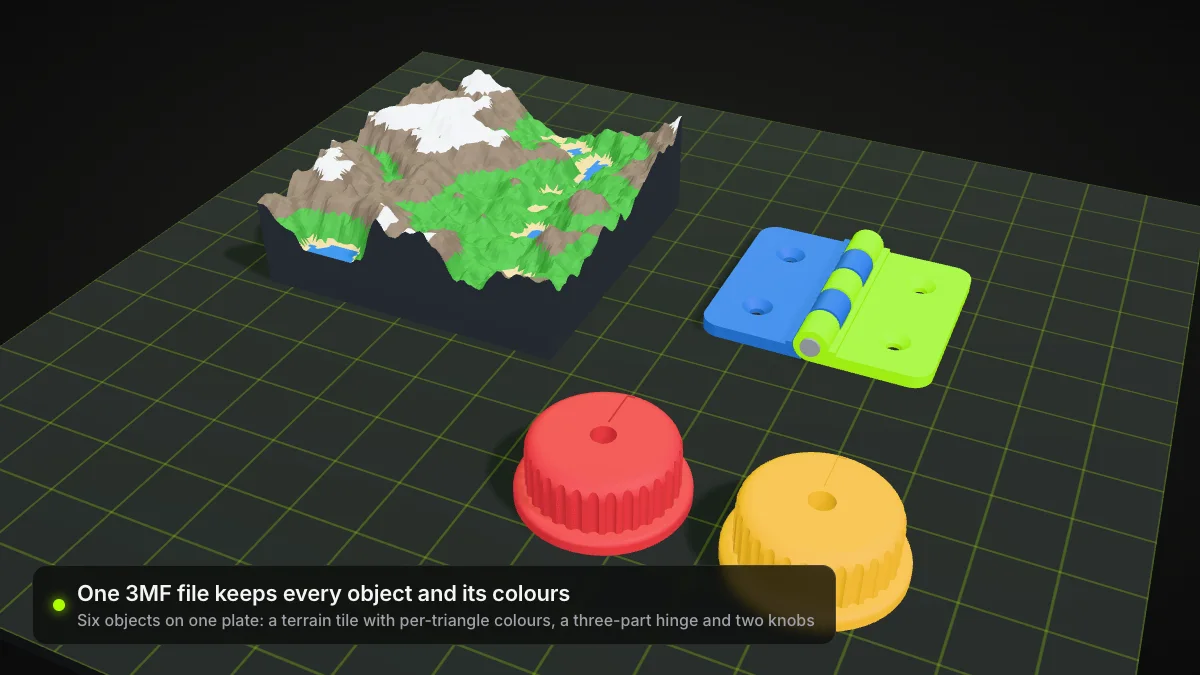
Both are standard 3MF packages in millimetres with their colours defined as base materials. The filament spool holder (152.8 KB) has three named objects, frame, axle and roller, in white, grey and orange, with 12,152 triangles in all. The terrain tile (189.6 KB) measures 100 × 100 mm and uses six colours from a dark base up to white snow, 13,760 triangles. Try it opens a file in the viewer; Download keeps the .3mf.
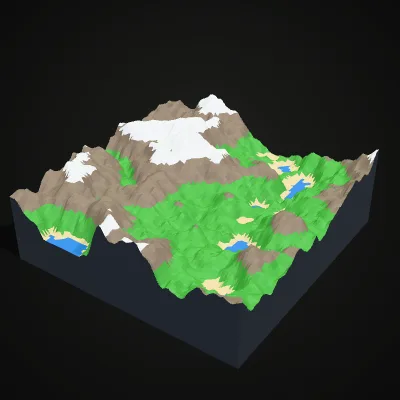
Screen recording: a multi-colour terrain 3MF
A 15-second session with the terrain sample. terrain.3mf is dropped into the viewer and opens as a 100 mm landscape tile in six filament colours, with terrain.3mf · 189.6 KB · 13,760 triangles underneath. It is dragged to a new angle and zoomed with the wheel, the pointer runs along the four save buttons, GLB, STL, OBJ and FBX, and Save as GLB downloads terrain.glb.
From a .3mf file to a coloured 3D view
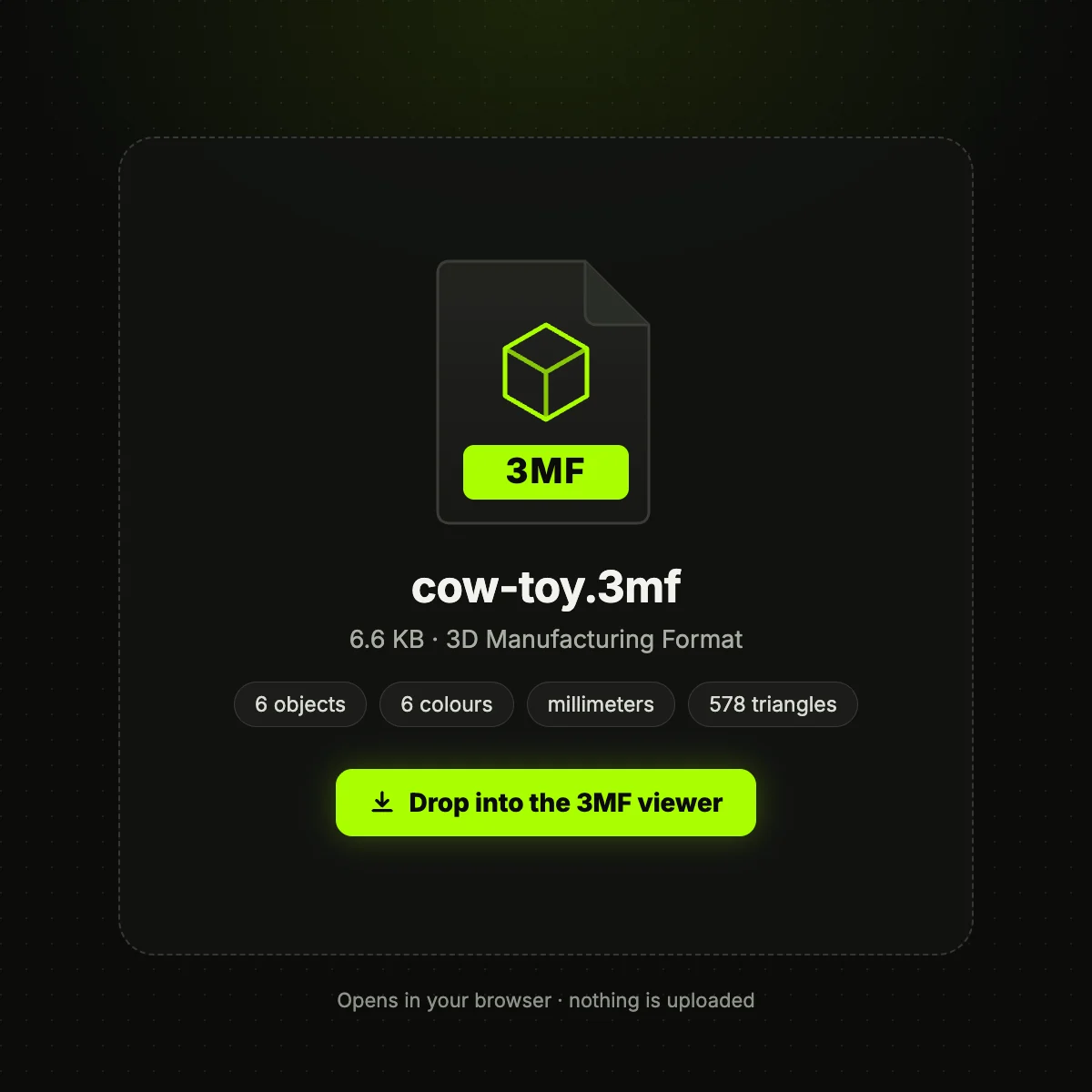
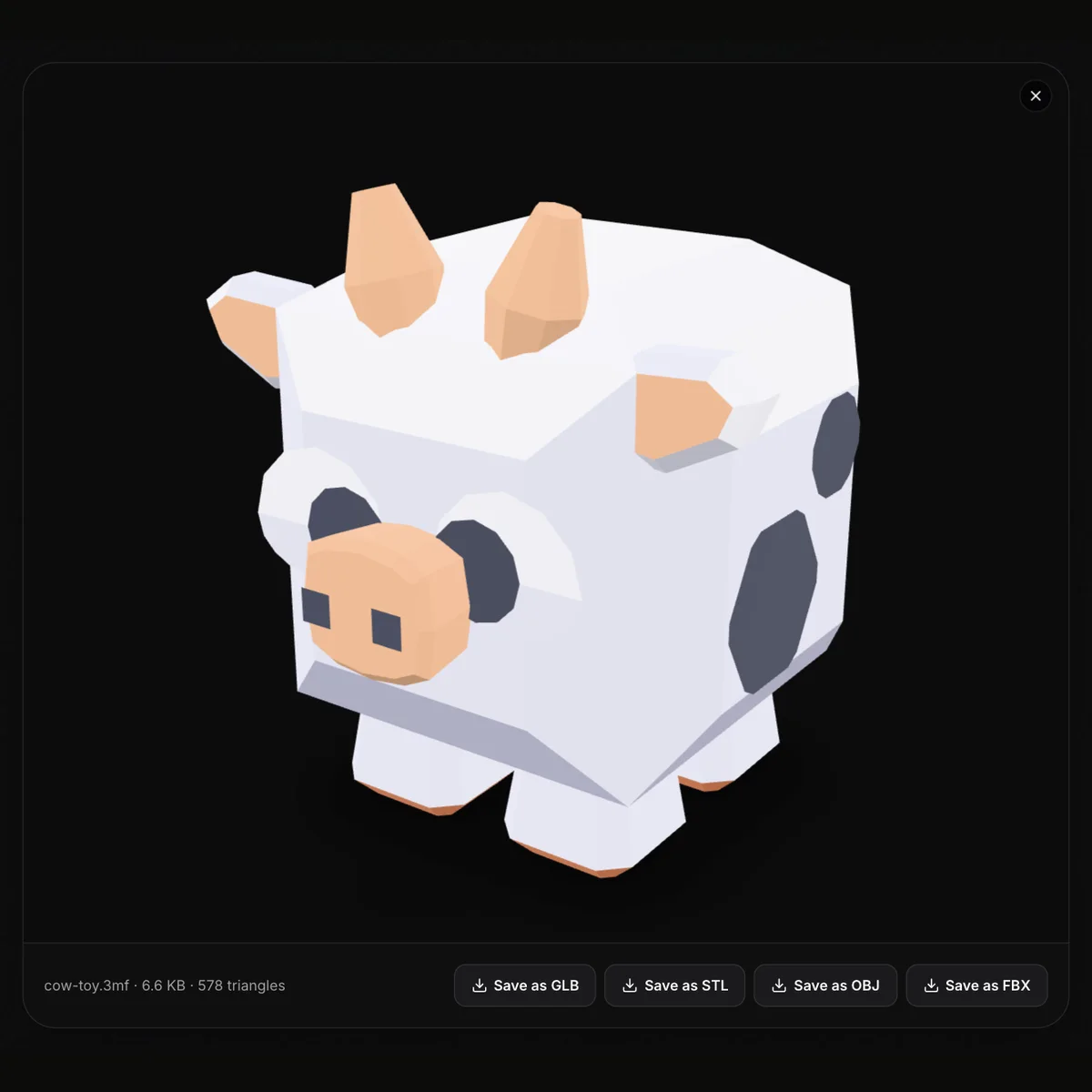
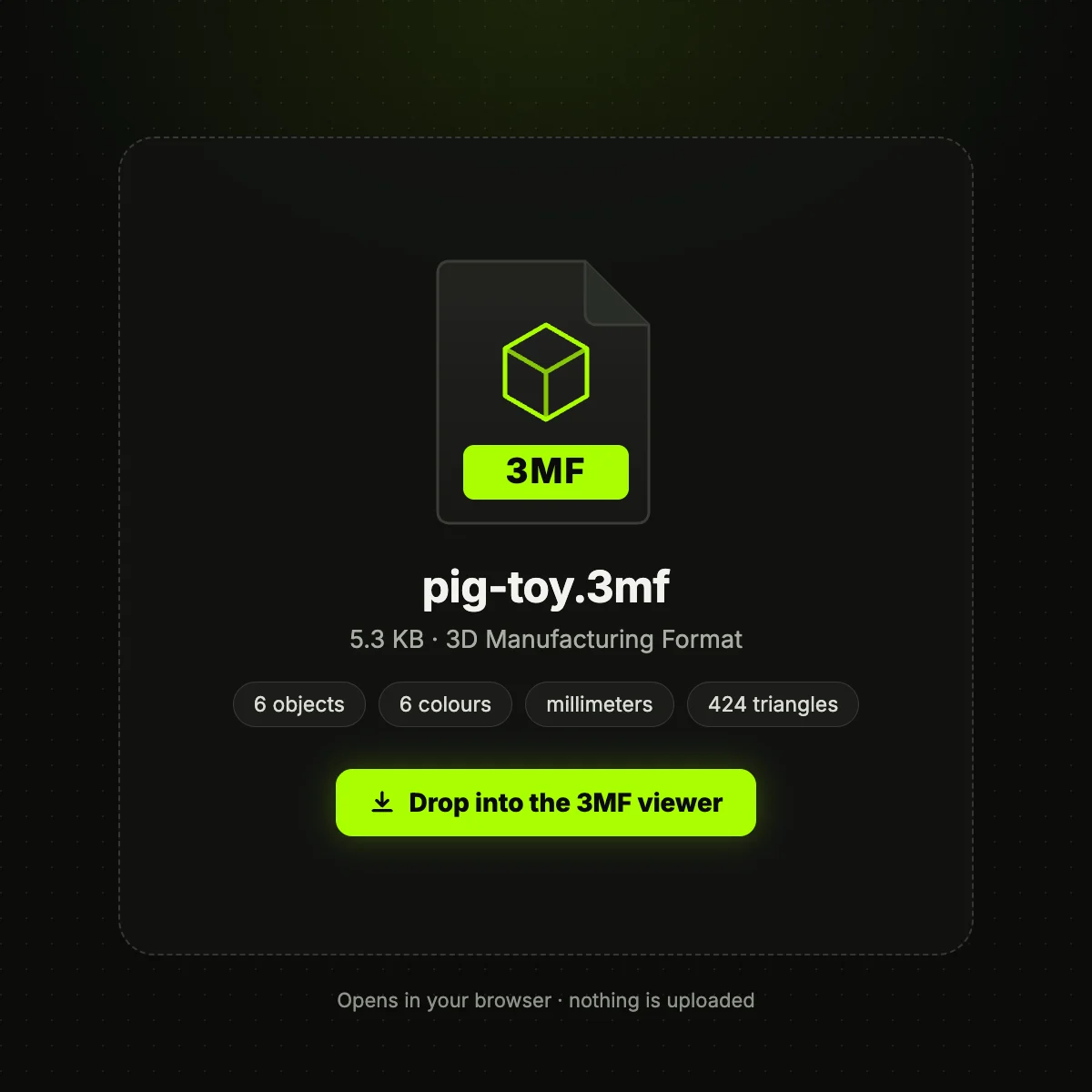
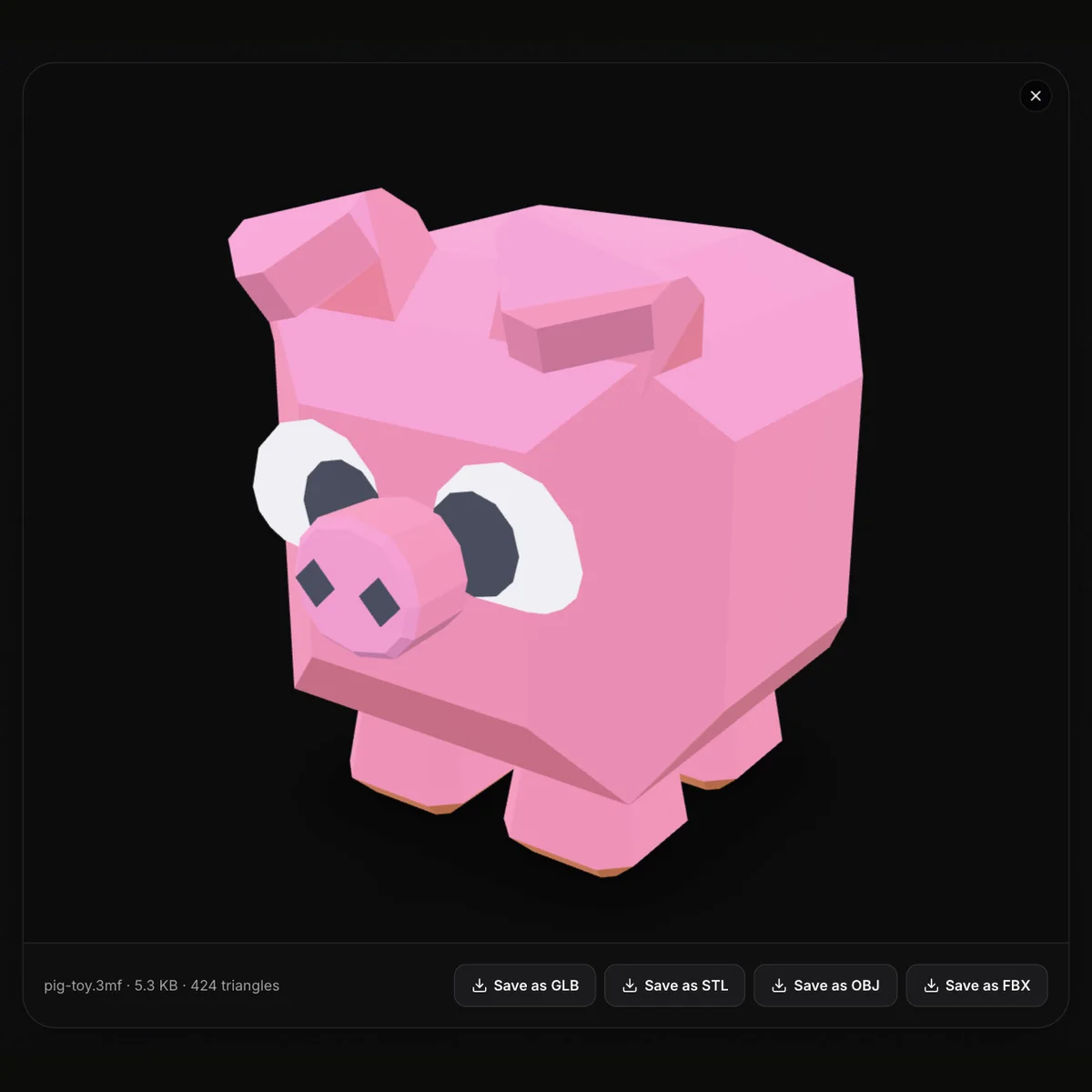
Left: a 3MF as it sits on your disk, with the object count, colour count and unit its model file declares. Right: the same file in this viewer, every object in its own colour, with the triangle count and save buttons underneath.
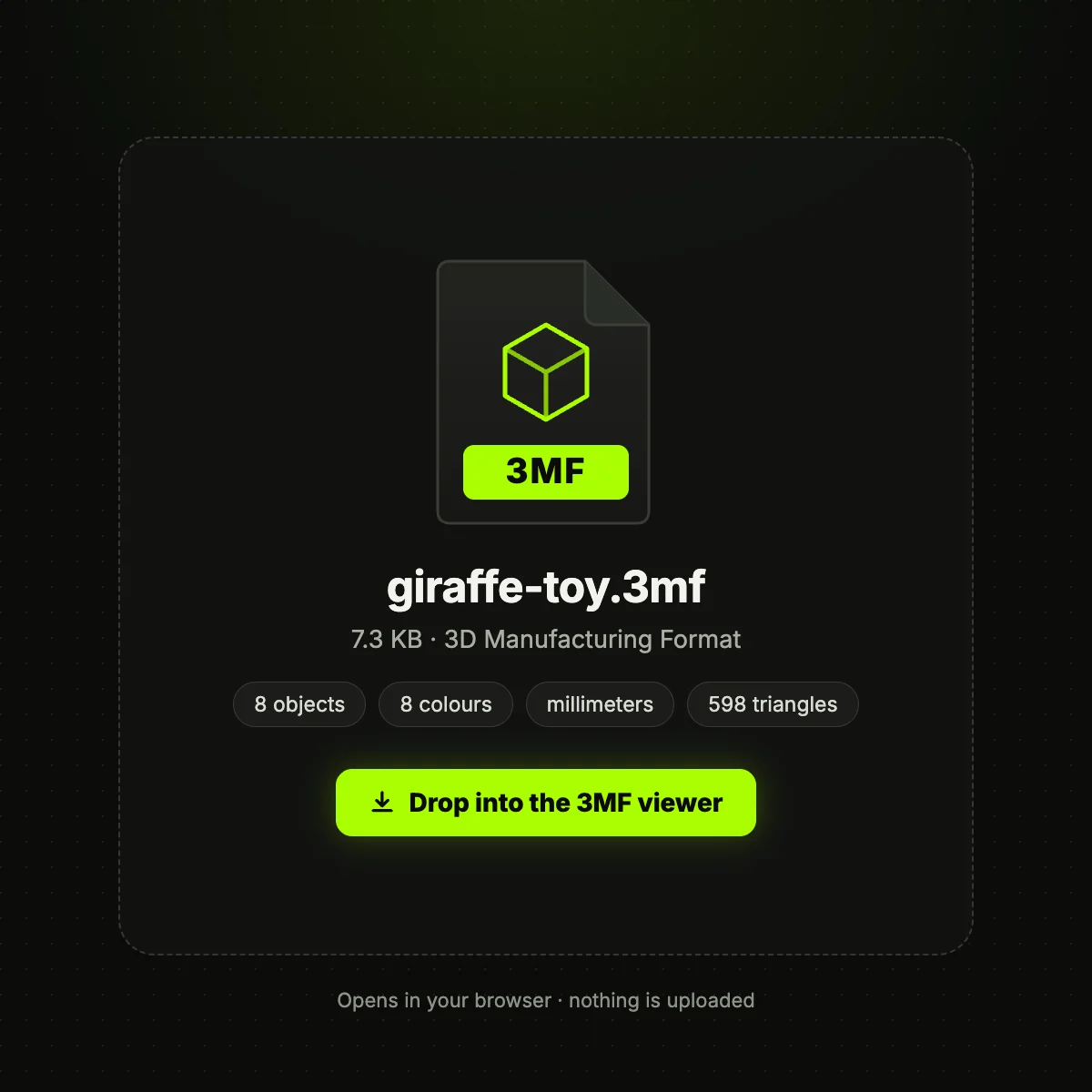
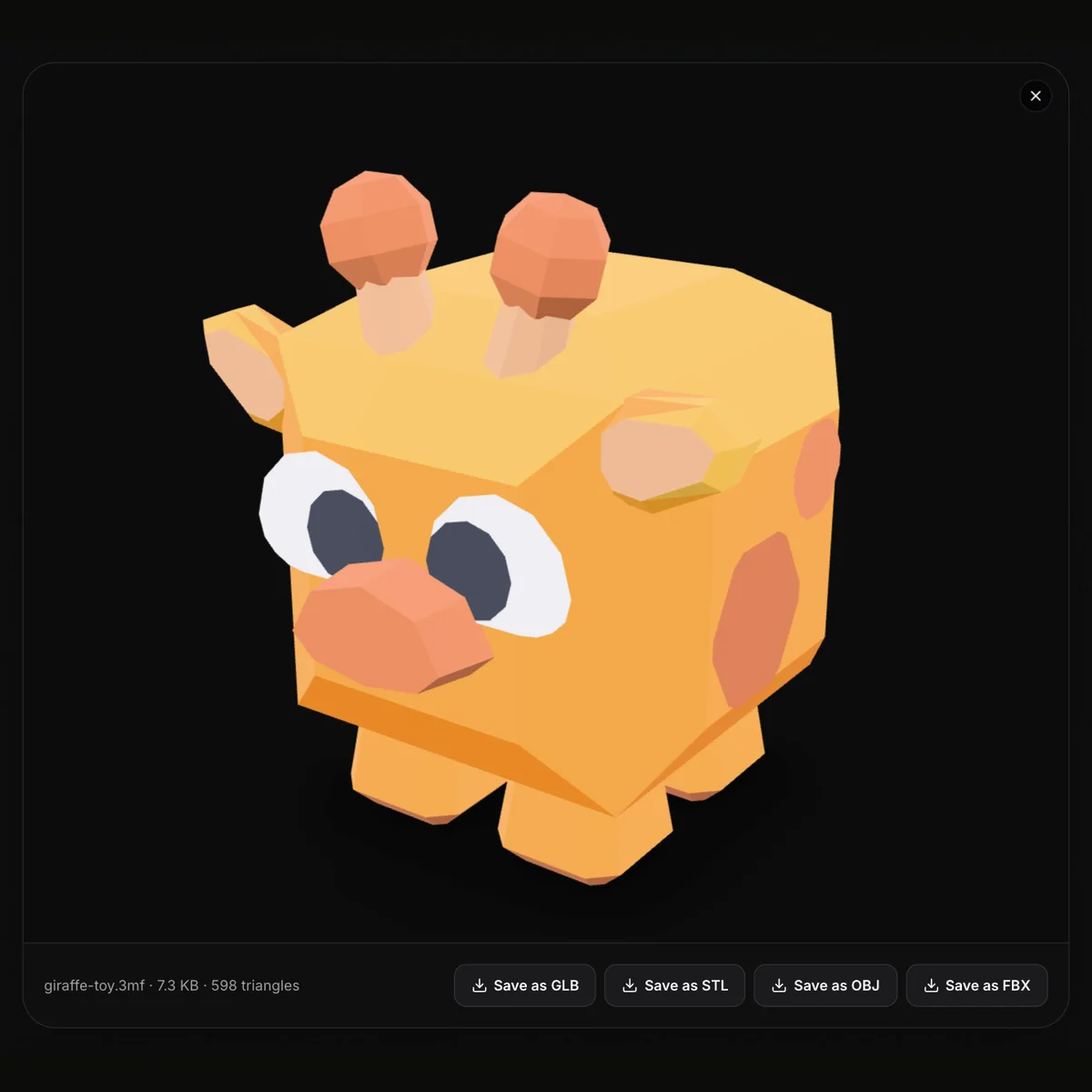
3MF files in the viewer and on a build plate
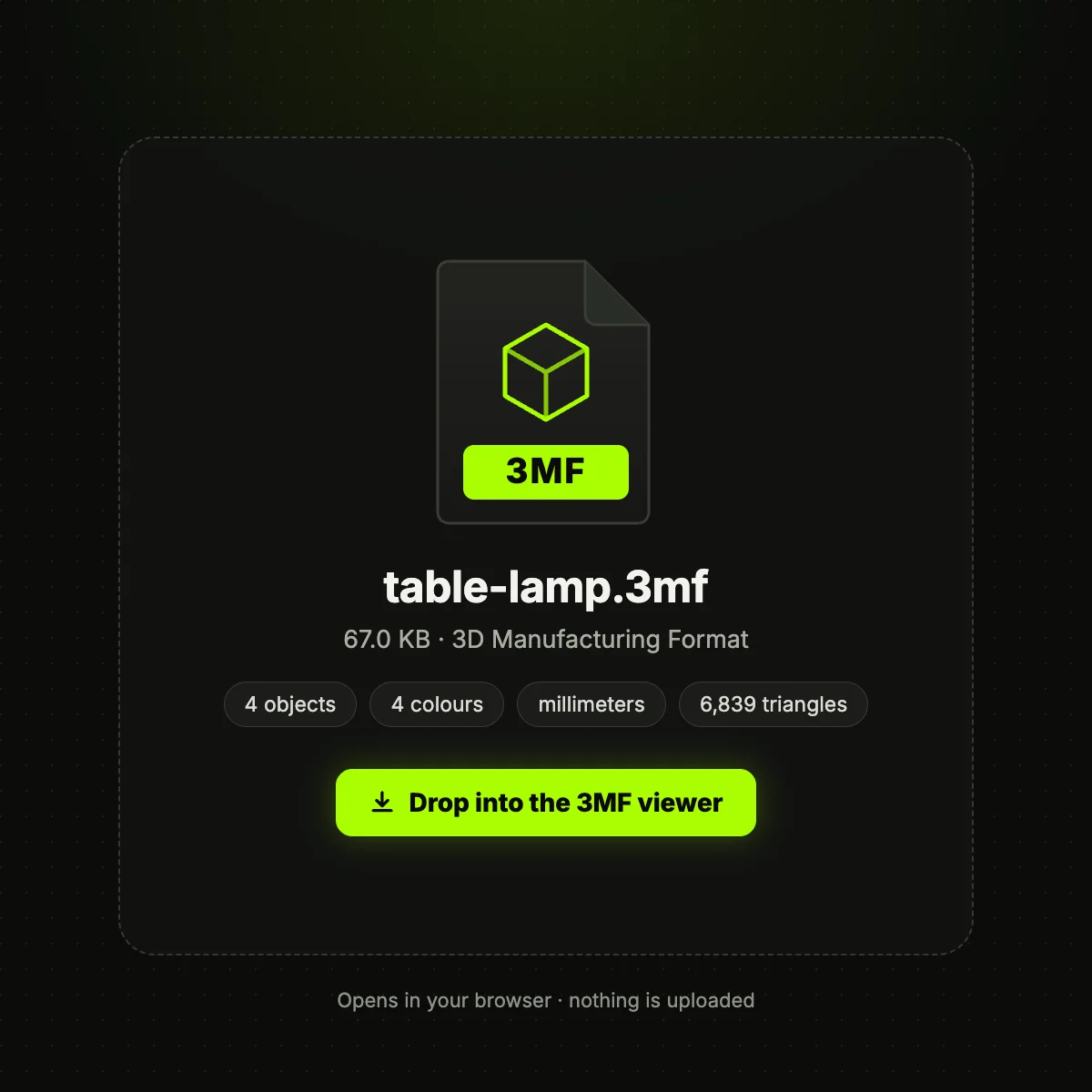
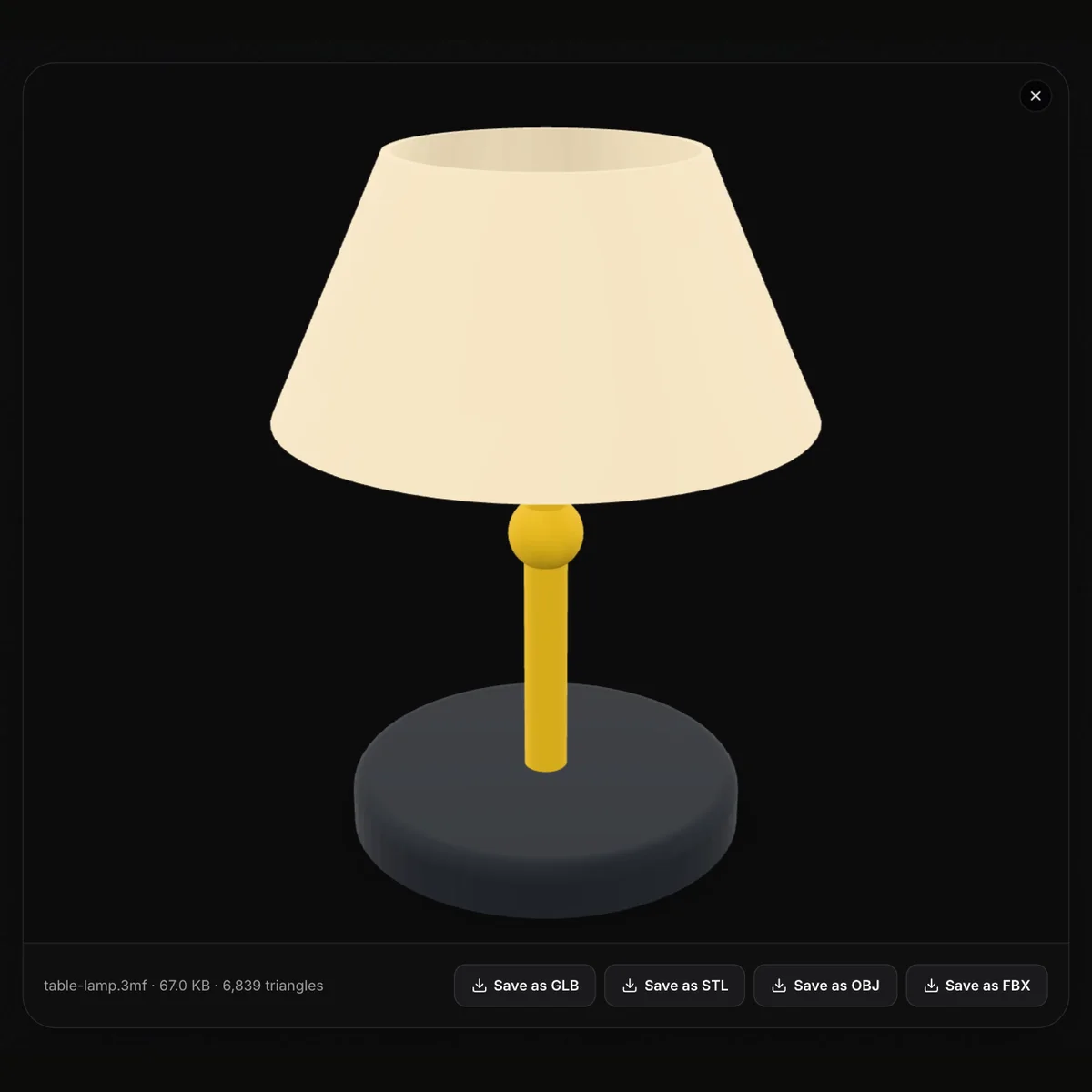
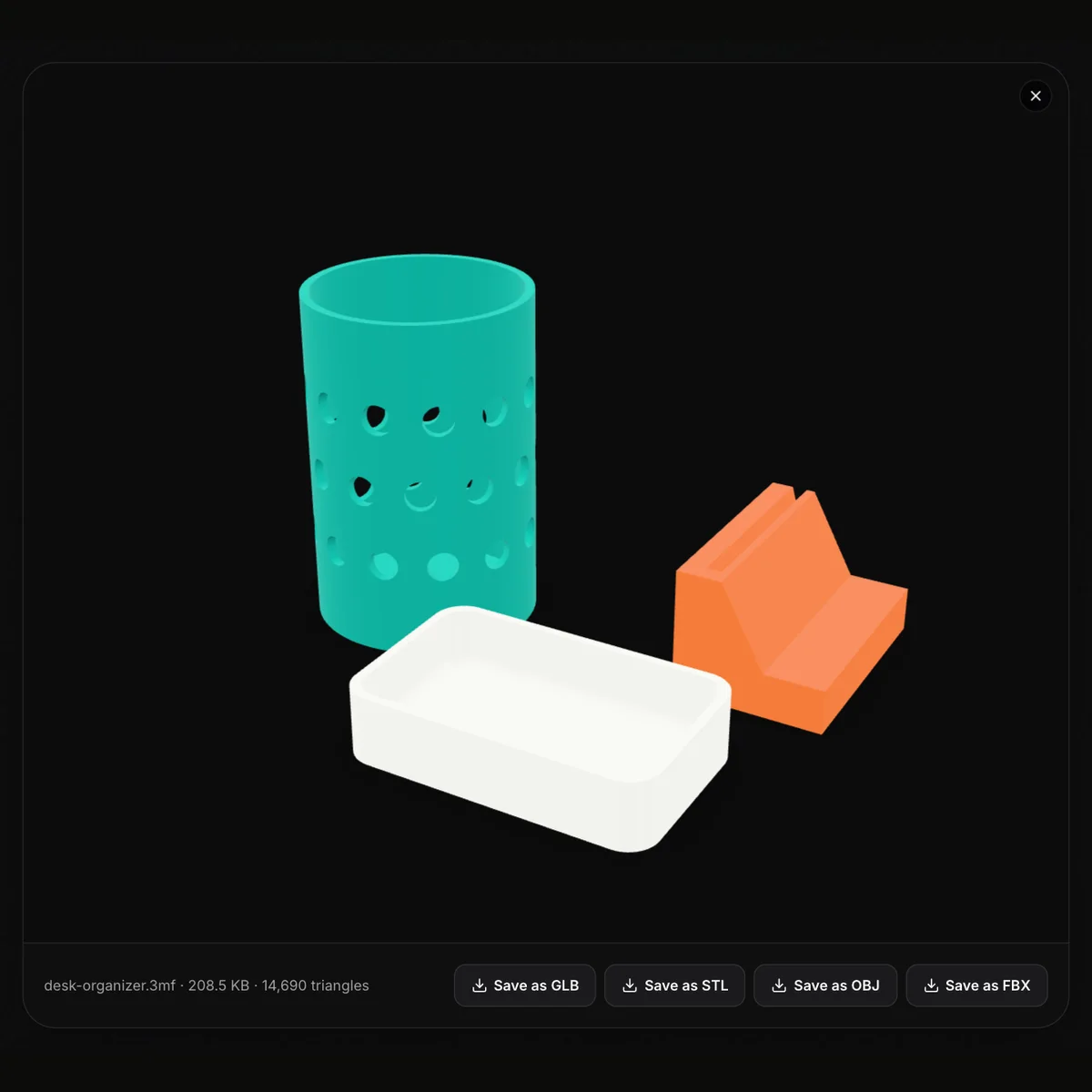
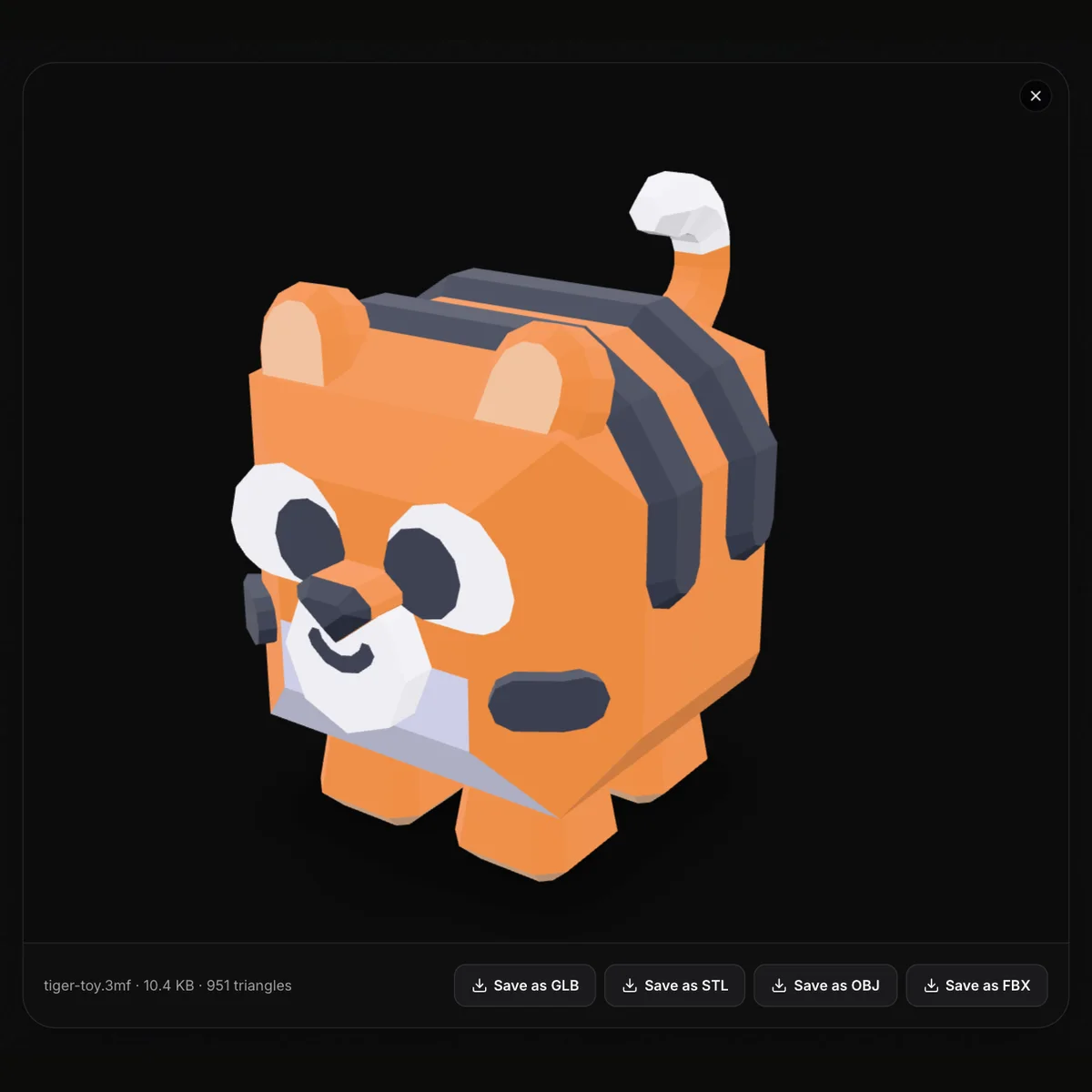
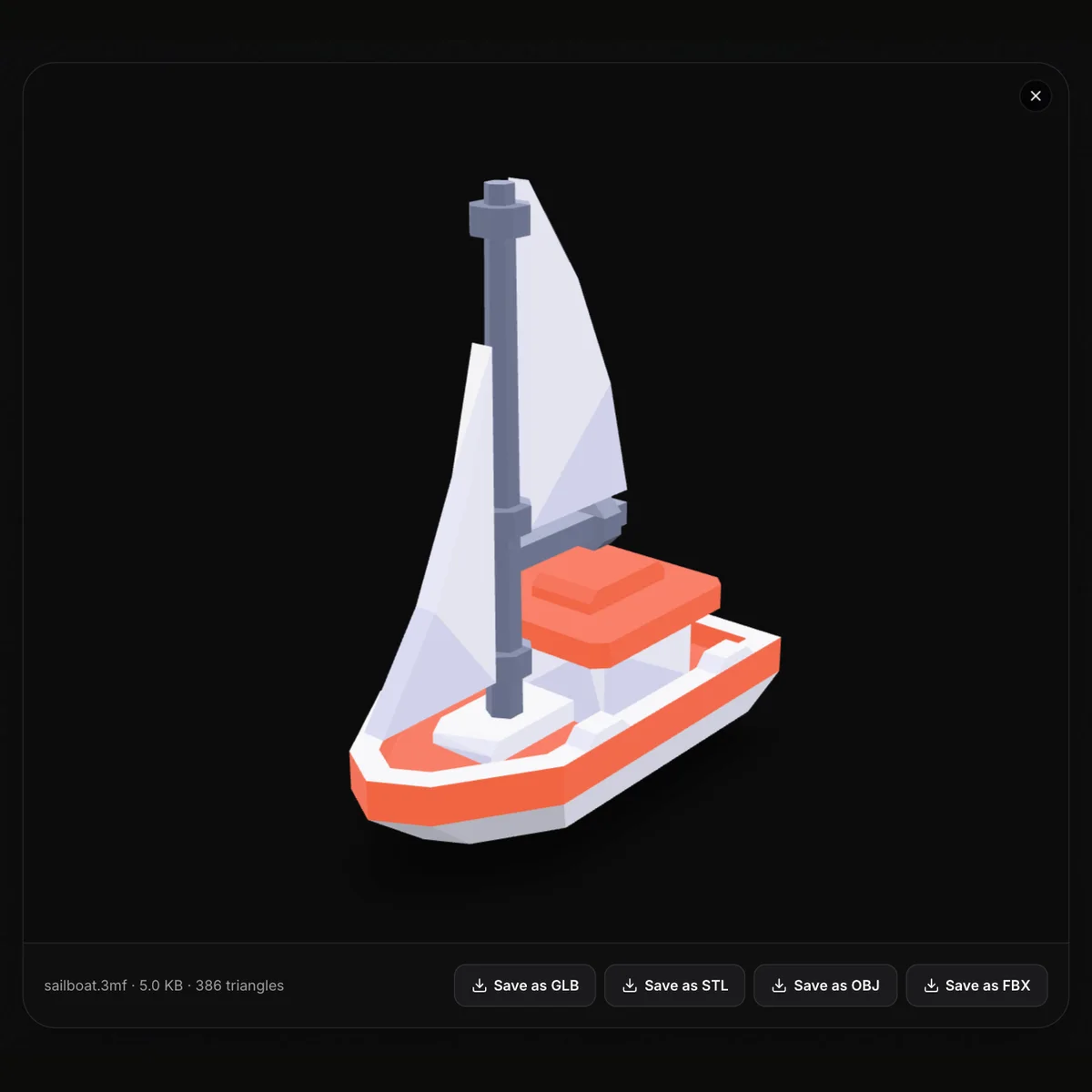
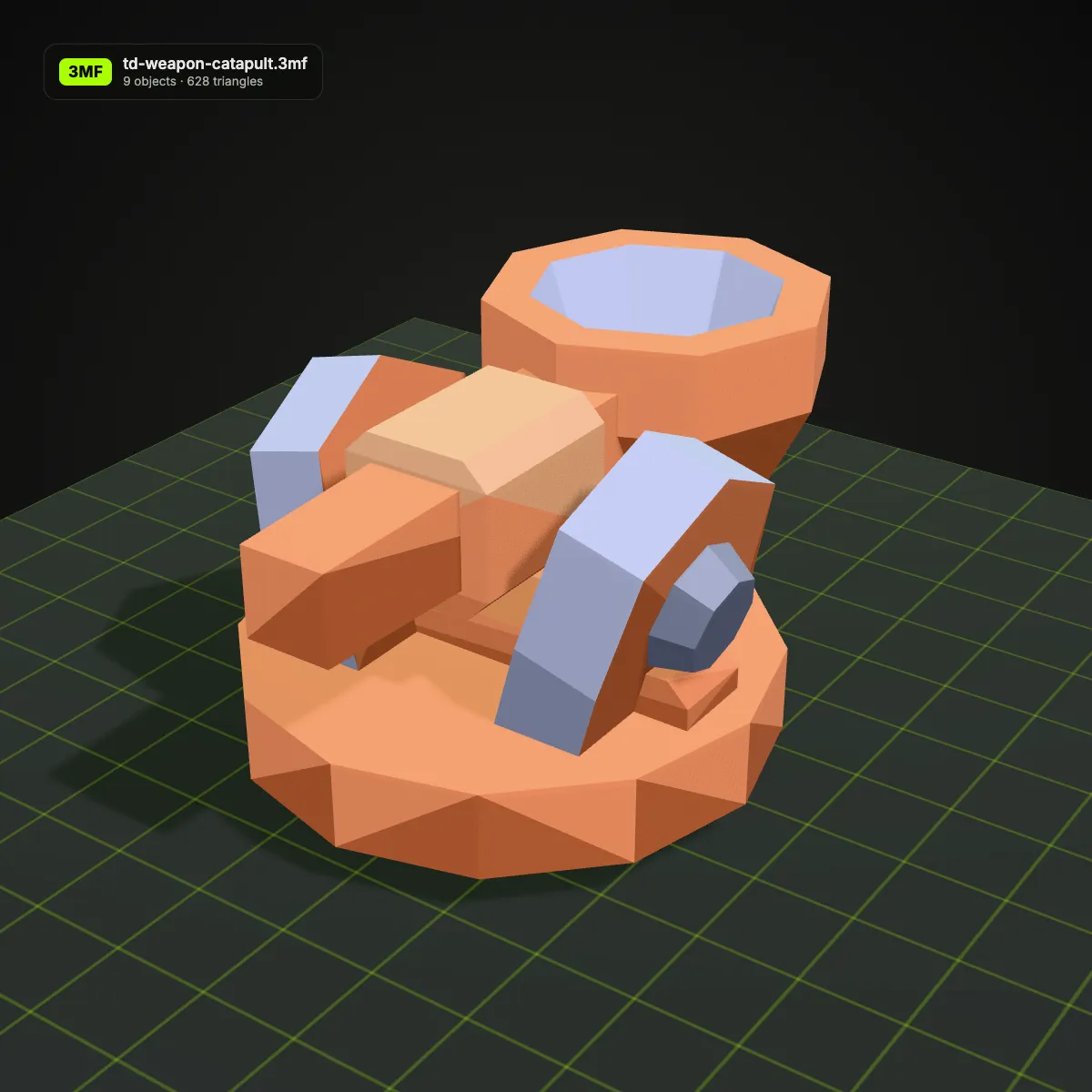
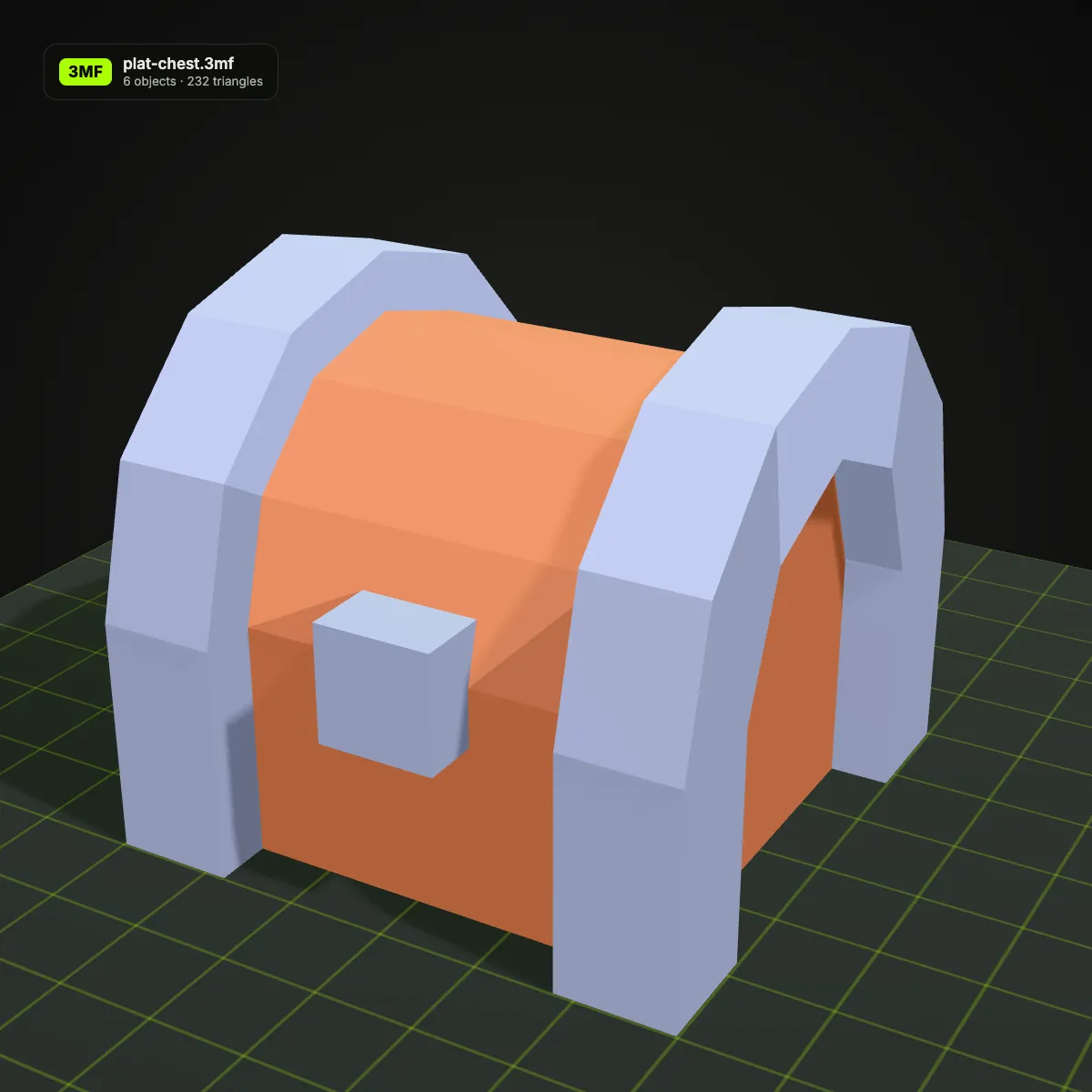
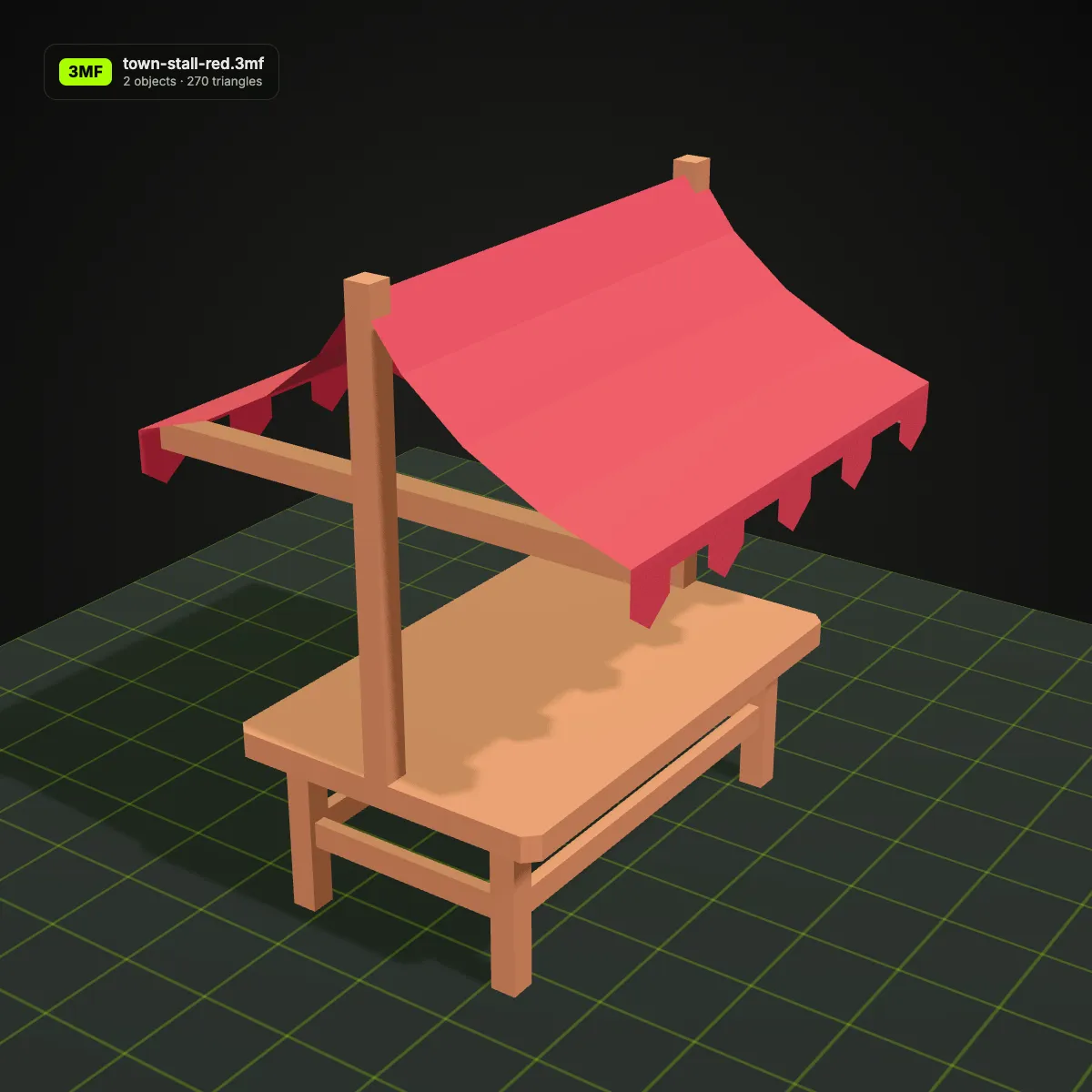
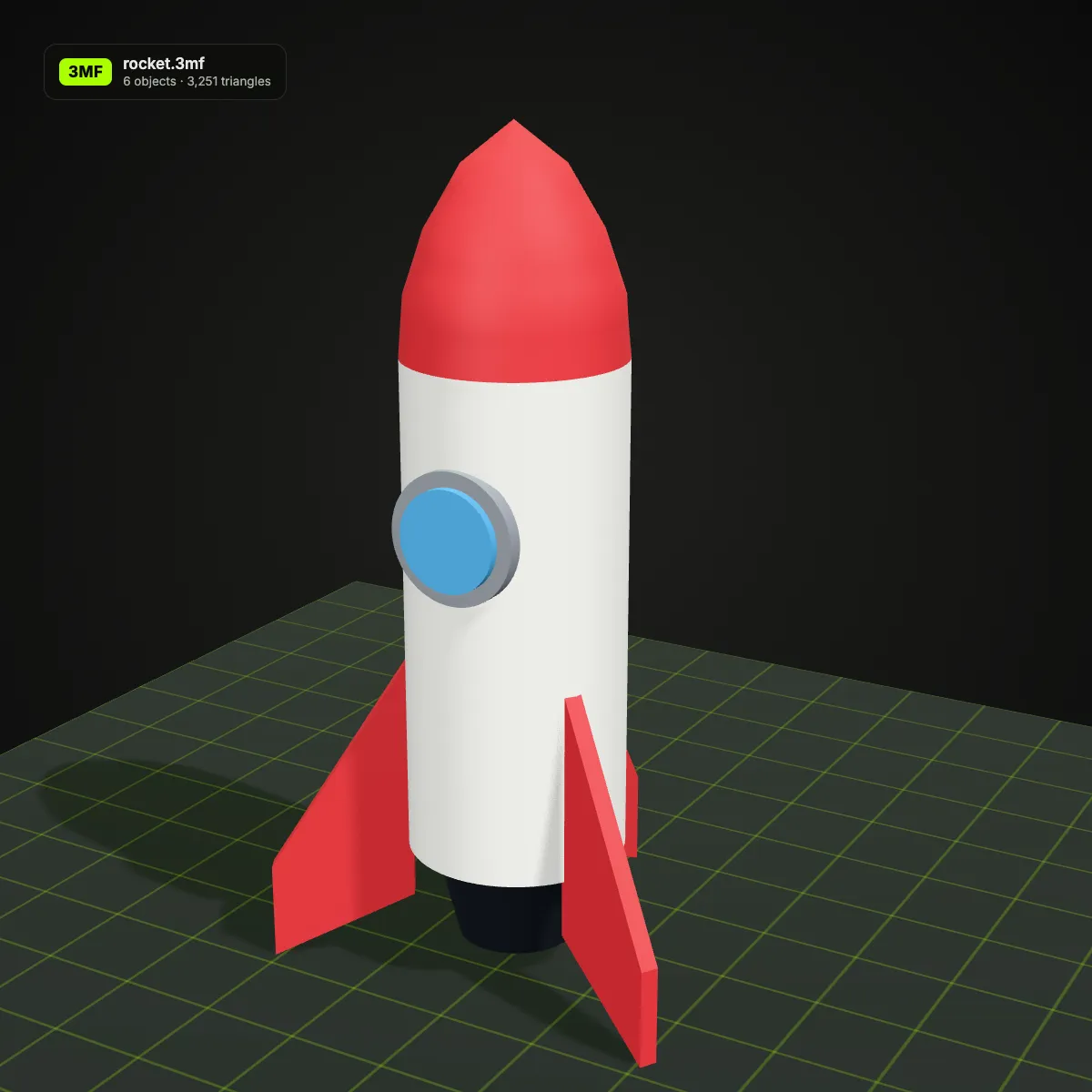
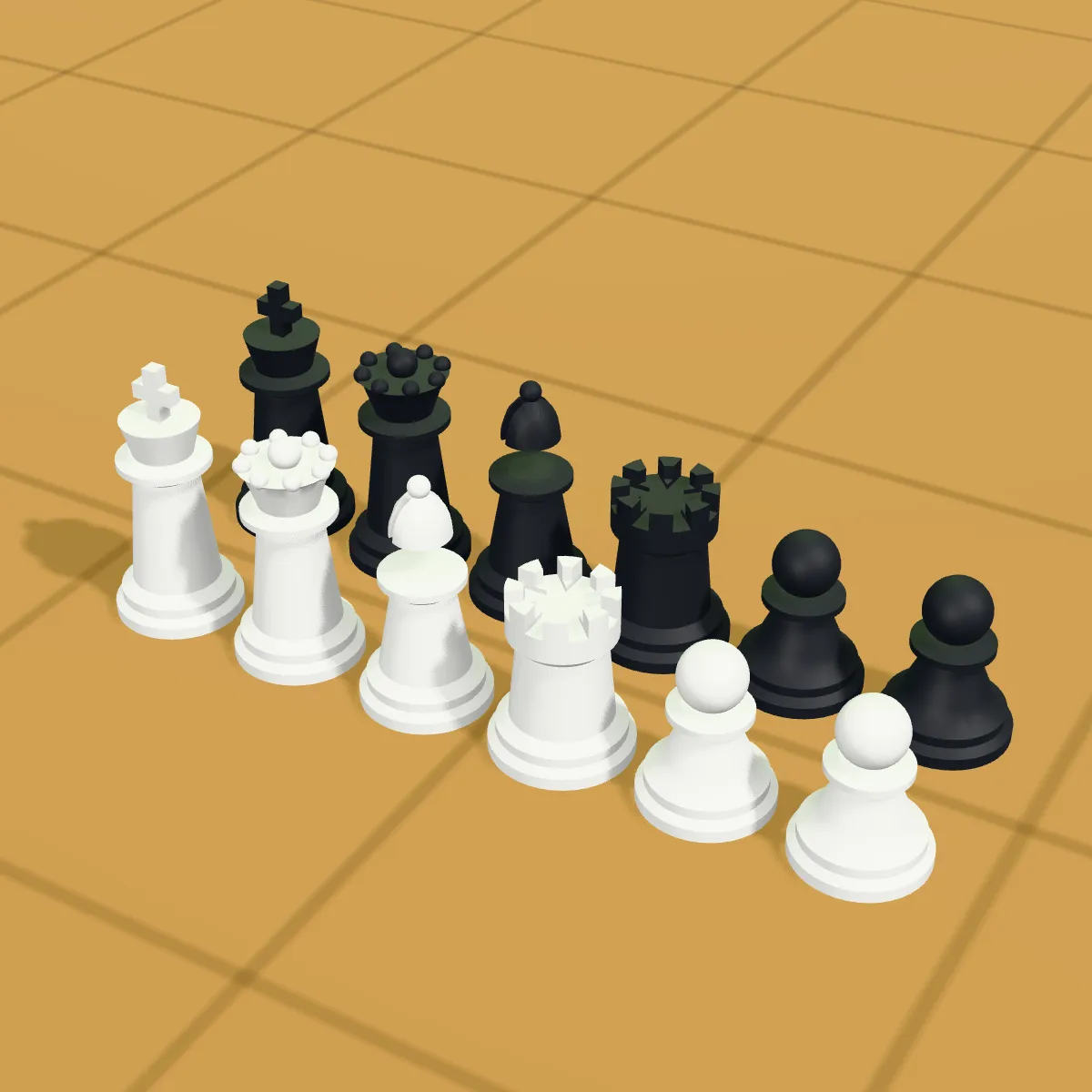
The first four pictures are screenshots of this 3MF viewer with real files open. The last four are our renders of 3MF models on a build-plate grid, with object and triangle counts on the badge; the viewer itself shows no plate. The models are our own CAD designs and pieces from Kenney’s CC0 kits.
How to view a 3MF file online
- 11
Open the .3mf
Drop it on the viewer or press Open 3MF File. The ZIP package is unpacked in the browser and its model file read.
- 22
Inspect parts and colours
Orbit, zoom and pan around the model. Each object keeps the colour assigned to it in the file, so a part set to the wrong colour stands out.
- 33
Note the numbers, save if needed
Read the size and triangle count under the view. Save as STL for a slicer that prefers it, OBJ to take the colours along, GLB for the web or FBX for a game engine.
What the 3MF viewer reads, and what each Save as keeps
A 3MF packs one or more models, their colours and slicer extras into a ZIP. This table shows what the viewer displays from each part and which download keeps it.
| Part of the 3MF | In the viewer | Kept when you save |
|---|---|---|
| Objects and build items | Every object drawn at its build position, together as one scene | GLB, OBJ and FBX keep named objects (spool holder: frame, axle, roller); STL merges them |
| Base-material and colour-group colours | Each object or triangle in its colour | GLB and FBX as materials; OBJ as per-vertex colours; STL has none |
| Components stored in sub-folders of the package | Loaded and placed | Same as other objects |
| Unit (usually millimetres) | Not displayed | STL, OBJ and GLB copy the numbers, so the terrain tile is 100 units wide in each; FBX marks them as millimetres, so Blender shows the real size |
| Slicer project data: print settings, supports, plates, filament slots, painted colours | Ignored | Not kept; slice from the original file |
| Thumbnail image | Not shown | Not kept |
When a 3MF viewer saves time
Checking a download before slicing
Open a 3MF from Printables, MakerWorld or Thingiverse to see its parts, colours and triangle count before you give a plate to it.
Previewing multi-colour prints
For AMS, MMU or tool-changer printers, confirm which object carries which colour, and that small details such as eyes or windows exist as objects of their own.
Opening 3MF without a slicer
On a work laptop, a Chromebook or a phone with no slicer installed, the viewer still opens the file in the browser.
Moving a 3MF into other tools
Save as OBJ to take the colours into Blender, STL for a slicer that prefers it, GLB to show the model on a website, or FBX for a game engine.
3MF viewer FAQ
Drop the .3mf on the 3MF viewer at the top of this page. It opens in Chrome, Edge, Firefox or Safari on any desktop or phone, with nothing to install and no account. Slicers such as Bambu Studio, PrusaSlicer and Cura open 3MF too, if you have one at hand.
Yes, the colours stored in the 3MF model itself: base materials assigned to objects and per-triangle colour groups. Colours painted inside a slicer, or filament slots kept only in its project settings, are not part of that data, so those parts appear without them.
No. Those live in slicer-specific files inside the 3MF package, and the viewer ignores them. You see the meshes at their positions; open the original file in your slicer for settings, supports and plate layout.
Yes. The file is unzipped and drawn by your own browser and is never sent to a server, so paid or unreleased designs stay on your computer.
Yes. After the file opens, Save as STL writes one merged mesh without colour, in millimetres for any slicer. Save as OBJ keeps each object with its colour as vertex colours. An OBJ or GLB copy keeps the millimetre numbers, which Blender and other metre-based programs read as metres, so scale by 0.001 there.
Usually the file is larger than 200 MB, the ZIP is damaged or incomplete (a download that stopped early), or the package holds no mesh at all. Download it again, or export a fresh 3MF from your slicer or CAD program and drop that in.
Guides for this tool
Related tools




Looking for something new to print?
Ship3D’s AI generator turns a photo into a 3D model you can download as STL for your slicer, then open here to check.
Free to sign up, no credit card required. Try it once for free.