Lithophane Maker
Flat, Curved and Lamp Lithophanes from a Photo
This lithophane maker turns a photo into a 3D printed lithophane: a thin white plate whose thickness follows the picture, thick where the photo is dark and thin where it is light, so the image appears when light shines through it.
Photo → STL
Drop a photo to see the lithophane in 3D, then switch the backlight on to see how it glows.
Drop a JPG, PNG or WebP of up to 20 MB and choose a flat panel, a curved panel bent from 60 to 200°, or a cylinder for a lamp shade. Set the thickness range (0.8 to 3.0 mm to start), add a frame, and tune brightness, contrast, smoothing and detail. A backlit preview simulates light passing through white PLA so you can judge the contrast before printing; switch it off to see the bare plate. Flat lithophanes export standing upright by default, with a lying-flat option. You get a closed binary STL in millimetres. The whole lithophane generator runs in your browser, so the photo is never uploaded and there is nothing to sign up for.
Try the lithophane maker with a sample photo
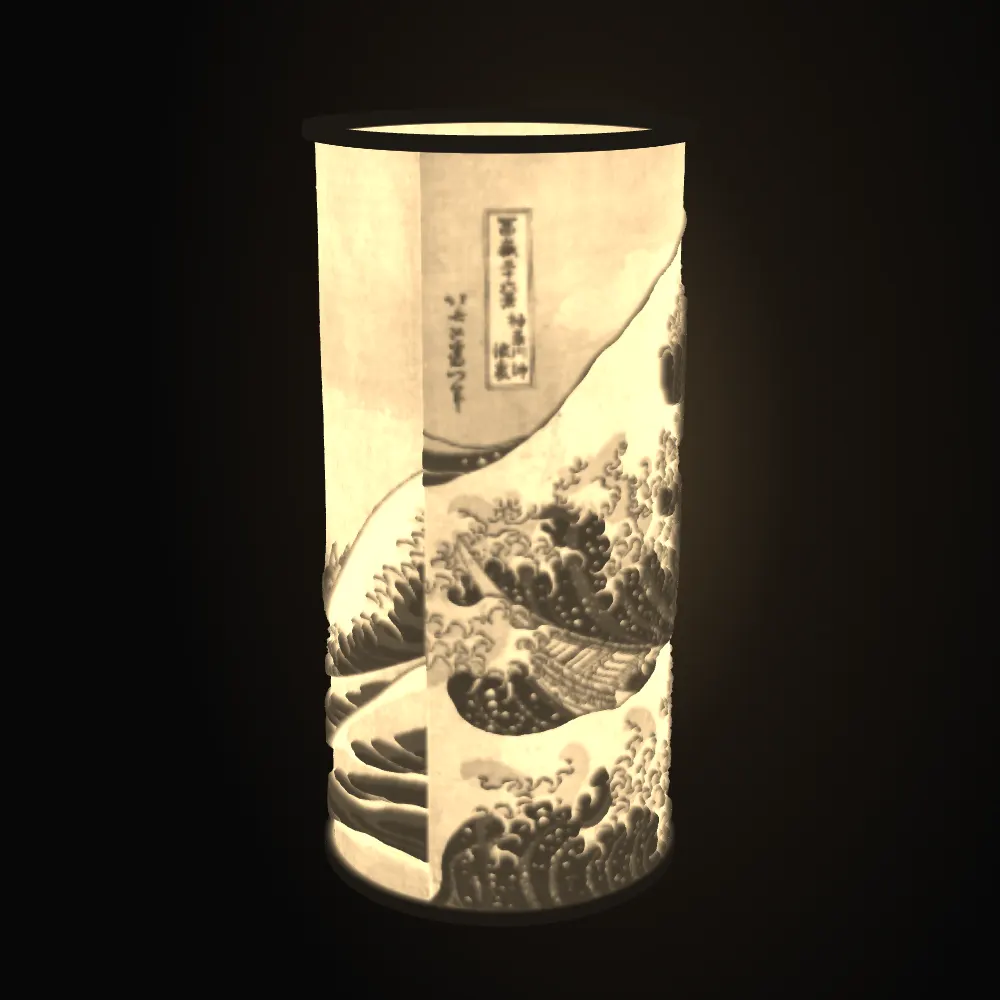
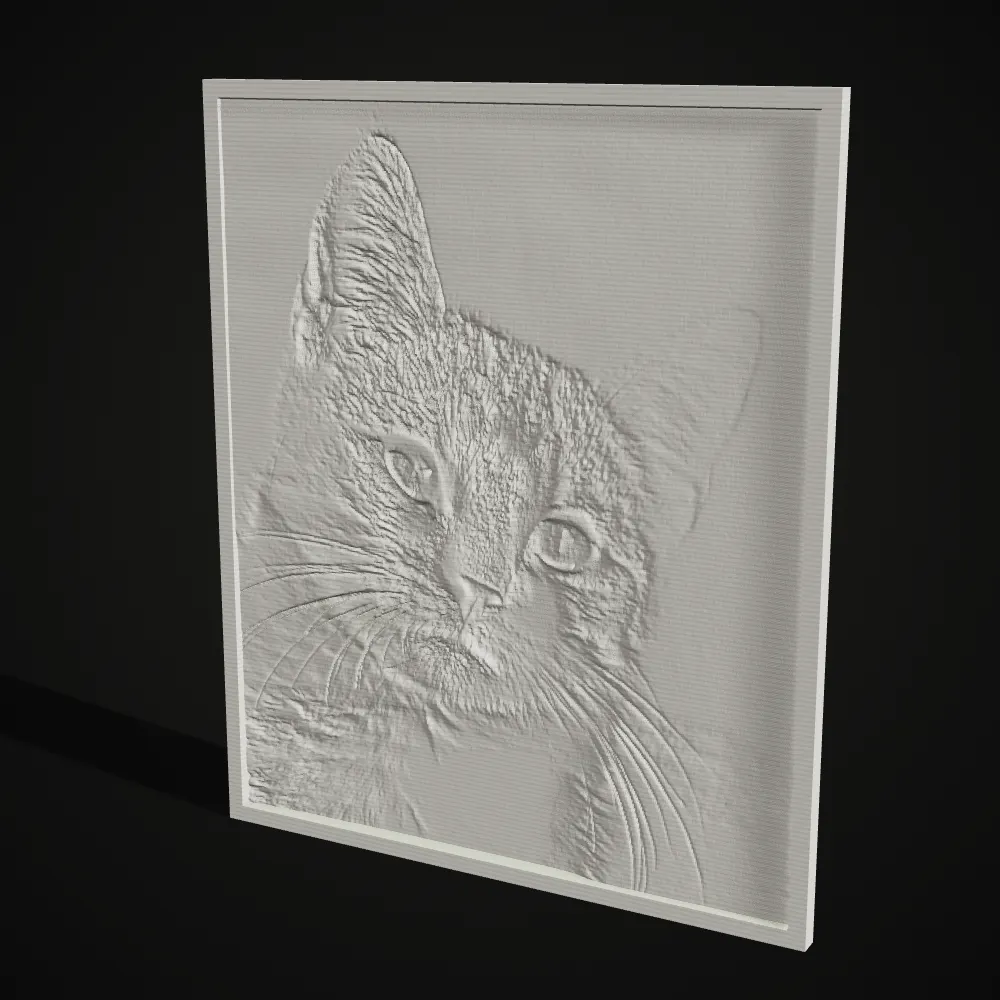
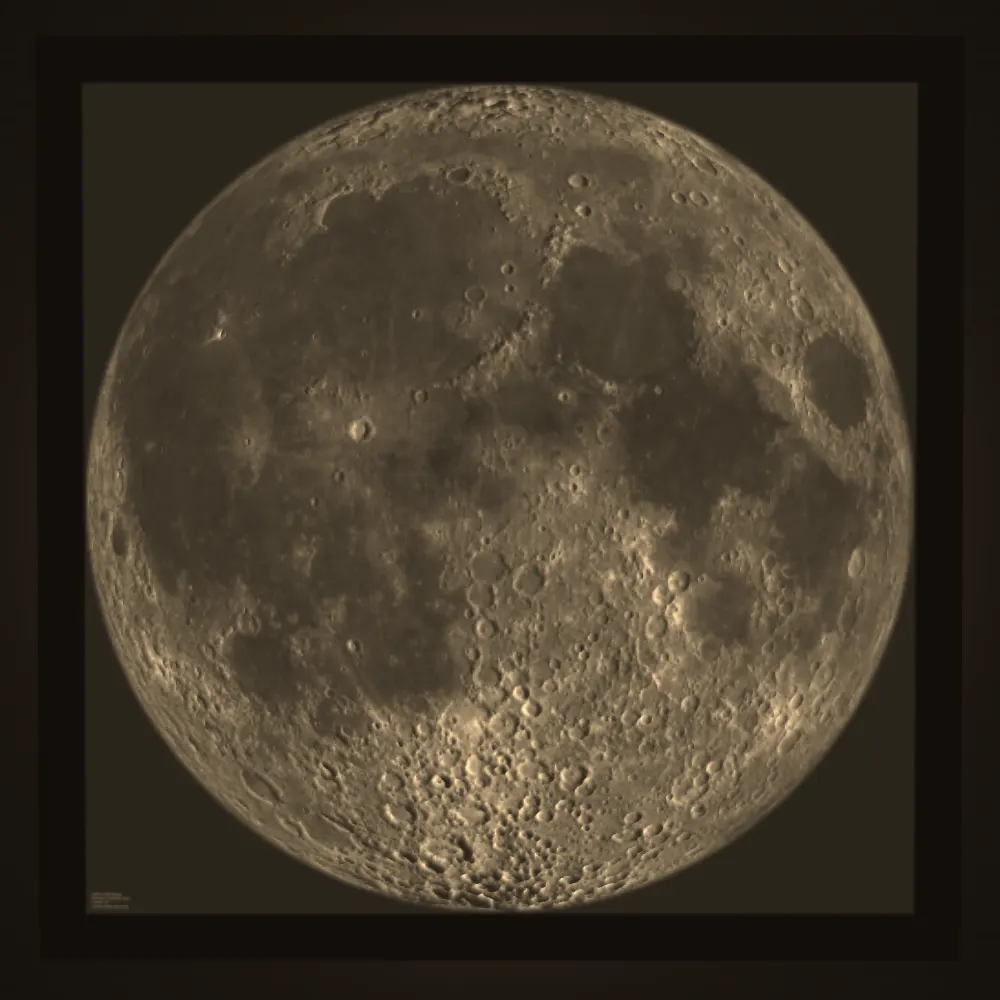
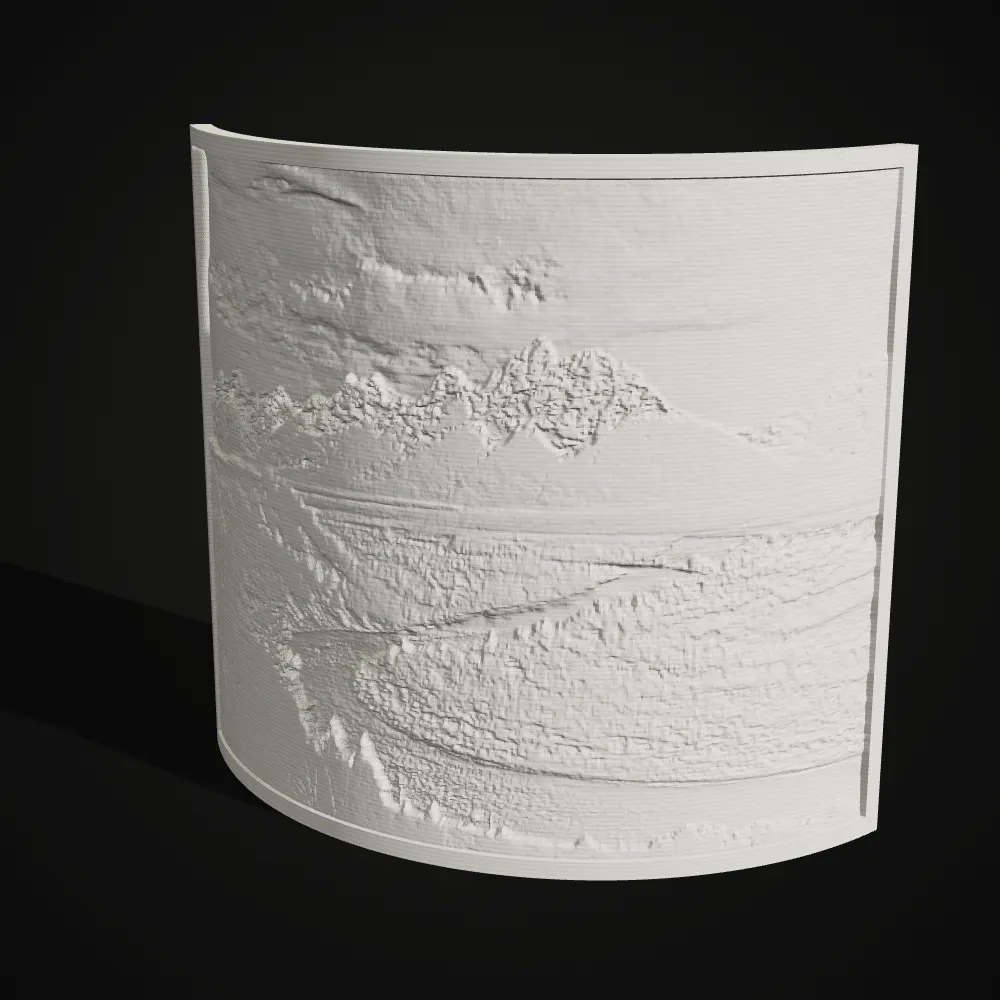
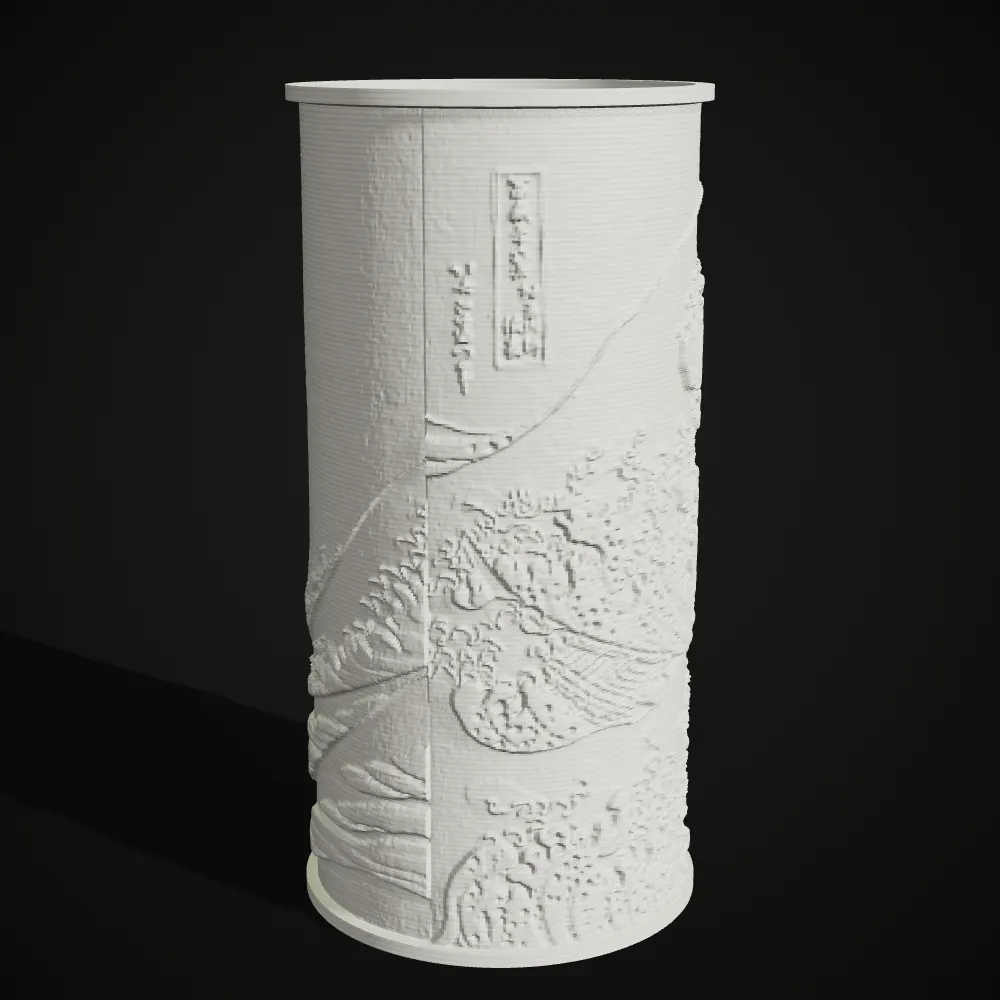
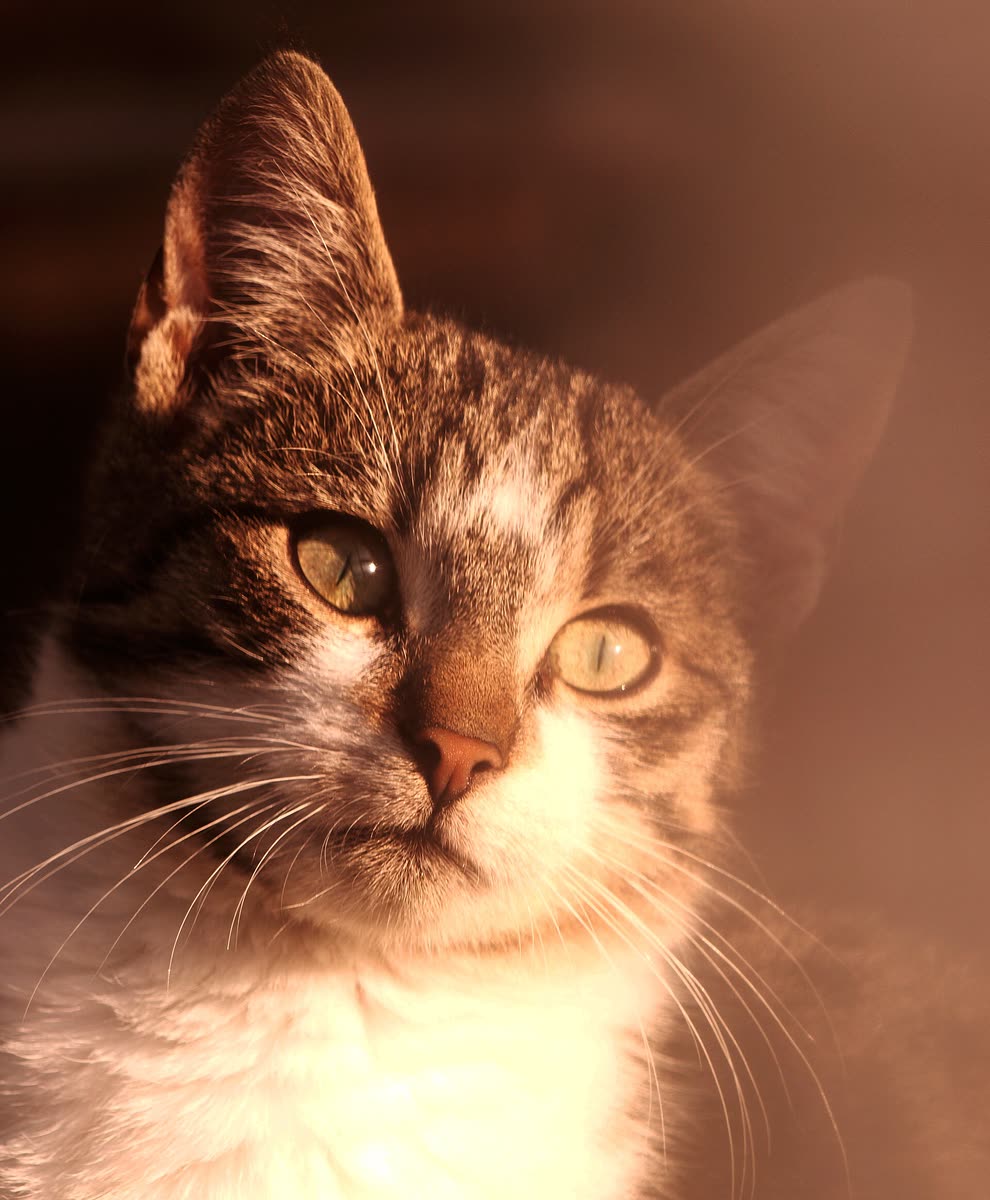
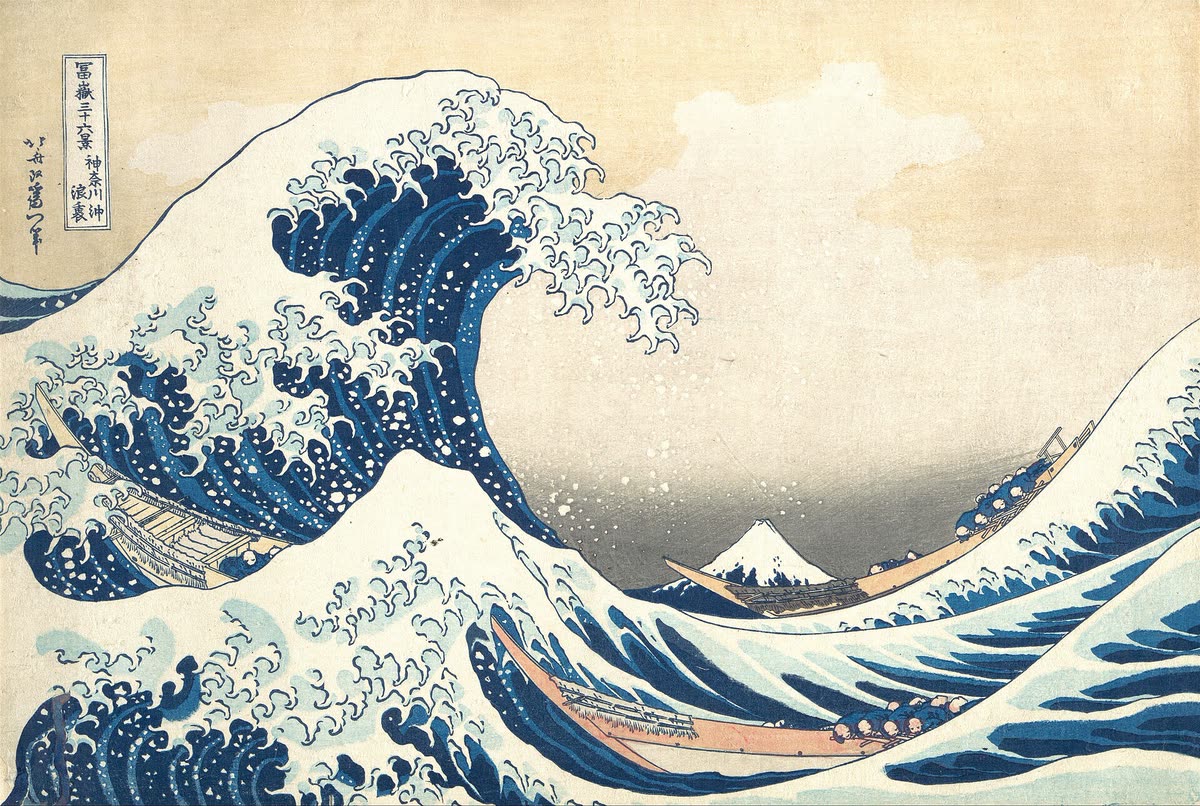
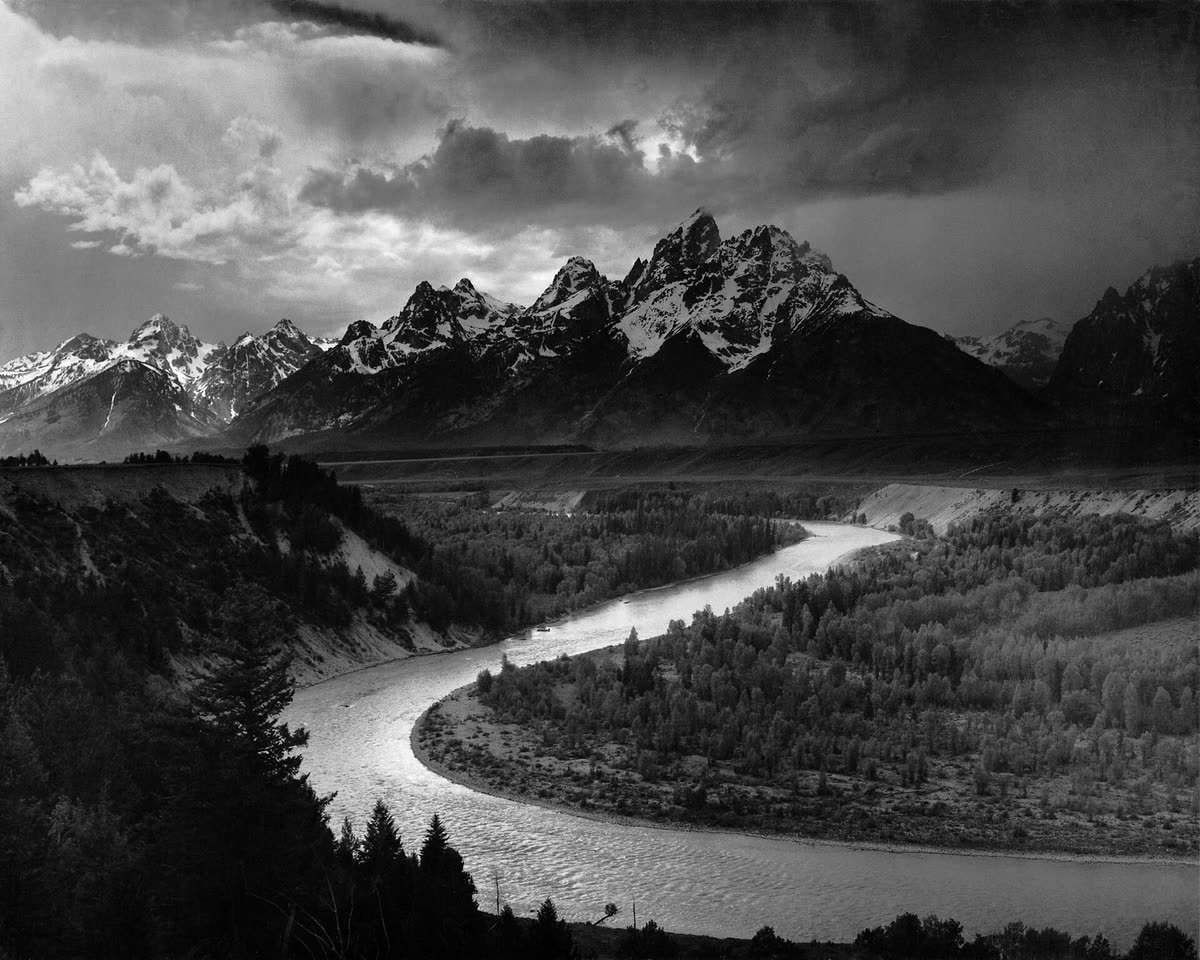
Each photo suits one shape. The close-up cat is the classic flat pet panel. Hokusai’s wave is wide, so it wraps around a cylinder lamp without getting too tall. Ansel Adams’ Tetons, already black and white, looks good on a curved panel.
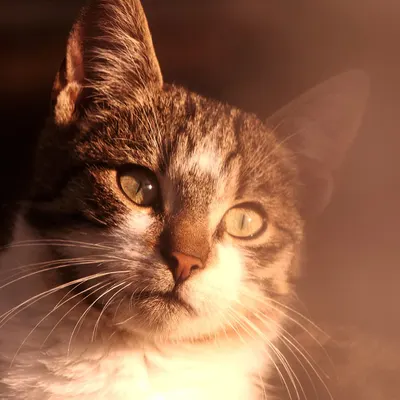
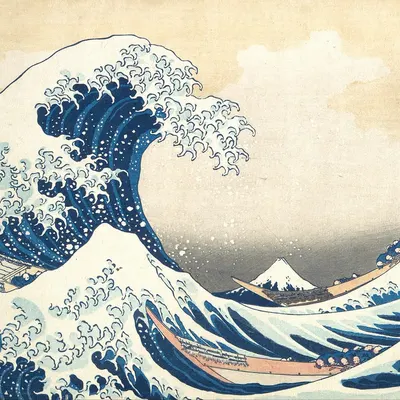
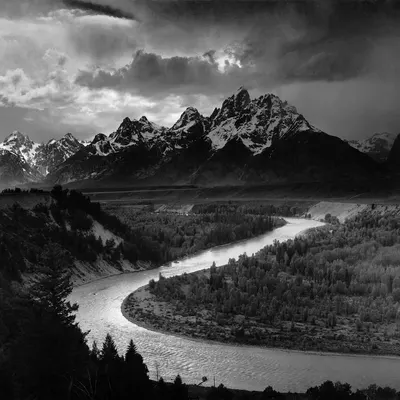
See a photo become a lithophane
Nineteen seconds of the real lithophane maker. The cat sample opens with the backlight on, the maximum thickness changes, the light goes off to show the white plate while the view orbits, and then the same photo becomes a curved panel, a cylinder lamp and finally a downloaded STL.
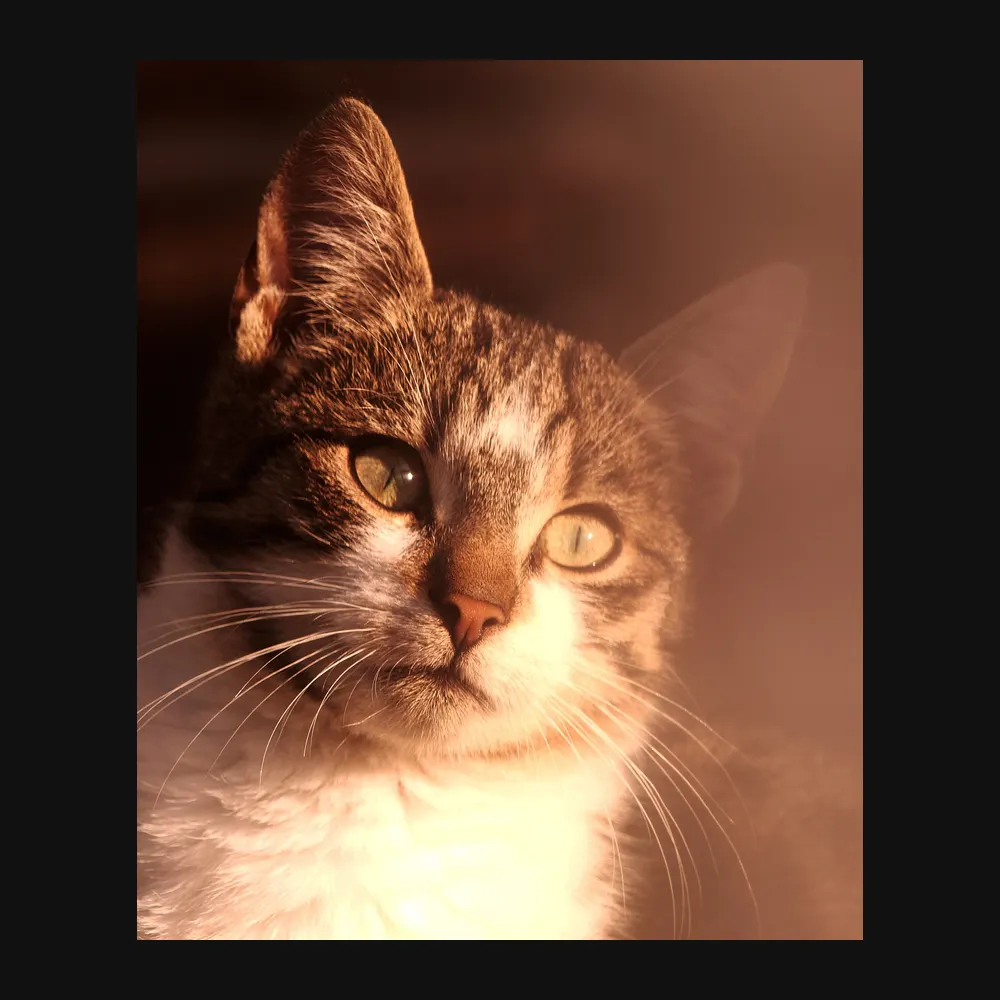
Photo lithophanes: the photo, then the backlit plate
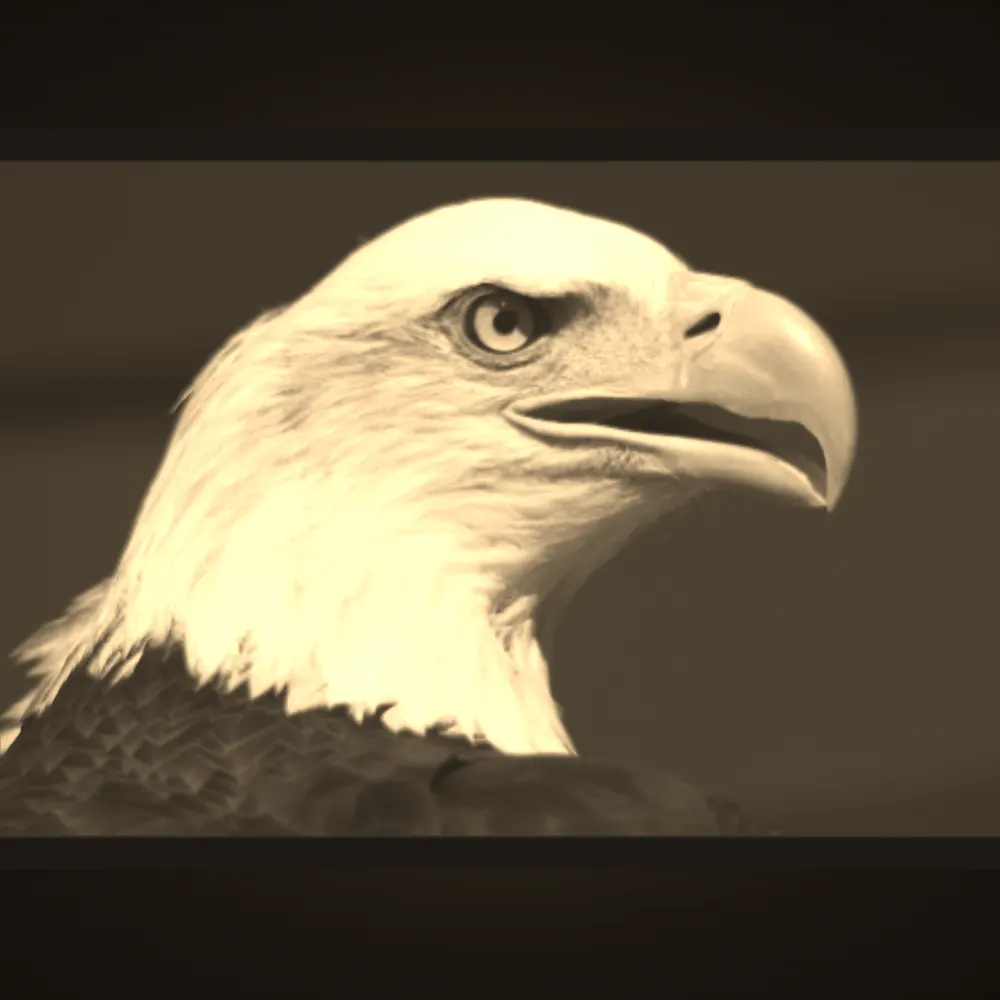
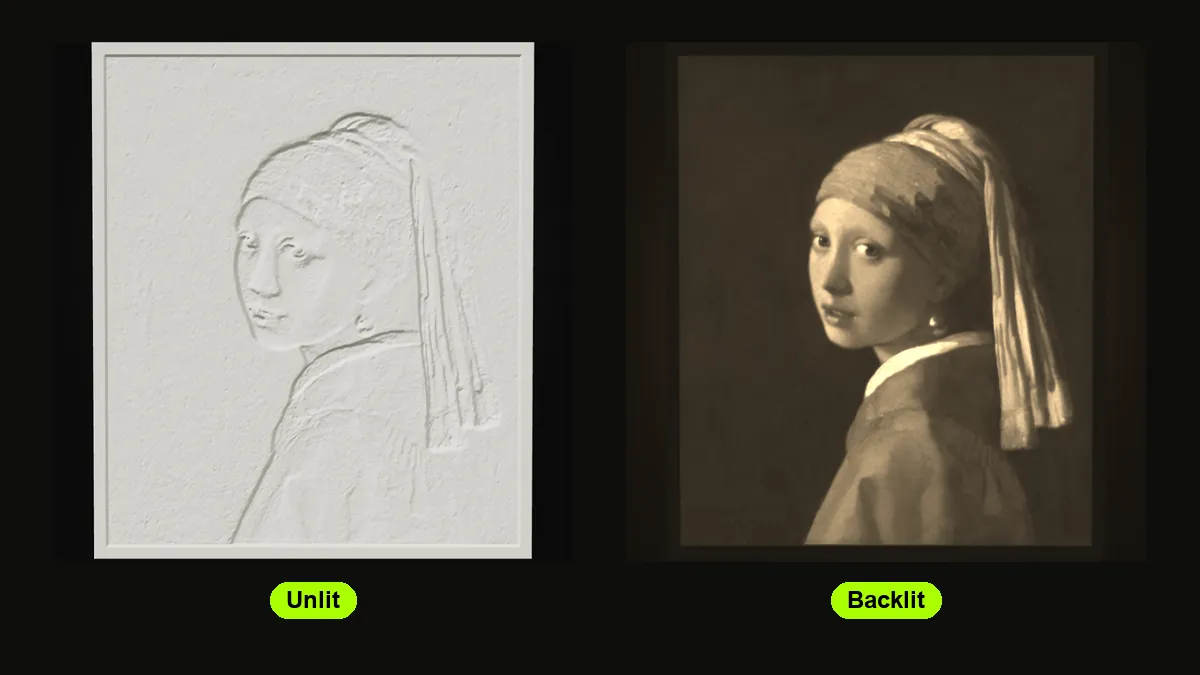
Left, the original photo. Right, this lithophane maker’s backlit preview of the plate it built. The glow is a shader simulation of light through white PLA, not a photograph of a print, so real results shift with the filament and the lamp.
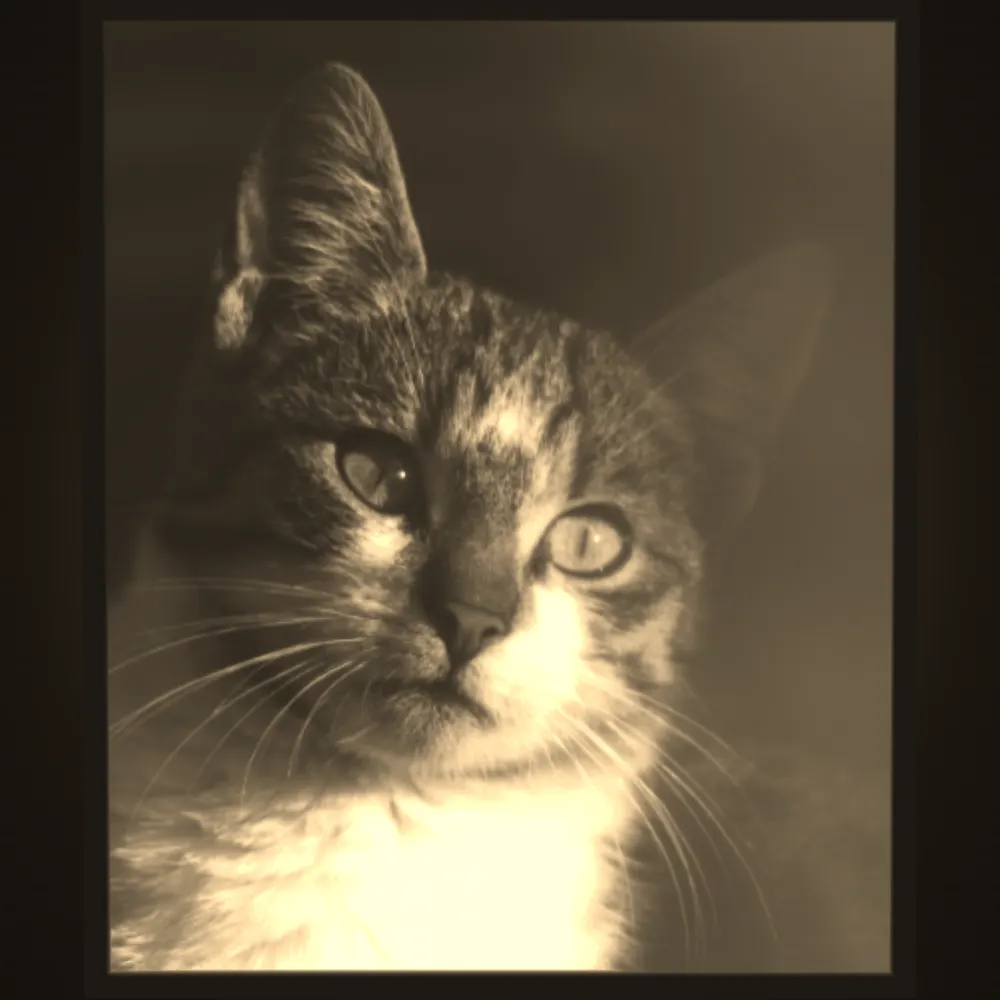
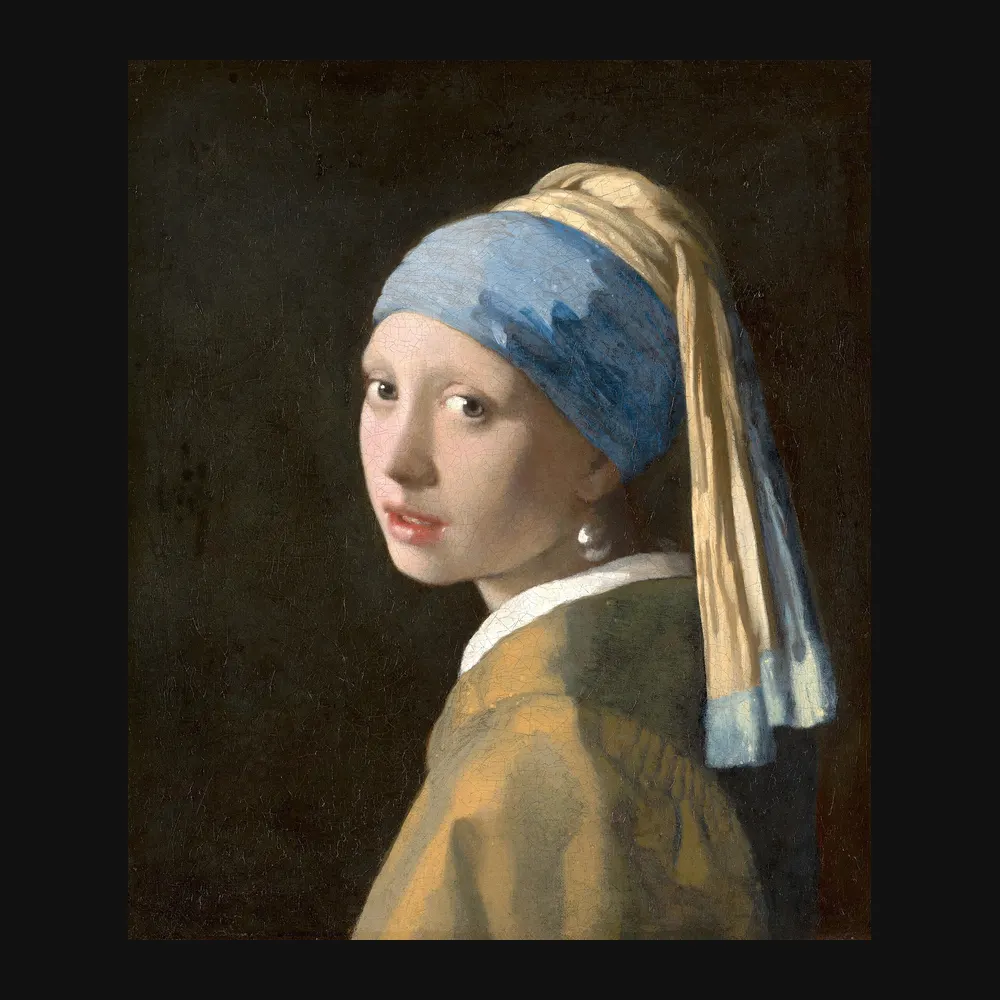
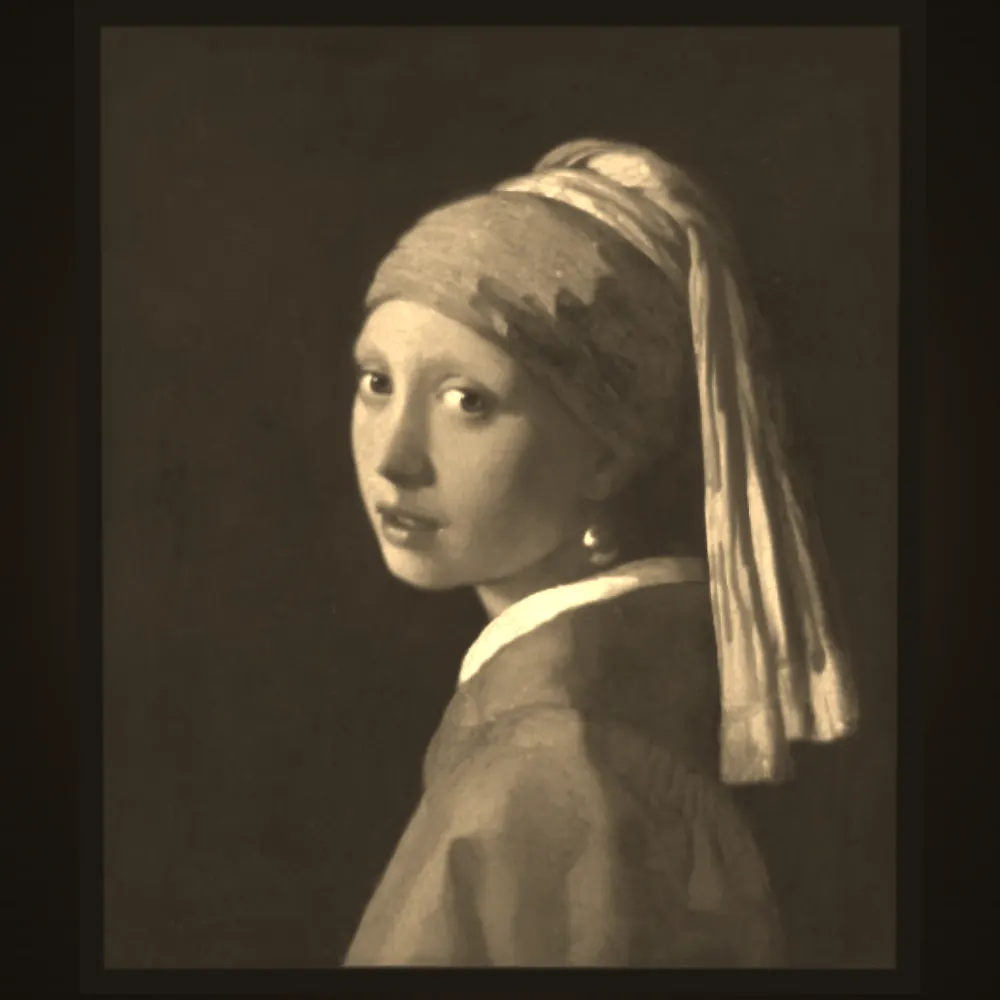
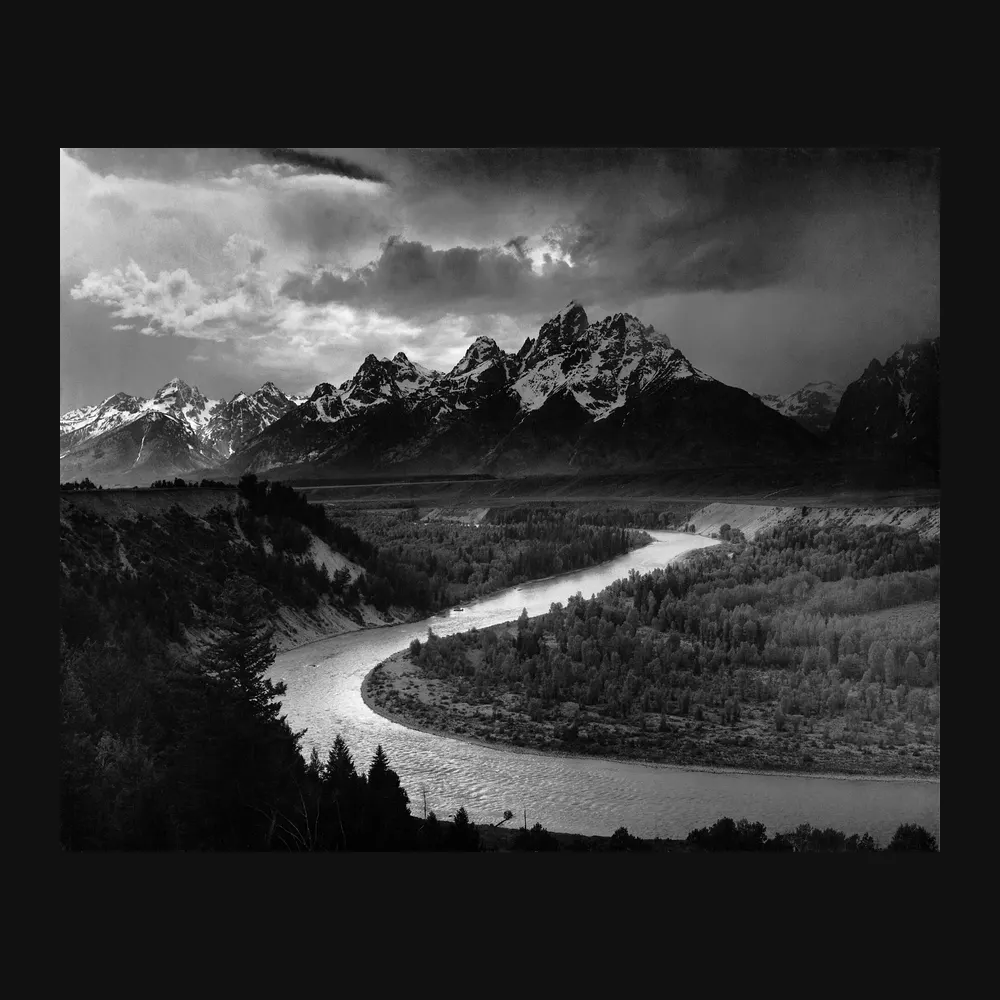
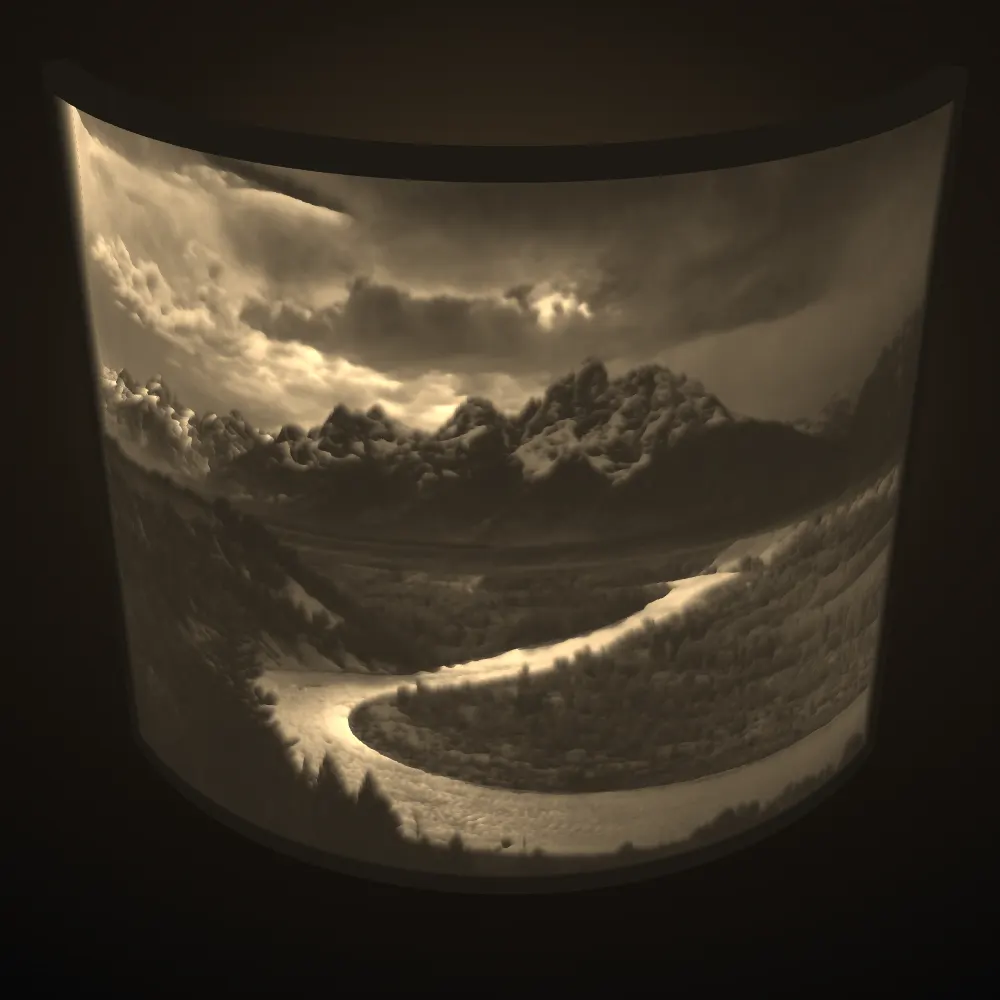
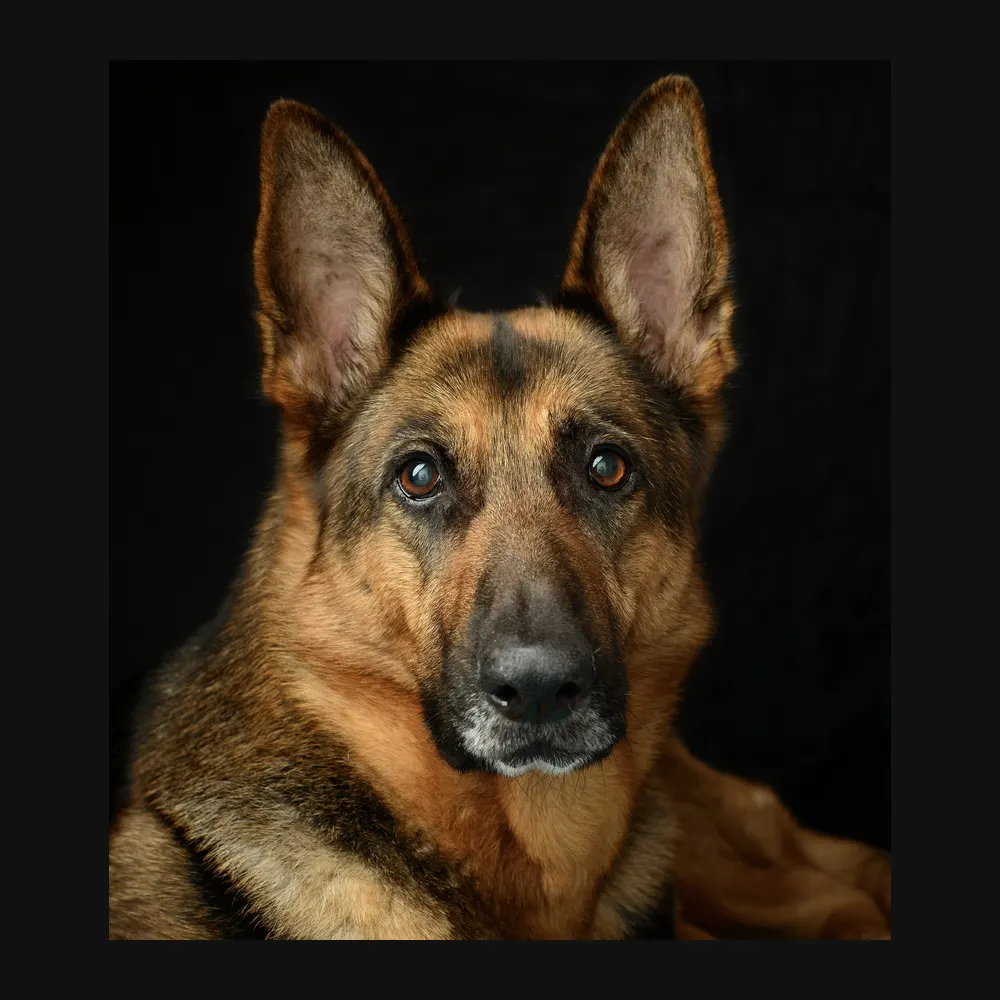
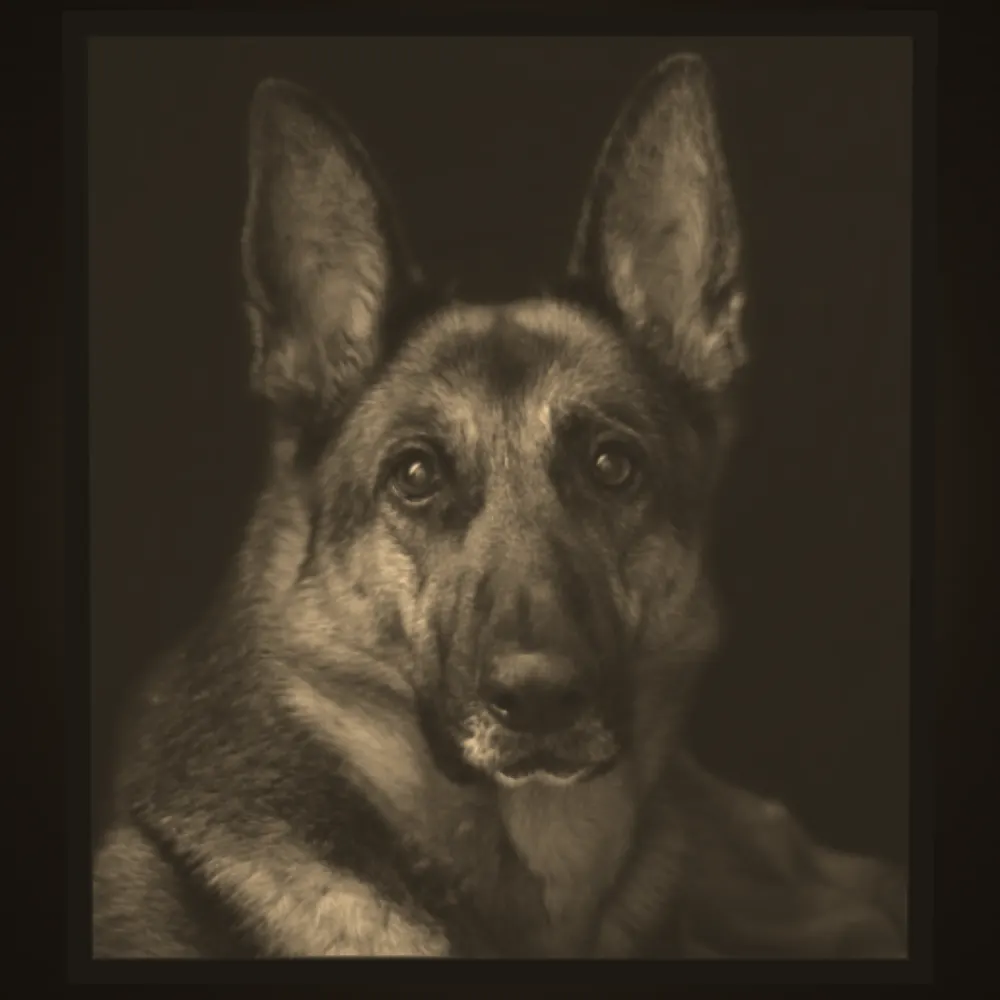
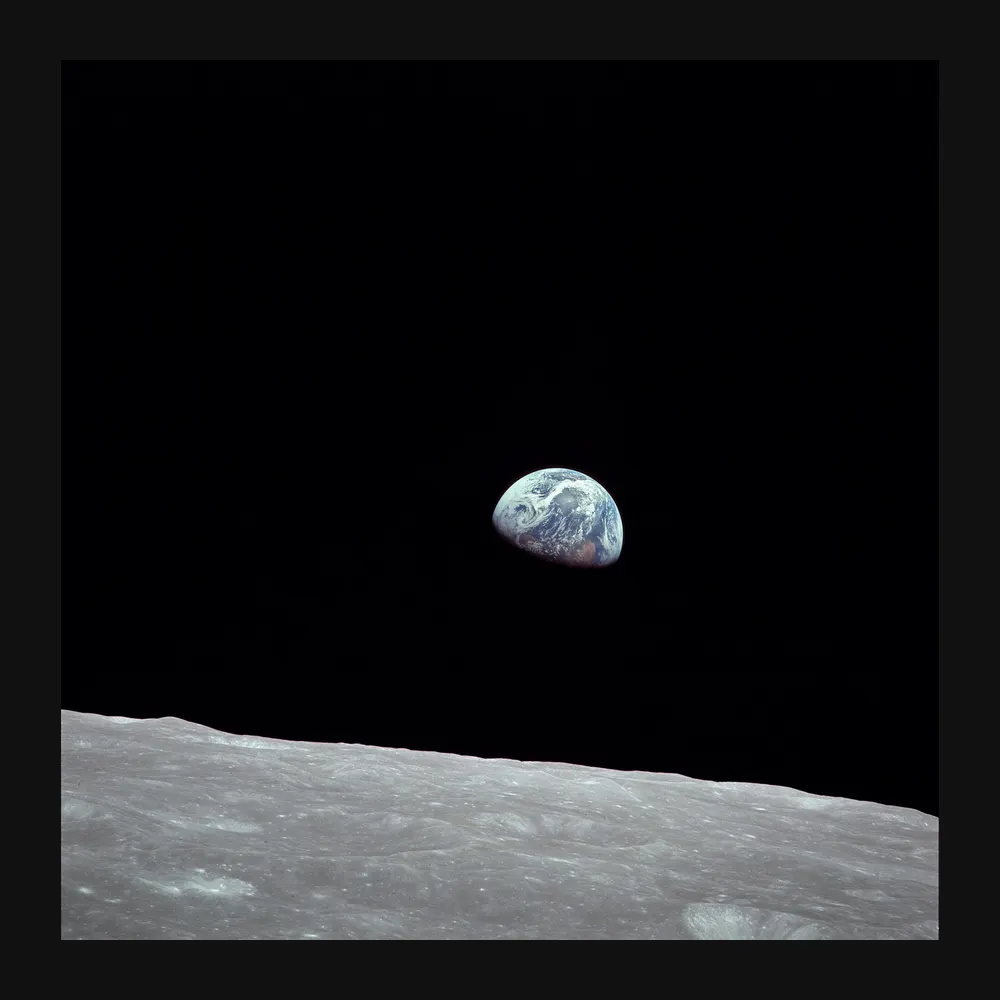
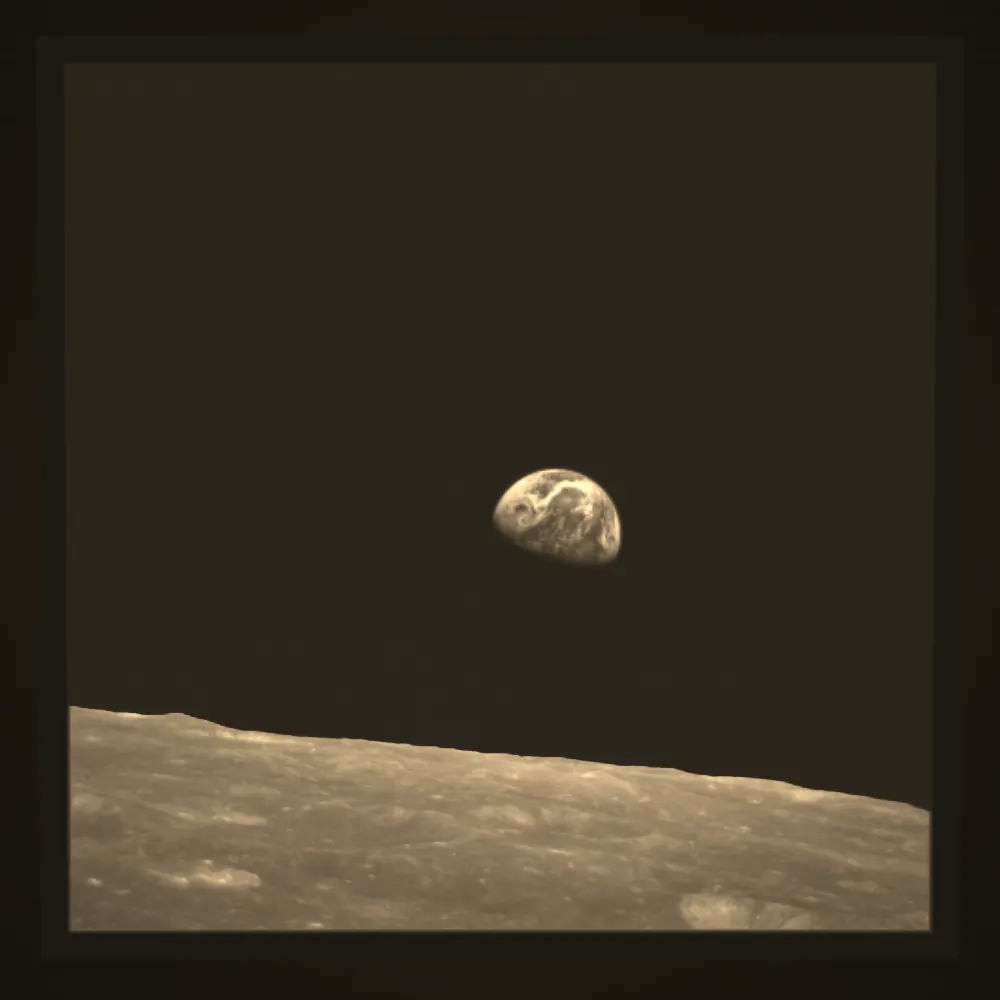
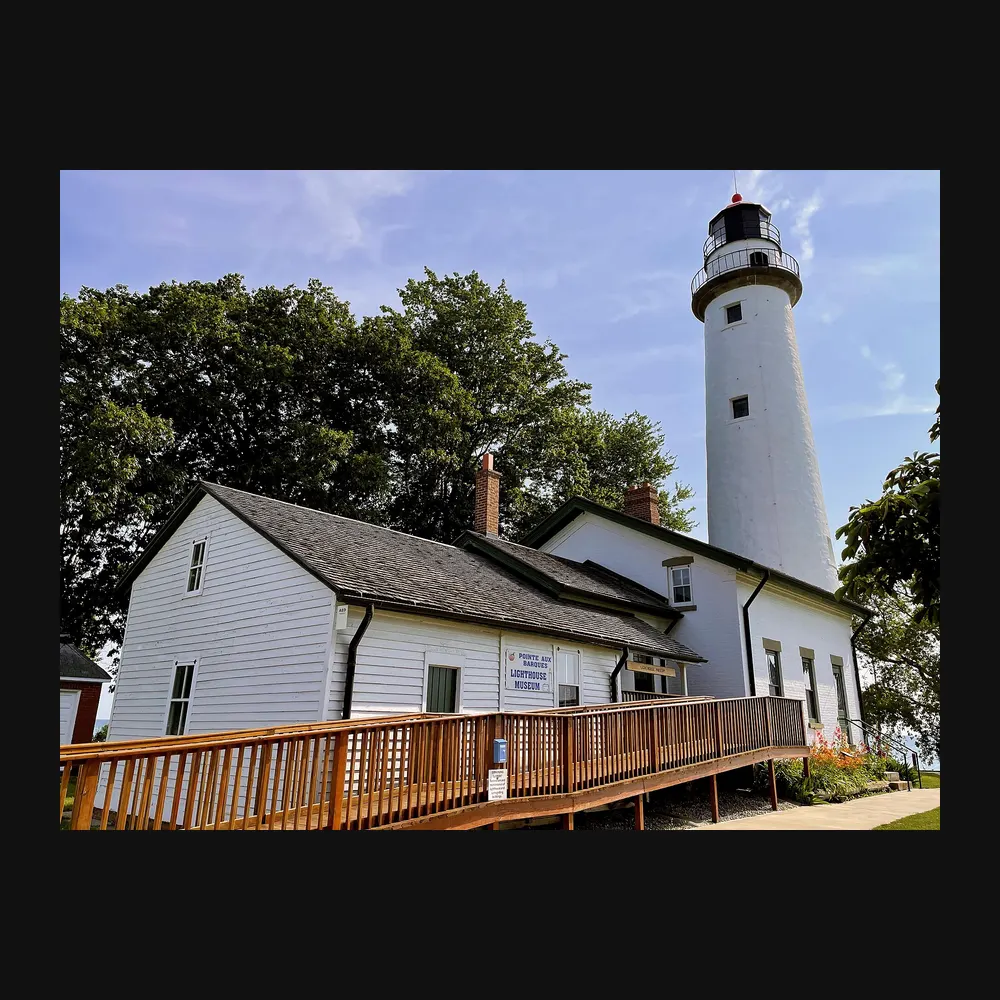
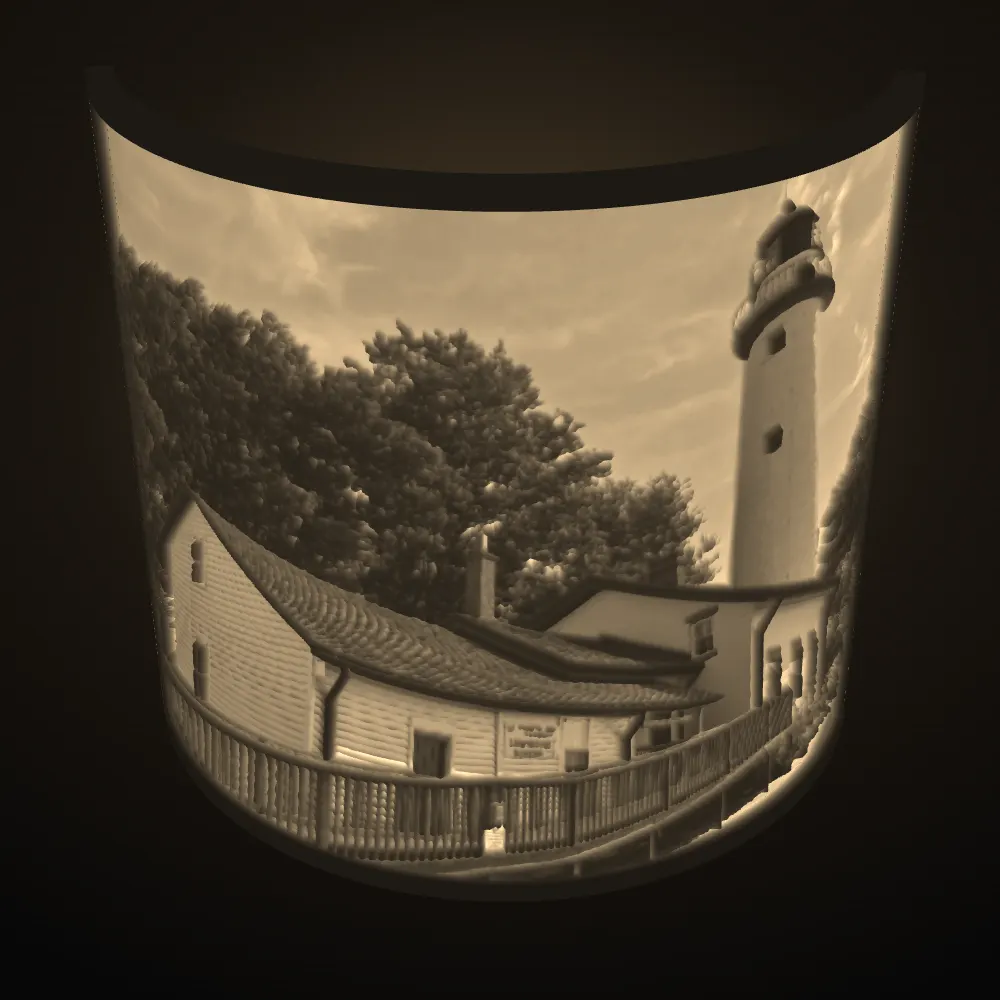
3D printed lithophane examples from this tool
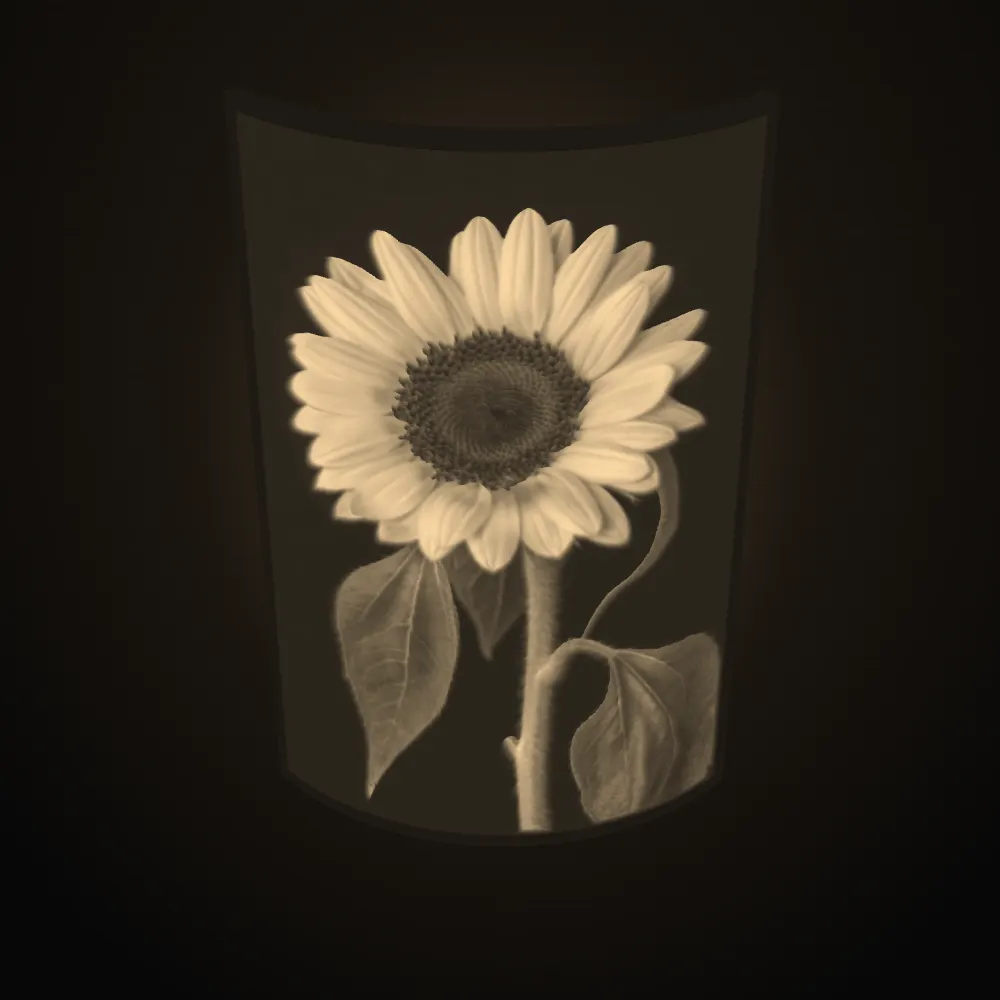
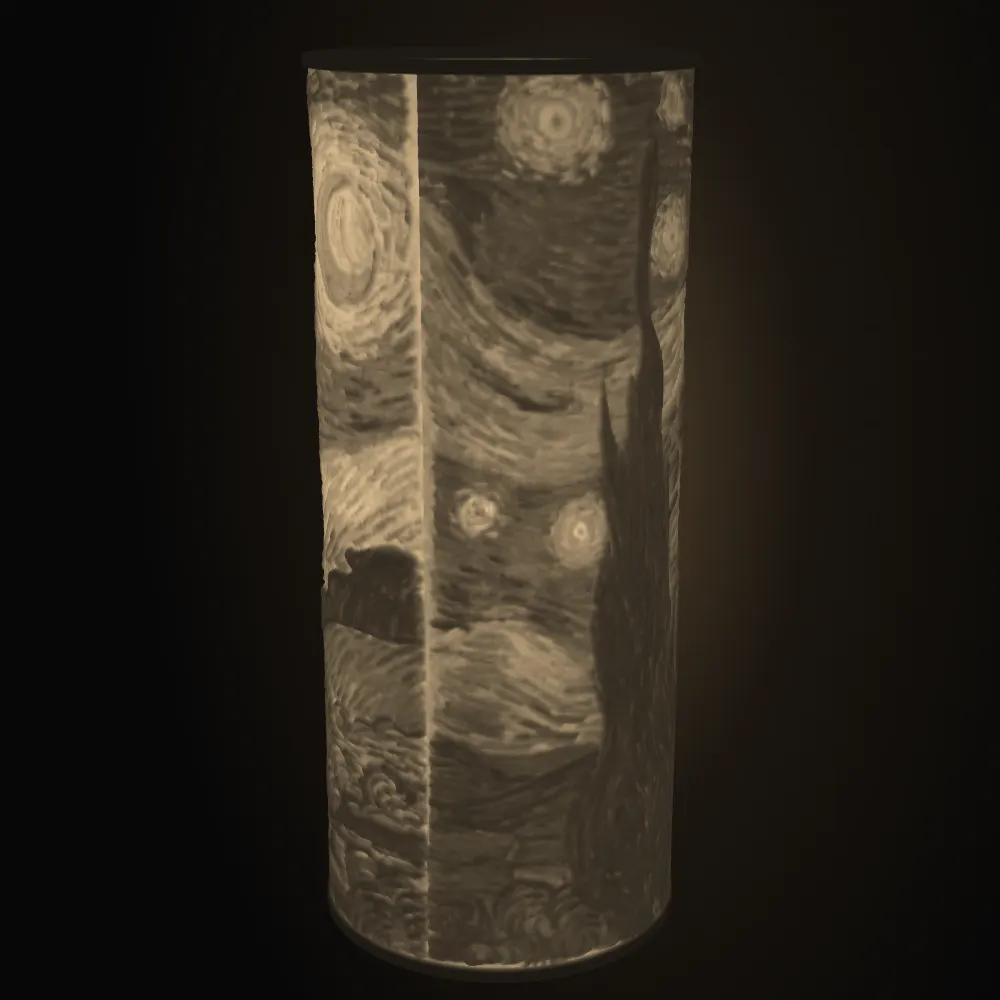
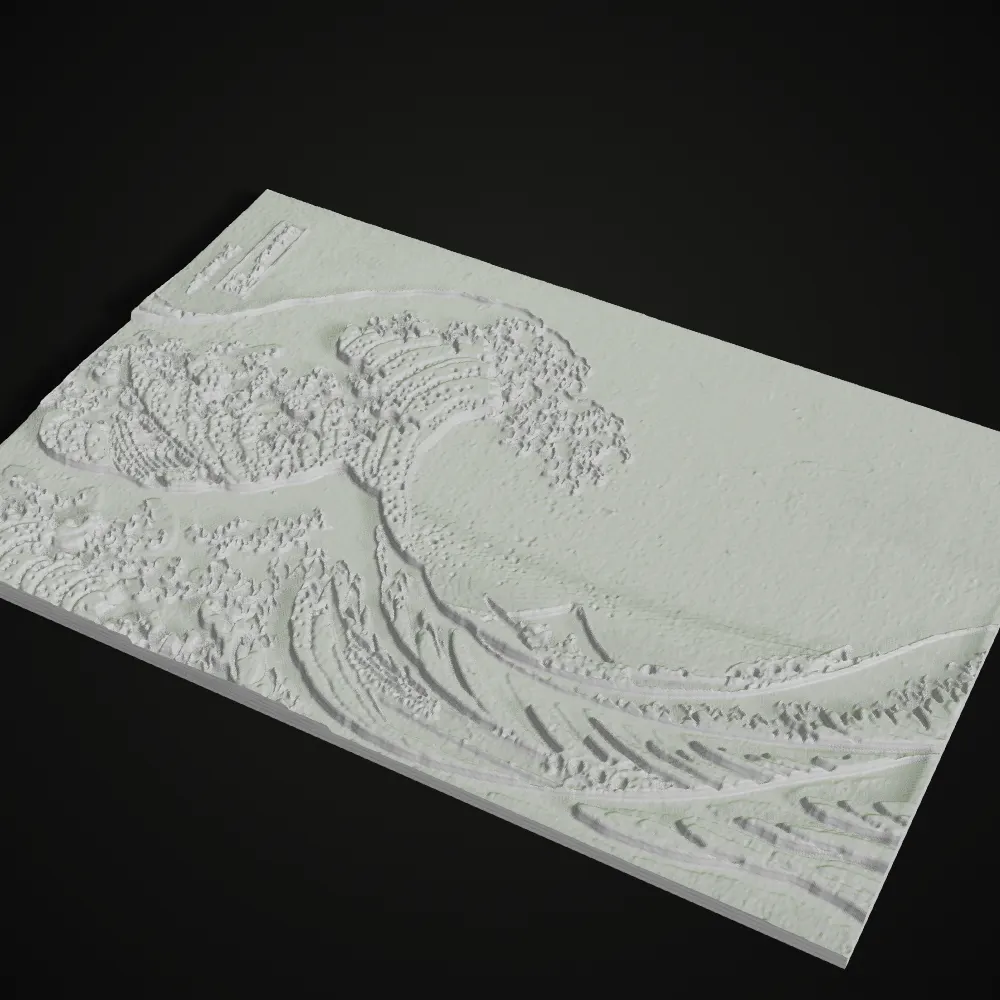
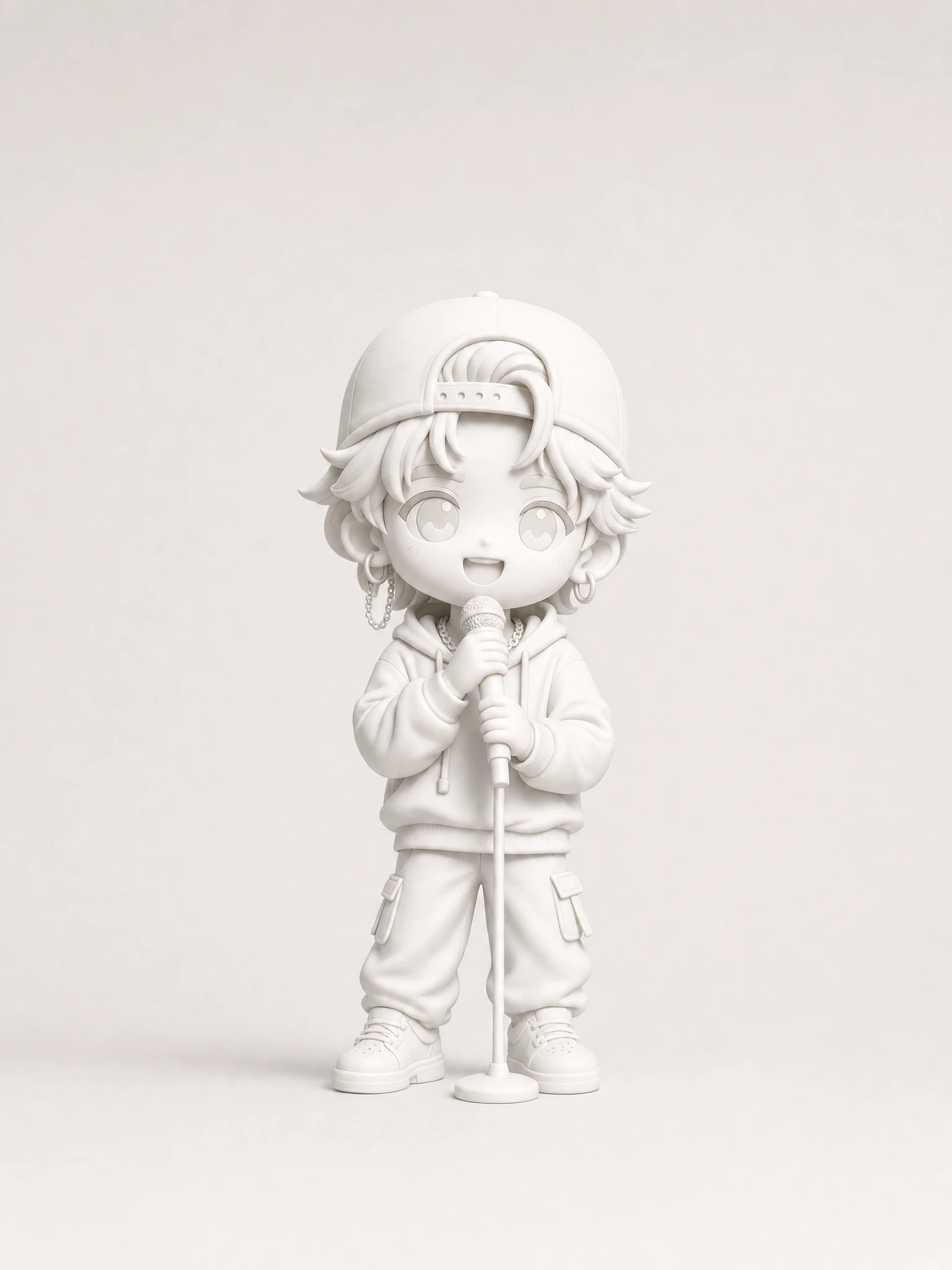
Eight results made with this lithophane maker. The glowing images are the preview’s light simulation; the white ones are renders of the downloaded STL, which is how a lithophane looks before the lamp is switched on.
How to make a lithophane from a photo
- 11
Drop a photo
Drag a JPG, PNG or WebP of up to 20 MB onto the lithophane maker, or load a sample. Colour does not matter: the photo is read as light and dark only.
- 22
Pick a shape and size
Flat takes a width in mm. Curved adds a curve angle from 60 to 200°. Cylinder takes the lamp diameter (30–200 mm), and the height always follows the photo’s aspect ratio.
- 33
Set thickness, check it backlit, download
Min thickness goes to the brightest pixels and Max to the darkest (0.8 and 3.0 mm by default). Add a frame, tune Brightness, Contrast, Smoothing and Detail, or flip the tones with Negative. Switch between Backlit and Unlit, then download the STL: flat panels export upright or flat on the bed, curved and cylinder ones standing up.
Flat, curved or cylinder: which lithophane shape to choose
Starting points for white PLA on a 0.4 mm nozzle; the thickness stays 0.8–3.0 mm in every row until a test print says otherwise. Infill, layer height, orientation and lighting are covered step by step in our guide, How to 3D print a lithophane.
| Shape | Best for | Recommended size | Thickness and frame | How to light it |
|---|---|---|---|---|
| Flat | Portraits, pets, wedding and baby photos; framed gifts and window pieces | 80–150 mm wide | 0.8–3.0 mm; a 3–6 mm frame stiffens the plate | An LED panel or light box behind it, or a sunny window |
| Curved (60–200°) | Landscapes and group photos; pieces that stand on a shelf by themselves | 100–150 mm wide at 100–150° | 0.8–3.0 mm; 3 mm frame | A small LED or LED tea light placed behind the curve |
| Cylinder | Lamp shades and night lights; wide or panoramic photos that wrap around | 60–100 mm diameter. Height = circumference × image aspect: an 80 mm lamp is 251 mm around, so a 3:2 photo comes out about 170 mm tall and a portrait photo over 300 mm | 0.8–3.0 mm; the frame rings the top and bottom edges | An LED puck light, LED tea light or LED strip inside |
What people make with a lithophane generator
Photo gifts of family and pets
A photo lithophane of a pet, a newborn or a wedding couple is the gift most people start with, and the reason most people look for a lithophane maker. Close-up portraits with a clear face and a plain background give the strongest result on a flat panel.
Lithophane lamps and night lights
Wrap a wide photo around a cylinder, size the diameter to the light you own, and the shade lights up the whole room. Since height follows the photo’s shape, panoramas make lamps of a sensible height. The tool makes the shade only, with no base or bulb holder.
Landscapes, art and space photos
Black-and-white landscapes, public-domain paintings and NASA images have the strong light-to-dark range a lithophane needs. Deep shadows and black skies print at full thickness and frame the lit parts.
Window hangings and memorials
A flat panel with a frame hangs in a window and changes through the day. For a memorial piece, add brightness so faces stay readable even in soft light.
Learning to print lithophanes
Lithophanes test a printer’s fine control: thin walls, low layer heights and slow speeds. The lithophane generator gets the model right; the print is up to you. Our guide How to 3D print a lithophane explains orientation, slicer settings, lighting and the usual failures in detail.
Lithophane maker FAQ
Drop the photo into this lithophane maker, choose flat, curved or cylinder, keep the default 0.8–3.0 mm thickness, check the backlit preview and download the STL. Print it in white PLA at 100% infill with fine layers and put a light behind it. Our guide How to 3D print a lithophane covers the print in depth.
Start with the defaults: 0.8 mm where the photo is brightest and 3.0 mm where it is darkest. 0.8 mm is two lines from a standard 0.4 mm nozzle. A thicker maximum gives deeper blacks but needs a stronger light; a thinner range looks brighter but flatter.
Yes. Choose Cylinder and set the diameter from 30 to 200 mm; the photo wraps all the way around. The height follows the photo’s aspect ratio, so wide or panoramic photos work best. There is no lamp base, foot or bulb holder in the model, so pair it with an LED puck light or a base you already have.
It is a simulation. A shader estimates how much light gets through each point of a white PLA plate from its thickness, which is good for spotting a background that is too dark or a face that is too pale. Real prints shift with the filament brand, the colour of the light and its distance from the plate.
Upright is the default here because the plate’s thickness is then drawn by the nozzle across the layer rather than built from stacked layers, which keeps more grey levels. Flat on the bed is steadier and quicker, so the option stays for flat panels. Curved and cylinder lithophanes always print standing up.
It is free and needs no account. The lithophane is built in your browser, so your photo stays on your device and is never sent to a server.
Guides for this tool
Related tools





Want a 3D figure instead of a panel?
Ship3D’s AI turns a photo of a person, pet or object into a full 3D model you can print as a figurine.
Free to sign up, no credit card required. Try it once for free.