3MF vs STL: What Is the Difference?
3MF vs STL comes down to this: STL stores only a triangle surface with no units, colors or metadata, while 3MF is a ZIP-packaged XML format that can also carry units, colors, materials, metadata and thumbnails. Use 3MF when you want to keep that information, and STL when a tool only accepts the older, simpler format.
Updated 2026-11-16
If you have ever downloaded a model and wondered whether to grab the 3MF or the STL, you are comparing a modern container with a very old mesh format. This guide explains each one, lines them up in a table, and tells you when it makes sense to convert 3MF to STL.
What is a 3MF file?
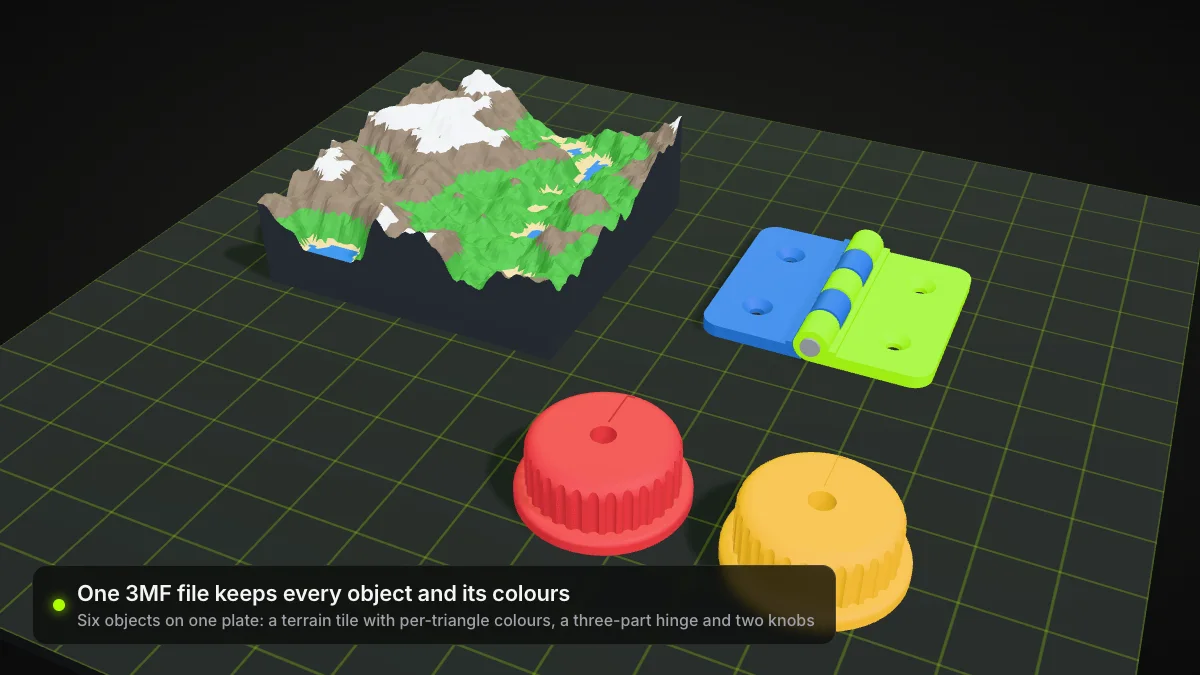
3MF stands for 3D Manufacturing Format. The 3MF Consortium describes it as an open, XML-based standard for transferring 3D models. According to the 3MF Core Specification (version 1.4.0, published February 2025), a 3MF document is a ZIP archive built on the Open Packaging Conventions. Inside, a 3D Model part written in XML holds a resources section (objects and materials) and a build section (the items to manufacture).
The specification lets a 3MF file carry:
- mesh geometry, plus components that reference objects with transforms;
- a unit for the model (micron, millimeter, centimeter, inch, foot or meter, default millimeter);
- sRGB colors and named base materials;
- metadata such as title, designer, copyright and creation date;
- thumbnails in PNG or JPEG.
The 3MF Consortium site says the format was recognized as ISO/IEC 25422:2025 in 2025 (information checked in November 2026 at 3mf.io).
Because a 3MF file is just a ZIP, you can rename a copy to .zip and look inside. That is also why "3MF file format" searches usually end with "it is a zipped XML package".
What is an STL file?
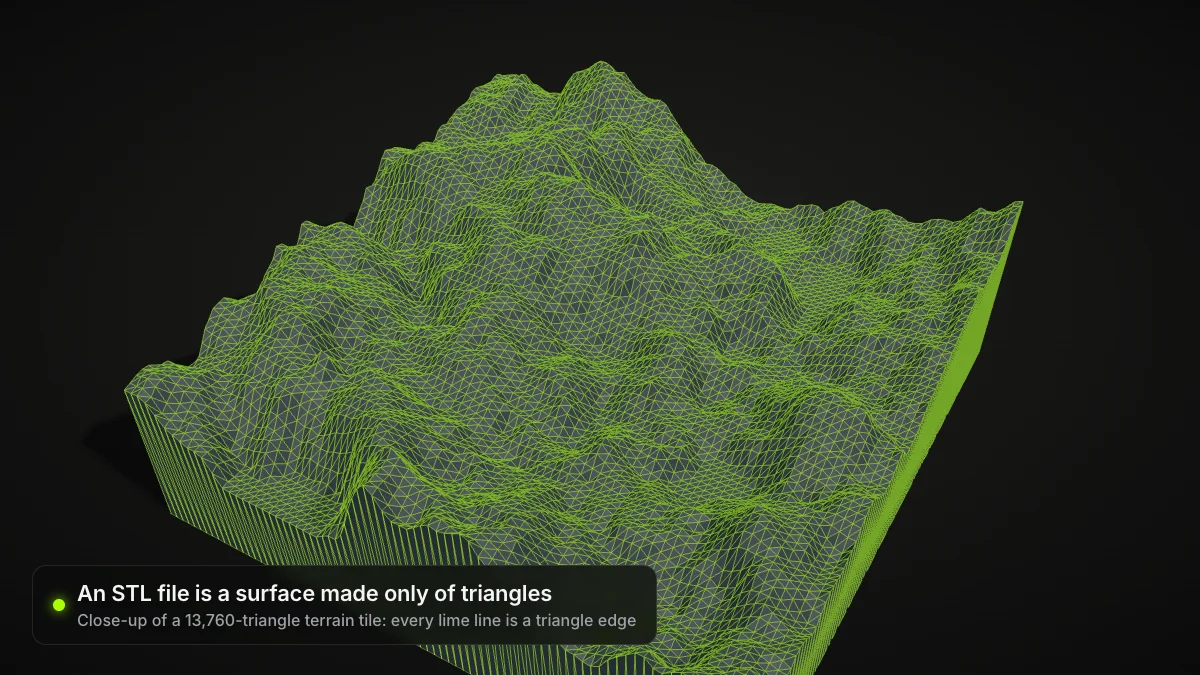
STL was developed in 1987 for 3D Systems' stereolithography machines. An STL file describes a raw triangulated surface: for each triangle it stores a normal and three vertices (STL on Wikipedia). It has an ASCII form and a more compact binary form (an 80-byte header, a 4-byte triangle count, then 50 bytes per triangle).
What STL does not have:
- No units. The units are arbitrary, so the slicer has to ask or assume.
- No color or texture in the standard. Some tools squeeze color into the per-triangle attribute bytes, but the schemes are incompatible with each other.
- No metadata and no object structure, only triangles.
For printing, the surface still has to be closed and free of self-intersections, whichever format you use.
3MF vs STL: side-by-side table
| STL | 3MF | |
|---|---|---|
| Container | Single file, ASCII or binary | ZIP archive (Open Packaging Conventions) with XML |
| Geometry | Triangles only | Triangle meshes, plus components and transforms |
| Units | None stored (arbitrary) | Stored; default millimeter |
| Color / materials | Not in the standard | sRGB colors and named base materials |
| Metadata | None | Title, designer, copyright, dates and more |
| Thumbnail | No | Yes (PNG or JPEG) |
| Typical file size | Small, simple | Compressed by ZIP |
| Compatibility | Accepted by almost every 3D tool | Check that your slicer or CAD tool opens it |
| Origin | 1987, 3D Systems | 3MF Consortium, first released in 2015 |
Slicers can add their own extra settings on top of 3MF (profiles, supports, plate layout). Those are slicer-specific, so a project saved in one slicer may not carry over to another.
Which one should you use?
Pick 3MF when you want the model to keep its scale, you are moving a colored or multi-material model between programs, or you want one file instead of a model plus notes.
Pick STL when a print service, a marketplace or an older tool only takes STL, when you just need a plain mesh, or when you want the smallest, most predictable file.
If you receive a 3MF and your tool wants STL, converting is straightforward. The geometry survives; the extras (color, metadata) do not, because STL has nowhere to put them.
Convert 3MF to STL in your browser
Free, no sign-up. The file runs in your browser with three.js and is never uploaded. Up to 200 MB.
How to convert 3MF to STL
- Open the 3MF to STL converter and drop in your
.3mffile. - Check the preview. Our converter reads meshes and basic colors from the 3MF.
- Convert and download the binary STL.
- Import the STL into your slicer and confirm the size. Set the scale in the slicer if the object looks tiny or huge.
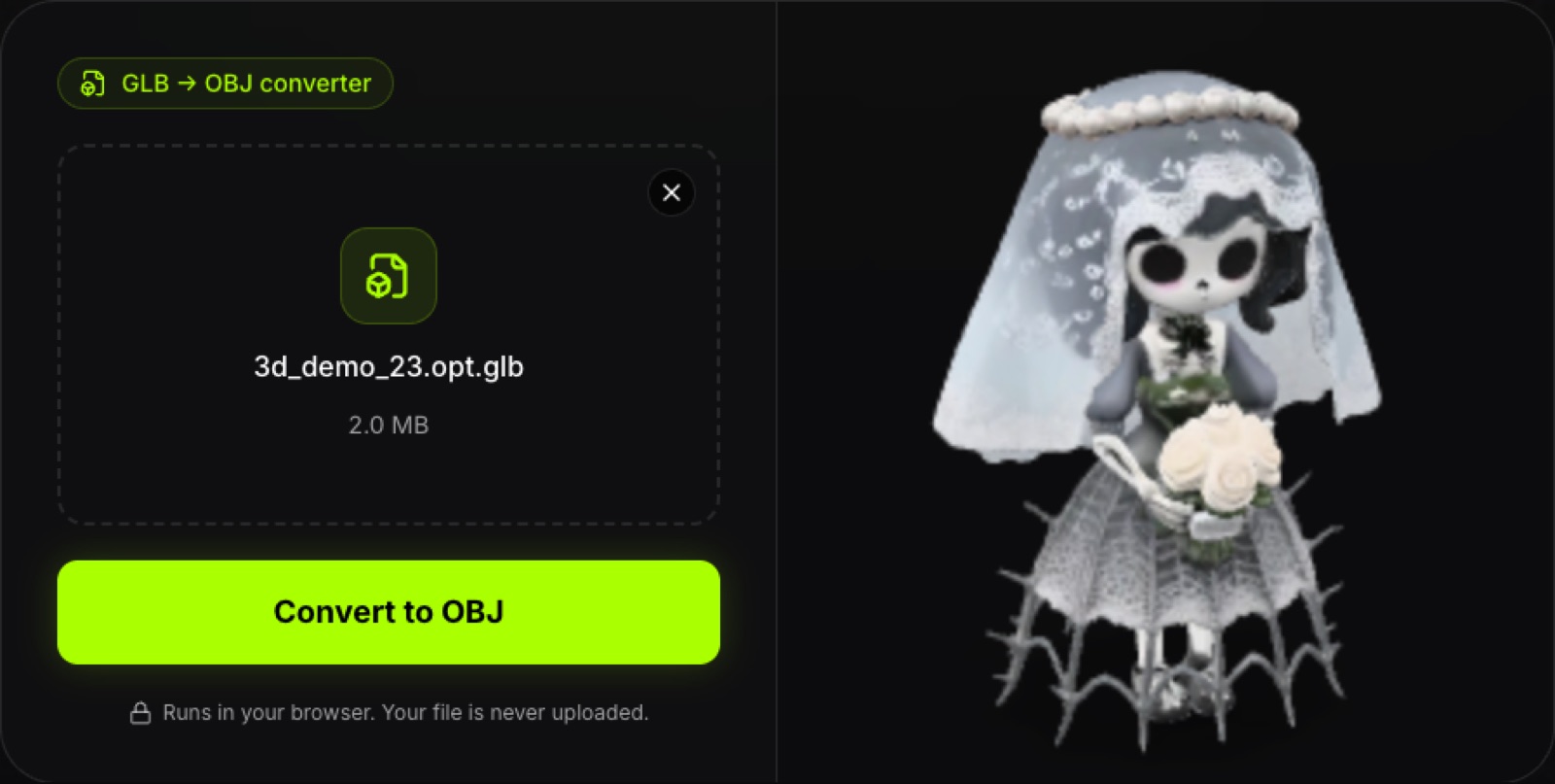
Not sure what is inside a 3MF first? Open it in the 3MF viewer to rotate it and check the triangle count before you convert.
What is not kept
Converting to STL drops color, metadata and thumbnails. Slicer-specific project settings, supports and plate data from a 3MF are also not carried over. Our converters do not repair meshes, so a broken model stays broken.
Related formats
Models made for the web often come as GLB instead. GLB stores meters, so STL from a GLB usually needs a ×1000 scale to millimetres in your slicer. See what a GLB file is and use the GLB to STL converter for that route.
Summary
STL is the simple, universal surface mesh with no units or color. 3MF is a ZIP of XML that keeps units, colors, materials and metadata alongside the geometry. Choose 3MF when you control the whole workflow, and STL when compatibility matters more than extras.
Frequently asked questions
What is a 3MF file?
3MF (3D Manufacturing Format) is an open format for describing 3D models for manufacturing. A 3MF file is a ZIP archive that follows the Open Packaging Conventions and holds an XML model part plus optional extras such as thumbnails. It became ISO/IEC 25422:2025 in 2025, according to the 3MF Consortium.
Is 3MF better than STL?
It depends on the job. 3MF can store units, colors, materials and metadata that STL cannot, so it is the richer format. STL is simpler and is accepted almost everywhere, which still makes it the safe choice when you only need a plain surface mesh.
Can I convert 3MF to STL?
Yes. Our free 3MF to STL converter runs in your browser with three.js, so the file is never uploaded. It reads meshes and basic colors from the 3MF and writes a binary STL. Slicer-specific project settings, supports and plate data are not kept, and STL has no color.
Does STL have units?
No. STL files contain no scale information, so the units are arbitrary and the receiving program has to be told (usually millimetres or inches). 3MF has a unit attribute that supports micron, millimeter, centimeter, inch, foot and meter, with millimeter as the default.
Does 3MF support color?
Yes. The 3MF core specification lets a model define sRGB display colors and base materials with names. STL has no color field; some programs hide color in nonstandard extensions that other software cannot read reliably.
Which format should I use for 3D printing?
If your slicer opens 3MF, it is a good default because units and extra data travel with the model. If you share files with people or services that expect STL, or a tool rejects 3MF, export STL and set the scale in the slicer.