What Is a GLB File?
A GLB file is the binary form of glTF 2.0, the Khronos Group format for 3D scenes: one .glb file packs the JSON scene description, mesh data and usually the textures together. That makes it easy to share, view on the web and convert to formats like STL or OBJ.
Updated 2026-11-16
If you have just received a .glb file and are asking what it is, the short answer is above: it is glTF in a single binary package. Here is what is inside it, how it compares with glTF and OBJ, and how to open it.
What is a GLB file?
glTF is the Khronos Group's open format for transmitting 3D scenes. The glTF 2.0 specification describes a JSON file with a full scene description (node hierarchy, materials, cameras) plus meshes and animations, with geometry and other buffer data in binary form and textures as image files. GLB is the binary container that holds all of that together.
Per the specification, a GLB file starts with a header (magic glTF, a container version, and the total length), followed by chunks. The first chunk must be the JSON chunk; an optional second chunk holds the binary buffer. All fields are little-endian and chunk lengths are multiples of four bytes. You never edit this by hand, but it explains why GLB loads quickly: the geometry is already in binary, not text.
The spec says GLB files should use the .glb extension and the model/gltf-binary media type.
What can a GLB file contain?
According to the specification, glTF assets can describe:
- scene nodes and transformations;
- meshes (geometry stored in binary buffers);
- PBR metallic-roughness materials and textures (PNG or JPEG images);
- cameras;
- skins and animations.
What a given file actually includes depends on the tool that exported it. Many AI and scan outputs are just a textured mesh.
GLB vs glTF vs OBJ vs STL
| GLB | glTF (.gltf) | OBJ | STL | |
|---|---|---|---|---|
| Form | One binary file | JSON, usually with separate .bin and image files | Text file | ASCII or binary |
| Textures | Embedded in the file | External files or embedded data | Separate files, referenced from a .mtl | None |
| Materials | PBR metallic-roughness | PBR metallic-roughness | Via .mtl file | None |
| Animation | Supported by the format | Supported by the format | No | No |
| Units | Metres | Metres | Not defined | None stored |
| Best for | Web, AR, sharing one file | Pipelines that want editable JSON | Simple mesh exchange | 3D printing surface mesh |
The spec states that linear distances are in meters, and that glTF uses a right-handed system with +Y up. That matters when you convert: a model that is 0.1 units across is 10 cm in glTF, which a slicer reading STL may treat as 0.1 mm.
How to open a GLB file
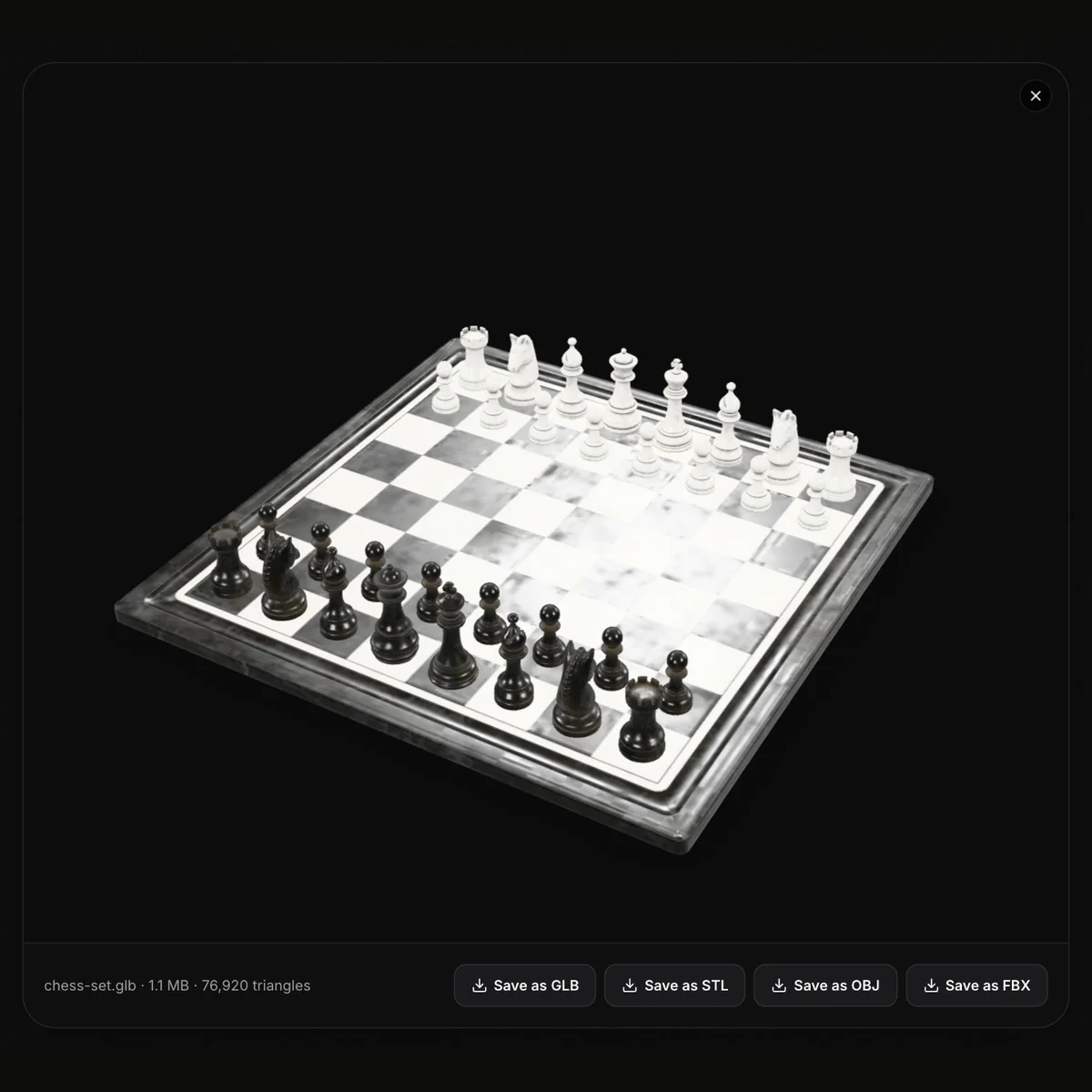
The quickest way is a browser viewer. Open the GLB viewer, drop in your file and rotate or zoom the model. It reads GLB, GLTF, OBJ, STL, FBX, 3MF and PLY up to 200 MB (including Draco and Meshopt compressed GLB), runs entirely in your browser and shows the triangle count. Nothing is uploaded and no sign-up is needed.
Open a GLB file online
Free browser viewer: rotate, zoom, check triangles, and save as GLB, STL, OBJ or FBX.
Other options include importing the file into a 3D editor that supports glTF. If you work with an external .gltf instead, note that it may reference separate .bin and texture files, which a single upload cannot include; a self-contained .gltf (embedded buffers) or a .glb avoids that.
How to convert a GLB file
Pick the target by what you want to do:
- 3D printing: convert to STL with the GLB to STL converter. It writes a binary STL. Scale by 1000 in the slicer if the model looks tiny, since GLB is in metres. The converter does not repair meshes.
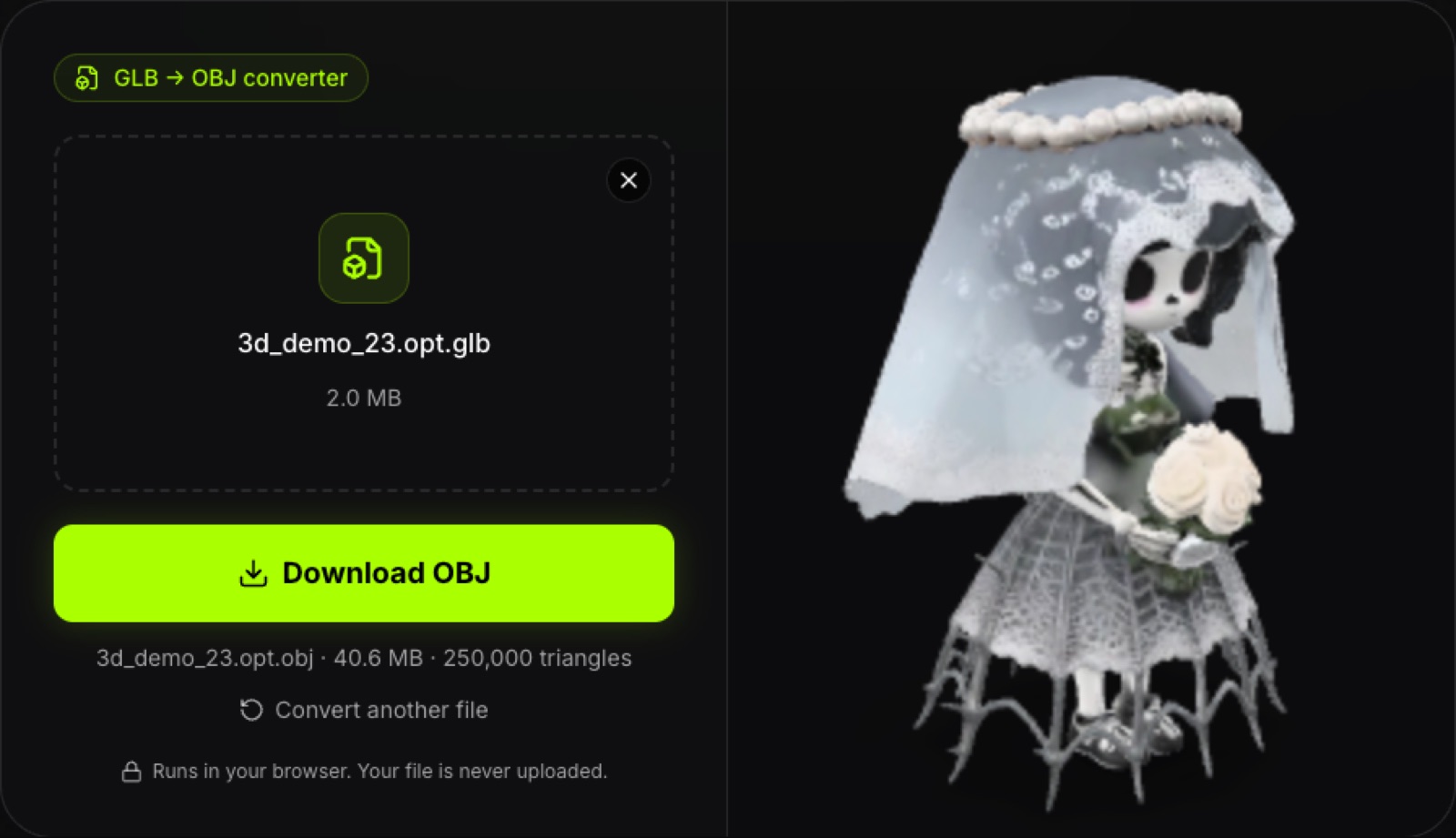
- Other 3D software: convert to OBJ (one .obj with geometry, normals, UVs and colours as vertex colours; no .mtl or texture images), PLY or USDZ.
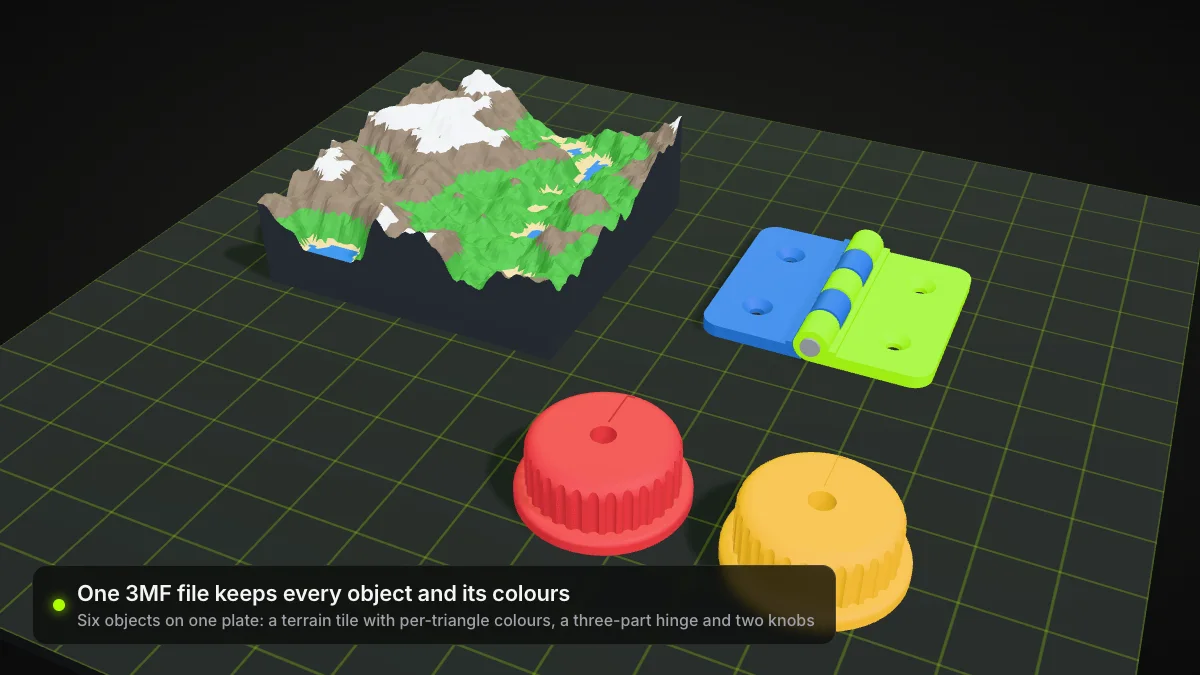
- Models from a 3MF: see 3MF vs STL and the 3MF to STL converter.
Printing tip
STL stores no color or units. If your GLB is colored, the print will be single-color unless your slicer or printer handles color separately.
Where GLB files come from
You will meet GLB in web 3D viewers, AR previews, game and design asset libraries, and the output of AI 3D tools and scanners. Ship3D, for example, generates a textured model from a single image in about a minute and lets you download GLB, STL, OBJ or USDZ.
Summary
A GLB file is glTF 2.0 in one binary package: meshes, materials and textures in a file that is easy to share and load. It is not a printing format, so convert to STL (or 3MF) when you want to slice it.
Frequently asked questions
What is a GLB file?
A GLB file is a single-file, binary container for a glTF 2.0 asset. It holds the JSON scene description and, usually, the binary mesh data and embedded textures, so one file is enough to show a model.
What is the difference between GLB and glTF?
They describe the same content. A .gltf file is JSON that often points to separate .bin and image files, while a .glb packs everything into one binary file. The Khronos spec gives them different extensions and media types: model/gltf+json and model/gltf-binary.
How do I open a GLB file?
Drop it into a browser viewer such as our free GLB viewer. It runs in your browser with three.js, lets you rotate and zoom, shows the triangle count and never uploads the file. Many 3D editors also import GLB.
Can I 3D print a GLB file?
Not directly. Slicers expect formats like STL or 3MF, so convert the GLB first. glTF and GLB units are metres, so an STL made from a GLB usually needs scaling by 1000 to millimetres in the slicer.
Does a GLB file include textures and animations?
It can. glTF describes meshes, materials, textures, cameras, skins and animations, and a GLB can hold the binary and image data in the same file. What a particular file contains depends on who exported it.
Is GLB the same as OBJ?
No. OBJ is an older text-based mesh format; materials live in a separate .mtl file and textures sit beside it. GLB is a binary container for a full glTF scene with PBR materials and optional animation.