Tripo Alternative: Ship3D vs Tripo, Compared Fairly
If you need rigging, retopology, segmentation, 3MF and a full 3D workspace, stay on Tripo. If you want a simple photo-to-model generator with GLB, STL, OBJ and USDZ downloads plus free converters that run in your browser, Ship3D is a lighter Tripo alternative.
Updated 2026-11-19
Searching for a Tripo alternative usually means one of two things: the credits ran out, or you only need part of what Tripo offers. This page compares the two on facts. Information checked in November 2026. Tripo's own pricing pages returned errors when fetched directly, so the figures below come from search results quoting tripo3d.ai/pricing, the Tripo pricing and credits doc and Tripo developer pricing. Tripo's pages are not always consistent with each other, and we say so where it matters.
Disclosure: Ship3D uses Tripo's H3.1 model for text to 3D. We call it through fal's API with fixed settings (standard textures, PBR, a 200,000-face limit), so a text prompt on Ship3D runs Tripo's model without Tripo's app and editing tools. Image to 3D on Ship3D runs other models: Hyper3D Rodin (Pro) and Microsoft TRELLIS (Standard). More on the text model: Tripo H3.1 on Ship3D.
Verdict in one line
Stay on Tripo if you rig, retopologize, split into parts or need 3MF and a broad editing toolset. Switch to Ship3D if your work is "photo in, textured static model out" and you value free in-browser converters.
Where Tripo is stronger
- Rigging and animation. Tripo lists auto-rigging for several rig types (biped, quadruped and more) and 100+ preset animations. Rigged export is GLB or FBX; the app lists rigging and animation at 20 credits each.
- Mesh tools. Retopology, Smart Mesh, Smart UV, segmentation and part generation.
- More formats. Tripo lists GLB, FBX, OBJ, USD, STL and 3MF.
- API and tiers. A developer API and higher-detail models (HD, Smart Mesh).
- Control over H3.1. In Tripo's own tools you choose texture quality, quad meshes and face counts. Ship3D runs H3.1 with one fixed setup.
- Team plans. Per-seat Team plans with large credit pools.
Ship3D offers none of the first three.
Limits to know
- Free output is public. The free plan has 200 credits a month (some marketing pages say 300), and free models are public. On commercial use, Tripo's pages disagree: the docs say free output needs attribution and IP belongs to Tripo, the pricing page says non-commercial, a blog post says CC BY 4.0. Treat free output as not cleared for commercial work unless Tripo confirms in writing.
- Free export is limited. The credits doc says free-plan export is limited to the H2.5 model, with a cap of 15 downloads a month.
- Credit use adds up. In the app, HD generation is listed at 15 credits, Smart Mesh P1.0 at 35 and P2.0 at 100; API image-to-3D is 20 credits without texture and 30 with standard texture.
Comparison table
| Tripo | Ship3D | |
|---|---|---|
| Free tier | 200 credits a month, public models, no card needed | Free sign-up, one free image-to-3D try; browser converters free |
| Paid plans | Professional ($20 monthly or $13 on annual billing), Max, Team | Paid plans on the pricing page |
| Inputs | Text, image, multi-view | One image, or text on Text to 3D |
| AI models | Tripo's own models, including H3.1 | Hyper3D Rodin and TRELLIS for images; Tripo H3.1 (via fal) for text |
| Export formats | GLB, FBX, OBJ, USD, STL, 3MF | GLB, STL, OBJ, USDZ |
| Rigging / animation | Yes (rig types, 100+ animations) | No |
| Mesh editing | Retopology, Smart UV, segmentation | None; format converters only |
| Commercial use | Paid plans with private models; free is public and its terms are unclear across pages | Models made on a paid plan; see the terms |
Verify price and license on Tripo's own page before buying; Tripo's pages quote different plan figures.
A Tripo alternative: what Ship3D does differently
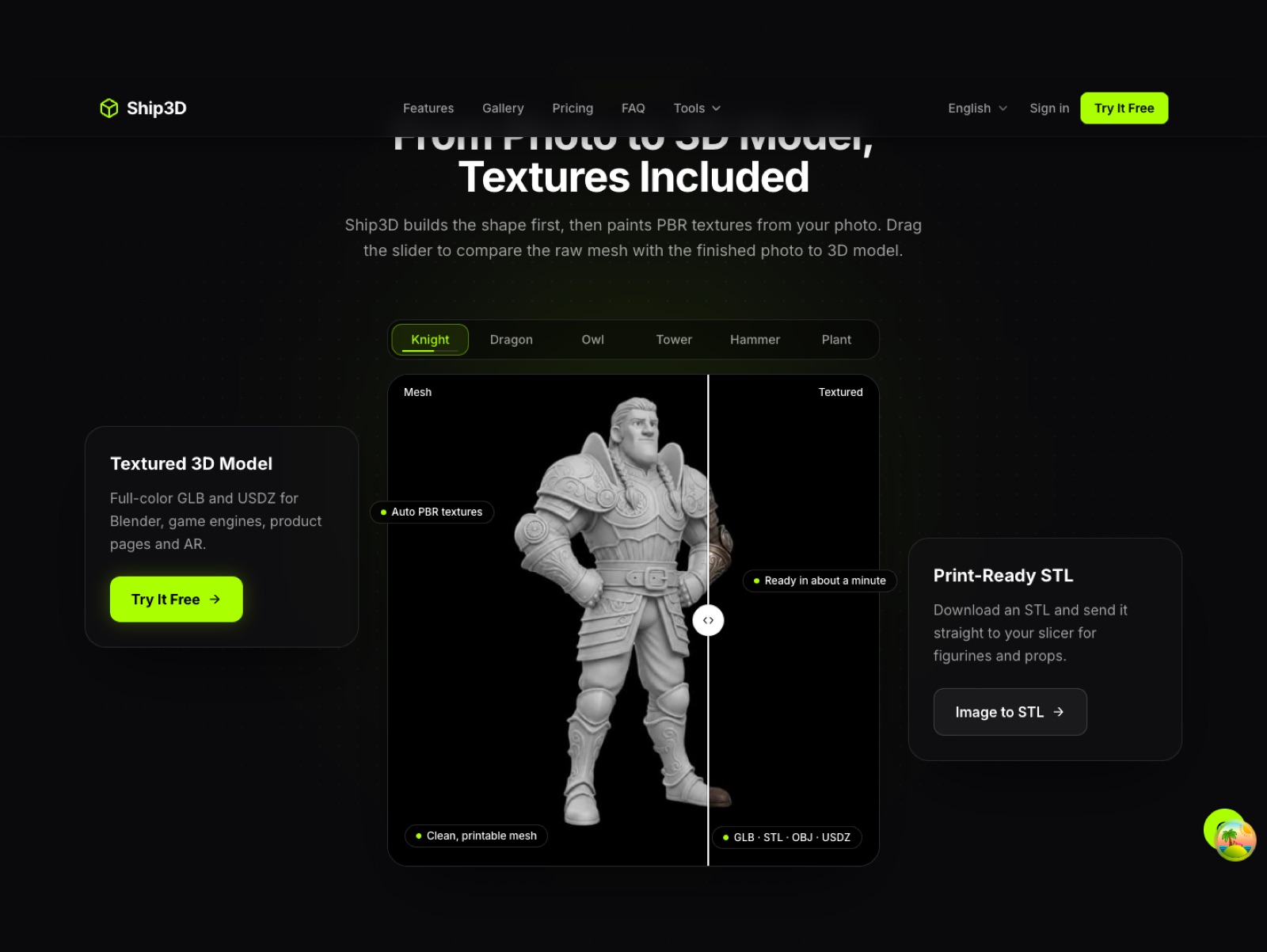
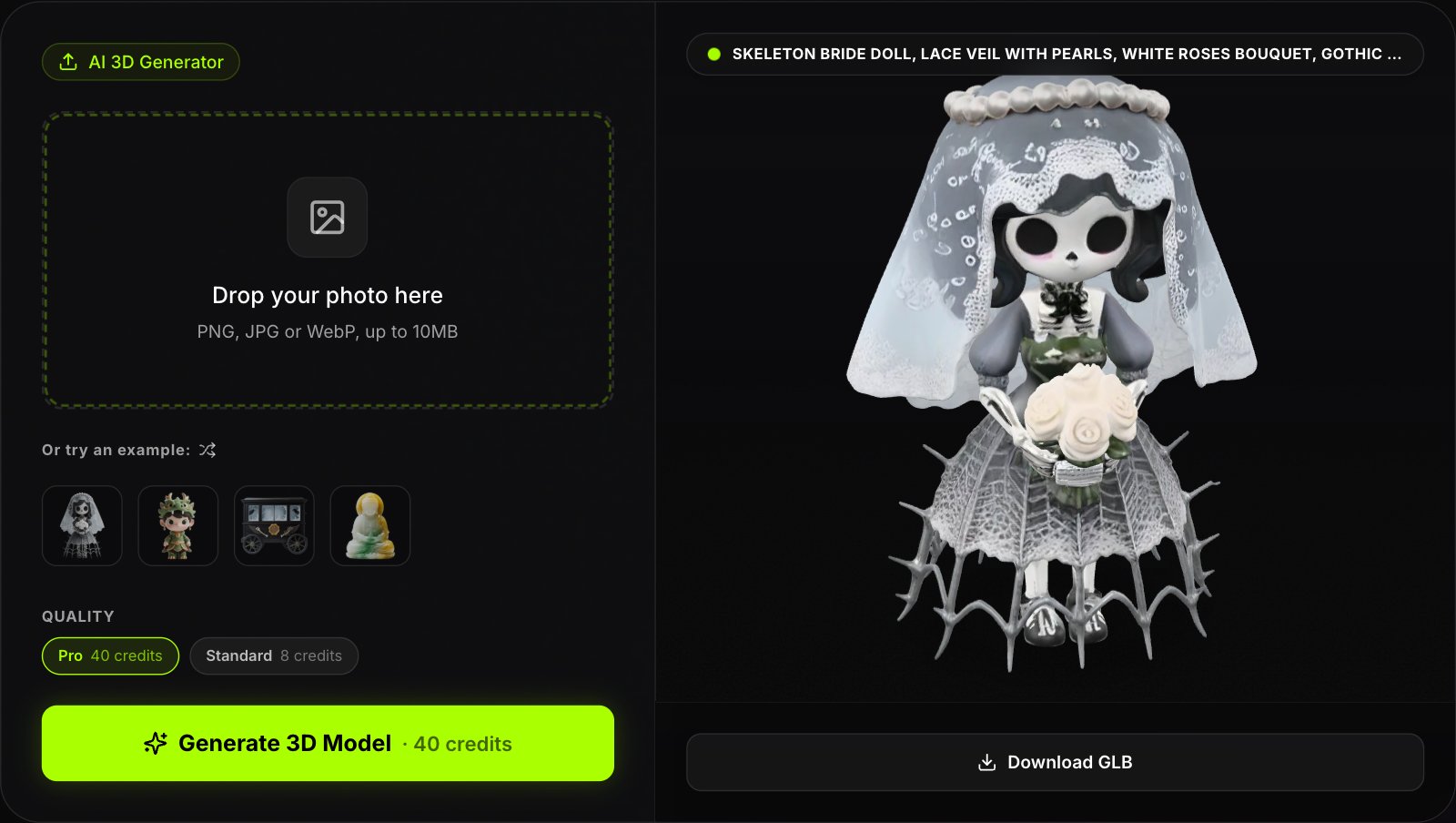
- Photo-first and quick. Upload one image, choose Pro (Hyper3D Rodin) or Standard (Microsoft TRELLIS), and get a textured model in about 40 seconds.
- Text runs on Tripo's model. Text to 3D uses Tripo H3.1 with fixed settings and takes about three minutes. If you already pay for Tripo, its own app gives you more control over the same model.
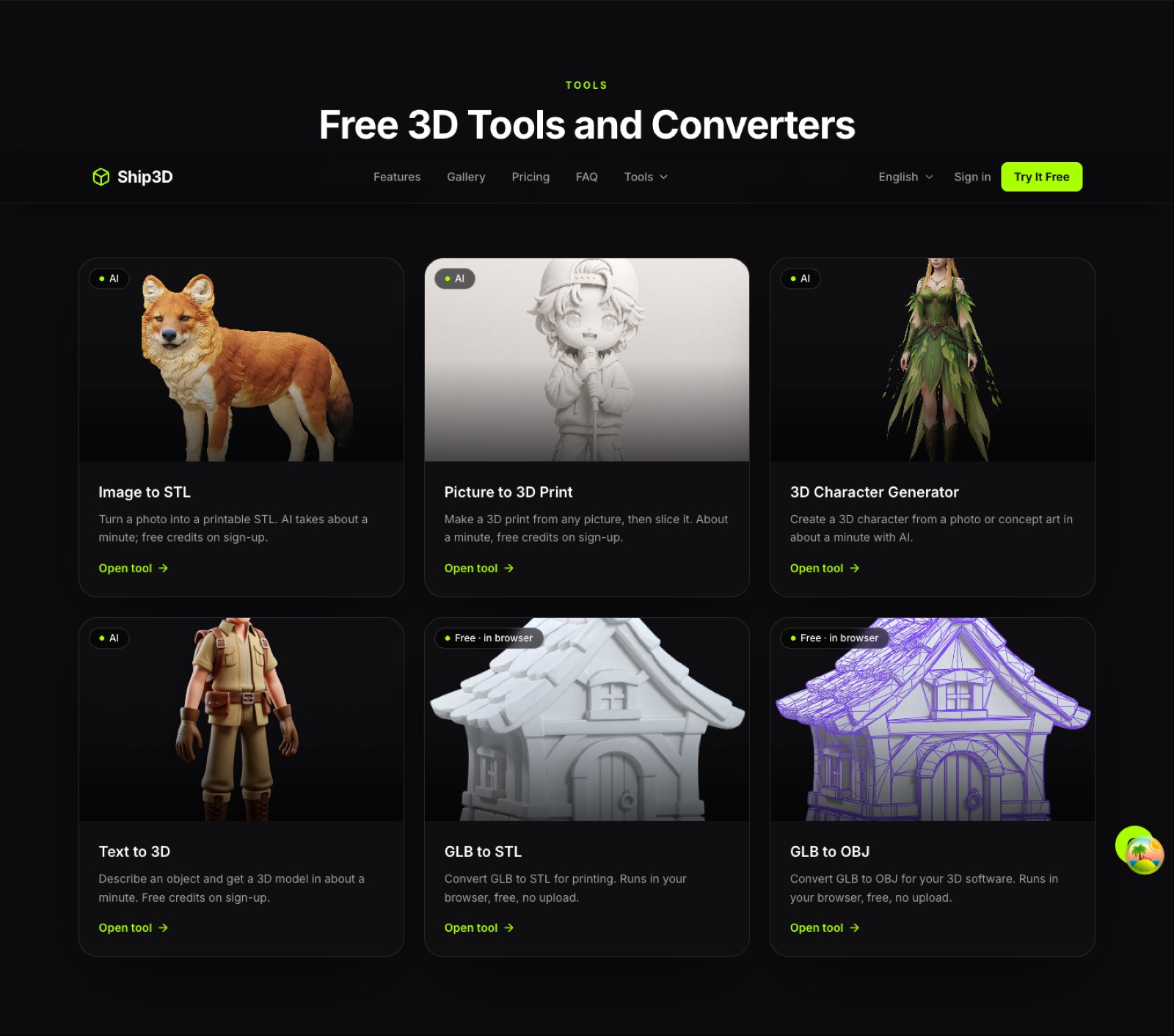
- Free tools in the browser. GLB to STL, GLB to OBJ and 3MF to STL run locally; files are not uploaded.
- Print-focused. Image to STL and Picture to 3D print.
- Smaller scope. No rigging, no part splitting, no FBX or 3MF export from the generator.
Test with one photo
Sign up free, try one photo to 3D model for free and compare the result with your Tripo output.
When Tripo is the better choice
- Characters that must be rigged and animated.
- Game-ready topology via retopology or Smart Mesh.
- 3MF or FBX output, or segmented parts.
- API-driven pipelines and team accounts.
- H3.1 with your own settings (HD textures, quad mesh, higher face counts) or from an image.
How to switch
- Export what you need from Tripo first (GLB, FBX, OBJ or STL).
- Check files in the GLB viewer.
- Generate one test model from a photo.
- Keep Tripo for rigged or heavily edited assets.
Trademark note
Tripo is a trademark of its owner. Ship3D is not affiliated with, endorsed by or sponsored by Tripo; we access Tripo's H3.1 model through fal's API. Facts come from Tripo's public pages and may change.
Frequently asked questions
What is a good free Tripo alternative?
Tripo has a free plan of 200 credits a month, but free models are public. Ship3D is free to sign up with no credit card, lets you try image to 3D once for free, and has free browser converters. Ship3D has fewer features, so it fits simple photo-to-model jobs rather than full pipelines.
Does Ship3D use Tripo?
Yes, for text to 3D. Ship3D runs Tripo’s H3.1 model through fal’s API with fixed settings (standard textures, PBR, a 200,000-face limit); a model takes about three minutes. Image to 3D runs Hyper3D Rodin and Microsoft TRELLIS. Ship3D is not affiliated with Tripo.
Is there a Tripo AI alternative for 3D printing?
Ship3D downloads STL straight from the generator and has free GLB to STL conversion in the browser. Tripo also supports STL and 3MF, and 3MF is something Ship3D does not export from the generator.
Does Ship3D have auto-rigging or retopology like Tripo?
No. Tripo lists auto-rigging, animation, retopology and segmentation. Ship3D does not.
Can I use Tripo free models commercially?
Tripo describes free output as public. Its pages disagree on commercial use (attribution under CC BY 4.0 on one page, non-commercial on others). Use a paid plan or ask Tripo in writing before shipping.
How do I move from Tripo to Ship3D?
Download your models from Tripo as GLB, OBJ, FBX or STL, then open or convert them in the Ship3D browser tools. New models start from a single image, or from a text prompt, which runs Tripo H3.1.